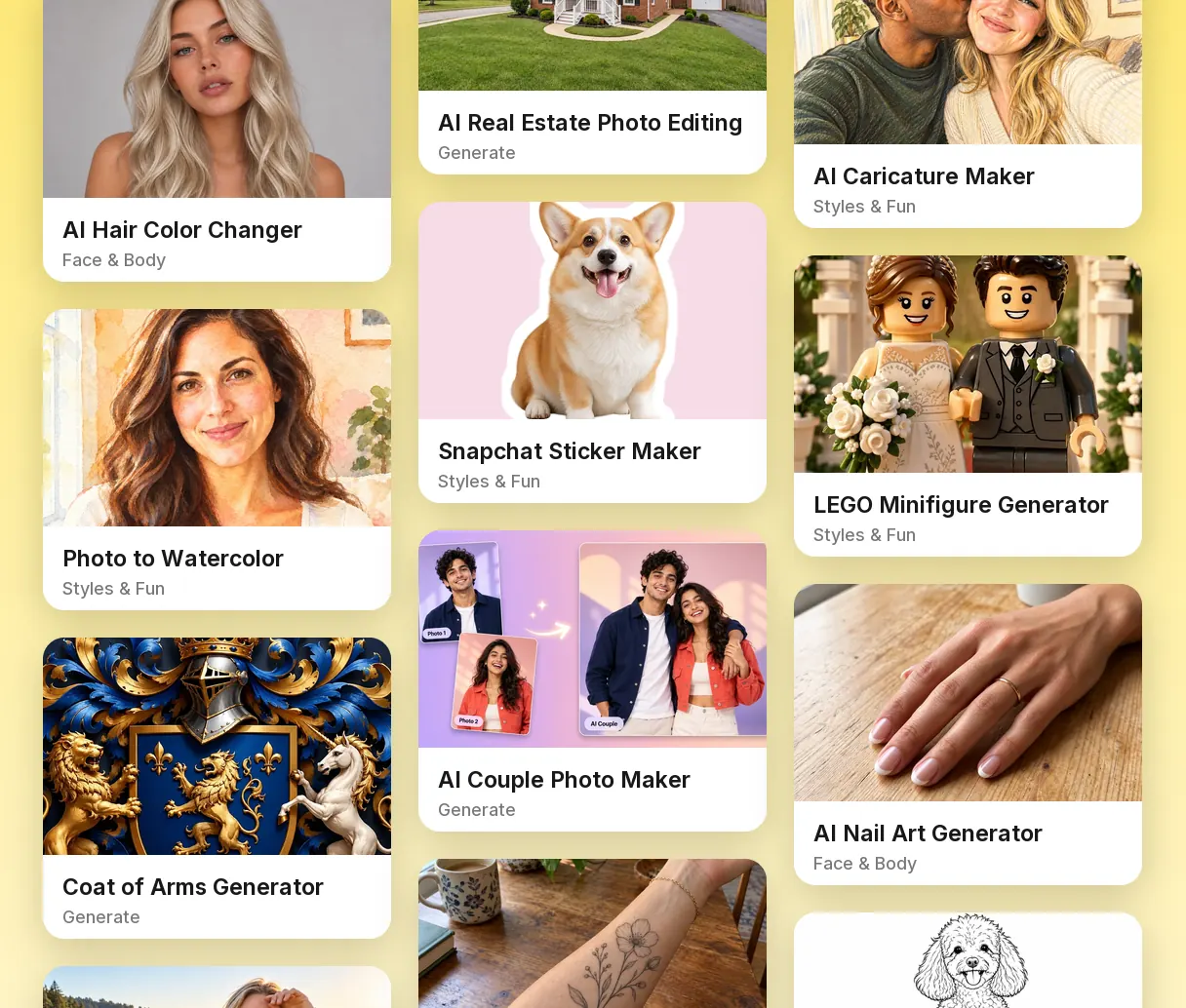
Seven Tabs and Clear Sub-Categories
Switch between All, Video, Models, Edit, Face & Body, Styles & Fun and Generate, then narrow a tab with chips like Remove & Erase, Hair or Photo to Art. A link such as /tools#video opens a category directly.
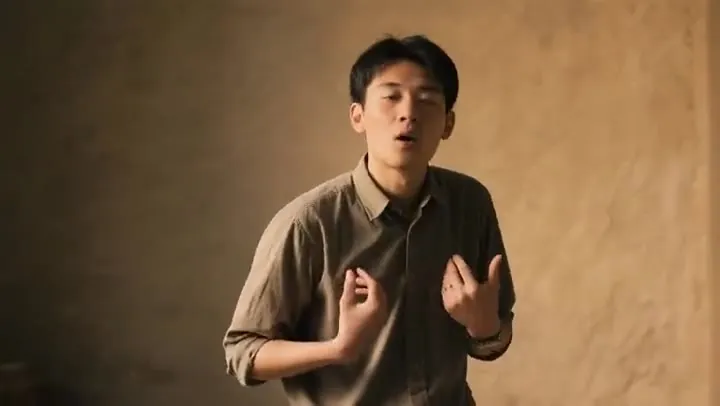 AI Face Swap VideoFace swap video online with AI. Add a face photo and a target clip; the video face swap keeps motion, expressions, and light. Use only faces with consent.
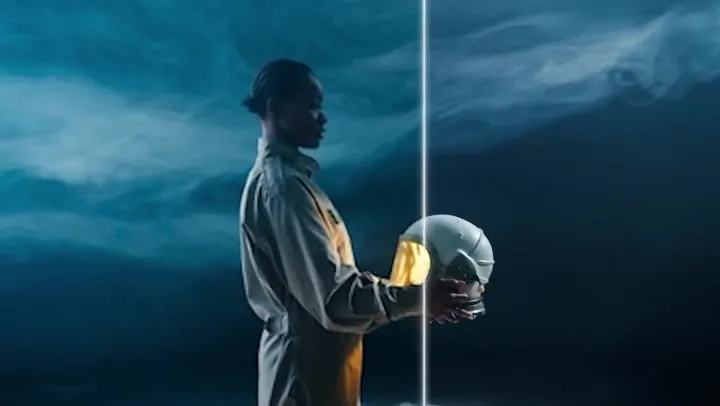 AI Video UpscalerAI video upscaler that rebuilds detail instead of stretching pixels. Upscale video 2× or 4×, from 480p to 1080p-class or 1080p to 4K, as an online MP4 upscaler.
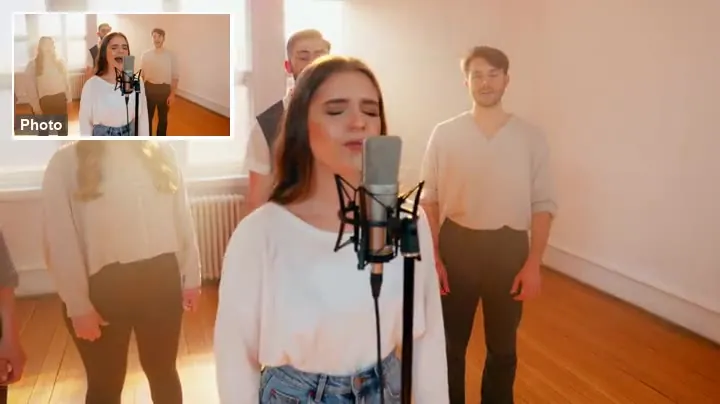 Animate a PhotoAnimate a photo with AI: upload a picture, describe the motion, and the AI image animator turns it into a moving video. Animate portraits, art, and old photos.
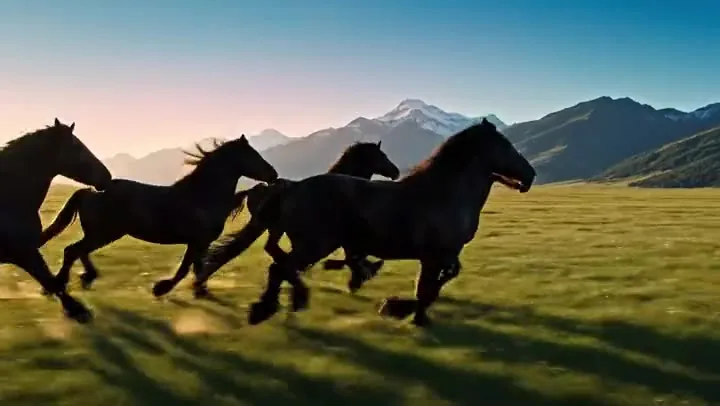 Text to Video AITurn text into video with text to video AI: write a prompt, pick Seedance 2.0, Veo 3.1, Kling 3.0 or Grok Imagine, get clips with sound. Free credits to start.
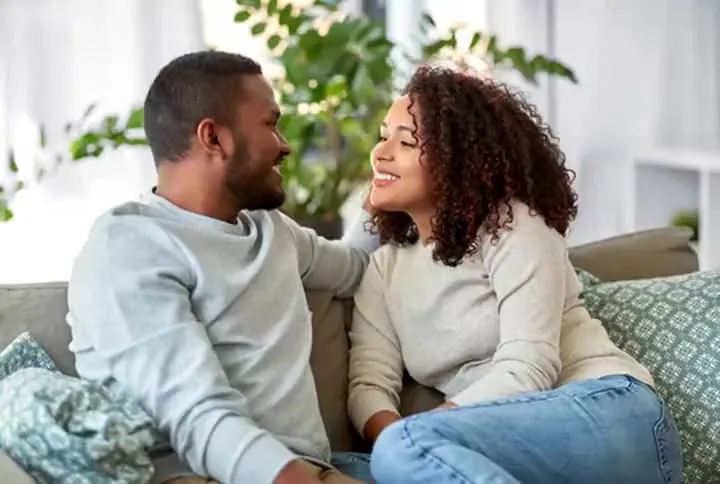 AI Image to VideoAnimate any photo with the AI image to video generator. Add a start and end frame, pick Kling 3.0, Veo 3.1, Seedance or Grok Imagine. Free credits to try.
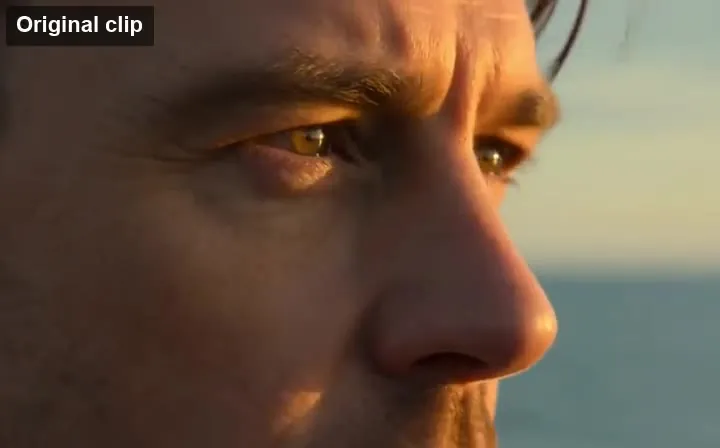 AI Video ExtenderUse the AI video extender to make videos longer: upload a clip, describe what happens next, and AI continues the scene for up to 15 more seconds in the same style.
 NEWUnblur VideoUnblur video clips with AI. Fix blurry video from phones, old cameras, and low-res downloads: sharpen faces, remove blur from video, and make video clearer.
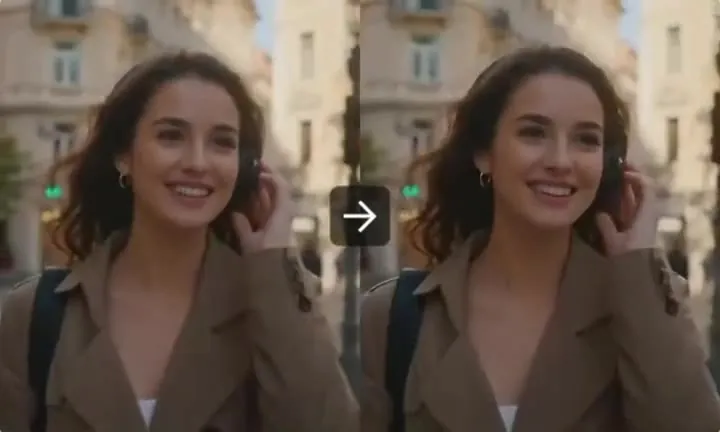 NEWAI Video EnhancerAI video quality enhancer for low-quality clips. Enhance video quality, remove noise and compression, sharpen detail, and increase resolution up to 4× online.
 NEWHD Video ConverterAI HD video converter for SD clips. Convert video to 1080p-class HD: 480p to 1080p, 720p to 1080p, 360p to HD, or 1080p to 4K, with real detail added by AI.
 NEWAI Video GeneratorMake AI videos from a prompt or a photo with Seedance 2.0, Veo 3.1, Kling 3.0, Grok Imagine and more in one AI video generator. New users get free credits.
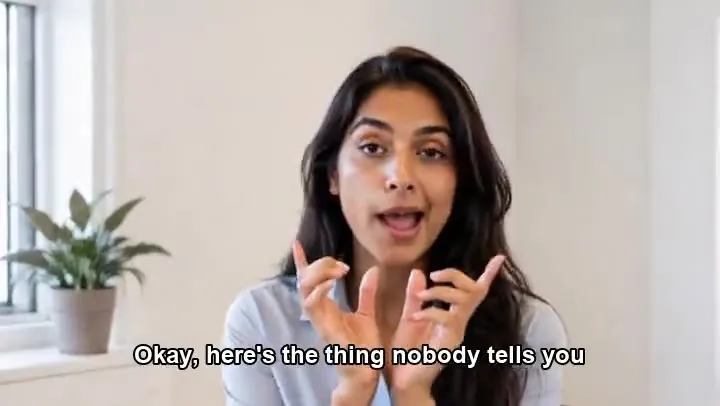 NEWRemove Subtitles from VideoRemove subtitles from video with an AI subtitle remover. Upload a clip, erase burned-in captions and hard subtitles, and keep the frame, timing, and audio intact.
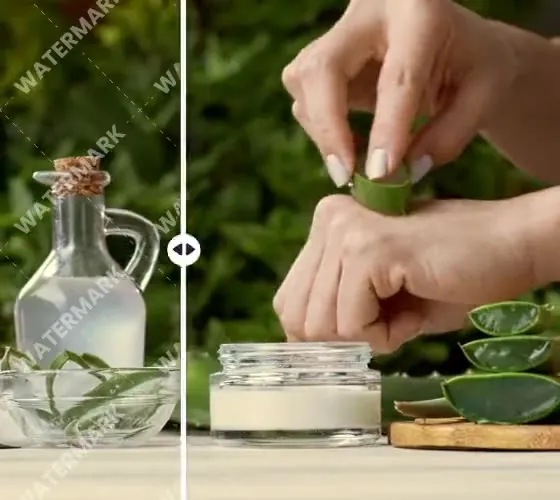 NEWRemove Text from VideoText remover from video powered by AI. Remove text, words, titles, captions, and watermark text from a clip while the background, motion, and audio stay intact.
 NEWRemove Object from VideoRemove object from video with an AI video eraser. Describe the person, logo, or item to erase, and the AI fills in the background on every frame as the clip plays.
 NEWVideo Watermark RemoverHow to remove watermark from video clips you own? Upload the file, choose the logo, text, or moving mark, and the AI video watermark remover rebuilds the frame.
 NEWSora Watermark RemoverHow to remove Sora watermark from videos you generated? Upload a Sora or Sora 2 clip and the AI erases the moving logo and @username without cropping the frame.
 NEWVeo Watermark RemoverHow to remove Gemini video watermark marks? This Veo3 watermark remover cleans the Veo logo off Veo 3 and Gemini clips you generated, with no crop or blur.
 NEWTikTok Watermark RemoverHow to remove TikTok watermark from your own saved videos? The TikTok watermark remover erases the logo and @username without cropping, ready to cross-post.
 NEWAI Dance Video GeneratorTurn any picture to dance with this AI dance video generator. Upload a full-body photo, pick a trending dance template, and get an AI dancing video to share.
 NEWAI Hug Video GeneratorMake an AI hug video from one or two photos. This AI hug generator turns friends, couples, and family into a warm, moving virtual hugging clip you can share.
 NEWAI Kissing Video GeneratorCreate a romantic AI kiss from photos of two consenting adults. This AI kissing video generator animates a gentle, cheek, or French kiss in the style you choose.
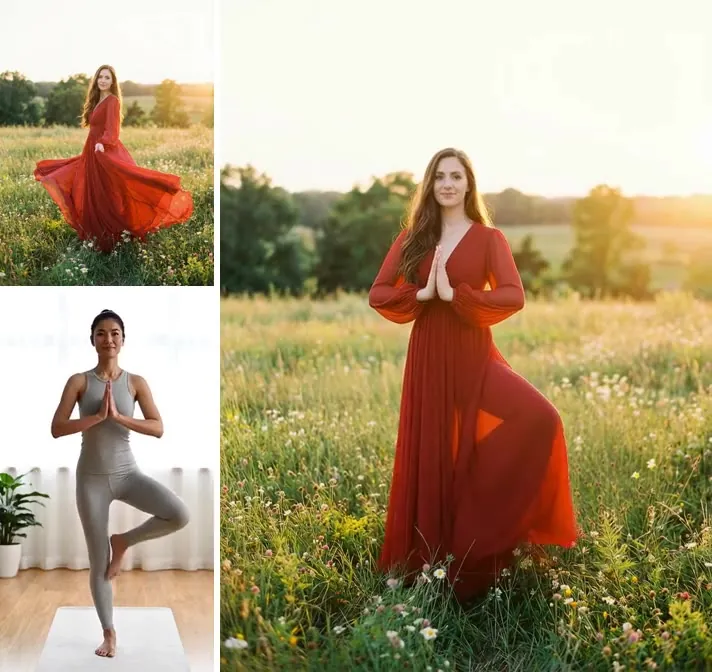 Kling Motion ControlUse Kling motion control online: upload a character image and a motion video, and Kling 3.0 or Kling 2.6 motion control AI copies every move onto your character.
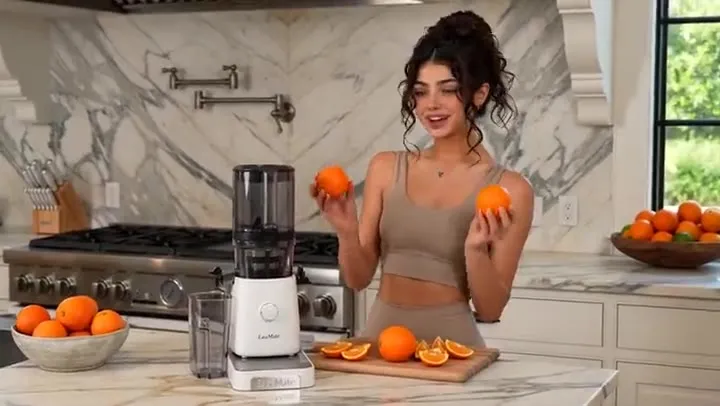 NEWSeedance 2.0Try Seedance 2.0 free with sign-up credits: turn text, images, video, and audio references into cinematic AI video with native sound, up to 15 s and 4K.
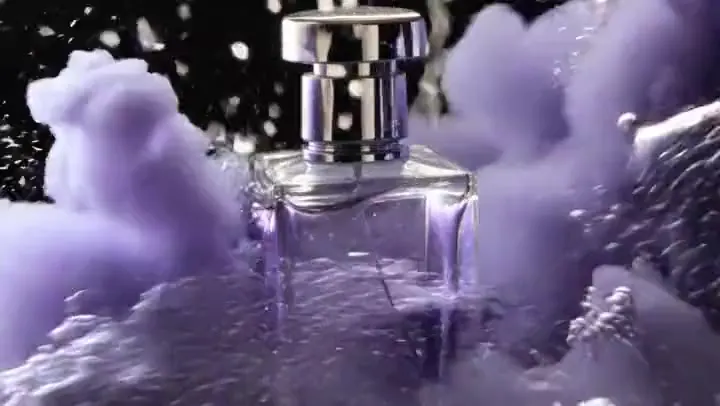 NEWSeedance AI Video GeneratorUse the Seedance AI video generator online: pick ByteDance Seedance 2.5, 2.0, 1.5 Pro, or 1.0 and turn text, images, video, and audio references into clips.
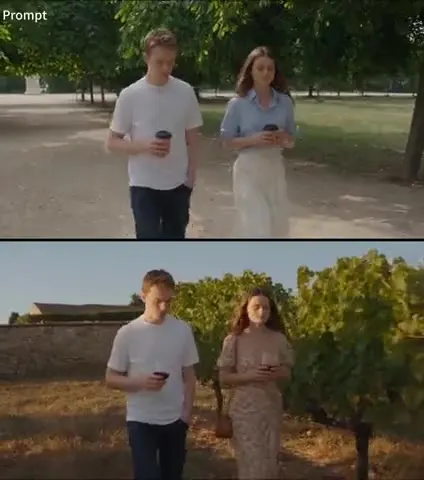 NEWSeedance 2.5Try Seedance 2.5 online: make 4–30 second 1080p videos with native audio, guide them with up to 30 images, 10 videos, and 10 audio clips, or edit existing footage.
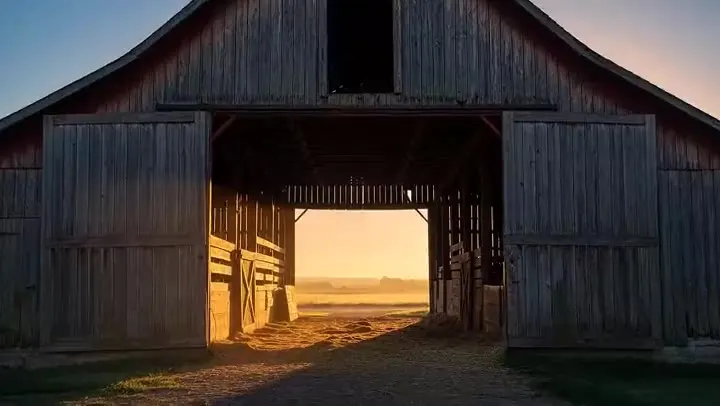 NEWVeo 3.1Use the Veo 3.1 AI video generator online: turn text or images into 4–8 second videos with native audio, start and end frames, reference images, and 1080p or 4K.
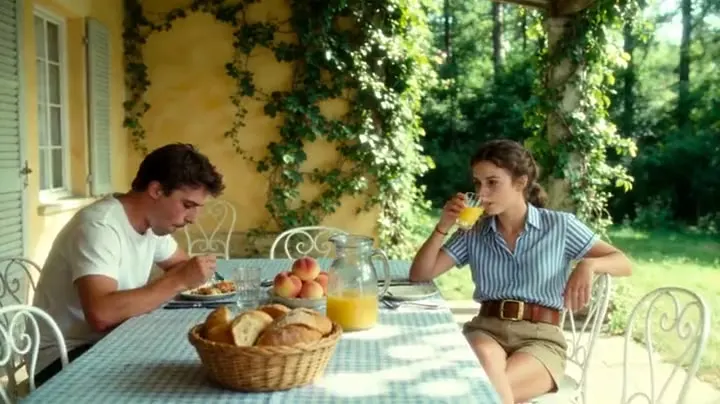 NEWKling 3.0Use Kling AI 3.0 online: create 3–15 second videos with native audio, multi-shot storyboards, start and end frames, and element references in 720p, 1080p, or 4K.
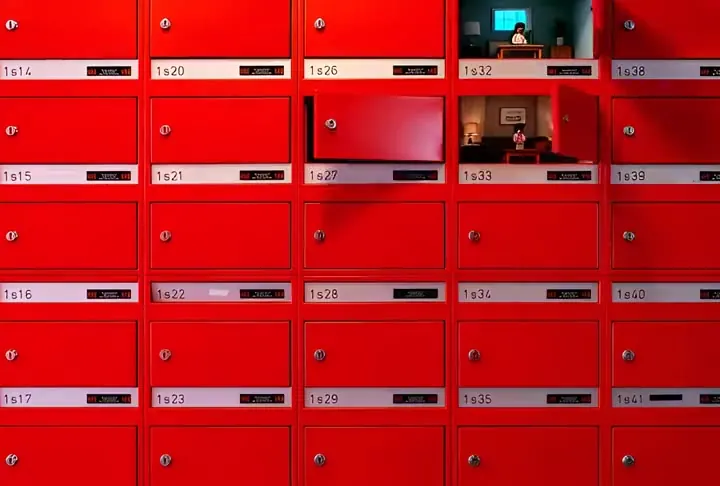 NEWGrok ImagineUse the Grok video generator online: turn a text prompt or a photo into Grok Imagine video with native audio, from 6 to 30 seconds and up to 1080p resolution.
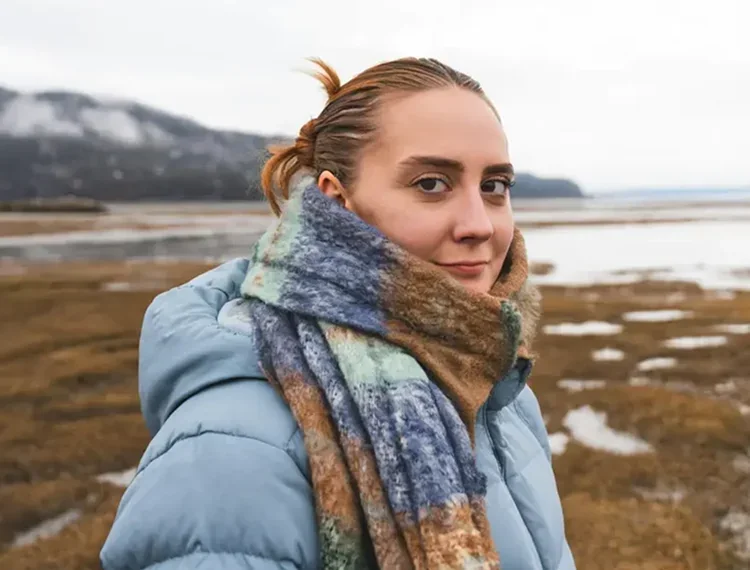 NEWFLUX.1 KontextUse FLUX Kontext online: upload a photo, type one instruction, and the FLUX Kontext AI model edits only what you ask while keeping faces, style, and layout.
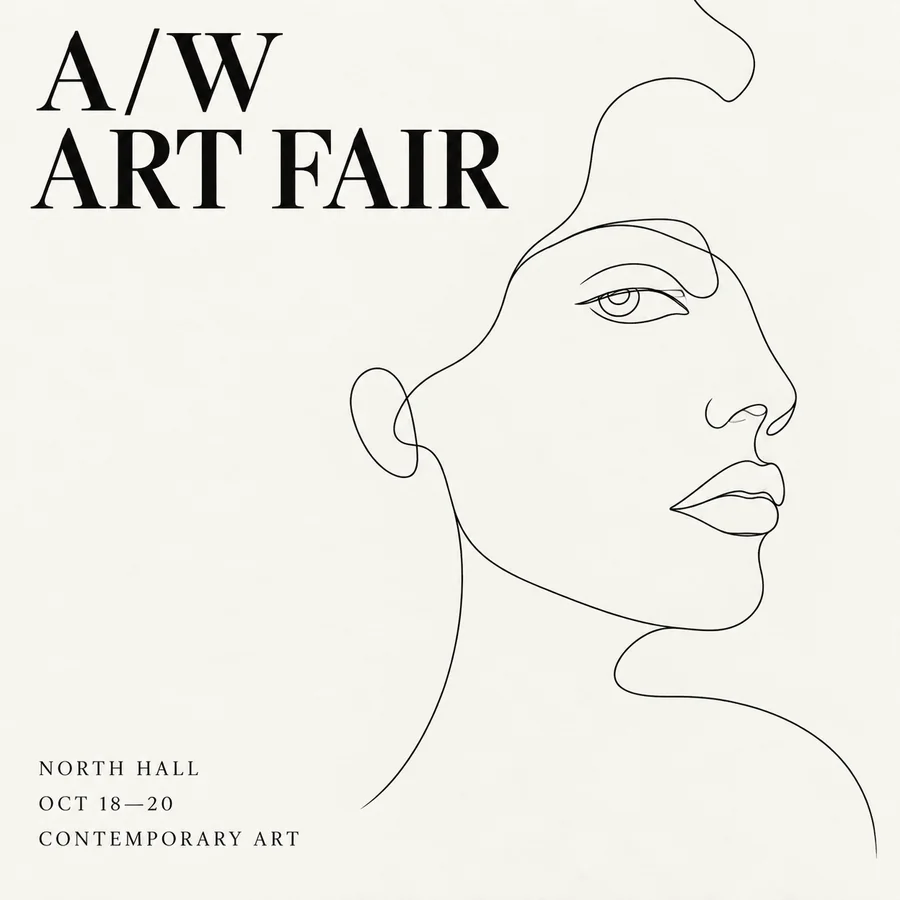 NEWSeedream 4.5Use Seedream 4.5 online: write a prompt or add reference images, pick an aspect ratio and 2K or 4K quality, and create posters, product shots, and photo edits.
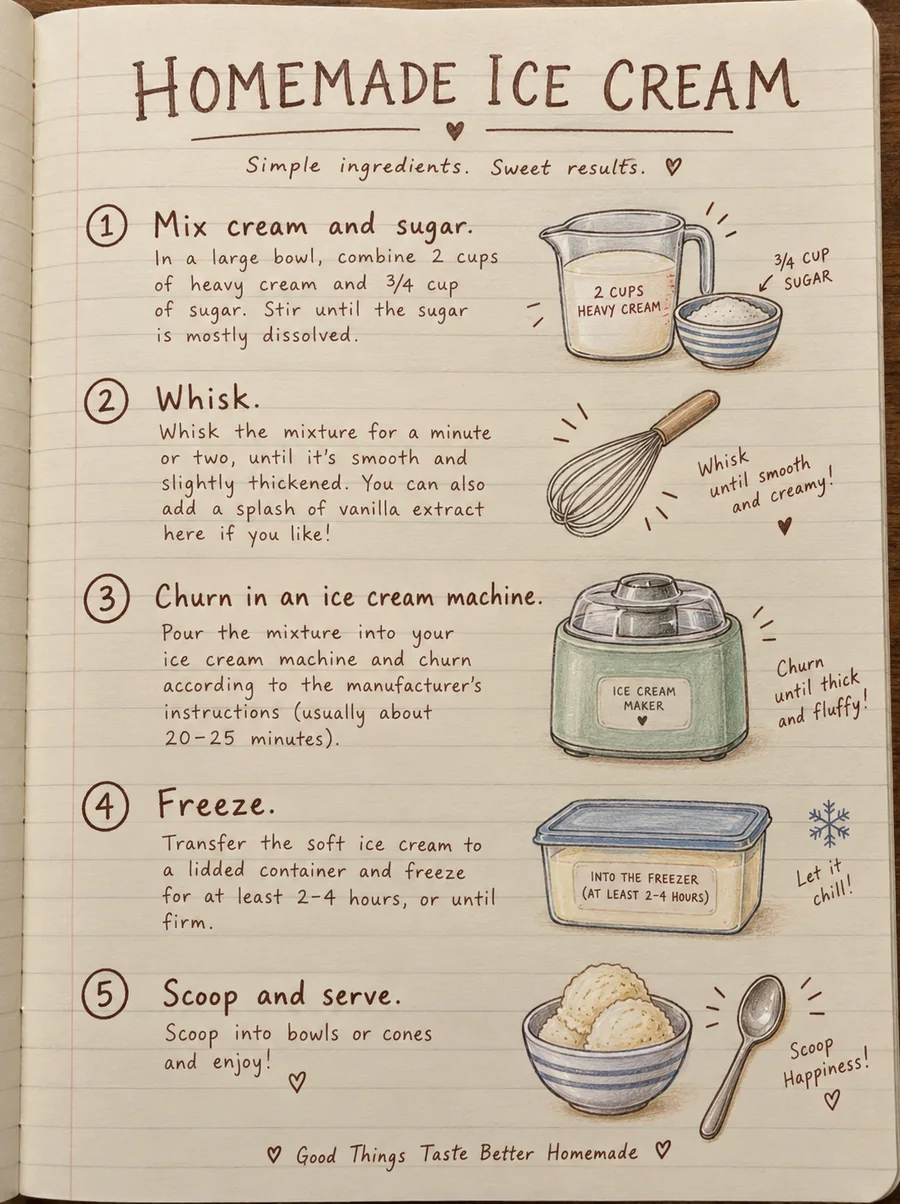 NEWSeedream 4.0Use Seedream 4.0, ByteDance’s text to image and editing model, online. Generate up to 4K images, edit with reference photos, or switch to Seedream 4.5 or 5.0.
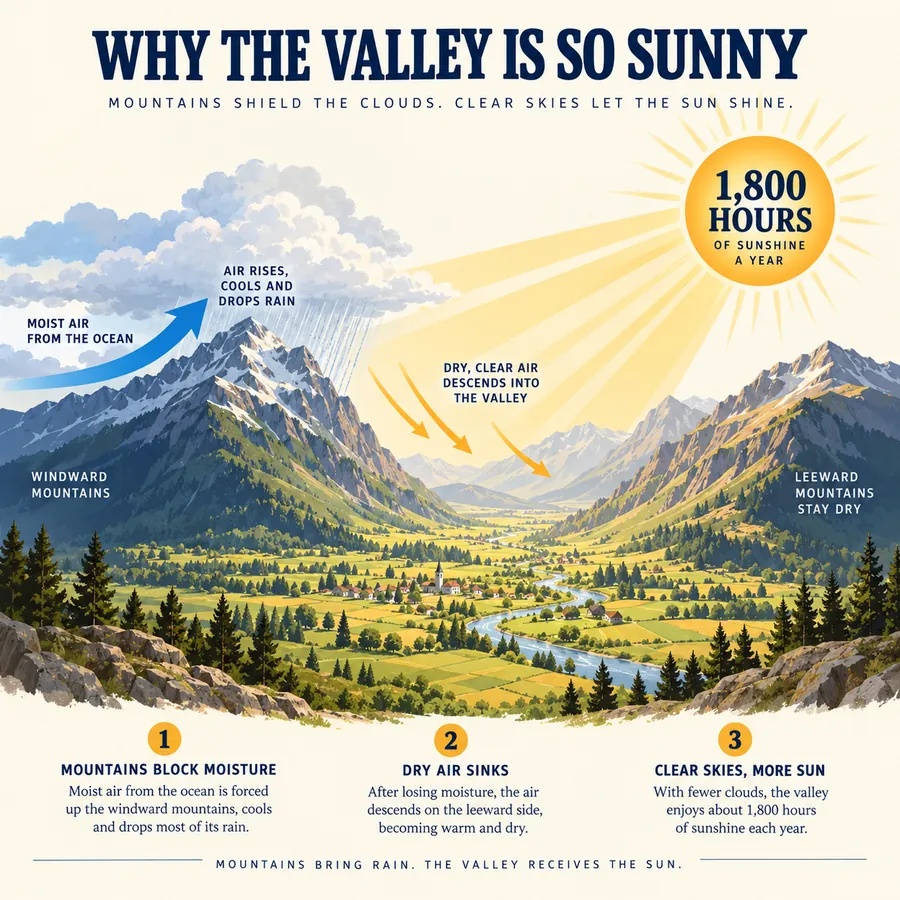 NEWFLUX.2Try FLUX.2, the Flux 2.0 image model from Black Forest Labs. Use FLUX.2 Pro or Flex for text to image and multi-reference edits, with 1K or 2K output.
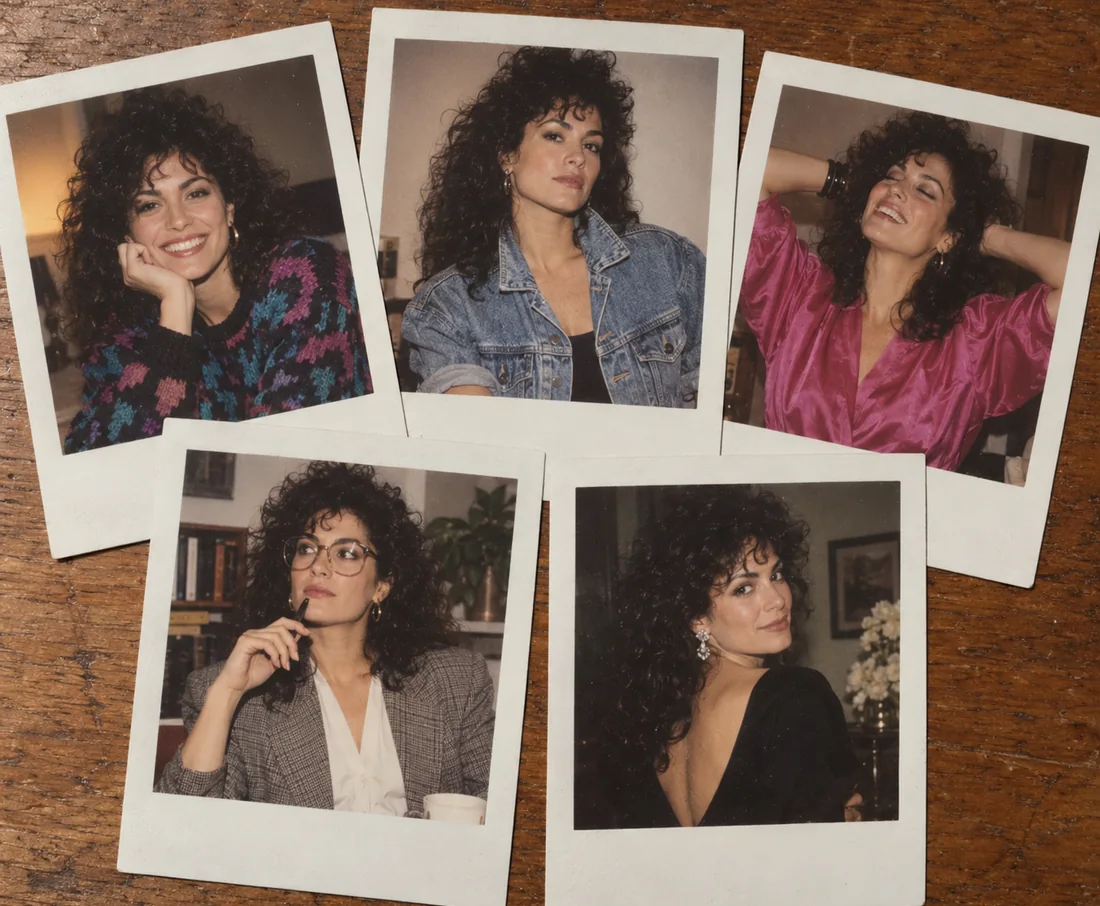 NEWNano BananaUse Nano Banana, the Gemini 2.5 Flash Image model, to generate pictures from text or edit photos with plain words. Blend images and keep characters consistent.
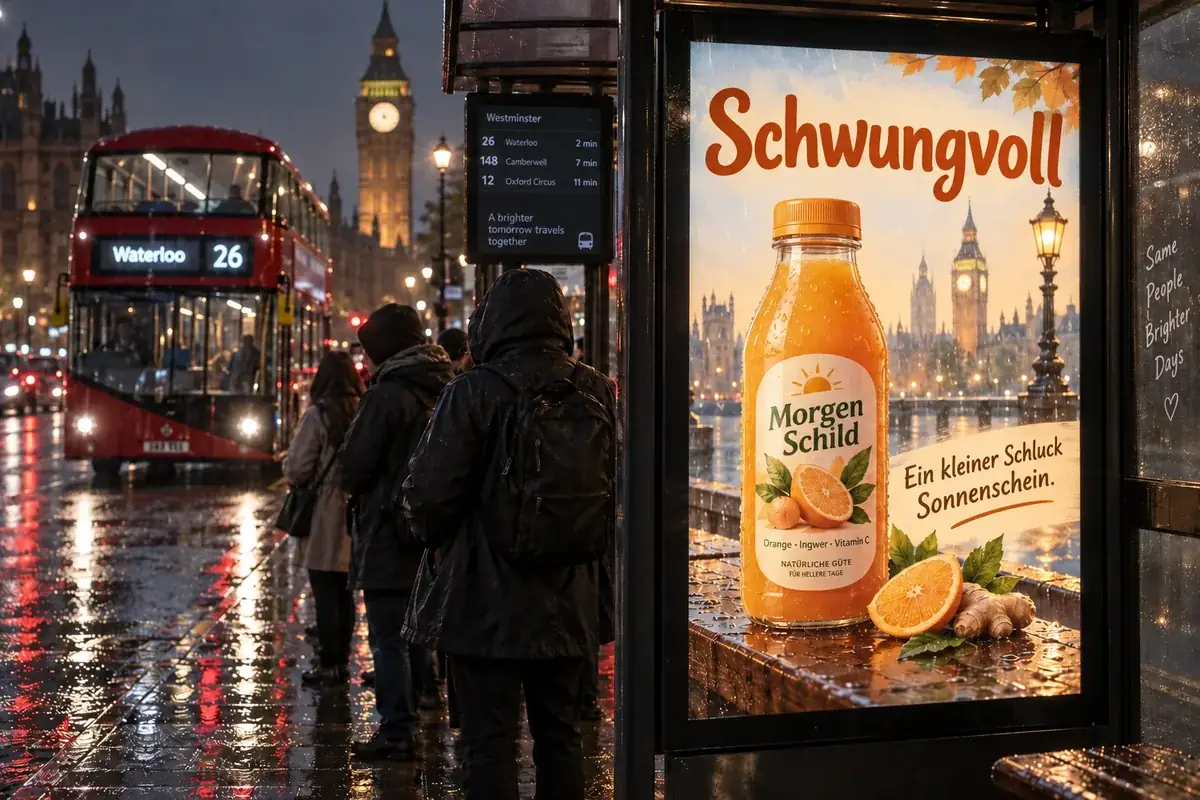 NEWNano Banana ProCreate 2K and 4K images with Nano Banana Pro, the Gemini 3 Pro Image model: legible text in many languages, infographics, multi-image blends, and studio control.
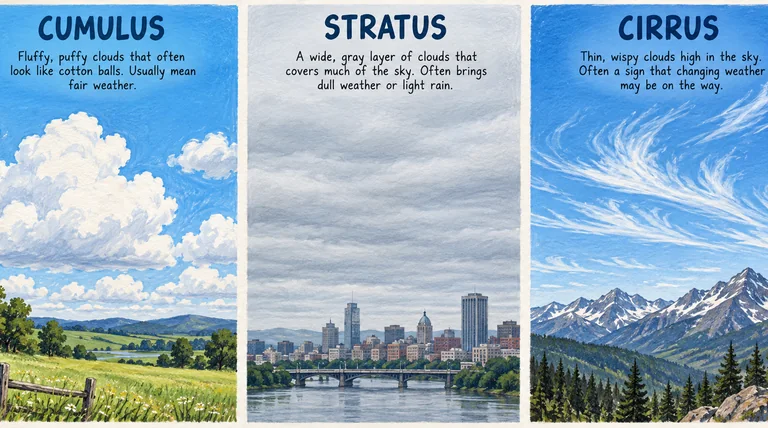 NEWNano Banana 2Try Nano Banana 2, the Gemini 3.1 Flash Image model: Pro-level images at Flash speed, 1K to 4K output, ultra-wide ratios, readable text, and up to 14 references.
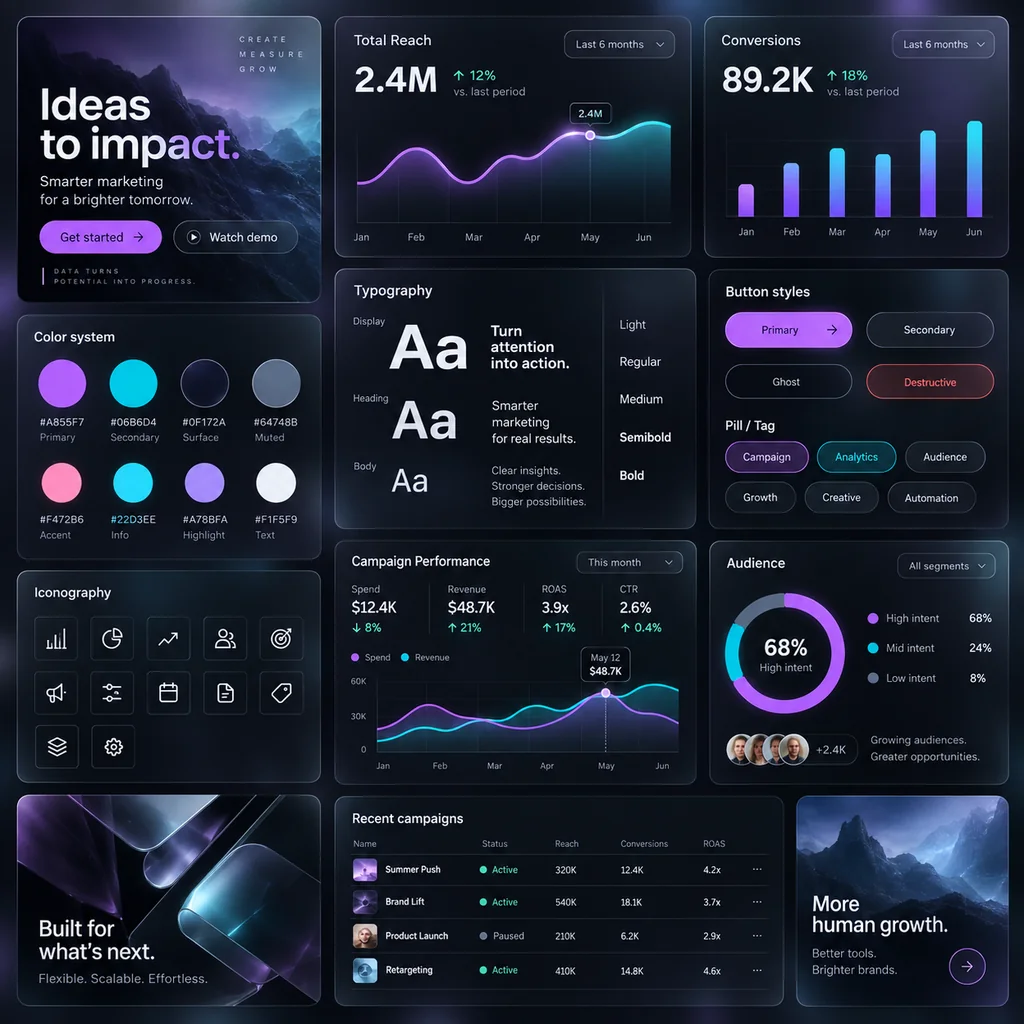 NEWGPT Image 2Use GPT Image 2, OpenAI’s gpt-image-2 model, to create images with dense, readable text, UI mockups, and edits from up to 16 reference images, at 1K, 2K, or 4K.
 Unpixelate ImageUnpixelate image files in a few clicks. The AI depixelizer removes pixelation from photos, rebuilds faces and edges, and turns blocky pictures into clear ones.
 Green Screen RemoverFree green screen remover in your browser: chroma key green or blue backdrops out of photos, clean up green edges, and download a transparent PNG.
 Remove Glare from PhotoHow to remove glare from photo shots? Upload one and the AI glare remover clears sun glare, flash reflection, and window reflections while keeping the detail.
 Gemini Watermark RemoverHow to remove a Gemini watermark? Upload an image you made with Gemini or Nano Banana and the Gemini watermark remover erases the sparkle logo without cropping.
 Remove Color from ImagesRemove a color from an image for free in your browser: make one color transparent, replace it with white, or keep only that color for a color splash photo.
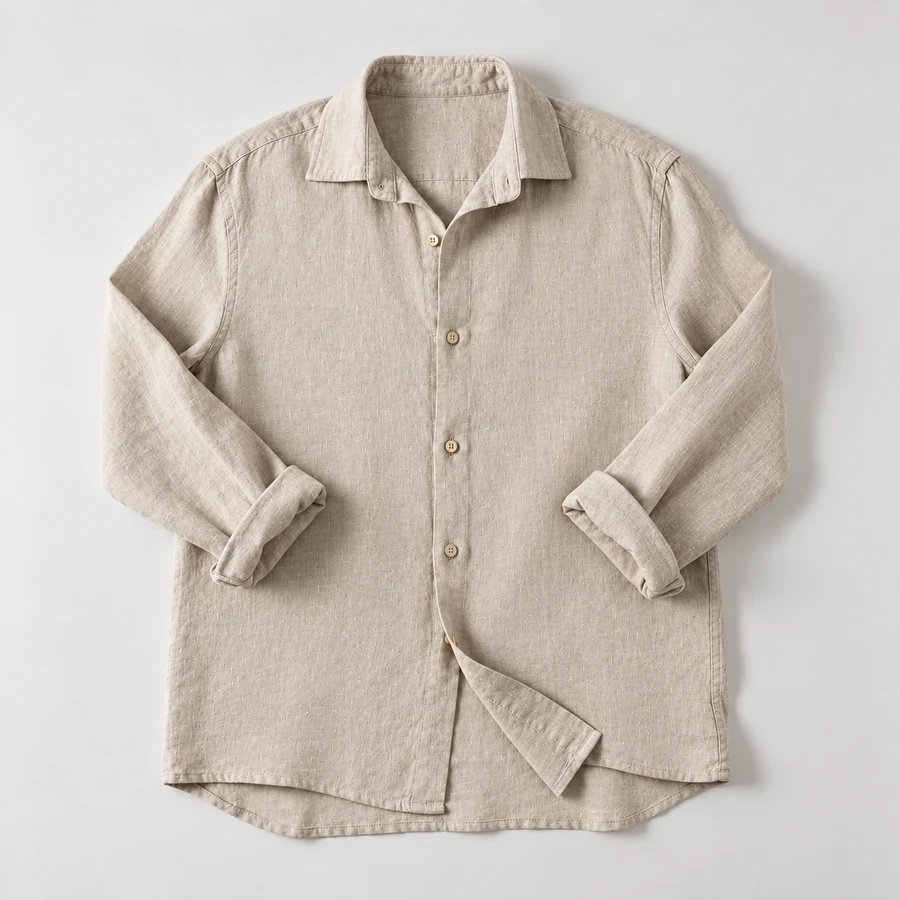 Remove Wrinkles from PhotoRemove wrinkles from photo shots of shirts, suits, and flat lays. Let the AI remove clothes wrinkles and soften fine lines; seams, prints, and texture stay.
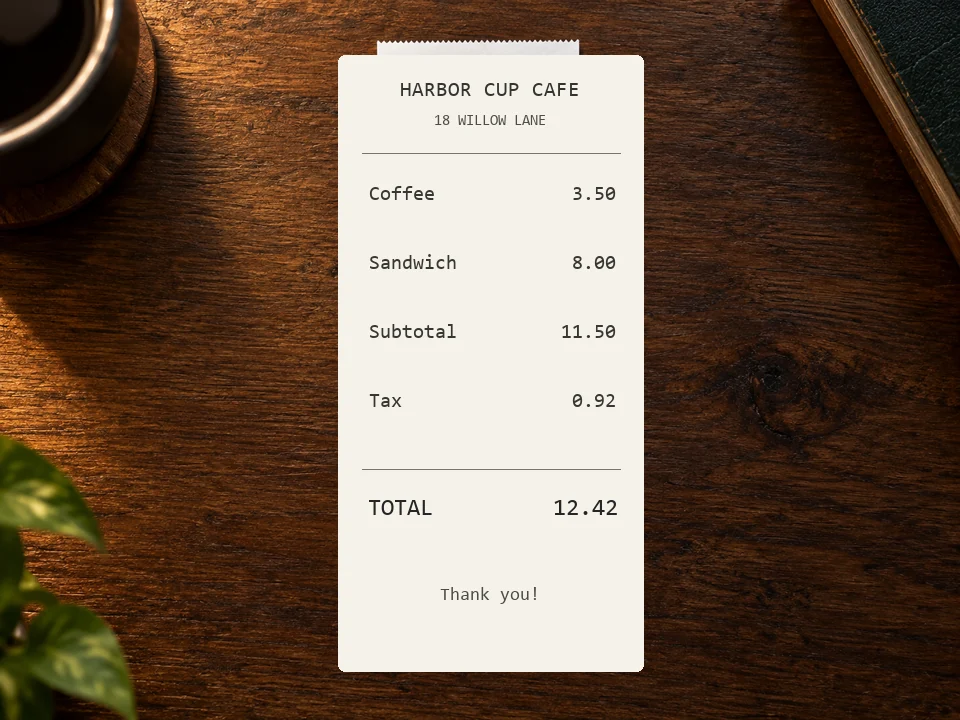 Deblur TextDeblur text in photos, screenshots, and blurry notes. The AI text enhancer sharpens letters and numbers so documents, receipts, and signs are readable again.
 Image BrightenerFree image brightener that runs in your browser: brighten an image, lighten dark photos, and adjust picture brightness with one click or sliders, then download.
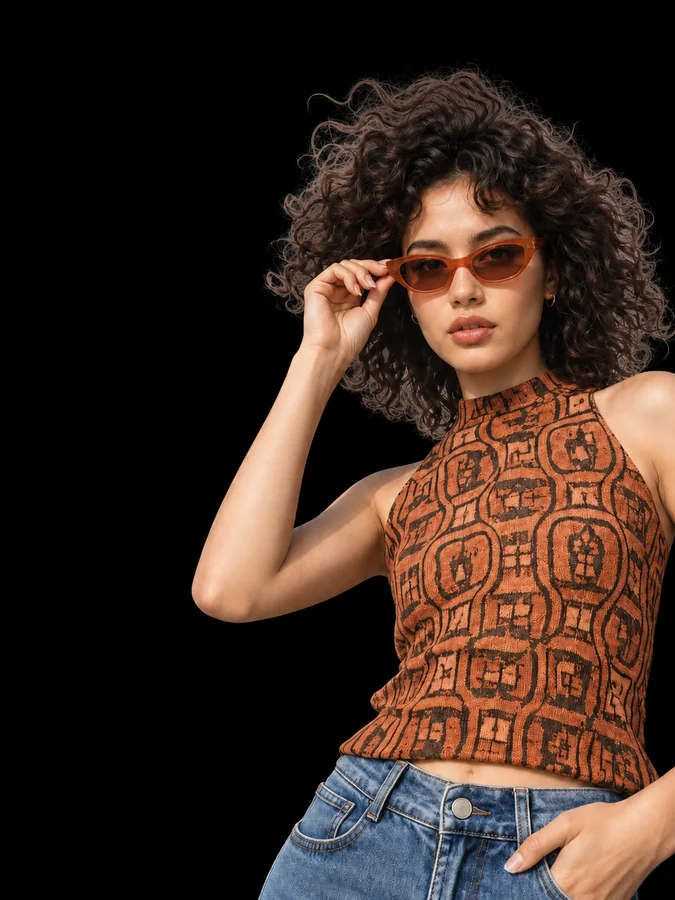 Make Background BlackMake background black in any photo with AI. Upload a portrait or product shot and get the subject on a clean black backdrop, with edge light for dark tones.
 Anime UpscalerAI anime upscaler for fan art, screenshots, manga, and waifu wallpapers. Upscale anime images 2×, 4×, or to 4K with crisp line art and clean color blocks.
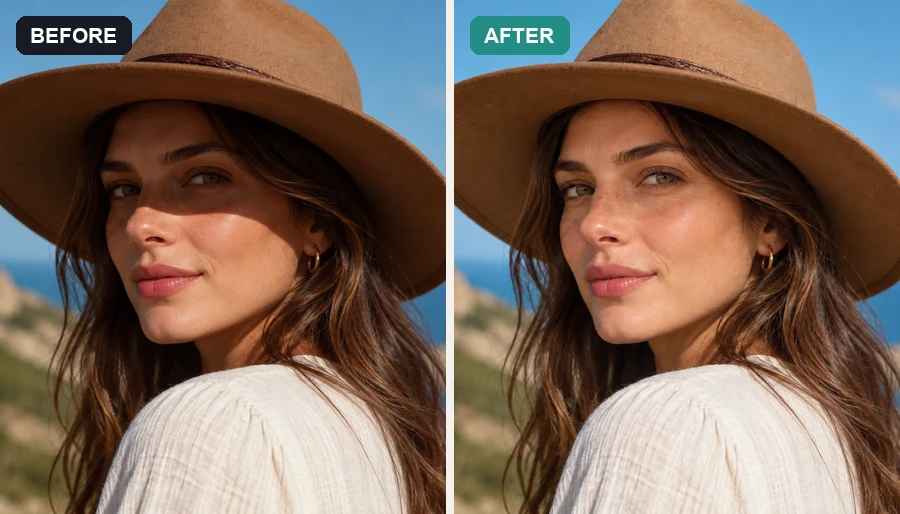 Remove Shadow from PhotoRemove shadow from photo portraits, products, and documents: the AI shadow remover lifts harsh face, hat, hand, and cast shadows and relights them naturally.
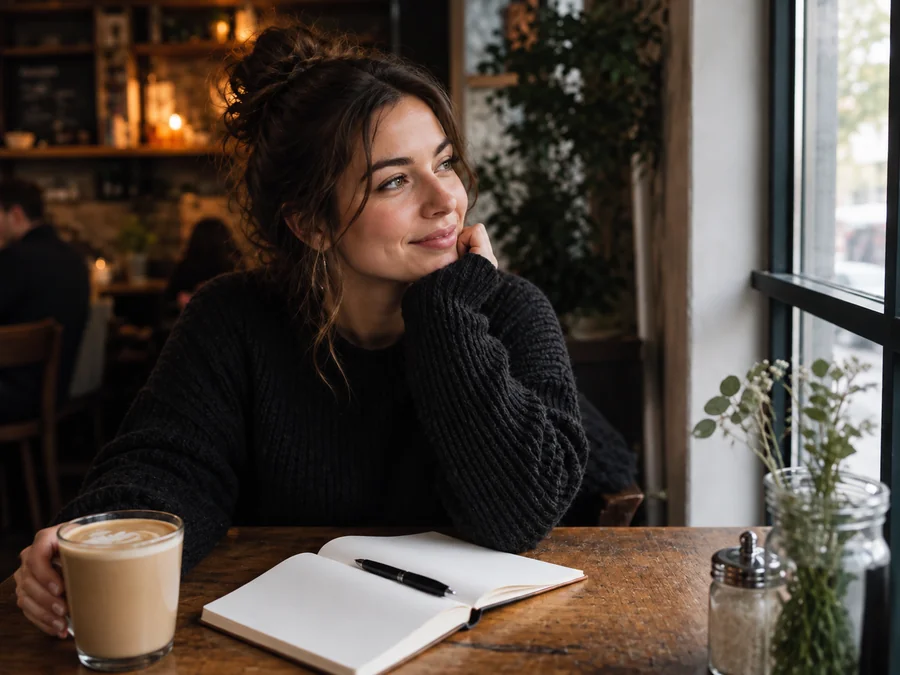 Remove Emoji from PhotoRemove emoji from photo shots in one pass: the AI emoji remover erases emojis and stickers from pictures and fills the covered area with matching background.
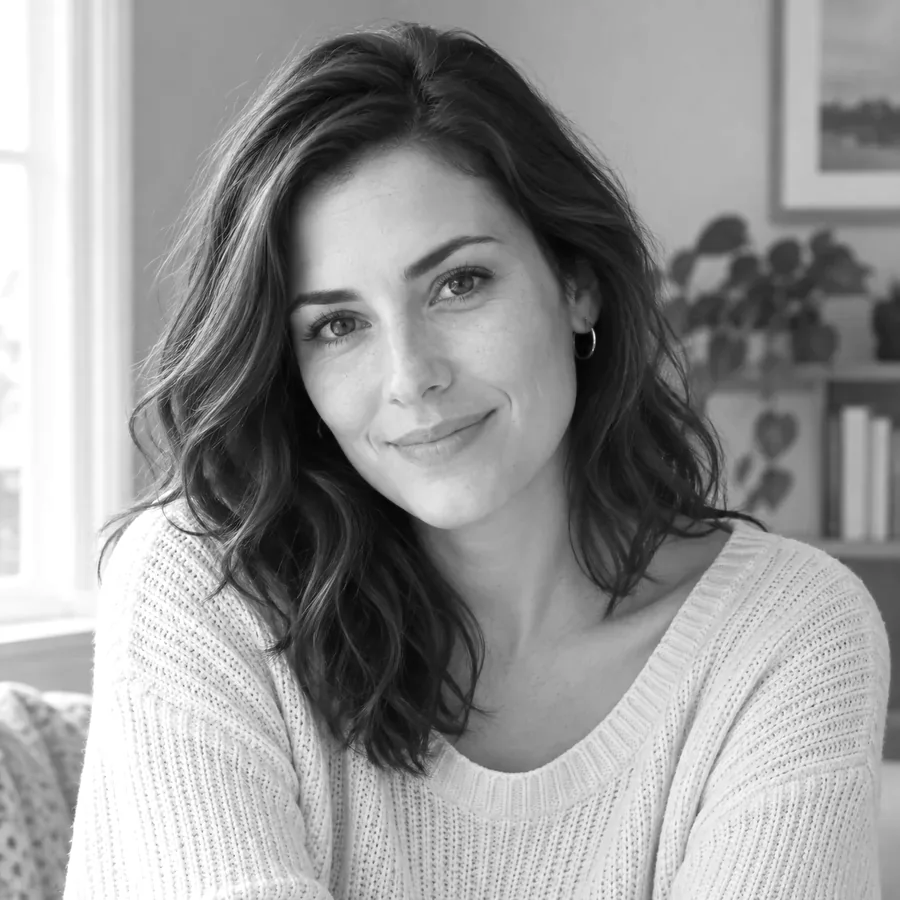 Black and White FilterFree black and white photo converter that runs in your browser: convert an image to black and white with film-style filters, tune contrast, and download.
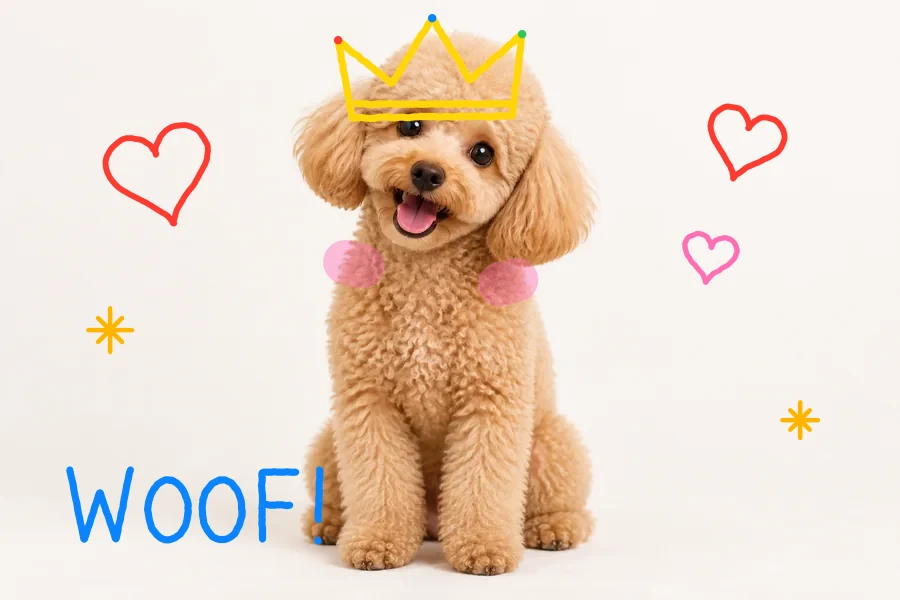 NEWDraw on PhotoDraw on image files online for free: doodle on photos and pictures with pen, highlighter, and neon brushes, erase or undo, and download at full size.
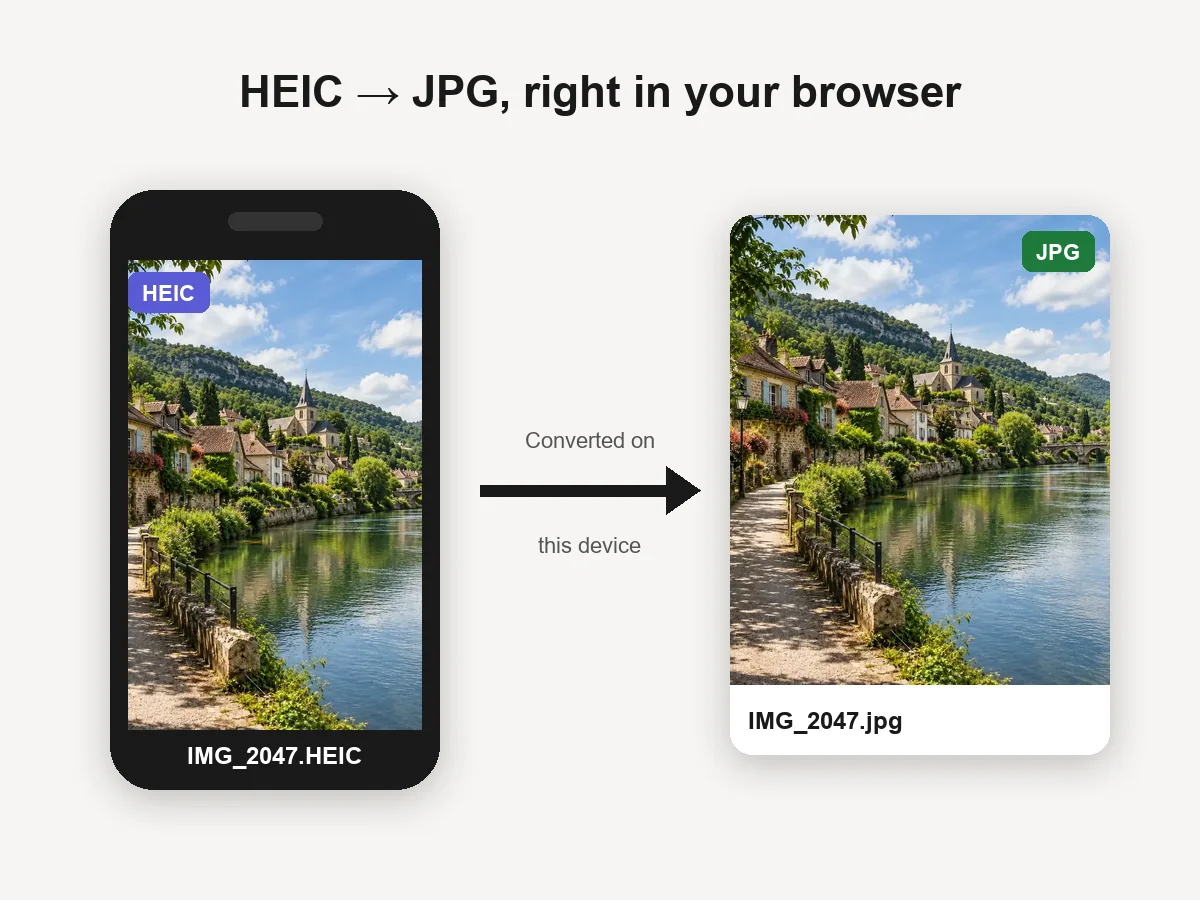 NEWHEIC to JPG ConverterHEIC convert to JPG in your browser: batch convert iPhone HEIC and HEIF photos to JPG or PNG for free. Files never leave your device. Download one or all.
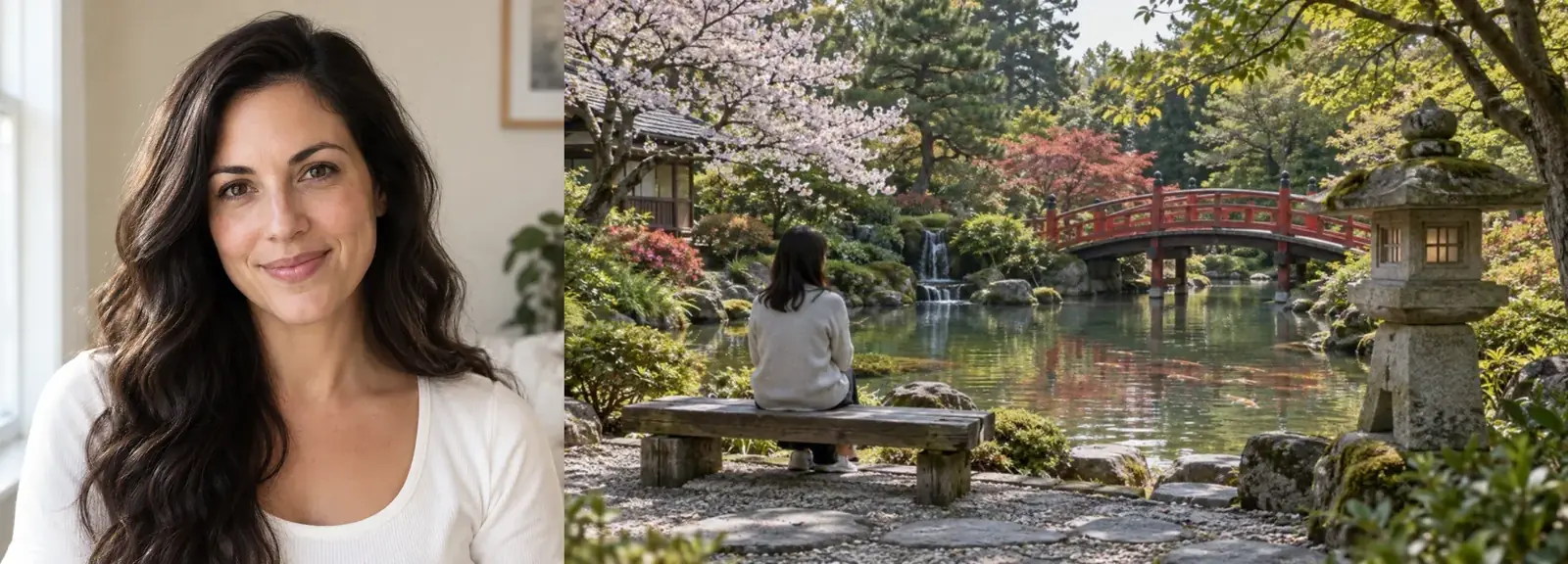 NEWImage CombinerFree image combiner: combine photos side by side, stack them, or merge pictures into a grid with spacing and a background color, right in your browser.
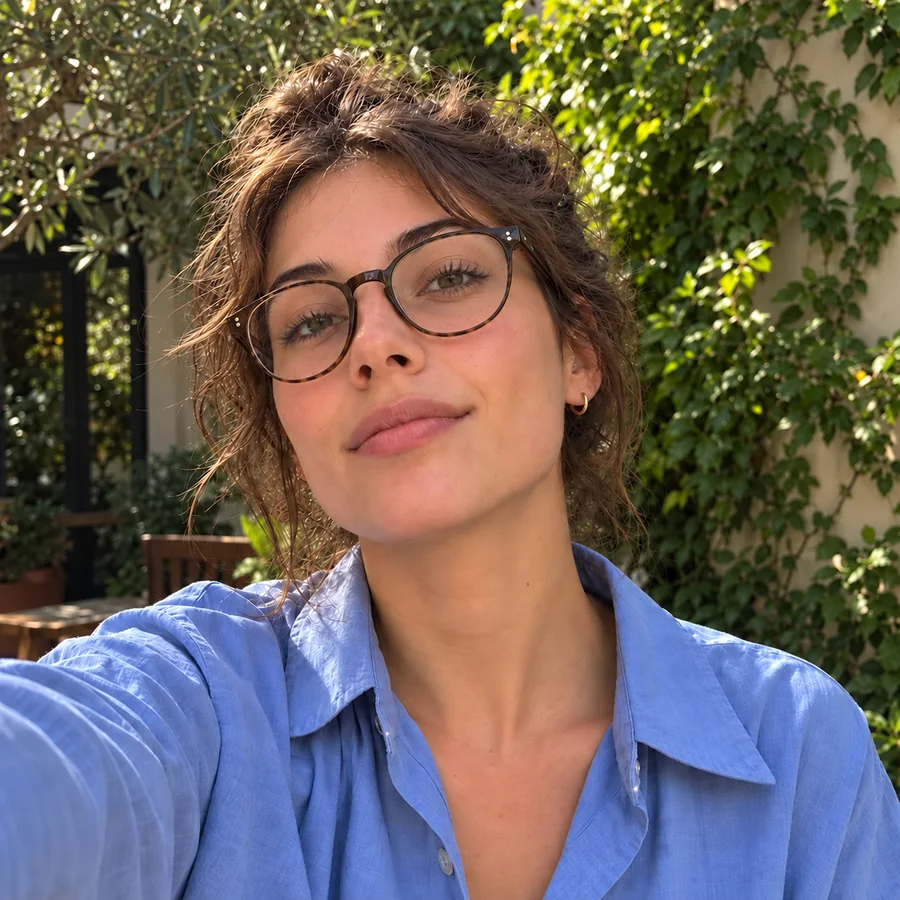 NEWRemove Glasses GlareRemove glasses glare from photo portraits: upload a picture and the AI clears flash, window, and screen reflections from the lenses while the eyes stay natural.
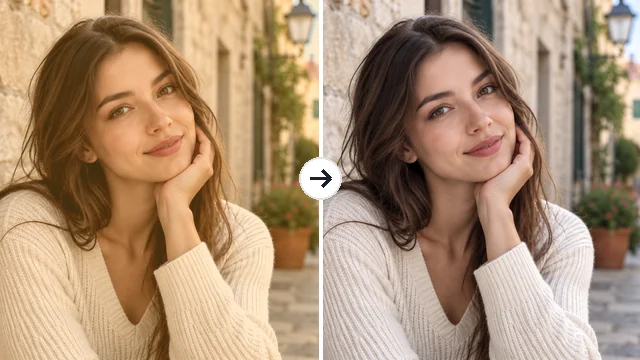 NEWRemove Filter from PhotoRemove filter from photo edits that went too far: the AI filter remover tones down color casts, vintage looks, and beauty filters for a more natural picture.
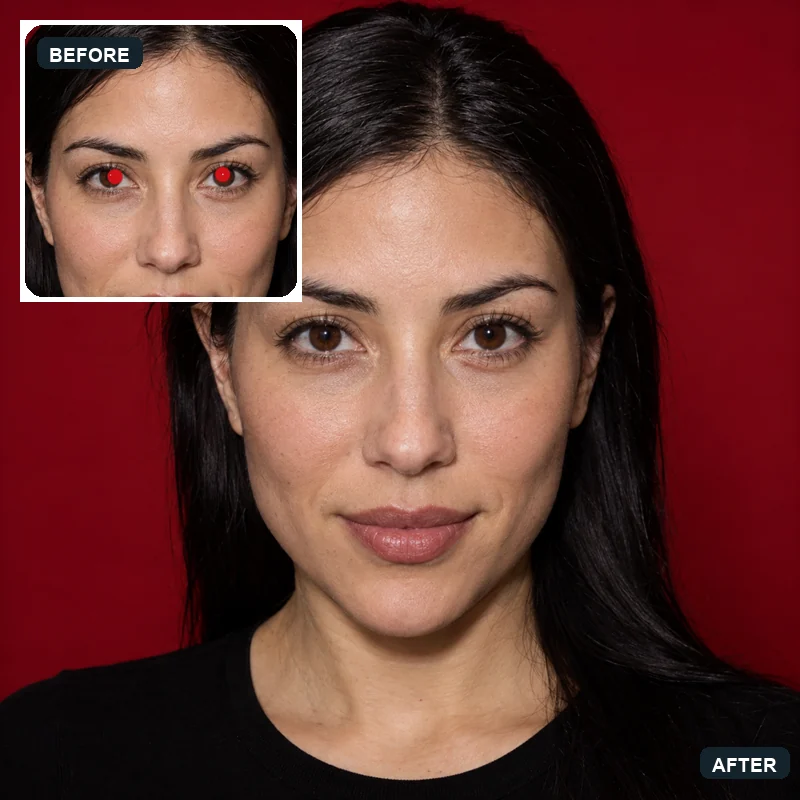 NEWRed Eye RemoverHow to get rid of red eyes in photos? Upload a picture and the AI red eye remover fixes red pupils and pet eye glow, restoring natural eye color in every face.
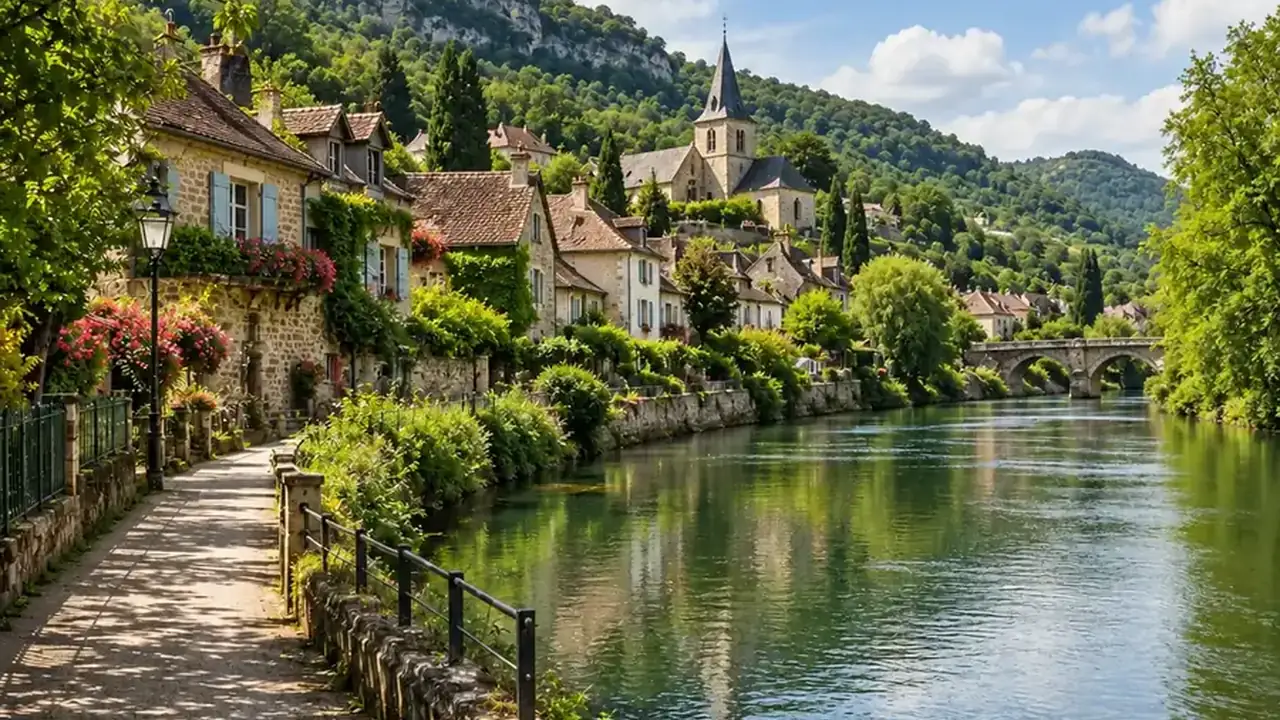 NEWYouTube Thumbnail SizeYouTube thumbnail size: 1280x720 px, 16:9, under 2 MB. A free YouTube thumbnail resizer that crops or fits any image in your browser, then downloads JPG or PNG.
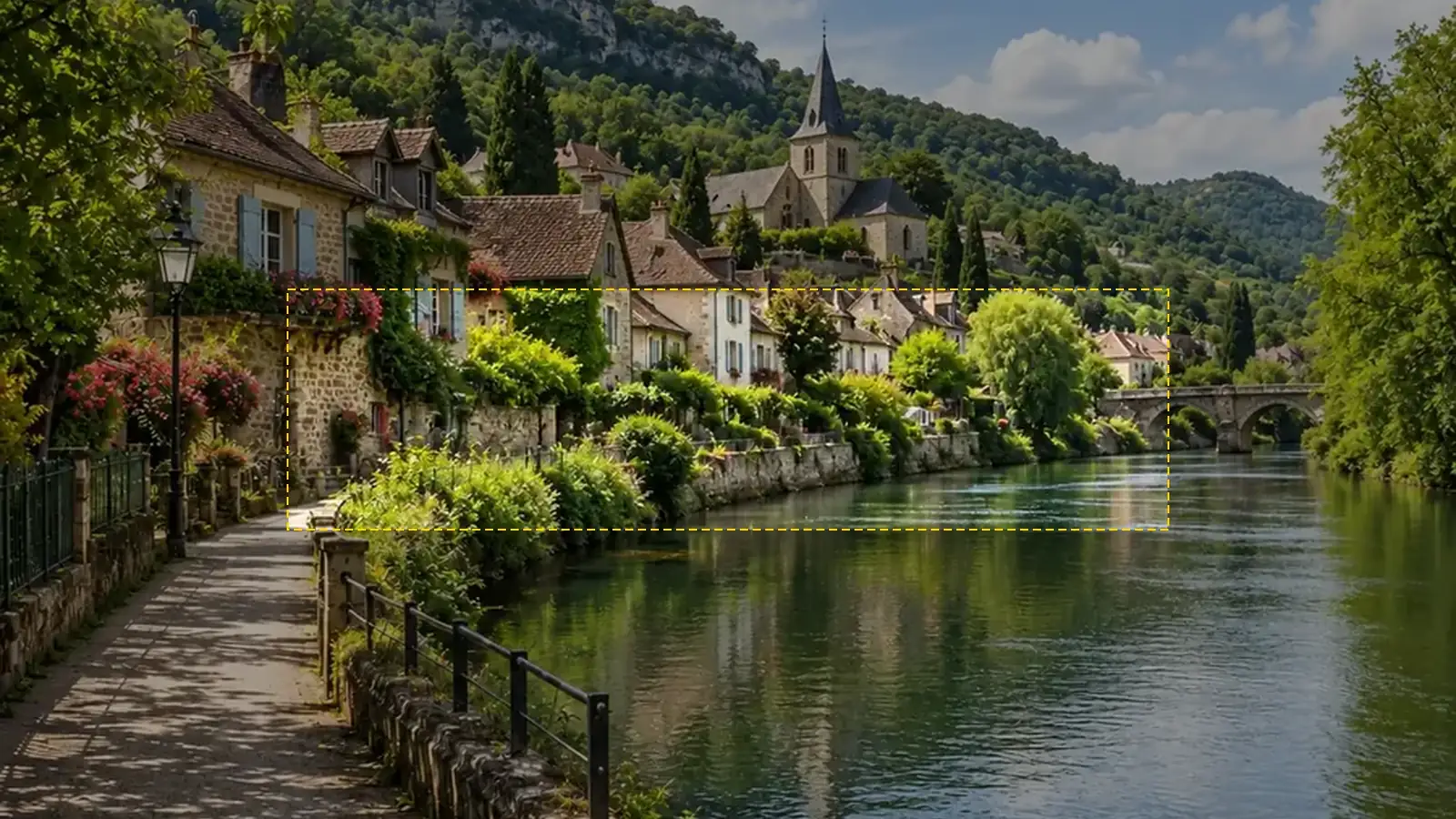 NEWYouTube Banner SizeYouTube banner size: 2560x1440 px, 16:9, safe area 1546x423, max 6 MB. A free YouTube banner resizer with a live safe-area guide that runs in your browser.
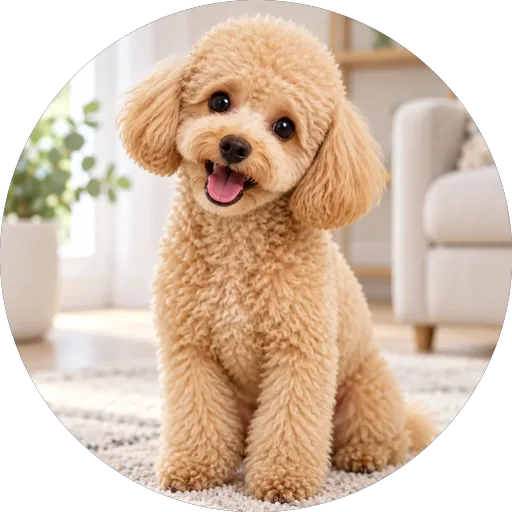 NEWDiscord PFP SizeDiscord PFP size: a square of 128x128 px or larger, shown as a circle. A free Discord image resizer for avatars, banners, and emojis that runs in your browser.
 NEWWhatsApp Profile Picture SizeWhatsApp profile picture size: a square, 640x640 px recommended, shown as a circle. Fit your full photo as a WhatsApp DP with no crop, free in your browser.
 NEWTwitch Image ResizerTwitch profile picture size: 256x256 px minimum, 800x800 for sharpness. A free Twitch image resizer for emotes, sub badges, panels, banners, and channel points.
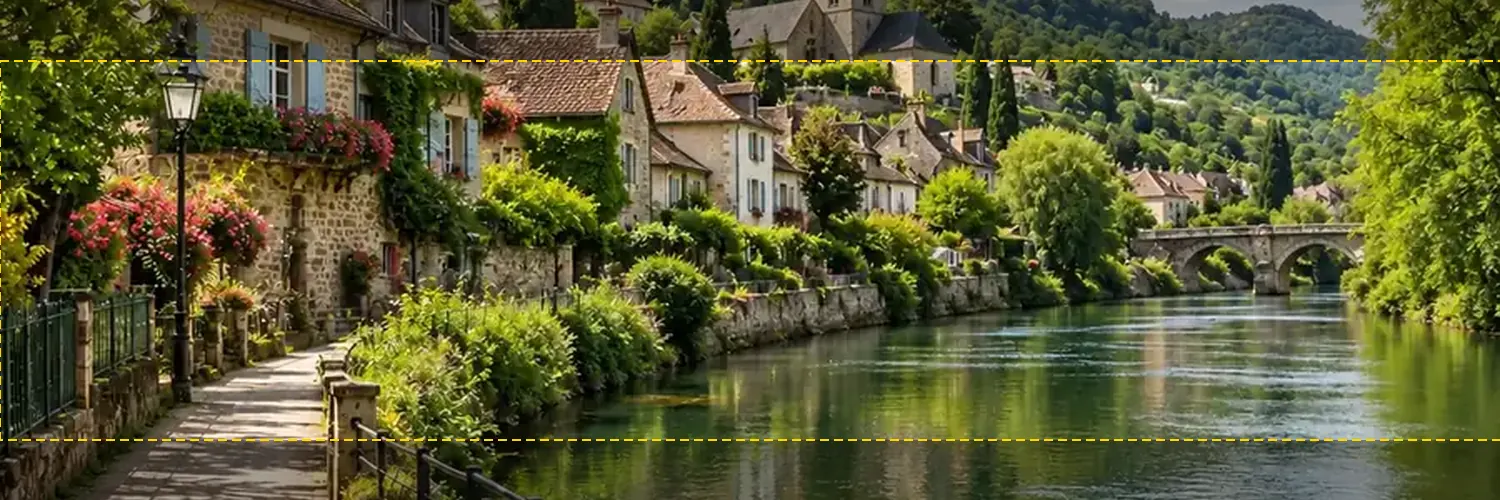 NEWTwitter Banner ResizerFree Twitter banner resizer and cropper: make a 1500x500 (3:1) X header with a crop guide for the 60 px trimmed on some screens, plus 400x400 profile photos.
 NEWAvatar CropperFree avatar cropper that runs in your browser: crop photos into circles, fit the entire picture into a Discord PFP, and download PNG avatars at any size.
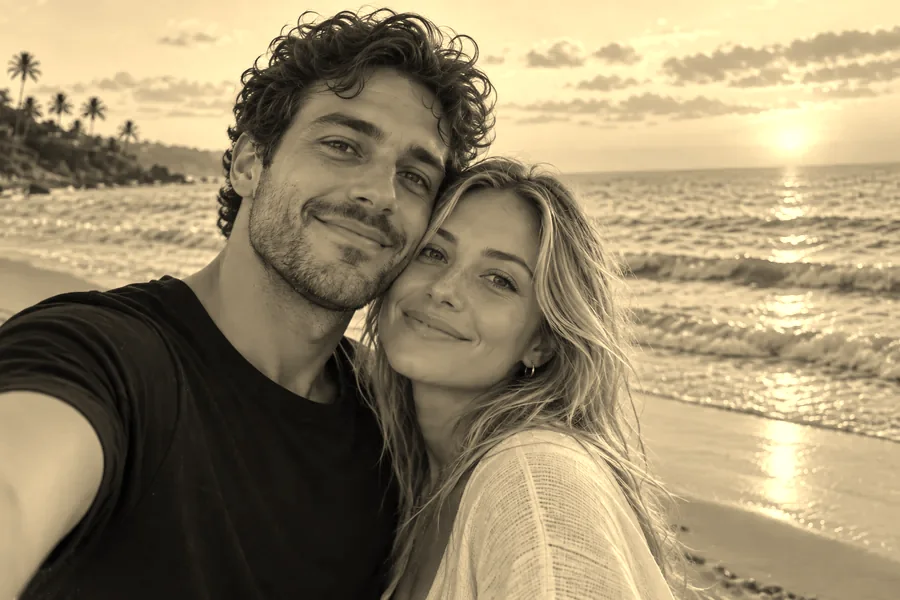 NEWSepia FilterFree sepia filter for photos that runs in your browser: apply a warm sepia tone filter, pick a vintage style, adjust warmth and contrast, then download.
 NEWDarken ImageDarken image files online for free in your browser: tone down overexposed photos, add a moody darkening effect, or dim a picture behind text, then download.
 NEWPixelate ImagePixelate an image for free in your browser: turn any picture into pixel blocks, a mosaic effect, or 8-bit art with one slider, then download. No upload needed.
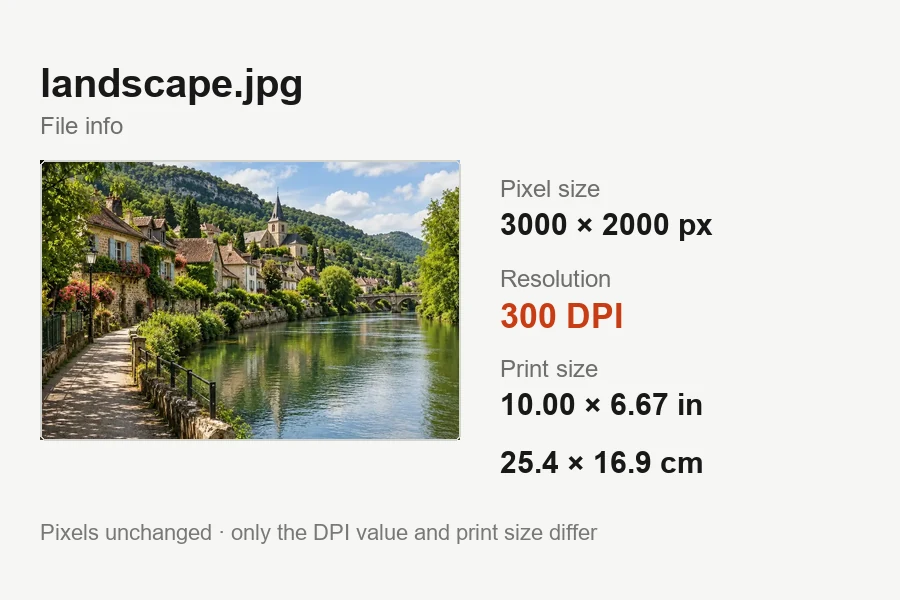 NEWIncrease DPI of ImageIncrease DPI of image files to 300 or any value in your browser: set the print resolution, see the print size live, and download JPG or PNG. Free, no upload.
 NEWGIF Background RemoverRemove background from GIF animations with AI. Upload an animated GIF, cut out the subject on every frame, and make the GIF transparent or swap in a new color.
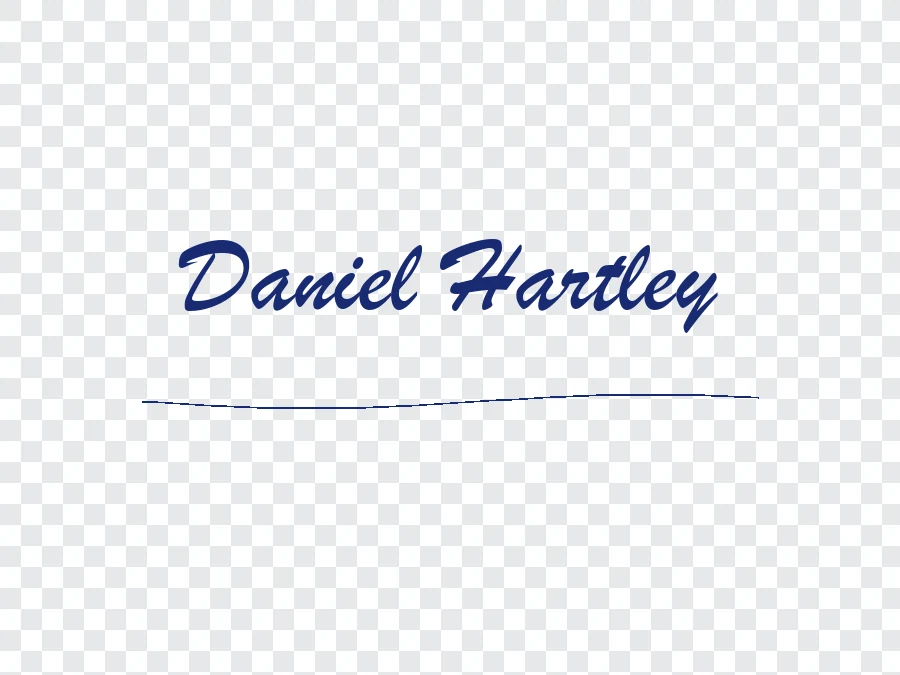 NEWRemove Background from SignatureRemove background from signature photos and scans with AI. Paper, shadows, and ruled lines are cleared, leaving a sharp transparent PNG for Word or PDF.
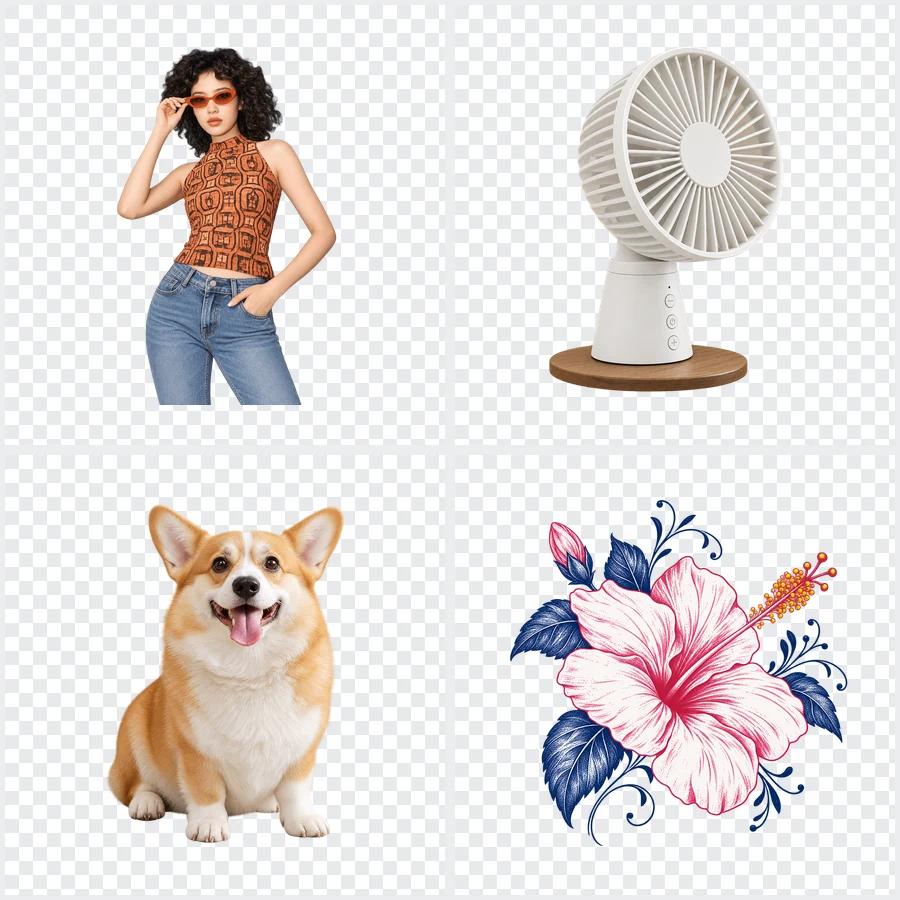 NEWBulk Background RemoverBulk background remover for product photos and portraits. Upload a batch, let AI cut out every subject, and get matching transparent or white backgrounds.
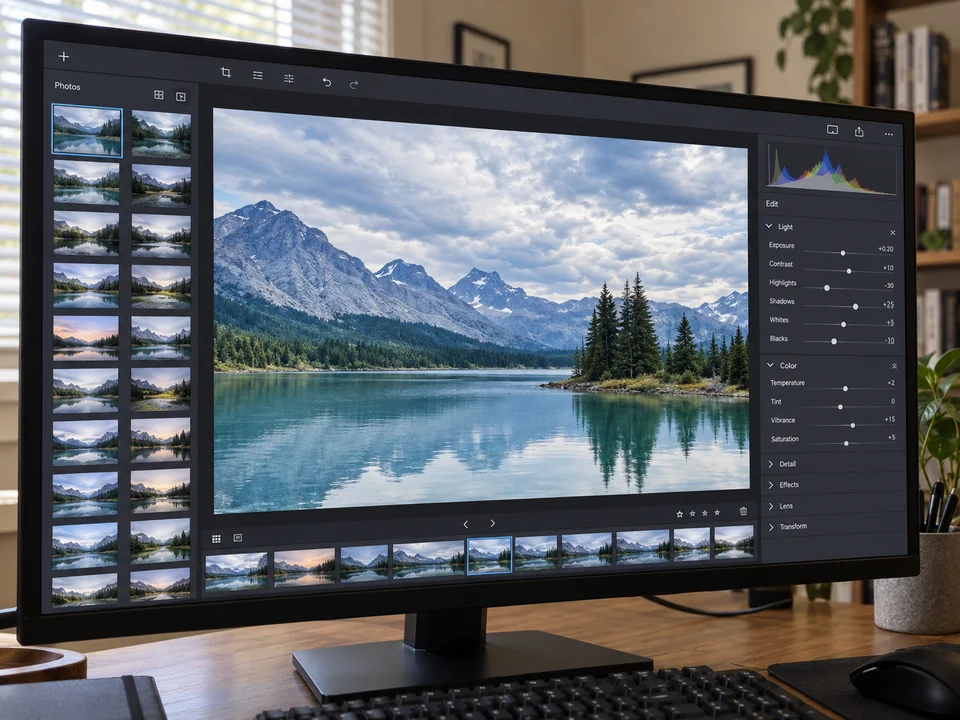 NEWMoire FixMoire fix for screen photos, fabric, and scans: upload an image and AI removes the moire pattern, rainbow bands, and wavy lines while keeping detail sharp.
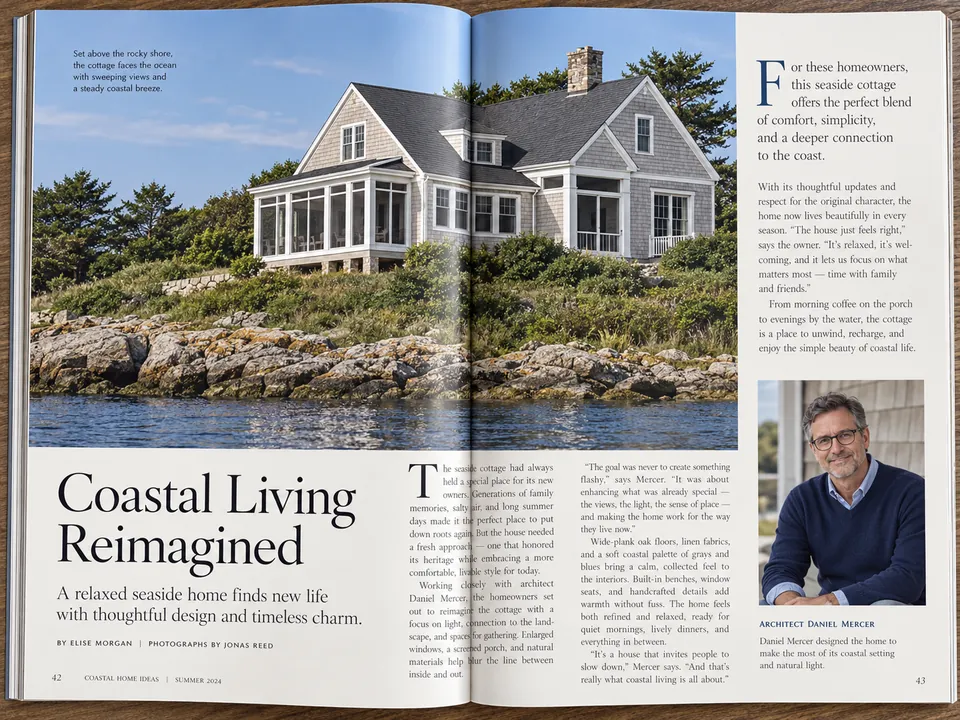 NEWDescreen ScansDescreen scanned magazines, newspapers, comics, and photo prints. AI removes halftone dots and the moire pattern on scans while keeping text and detail sharp.
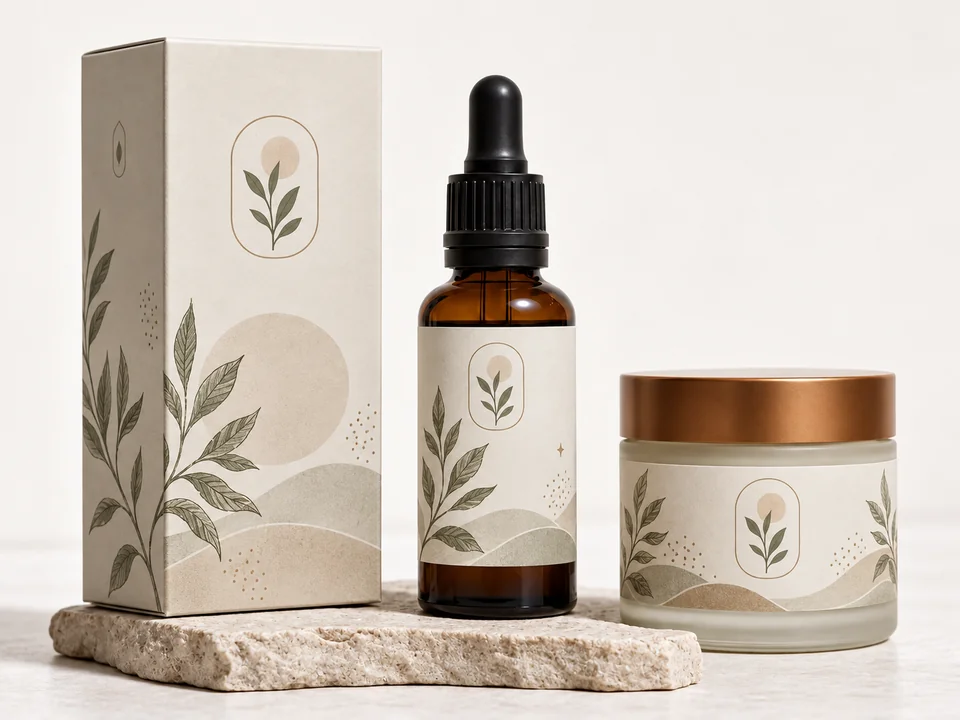 NEWRemove JPEG ArtifactsRemove JPEG artifacts from compressed photos. AI clears blocky squares, banding, halos, and noise, then rebuilds detail in product shots, portraits, and skies.
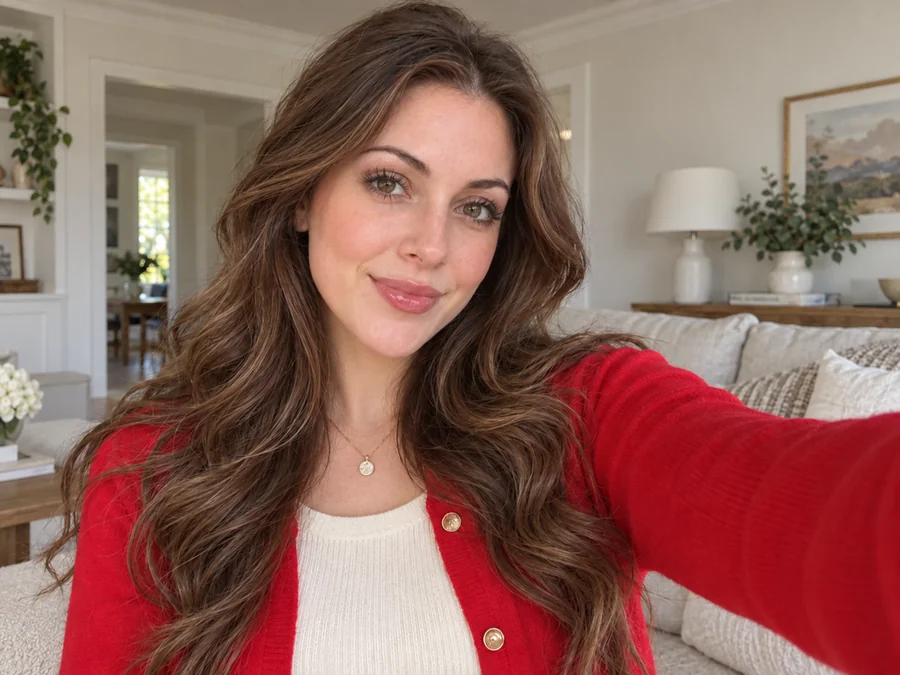 NEWRemove Glasses from PhotoRemove glasses from photo portraits with an AI glasses remover. Take off eyeglasses or sunglasses, rebuild natural eyes, and keep the rest of the face unchanged.
 NEWChatGPT Photo EditorA ChatGPT photo editor that works by instruction: upload a picture, type the change you want, and the AI image editor applies it while keeping the rest intact.
 NEWGIF Watermark RemoverRemove watermark from GIF animations you own. Upload a GIF, mark the logo or text, and the GIF watermark remover rebuilds every frame and keeps the loop smooth.
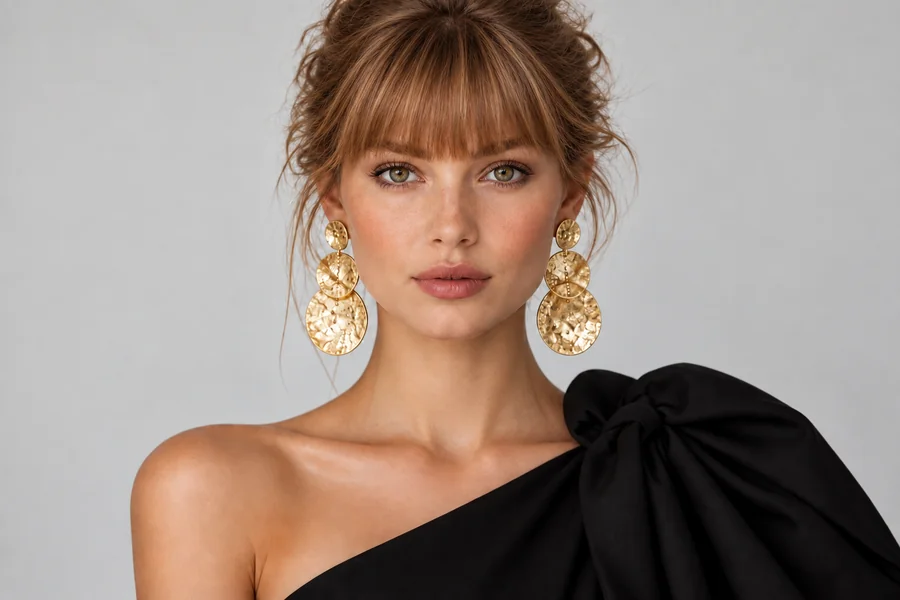 Bangs FilterWhat would I look like with bangs? Upload a selfie to the AI bangs filter and try on curtain, wispy, blunt, or micro bangs before you cut. Men’s fringes too.
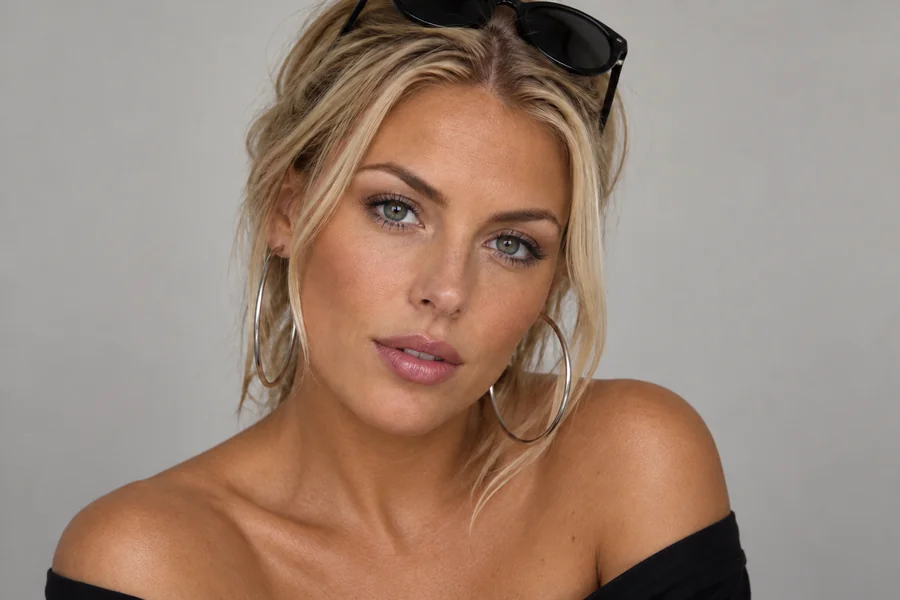 AI Skin Color ChangerHow do you change your skin color in a photo? Upload a portrait to the AI skin color changer, pick a shade, tan, or undertone, and preview a natural new tone.
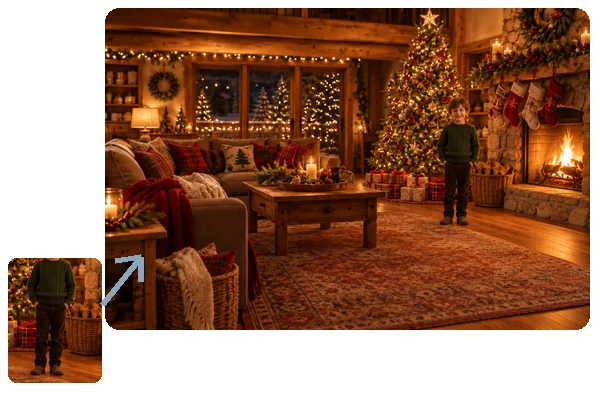 Add Person to PhotoHow to add someone to a photo: upload the picture and a photo of the person, and AI will add person into picture scenes with matching light, scale, and pose.
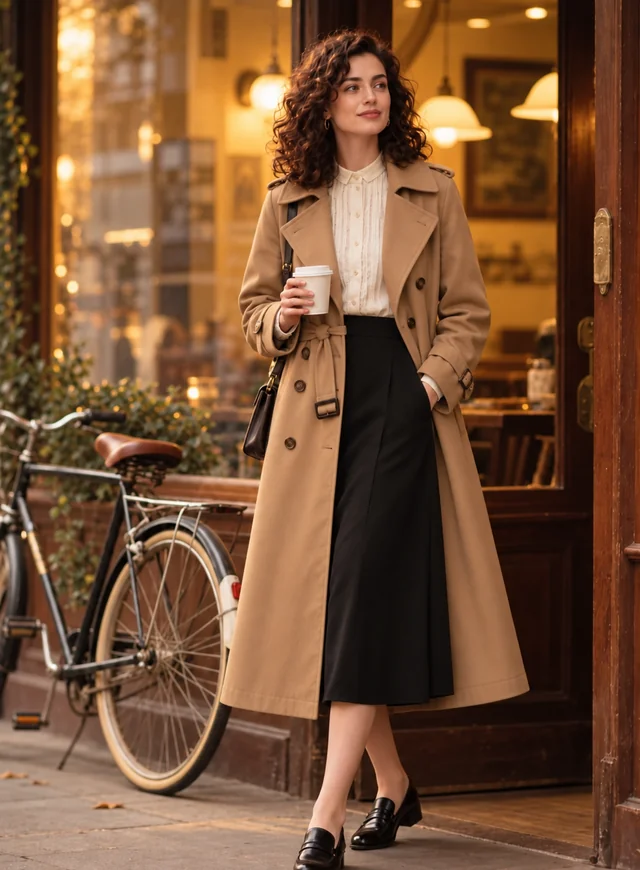 AI Clothes ChangerChange clothes in any photo with the AI clothes changer. Upload a picture, pick an outfit or describe one, and the AI clothes swap keeps your face and pose.
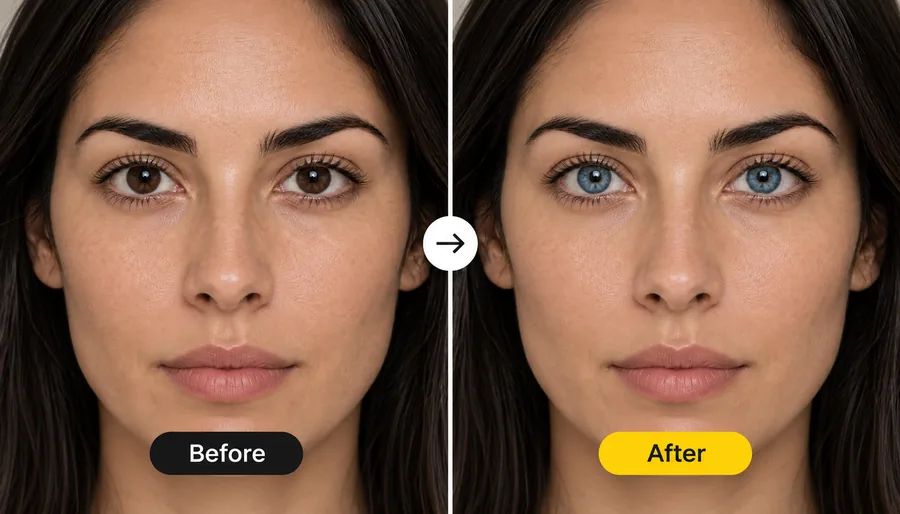 Blue Eye FilterWhat would I look like with blue eyes? Upload a photo and the blue eye filter recolors your irises to a realistic blue, from sky and ice blue to deep sapphire.
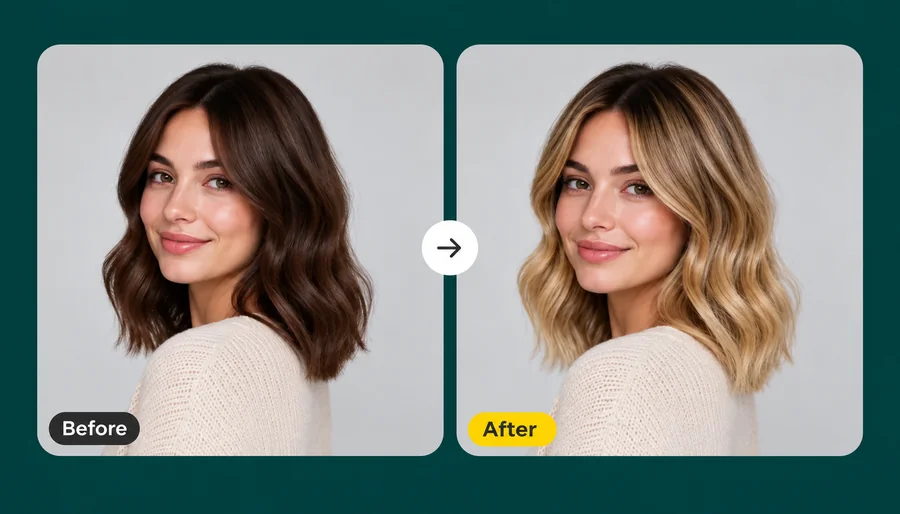 Blonde Hair FilterWhat would I look like with blonde hair? Upload a selfie and the AI blonde hair filter turns your hair honey, golden, ash, or platinum while your face stays.
 AI Makeup Generator
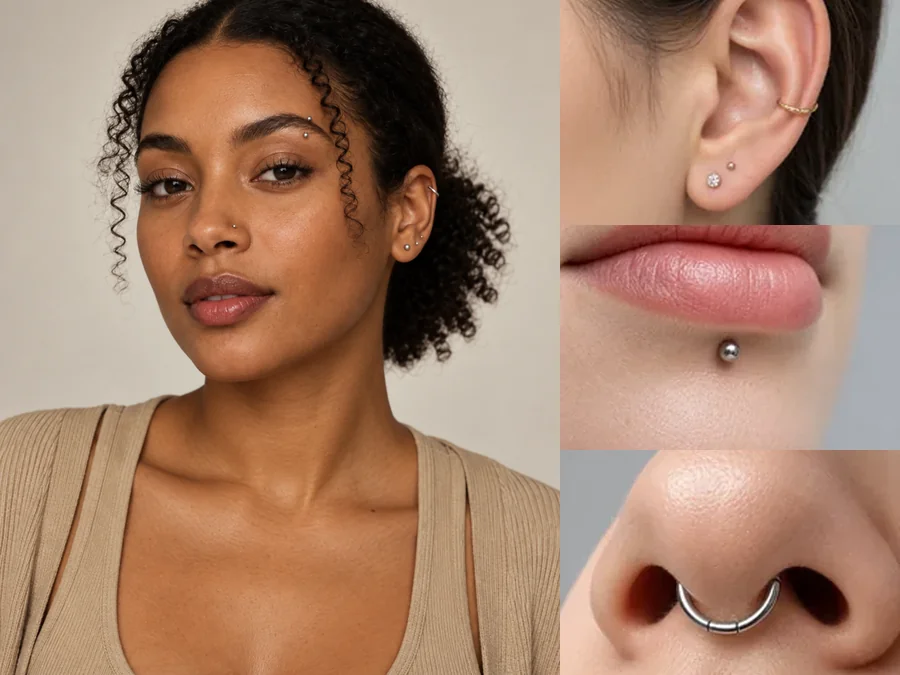 Piercing FilterTry on piercings virtually with the AI piercing filter: upload a selfie and preview ear, eyebrow, lip, and nose piercings before you commit. For adults only.
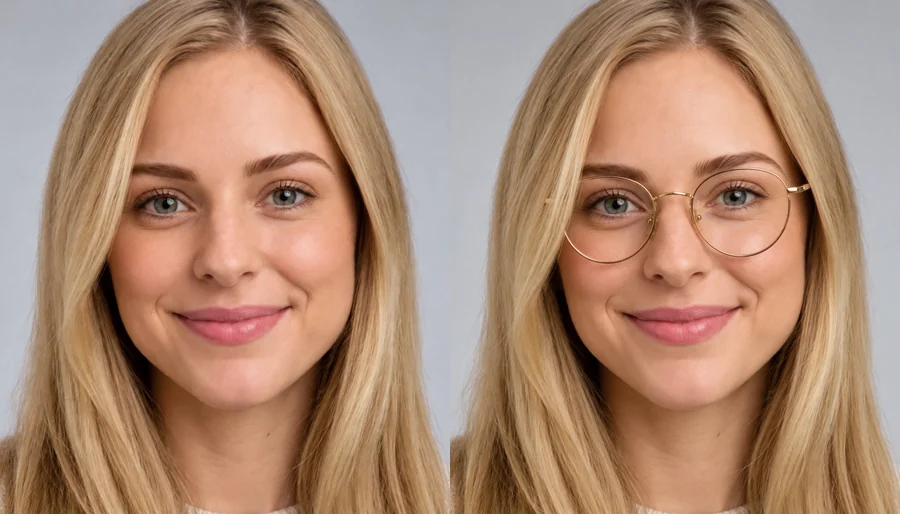 Virtual Glasses Try OnVirtual glasses try on from home: upload a photo, pick a frame shape, color, and lenses, or add a photo of any pair, and see the glasses on your own face.
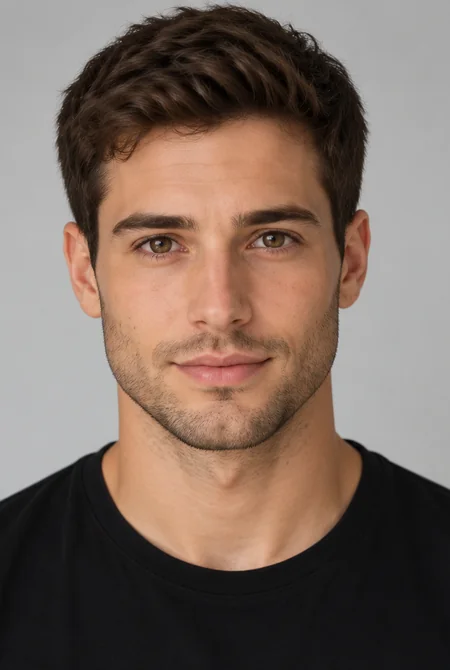 AI Gender SwapWhat would I look like as a woman, or as a man? Upload a selfie to the AI gender swap filter and see a realistic male to female or female to male version.
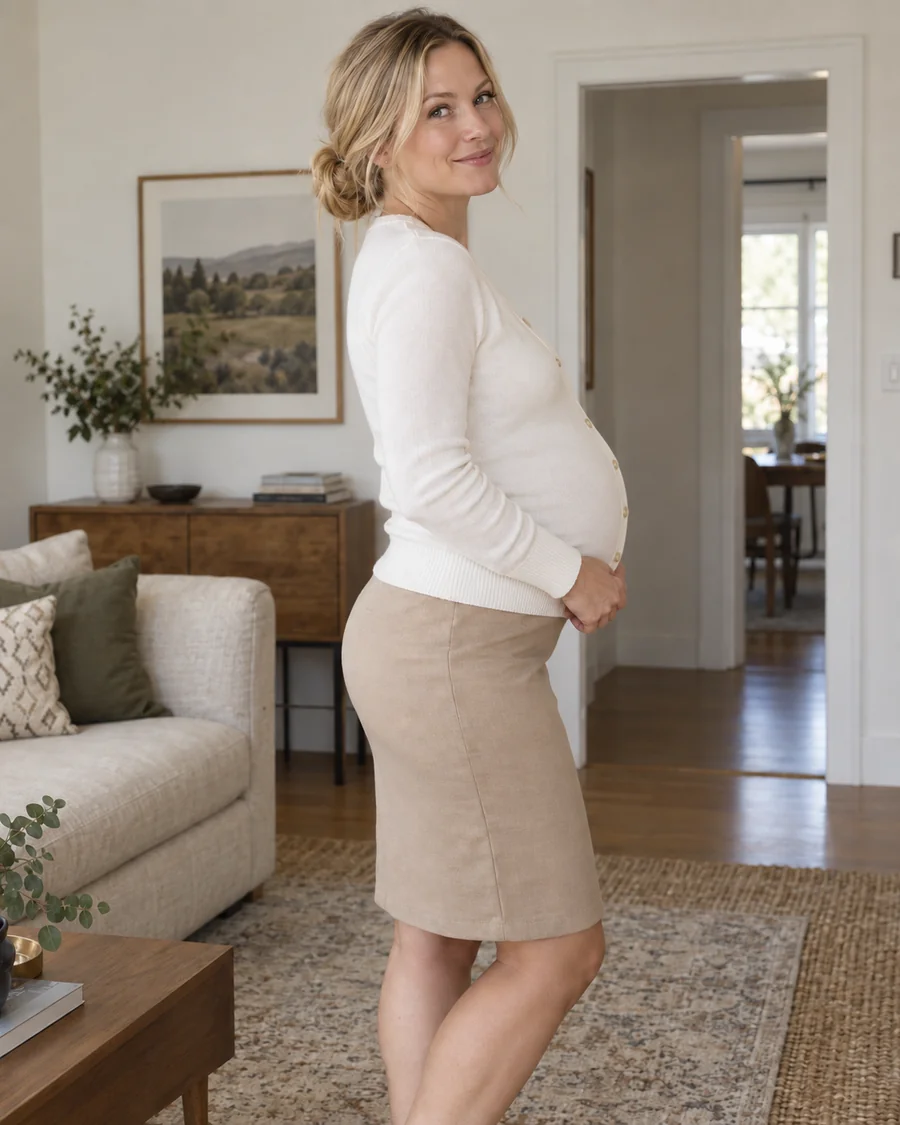 Pregnant AI GeneratorWhat would I look like pregnant? Upload a photo to the pregnant AI generator, pick an early, mid, or late stage, and get a realistic baby bump preview.
 AI Age FilterWhat will I look like when I'm older? Upload a selfie to the AI age filter, pick a life stage from baby to senior, and get a realistic age progression photo.
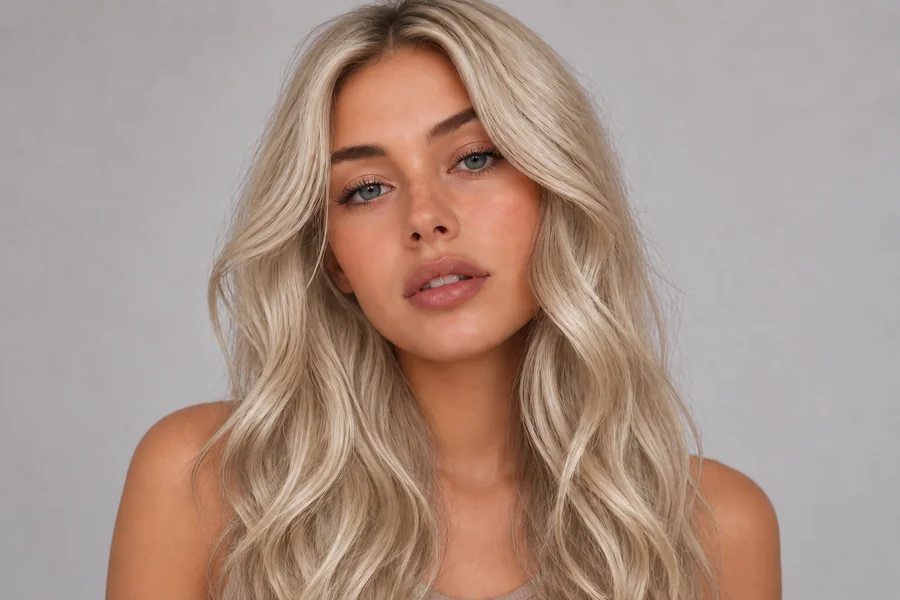 AI Hair Color ChangerChange the color of hair in a photo with the AI hair color changer. Pick a shade, highlights, or a custom color and try on hair color virtually before you dye.
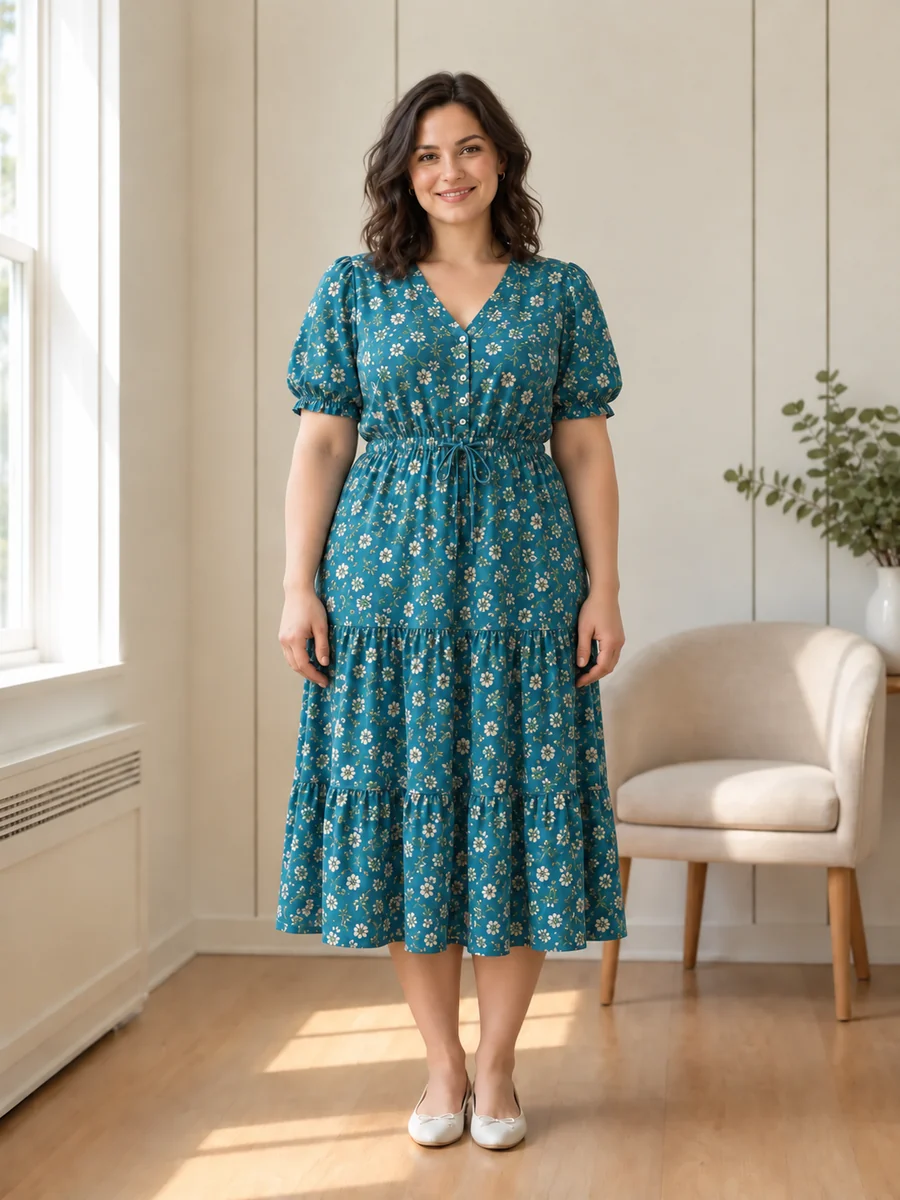 AI Fat FilterTry the AI fat filter for a fun, realistic weight gain photo. Upload a selfie, pick +10 to +100 lbs, and see a fuller you that still looks like you.
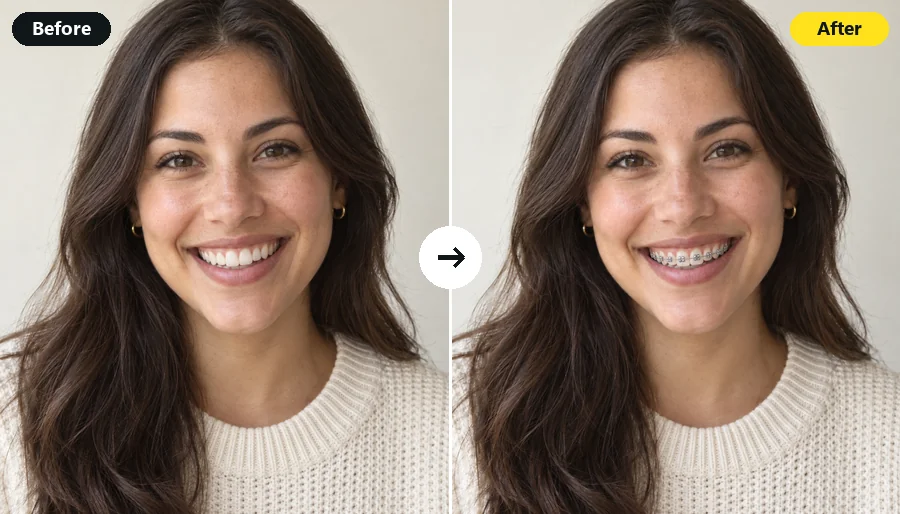 Braces FilterWhat will I look like with braces? Upload a smiling selfie and the AI braces filter adds realistic metal, ceramic, or gold braces in the band color you pick.
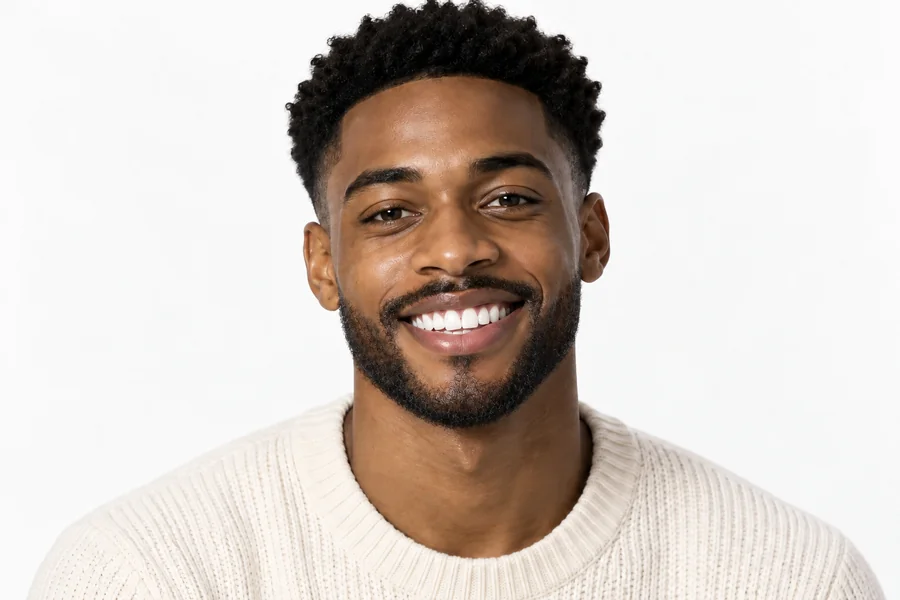 AI Beard FilterWhat would I look like with a beard? Add a beard to your photo with the AI beard filter and try stubble, a full beard, a long beard, or a clean-shaven look.
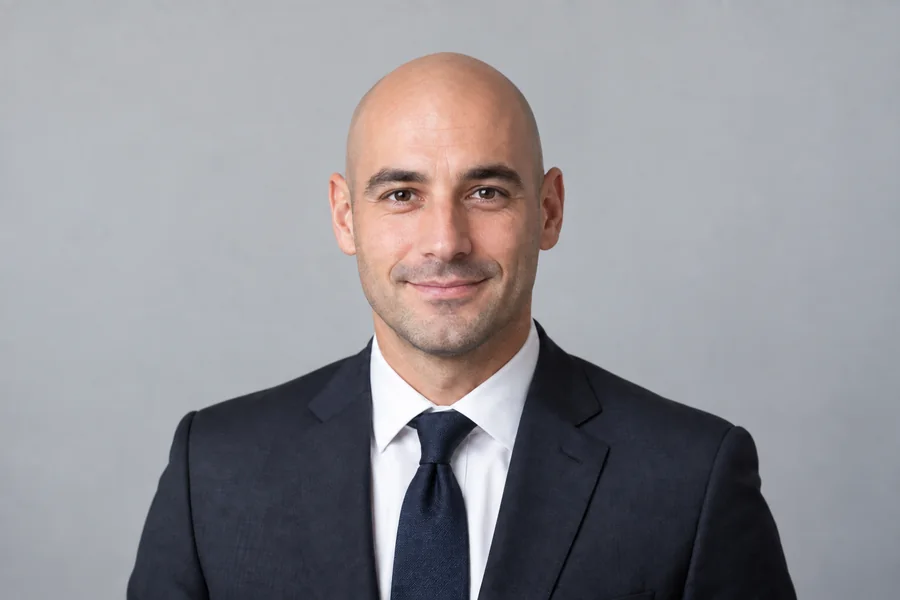 AI Bald FilterWhat would I look like bald? Upload a photo to the AI bald filter online and preview a smooth bald head, a shaved head, a bald look with beard, or balding hair.
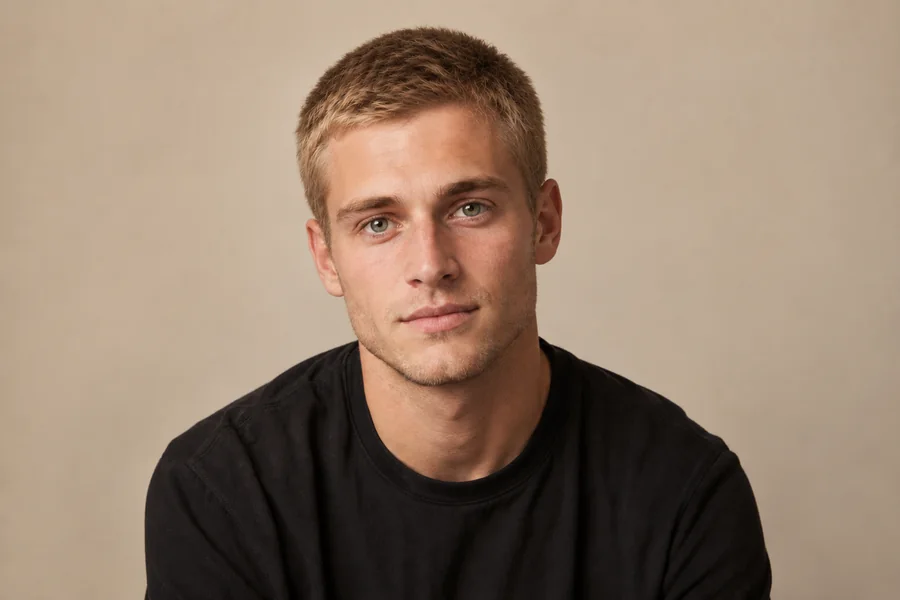 AI Buzz Cut FilterWhat would I look like with a buzz cut? Upload a selfie to the AI buzzcut filter and try a classic buzz, fade, bleached buzz, or guard length on your photo.
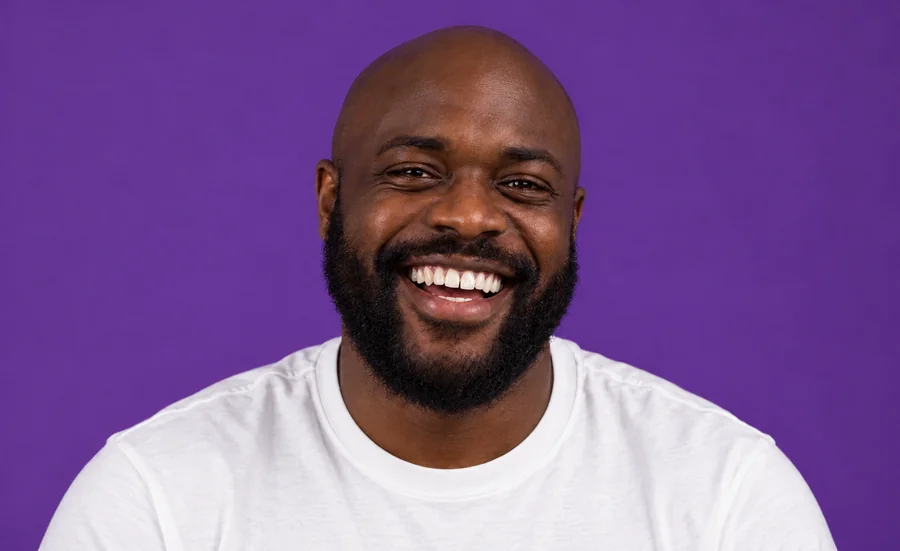 NEWTeeth WhiteningWhiten teeth in photo uploads with an AI teeth whitening photo editor online. Lift yellow stains, pick a natural or bright shade, and keep every smile real.
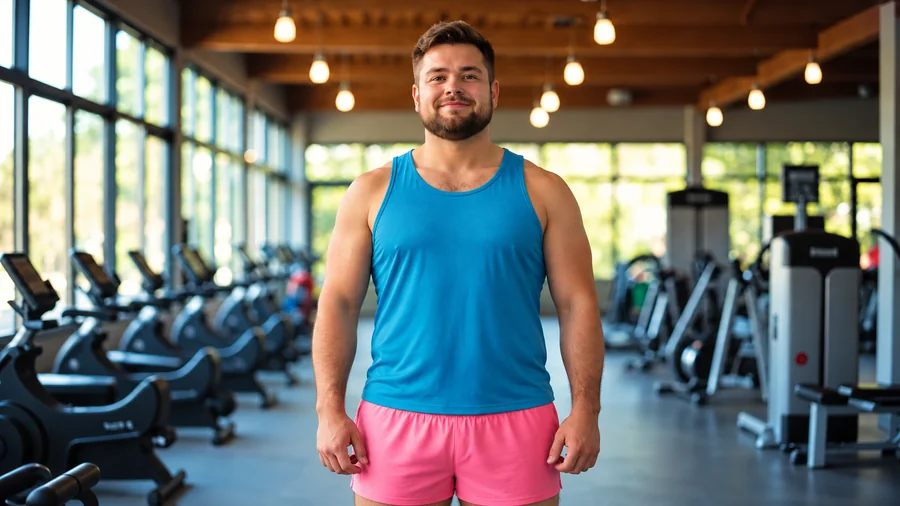 NEWSkinny FilterWhat would I look like skinny? Try the AI skinny filter: upload a photo, pick an area and intensity, and preview a slimmer body that still looks like you.
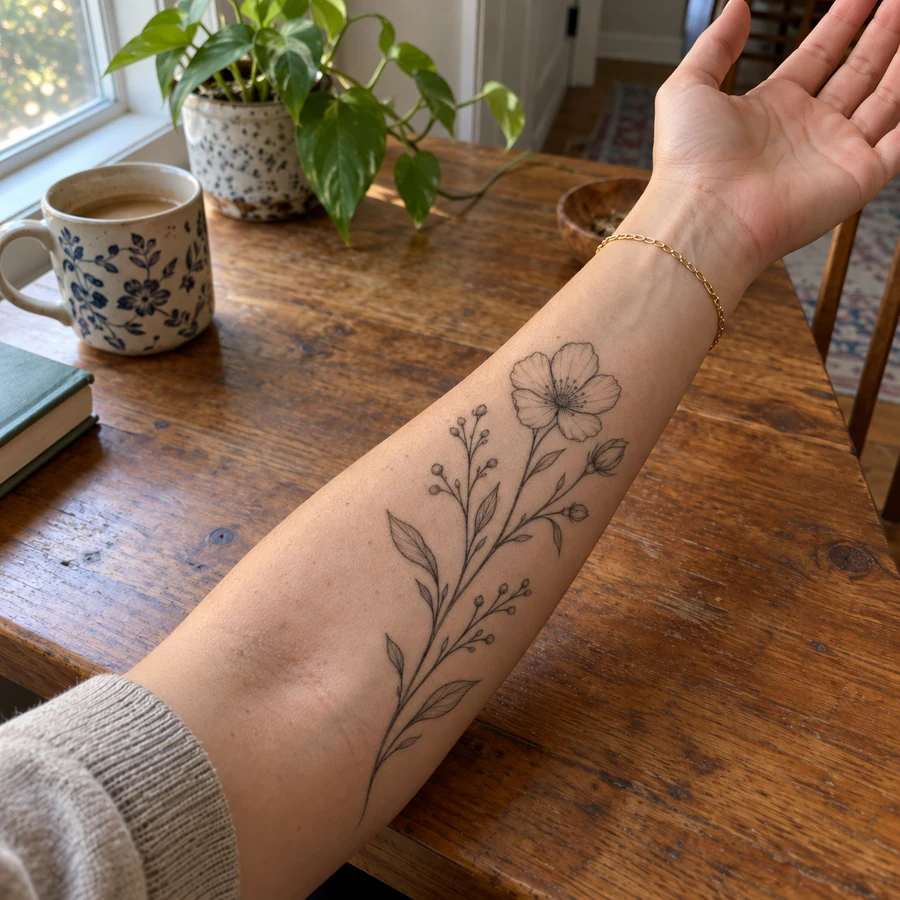 NEWTattoo Try-OnAdd tattoo to photo uploads and preview ink before it is permanent. Pick one of 20 tattoo styles or describe your own design, then see the tattoo on your body.
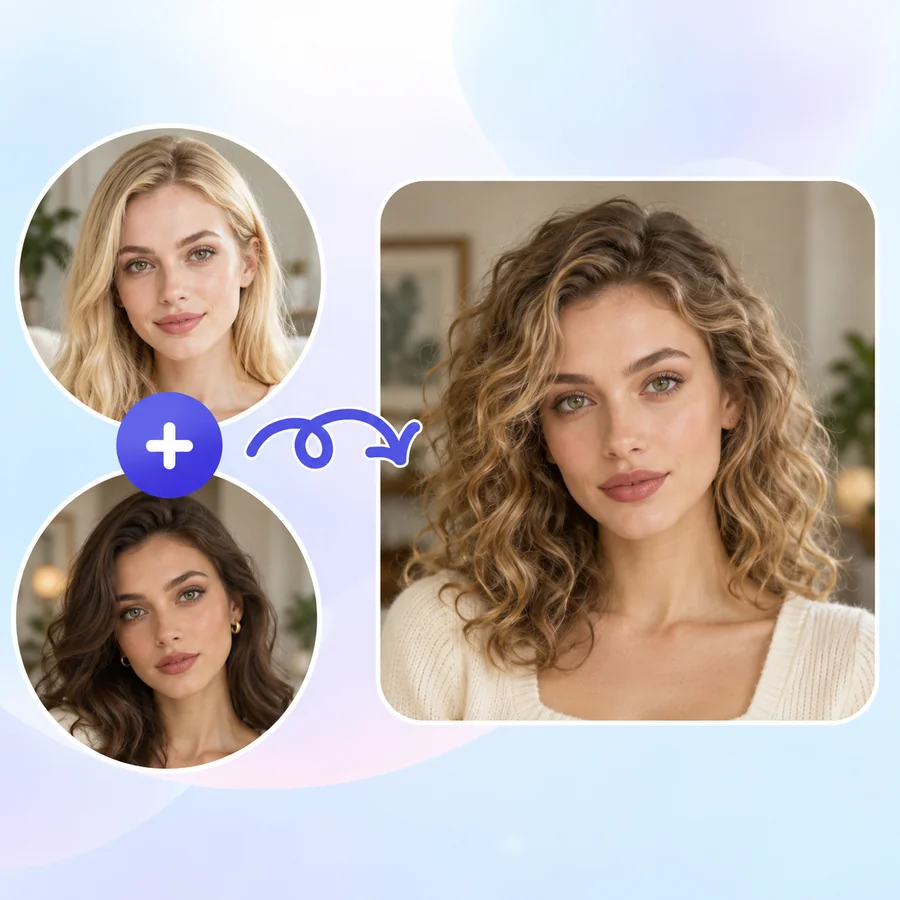 NEWAI Face MorphFace morph two photos into one realistic portrait. Upload Face A and Face B, set the blend, and the AI face combiner merges eyes, nose, and jawline naturally.
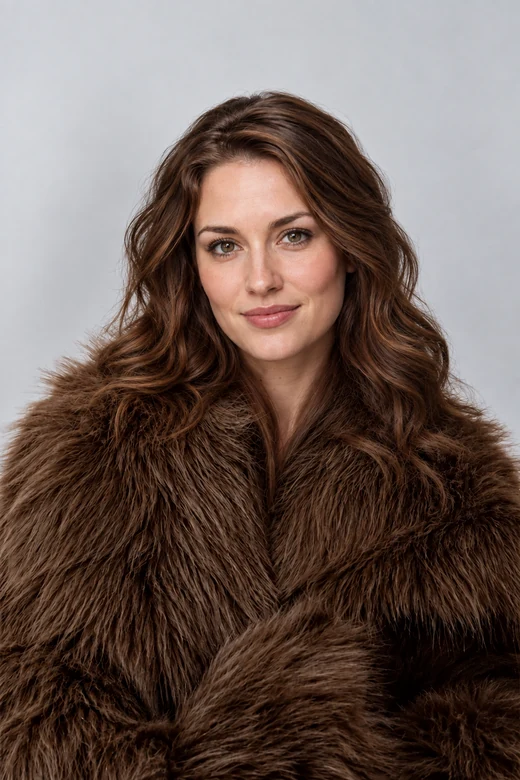 NEWAI Head SwapHead swap AI that moves a whole head, hair and face shape included, onto another photo. Upload a head and a body, match skin tone and light, and compare.
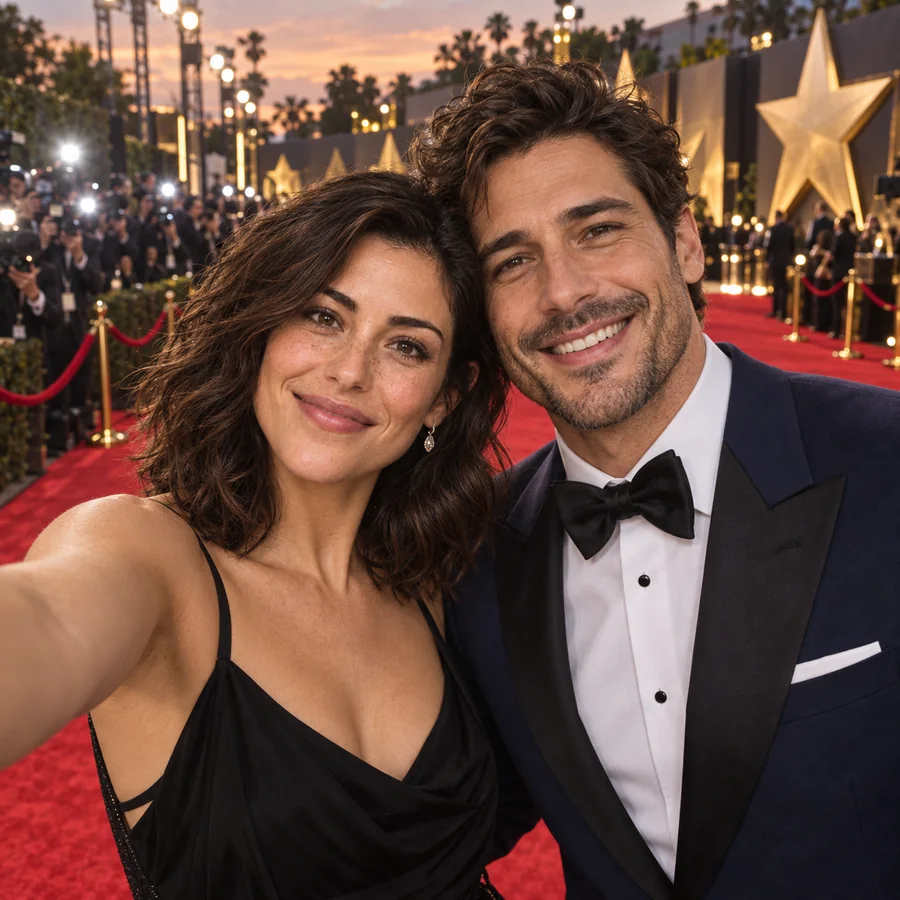 NEWAI Selfie with CelebrityCelebrity AI selfie generator for star-style photos: join a red carpet, front-row concert, or premiere next to a fictional star. Your face, no real celebrities.
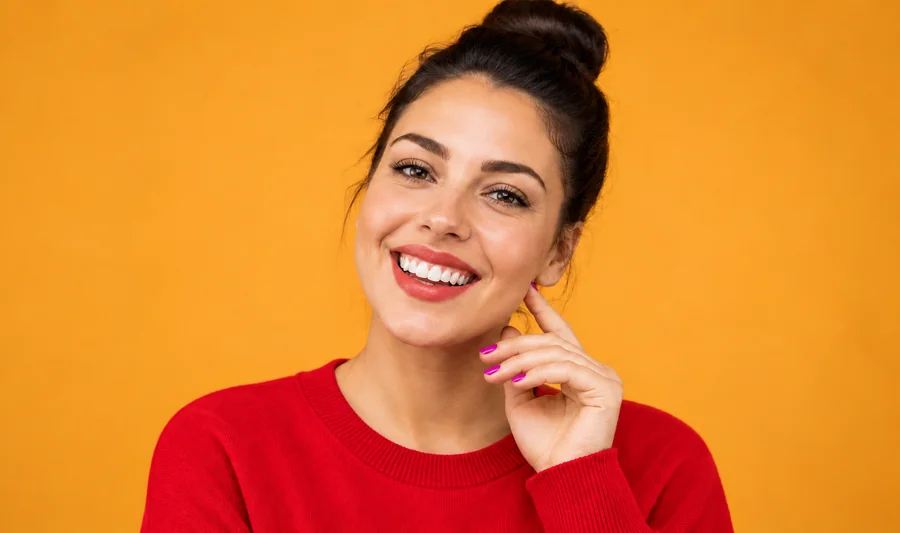 NEWClothes Color ChangerChange color of clothes in photo uploads with the AI clothes color changer, from dress color changing to a T-shirt color change, while fabric texture stays.
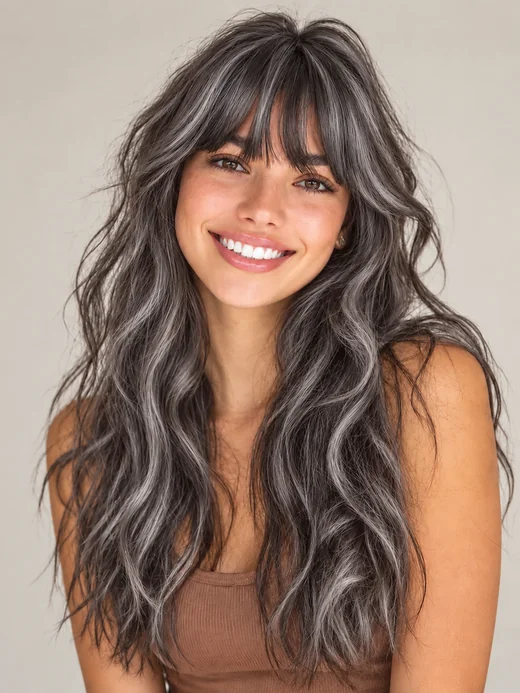 NEWGrey Hair FilterWhat would I look like with grey hair? The grey hair filter turns your hair silver, ash, charcoal, or white and keeps your face the same age. Try on grey hair.
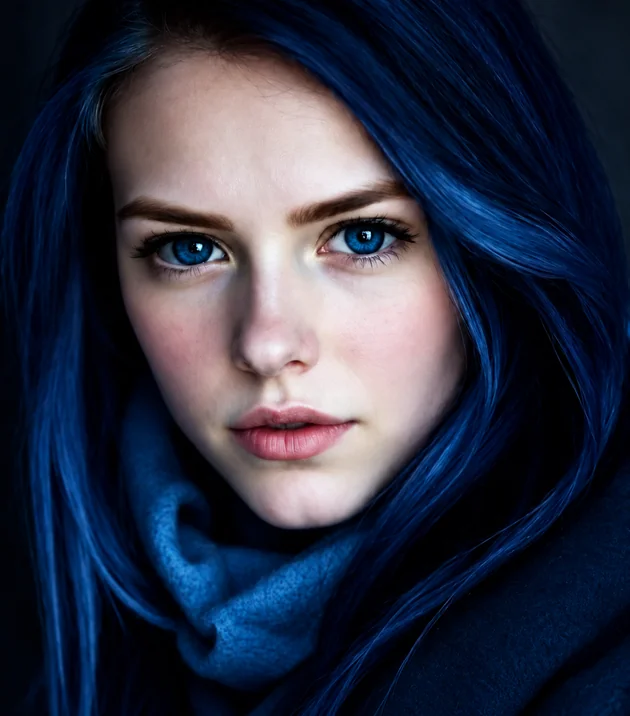 NEWEye Color ChangerEdit color of eyes in any photo with the AI eye color changer. Pick hazel, green, brown, grey, or any custom shade and keep a realistic iris and catchlight.
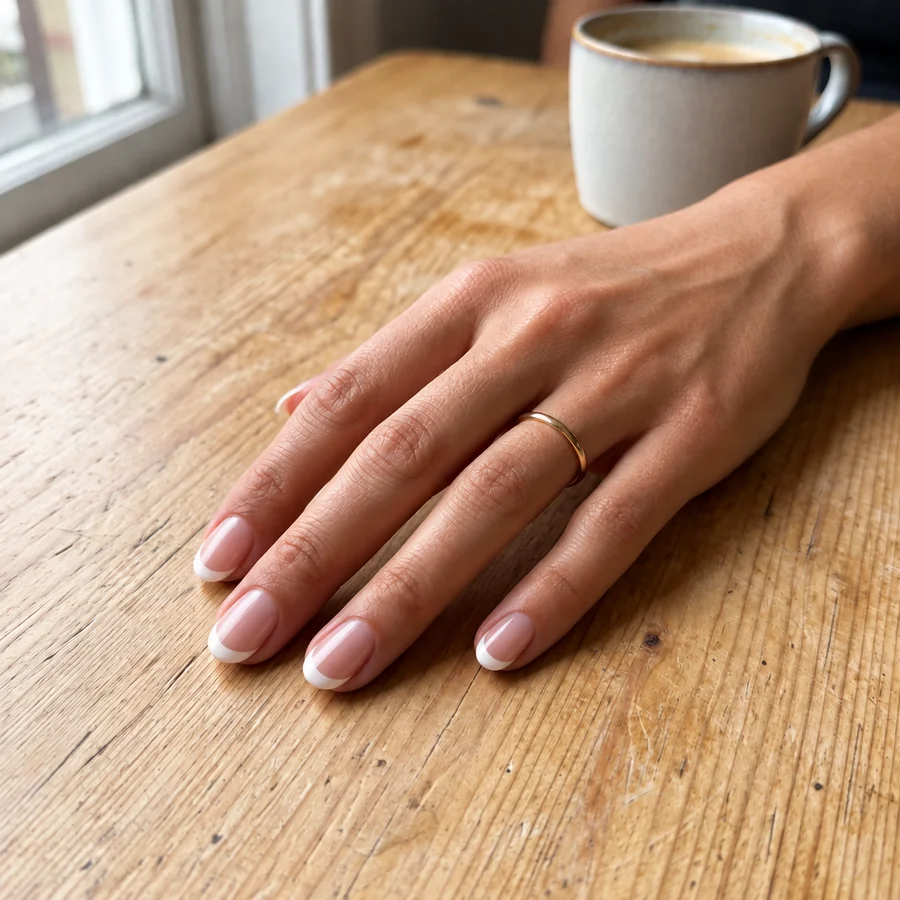 NEWAI Nail Art GeneratorDesign your own nails with AI nails: upload a hand photo, pick a nail art style, shape, and length, and see the manicure on your real fingers before the salon.
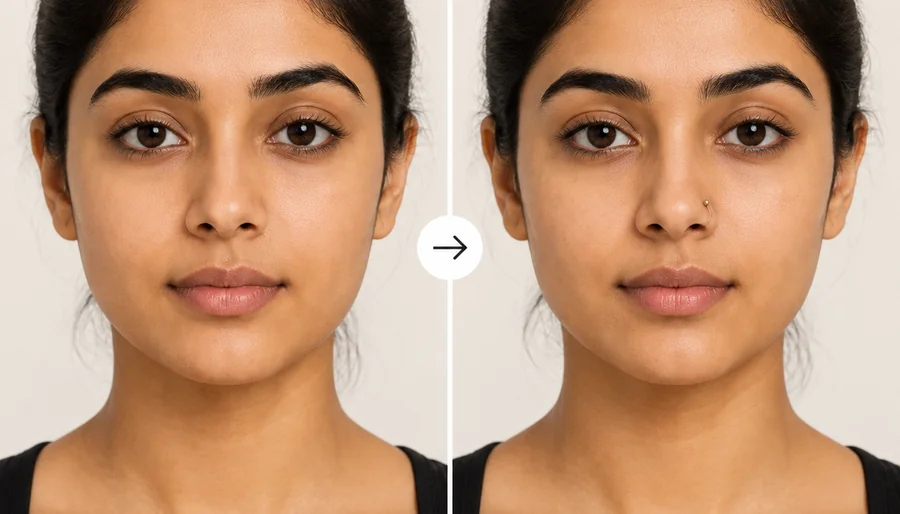 NEWNose Piercing FilterHow would I look with a nose ring? Upload a selfie to the nose piercing filter and try a stud, hoop, or septum ring in silver or gold before you get pierced.
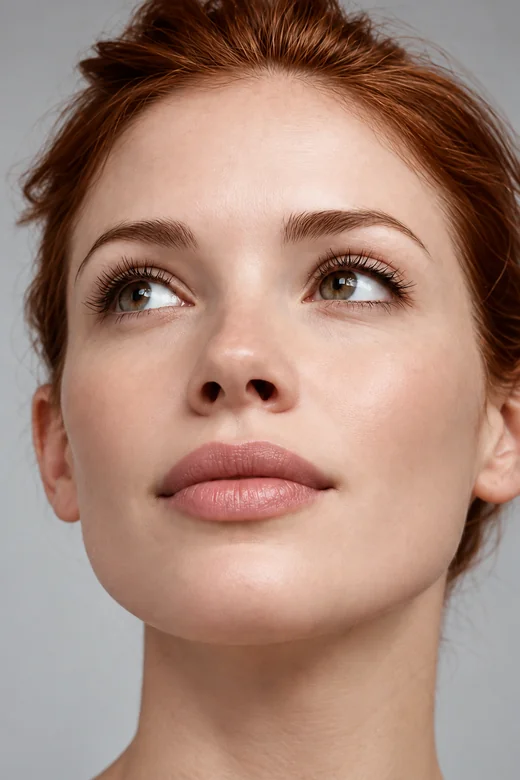 NEWLip Filler FilterWhat would I look like with lip fillers? Try small lip filters on your selfie, pick a lip shape and volume, and preview fuller lips before any treatment.
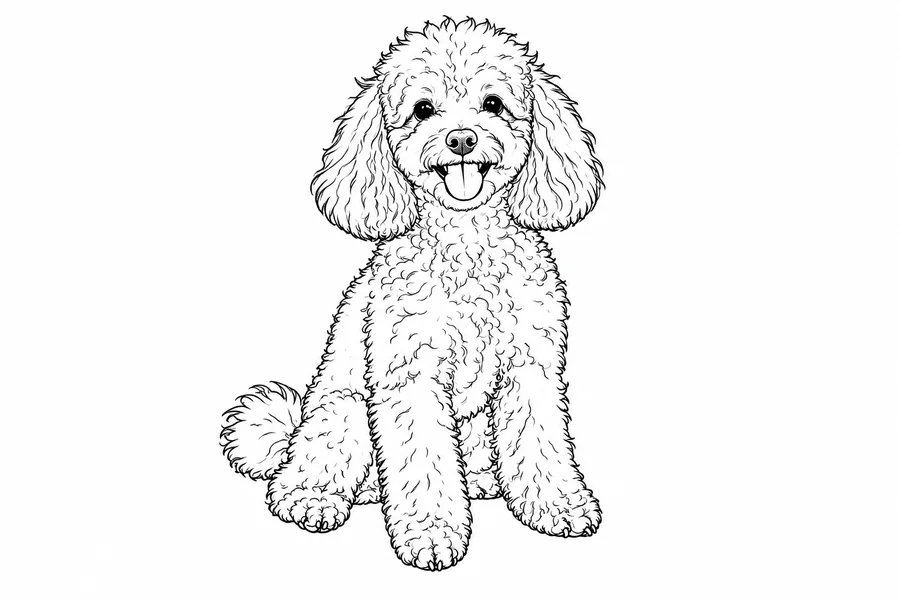 Line Art GeneratorConvert photo to line drawing online. Upload any picture to the line art generator, pick a style, and turn it into clean line art, outlines, or coloring pages.
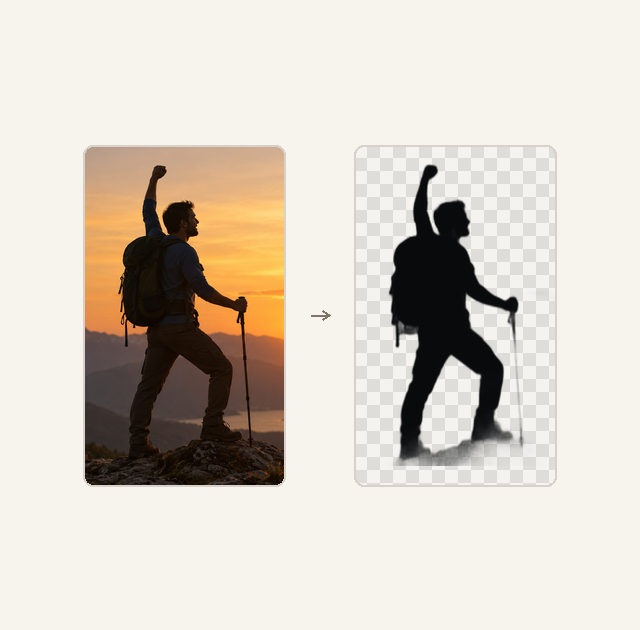 Silhouette Maker
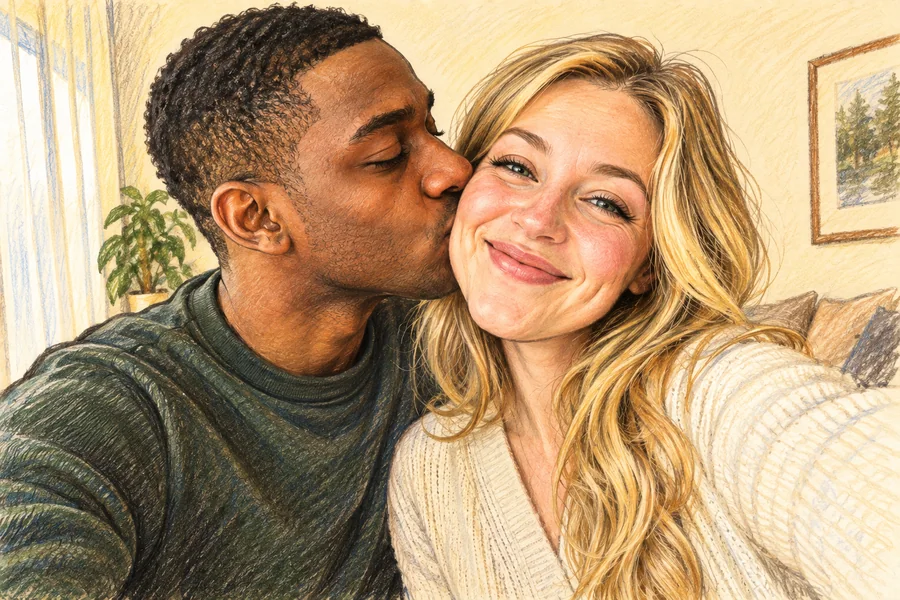 AI Caricature MakerHow do I create a caricature of me? Upload a photo to the AI caricature maker, pick a style, and turn your picture into a funny, recognizable caricature.
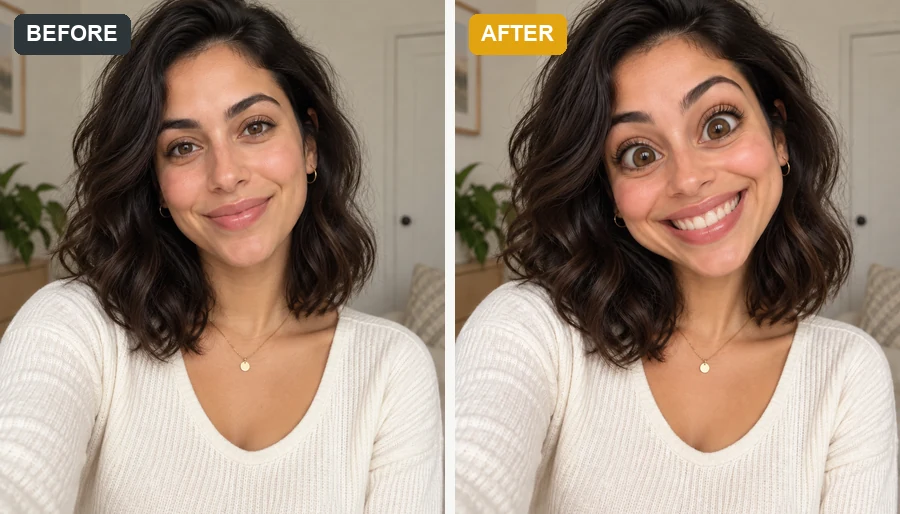 Funny Face FilterTurn a selfie into images for funny faces: big heads, dog and pig faces, clown and caveman personas, or melted and glitch effects that still look like you.
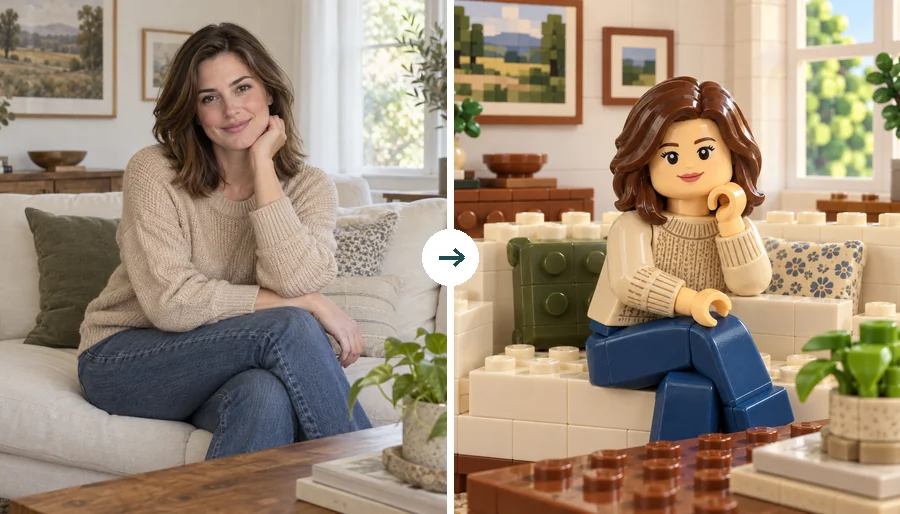 LEGO Minifigure GeneratorUse this LEGO minifigure generator to turn a selfie into a LEGO-style figure or rebuild the whole photo in bricks. Make custom LEGO minifigures from photos.
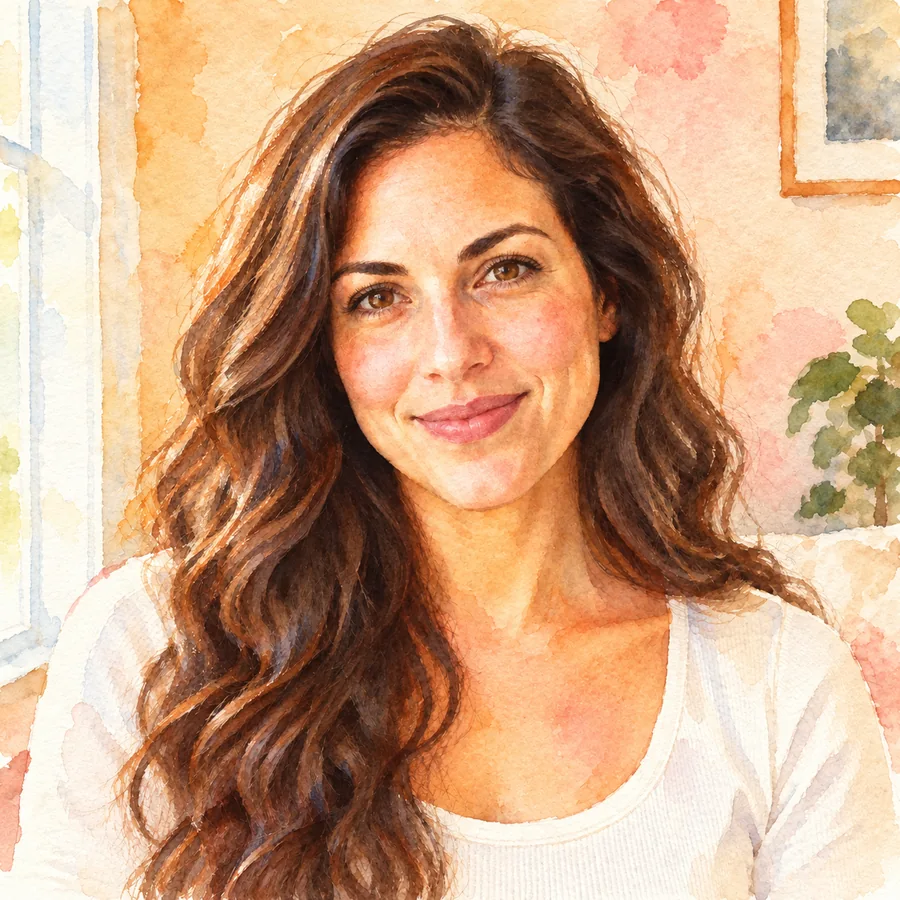 Photo to WatercolorTurn photo into watercolor art online. Upload a portrait, pet, or travel shot, pick a style, and turn it into a watercolor painting with soft, natural washes.
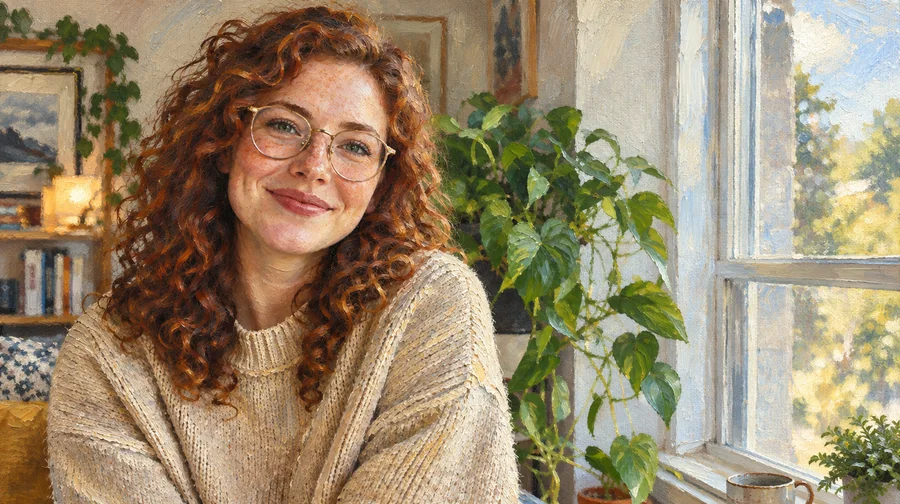 Photo to Oil PaintingTurn photo into oil painting online. Upload a picture, pick a Classic, Renaissance, or Impressionist style, and get an oil painting photo with canvas texture.
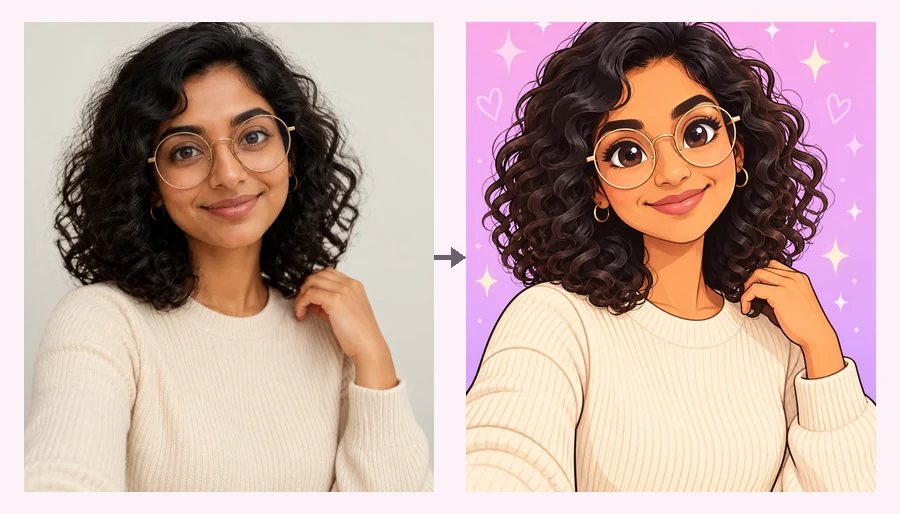 Powerpuff YourselfPowerpuff yourself online: upload a selfie and get a big-eyed, candy-colored Powerpuff-style cartoon. Pick a hero color or photo type and meet your Powerpuff self.
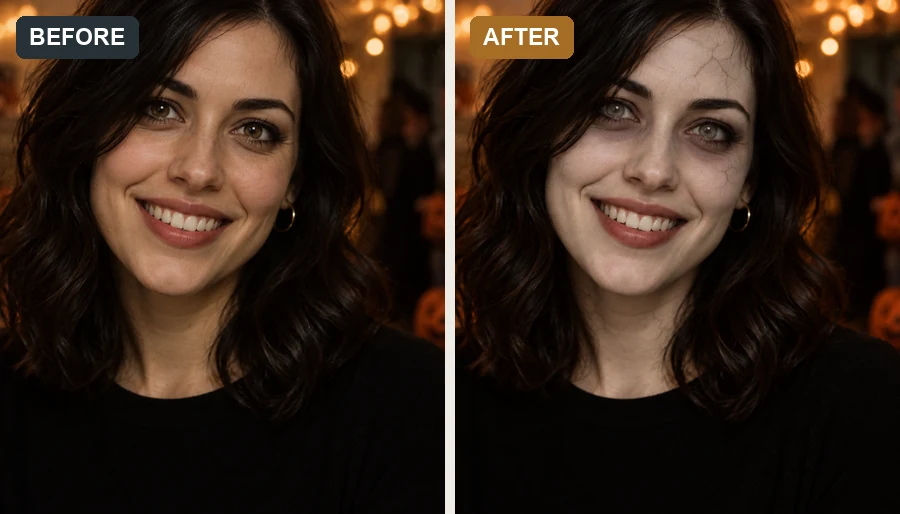 AI Zombie FilterMake a zombie out of any selfie with the AI zombie filter. Pick an undead look, intensity, and spooky background; your face stays recognizable, with no gore.
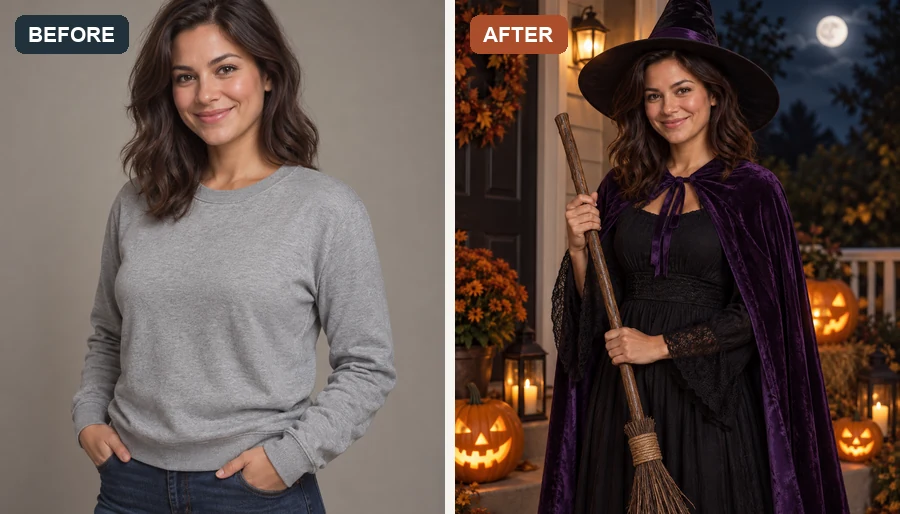 AI Halloween Costume GeneratorUse the Halloween costume generator to try an AI costume on your own photo. Pick a witch, vampire, or pirate, or hit Random for a surprise Halloween look.
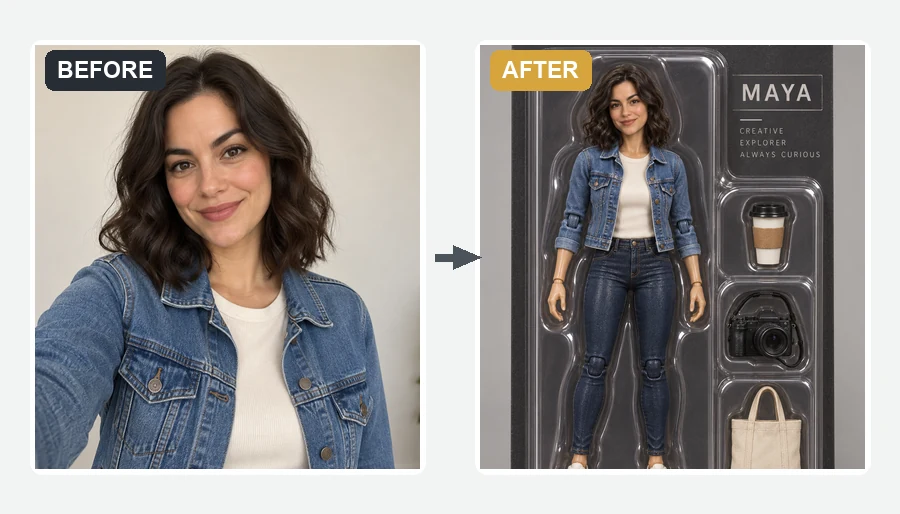 AI Action Figure GeneratorMake yourself an action figure with the AI action figure generator. Upload a photo, pick a theme, blister pack or window box, and get a boxed 3D toy of you.
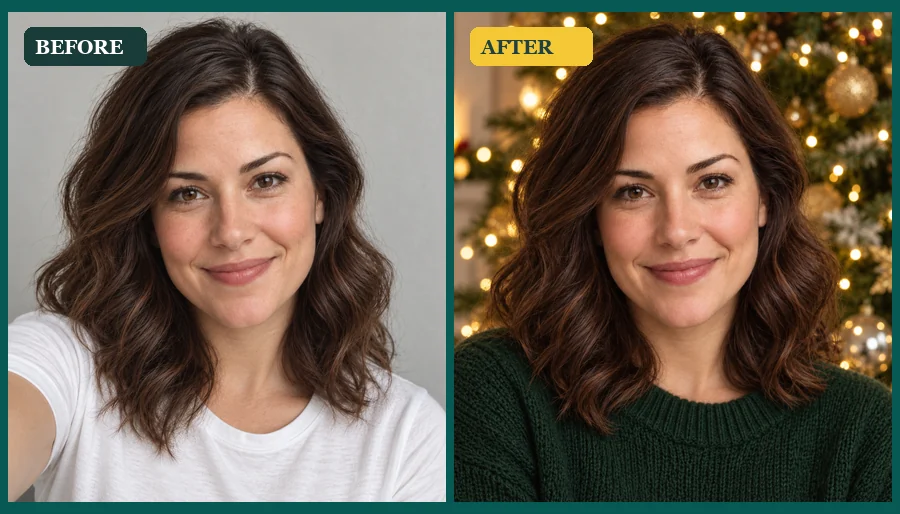 AI Christmas Photo GeneratorMake an AI Christmas photo from any selfie, couple, family, or pet picture. Pick a festive scene, outfit, style, or card and download your Christmas AI photos.
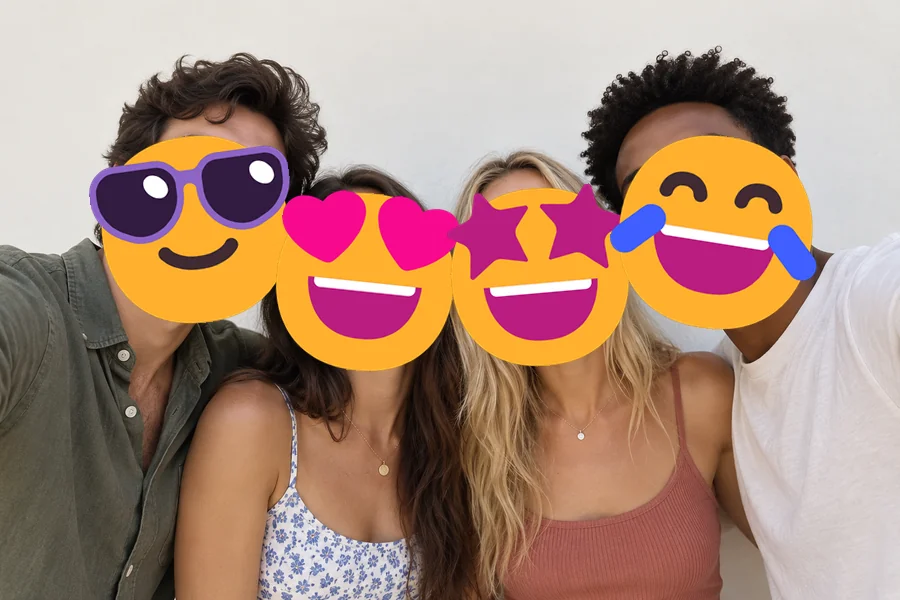 NEWAdd Emoji to PhotoAdd emoji to photo files for free: put any emoji in photos and pictures, then drag, resize, rotate, or delete it and download at full size. No upload needed.
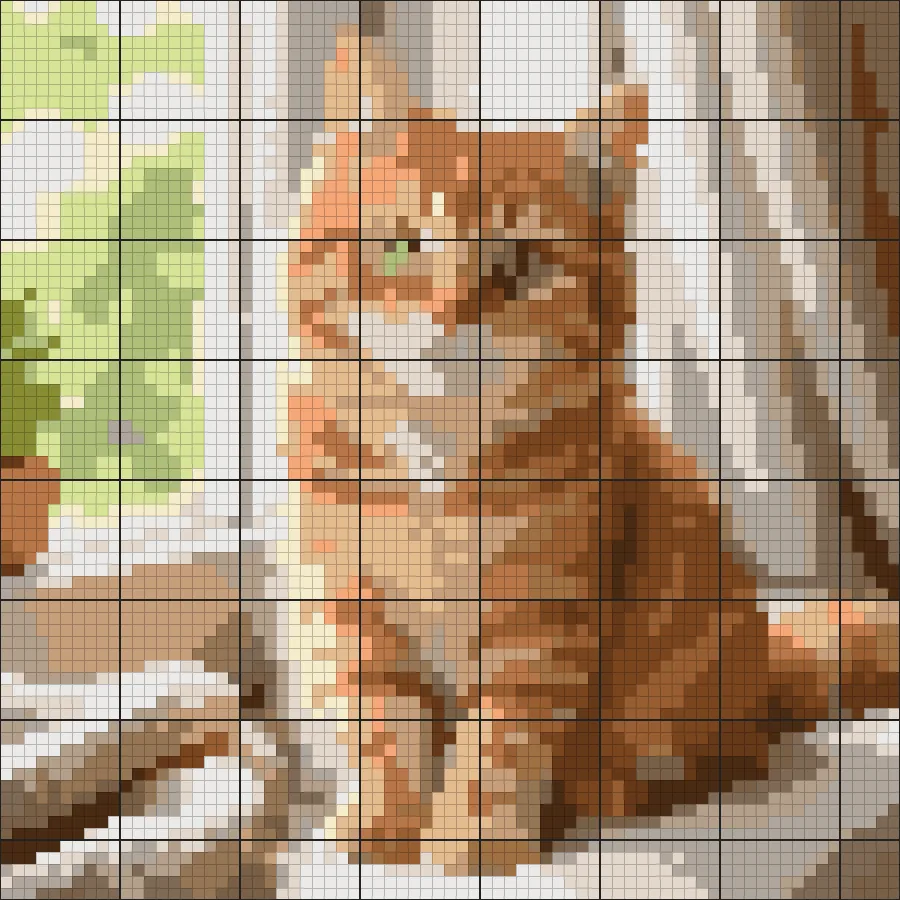 NEWCross Stitch Pattern MakerFree cross stitch pattern maker: create cross stitch patterns from any photo with DMC floss colors, symbols, and a counted grid, then download a printable chart.
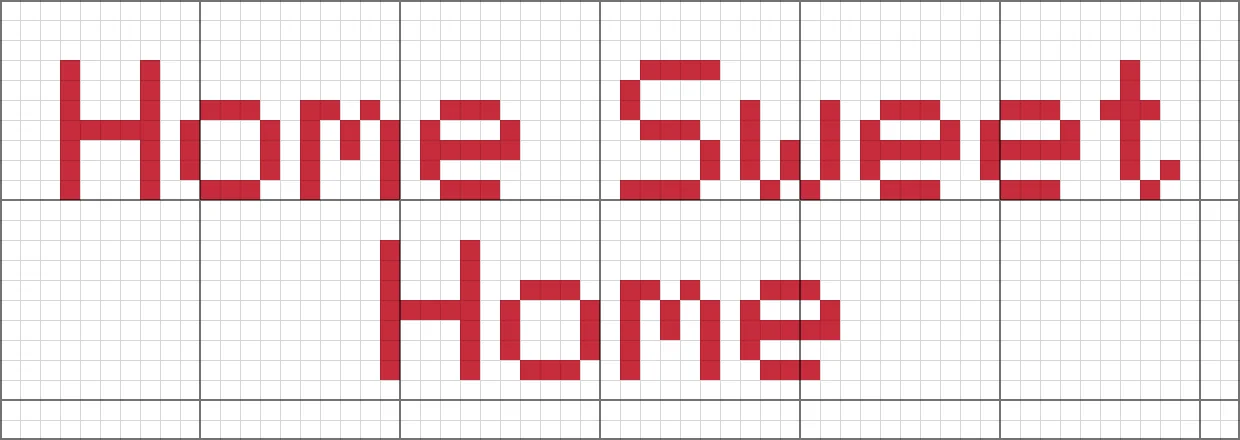 NEWCross Stitch Letter GeneratorFree cross stitch letter generator: type a name or phrase, pick a built-in cross stitch font, thread and fabric colors, then download a ready-to-stitch PNG chart.
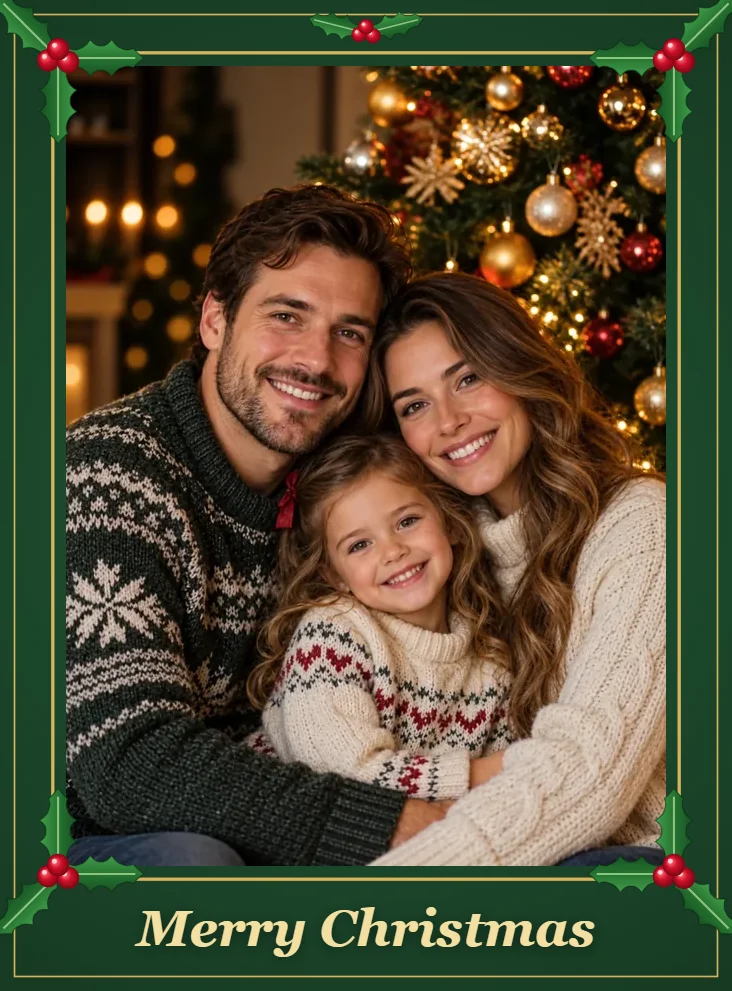 NEWChristmas Photo FramesChristmas free frames and borders for photos: add a Merry Christmas frame, holly, lights, or snow border in your browser and download a printable frame image.
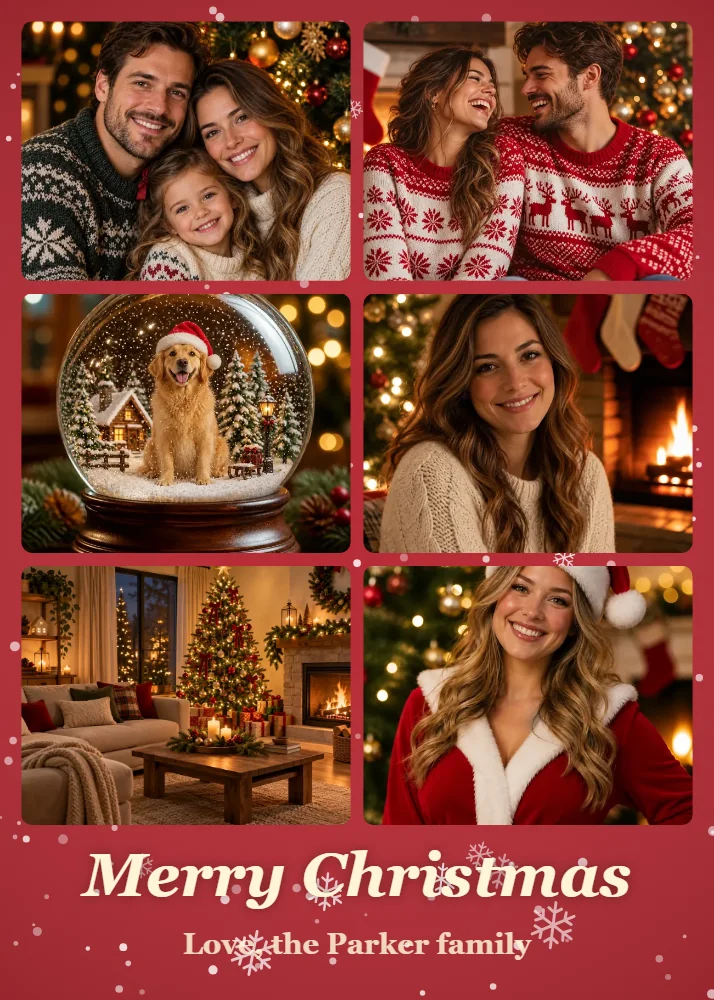 NEWChristmas Collage MakerMake a Christmas collage from 2–9 photos in your browser: choose a grid, tree, or ornament layout, add a greeting, and download a Christmas card photo collage.
 NEWLow Quality Image MakerFree low quality image maker in your browser: lower image quality with pixelation, blur, grain, and JPEG crunch for memes and deep-fried pics, then download.
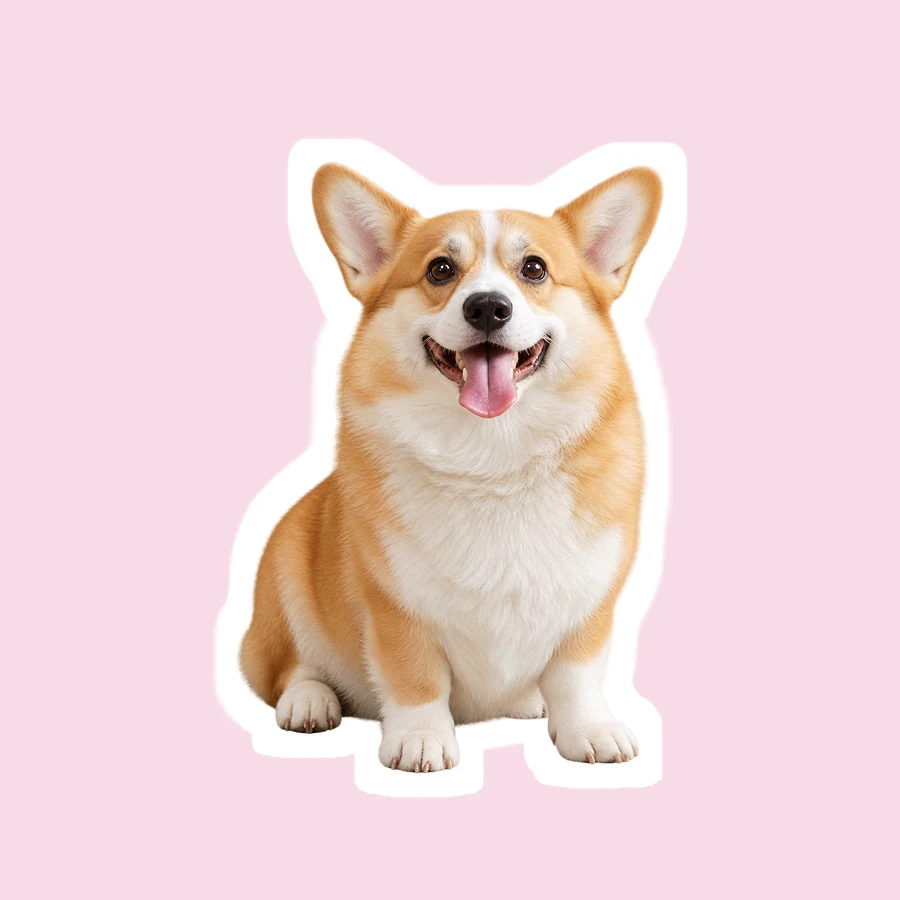 NEWSnapchat Sticker MakerHow to make a sticker for Snapchat from any photo: upload it, let AI cut out the subject, add a white outline or caption, and save a transparent PNG sticker.
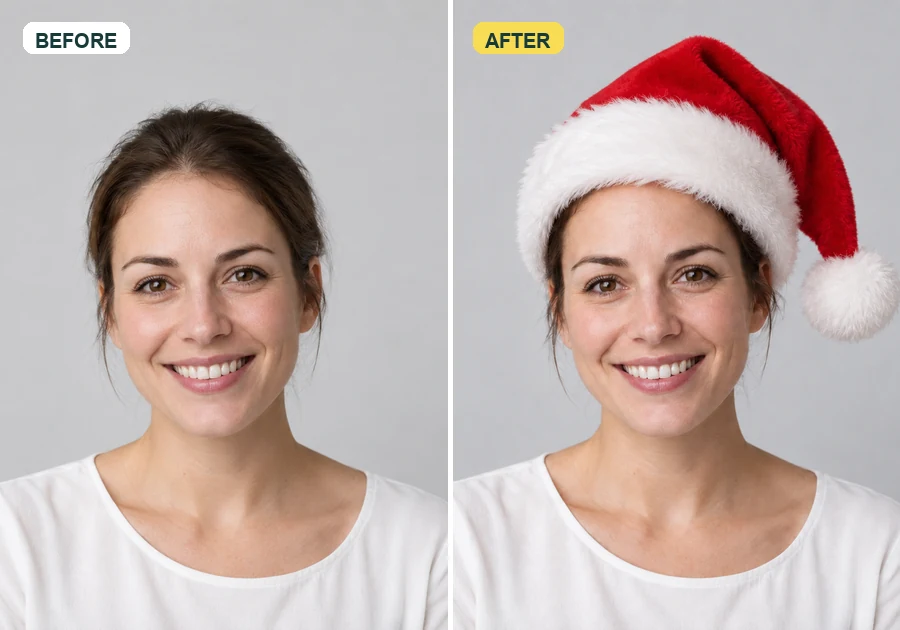 NEWAdd Santa Hat to PhotoAdd santa hat to your picture with AI: upload a photo, pick a classic, elf, blue, or antler Christmas hat, and it fits every head in the shot, pets included.
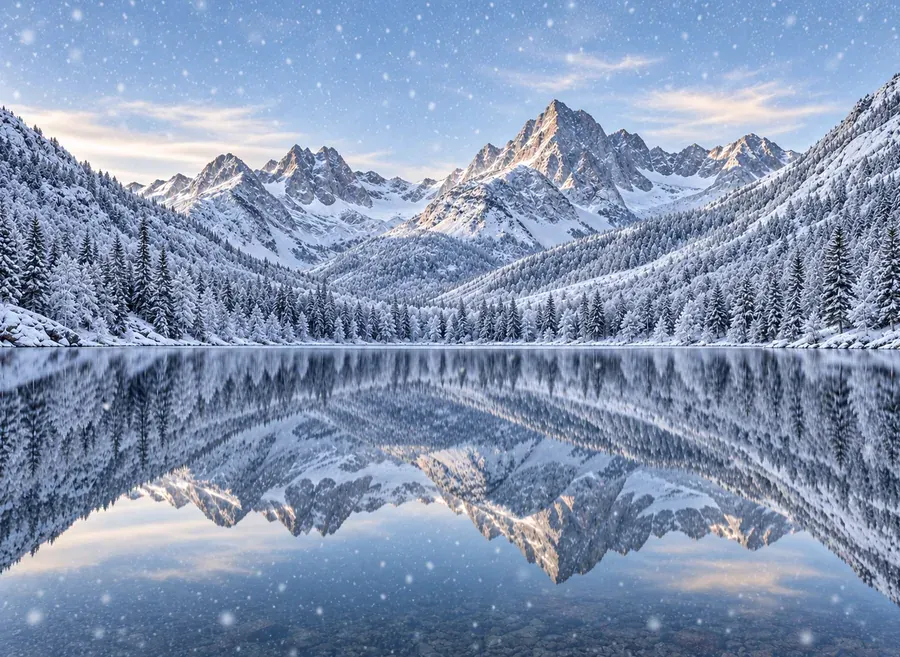 NEWAdd Snow to PhotoPut realistic snow on image scenes with AI. Add snow to photo landscapes, homes, products, or portraits, pick light flurries or a blizzard, and compare.
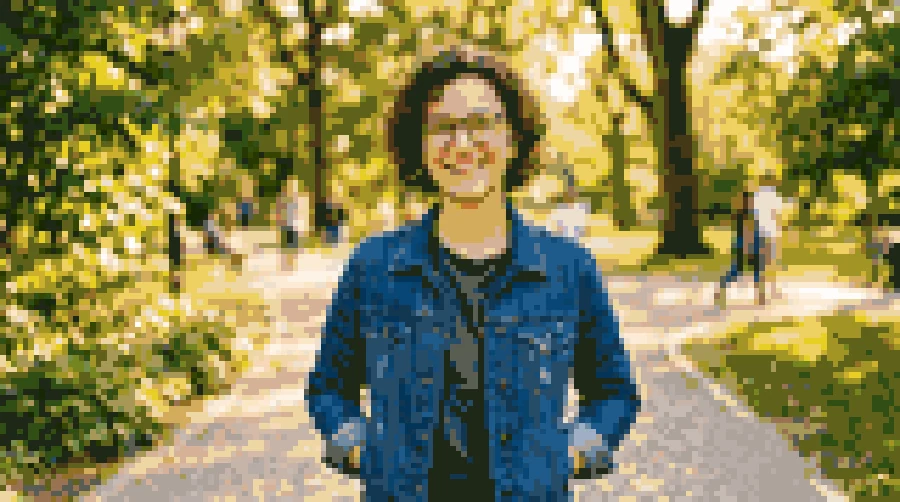 NEWPhoto to Pixel ArtTurn any image to pixel art with AI. Upload a photo, pick 8-bit, 16-bit, handheld green, or game sprite style, and get grid-aligned retro pixel art, not a blur.
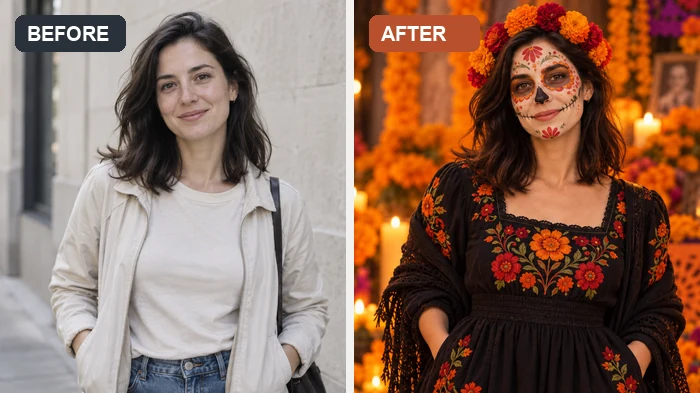 NEWAI Halloween FilterJoin the AI Halloween trend: upload a selfie and this Halloween filter turns it into a witch, vampire, skeleton, or spooky photoshoot scene for your feed.
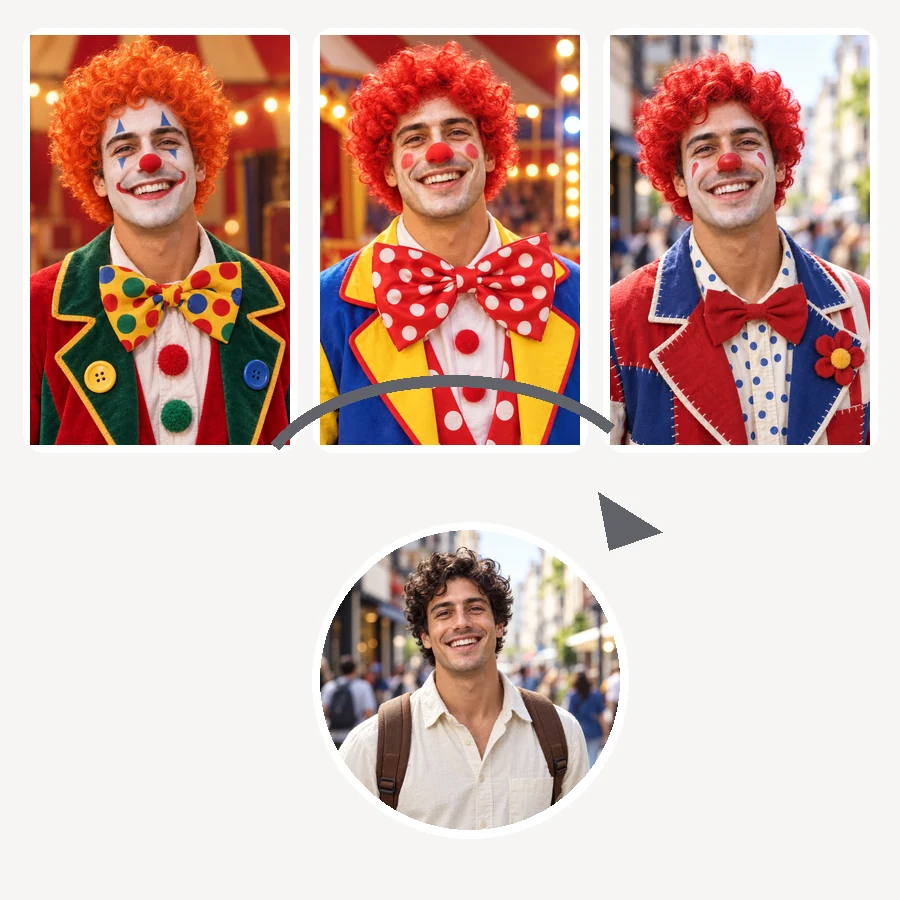 NEWAI Clown FilterClownify a picture with the AI clown filter: pick a circus, rainbow, or glam clown face, then make a clown selfie, a clown meme, or an original clown OC.
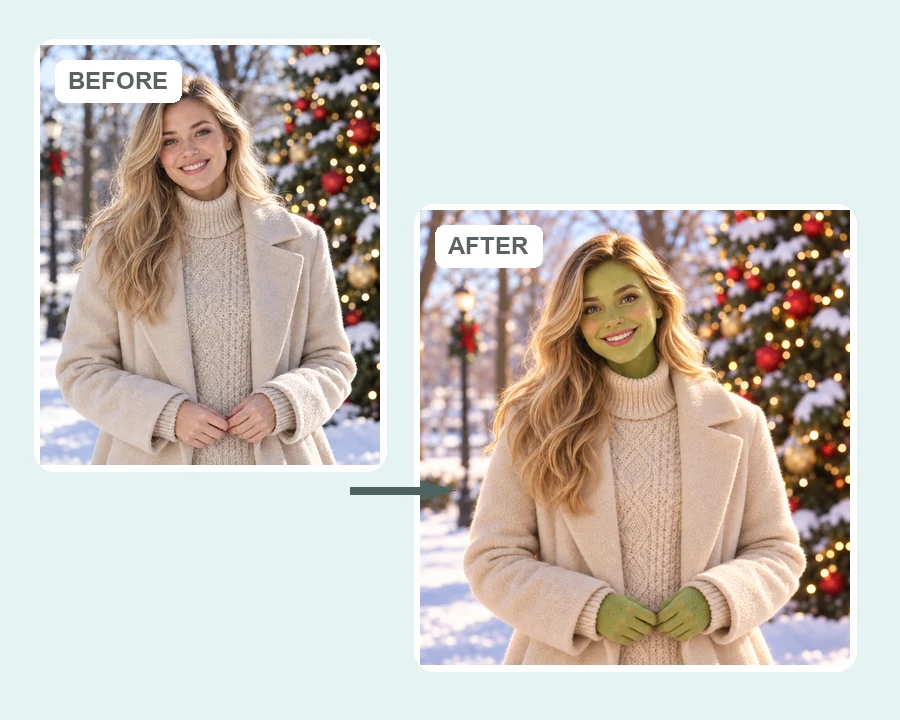 NEWAI Grinch FilterGrinch yourself with the AI Grinch filter: upload a selfie, family, or pet photo and get a Grinch-style green holiday look with fuzzy fur and a sly grin.
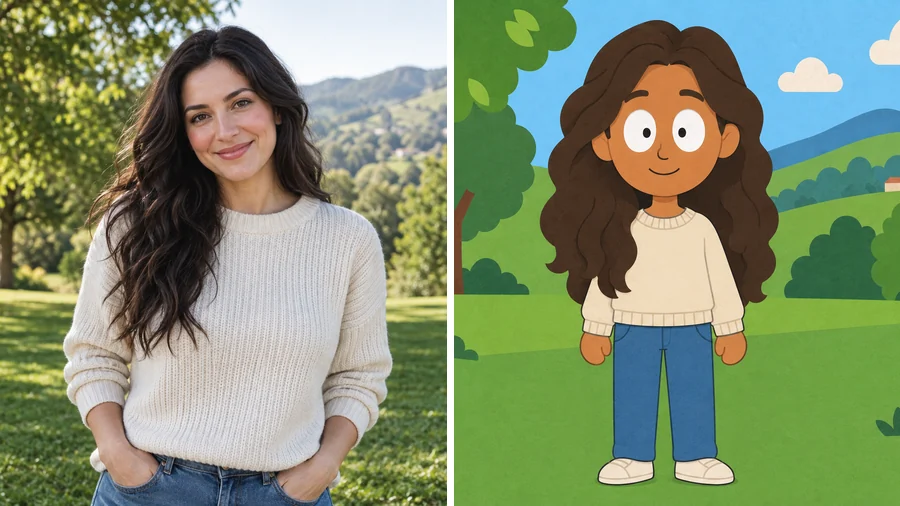 NEWSouth Park Character CreatorUse this South Park character creator to turn a selfie into a flat paper-cutout cartoon. Pick a look and a scene, add details, and make South Park characters.
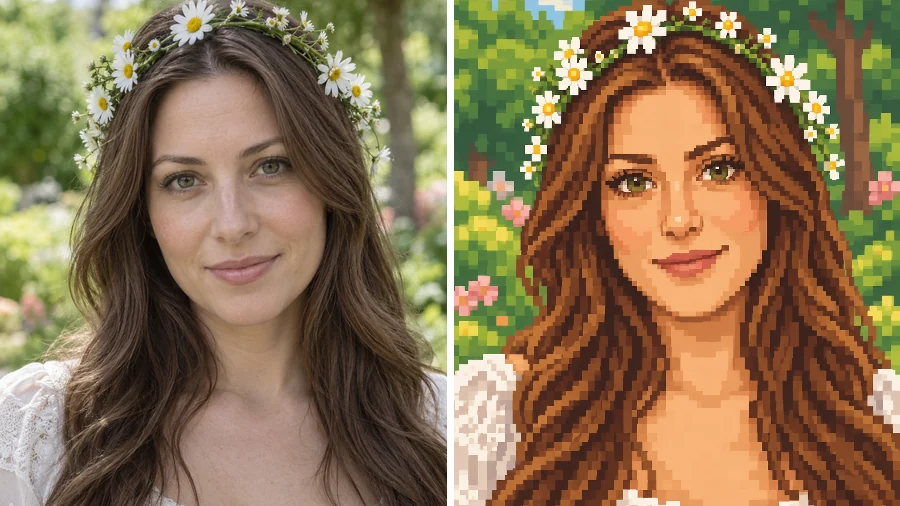 NEWStardew Valley Character CreatorUse this Stardew Valley character creator to turn a selfie into a cozy 16-bit pixel portrait. Pick a scene and outfit, then make your own Stardew Valley OC.
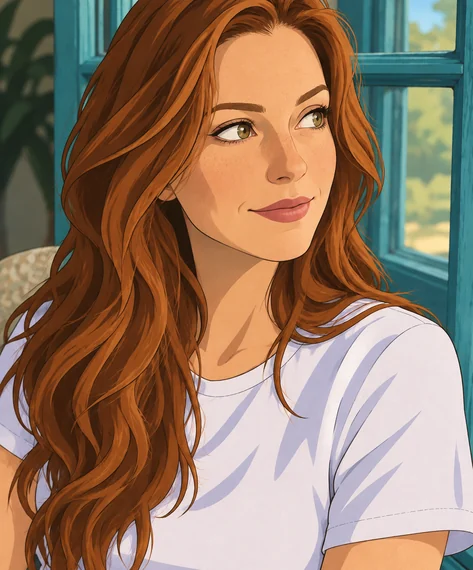 NEWDisney Character GeneratorWhat would I look like as a Disney character? This Disney character generator turns a selfie, pet, or family photo into a Disney-style cartoon of you.
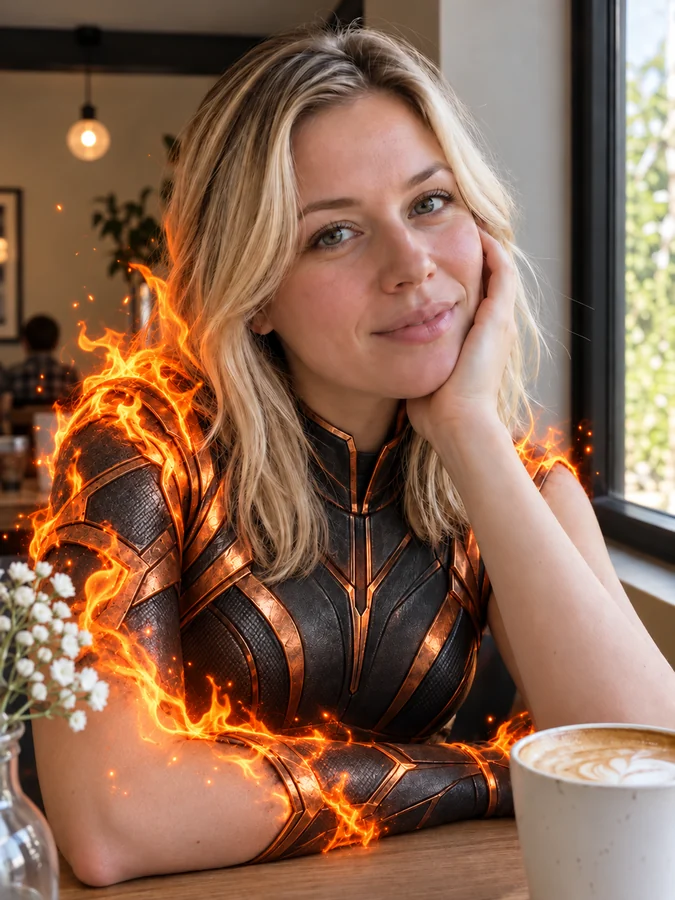 NEWAI Superhero GeneratorUse this AI superhero generator to turn yourself into a superhero. Upload a selfie, pick a superpower and art style, and get an original hero portrait of you.
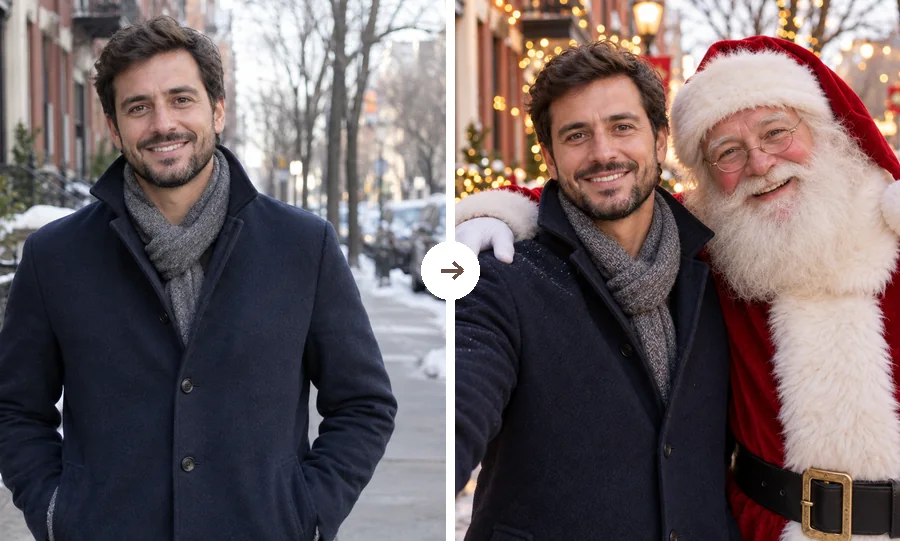 NEWChristmas FilterPut a Christmas filter on any photo: reindeer antlers, a Santa makeover, elf ears, falling snow, or a festive frame. Christmasify an image you already took.
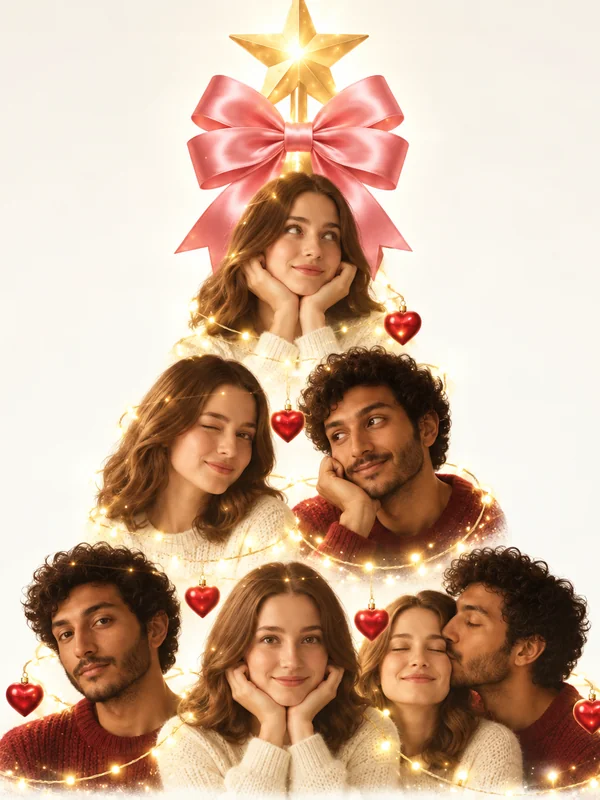 NEWAI Christmas Tree TrendJoin the AI Christmas photo trend: turn selfies, couples, or pets into a viral portrait Christmas tree, a tree made of things you love, or a cozy tree scene.
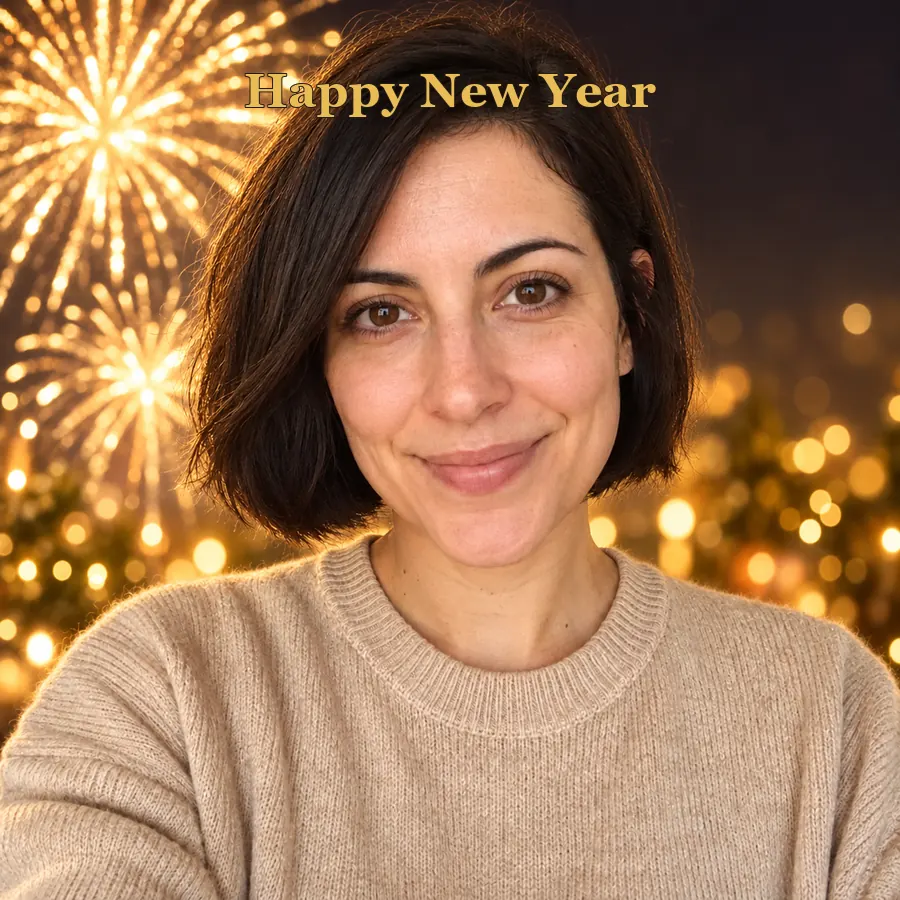 NEWAI Happy New Year PhotoTurn a selfie into happy New Year pictures: fireworks portraits, a New Year backdrop, photoshoot ideas, and happy New Year photo frames and cards to share.
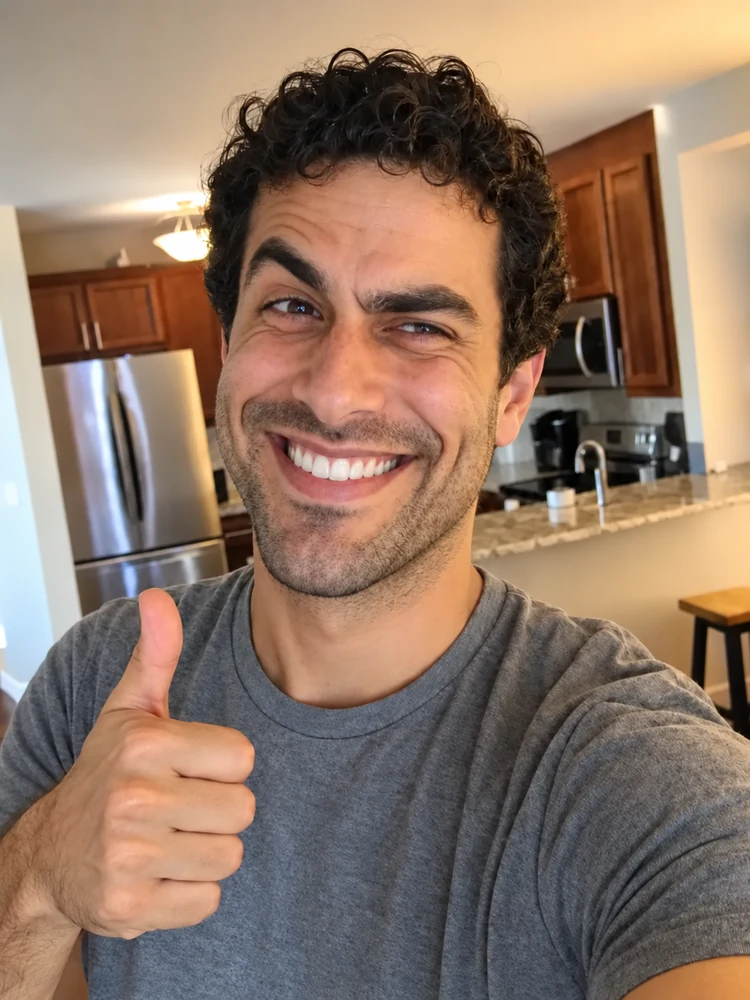 NEWRealistic Troll FaceMake a realistic troll face from a selfie or the classic meme. Pick a troll level and a hyper realistic, creepy, or black-and-white look for your meme edits.
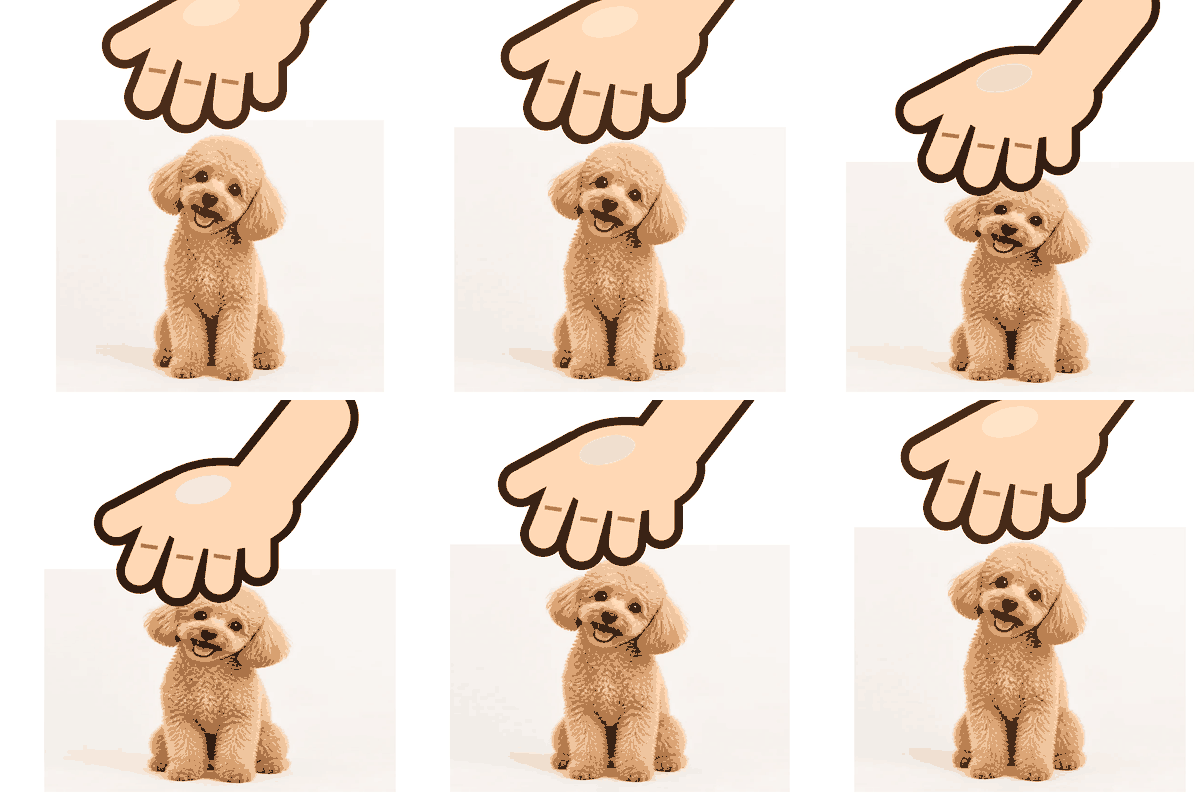 NEWPetpet GIF GeneratorFree petpet generator: upload any image and a cartoon hand pats it in a looping GIF. Set speed and squish, pick a size, and download. Runs in your browser.
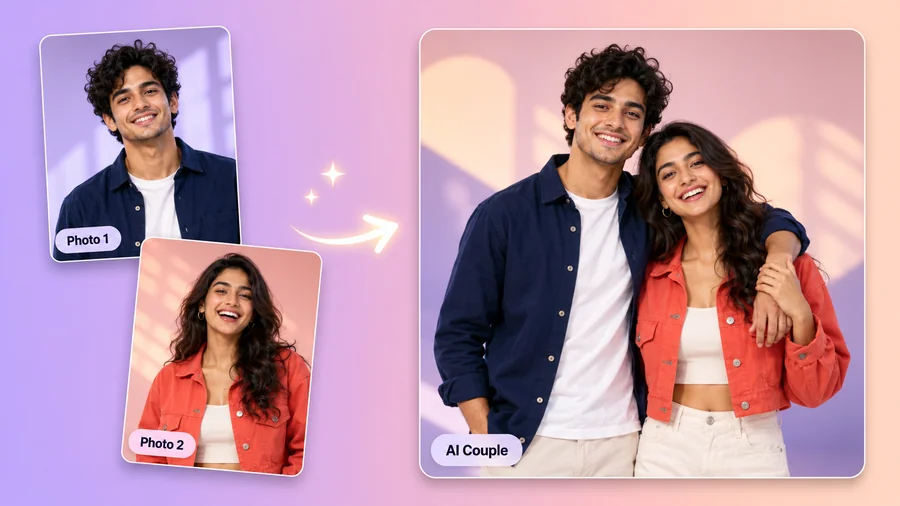 AI Couple Photo MakerTry AI photo editing for couples: upload one photo of each of you, pick a style, pose, and scene, and the AI couple photo maker creates a romantic duo picture.
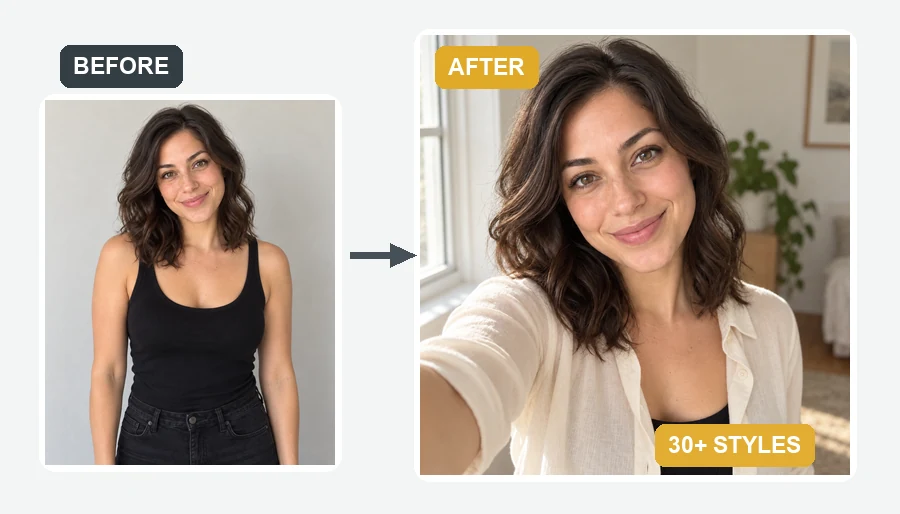 AI Selfie GeneratorUse the AI selfie generator to create AI selfies that still look like you. Upload one photo, pick a scene, cartoon style, headshot, fantasy, or occasion.
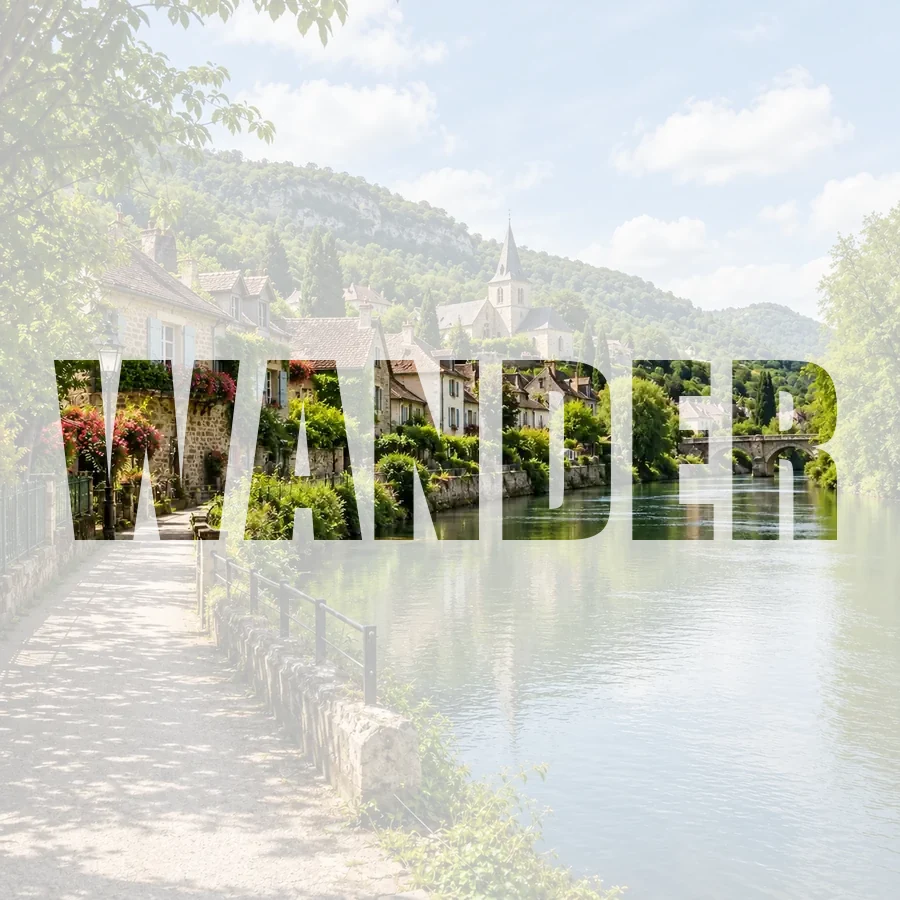 NEWPicture Inside TextPut a picture inside text online for free: fill any word with your photo, pick a font, add a color, faded, or transparent background, and download a PNG.
 NEWAI Real Estate Photo EditingAI real estate photo editing for listings: replace gray skies, declutter rooms, brighten interiors, convert to twilight, and add virtual staging to any photo.
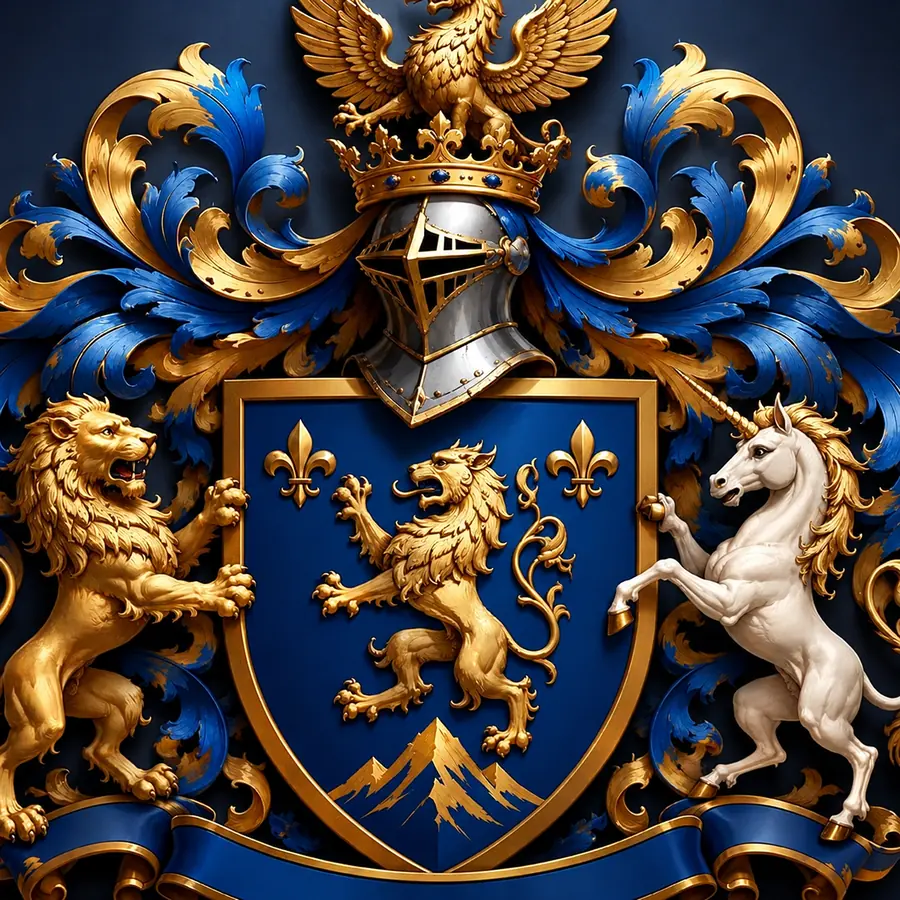 NEWCoat of Arms GeneratorCreate a coat of arms online with the AI coat of arms generator. Describe your family name, symbols, colors, and motto, pick a heraldic style, and generate.
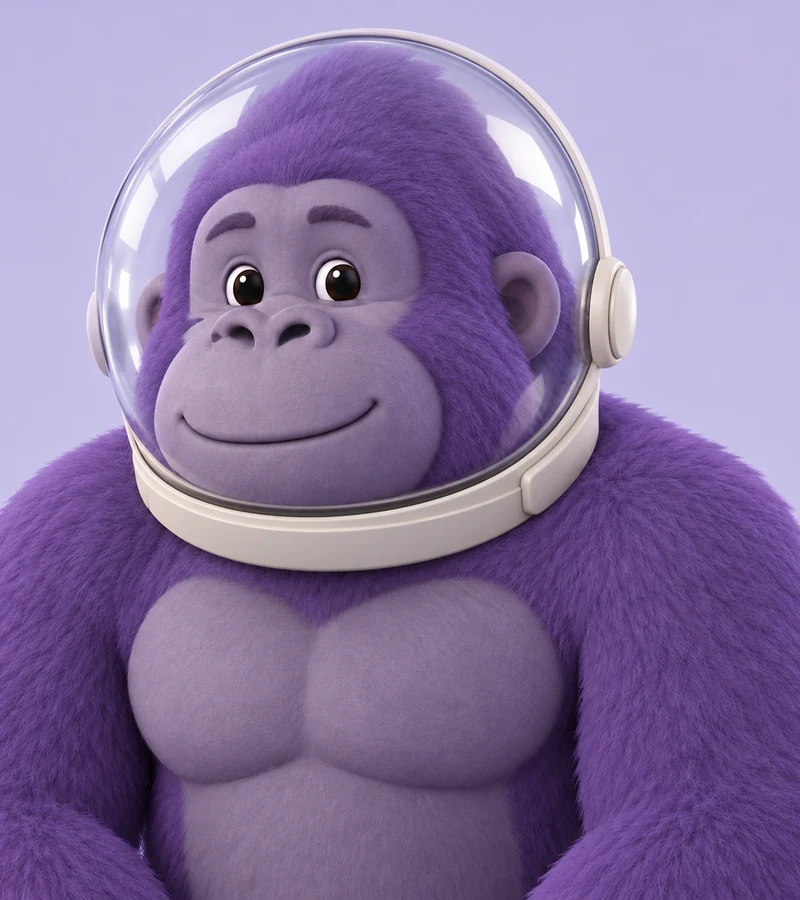 NEWGorilla Tag PFP MakerMake a Gorilla Tag PFP from your photo. Pick a fur color, hats, glasses, and other cosmetics, then a 3D, pixel, or cartoon style for your custom GTAG PFP.
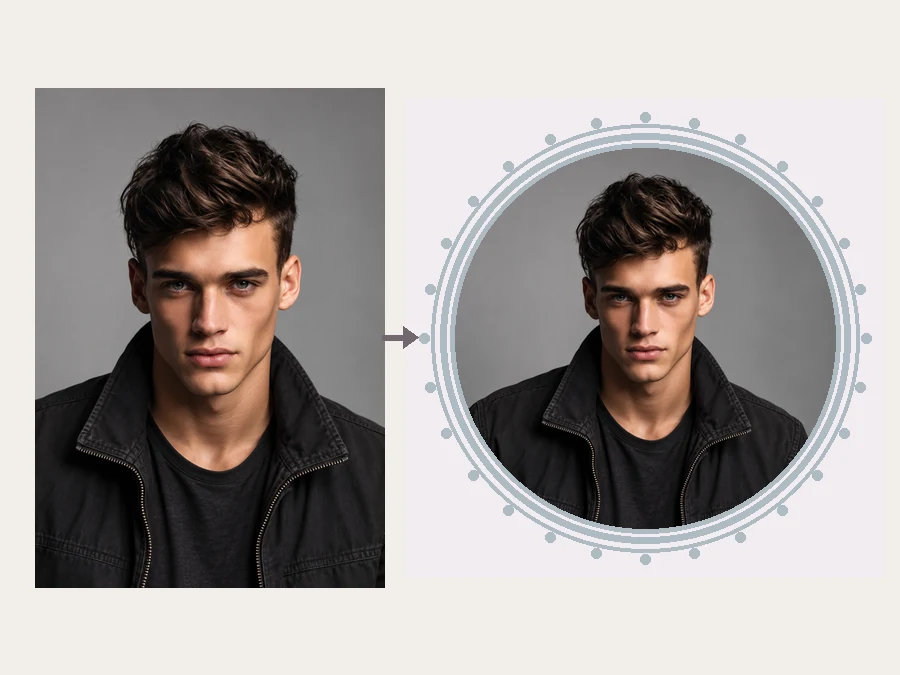 NEWYouTube PFP MakerMake a YouTube PFP from a selfie. Pick an anime, pop art, gaming, logo, or framed style and the AI YouTube profile picture generator designs a channel icon.
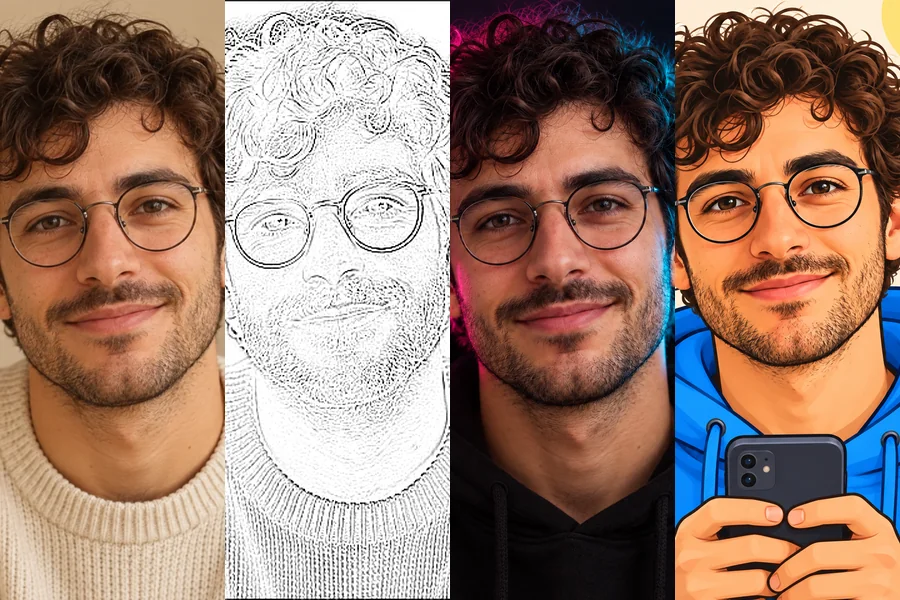 NEWTikTok PFP MakerNeed TikTok PFP ideas? Upload a selfie and turn it into an aesthetic, anime, Y2K, neon, or cartoon profile pic Tik Tok followers will remember in the feed.
Search, filter and open 140+ working tools for photos and video
EzImgMaker's tools page lists every AI tool we offer, and more than 140 of them have their own working page. Find AI video tools like the AI Video Generator, Video Watermark Remover and AI Kissing Video Generator, AI image tools like the AI Hair Color Changer, LEGO Minifigure Generator and Remove Shadow from Photo, and model pages for Seedance 2.0, Kling 3.0, Veo 3.1 and Nano Banana. Pick a tab, narrow it with sub-category chips or search by task. Quick edits run free in your browser, while AI tools use credits.
Every tool sits in one category, every card shows an example result, and the search box matches words in tool names and descriptions.
Switch between All, Video, Models, Edit, Face & Body, Styles & Fun and Generate, then narrow a tab with chips like Remove & Erase, Hair or Photo to Art. A link such as /tools#video opens a category directly.
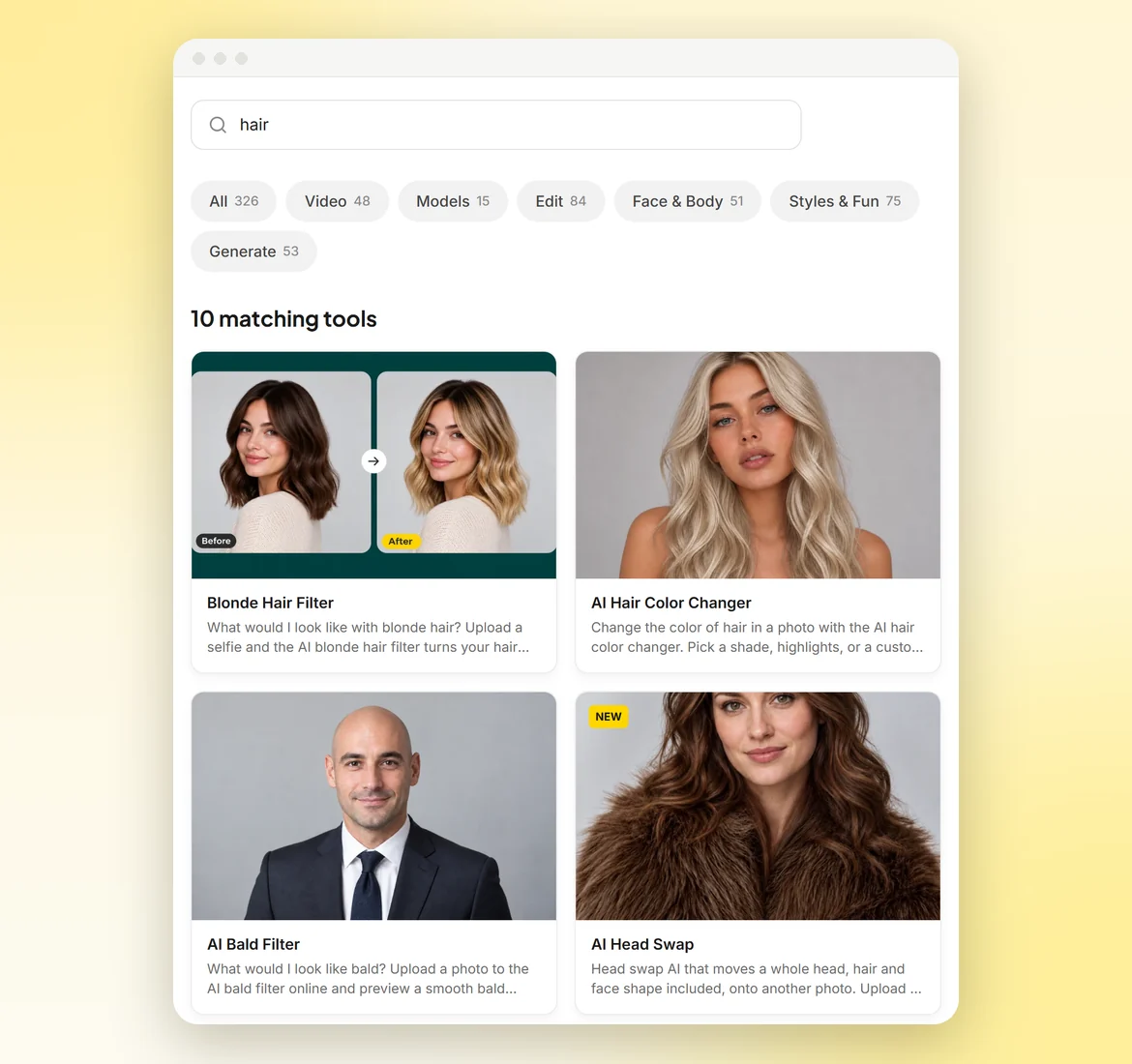
Type what you want to do, such as watermark, hair, anime or upscale. Search checks tool names and descriptions, so “hair” brings up the AI Hair Color Changer, Blonde Hair Filter, Grey Hair Filter and AI Bald Filter together.
Each linked card goes straight to its tool page, where the tool itself sits at the top, ready for your file or prompt. Many pages add before/after sliders, preset styles and example galleries, so you know what to expect.
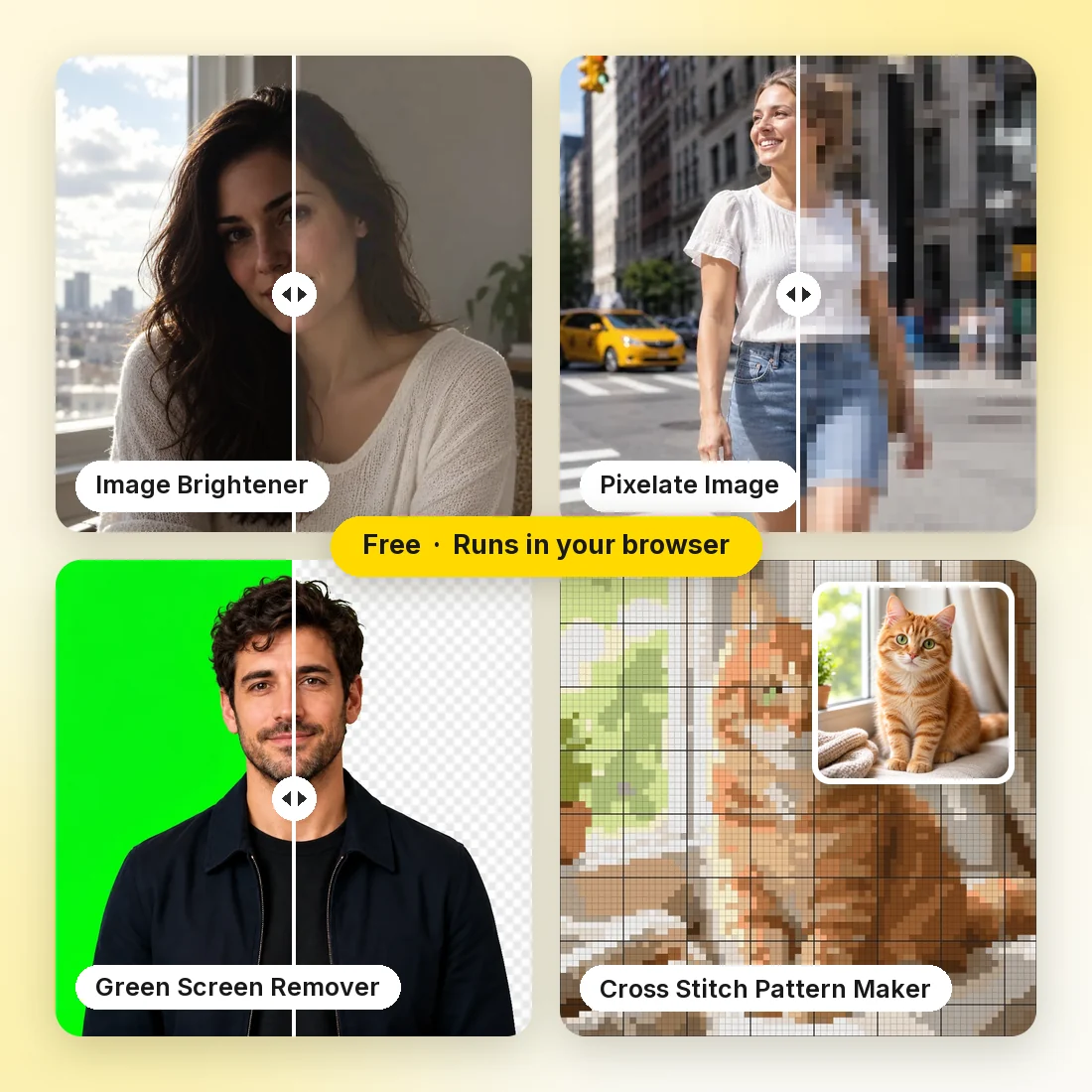
Image Brightener, Pixelate Image, Green Screen Remover, Cross Stitch Pattern Maker and HEIC to JPG Converter run entirely in your browser. Your file stays on your device, the edit costs nothing, and you can download the result right away.
The Models tab collects AI image and AI video generator models such as Seedance 2.0, Kling 3.0, Veo 3.1, Nano Banana, GPT Image 2 and FLUX.2. Each model page explains what the model does well and runs on credits.
Four groups cover most of what people come here for: making videos, fixing photos, trying a new look and turning photos into art.
Create clips with the AI Video Generator, Text to Video AI and AI Image to Video, or try effects like the AI Kissing, AI Hug and AI Dance Video Generators. When a clip needs work, the Video Watermark Remover, Remove Subtitles from Video, AI Video Upscaler and Unblur Video handle the clean-up. Video uploads take MP4 or MOV clips, and each tool lists its length limit.
From picking a tool to downloading the result, this is how a typical job works with our AI image tools and AI video tools.
Pick a tab such as Video, Edit or Face & Body, tap a sub-category chip, or type a task like “remove watermark” or “anime” into the search box. Each card shows an example result and a short description, so you can tell what a tool does before you open it.
Open the tool page and upload your file, or type a prompt for generators like Text to Video AI and GPT Image 2. Pick a preset, style card or setting wherever the page offers one.
Browser tools such as YouTube Banner Size process the file on your device right away, for free. AI tools such as the AI Hair Color Changer use credits and take from a few seconds for photos to a few minutes for video.
Compare the result with your original, using the before/after view where a page has one, then download it. Only upload photos and videos you own or have permission to use.
Not sure where to start? Here are six common projects and the AI image tools and AI video tools in the directory that fit each one.
Make short clips with the AI Dance Video Generator or AI Kissing Video Generator, clean up your own clips with the TikTok Watermark Remover, and size images exactly with YouTube Thumbnail Size or Twitter Banner Resizer. The Snapchat Sticker Maker and Petpet GIF Generator cover the lighter side.
Cut out products with the Bulk Background Remover, put them on black with Make Background Black, and lift harsh shadows with Remove Shadow from Photo. AI Real Estate Photo Editing swaps gray skies and declutters rooms for listings, and the ChatGPT Photo Editor handles edits you describe in words.
Make blurry receipts and screenshots readable with Deblur Text, clear halftone dots from scanned prints with Descreen Scans, and set 300 DPI for printing with Increase DPI of Image. Remove Background from Signature turns a photo of your signature into a transparent PNG for Word or PDF.
Turn photos into art with Photo to Watercolor, Photo to Oil Painting and Line Art Generator, or build characters with the LEGO Minifigure Generator, AI Action Figure Generator and Stardew Valley Character Creator. Crafters can turn any picture into a printable chart with the Cross Stitch Pattern Maker.
Remove watermarks, captions and unwanted objects from your own footage with the Video Watermark Remover, Remove Subtitles from Video and Remove Object from Video. Then sharpen it with Unblur Video, AI Video Enhancer or AI Video Upscaler, or continue a scene with the AI Video Extender.
Fix imperfect shots with Red Eye Remover, Remove Glare from Photo and Unpixelate Image, bring a still picture to life with Animate a Photo, or have fun with the AI Age Filter and AI Couple Photo Maker. Christmas Photo Frames and the Christmas Collage Maker are ready for holiday cards.
Sample testimonials adapted from the reference website for this layout preview. These are not verified customer reviews of EzImgMaker.
EzImgMaker's AI tools hub has completely changed how I discover new creative solutions. Instead of spending hours researching different AI tools, I can browse their organized collection and find exactly what I need in minutes. The preview features help me choose confidently, and the one-click access means I'm creating content faster than ever.
Answers to common questions about free AI tools, credits, file formats and how our AI image and video tools work.
More than 140 tools have their own working page today, spread across Video, Models, Edit, Face & Body, Styles & Fun and Generate. The number next to each tab shows how many cards it holds.
Browser tools such as Image Brightener, HEIC to JPG Converter and YouTube Banner Size are free and run on your device. AI tools, including video generation, face and hair filters, art styles and model pages, use credits. New accounts get free sign-up credits, and credit packs are listed on the Pricing page.
Browser tools finish almost instantly because nothing is uploaded. AI photo tools usually take a few seconds, while AI video generation and video clean-up can take a few minutes, depending on clip length, model and current demand.
Most photo tools accept JPG, PNG or WebP, and the HEIC to JPG Converter handles iPhone photos. Video tools take MP4 or MOV clips. Each tool shows its exact formats, file size limit and maximum clip length in the upload area.
Yes. Download the result from one tool and upload it to the next: brighten a photo with Image Brightener, then animate it with AI Image to Video, or remove a watermark from your clip before running AI Video Upscaler. Tools do not pass files to each other automatically.
You must own or have the rights to every photo and video you upload, and you need consent before editing or animating another person. Commercial use also depends on the model used, so please read our Terms of Service before using results in paid work.
Browser tools only change what you ask for, such as size, format or brightness. AI results depend on your input and the model, and tools like AI Video Upscaler, Anime Upscaler and Unpixelate Image are built to add detail. Compare before and after before you download.
Each tool page has how-to steps, tips and an FAQ below the tool, plus example results so you know what to expect before you upload anything.
Type a word into the search box at the top, such as watermark, kiss or upscale; it matches tool names and descriptions. You can also pick a tab and a sub-category chip, or bookmark a category link like /tools#edit.
The directory also lists tools that do not have their own page yet. Those cards open a short preview with an example, while cards for working tools link straight to the tool page.
Search the directory above or go straight to a category: AI video tools under Video, AI models under Models, and AI photo editor tools under Edit and Face & Body. Start with a free browser tool, or use your sign-up credits on an AI video generator, a hair color change or a LEGO minifigure portrait.