
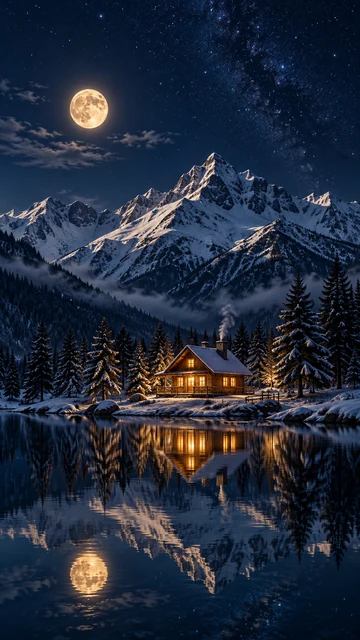
Cozy Night Cabin
Moonlight, snowy peaks, and warm windows, with open sky for the clock.
Describe a scene, a mood, or a quote, choose Phone, Desktop, Ultrawide, or Tablet, and the AI wallpaper generator paints a custom background composed for that screen, with room for your clock and icons. Add a photo to turn it into a wallpaper. Free credits when you sign up.
Wallpaper style
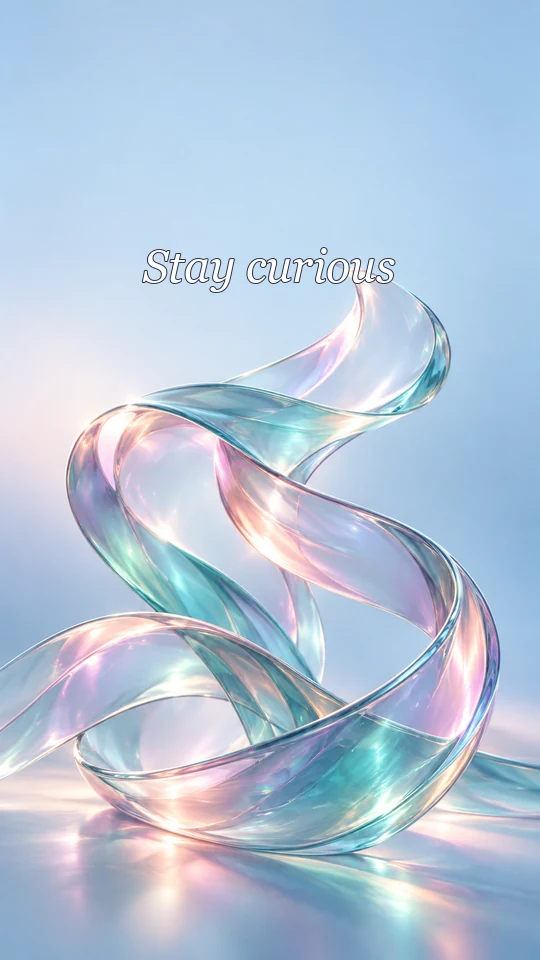
A soft iridescent glass ribbon flowing through a pale blue, lavender, and pink gradient with dreamy light. Text: "Stay curious" in elegant white italic serif lettering near the top.
Reference example. It is not a result generated from your upload.
An AI wallpaper maker creates a background picture for your screen from a description. Type what you want, such as “a cozy cabin by a moonlit lake” or a favorite quote, choose the screen, and the AI wallpaper generator paints a new image at the right shape for a phone, a desktop, an ultrawide monitor, or a tablet. Unlike a general image tool, this wallpaper maker AI composes every picture for a screen: the subject stays clear of your clock and icons, and the busy parts stay away from the dock.
Use it to create wallpapers for your lock screen and home screen, a matching desktop background, or a gift for a friend made with the flower wallpaper maker or quote wallpaper maker styles. There are 12 styles, five color moods, five wallpaper generator AI models, and an optional photo upload that turns your own picture into a wallpaper. It works as a wallpaper generator online with nothing to install, and it is free to try: new accounts get free credits when they sign up.
Phone wallpapers and lock screens made from one or two sentences. Tap a card to load the same style or idea.
Moonlight, snowy peaks, and warm windows, with open sky for the clock.
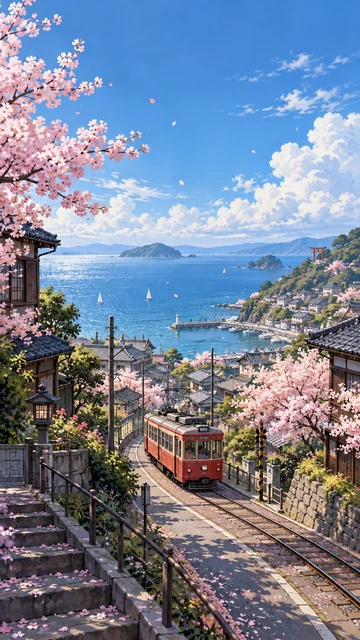
Cherry blossoms and a little red tram above a seaside town.
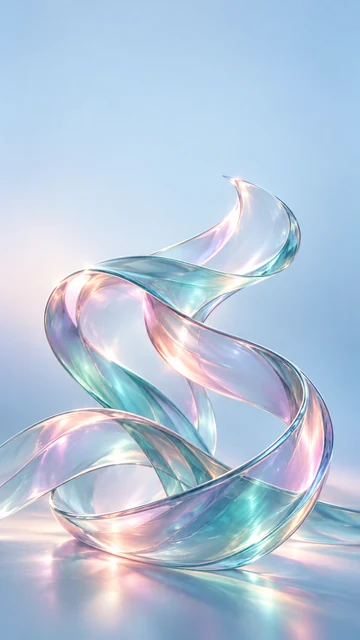
Glossy 3D ribbons in soft blue, pink, and violet light.
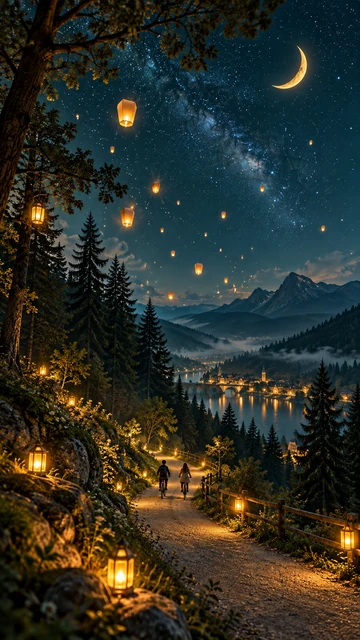
A starry storybook sky with lanterns, a crescent moon, and two cyclists.
Three steps to make your own wallpaper for a phone, a desktop, or a tablet.
To create a wallpaper, type a scene, a mood, or a quote, or tap an idea like Aesthetic sunset, Flower field, or AMOLED dark. Want words on it? Put them in quotes or in the quote field. You can also add a photo to turn into a wallpaper.
Pick 9:16 for a phone or lock screen, 16:9 for a desktop, 21:9 for an ultrawide monitor, or 1:1 for a tablet. Then choose a style such as Minimal Pastel or Space and a color mood: Auto, Dark, Light, Vibrant, or Pastel.
Press Generate Wallpaper, try another model or style if you want options, and download the one you love. On a phone, open it in your photos and choose “Use as wallpaper”; on a computer, right-click it or open your display settings.
Pick the screen setting that matches your device. Phones and monitors vary, so these are the most common sizes.
| Device | Typical screen size (pixels) | Shape | Choose |
|---|---|---|---|
| iPhone (recent models) | 1179×2556 to 1320×2868 | About 9:19.5 | 9:16 Phone (the extra height is filled by zooming) |
| Android phone | 1080×2400 or 1440×3200 | 9:20 | 9:16 Phone |
| Lock screen | Same as the phone | Portrait | 9:16 Phone, with calm space at the top for the clock |
| iPad and tablets | 2048×2732 or 1640×2360 | Rotates | 1:1 Tablet, so it works in both orientations |
| Laptop or Full HD monitor | 1920×1080 | 16:9 | 16:9 Desktop |
| 4K monitor | 3840×2160 | 16:9 | 16:9 Desktop, then upscale to 4K |
| Ultrawide monitor | 3440×1440 or 2560×1080 | 21:9 | 21:9 Ultrawide |
| MacBook | 2560×1664 or 3024×1964 | About 16:10 | 16:9 Desktop (fills with a small crop) |
Generated wallpapers come out at roughly 1K to 2K pixels depending on the model. For a crisp 4K monitor or a tall modern phone screen, run the download through the 4K Image Upscaler.
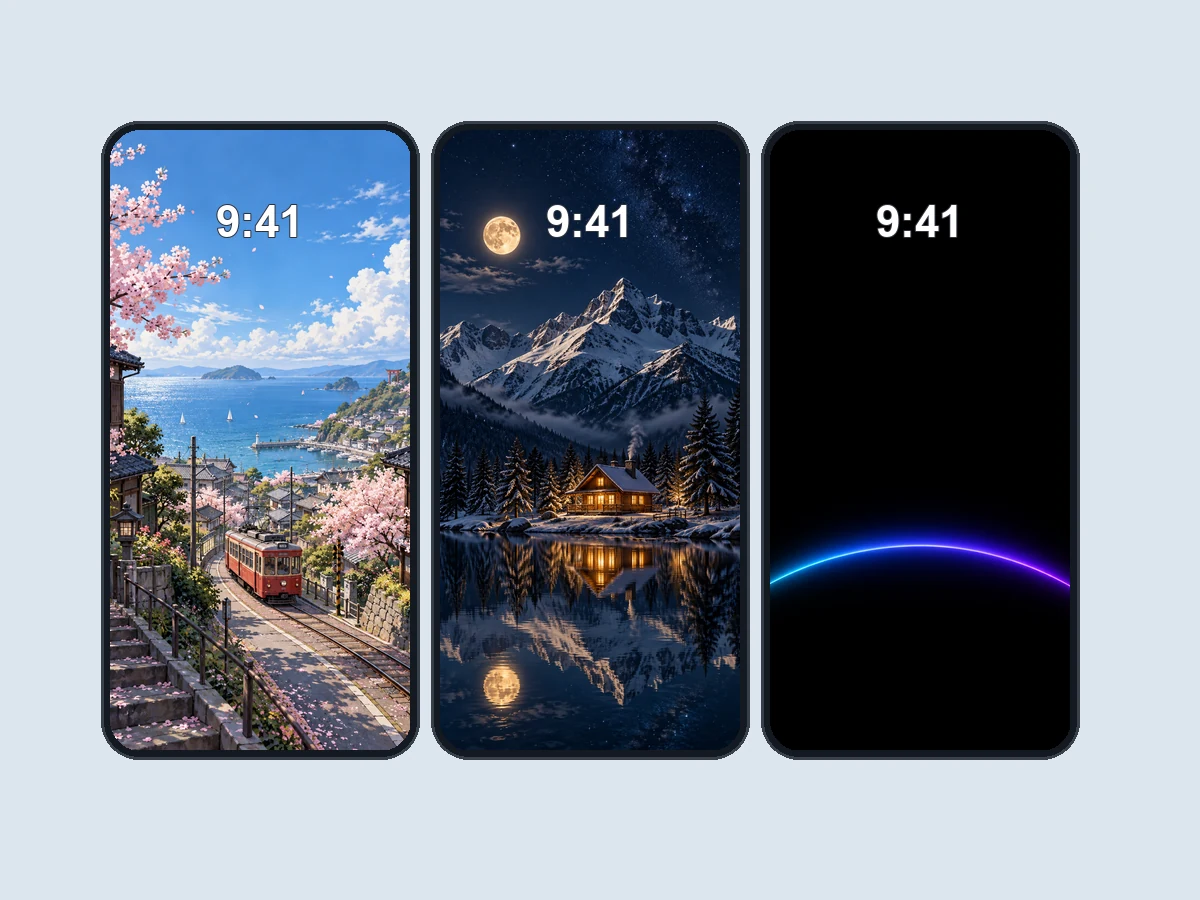
Choose 9:16 and the AI composes for a phone: the subject sits in the middle and lower half, the sky or a calm area stays at the top for the clock and widgets, and the bottom stays clean for the dock. It is the easiest way to create a wallpaper for phone home and lock screens that still look good with icons on top, on iPhone or Android.
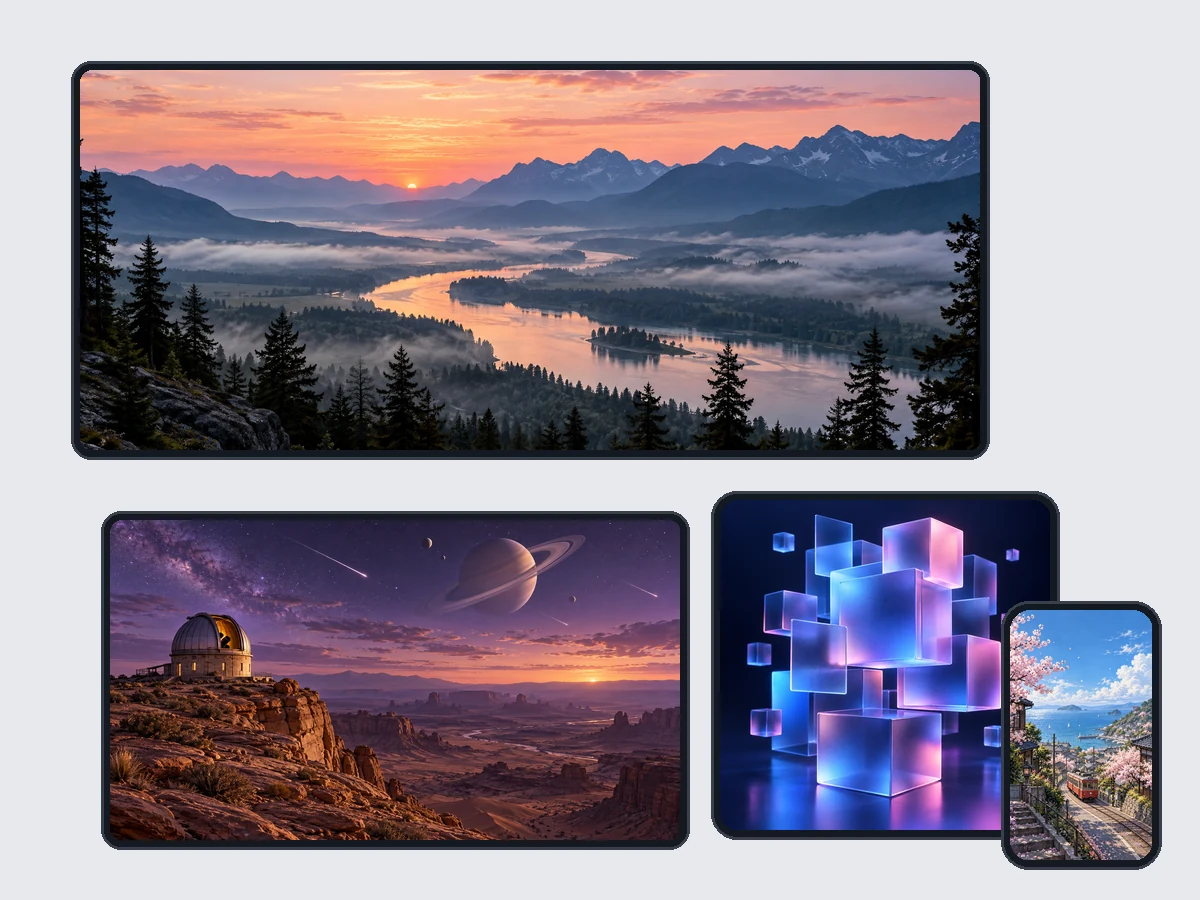
The same idea works everywhere: 16:9 for laptops and monitors, 21:9 for ultrawide setups, and 1:1 for tablets that rotate. Each size gets its own composition rather than a stretched crop, so you can make a matching set for every device you own.
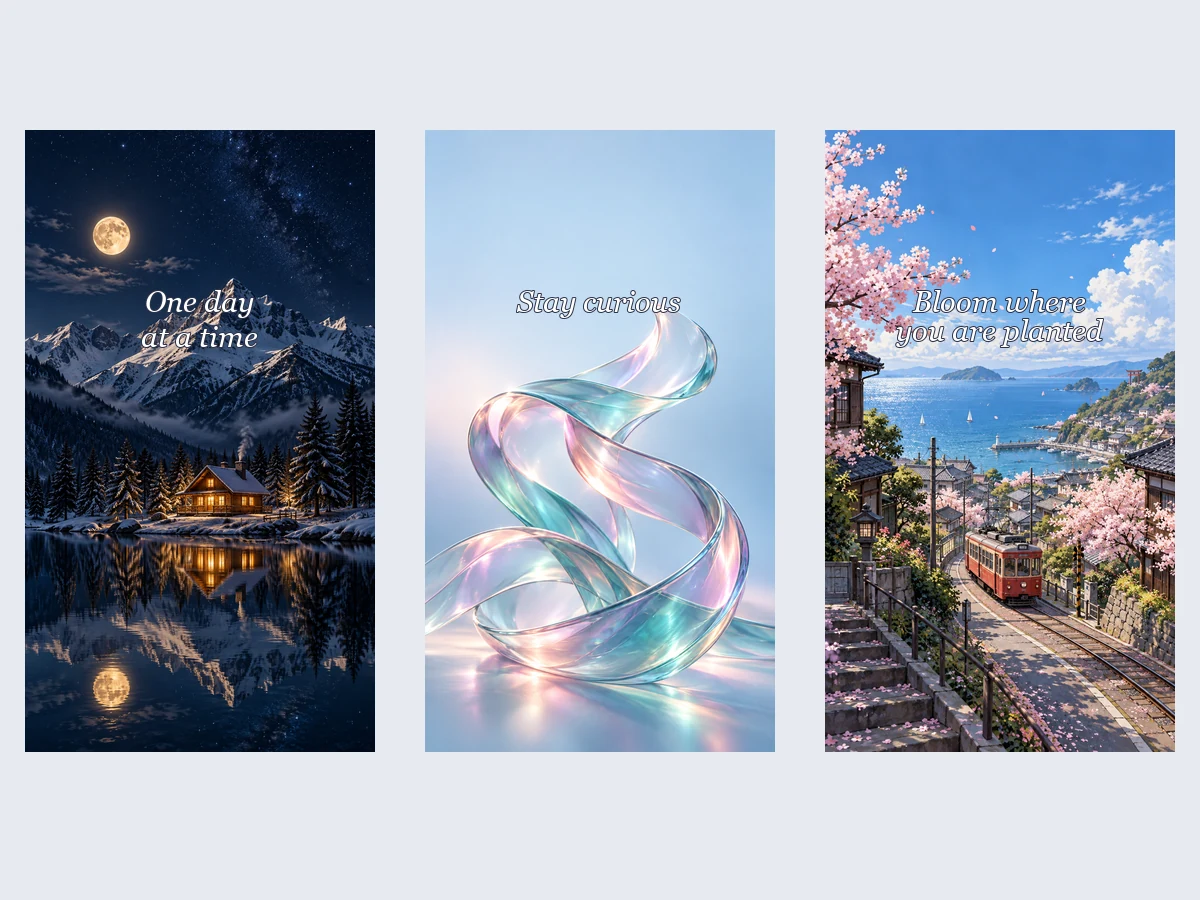
Type a quote, a name, or a reminder in the quote field and the AI sets it in clean lettering where icons will not cover it. Use it as a text wallpaper maker for motivation, a Bible verse, or a friend’s birthday. For the most accurate lettering, choose Nano Banana Pro or GPT Image 2.
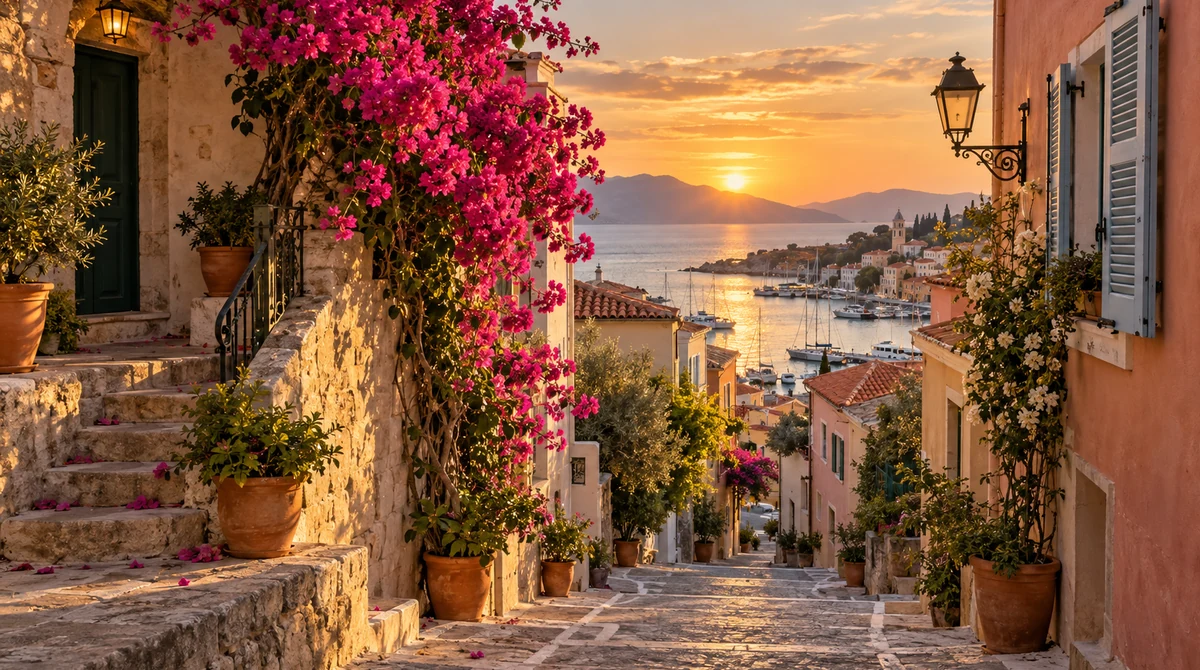
Upload a travel shot, a pet portrait, or a favorite place and describe the look. As a wallpaper maker from photo, the AI keeps your subject recognizable, restyles it (watercolor, anime, cinematic), and extends the scene to fill a tall phone or a wide desktop without stretching.
Widescreen backgrounds for laptops and monitors. Switch the screen to 16:9 or 21:9 and try one of these looks.
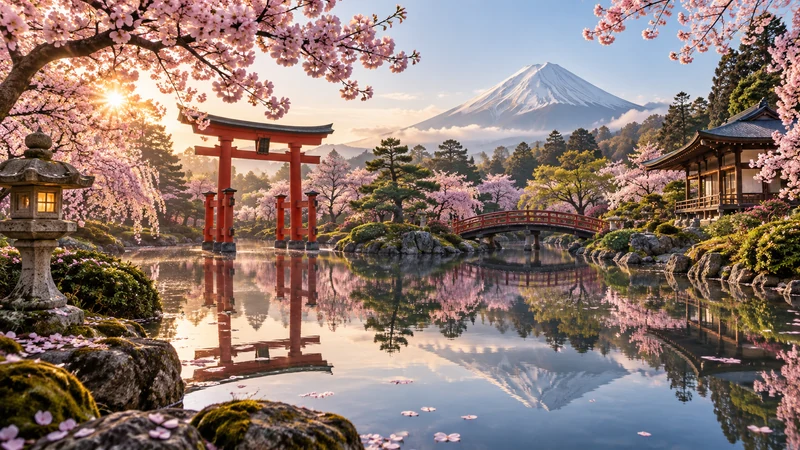
A red gate, cherry blossoms, and a still pond.
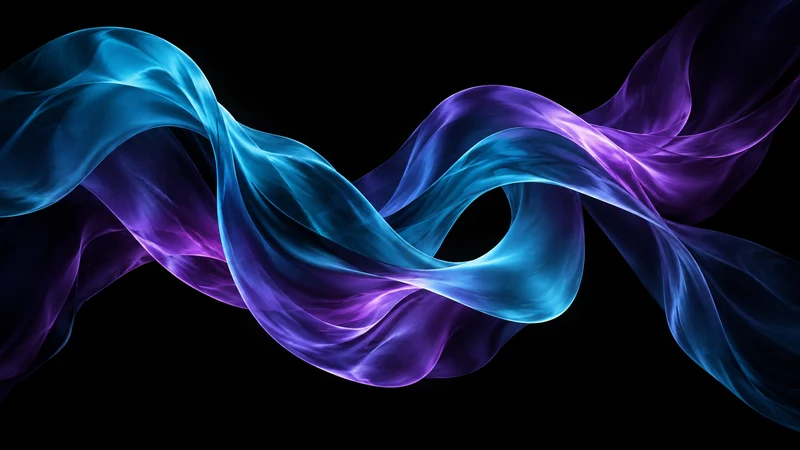
Teal and purple ribbons on a dark background, great for dark mode.
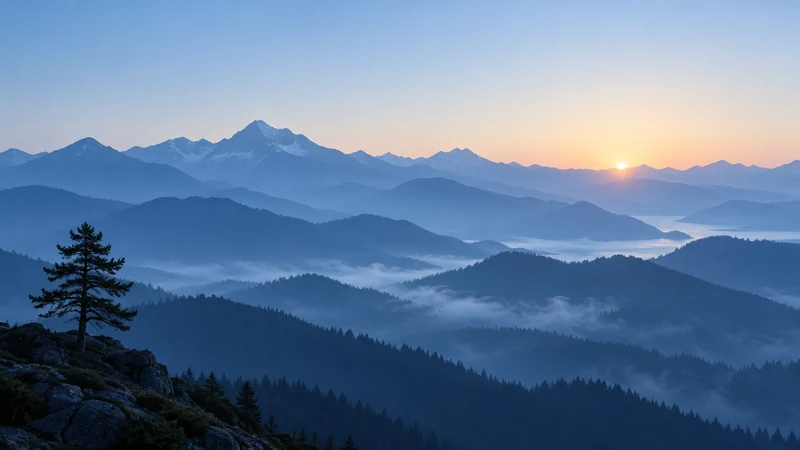
Layered blue ridges and one lone pine at dawn.
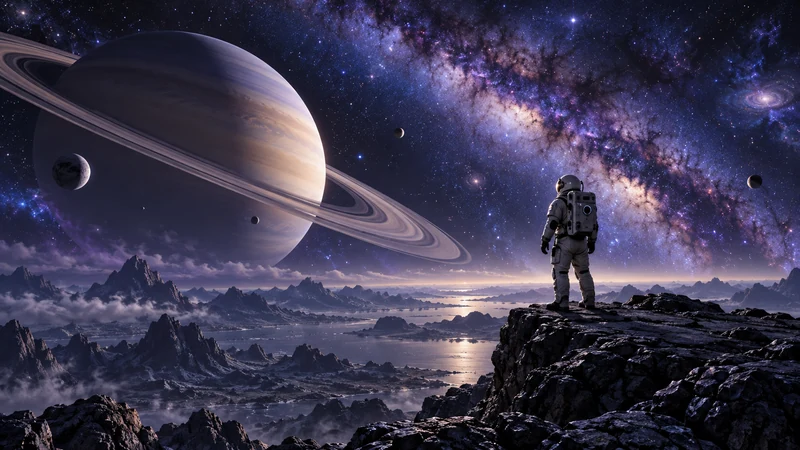
A lone explorer under the Milky Way.
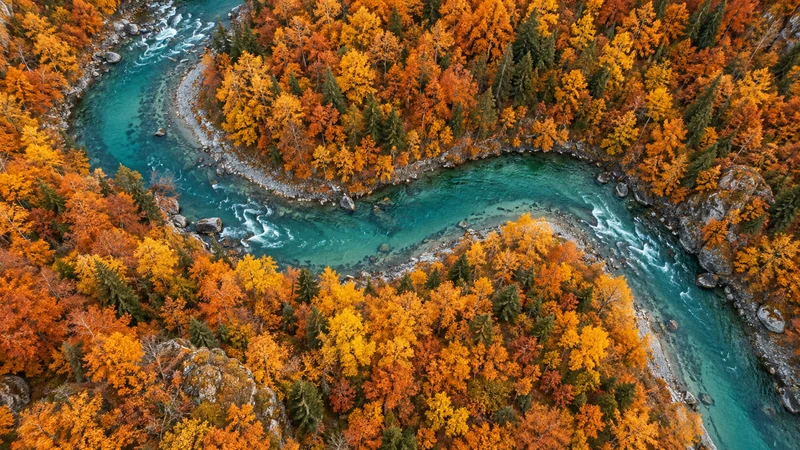
An aerial view of a river through orange forest.
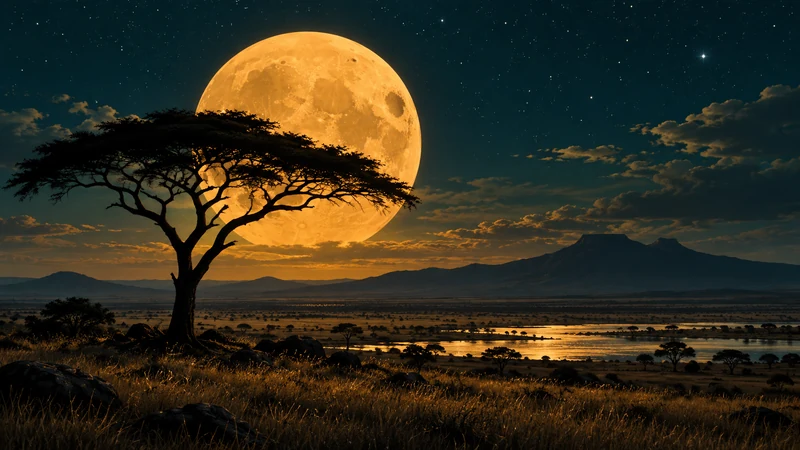
Acacia silhouettes against a giant golden moon.
A wallpaper maker for phones, desktops, and gifts, all from the same prompt box.
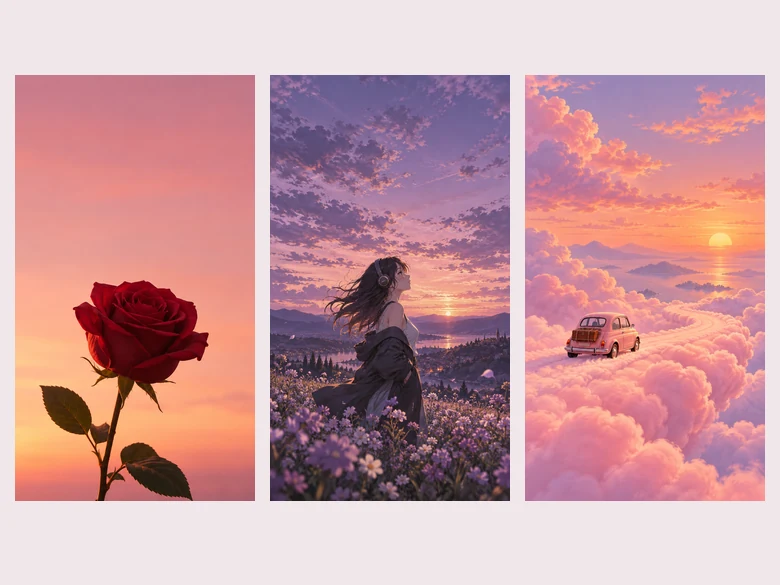
Use it as a phone wallpaper creator: a fresh wallpaper every season, with room for the clock and your widgets.
Backgrounds sized for laptops, 4K monitors, and 21:9 setups without stretching.
Motivational quotes, verses, and goals you see every time you unlock your phone.
Roses, poppies, cherry blossoms, or a single stem: the flower wallpaper generator renders petals in fine detail.
Matching couple or friend wallpapers, or a name wallpaper as a small gift.
Wallpaper packs for a channel, a brand, or a phone theme in one consistent style.
Simple choices that keep your screen beautiful and readable.
The AI composes differently for 9:16, 16:9, 21:9, and 1:1, so choose the screen before you generate.
Ask for “open sky at the top” or “calm space in the middle” so the clock and widgets stay readable.
The Dark color mood or AMOLED style uses deep blacks that look striking and are easy on the eyes at night.
A wallpaper sits behind icons all day. One subject and a calm background usually beats a crowded scene.
Three to six words read best on a phone. Put them in the quote field and pick a text-strong model.
For a big monitor, run your favorite through the 4K Image Upscaler before you set it.
Upscale it to 4K, extend it to a new shape, or start from another generator.
 4K Image Upscaler4K image upscaler and converter: make an image 4K quality for wallpapers, TVs and prints. Upscale photos to 3840 px or more with faithful AI. Free to try.
 AI Image UpscalerAI image upscaler for photos, logos, PNGs and art. Upscale images and pictures 2×, 4× or to 4K with faithful AI upscaling that keeps faces and text intact.
 AI Image ExpanderAI image expander and image extender: expand image borders to 16:9, 9:16, 1:1 or 21:9, uncrop photos and zoom out pictures with matching scenery. Free to try.
 Increase Image ResolutionIncrease image resolution online: raise photo resolution 2x or 4x, or restore a low res image at 2K or 4K. Learn how to increase resolution of image in 3 steps.
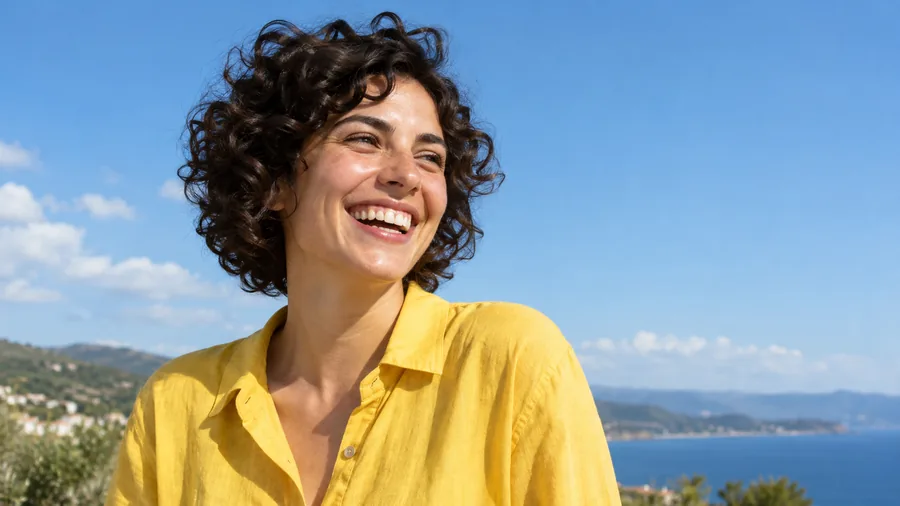 AI Image EnhancerAI photo enhancer and image quality enhancer: upscale pictures 2x or 4x, fix blur, noise and faded color, and enhance picture quality right in your browser.
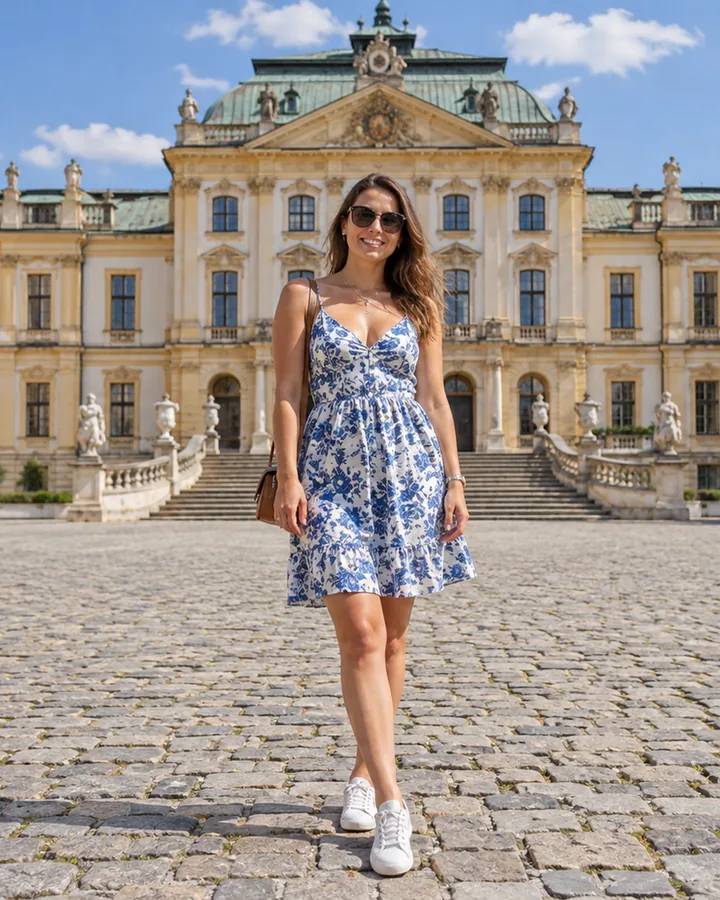 Crop Image OnlineCrop image files free in your browser: snap to 1:1, 4:5, 16:9, 9:16, passport 2x2 or a custom size, drag and zoom to frame, cut a circle, and download.
 Anime UpscalerAI anime upscaler for fan art, screenshots, manga, and waifu wallpapers. Upscale anime images 2×, 4×, or to 4K with crisp line art and clean color blocks.
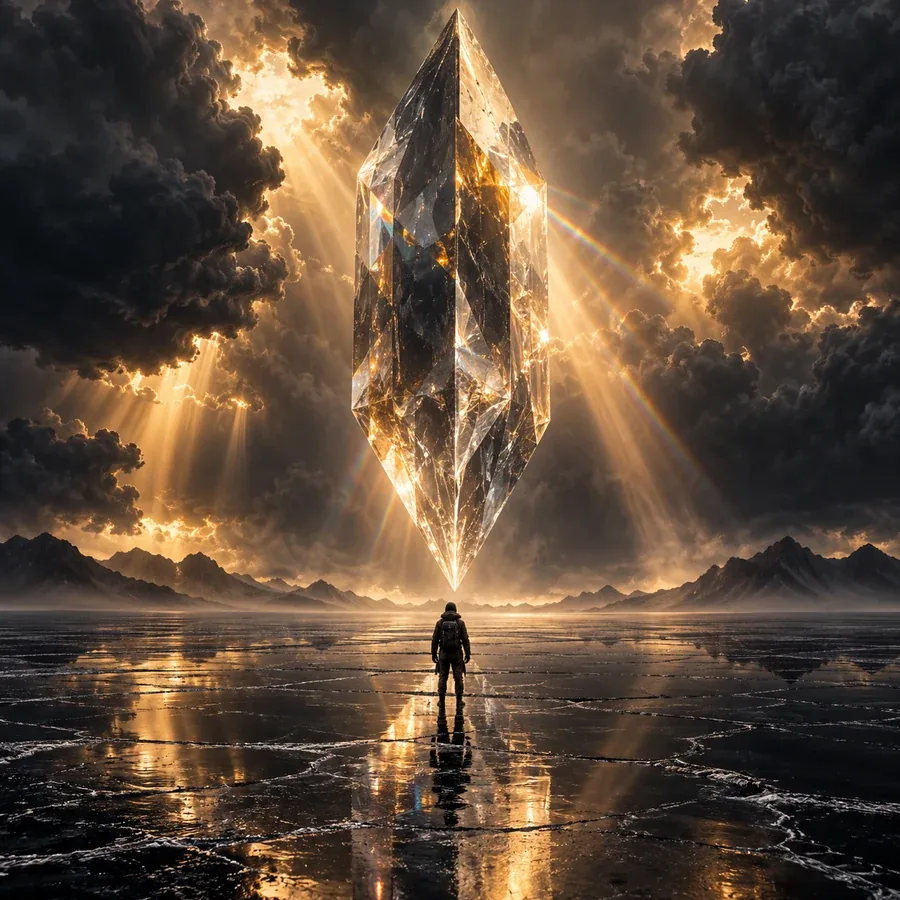 AI Image GeneratorFree to try AI image generator: type a prompt or add a photo, pick Nano Banana 2, GPT Image 2, Seedream, or FLUX, choose a style, and create AI images online.
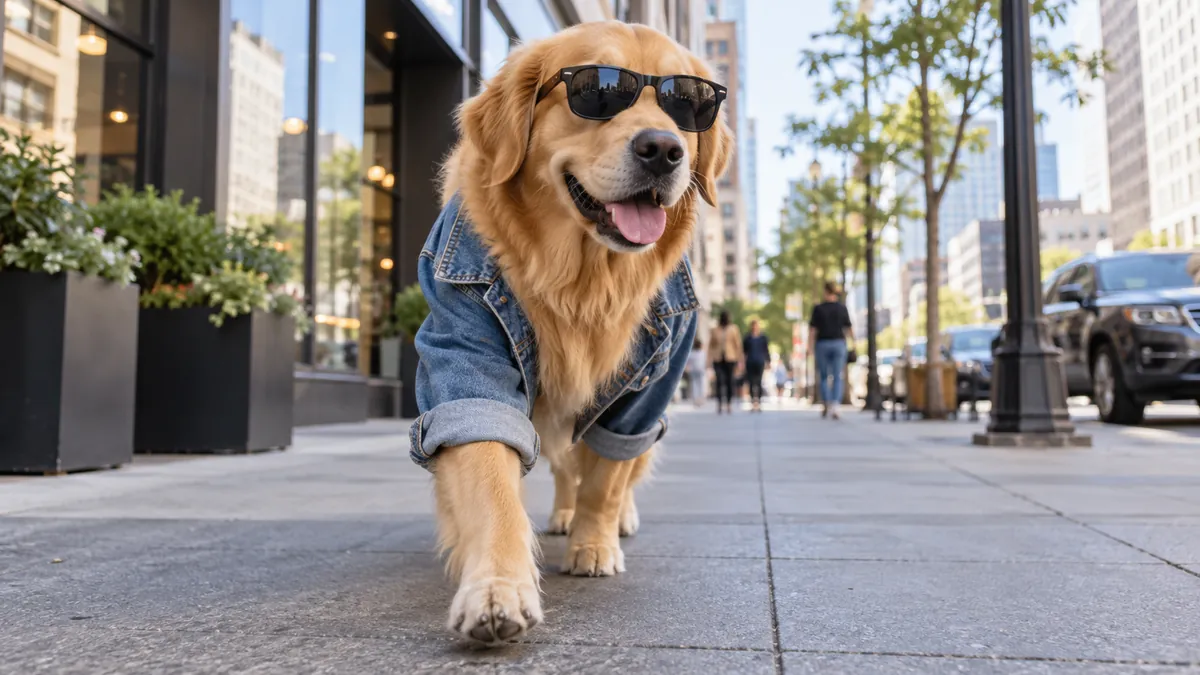 Text to Image AIText to image AI that turns words into pictures: type a prompt, pick a model and a style, and the AI image generator from text creates images you can download.
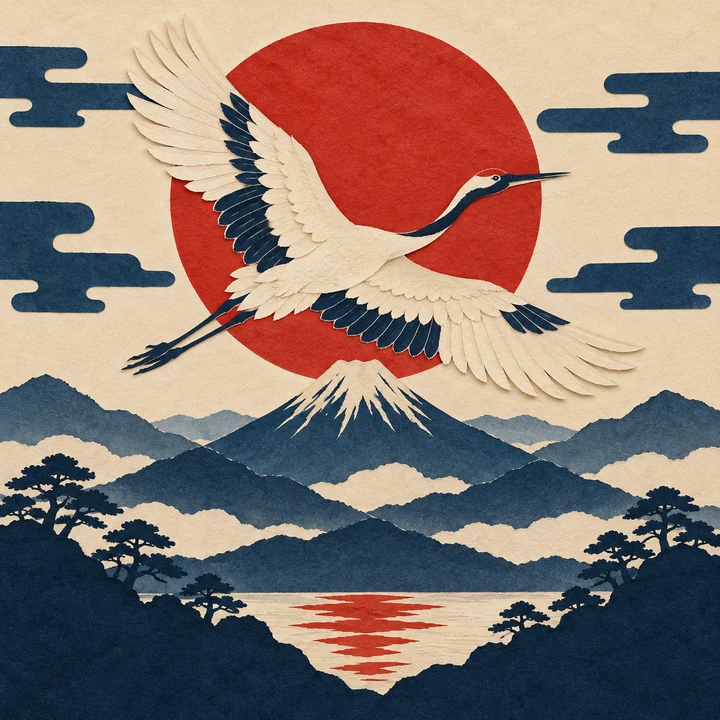 Random Art Prompt GeneratorFree random art prompt generator: the prompt generator art fans use for AI art prompts and drawing ideas. Mix 260+ words, lock what you like, reroll, copy.
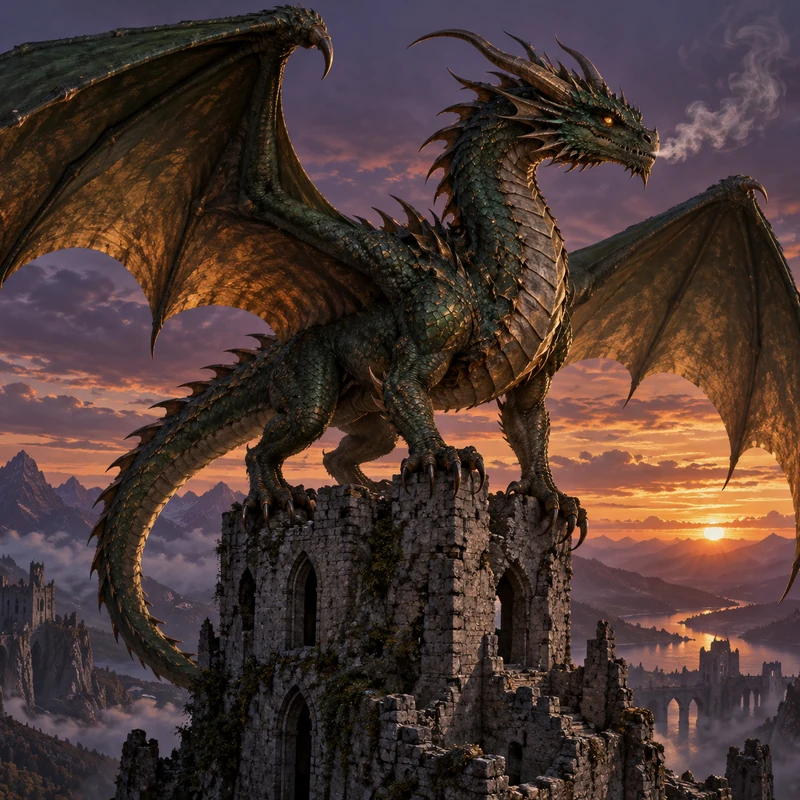 AI Dragon GeneratorCreate your own dragon with the AI dragon generator: describe it, then pick an element, a pose, and a style like Eastern, Western, cute, or pixel. Free to try.
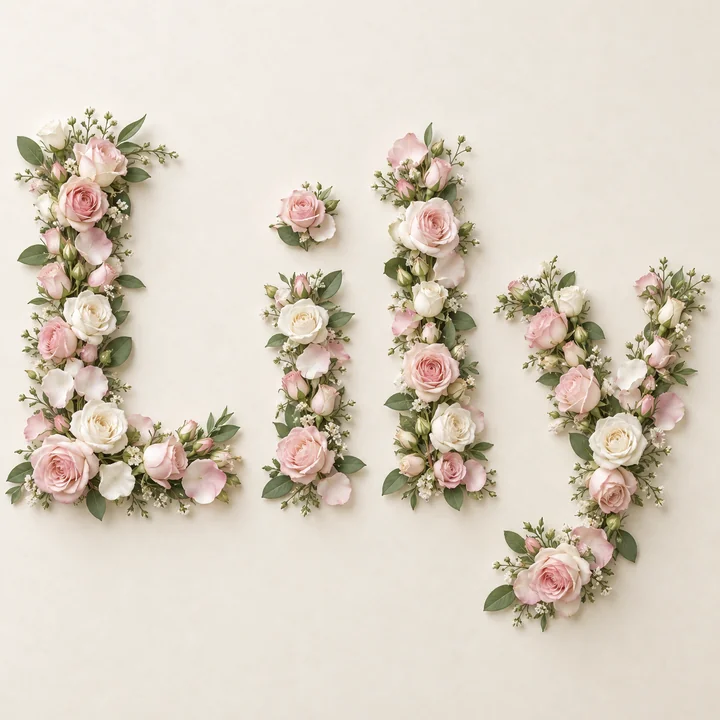 Name Into FlowersTurn any name into flowers: type a name, pick roses, tulips, or wildflowers, and the AI flower name generator spells it in real blooms. Free to try.
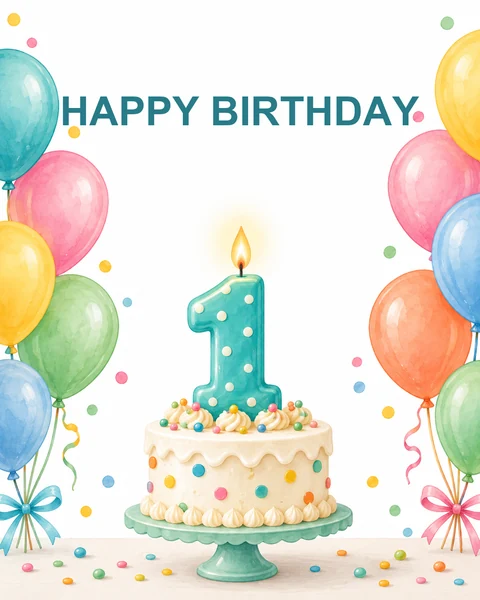 AI Birthday Card GeneratorFree to try AI birthday card generator: add a name and an AI birthday wish, pick a style, and get happy birthday AI images and printable cards with your words.
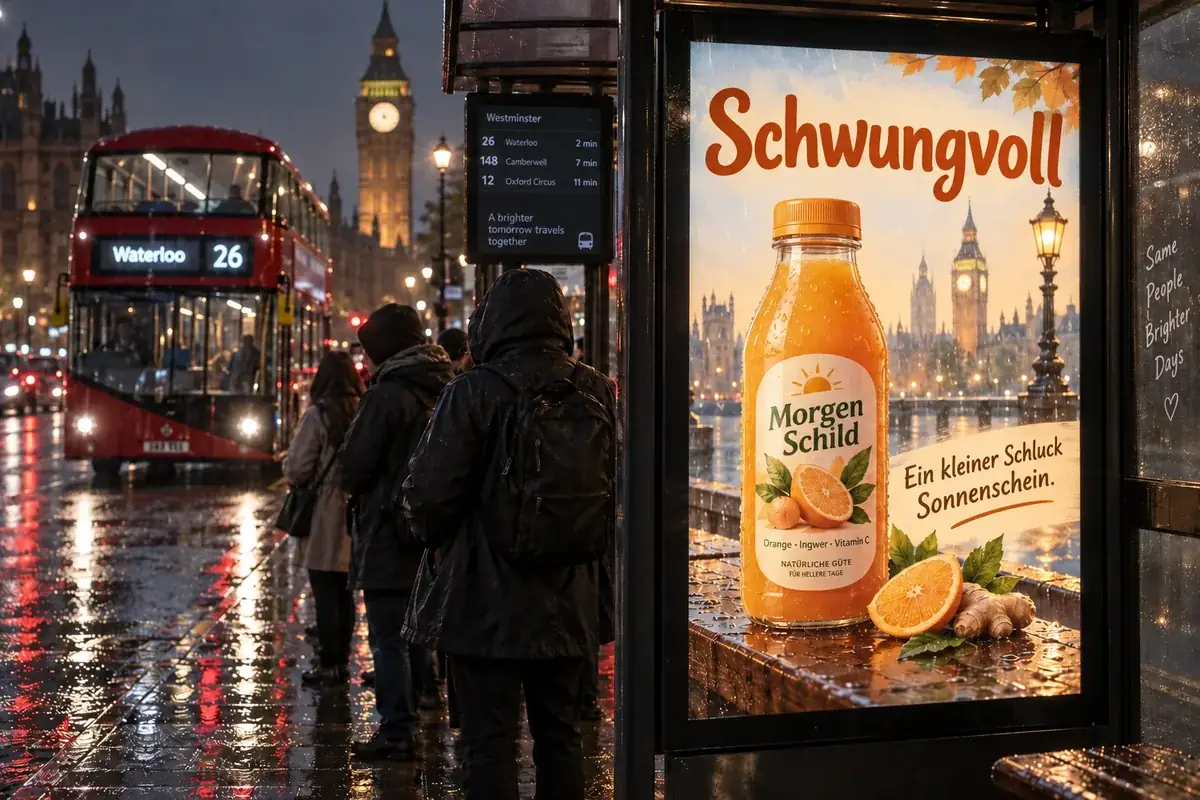 Nano Banana ProCreate 2K and 4K images with Nano Banana Pro, the Gemini 3 Pro Image model: legible text in many languages, infographics, multi-image blends, and studio control.
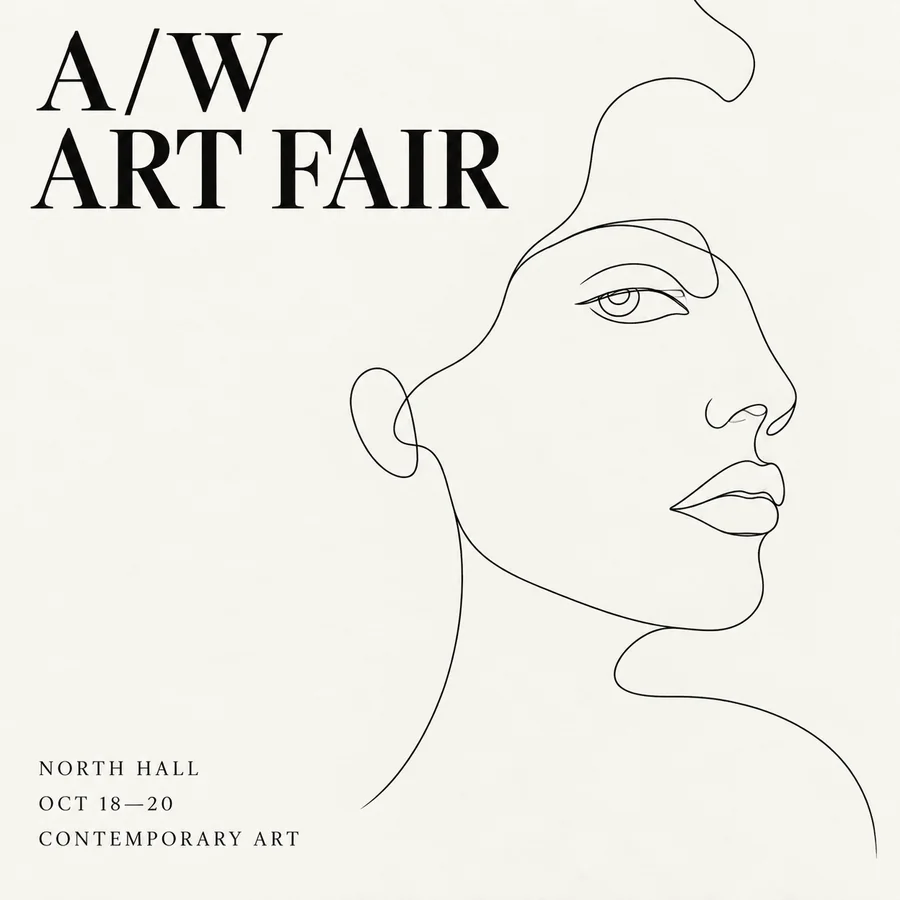 Seedream 4.5Use Seedream 4.5 online: write a prompt or add reference images, pick an aspect ratio and 2K or 4K quality, and create posters, product shots, and photo edits.
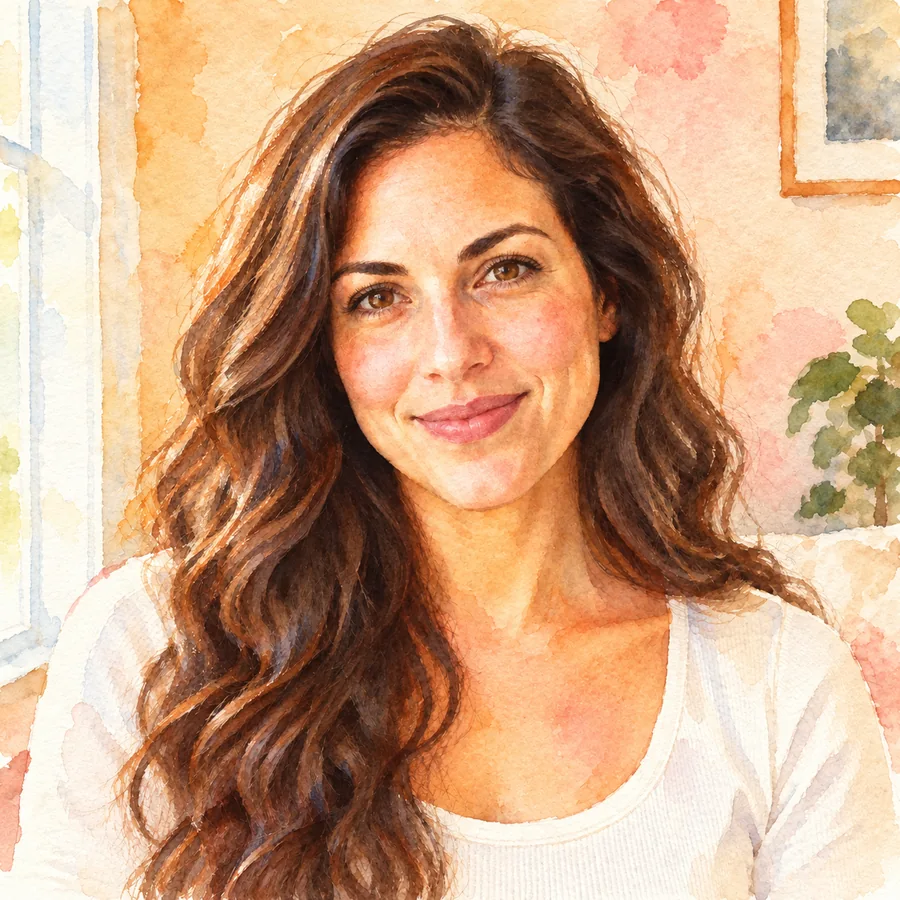 Photo to WatercolorTurn photo into watercolor art online. Upload a portrait, pet, or travel shot, pick a style, and turn it into a watercolor painting with soft, natural washes.
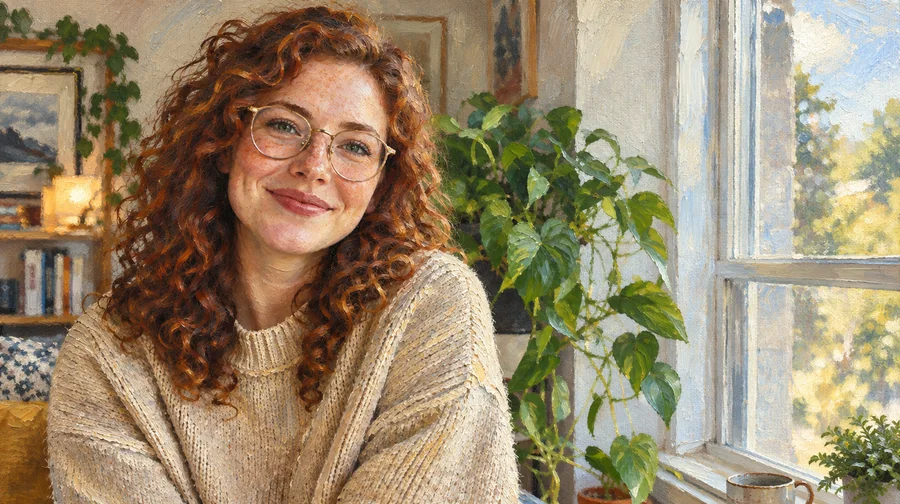 Photo to Oil Painting ConverterTurn photo into oil painting online. Upload a picture, pick a Classic, Renaissance, or Impressionist style, and get an oil painting photo with canvas texture.
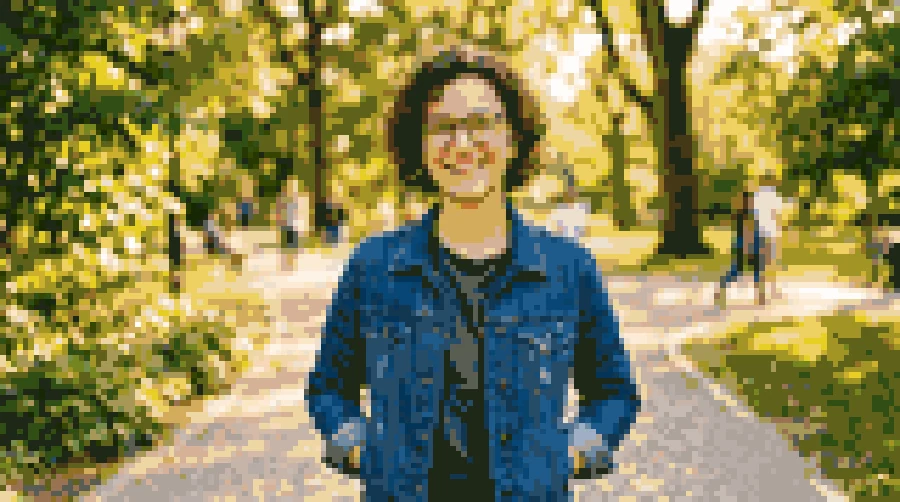 Photo to Pixel ArtTurn any image to pixel art with AI. Upload a photo, pick 8-bit, 16-bit, handheld green, or game sprite style, and get grid-aligned retro pixel art, not a blur.
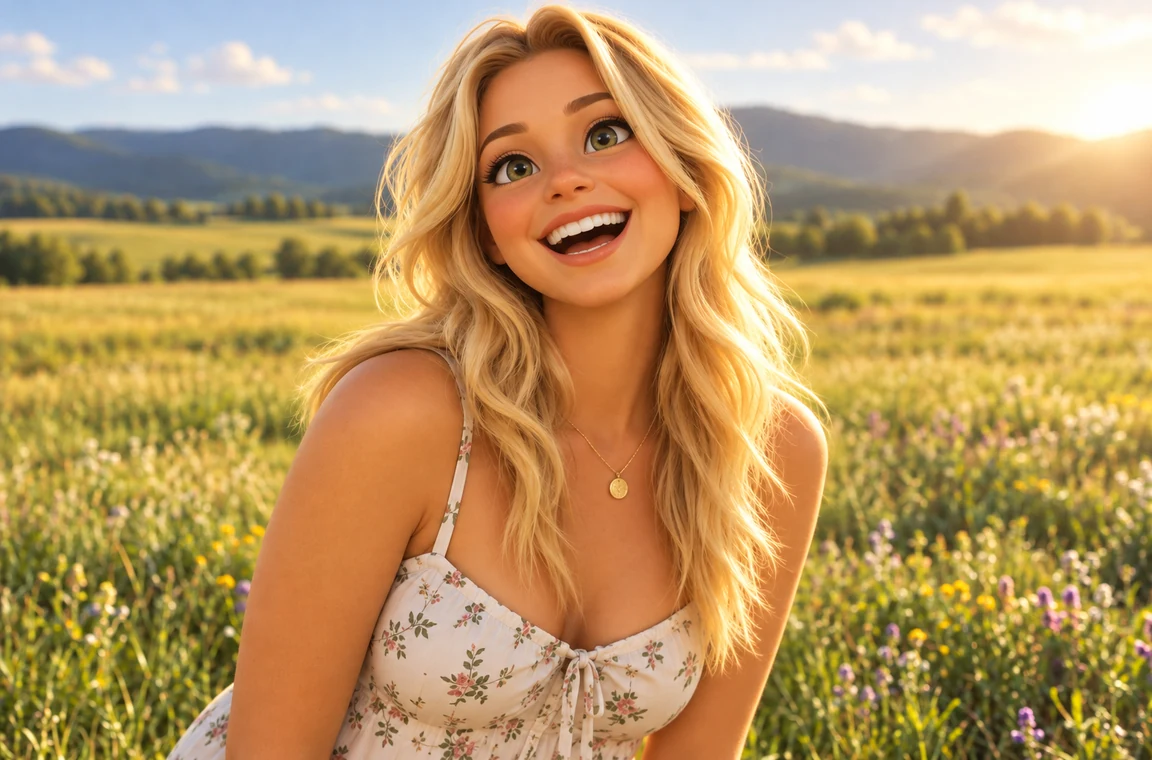 Photo to CartoonPhoto to cartoon AI cartoonizer: pick 3D animated, anime, comic, caricature or line art and turn a photo into a cartoon of you, your pet or car. Free to try.
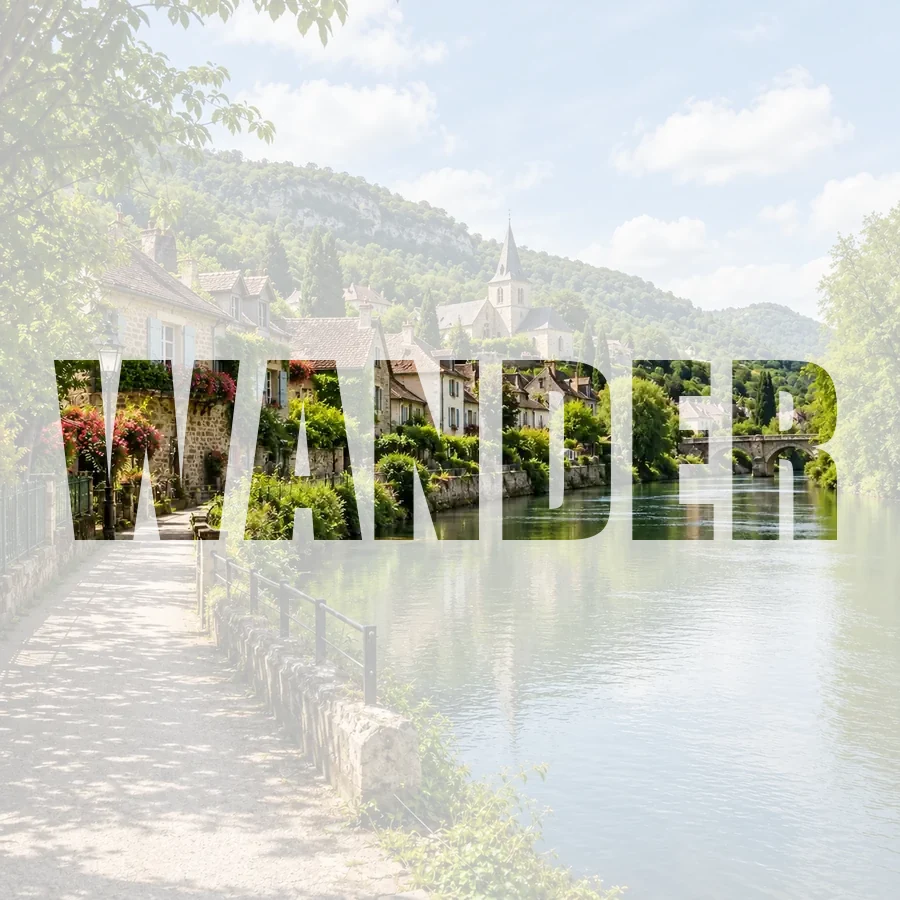 Picture Inside TextPut a picture inside text online for free: fill any word with your photo, pick a font, add a color, faded, or transparent background, and download a PNG.
Know your pixels before you set a wallpaper on a big screen.
How many pixels 4K really is, 4K vs DCI 4K, and how big a 4K wallpaper should be.
Read the guideSharpness, screen size, and viewing distance, and when a 4K wallpaper is worth it.
Read the guideHD, Full HD, and 4K UHD side by side, with tips for monitors and TVs.
Read the guideIt is a wallpaper AI generator: a tool that creates a new background image for your screen from a text description, sized and composed for a phone, a desktop, an ultrawide monitor, or a tablet. You describe it, pick the screen and a style, and the AI paints it from scratch.
It is free to try. New accounts get free credits when they sign up, so you can use the AI wallpaper generator free to try in a few styles and keep the ones you like; after that, each wallpaper uses credits shown on the button. It also works as a phone wallpaper maker online free to try in any browser, with nothing to install.
Choose 9:16 Phone, describe the scene or tap an idea, pick a style, and press Generate Wallpaper. Download the image, open it in your photos app, and choose “Use as wallpaper” or “Set as lock screen”.
Recent iPhones are about 1179×2556 to 1320×2868 pixels and many Android phones are 1080×2400 or 1440×3200. Choose 9:16 Phone: this iPhone wallpaper generator setting fills those screens with a small zoom, and you can upscale the result for extra sharpness.
Yes. Type it in the quote field or put it in quotes in the prompt. The AI typesets exactly those words once and keeps them away from where icons sit. Short quotes work best; Nano Banana Pro and GPT Image 2 give the cleanest lettering.
Yes. Upload a photo and describe the look you want. The AI keeps the subject recognizable, restyles it, and extends the scene to fit the screen you chose. Only upload photos you own or have permission to use.
Wallpapers come out at roughly 1K to 2K pixels depending on the model, which looks good on phones and Full HD screens. For a 4K or 5K display, run the download through the 4K Image Upscaler to make a crisp 3840-pixel-wide wallpaper.
It is built for screens. If you are looking for a wall paper maker for a real wall, you can still use it as a wall paper generator for ideas: create a seamless pattern or a mural scene, upscale it, and take it to a print shop that prints custom wallpaper or murals.
Calm images with open space at the top work best behind the clock: Minimal Pastel, Aesthetic Landscape, Dark AMOLED, or Cozy Night. Busy scenes look better on a home screen with fewer icons.
Do not upload photos of other people without their permission, and do not ask for copyrighted characters, brand logos, or explicit content. Describe the style you want instead of naming a copyrighted character.
Describe it, pick your screen, and let the AI wallpaper maker paint a background that fits.
iPhone and iPad are trademarks of Apple Inc.; Android is a trademark of Google LLC; Nano Banana and Gemini are trademarks of Google LLC; GPT Image is a trademark of OpenAI; Seedream is a trademark of ByteDance; FLUX is a trademark of Black Forest Labs. EzImgMaker is an independent service and is not affiliated with or endorsed by these companies. Names are used only to describe compatibility.