Upload Your Animated GIF
Drop in a GIF up to 20 MB, such as a meme, a reaction clip, a product loop, or a logo animation. Clips with one clear moving subject work best.
Upload an animated GIF and AI removes the background from every frame while keeping the motion and timing. Export a transparent GIF, a smooth-edge animated WebP, or a video.
Quick outputs
Fine-tune
Your GIF stays in this browser during this UI preview.

Reference example. It is not a result generated from your upload.
A GIF background remover separates the moving subject of an animated GIF from everything behind it, frame by frame, and rebuilds the animation with the background gone. Instead of exporting every frame, erasing it in an image editor, and stitching the frames back together, you upload the file once and the AI removes the background from GIF frames while the motion, frame order, and loop stay the same.
The result can be a transparent GIF background for stickers, overlays, and websites, or a new solid color such as white, black, or green screen. Keep in mind that the GIF format only stores fully transparent or fully opaque pixels, so soft edges are approximated; when you need smoother edges, an animated WebP keeps partial transparency.
Remove GIF background in three steps, with no frame-by-frame editing.
Drop in a GIF up to 20 MB, such as a meme, a reaction clip, a product loop, or a logo animation. Clips with one clear moving subject work best.
Keep it transparent or pick white, black, or green screen. Choose GIF, animated WebP, or MP4 output, and set the edge matte for the page color where the GIF will be shown.
The AI cuts out the subject on every frame. Play the full loop to check edges, then download the transparent GIF or video.
More than a GIF bg remover that keys out one flat color.
The subject is detected on each frame, so legs, arms, and props stay attached as they move, and frame delays and looping are preserved. It works on busy, multi-color scenes where a single-color key would erase parts of the subject.
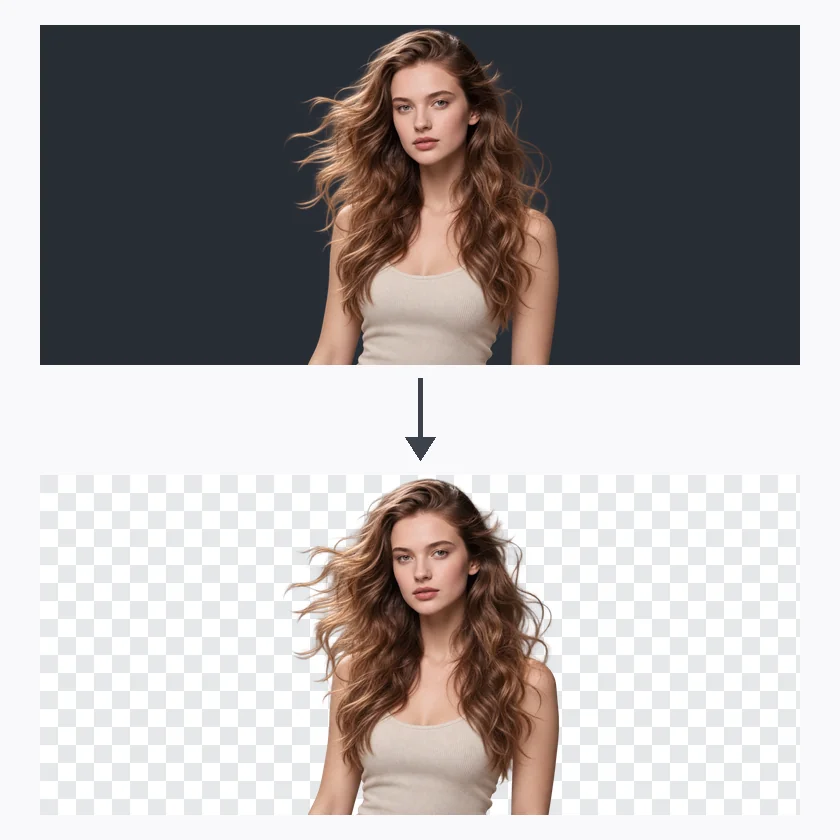
Flyaway hair, fur, and blurred limbs are where a basic background remover for GIFs struggles. The AI follows these fine edges and keeps them consistent between frames to reduce flicker and halos.
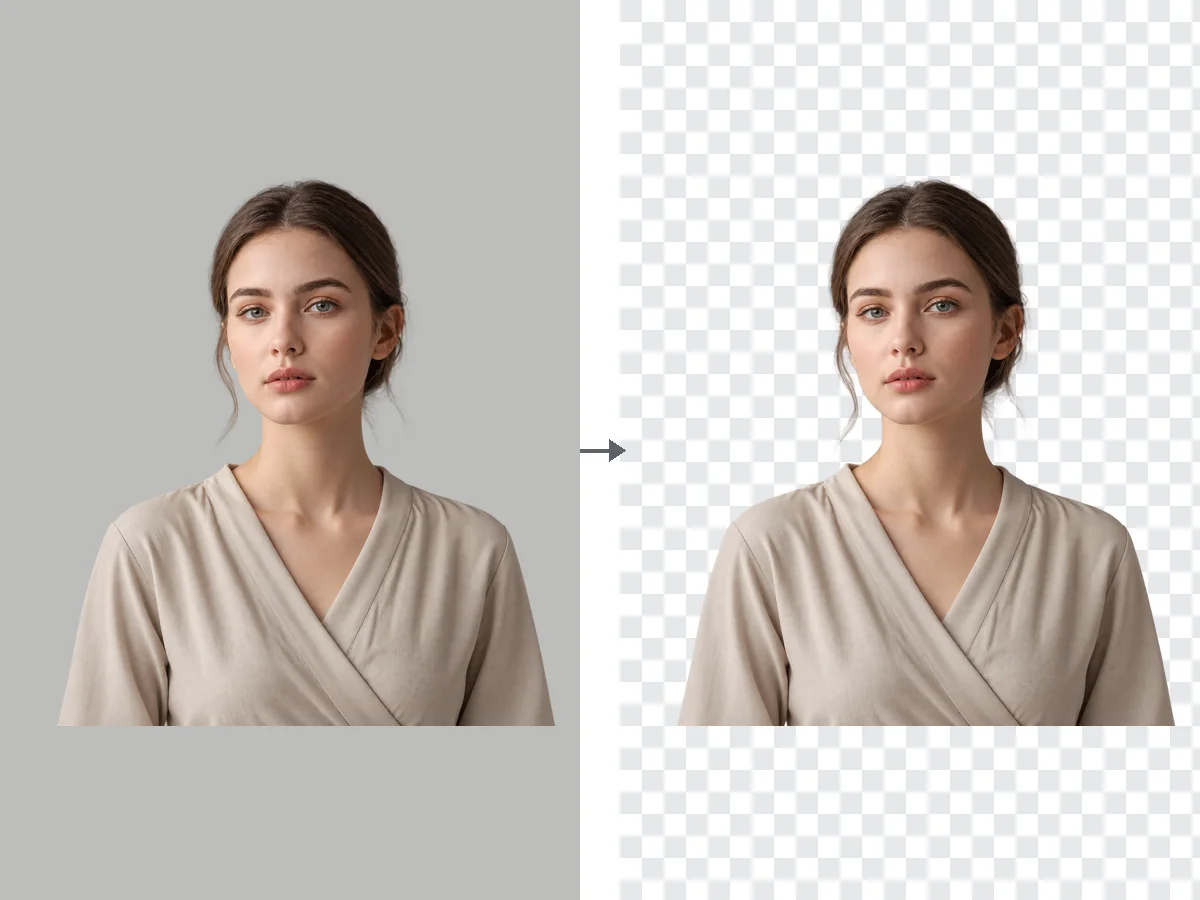
Turn any clip into a clear background GIF, or replace the old scene with white, black, or a green screen for video editing. It also works when you want to remove white background from GIF files exported with a solid backdrop.
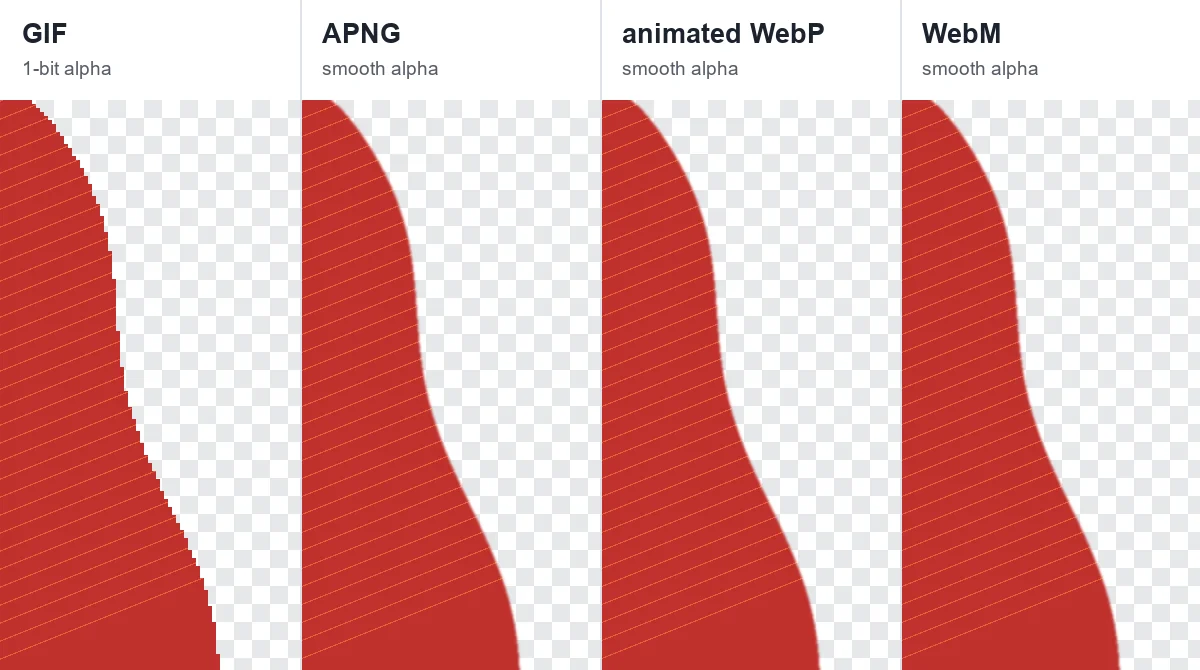
Export a GIF with transparency for maximum compatibility, an animated WebP when you need smooth semi-transparent edges, or an MP4 on a solid or green-screen background for editing apps that do not read transparent GIFs.
Make GIFs transparent once and reuse them anywhere.
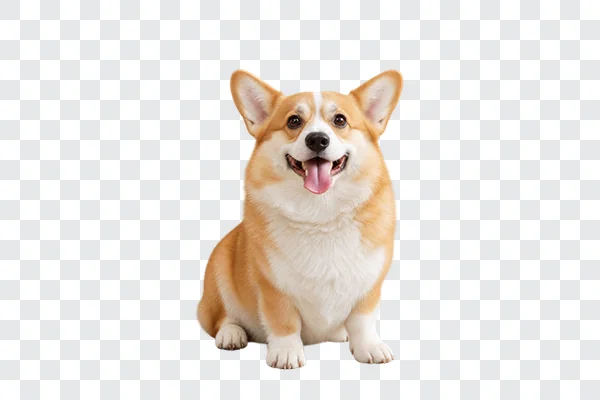
Cut a reaction GIF down to the person or character so it floats over chats, stories, and comments as an animated sticker.
Place a transparent animated GIF on a landing page, banner, or onboarding screen without a white box around it.
Export a green-screen MP4 or transparent WebP for stream overlays, alerts, and edits in your video software.
Isolate a spinning product, a mascot, or a logo animation and drop it into slides, ads, and email designs.
GIF transparency has limits. These habits keep the result clean.
A subject that contrasts with the background gives the cleanest cutout across every frame.
GIF edges blend toward one color. Match the matte to the page, light or dark, to avoid halos and dark fringes.
Smoke, hair, and glows need partial transparency. Animated WebP keeps it; GIF cannot.
Play the result on a light and a dark background and watch every frame, not just the first one.
Typical jobs people use transparent GIFs for.
Illustrative examples adapted from reference material, not verified reviews of EzImgMaker.
I used to remove background GIF frames one by one in an editor. Now I upload the clip and get a transparent loop with the timing untouched.
Our mascot animation had a white box around it on the dark site. The dark-page edge matte got rid of the halo.
I export reaction clips as green-screen MP4s and key them into my stream overlay. Much faster than masking every frame.
Animated WebP made the hair on our product video loop look smooth instead of jagged. GIF is still my pick for chat apps.
Common questions about removing GIF backgrounds and transparent GIFs.
Upload the animated GIF, choose Transparent or a new background color, pick an output format, and start. The AI removes the background from every frame and rebuilds the animation, so you can remove BG from a GIF without splitting or reassembling frames yourself.
Both. Animated GIFs are processed frame by frame with the original frame order, delays, and looping preserved. A single-frame GIF is treated like a still image.
Choose the Make GIF Transparent preset, which keeps the background transparent and exports a GIF. To make a GIF transparent with smoother edges, choose Animated WebP instead, since WebP supports partial transparency.
Yes. Because the AI detects the subject rather than a single color, it removes white backgrounds without erasing white details inside the subject, such as clothing, teeth, or highlights.
GIF stores each pixel as either fully transparent or fully opaque, so soft edges are blended toward one matte color. Set the edge matte to match the page color, or export an animated WebP for smooth, semi-transparent edges.
Some viewers and apps draw transparent pixels on black. Test the file on a web page with a light and a dark background; if it looks right there, the transparency is intact and the viewer is adding the color.
GIF works almost everywhere and keeps simple transparency. Animated WebP is smaller and keeps soft edges. MP4 cannot store transparency, so use it with a solid or green-screen background for video editors.
Yes. Choose White, Black, or Green screen as the new background. Green screen is useful when you want to key the animation again in video editing software.
Only upload GIFs you have the right to edit, such as your own animations, recordings, or content licensed for reuse. Removing the background does not change who owns the original work.
Upload an animated GIF and turn it into a transparent loop, a smooth WebP, or a green-screen video.