Out of Focus Photo
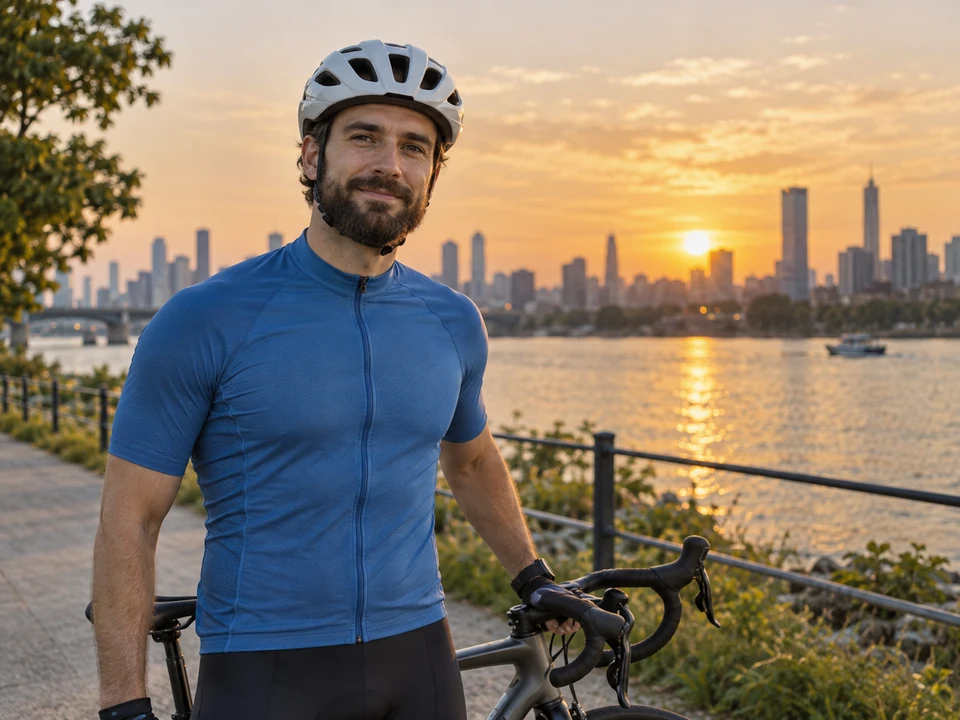
The camera locked onto the skyline instead of the rider. Out of focus mode rebuilds the jersey seams, helmet straps and stubble while the sunset stays soft behind him.
Upload a blurry picture and pick the kind of blur: motion, missed focus, camera shake, a soft face or fuzzy text. AI unblur rebuilds sharp edges and detail, keeps faces and framing the same, and exports a clear image at 2K or 4K.
Common blurry photos
Fine-tune
Reference example. It is not a result generated from your upload.
A blurry image is missing its sharp edges. The cause is almost always one of three things: the subject moved (motion blur), the camera moved (camera shake, common in low light), or the lens focused on the wrong spot, leaving an out of focus photo. Basic sharpening only raises contrast along edges, so removing blur from a photo that way adds halos and noise without bringing detail back.
To unblur a picture properly, you need AI to unblur images: a model that works out what the sharp scene looked like and rebuilds it. EzImgMaker is an AI image blur remover built for that. Tell it the kind of blur and it restores eyes, hair, fur, fabric and lettering, keeps faces and framing the same, and exports at 2K or 4K. It is image unblurring for real photos, not a filter.
Six blurry pictures and the setting that fixed each one. Drag the sliders to compare before and after.
The camera locked onto the skyline instead of the rider. Out of focus mode rebuilds the jersey seams, helmet straps and stubble while the sunset stays soft behind him.
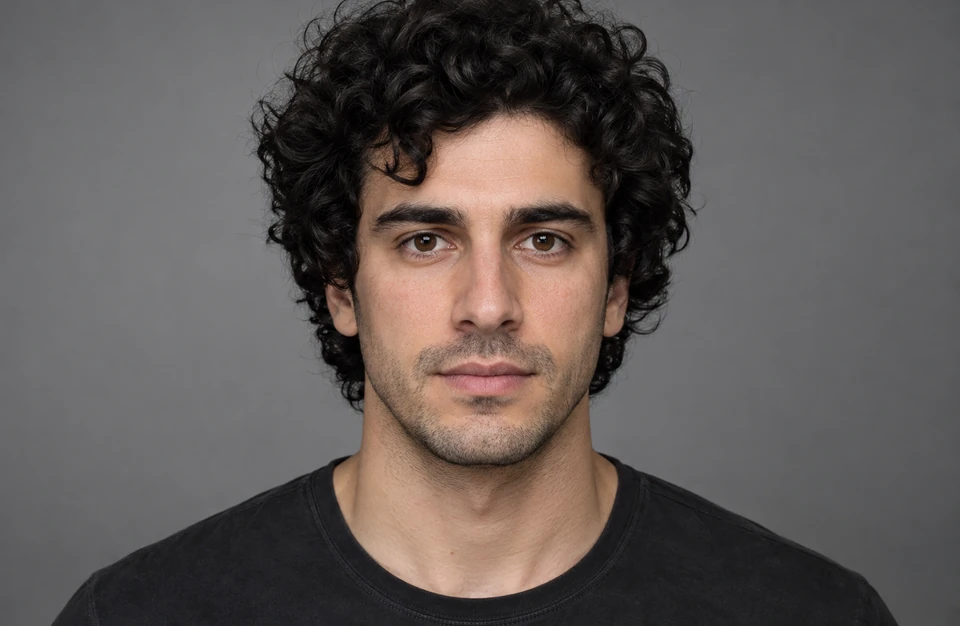
A portrait that missed the eyes is the most common blurry picture. Blurry face mode brings back lashes, brows and skin texture and keeps him looking like himself.
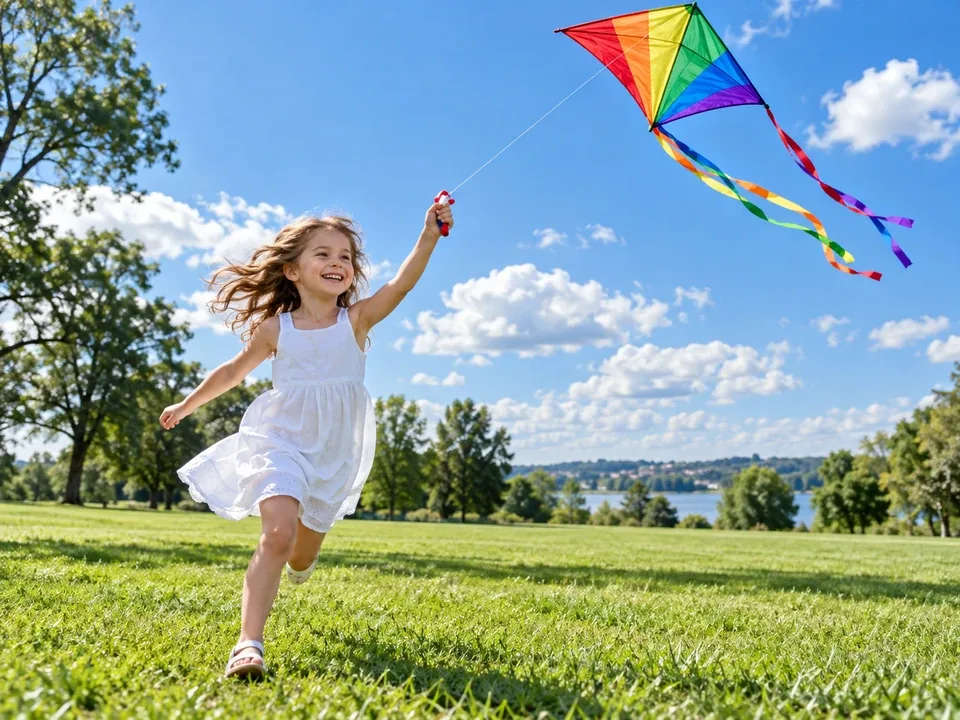
A running child turns into a smear at slow shutter speeds. Motion blur mode freezes the moment: dress, hair, kite and string come back sharp.
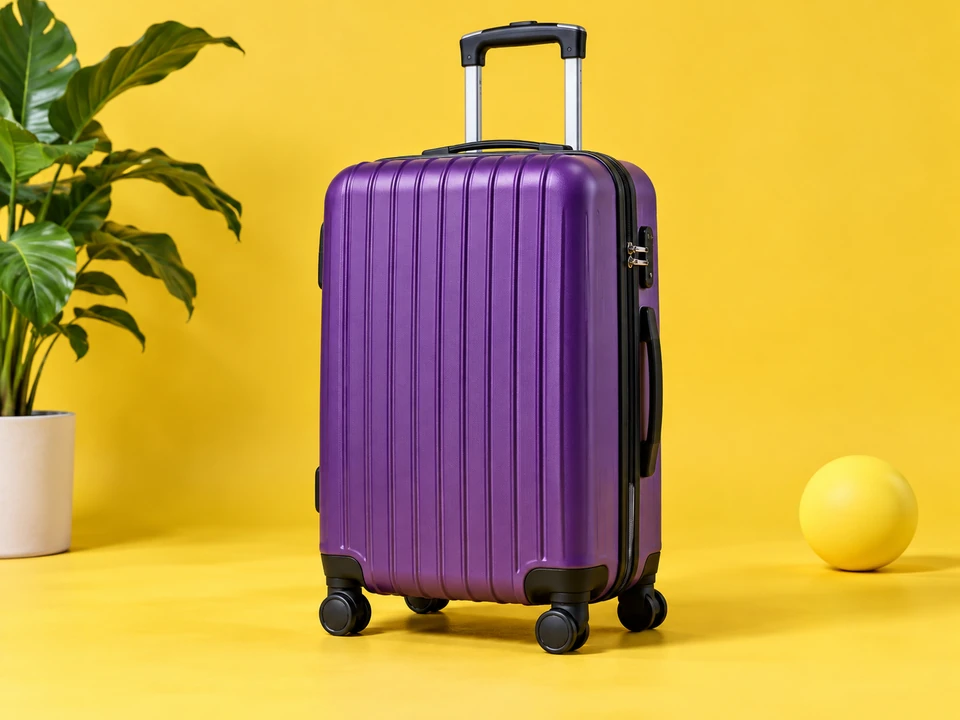
Soft product shots hide materials and seams. Remove blur from image details like these and the ribbed shell, handle and wheels are crisp enough for a listing.
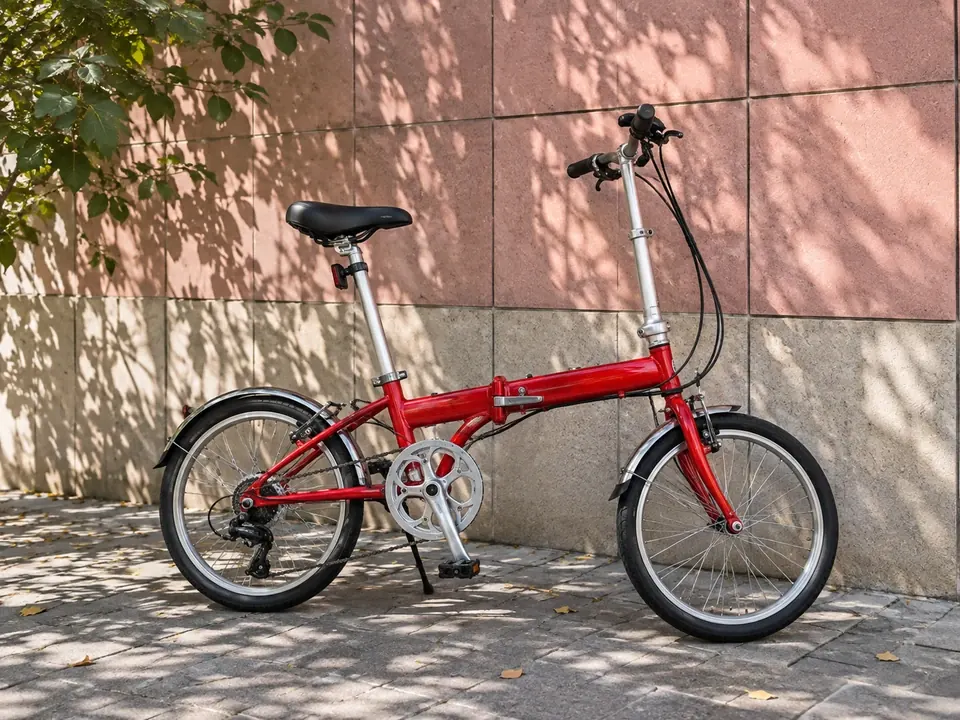
Hand shake smears small, repeating detail first. Camera shake mode recovers the out of focus texture of the tiled wall and the bike’s chainring and cables.
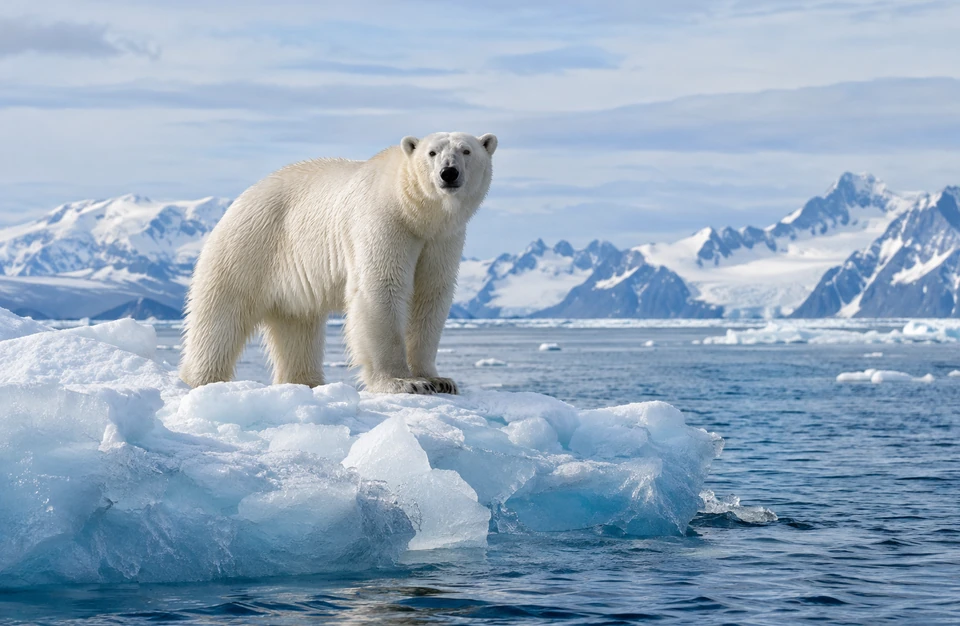
Long zoom shots blur at the slightest movement. Unblur recovers fur and ice texture so the shot is worth keeping, and 4K output leaves room to crop.
How can I unblur a photo without editing skills? Upload it, pick the blur, and compare the result.
Add a JPG, PNG or WebP up to 10 MB. Use the original file from your camera roll rather than a screenshot or a copy a chat app has compressed.
Choose Motion blur, Out of focus, Camera shake / low light, Blurry face or Text & screenshot, or leave Auto on. Then pick 2K or 4K output.
Click Unblur Image, drag the slider to compare the blurry image and the clear one, and download the result.
Here is how to fix a photo that is out of focus with tools you may already have, and what each one can and cannot do.
Open the Detail panel, raise Sharpening Amount to around 50–80, keep Radius near 1.0, and hold Alt (Option on Mac) while dragging Masking so only edges are sharpened. Add a little Texture and Clarity. It helps slight softness but cannot undo motion blur.
Choose Filter > Sharpen > Smart Sharpen and set Remove to Motion Blur (match the angle to the streaks) or Lens Blur for missed focus. Keep Amount moderate and raise Reduce Noise to avoid halos.
In the iPhone Photos app, Edit > Adjust offers Sharpness and Definition sliders; Android gallery apps have similar tools, and some phones include an unblur option. Good for a quick touch-up on a picture that is almost sharp.
Sharpening sliders only boost edges that already exist. For an extremely blurry image, a face that missed focus or text you cannot read, upload it here and let AI rebuild the detail instead.
Tap the subject to set focus, brace your elbows, use burst mode for kids and pets, and add light indoors so the shutter can stay fast.
Blurry pictures look alike at first glance. These clues tell the kinds of blur apart, so the AI knows what to repair.
| Setting | What it looks like | Typical cause | Best for |
|---|---|---|---|
| Motion blur | Streaks or ghosting on the subject; the background may be sharp | Moving people, kids, pets, cars, sports | Action shots, kids and pets |
| Out of focus | Soft, even blur with blurred edges and no direction | Focus locked on the background or a nearer object | Portraits, products, any picture out of focus |
| Camera shake / low light | Doubled edges across the whole frame, often with grain | Hand movement, slow shutter indoors or at night | Night shots, parties, concerts |
| Blurry face | Eyes, lashes and lips look soft even if the rest is fine | Missed focus, digital zoom, compression | Selfies, headshots, group photos |
| Text & screenshot | Letters run together and numbers are hard to read | Shaky photo of a page, compressed screenshot | Documents, signs, receipts, slides |
| Auto (any blur) | A mix of the above, or you are not sure | Anything | A quick first try |
Not sure? Start with Auto, then try the specific setting and compare. If your fuzzy pics come from pixelation or JPEG blocks rather than blur, the unpixelate and JPEG artifact tools are a better fit.

Sharpening filters draw halos around edges and amplify grain. AI unblur reconstructs eyes, hair strands, knit texture and petals, so the result looks like a photo that was taken in focus, not a filtered one. Use it to deblur image files and repair blurry photo shots you thought were lost.
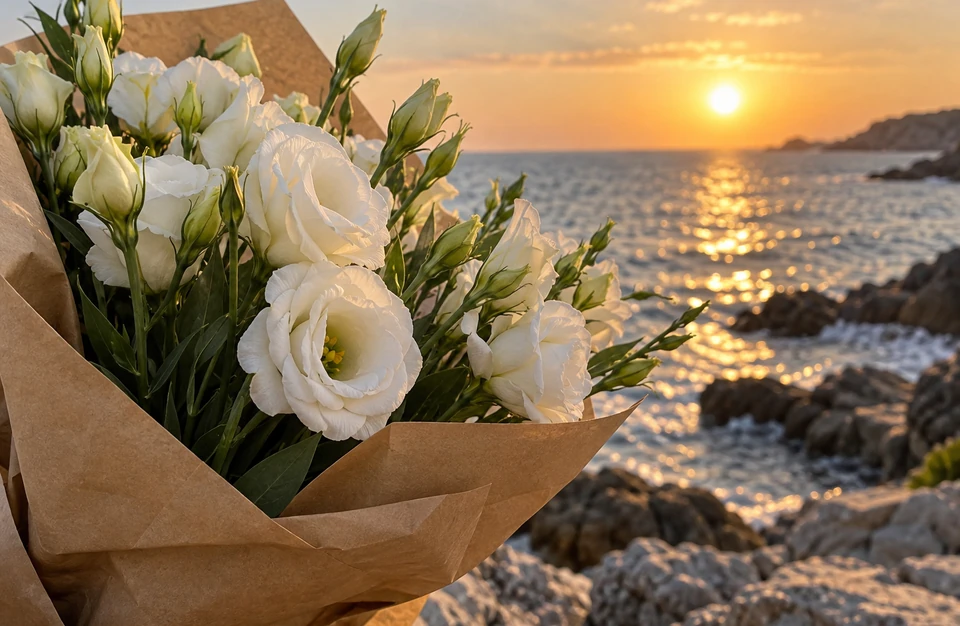
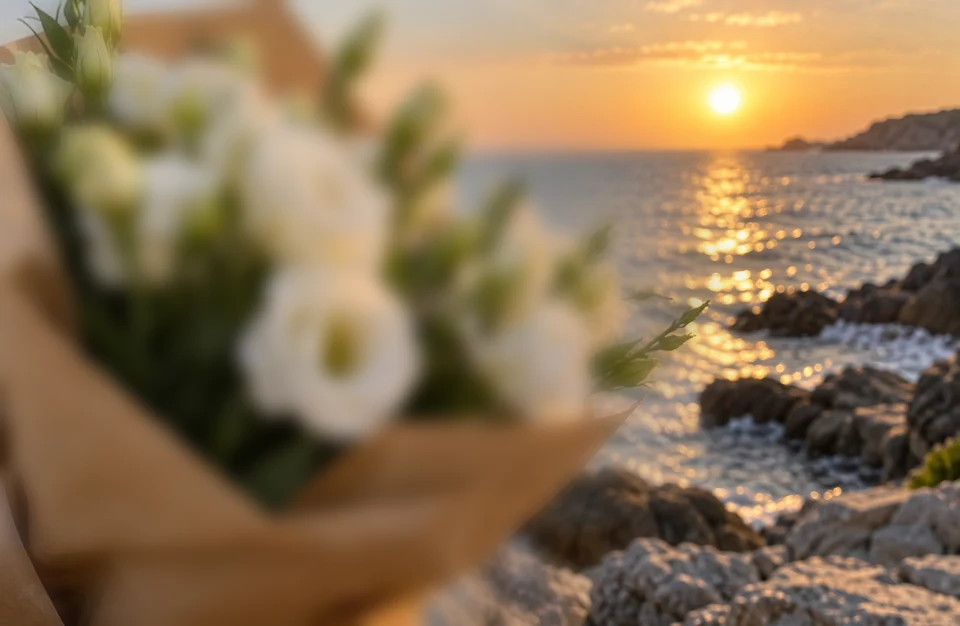
When the camera focuses on the background, whatever sits in front goes soft: flowers, food, a product or a person. Out of focus mode can remove blur in foreground of image areas while keeping the background bokeh that out of focus photography is loved for.
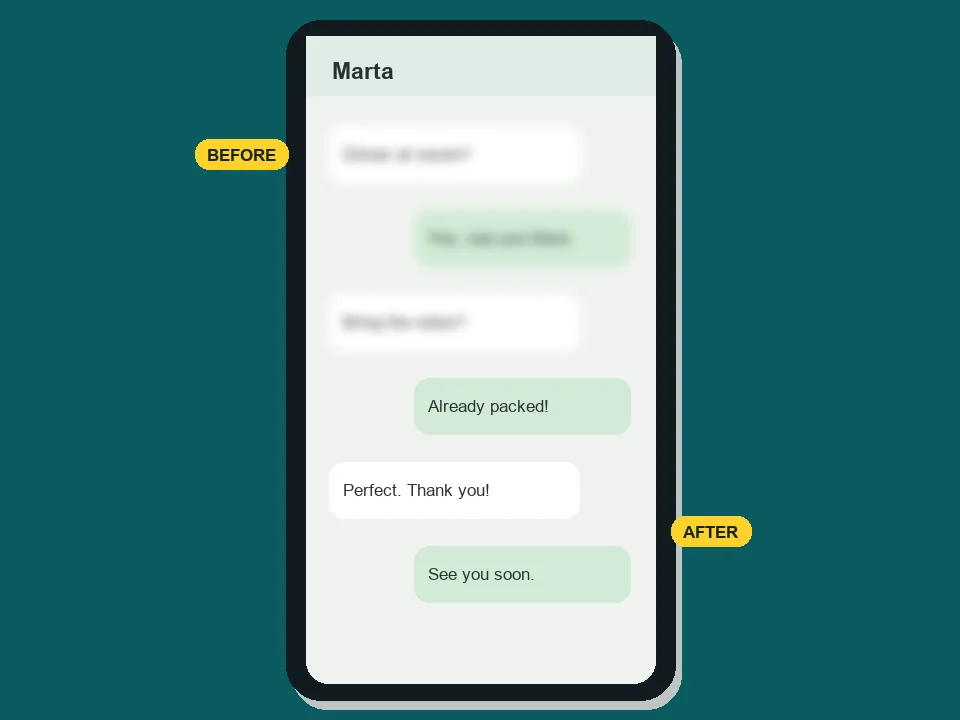
Text & screenshot mode sharpens letters and numbers in a blurred text image without rewriting them: menus, signs, receipts and chat captures become readable again. For pages of small print, the dedicated deblur text tool goes further.
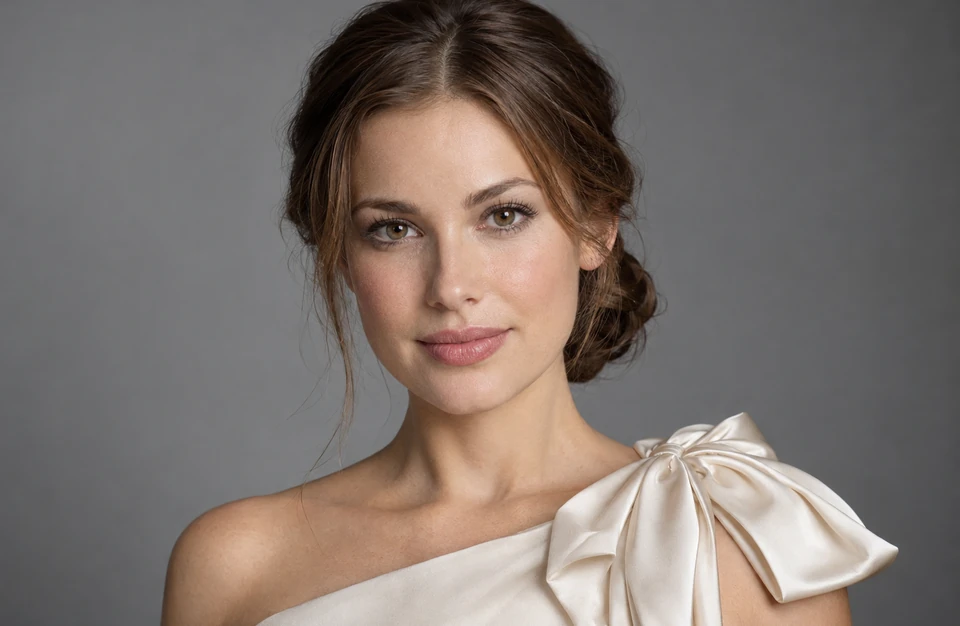
Unblurring and resolution go together. Choose 4K output and the clear image comes back large enough to crop, print or use as a wallpaper, so an out of focus image becomes one you can zoom into.
Anyone with a blurry image they cannot reshoot.
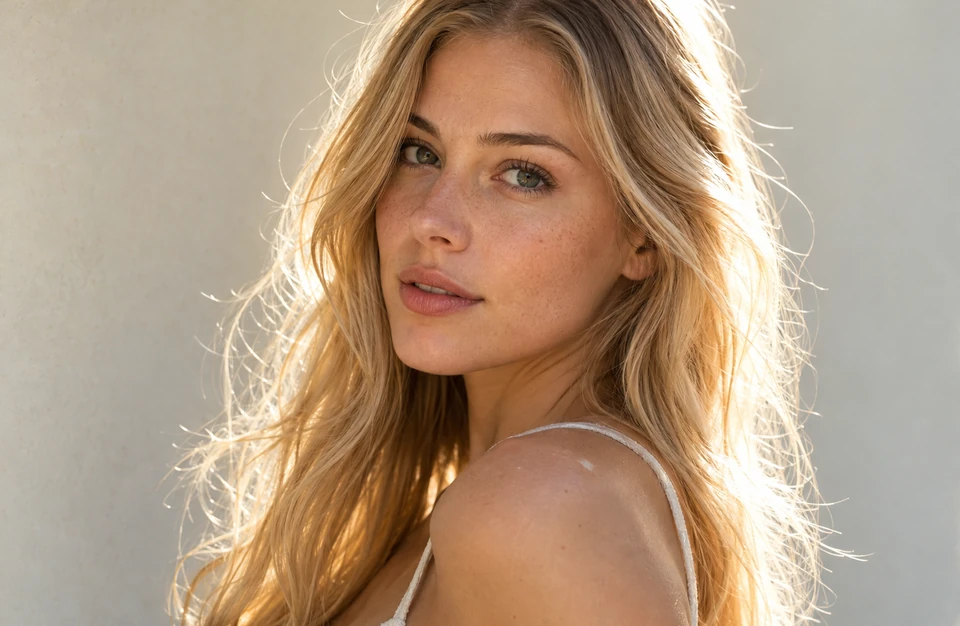
Rescue the one shot where everyone finally smiled but somebody moved.
Fix fuzzy pictures from concerts, weddings, museums and night markets where flash was not an option.
Remove blurring from product photos so materials, labels and stitching read clearly in listings.
Make blurry photos of slides, whiteboards and documents readable again.
Sharpen soft scans of prints and early digital photos before reprinting or sharing them.
Recover sharp stills for thumbnails and posts, and unblur AI art that came out soft.
A few habits that help the AI give you a cleaner result.
Every screenshot or re-share throws away detail the AI could have used. Upload the camera original when you can.
If the subject fills only a small part of the frame, crop to it before unblurring so more of the 2K or 4K output goes to the detail you care about.
Auto works for most photos. If streaks remain, run Motion blur; if the whole frame looks doubled, try Camera shake.
With an image out of focus this badly, the AI has to estimate features that are only a few pixels wide. Zoom in and compare before you share or print.
Guides and tools for the problems that often come along with blur.
Why noise shows up in low light and how to clean it up on a phone, in an editor or with AI.
Read the guideRecover blown-out skies and faces, and learn when a shot is too far gone to save.
Read the guideWhen the photo is sharp but too small, add pixels 2x or 4x instead of unblurring.
Increase ResolutionUpscale a clean picture 2x or 4x without changing any detail.
Open the UpscalerEnlarge an unblurred photo for 4×6, 8×10 or poster prints.
Enlarge a PhotoHow many pixels a 4K image has and how large it prints, to decide between 2K and 4K output.
Read the guideWhat AI unblur can fix, where its limits are, and what it costs.
Yes, within limits. AI unblur reads the edges that are still in a blurred image and rebuilds a sharp version, which works well on motion blur, missed focus and soft faces. When a face or a word is only a smudge, the model has to estimate it, so check the result closely.
It can. Unblurring is reconstruction: the AI redraws detail the camera did not record sharply, so fine texture such as skin pores, hair strands, fabric weave or leaves may come out slightly different from reality, and a tiny or very blurry face may not match the person exactly. The tool is told to keep features, expression and framing the same; compare the slider at full size and keep the original when an exact likeness matters.
Choose Out of focus (or Blurry face for portraits), pick 2K or 4K and click Unblur Image. For slightly soft shots, a sharpening slider in Lightroom or your phone can be enough; for clearly out of focus photos, AI rebuilds detail that sliders cannot.
Motion blur has a direction: streaks or doubled edges along the way the subject or camera moved. Out of focus blur is round and even, with soft edges all over the subject. Picking the matching setting tells the AI which repair to make, and Auto works when you are not sure.
Yes. Text & screenshot mode sharpens letters and numbers in photos of documents, signs and screenshots without changing the wording, and it will not invent characters that are completely unreadable. For long pages of fine print, try the deblur text tool.
No. Unblurring fixes softness caused by focus or movement; increasing resolution adds pixels. This tool does both by exporting the clear image at 2K or 4K. If your photo is already sharp but small, use an upscaler instead.
No. Blur that a website adds on purpose, such as paywalled or subscriber-only previews, blurred answers on homework sites or censored images, hides content that is not in the file you can see, and getting around it breaks the site’s rules. This tool fixes blur that a camera caused, in photos you own or have permission to edit.
This page removes blur. To add motion blur to photo backgrounds, create a motion blur image effect behind a runner or a car, or add an oval blur vignette, open the AI photo editor and describe the effect you want.
It is free to try: new accounts get free credits when they sign up, so you can unblur a few photos and judge the results yourself. After that, each image uses credits from your balance, and 4K output uses more than 2K.
Only upload photos you took, photos of yourself, or images you have permission to edit. Do not use the tool to reveal faces, license plates or text that someone blurred on purpose to protect privacy.
Upload a blurry picture, pick the kind of blur, and get a clear image at 2K or 4K.