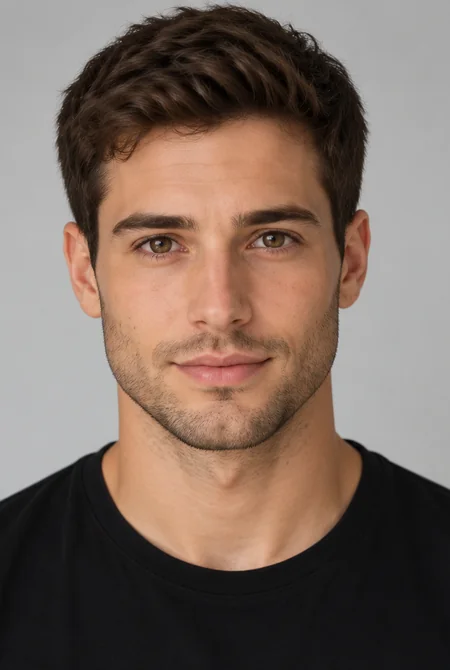

Bald Head With Beard
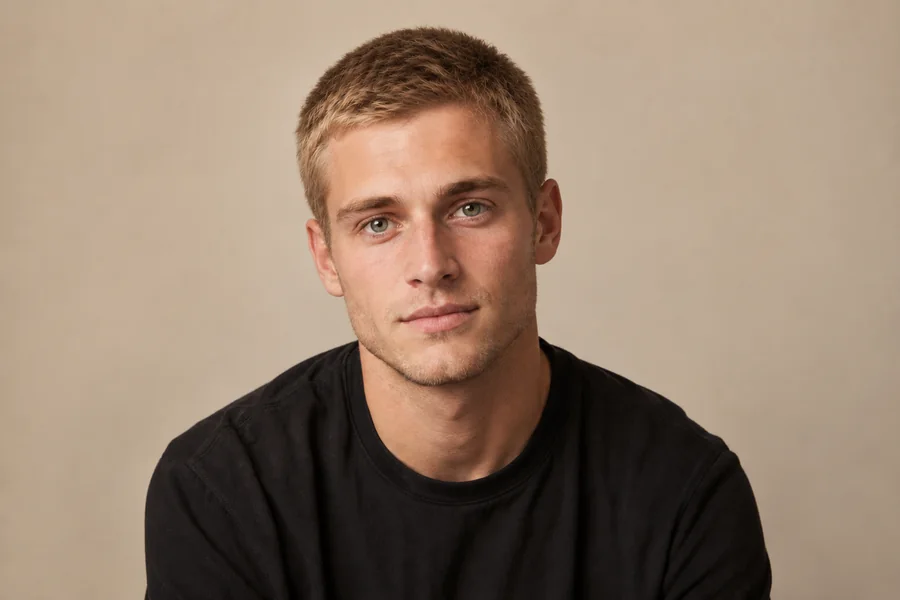
Keep the beard and lose the hair on top. The bald head filter clears the scalp while facial hair, skin texture, and clothing stay untouched, a popular look for professional headshots.
How would I look bald? Upload one clear photo and the bald filter turns it into a realistic bald picture, from a smooth shaved head to a receding hairline.
Your photo stays in this browser during this UI preview.


Reference example. It is not a result generated from your upload.
A bald filter is an AI photo effect that removes the hair from a portrait and rebuilds the scalp, so you can see your own face bald without picking up a razor. Upload one selfie and the AI bald filter maps your hairline, head shape, and lighting, then renders a realistic bald head that still looks like you.
It is the easiest way to answer "what would I look like bald?", "what do I look like bald?" or "what would I look like with a bald head?". Besides a fully bald look, the balding filter styles show a receding hairline or thinning hair, so you can preview gradual hair loss as well as a clean shave. Treat every bald picture as a creative preview, not a medical prediction.
Drag each image to compare the original photo with the result of the bald head filter. Face, expression, and outfit stay in place; only the hair changes.
Keep the beard and lose the hair on top. The bald head filter clears the scalp while facial hair, skin texture, and clothing stay untouched, a popular look for professional headshots.


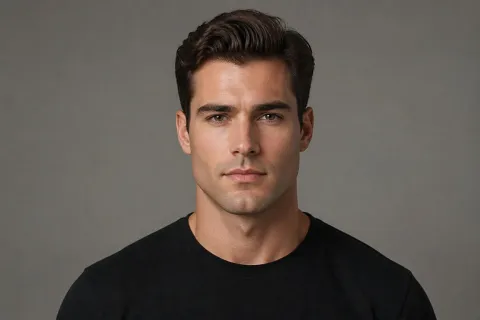
Asking "what will I look like with a shaved head?" The shaved head filter adds a natural scalp tone and soft shadows, so the result reads like a fresh clipper shave rather than a pasted-on dome.

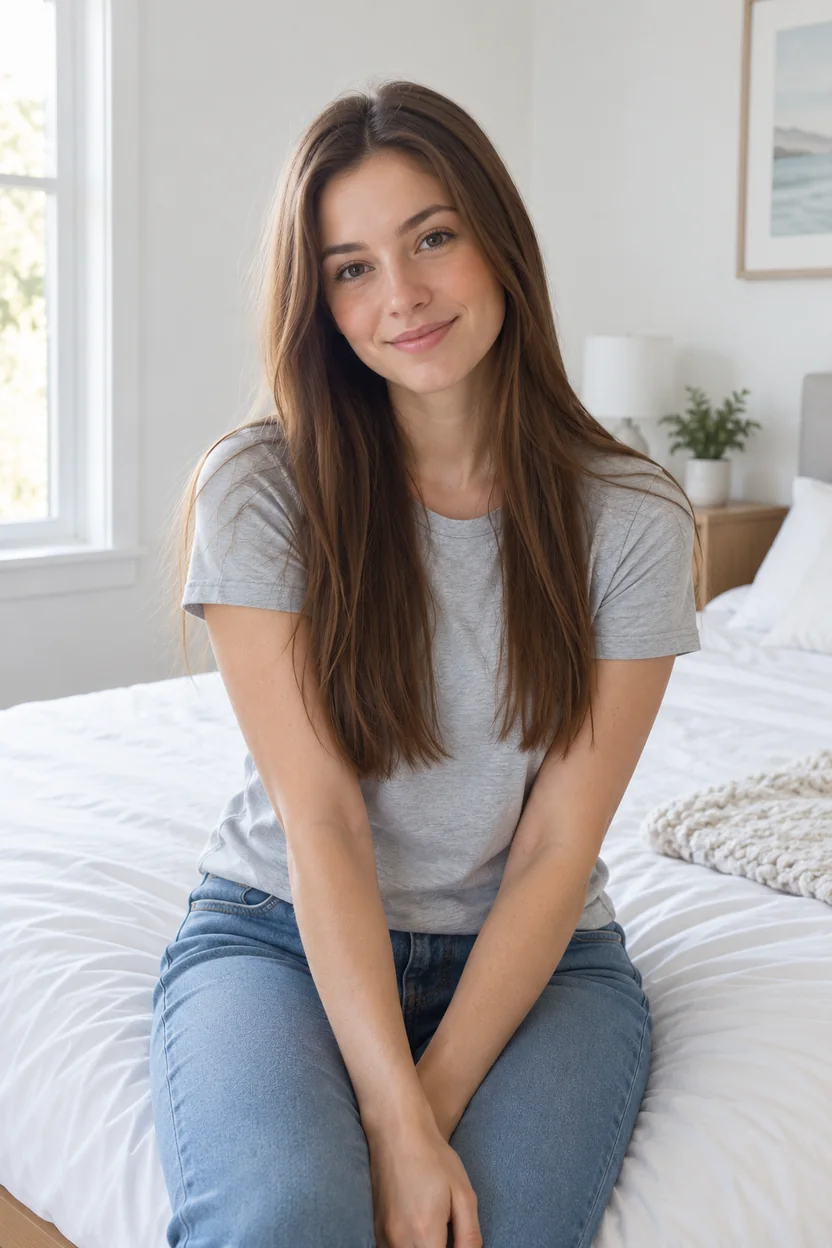
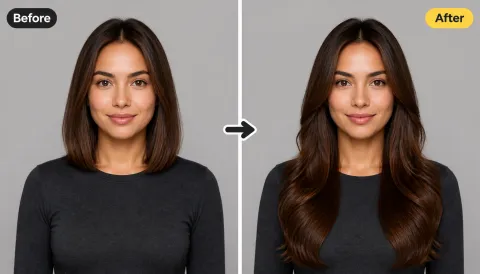
The bald filter works on long hair too. Make her bald for a bold editorial look or a character concept, or simply to see how a smooth bald head suits a softer face.
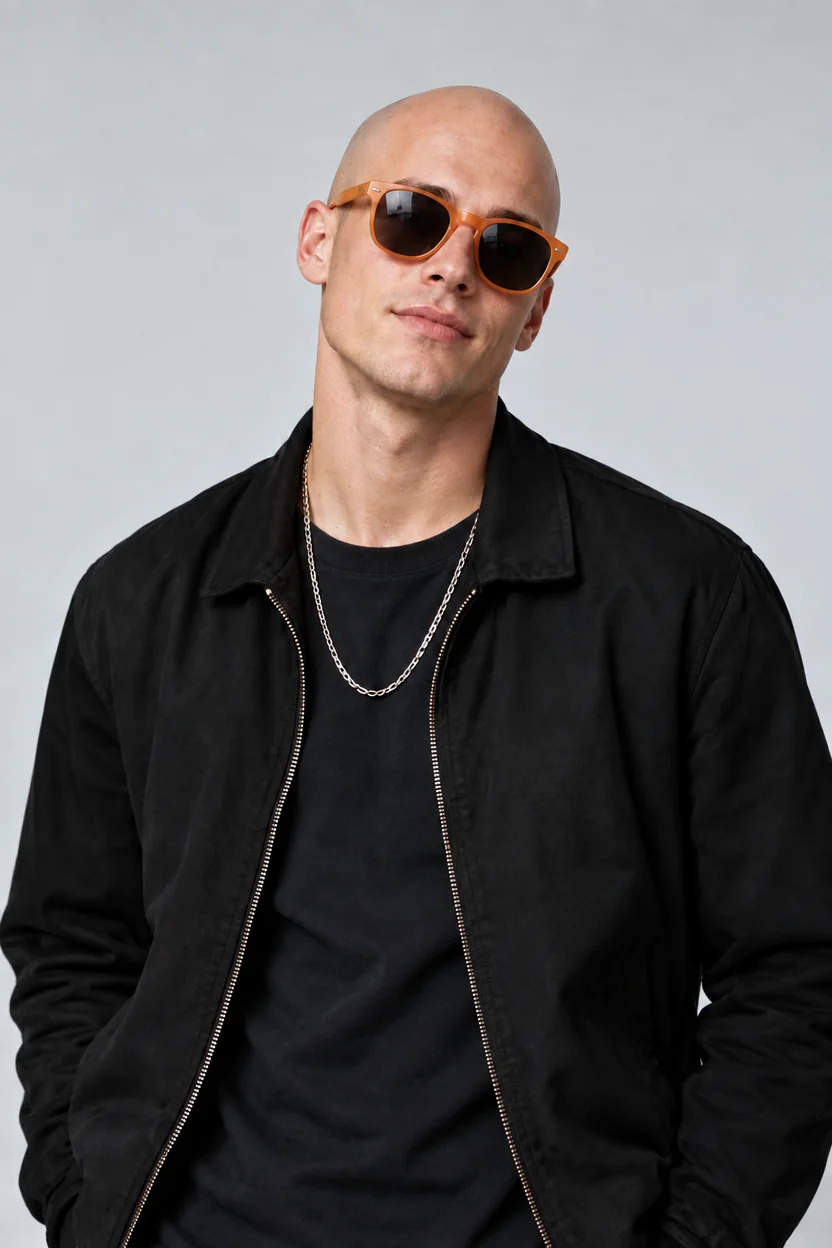
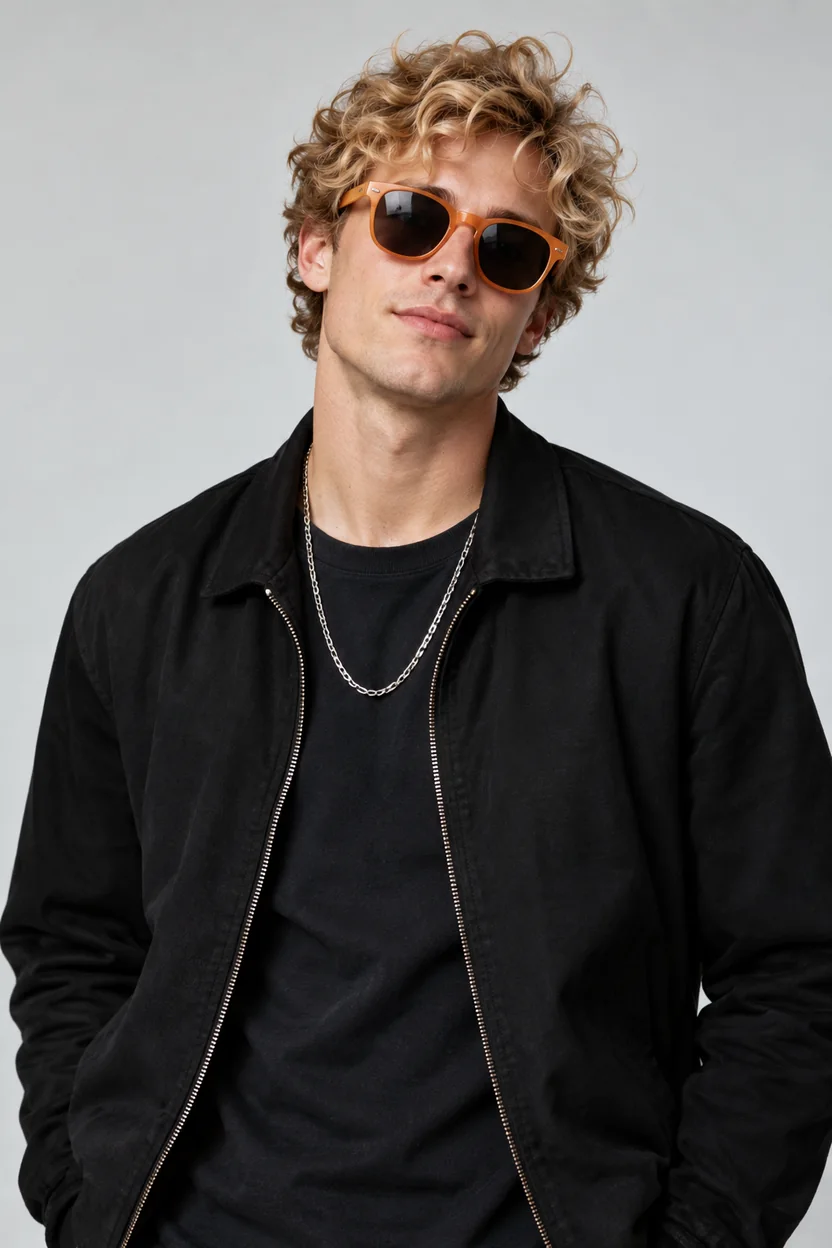
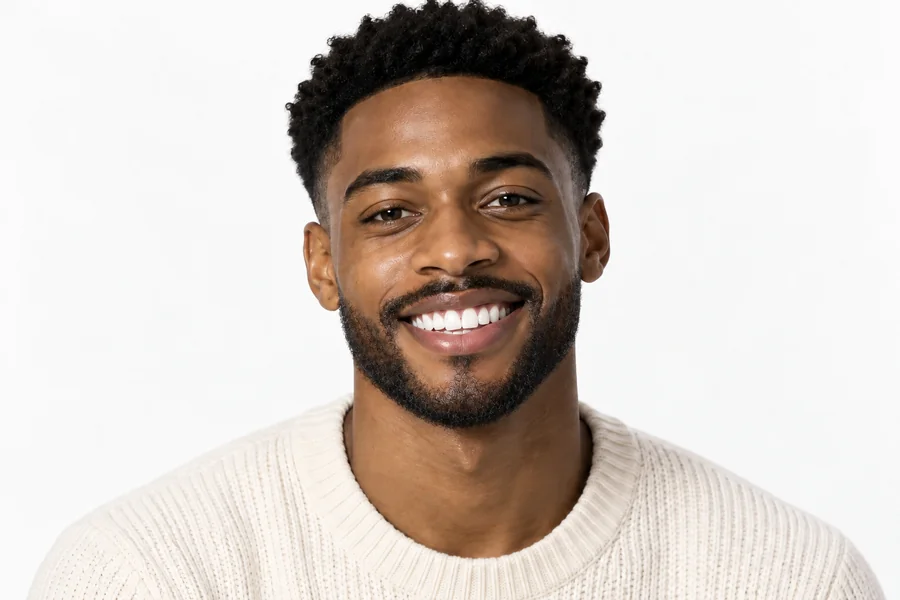
Make him bald while sunglasses, earrings, and chains stay exactly where they were. Ideal for style tests, pranks, and side-by-side bald pics.
How will I look bald? Find out in three steps, right in your browser. No bald app to install and no editing skills needed.
Pick a well-lit, front-facing photo where your hairline and head shape are visible. JPG, PNG, and WebP files up to 10 MB are supported.
Select Smooth Bald, Shaved Head, Shiny Bald, or Bald + Beard for a full bald look, or Receding Hairline and Thinning Hair for a balding preview. Want something specific? Describe it in Custom.
Choose 1 to 4 outputs, generate your bald look, and compare it with the original. Try another style if you want a softer or stronger change.


This bald AI rebuilds the scalp with matching skin tone, scalp shadows, and highlights instead of pasting a flat dome over your head. Your face, expression, beard, and background stay the same, so the bald picture looks like a real photo of you.
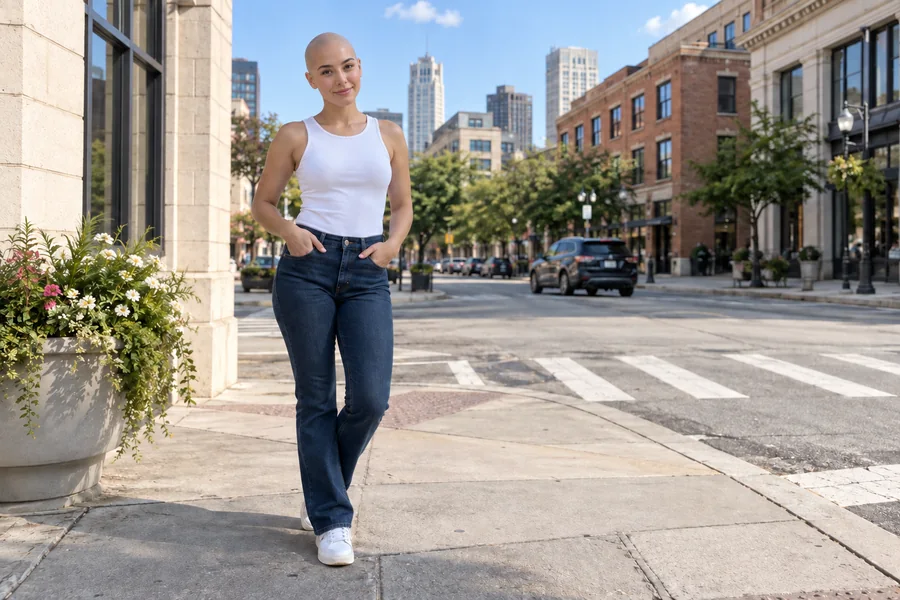
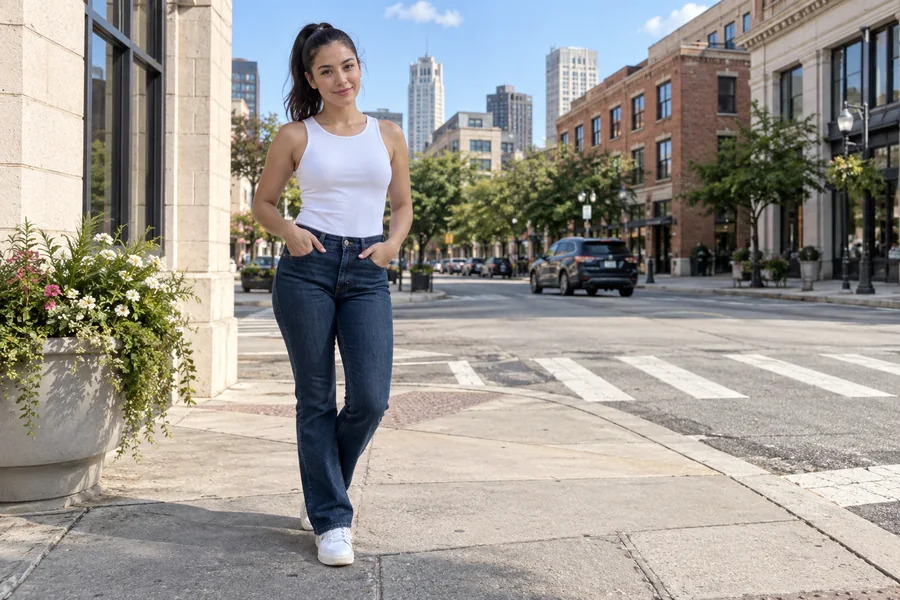
Shaving your head is a big step, and hair takes months to grow back. Use the bald simulator to check whether a shaved head suits your head shape and face before the clippers ever touch your hair.
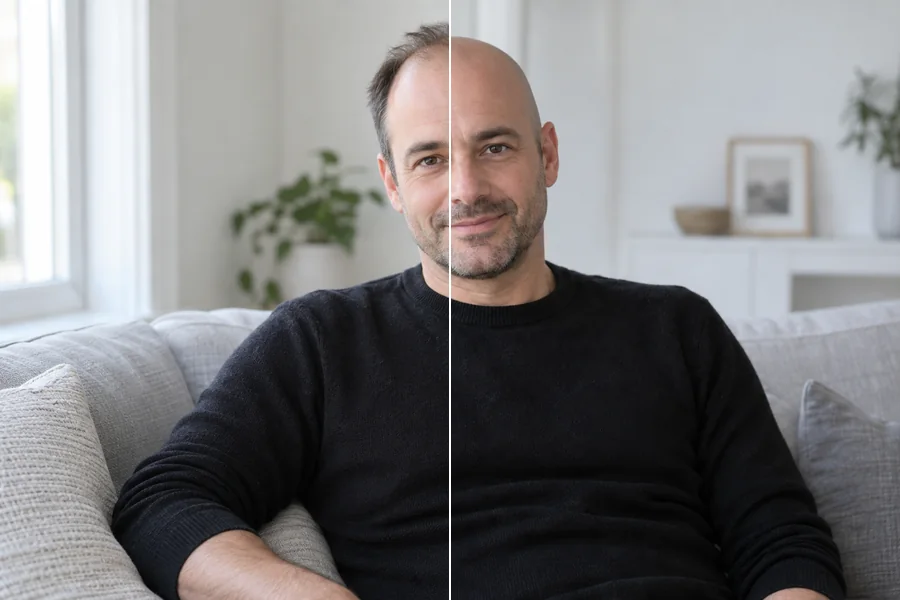
Facing thinning hair or a receding hairline? The balding filter shows gradual hair loss or a full bald head on your own photo, which can make the change feel familiar instead of frightening. It is a visual preview, not medical advice.
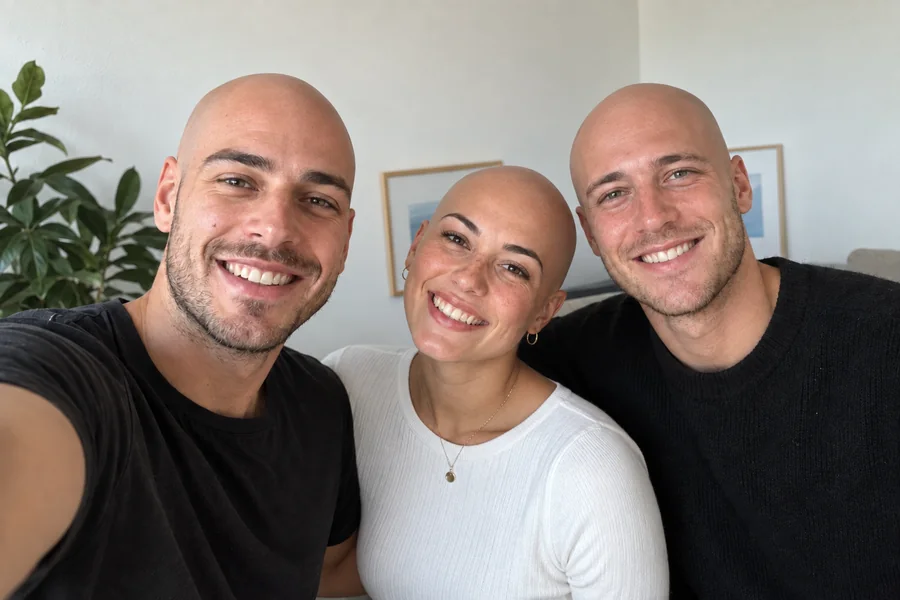
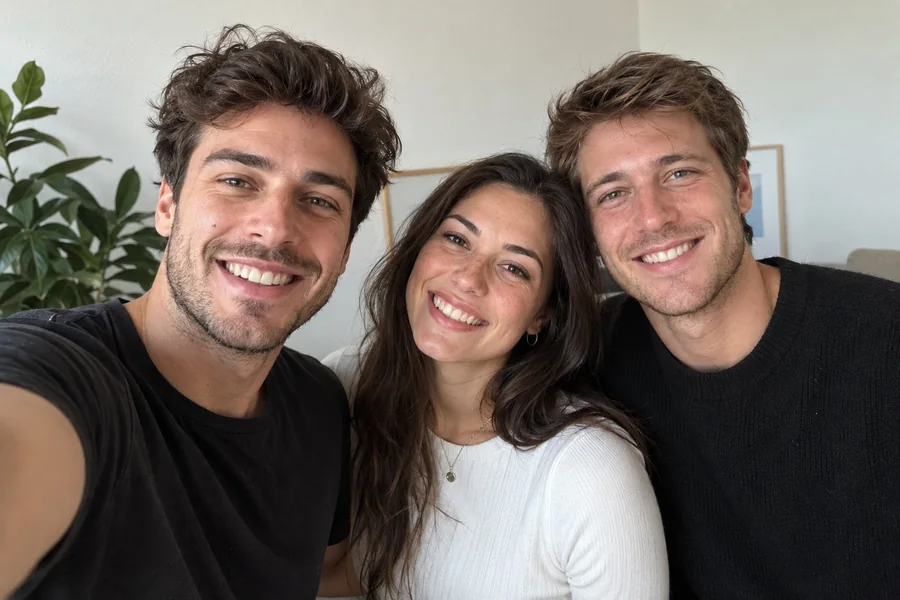
Baldify a friend, a partner, or the whole group selfie: it is the easiest way to make people bald for a harmless prank. Drop the bald pic in the group chat or share the before and after on social media and watch the reactions roll in.


See your face bald with a smooth finish, a fresh shaved head, or a beard before you book the barber.
If treatment or genetics mean hair loss is coming, a calm bald preview can help you get used to the look ahead of time.
Try the bald filter on yourself first, then share a warm family photo where everyone is bald together.
Making bald photos of friends with a bald generator is an easy laugh. Creators also use it to plan bald characters for cosplay, stories, and games.
The source photo has the biggest impact on how natural your bald head looks.
Use a photo where the top of your head and your hairline are fully inside the frame.
Soft, even light helps the AI match scalp tone and shadows to the rest of your face.
Hats, hoods, and beauty filters hide the head shape the bald filter needs to rebuild.
A single-person photo gives the most consistent result; group photos work but vary more.
Common ways people use bald filter results.
Illustrative examples adapted from reference material, not verified reviews of EzImgMaker.
I was on the fence about shaving my head. Seeing a realistic bald preview first made the decision easy, and I booked the barber that week.
My dad was worried about losing his hair during treatment. We made a family photo where all of us were bald, and it gave everyone a laugh.
I sent a bald pic of my roommate to our group chat. Half the replies asked when he shaved it.
The receding hairline style showed me a balding version of my own face. It was less scary than I expected.
Answers to common questions about the AI bald filter and bald head previews.
Upload a clear, front-facing photo, choose Smooth Bald or Shaved Head, and generate. The bald filter removes your hair and rebuilds the scalp around your real head shape, so you get a realistic preview of yourself bald. Compare a few versions for the fullest picture.
The AI reads the outline of your skull, ears, and hairline from the photo and builds the bald head around it. Head shape shows best in a straight-on or slightly angled photo where the whole head is in the frame.
Choose Receding Hairline or Thinning Hair for a balding filter preview, or pick a full bald style to see the end point. The result is a creative illustration, not a medical forecast, so talk to a professional about real hair loss.
Pick the Shaved Head style. Instead of a perfectly smooth scalp, it adds a natural skin tone and soft shadow, like a fresh clipper shave. For a shaved head with visible stubble, describe it in Custom.
The AI bald image generator detects your hair, hairline, head shape, and lighting, removes the hair, and paints in a scalp with matching skin tone, shadows, and highlights. Facial features, beards, glasses, and accessories stay in place.
Yes. This bald AI filter works on men and women and on any hair length, from short cuts to long hair, curls, or braids. Long hair around the neck and shoulders is replaced with matching background and clothing.
No. This online bald filter runs in your browser on phone or desktop, so you get the same kind of result as a bald app without downloading a separate bald application.
Only upload photos you have the right to edit, and ask for permission before you make someone bald and share the result. Never use a bald picture to mislead, harass, or impersonate anyone.
Yes. Choose Bald + Beard to keep facial hair while removing the hair on top, or use Custom to ask for a clean-shaven face as well.
For a convincing bald head photo, use a sharp, front-facing selfie with even light, a visible hairline, and no hat. Avoid heavy filters, strong shadows across the head, and tiny faces in crowded group shots.
Turn any photo bald and preview your new look with the AI bald filter.