Recolor a Car
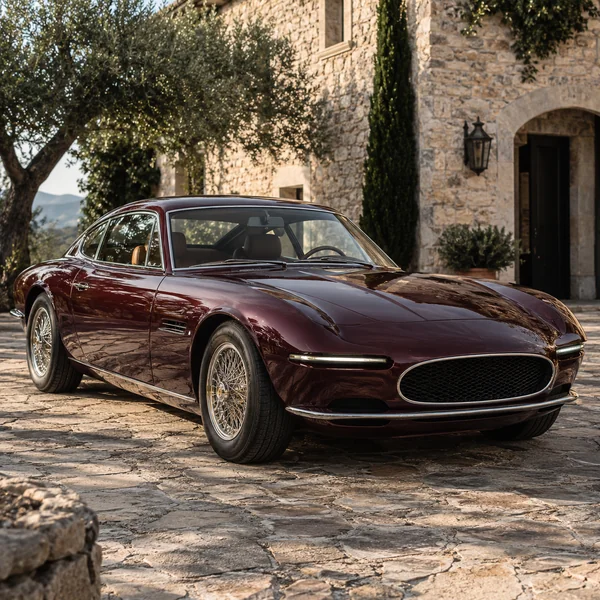
"Change the vintage coupe’s paint to deep burgundy; keep the chrome, wheels and reflections."
Upload a photo, type what should change, and let the AI change photo backgrounds, outfits and light, remove a person or apply a whole new style. Pick the AI model, keep the faces and everything you did not mention, and compare before and after.
AI edit photo ideas
Fine-tune

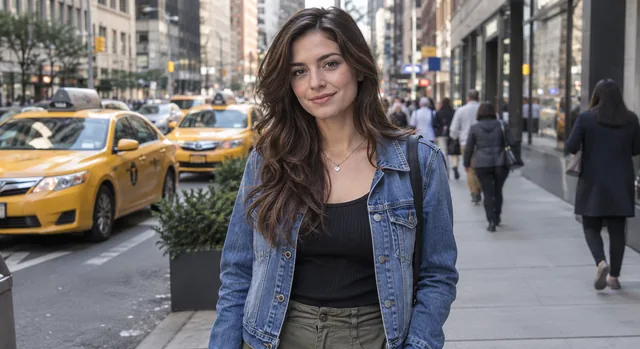
Reference example. It is not a result generated from your upload.
An AI photo editor changes a picture from a plain-language instruction. Instead of masks, layers and sliders, you upload a photo, write what should change ("put her in a red coat", "make it golden hour", "remove the car") and the model edits only that, keeping faces, pose and the rest of the scene. It is the quickest way to edit photo with AI, whether the change is a small fix or a full transformation. Think of it as a digital magic wand AI image editor that takes plain English.
This free AI editor (free to try with the credits you get at sign-up) lets you choose the model behind each edit: Nano Banana 2 for fast everyday changes, Nano Banana Pro for complex scenes and lettering, Seedream 4.5 for crisp detail, GPT Image 2 for long, precise instructions, and FLUX.2 for photographic realism. It is an online AI photo editor, so this AI image editor online works on phone and desktop alike.
Every result here came from one sentence. Click a button to load a similar instruction into the editor.
"Change the vintage coupe’s paint to deep burgundy; keep the chrome, wheels and reflections."
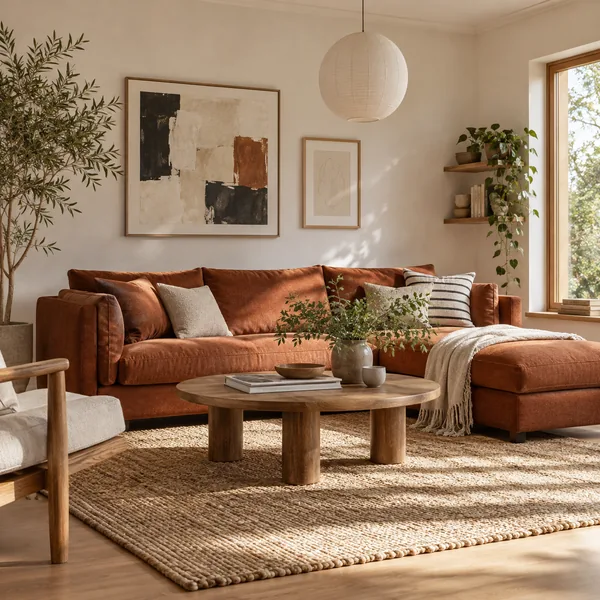
"Replace the sofa with a rust-colored linen sofa; keep the room, rug and daylight."
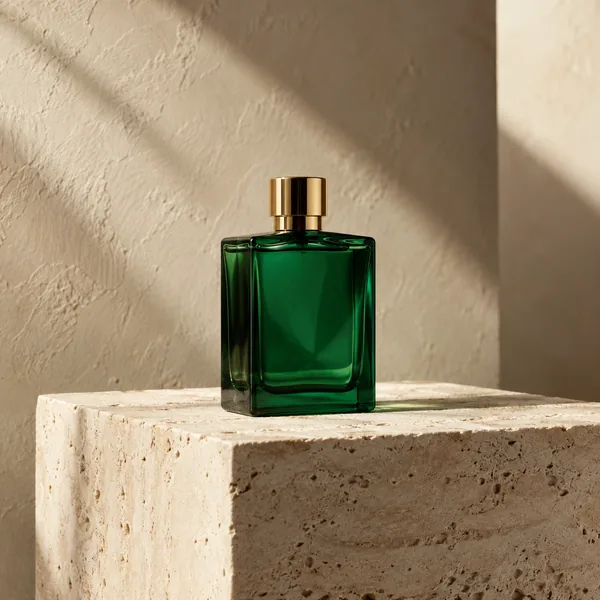
"Replace the background with warm ivory plaster and a travertine pedestal; keep the bottle unchanged."

"Turn this cottage photo into a delicate watercolor with paper texture; keep the garden layout."
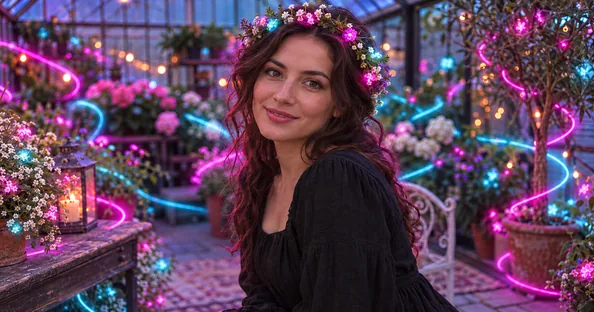
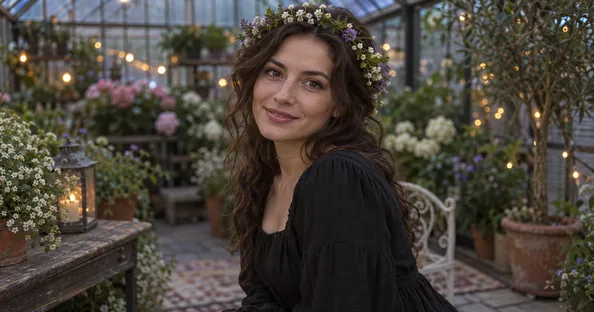
"Add glowing neon light trails to her hair and the greenhouse behind her; keep her face the same."
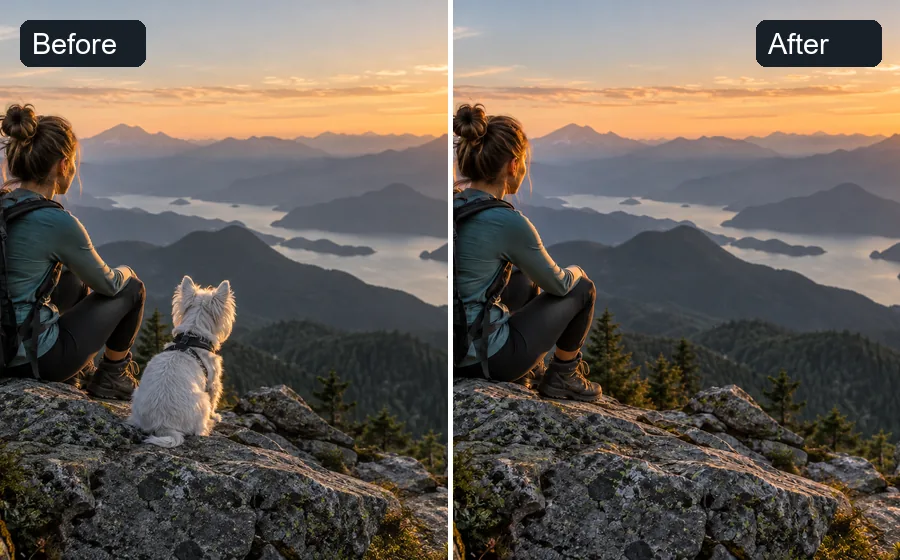
"Remove the dog next to the hiker and rebuild the rock and mountains behind it."
Change images in three steps, no editing skills needed.
Add a JPG, PNG or WebP up to 20 MB: a portrait, a product shot, a room, a landscape or an old print.
Type what should change in plain words, or pick a popular edit such as Change Background or Day to Night. Choose the AI model, and an aspect ratio if you need a new shape.
Click Edit Photo, drag the slider to compare the AI edited result with your original, then download it or refine the instruction and run it again.
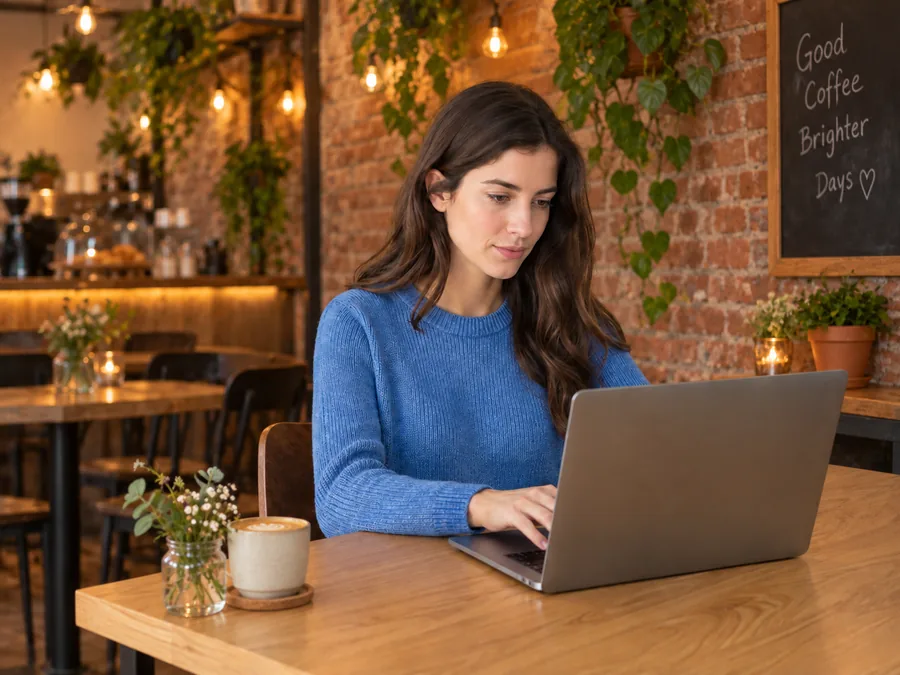
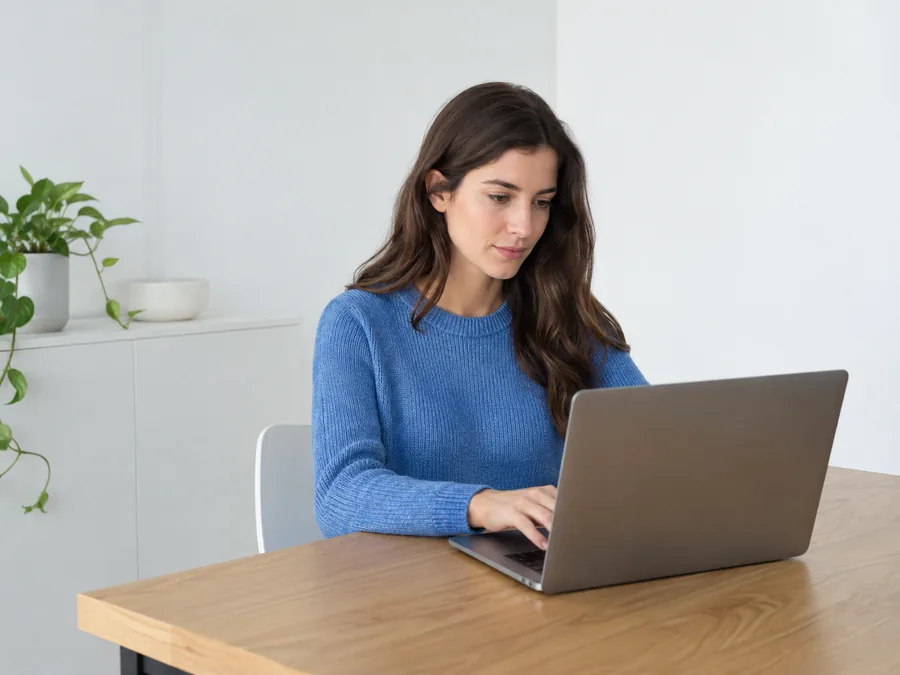
No selection tools, no layers. Say "move her into a cozy brick café" and the AI image modifier rebuilds the room while the person, laptop and pose stay put. Any change you can describe, from a small fix to a complete AI image alteration, starts with one sentence.
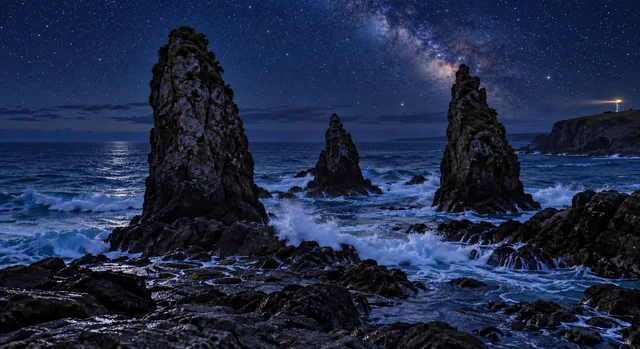
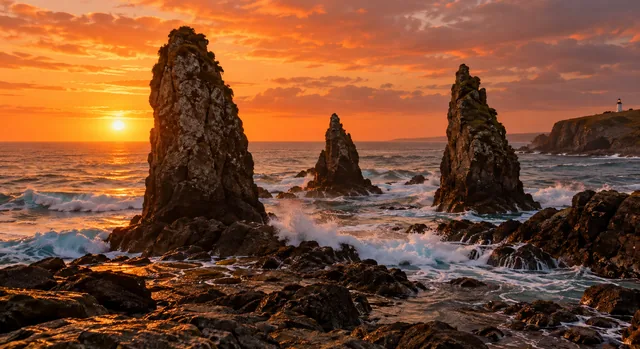
Change the time of day, the weather or the light without a reshoot. Turn a sunset into a starry night, add golden-hour warmth or soften harsh noon sun: the day to dusk photo editing that travel and real estate photographers used to do by hand. Wondering how to edit photos for golden hour glow? Ask for it in one line.
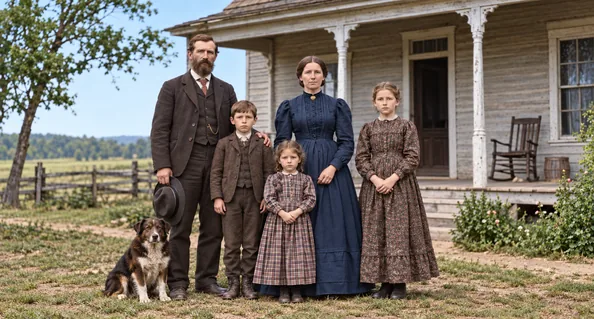
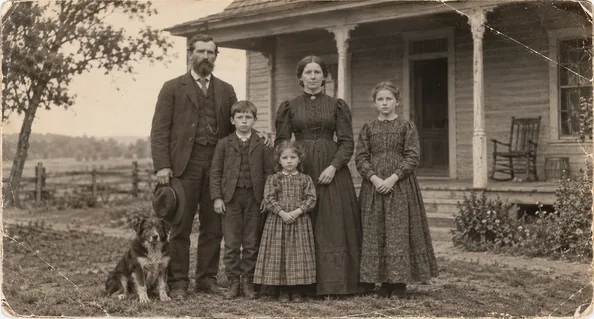
Use it as an AI image fixer for scratched, faded or black-and-white prints: one instruction removes damage, sharpens faces and adds natural color. For sharpening and upscaling alone, the image enhancer in the list below is the better fit.
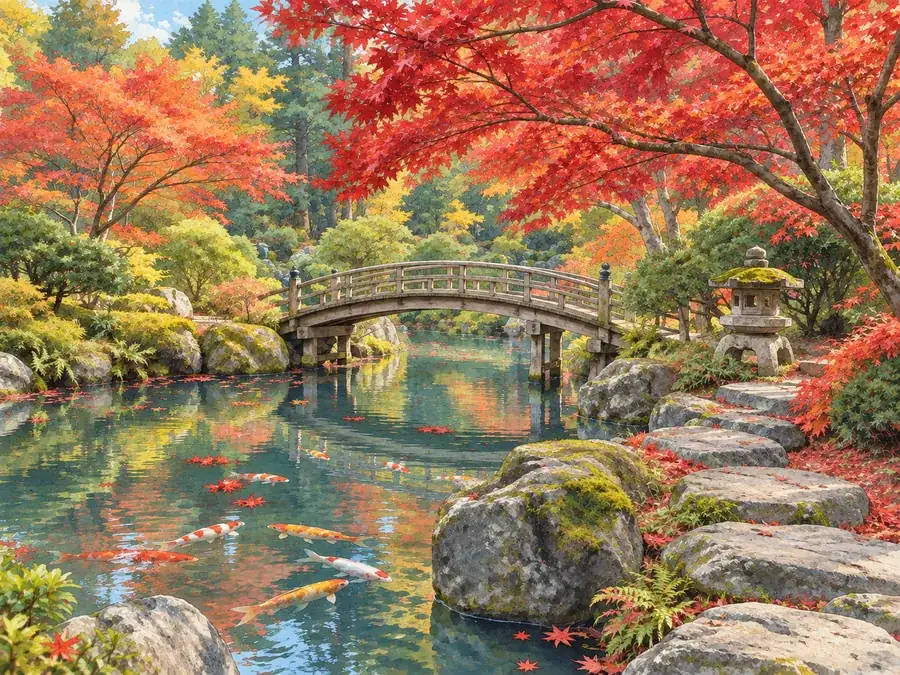
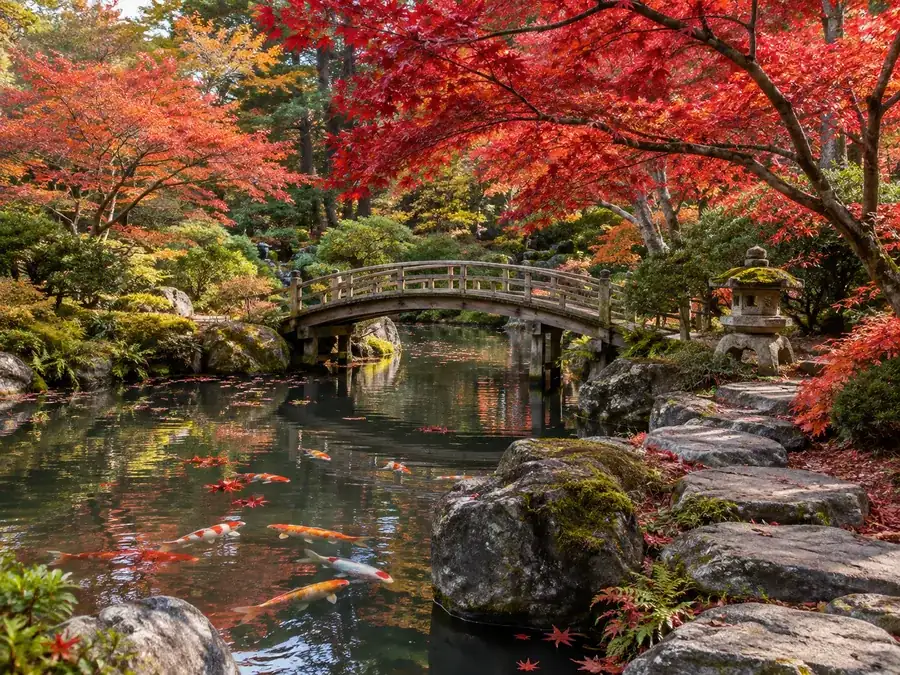
Transform image looks into watercolor, illustration or anime, or use it as a retro picture editor for film tones, while every bridge, tree and path stays where it was. Style edits work on portraits, pets, products and places alike.
One instruction replaces a reshoot, a retoucher or an afternoon in a desktop editor.
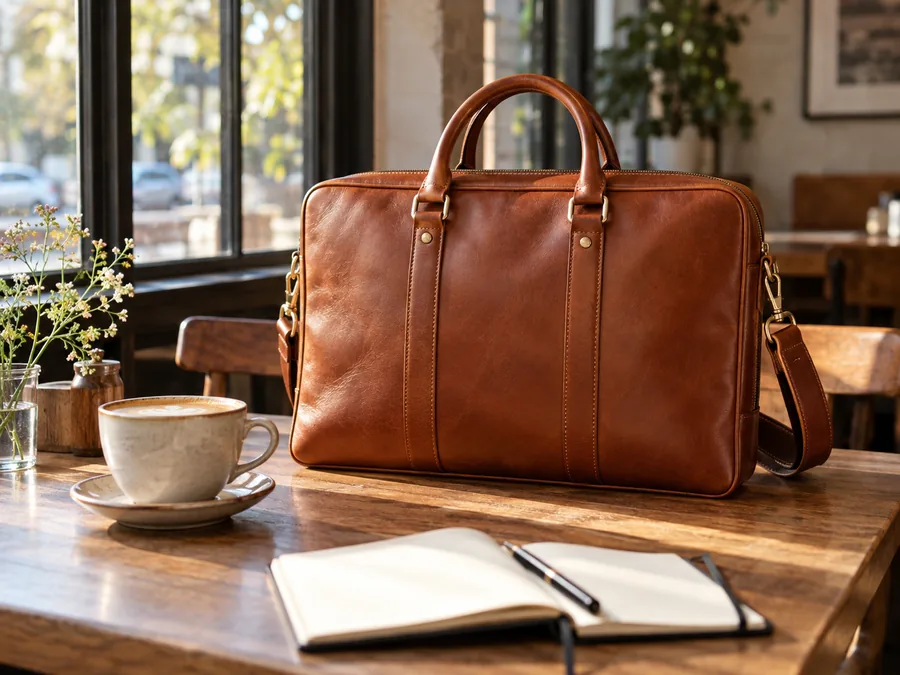
An AI photo editor for ecommerce: new backgrounds, colorways and lifestyle scenes from one product shot, ready for photo editing for ecommerce listings.
Jewelry photo editing and furniture photo editing without a studio day or furniture image editing services: clean reflections, swap fabrics or stage a room.
A family photo editor for holiday cards and albums: family photo editing that fixes the light, removes a stranger or restores a grandparent’s print.
A photo editor for Instagram and every other feed. Wondering where to edit pictures for aesthetic posts, or how to edit pics for Instagram? Describe the look, from soft film tones to a clean studio style.
Twilight conversions, decluttering and virtual staging, each from a single instruction.
Turn one photo into many: new seasons, outfits, text overlays and ad shapes in 1:1, 4:5 or 9:16.
Clear instructions get the edit right the first time.
Name the change, then the parts to keep: "make the jacket red; keep the face and background".
"Deep navy" beats "dark", and "warm light from the left" beats "nicer light".
Chain edits: change the background first, download, then upload the result to relight it.
If one model misreads the prompt, run the same instruction on another; long, detailed requests suit GPT Image 2 and Nano Banana Pro.
Every photo tool on EzImgMaker, grouped by job: prompt editors and models, backgrounds, cleanup, enhancement, try-ons, faces and styles, and quick edits that run in your browser.
 ChatGPT Photo EditorA ChatGPT photo editor that works by instruction: upload a picture, type the change you want, and the AI image editor applies it while keeping the rest intact.
 FLUX KontextUse FLUX Kontext online: upload a photo, type one instruction, and the FLUX Kontext AI model edits only what you ask while keeping faces, style, and layout.
 Nano Banana 2Try Nano Banana 2, the Gemini 3.1 Flash Image model: Pro-level images at Flash speed, 1K to 4K output, ultra-wide ratios, readable text, and up to 14 references.
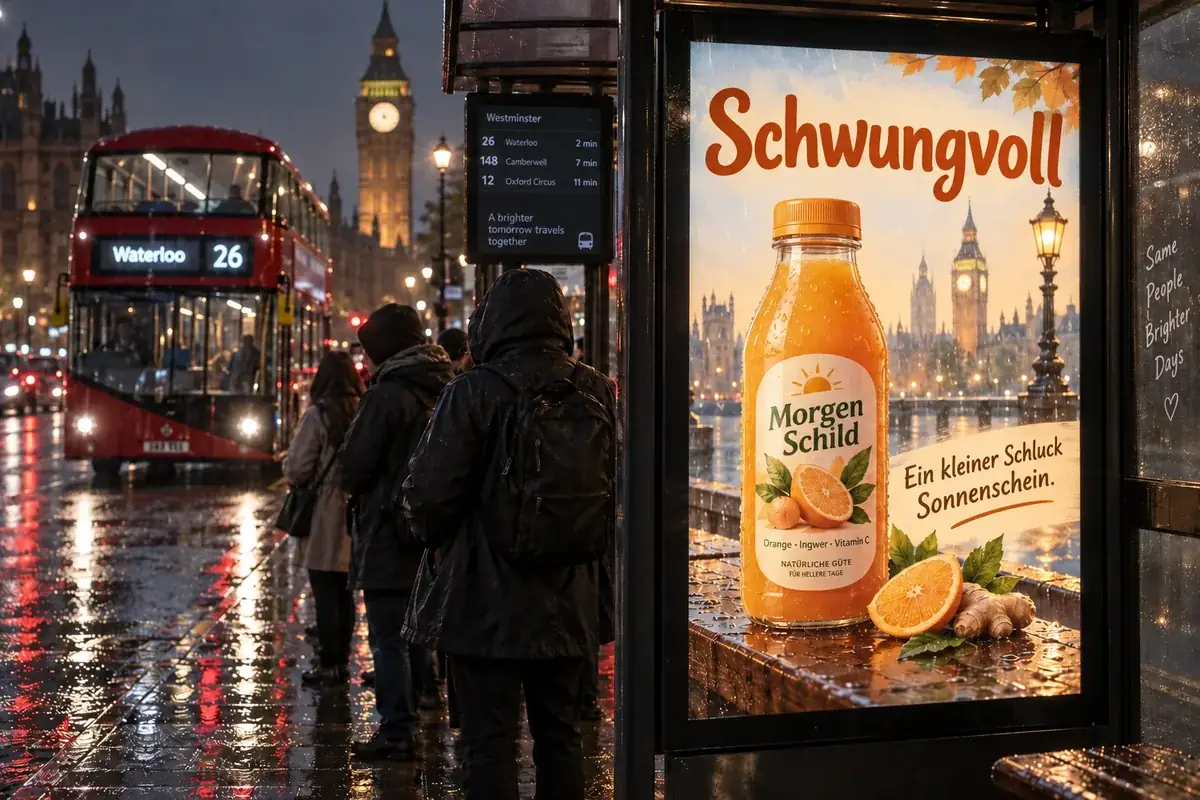 Nano Banana ProCreate 2K and 4K images with Nano Banana Pro, the Gemini 3 Pro Image model: legible text in many languages, infographics, multi-image blends, and studio control.
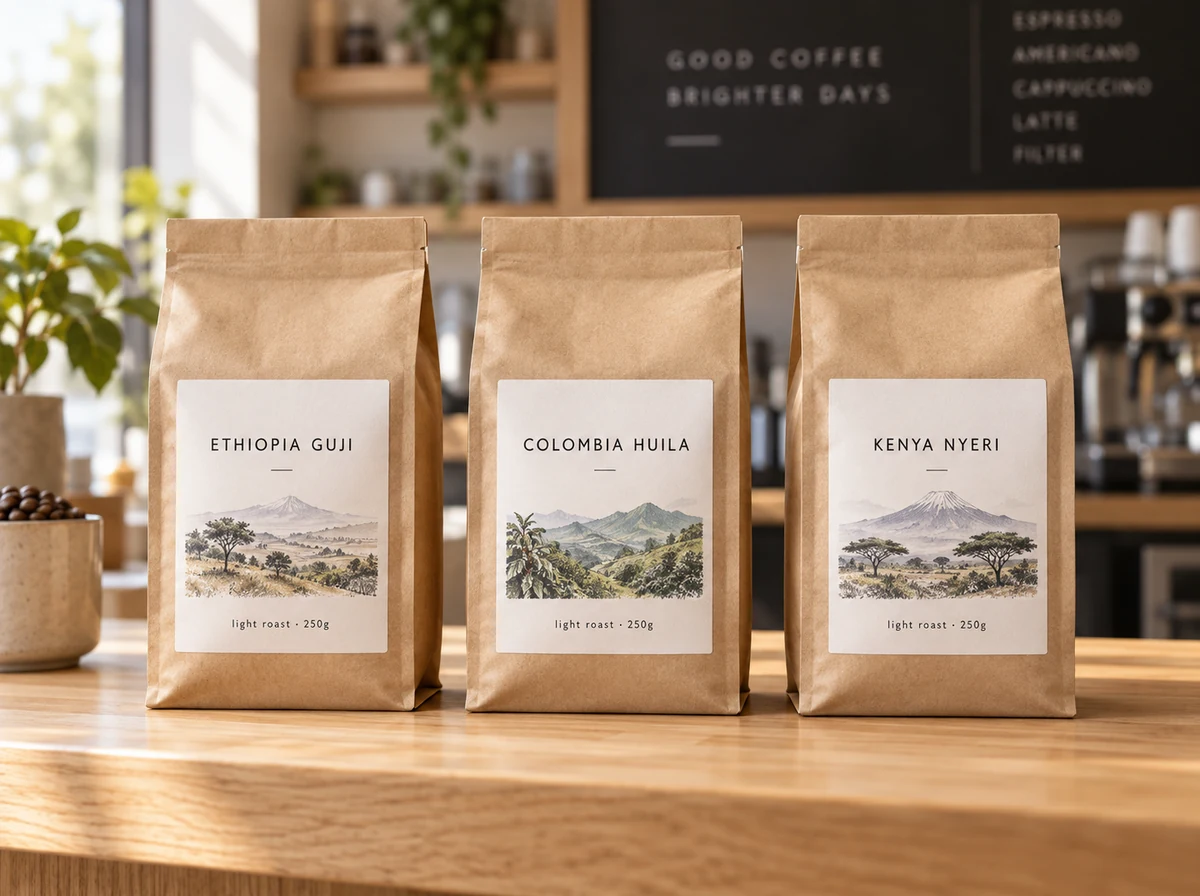 Nano Banana 2.1Try Nano Banana 2.1, Google’s newest Nano Banana model: sharper text, steadier characters, 1K to 4K output, 15 ratio options, and edits from reference images.
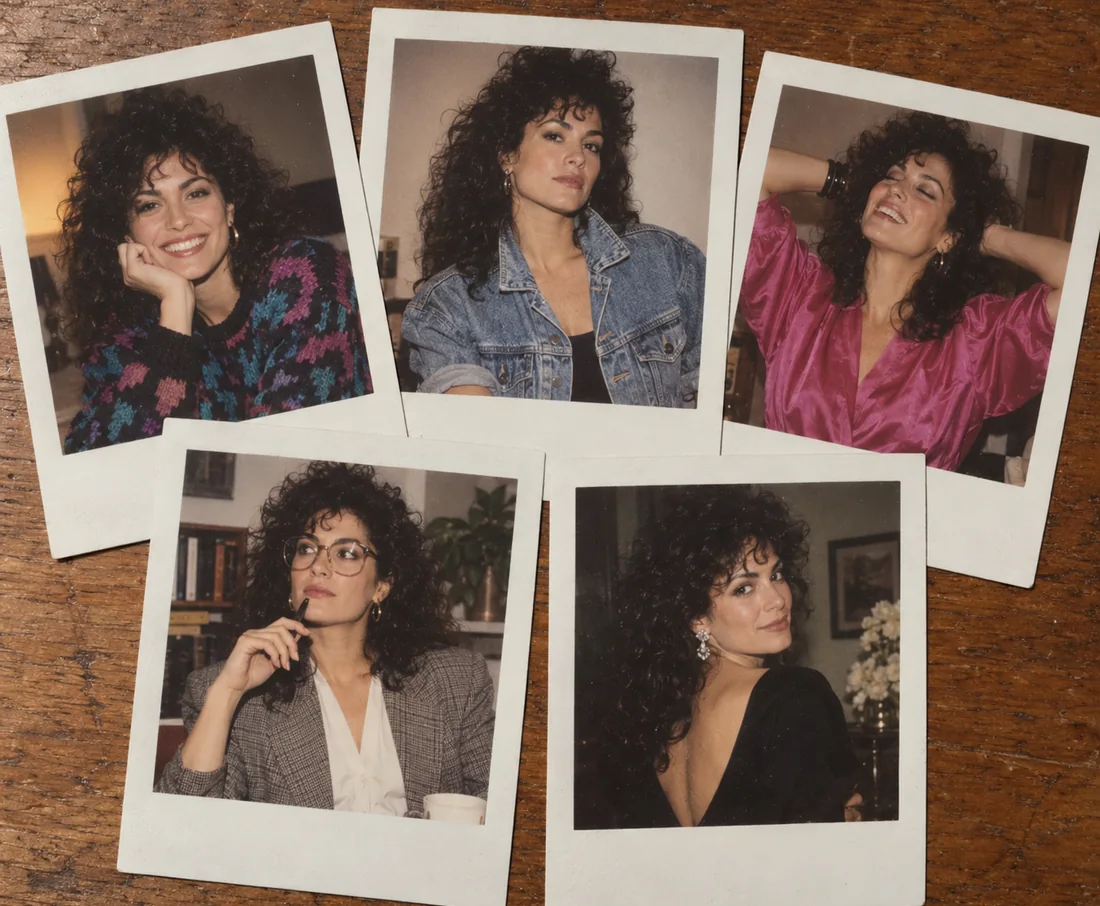 Nano BananaUse Nano Banana, the Gemini 2.5 Flash Image model, to generate pictures from text or edit photos with plain words. Blend images and keep characters consistent.
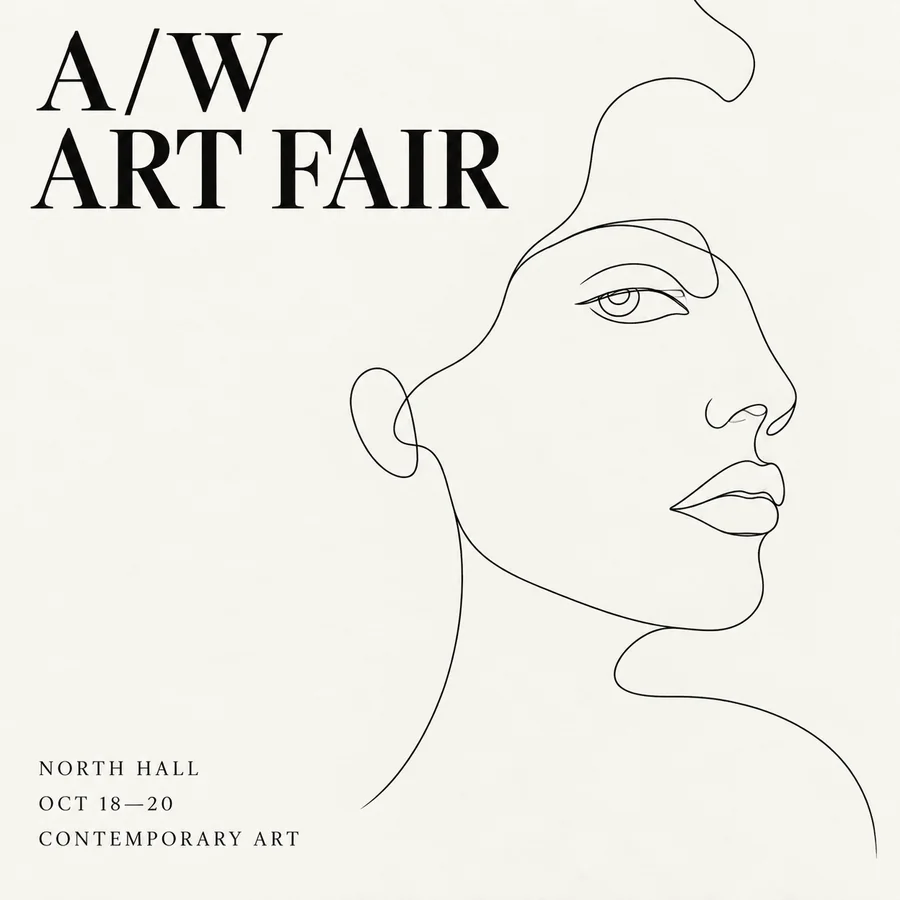 Seedream 4.5Use Seedream 4.5 online: write a prompt or add reference images, pick an aspect ratio and 2K or 4K quality, and create posters, product shots, and photo edits.
 Seedream 4.0Use Seedream 4.0, ByteDance’s text to image and editing model, online. Generate up to 4K images, edit with reference photos, or switch to Seedream 4.5 or 5.0.
 GPT Image 2Use GPT Image 2, OpenAI’s gpt-image-2 model, to create images with dense, readable text, UI mockups, and edits from up to 16 reference images, at 1K, 2K, or 4K.
 FLUX.2Try FLUX.2, the Flux 2.0 image model from Black Forest Labs. Use FLUX.2 Pro or Flex for text to image and multi-reference edits, with 1K or 2K output.
 AI Real Estate Photo EditingAI real estate photo editing for listings: replace gray skies, declutter rooms, brighten interiors, convert to twilight, and add virtual staging to any photo.
 Background RemoverRemove background free to try: the AI background remover online cuts out people, products and pets, then gives you a transparent PNG, white, color or new scene.
 Bulk Background RemoverBulk background remover for product photos and portraits. Upload a batch, let AI cut out every subject, and get matching transparent or white backgrounds.
 Make Background BlackMake background black in any photo with AI. Upload a portrait or product shot and get the subject on a clean black backdrop, with edge light for dark tones.
 Green Screen RemoverFree green screen remover in your browser: chroma key green or blue backdrops out of photos, clean up green edges, and download a transparent PNG.
 Remove a Color from an ImageRemove a color from an image for free in your browser: make one color transparent, replace it with white, or keep only that color for a color splash photo.
 Remove Background From SignatureRemove background from signature photos and scans with AI. Paper, shadows, and ruled lines are cleared, leaving a sharp transparent PNG for Word or PDF.
 GIF Background RemoverRemove background from GIF animations with AI. Upload an animated GIF, cut out the subject on every frame, and make the GIF transparent or swap in a new color.
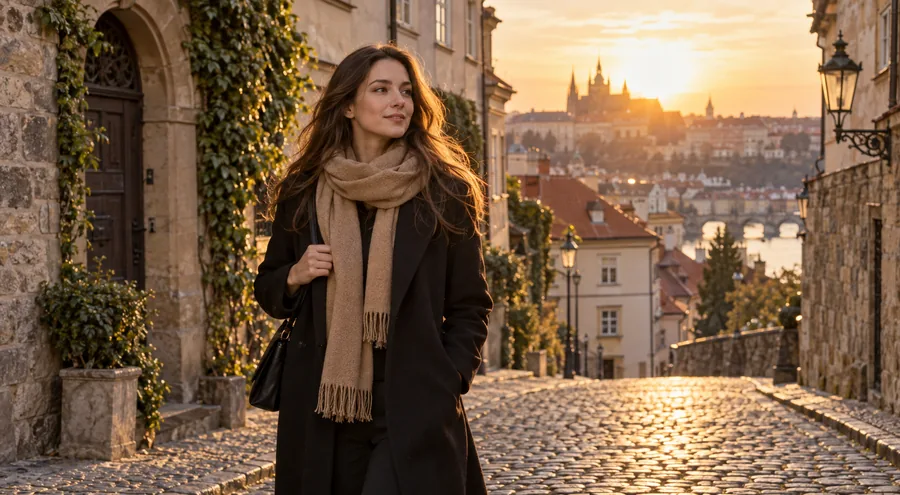 Watermark RemoverWatermark remover for your own photos: mark the text, logo, date stamp or signature and the AI erases it and rebuilds what is underneath. Free to try online.
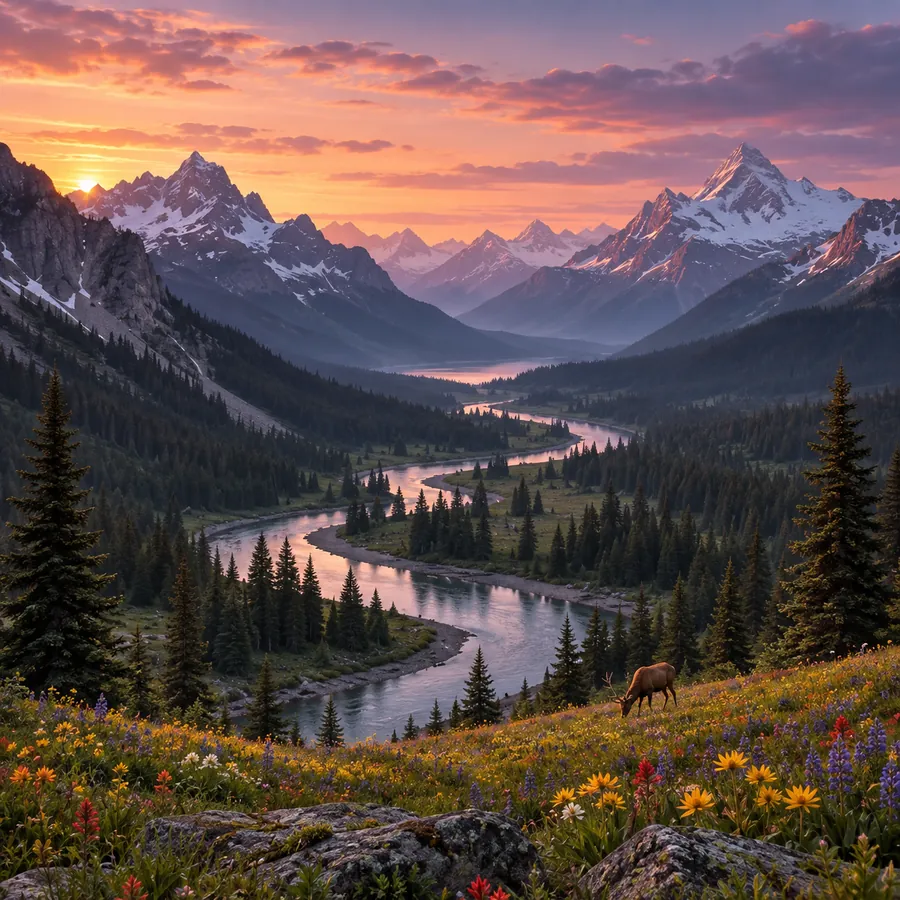 Gemini Watermark RemoverHow to remove a Gemini watermark? Upload an image you made with Gemini or Nano Banana and the Gemini watermark remover erases the sparkle logo without cropping.
 GIF Watermark RemoverRemove watermark from GIF animations you own. Upload a GIF, mark the logo or text, and the GIF watermark remover rebuilds every frame and keeps the loop smooth.
 Remove Emoji from PhotoRemove emoji from photo shots in one pass: the AI emoji remover erases emojis and stickers from pictures and fills the covered area with matching background.
 Remove Glasses from PhotoRemove glasses from photo portraits with an AI glasses remover. Take off eyeglasses or sunglasses, rebuild natural eyes, and keep the rest of the face unchanged.
 Remove Glare from PhotoHow to remove glare from photo shots? Upload one and the AI glare remover clears sun glare, flash reflection, and window reflections while keeping the detail.
 Remove Glasses Glare from PhotoRemove glasses glare from photo portraits: upload a picture and the AI clears flash, window, and screen reflections from the lenses while the eyes stay natural.
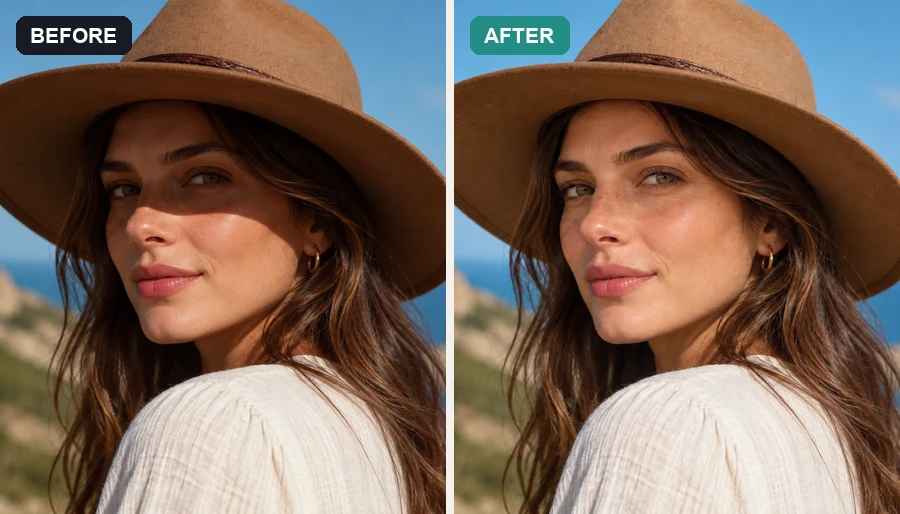 Remove Shadow from PhotoRemove shadow from photo portraits, products, and documents: the AI shadow remover lifts harsh face, hat, hand, and cast shadows and relights them naturally.
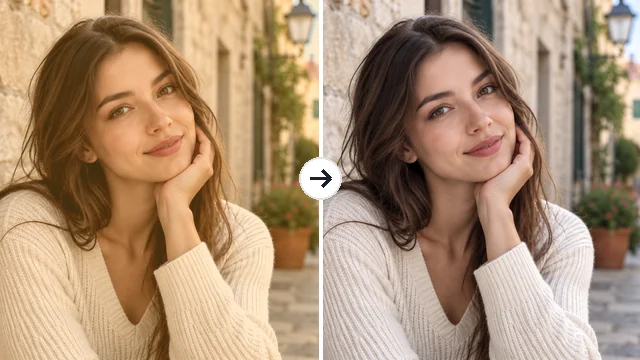 Remove Filter from PhotoRemove filter from photo edits that went too far: the AI filter remover tones down color casts, vintage looks, and beauty filters for a more natural picture.
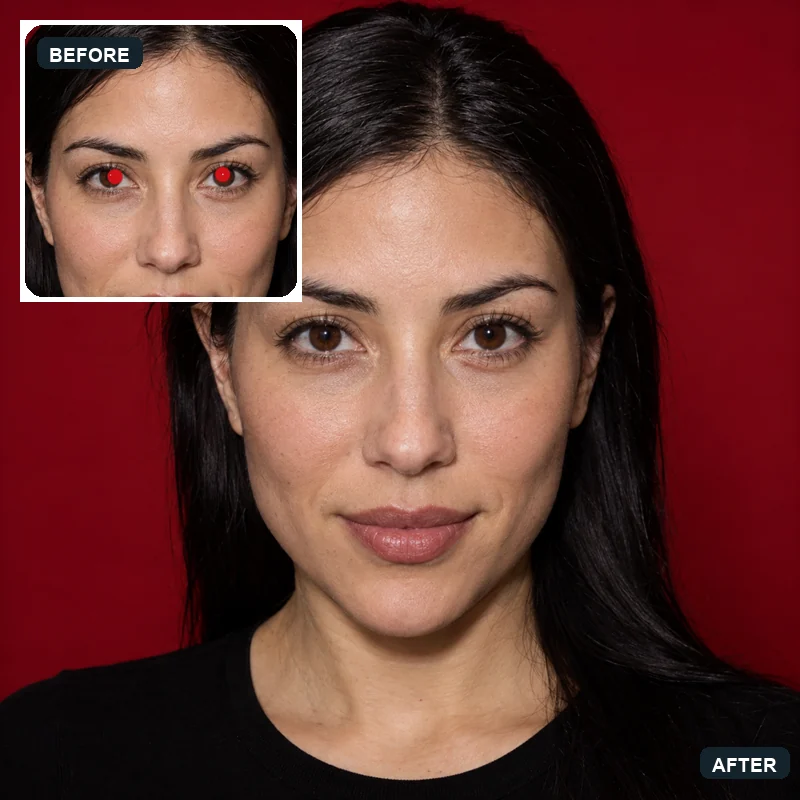 Red Eye RemoverHow to get rid of red eyes in photos? Upload a picture and the AI red eye remover fixes red pupils and pet eye glow, restoring natural eye color in every face.
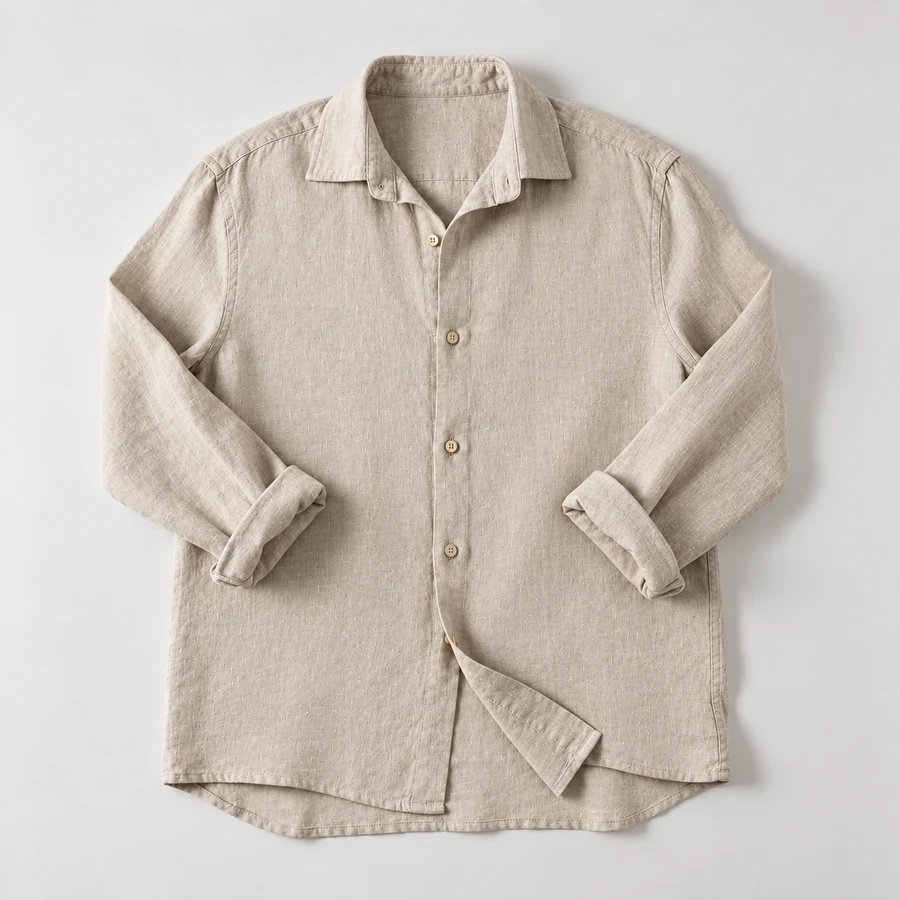 Remove Wrinkles From PhotoRemove wrinkles from photo shots of shirts, suits, and flat lays. Let the AI remove clothes wrinkles and soften fine lines; seams, prints, and texture stay.
 AI Image EnhancerAI photo enhancer and image quality enhancer: upscale pictures 2x or 4x, fix blur, noise and faded color, and enhance picture quality right in your browser.
 Unpixelate ImageUnpixelate image files in a few clicks. The AI depixelizer removes pixelation from photos, rebuilds faces and edges, and turns blocky pictures into clear ones.
 Deblur TextDeblur text in photos, screenshots, and blurry notes. The AI text enhancer sharpens letters and numbers so documents, receipts, and signs are readable again.
 Remove JPEG ArtifactsRemove JPEG artifacts from compressed photos. AI clears blocky squares, banding, halos, and noise, then rebuilds detail in product shots, portraits, and skies.
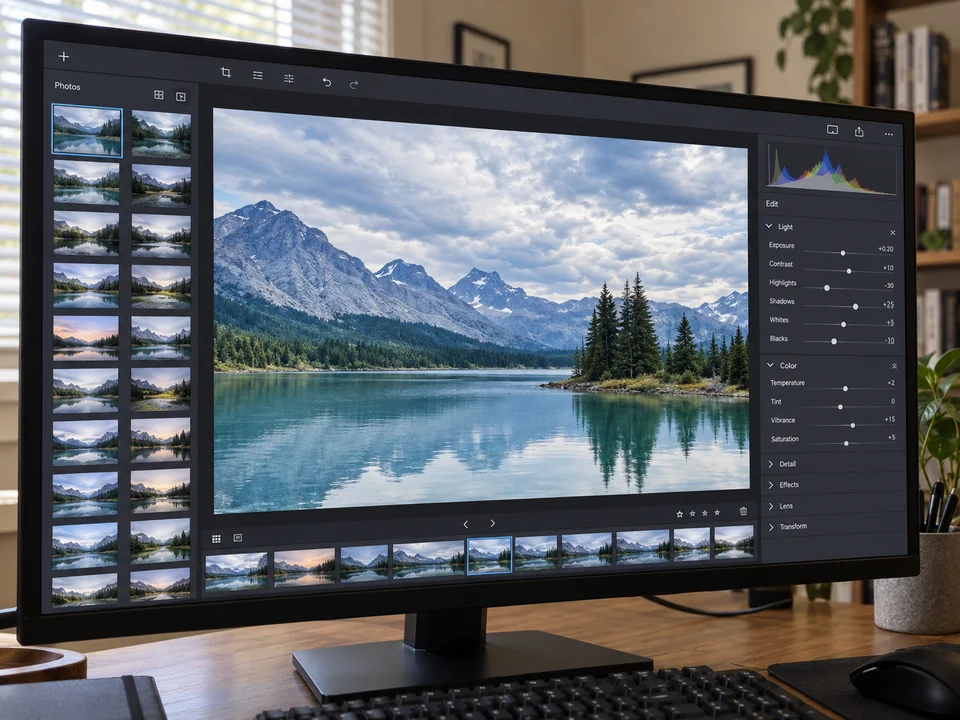 Moire FixMoire fix for screen photos, fabric, and scans: upload an image and AI removes the moire pattern, rainbow bands, and wavy lines while keeping detail sharp.
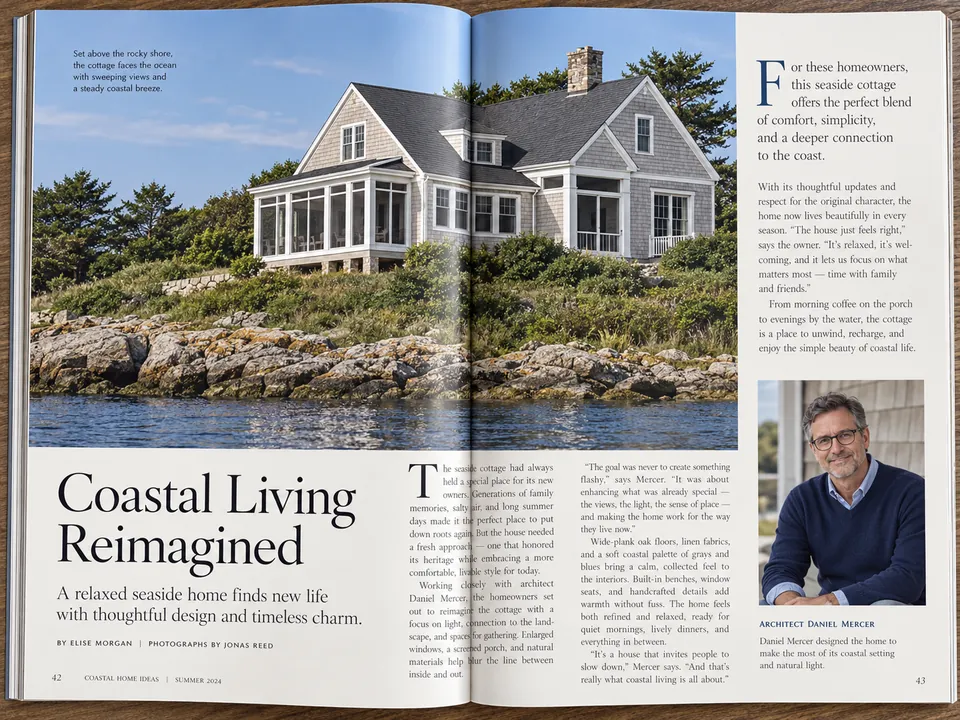 DescreenDescreen scanned magazines, newspapers, comics, and photo prints. AI removes halftone dots and the moire pattern on scans while keeping text and detail sharp.
 Anime UpscalerAI anime upscaler for fan art, screenshots, manga, and waifu wallpapers. Upscale anime images 2×, 4×, or to 4K with crisp line art and clean color blocks.
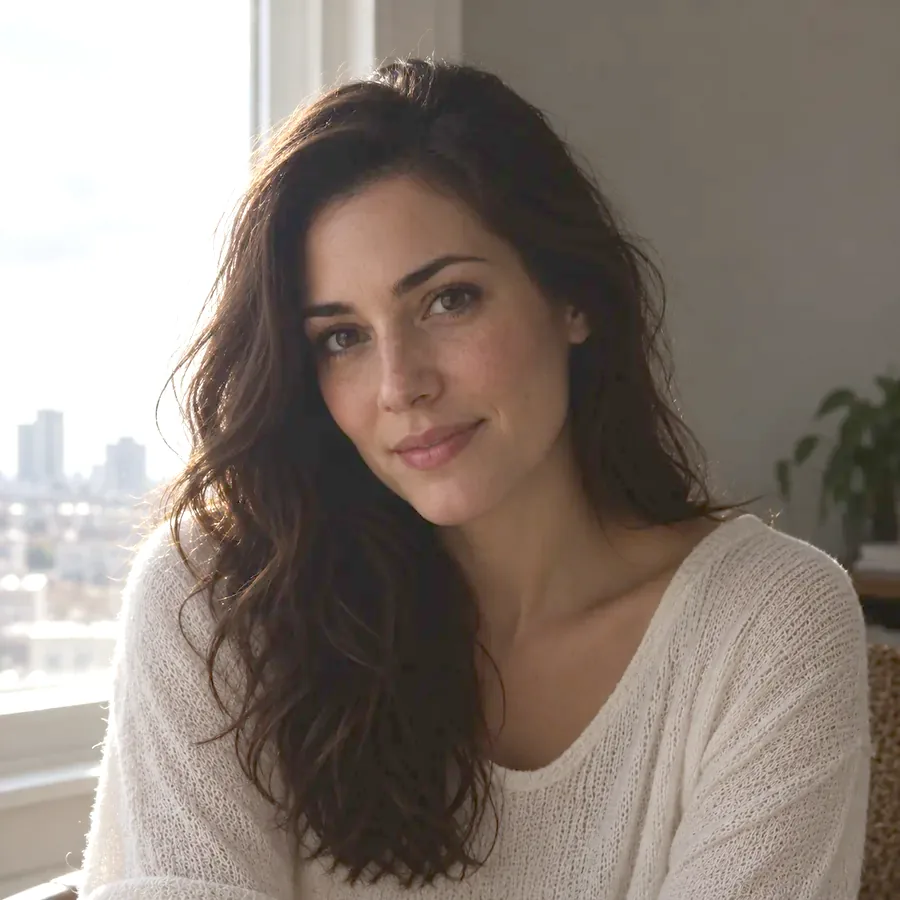 Image BrightenerFree image brightener that runs in your browser: brighten an image, lighten dark photos, and adjust picture brightness with one click or sliders, then download.
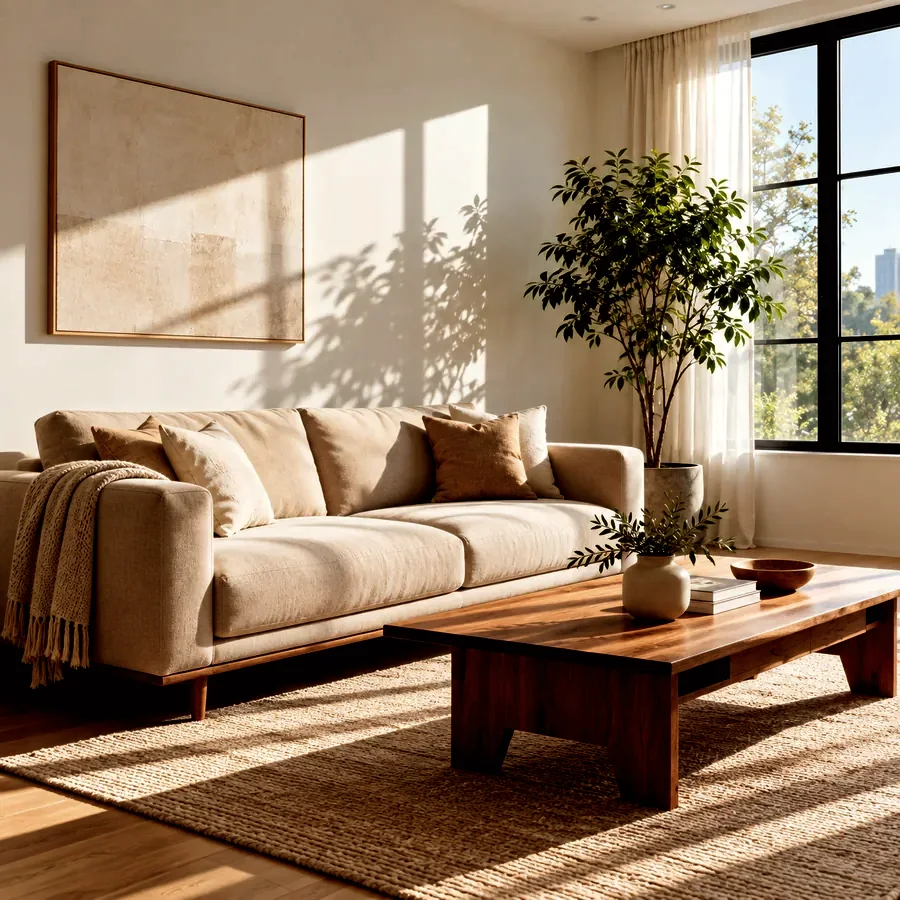 Darken ImageDarken image files online for free in your browser: tone down overexposed photos, add a moody darkening effect, or dim a picture behind text, then download.
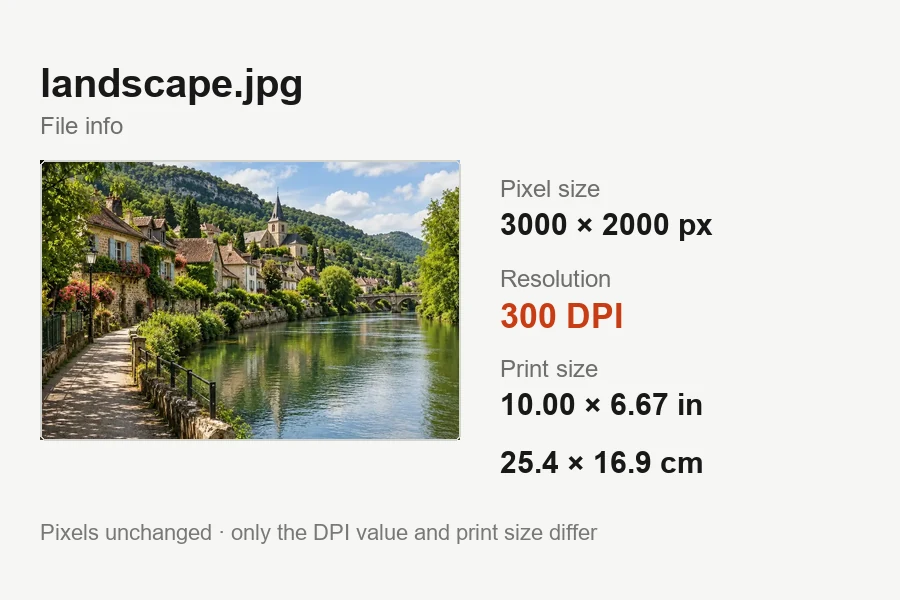 Increase DPI of ImageIncrease DPI of image files to 300 or any value in your browser: set the print resolution, see the print size live, and download JPG or PNG. Free, no upload.
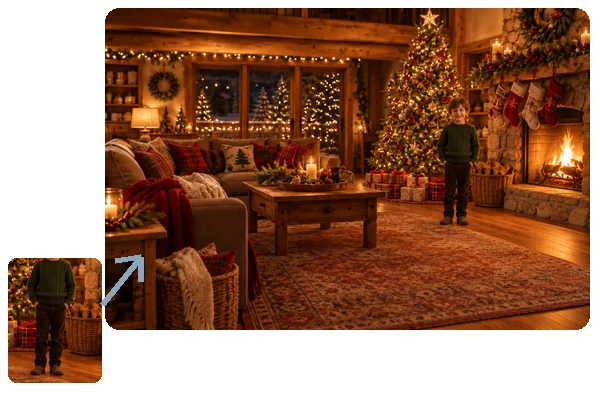 Add Person to Photo with AIHow to add someone to a photo: upload the picture and a photo of the person, and AI will add person into picture scenes with matching light, scale, and pose.
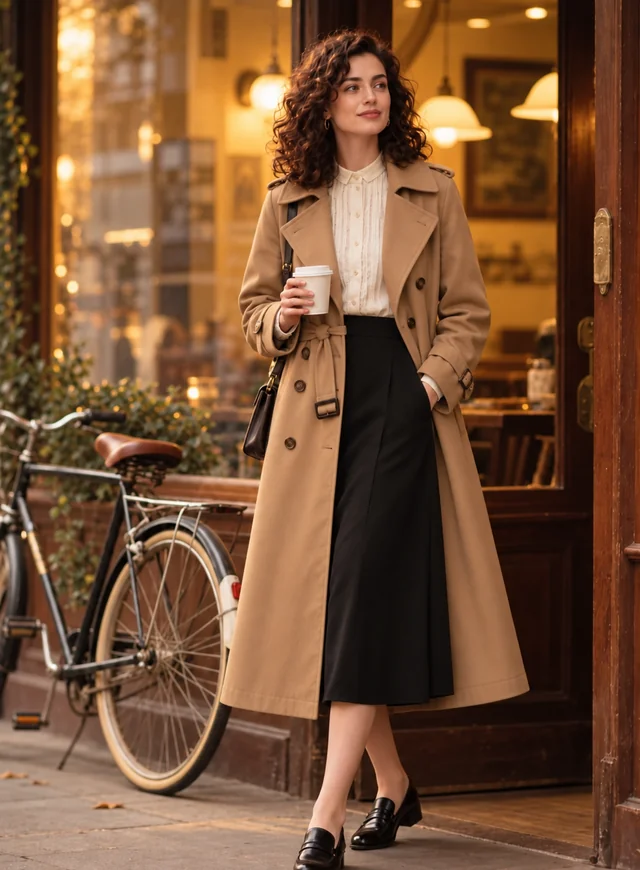 AI Clothes ChangerChange clothes in any photo with the AI clothes changer. Upload a picture, pick an outfit or describe one, and the AI clothes swap keeps your face and pose.
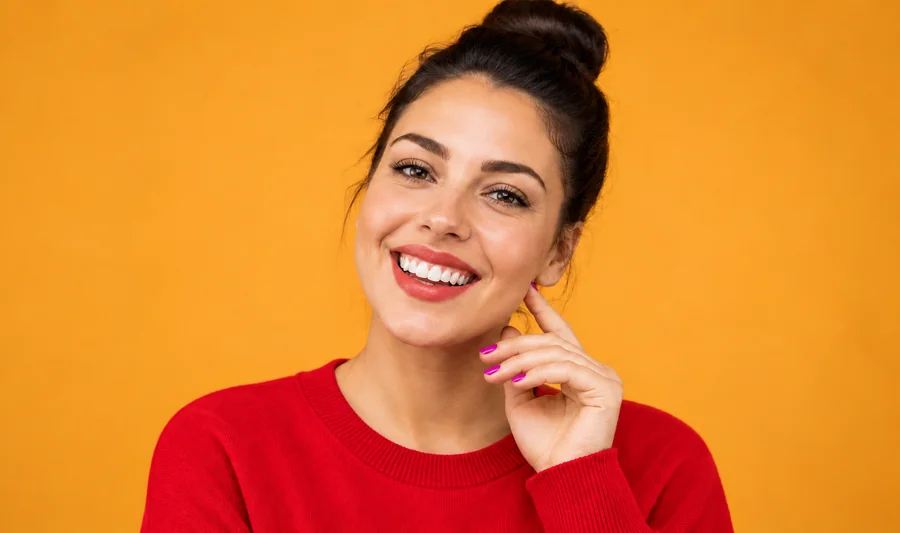 Clothes Color ChangerChange color of clothes in photo uploads with the AI clothes color changer, from dress color changing to a T-shirt color change, while fabric texture stays.
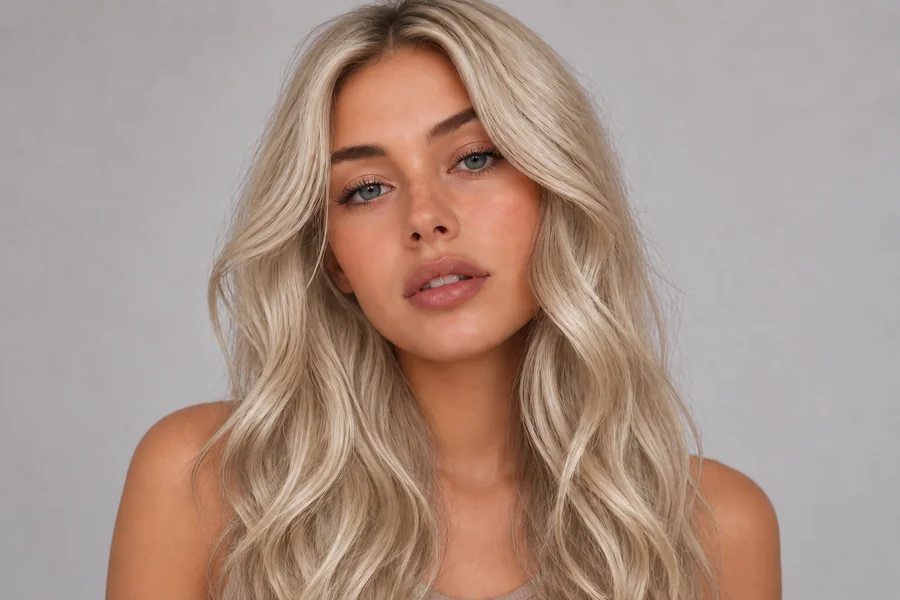 AI Hair Color ChangerChange the color of hair in a photo with the AI hair color changer. Pick a shade, highlights, or a custom color and try on hair color virtually before you dye.
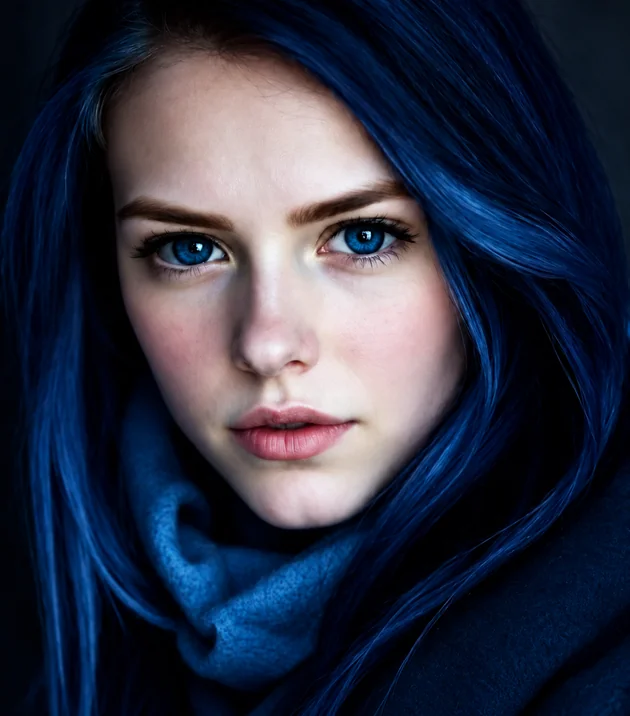 Eye Color ChangerEdit color of eyes in any photo with the AI eye color changer. Pick hazel, green, brown, grey, or any custom shade and keep a realistic iris and catchlight.
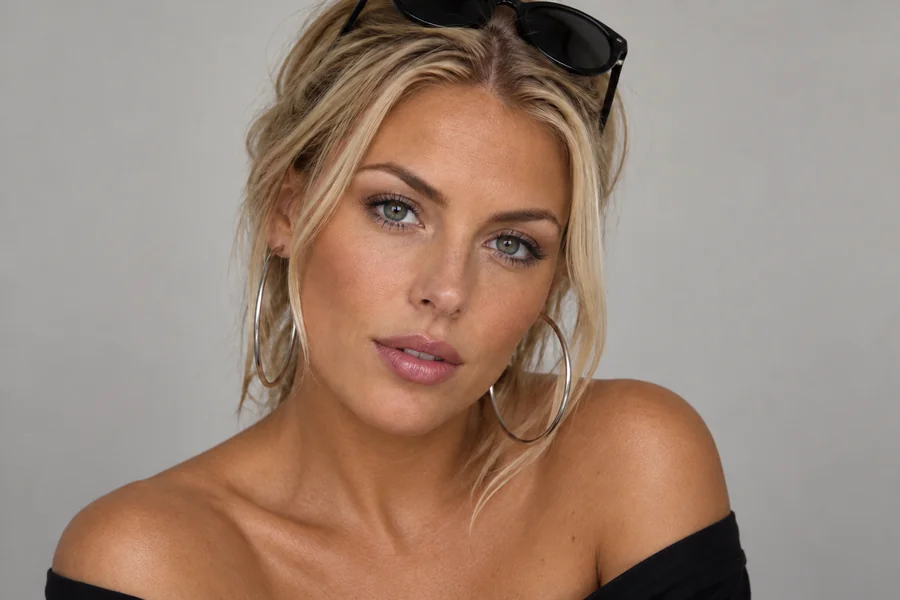 Skin Color ChangerHow do you change your skin color in a photo? Upload a portrait to the AI skin color changer, pick a shade, tan, or undertone, and preview a natural new tone.
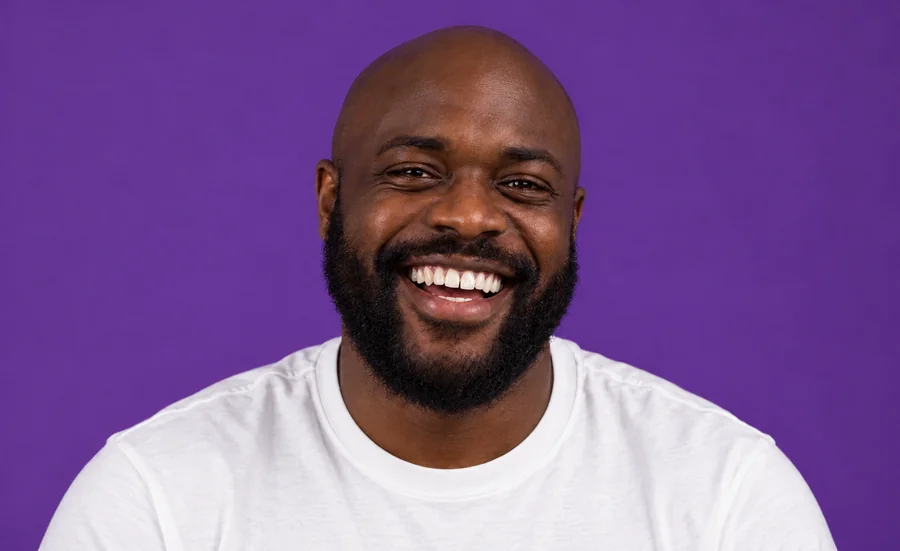 Whiten Teeth in PhotoWhiten teeth in photo uploads with an AI teeth whitening photo editor online. Lift yellow stains, pick a natural or bright shade, and keep every smile real.
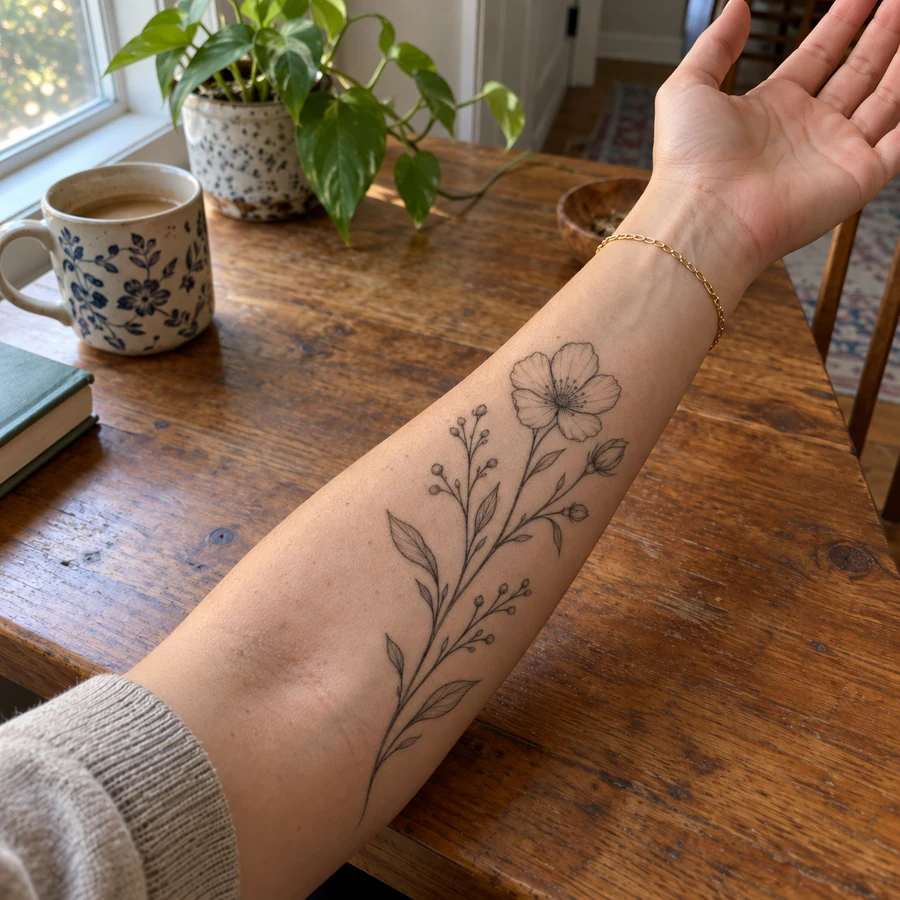 Tattoo Try-OnAdd tattoo to photo uploads and preview ink before it is permanent. Pick one of 20 tattoo styles or describe your own design, then see the tattoo on your body.
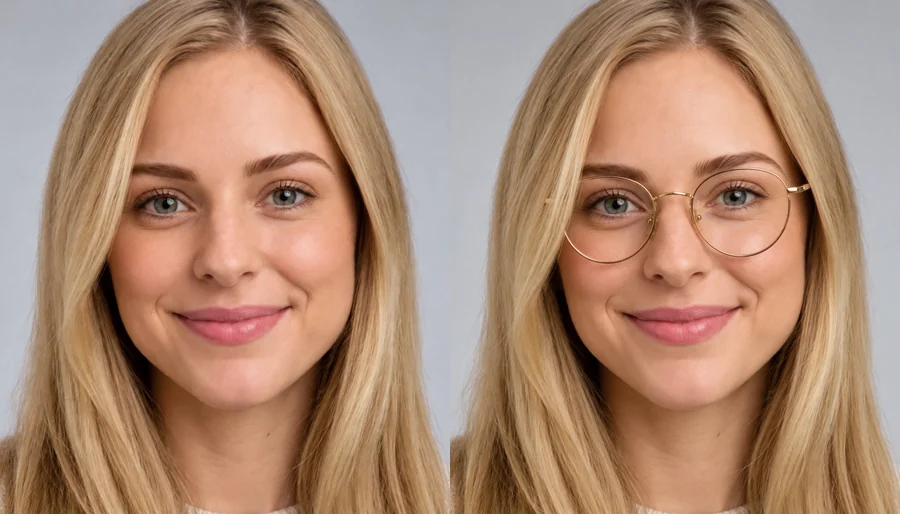 Virtual Glasses Try OnVirtual glasses try on from home: upload a photo, pick a frame shape, color, and lenses, or add a photo of any pair, and see the glasses on your own face.
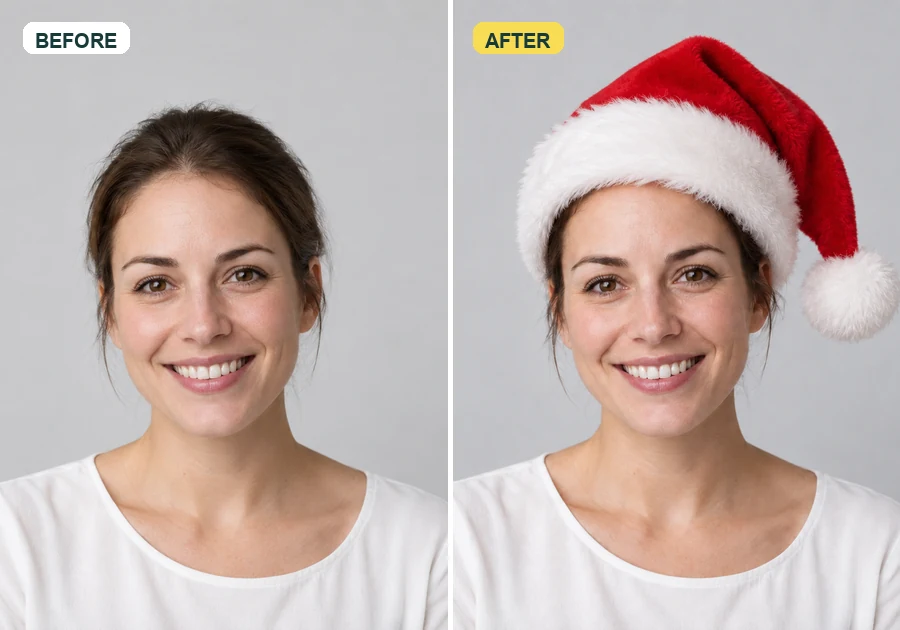 Add Santa Hat to Your PictureAdd santa hat to your picture with AI: upload a photo, pick a classic, elf, blue, or antler Christmas hat, and it fits every head in the shot, pets included.
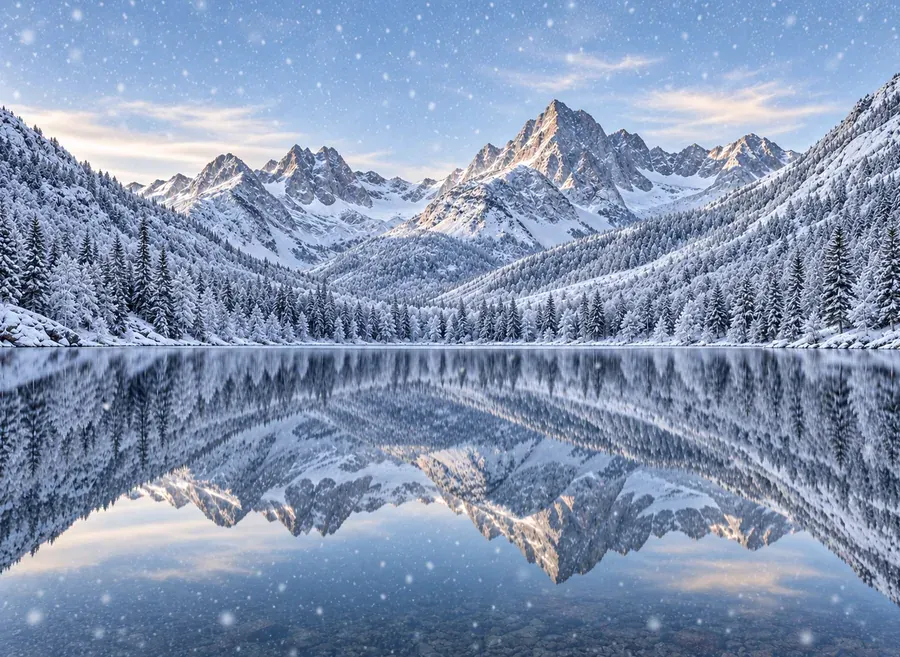 Add Snow to PhotoPut realistic snow on image scenes with AI. Add snow to photo landscapes, homes, products, or portraits, pick light flurries or a blizzard, and compare.
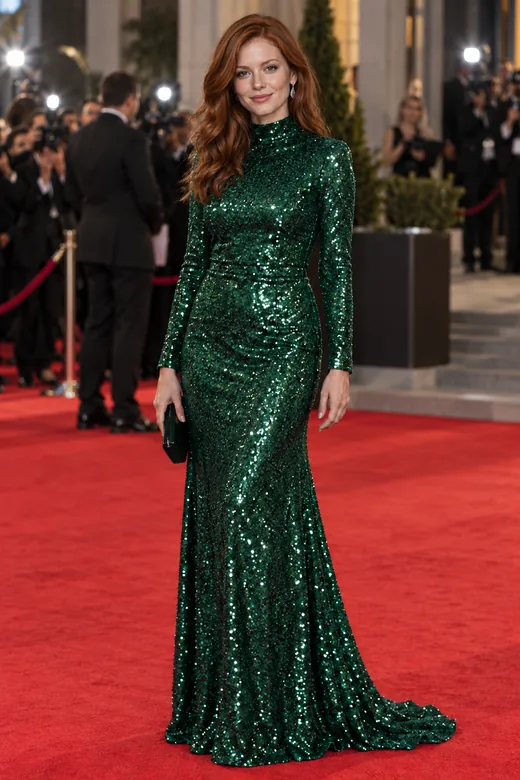 AI Face SwapFace swap photos online with AI. Upload your face and a target picture; the face swapper matches skin tone, light, and angle. Free to try with sign-up credits.
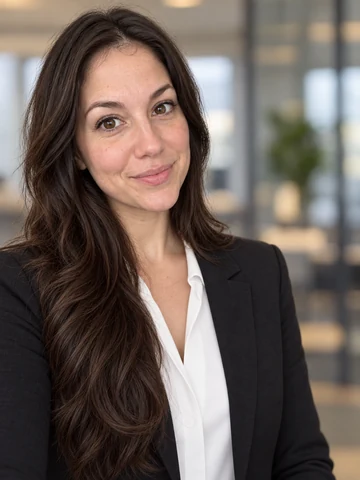 Free AI Headshot GeneratorFree AI headshot generator to try with sign-up credits. Upload a selfie, pick a style, outfit, and backdrop, and get professional headshots for LinkedIn.
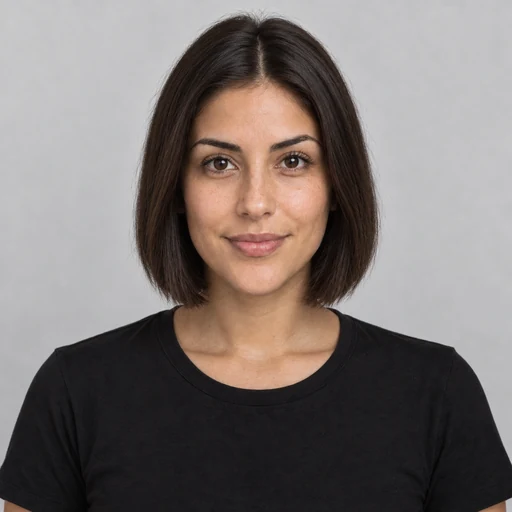 AI Hairstyle ChangerTry on hairstyles with your picture. The AI hairstyle changer previews 18 haircuts, braids, and updos plus 11 hair colors on your own face. Free to try.
 AI Filters70+ AI filters for any photo: face filters for age, bald, beard, gender swap and zombie, plus cartoon and color looks. Upload a pic, add a filter. Free to try.
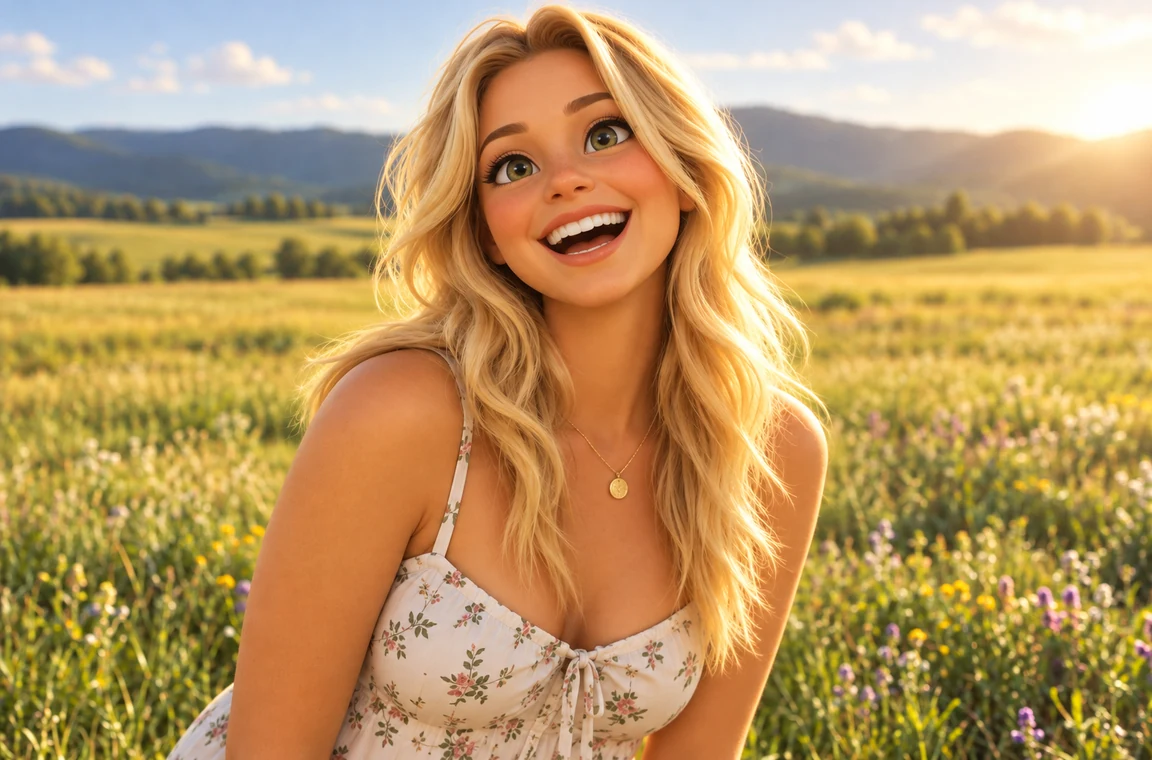 Photo to CartoonPhoto to cartoon AI cartoonizer: pick 3D animated, anime, comic, caricature or line art and turn a photo into a cartoon of you, your pet or car. Free to try.
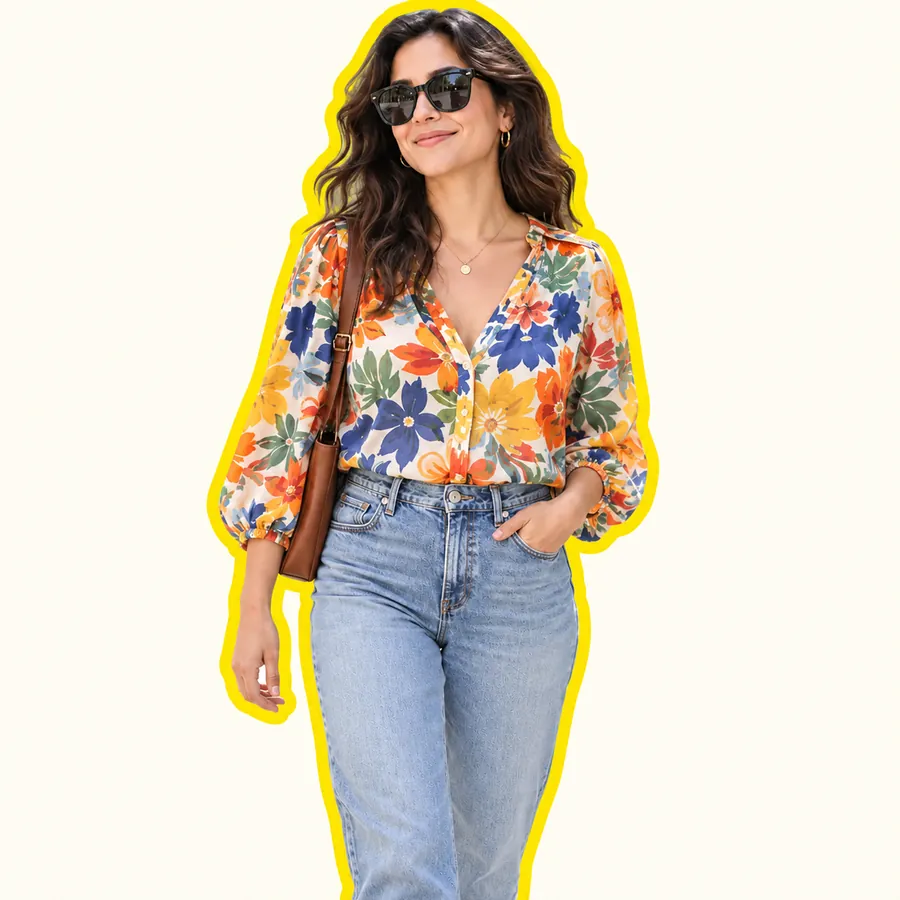 AI Sticker MakerHow to make a picture a sticker: upload a photo or screenshot, pick a style like die-cut, cartoon, chibi, or kawaii, and the AI sticker maker turns it into a PNG.
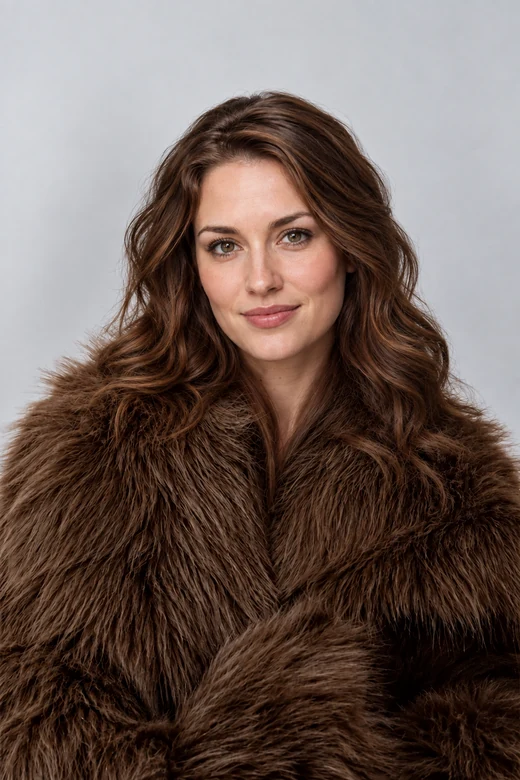 Head Swap AIHead swap AI that moves a whole head, hair and face shape included, onto another photo. Upload a head and a body, match skin tone and light, and compare.
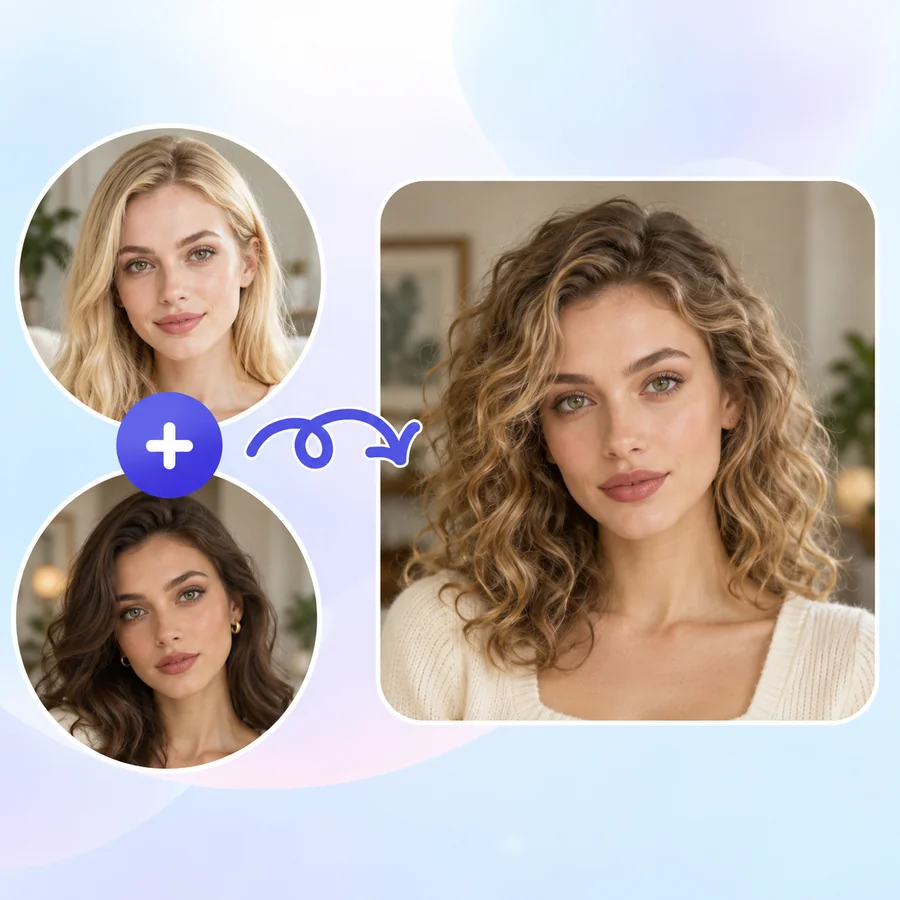 AI Face MorphFace morph two photos into one realistic portrait. Upload Face A and Face B, set the blend, and the AI face combiner merges eyes, nose, and jawline naturally.AI Age FilterWhat will I look like when I'm older? Upload a selfie to the AI age filter, pick a life stage from baby to senior, and get a realistic age progression photo.
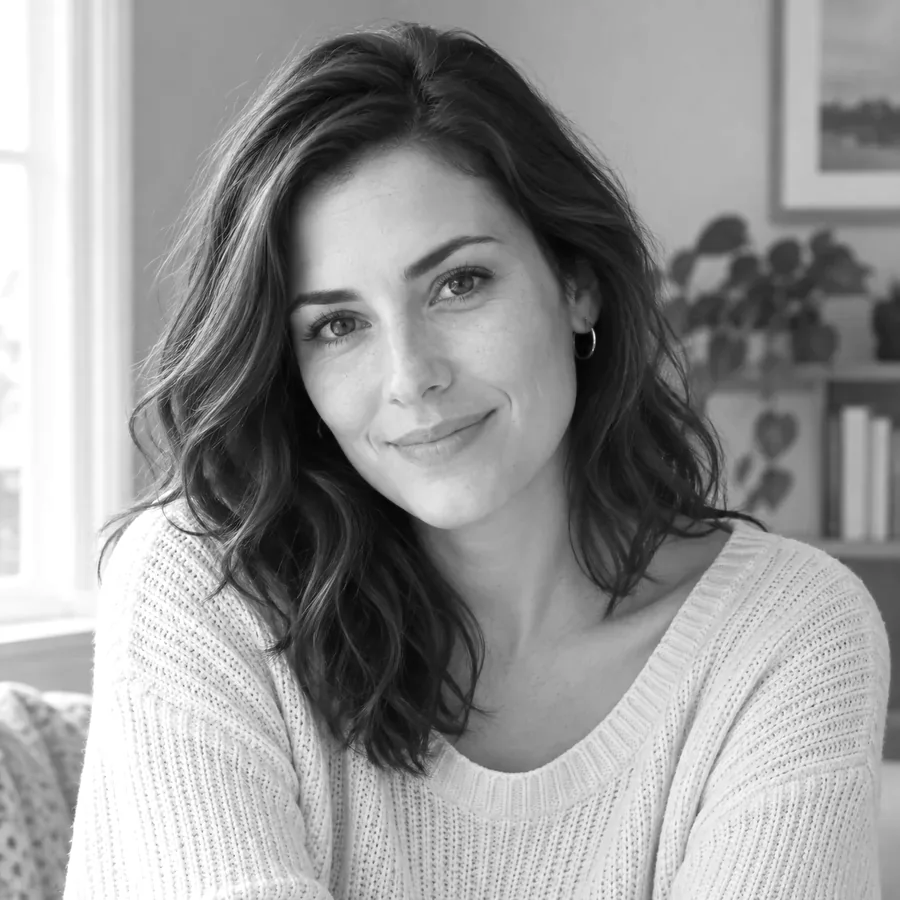 Black and White Photo ConverterFree black and white photo converter that runs in your browser: convert an image to black and white with film-style filters, tune contrast, and download.
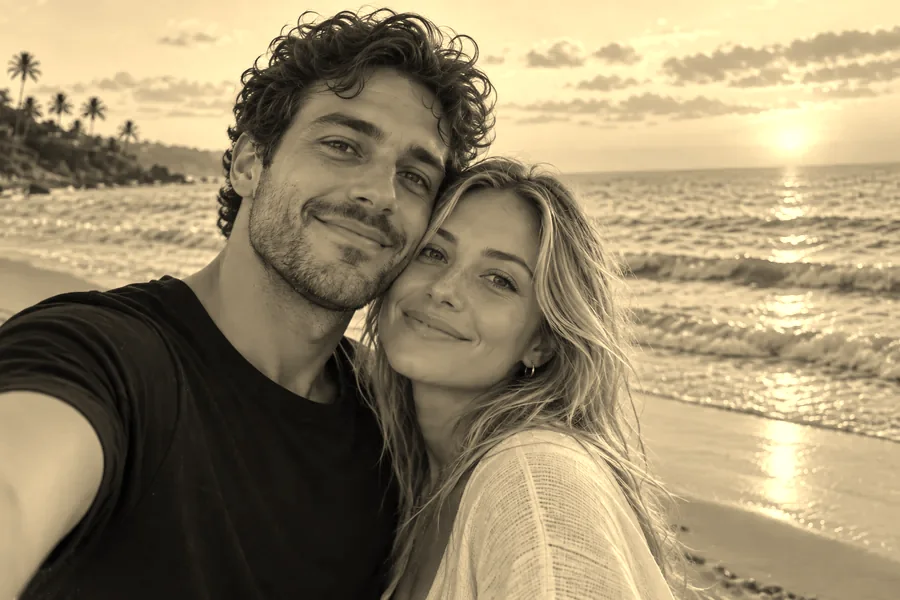 Sepia FilterFree sepia filter for photos that runs in your browser: apply a warm sepia tone filter, pick a vintage style, adjust warmth and contrast, then download.
 Pixelate an ImagePixelate an image for free in your browser: turn any picture into pixel blocks, a mosaic effect, or 8-bit art with one slider, then download. No upload needed.
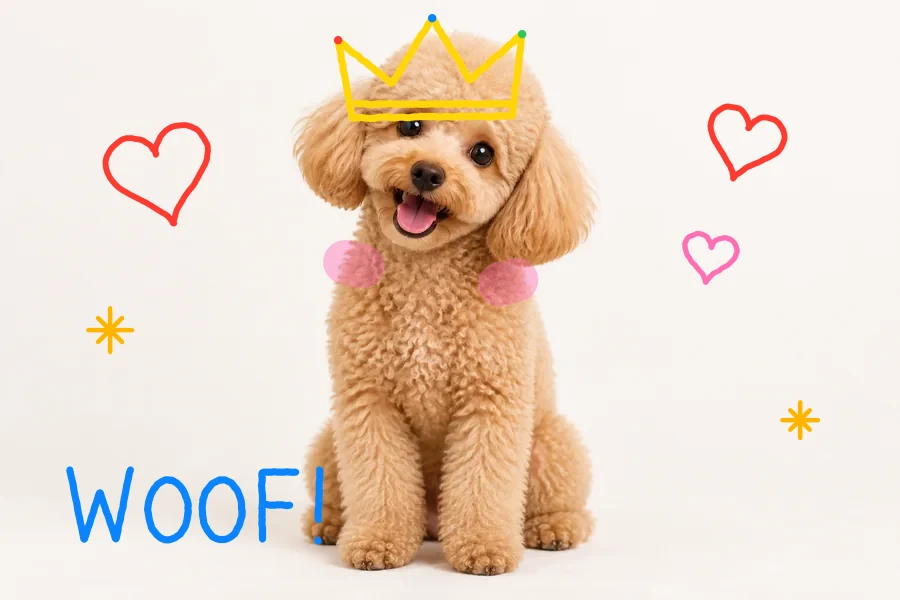 Draw on ImageDraw on image files online for free: doodle on photos and pictures with pen, highlighter, and neon brushes, erase or undo, and download at full size.
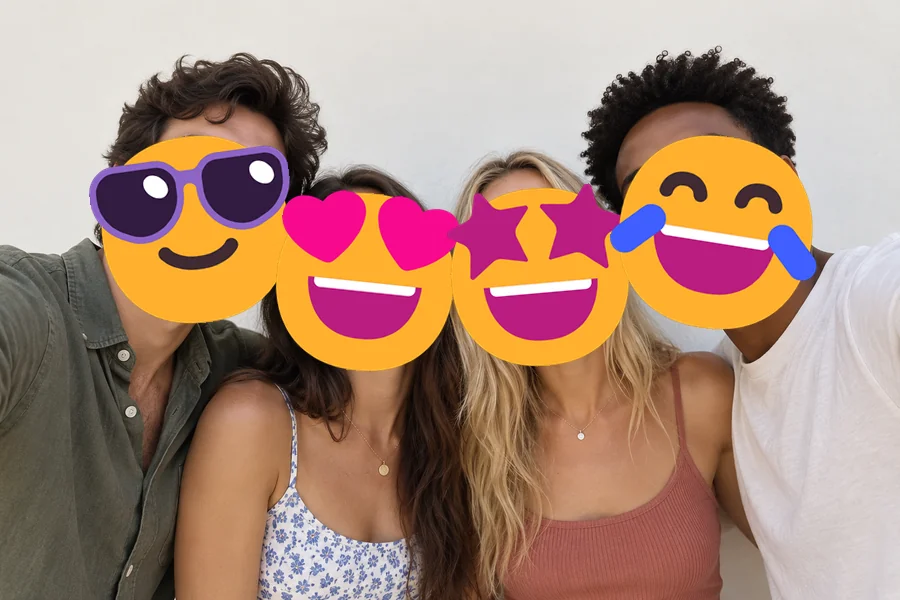 Add Emoji to PhotoAdd emoji to photo files for free: put any emoji in photos and pictures, then drag, resize, rotate, or delete it and download at full size. No upload needed.
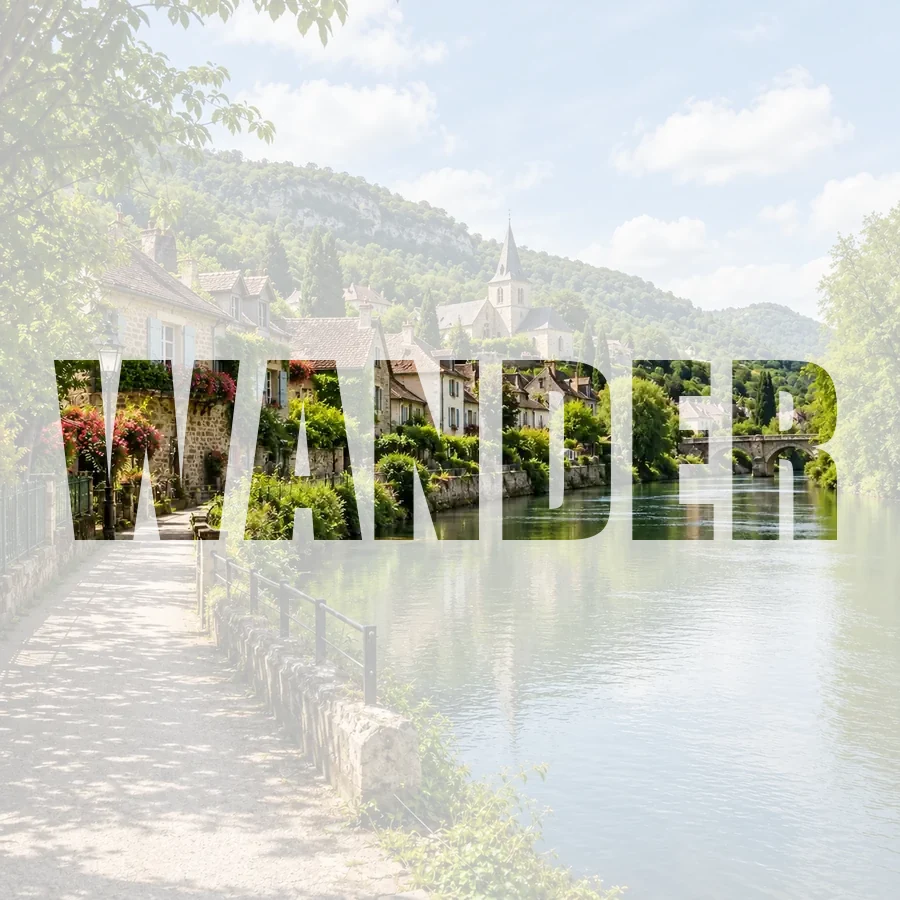 Picture Inside TextPut a picture inside text online for free: fill any word with your photo, pick a font, add a color, faded, or transparent background, and download a PNG.
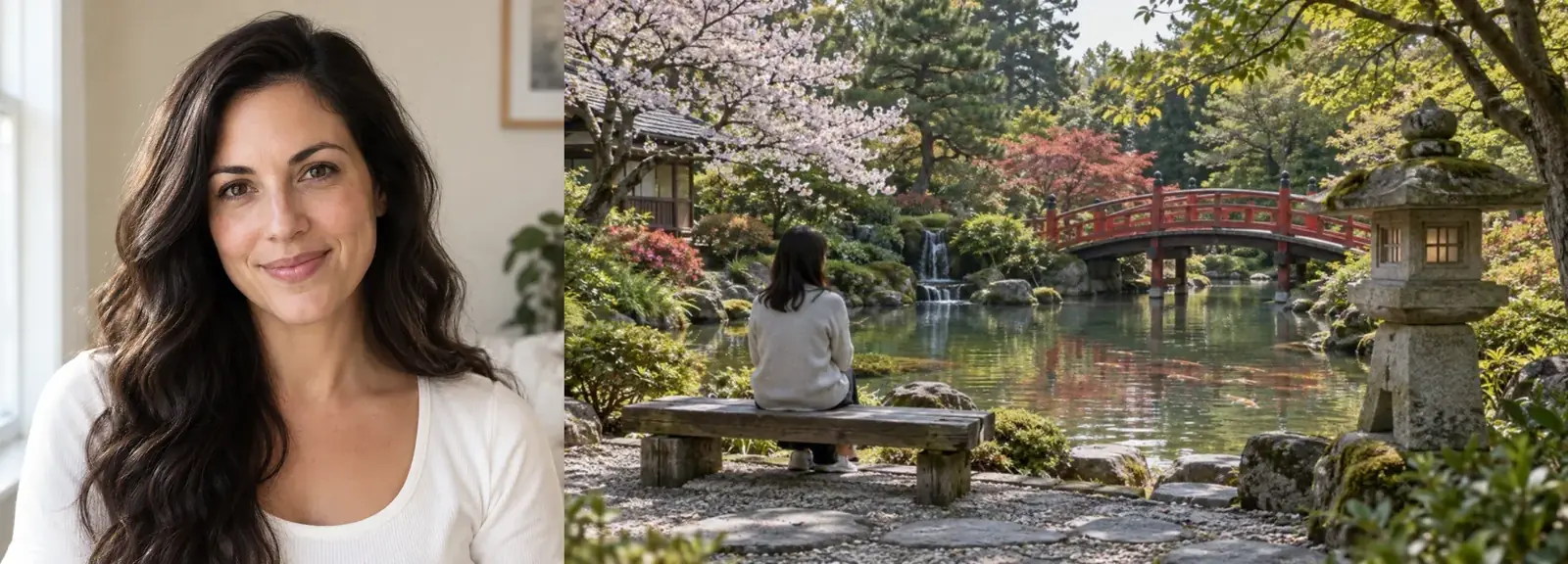 Image CombinerFree image combiner: combine photos side by side, stack them, or merge pictures into a grid with spacing and a background color, right in your browser.
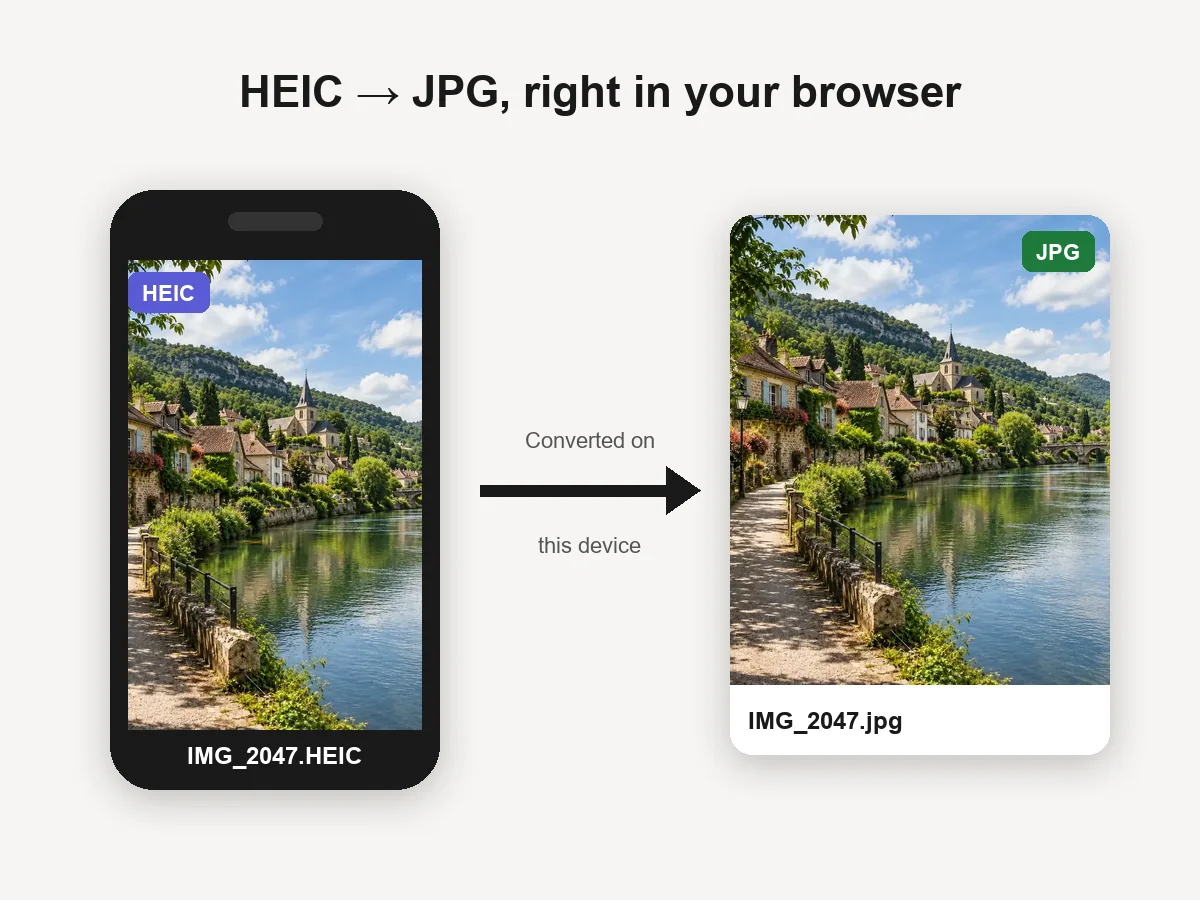 HEIC to JPG ConverterHEIC convert to JPG in your browser: batch convert iPhone HEIC and HEIF photos to JPG or PNG for free. Files never leave your device. Download one or all.
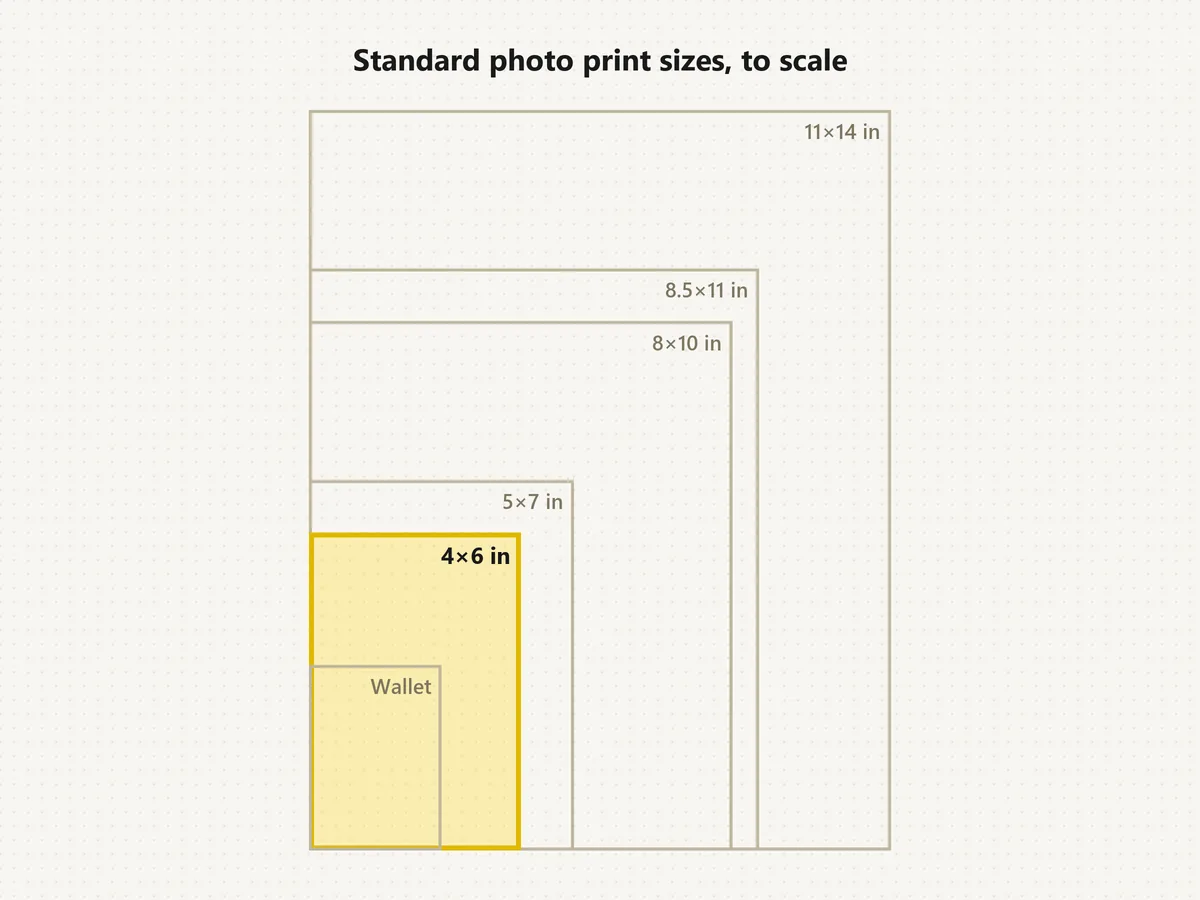 Standard Photo Print SizesWhat's the standard picture size? The normal photo size is 4×6. See each standard photo print size in inches, cm and pixels, compare to scale, and crop free.
What the editor can do, which model to pick, and how credits work.
It edits a photo from a written instruction: change or remove the background, swap outfits and colors, remove people and objects, add things, relight the scene, change the time of day, restore old photos and restyle the whole image. Faces and the parts you don’t mention stay as they were.
Upload the photo, type the change in plain words (or pick a popular edit), choose a model and an aspect ratio, and click Edit Photo. Compare before and after, then download the result or adjust the instruction and run it again.
It is free to try: new accounts get free credits when they sign up, so you can test several edits. After that, each AI picture edit uses credits from your balance, and the cost depends on the model you pick.
Start with Nano Banana 2 for everyday edits. Switch to Nano Banana Pro for complex scenes and lettering, Seedream 4.5 for crisp detail, GPT Image 2 for long and very specific instructions, or FLUX.2 for photographic realism. Running the same prompt on two models is the easiest way to compare. Need a picture from scratch? The same models work as an image generator and editor in the text to image tools.
Traditional editors make you select pixels and adjust them by hand with masks, brushes and layers. When you edit photo with artificial intelligence, the model understands the scene, so "remove the car" or "make it sunset" is one step. AI image editors still can’t beat a traditional editor for pixel-exact retouching, so many people use both.
Yes. Write "change the pink and purple fabric to blue; keep the folds, texture and lighting" and the AI recolors only the fabric. Naming the exact shade, such as navy, cobalt or sky blue, gives the most predictable result. This kind of color photo editing works on clothes, cars, walls and products.
Yes. Put the exact image edit text in quotes, for example "add the text Grand Opening in bold white letters" or "change the sign to say Open". A photo edit with text works best on Nano Banana Pro or GPT Image 2; always check the spelling in the result.
Every edit is told to keep faces, identity and everything you did not mention. Big changes such as a new outfit or a full restyle can still shift small details, so compare the result and rerun it or try another model if something looks off.
Both. Type "make it brighter and add a little contrast" and it works as a brightness photo editor or contrast photo editor; type "add white feathered angel wings behind her" and it becomes an angel wings photo editor. Piercings, hats and props work the same way, so it doubles as a piercing photo editor or Santa hat photo editor; one-click versions of those tools are listed above.
Only upload photos you have the right to edit, and get consent before editing someone else’s portrait. Do not use edits to impersonate anyone, create misleading images of real people, or make sexual or harmful content.
Upload a picture, describe the change, choose a model and compare the result, all in one place.
Nano Banana is a trademark of Google LLC, Seedream is a product of ByteDance, GPT Image is a trademark of OpenAI, and FLUX is a trademark of Black Forest Labs. EzImgMaker is an independent service and is not affiliated with, endorsed by, or sponsored by any of them. Model names are used only to describe compatibility.