
Make a Color Transparent
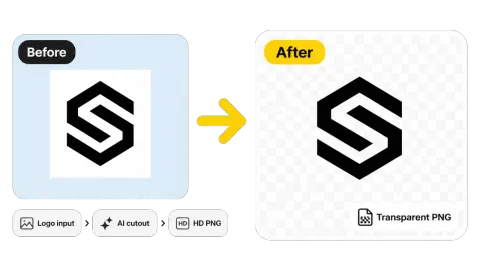
Remove the white background from a logo and get a PNG you can place on any color, slide, or product.
Pick any color with the color picker and remove it from your picture: turn it transparent, replace it with white, or keep only that color and turn the rest gray. Runs in your browser.
Common jobs
Fine-tune
Runs in your browser. Your photo is never uploaded.
Reference example. It is not a result generated from your upload.
This tool finds every pixel that matches the color you choose, within a tolerance you control, and removes it. "Remove" can mean three things here: make that color transparent (perfect for logos, signatures, and stamps on a solid background), replace it with white (to clean up ink, marks, or a colored backdrop), or keep only that color and turn everything else gray, the popular color splash effect.
Pick the color with the swatches, the color picker, or the eyedropper (in browsers that support it), adjust the tolerance, and download. Everything happens in your browser, so the image is never uploaded and the result keeps its full resolution.
Real outputs of this color remover. Checkerboard areas are transparent in the PNG.
Remove the white background from a logo and get a PNG you can place on any color, slide, or product.


Choose yellow and only the taxi and traffic lights keep their color while the rest of the street turns black and white.

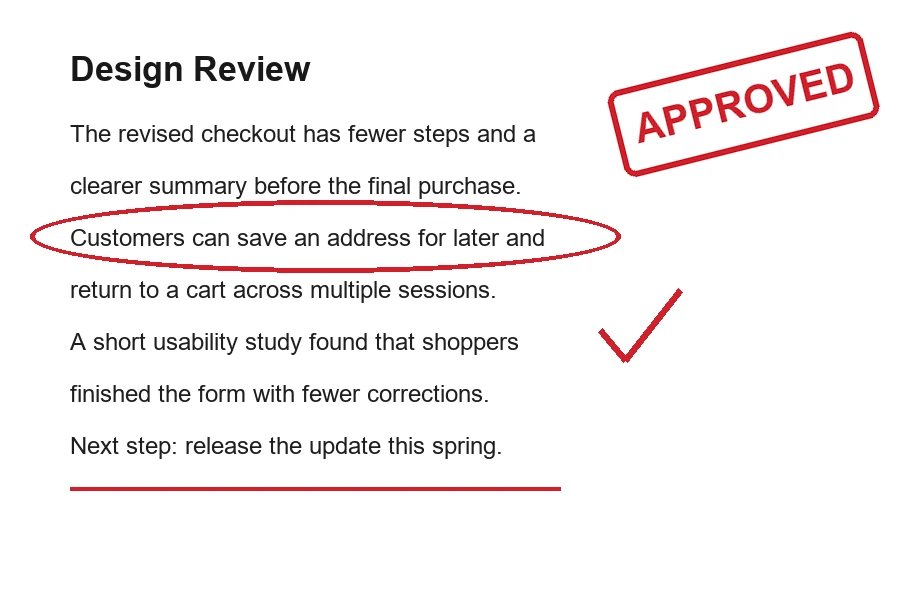
Wipe red pen marks, circles, and stamps from a printed page while the black text stays.
Remove color from picture files online without installing anything.
Choose a JPG, PNG, or WebP up to 20 MB: a logo, signature, scan, product shot, or photo.
Click a swatch, use the color picker, or start from a preset such as Remove White Background. Raise tolerance to include similar shades, lower it to protect nearby colors, and choose transparent, white, or color splash.
Save as PNG or WebP to keep transparency, or as JPG (transparent areas become white).
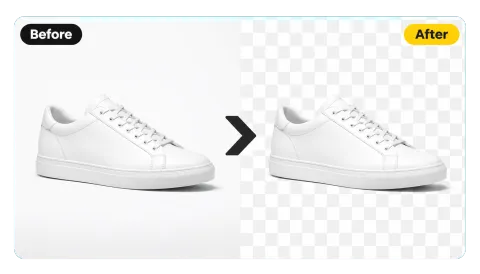
Flat graphics on a solid background are the easiest case. Remove the white, black, or colored background in one click and download a transparent PNG that drops cleanly onto documents, websites, and merchandise.
Keep only this color turns the rest of the photo black and white, so one red umbrella, yellow taxi, or green dress becomes the hero of the picture. It is the classic color splash effect for posters, wallpapers, and social posts.
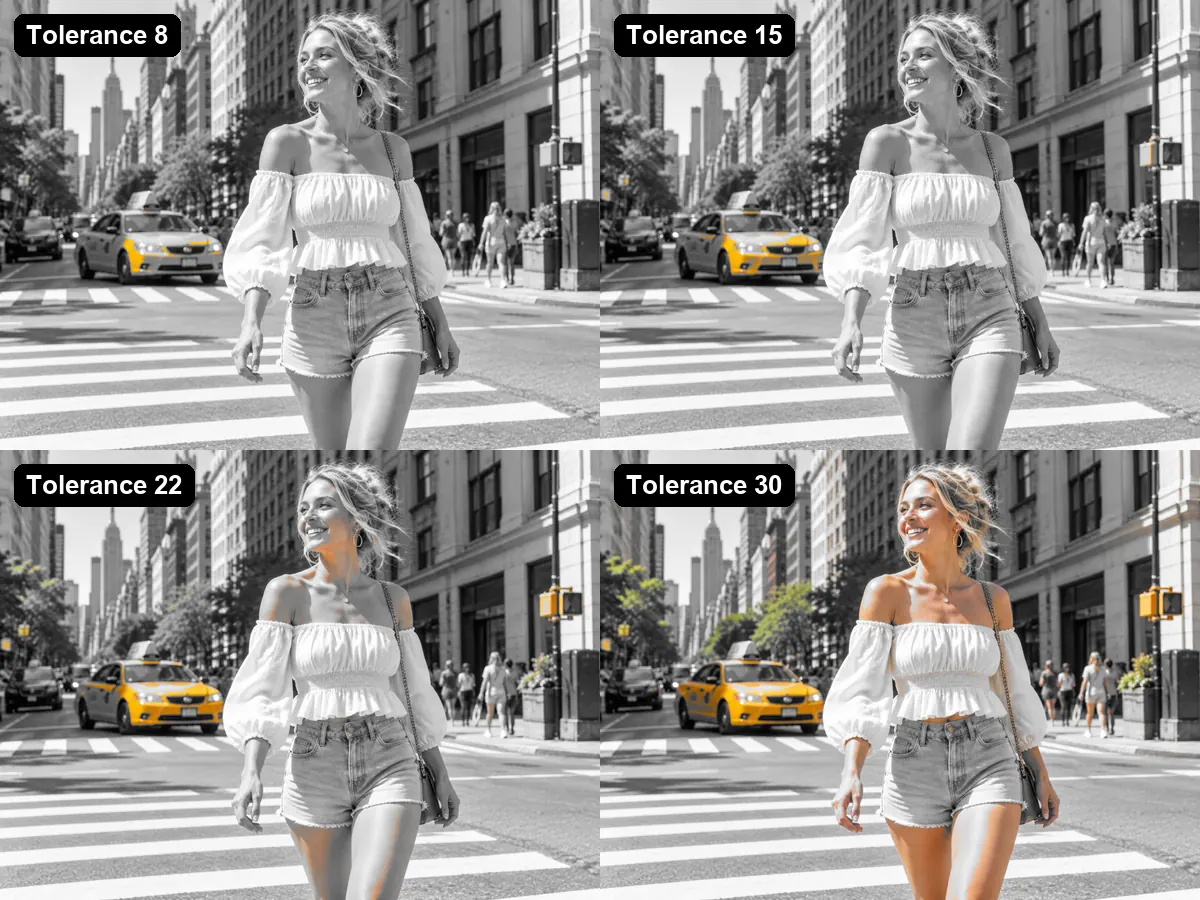
To remove a specific color from an image, tolerance is the key control. Low values remove only the exact shade; higher values also catch lighter, darker, and nearby tones. Watch the live preview and stop as soon as the color you want is gone.
Replace with white removes colored pen marks, highlights, stamps, or guide lines from scans while black text stays. The tool is free, needs no sign-up, and runs on your device, so private documents stay private.
Everyday jobs for a color remover image tool.
Turn a logo on a white or colored box into a transparent PNG for slides, sites, and print.
Remove the paper color from a scanned signature or stamp so it can sit on any document.
Highlight one colorful subject in a black and white photo for posters and wallpapers.
Remove colored marks, highlighter, or printed guide lines from a page.
How to remove the color you want and keep everything else.
Sample the color with the picker or eyedropper instead of guessing; it lets you use a lower tolerance.
Increase tolerance a few steps at a time. Too high and similar colors elsewhere in the image disappear too.
Solid backgrounds and graphics give the cleanest result. For photos with complex backgrounds, use a background remover.
PNG and WebP keep transparency; JPG fills transparent areas with white.
Real-world jobs for a remove color tool.
Illustrative examples adapted from reference material, not verified reviews of EzImgMaker.
Our bakery logo only existed as a JPG on a white box. Remove White Background gave me a transparent PNG for the new menu boards.
I scanned my signature on cream paper, picked the paper color with the eyedropper, and now it sits cleanly on every contract.
Keeping only the red of a raincoat in a black and white street photo made my best poster this year.
Teachers mark worksheets in red. Replace with white gives me a clean copy to reuse, and nothing gets uploaded.
Questions about removing a color from pictures and PNGs.
Upload the image, pick the color with a swatch, the color picker, or the eyedropper, set the tolerance, and choose whether to make it transparent, replace it with white, or keep only that color. Then download.
Yes. The tool removes every matching pixel, wherever it is. If the color also appears in the subject, lower the tolerance, or use a background remover that detects the subject instead.
Choose Make transparent and download as PNG or WebP. Areas that were already transparent stay transparent.
A color splash photo is black and white except for one color. Choose the color you want to keep, select Keep only this color, and adjust tolerance until only that object stays colored.
This tool works with still images (JPG, PNG, WebP). For an animated GIF, export the frame you need as an image first.
Yes. You can remove color from image free of charge, with no sign-up. Everything runs in your browser, with no credits or watermark.
No. The picture is processed on your own device and never leaves it. Please only edit images you have the right to use.
Edges of lines and shapes are blended with the background, so they are lighter than the main color. Raise the tolerance slightly to clear them, but stop before other colors start to disappear.
Upload JPG, PNG, or WebP up to 20 MB. Download as PNG or WebP (transparency kept) or JPG (transparent areas turn white).
Upload an image, pick a color, and download a transparent, cleaned, or color splash result.