Male to Female AI Transformation
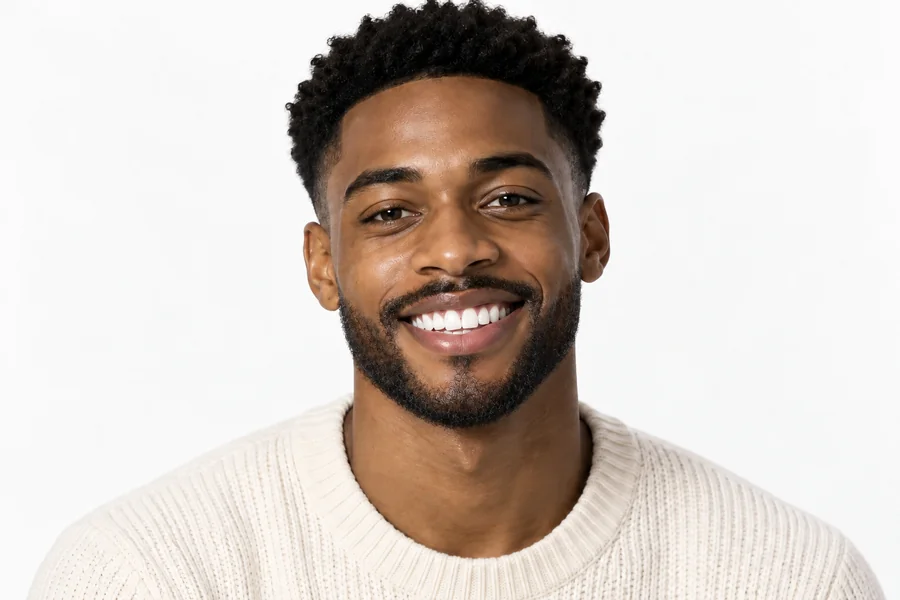
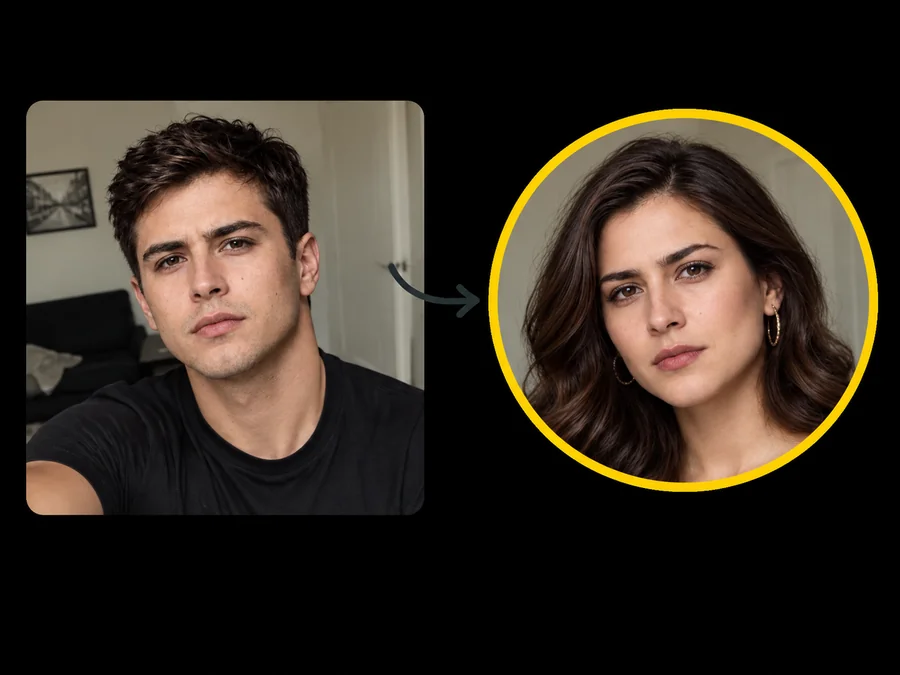
Make a male to female photo with longer hair, softer brows, and a smoother jawline. It is the classic girl filter look, rebuilt from the original face.
Upload a portrait and the AI gender swap turns it into a realistic male to female or female to male version, keeping your face, expression, and lighting recognizable.
Your photo stays in this browser during this UI preview.
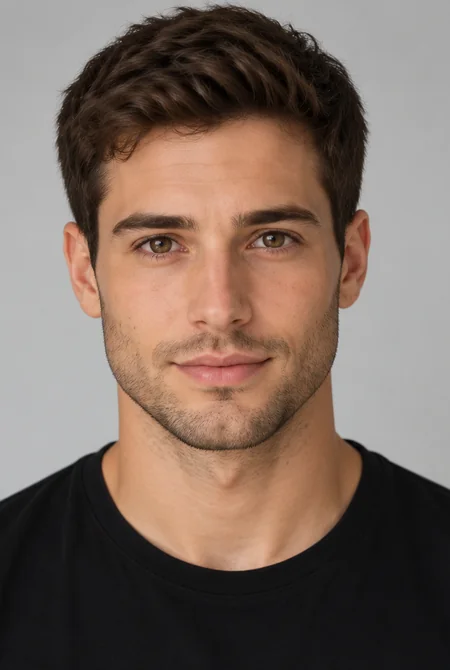
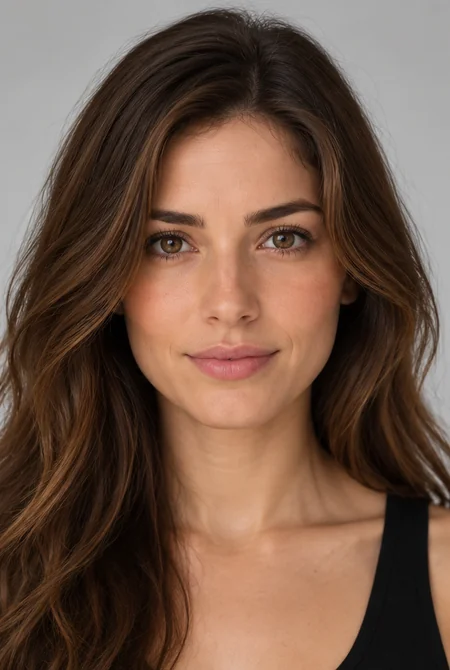
Reference example. It is not a result generated from your upload.
An AI gender swap is a photo effect that shows how a person might look as the opposite gender. Upload one portrait and the gender swap AI reshapes hair, brows, jawline, facial hair, and makeup to create a male to female or female to male version that still looks like the same person, whether you want an AI boy to girl edit or a girl to boy swap.
It is the easiest way to answer "what would I look like as a woman?" or "what will I look like as a man?". People use this opposite gender filter for curiosity, social posts, character design, and cosplay planning. Every gender swapped photo is a playful visual estimate, not a statement about anyone’s identity.
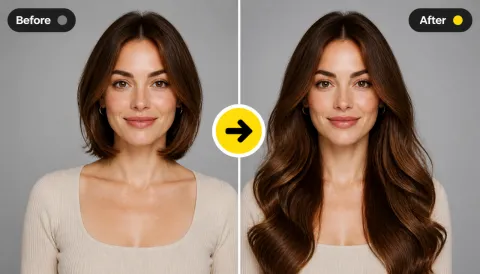
Browse example swaps in both directions, then pick the same style in the workspace.
Make a male to female photo with longer hair, softer brows, and a smoother jawline. It is the classic girl filter look, rebuilt from the original face.
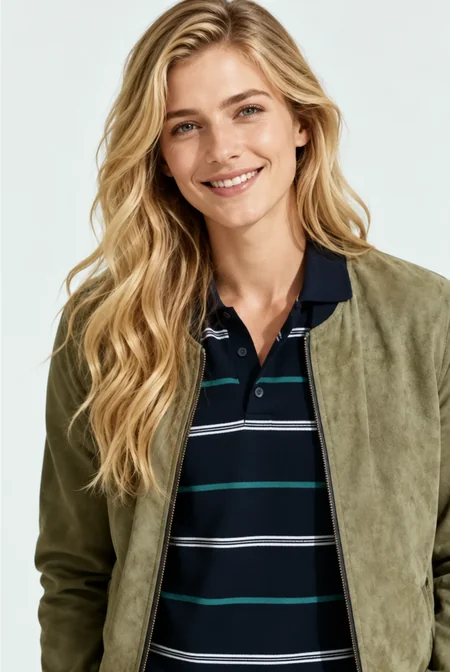
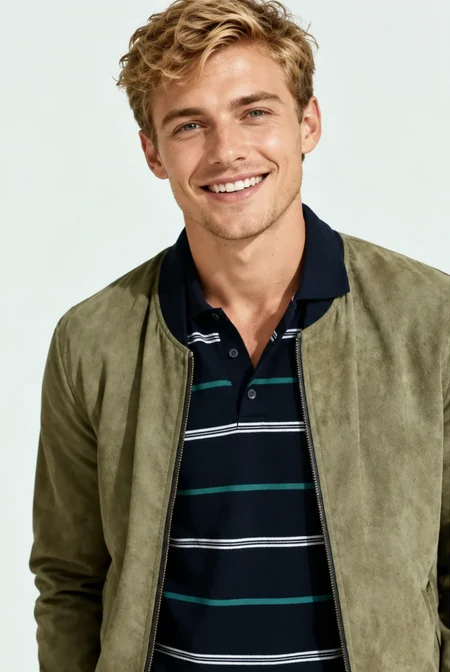
Turn women into men with a stronger jawline, shorter hair, and light stubble while the eyes, expression, and lighting stay the same.
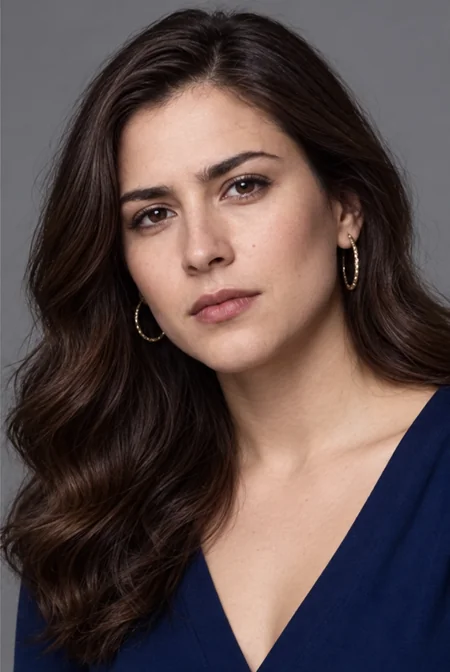
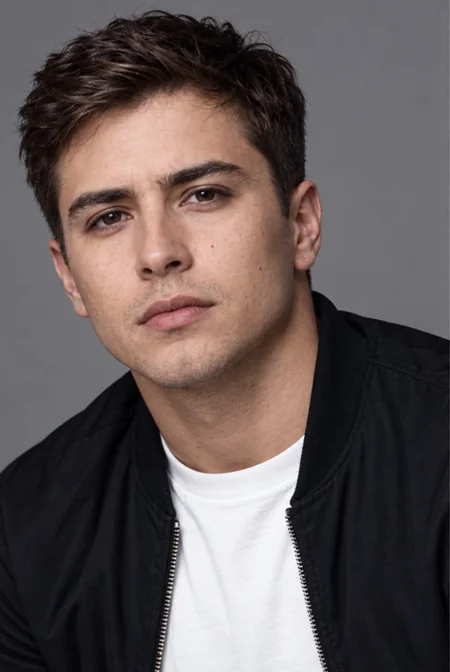
A female filter with long waves, earrings, and soft makeup that keeps the original pose, outfit color, and background.
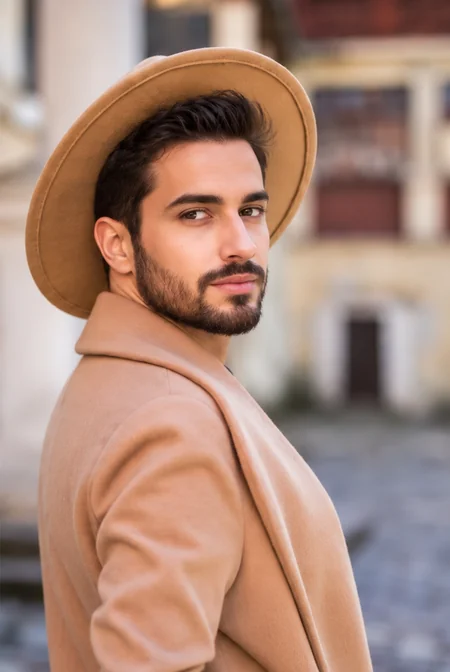
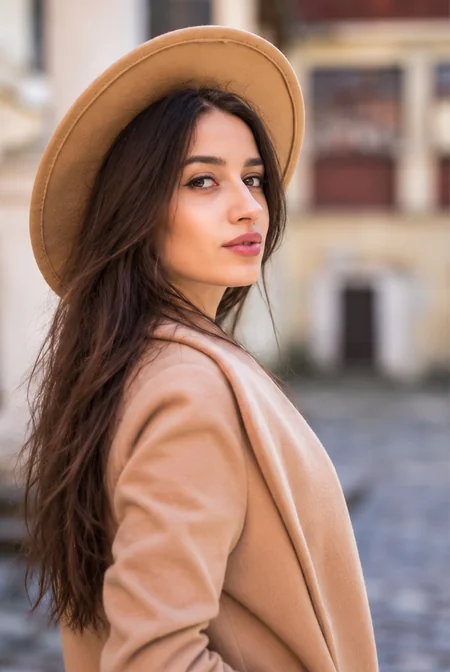
Add a full beard and a shorter cut to see a rugged male version of the same face, hat, and coat.
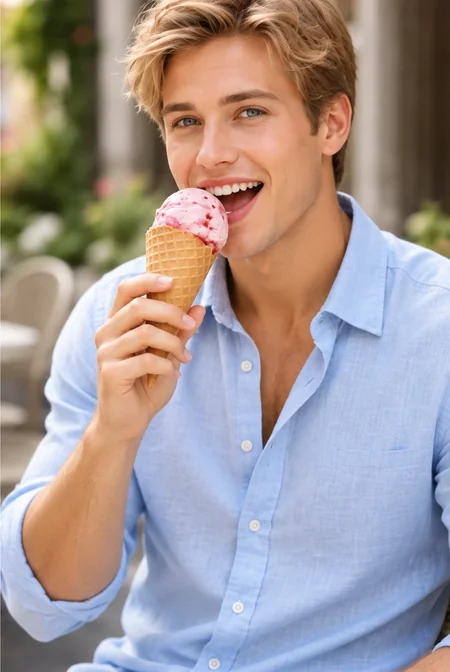
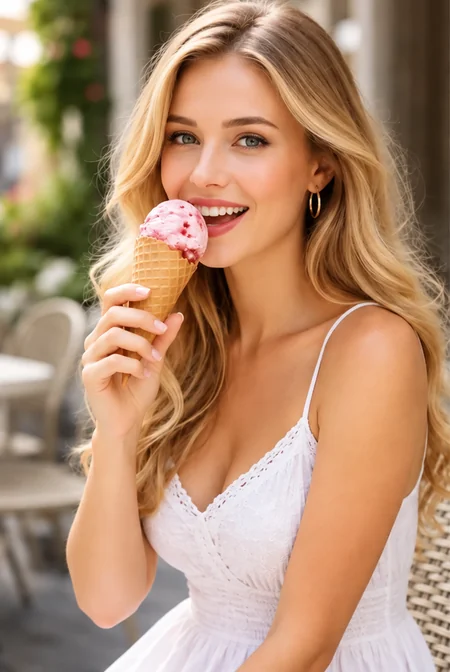
Keep the scene and the moment, and change only the gender presentation. Casual snapshots make fun, relatable swaps.
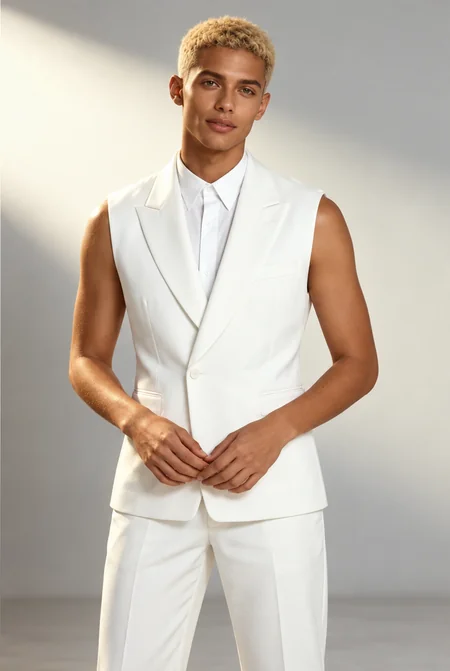
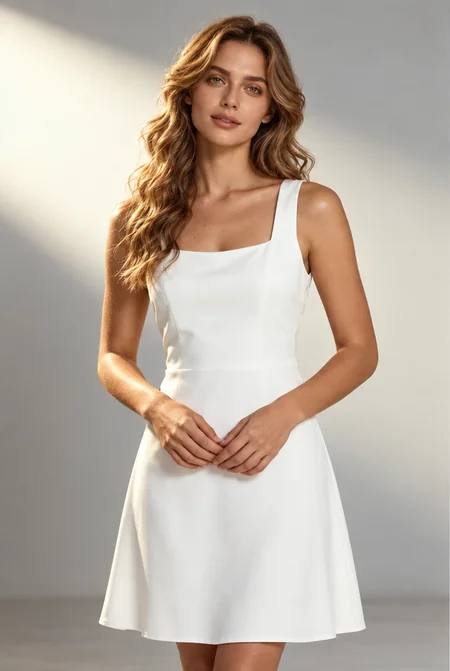
Change genders beyond the face. On full-length photos, hair, outfit details, and body silhouette adapt to the new look.
Create a gender swapped portrait in three simple steps. No gender swap app to install and no editing skills required.
Choose a front-facing photo with good lighting and a fully visible face. JPG, PNG, and WebP files up to 10 MB are supported.
Pick Male to Female or Female to Male, then choose a look such as Long Waves, Soft Glam, Light Stubble, or Full Beard. Want something specific? Describe it in Custom.
Generate your opposite-gender version, compare it with the original, and try another style until the result feels right.
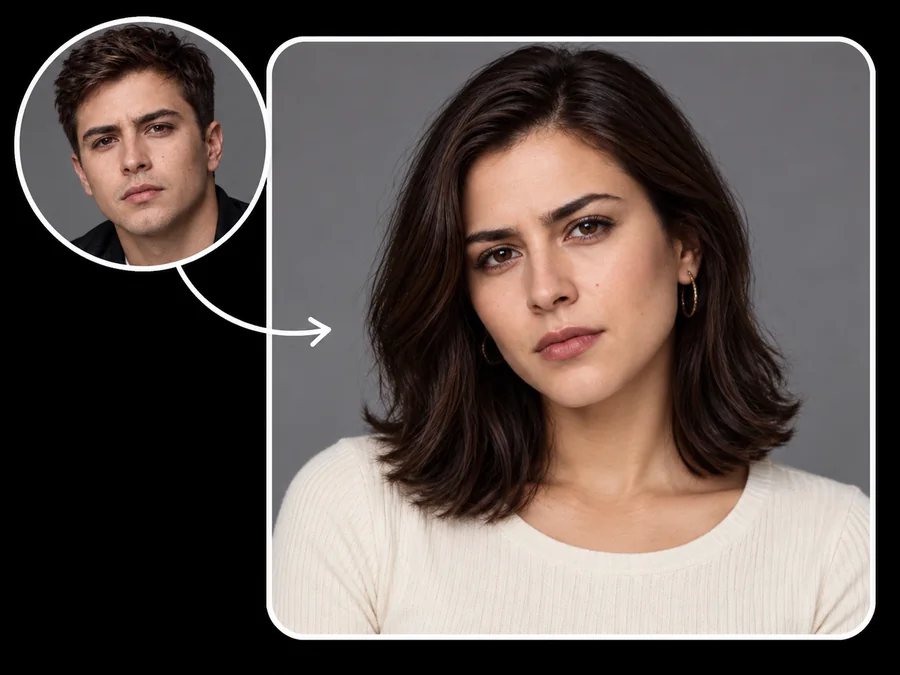
The gender swap AI changes gender-related details such as hairline, brow shape, jawline, facial hair, and makeup, while keeping your eyes, skin tone, expression, and lighting. The gender swapped result reads as the same person, not a random stranger.
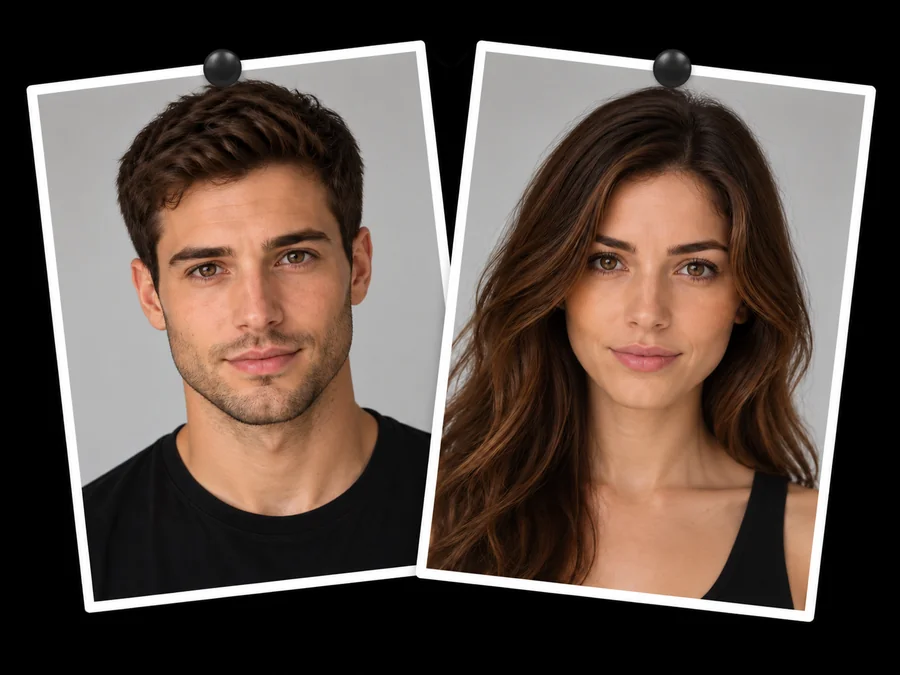
One gender changer handles male to female and female to male. Turn men into women with a soft girl filter look, or turn women into men with stubble, a beard, or a short crop. The opposite gender AI adapts to the pose and lighting of every photo.
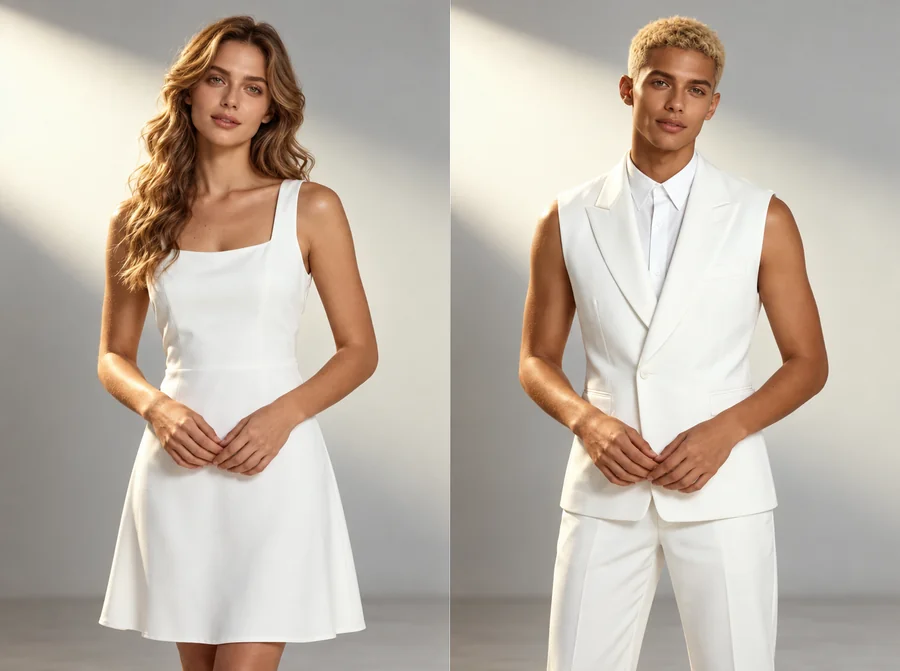
Go beyond a face-only filter. For full-length photos, the full body gender swap AI can also adjust hairstyle, outfit details, and body silhouette, so the whole picture matches the new look.
Want a specific result, like a female version with a pixie cut or a male version with a mustache and glasses? Use Custom to describe hair, facial hair, makeup, and style in your own words.
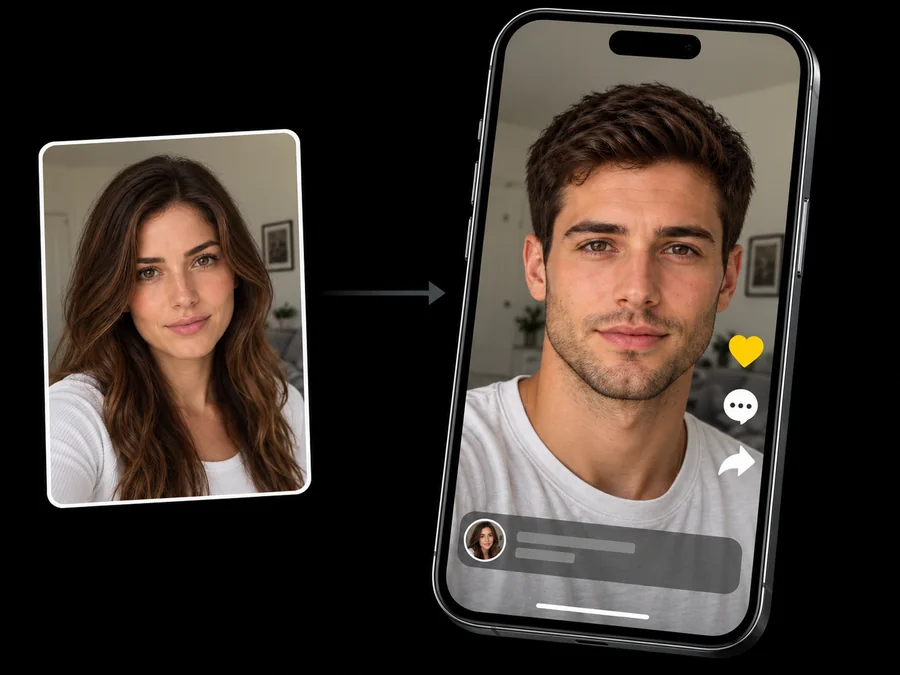
Post a before-and-after reveal or an opposite-gender alter ego on TikTok, Instagram Reels, or YouTube Shorts and let friends react to the side-by-side.
Artists, writers, and cosplayers create male and female versions of the same face to plan a gender-flipped character or costume.
Wondering how you would look as a woman or a man? Swap a selfie and keep the result as a playful profile picture.
Run the same swap on photos of friends who agree to join in, then compare everyone’s opposite-gender versions together.
The source photo has the biggest impact on how natural the swap looks.
Front-facing portraits without sunglasses, masks, or hair over the eyes give the AI the most detail to keep.
Soft, natural light keeps skin texture and features consistent in the swapped version.
A single, clearly visible person usually works better than a crowded group photo.
If you want clothing and body shape to change too, upload a full-body photo instead of a close-up.
Common ways creators use gender swap results.
Illustrative examples adapted from reference material, not verified reviews of EzImgMaker.
I posted my before-and-after swap as a short video. The swapped face still read as me, which made the reveal fun for my followers.
I make male and female versions of the same character face for concept sheets. The bone structure stays believable instead of turning into a generic doll.
I expected a makeup overlay, but the jawline and hairline actually changed and I still recognized myself.
We tried the swap on a few team photos, with everyone’s okay first, and the side-by-side results made a great icebreaker.
Answers to common questions about gender swap filters and opposite-gender photos.
An AI gender swap, also called an AI gender change, genderswap filter, or gender swapper, transforms a portrait into an opposite-gender version. It adjusts hair, brows, jawline, facial hair, and makeup for the target look while keeping the person recognizable.
Upload a clear selfie, choose Male to Female, and pick a style such as Natural, Long Waves, or Soft Glam. This male to female AI transformation keeps your eyes and expression, so you can preview a realistic female version of yourself.
Choose Female to Male and try Natural, Short Crop, Light Stubble, or Full Beard. Compare a few versions to find the male look you like best.
The genderswap AI detects the facial features in your photo and generates a new image with changes for the direction and style you choose. It rebuilds hair, skin texture, and facial contours instead of pasting a flat overlay on top of the photo.
Yes, in the picture. You can change genders in a photo, from male to female or female to male, and try several styles. The edit only affects the image: it is a creative visual effect and says nothing about anyone’s real gender identity.
People sometimes search for a transgender filter, but this tool is a playful gender swap effect. It shows one stylized opposite-gender look and does not represent anyone’s identity, transition, or medical outcome. Please use it respectfully and never to mock or misgender anyone.
No. You can use the gender swap filter online in your browser on phone or desktop, so you get the same kind of result as a gender swap app without installing anything.
Yes. Upload a full-length photo and the swap can adjust hairstyle, clothing details, and body silhouette along with the face. Close-up portraits give the most detailed facial results.
Only upload photos you own or have permission to edit, and ask friends before swapping their pictures. Do not upload photos of minors, and never use gender swapped images to harass, impersonate, or mislead anyone about a real person.
Yes, side-by-side reveals and alter-ego posts are popular. Share only results the person in the photo is happy with, label the image as an AI edit, and do not present it as a real photo of someone.
Upload a portrait and see your male to female or female to male version with the AI gender swap.