Editorial Travel Poster
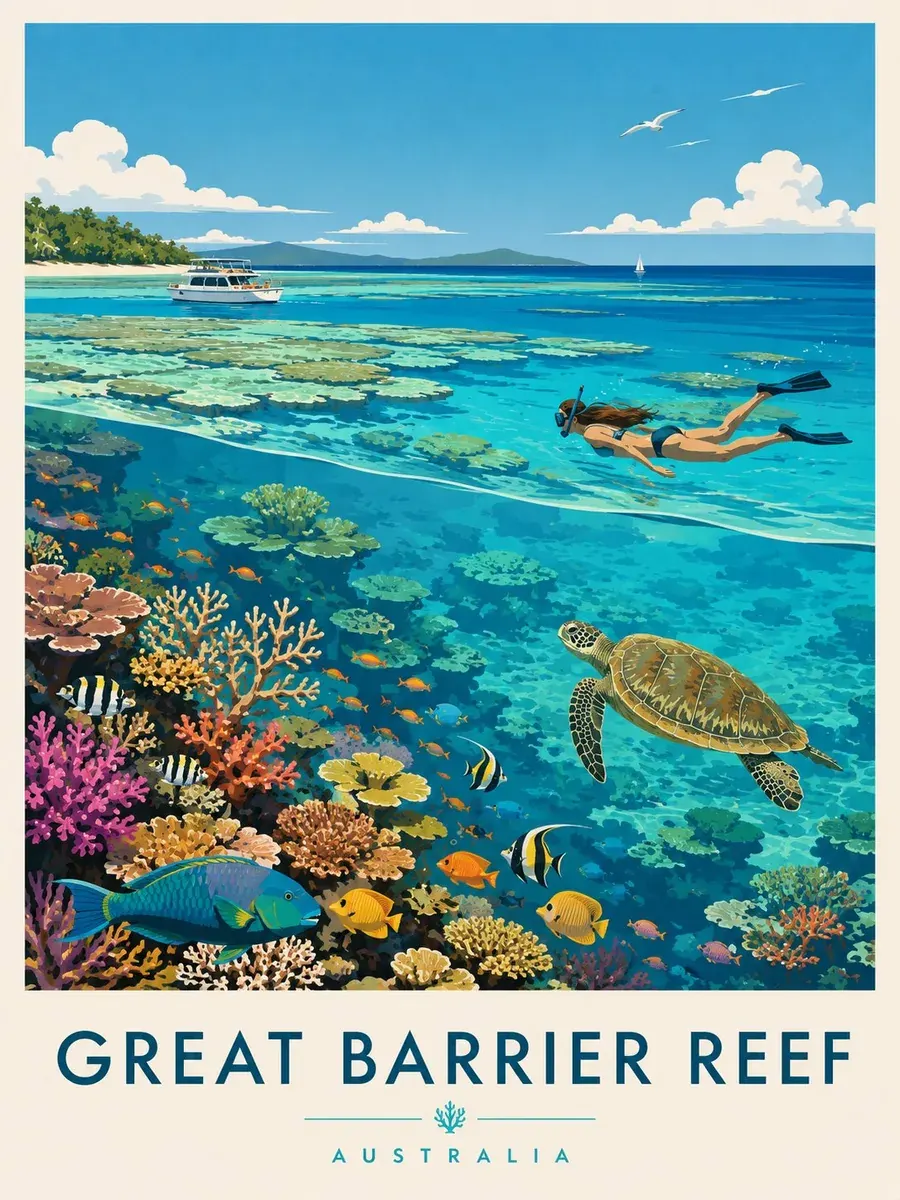
Flat mid-century shapes, a sea turtle, and a crisp two-line title.
Create images from a prompt or edit your own photos with OpenAI’s newest image model. Pick Flare for quick everyday results or Sunburst for precise edits that keep faces steady, then export posters, product shots, and portraits at up to 4K. Free to try.
A premium editorial travel poster of the Great Barrier Reef in flat mid-century vector style: colorful corals, tropical fish, a sea turtle, and a snorkeler under clear turquoise water, a white boat on the horizon, the title "GREAT BARRIER REEF" in bold teal letters and "AUSTRALIA" in small caps at the bottom, vertical 3:4.
Reference example. It is not a result generated from your upload.
GPT Image 2.5 is OpenAI’s newest image generation and editing model, reported to have launched in September 2026 as the successor to GPT Image 2. GPT Image 2.5 in ChatGPT shows up as one image model, which is why many people search for ChatGPT Image 2.5, while developers get two GPT Image 2.5 models in the API: GPT Image 2.5 Flare (often written gpt-image-2.5-flare), the faster choice for most prompts, and GPT Image 2.5 Sunburst (gpt-image-2.5-sunburst), which takes a little longer but is more precise when you edit a photo.
Compared with GPT Image 2, the biggest steps forward are in editing and typography: faces and identity stay steadier when you change a background or outfit, and headlines, labels, and small print come out cleaner. On EzImgMaker you can use GPT Image 2.5 online without an API key or a ChatGPT plan. Write a prompt for text to image, or add up to four photos to edit, then choose 1K, 2K, or 4K.
A GPT Image 2.5 gallery of posters, product ads, portraits, and illustrations. Tap a button to load a similar prompt.
Flat mid-century shapes, a sea turtle, and a crisp two-line title.
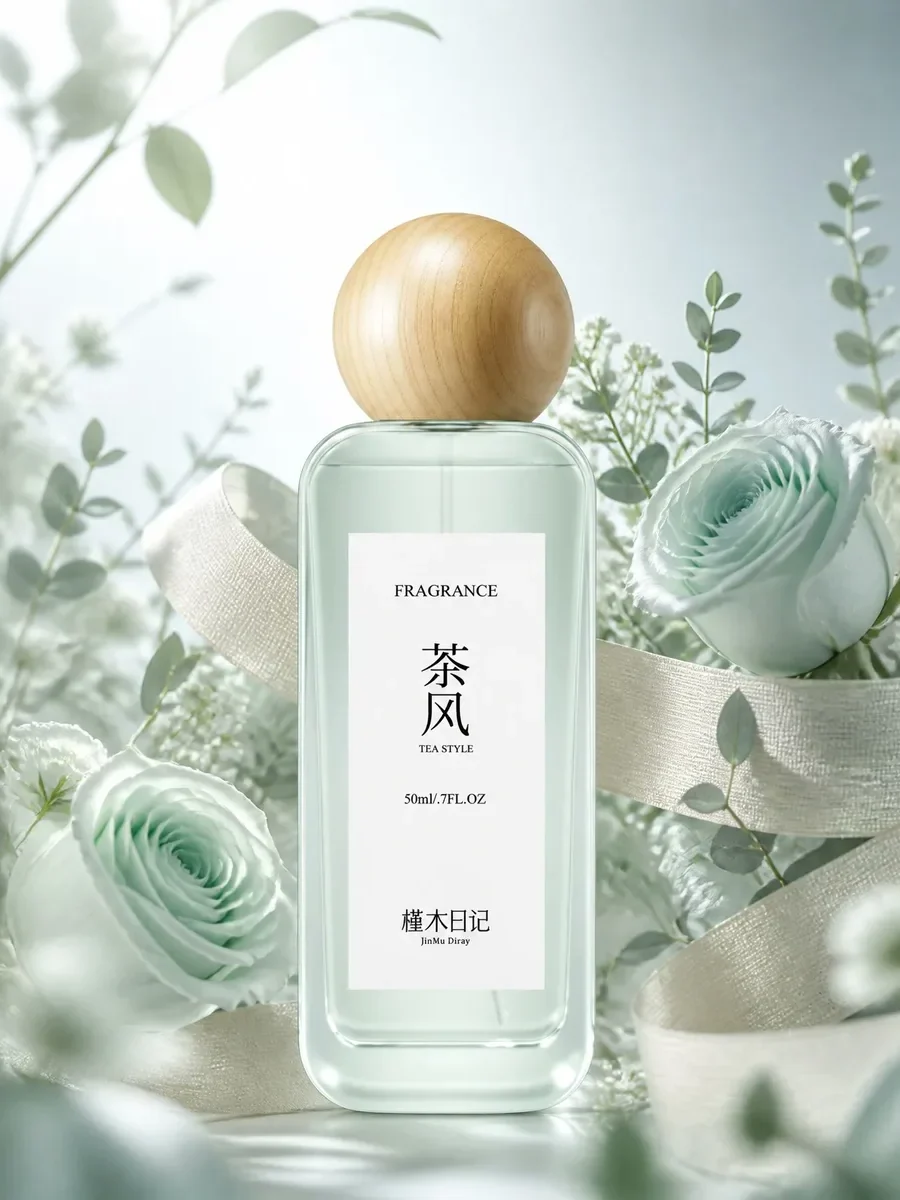
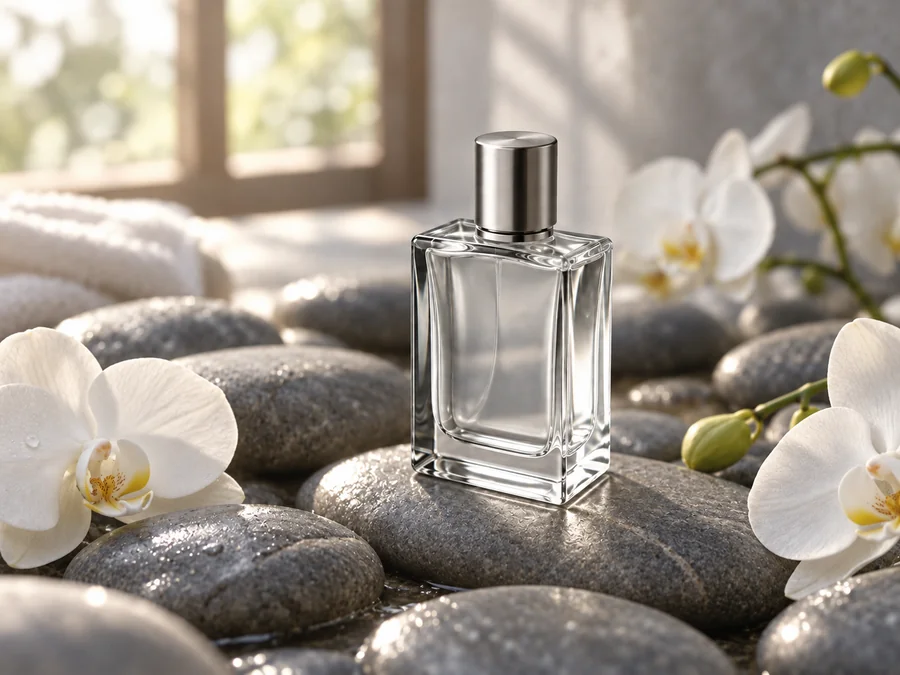
Glass, ribbon, and soft backlight for an e-commerce hero image.
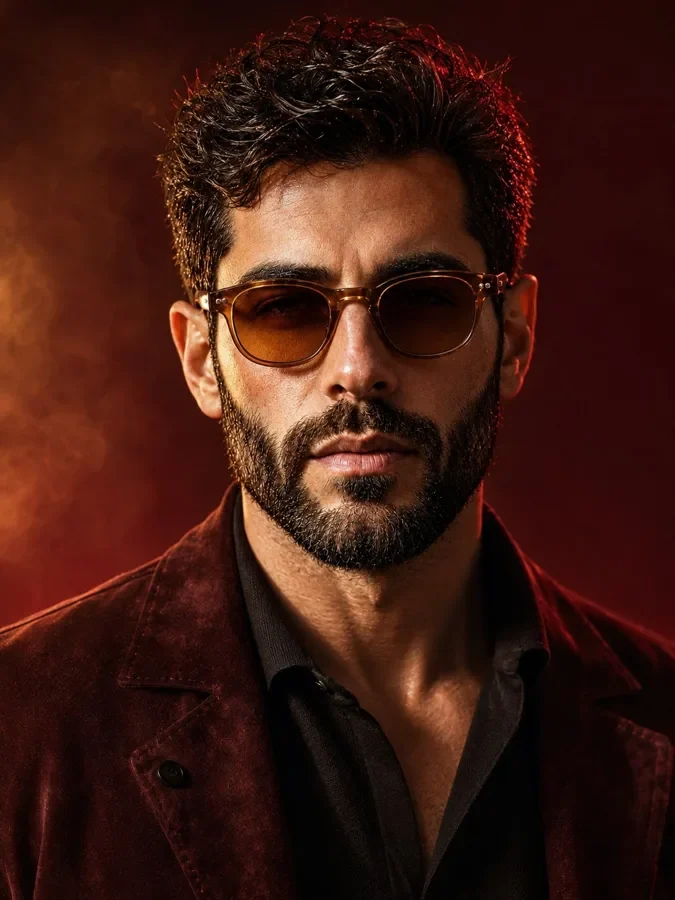
Warm key light, a red rim light, and real skin and beard texture.
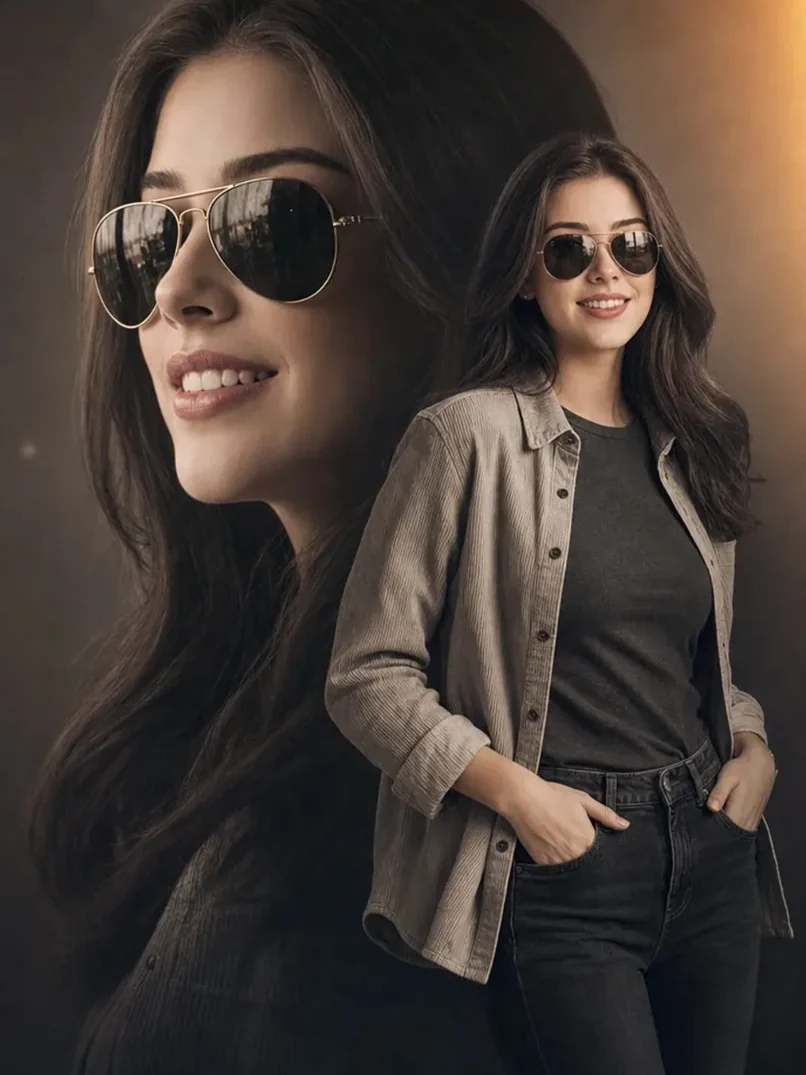
One woman shown twice: a soft profile and a full-length pose.
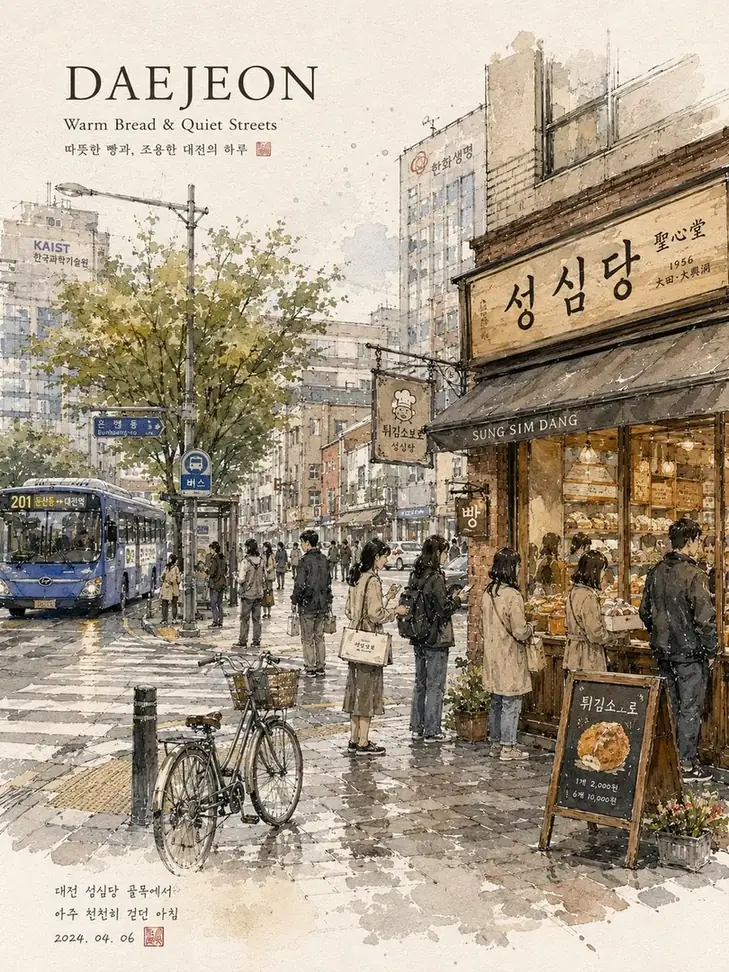
Ink lines, soft washes, signs, and handwritten travel notes.
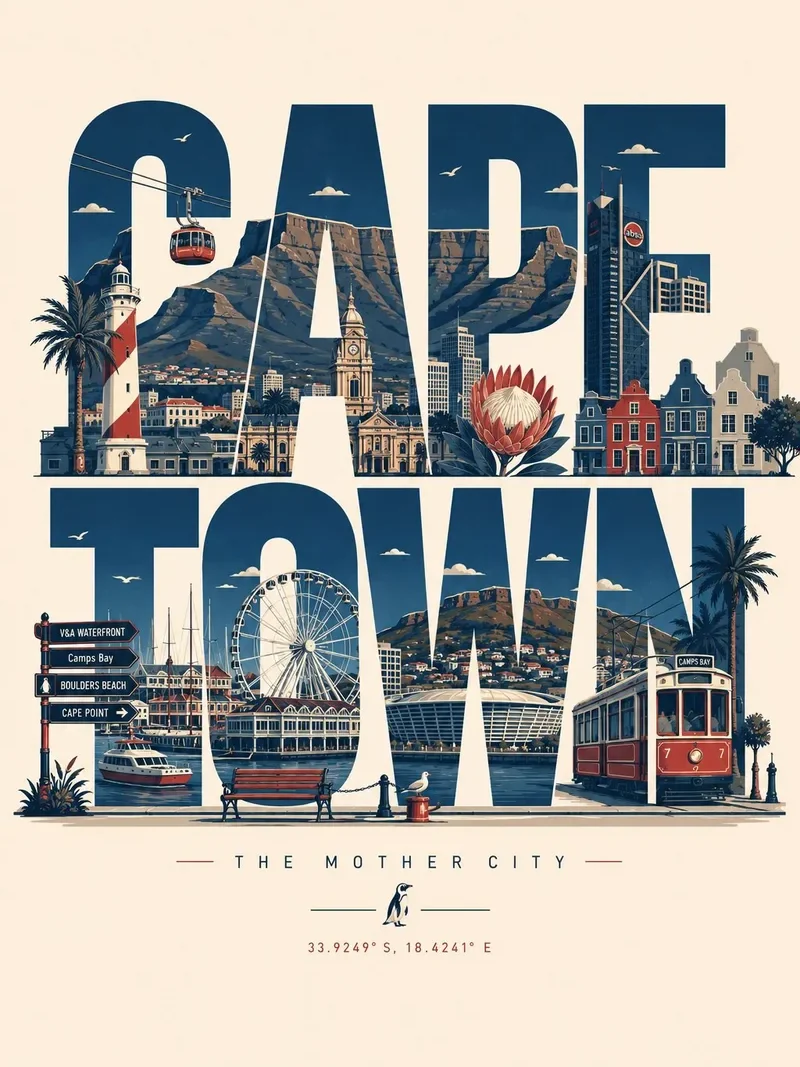
Landmarks built into giant letters that still read clearly.
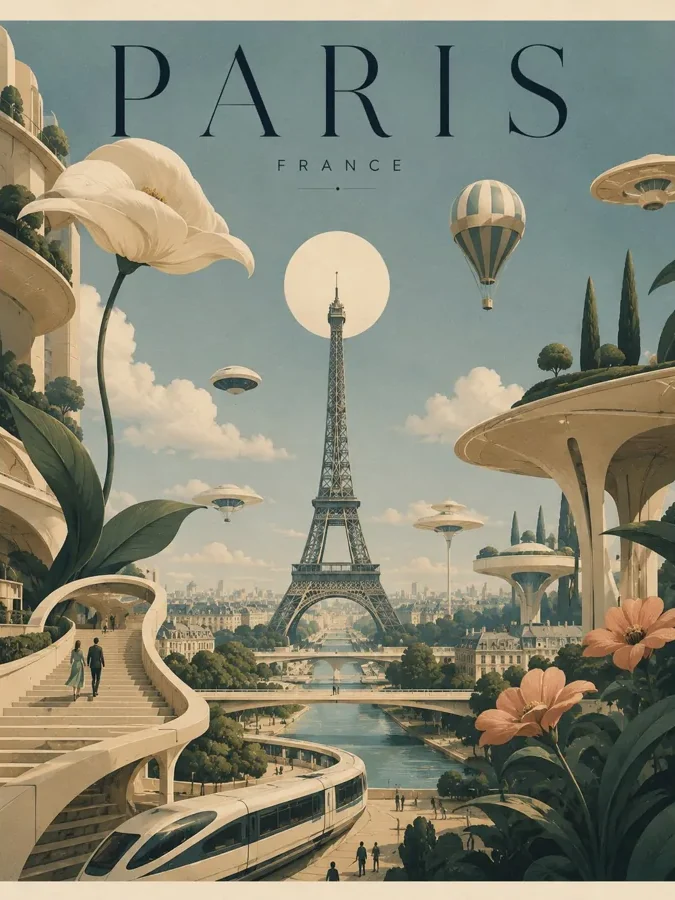
A vintage travel-poster look with floating, sculptural architecture.
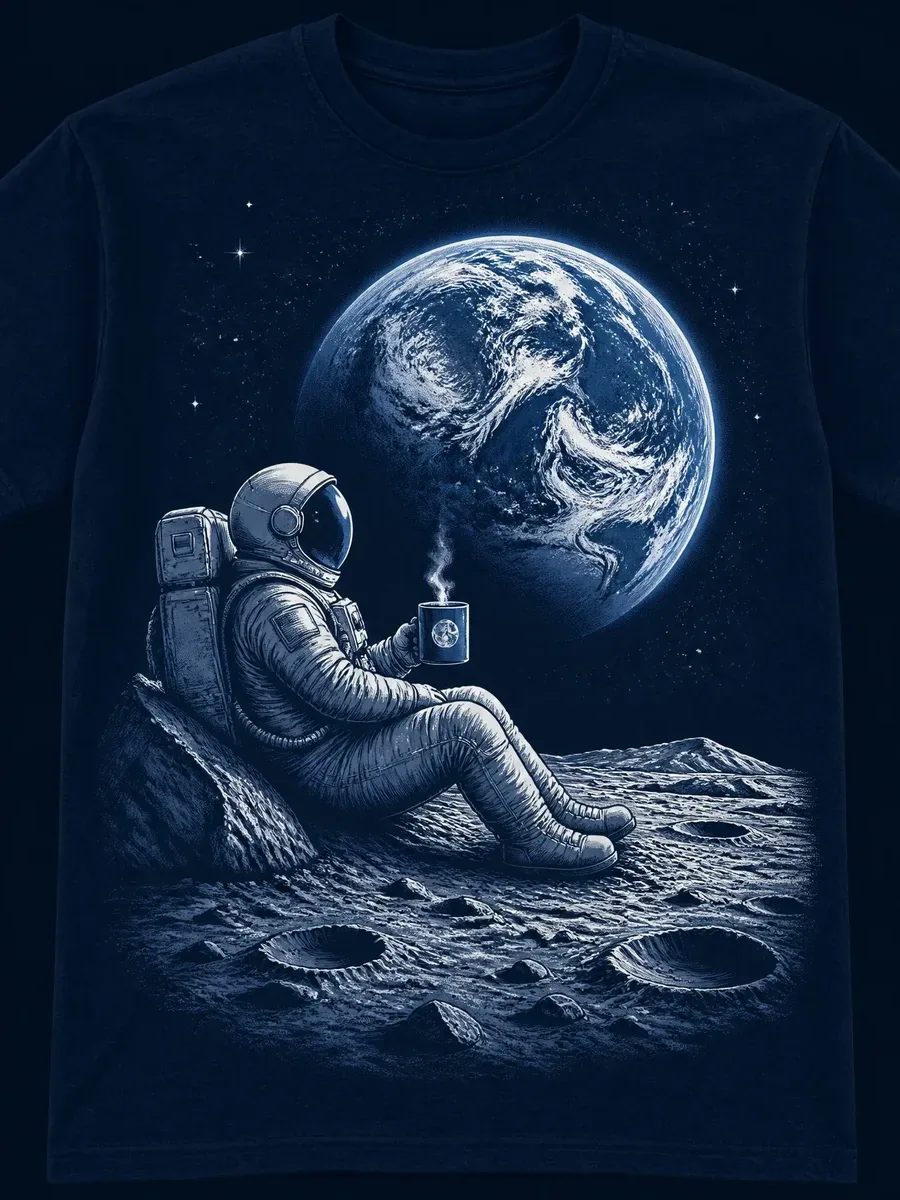
A screen-print style astronaut, Earth, and moon on navy fabric.
Three steps from idea to a downloadable image. Nothing to install.
Choose GPT Image 2.5 Flare for quick everyday images and drafts, or Sunburst when you edit a photo and need the face, product, or layout to stay just as it is.
Describe the image and put any words that must appear in quotes. To edit, switch to Edit / reference images, upload up to four photos, and say what should change and what should stay.
Pick Auto or one of eight aspect ratios from 1:1 to 21:9 and 1K, 2K, or 4K. The credit cost shows on the Generate button before you start. Download the result or refine it with a follow-up prompt.
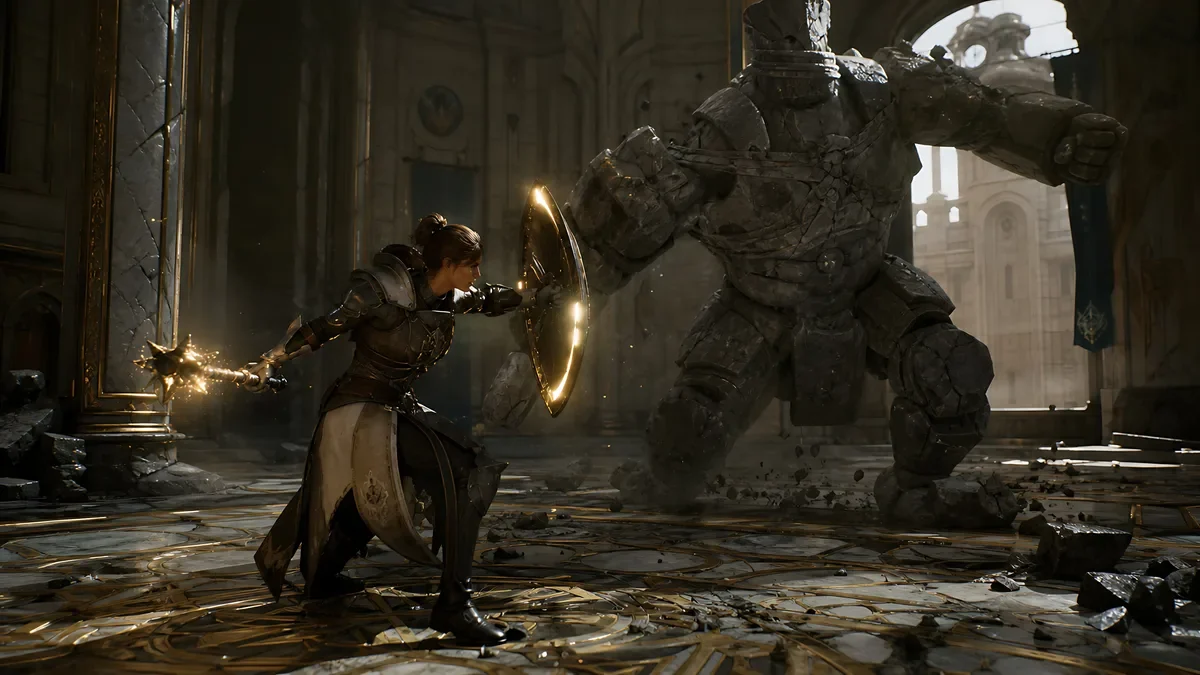
GPT Image 2.5 Sunburst vs Flare comes down to speed versus precision. Both versions take the same prompts, reference images, aspect ratios, and up to 4K output. Flare is tuned for speed, so it suits drafts, concept art, and posters you iterate on. Sunburst takes a little longer but follows edit instructions more closely and, in early reports, keeps faces more stable when you swap a background. Not sure which to pick? Start with Flare and switch to Sunburst for the final edit.
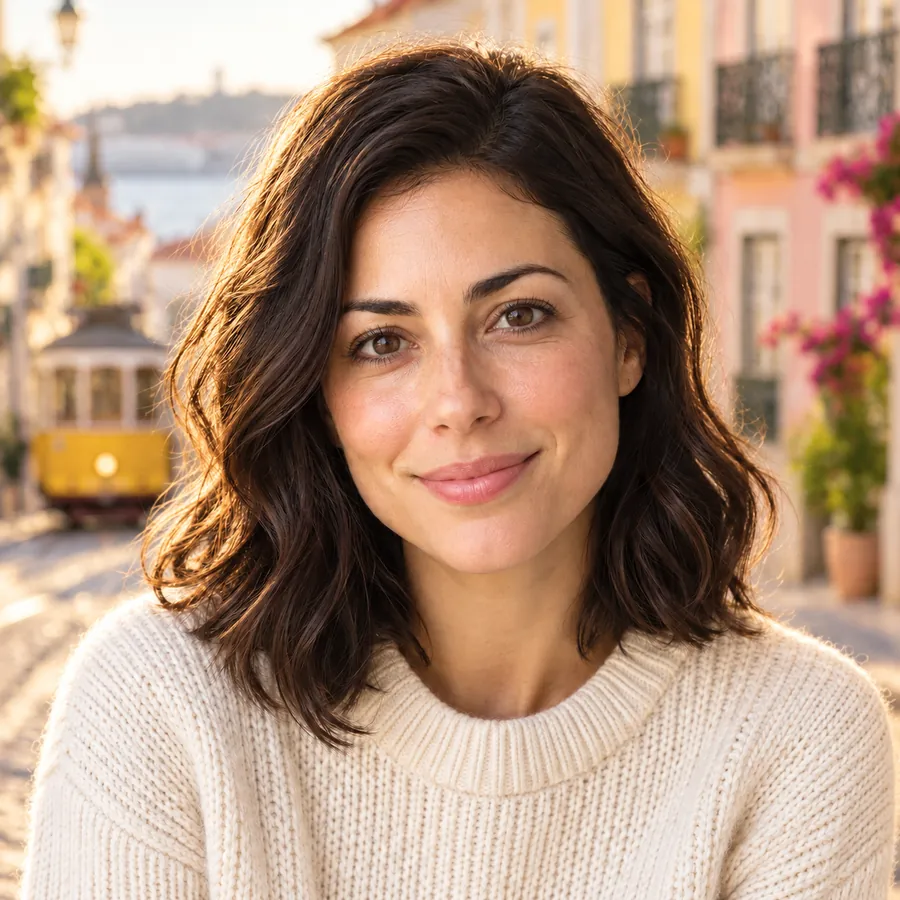
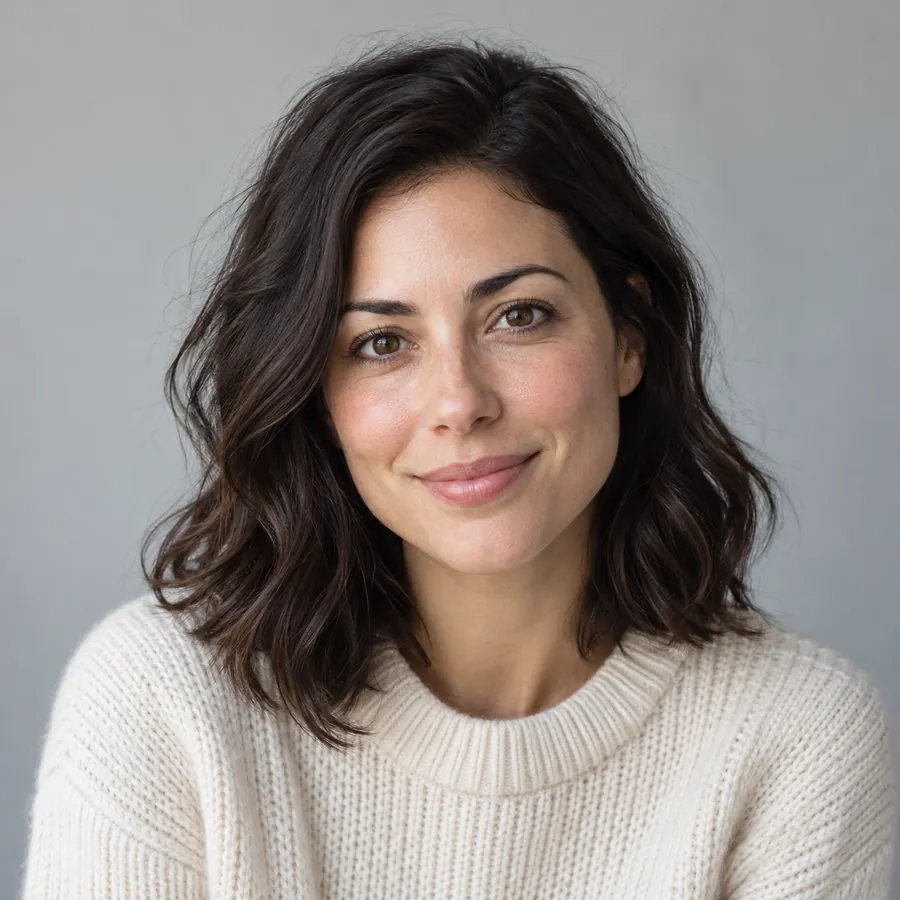
Upload a portrait and ask for a new background, light, or outfit. GPT Image 2.5 changes what you name and keeps the face, expression, and pose recognizable, which makes it a strong pick for profile photos, travel shots, and product edits. Choose Sunburst for the most faithful result. Drag to compare.
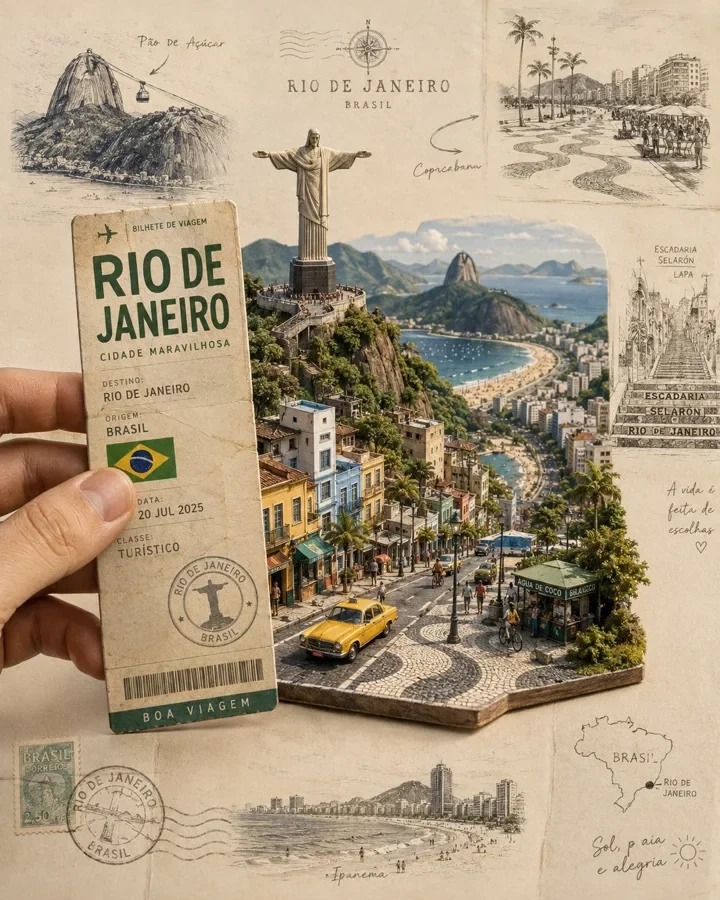
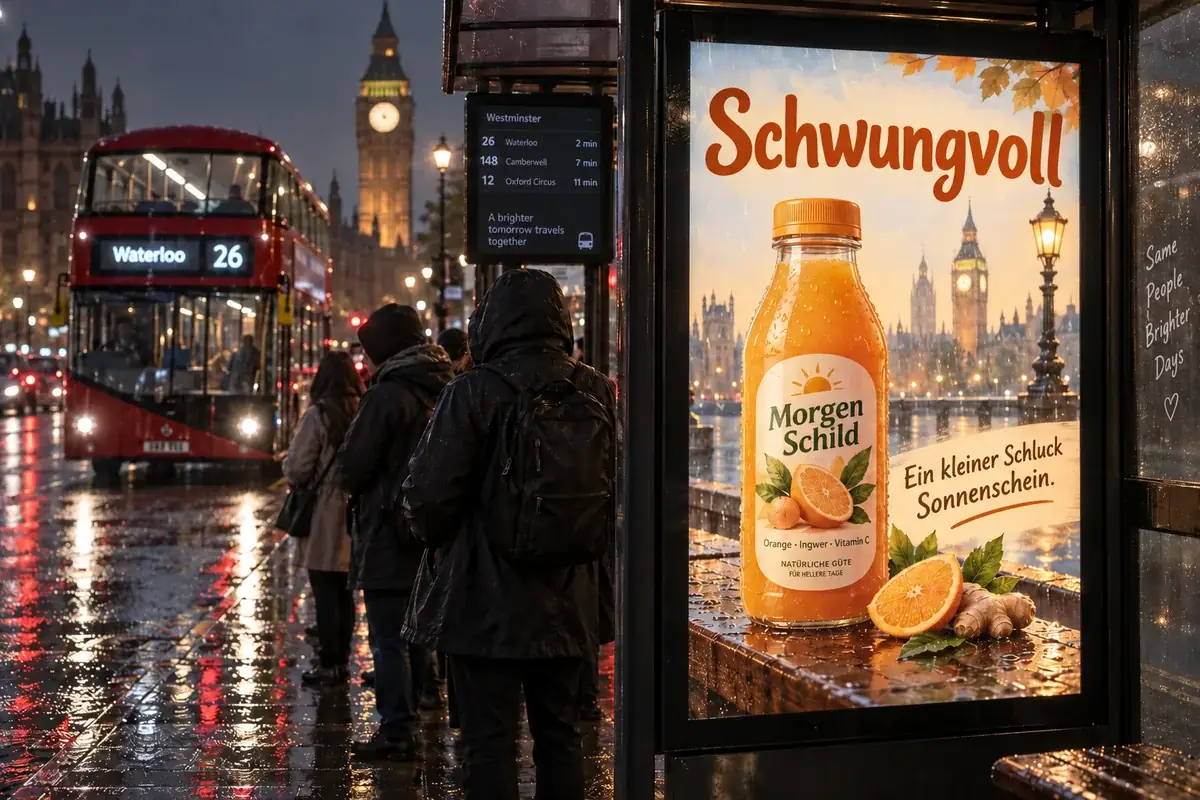
Put the exact words in quotes and GPT Image 2.5 sets them as real typography: ticket stubs, poster titles, menus, and labels with clean spacing and fewer spelling slips than earlier models. It also handles dense layouts such as travel collages and event flyers.
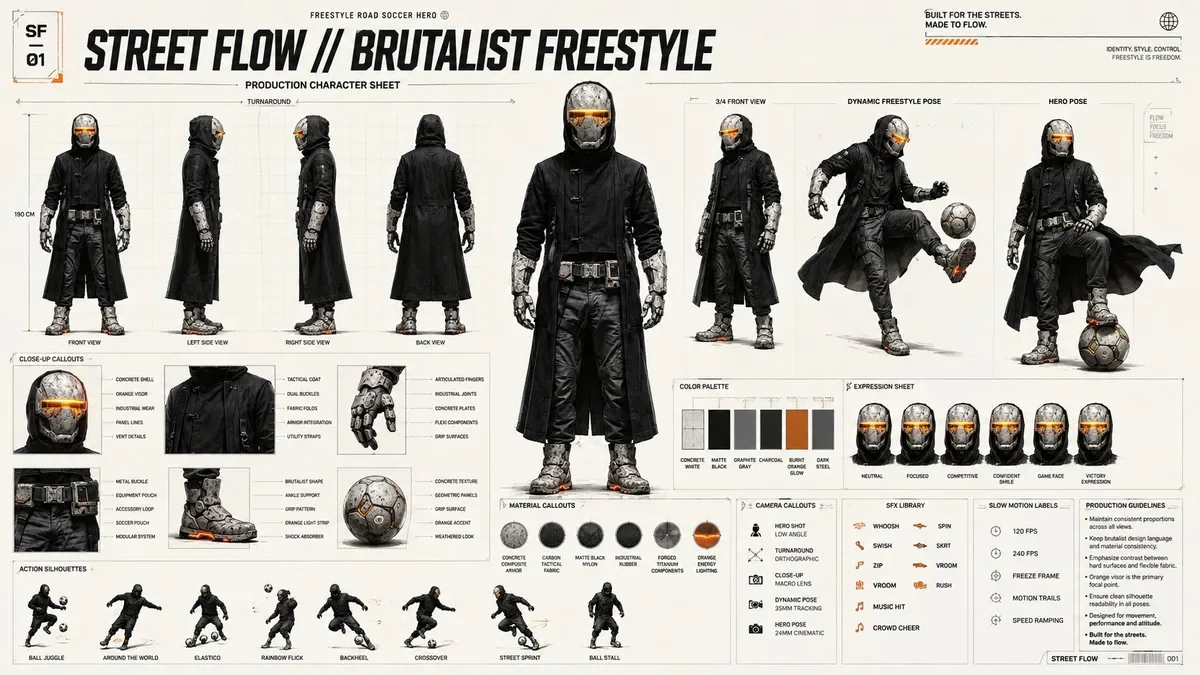
Generate at 1K for drafts, 2K for everyday use, or 4K for print and large screens, in Auto, 1:1, 3:2, 2:3, 4:3, 3:4, 16:9, 9:16, or 21:9. Fine detail, like the callouts on this character sheet, stays legible at the higher sizes.
GPT Image 2.5 vs Nano Banana 2 and GPT Image 2: how OpenAI’s newest model compares with its predecessor and Google’s fast image model, all available on EzImgMaker.
| GPT Image 2.5 | GPT Image 2 | Nano Banana 2 | |
|---|---|---|---|
| Maker | OpenAI | OpenAI | Google DeepMind |
| Versions | Flare (fast) and Sunburst (precise edits) | One model | One model, plus a Lite version |
| Released | September 2026 (reported) | April 2026 | February 2026 |
| Highest resolution | 4K | 4K | 4K |
| Reference images (model limit) | Up to 16 | Up to 16 | Up to 14 |
| Standout strength | Edits that keep faces, sharp typography | Dense text, UI and layout design | Pro-like quality at Flash speed |
Specs reflect the versions available on EzImgMaker in October 2026. This GPT Image 2.5 workspace takes up to four reference images per request.
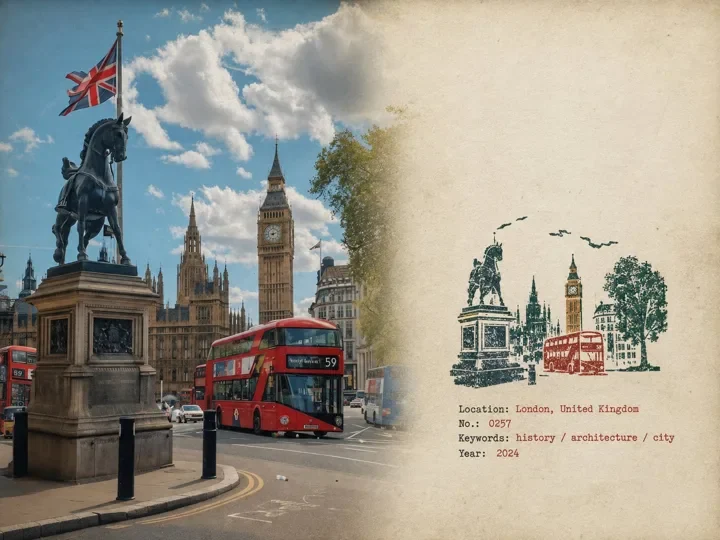
Campaign posters, event flyers, and travel prints with titles set as real typography.
Main product images, lifestyle scenes, and color variants from one product photo.
Thumbnails, carousel graphics, and story images in 1:1, 9:16, or 16:9.
Profile pictures and stylized portraits that keep the face when the background changes.
Storybook pages, character sheets, and watercolor scenes with a consistent look.
App screen sketches, landing-page mockups, and icons to explore ideas early.
Four habits that make GPT Image 2.5 prompts more predictable.
Write text in quotes and say where it goes: title “SUMMER MARKET” in bold serif at the top.
Name the parts (headline, three product cards, footer), then the look: flat vector, film photo, or watercolor.
For edits, add “keep the face, pose, and lighting the same” and pick the Sunburst version.
Iterate with Flare at 1K or 2K, then render the version you like at 4K.
Compare GPT Image 2.5 with other models on EzImgMaker, or borrow a prompt.
The previous OpenAI model: dense text, UI mockups, and a transparent background option.
Read the guideGoogle’s fast image model with 14 references and ultra-wide ratios.
Read the guideByteDance’s latest image model in Pro, Lite, and Flash versions.
Read the guideAlibaba’s Qwen3 image models for text in images and photo edits.
Read the guideOne workspace for every image model and style on EzImgMaker.
Read the guideCopy-ready prompts for posters, photos, logos, and product shots.
Read the guideCommon questions about OpenAI’s GPT Image 2.5, Flare, and Sunburst.
GPT Image 2.5 is OpenAI’s latest model for text-to-image generation and image editing, offered in two versions, Flare and Sunburst. It takes a prompt plus up to 16 reference images and outputs images at 1K, 2K, or 4K. You may also see it written as gpt-image-2.5, GPT Image Gen 2.5, GPT 2.5 image generator, or ChatGPT Image 2.5.
Flare is the faster version and the default for most prompts. Sunburst is slower but more precise with edits, and it is reported to keep faces and identity more stable when you replace a background. Both take the same prompts, references, aspect ratios, and resolutions, so you can switch in the Version setting without rewriting anything.
GPT Image 2.5 is a paid model, but you can try it for free on EzImgMaker: new users get free credits when they sign up. After that, GPT Image 2.5 pricing here works in credits per image, and the exact cost for your settings is shown on the Generate button before you start.
Use the workspace at the top of this page: pick Flare or Sunburst, type a prompt or add photos to edit, choose an aspect ratio and resolution, and click Generate. There is nothing to install and no API setup, and it runs in any modern browser.
Yes. Switch to Edit / reference images, upload up to four photos (JPG, PNG, or WebP up to 20 MB each), and describe the change, such as a new background, outfit, or style, plus what must stay the same. Only upload photos you own or have permission to use, and do not use it to impersonate real people.
This workspace offers 1K, 2K, and 4K, so the GPT Image 2.5 max resolution is 4K, with Auto, 1:1, 3:2, 2:3, 4:3, 3:4, 16:9, 9:16, and 21:9. The model also has a few extra ratios that work at 1K only; the ones offered here work at every size. A GPT Image 2.5 transparent background option is not offered in this workspace.
No. EzImgMaker connects to GPT Image 2.5 for you, so you can generate without an OpenAI account, API key, or ChatGPT subscription. Developers who want the GPT Image 2.5 API inside their own app need their own provider account and GPT Image 2.5 API pricing.
The GPT Image 2.5 release date was reported as September 2026, about five months after GPT Image 2 arrived in April 2026. Is GPT Image 2.5 out? Yes, and you can use it on this page today.
GPT Image 2.5 keeps what made GPT Image 2 popular, such as dense text, layouts, up to 16 references, and 4K output, and splits into Flare and Sunburst. Early users report steadier faces in edits and cleaner small text. GPT Image 2 is still available on EzImgMaker and offers a transparent background option at 1K.
Many people use their results for posts, presentations, mockups, and personal projects. Whether a specific commercial use is allowed depends on what you create, what you upload, and the terms that apply to you, so check EzImgMaker’s terms and avoid real people, brand logos, and copyrighted characters.
Pick Flare or Sunburst, write a prompt or add photos, and generate at up to 4K.
GPT Image, ChatGPT, and OpenAI are trademarks of OpenAI. Nano Banana and Gemini are trademarks of Google LLC. EzImgMaker is an independent site and is not affiliated with, endorsed by, or sponsored by OpenAI or Google. Model names are used only to describe compatibility.