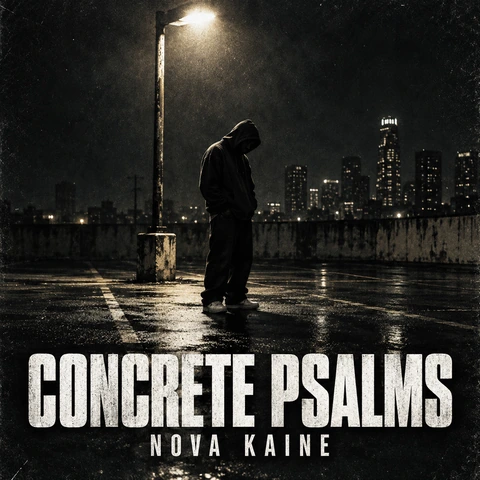
Rap Album Cover
A hooded figure, a boombox, and graffiti energy.
Type your album title and artist name, pick a genre like Hip-Hop, Lo-Fi, Rock, R&B, Metal, EDM, or K-Pop, and the AI album cover generator designs square cover art with your words spelled exactly as you wrote them. Turn your own photo into the cover, make a playlist or mixtape cover, or show it on a CD and vinyl mockup, on five AI models. Free credits when you sign up.
Genre style
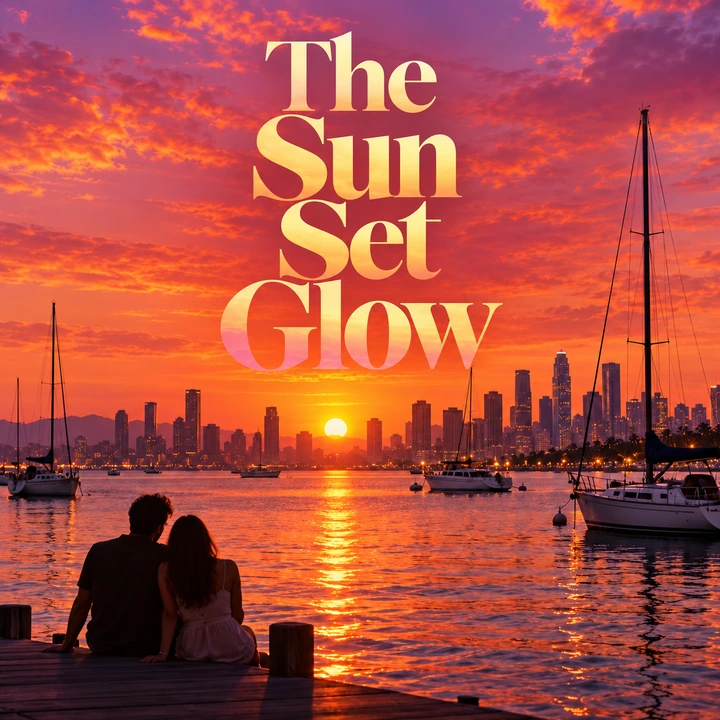
An album cover for "The Sun Set Glow": a vibrant sunset over a harbor with boats and a distant city skyline, orange, pink, and purple light, big overlapping serif title in the center.
Reference example. It is not a result generated from your upload.
An album cover maker designs the square artwork fans see first: on streaming apps, playlists, CD booklets, and vinyl sleeves. Instead of dragging stock photos into a template, this AI album cover generator draws new artwork around your title and artist name, in the look your genre is known for, from gritty rap covers and cozy lo-fi art to glossy K-pop sets and stormy metal paintings.
Type the title, pick one of 12 genre styles, choose a cover type (album, single, mixtape, playlist, CD cover, or a CD and vinyl mockup), and generate on Nano Banana 2, Nano Banana Pro, Seedream 4.5, GPT Image 2, or FLUX.2. It works as an album cover creator, album art maker, album art creator, CD cover maker, cover art maker, and cover art generator in one, and as an album maker for the artwork side of your release. Add your own photo and it becomes an album cover generator from photo. It is free to try with the credits new accounts get when they sign up.
Rap, metal, R&B, country, dream pop, ambient, lo-fi, and concept covers: tap a card to load the style or idea in the album covers maker, then type your own title.
A hooded figure, a boombox, and graffiti energy.
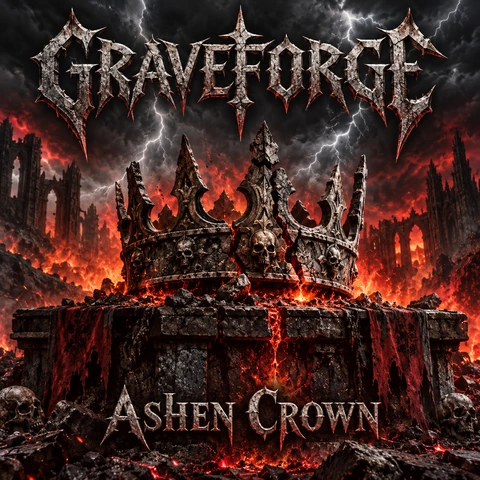
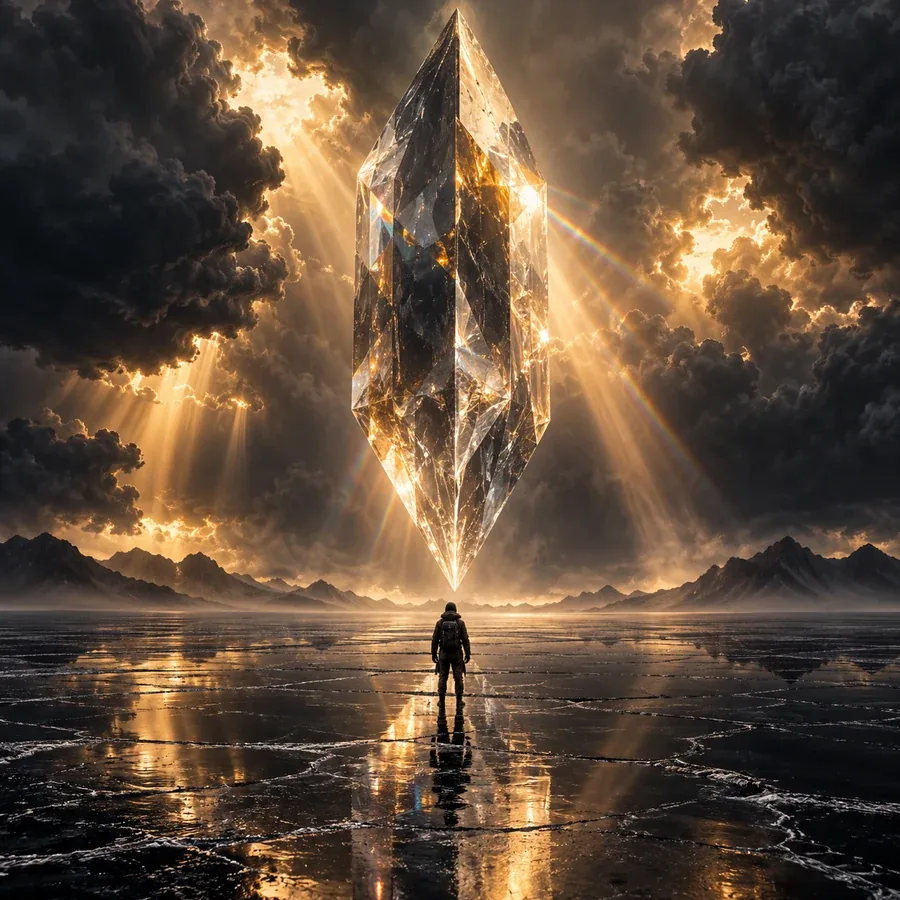
Storms, lightning, and broken records on dark rock.

Warm amber light and an elegant portrait.
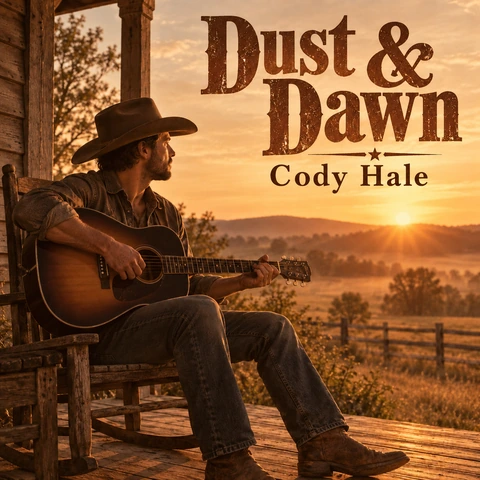
A guitar, a porch, and sepia film tones.
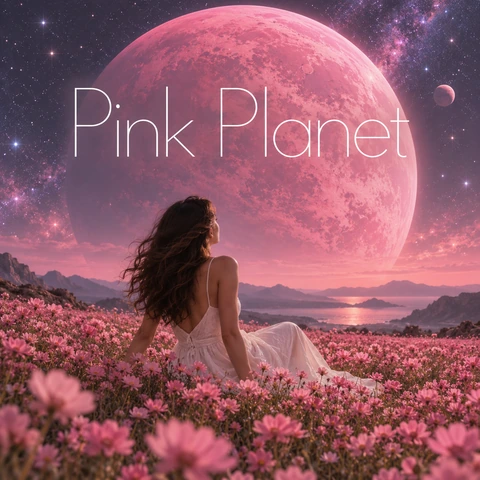
A pink planet over a field of flowers.
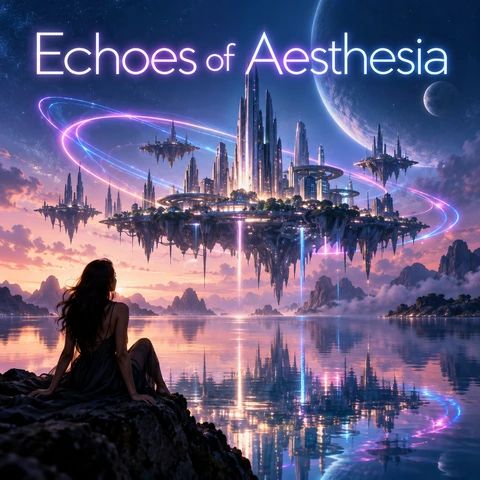
Neon light trails over a floating city.

An anime listener in headphones over a city at night.
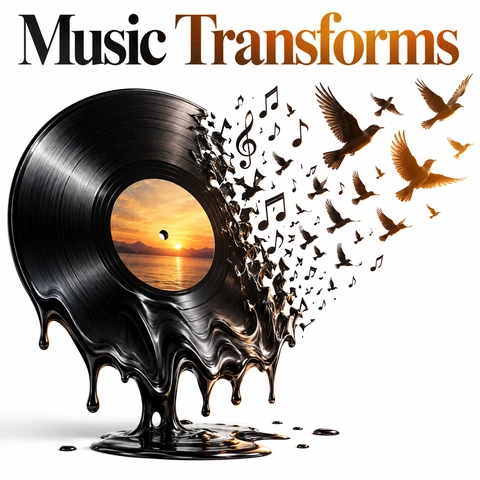
A melting vinyl record turning into birds.
Four steps to create a music album cover and make album artwork you can upload, print, and share.
Enter the album, single, or playlist title exactly as it should appear, plus the artist name if you want it on the cover. Then describe the scene, or tap an idea for a full prompt and swap in your words.
Choose Hip-Hop & Rap, Lo-Fi, Rock, Pop, R&B & Soul, Jazz, Metal, EDM, Indie & Folk, K-Pop, or Playlist Aesthetic, then Album / EP, Single, Mixtape, Playlist cover, CD cover, or a CD & vinyl mockup.
Upload a photo of yourself, your band, or a place and the AI turns it into the cover art, keeping you recognizable. Pick lettering and a size: 1:1 for the cover, 4:5 or 9:16 for promo posts.
Press Generate Album Cover, check the spelling, and generate again or switch to Nano Banana Pro or GPT Image 2 for the cleanest lettering. For a 3000 × 3000 upload, enlarge the result with the 4K Image Upscaler.
Genre-true artwork, your exact title, and covers made from your own photos: an album artwork creator and cover art creator in one.
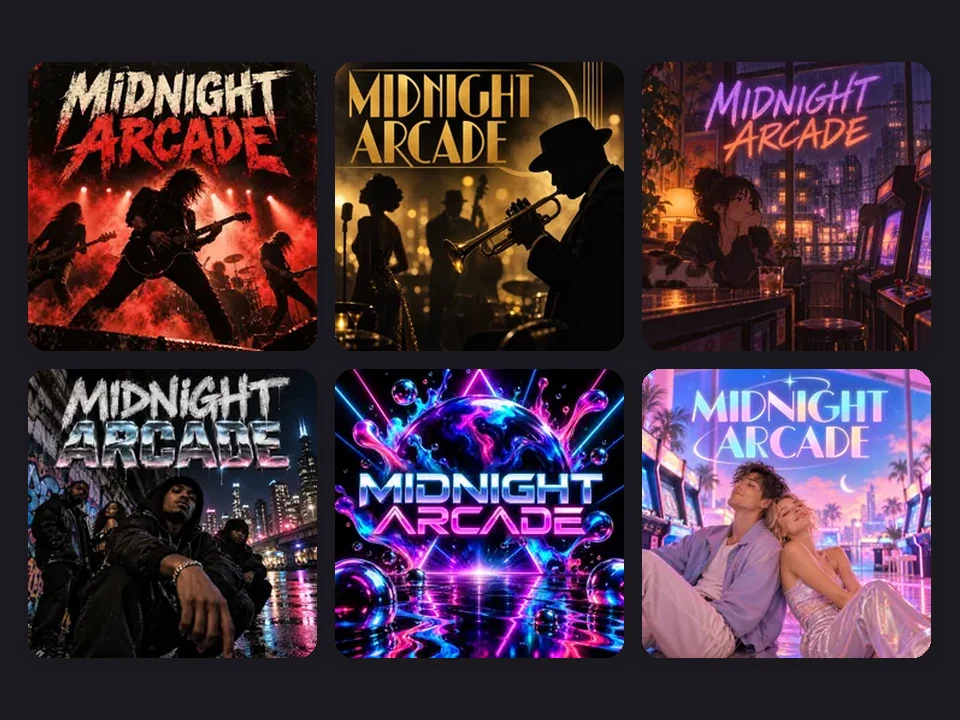
This album cover art maker has twelve genre styles for the sounds people search for most: gritty Hip-Hop & Rap, cozy Lo-Fi, smoky Rock, dreamy Pop, warm R&B, classic Jazz, stormy Metal, neon EDM, faded Indie & Folk, glossy K-Pop, and thumbnail-ready Playlist Aesthetic. Use it as a rap album cover generator for a mixtape on Monday and a metal album cover generator for a demo on Friday.
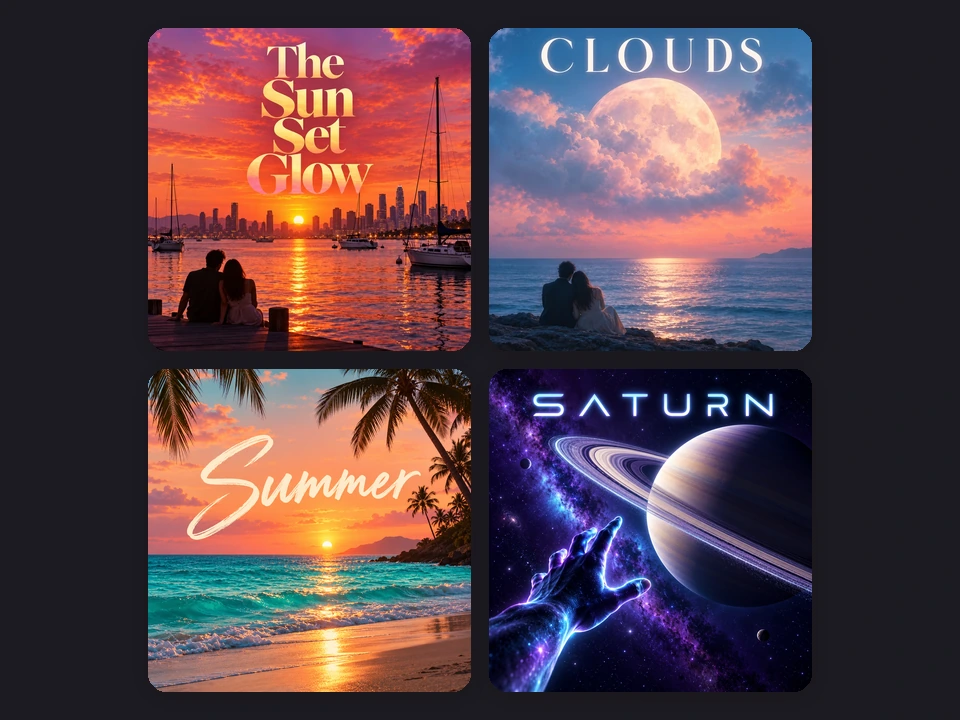
Put the words in the title and artist fields and the AI is told to letter exactly that, with the same spelling, capitals, and punctuation, large enough to read as a thumbnail, and to add no extra words or fake label logos. Pick Bold sans, Elegant serif, Handwritten, or Graffiti lettering, or No text for artwork only. For the crispest type, choose Nano Banana Pro or GPT Image 2.
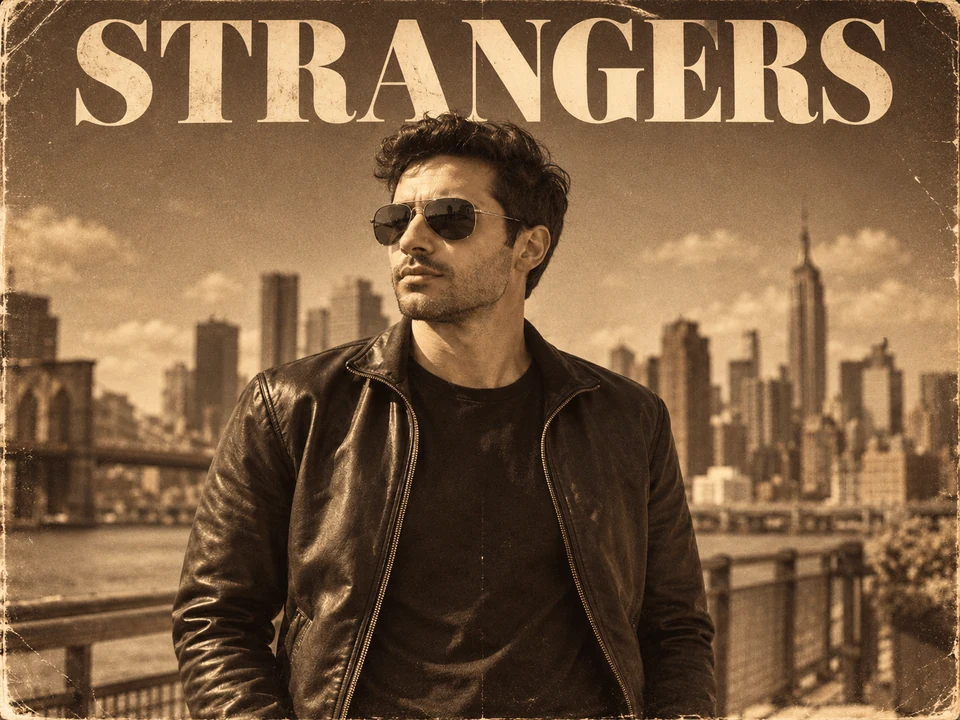
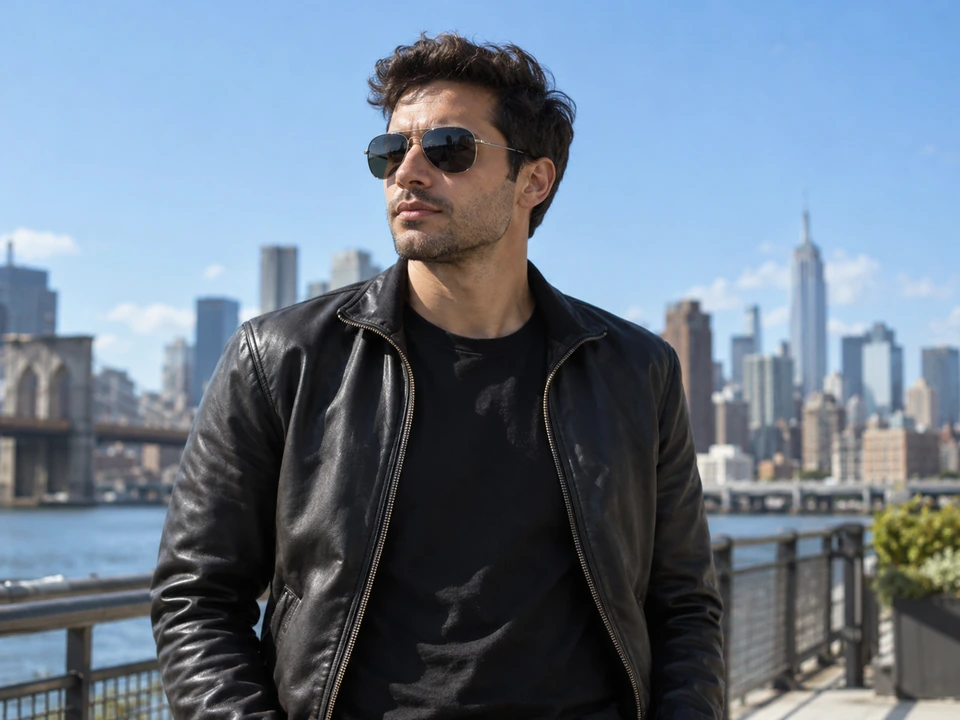
Upload a selfie, a band photo, or a shot of your city, and this AI album cover generator from photo restyles it as the cover: film grain and a serif title, neon light, a painted scene, or a vintage sleeve, while keeping you recognizable. It is the quickest way to make your own album cover that actually shows the artist.
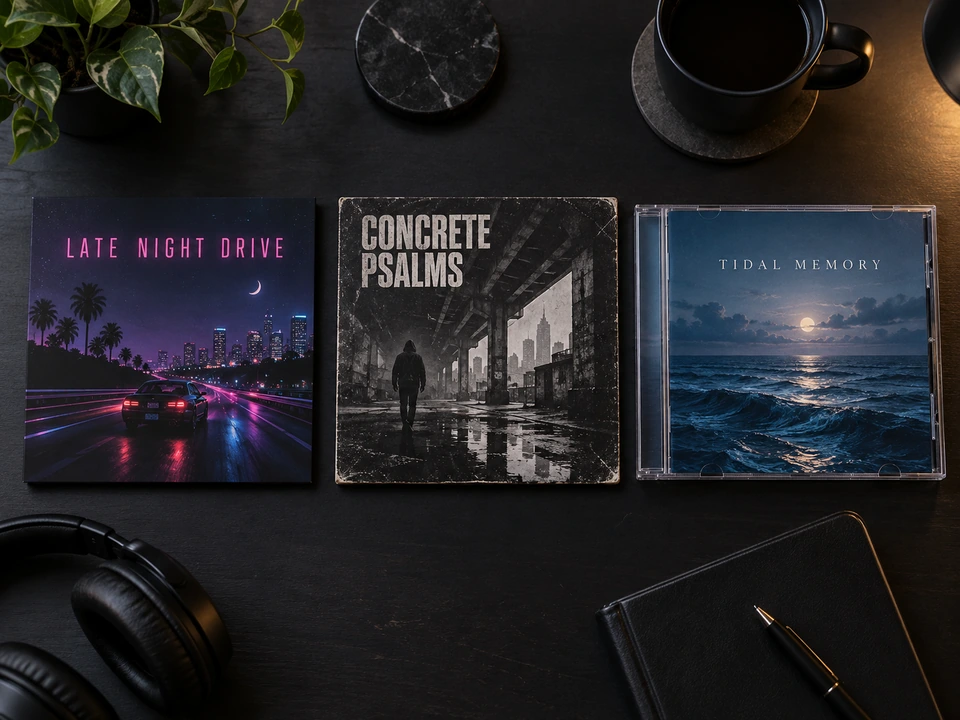
Switch the cover type and the same tool becomes a playlist cover maker, a mixtape cover maker, a track cover maker for singles, or a CD cover maker and CD art maker that lays the title out like a printed booklet: a music cover maker for every format. Choose CD & vinyl mockup to see the artwork on a jewel case and record sleeve before you print.
Album covers are square almost everywhere. Here is what each place usually asks for and how to get there from your result.
| Where it goes | Common size | Shape | How to get it here |
|---|---|---|---|
| Streaming via a distributor (Spotify, Apple Music…) | 3000 × 3000 px is the usual recommendation | 1:1, JPG or PNG | Generate 1:1, enlarge with the 4K Image Upscaler, then resize to 3000 px |
| Bandcamp | At least 1400 × 1400 px | 1:1 | Generate 1:1, then upscale |
| SoundCloud track art | 800 × 800 px or larger | 1:1 | Generate 1:1; the result is already large enough |
| Playlist cover | A square image around 1000 px looks sharp | 1:1 | Pick Playlist cover and 1:1 |
| CD booklet front | 4.75 × 4.75 in (120 mm) = 1425 × 1425 px at 300 DPI, plus your printer’s bleed | 1:1 | Pick CD cover, then upscale for print |
| 12-inch vinyl sleeve | About 12.4 × 12.4 in = roughly 3700 × 3700 px at 300 DPI | 1:1 | Upscale with the 4K Image Upscaler and use your pressing plant’s template |
| YouTube upload or visualizer | 1920 × 1080 px | 16:9 | Pick 16:9 YouTube / visualizer |
Results come out at roughly 1K–2K pixels, not 3000 px. Make the square cover first, enlarge it with the 4K Image Upscaler, and always check your distributor’s current artwork rules before you upload.
From a first SoundCloud single to a pressed vinyl run: an album artwork maker for anyone without an album cover designer on call.
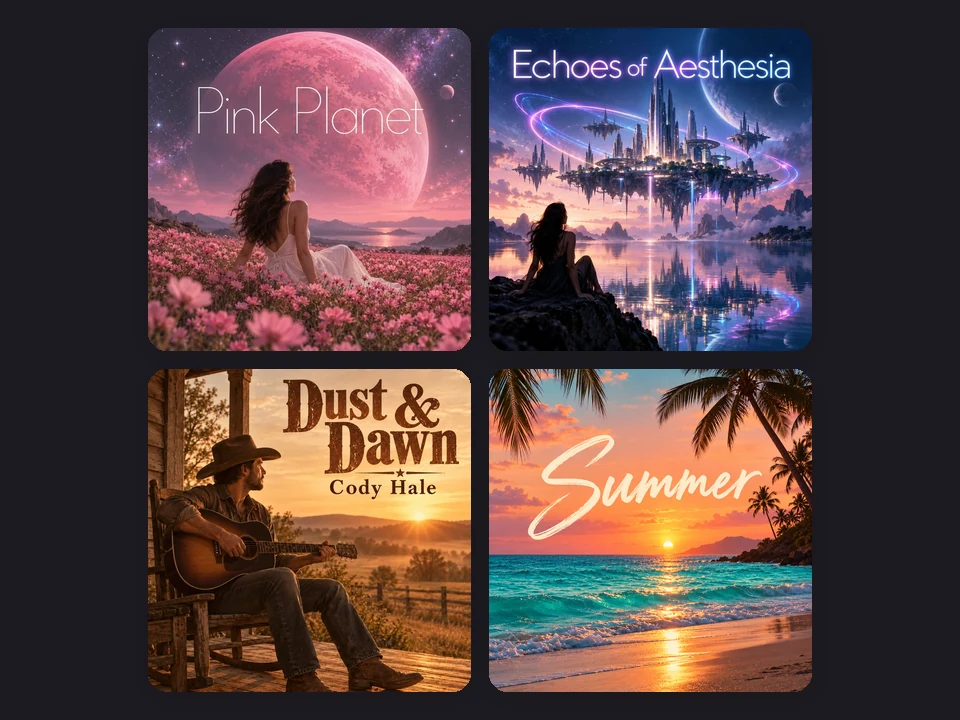
Make a rap album cover, use it as a rap CD cover maker, or design a mixtape front for a beat tape, with your name lettered right.
Create an album cover for an EP or a debut record, then use it as a song album art maker for each single.
A track cover maker for weekly releases, DJ mixes, and remix packs in one consistent look.
Covers for mood, gym, study, and road-trip playlists that read clearly as small thumbnails.
The same square cover art format works for podcast shows, audiobooks, and sample packs.
Use it as a mag cover maker for zine or magazine-style covers: pick 4:5 and describe the masthead.
What makes cover art stand out in a grid of a hundred others.
Most fans first see your cover the size of a stamp. One strong subject and a big title beat a busy collage.
Name a palette in the prompt, such as “amber and burgundy” or “neon pink on black”, for a cover people remember.
Good album cover prompts name a subject, a place, the light, the mood, and where the title goes.
For singles from one album, reuse the same prompt and style and change only the subject or color.
Of the five album cover generator AI models, Nano Banana Pro and GPT Image 2 handle long titles best. Generate again if a letter looks wrong.
Do not recreate famous album covers, real celebrities, or label logos, and only upload photos you have the right to use.
Enlarge the cover, make a logo and a poster, and build a matching set.
Enlarge your cover toward 3000 × 3000 for distributors, or to print size for CDs and vinyl.
Open the toolDesign the band or artist logo that goes on the cover, merch, and the kick drum.
Open the toolMake a cinematic poster for a release party, a music video premiere, or a tour.
Open the toolTurn the cover art into a 2560 × 1440 channel banner with the safe area shown, free in your browser.
Open the toolType your title (and artist name) in the fields, describe the scene or tap an idea, pick a genre style and a cover type, and press Generate Album Cover. Check the spelling, then generate again or tweak a word until it feels right. Every result is drawn new around your words, so you can make album art and make your own album cover without design software.
It is free to try. New accounts get free credits when they sign up, so you can test it as an AI cover art generator free of charge on your first designs; after that, each cover uses the credits shown on the button before you generate.
Yes. Add a photo in the reference box and the AI album cover generator from photo turns it into the cover, keeping the people recognizable while it changes the style, light, colors, and background. Use your own photos, or ones you have permission to use, and avoid photos of celebrities.
The AI is told to letter exactly what is in the title and artist fields, with the same capitals and punctuation, and short titles usually come out right. Image models can still slip on long or unusual words, so read the result. Nano Banana Pro and GPT Image 2 are the strongest at lettering, and you can always generate again.
Square. Most distributors recommend 3000 × 3000 pixels for Spotify and Apple Music, Bandcamp asks for at least 1400 px, and a CD booklet front is 4.75 inches (1425 px at 300 DPI). This tool makes roughly 1K–2K images, so generate the 1:1 cover and enlarge it with the 4K Image Upscaler before uploading.
Yes. Pick Playlist cover for a streaming playlist (one mood image and a big readable name) or Mixtape for a raw street-poster look. The Playlist Aesthetic style and the gym playlist idea are good places to start; think of it as an easy album art and art cover maker for any square release.
Choose CD cover to lay the art out like a printed CD booklet front (it works as a CD covers maker for a whole series of discs), or CD & vinyl mockup to see the same artwork on a jewel case and a record sleeve. For printing, ask your disc printer for their template and bleed, and upscale the square cover first.
Yes. Write the look you want in the prompt, such as a small black-and-white “EXPLICIT” tag in the bottom corner, and the AI adds it as written. The official Parental Advisory label is a registered mark, so we do not recreate it; your distributor flags explicit tracks on streaming services for you.
Cover art AI follows concrete words best. Name the subject, the setting, the light, the colors, and the lettering: for example “a lone guitar on a desert road at dusk, red sky, distressed bold title at the top”. The ideas on this page are full prompts for rap, lo-fi, rock, pop, R&B, jazz, metal, EDM, indie, K-pop, playlist, and country covers.
No. Describe your own idea instead of recreating existing album artwork, and do not use real celebrities or record-label logos. Distributors can reject covers that look like someone else’s release, so an original cover is also the safer choice for your music.
Type your title, pick a genre, and get original album art with the album cover creator, free to try on your sign-up credits.
Nano Banana and Gemini are trademarks of Google LLC; GPT Image is a trademark of OpenAI; Seedream is a trademark of ByteDance; FLUX is a trademark of Black Forest Labs. Spotify, Apple Music, Bandcamp, SoundCloud, and YouTube are trademarks of their owners and are named only to describe artwork sizes. EzImgMaker is an independent service and is not affiliated with or endorsed by these companies.