Upload Your Picture
Choose a JPG, PNG, WebP, GIF, BMP, AVIF, or ICO file up to 40 MB, or drag it onto the box. It opens on your device and never leaves it.
Convert your image to the format a website, app, or printer expects: PNG to JPG with a background color, WebP to JPG or PNG, or JPG to WebP for faster pages. Download one format or all three. Free, and nothing is uploaded.
Popular conversions
Fine-tune
Runs in your browser. Your photo is never uploaded.
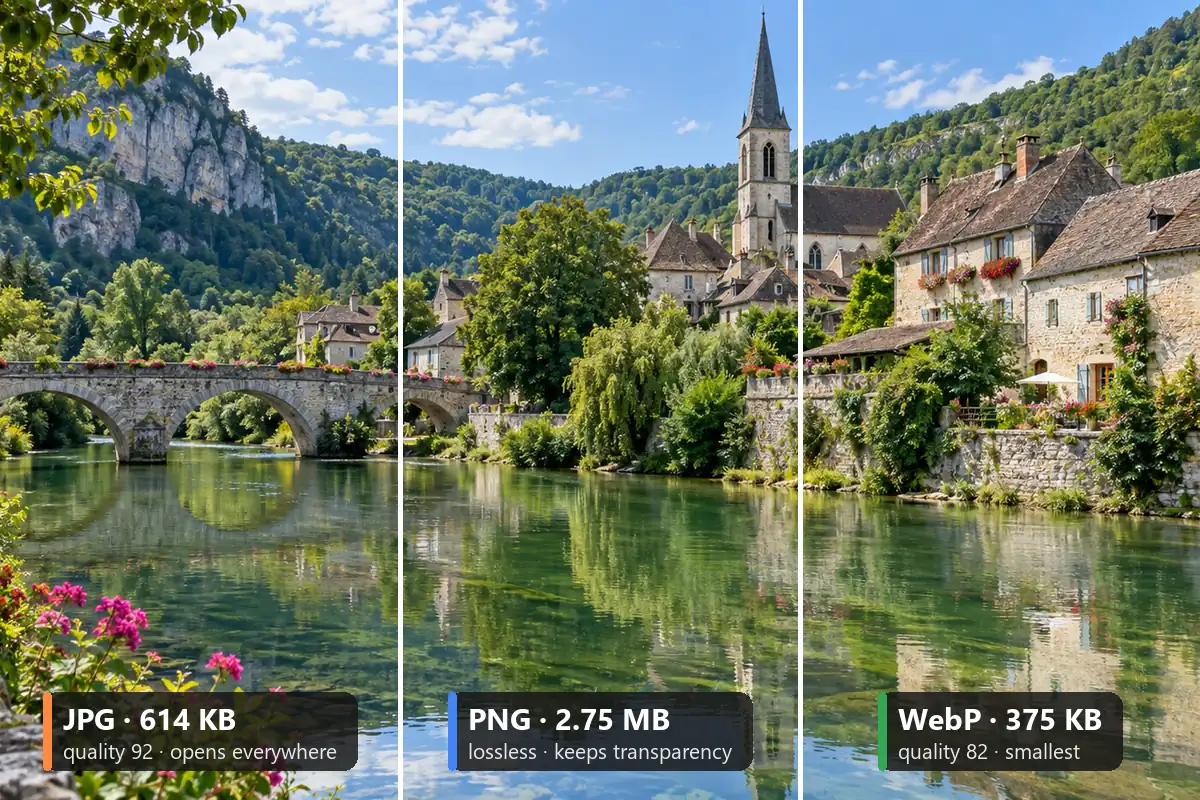
Reference example. It is not a result generated from your upload.
An image converter changes a picture’s file format without changing what it shows. You need one when a site only accepts JPG, when a downloaded WebP will not open in your editor, or when a logo needs a transparent PNG. This free image converter covers the three formats you meet everywhere, JPG, PNG, and WebP, and also opens GIF, BMP, AVIF, and ICO files so you can convert image to picture formats that work on any device.
This photo converter online does the image conversion in your browser, so you can convert photos privately, with no upload and no account. Choose the output format and quality, fill transparent areas with any color for JPG, resize while you convert, and see the new file size before you save. Not sure which format a platform wants? Download JPG, PNG, and WebP in one click.
Change picture format in your browser, on a computer or a phone.
Choose a JPG, PNG, WebP, GIF, BMP, AVIF, or ICO file up to 40 MB, or drag it onto the box. It opens on your device and never leaves it.
Pick the format, set the quality for JPG and WebP, choose a fill color for transparent areas, and resize if you need a set size such as 1920 × 1080.
Check the before/after preview and the converted file size, then download one file, or all three formats at once.
An image convert tool that shows the real result, handles transparency properly, and never uploads your files.
Each format has a job: JPG for photos that must open everywhere, PNG for lossless graphics and transparency, WebP for the smallest files on the web. Switch between them and the panel shows the converted size; the photo above is 614 KB as a JPG, 2.75 MB as a PNG, and 375 KB as a WebP.
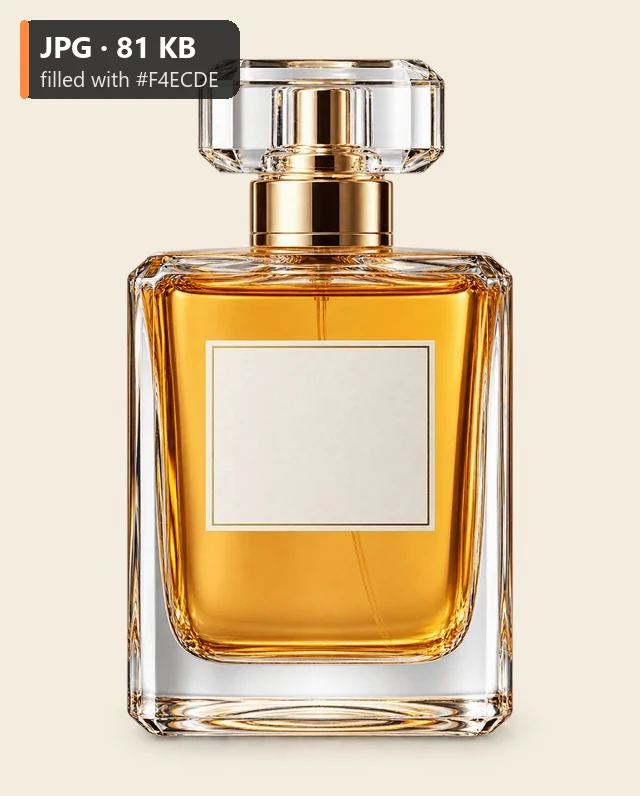
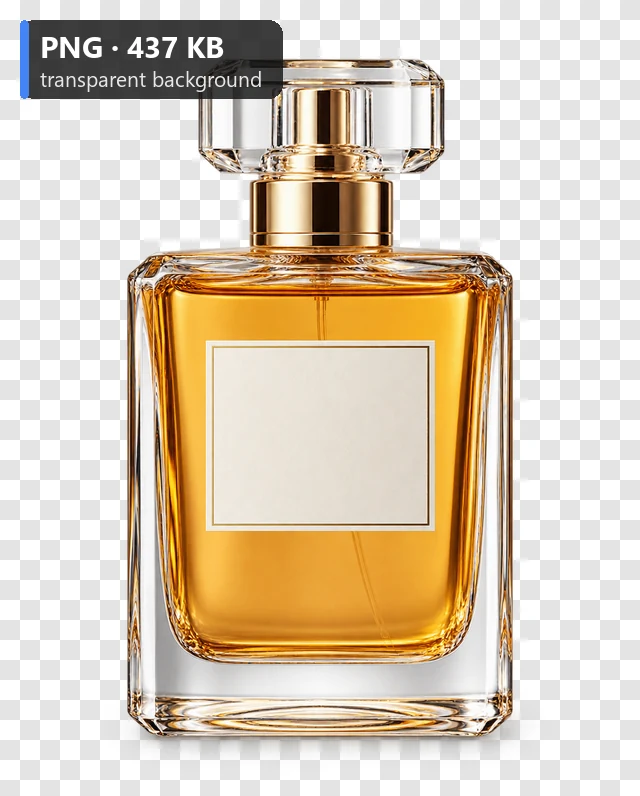
PNG and WebP keep transparent backgrounds. JPG has no transparency, so the converter fills those pixels with white, black, or any color you pick, which is handy for product photos and marketplaces that require a solid background.
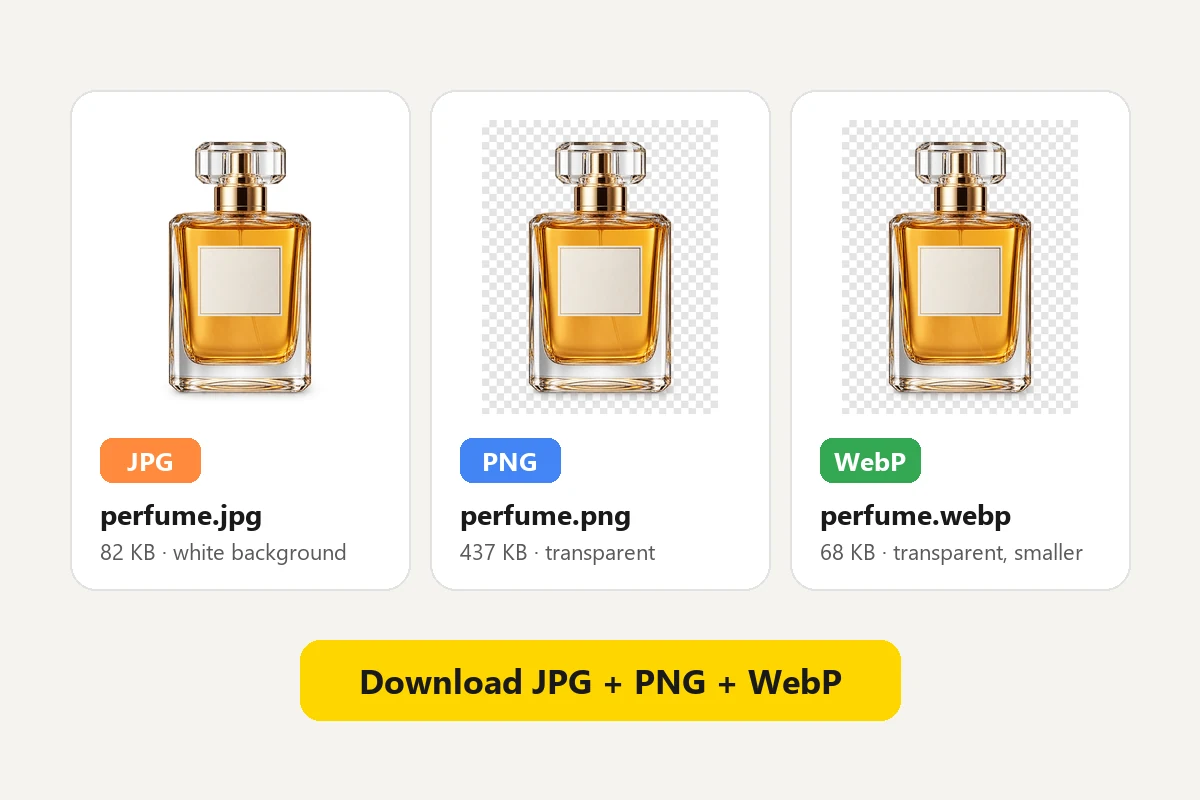
Not sure what a platform accepts? One button saves the picture as JPG, PNG, and WebP with the same size and quality settings, so you can upload whichever works and keep the rest.
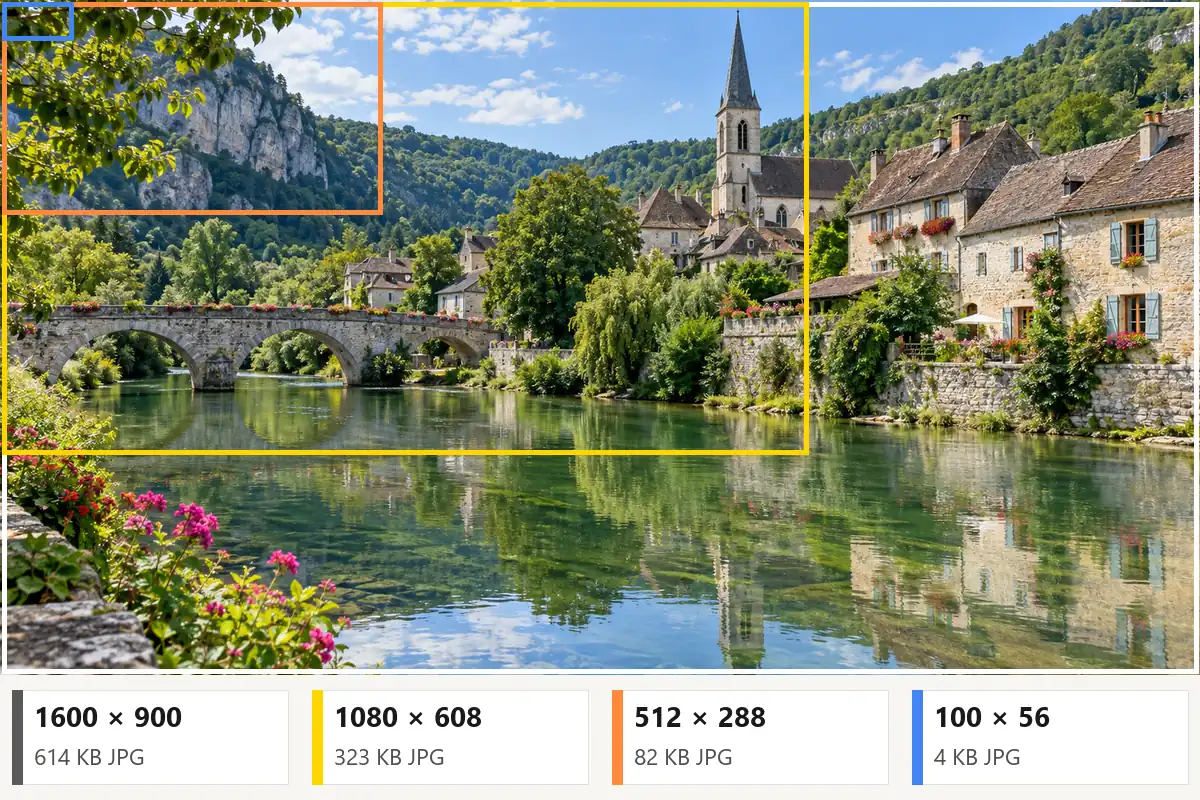
Cap the longest side at 2048, 1920, 1080, or 512 px, or set your own size down to 16 px. The picture is scaled down in proportion, never stretched or cropped, and the panel shows the new dimensions and file size.
Which format to pick, and what this converter reads and writes.
| Format | Compression | Transparency | Best for | In this converter |
|---|---|---|---|---|
| JPG / JPEG | Lossy, adjustable quality | No | Photos, forms, email, printing | Convert to and from |
| PNG | Lossless (or 256-color smart PNG) | Yes | Logos, screenshots, graphics, editing | Convert to and from |
| WebP | Lossy or lossless, small files | Yes | Websites and apps | Convert to and from |
| GIF | Up to 256 colors, can animate | Yes (on or off) | Simple graphics, animations | Open (first frame) |
| BMP | Uncompressed | No | Older Windows software | Open |
| AVIF | Lossy, very small files | Yes | Modern websites | Open (recent browsers) |
| ICO | Icon container | Yes | Website favicons | Open |
| HEIC | Lossy (iPhone default) | Yes | iPhone and iPad photos | Use the HEIC to JPG converter |
Converting a JPG to PNG makes a larger, lossless copy; it cannot bring back detail the JPG already lost.
How to change photo format with this page, or with the apps already on your device.
Upload the picture, choose JPG, PNG, or WebP, and download. It works the same on Windows, Mac, iPhone, and Android.
Open the picture in Paint, choose File > Save as, and pick a format such as JPEG, PNG, or BMP.
Open the image in Preview, choose File > Export, and pick JPEG, PNG, HEIC, or another option in the Format menu.
Settings > Camera > Formats > Most Compatible saves new photos as JPG. For photos you already took, use the HEIC to JPG converter.
Common reasons to change a picture’s format.
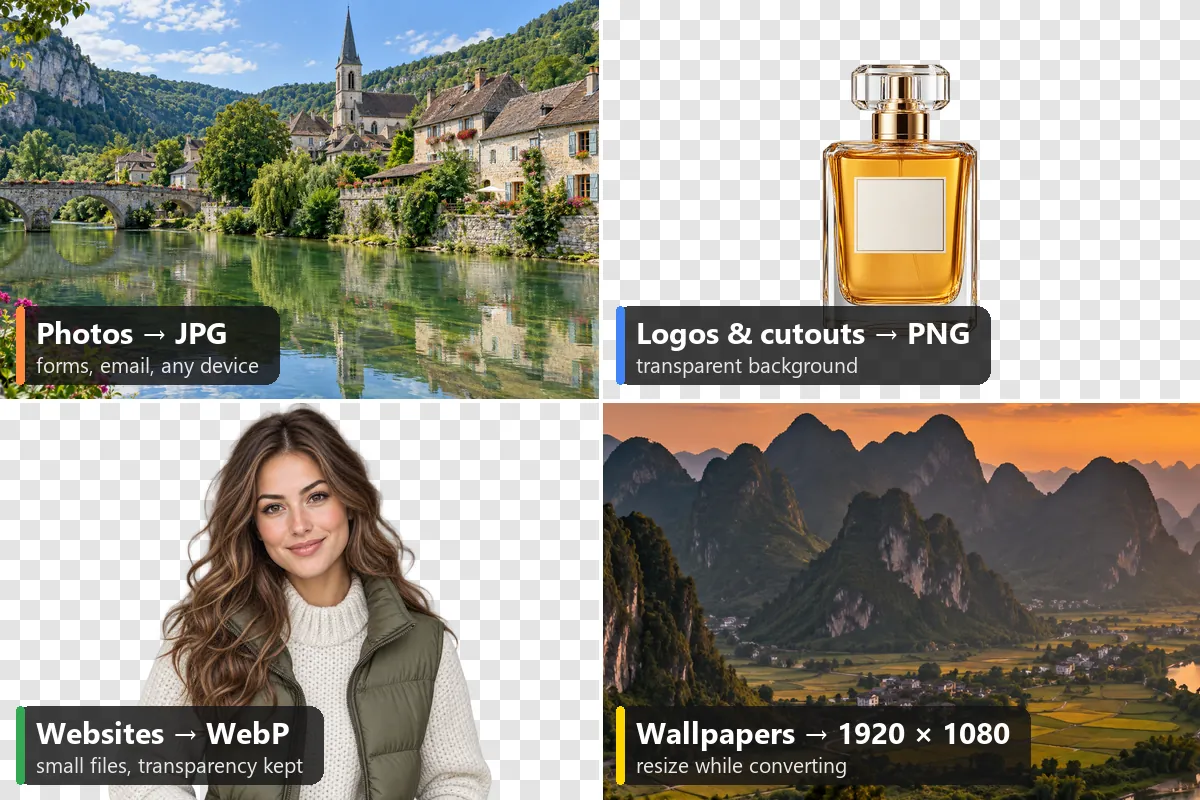
Many portals reject PNG, WebP, or HEIC files. Convert photos to JPG so they go through the first time.
Pictures saved from websites are often WebP. Convert them to JPG or PNG to edit, print, or attach them.
Keep PNG or WebP for transparency, or convert to JPG on your brand’s background color.
Convert JPG and PNG images to WebP to cut page weight while keeping transparency.
Convert to lossless PNG before editing so repeated saves do not add new JPG artifacts.
Scanned prints often come out as huge BMP or PNG files. Convert them to JPG to share and store them easily.
Different kinds of conversion, each with its own tool on this site.
A cross stitch photo converter that turns any photo into a chart with DMC thread colors. Convert pictures to cross stitch patterns in your browser.
Make a patternConvert picture to watercolor painting styles, from loose washes to detailed illustration.
Paint itTurn a photo into clean line art for coloring pages, tattoos, and tracing.
Draw the linesGive a portrait a 3D animated cartoon look, or try anime and comic styles.
CartoonizeMake emoji-style and die-cut stickers from your photos, with transparent backgrounds.
Make stickersSee yourself decades older, or younger, with the AI age filter.
Age a photoPhoto convert to Facebook profile, cover, post, and story sizes in one go.
Resize for FacebookBatch convert iPhone HEIC and HEIF photos to JPG or PNG in your browser.
Convert HEICCompress, crop, and resize your converted pictures for print and every platform.
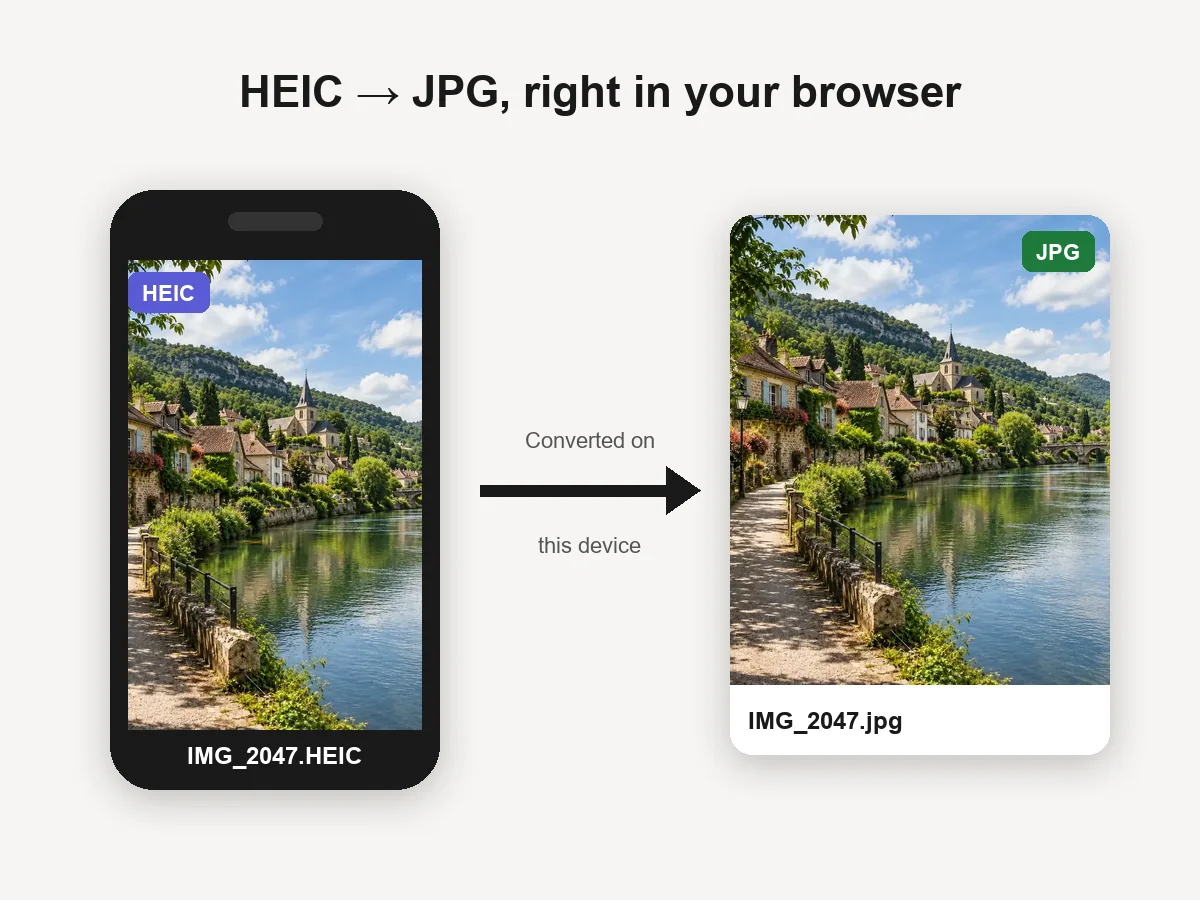 HEIC to JPG ConverterHEIC convert to JPG in your browser: batch convert iPhone HEIC and HEIF photos to JPG or PNG for free. Files never leave your device. Download one or all.
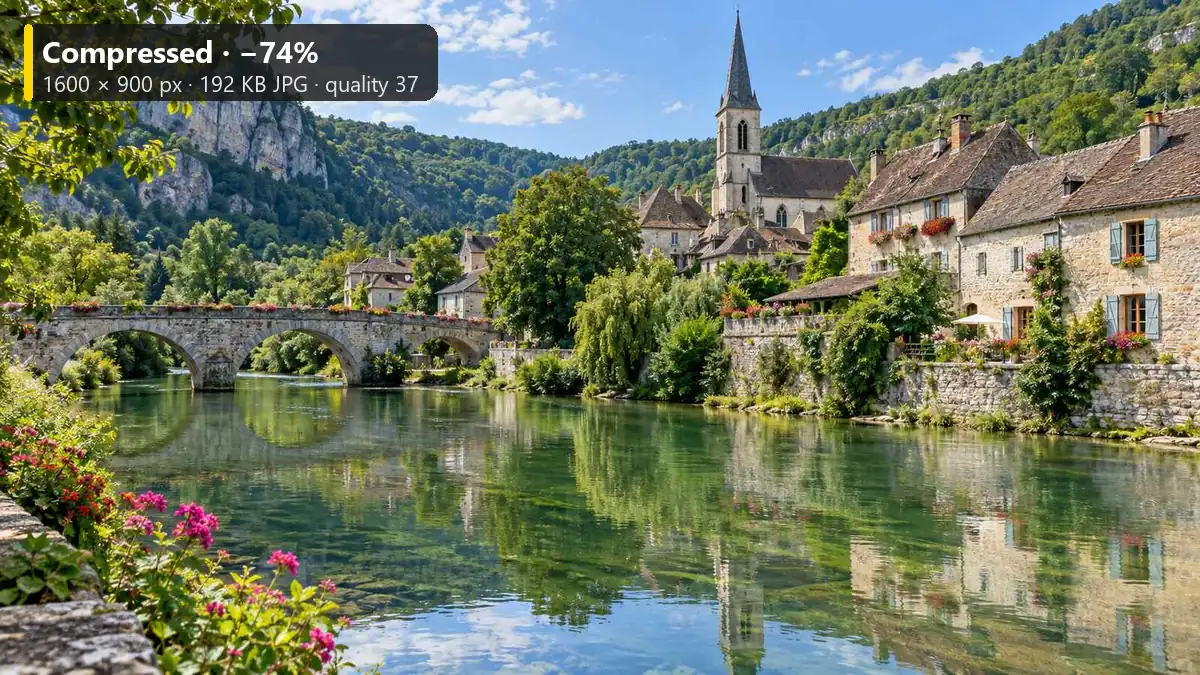 Reduce Image SizeReduce image size to 20 KB, 100 KB, or any target with this free image size reducer. Compress JPG, PNG, and WebP in your browser. No upload, no sign-up.
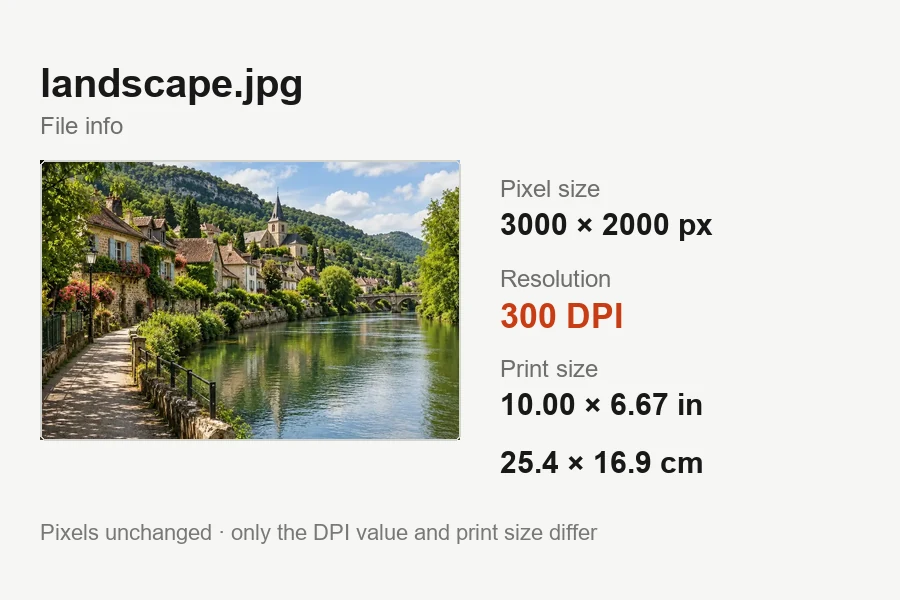 Increase DPI of ImageIncrease DPI of image files to 300 or any value in your browser: set the print resolution, see the print size live, and download JPG or PNG. Free, no upload.
 Black and White Photo ConverterFree black and white photo converter that runs in your browser: convert an image to black and white with film-style filters, tune contrast, and download.
 Make Image TransparentMake image transparent online: the AI erases the background and saves a transparent PNG of people, products or logos. Make background transparent, free to try.
 Remove a Color from an ImageRemove a color from an image for free in your browser: make one color transparent, replace it with white, or keep only that color for a color splash photo.
 Crop Image OnlineCrop image files free in your browser: snap to 1:1, 4:5, 16:9, 9:16, passport 2x2 or a custom size, drag and zoom to frame, cut a circle, and download.
 Resize a Picture for FacebookResize a picture for Facebook free in your browser: profile picture, cover photo, posts, stories, event and group covers, plus every size in one download.
 Avatar CropperFree avatar cropper that runs in your browser: crop photos into circles, fit the entire picture into a Discord PFP, and download PNG avatars at any size.
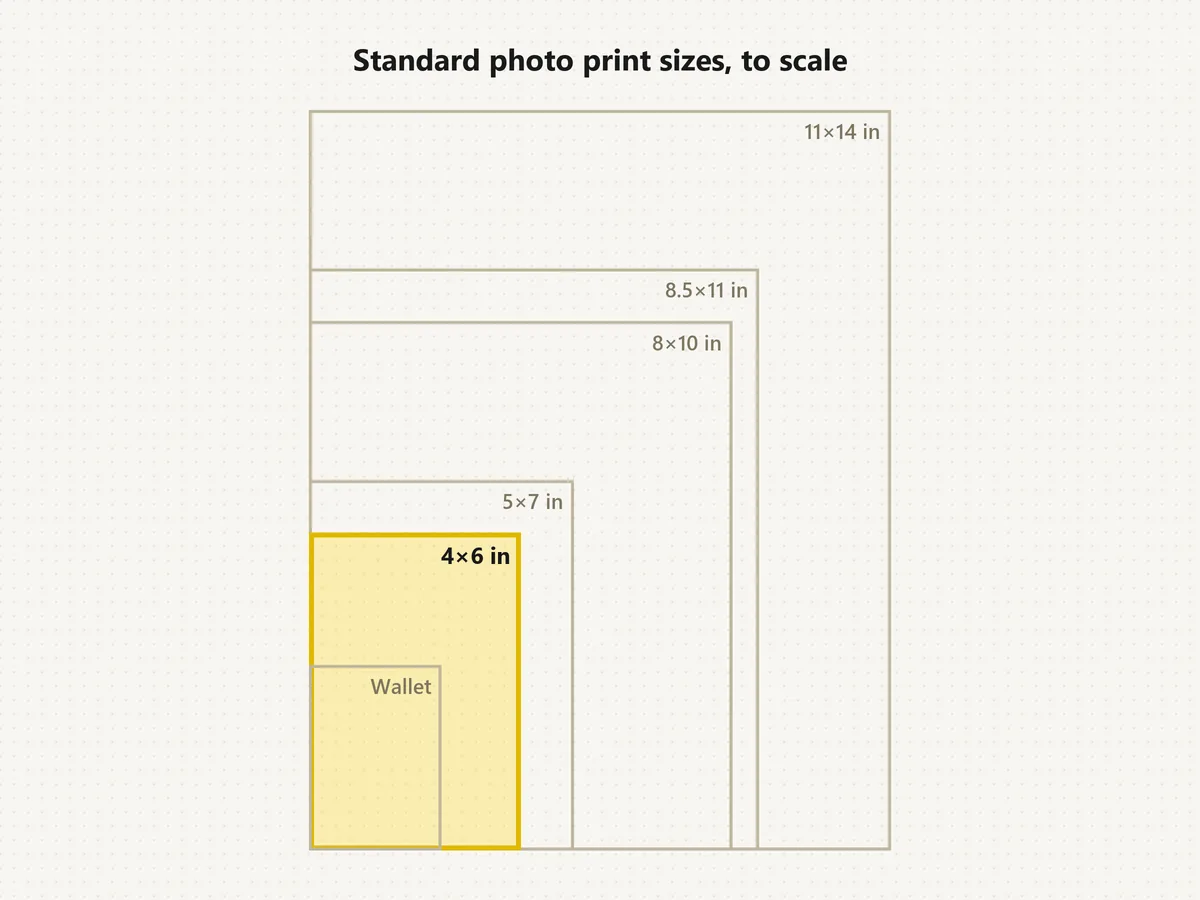 Standard Photo Print SizesWhat's the standard picture size? The normal photo size is 4×6. See each standard photo print size in inches, cm and pixels, compare to scale, and crop free.
 YouTube Thumbnail SizeYouTube thumbnail size: 1280x720 px, 16:9, under 2 MB. A free YouTube thumbnail resizer that crops or fits any image in your browser, then downloads JPG or PNG.
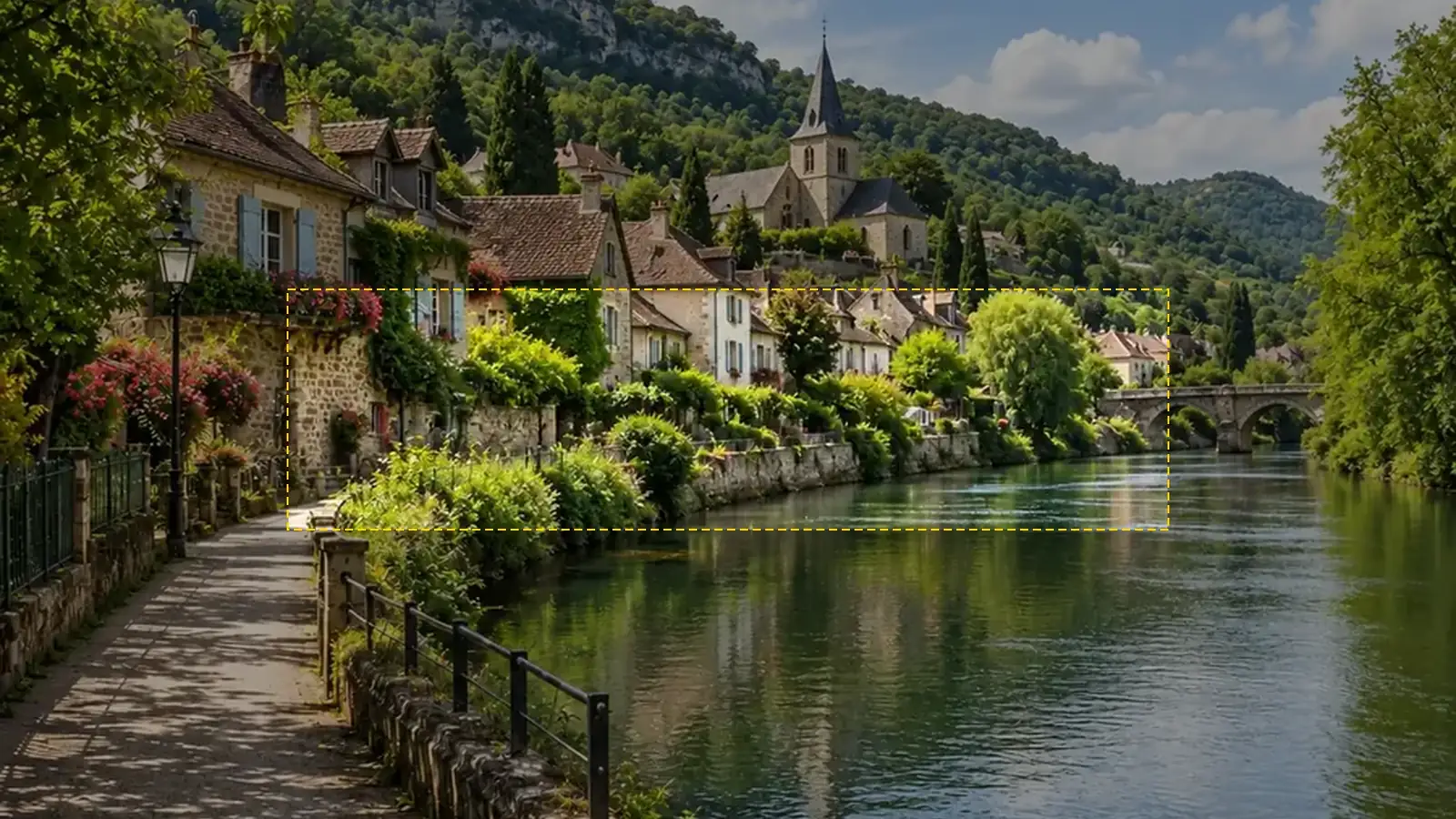 YouTube Banner SizeYouTube banner size: 2560x1440 px, 16:9, safe area 1546x423, max 6 MB. A free YouTube banner resizer with a live safe-area guide that runs in your browser.
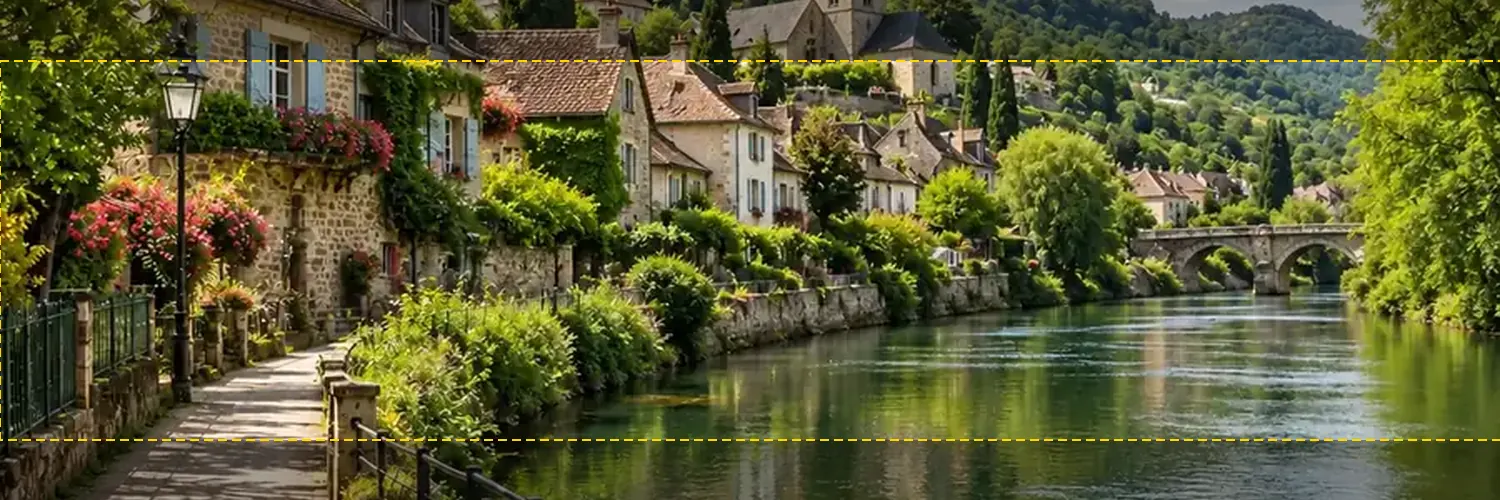 Twitter Banner ResizerFree Twitter banner resizer and cropper: make a 1500x500 (3:1) X header with a crop guide for the 60 px trimmed on some screens, plus 400x400 profile photos.
 Discord PFP SizeDiscord PFP size: a square of 128x128 px or larger, shown as a circle. A free Discord image resizer for avatars, banners, and emojis that runs in your browser.
 WhatsApp Profile Picture SizeWhatsApp profile picture size: a square, 640x640 px recommended, shown as a circle. Fit your full photo as a WhatsApp DP with no crop, free in your browser.
 Twitch Profile Picture SizeTwitch profile picture size: 256x256 px minimum, 800x800 for sharpness. A free Twitch image resizer for emotes, sub badges, panels, banners, and channel points.
Questions about formats, quality, and conversions.
Upload the picture, keep JPG selected, and download. Transparent areas are filled with white unless you pick another color. Quality 92 is the default, and anything from 85 to 95 suits most uses.
Open the picture in a converter or editor and save it in the new format. Here you upload it, choose JPG, PNG, or WebP, and download; on a computer you can also use Save as in Paint or Export in Preview.
Yes. It is a free image converter that runs entirely in your browser: no upload, no sign-up, and it keeps working offline once the page has loaded. Only convert pictures you own or have permission to use.
Converting to PNG is lossless. JPG and WebP compress the picture again, but at 90% quality or higher the difference is not visible. Converting a JPG to PNG makes a bigger file without restoring detail the JPG already lost.
Most browsers cannot open HEIC files, so this converter does not accept them. Use the HEIC to JPG converter on this site, which includes its own HEIC decoder and converts whole batches.
JPG cannot store transparency, so transparent pixels have to become a color. White is the default; pick any other color under Fill transparent areas, or convert to PNG or WebP to keep the background transparent.
Choose 1920 px or 2048 px under Resize: the longest side is scaled to that size and the shape is kept, so a 16:9 photo becomes exactly 1920 x 1080. That makes it a quick 1920 x 1080 image converter for wallpapers and slides, or a 2048x2048 image converter for apps with that limit. To convert image into 100x100 pixels, crop it square with the avatar cropper first, then convert.
No. It converts file formats and does not read the words in a picture. Turning a photo of text into editable text needs OCR (text recognition), which is built into many phone photo apps.
Not with this converter, which saves JPG, PNG, and WebP. To convert image to cross stitch pattern free, with DMC thread colors, use the cross stitch image converter on this site; it can also convert picture to cross stitch chart pages you print. Machine embroidery files such as PES or DST need dedicated digitizing software.
Not directly: browsers cannot open camera RAW files such as CR2, NEF, or ARW. Export them as JPG or TIFF in your camera’s software or a photo editor first. Animated GIFs open as their first frame, which you can save as a still JPG, PNG, or WebP.
Choose JPG, PNG, or WebP, keep or fill transparency, resize if needed, and download. Free, private, no sign-up.