

Old Age Filter
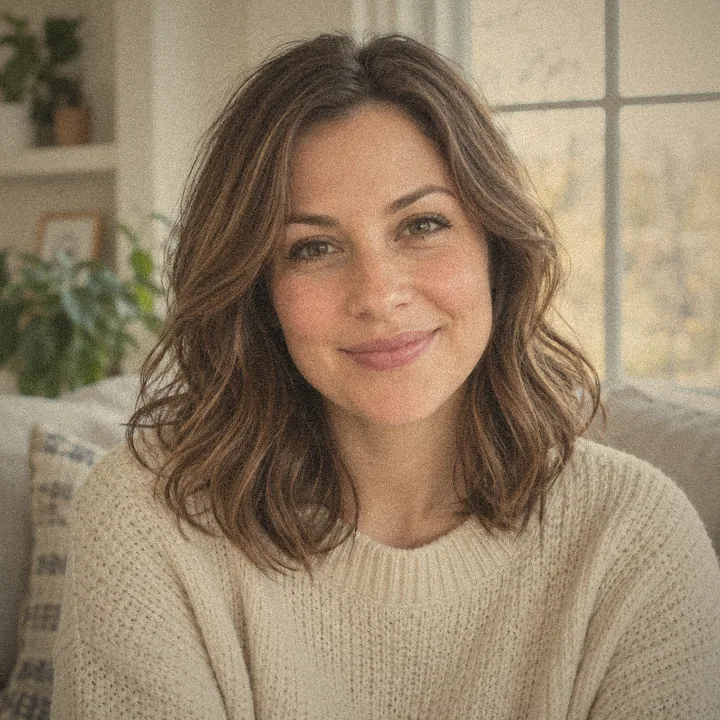
An age up AI filter with natural wrinkles, gray hair and a believable 70-something you.
Add a filter to photo with AI: upload a selfie or any picture and pick from 70+ AI filters: face filters, hair and beard filters, fun Halloween looks, art styles and classic photo looks. Free to try with sign-up credits.

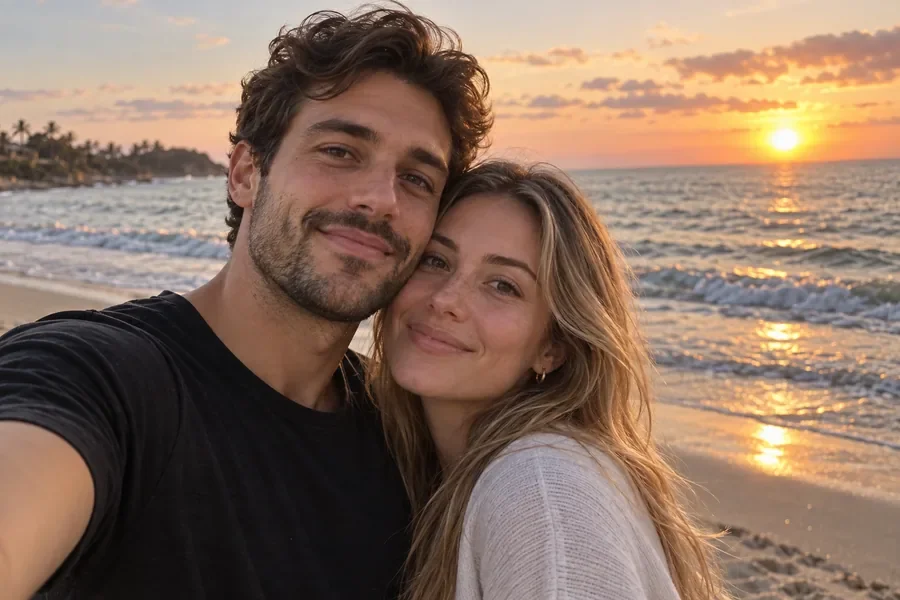
Reference example. It is not a result generated from your upload.
An AI filter, short for artificial intelligence filter, is a photo effect that understands what is in your picture before it changes it. A classic picture filter shifts color and contrast across the whole frame. An AI face filter finds the face, hair, eyes, teeth, clothes and background, then rebuilds only the part the filter is about: older skin, a bald head, a full beard, zombie makeup, or a cartoon version of you. Think of it as an image filter editor that knows what a face is.
This page is the EzImgMaker hub for every AI filter we make, so you can find the right filter for pics of yourself, your friends or your pet in one place. Pick a facial filter, a hair or beard filter, a try-on, a fun or scary filter, an art style or a classic photo look, upload one photo and add the filter in a single step. Like any picture filter online there is nothing to install, but unlike most picture filters online the result is a newly generated image, not a color tint. Each filter also has its own page with more styles and examples, listed in the full collection below.
The face filters people try first. Each card opens that filter in the workspace above, so you can add it to your own photo straight away.
An age up AI filter with natural wrinkles, gray hair and a believable 70-something you.
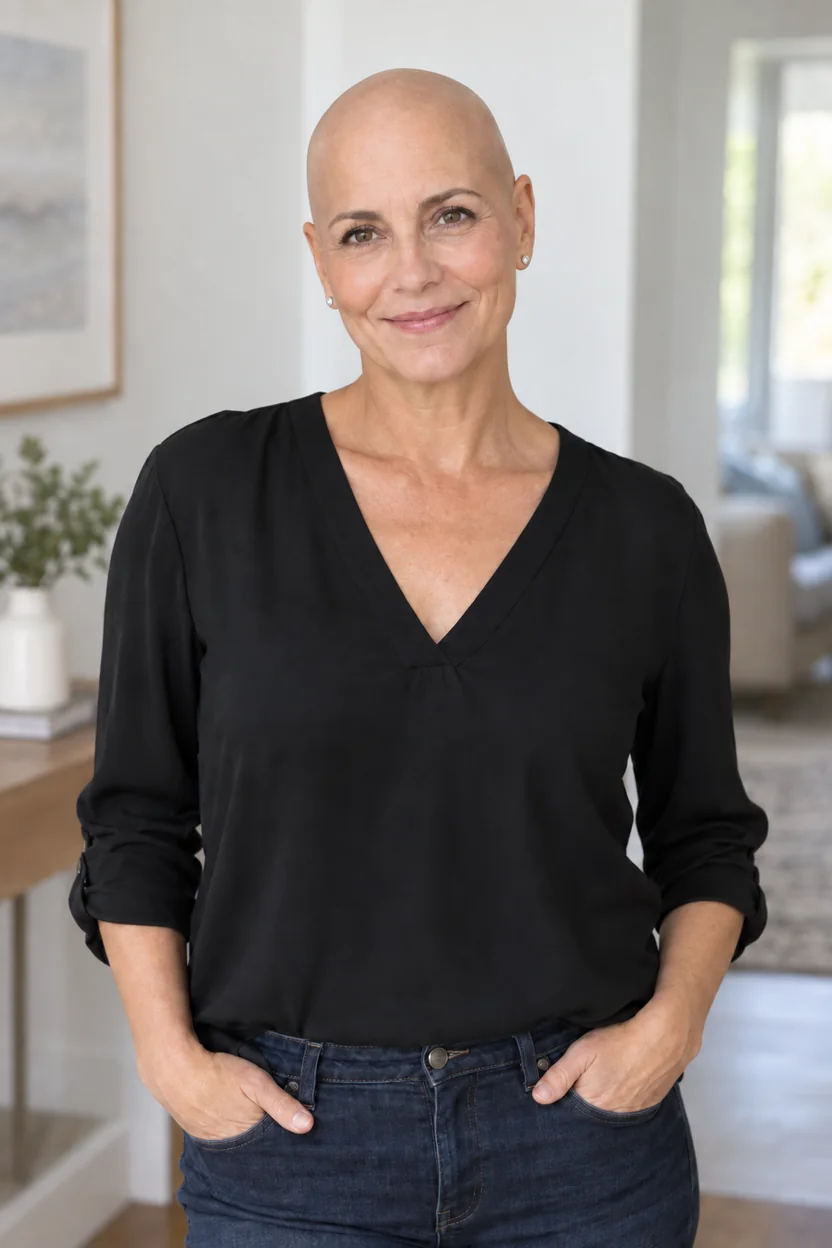
A smooth bald head that follows your real head shape and skin tone.
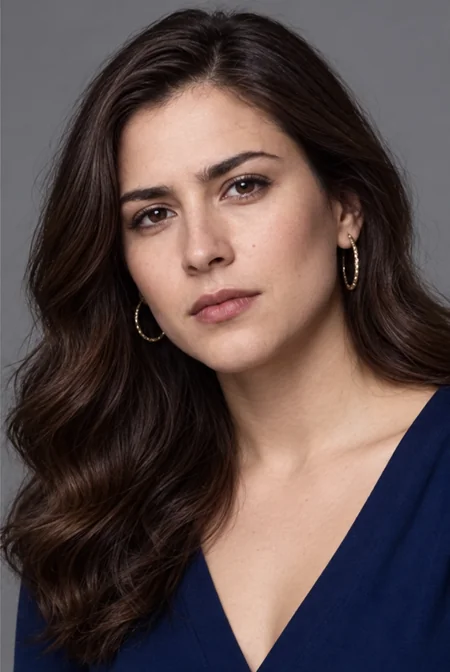
See the opposite-gender version of yourself with new hair, brows and jawline.
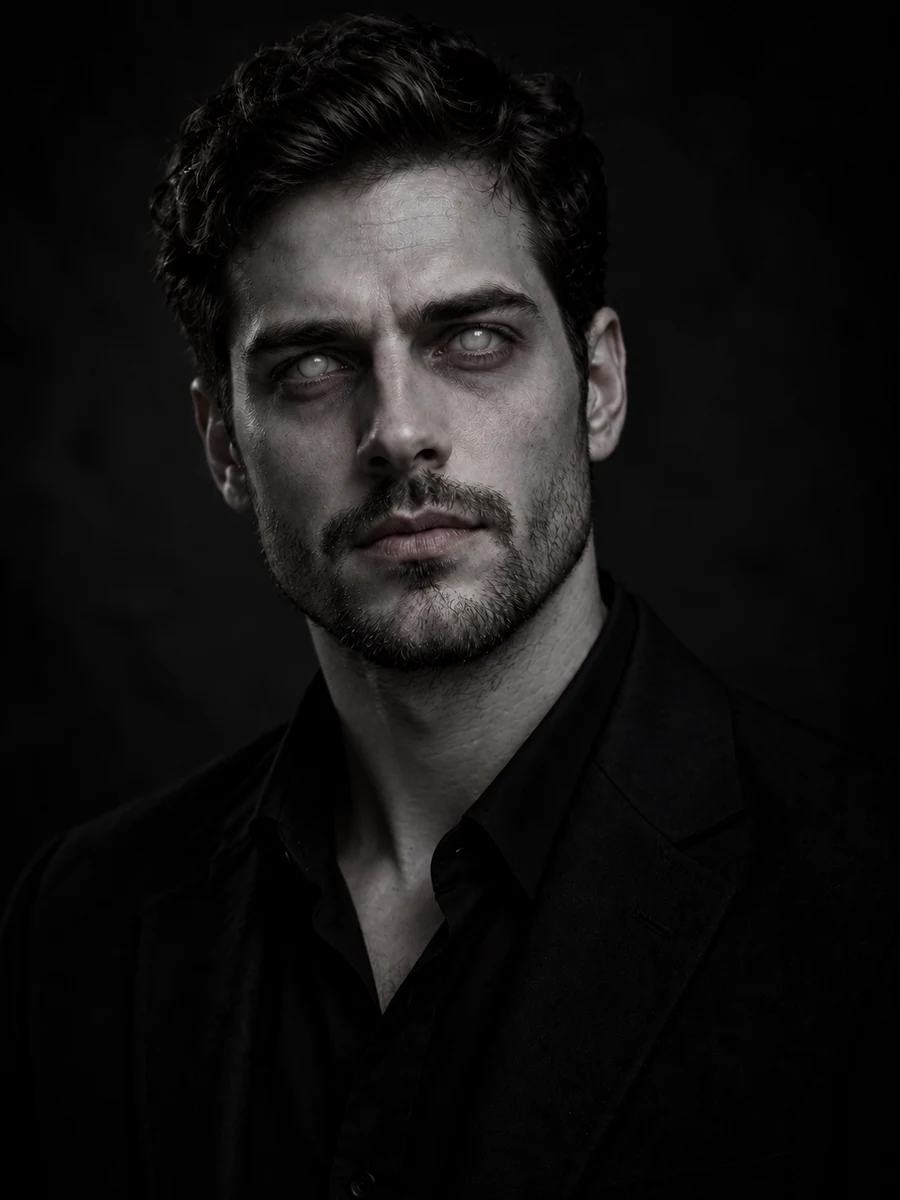
One of the best scary filters: cloudy eyes and cracked gray skin, with no gore.
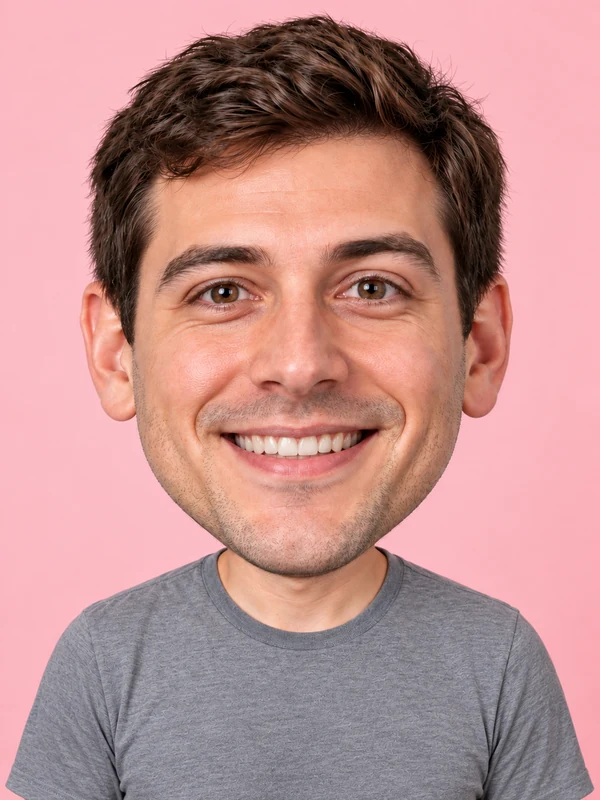
A bobblehead-sized head and a huge grin for reaction memes.
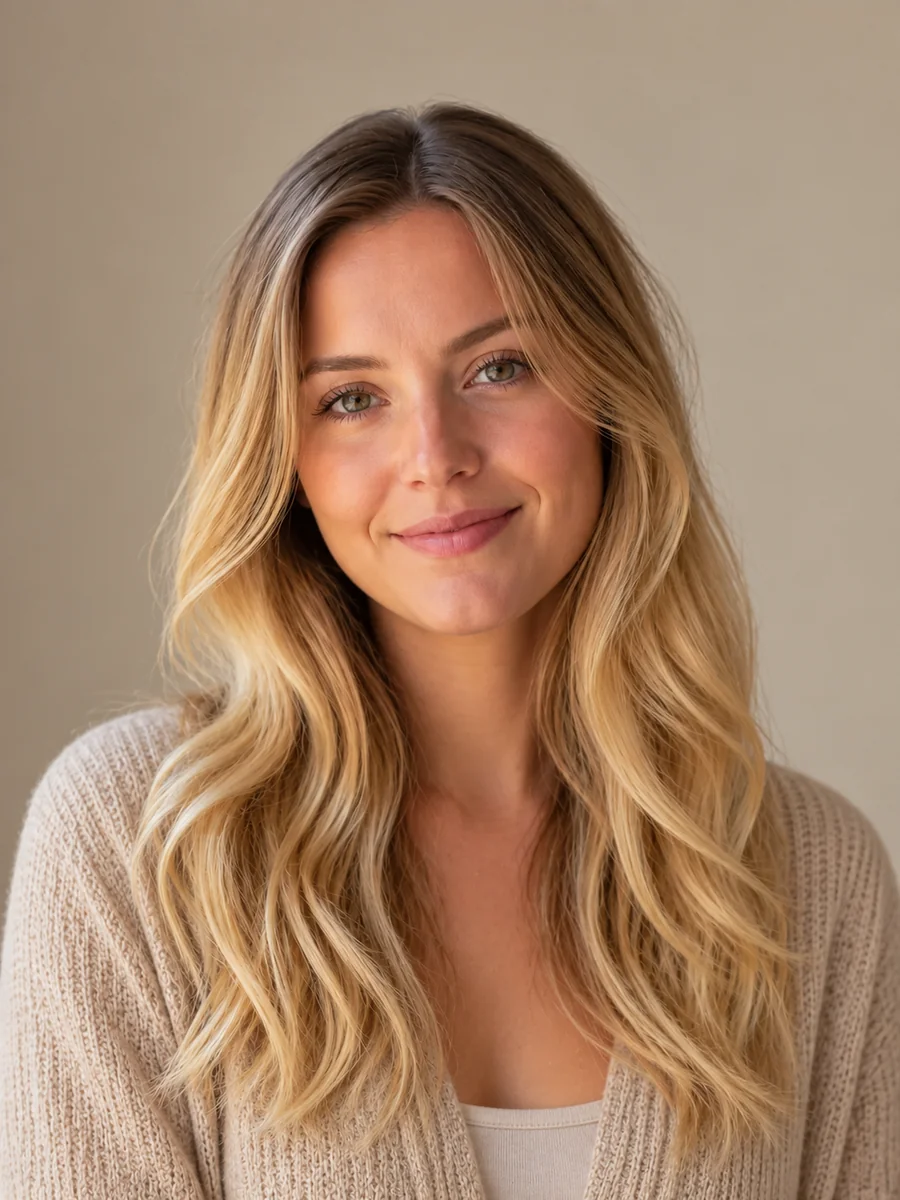
Platinum, honey or golden blonde, recolored strand by strand.
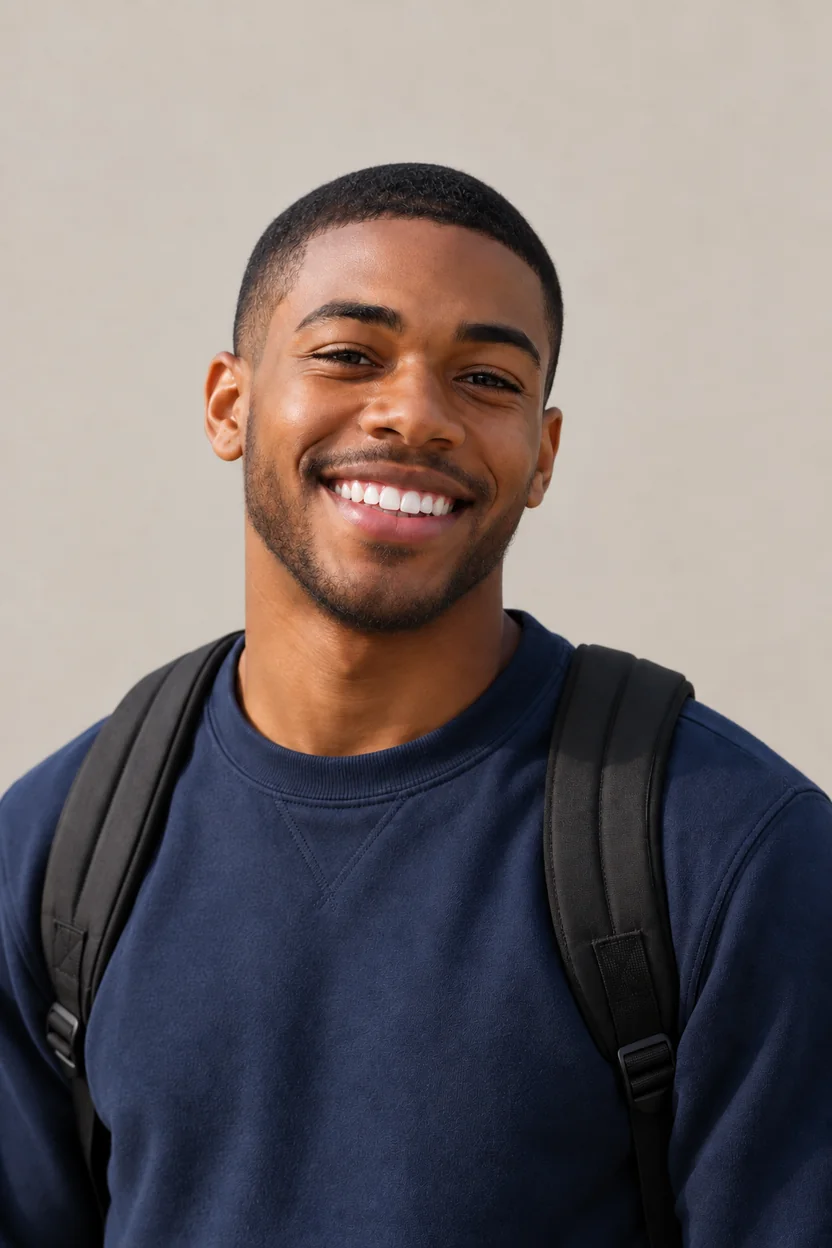
Stubble, a full beard or salt and pepper, grown from the skin.
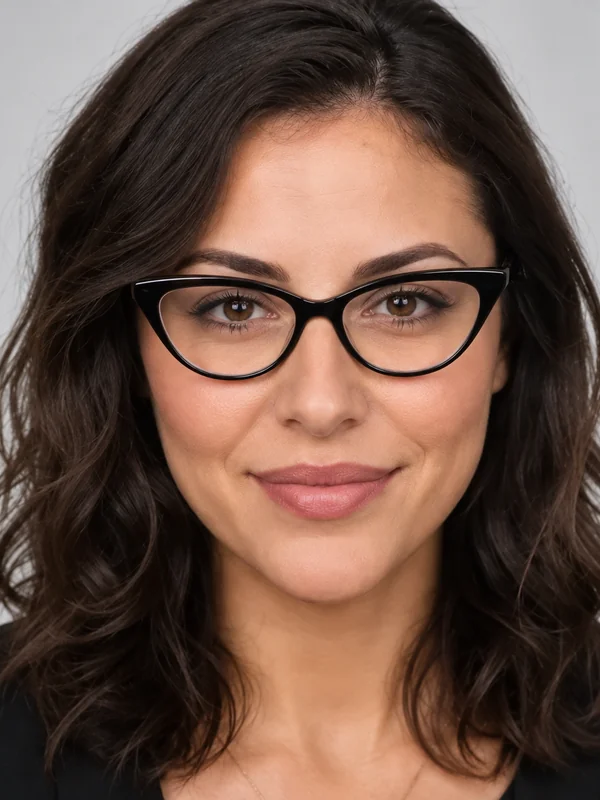
Round, aviator or cat-eye frames fitted to your face and eye line, unlike a flat glasses Instagram filter.
Use it as a pic filter online on your phone or as a photo filter online on desktop: three steps, no app to install and no editing skills needed.
Choose a selfie, portrait, group shot or pet photo. JPG, PNG and WebP files up to 10 MB work, and one well-lit face gives the best result.
Browse Trending, Age & Face, Hair, Try-On, Fun, Art Styles and Photo Looks, or describe your own filter in Custom, which works like an AI filter generator. You can add filter to image files of any common size.
Start the filter, compare the result with your original, then download it, try another filter, or use the result as the next input to stack filters.
Every AI image filter here edits only what it is about, so your photo still looks like you.
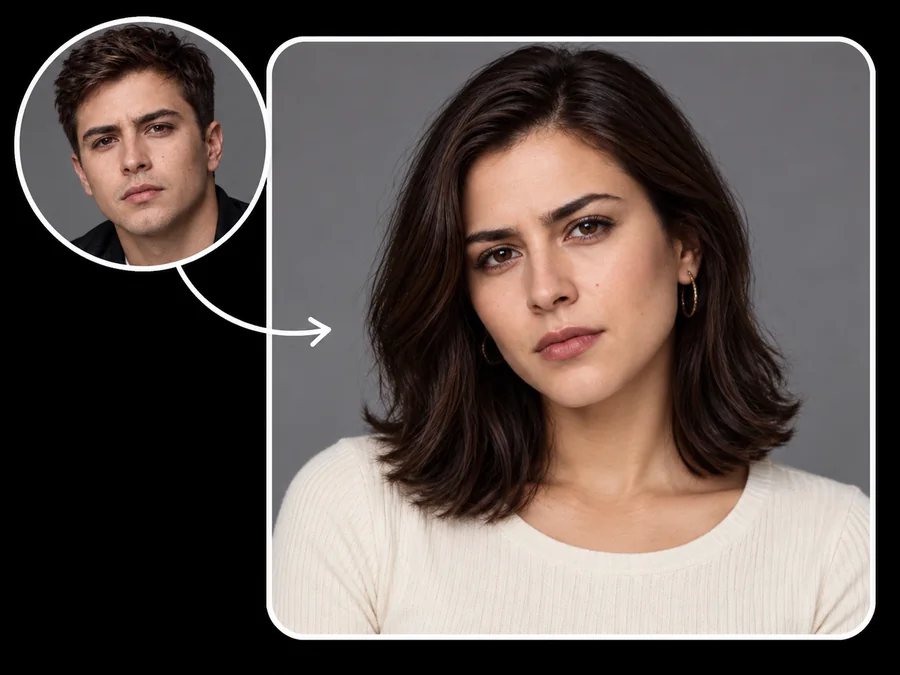
Each facial filter changes one thing. The age filter adds wrinkles, the gender swap changes hair, brows and jawline, and the blue eye filter recolors only the irises. Face shape, expression and background stay, so you get you with a new look, not a stranger. It also works as a subtle AI beauty filter: fuller lips, a teeth whitening filter and braces previews stay natural.
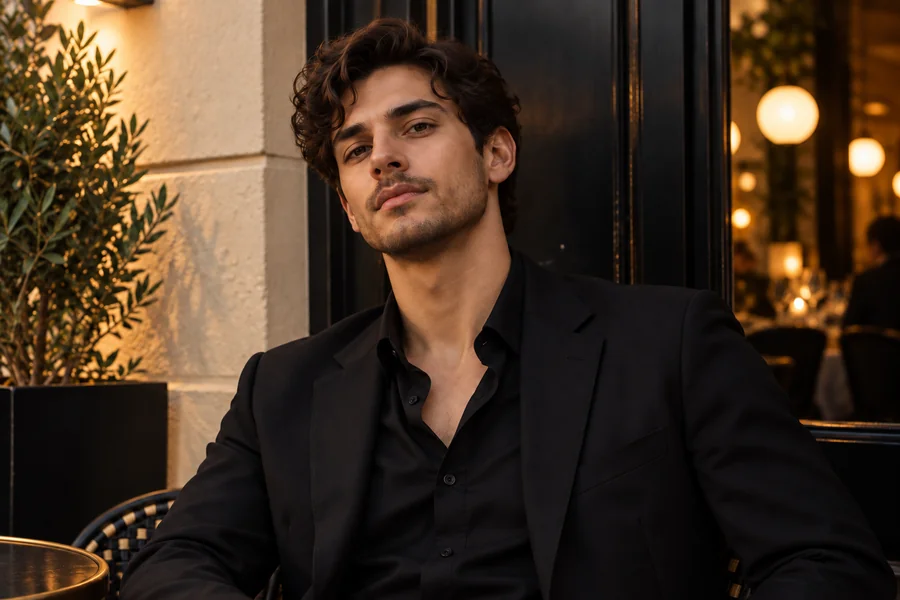
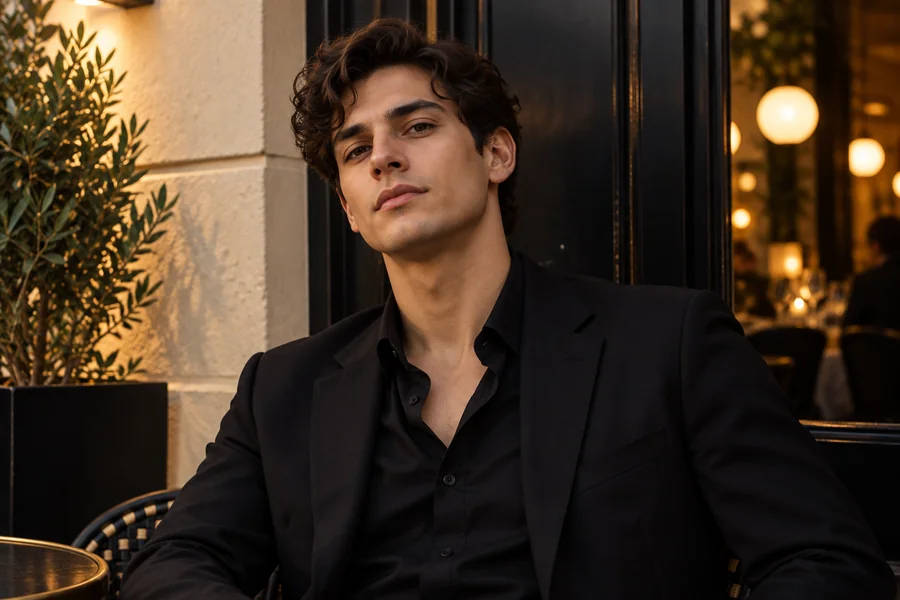
Go bald, try a buzz cut, add curtain bangs, switch to platinum blonde or grow a full beard. Hair is rebuilt strand by strand from the scalp, so each hair filter looks grown in rather than pasted on, and you can preview a cut before the salon.
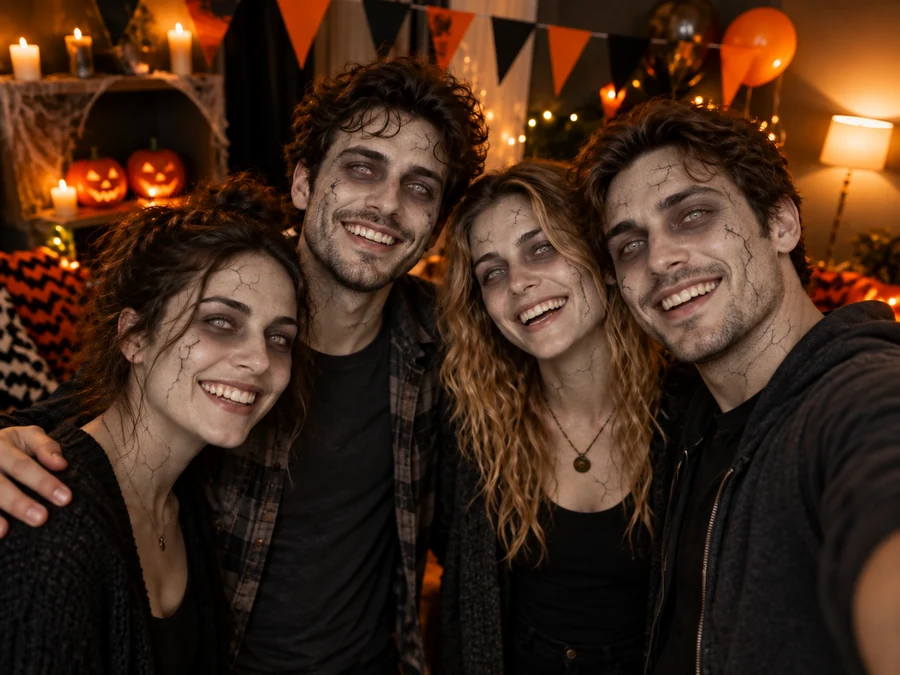
Zombie, clown, a skeleton filter, a Day of the Dead filter with sugar-skull face paint, vampire, cat face, a troll grin and a Santa Claus AI filter. The scary filters stay costume-style and non-gory, so they are safe to share in a group chat or on a party invite.
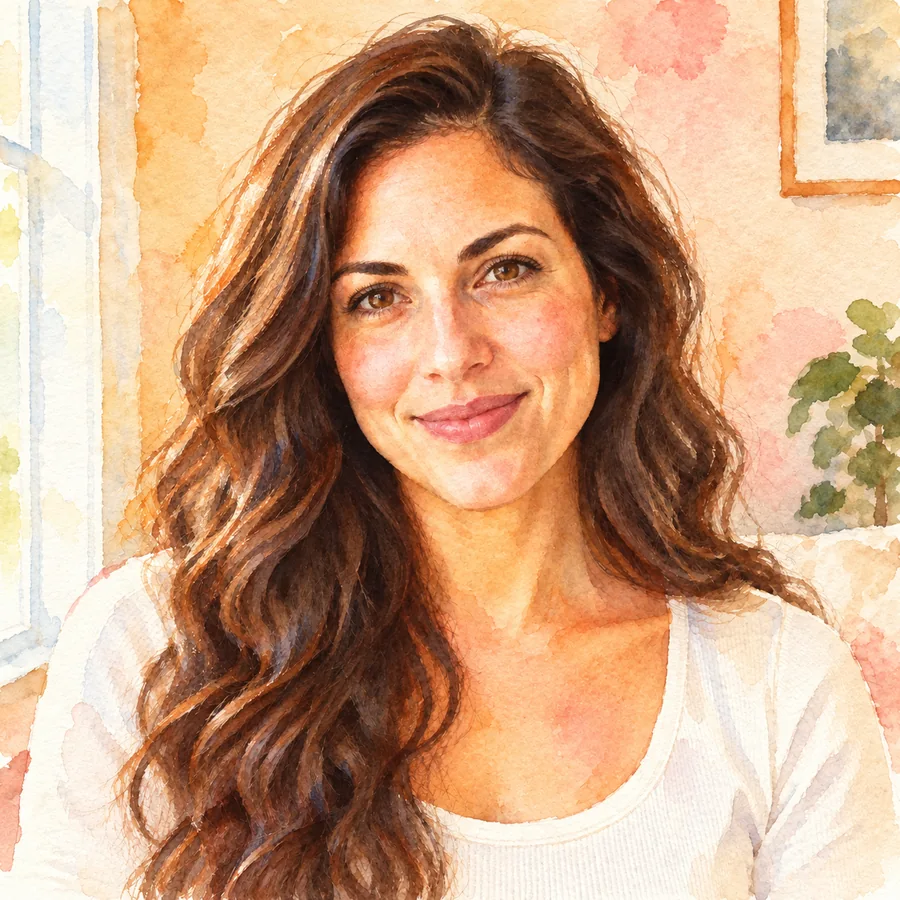
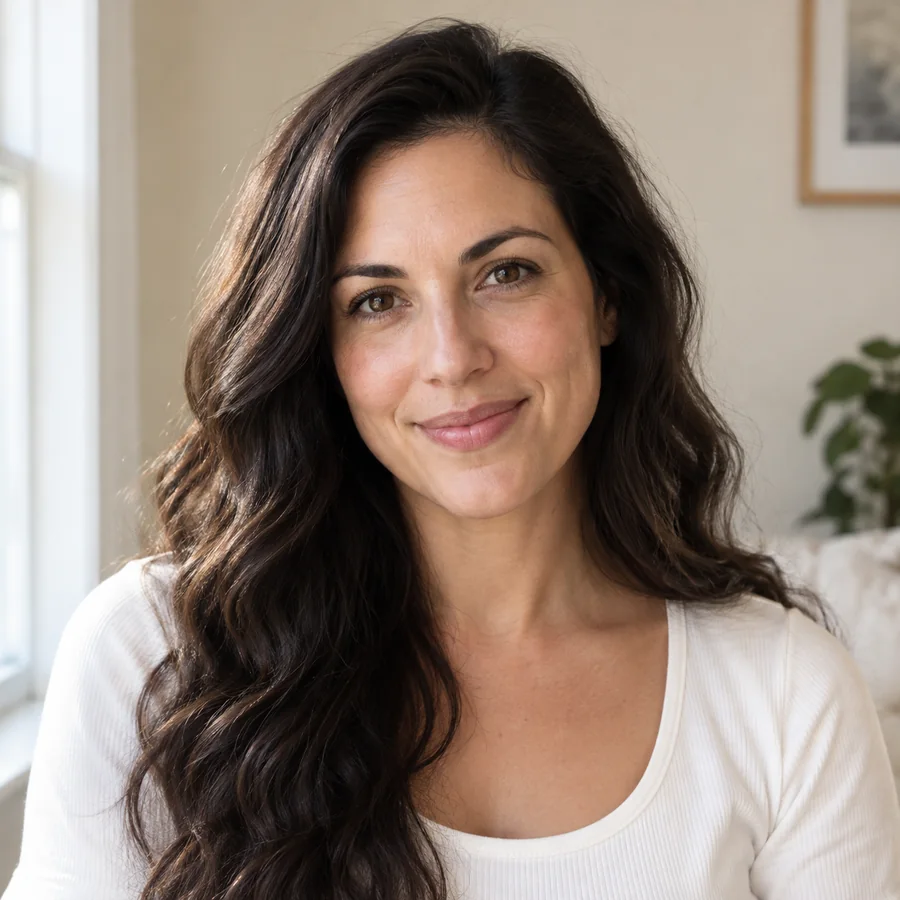
Turn a photo into anime, a 3D cartoon (the look people search for as a 3D camera filter), watercolor, oil painting, pixel art, or line art that works as a face line filter, all with one artistic filter. Or keep it a photo and add a color look: black and white, sepia, a 90’s photo filter, flash, Korean glow, a blue and white filter, or a purple filter for photos.
Both are great photo filters for different jobs. Here is what changes when the filter understands the picture.
| Classic photo filter | AI filter | |
|---|---|---|
| What it changes | Color, light and contrast across the whole image | Specific parts: face, hair, eyes, clothes, background, or the whole art style |
| How it works | The same math applied to every pixel | A generative model redraws the picture from your photo and the filter description |
| Examples | Black and white, sepia, saturation filter, vignette photo filter, dehaze filter | Old age, bald, beard, zombie, gender swap, anime, cartoon, toy bricks |
| Best for | Quick mood edits on photos you want to keep real | Transformations, try-ons, trends and creative portraits |
| On EzImgMaker | Free browser tools such as Black and White, Sepia, Brighten and Darken | Every filter on this page, free to try with sign-up credits |
Classic browser filters run on your device and never upload your photo, so you can filter images privately; AI filters process the photo on our servers.
The Photo Looks tab rebuilds classic photo filters with AI, from flash filters to Korean looks and duotones. Here is what each look does and when to use it.
| Look | What it does | Good for |
|---|---|---|
| Black & White | An online black white filter with deep blacks and clean whites | Portraits, street photos and timeless prints |
| Sepia | Warm brown toning like an antique print | Family photos and vintage invitations |
| 90’s Film | A 90’s photo filter with faded blacks, a warm cast and grain, an old look filter in one tap | Throwback posts and album covers |
| Flash | A flash filter that mimics direct on-camera light, like a flashlight filter at a party | Night-out selfies and editorial looks |
| Korean Glow | A soft Korean filter with bright, airy skin, the look behind most Korean photo filters | Selfies and beauty shots that need a glowing filter |
| Grey Haze | A grey and white haze filter with muted color and a foggy wash | Moody portraits and minimalist feeds |
| Blue Duotone | A blue and white filter that maps shadows to navy, a classic duotone filter | Posters, covers and a bold blue picture filter look |
| Purple Haze | A dreamy purple filter photo look with violet shadows and soft magenta light | Concert, night and fantasy photos |
| Vaporwave | A vaporwave photo filter in violet, hot pink and cyan | Retro edits and music artwork |
| High Contrast | A high contrast filter that doubles as a saturate filter for punchy color | Food, travel and sports photos |
| Nighttime | A darkness filter that lowers exposure and cools the light: a nighttime filter and low exposure filter in one | Day-to-night edits and spooky posts |
| Golden Hour | An AI yellow filter that adds warm, low-sun light | Outdoor portraits and warm feeds |
Want something else, such as a silhouette filter, grunge filters or a vignette? Describe it in the Custom tab.
The full collection of AI and classic image filters online, grouped by what they change. Open any filter page for more styles, examples and tips.
AI Age FilterWhat will I look like when I'm older? Upload a selfie to the AI age filter, pick a life stage from baby to senior, and get a realistic age progression photo.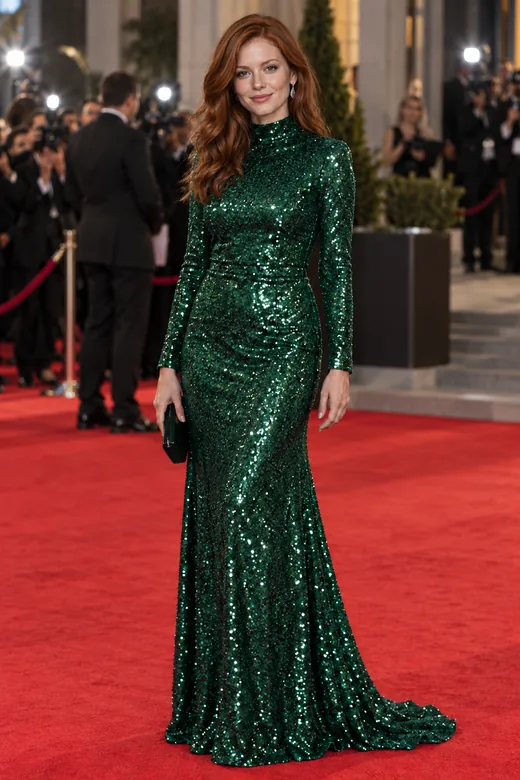 AI Face SwapFace swap photos online with AI. Upload your face and a target picture; the face swapper matches skin tone, light, and angle. Free to try with sign-up credits.
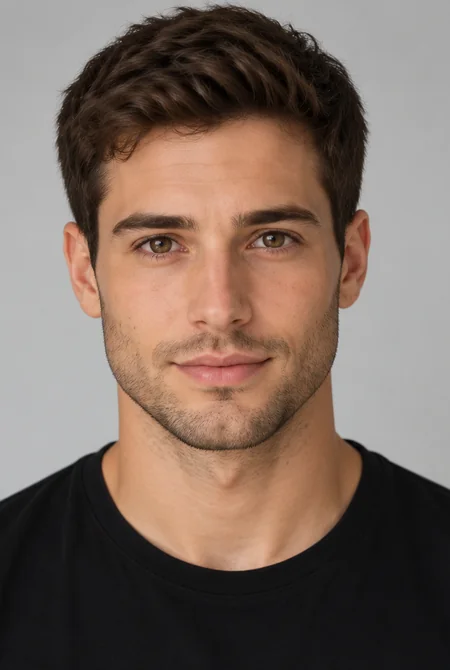 AI Gender SwapWhat would I look like as a woman, or as a man? Upload a selfie to the AI gender swap filter and see a realistic male to female or female to male version.
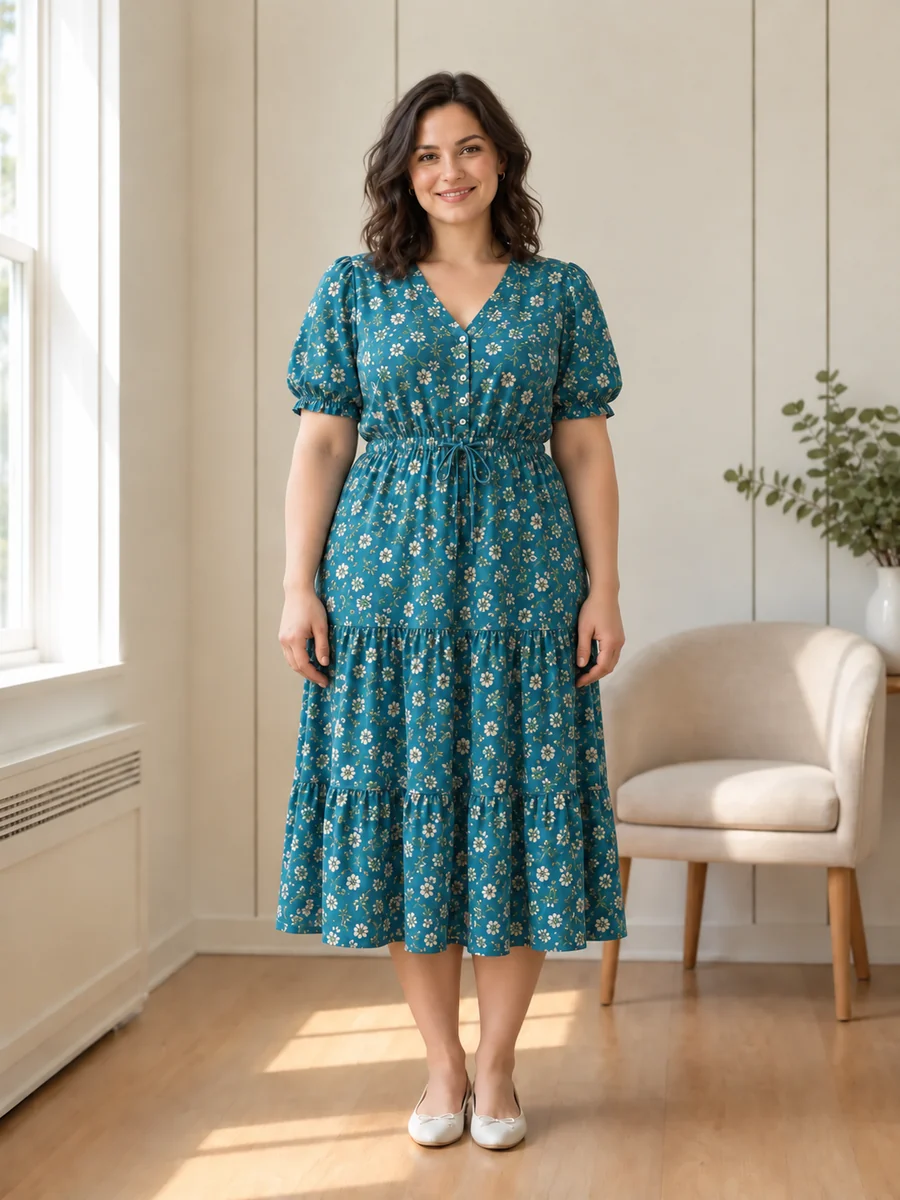 AI Fat FilterTry the AI fat filter for a fun, realistic weight gain photo. Upload a selfie, pick +10 to +100 lbs, and see a fuller you that still looks like you.
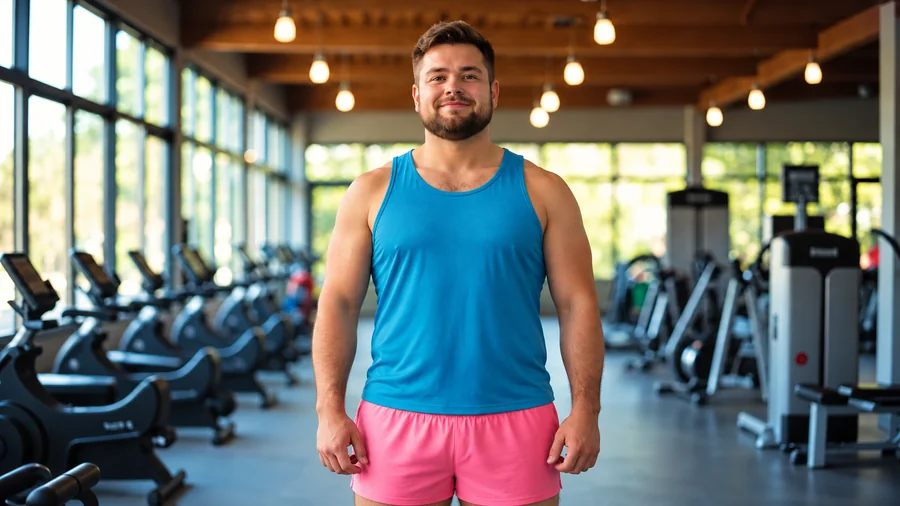 AI Skinny FilterWhat would I look like skinny? Try the AI skinny filter: upload a photo, pick an area and intensity, and preview a slimmer body that still looks like you.
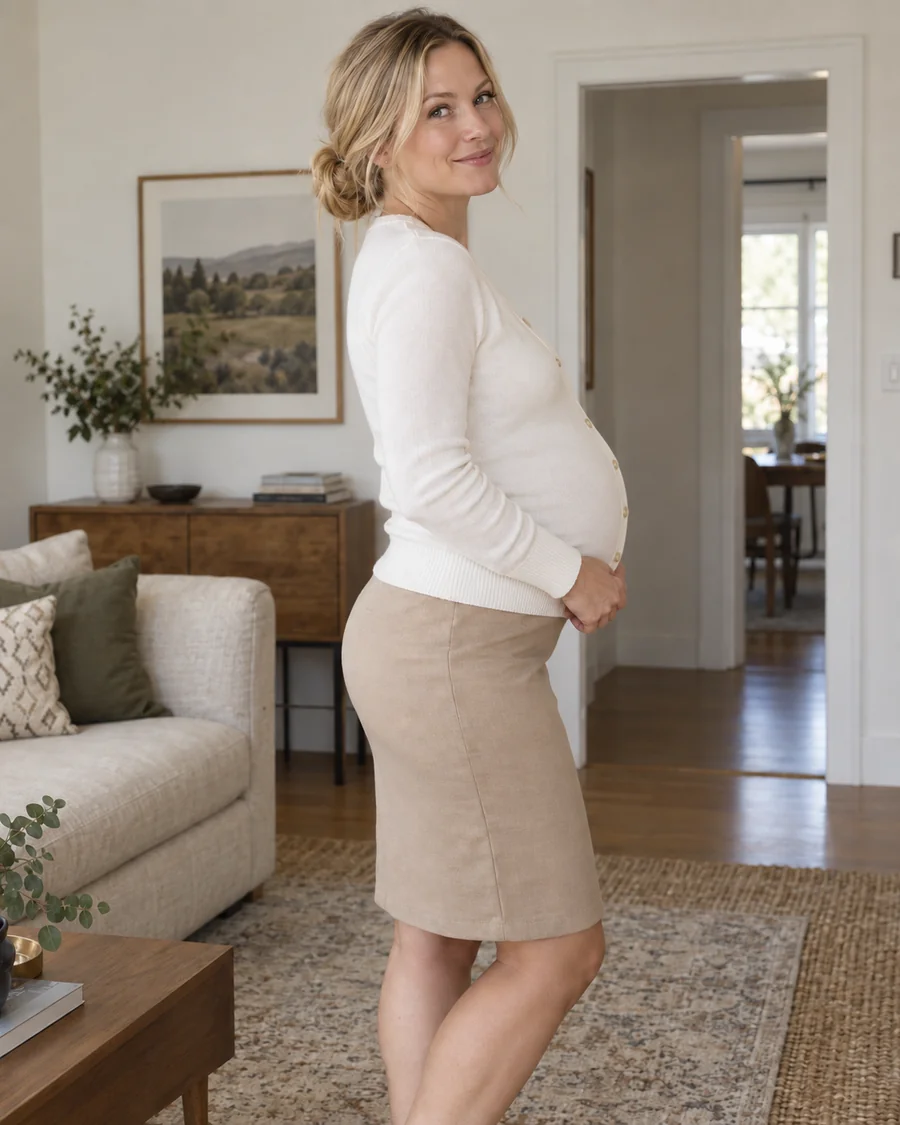 Pregnant AI GeneratorWhat would I look like pregnant? Upload a photo to the pregnant AI generator, pick an early, mid, or late stage, and get a realistic baby bump preview.
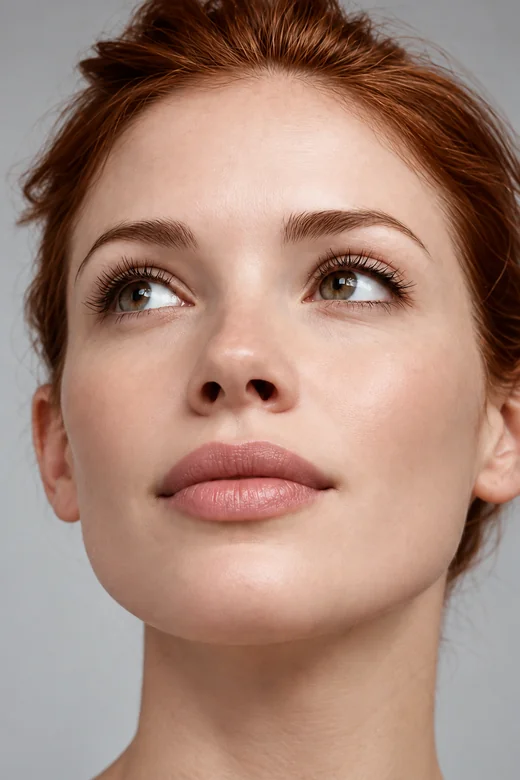 Lip Filler FilterWhat would I look like with lip fillers? Try small lip filters on your selfie, pick a lip shape and volume, and preview fuller lips before any treatment.
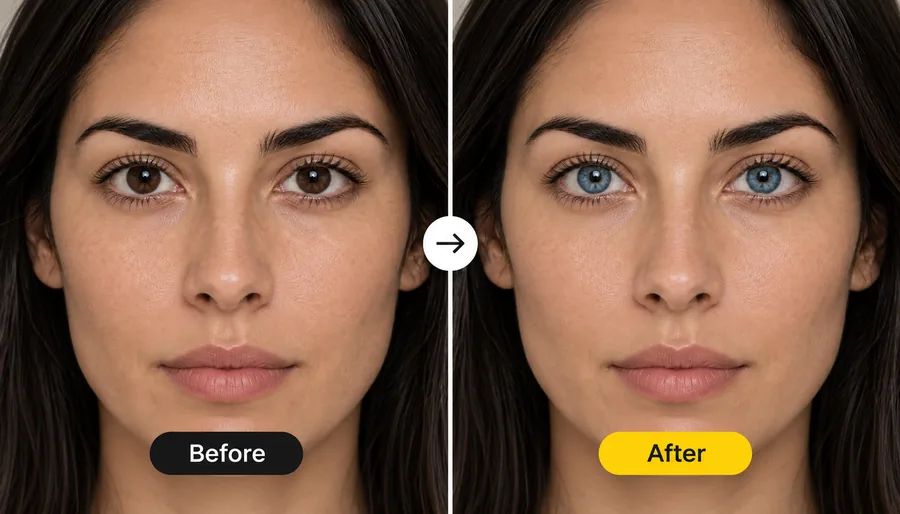 Blue Eye FilterWhat would I look like with blue eyes? Upload a photo and the blue eye filter recolors your irises to a realistic blue, from sky and ice blue to deep sapphire.
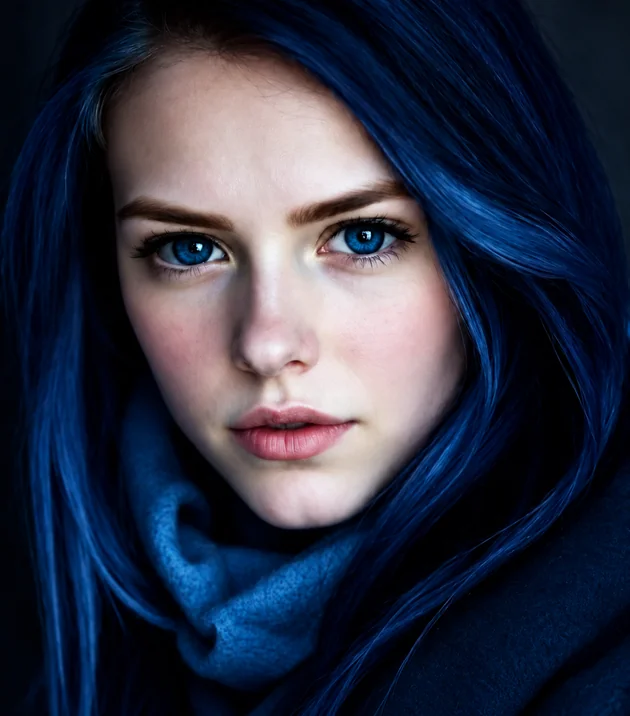 Eye Color ChangerEdit color of eyes in any photo with the AI eye color changer. Pick hazel, green, brown, grey, or any custom shade and keep a realistic iris and catchlight.
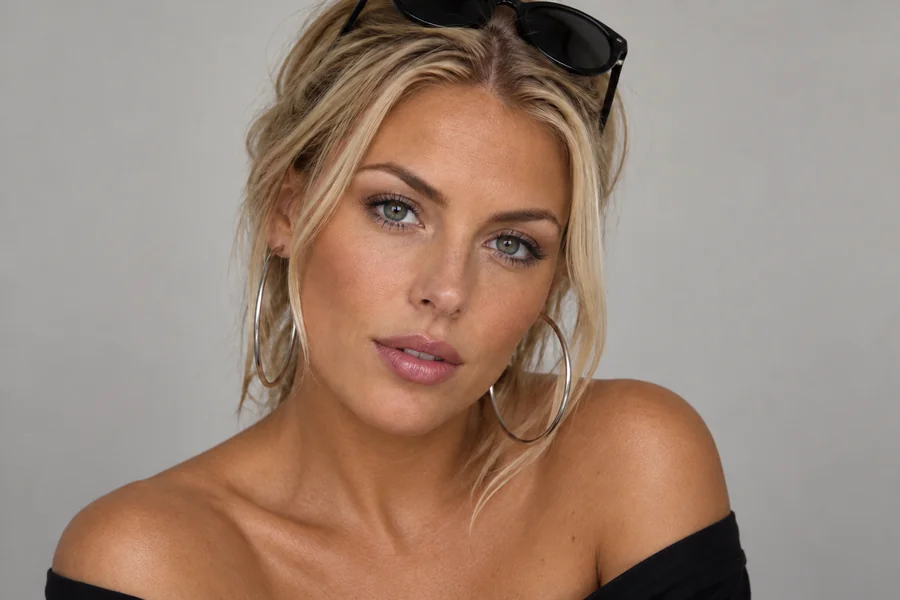 Skin Color ChangerHow do you change your skin color in a photo? Upload a portrait to the AI skin color changer, pick a shade, tan, or undertone, and preview a natural new tone.
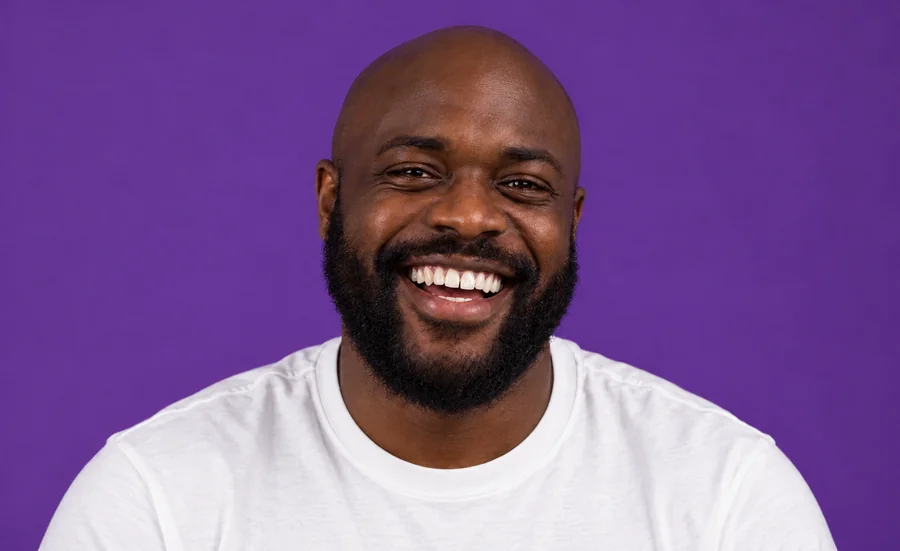 Whiten Teeth in PhotoWhiten teeth in photo uploads with an AI teeth whitening photo editor online. Lift yellow stains, pick a natural or bright shade, and keep every smile real.
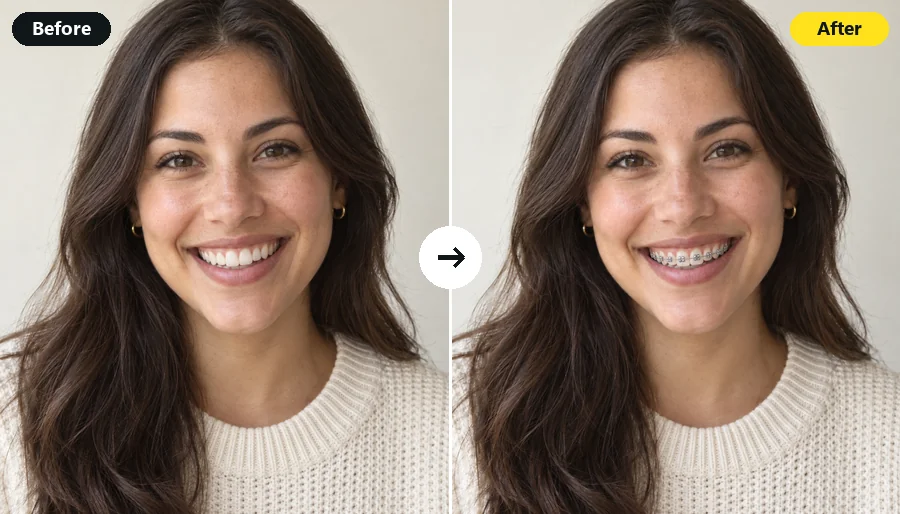 Braces FilterWhat will I look like with braces? Upload a smiling selfie and the AI braces filter adds realistic metal, ceramic, or gold braces in the band color you pick.
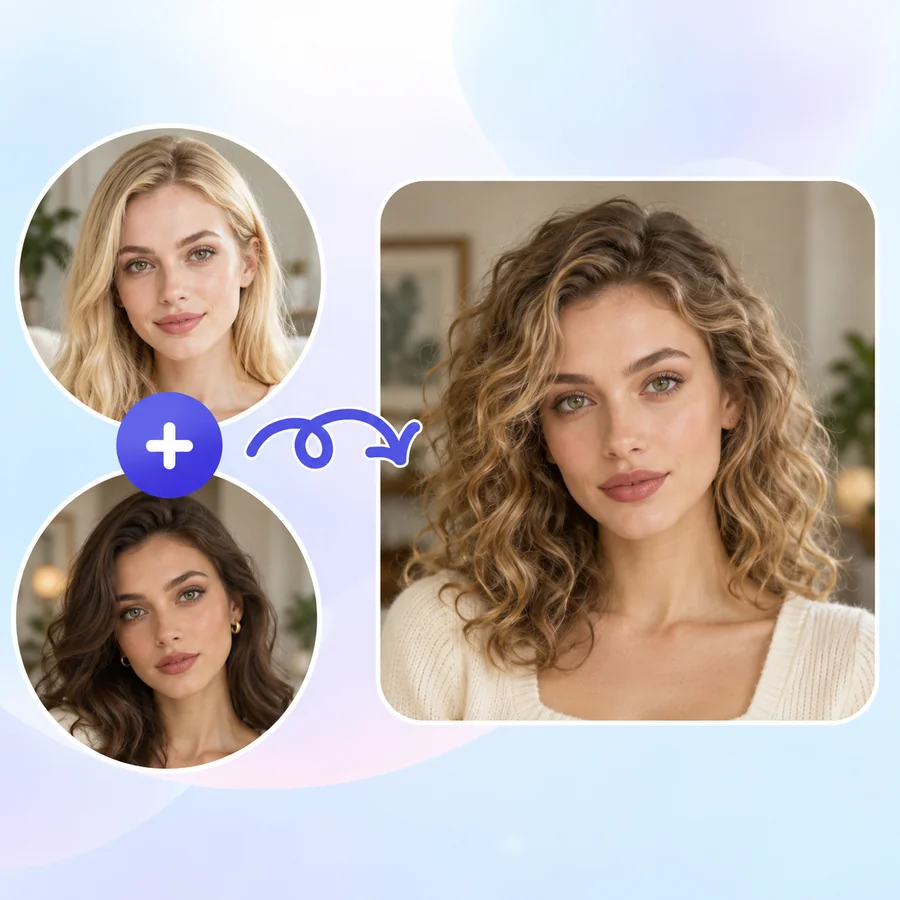 AI Face MorphFace morph two photos into one realistic portrait. Upload Face A and Face B, set the blend, and the AI face combiner merges eyes, nose, and jawline naturally.
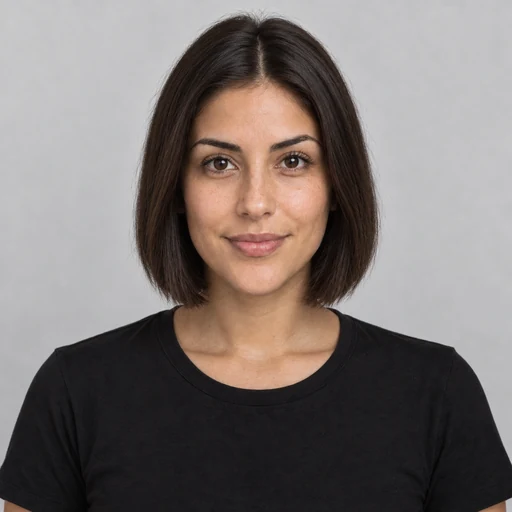 AI Hairstyle ChangerTry on hairstyles with your picture. The AI hairstyle changer previews 18 haircuts, braids, and updos plus 11 hair colors on your own face. Free to try.
 Bald FilterWhat would I look like bald? Upload a photo to the AI bald filter online and preview a smooth bald head, a shaved head, a bald look with beard, or balding hair.
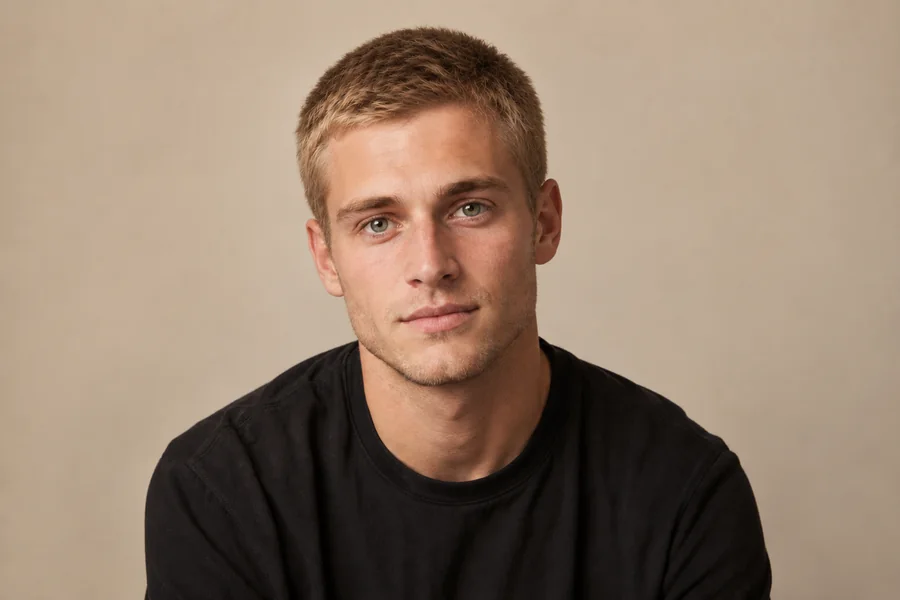 Buzzcut FilterWhat would I look like with a buzz cut? Upload a selfie to the AI buzzcut filter and try a classic buzz, fade, bleached buzz, or guard length on your photo.
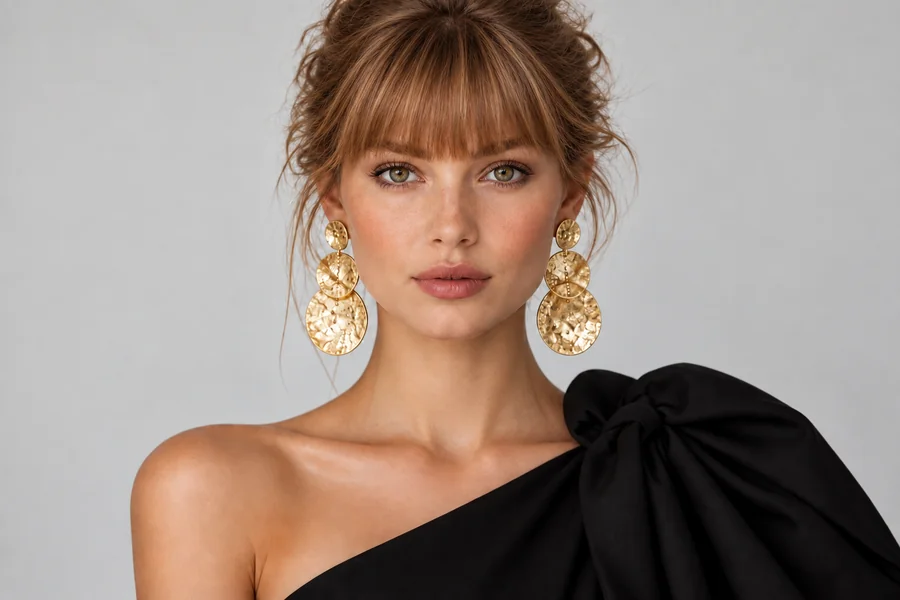 Bangs FilterWhat would I look like with bangs? Upload a selfie to the AI bangs filter and try on curtain, wispy, blunt, or micro bangs before you cut. Men’s fringes too.
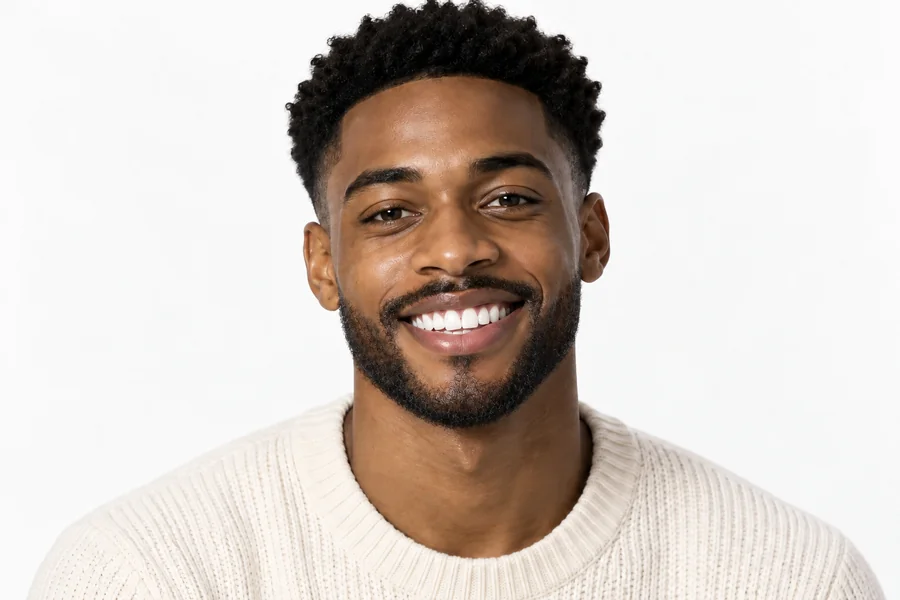 Beard FilterWhat would I look like with a beard? Add a beard to your photo with the AI beard filter and try stubble, a full beard, a long beard, or a clean-shaven look.
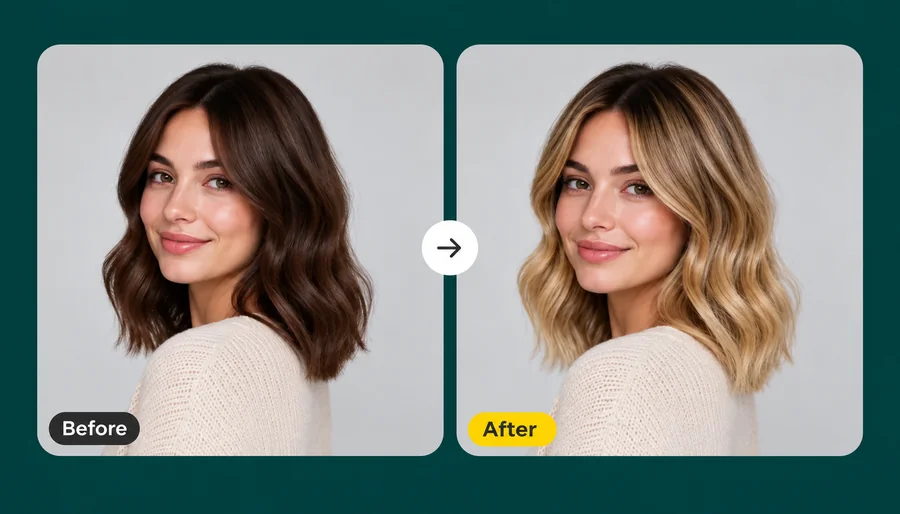 Blonde Hair FilterWhat would I look like with blonde hair? Upload a selfie and the AI blonde hair filter turns your hair honey, golden, ash, or platinum while your face stays.
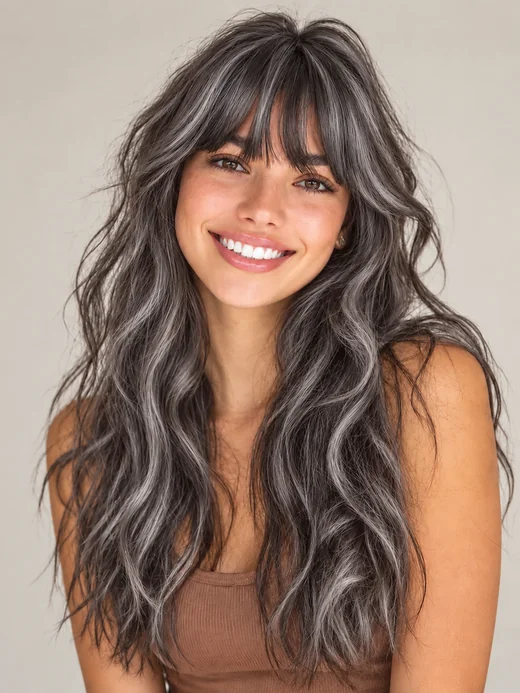 Grey Hair FilterWhat would I look like with grey hair? The grey hair filter turns your hair silver, ash, charcoal, or white and keeps your face the same age. Try on grey hair.
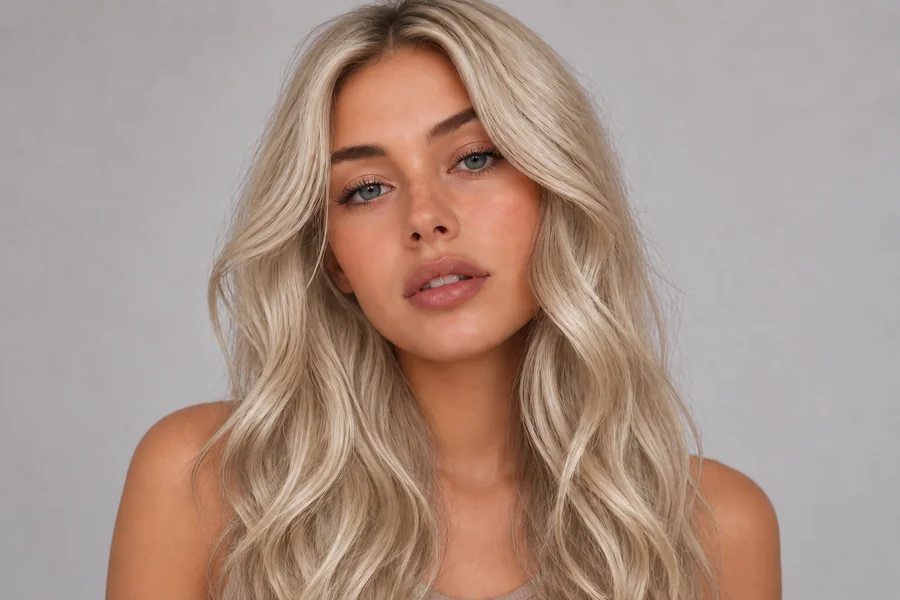 AI Hair Color ChangerChange the color of hair in a photo with the AI hair color changer. Pick a shade, highlights, or a custom color and try on hair color virtually before you dye.
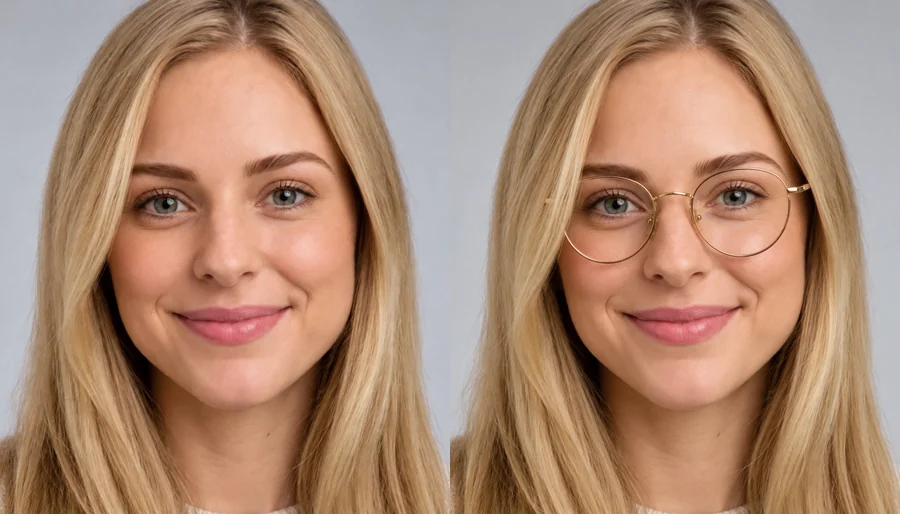 Virtual Glasses Try OnVirtual glasses try on from home: upload a photo, pick a frame shape, color, and lenses, or add a photo of any pair, and see the glasses on your own face.
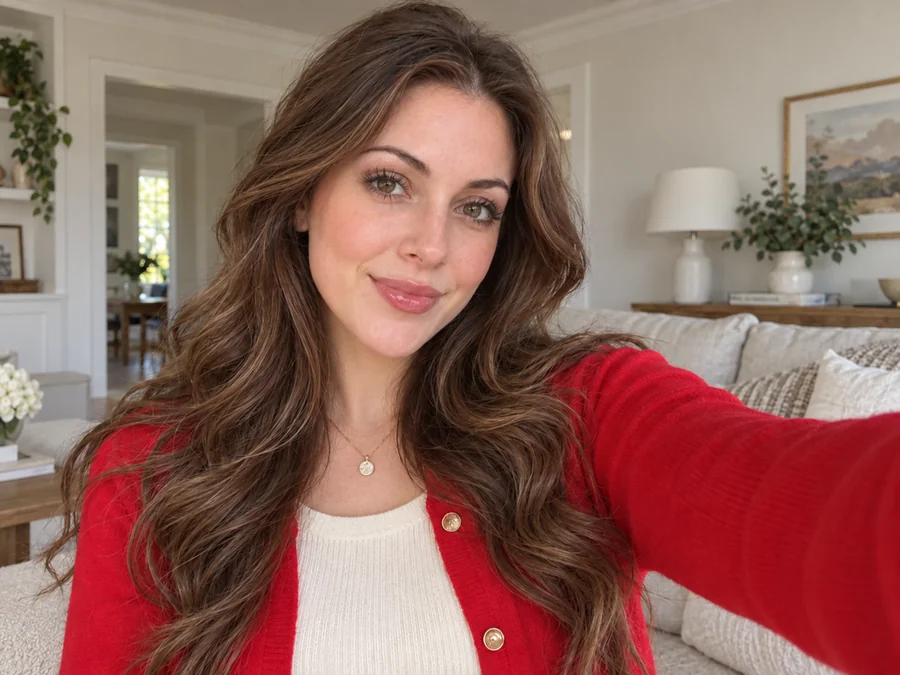 Remove Glasses from PhotoRemove glasses from photo portraits with an AI glasses remover. Take off eyeglasses or sunglasses, rebuild natural eyes, and keep the rest of the face unchanged.
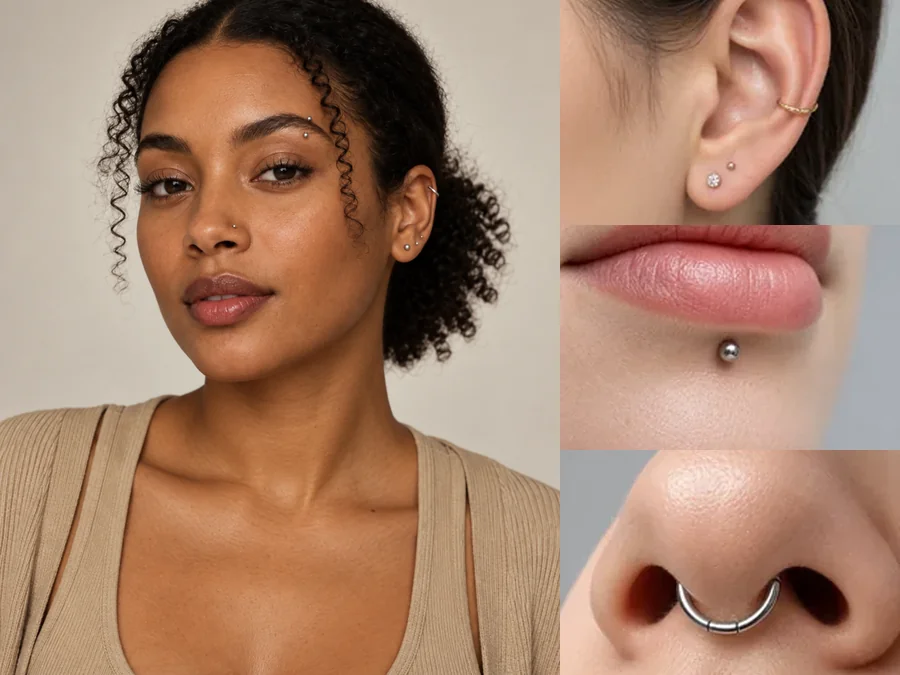 Piercing FilterTry on piercings virtually with the AI piercing filter: upload a selfie and preview ear, eyebrow, lip, and nose piercings before you commit. For adults only.
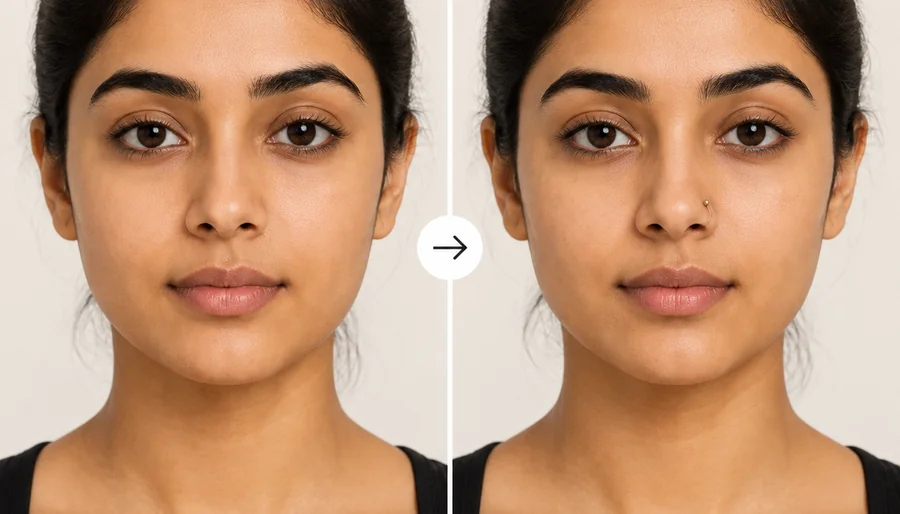 Nose Piercing FilterHow would I look with a nose ring? Upload a selfie to the nose piercing filter and try a stud, hoop, or septum ring in silver or gold before you get pierced.
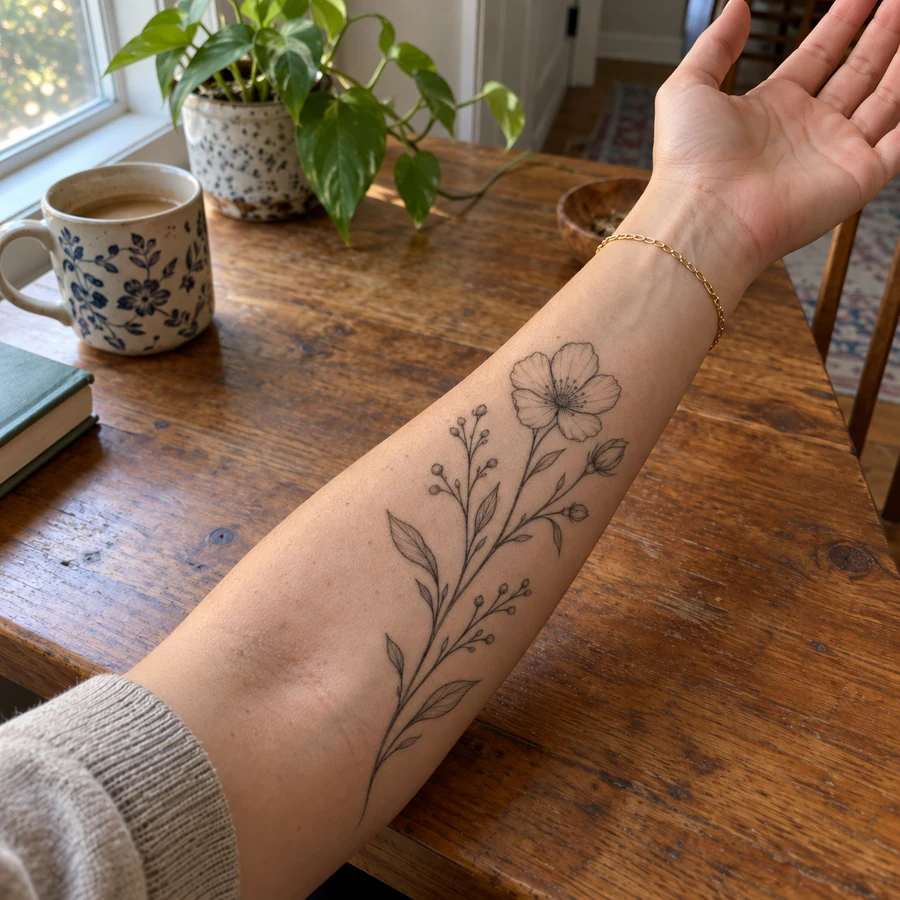 Tattoo Try-OnAdd tattoo to photo uploads and preview ink before it is permanent. Pick one of 20 tattoo styles or describe your own design, then see the tattoo on your body.
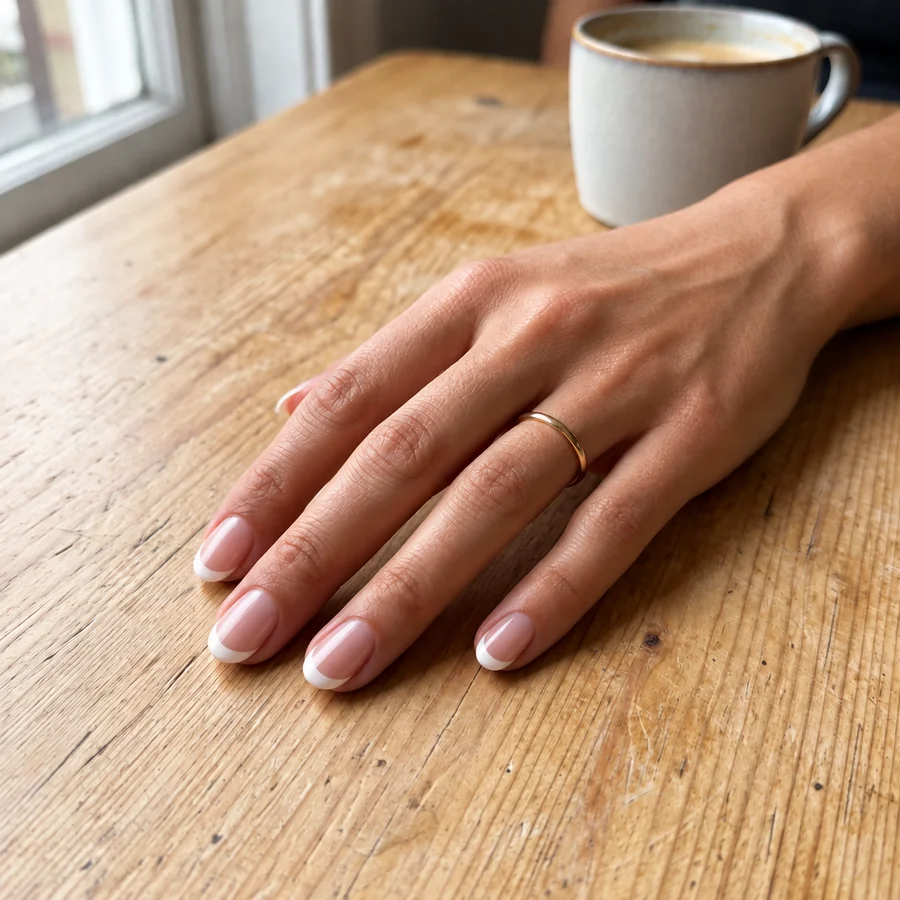 AI Nail Art GeneratorDesign your own nails with AI nails: upload a hand photo, pick a nail art style, shape, and length, and see the manicure on your real fingers before the salon.
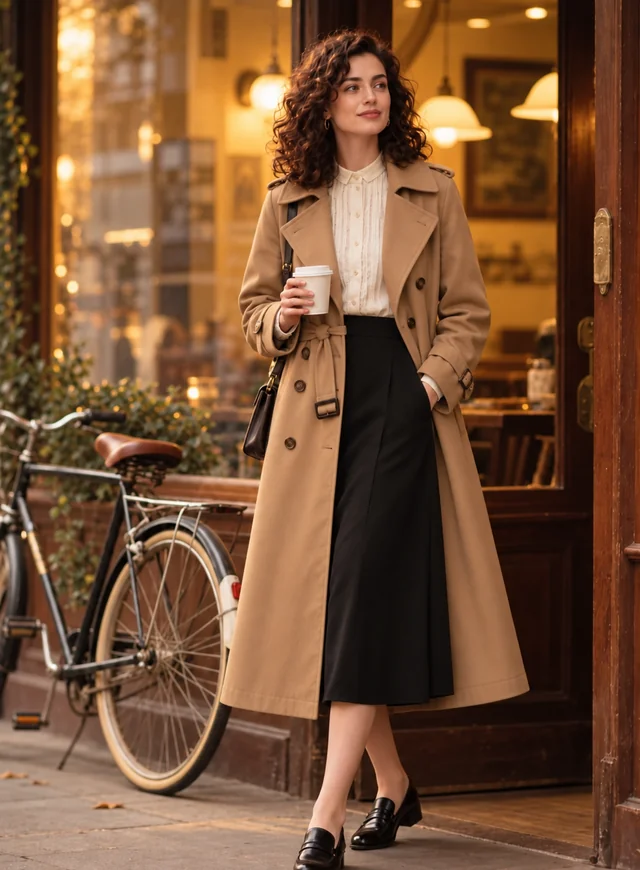 AI Clothes ChangerChange clothes in any photo with the AI clothes changer. Upload a picture, pick an outfit or describe one, and the AI clothes swap keeps your face and pose.
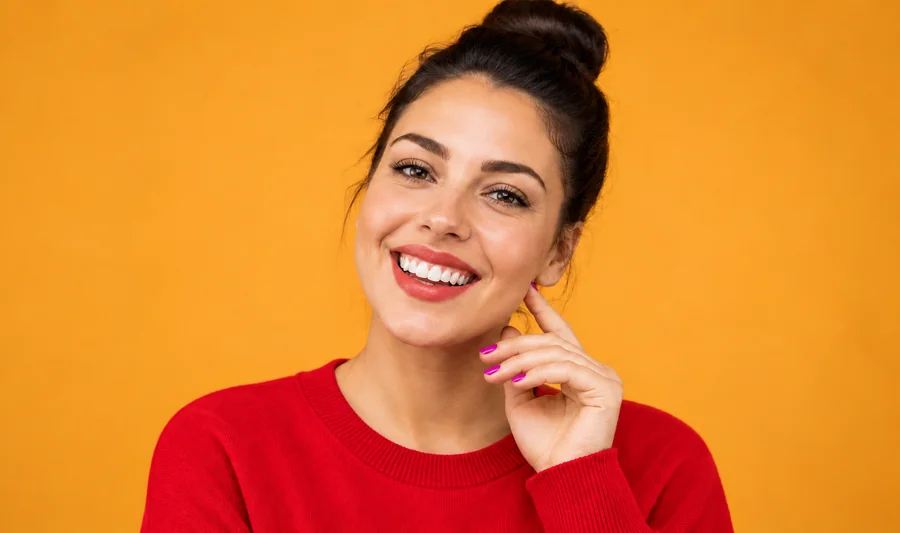 Clothes Color ChangerChange color of clothes in photo uploads with the AI clothes color changer, from dress color changing to a T-shirt color change, while fabric texture stays.
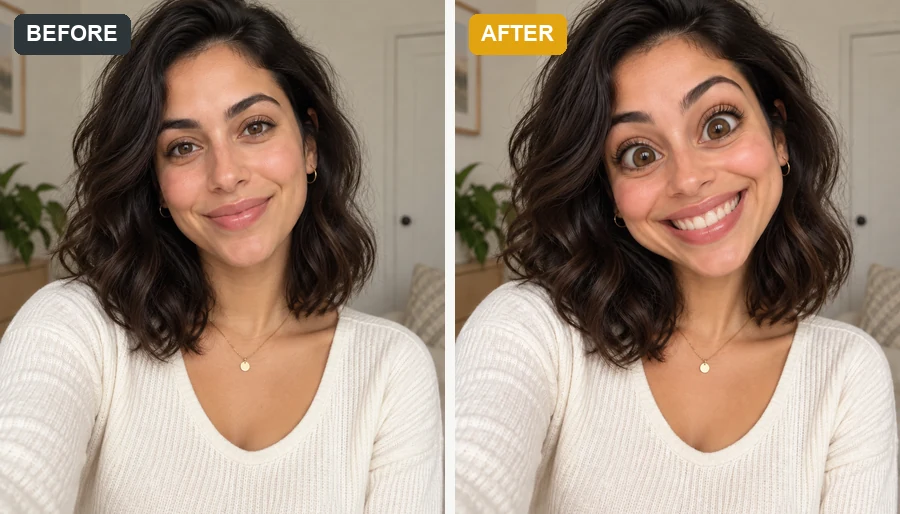 Funny Face FilterTurn a selfie into images for funny faces: big heads, dog and pig faces, clown and caveman personas, or melted and glitch effects that still look like you.
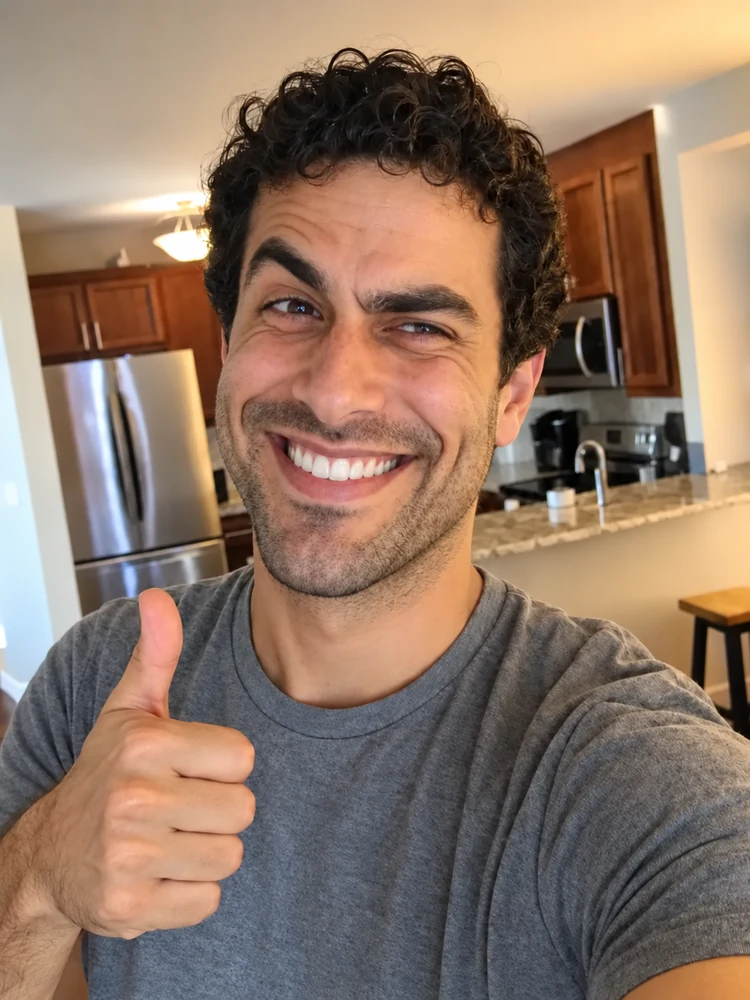 Realistic Troll Face GeneratorMake a realistic troll face from a selfie or the classic meme. Pick a troll level and a hyper realistic, creepy, or black-and-white look for your meme edits.
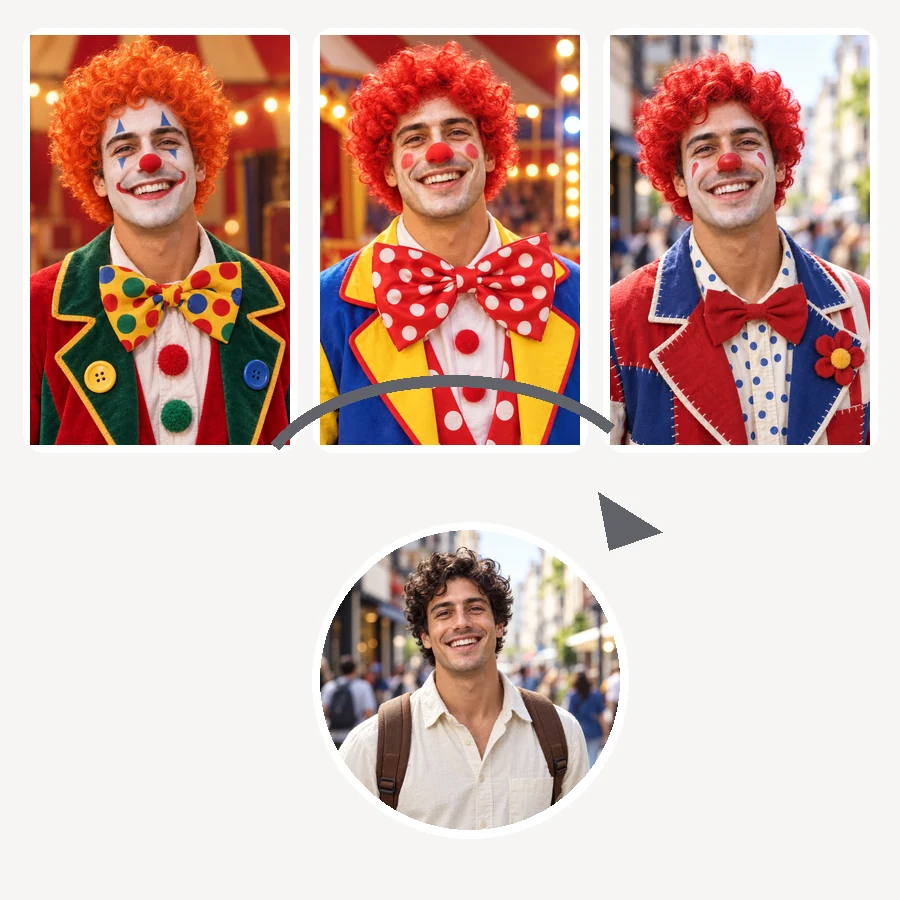 AI Clown FilterClownify a picture with the AI clown filter: pick a circus, rainbow, or glam clown face, then make a clown selfie, a clown meme, or an original clown OC.
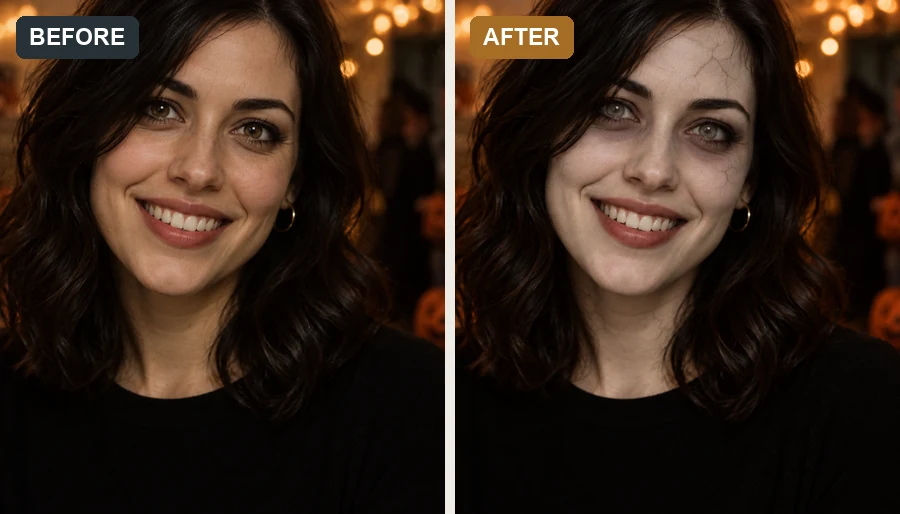 AI Zombie FilterMake a zombie out of any selfie with the AI zombie filter. Pick an undead look, intensity, and spooky background; your face stays recognizable, with no gore.
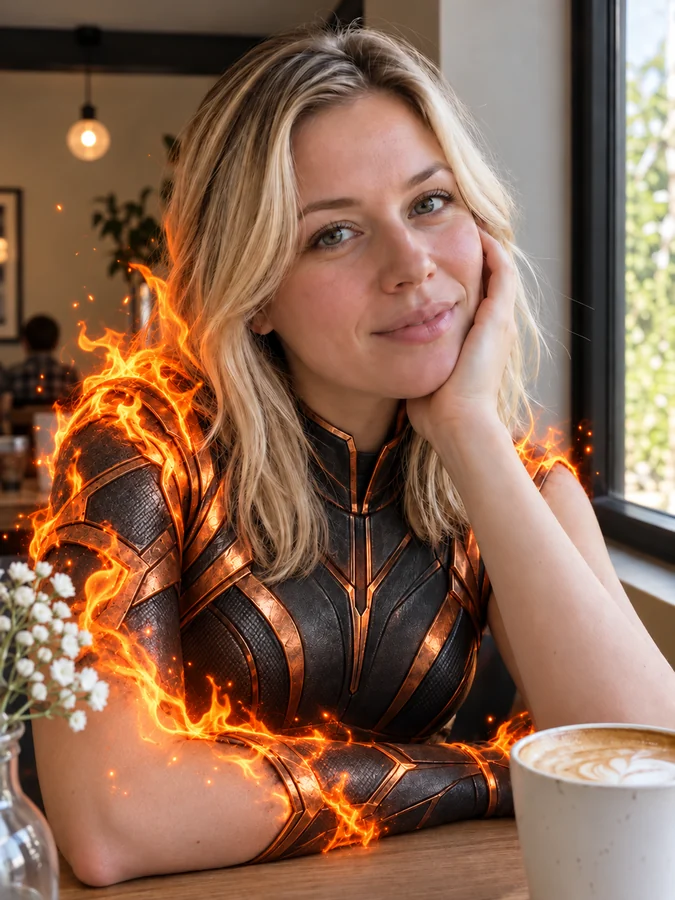 AI Superhero GeneratorUse this AI superhero generator to turn yourself into a superhero. Upload a selfie, pick a superpower and art style, and get an original hero portrait of you.
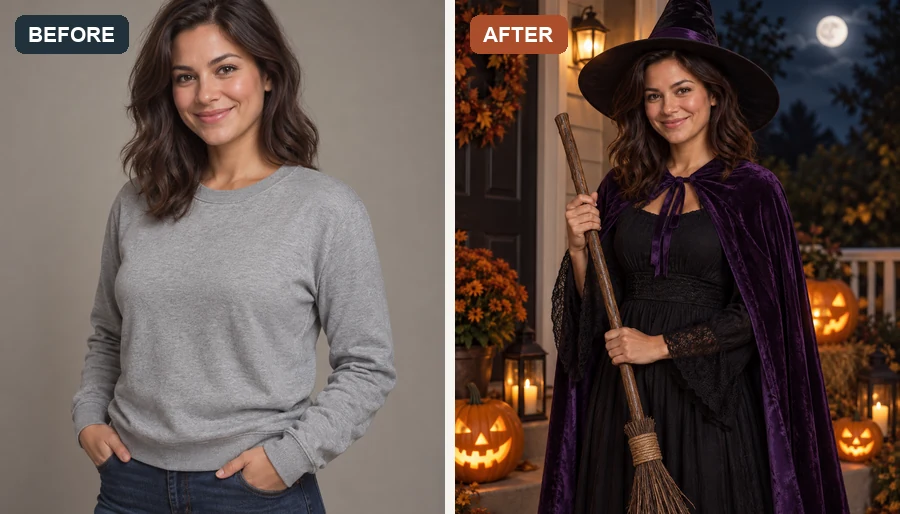 AI Halloween Costume GeneratorUse the Halloween costume generator to try an AI costume on your own photo. Pick a witch, vampire, or pirate, or hit Random for a surprise Halloween look.
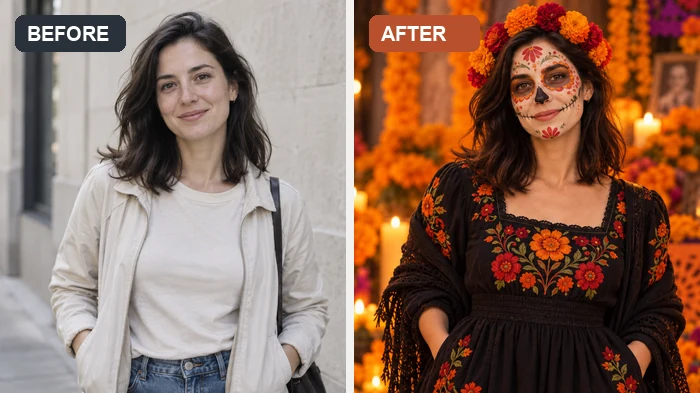 AI Halloween FilterJoin the AI Halloween trend: upload a selfie and this Halloween filter turns it into a witch, vampire, skeleton, or spooky photoshoot scene for your feed.
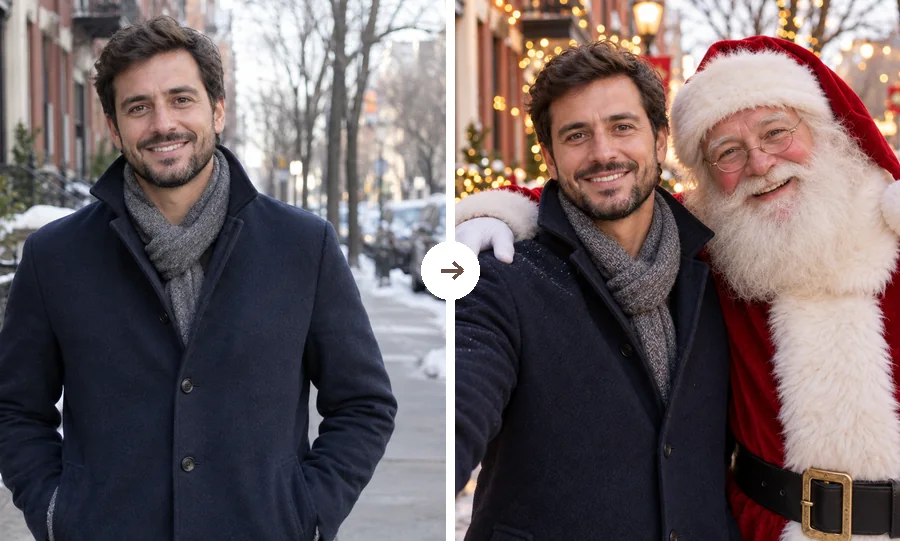 AI Christmas FilterPut a Christmas filter on any photo: reindeer antlers, a Santa makeover, elf ears, falling snow, or a festive frame. Christmasify an image you already took.
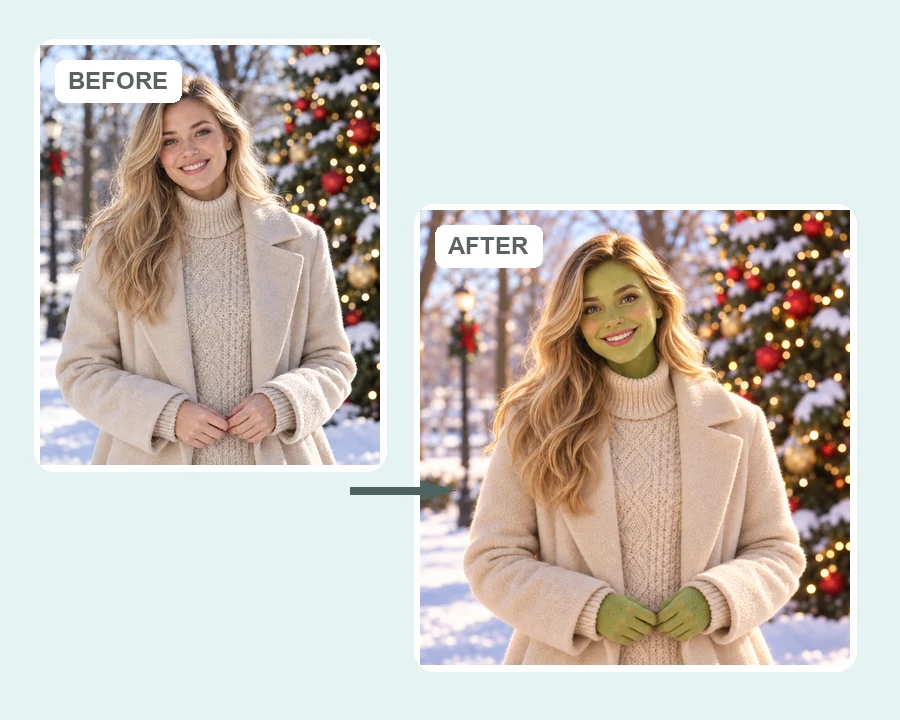 AI Grinch FilterGrinch yourself with the AI Grinch filter: upload a selfie, family, or pet photo and get a Grinch-style green holiday look with fuzzy fur and a sly grin.
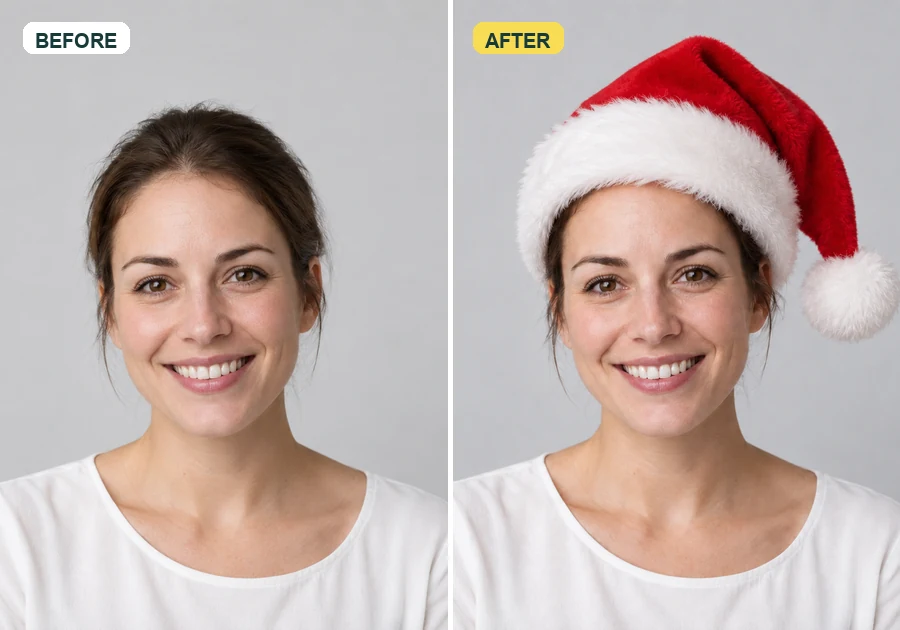 Add Santa Hat to Your PictureAdd santa hat to your picture with AI: upload a photo, pick a classic, elf, blue, or antler Christmas hat, and it fits every head in the shot, pets included.
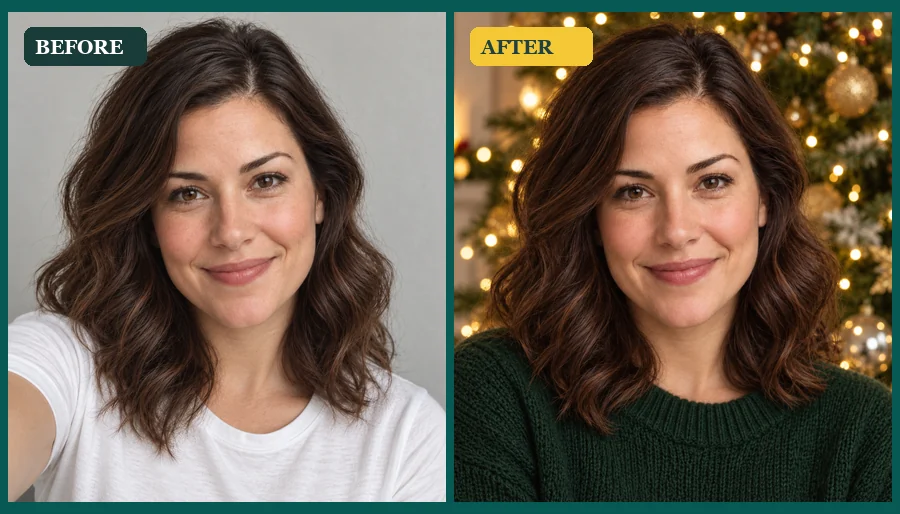 AI Christmas Photo GeneratorMake an AI Christmas photo from any selfie, couple, family, or pet picture. Pick a festive scene, outfit, style, or card and download your Christmas AI photos.
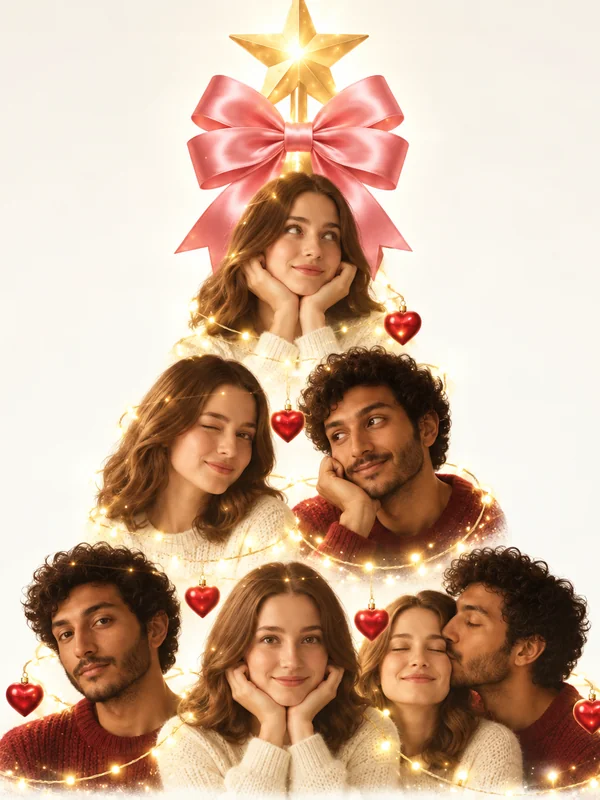 AI Christmas Photo TrendJoin the AI Christmas photo trend: turn selfies, couples, or pets into a viral portrait Christmas tree, a tree made of things you love, or a cozy tree scene.
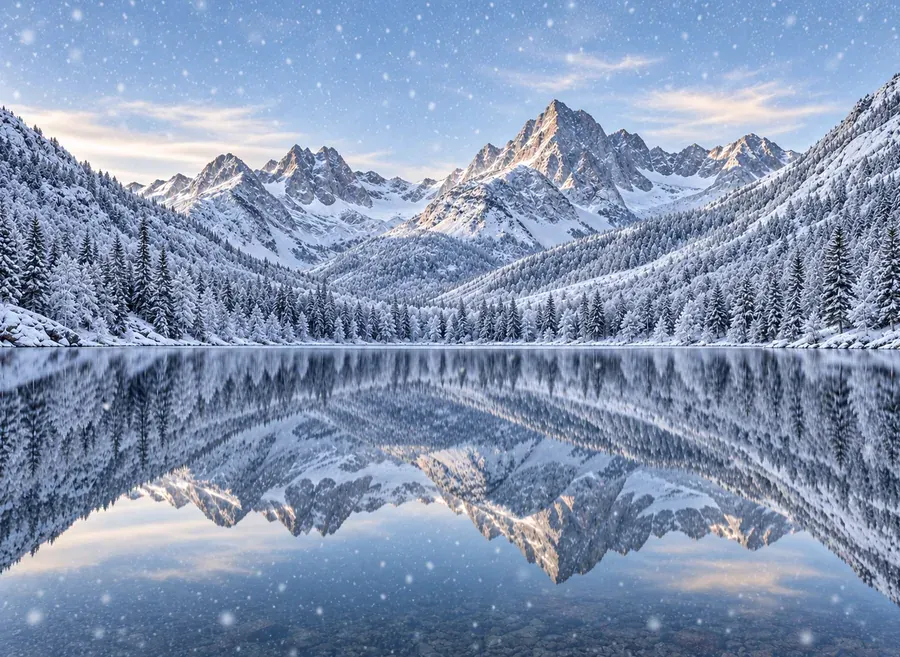 Add Snow to PhotoPut realistic snow on image scenes with AI. Add snow to photo landscapes, homes, products, or portraits, pick light flurries or a blizzard, and compare.
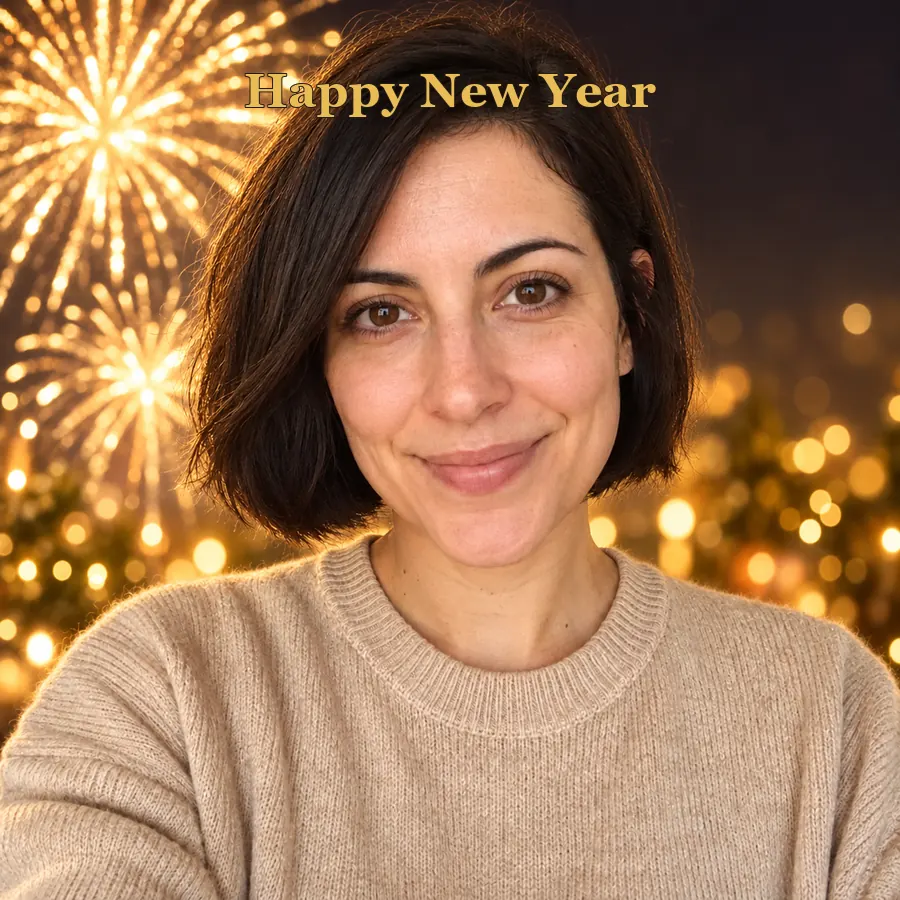 AI Happy New Year PicturesTurn a selfie into happy New Year pictures: fireworks portraits, a New Year backdrop, photoshoot ideas, and happy New Year photo frames and cards to share.
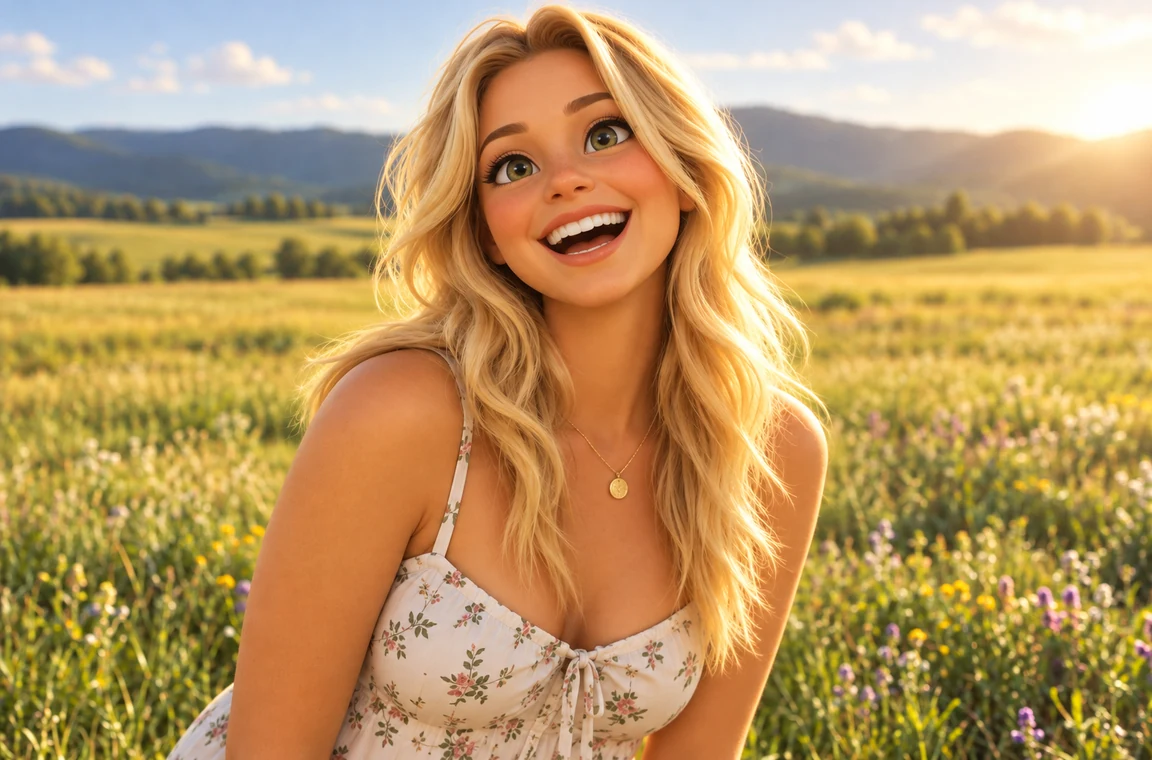 Photo to CartoonPhoto to cartoon AI cartoonizer: pick 3D animated, anime, comic, caricature or line art and turn a photo into a cartoon of you, your pet or car. Free to try.
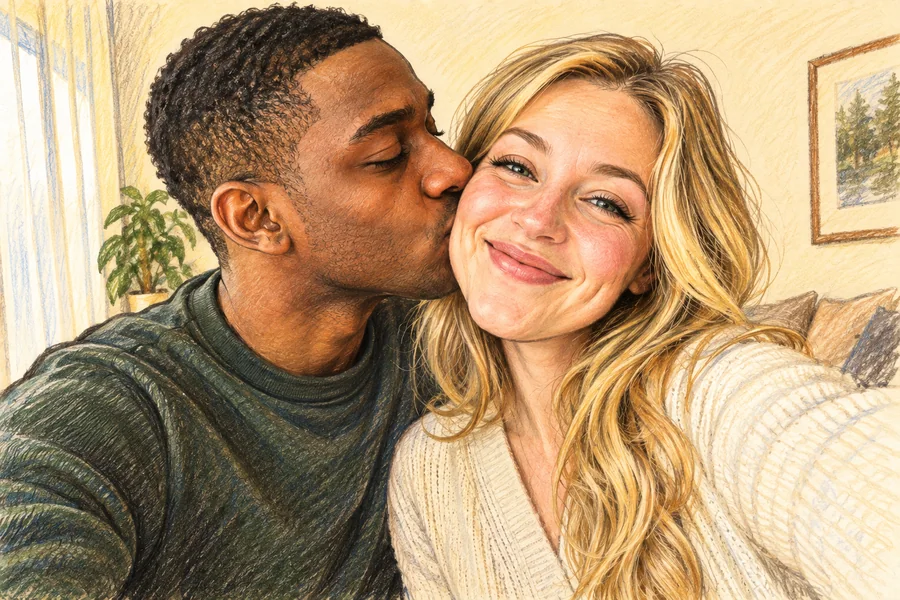 AI Caricature MakerHow do I create a caricature of me? Upload a photo to the AI caricature maker, pick a style, and turn your picture into a funny, recognizable caricature.
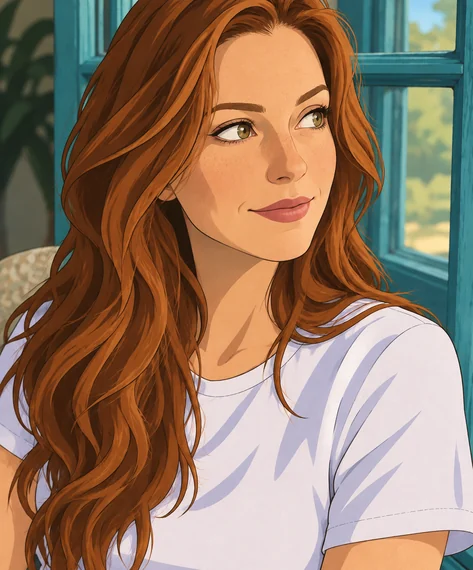 Disney Character GeneratorWhat would I look like as a Disney character? This Disney character generator turns a selfie, pet, or family photo into a Disney-style cartoon of you.
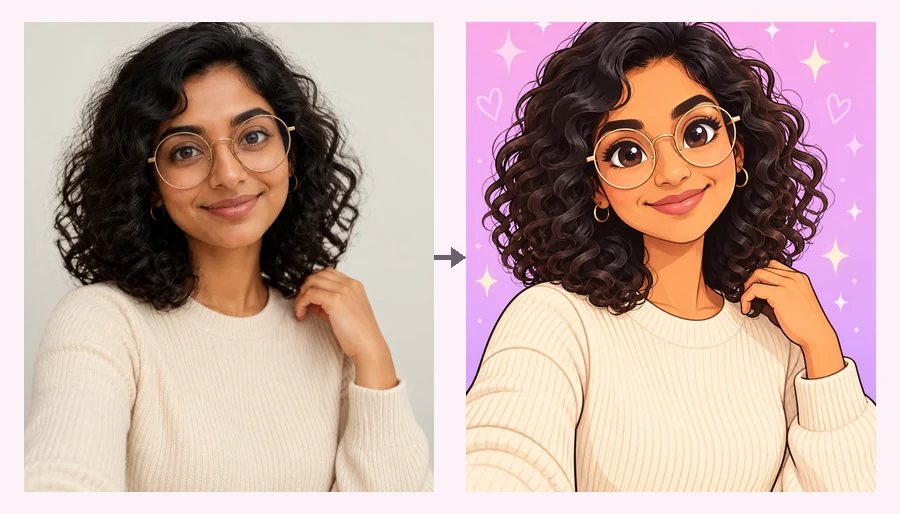 Powerpuff YourselfPowerpuff yourself online: upload a selfie and get a big-eyed, candy-colored Powerpuff-style cartoon. Pick a hero color or photo type and meet your Powerpuff self.
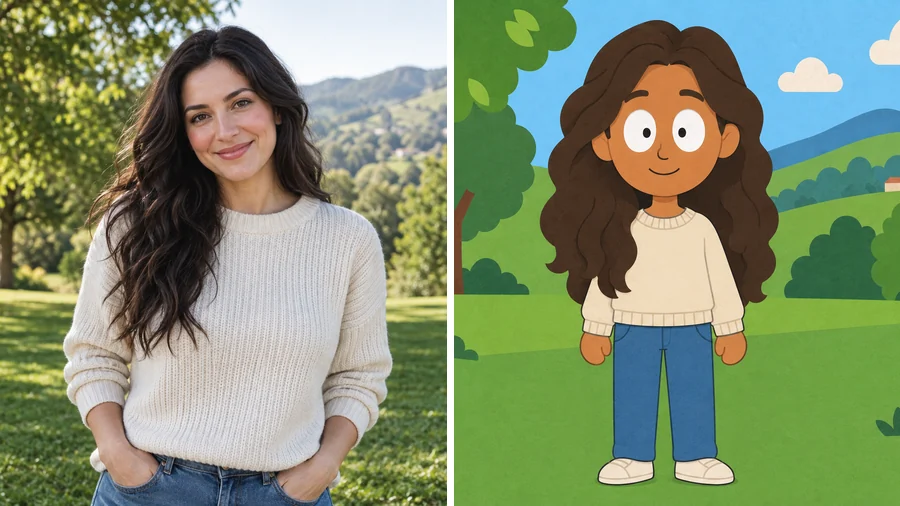 South Park Character CreatorUse this South Park character creator to turn a selfie into a flat paper-cutout cartoon. Pick a look and a scene, add details, and make South Park characters.
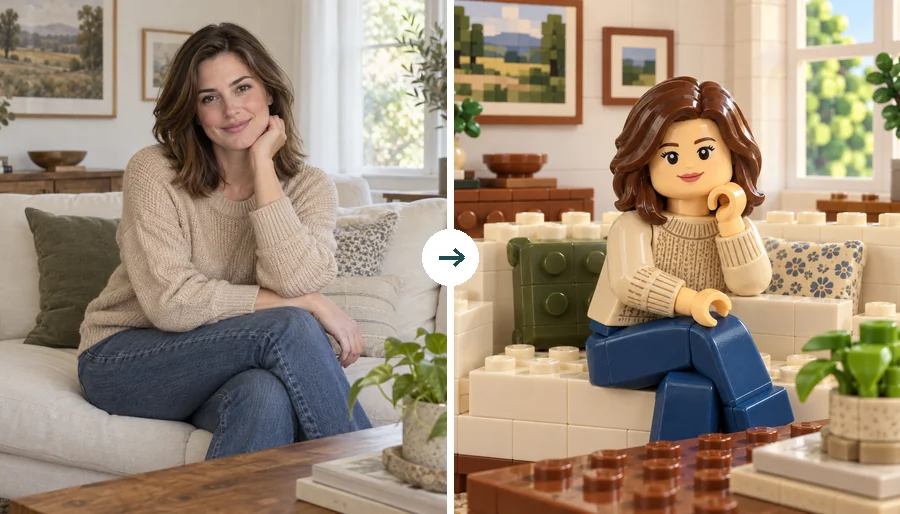 LEGO Minifigure GeneratorUse this LEGO minifigure generator to turn a selfie into a LEGO-style figure or rebuild the whole photo in bricks. Make custom LEGO minifigures from photos.
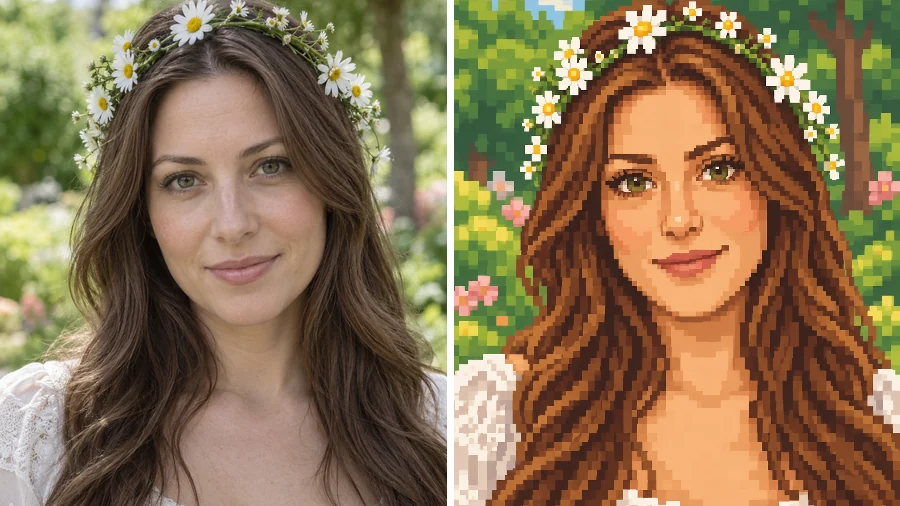 Stardew Valley Character CreatorUse this Stardew Valley character creator to turn a selfie into a cozy 16-bit pixel portrait. Pick a scene and outfit, then make your own Stardew Valley OC.
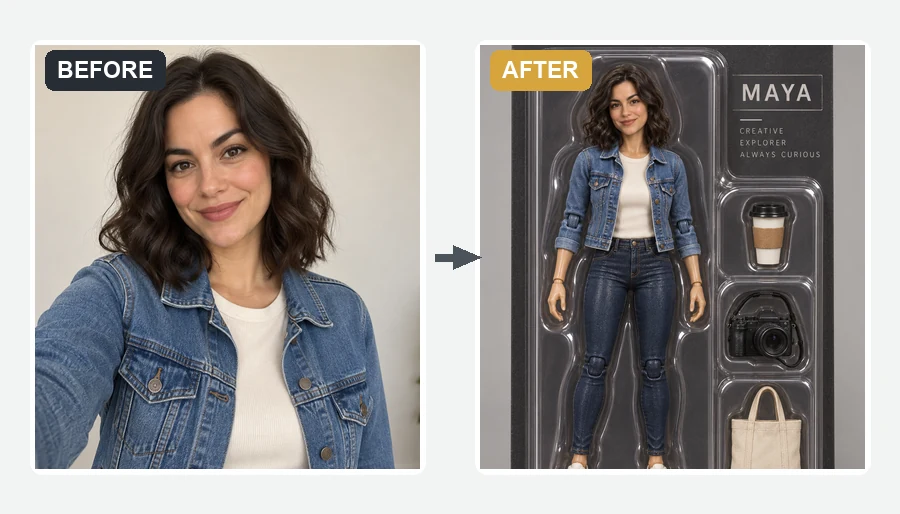 AI Action Figure GeneratorMake yourself an action figure with the AI action figure generator. Upload a photo, pick a theme, blister pack or window box, and get a boxed 3D toy of you.Photo to WatercolorTurn photo into watercolor art online. Upload a portrait, pet, or travel shot, pick a style, and turn it into a watercolor painting with soft, natural washes.
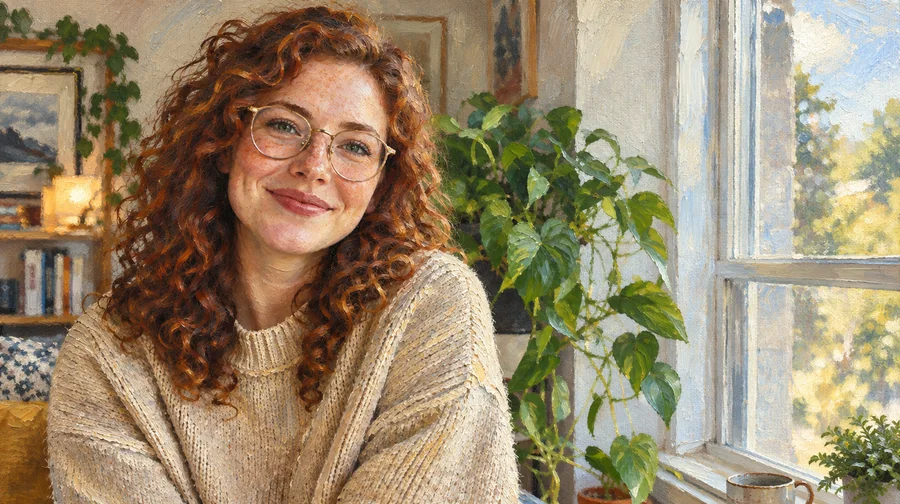 Photo to Oil Painting ConverterTurn photo into oil painting online. Upload a picture, pick a Classic, Renaissance, or Impressionist style, and get an oil painting photo with canvas texture.
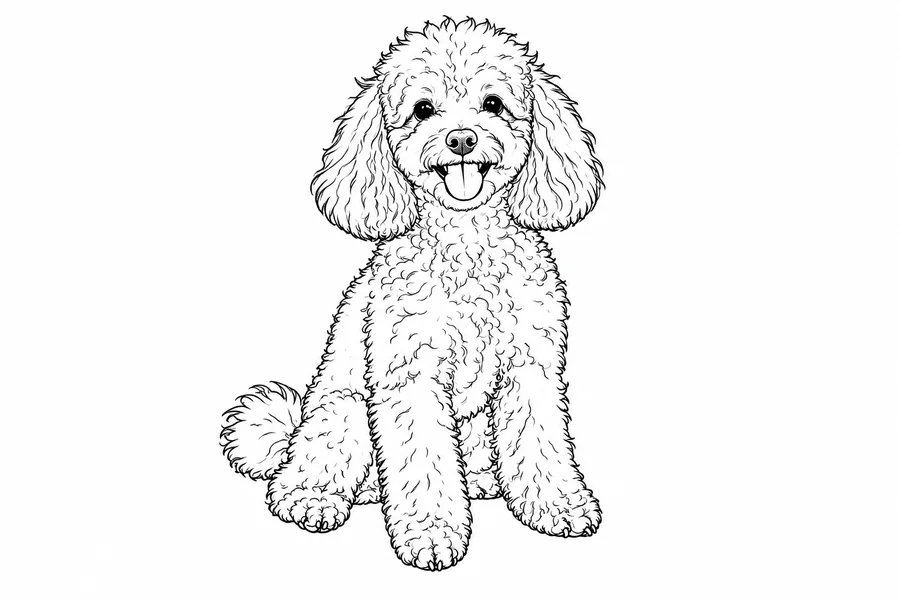 Photo to Line Art GeneratorConvert photo to line drawing online. Upload any picture to the line art generator, pick a style, and turn it into clean line art, outlines, or coloring pages.
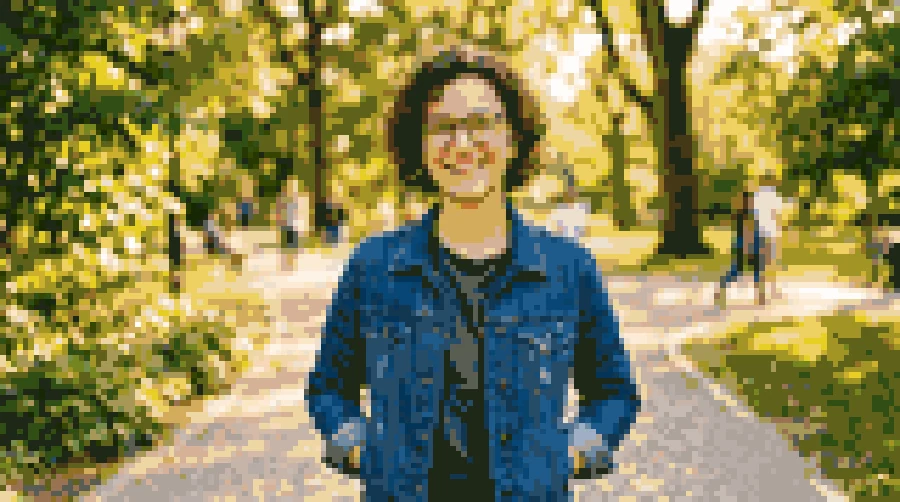 Photo to Pixel ArtTurn any image to pixel art with AI. Upload a photo, pick 8-bit, 16-bit, handheld green, or game sprite style, and get grid-aligned retro pixel art, not a blur.
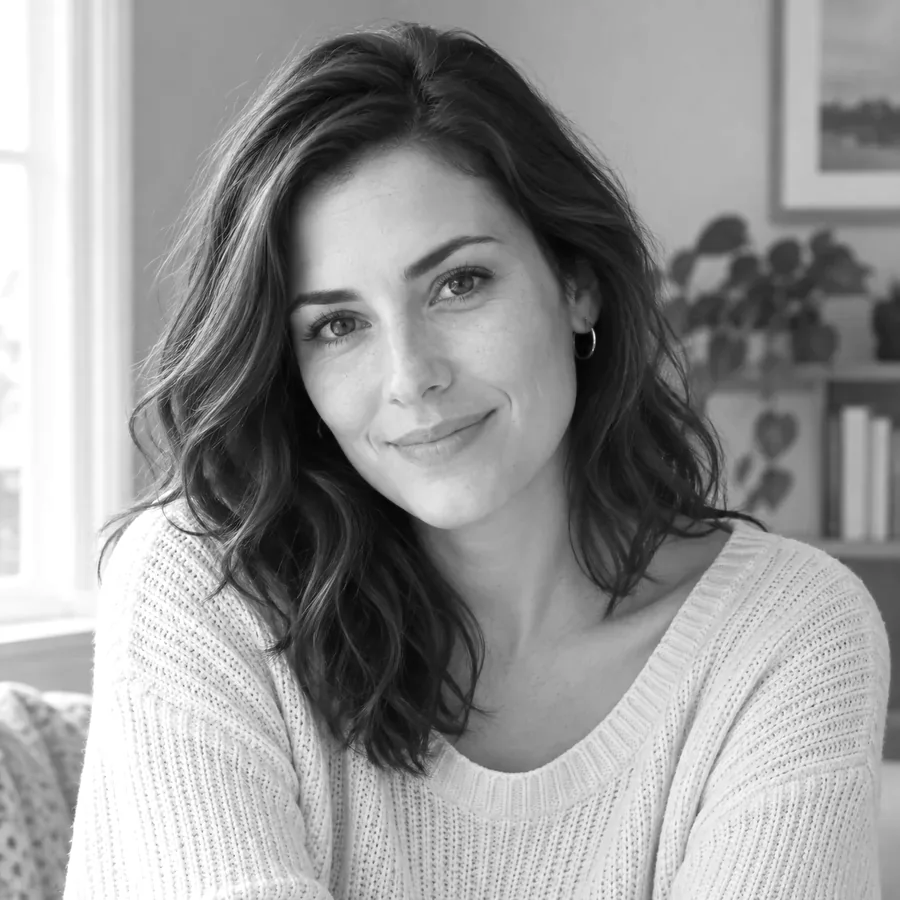 Black and White Photo ConverterFree black and white photo converter that runs in your browser: convert an image to black and white with film-style filters, tune contrast, and download.
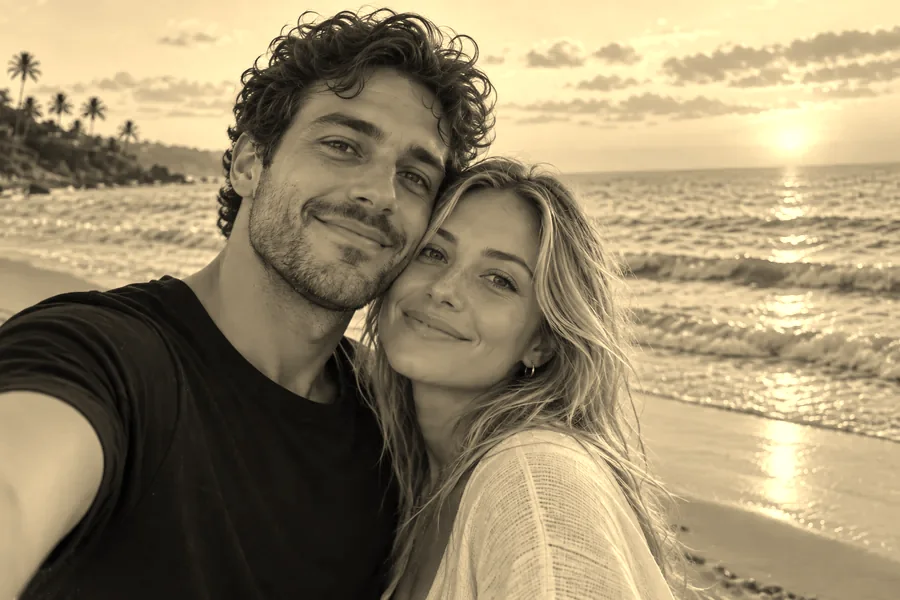 Sepia FilterFree sepia filter for photos that runs in your browser: apply a warm sepia tone filter, pick a vintage style, adjust warmth and contrast, then download.
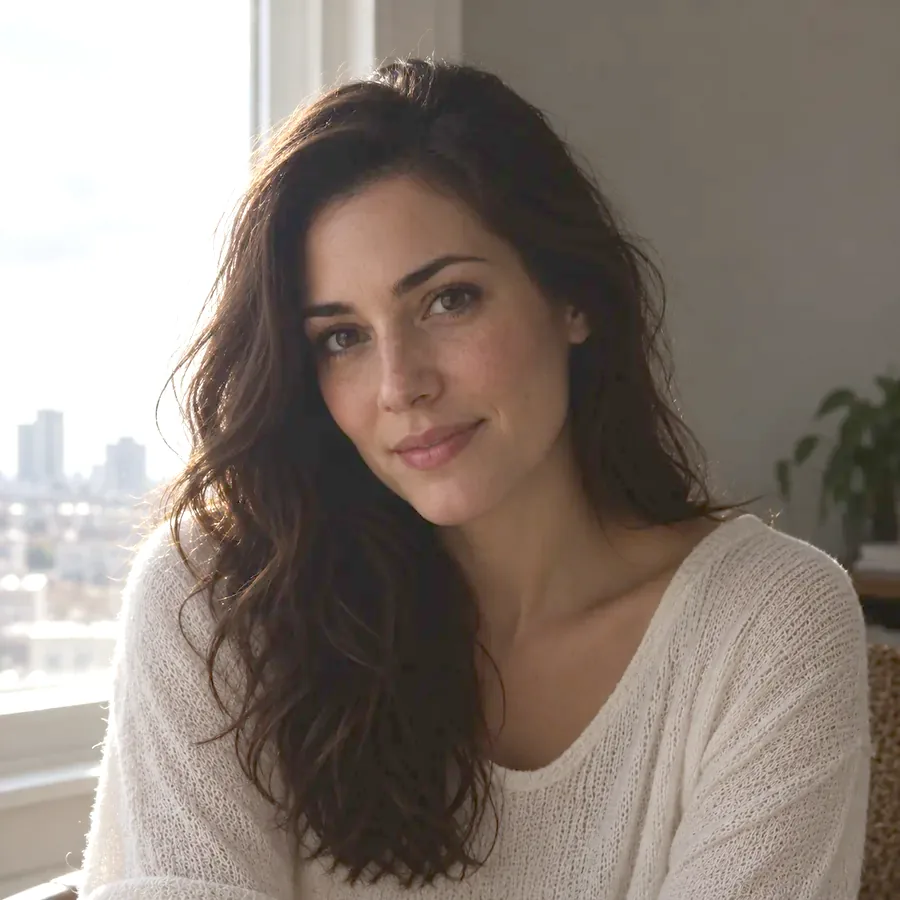 Image BrightenerFree image brightener that runs in your browser: brighten an image, lighten dark photos, and adjust picture brightness with one click or sliders, then download.
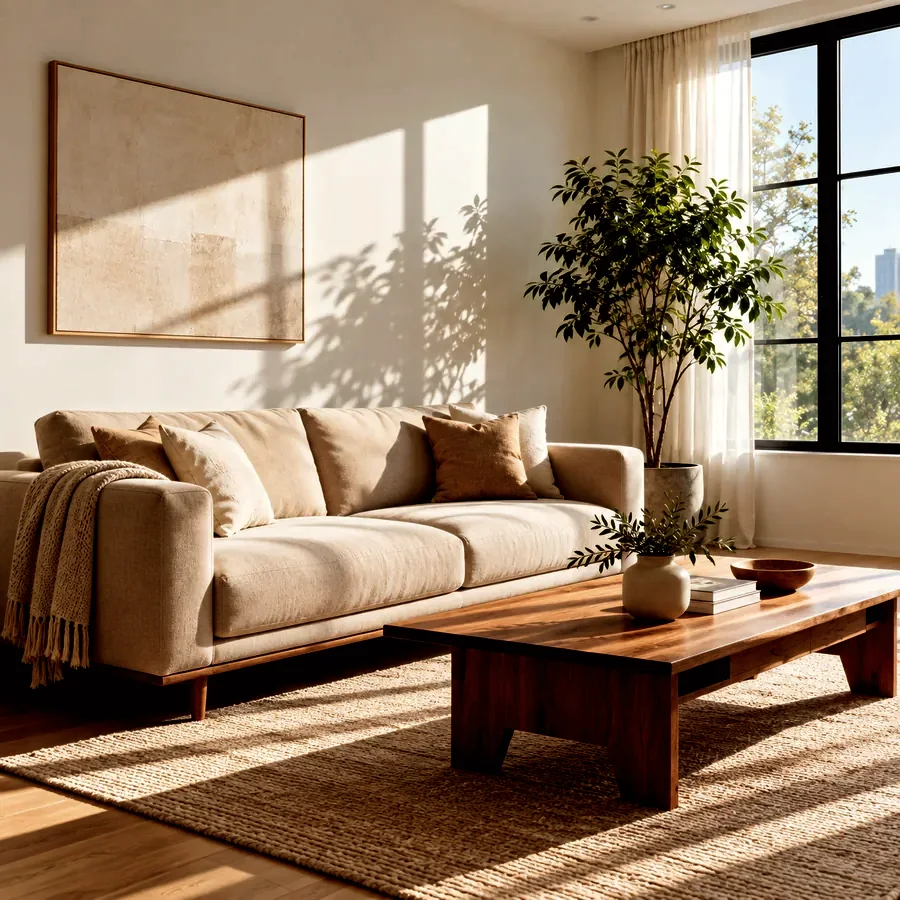 Darken ImageDarken image files online for free in your browser: tone down overexposed photos, add a moody darkening effect, or dim a picture behind text, then download.
 Low Quality Image MakerFree low quality image maker in your browser: lower image quality with pixelation, blur, grain, and JPEG crunch for memes and deep-fried pics, then download.
 Pixelate an ImagePixelate an image for free in your browser: turn any picture into pixel blocks, a mosaic effect, or 8-bit art with one slider, then download. No upload needed.
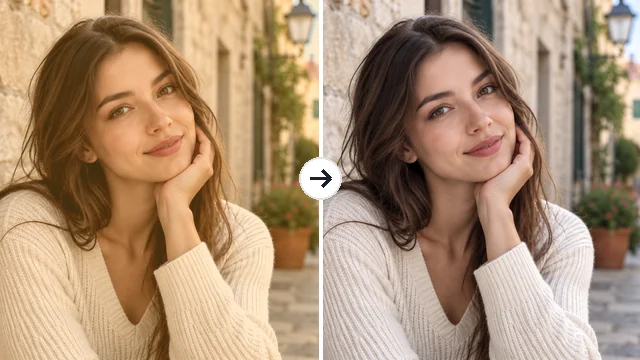 Remove Filter from PhotoRemove filter from photo edits that went too far: the AI filter remover tones down color casts, vintage looks, and beauty filters for a more natural picture.
From aesthetic filters for a profile picture to costumes for a party invite.

Give a selfie an aesthetic filter, a soft Korean photo filter or a cartoon look for a fresh profile picture. Looking for the best filters on IG? Skip scrolling through IG filters online and try the look on your own photo before you post it.
Preview a buzz cut, bangs, blonde hair, glasses, a tattoo or a new outfit with the clothes filter. Piercings work as a jewelry filter (or jewellery filter) too, so you can check a nose ring before you book the studio.
Join the old age, gender swap, big head and bald filter trends, or make a reaction meme with a troll grin, a scared filter face or a dramatic sadness filter written in Custom.
Costumes, zombie makeup, sugar skulls, Santa beards and reindeer antlers for holiday cards, party invites and group chats.
The photo you start from matters more than the filter you pick.
Front-facing photos with visible eyes give every face filter the most detail to keep.
Daylight without harsh shadows keeps skin texture natural, especially for hair and age filters.
Heavy beauty filters and strong color grading confuse AI filters. Clean a red or orange cast first with the Remove Filter from Photo tool.
Use a result as the next input: add a buzz cut first, then a beard, then a photo look.
Common questions about AI face filters, photo filters and how this filter website works.
An AI filter is an artificial intelligence filter that edits a photo based on what is in it. Instead of tinting every pixel like an image filter in a classic editor, it recognizes faces, hair and objects and redraws only what the filter describes, such as aging a face, shaving a head or turning a portrait into anime.
Upload a photo above, choose a filter from any tab, and press Start. To add filter to image files with several people, pick a filter that suits groups, such as Zombie, Santa Hat or Cartoon; a filter on images of groups is applied to everyone. It also works as an image filter online for one-off edits: compare the result with your original and download it.
The most popular face filters are Old Age, Bald, Gender Swap, Baby Face, Zombie and Big Head. If you are hunting for the best IG filters, the best filters for Instagram or famous photo filters, the Photo Looks tab has Korean Glow, 90’s Film, Flash and Black & White, and the Art Styles tab turns you into anime or a 3D cartoon.
It is free to try: new accounts get free credits when you sign up, and each AI filter uses credits per result. Classic browser filters such as Black and White, Sepia, Image Brightener and Darken Image are completely free and run without an account.
No. A realtime AI filter in a camera app tracks your face live with a lighter effect. EzImgMaker creates a new still image from your photo, which lets it rebuild hair, skin, clothes and backgrounds in far more detail. Upload a photo instead of using a live camera feed.
Quiz-style effects such as a how old do I look filter, a how old is my soulmate filter or a rate filter are random games on social apps, not real photo edits. To actually see a different age, use an age up filter such as Old Age or Senior, turn back the clock with Teen or Baby, or describe an exact age in Custom.
Use the Remove Filter from Photo tool to bring back neutral color and natural skin tones from a red, orange or heavy Instagram-style tint. For simple color fixes you can also try Image Brightener or Darken Image, which run free in your browser.
Your text and photo go through an automated content check for nudity and sexual content before anything is charged, and every result is checked again before it is shown. If a result is hidden by the check, your credits are refunded.
When you choose a filter for images with pets or groups, Cartoon, art styles, Santa Hat, Zombie and the Photo Looks work well. Body filters such as Fuller Body, Slimmer Body (a gentle waist filter) and Pregnant need a full-body or half-body photo, while hair, eye and teeth filters work best on a close portrait.
Only upload photos you own or have permission to edit, and get consent before you filter someone else. Do not use a filter to deceive, harass or impersonate anyone, and treat results such as age or weight changes as entertainment, not predictions.
Upload a photo and try AI face filters, hair filters, fun filters and photo looks in one place.
