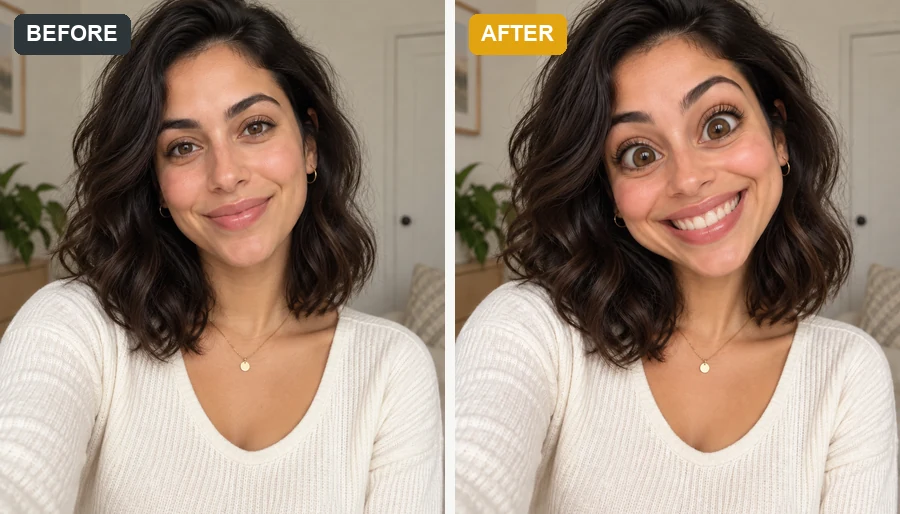
AI Fat Guy Filter
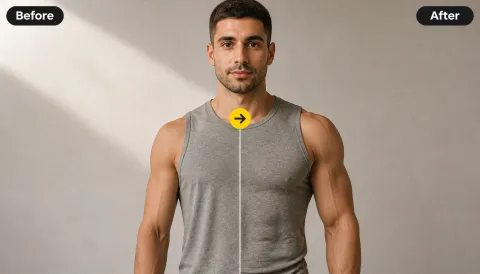
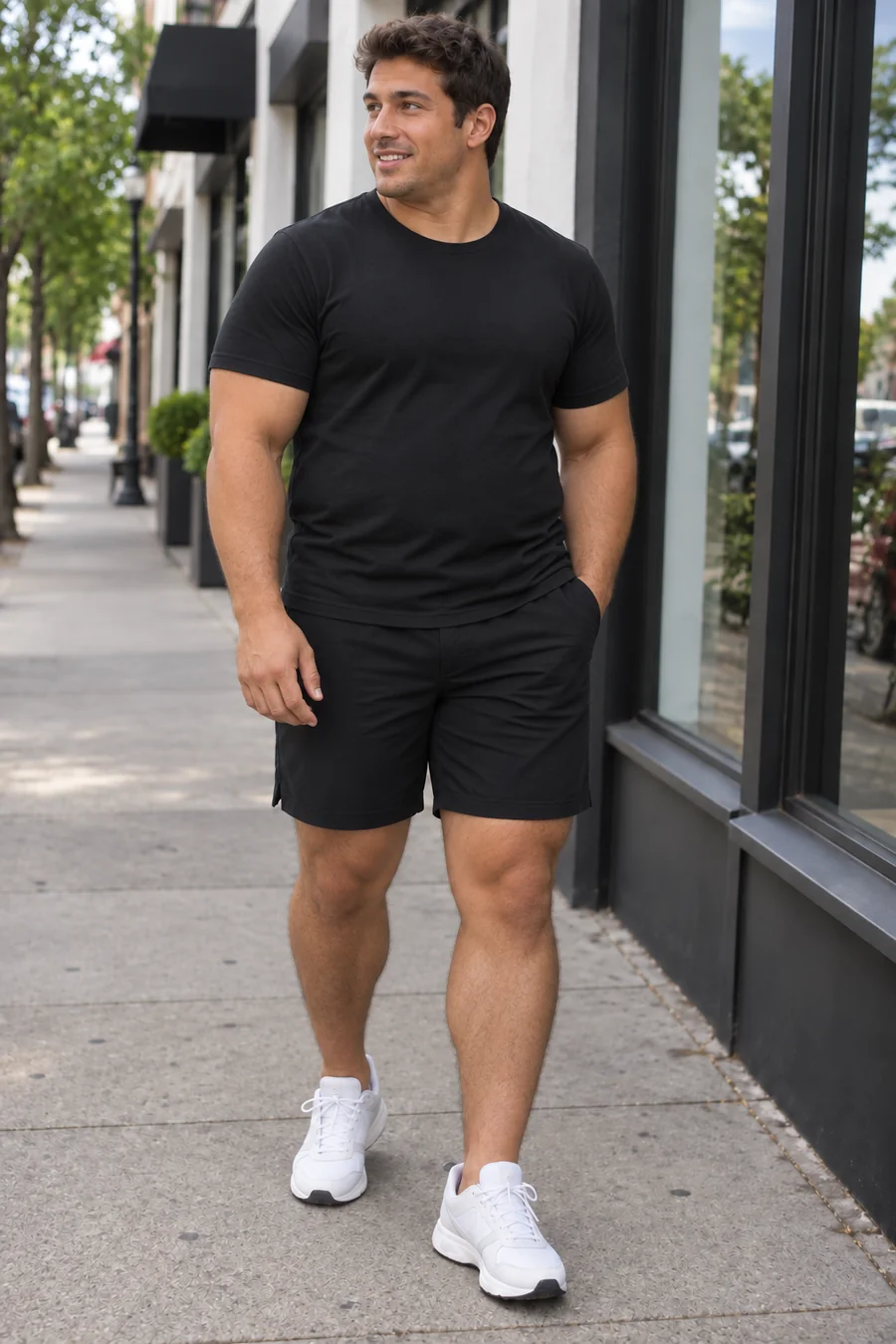
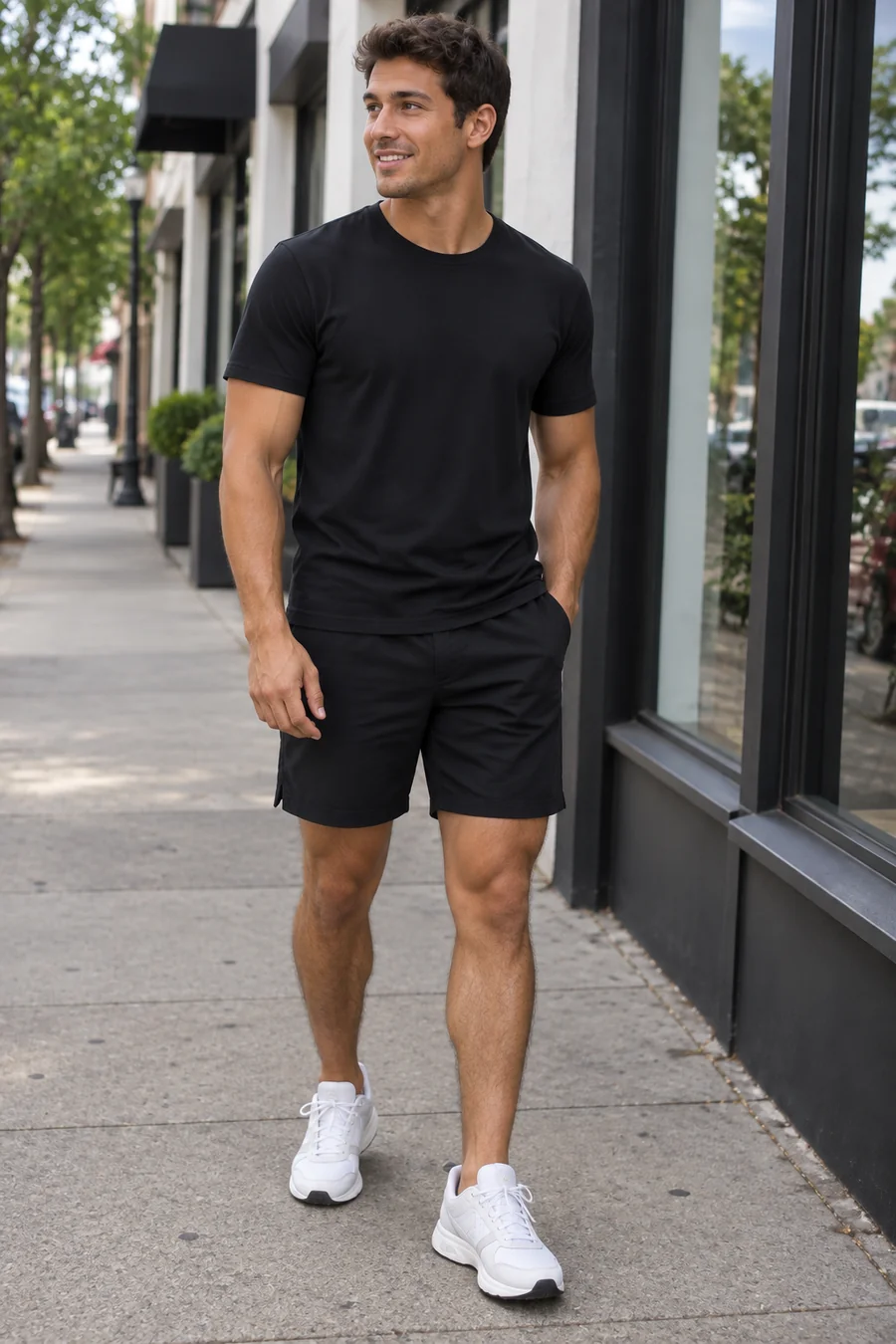
Turn a gym-tank street photo into a rounder, fuller version with a softer face and a bigger build, while the outfit, pose, and street stay the same.
Upload a photo and the AI fat filter adds a playful, realistic weight gain effect, from a few extra pounds to a bold transformation, while keeping your face, outfit, and scene.
Your photo stays in this browser during this UI preview.
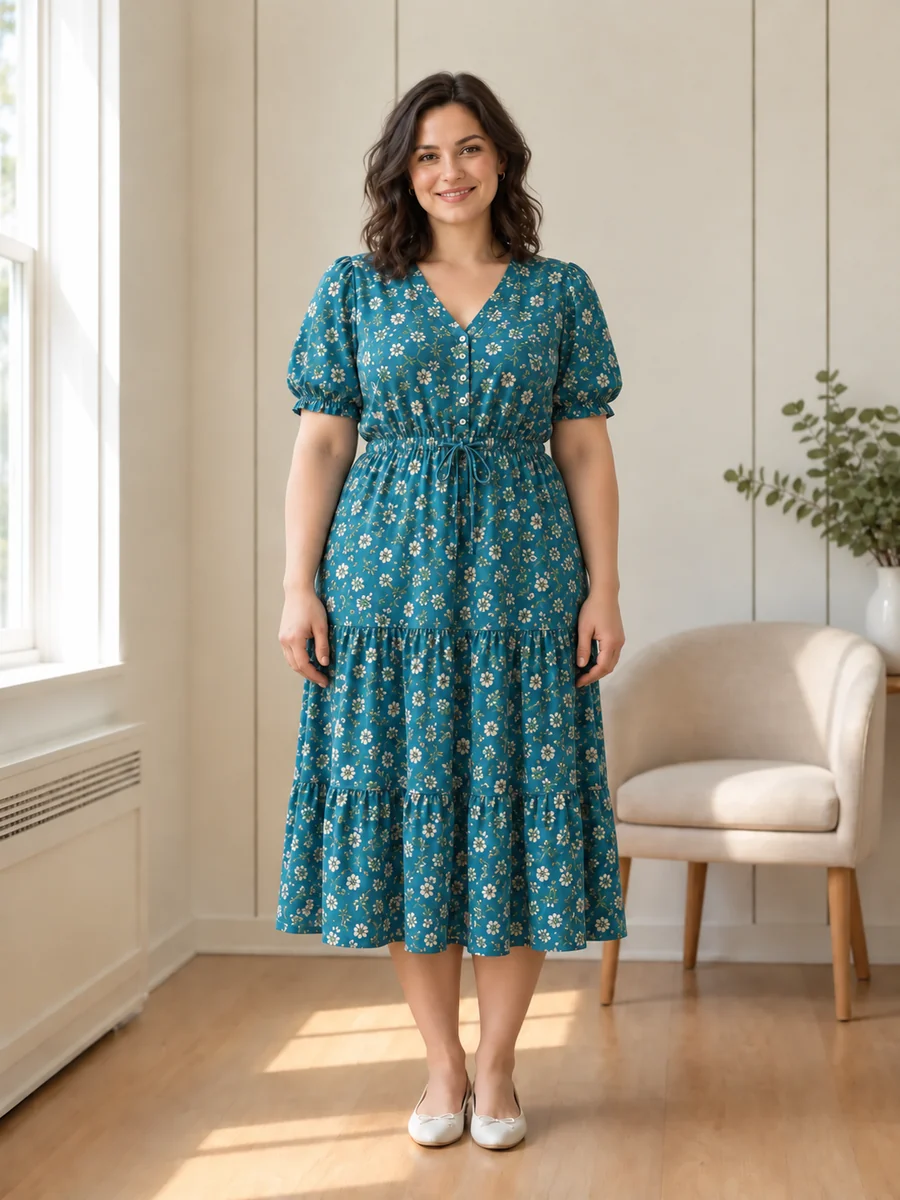
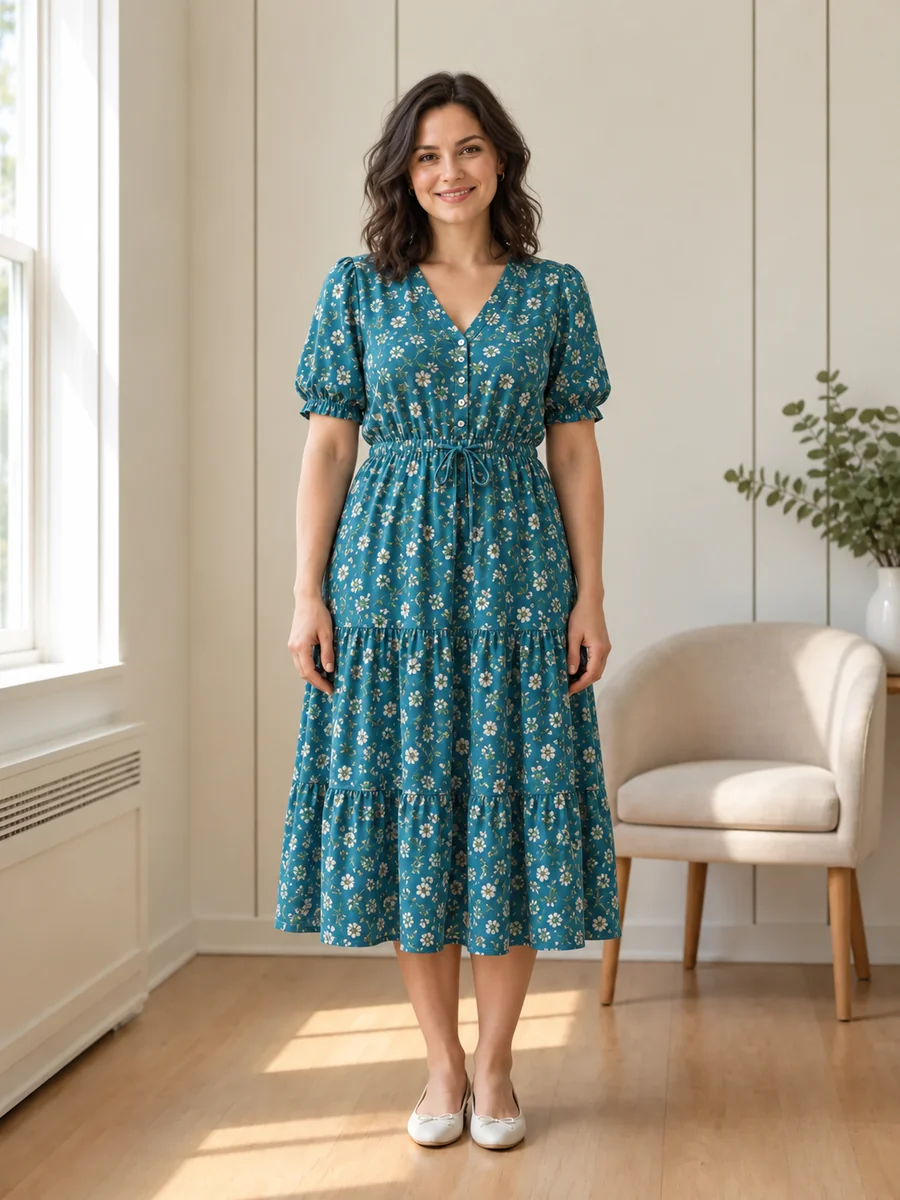
Reference example. It is not a result generated from your upload.
An AI fat filter, sometimes called a fat maker, chubby filter, or weight gain AI, is a playful photo effect that shows how a person might look with a fuller face and body. Upload one photo and the fat AI adds volume to the cheeks, chin, arms, and waist while keeping the same face, pose, outfit, and background.
People use it to make a funny fat picture for friends, explore character designs, or preview plus-size fashion looks. Every result is a lighthearted visual edit, not a health prediction or a judgment. There is no right or wrong body; this is simply a fun way to play with a photo.
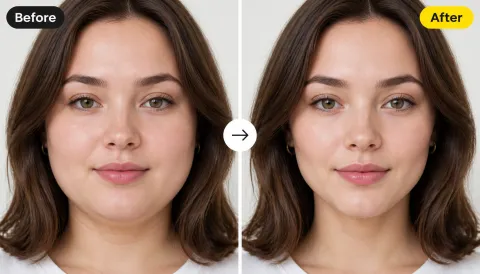
Drag each image to compare the original photo with the fat AI result.
Turn a gym-tank street photo into a rounder, fuller version with a softer face and a bigger build, while the outfit, pose, and street stay the same.
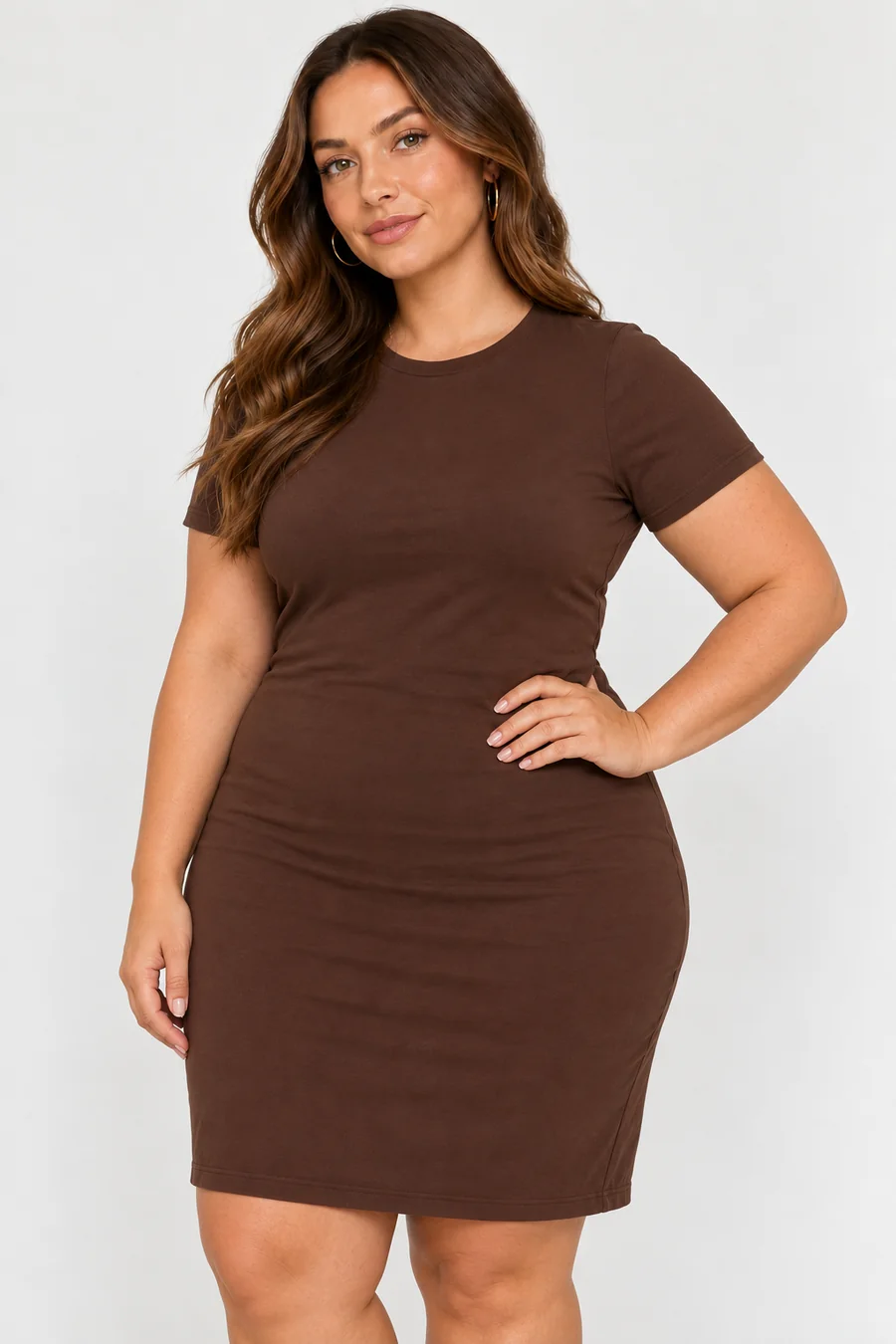
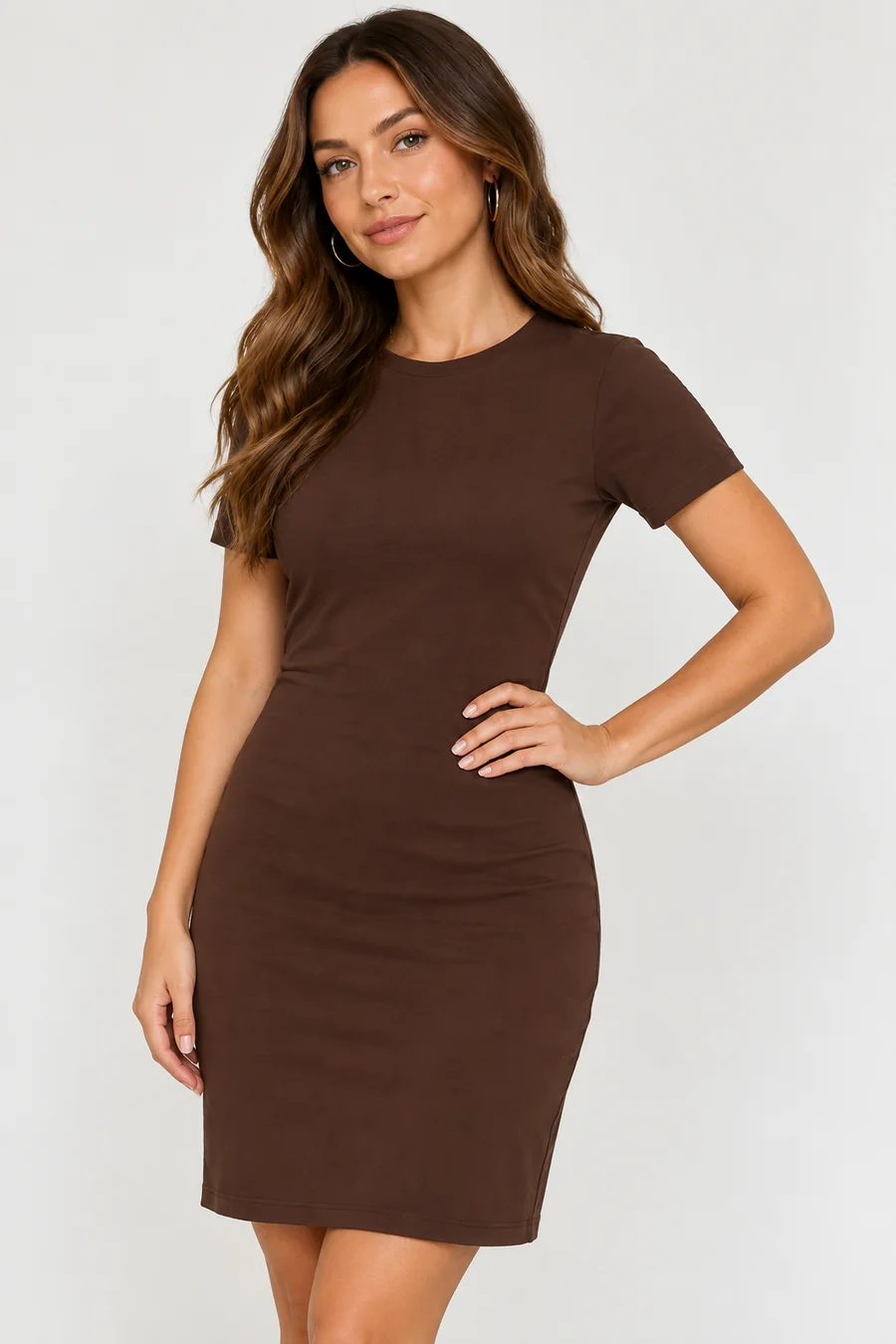
See a chubby, plus-size version of the same person in the same dress, handy for playful edits and fashion previews alike.
A realistic AI weight gain look that spreads fullness across the face, arms, waist, and legs instead of stretching a single spot.
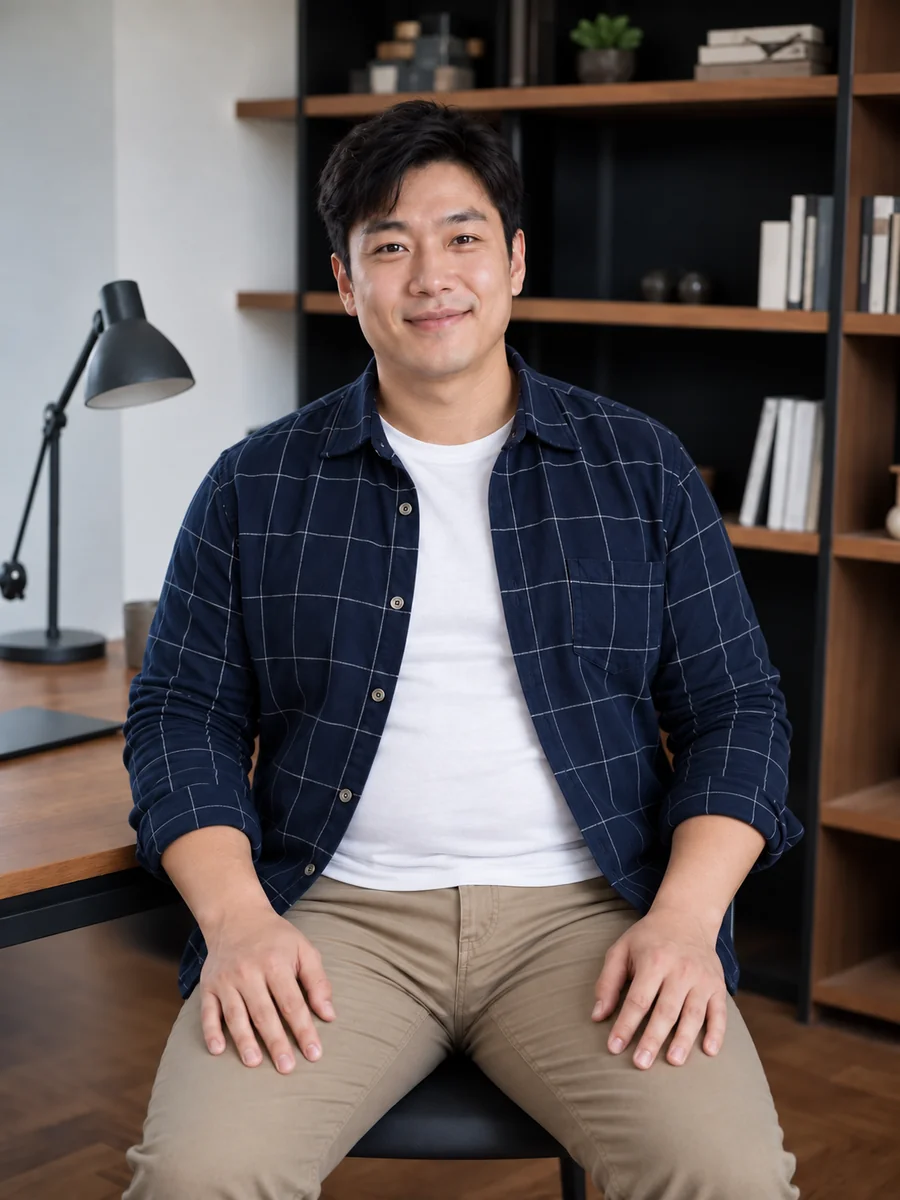
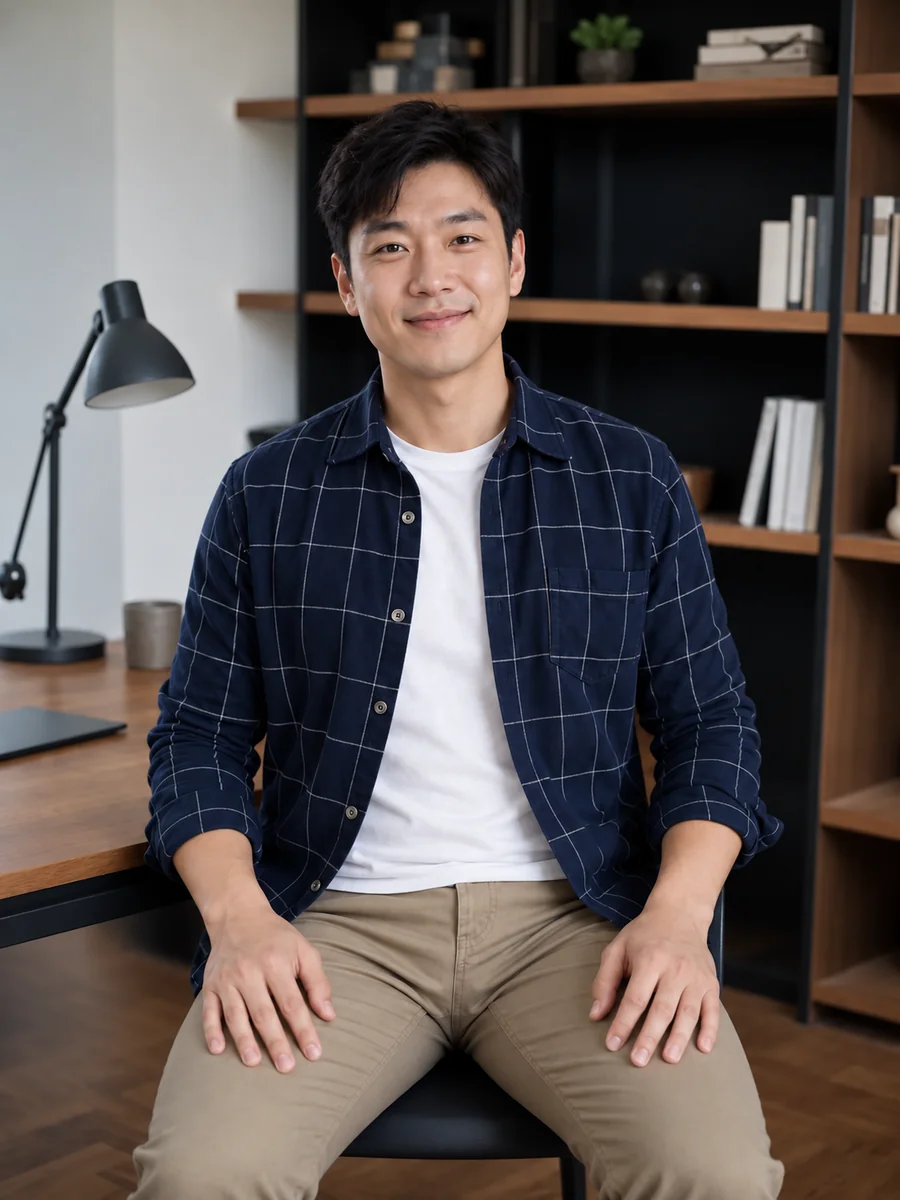
Add fuller cheeks, a rounder jaw, and a softer chin to a seated portrait while the shirt, room, and expression stay put.
Make a fat picture in three simple steps. No fat filter app to install and no editing skills required.
Choose a well-lit selfie, portrait, or full-body photo of one adult. JPG, PNG, and WebP files up to 10 MB are supported.
Choose +10, +20, +35, +50, +75, or +100 lbs. Want only a fuller face or a specific look? Describe it in Custom.
Generate up to four versions, compare them with your original, and keep the one that makes you smile.


The AI rebuilds the face and body with natural fullness, soft shadows, and believable proportions instead of warping the photo like a funhouse mirror. Eyes, expression, hairstyle, and clothing stay the same, so the fat image still looks like you.
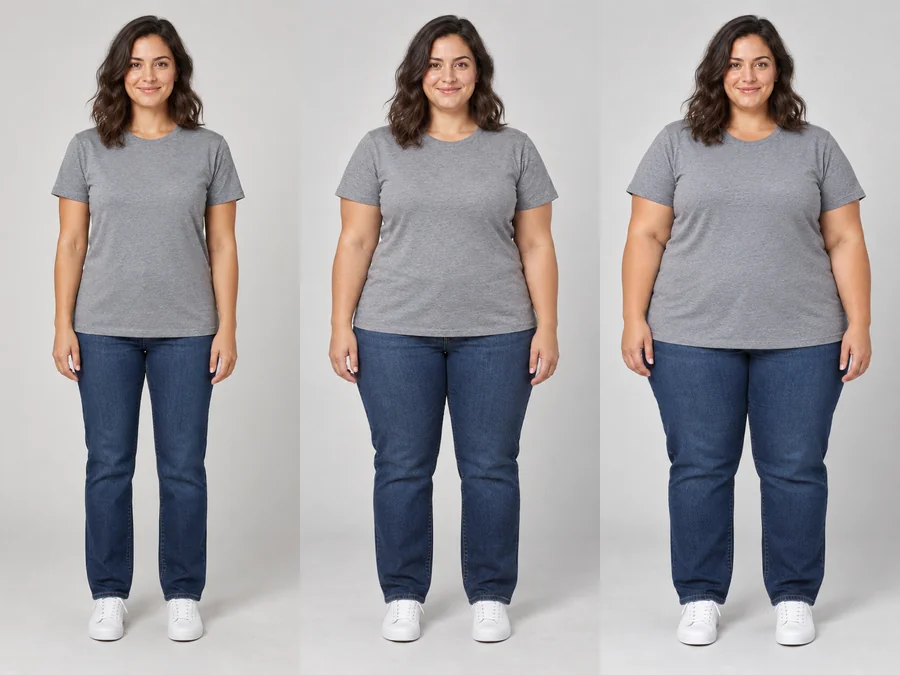
Pick a subtle change or a bold one. Six weight gain levels take you from a few extra pounds to a dramatic, comedic transformation, and you can compare several levels from the same photo.
Use it as a fat face filter on a close-up selfie or as a fat AI body editor on a full-length photo. Hair, outfit, background, and lighting are kept, so only the body shape changes.
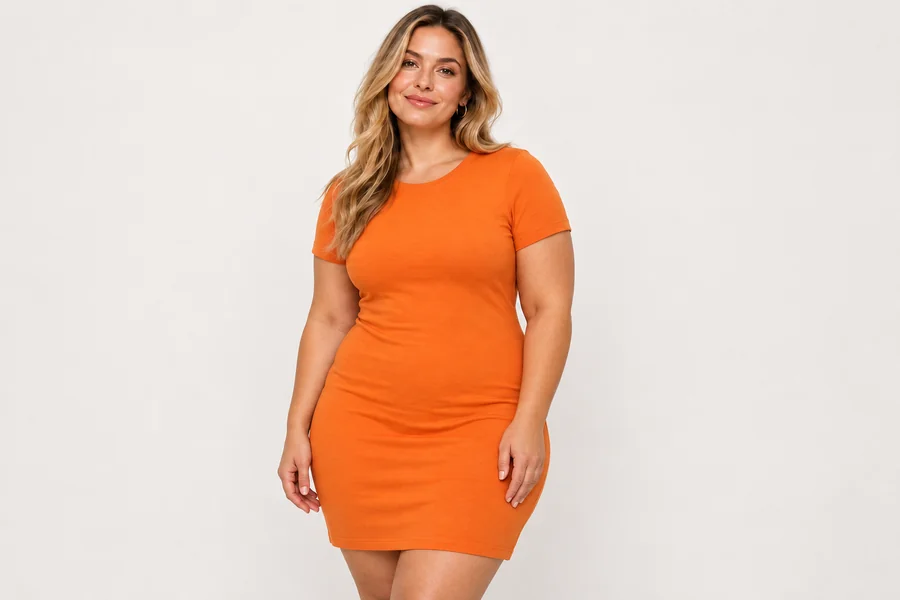
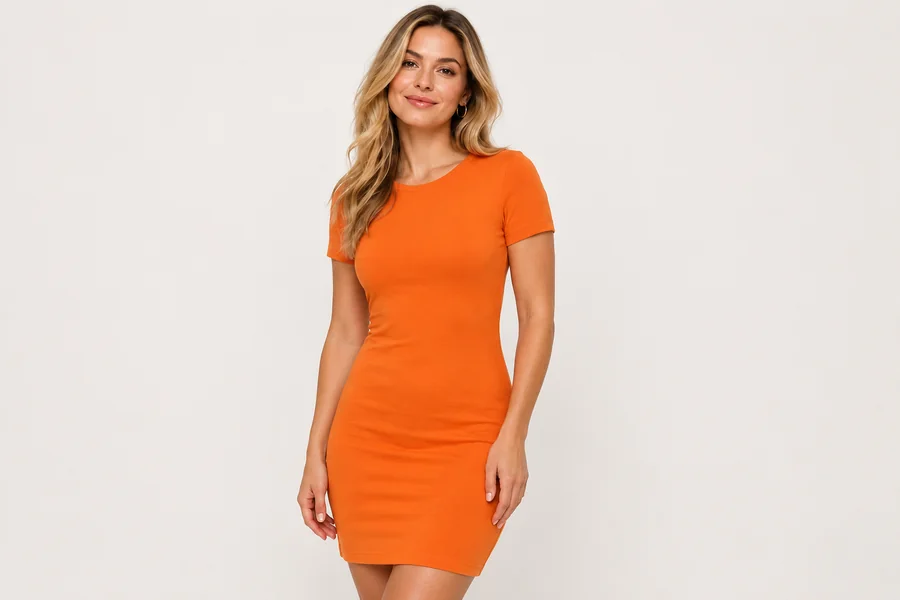
Designers, online sellers, and storytellers use an AI fat person preview to see how outfits drape on different body types or to sketch a character with a fuller build.
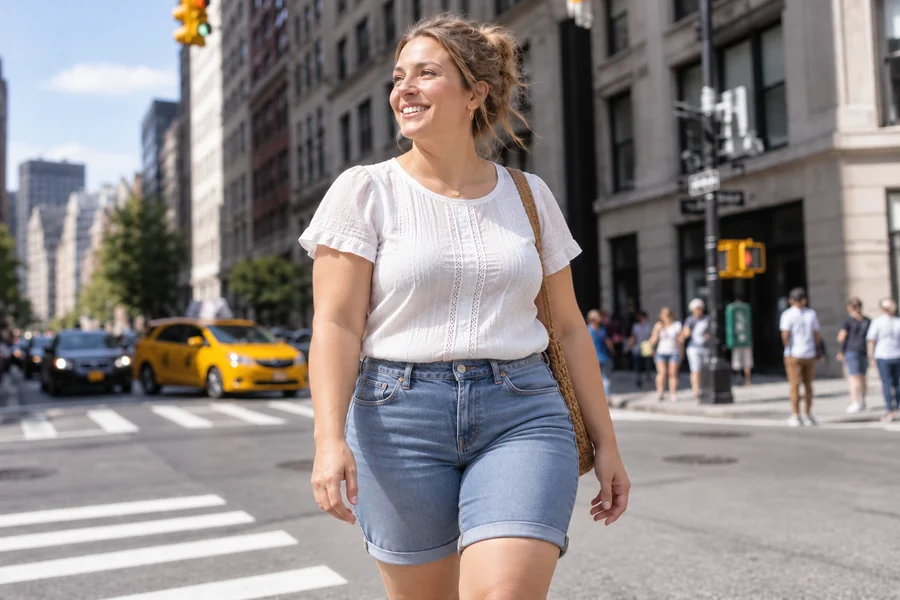
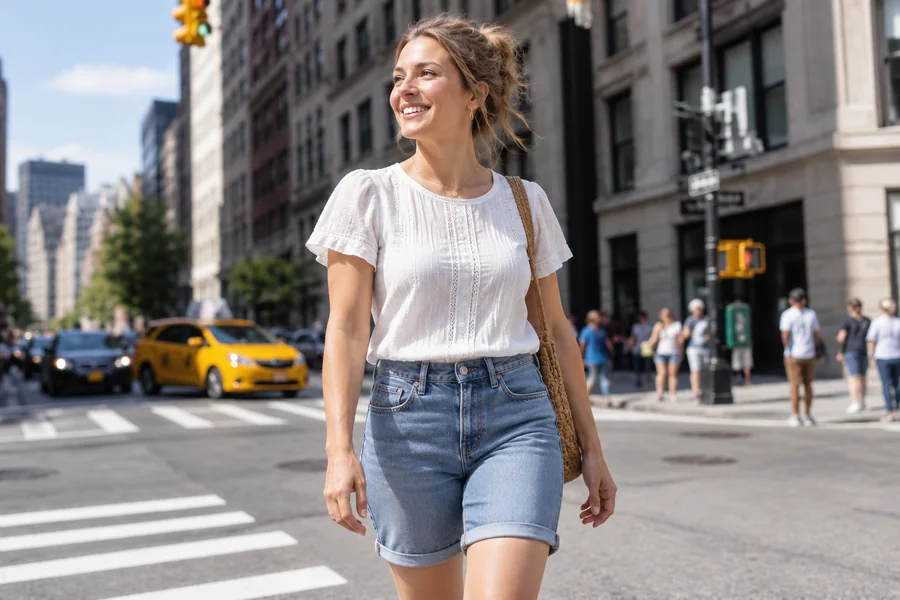
Fatify a selfie and share the before-and-after with friends who are in on the joke. Big reactions, no hard feelings.
Creators post playful weight gain reveals and reaction videos. Keep the tone kind and make it clear the photo is an AI edit.
Writers, game artists, and cosplayers preview a chubby AI version of a character or costume before drawing or sewing.
Fashion sellers and stylists check how a look reads on a fuller figure before planning a real plus-size shoot.
Want to make a photo fat, chubby, or just a bit fuller? A clear source photo makes the result look more natural.
Single-person photos work better than group shots, and the whole face should be visible.
Soft light helps the AI match skin tone and shadows on the fuller face and body.
For body changes, use an upper-body or full-length photo; for a fuller face, a close-up selfie is enough.
Use photos you have permission to edit, and share results only with people who are happy to join the fun.
Common ways creators use fat filter results.
Illustrative examples adapted from reference material, not verified reviews of EzImgMaker.
I fatified my own selfie for our group chat and everyone recognized me right away. It was silly in the best way.
I needed a fuller version of a character for a comic. The face stayed consistent, which saved me a lot of sketching.
We preview how a dress looks on a plus-size figure before planning a real shoot. The fabric folds looked believable.
My friend asked me to try +100 lbs on his photo. We laughed for ten minutes, and he posted it himself.
Answers to common questions about fat filters and AI weight gain photos.
An AI fat filter, also called a fat AI filter, fat maker, or chubby filter, is a photo effect that makes a face and body look fuller. It reads body shape, facial features, and lighting, then rebuilds the image with natural weight gain while keeping the person recognizable.
Upload a clear photo, choose a weight gain level such as +20 or +50 lbs, and generate. Compare a few levels to find the look you like, from slightly chubby to a full fat picture transformation.
Yes. Upload a close-up selfie and choose +10 or +20 lbs for fuller cheeks and a rounder jaw, or describe "fuller face only, same body" in Custom.
The fat AI generator detects the face, body outline, clothing, and light in your photo and generates a new version with added volume. Because the image is rebuilt rather than stretched, backgrounds stay straight and clothes fold naturally.
No. The result is a creative edit for fun. It does not predict future weight, health, BMI, or how a real body would change, and it should not be used for medical or fitness decisions.
No. You can use the fat filter online in your browser on phone or desktop, so you get the same kind of result as a fat filter app without installing anything.
Only upload photos of adults that you own or have permission to edit. Before you make a person fat in a photo, even to make him fat for a group-chat joke, ask first and share the result only if they are happy with it. Never use the filter to body-shame, bully, or harass anyone.
It is designed to keep the outfit, hairstyle, background, and lighting, with clothes adjusting naturally to the fuller shape. If something drifts, try a clearer photo or add "same outfit and background" in Custom.
Yes. The filter works on portraits of any gender, whether you want an AI fat guy look, a chubby version of a selfie, or a fuller character design.
Yes, before-and-after reveals are popular. Share your own results or ones the other person agreed to, label them as AI edits, and keep captions friendly.
Upload a photo and see a fun, realistic weight gain version with the AI fat filter.