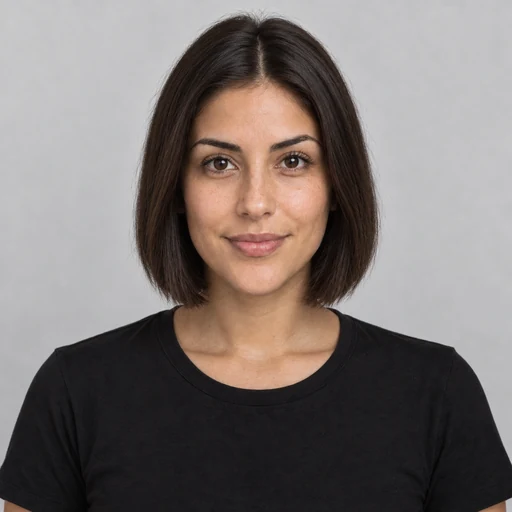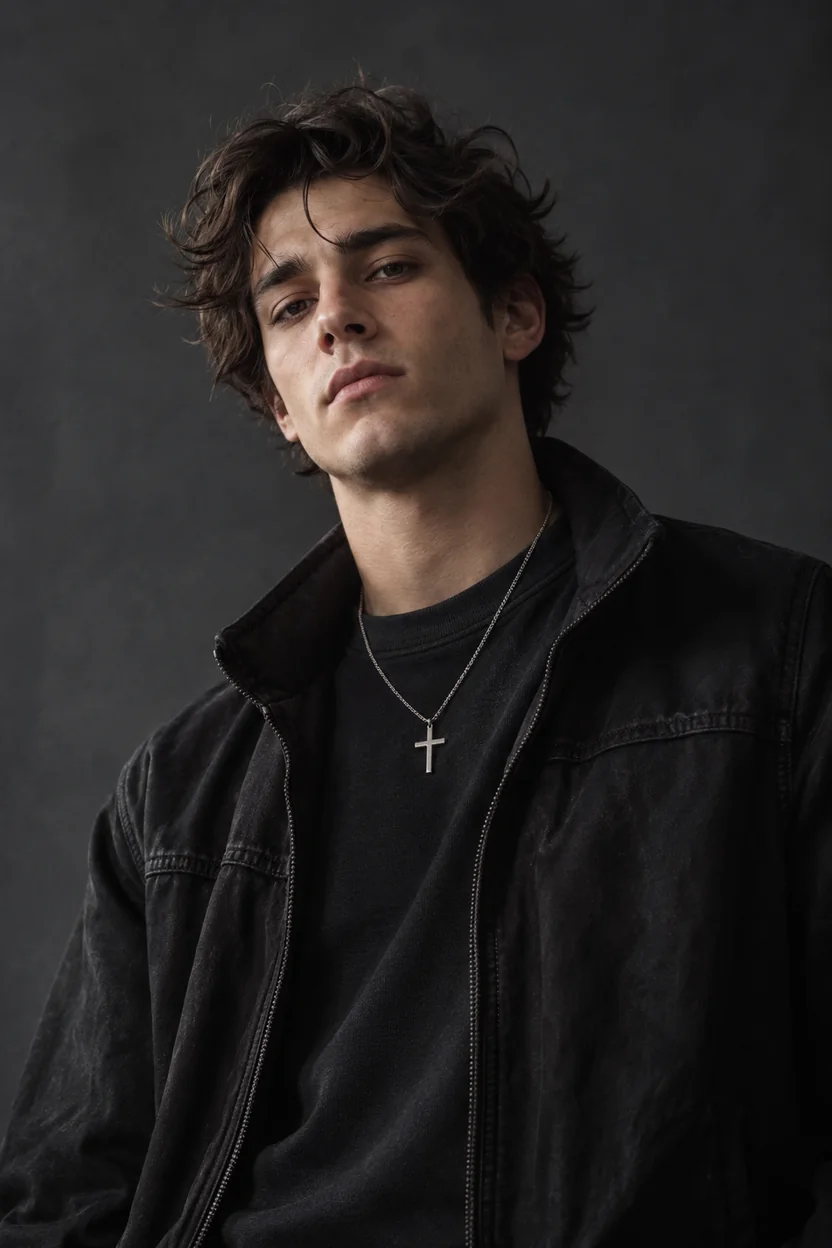

Open Closed Eyes
A blink ruined the shot? Ask for open eyes and the AI keeps your own eye shape, color and gaze.
Upload a selfie, tap a popular edit or describe your own, and the AI face editor adds a smile, refines the jawline or nose, tries lipstick and lashes, clears blemishes or whitens teeth. It changes only the feature you name, so you still look like you.
Popular face edits
Fine-tune

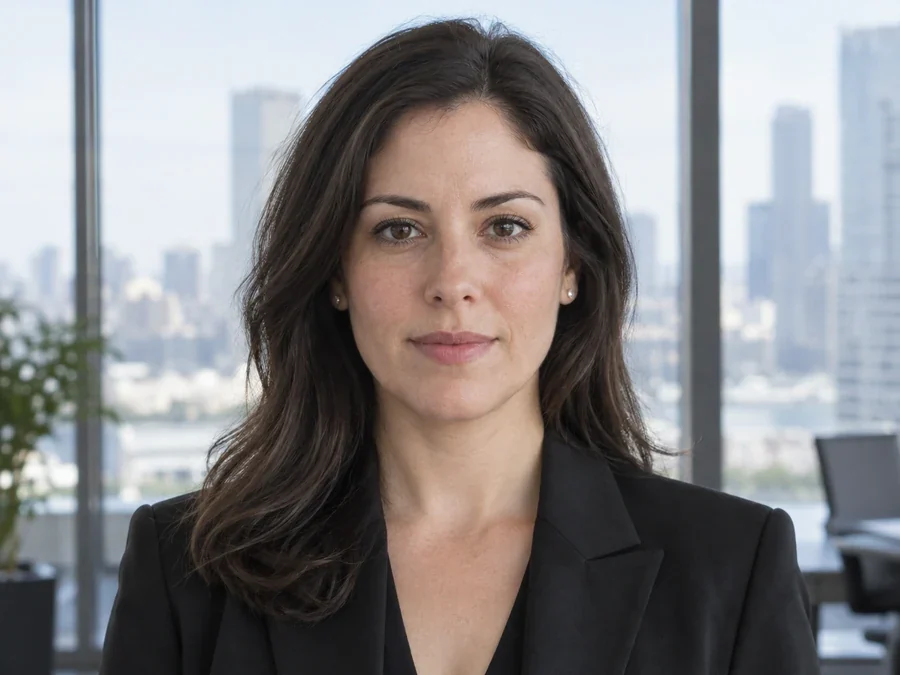
Reference example. It is not a result generated from your upload.
An AI face editor is a photo face editor that changes one facial feature from a plain-language instruction. Instead of liquify brushes and face tuning sliders, you write “add a soft smile” or “make my forehead a little smaller”, and the AI rebuilds only that part with matching light and real skin texture. That makes facial editing quick for anyone: no layers, no masks, no editing skills, just the face edits you describe.
This is a face editor online, so the face editing site works in any phone or desktop browser the way a face modifier app or face tuner would, without the install. One upload covers expressions, face shape, jawline, nose, forehead, brows, lashes, lipstick, teeth, skin and eyes, and the tool cards further down open a dedicated page for each look. Every result is an AI preview of your photo, not a medical or cosmetic prediction.
Same person, same light, one feature changed. Drag each slider, then load a similar edit into the face editor above.
A blink ruined the shot? Ask for open eyes and the AI keeps your own eye shape, color and gaze.
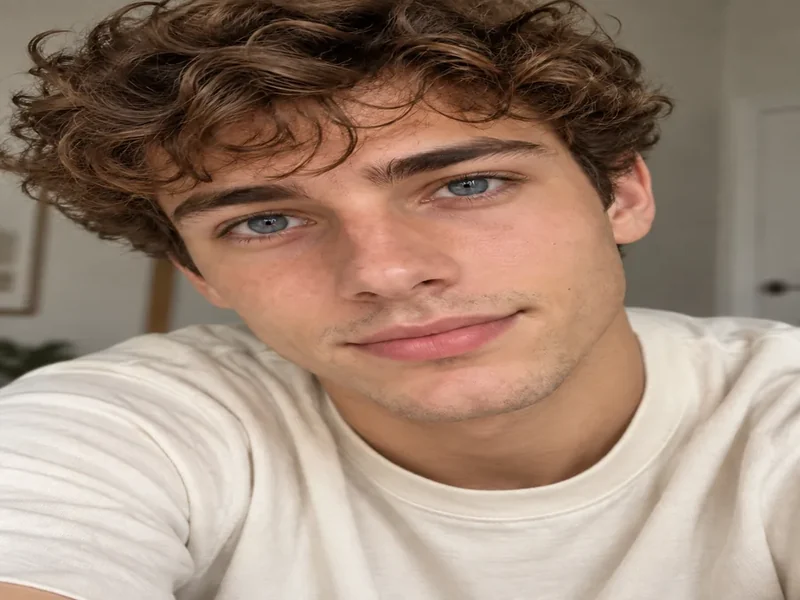
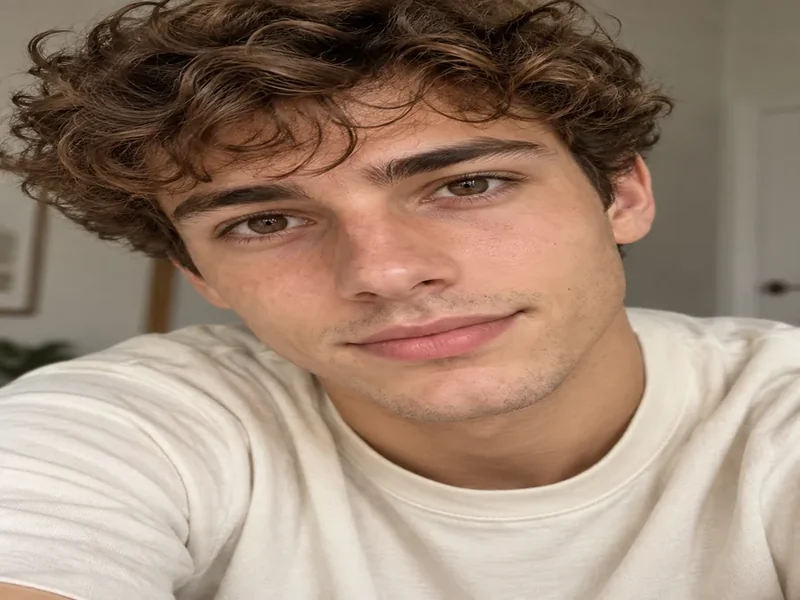
Preview blue, green or hazel eyes, or colored contacts, with the iris texture and catchlights kept real.
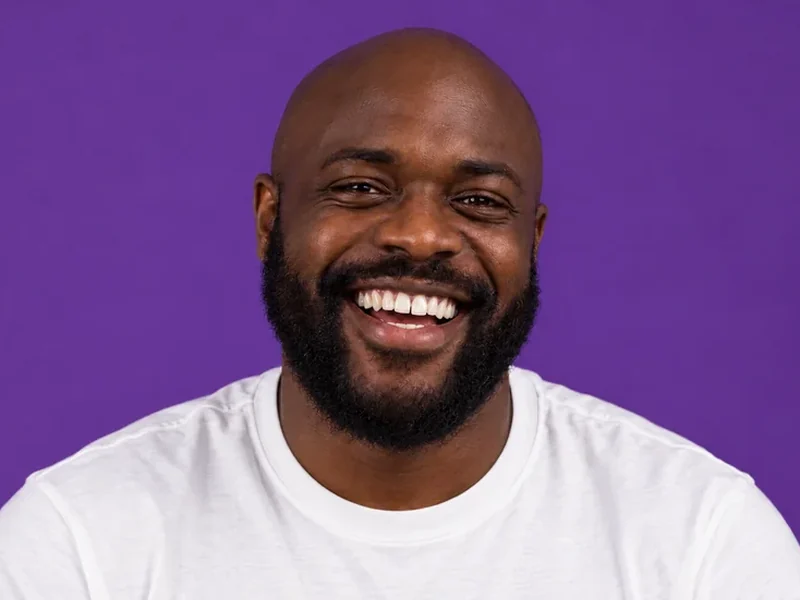
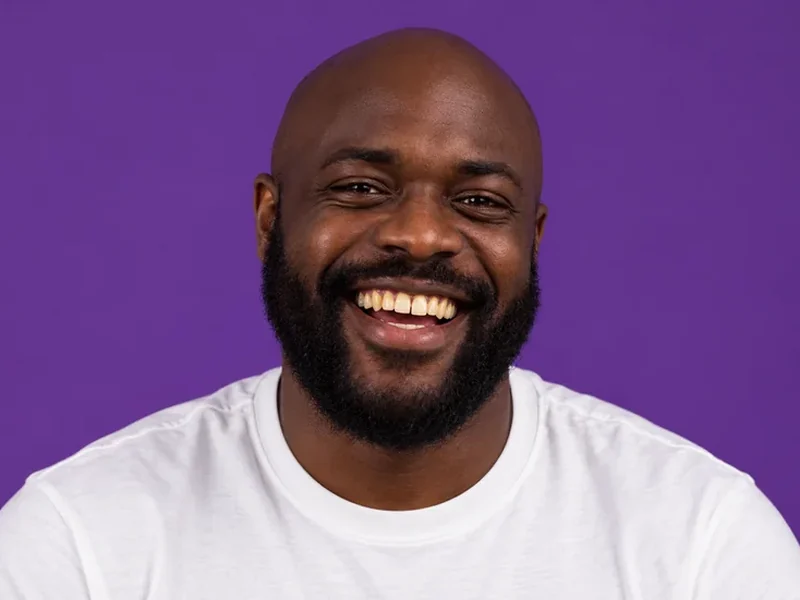
A brighter smile that still looks like real teeth: the same shape and spacing, just a cleaner shade.
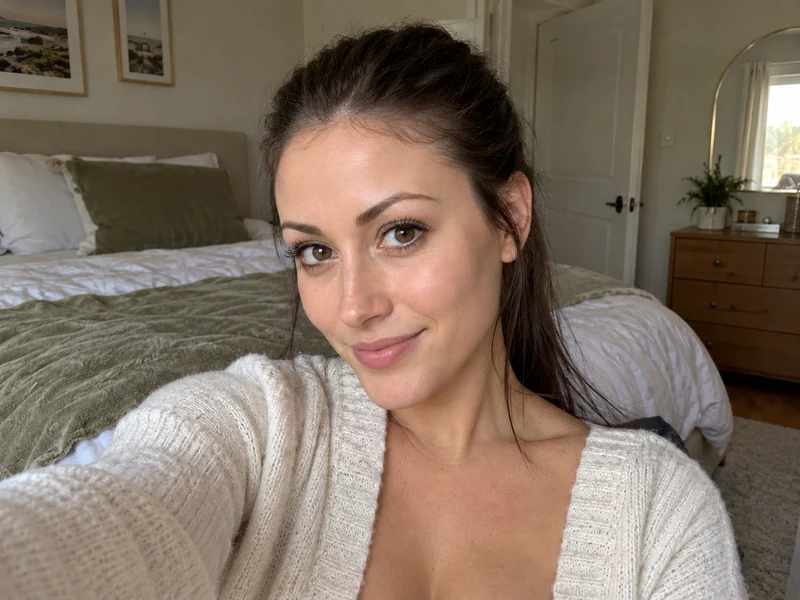
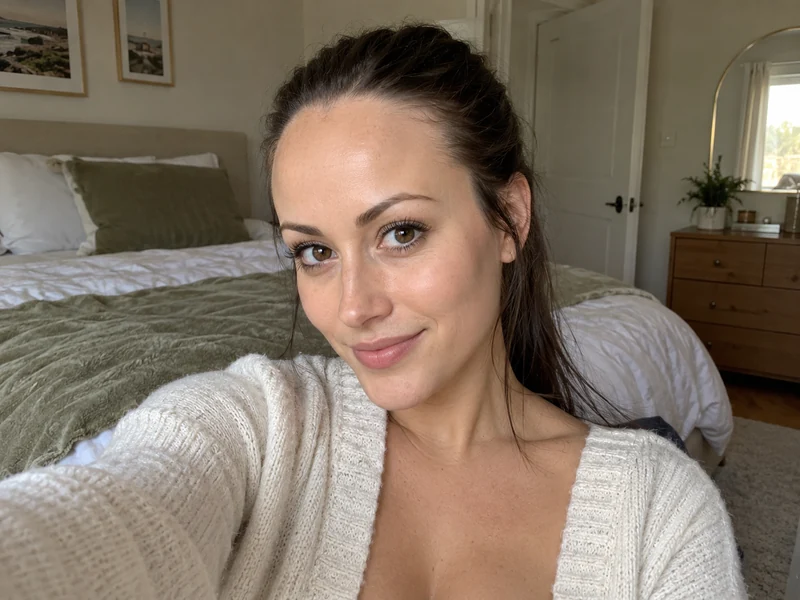
Unlike most forehead filters, it only lowers the hairline a touch or softens a high forehead, with no change to brows or eyes.
Wondering how to edit face in photo or how to edit face in picture files without a desktop editor? Three steps.
Use a front-facing JPG, PNG or WebP up to 10 MB with your face in focus and even light. Group photos work too: say which person to edit.
Tap Add a Smile, Slim Face, Define Jawline, Refine Nose, Try Lipstick, Fuller Lashes, Whiten Teeth or Clear Skin, or type your own edit. Choose Subtle, Natural or Noticeable strength.
Click Edit Face, drag the slider to compare with your original, then download the result or refine the instruction and run it again.
Facial editing that changes one thing at a time and keeps the rest of you exactly as it was.
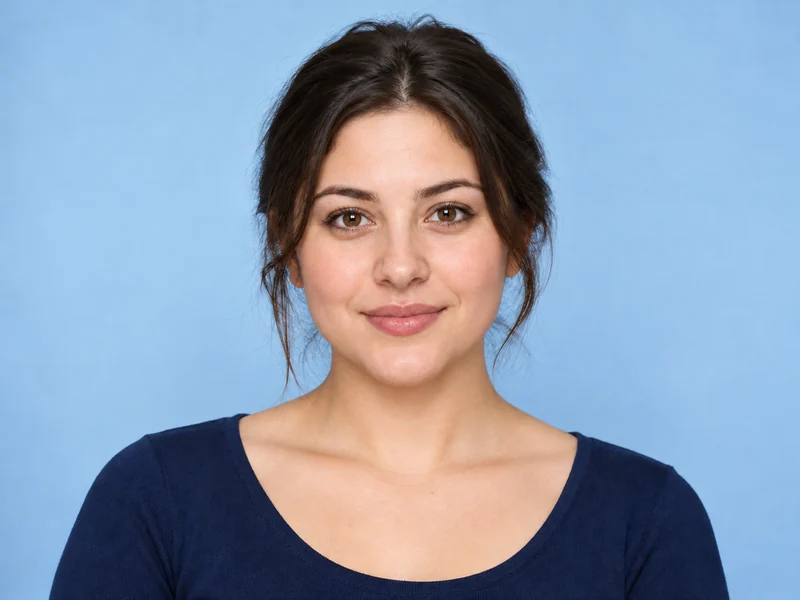
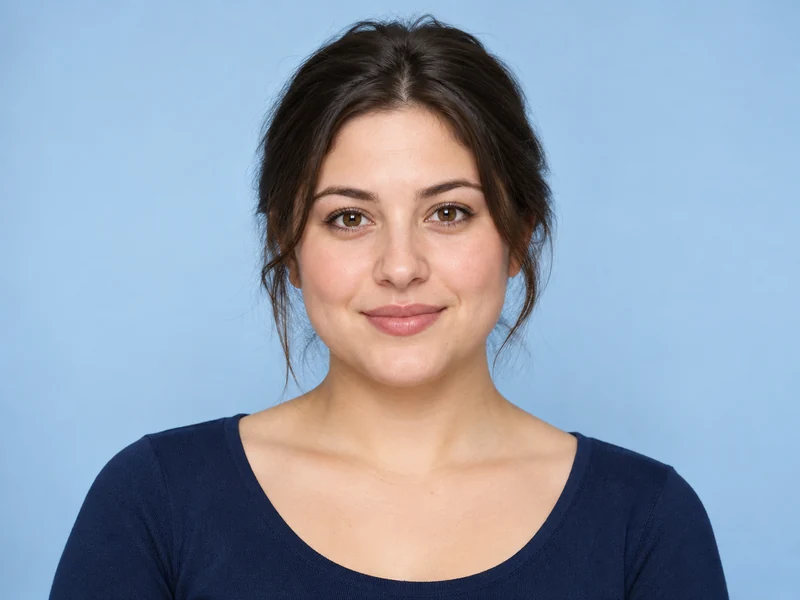
Can you change your face shape in real life? Mostly not: it comes from bone structure, with small shifts from weight, age, posture and makeup. In a picture you can. Use the face editor as a face shape changer to slim the cheeks, soften a square jaw or balance the lower face, and see how to change face shape subtly before you choose a haircut, glasses or contour.
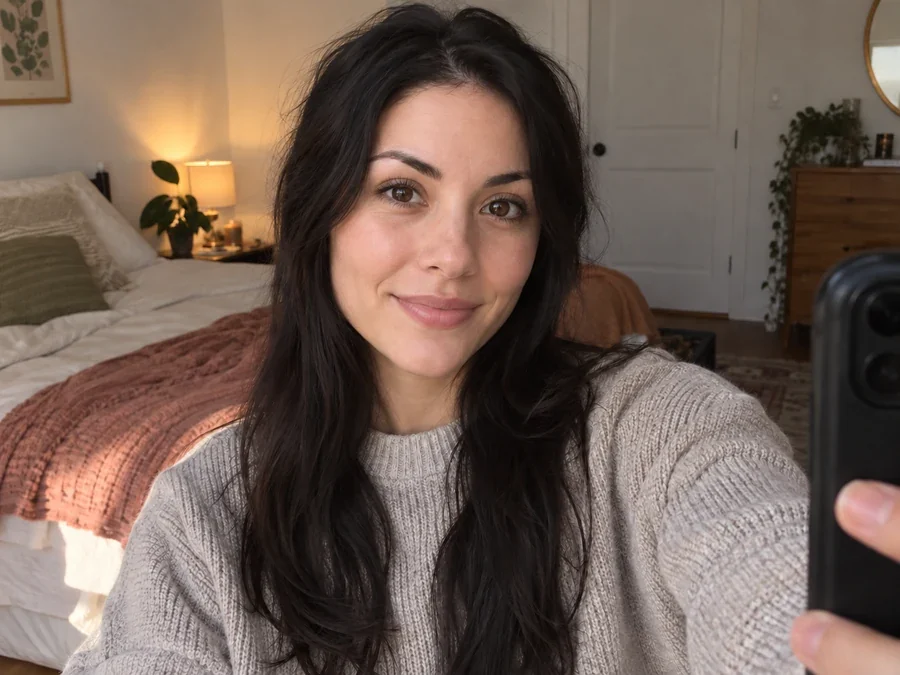
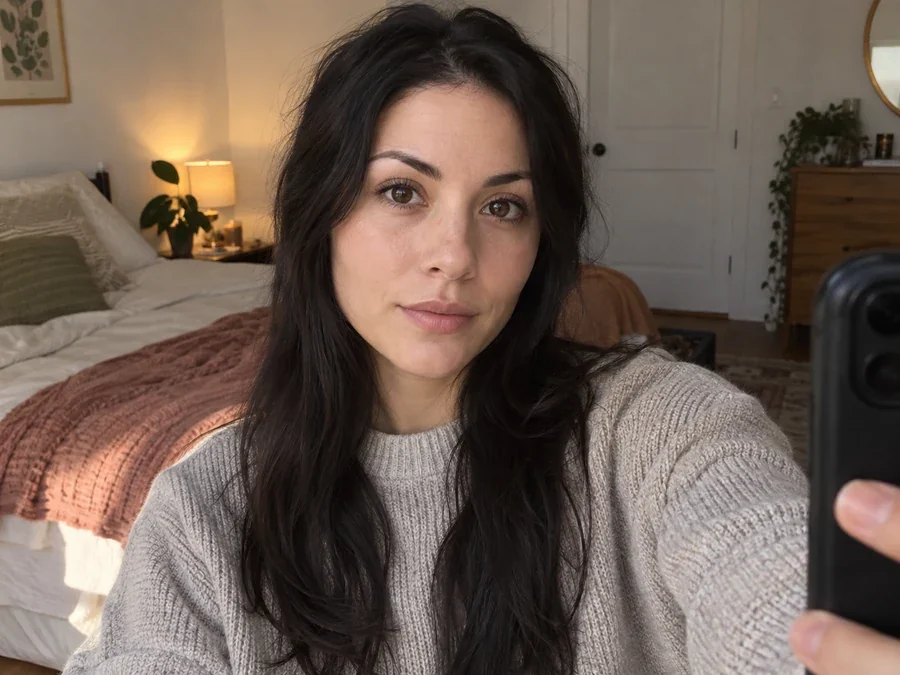
Turn a neutral face into a warm smile, add a playful wink or calm a forced grin. The AI moves the mouth, cheeks and eyes together the way a real expression does, so your profile photo or headshot looks happy, not edited.
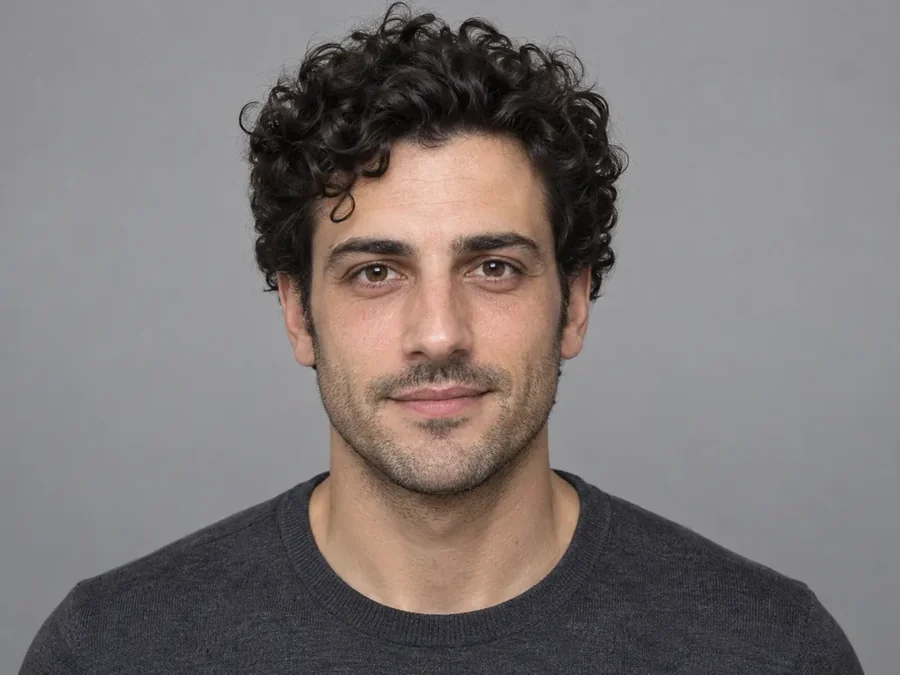
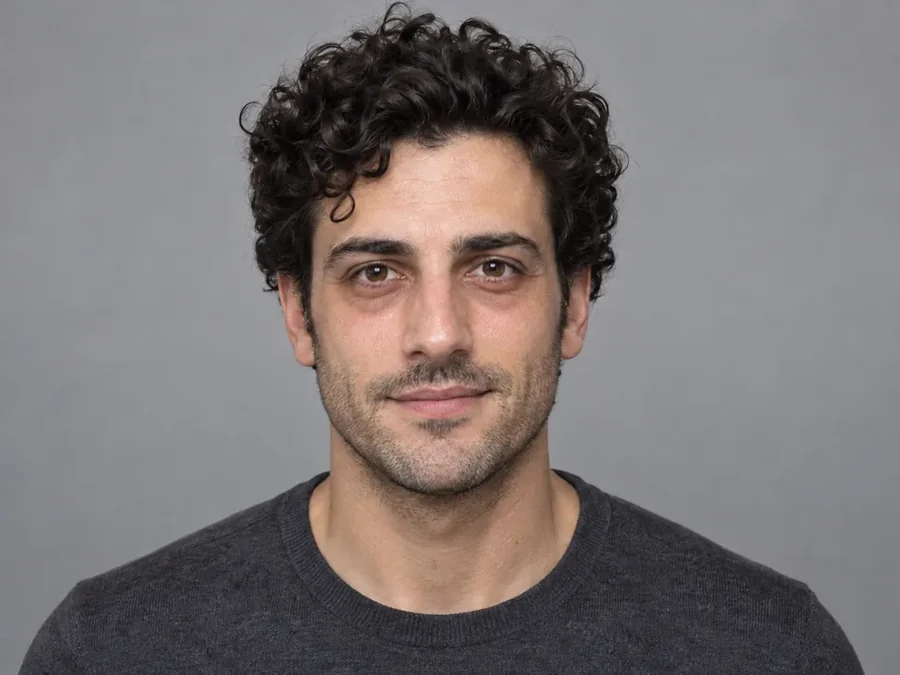
Clear acne and redness, soften dark circles, whiten teeth or fix a blink without the plastic look. Pores, freckles and fine skin texture stay, so the edited face reads as a good photo of you rather than a filter.
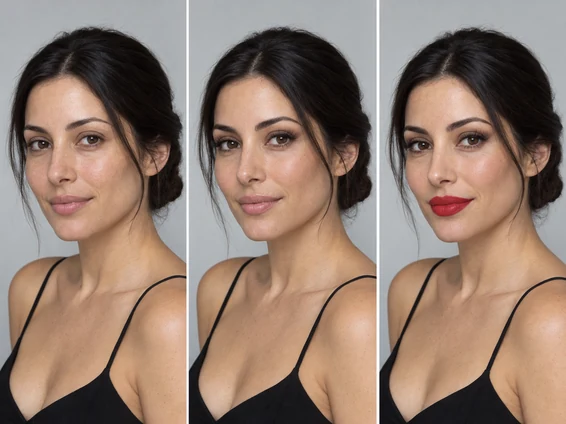
Try a red lip, fuller lashes or bolder brows before you buy the product. It also works as an eyebrow filter: fill in sparse brows, reshape the arch, or use it as an eyebrow remover AI for a costume or editorial look.
Want more options for one feature? Each page below is a dedicated face edit tool with its own presets and examples.
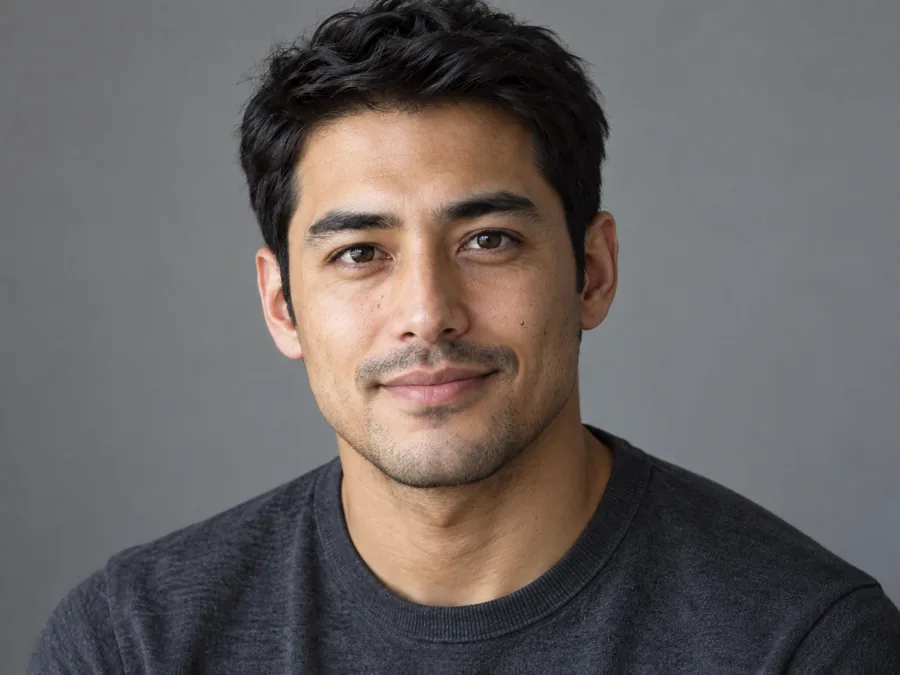 AI Smile FilterAI smile filter online: add a smile to any photo, from a soft closed-lip smile to a big laugh. The AI smile generator keeps your face, light and background real.
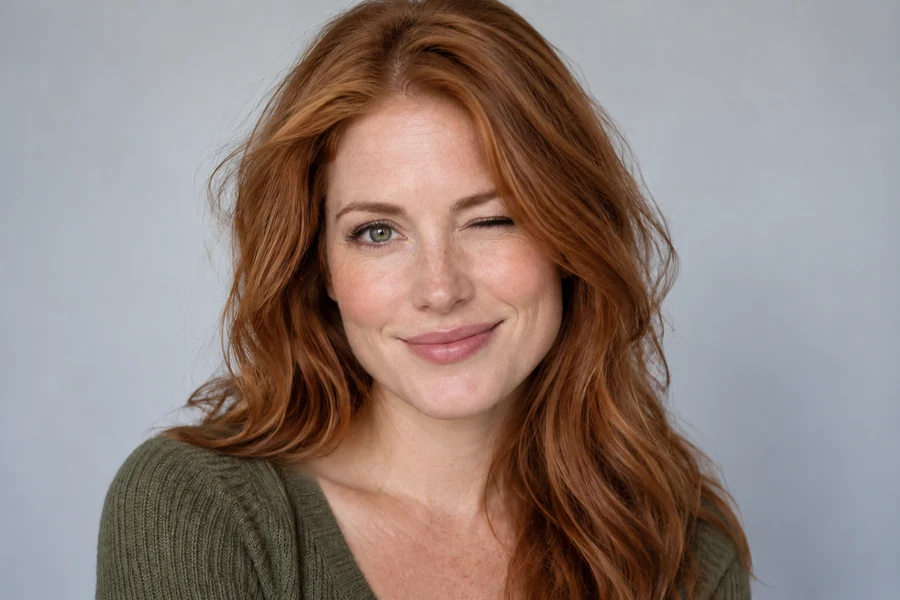 Wink FilterMake a wink pic from any selfie. The AI wink filter closes one eye naturally, left or right, and can add a smile, a grin or a tongue-out face. Your face stays yours.
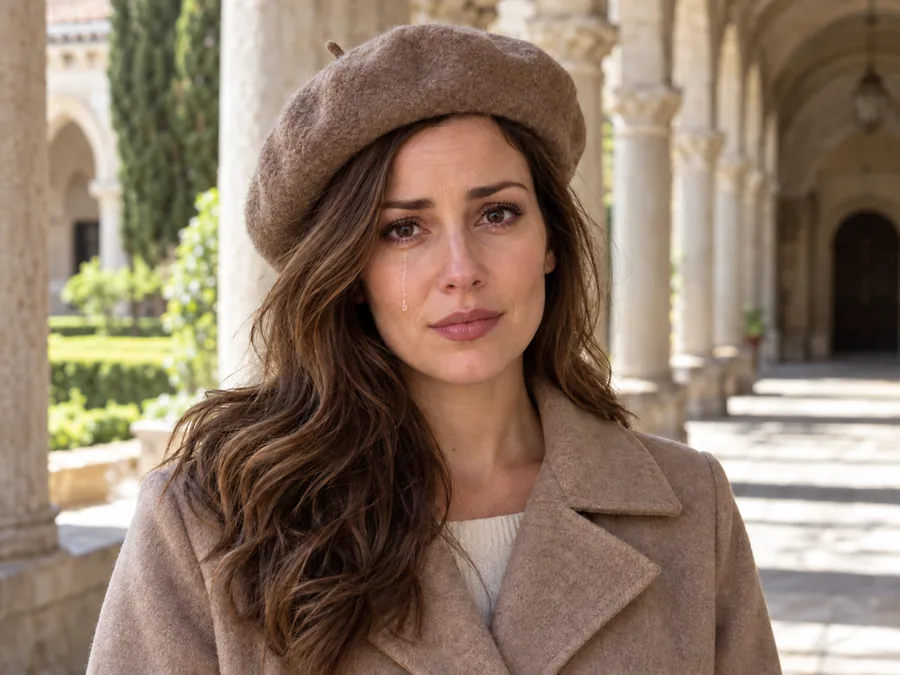 Crying FilterCrying filter for any photo: add a single tear, teary eyes, happy tears or a dramatic meme cry. The AI crying filter changes only the expression and keeps your face.
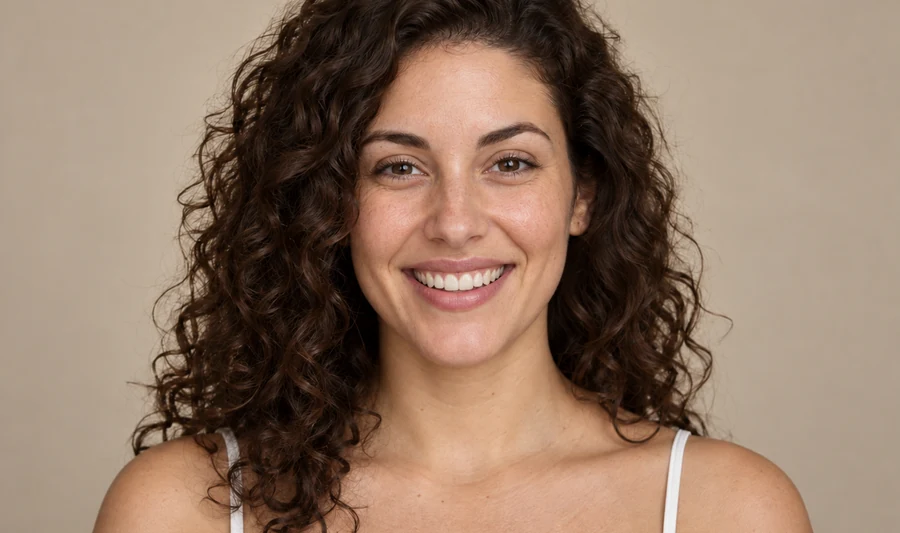 AI Facial Expression ChangerChange face expression in any photo: turn a neutral face into a smile, laugh, wink, surprise or serious look. The AI facial expression changer keeps your face.
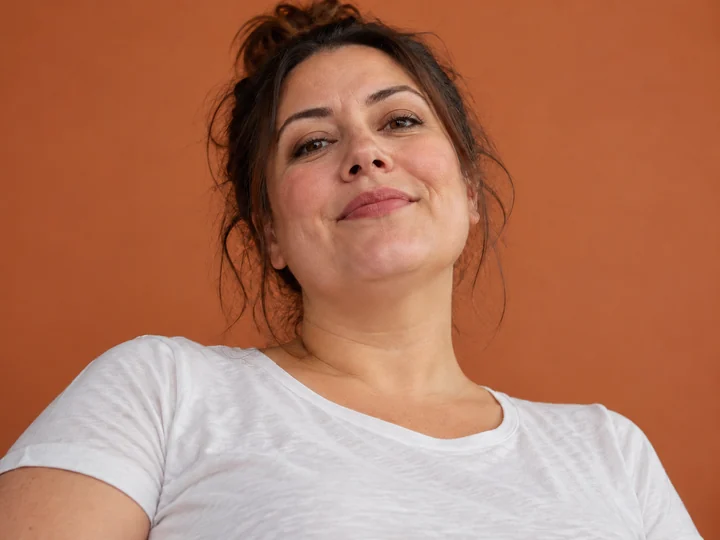 Double Chin RemoverRemove double chin from photo uploads with an AI double chin picture remover: soften the chin and neck line naturally, keep your face and skin. Free to try.
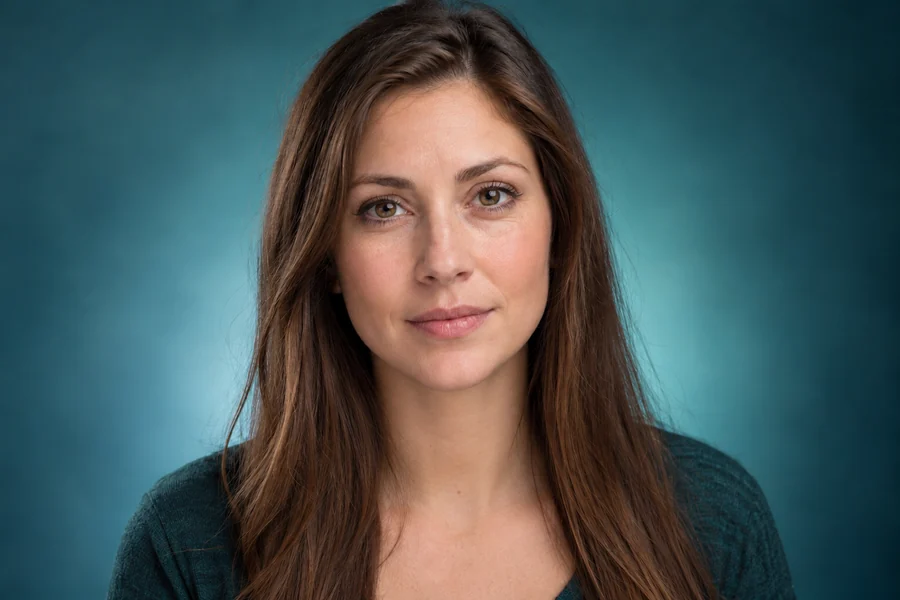 AI Jawline EditorUse the AI jawline filter to sharpen any jawline picture: define, V-shape or square the jaw at a natural strength and keep your face. Plus jawline photo tips.
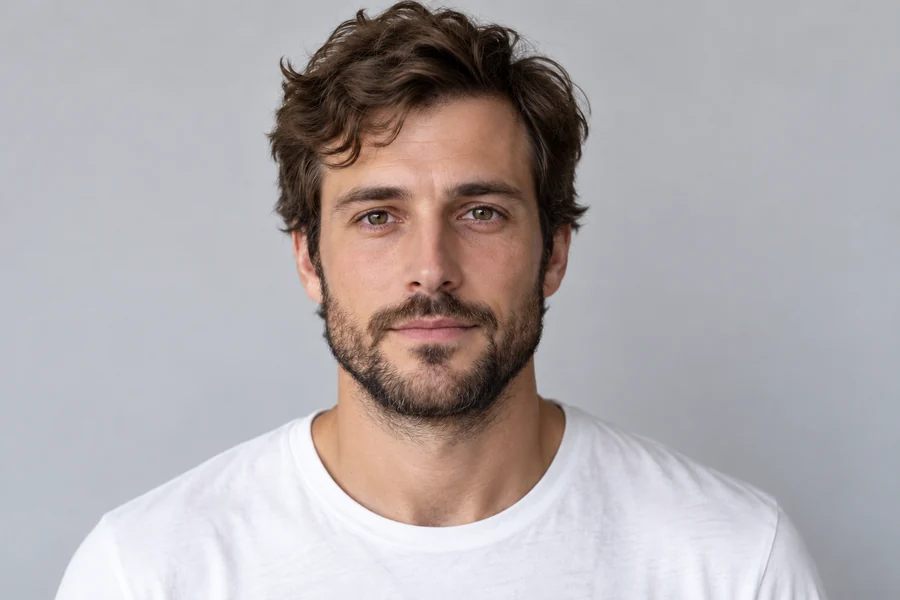 Nose Job FilterHow will I look with a nose job? Try the AI nose job filter: pick a nose change and strength and preview a natural result on your own selfie. Preview only.
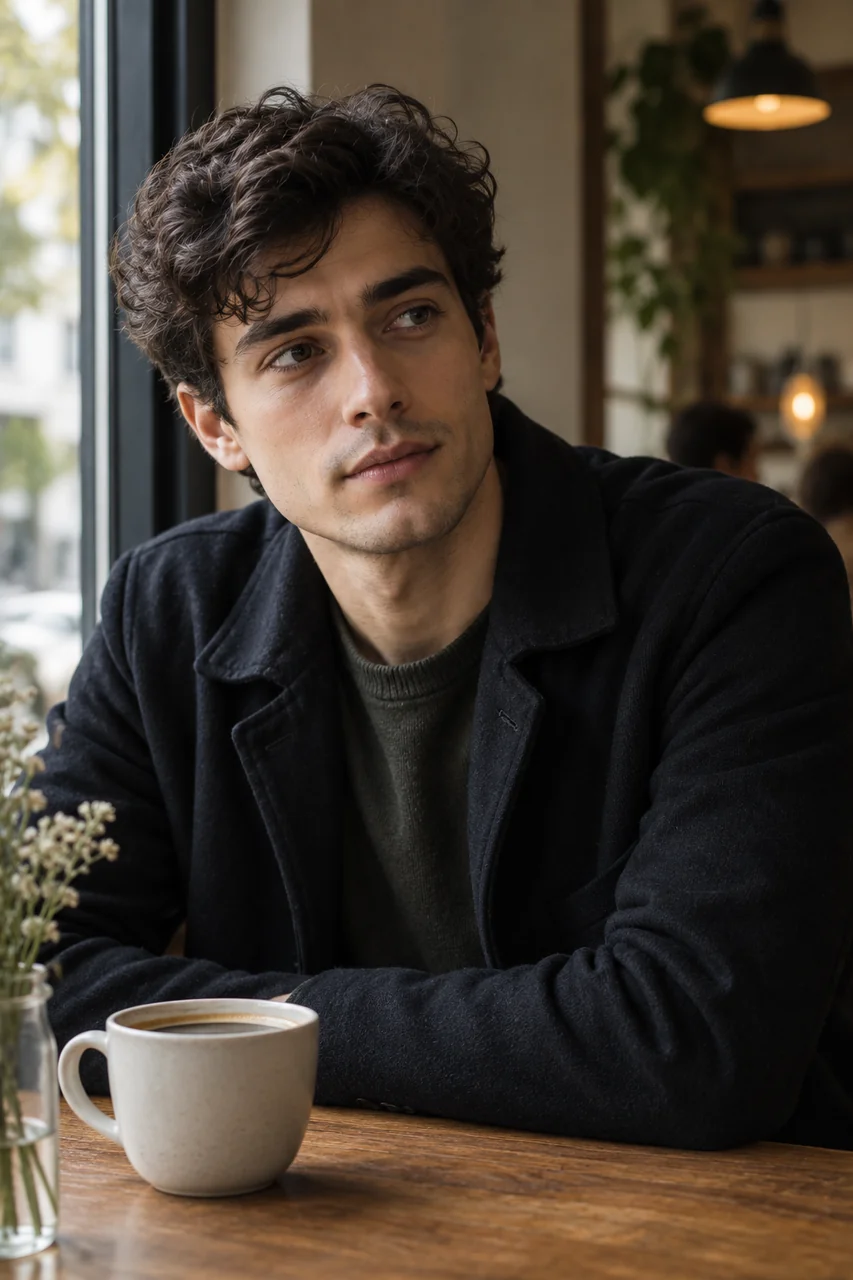 Face Shape DetectorWhat is my face shape? Upload a photo to the AI face shape detector and get your shape with match scores, measurements, and the haircuts and glasses that suit you.
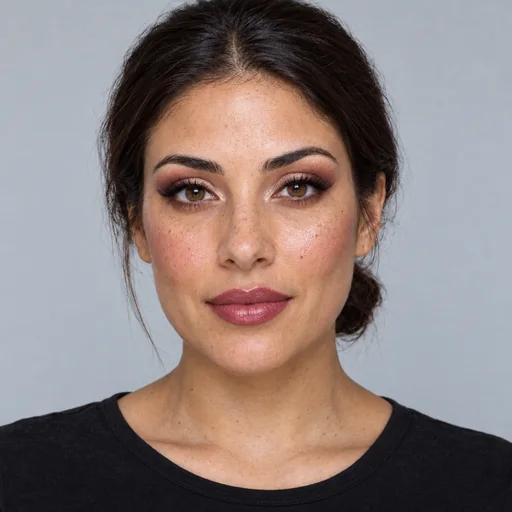 Bold Glamour FilterBold glamour filter online: sculpted contour, lifted lashes, smoky eyes and glossy lips in soft, medium or full glam. Makeup only, so your face stays yours.
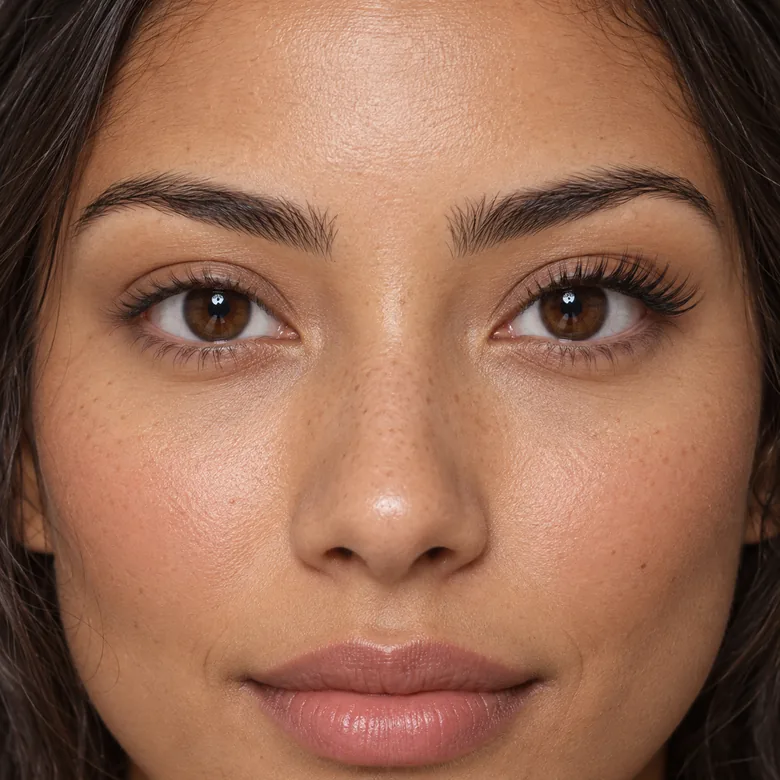 Eyelash FilterEyelash filter for your photos: add lashes from natural and wispy to cat eye, doll eye and mega volume. Try lash extensions online before your salon visit.
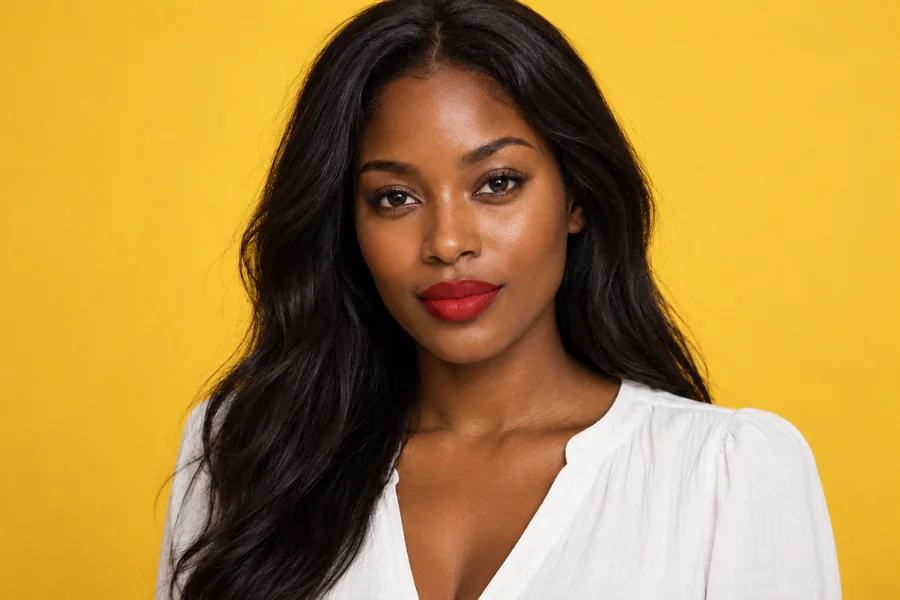 Virtual Lipstick Try-OnLipstick colour changer for any selfie: try red, nude, pink, berry or plum in matte, satin, gloss or metallic. Change lipstick color online, and only your lips.
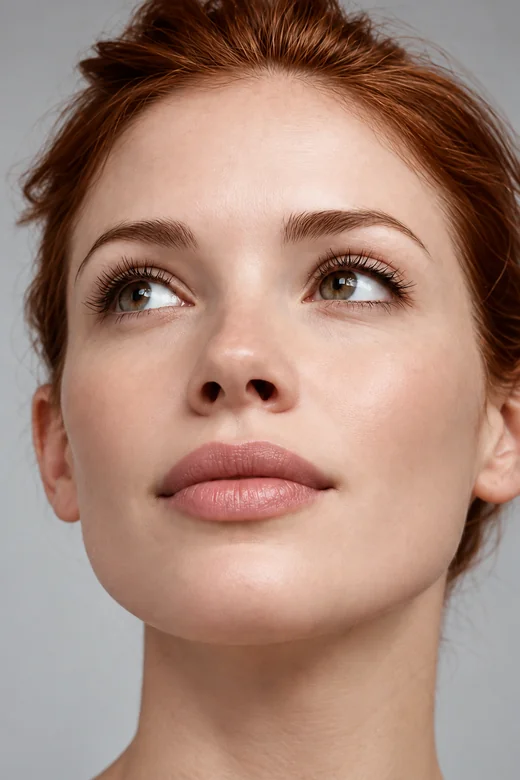 Lip Filler FilterWhat would I look like with lip fillers? Try small lip filters on your selfie, pick a lip shape and volume, and preview fuller lips before any treatment.
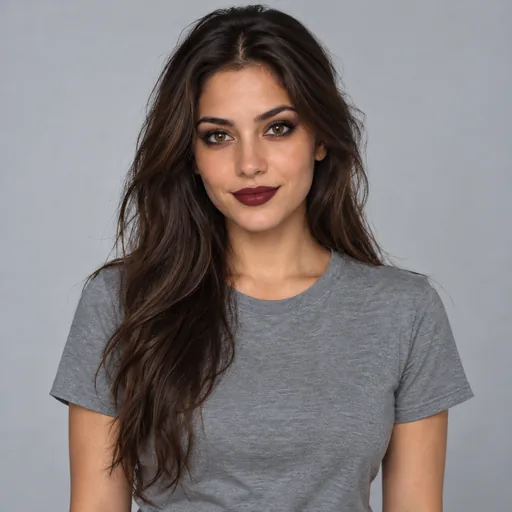 Gothic FilterGothic AI filter for your photos: goth lite, classic, Victorian, pastel goth, vampire and e-girl looks with dark makeup, hair and outfits. Your face stays yours.
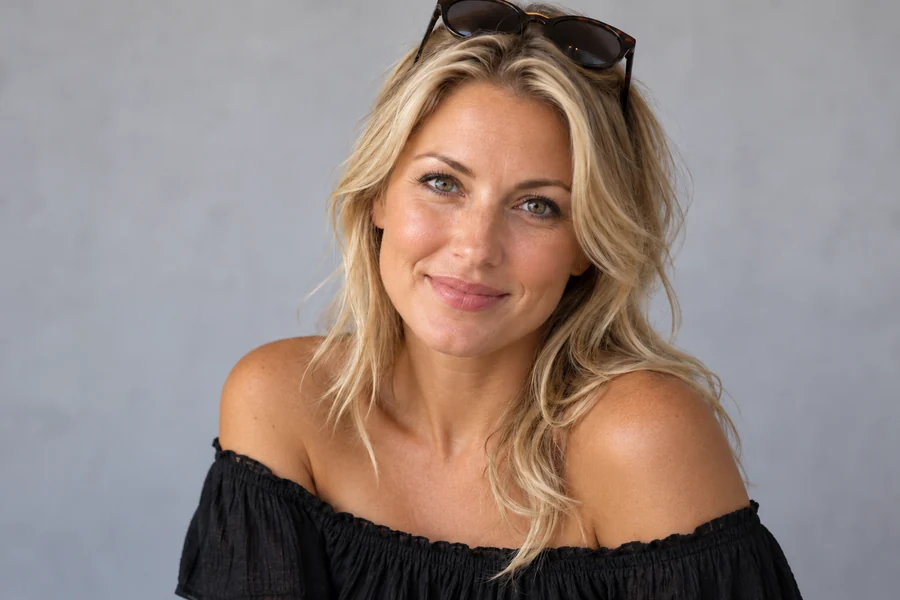 Tan FilterTry a tan filter on any photo: pick sun-kissed, golden, bronze or deep tan and the AI adds a natural tan to your skin only, never changing your features.
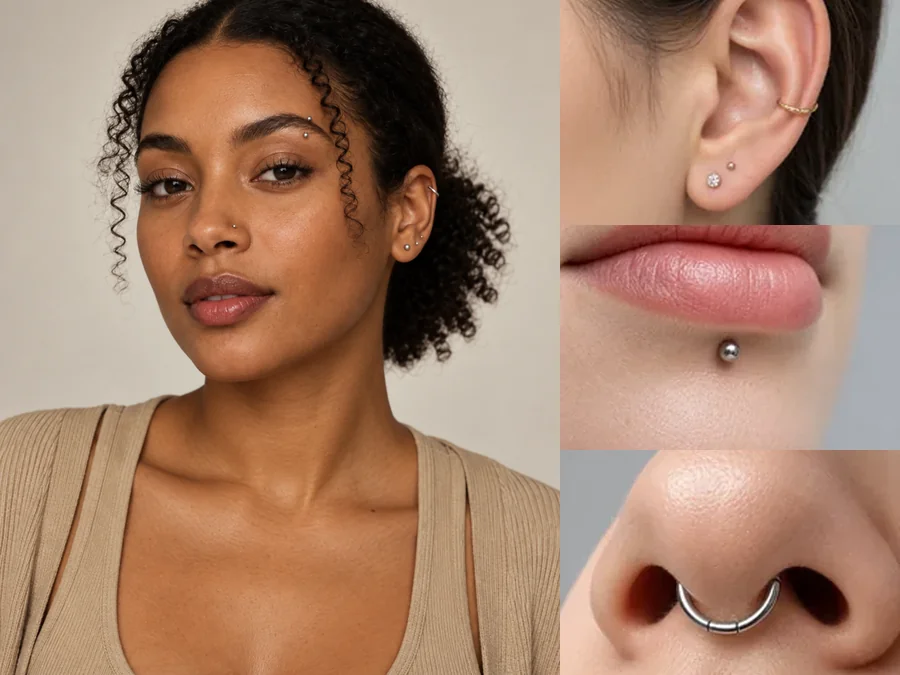 Piercing FilterTry on piercings virtually with the AI piercing filter: upload a selfie and preview ear, eyebrow, lip, and nose piercings before you commit. For adults only.
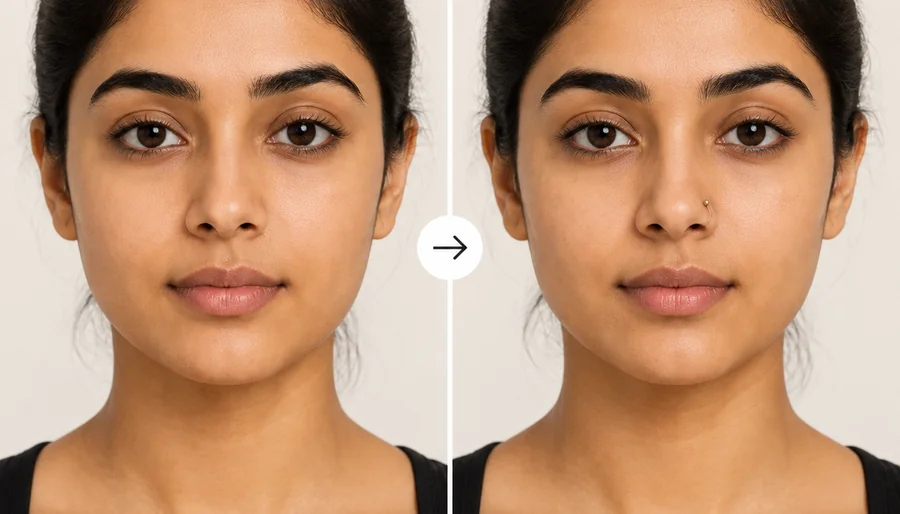 Nose Piercing FilterHow would I look with a nose ring? Upload a selfie to the nose piercing filter and try a stud, hoop, or septum ring in silver or gold before you get pierced.
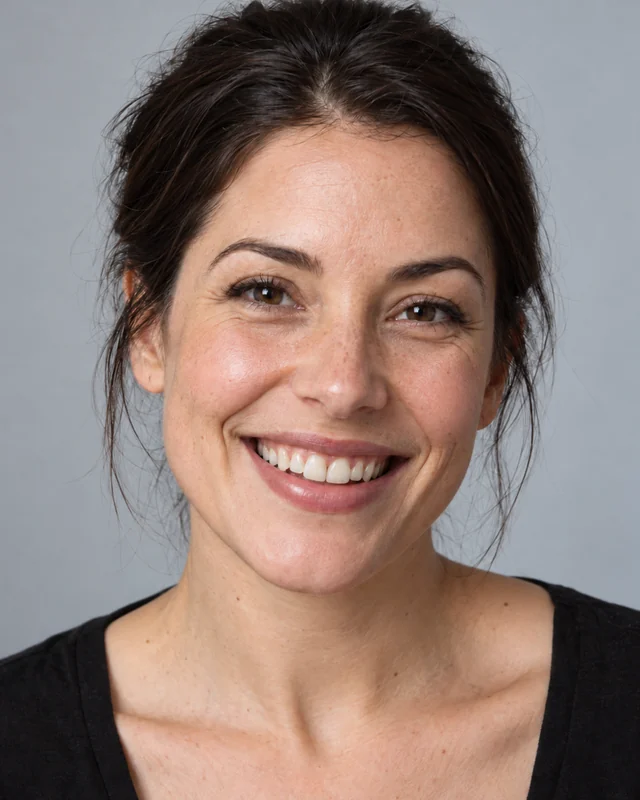 Straight Teeth FilterTry the straight teeth filter: AI fixes crooked teeth, gaps and crowding in your photo and keeps your own tooth color, or adds a natural white. Free to try.
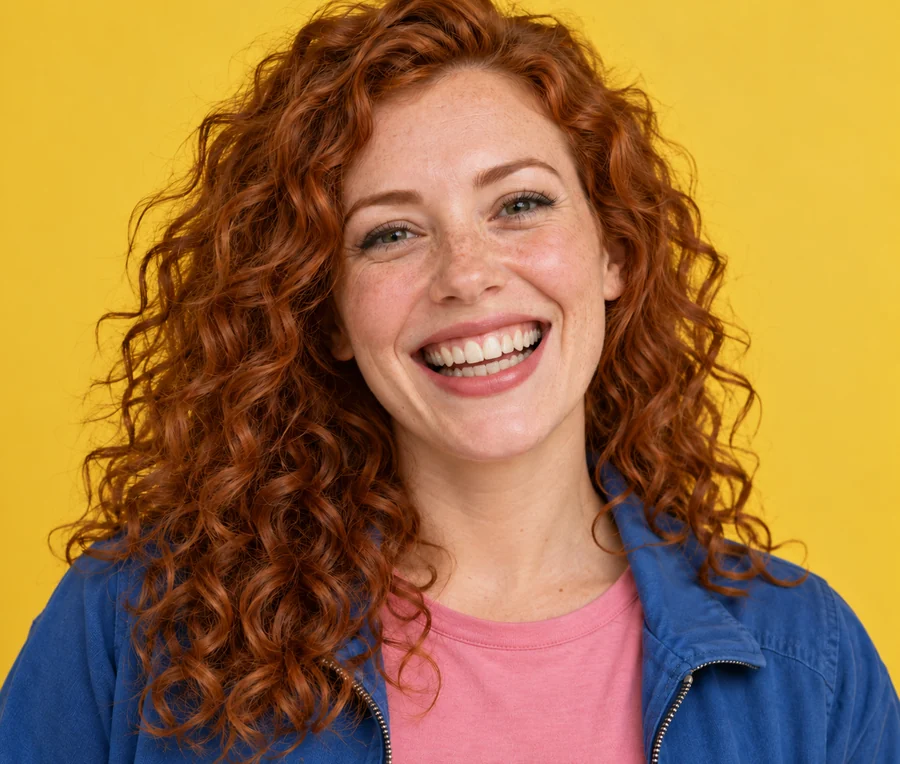 Remove Braces From PhotoRemove braces from photo uploads with an AI braces remover: metal, ceramic, colored bands or aligners come off and your own teeth stay. See it with no braces.
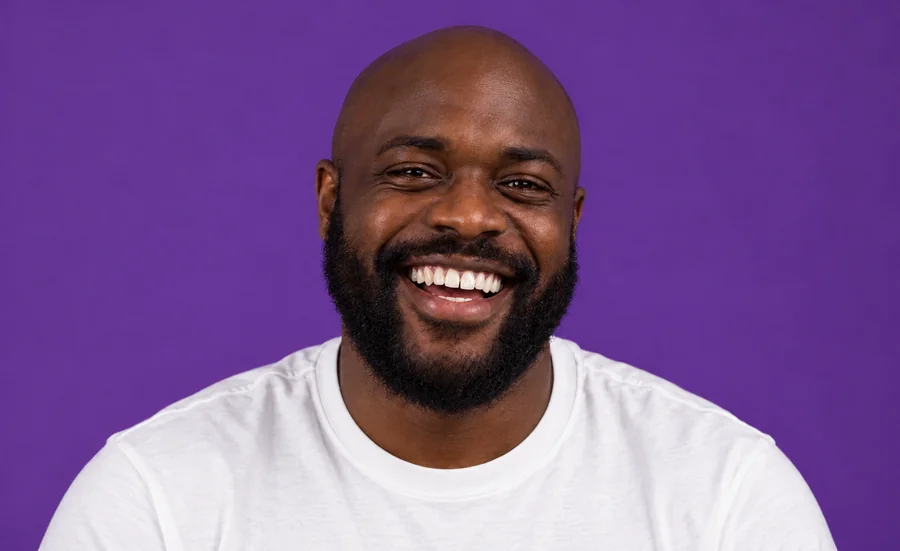 Whiten Teeth in PhotoWhiten teeth in photo uploads with an AI teeth whitening photo editor online. Lift yellow stains, pick a natural or bright shade, and keep every smile real.
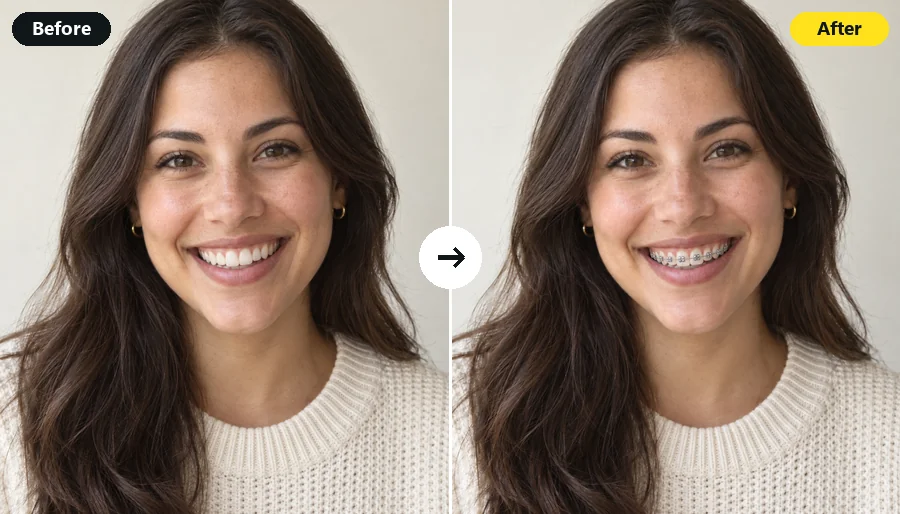 Braces FilterWhat will I look like with braces? Upload a smiling selfie and the AI braces filter adds realistic metal, ceramic, or gold braces in the band color you pick.
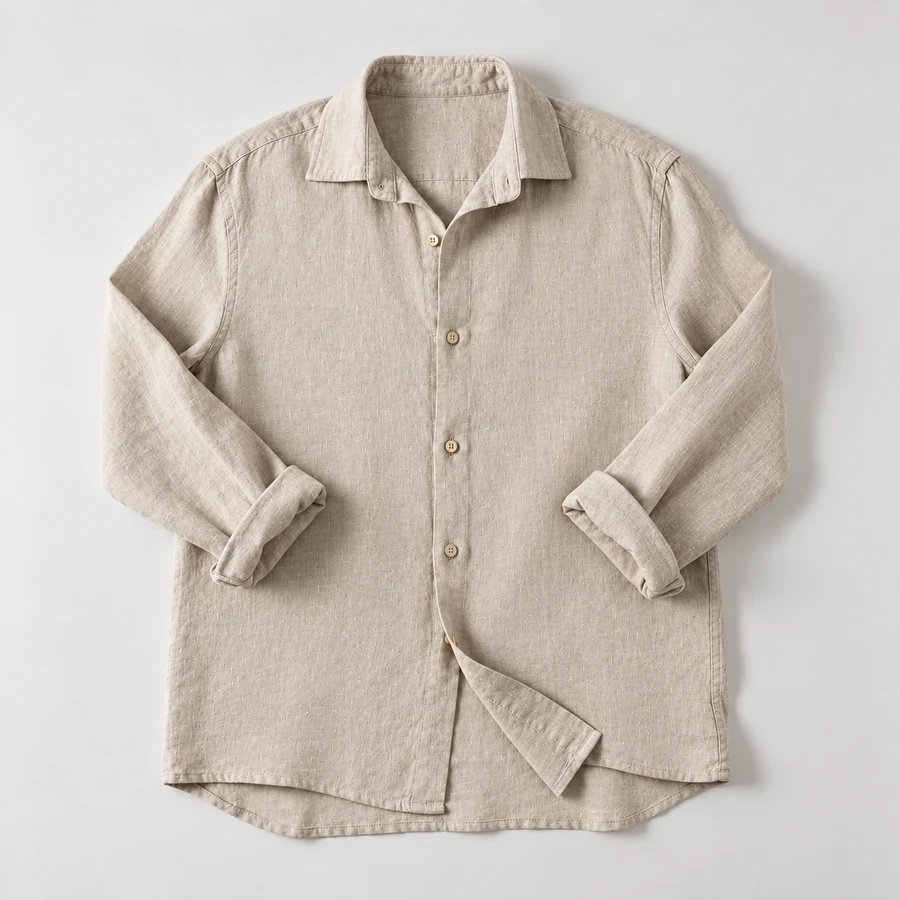 Remove Wrinkles From PhotoRemove wrinkles from photo shots of shirts, suits, and flat lays. Let the AI remove clothes wrinkles and soften fine lines; seams, prints, and texture stay.
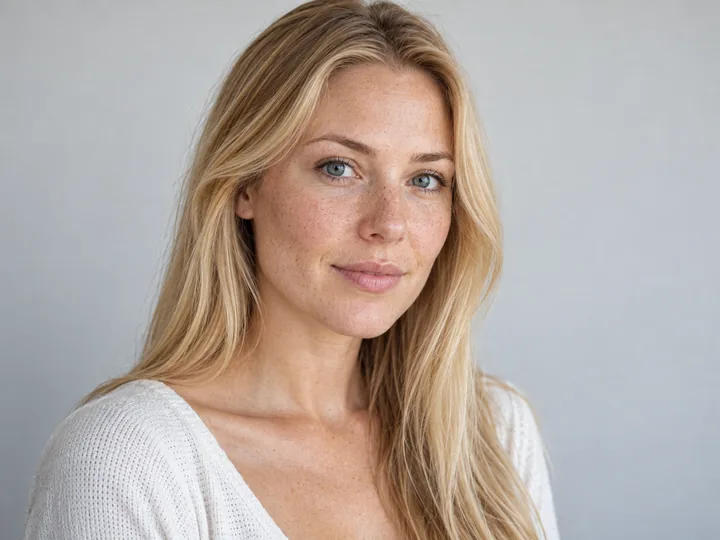 AI Photo RetouchRetouch pics with AI photo retouch: remove blemishes, shine, eye bags and passersby, clean jewelry and product shots, and keep skin texture real. Free to try.
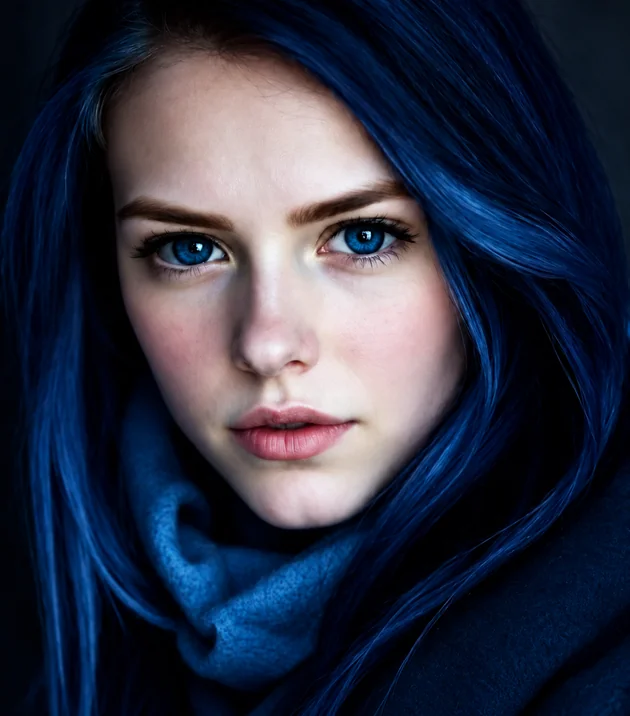 Eye Color ChangerEdit color of eyes in any photo with the AI eye color changer. Pick hazel, green, brown, grey, or any custom shade and keep a realistic iris and catchlight.
 Open Eyes in PhotoHow to open eyes in a photo? Use AI to open eyes in photo shots where someone blinked: fix closed, half-closed or squinting eyes and keep everyone’s own eyes.
Small face edits solve big photo problems, from a blink in the group shot to a headshot that looks too serious.
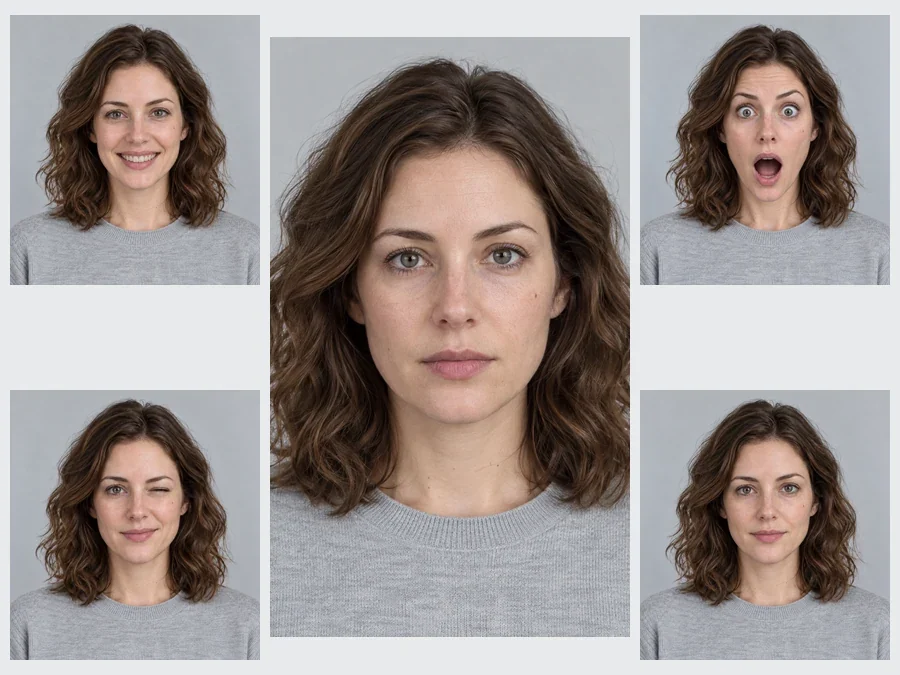
A relaxed smile, clear skin and open eyes on the photo you already like, while you still look like yourself.
Soften a stern look, tidy stray brows and brighten teeth before the photo goes on LinkedIn or a résumé.
Fix the one person who blinked or frowned instead of retaking the whole photo.
Preview a lipstick shade, lash style or brow shape and show the picture to your makeup artist.
Sharper expressions for thumbnails and reaction posts, from a big grin to a surprised face.
A playful wink, a crying meme or a funny face editor look for a group chat; the funny face filter goes further.
Can I change my face shape? A camera angle, light and styling change how a face reads long before any edit does.
A low camera widens the jaw and chin; a lens at eye level keeps the face in proportion.
Window light from the front evens skin and shadows, so the AI has clean detail to work with.
Light contour under the cheekbones and well-shaped brows change face shape visually without any editing.
Curtain bangs or a lower part make a forehead look smaller in person; preview them in the hairstyle changer.
Edit the smile first, download, then refine the jawline. Single, specific requests give the most natural results.
Begin with Subtle strength and compare with your original. Small changes look real; big ones look edited.
The face editor handles any single edit you can describe. These pages go deeper on one look.
| What you want | Best tool | Why |
|---|---|---|
| Any face edit in your own words | AI Face Editor (this page) | Type the change, choose a strength, compare |
| A different expression | Smile Filter, Facial Expression Changer | Many ready-made moods on the same face |
| Jawline, chin or nose preview | Jawline Editor, Double Chin Remover, Nose Job Filter | Strength presets made for face shape |
| Makeup, lashes and lipstick | Lipstick Try-On, Eyelash Filter, Bold Glamour Filter | Shades, finishes and lash styles to pick from |
| Teeth and braces | Teeth Whitening, Straight Teeth Filter, Remove Braces | Natural shades and aligned teeth |
| Find your face shape first | Face Shape Detector | Reads your selfie before you edit it |
Doe eyes vs siren, fox and almond eyes, how to tell your eye shape, and the makeup and photo tricks that create the look.
Read the guideCopy-ready prompts for portraits that keep your face: smiles, skin, light, backgrounds and more, with before and after examples.
Read the guideOnline tools and apps to try haircuts, bangs and colors on your own photo, compared, including what each does for free.
Read the guideWhat the face editor can change, how natural it looks, and how credits work.
It is a photo face editor that edits facial features from a written instruction: expressions, face shape, jawline, nose, forehead, brows, lashes, lips, makeup, teeth, skin and eyes. You describe the change, the AI edits only that feature and keeps your identity, hair, clothes and background the same.
Can you change face shape for real? Your bone structure sets most of it, while weight, age, posture, hairstyle and makeup shift how it reads. In a photo, yes: the face editor can slim the cheeks, define the jawline or soften the chin. If you are asking “can I change my face shape” before a big decision, use the result as a visual preview and talk to a professional; it is not medical advice.
Upload the photo and type “make my forehead a little smaller” or “lower my hairline slightly”, then pick Subtle or Natural strength. The forehead filter changes only the forehead and hairline, so your brows and eyes stay put. To make a forehead look smaller in person, curtain bangs or a lower part are the classic fix.
Yes, both, free to try with your sign-up credits. Write “fill in my eyebrows”, “thicker, straighter brows” or “softer arch” to use it as an eyebrow filter, or “remove my eyebrows” for a costume or editorial look. The edit stays on the brows and keeps the skin texture around them.
It is free to try: new accounts get free credits when they sign up, so you can test several face edits. After that each edit uses credits from your balance.
That is the main rule the face editor AI follows for every edit: change only the named feature and keep your identity, skin tone and proportions. Start with Subtle or Natural strength, compare with the original, and rerun with a more specific instruction if anything looks off.
You do not need a separate which glasses suit my face app: find your face shape with the face shape detector, then try frames on your own selfie with the virtual glasses try-on. Both run in the browser, like this face editor.
No. This is a face editing website, so it works like a face modifier app or face tuner on any phone, tablet or computer, without installing anything. Pair it with the AI photo editor for backgrounds, outfits and light, and you have a photo editor face editor setup in one browser tab.
Yes. Say who to edit, for example “give the man on the left a smile” or “open the eyes of the woman in the blue dress”. Everyone else in the photo stays as it was.
Your own photos, or photos of adults who agreed to the edit. Do not use face edits to impersonate someone, mislead people about a real person, or create sexual or hurtful images. Results are AI previews for fun and planning, not cosmetic or medical advice.
Upload a selfie, describe the change and compare the result. Free to try with sign-up credits.
Face shape, nose, jawline and skin edits are AI-generated previews for creative and planning use. They are not medical, cosmetic or surgical advice and do not predict the result of any treatment.