
AI Facial Expression Changer – Change Face Expression in Any Photo
Not smiling in the one good shot? Upload a portrait, pick one of 30 expressions from soft smile to shocked, and the AI moves the mouth, eyes and brows together like a real face. Identity, hair, lighting and background stay untouched.
Output Number
Example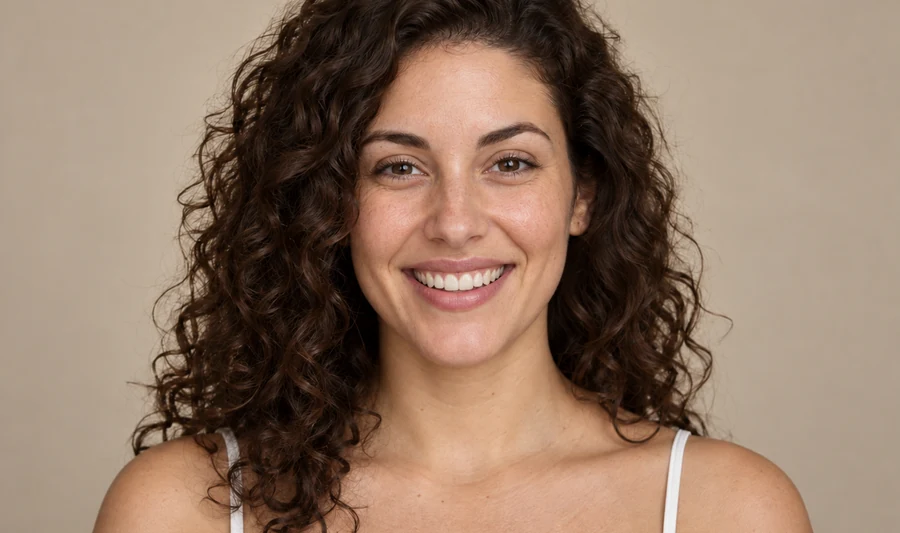
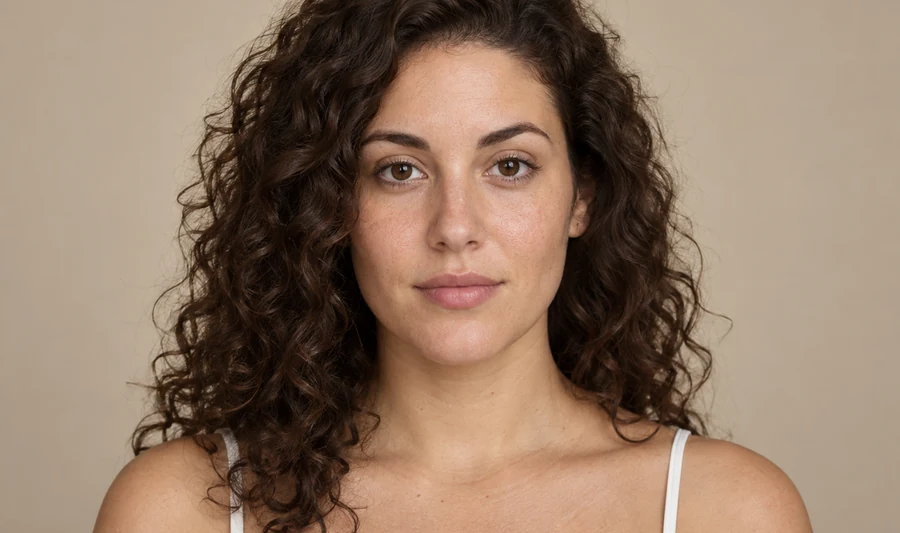
Reference example. It is not a result generated from your upload.
What Is an AI Facial Expression Changer?
An AI facial expression changer edits the look on a face after the photo is taken. Instead of warping pixels like an old face expression editor, the AI rebuilds the mouth, cheeks, eyes and brows for the new expression, so a neutral face becomes a soft smile, a big laugh, a wink or a look of surprise that reads as if it were shot in camera.
This expression editor AI keeps everything else: your identity, skin texture, hairstyle, outfit, head angle, lighting and background. Pick from 30 expressions in five moods, compare a few versions, and keep the one that fits the photo. It is the quickest way to change facial expression without a reshoot, whether you want a friendlier headshot, a reaction for a thumbnail or a funny face for the group chat.
30 Facial Expressions to Try on Your Photo
A taste of what the expression changer can do. Tap a card to load that mood in the workspace.
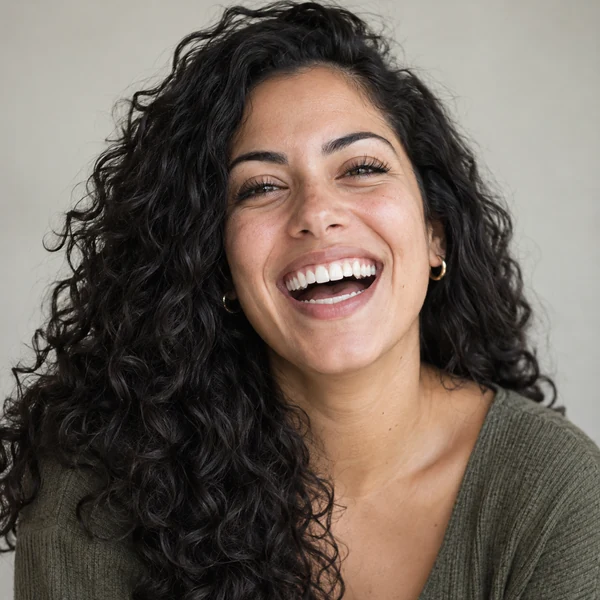
Big Laugh
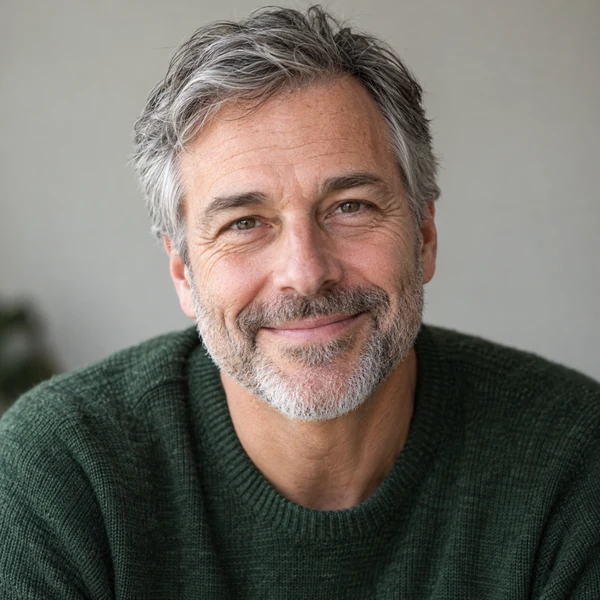
Warm Smile
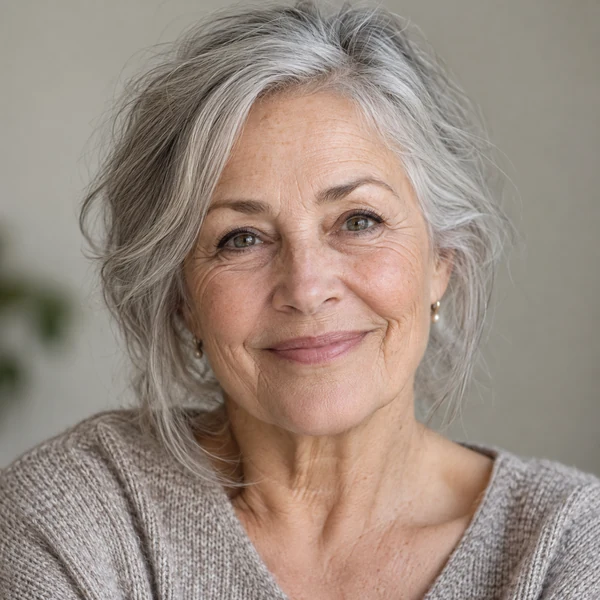
Gentle Smile
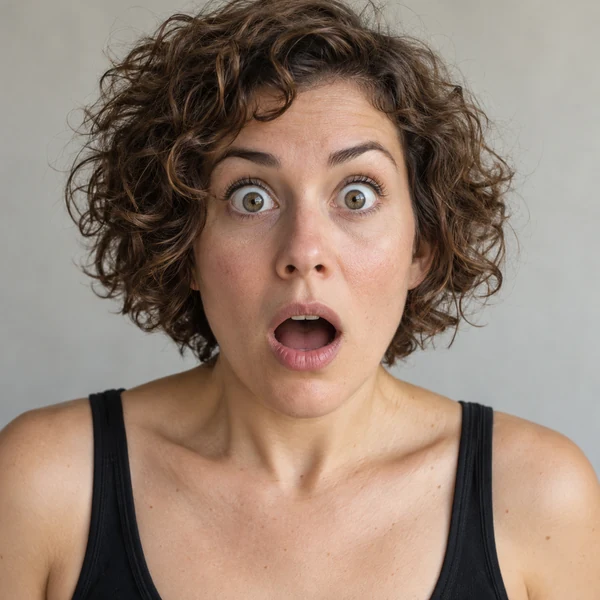
Shocked
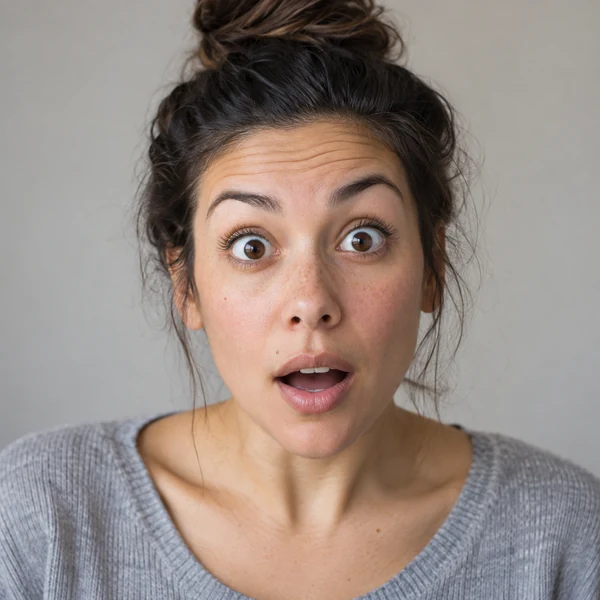
Surprised
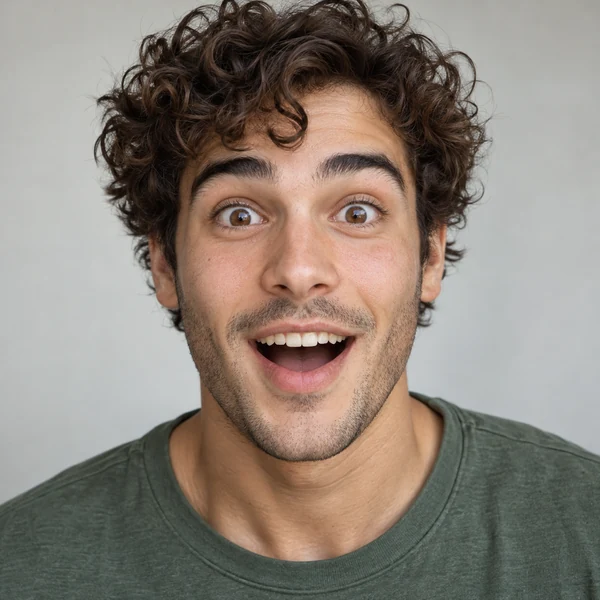
Amazed

Playful Wink
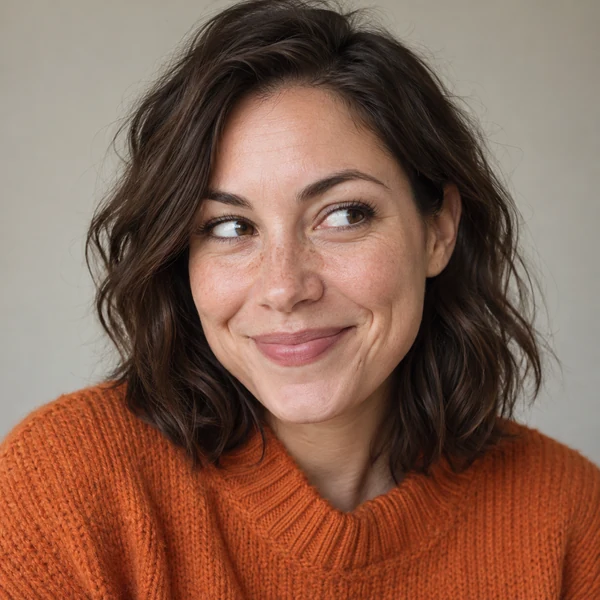
Cheeky Grin
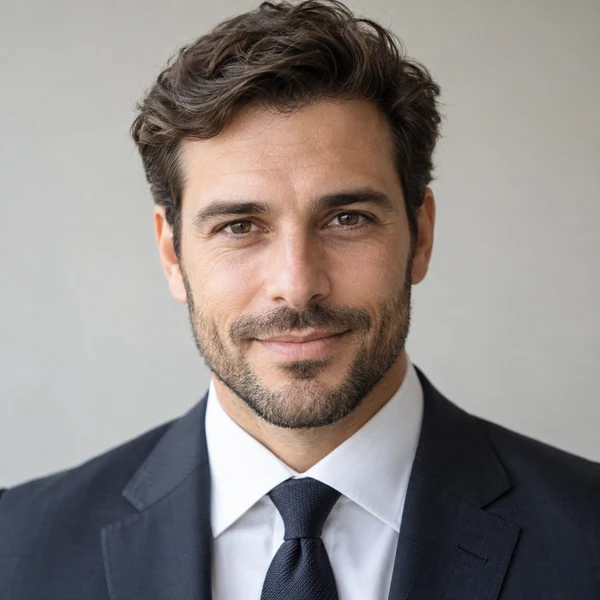
Confident
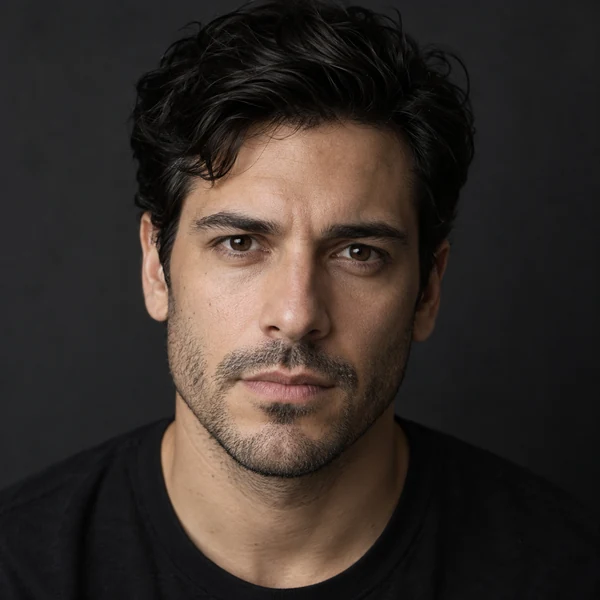
Serious
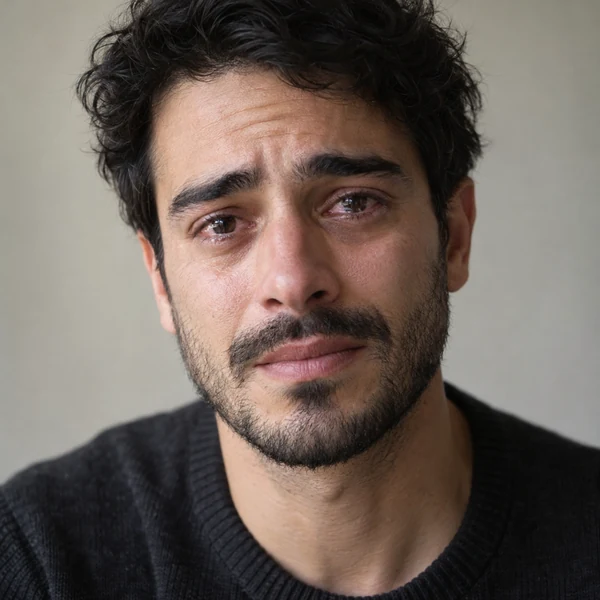
Teary Eyes
How to Change Facial Expression in a Photo
Three steps in your browser. No editing skills, no sliders to fight with and no app to install.
Upload a Portrait
Add a JPG, PNG or WebP photo up to 10 MB with a clear, roughly front-facing face. Selfies, headshots and group photos all work.
Pick a Mood and Expression
Open a tab (Happy, Surprised, Playful, Serious or Sad) and choose one of its six expressions. Add a note to name the person or fine-tune the look.
Generate and Compare
Create 1 to 4 versions, drag the slider to compare the old and new expression, then download your favorite or try another mood.
Why Use This Face Expression Changer
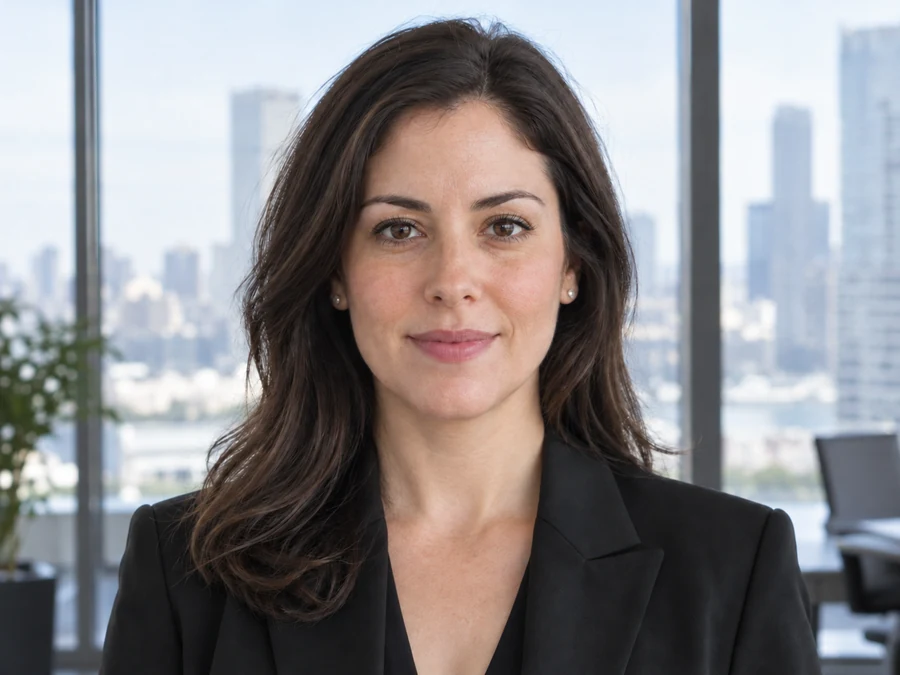
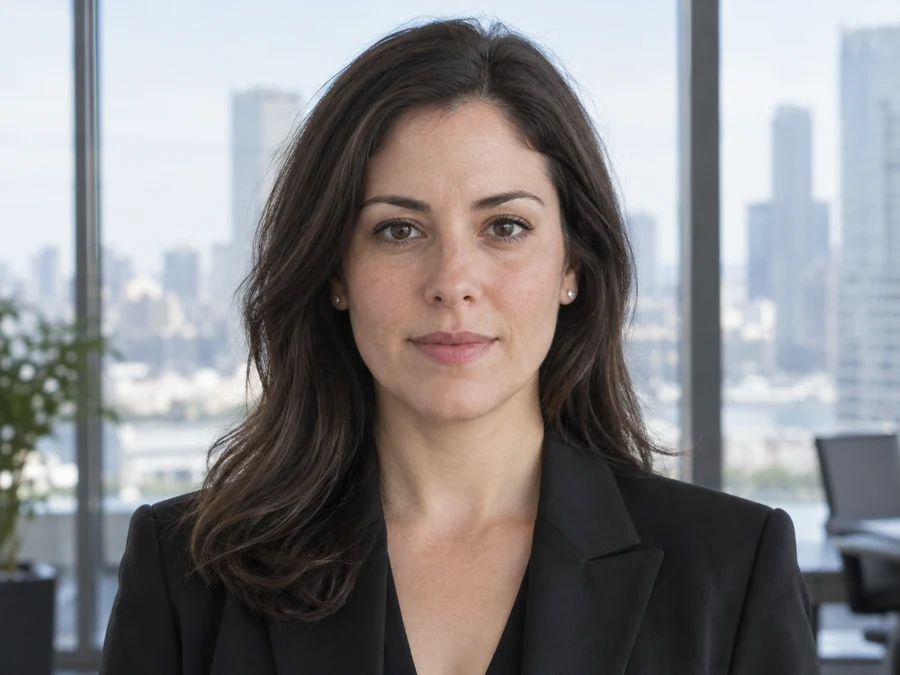
Only the Expression Changes
Your face shape, skin, makeup, hair, outfit, lighting and background stay exactly as they were. The AI face expression changer edits the mouth, eyes and brows and nothing else, so the photo still looks like the moment you took.
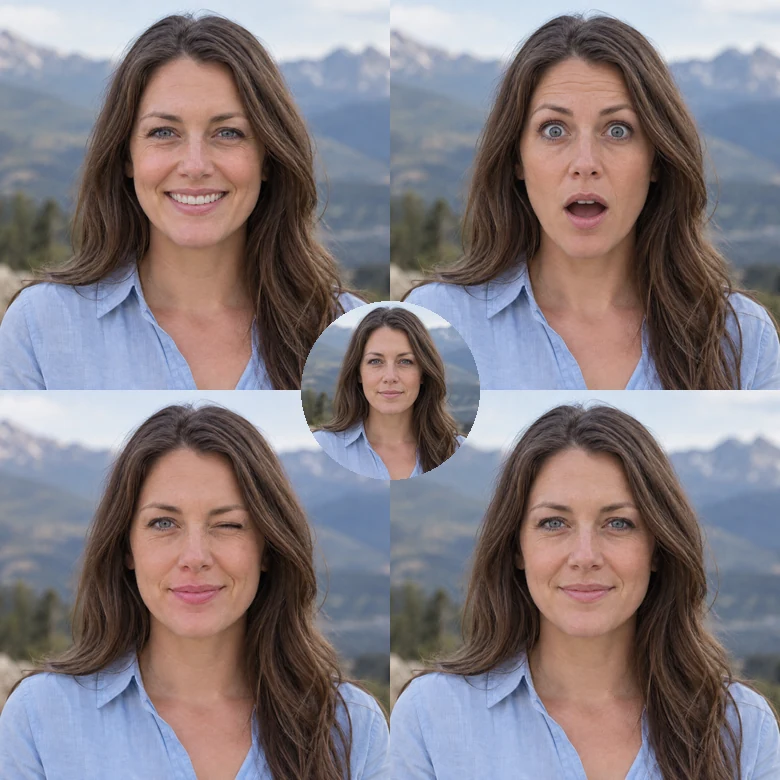
30 Expressions, Five Moods
From a soft smile and a toothy laugh to a gasp, a smirk, a stern stare and teary eyes, five mood tabs cover the reactions people actually need. Try several expressions on the same photo and keep the one that feels right.
Real Muscle Movement, Not Warping
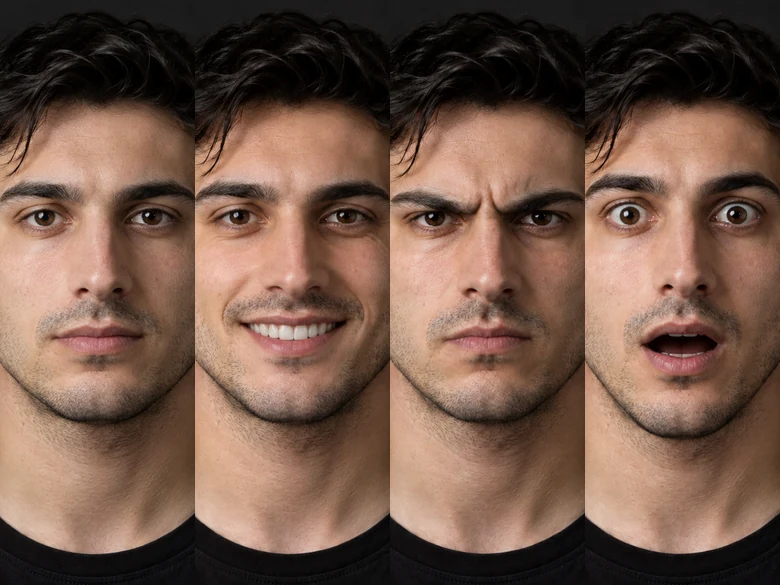
A smile lifts the cheeks and narrows the eyes; surprise raises the brows and creases the forehead. This facial expression changer AI moves every feature together, with natural teeth, dimples and laugh lines, instead of stretching the lips like a cheap filter.
Big Reactions for Thumbnails and Memes
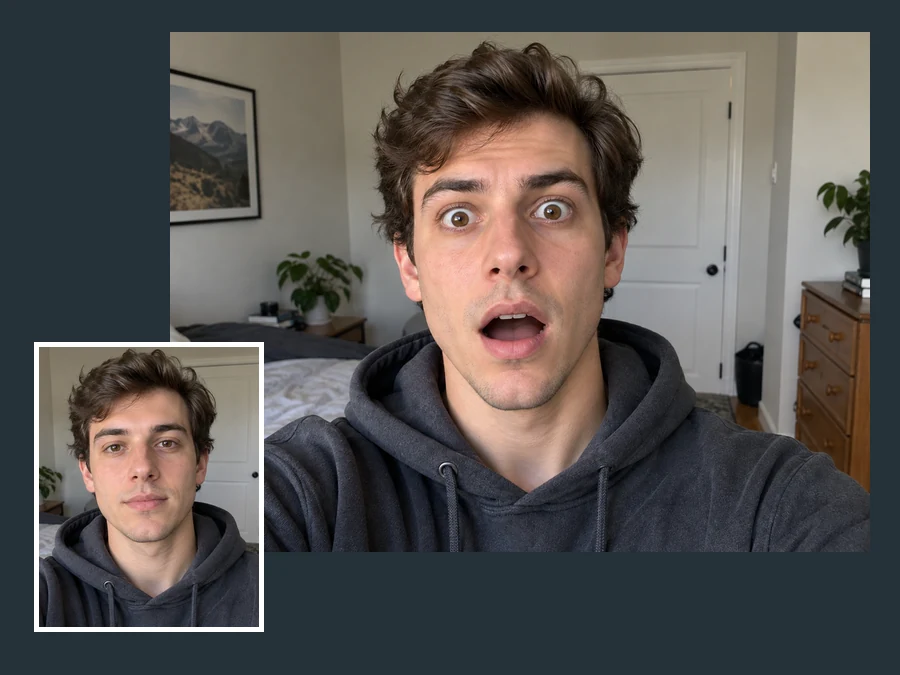
Turn a flat face into a shocked, amazed or silly reaction for YouTube thumbnails, reels and memes, without pulling faces at the camera for an hour. The change facial expression AI keeps you recognizable, which is what makes the reaction land.
Change Face Expression AI: Before and After
Drag each slider. The face, light and background match the original; only the expression is new.

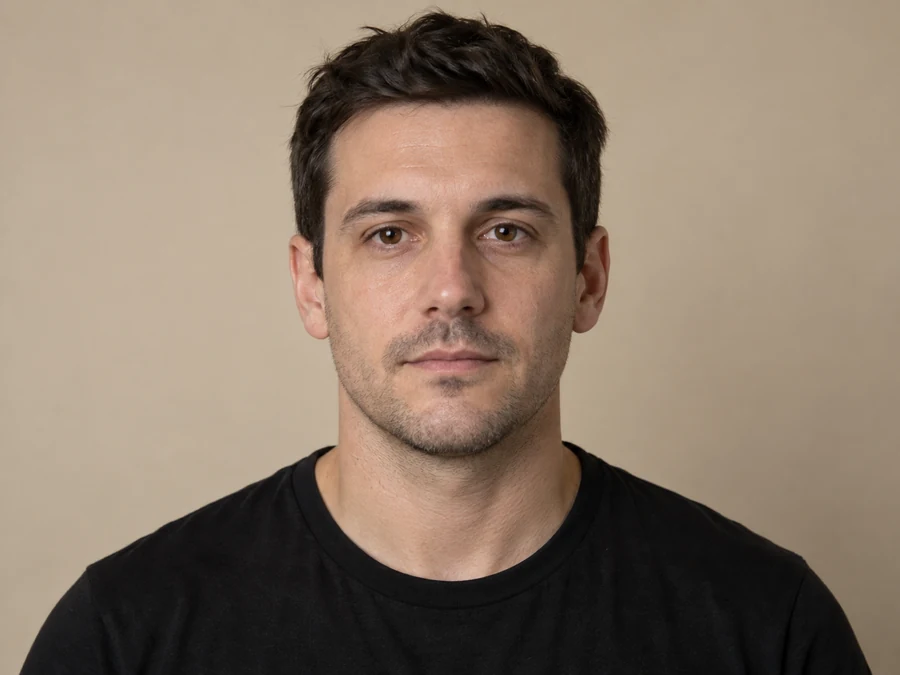
Stiff Portrait to Easy Grin
A straight-faced photo becomes a relaxed, toothy grin with natural smile lines.
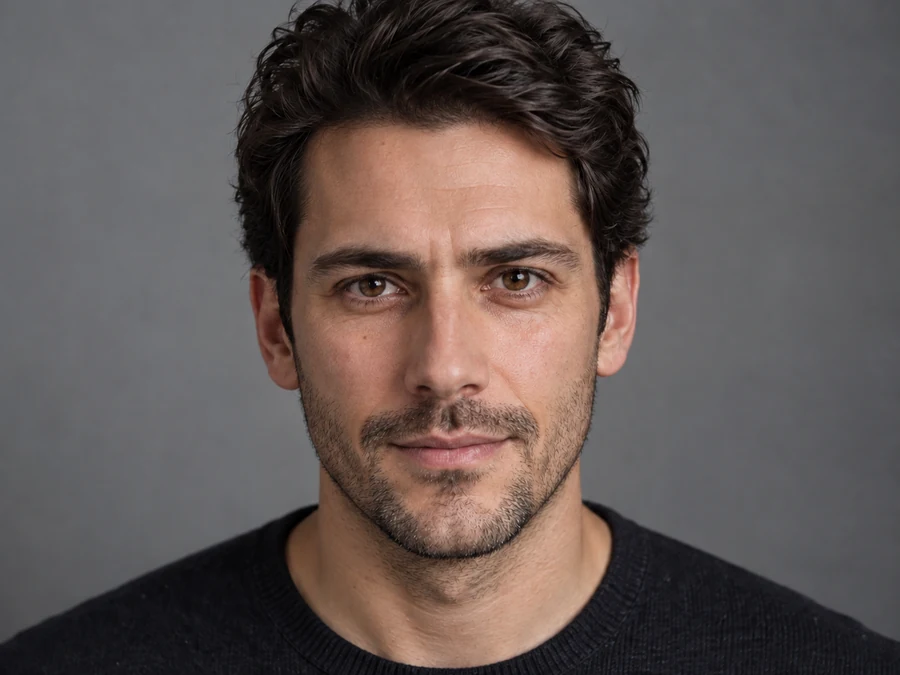
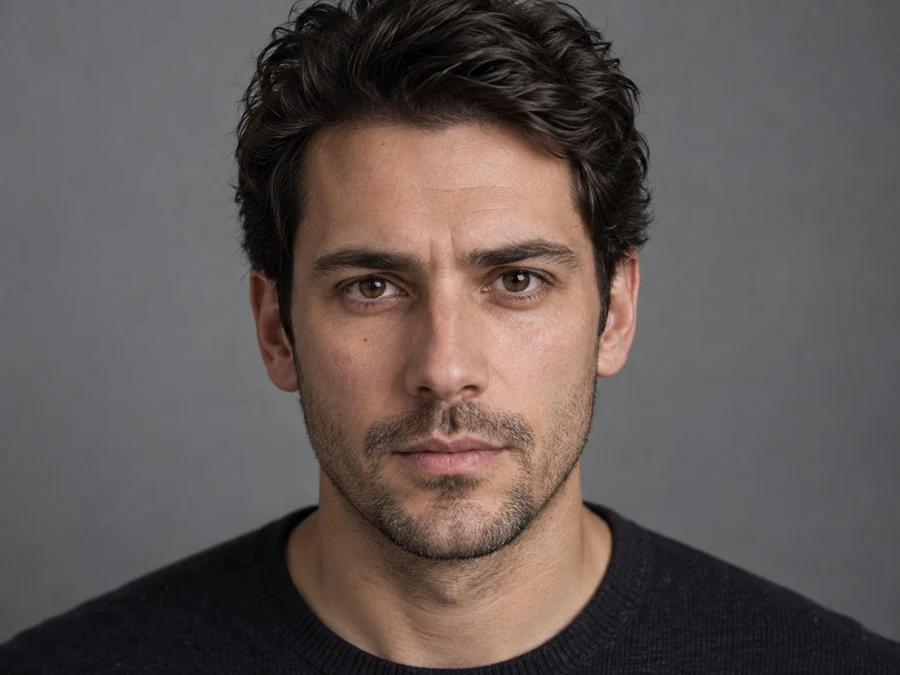
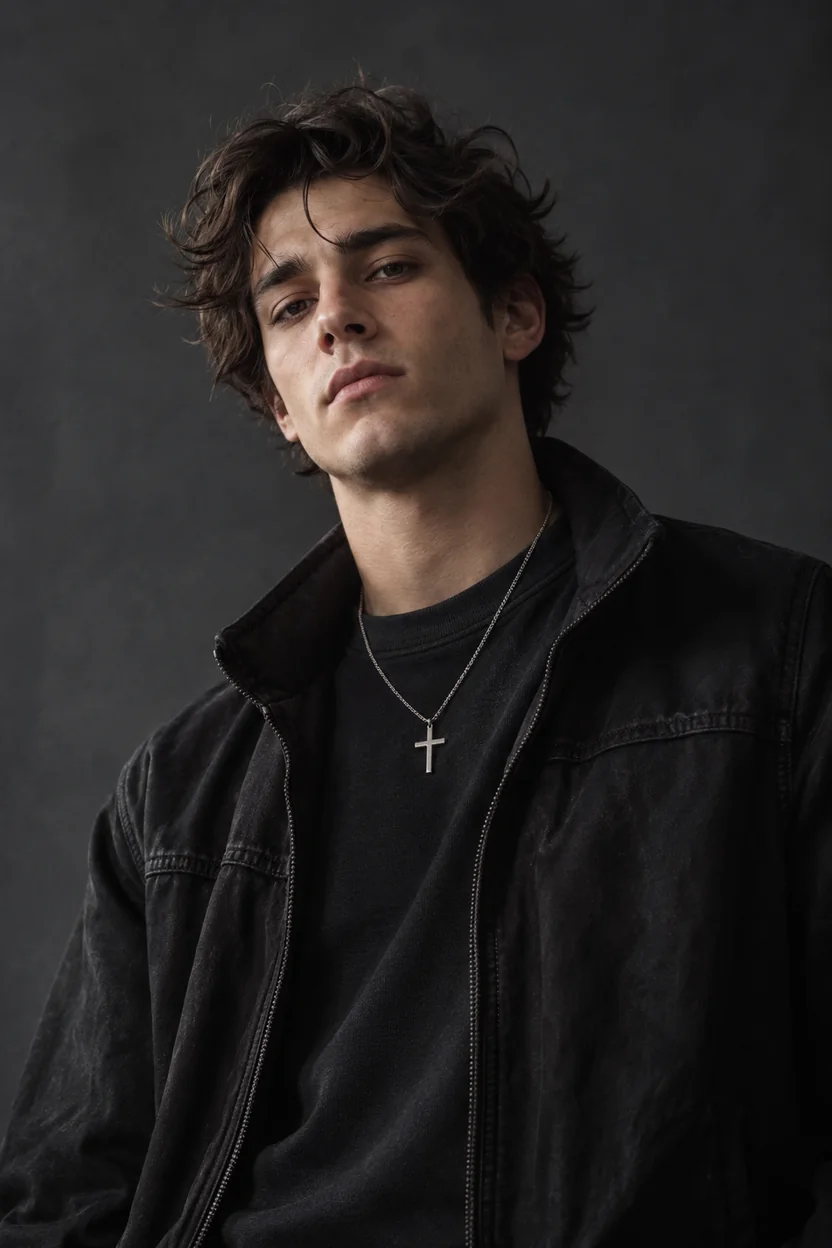
Serious Close-Up to Warm Smile
Even in a tight close-up the skin texture and stubble stay, while the mouth and eyes soften.
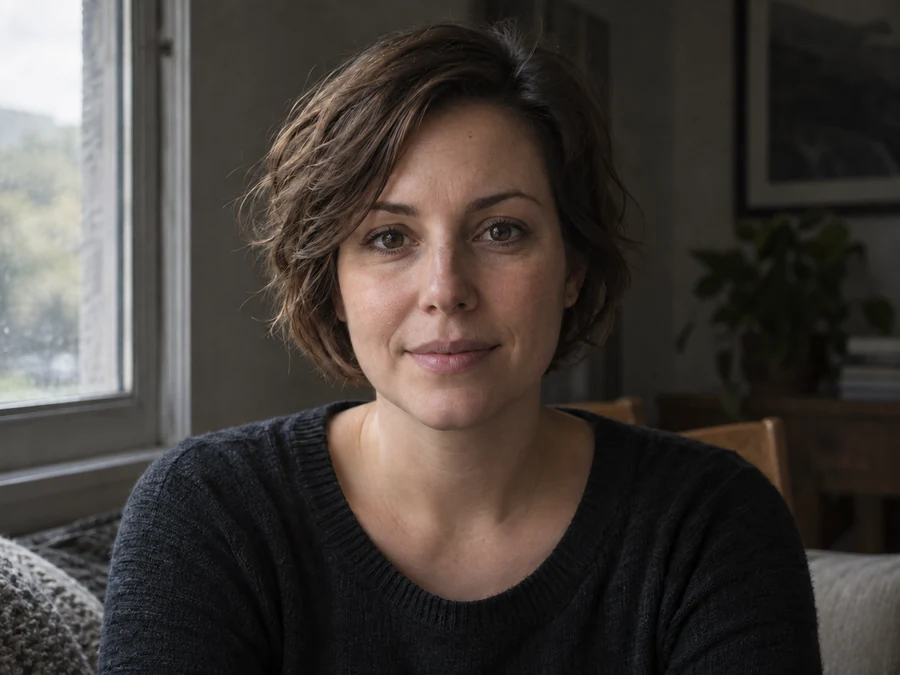
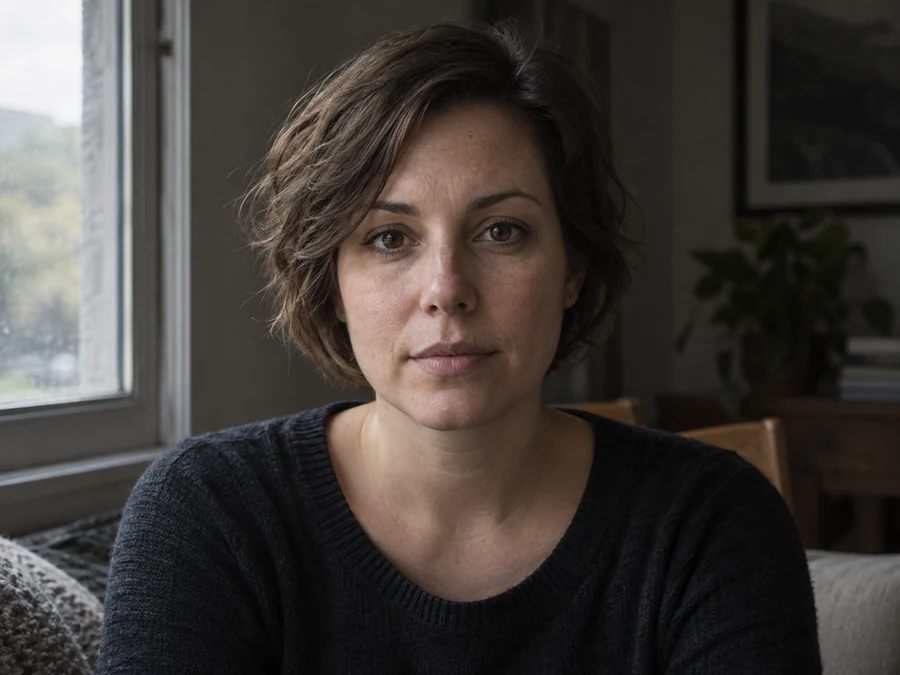
Window-Light Portrait, Softer Mood
A moody window portrait gains a subtle smile without losing its light and shadow.
What People Use an AI Expression Changer For
One good photo, many possible moods. These are the most common reasons to let AI change facial expression details after the shot.
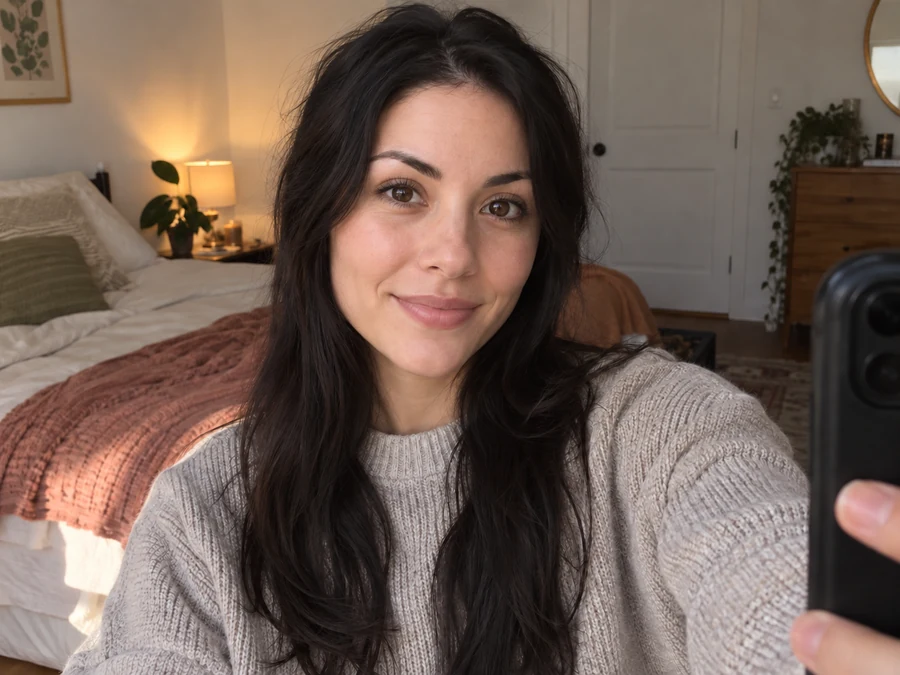
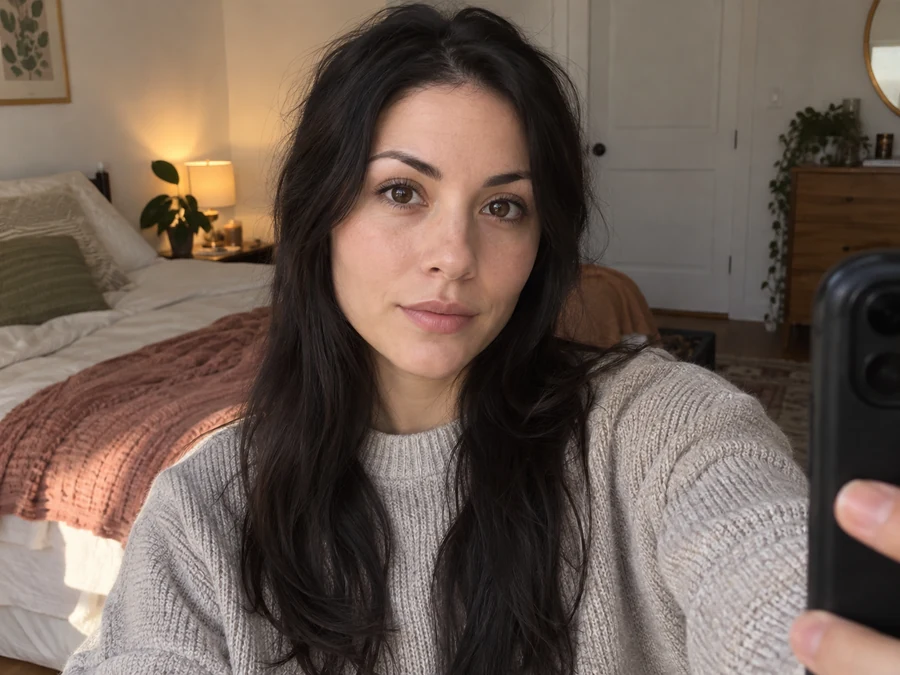
Profile and Dating Photos
Swap a stiff or nervous look for a warm smile on the picture you already like best.
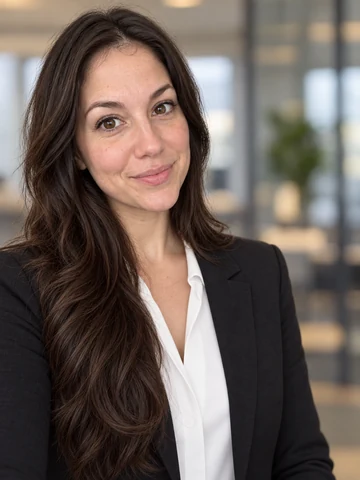
LinkedIn and Work Headshots
Give a professional headshot a confident, approachable expression that matches how you want to come across.
YouTube Thumbnails
Create a shocked, amazed or excited reaction face that makes a thumbnail pop.
Memes, Stickers and Chats
Make winks, smirks, tongue-out and silly faces from your own selfie for reaction posts.
Family and Group Photos
Fix the group shot where one person forgot to smile, without asking everyone to pose again.
Characters and Storyboards
Show one character with many emotions for comics, mood boards, acting reels or story planning.
Tips for Natural Expression Changes
The source photo decides how convincing the new expression looks.
Face the Camera
Front-facing or slightly angled faces give the AI the full mouth, eyes and brows to work with.
Even, Soft Light
Soft light shows natural creases and teeth; harsh shadows across the mouth make smiles harder to read.
Match the Mood to the Photo
A big laugh suits a candid shot, a soft smile suits a formal headshot. Pick an expression the moment could have had.
Name the Person in Groups
In a group photo, say who to change in the note, for example “the man in the blue shirt”.
More Face Edits to Pair With It
Fix the rest of the portrait, or learn more about your face first.
Open Closed Eyes in Photos
Someone blinked? Open the eyes with their own eye shape and color.
Try itAI Face Analyzer
A full face report: face shape, apparent age, symmetry and features that suit you.
Try itFunny Face Filter
Go beyond expressions: big heads, puffed cheeks, animal faces and melted looks.
Try itAI Headshot Generator
Turn a selfie into a polished studio or LinkedIn headshot, then fine-tune the smile here.
Try itYouTube Thumbnail Size
Crop your new reaction face to the exact thumbnail size before you upload.
Try it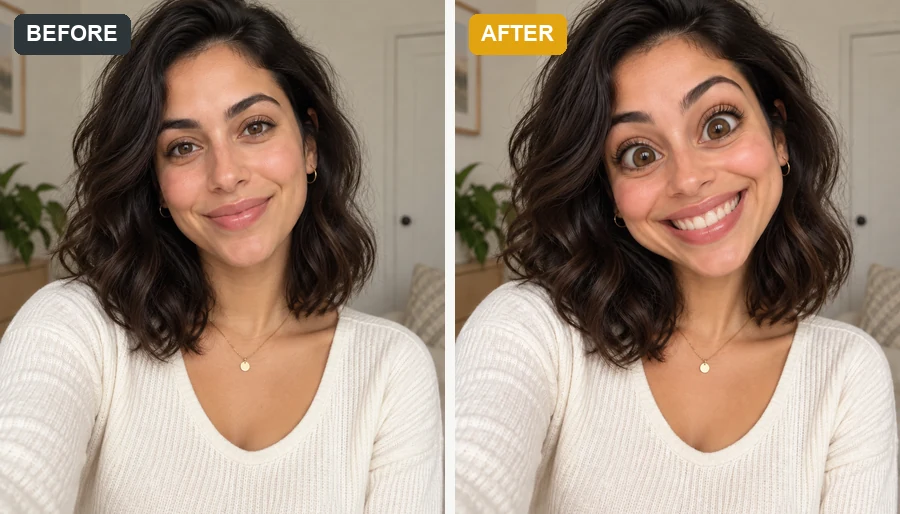


Facial Expression Changer FAQ
Answers to common questions about changing expressions with AI.
Upload a clear portrait, open a mood tab, pick an expression such as Soft Smile, Shocked or Confident, and generate. The AI changes the expression and keeps the rest of the photo. Generate 2 to 4 versions to choose the most natural one.
Thirty presets in five moods: Happy (soft smile, big grin, laugh, dimple smile, beam, giggle), Surprised (raised brows, wide eyes, open mouth, gasp, shocked, amazed), Playful (wink, tongue out, smirk, silly face, cheeky grin, kissy face), Serious (neutral, confident, cool, stern, thoughtful, determined) and Sad (frown, pout, teary eyes, crying, downcast, sulk). Use the note to fine-tune any of them.
Yes, that is the goal. The AI keeps the face shape, skin texture, hair and features and only moves what an expression moves. Very large changes, such as turning a closed-mouth photo into a big laugh, involve more new detail (teeth, creases), so compare a few versions.
You can change facial expression online free to try with the credits you get when you sign up, and the same credits let you change face expression online free on your phone, since it all runs in the browser. Once the AI facial expression changer free credits are used, each generation uses credits, shown on the Start Now button before you begin.
Yes. To change facial expressions in a group shot, write who to change in Extra details, for example “only the woman in the yellow dress”. Without a note the AI may change every face, so naming the person gives the most predictable result.
Yes. That is the most common use. Pick Soft Smile for a subtle change or Big Grin for a wider one, and name the person if the photo has several faces.
Expressions such as Wide Eyes or Cheerful Beam open the eyes a little, but for blinks and half-closed eyes the open closed eyes tool is built for the job and keeps the person’s real eye shape.
No. This facial expression editor runs in the browser on iPhone, Android and desktop, so there is nothing to download.
Only edit photos you have the right to use, and ask before sharing an edited picture of someone else. Do not use a changed expression to mislead people about how someone reacted or to embarrass them.
A sharp, well-lit photo where the face is reasonably large and turned towards the camera. Sunglasses, hands over the mouth and heavy beauty filters hide the features the AI needs to move.
Give Your Photo a New Expression
Upload a portrait and try the AI face expression changer free with your sign-up credits: smile, laugh, wink or look surprised.