Upload Your Image
Choose a JPG, PNG, WebP, GIF, BMP, or AVIF up to 40 MB, or drag it onto the box. It opens on your own device and is never sent to a server.
Shrink a photo to an exact file size such as 20 KB, 100 KB, or 1 MB, or set the quality and dimensions yourself. See the real compressed size and the saving before you download. Everything runs in your browser.
Common size limits
Fine-tune
Runs in your browser. Your photo is never uploaded.
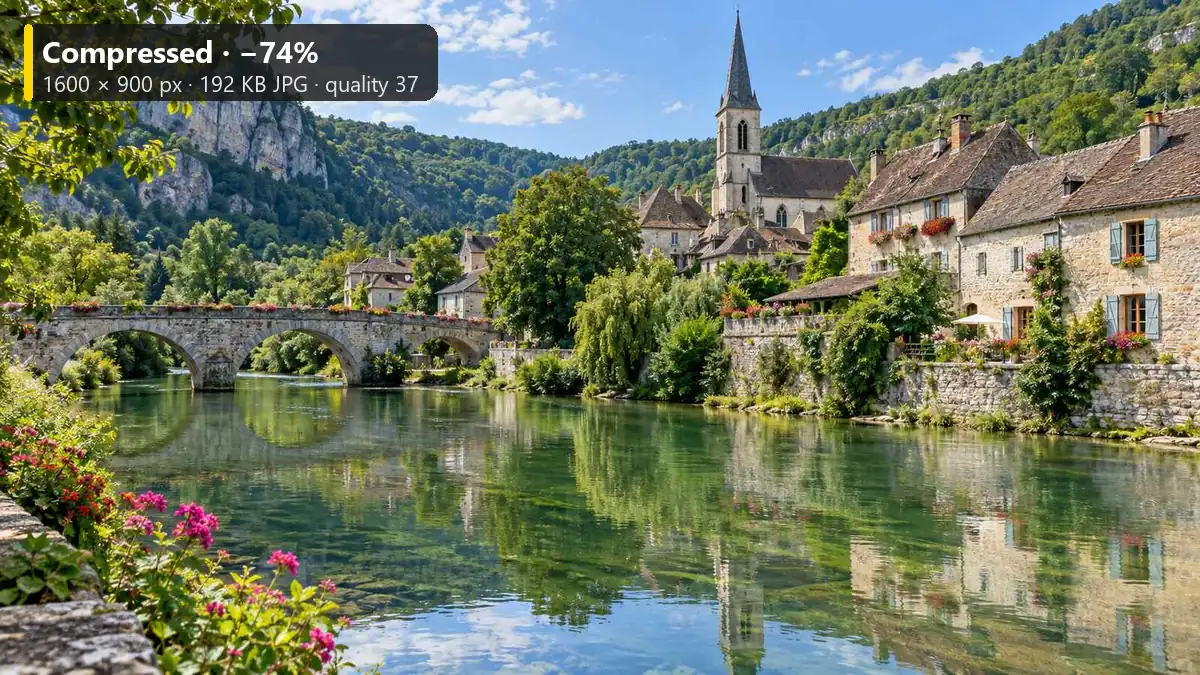
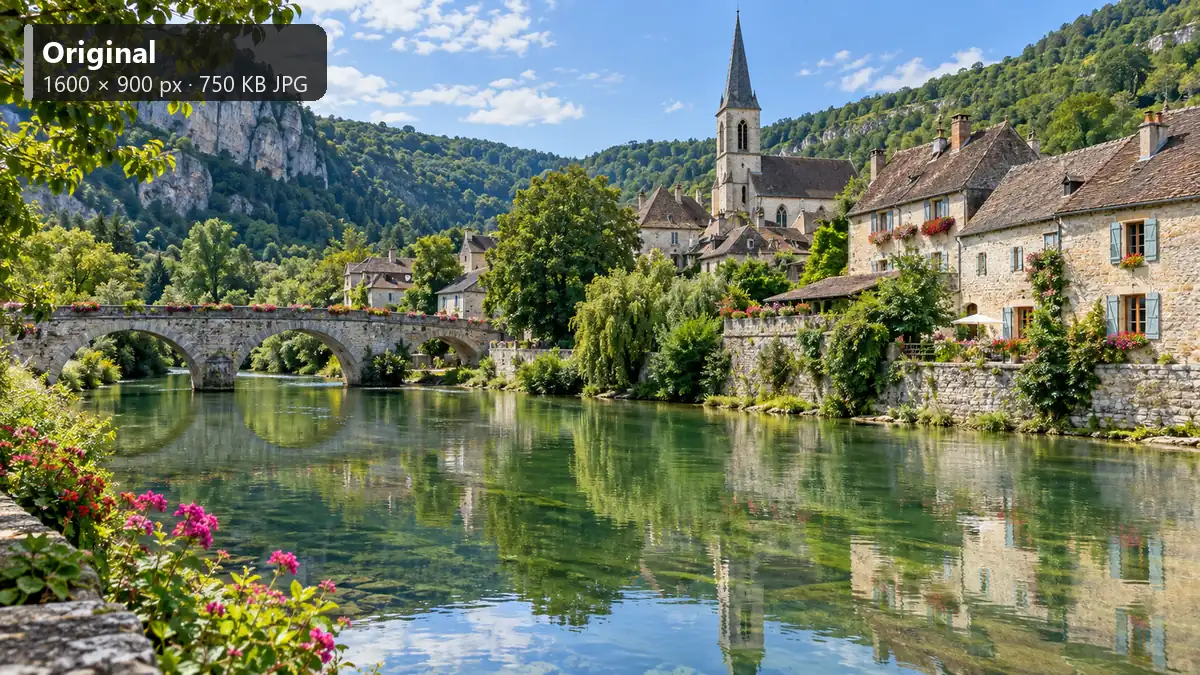
Reference example. It is not a result generated from your upload.
An image size reducer makes a picture’s file smaller so it fits an upload limit, sends faster by email, and loads quicker on a website. This one lets you reduce image size three ways: pick a target such as 100 KB and let it find the best quality that fits, set the JPG or WebP quality yourself, or lower the pixel dimensions. Phone photos often shrink by 70–90% with no difference you can see on screen.
Use it as a photo size reducer for camera pictures, a picture file size reducer for scans and screenshots, or a quick way to minimize photo size before you share. Nothing is uploaded: the image size reduction happens in your browser with its built-in JPG, WebP, and PNG encoders, so it is free, needs no sign-up, and is safe for IDs and private documents. The live preview is the compressed file itself, shown with its real size and the percentage saved.
How to shrink image files to the size you need, without installing anything.
Choose a JPG, PNG, WebP, GIF, BMP, or AVIF up to 40 MB, or drag it onto the box. It opens on your own device and is never sent to a server.
Click a target such as 100 KB, choose By quality and set the slider, or cap the longest side at 1920 or 800 px. Email, form-upload, Instagram, and thumbnail limits are one-click image reduce size presets.
Drag the before/after slider, read the measured output size and the saving under the controls, then download the compressed image.
An image reducer that shows real numbers, keeps your files private, and handles photos and graphics alike.
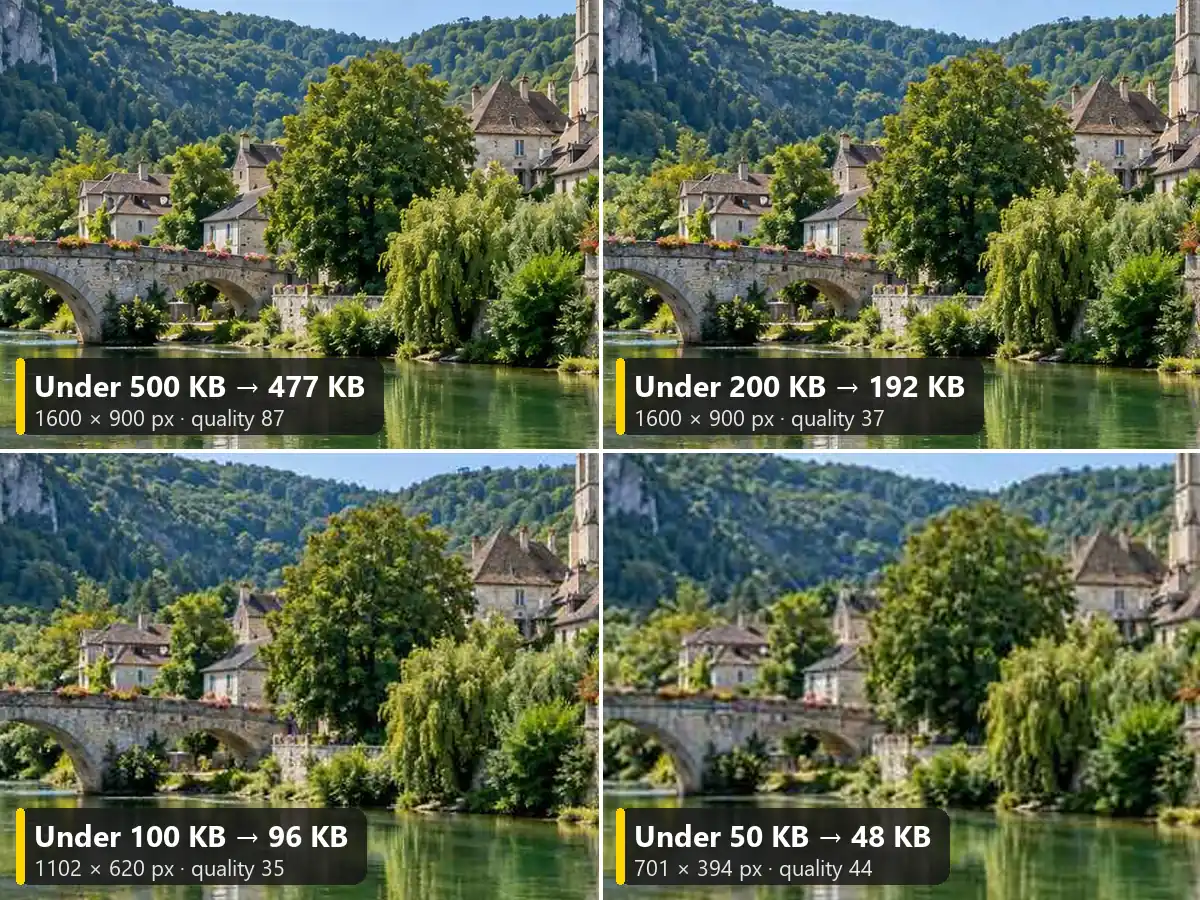
Need a photo under 50 KB for an application or under 1 MB for email? Pick the target and the image reducer searches for the highest quality that fits. When quality alone cannot get there, Auto also lowers the dimensions, so 20 KB, 50 KB, and 100 KB targets work even for large phone photos.
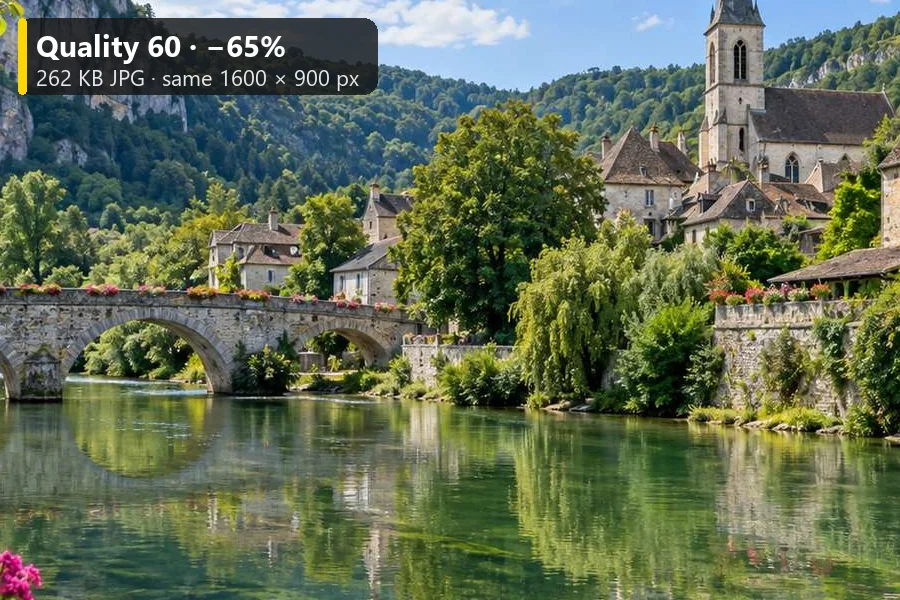
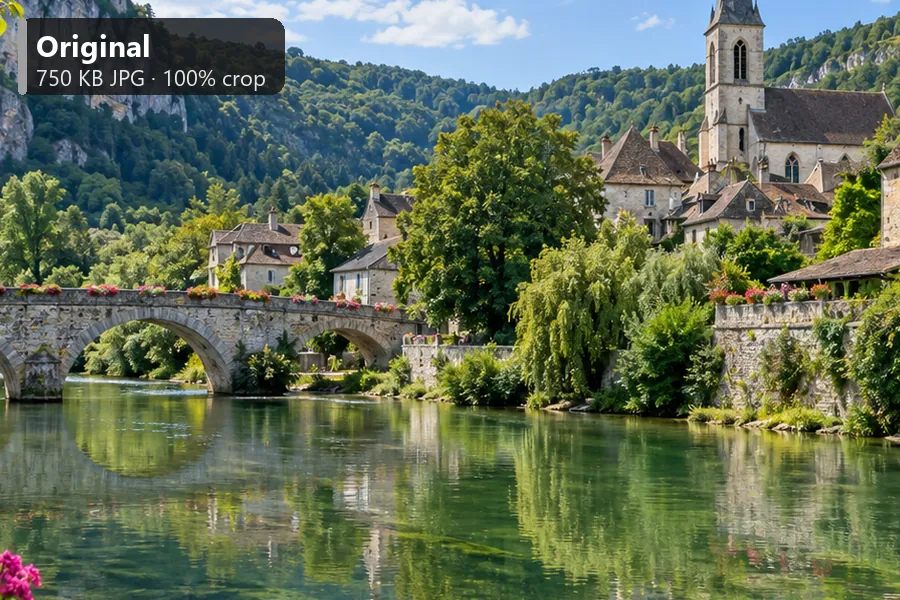
The preview is the compressed file decoded back, not an estimate, so the detail you see is the detail you get. Under the controls you get the original size, the new size, the pixel dimensions, the quality used, and how much smaller the file is. Drag the slider to check the image size decrease at full detail.
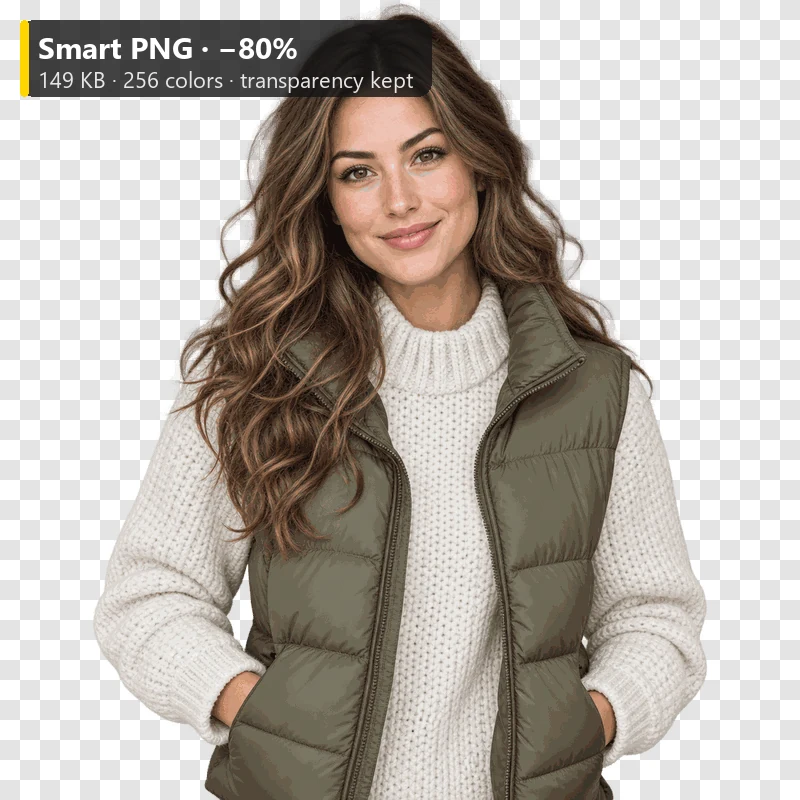
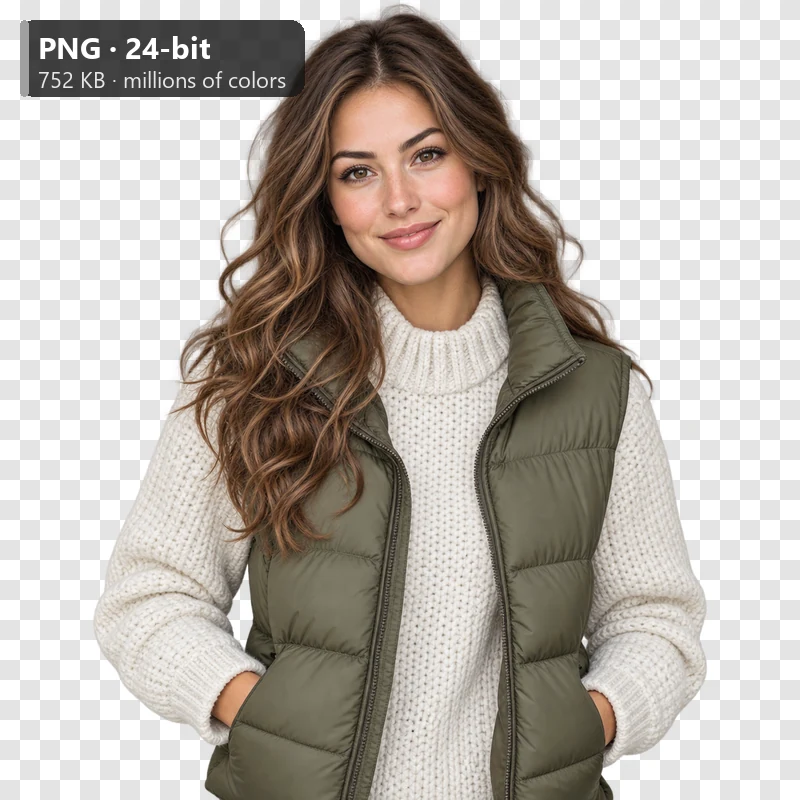
Screenshots, logos, and cut-outs often arrive as heavy 24-bit PNGs. Smart PNG reduces them to a palette of up to 256 colors, the method popular PNG compressors use, and keeps transparent and soft edges intact, often cutting the file by 60–80%. Or save as WebP for an even smaller file that still has transparency.
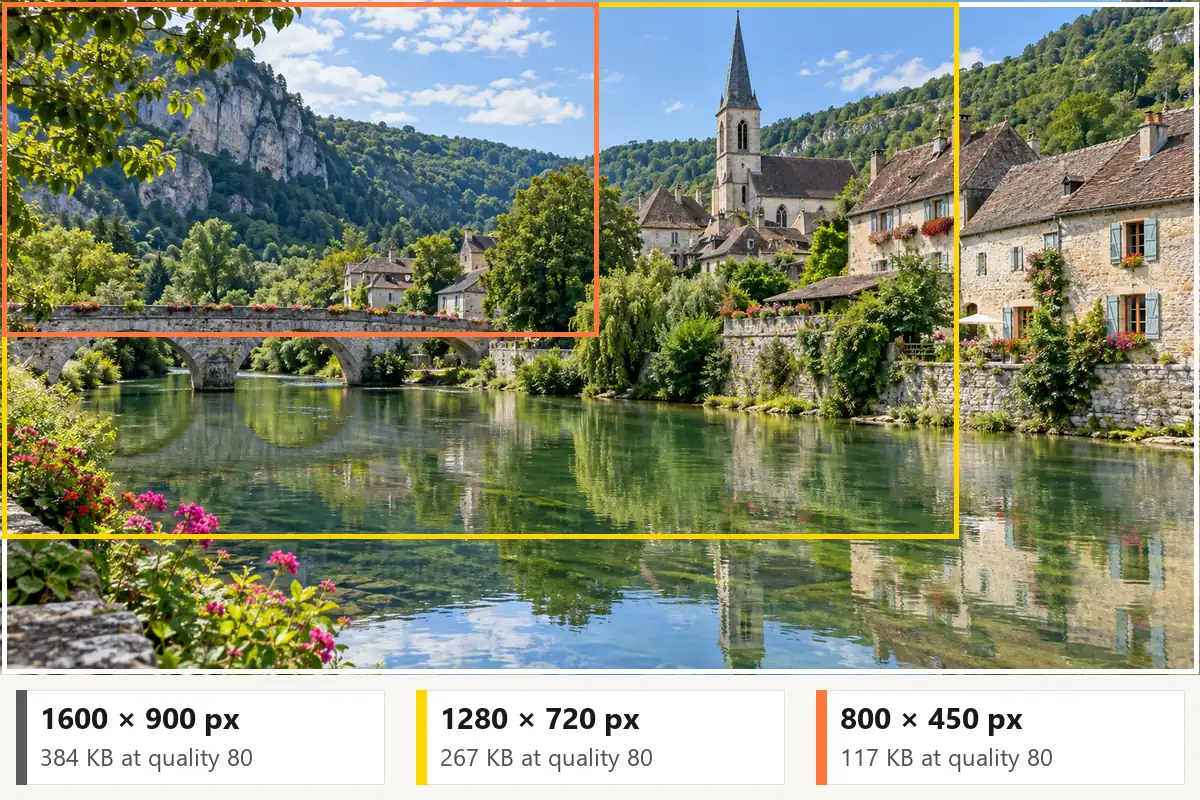
Fewer pixels make a smaller file: cap the longest side at 1920, 1280, or 800 px, halve it, or set your own size. It never enlarges. Re-saved files also drop hidden EXIF data such as the camera model and GPS location. Everything runs locally in your browser, with no upload and no account.
Typical targets for common uses. When a site states its own limit, use that number.
| Use | File size target | Dimensions | Best format |
|---|---|---|---|
| Email attachment | Under 1 MB per photo | 1600–2000 px longest side | JPG |
| Online forms and applications | 20–100 KB (check the form) | As the form asks, often 600 × 600 px | JPG |
| Website hero or banner | 200–400 KB | 1920–2560 px wide | WebP or JPG |
| Blog and article images | 100–200 KB | 1200–1600 px wide | WebP or JPG |
| Instagram post | About 1 MB is plenty | 1080 px wide (up to 1080 × 1350 px) | JPG |
| YouTube profile size | 4 MB or less | 800 × 800 px | JPG or PNG |
| Thumbnails and previews | 20–50 KB | 300–400 px | JPG or WebP |
| Logos and screenshots | As small as possible | The size they are shown at | Smart PNG or WebP |
Guidelines only: platforms change their limits, so follow the number shown on the upload form.
Everyday situations where a smaller file solves the problem.
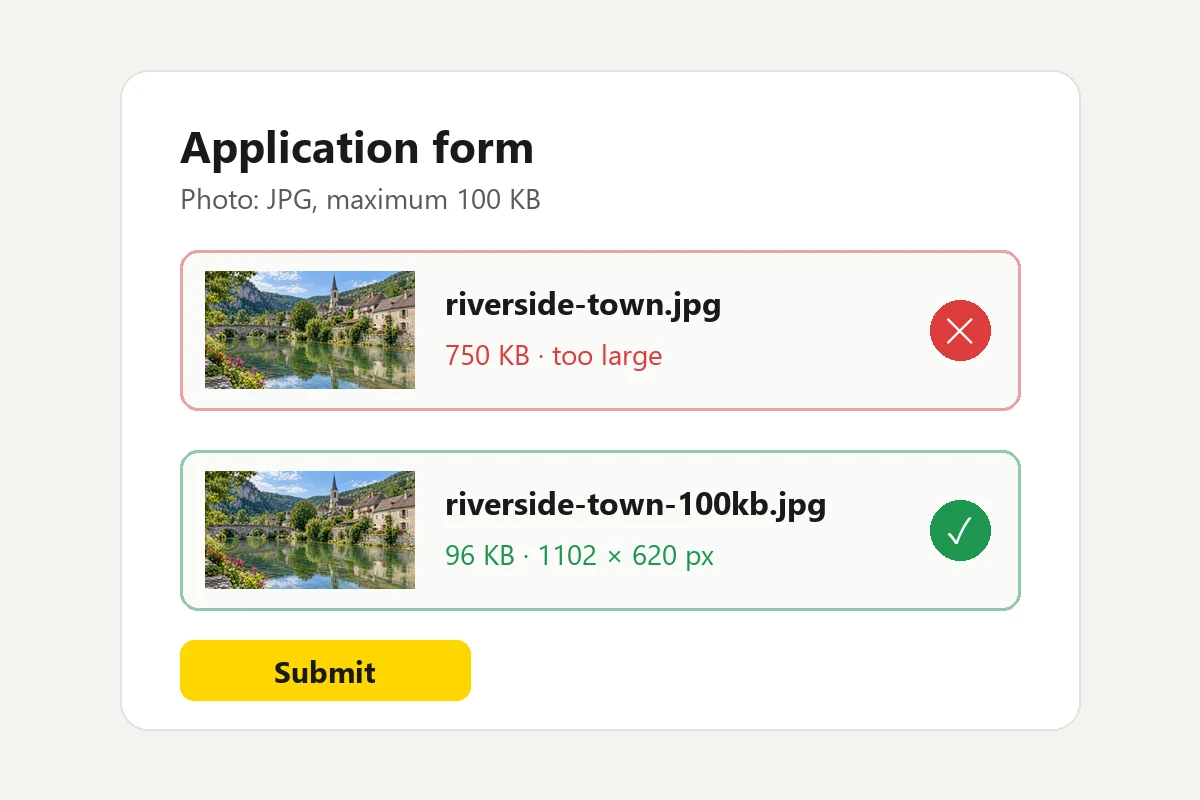
Visa, passport, exam, and job portals often cap photos and scans at 20–100 KB. Pick the matching target and upload on the first try.
Send a whole set of photos without hitting attachment limits; a photo under 1 MB still looks sharp on any screen.
Smaller images help pages load faster. Save banners as WebP at 1920 px and article images at about 1200 px.
Resize to 1440 px at quality 85 so posts upload quickly and keep their detail through the app’s own processing.
Product photos that load quickly keep shoppers browsing. Use the same target for every photo for a consistent catalog.
Smaller photos send faster over mobile data and take less space in shared drives and on your phone.
This page works the same on every device. If you prefer built-in apps, here is how to minimize image size with them.
Open the picture in Photos and choose Resize image (or Resize in Paint), lower the pixels, and save a copy. There is no KB target, so check the file size afterwards.
Open the image in Preview, choose File > Export, pick JPEG, and drag the Quality slider; the file size estimate updates as you move it. Tools > Adjust Size lowers the dimensions.
Mail apps often offer Small, Medium, or Large when you send a photo. For an exact KB target, open this page in your phone’s browser and pick the size.
For thumbnails and previews, 300–400 px at quality 75–80 usually lands at 20–50 KB. The Thumbnail (400 px) preset sets this in one click.
Convert, prepare, and repair images before or after you compress them.
Change a picture’s format, keep transparency, resize, or download all three formats at once.
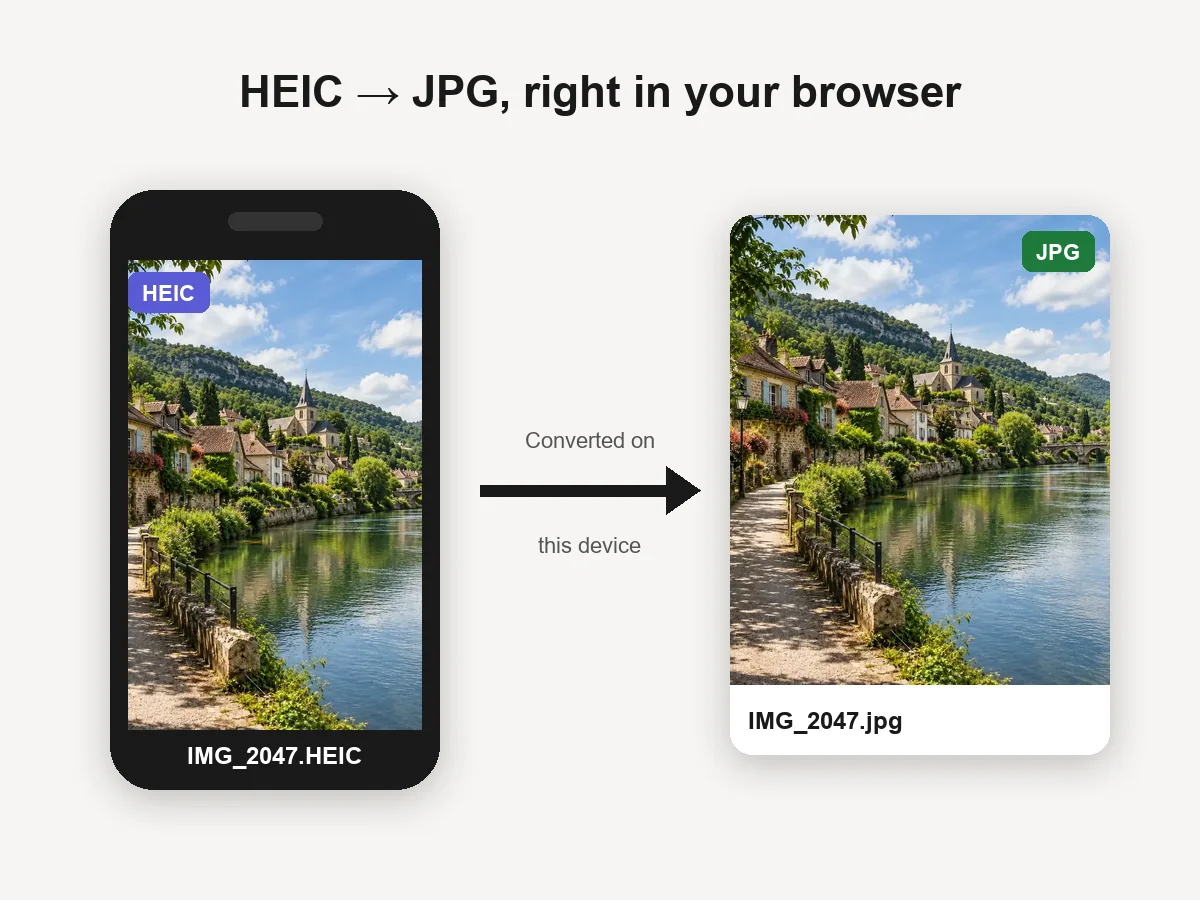
Open the converterTurn iPhone HEIC photos into JPGs in your browser, then compress them here.
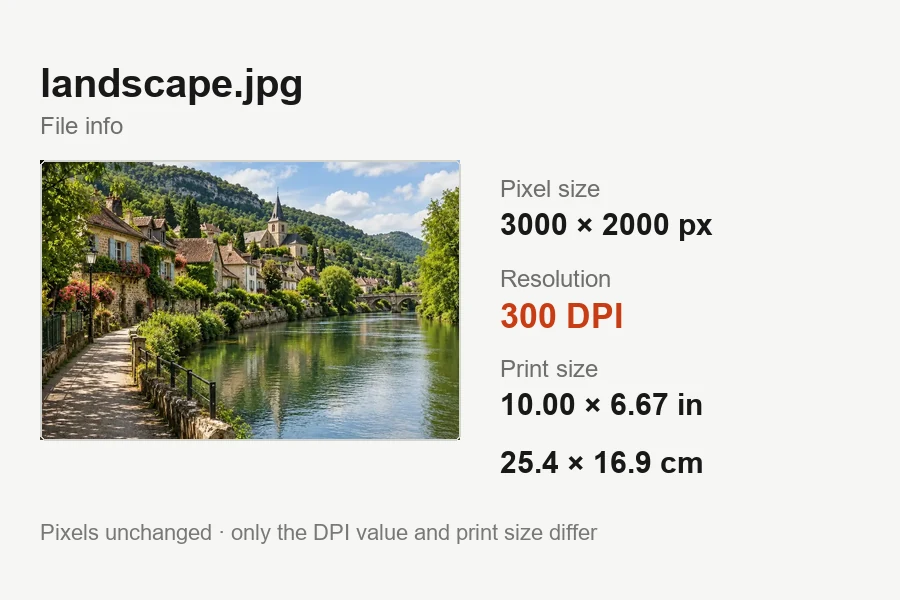
Convert HEICSet the print DPI a print shop or publisher asks for without changing the pixels.
Set DPIClean up a blocky photo that was compressed too hard, with AI that removes the artifacts.
Fix artifactsAnswers about file sizes, formats, and quality.
Upload the image, click 100 KB (or 20 KB) under Compress to, and leave Max width / height on Auto. The tool finds the highest quality that fits and, when needed, lowers the dimensions too; the panel confirms the final size before you download. For any other limit choose Custom KB and set the number.
All lossy compression removes some data, but at quality 75–85 the change is usually invisible on screen while the photo size decrease is often half or more. Lowering oversized dimensions, for example a 4000 px photo to 1920 px for the web, saves even more without a visible loss. Use the before/after slider at full detail to judge.
Yes. You can reduce the size of a photo online free, with no sign-up. Your browser compresses the image on your own device and it is never uploaded, which also makes it suitable for IDs and documents. Only compress images you own or have permission to use.
File size is the storage a file takes, in KB or MB. Image size usually means the pixel dimensions, such as 1920 × 1080. Lower quality reduces the file size at the same dimensions; fewer pixels reduce both. This tool works as an image pixel reducer and a file size reducer at the same time.
For photos, WebP is typically 25–34% smaller than JPG at the same visual quality, while JPG opens everywhere. PNG is lossless and best for screenshots and graphics, and Smart PNG shrinks it by reducing colors. Keep format leaves the file type unchanged, which is the safest choice for upload forms.
Yes. Keep the format or choose PNG, and Smart PNG reduces the image to up to 256 colors while keeping transparent and semi-transparent pixels. WebP also keeps transparency and is often smaller still. JPG has no transparency, so transparent areas turn white.
Some files are already well optimized. If re-saving would not make the file smaller in the same format and size, the download is your original file, unchanged, and the panel tells you so. Lower the quality, choose a size target, reduce the dimensions, or try WebP.
No. Compression permanently removes detail, so a compressed copy cannot be turned back into the original. Keep your original and compress a copy. If all you have is an over-compressed photo, an AI artifact remover or upscaler can clean up blocks and rebuild some detail.
No AI is involved. It uses your browser’s standard JPG and WebP encoders and a color-reduction step for PNG, which is why it is free, private, and works offline once the page has loaded. AI tools on this site help with other jobs, such as repairing heavily compressed photos.
This page compresses one image at a time. Your settings stay selected, so each next photo takes one upload and one click, and every file lands at the same size and quality.
Pick a KB target, a quality, or dimensions and download a smaller JPG, PNG, or WebP. Free, private, no sign-up.