Influencer & UGC Ads
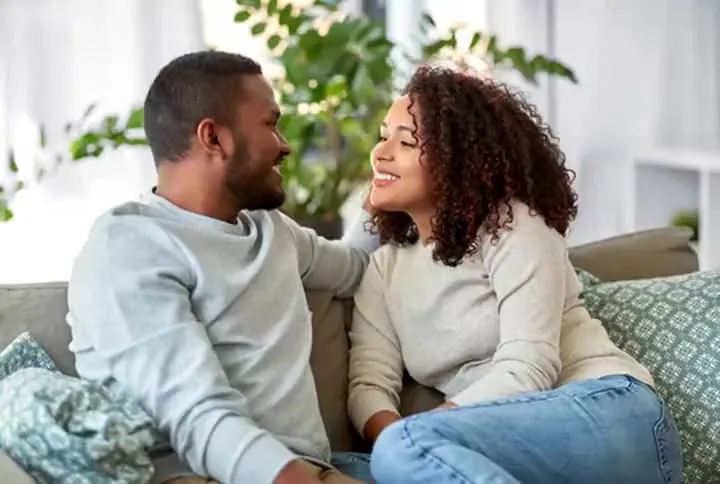
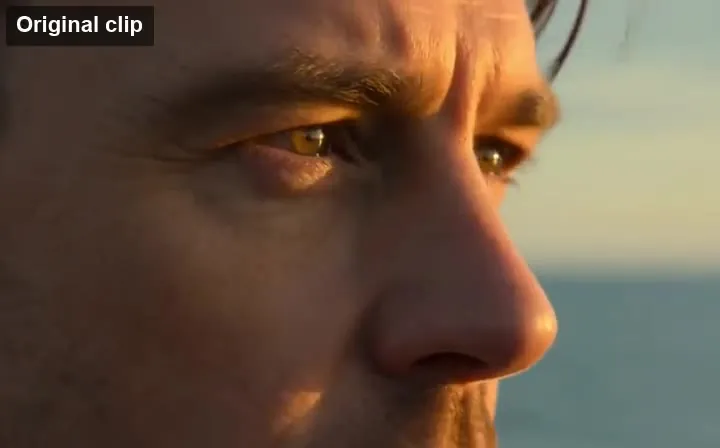
A presenter talks to camera with natural lip movement and voice — product demos without a shoot.
Describe a scene, add reference images, a reference clip, or audio, and ByteDance’s Seedance 2.0 model turns it into a multi-shot video with native sound. New accounts get free credits to try it.
A young woman in a bright marble kitchen holds two oranges and talks to the camera about her morning juice routine, then drops them into a blender; natural light, medium close-up.
Reference example. It is not a result generated from your upload.
Seedance 2.0 is ByteDance’s multimodal AI video model. Instead of a single prompt and image, it takes text plus reference images, a reference video for motion or camera moves, and reference audio for rhythm or voice, then generates a video with synchronized native sound. It is known for steady characters across several shots, realistic motion, and accurate prompt following.
On EzImgMaker you can use the Seedance 2 AI video generator online without installing anything: write a prompt, add references if you have them, pick Seedance 2.0 or the faster Seedance 2.0 Fast, and generate clips up to 15 seconds long, from fast 480p drafts up to 1080p and 4K. It is the same Seedance 2.0 video model people know from Dreamina Seedance 2.0; here it runs in your browser with simple credits, and every Seedance 2.0 AI generated clip downloads as an MP4.
What the Seedance 2.0 AI video model supports on EzImgMaker.
| Feature | Seedance 2.0 |
|---|---|
| Developer | ByteDance (Seed team) |
| Inputs | Text prompt + start and end frames, reference images, a reference video, and reference audio |
| Video length | 4 to 15 seconds per clip |
| Resolution | 480p, 720p, 1080p, or 4K (Seedance 2.0 Fast: 480p or 720p) |
| Aspect ratios | 16:9, 9:16, 1:1, 4:3, 3:4, 21:9 |
| Native audio | Dialogue, ambient sound, and effects generated with the video (can be turned off) |
| Versions | Seedance 2.0 (best quality) and Seedance 2.0 Fast (quicker, fewer credits) |
| Best for | Ads, short dramas, multi-shot stories, dance and motion, animated 2D scenes |
Specs reflect the Seedance 2.0 versions offered on this site and may change as the model is updated.
| Seedance 2.0 | Seedance 2.0 Fast | Seedance 2.5 | |
|---|---|---|---|
| Focus | Highest quality and consistency | Same model family, faster turnaround | Longer, more controllable videos |
| Max length | 15 s | 15 s | Up to 30 s |
| References | Images, video, audio | Images, video, audio | More references, precise editing |
| Speed | Standard | Faster | Standard |
| Credits | Standard | Lower | Higher |
Every clip below comes from a single prompt — Seedance 2.0 AI video generation from text and references. Use the same idea in the generator above.
A presenter talks to camera with natural lip movement and voice — product demos without a shoot.
Macro textures, slow camera moves, and clean light for cosmetics, gadgets, and packaging.
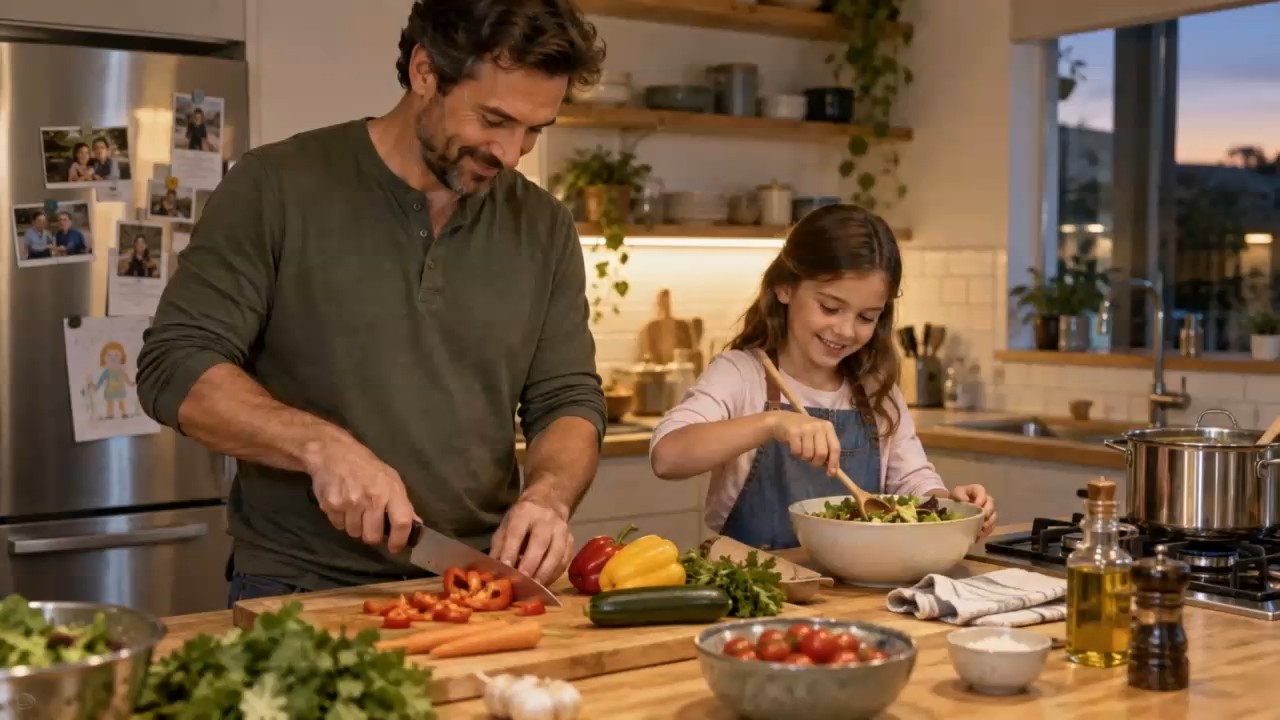
Characters stay the same from shot to shot, so a pet chef can cook a whole recipe.
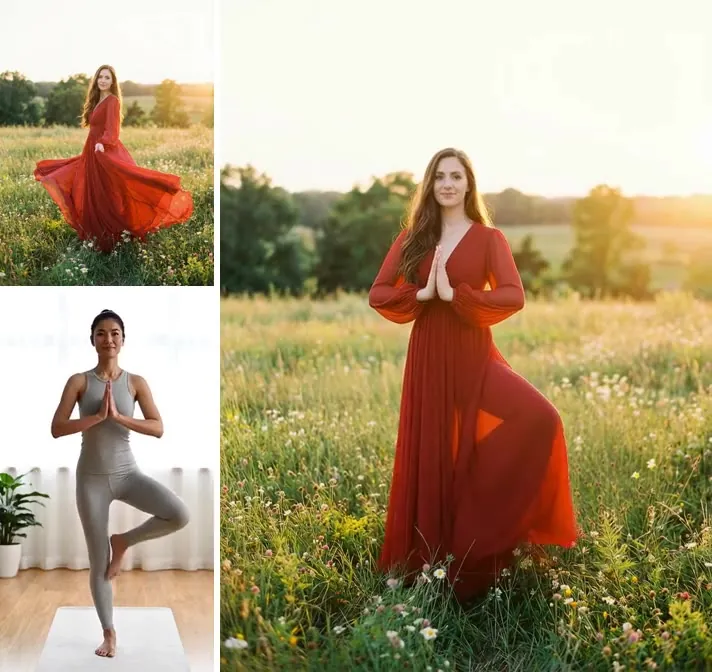
Dewy skin, droplets, and soft light — the close-ups beauty brands need for social ads.
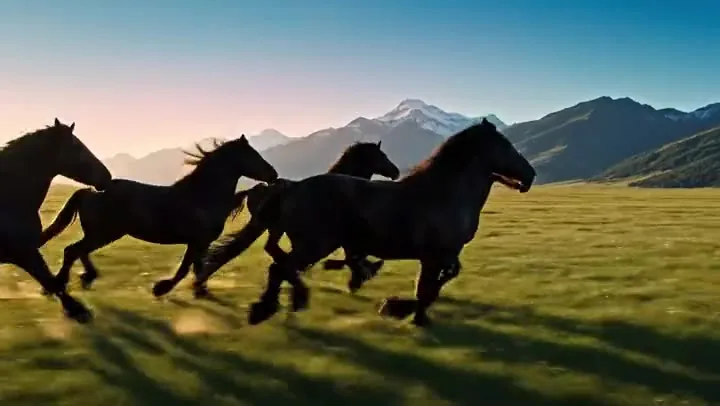
Slow motion, macro, and drone-style shots for intros, trailers, and music videos.
Seedance 2.0 animation generation handles 2D anime styles too: flat colors, clean lines, and expressive motion.
Fast tracking shots and sweeping landscapes with matching engine or wind sound.
Three steps from idea to finished Seedance 2.0 AI video.
Write what happens, where, the visual style, and the camera move — for example “close-up, slow push-in, warm light”. Add dialogue in quotes if someone should speak. Tap an idea to start from a working prompt.
Upload a reference image for the character, product, or first frame, a reference video for the motion or camera, and reference audio for the beat or voice. Seedance 2.0 combines them into one coherent clip.
Pick Seedance 2.0 or 2.0 Fast, a duration up to 15 seconds, a resolution from 480p to 4K, the aspect ratio for your platform, and whether to generate native audio. Then generate and download your video.
Most video models take a prompt and maybe one image. Seedance 2.0 also reads a reference clip for motion and camera work and reference audio for timing, so you can say “this character, this move, this soundtrack” and get exactly that combination.
Seedance 2.0 creates dialogue, ambience, and sound effects together with the picture, matched frame by frame. A talking-head ad comes out with a voice; a kitchen scene comes out with sizzling and clinks — no separate sound editing.
Describe several shots in one prompt and the same face, outfit, and setting carry through each cut. That makes short dramas, recipe videos, and story ads possible from a single generation.
Liquids, fabric, hair, and fast action move the way they should. Seedance 2.0 handles dance, sports, and slow-motion macro shots with fewer warped hands and melting objects than older models.
From brands to solo creators, Seedance 2.0 videos fit wherever short, polished clips are needed.
Product videos, UGC-style ads, and seasonal promos in every aspect ratio.
Previsualize scenes, extend shots, and test camera moves before a shoot.
Mini dramas, pet shorts, dance trends, and memes with sound.
2D anime and stylized animation generation from a prompt or a sketch.
Localized voice-over versions of one concept for different markets.
Short explainer scenes and visual examples for lessons.
Build each prompt from four parts: what happens, where, how it looks, and how it is filmed. “Slow dolly-in”, “handheld tracking shot”, and “drone pull-back” all work.
For multi-shot videos, write “Shot 1… Shot 2… Shot 3…” and keep the character description the same in each.
A reference image fixes the look; a reference video fixes the motion. Use the prompt to say how they fit together.
Put dialogue in quotes and name the sounds you want — rain, crowd noise, a bass drop — so native audio matches the scene.
9:16 for TikTok, Reels, and Shorts; 16:9 for YouTube; 1:1 or 4:3 for feeds; 21:9 for a cinematic look.
Test ideas with Seedance 2.0 Fast at 480p, then render the version you like with Seedance 2.0 at 1080p or 4K.
Seedance 2.0 is ByteDance’s AI video model that turns text plus optional image, video, and audio references into short videos with native sound, consistent characters across shots, and realistic motion.
New accounts receive free credits, so you can try Seedance 2.0 free before buying a credit pack. Each video uses credits based on the version, length, and resolution; Seedance 2.0 Fast uses fewer.
People often search “Seedance 2 Pro”, “seedance2 pro”, or “seedance2-pro” for the full-quality Seedance 2.0 model. Here you can choose Seedance 2.0 for the best quality or Seedance 2.0 Fast for quicker, cheaper drafts.
Each Seedance 2.0 clip can be up to 15 seconds. For longer stories, generate several clips with the same character and join them, or use Seedance 2.5, which supports up to 30 seconds.
Seedance 2.0 renders at 480p, 720p, 1080p, or 4K; Seedance 2.0 Fast offers 480p and 720p. Use 480p for quick tests and 1080p or 4K for the final version you post or edit.
Yes. With Native audio on, it generates dialogue, ambience, and sound effects in sync with the picture. Turn it off if you want a silent clip for your own soundtrack.
A start frame and an end frame to fix where the video begins and ends, a reference image (character, product, or style), a reference video up to 15 seconds for motion or camera, and reference audio up to 15 seconds for rhythm or voice. All are optional.
Dreamina is ByteDance’s own creative app. Here you get the Seedance 2.0 AI video generator in a web browser alongside other video and image models, with one credit balance for all of them.
The model is spelled Seedance 2.0. Searches such as “seeddance 2.0”, “seeddance2”, “seadance2.0”, or “seedance 2.0free” all mean the same ByteDance model you can use on this page.
Seedance 2.0 is a cloud model from ByteDance, so there is no official app to install or weights to run locally. Use the Seedance 2 video generator here in your browser and download each finished video.
Videos you generate from your own prompts and references can be used in your projects and ads. Do not use other people’s faces, voices, or copyrighted characters without permission.
No. EzImgMaker is an independent platform that gives you access to the Seedance 2.0 model. Seedance is developed by ByteDance.
Use your sign-up credits to turn your first idea into a Seedance 2.0 video with sound.
Seedance and Seedance 2.0 are names of AI models developed by ByteDance. EzImgMaker is an independent service that provides access to these models and is not affiliated with, endorsed by, or sponsored by ByteDance or Dreamina.