Best Friends Blend
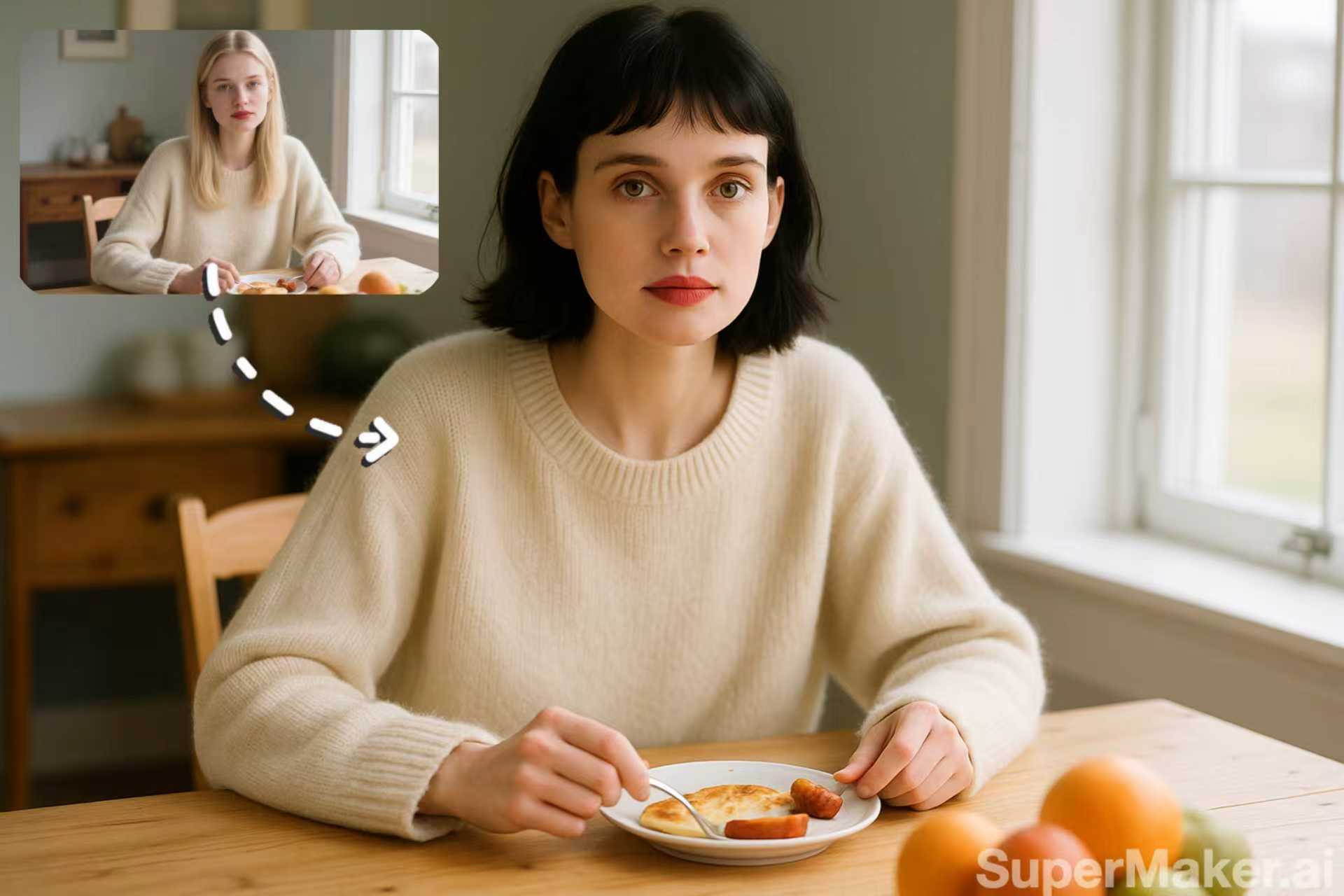
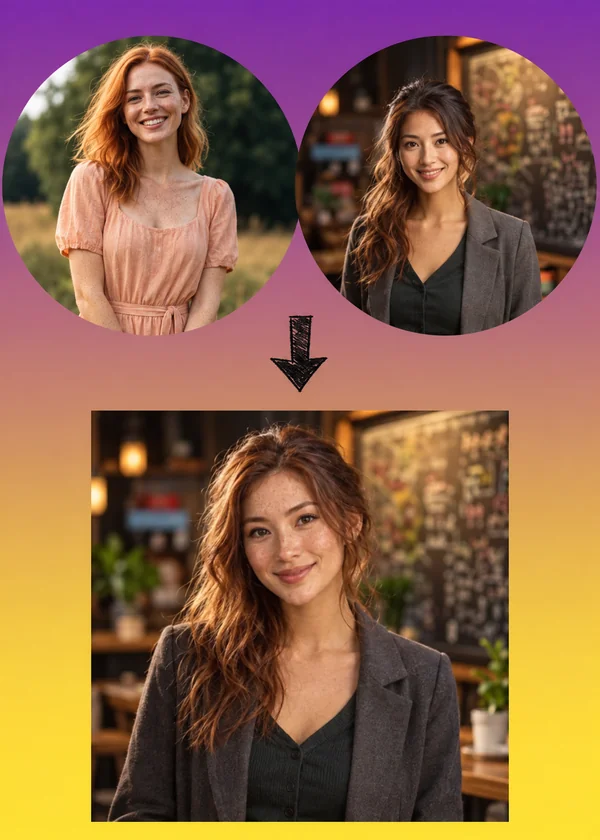
Two friends merged into one portrait with features from both.
Upload two portraits and the AI face combiner mixes their eyes, nose, lips, skin tone, and face shape into one believable new face. Slide the blend toward either person to control the result.
Blend presets
Fine-tune
Your photo stays in this browser during this UI preview.
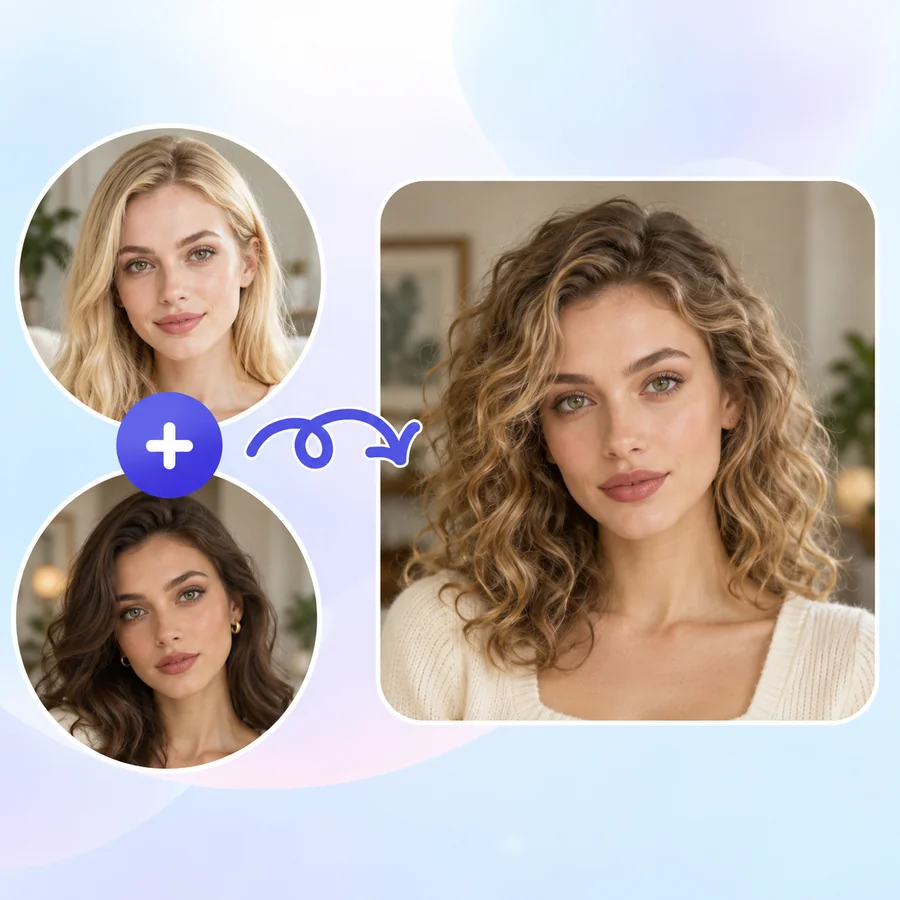
Reference example. It is not a result generated from your upload.
A face morph blends two faces into one. Upload Face A and Face B, and the AI face morph analyzes eyes, brows, nose, lips, jawline, and skin tone in both photos, then generates a brand-new face that carries features of each person. Unlike a face swap, nobody’s face is simply pasted onto someone else; the result is a true mix.
Classic image morphing software needed dozens of manually placed points to morph pictures or morph images of faces. This face combiner does the alignment for you, keeps lighting and texture realistic, and lets you decide how much of each person shows up in the final portrait.
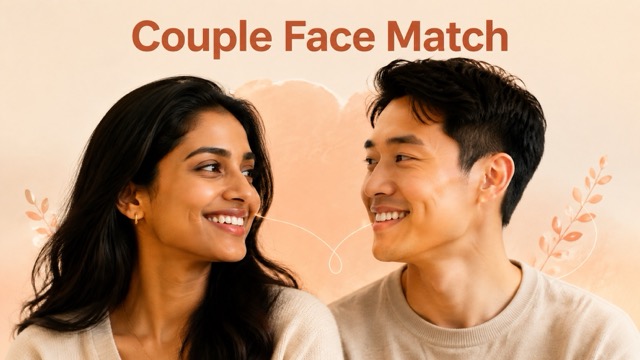
A few of the ways people combine two faces. Each card shows the source faces and the blended result.
Two friends merged into one portrait with features from both.
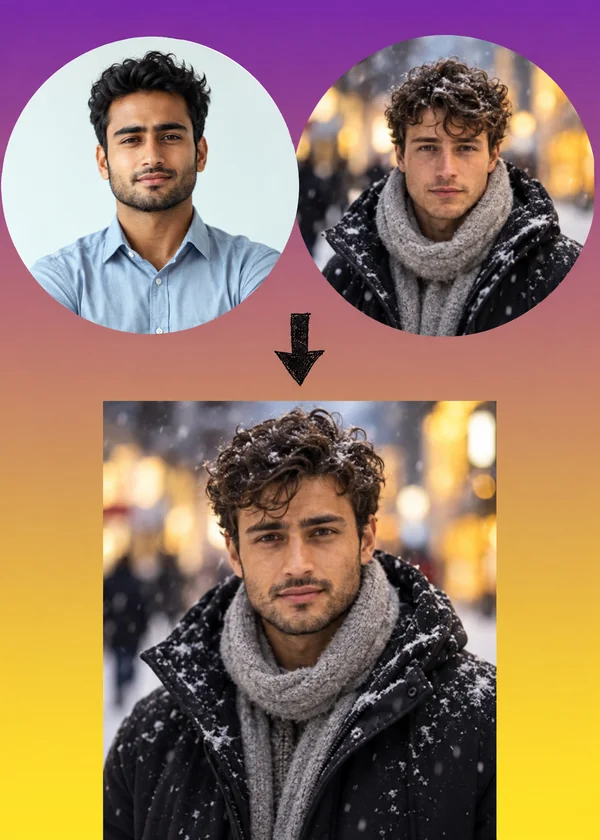
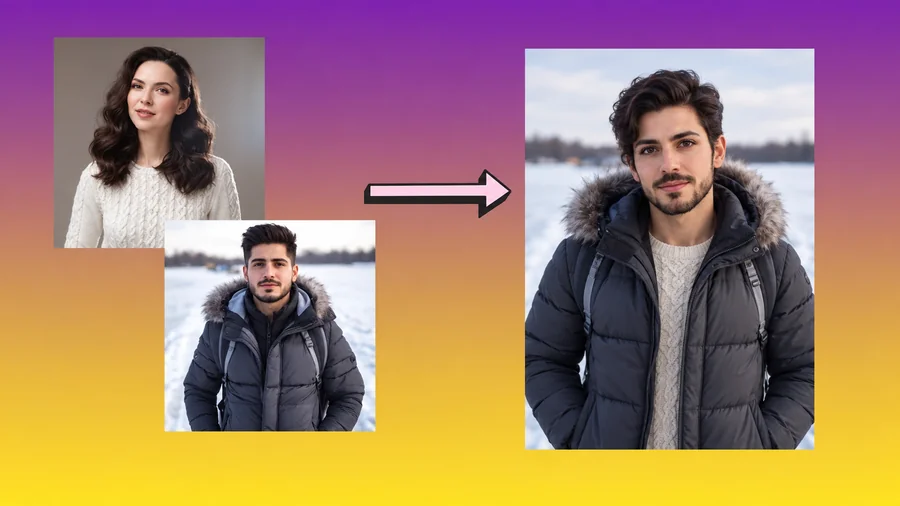
Two men morphed into a single face, kept in the winter street scene.
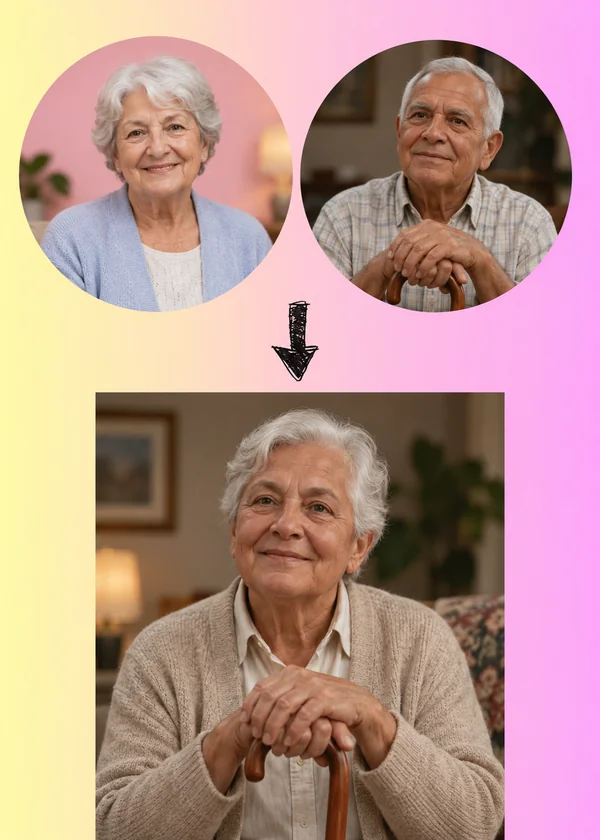
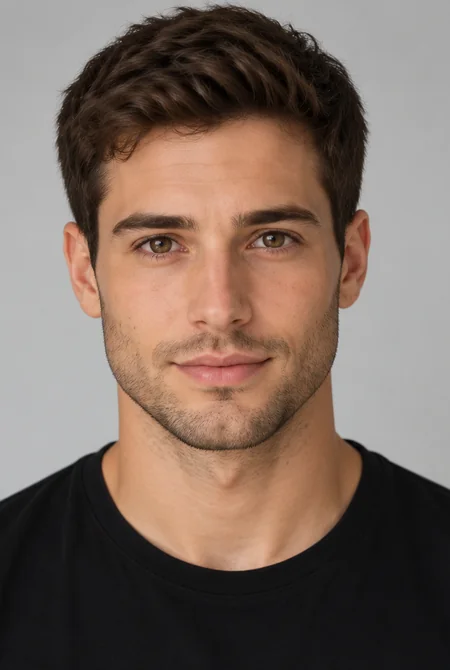
A playful mix of two senior portraits, keeping the warm, lived-in look.
Morph two pictures together in three steps, with no points to place by hand.
Add two clear, front-facing portraits (JPG, PNG, or WebP up to 10 MB). Similar angles and lighting give the smoothest blend.
Pick 50/50, More Like Face A, or More Like Face B, or drag the Face B influence slider. Choose which photo supplies the pose, hair, and background.
Generate the morphed picture, compare it with both originals, and try another ratio for a different mix.
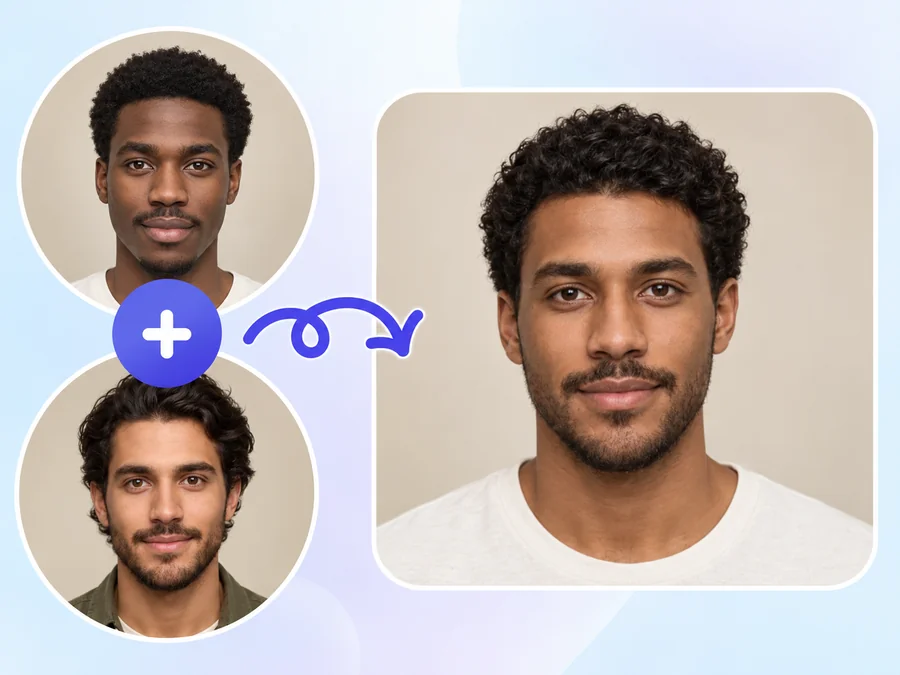
A face swap moves one face onto another body. This face merge AI builds a new face from both: eye shape from one person, jawline from the other, skin tone somewhere in between. The morphed pic looks like a real person who could be related to both.
Slide from mostly Face A to mostly Face B. Run 25%, 50%, and 75% to create a step-by-step series, the same idea as classic morphing pics, and keep the version that feels right.
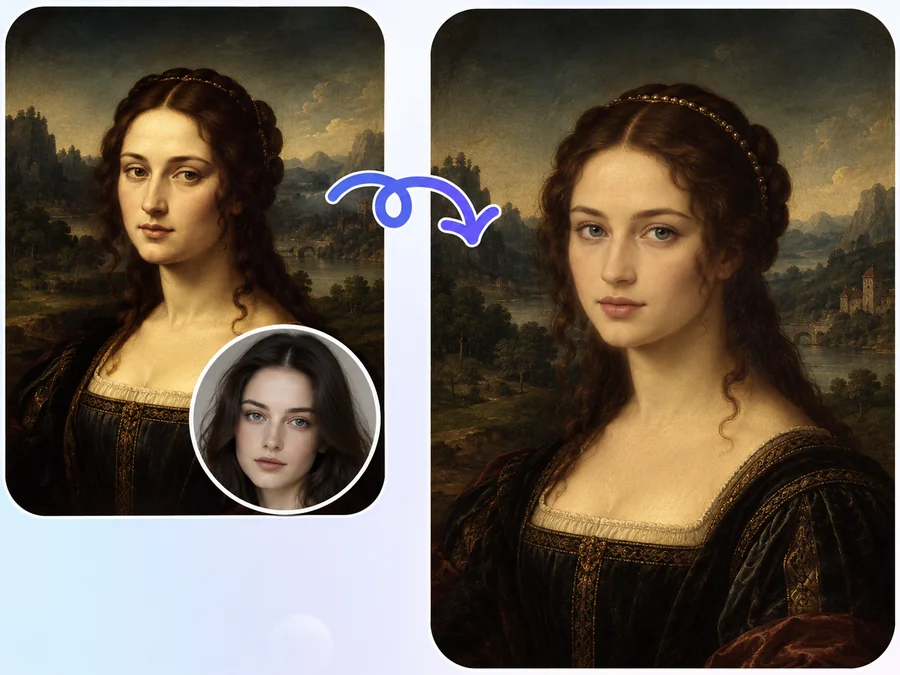
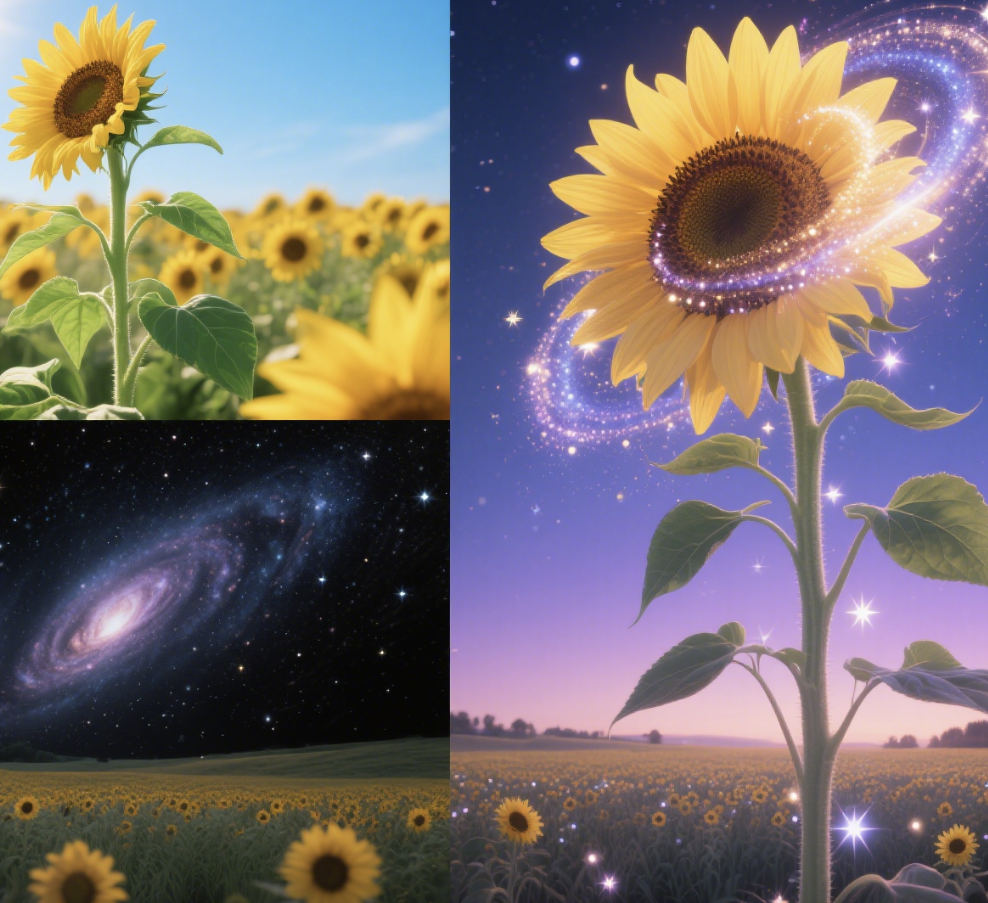
Blend your portrait with a public-domain painting, an original character, or a fantasy look. Switch Result style to Painted portrait or Cartoon for an artistic AI morph instead of a photo.
Skip the face morph app download. Upload two photos from your phone or computer, and this image morpher works as a face merge online, with realistic skin, hair, and lighting in the result.
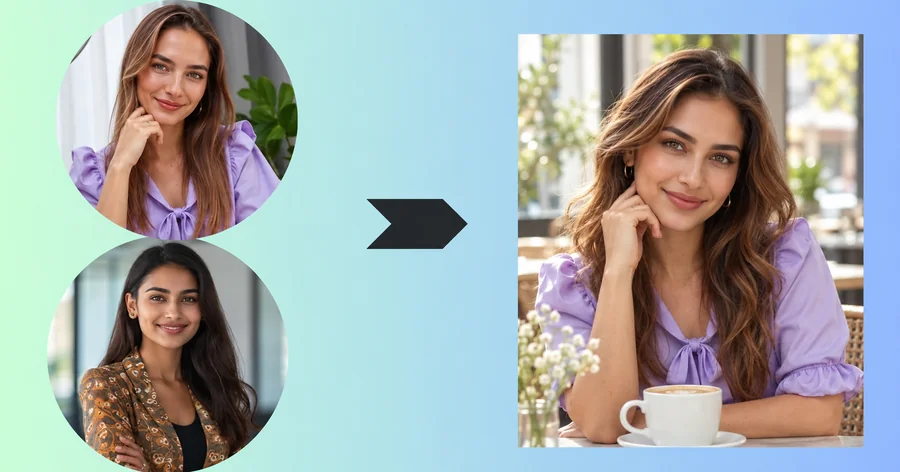
Mix your face with a friend or partner (with their okay) and share the funniest or most surprising result.
Writers and game designers combine reference faces to invent believable characters, siblings, or families.
Create a series of morphed pictures at different ratios to use as frames in an edit or a morph-style transition.
Curious what a blend of two faces looks like? Face morphing pictures are an easy conversation starter.
Matching photos give the AI face morph a cleaner blend.
Two front-facing portraits blend far better than a profile and a front view.
Comparable light and color help skin tone and shadows mix smoothly.
Avoid tiny faces in group shots, heavy filters, and blurry photos.
Crop to the person you want if the photo contains more than one face.
Common ways people combine two faces.
Illustrative examples adapted from reference material, not verified reviews of EzImgMaker.
My best friend and I morphed our faces for her birthday card. The 50/50 version honestly looked like a cousin we never had.
I needed twins for a comic who look related but not identical. Blending two reference faces at 40% and 60% gave me both.
I exported 25, 50, and 75 percent versions and used them as frames for a morph transition in my video intro.
The painted portrait style turned a blend of my face and an old painting into something I actually hung on the wall.
Answers to common questions about blending two faces.
A face morph is an image that combines facial features from two people into one face. This face morph AI aligns both portraits, mixes eyes, nose, mouth, jawline, and skin tone, and generates a realistic blended face.
A face swap puts one person’s face onto another photo. A face morph creates a new face that sits between the two people, so the result looks like neither person exactly, but resembles both.
Upload the first portrait as Face A and the second as Face B, choose a blend preset or slider value, pick which photo supplies the background, and start. The AI face merger handles alignment automatically.
Yes. Face B influence goes from 0 to 100%. Low values look mostly like Face A, high values mostly like Face B, and 50% gives an even mix.
Generate several blends at increasing ratios, for example 0, 25, 50, 75, and 100%, and place them in sequence in any video editor. Each frame is a still photo morph.
You do not need one. This face morph online tool works in mobile and desktop browsers, so you can mix faces without installing a face morph app.
Mixing celebrities is a popular trend, but we ask you not to upload photos of real public figures or anyone else without their permission. Blend your own face, friends who agree, original characters, or public-domain artwork instead.
Only upload photos you have permission to edit, and get consent from both people before blending their faces. Do not upload photos of minors, and never use a morph to impersonate someone, fake an identity, or create misleading images.
Mismatched angles, very different lighting, or small faces make blending harder. Use two sharp, front-facing portraits with similar light for the cleanest result.
Upload Face A and Face B, set the mix, and see your face morph.