Rectangle
Clean, classic optical frames that suit round and oval faces.
Try on glasses at home with one photo. Choose a frame shape, color, and lens type, or upload a product photo of the exact pair, and see eyeglasses or sunglasses fitted to your face.
Frame Shape: Rectangle · Frame Color: As Shown · Lenses: As Shown
Your photo stays in this browser during this UI preview.
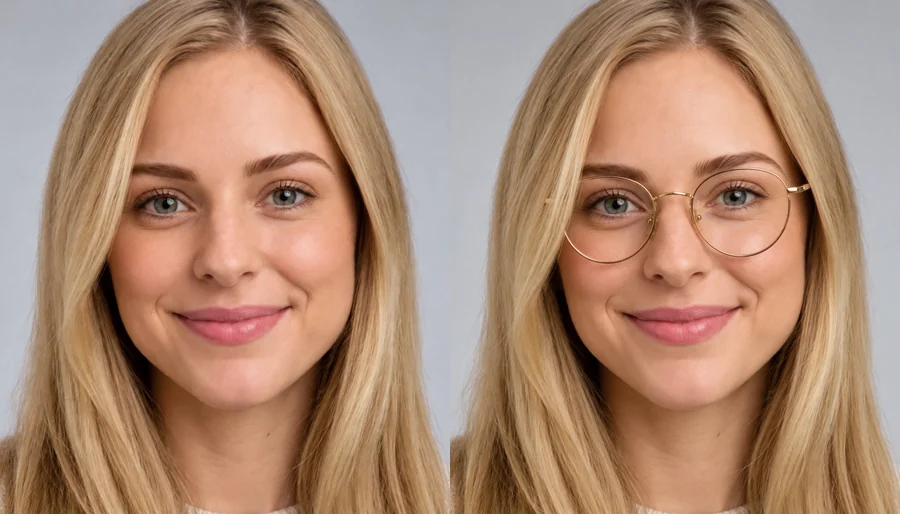
Reference example. It is not a result generated from your upload.
A virtual glasses try on lets you see frames on your own face using a single photo. Instead of pasting a flat sticker, this AI glasses try on finds your eye line, nose bridge, and head tilt, scales the frames to your face, and adds soft shadows and lens reflections, so the result looks like you are really wearing them. Think of it as virtual eyeglasses for any photo you upload.
Use it to try eyeglasses online before you order, to try spectacles online in different colors, or as a quick glasses virtual try on for sunglasses. Pick a preset shape, or upload a product photo for an eyeglass frames virtual try on of the exact pair you are considering. Eyewear shops can use the same virtual eyewear try on to show customers new arrivals.
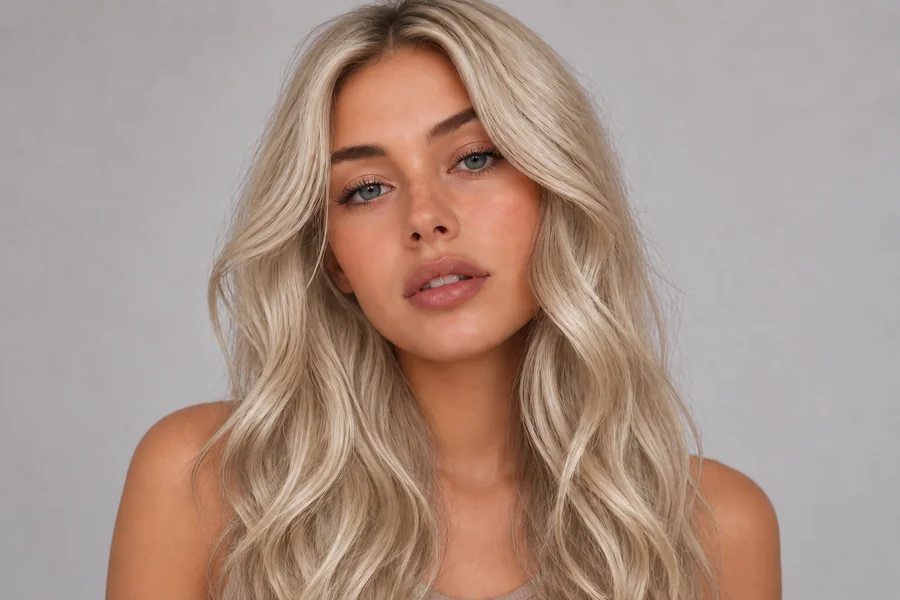
Each style on a real-looking face, ready for your own eyeglasses virtual try on. Tap Try on to load the shape, then upload your photo.
Clean, classic optical frames that suit round and oval faces.

Thin metal circles for a soft, vintage look.

Upswept outer corners that lift the face.

Barely-there lenses for a light, professional look.
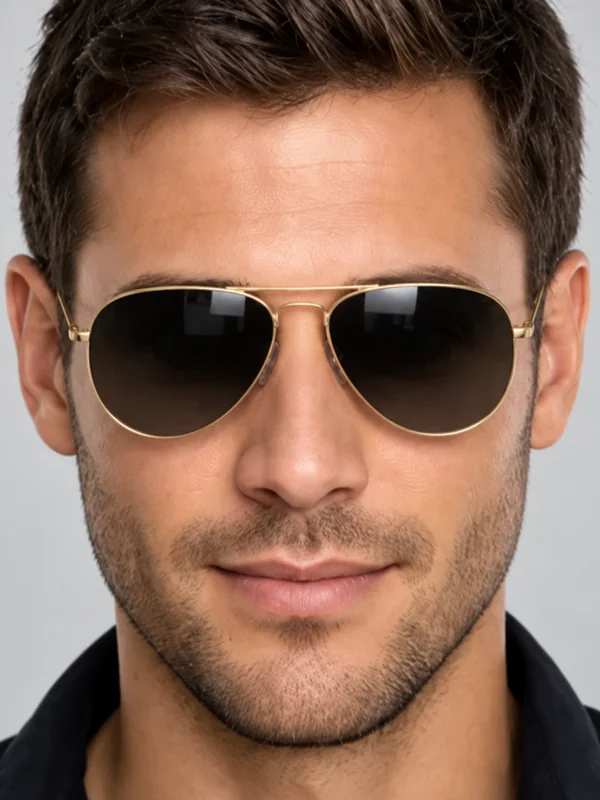
Teardrop metal frames, as clear glasses or classic shades.
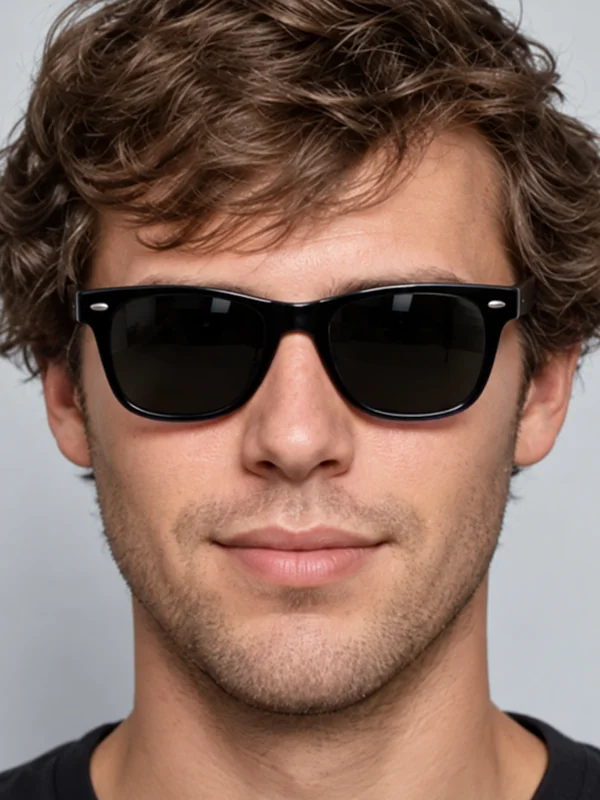
Bold, slightly trapezoid frames that work on most faces.
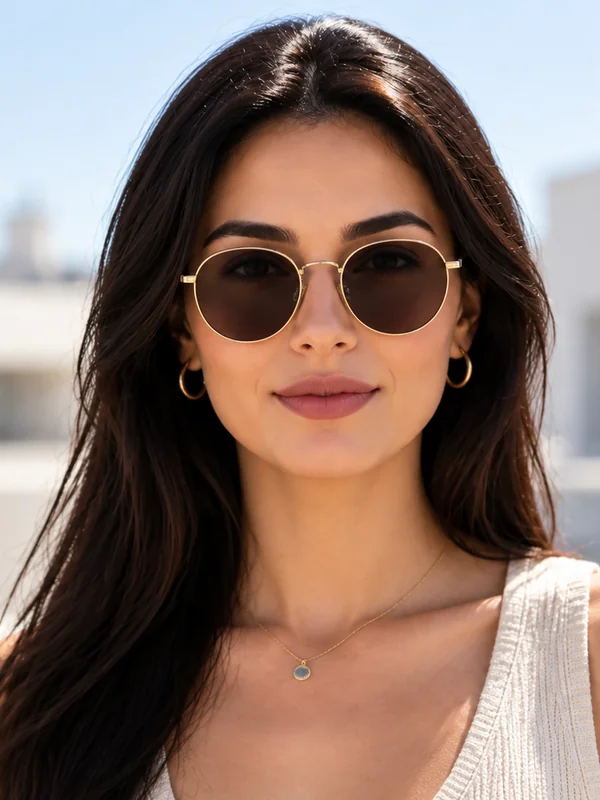
Round frames with a warm brown tint for sunny days.
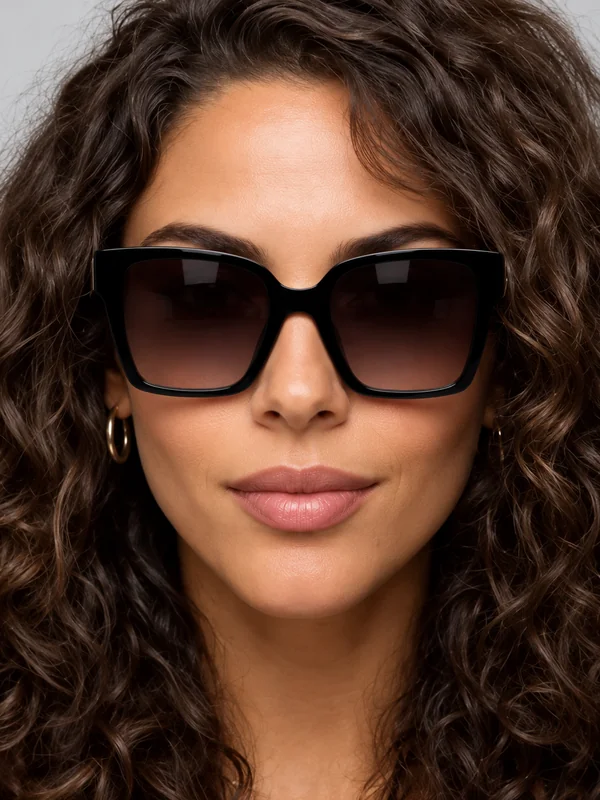
Large, statement sunglasses with dark lenses.
Try eyeglasses at home in three steps, with no store visit and no eyeglass application to install.
Use a clear photo with both eyes visible and your hair away from your face. JPG, PNG, and WebP up to 10 MB. If you already wear glasses, the new pair replaces them.
Choose a frame shape such as Rectangle, Round, or Cat-Eye, then a color and lens type. Want a specific pair? Add its product photo in the optional Frame Photo slot or describe it in the note.
Generate up to four versions, compare the frames side by side, and keep the pair that suits your face before you buy.

The frames follow your eye line and head tilt and sit on the bridge of your nose, with a soft contact shadow and subtle lens reflections. Your face, expression, hair, and background stay exactly as you uploaded them.
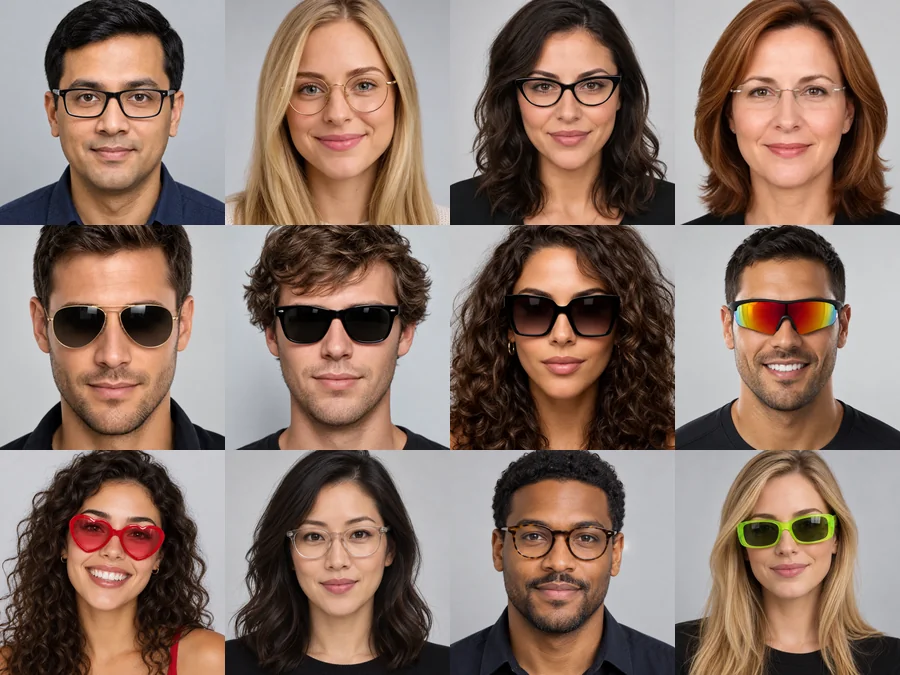
Not sure which glasses suit your face? Run the same photo through rectangle, round, cat-eye, rimless, aviator, and wayfarer frames and compare them side by side. Seeing them on your own face is the fastest way to narrow it down.
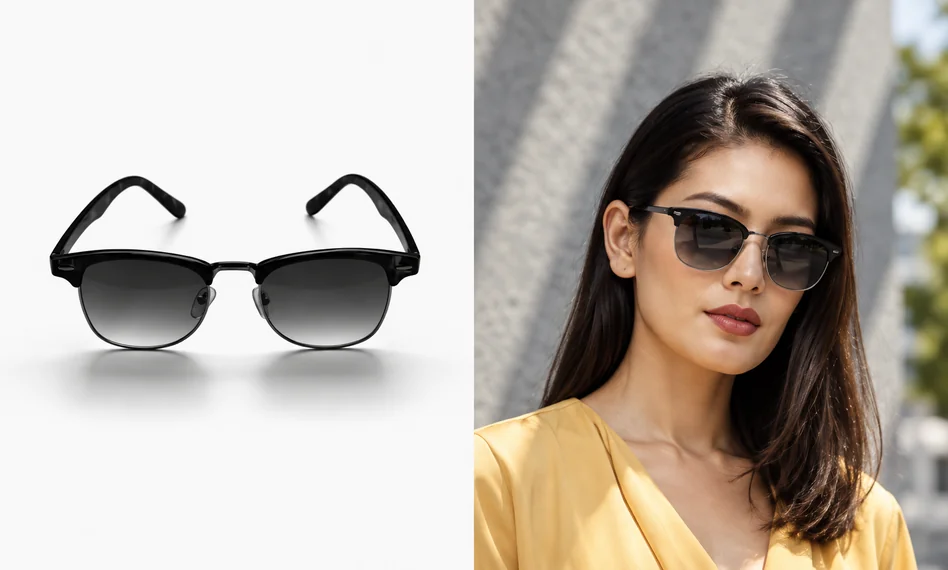
Found frames you like on a store page? Upload the product photo in the Frame Photo slot and see that exact pair on your face, in the same shape and color. A clean photo on a plain background works best.
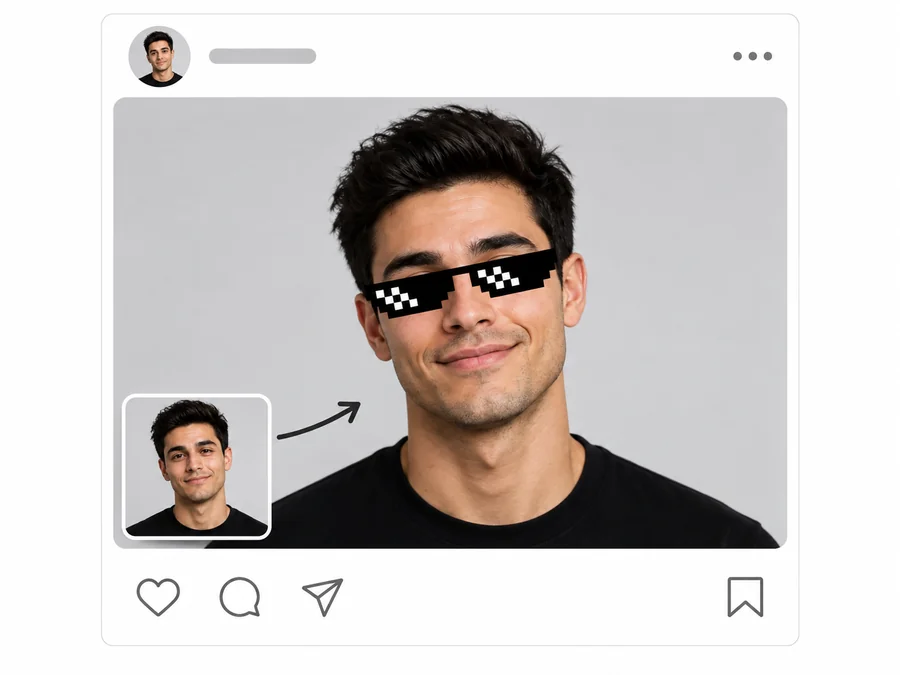
Beyond optical frames, try dark, tinted, or mirrored sunglasses for vacation photos, or a playful heart-shaped pair for a post. It works like a glasses filter on any photo you upload.
An eyeglasses try on at home is useful for more than shopping.

Do an at home eyeglass try on of several pairs and only order the ones that suit you.
Send a few versions to friends or family and let them pick their favorite frames.
Add clear rectangle or rimless frames to a headshot for a work or dating profile.
Show customers how a frame looks on their own photo when they shop online.
The photo matters more than the frames.
A straight-on photo at eye level gives the most natural frame size and position.
Soft daylight without strong reflections helps the lenses and shadows look natural.
Move hair away from your eyes and brows so the frames sit in the right place.
For a specific pair, upload a front view of the frames on a plain background.
Common ways people preview frames before buying.
Illustrative examples adapted from reference material, not verified reviews of EzImgMaker.
I did my whole glasses try on virtually on my lunch break. Cat-eye looked great; aviators did not. That saved me a return.
I uploaded the product photo of the exact frames I wanted and saw them on my face before ordering.
The frames followed my head tilt and had a little shadow on the nose. It looked like a real photo of me in glasses.
We use it to show customers two or three frame shapes on their own selfie when they are deciding online.
Answers to common questions about trying on glasses online.
Upload a front-facing photo, choose a frame shape, color, and lens type, and generate. The AI detects your eyes and nose bridge, scales the frames to your face, and blends them in with natural shadows and reflections.
As a rule of thumb, angular frames such as rectangle and wayfarer balance round faces, while round and cat-eye frames soften square faces. The most reliable test is to try several shapes on your own photo and compare them side by side.
Yes. Add a product photo of the frames in the optional Frame Photo slot. A front view on a plain background gives the closest match. You can also describe details like color or lens tint in the note.
Yes. Choose Aviator, Wayfarer, Oversized, or Sport Wrap and set Lenses to Dark Sunglasses or Mirrored. Swim and ski goggles are not presets, but you can describe them in the note.
Yes. The new frames replace the ones in your photo. For the cleanest result, you can first remove your current glasses with a remove-glasses tool, then try on new spectacles.
Frames are aligned to your eye line and head angle and lit to match your photo, with soft shadows and lens reflections. Sharp, evenly lit photos give the most convincing result.
No. The tool runs in your phone or desktop browser, so there is no eyeglass application or glasses try on app to install.
No. The preview shows the style, not the exact fit or your prescription. Check frame measurements with the seller and get your prescription from an eye care professional.
Yes. Add glasses to photo uploads for profile pictures, memes, or costume ideas, from clear frames to heart-shaped shades. You can also put glasses on a picture of a friend if they are happy for you to edit it.
Only upload photos you own or have permission to edit, and do not use edited photos to mislead anyone about a real person.
Upload a photo and try eyeglasses and sunglasses with the virtual glasses try on.