
3D Animated
Soft 3D shading and slightly larger eyes, like an animated movie character, while the black bob, round glasses and mustard sweater stay.
Upload your own portrait and turn photo into avatar art: a 3D animated character, clay figure, anime or comic portrait, pixel avatar, cyberpunk look or fantasy elf. Every result is square, ready to crop into a profile circle.
Reference example. It is not a result generated from your upload.
This avatar maker from photo uploads starts with a real picture of you rather than a blank character builder. The avatar generator AI reads your face, hair, glasses and expression and redraws them in the style you choose. A good generator avatar keeps the features people recognize, like hairline, glasses and smile, while changing everything else.
Twelve styles are grouped into three families. 3D: 3D Animated, Clay, Vinyl Toy and Low Poly. Illustrated: Anime, Comic, Watercolor and Flat Vector. Fun: Pixel, Cyberpunk, Fantasy Elf and Robot. Select an avatar style, generate one to four versions and compare them before you download.
Unlike an avatar filter that lays effects over a live camera, this online avatar maker produces a new square image you can keep and reuse. For more profile-picture looks, such as aesthetic color themes, frames and initials, try the PFP Maker; dedicated pages also cover anime avatars, VTuber-style art and emoji from a photo.
Soft 3D shading and slightly larger eyes, like an animated movie character, while the black bob, round glasses and mustard sweater stay.
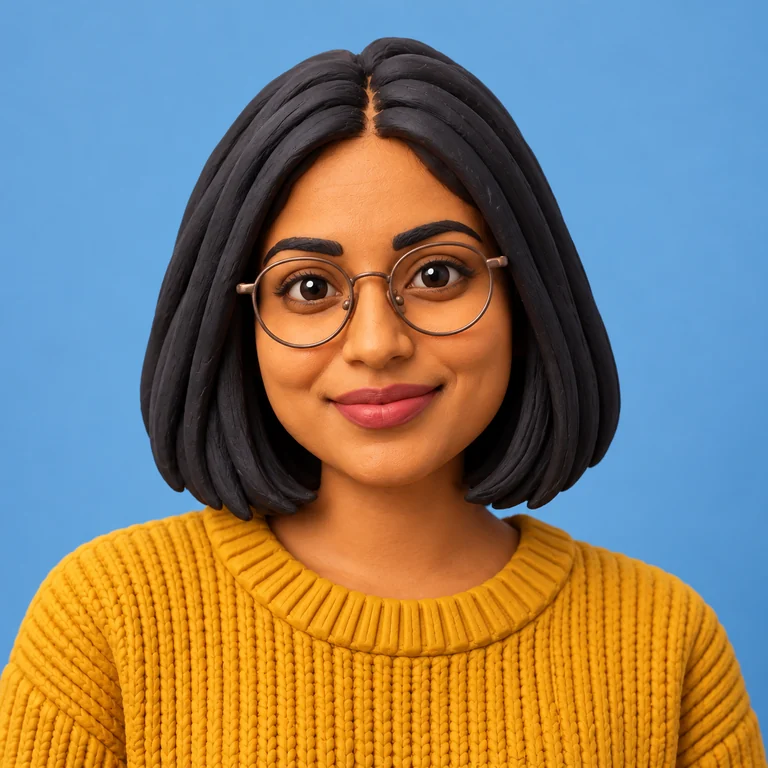

A handmade clay look with smooth, matte surfaces and gently rounded features.
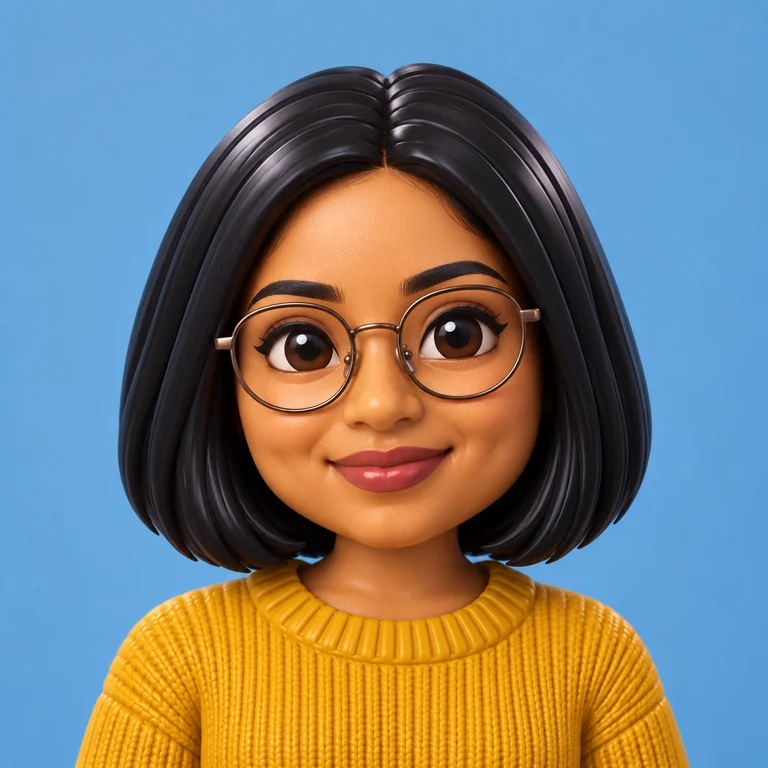

A collectible vinyl-toy version with a big glossy head, oversized glasses and a small body.
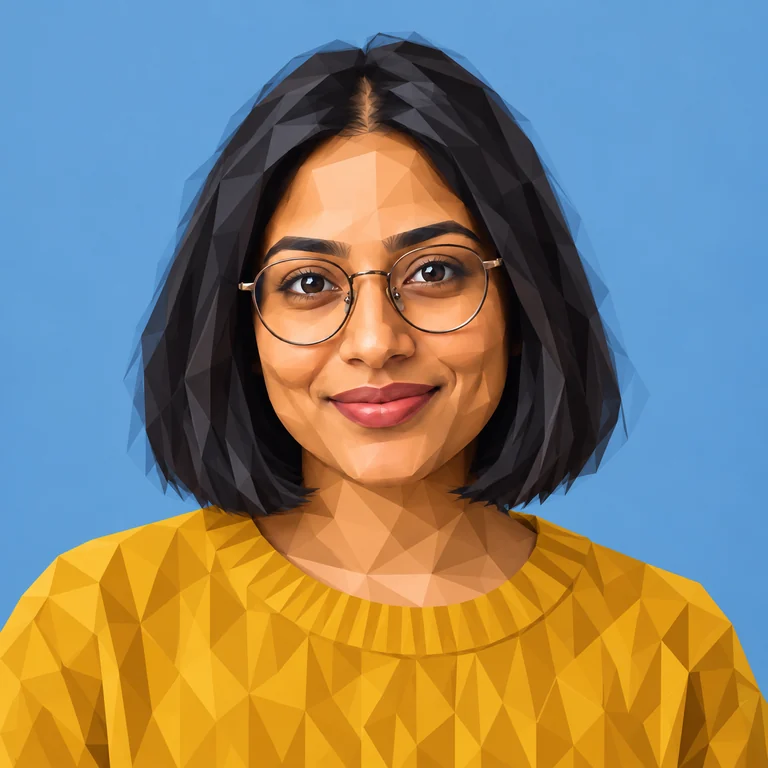

Faceted, geometric planes turn the sweater and skin into angular polygons, like a stylized game model.
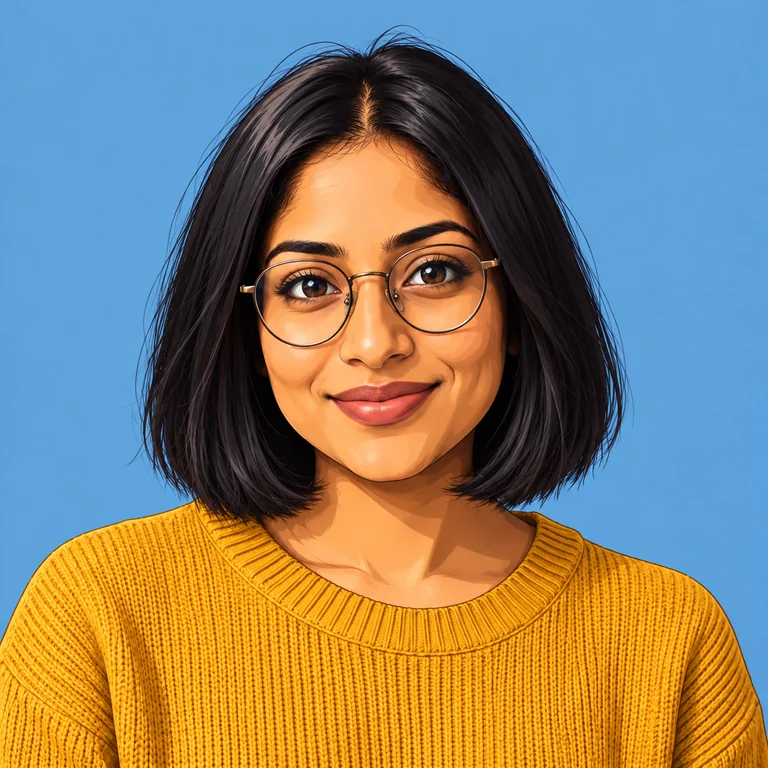

Clean anime line art and smooth shading that keep the glasses and haircut easy to read.


Bold ink outlines and flat comic coloring, with a strong black edge around the hair and shoulders.


Loose watercolor washes on the backdrop and sweater, with soft painted edges around the face.


Simple shapes and flat fills like a vector illustration, easy to read as a small icon.


Stepped, blocky edges around the hair and sweater: a retro avatar for games and old-school forums.
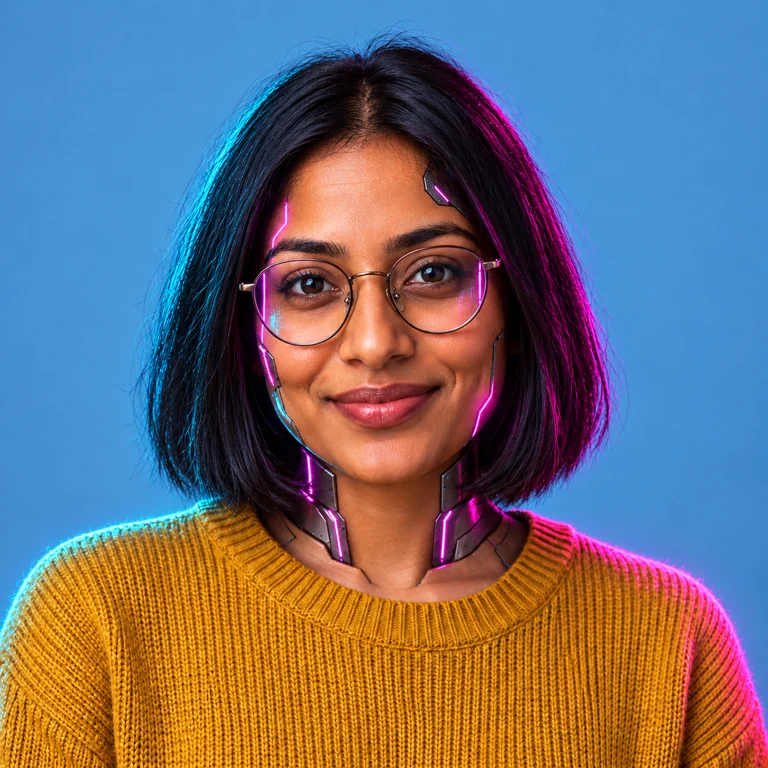

Neon pink and cyan rim light, glowing lenses and tech details at the collar for a cyberpunk profile.
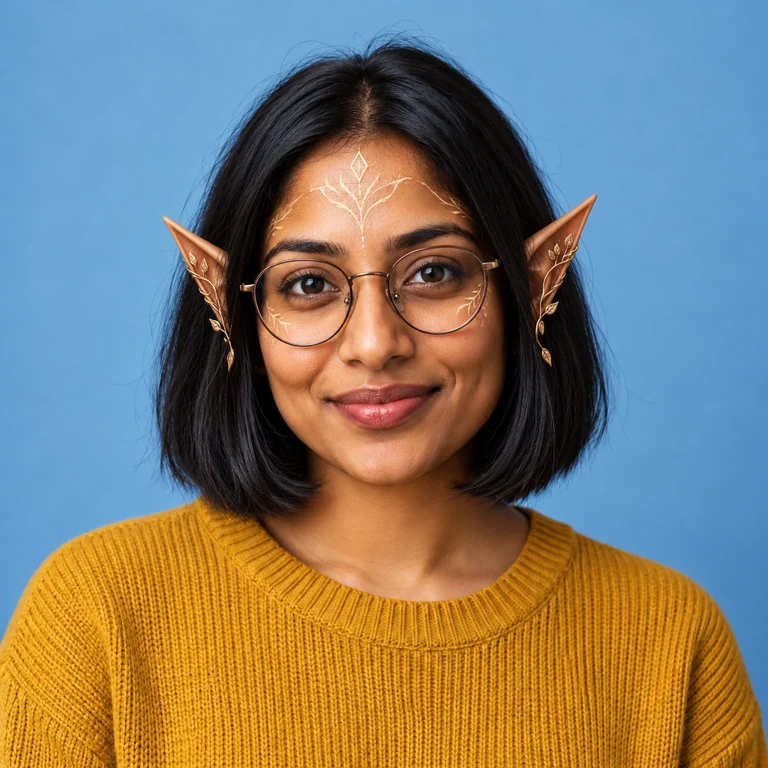

Pointed elf ears and a delicate forehead ornament added to the same face and outfit.
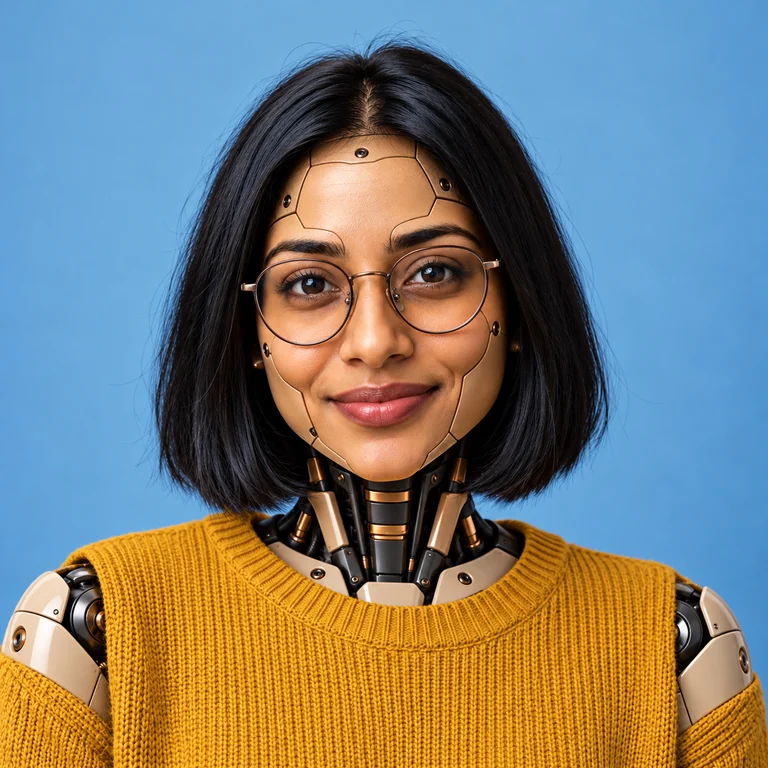

Mechanical panels on the shoulders and face give a part-robot look while the expression stays human.
Front-facing, eyes visible, good light. You can make avatar from image files in JPG, PNG or WebP up to 20 MB; keep hair and glasses fully in the frame.
Pick from the 3D, Illustrated or Fun tab. Only one style is applied per run, which keeps the result consistent.
Each version interprets your features a little differently. Compare eyes, smile and hairline and keep the one that looks most like you.
The avatar is square. Preview it inside a circle in the app where you will use it so the face is not cut off.
Make avatar with photo input and get a soft, rendered 3D character with warm lighting. It is a flat image with a 3D look: great as a profile picture, but not a model you can rotate or animate.
Create avatar from picture uploads with a hand-sculpted clay finish: rounded shapes, matte surfaces and simplified hair. Clay is forgiving with busy photos because it smooths fine texture.
Vinyl Toy exaggerates proportions: a big head, oversized glasses and a small body on a clean backdrop. It is the most playful 3D option and still reads well at small sizes.
Low Poly breaks your portrait into flat, angled facets, a look that suits gaming profiles, community servers and stream overlays.
| Family | Styles | Best for |
|---|---|---|
| 3D | 3D Animated, Clay, Vinyl Toy, Low Poly | Friendly profile pictures with depth and a toy-like finish |
| Illustrated | Anime, Comic, Watercolor, Flat Vector | Drawn portraits for social bios, blogs and creative portfolios |
| Fun | Pixel, Cyberpunk, Fantasy Elf, Robot | Gaming handles, forum avatars and themed community profiles |
A straight-on portrait with both eyes visible gives the AI avatar creator the clearest features to keep. Side profiles and sunglasses lose likeness.
Hair or glasses cut off by the edge get guessed. Leave some space around your head before uploading.
A simple wall helps any photo avatar maker keep attention on your face; busy backgrounds can turn into confusing shapes in comic or pixel styles.
Flat Vector and Pixel read well at tiny sizes; Watercolor and 3D Animated look best where the avatar is shown larger.
Not sure which avatar to make? Generate a 3D and an Illustrated version from the same photo and compare them side by side.
Create avatars of yourself, or of people who agreed to it. Don’t upload strangers’ photos or pictures of public figures.
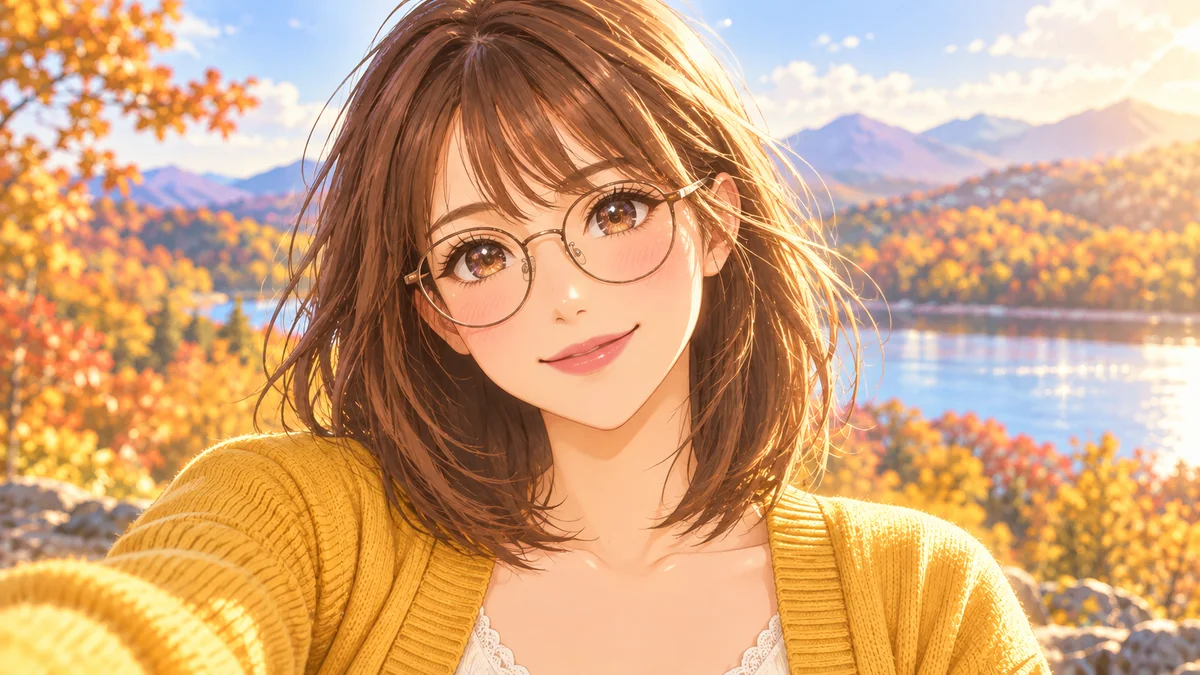 Anime Avatar MakerAnime avatar maker for your photo: 12 styles from shoujo and chibi to cyberpunk and 90s anime, square and ready for Discord, Slack and socials. Free to try.
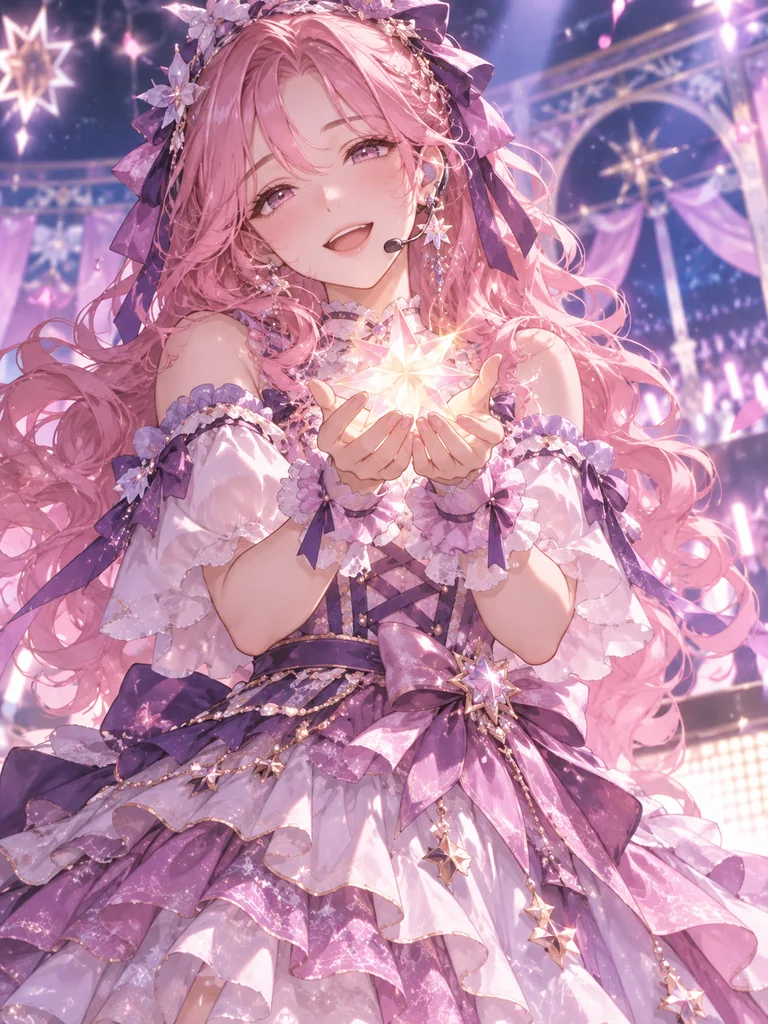 AI VTuber Avatar MakerFree-to-try AI VTuber maker: design a 2D VTuber avatar, model sheet, expression sheet, and PNGtuber art from text or a photo. Art for your rigger, no Live2D rig.
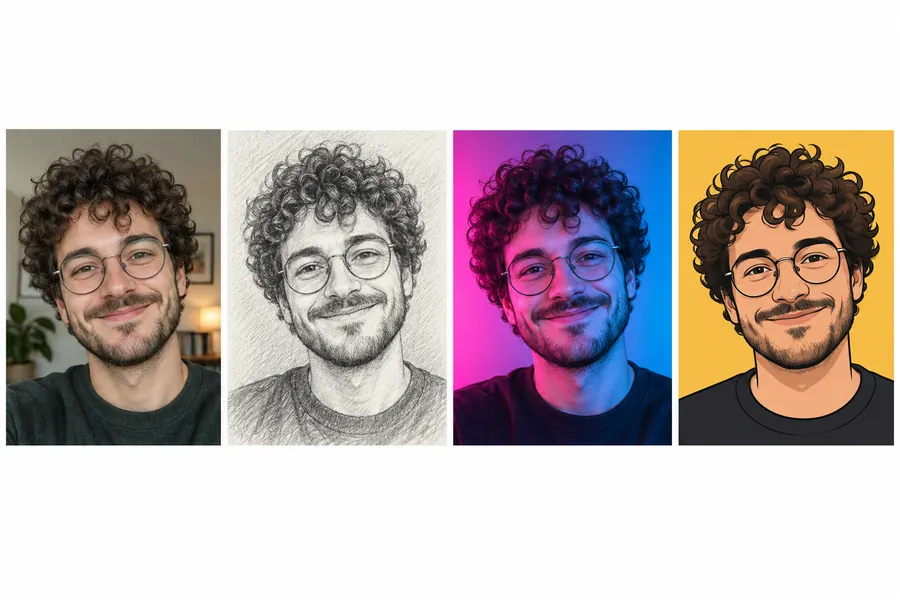 AI PFP MakerPFP maker for any app: upload a selfie, pick anime, 3D, pixel art, aesthetic, or letter styles, and the AI profile picture maker creates a square pfp to download.
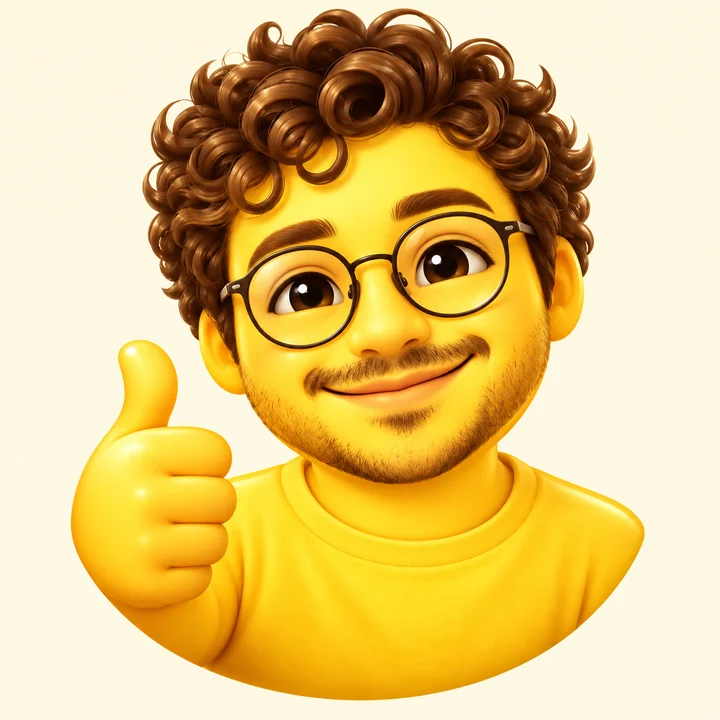 Make Emoji From PhotoMake emoji from photo in one step: turn a picture into an emoji of yourself, a 3D avatar, a sticker or a face cam avatar, with 12 expressions. Free to try.
Add a frame, initials or an aesthetic color theme to a profile picture made from your selfie.
Read the guideTidy your portrait first, for example by removing a stray object or evening out the background, with a typed instruction.
Read the guideDescribe an original character from scratch when you would rather not start from a photo.
Read the guideTo create an avatar from photo uploads, use a clear picture of your face, choose one of the twelve styles and generate. Compare the versions, download the one that looks most like you and crop it to a circle in your profile settings.
Start with a sharp, front-facing photo in even light. Styles that stay close to the photo, such as Watercolor, Comic and Anime, tend to keep likeness best; Vinyl Toy and Robot exaggerate on purpose.
Yes. You only need a photo, and this avatar generator online does the drawing, modeling or painting. Pick a style, generate and choose from one to four versions.
The AI avatar generator is Free to try. Each generation uses credits, and the Generate button shows the cost before you run it.
The results are square portraits, so this is not an avatar full body creator. The 3D styles give a 3D emoji avatar look as a flat image, with no rotating model, rig or animation.
Pixel, Cyberpunk, Fantasy Elf and Robot are made for gaming profiles, and Low Poly fits too. They create an avatar for games as a picture to upload; they do not connect to any game account or console.
This page needs a portrait to work from, because every style redraws the uploaded face. To design a character from words alone, use the AI Image Generator and describe the look you want.
Every avatar is a square image, which suits profile pictures shown as circles or rounded squares. Center your face in the upload so a circle crop does not cut off hair or ears.
Only with their permission. Upload portraits of yourself, or of people who agreed to have an avatar made from their picture, and never use someone’s photo to impersonate them.
This page is the hub, with twelve styles across three families. The Anime Avatar Maker and VTuber Avatar Maker go deeper into one look, and the PFP Maker adds themes, frames and lettering to a profile picture.
Upload one portrait, pick 3D, illustrated or fun, and compare up to four square avatars made from your own face.