Infographics With Real Labels
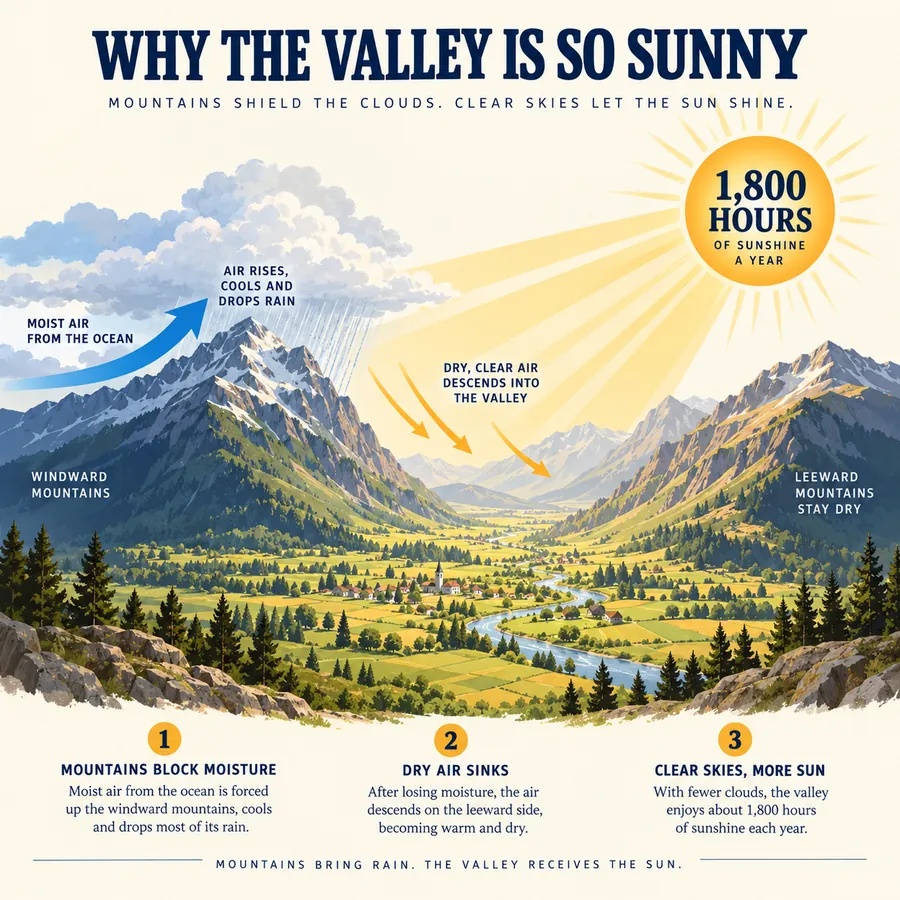
A title, five labels, and a badge, all spelled correctly and placed where the prompt asked.
Black Forest Labs’ FLUX.2 creates photoreal images, readable typography, and on-brand product shots from a prompt, and combines several reference images into one consistent scene. Pick FLUX.2 Pro or Flex and generate at 1K or 2K. New users get free credits to try it.
Educational weather infographic titled 'WHY THE VALLEY IS SO SUNNY' in bold navy letters on a cream background. Illustrated cross-section of a sunny valley between two mountain ranges: left mountains labeled 'WINDWARD MOUNTAINS' with a blue arrow 'MOIST AIR FROM THE OCEAN' and rain clouds, right mountains labeled 'LEEWARD MOUNTAINS STAY DRY', golden sun rays over the valley, a sun badge reading '1,800 HOURS OF SUNSHINE A YEAR', and three numbered steps along the bottom.
Reference example. It is not a result generated from your upload.
FLUX.2 is the second generation of the FLUX image models from Black Forest Labs, released in late November 2025 as the successor to FLUX.1 and FLUX.1 Kontext. One model handles both text to image and image editing, and it can read several reference images at once, so the same character, product, or style can carry across a whole campaign. It also renders small text, infographics, and interface mockups far more reliably than FLUX.1.
The family includes FLUX.2 [pro], [flex], and [max] through APIs, plus [dev] with open weights and the compact [klein]. This Flux 2 AI image generator offers the two workhorse versions: FLUX.2 Pro for fast, consistent production images and FLUX.2 Flex when typography and fine detail matter most. Type a prompt, add up to two reference images, choose an aspect ratio and 1K or 2K resolution, and generate.
Both versions on EzImgMaker create images from text and edit with reference images.
| Spec | FLUX.2 Pro | FLUX.2 Flex |
|---|---|---|
| Developer | Black Forest Labs | Black Forest Labs |
| Modes | Text to image · edit with references | Text to image · edit with references |
| Resolution | 1K or 2K | 1K or 2K |
| Aspect ratios | 1:1, 4:3, 3:4, 16:9, 9:16, 3:2, 2:3, or match Image 1 | 1:1, 4:3, 3:4, 16:9, 9:16, 3:2, 2:3, or match Image 1 |
| Reference images | Up to 8 (this editor takes 2), JPG, PNG, or WebP up to 10 MB | Up to 8 (this editor takes 2), JPG, PNG, or WebP up to 10 MB |
| Prompt length | 3 to 5,000 characters | 3 to 5,000 characters |
| Best for | Fast, consistent production images at scale | Typography, layouts, and fine detail |
How FLUX.2 Pro compares with its predecessor and with another popular image model on EzImgMaker.
| FLUX.2 Pro | FLUX.1 Kontext | Seedream 4.5 | |
|---|---|---|---|
| Maker | Black Forest Labs | Black Forest Labs | ByteDance |
| Main job | Generation and multi-reference editing | One-instruction editing of one image | Generation and multi-reference editing |
| Reference images | Up to 8 | 1 | Up to 14 |
| Highest output | 2K | About 1 megapixel | 4K |
| Stand-out strength | Photoreal detail, exact HEX colors, product placement | Precise local edits that keep the rest untouched | Typography, 4K polish, multi-image consistency |
Based on the model versions available on EzImgMaker in October 2026. Limits can change when providers update a model.
Each image comes from a single prompt. Tap a card to load a similar prompt into the generator.
A title, five labels, and a badge, all spelled correctly and placed where the prompt asked.
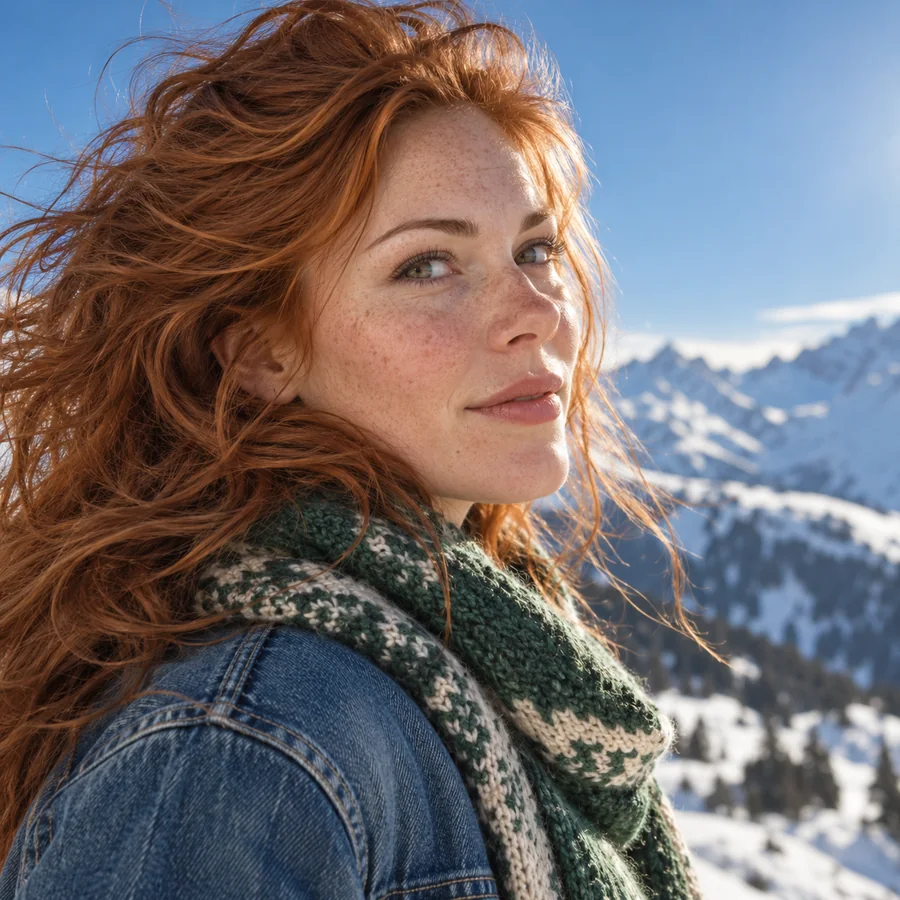
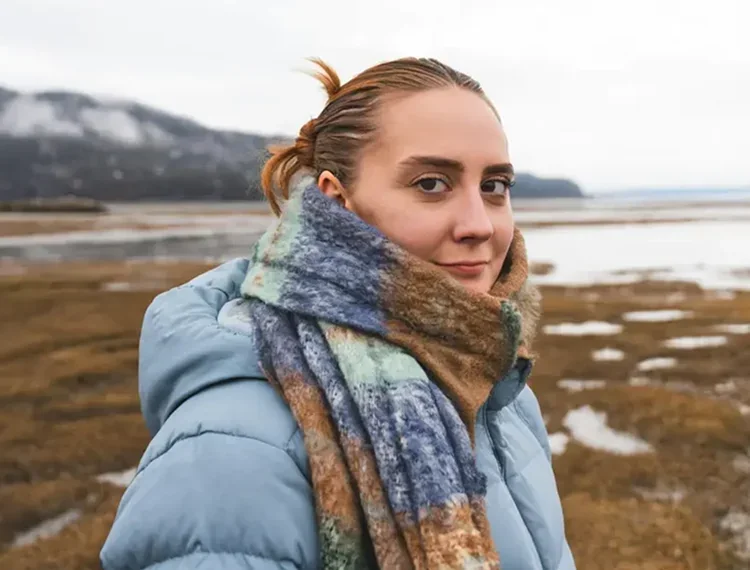
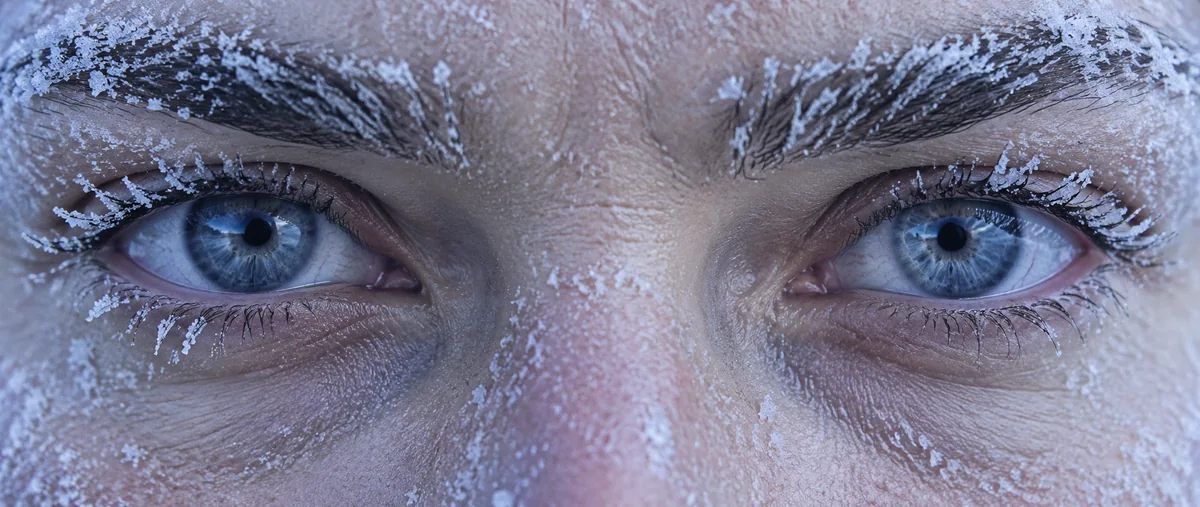
Freckles, flyaway hair, and hard winter sunlight that read like a real photograph.
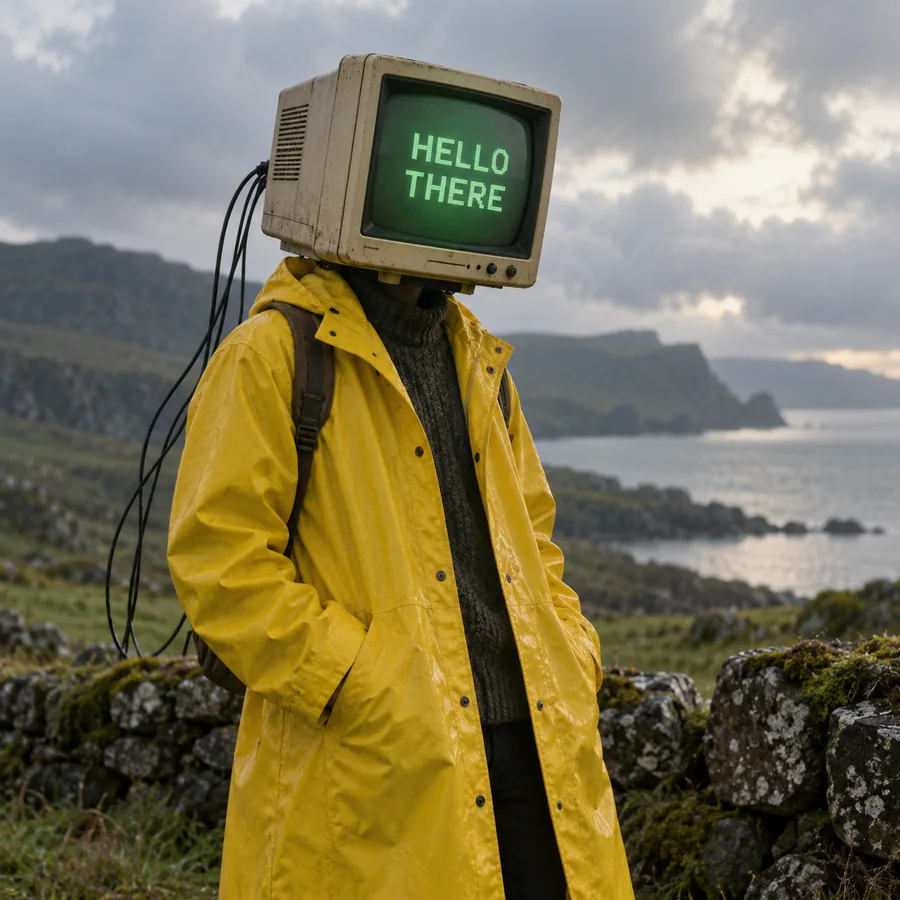
Words on a glowing CRT screen, in the font the prompt describes.

Soft materials and gooey cheese rendered like a frame from an animated film.
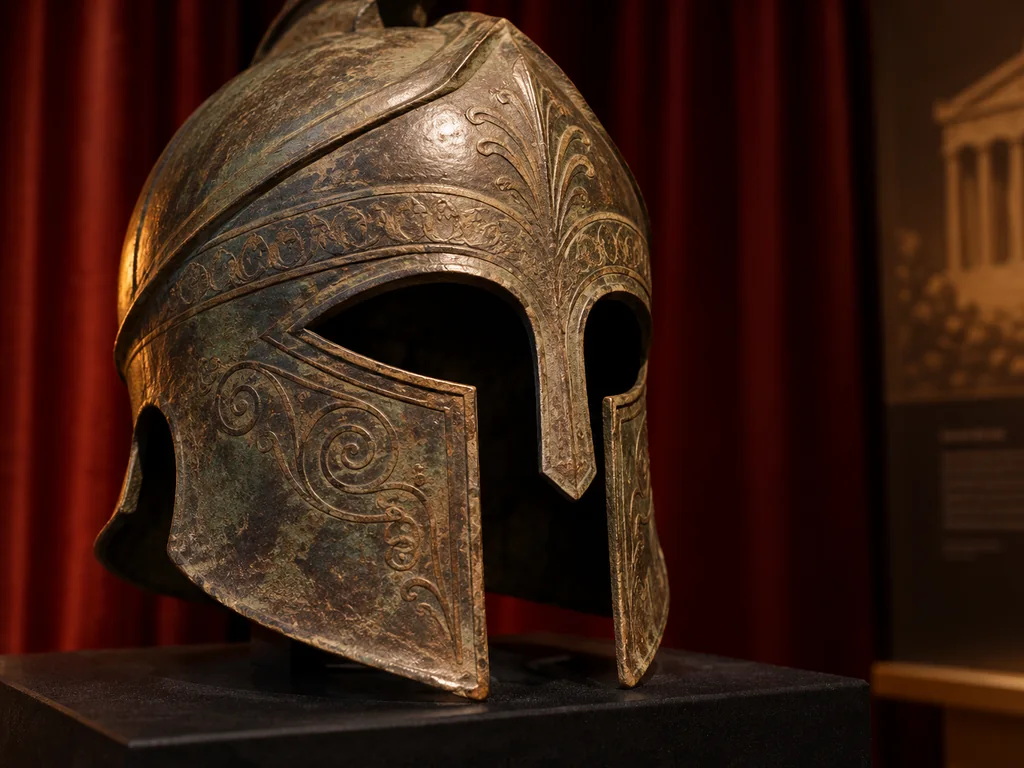
Chiaroscuro light on bronze and a sky full of arrows for an epic movie-still look.
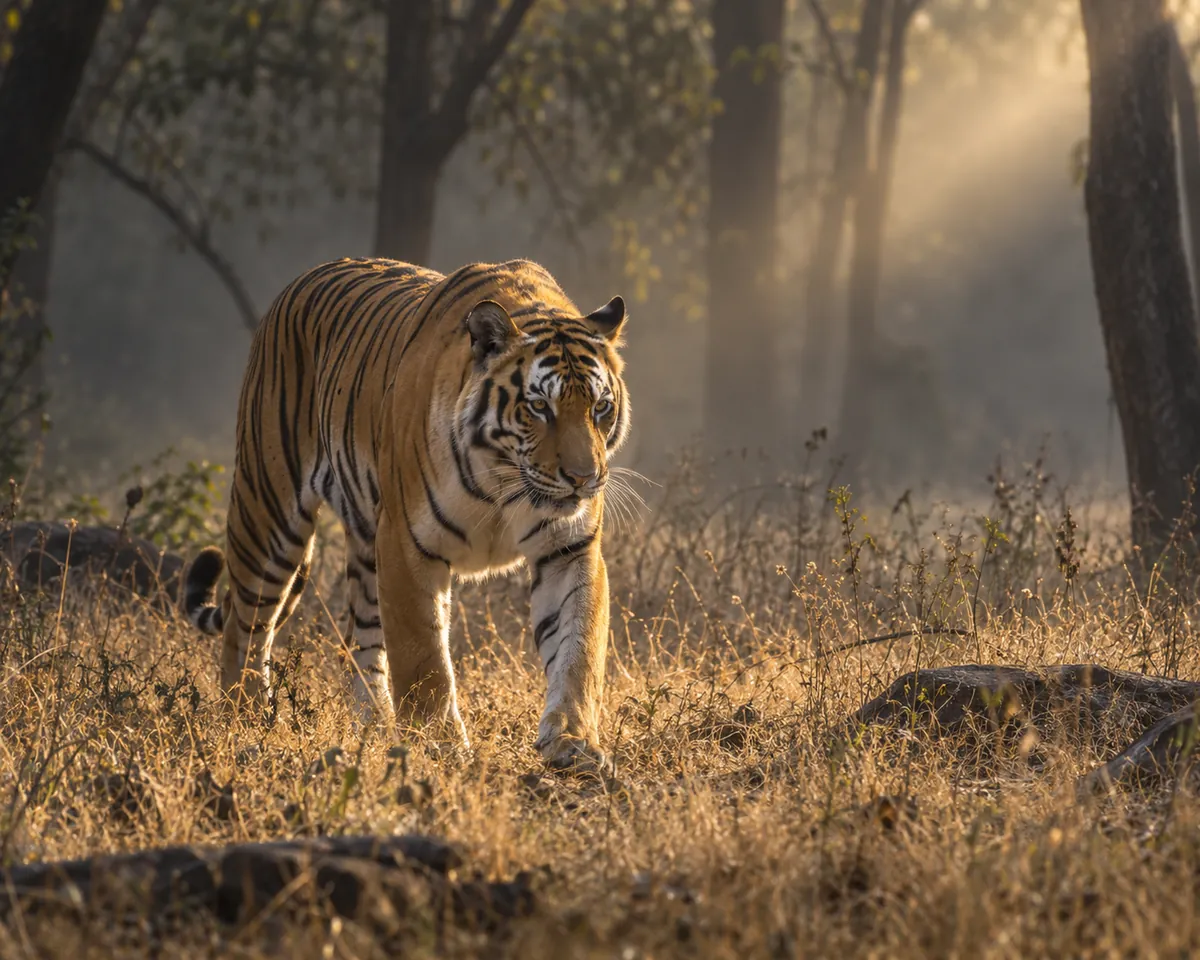
Fur, grass, and a shaft of forest light with depth that holds up at 2K.
Three steps, no local GPU, nodes, or API keys.
Describe the subject, setting, light, and any text you want, with the words in quotes. FLUX.2 handles long, detailed prompts, so be specific. Or tap an idea chip to start.
Upload a product, character, or style as Image 1 and, if needed, a scene as Image 2, then say how to combine them: "put the can from image 1 in the hand in image 2".
Choose FLUX.2 Pro or Flex, an aspect ratio (or match Image 1), 1K or 2K, and how many images. Generate, compare, and download your favorite.
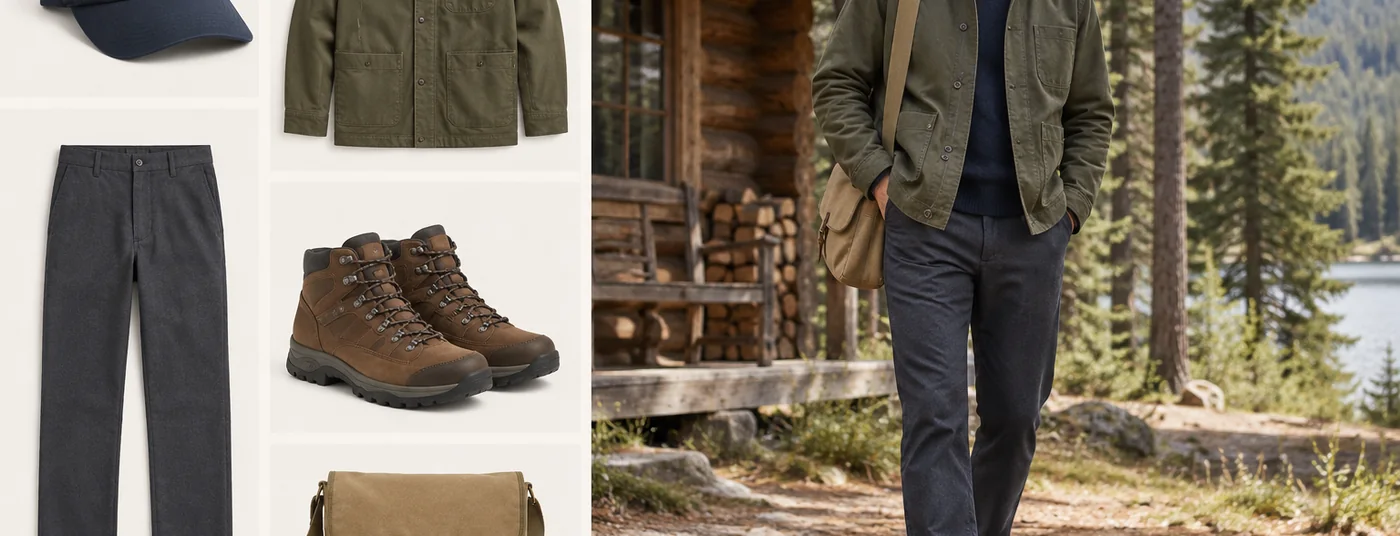
Give FLUX.2 several images, such as a jacket, trousers, shoes, and a location, and it assembles them into one coherent photo while keeping each item’s design. The model accepts up to 8 references per request.
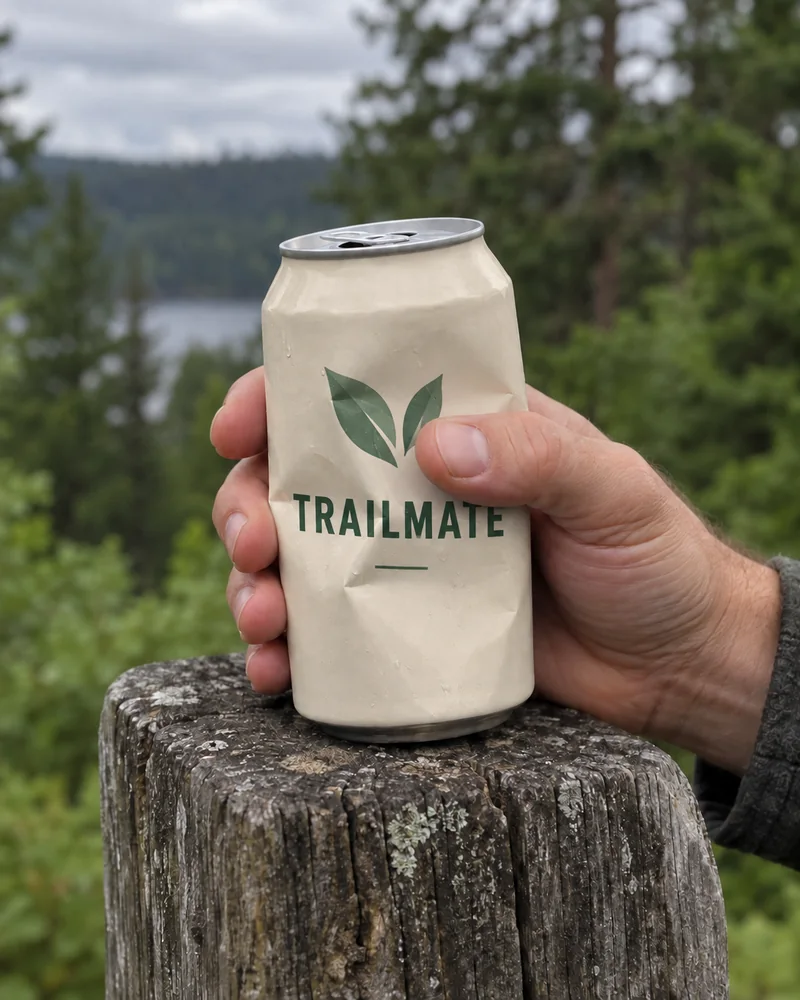
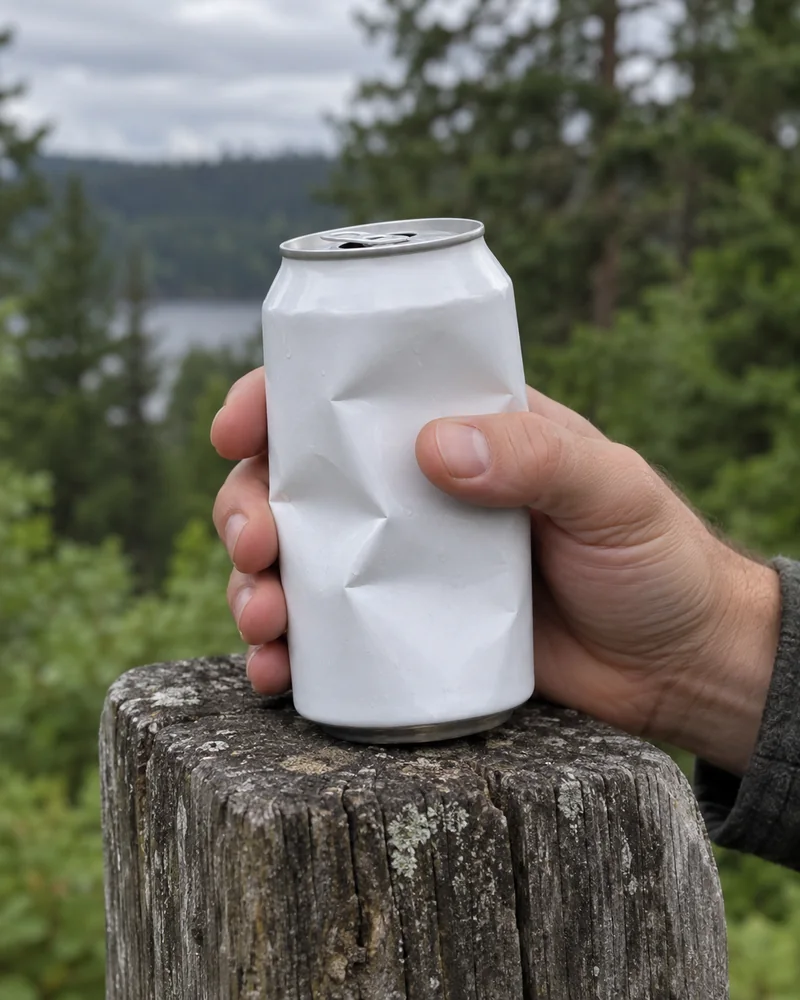
Drop your product into a new scene and FLUX.2 adapts the lighting, reflections, and even the way a hand grips it, so the result looks photographed rather than pasted.
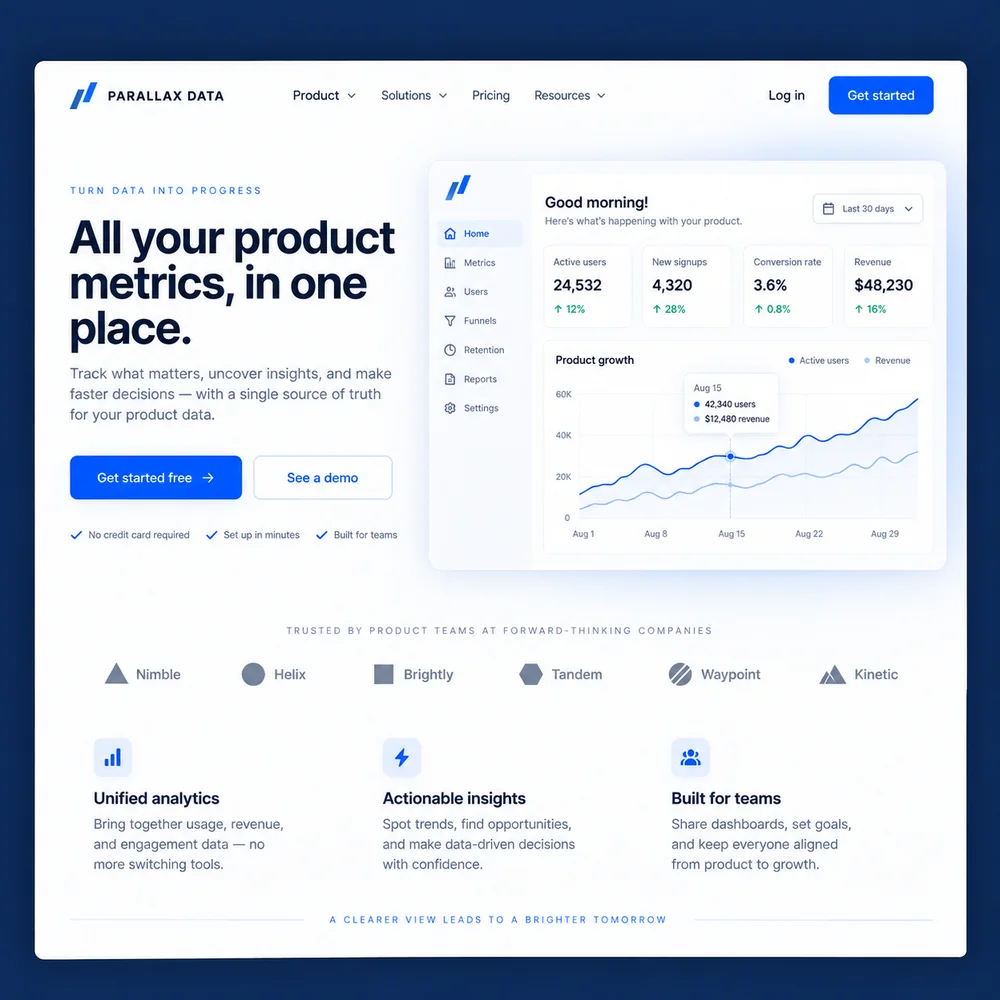
Headlines, buttons, and small interface labels come out legible, which makes FLUX.2 useful for landing page mockups, ads, posters, and infographics. Flex is the better pick when every letter counts.
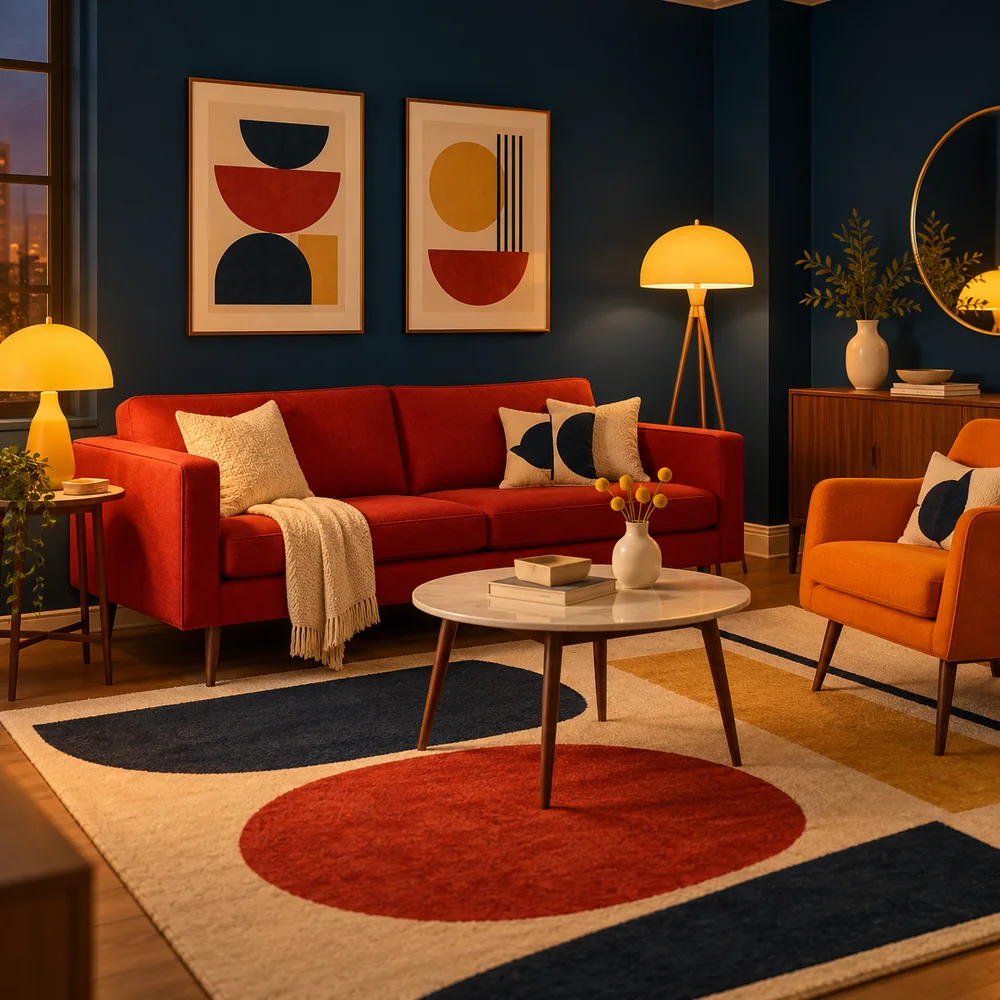
Write colors as HEX codes and FLUX.2 matches them, so a campaign palette like #003049, #D62828, and #F77F00 shows up exactly on walls, furniture, and props.
Character-consistent campaigns, product placement across scenes, and brand-accurate colors.
Product photos at scale, lifestyle shots, and variants from one product image.
Interface mockups, infographics, and posters with readable text.
Recurring characters, environments, and style-consistent assets for games and film.
FLUX.2 rewards detailed, structured prompts.
Order the prompt from what matters most to least, and keep each idea in its own clause.
Put exact words in quotes and say the font, color, and position you want.
Write #D62828 instead of "red" when the shade has to match a brand.
Say which image provides what: "the jacket from image 1 on the man in image 2".
Lens, angle, and light, such as "85mm, low angle, golden hour", push results toward photorealism.
Explore ideas at 1K, then rerun the winning prompt at 2K for the final image.
Common questions about the FLUX.2 image models.
FLUX.2 is Black Forest Labs’ second-generation image model family. It generates images from text, edits images, and combines multiple reference images while keeping characters, products, and styles consistent, with much better text rendering than FLUX.1.
FLUX.2 [pro], or Flux 2 Pro, balances quality and speed for production work. FLUX.2 [flex], or Flux 2 Flex, gives the most control over typography and fine detail. FLUX.2 Max, written FLUX.2 [max], is the top-quality API version, FLUX.2 [dev] is the open-weights version for self-hosting, and FLUX.2 [klein] is a smaller, faster model. This page offers Pro and Flex.
FLUX.1 Kontext edits one image from one instruction. FLUX.2 generates new images and edits with up to 8 references at once, with sharper detail, more legible text, and exact HEX color matching. For a quick single-photo edit, Kontext is still a great choice.
Partly. FLUX.2 [dev] has open weights you can download, under a non-commercial license, and [klein] is also released for local use. FLUX.2 Pro, Flex, and Max are closed models available through APIs, which is how EzImgMaker provides Pro and Flex.
The official name is FLUX.2, with variants written FLUX.2 [pro] or FLUX.2 [max]. You will also see Flux 2, Flux 2.0, Flux 2.0 Pro, Flux 2.0 AI, Flux-2, Flux2 Pro, Flux2 AI, and model IDs like flux-2-pro, plus typos with stray spaces such as "FLUX. 2", "Flux .2", or "Flu x 2". They all mean the same model family.
Choose 1K or 2K, in 1:1, 4:3, 3:4, 16:9, 9:16, 3:2, or 2:3. When you upload a reference, you can also match the aspect ratio of Image 1.
FLUX.2 Pro and Flex accept up to 8 reference images per request. This editor currently takes two, Image 1 and Image 2, which covers most product placement, outfit, and style edits. Files can be JPG, PNG, or WebP up to 10 MB.
FLUX.2 Pro and Flex are paid models. On EzImgMaker, new users get free credits to try them, and the credit cost of each generation is shown before you start.
No. EzImgMaker is an independent service that lets you use the FLUX.2 models. It is not affiliated with, endorsed by, or sponsored by Black Forest Labs.
Only upload images you own or have permission to use, including product photos and logos. Do not use FLUX.2 to create misleading images of real people, copy someone else’s brand, or make content that violates anyone’s rights.
Write a prompt or add your references, choose FLUX.2 Pro or Flex, and generate at 1K or 2K.
FLUX and FLUX.2 are trademarks of Black Forest Labs. EzImgMaker is an independent service and is not affiliated with, endorsed by, or sponsored by Black Forest Labs. Model names are used only to describe compatibility, and all trademarks belong to their respective owners.