EzImgMaker logoEzImgMaker

AI Attractiveness Test How Attractive Am I? Rate My Face From 1 to 10

Wondering how attractive you are? Upload one clear selfie and the AI face rater gives you an AI attractiveness rating out of 10, a breakdown of symmetry, golden ratio proportions, jawline, eyes, skin and harmony, and kind tips for better photos. Adults 18+.

Your photo is only used for this analysis.

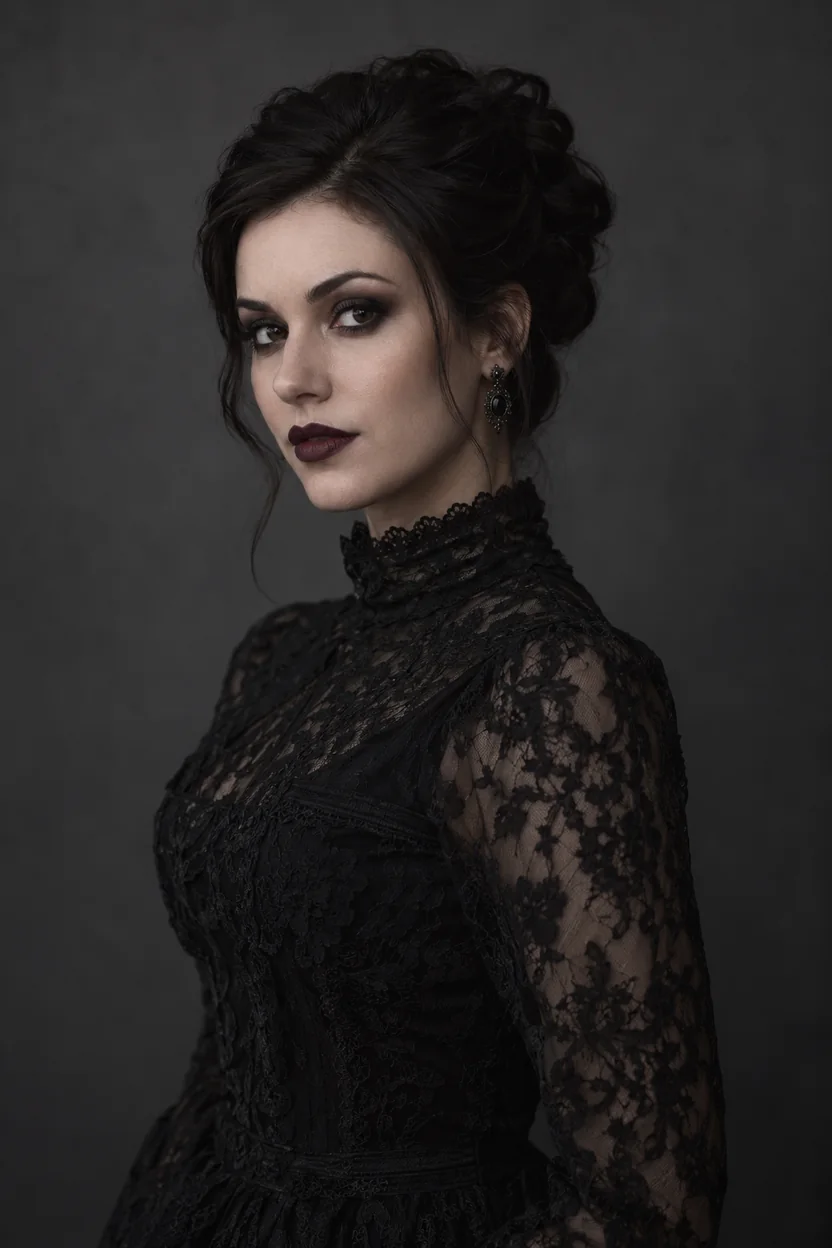
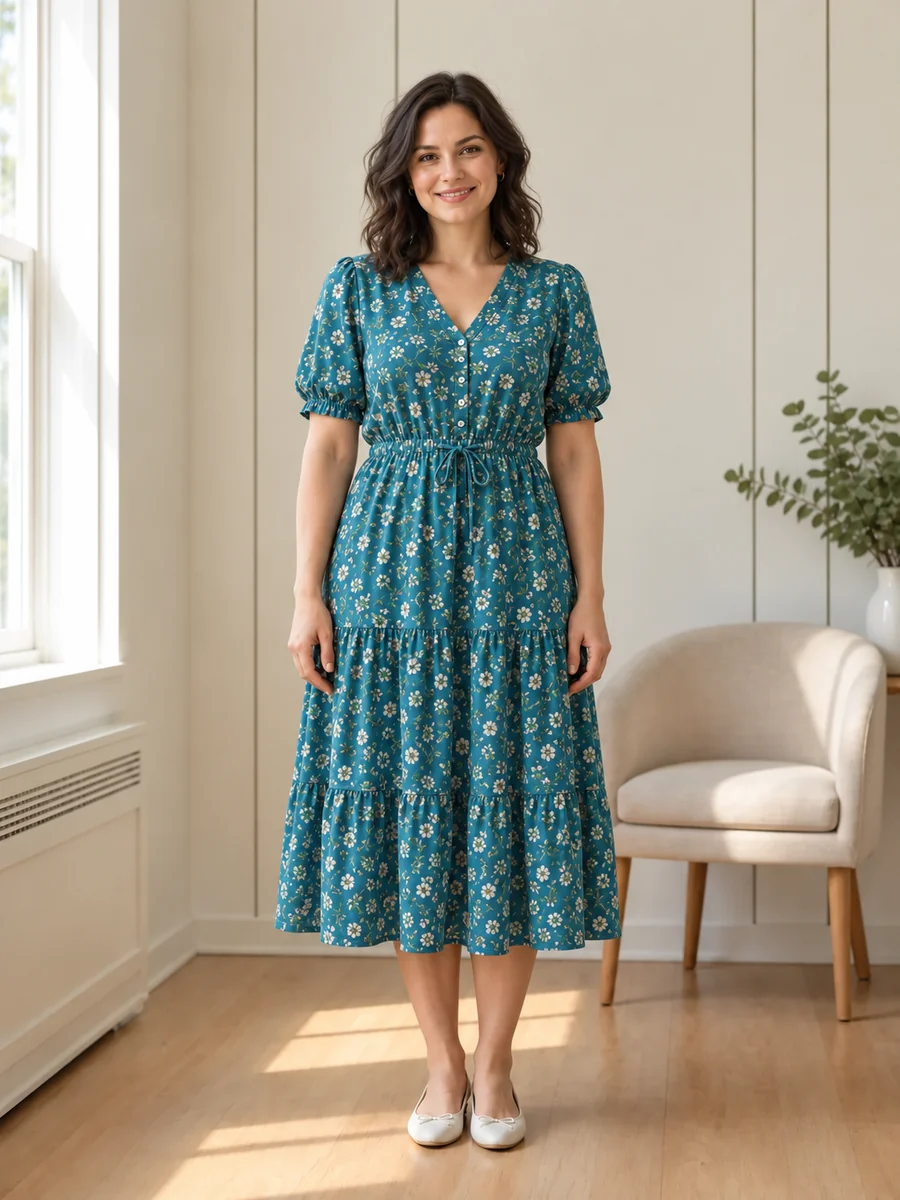
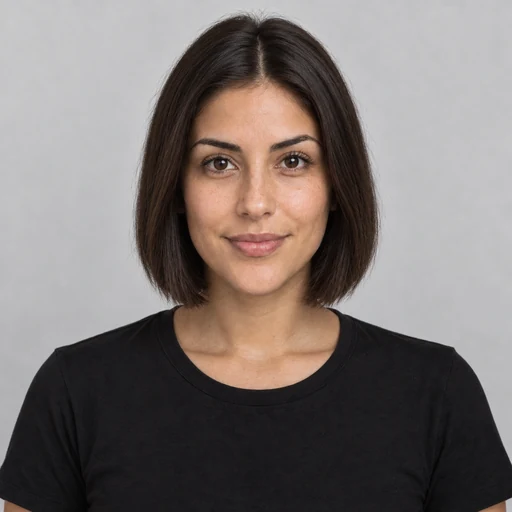
Sample photos

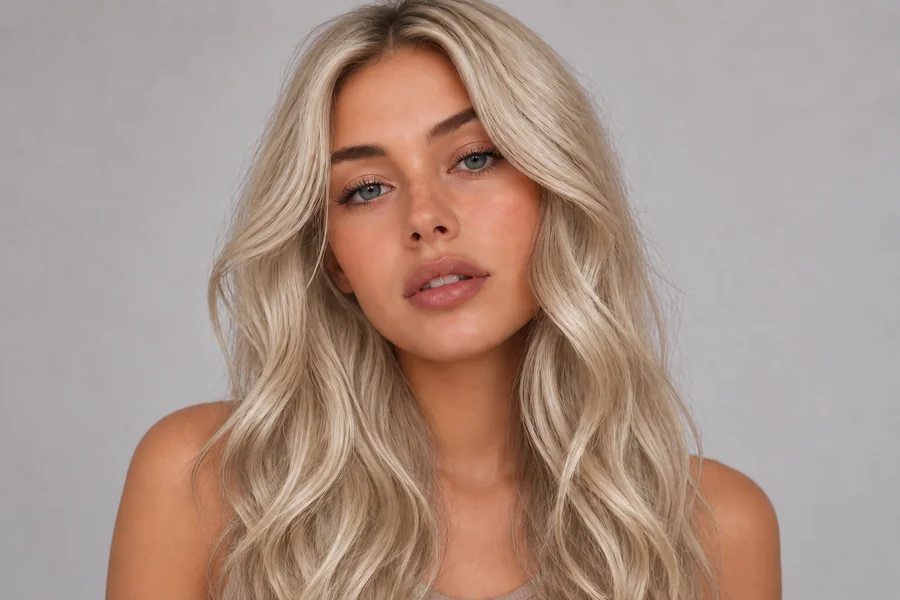
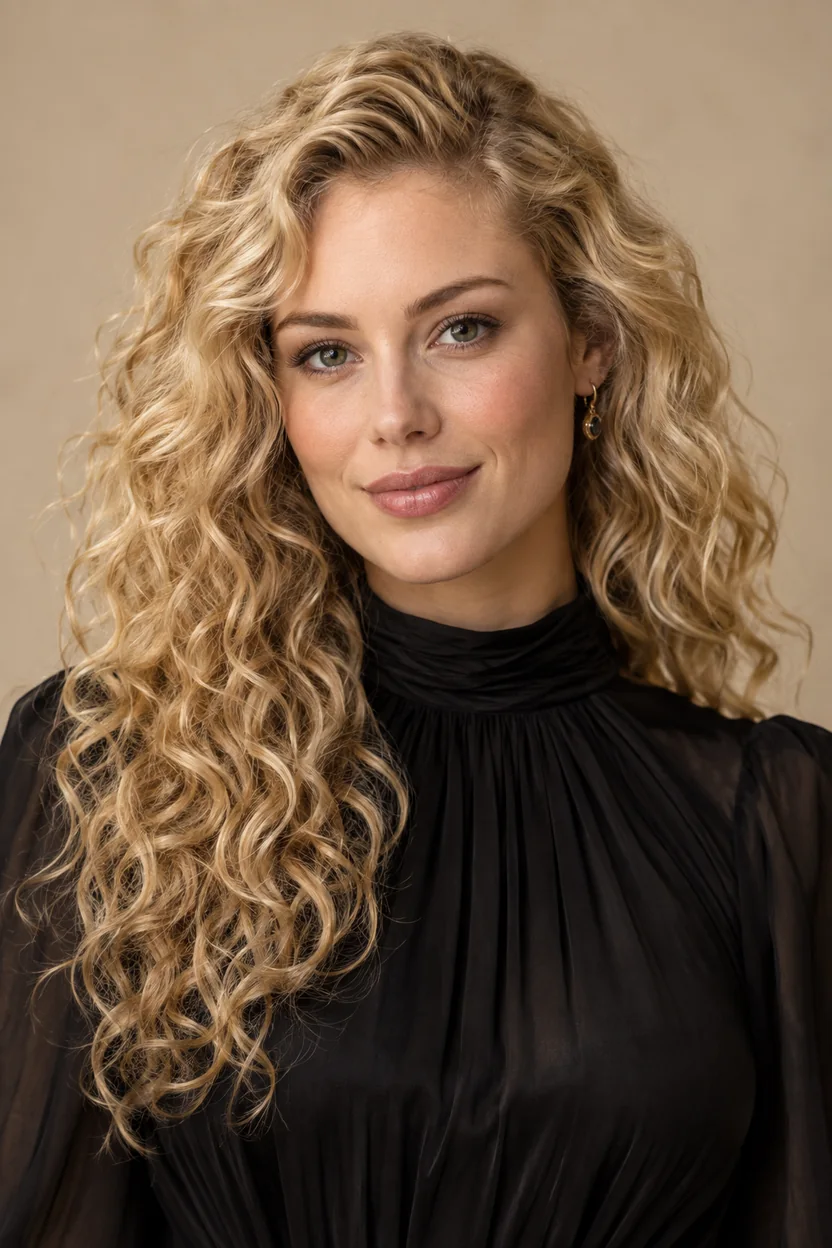
Sample photo for the AI attractiveness test: a woman with long curly blonde hairSample report
9.1out of 10
Strikingly attractiveFace shape: Oval

You possess exceptionally striking features with remarkable symmetry and classic balance. Your radiant eyes and voluminous curls create a captivating, timeless portrait.

Score breakdown

  • Facial symmetry9.2

    Exceptionally well-balanced facial features with natural alignment.

  • Golden ratio proportions9.0

    Classic golden ratio facial thirds and balanced horizontal spacing.

  • Jawline & chin8.9

    Gently defined jawline with a soft, elegant contour.

  • Eye area9.3

    Luminous green-hazel eyes framed by defined, natural brows.

  • Skin clarity9.1

    Radiant, smooth complexion with healthy natural warmth and glow.

  • Feature harmony9.2

    Striking cohesion between features, enhanced by voluminous curls.

Best features

  • Captivating eye color and shape
  • Balanced classic facial proportions
  • Full, natural hair texture framing the face

Tips to look even better

  • Experiment with warmer-toned lip shades to complement eye color
  • Try an open neckline to showcase the neck and jawline silhouette
  • Maintain the soft, diffused studio lighting that flatters skin texture
  • Keep styling curls away from one side to highlight cheekbone structure

A real report made by the same AI from a sample photo. Upload yours to get your own.

Your settings are ready

AI analysis is opening soon. Your photo has not been uploaded and no credits have been used.

What Is an AI Attractiveness Test?

An AI attractiveness test is a face rater that reads one photo and gives you an attractiveness rating on a 1-10 scale. Upload a selfie and the AI uses common facial-aesthetics criteria to analyze face attractiveness the way a friendly portrait photographer or stylist would: facial symmetry, proportions close to the golden ratio, jawline and chin, the eye area, skin clarity and how well your features work together. You get an overall score, six sub-scores with a note for each, your best features and practical tips.

Whatever you call it (an attractiveness test, AI attractive test, am I pretty test, am I hot test, beauty test, AI hotness rating or looks rating test), the question behind it is the same: how attractive am I? Think of this as a friendly test of attractiveness that answers in detail, an AI facial attractiveness analysis rather than a single cold number, and that sees your photo the way a looks rater would. It is made for fun and self-improvement, for adults 18 and over, and the result describes one photo, not your worth.

Can AI rate attractiveness fairly? It can apply the same criteria to every face and explain each score, which is more than most tools do. Unlike a how attractive am I quiz, an attractiveness quiz or a how attractive are you test that only asks questions, it reads your actual photo. Unlike a rate me website where strangers vote, nobody else is asked to rank attractiveness, and there is no face ranking against other users. And it is not an online attraction test about who you are drawn to, or an attractiveness filter that runs on live video: it is one careful report on one photo.

How to Take the Attractiveness Test in 3 Steps

Searched for rate my face, rate my photo AI or a how attractive am I test? Here is the whole process. It takes one photo and one credit, and the sample report above opens without signing in.

01

Upload a Clear Selfie

Use a recent, front-facing photo with one face, soft even light and no sunglasses or beauty filter. JPG, PNG or WebP up to 10 MB. A group photo or a strong side angle gives the AI less to work with.

02

Press Rate My Face

Confirm the photo is yours (or that you have permission) and that you are 18 or older. The AI face scan rating covers symmetry, proportions, jawline, eyes, skin and harmony. Each analysis costs 1 credit, refunded automatically if no usable face is found.

03

Read Your Face Rating and Tips

See your score out of 10, your label and face shape, six sub-scores with notes, your three best features and four tips to look even better in photos. Save the result card, or rate another photo to compare.

Attraction Scale 1-10: What Your Attractiveness Rating Means

Asked an AI to rate my looks 1-10, or to rate me on a scale of 1 to 10? This face rating scale runs from 1 to 10, but on this 1-10 scale attractiveness scores usually land between 5.5 and 8.5. Here is how to read your attractiveness level on the AI attractiveness scale.

ScoreAttractiveness levelWhat it usually meansBest next step
9.0 – 10Exceptionally strikingRare. Strong symmetry and balance, in a photo that shows them off.Save the result card, then try the PSL scale test for a stricter view.
8.0 – 8.9Very attractiveClearly above the typical range, with several standout features.Use this photo for profiles; check which tips could lift it further.
7.0 – 7.9AttractiveA well-balanced face. Many sharp, well-lit selfies land here.Try the lighting and angle tips below, then retake.
5.5 – 6.9Typical to above averageWhere most faces land. Small photo changes often move the score.Soft window light, an eye-level camera and a relaxed expression.
4.0 – 5.4The photo is holding you backUsually a sign of harsh light, a close wide-angle shot, blur or a covered face.Retake with the tips below before judging the result.

The label in your report is written by the AI for your photo, so the exact wording can differ, and the lowest beauty rating the test gives is 4.0. Like any attractiveness rating scale, looks rating scale or facial rating scale, this scale of attractiveness is a fun reference: the same face can score differently in another photo.

What You Get From the AI Face Rater

Every attractiveness test face report is a full face attractiveness analysis, built to be read, saved and acted on.

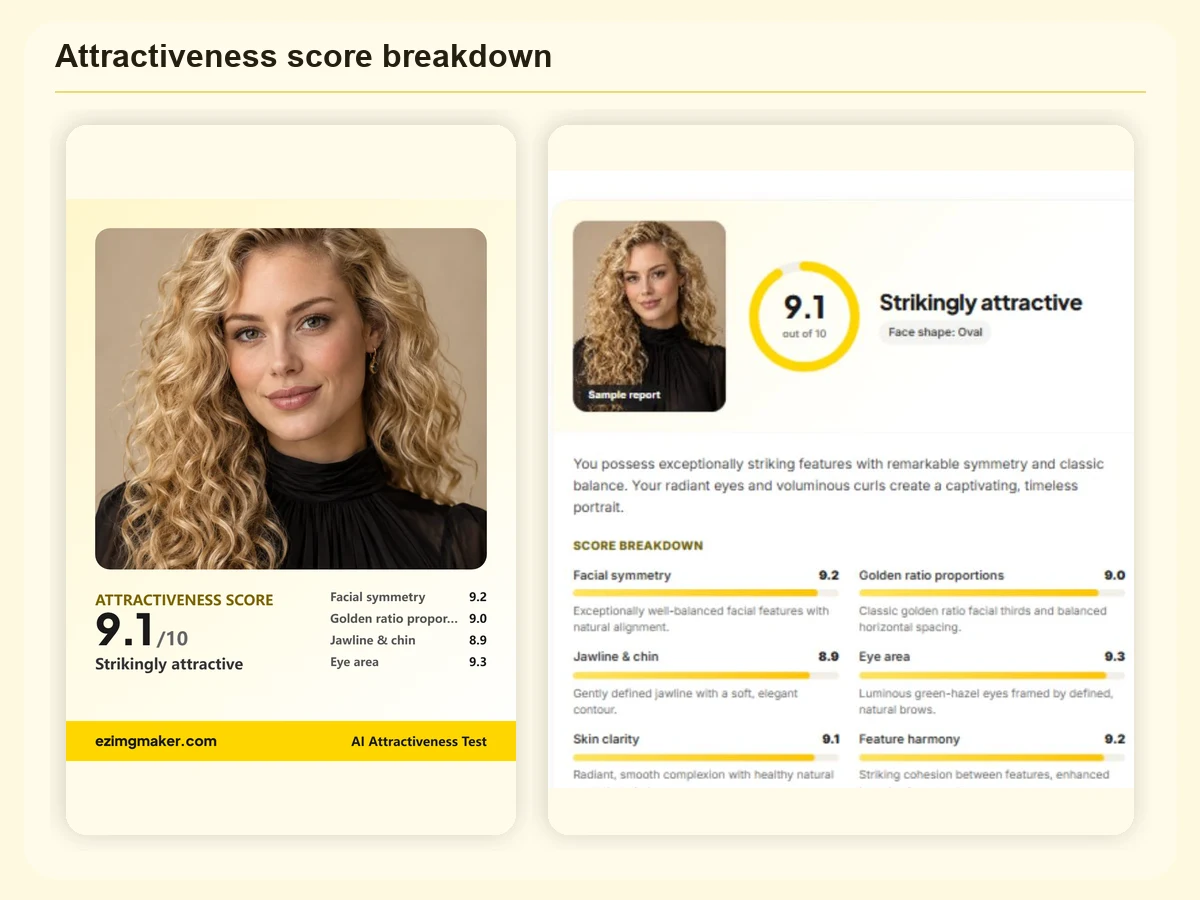
AI face rating report with a 9.1 out of 10 attractiveness score and six sub-scores from symmetry to feature harmony

A 1-10 Face Rating With a Full Breakdown

Most face raters stop at one number. With this face rating AI, every AI face rating comes with six sub-scores (facial symmetry, golden ratio proportions, jawline and chin, eye area, skin clarity and feature harmony), each with a short note written for your photo, plus your face shape. It turns a quick AI beauty test into a face scanner rating you can learn from: a face rate AI that explains itself.

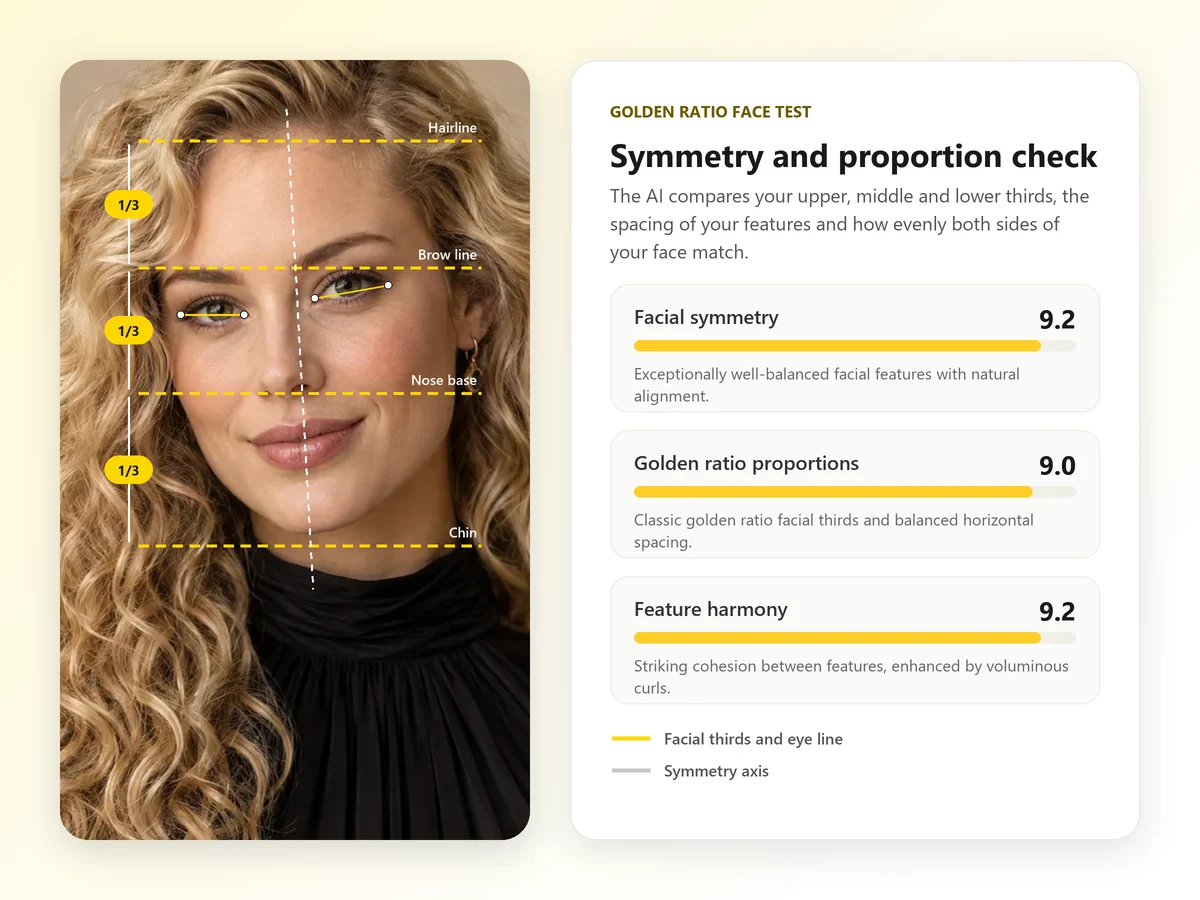
Golden ratio face test on a portrait: facial thirds lines, eye line and symmetry axis next to symmetry and proportion scores

Golden Ratio Face Test and Symmetry Check

The AI compares your facial thirds (hairline to brows, brows to the base of the nose, nose to chin), the spacing of your eyes and features, and how evenly the two sides of your face match. Treat the golden ratio as a popular rule of thumb rather than a law: real faces are rarely perfectly symmetrical, and that is part of what makes them memorable.

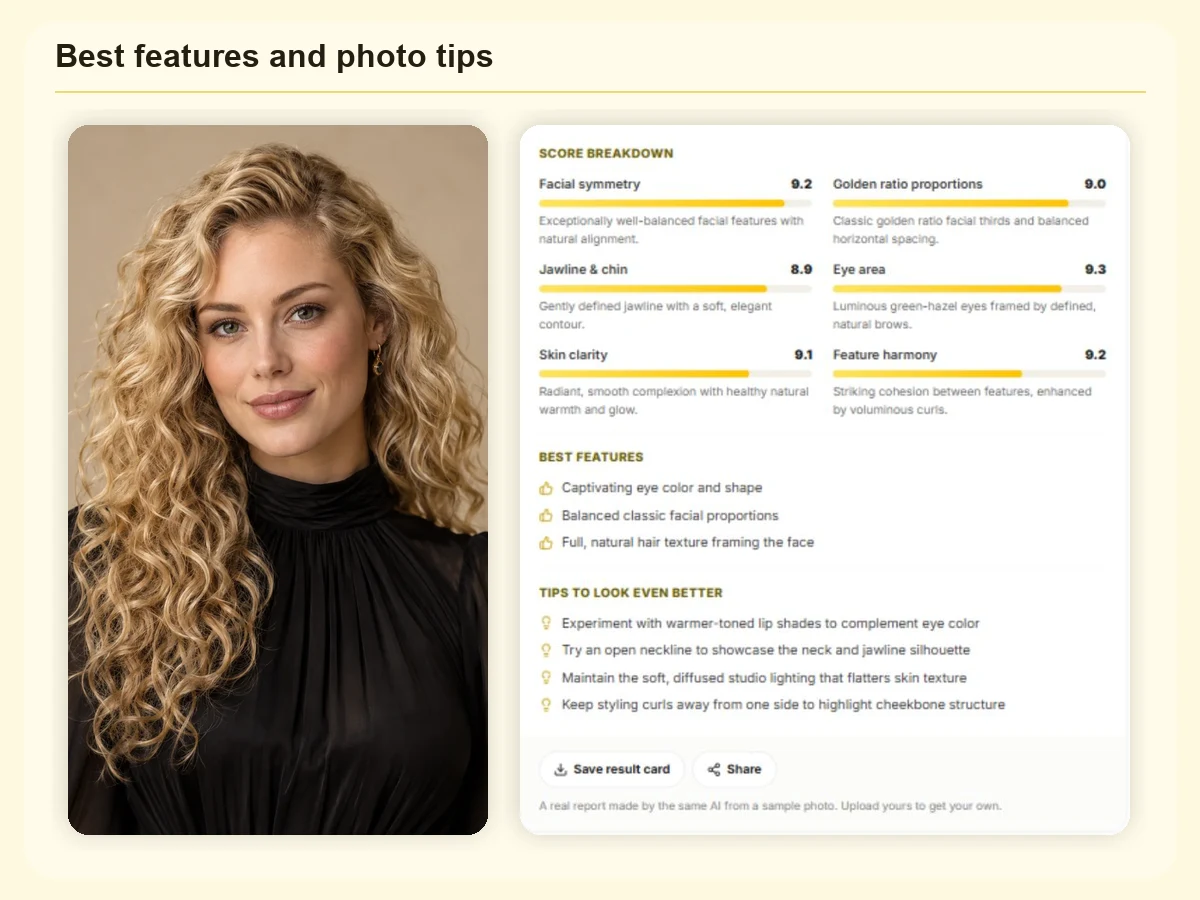
Attractiveness test report listing three best features and four tips to look better in photos

Kind, Specific Tips to Look Better in Photos

Like a personal AI beauty analyzer, the report names your three best features and gives four tips you can act on today: lighting, angle, hairstyle, brows, glasses, makeup or clothing. The attractiveness AI never comments on weight, ethnicity or disability, and never suggests surgery or injections.

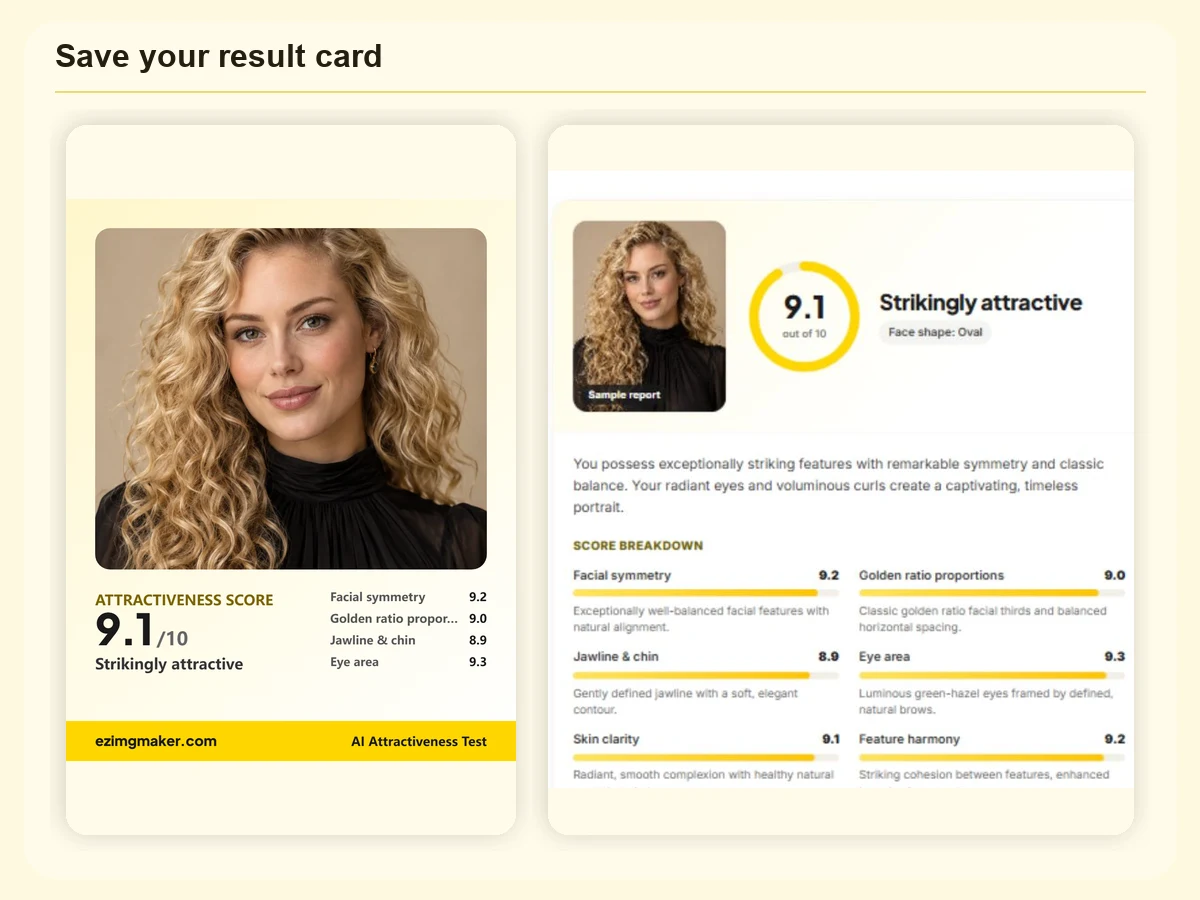
Shareable face rating card with photo, 9.1 out of 10 attractiveness score and top four sub-scores

Save and Share Your Beauty Score

Save result card turns your photo, score, label and top four sub-scores into a 1080 × 1350 image for stories, group chats or a before-and-after album. Nothing is posted anywhere unless you share it yourself.

Who Uses an AI Attractiveness Rater, and Why

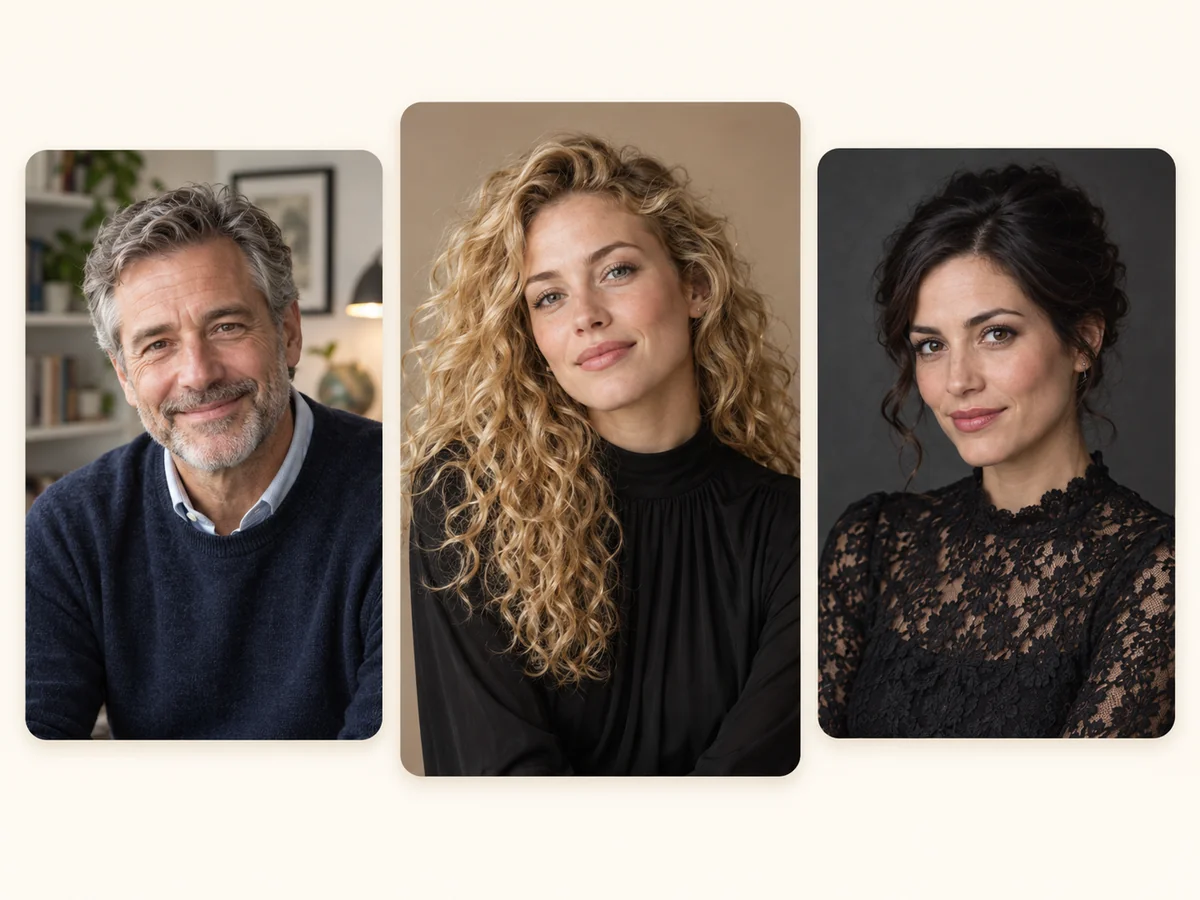
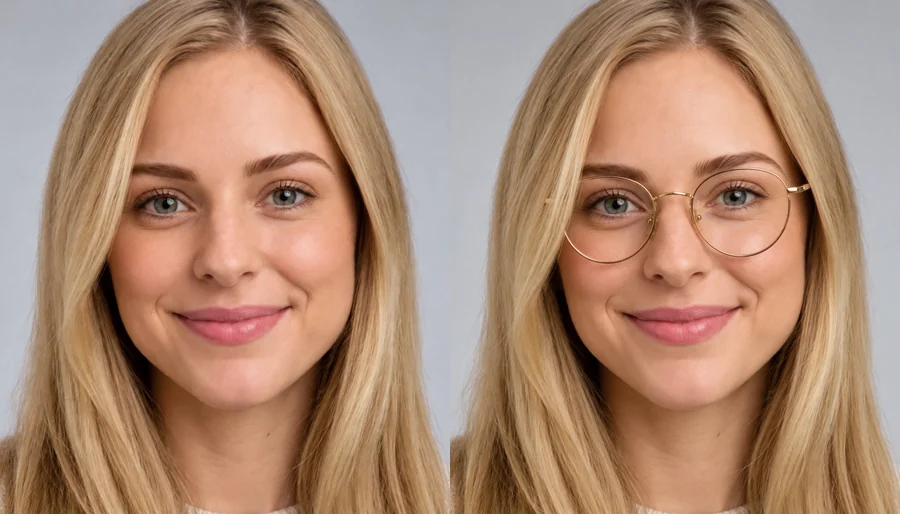
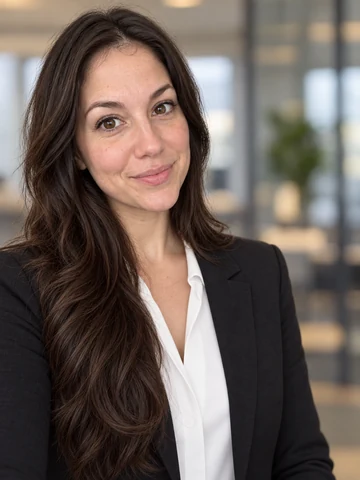
Three adult portraits of different ages and styles ready for a face attractiveness test

Pick Your Best Profile Photo

Run two or three photos through the attractiveness test AI and keep the strongest one for a dating app, LinkedIn or a new avatar. Same face, different light: the comparison is often eye-opening.

Track a Glow-Up

Run a beauty score test before and after a new haircut, skincare routine or pair of glasses, in the same light and from the same angle, to see which changes the face rater AI picks up.

Settle 'Am I Hot or Not?' With Friends

A fun, kind round for a group chat or quiz night. Everyone uploads their own selfie, and each person decides whether to share their card.

Plan Your Next Look

Use your tips and face shape to plan a haircut, brow shape, glasses frame or makeup look, then preview it on your own photo with the AI hairstyle changer or the virtual glasses try-on.

Get an Honest Second Opinion

Friends are polite. An honest AI attractiveness test tells you what works in this photo and what is holding it back, kindly and specifically, so you can test attractiveness ideas instead of guessing.

How to Tell How Attractive You Are: Tips for a Fair Score

AI can only rate looks it can see clearly. Lighting, angle and expression change any beauty score, so these photo tips help the AI see your face as it really is. None of them involve filters or surgery.

Face Soft Window Light

Stand facing a window or in open shade. Harsh overhead light and strong backlight add shadows that pull down the skin clarity and symmetry scores.

Hold the Camera at Eye Level

Shoot from an arm’s length or farther and crop later. A close wide-angle selfie stretches the nose and shrinks the jaw, which changes your proportions.

Relax Your Expression

A neutral face or a soft smile reads best. Squinting, a wide grin or a tilted head can throw off the symmetry check.

Keep Hair Off Your Brows and Eyes

The brows and the eye area carry a lot of the rating. Pin back a heavy fringe for this photo and take off sunglasses or tinted lenses.

Skip Beauty Filters

Filters blur skin and reshape features, so the AI ends up rating the filter instead of you. A sharp, unedited photo gives a fairer face rating.

Use the Tips in Your Report

Your report suggests changes for your own face: a lip shade, a neckline, brow grooming, glasses or a new hair parting. Try one, retake the photo and rate it again.

More AI Face Analysis Tools

Go beyond the beauty score: read your face shape, find the haircut that suits you, check how old you look, or preview a new look on your own photo.

PSL Scale TestPSL Scale TestTake the PSL scale test: upload a front-facing photo and the AI PSL rater scores your face on the PSL scale, with canthal tilt, jawline and looksmaxxing tips.AI Face AnalyzerAI Face AnalyzerFace scanner free online to try: the AI face analyzer reads your face shape, apparent age, symmetry, proportions and features, plus six focused face tests.Face Shape DetectorFace Shape DetectorWhat is my face shape? Upload a photo to the AI face shape detector and get your shape with match scores, measurements, and the haircuts and glasses that suit you.What Hairstyle Suits Me?What Hairstyle Suits Me?Wondering what hairstyle suits me or the best haircut for my face? Upload a selfie: AI reads your face shape and hair, then ranks 6 cuts for you. Free to try.AI Age GuesserAI Age GuesserHow old do I look? Upload a selfie to the AI age guesser, an age calculator by photo that estimates your apparent age, shows the cues and gives look-younger tips.AI Outfit DescriberAI Outfit DescriberDescribe this outfit from any photo. The AI outfit describer names every piece, color and fabric, then writes a copy-ready description and an AI image prompt.AI Hairstyle ChangerAI Hairstyle ChangerTry on hairstyles with your picture. The AI hairstyle changer previews 18 haircuts, braids, and updos plus 11 hair colors on your own face. Free to try.Virtual Glasses Try OnVirtual Glasses Try OnVirtual glasses try on from home: upload a photo, pick a frame shape, color, and lenses, or add a photo of any pair, and see the glasses on your own face.AI Hair Color ChangerAI Hair Color ChangerChange the color of hair in a photo with the AI hair color changer. Pick a shade, highlights, or a custom color and try on hair color virtually before you dye.Beard FilterBeard FilterWhat would I look like with a beard? Add a beard to your photo with the AI beard filter and try stubble, a full beard, a long beard, or a clean-shaven look.Eye Color ChangerEye Color ChangerEdit color of eyes in any photo with the AI eye color changer. Pick hazel, green, brown, grey, or any custom shade and keep a realistic iris and catchlight.Whiten Teeth in PhotoWhiten Teeth in PhotoWhiten teeth in photo uploads with an AI teeth whitening photo editor online. Lift yellow stains, pick a natural or bright shade, and keep every smile real.Free AI Headshot GeneratorFree AI Headshot GeneratorFree AI headshot generator to try with sign-up credits. Upload a selfie, pick a style, outfit, and backdrop, and get professional headshots for LinkedIn.

AI Attractiveness Test FAQ

How Attractive Are You? Find Out in One Photo

Are you attractive? See how attractive AI thinks you are: upload a selfie, get your 1-10 face rating with a full breakdown, and leave with tips for your best photo yet.

For entertainment and self-improvement only, for adults 18 and over. Scores are an AI’s opinion of one photo and change with lighting, angle and expression; they are not a measure of anyone’s worth and not a scientific or medical assessment. ChatGPT is a trademark of OpenAI; EzImgMaker is not affiliated with OpenAI.