
Green Screen to Transparent
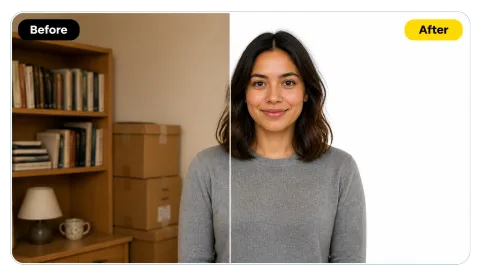
A portrait keyed out cleanly, hair edges included, ready to drop onto a thumbnail, slide, or new photo.
Upload a photo shot on a green or blue screen. The chroma key removes the backdrop, cleans green spill from hair and edges, and lets you download a transparent PNG or a white background.
Screen presets
Fine-tune
Runs in your browser. Your photo is never uploaded.
Reference example. It is not a result generated from your upload.
A green screen remover is a chroma key tool: it finds the solid green (or blue) backdrop behind a subject and makes it transparent, so you can place the person or product on any new background. Green screen chroma key, also called image keying, works because bright green and blue rarely appear in skin, hair, or most clothing.
This online chroma key runs in your browser. It compares colors by hue instead of plain brightness, so dark hair and black clothes stay intact, and its spill cleanup removes the green glow that screens reflect onto edges. Download a transparent PNG, or put the subject on white, black, or a background photo of your own. Nothing is uploaded.
Real results from this chroma key editor. Checkerboard areas are transparent in the downloaded PNG.
A portrait keyed out cleanly, hair edges included, ready to drop onto a thumbnail, slide, or new photo.
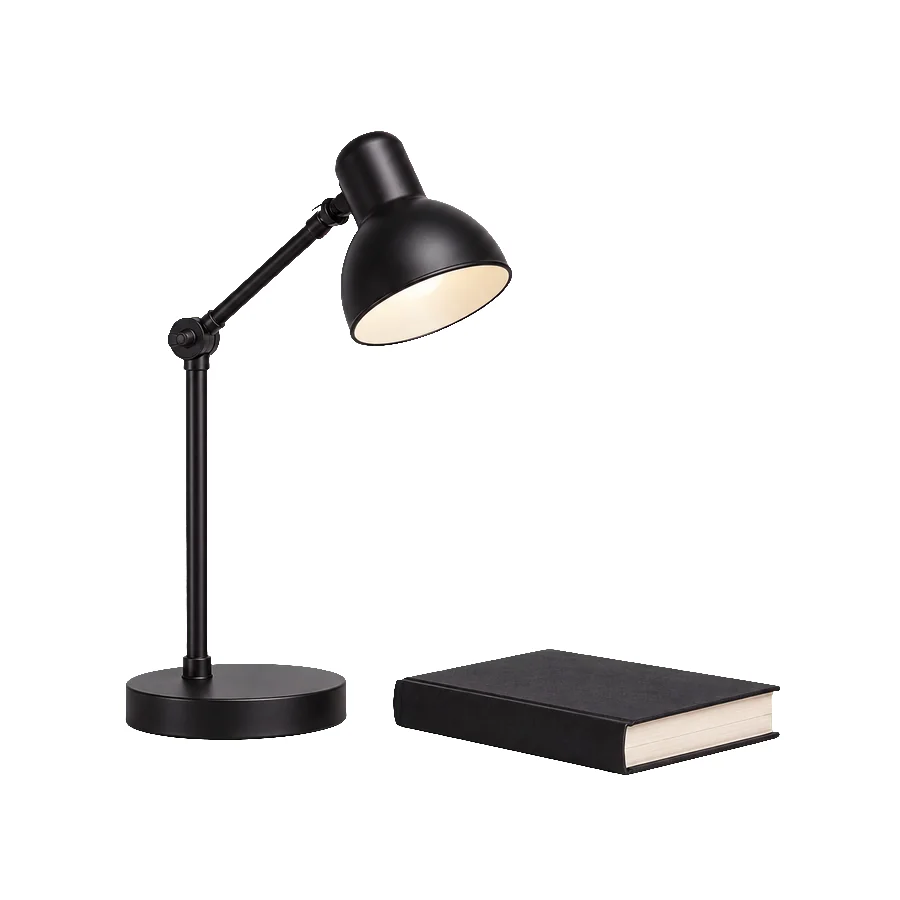
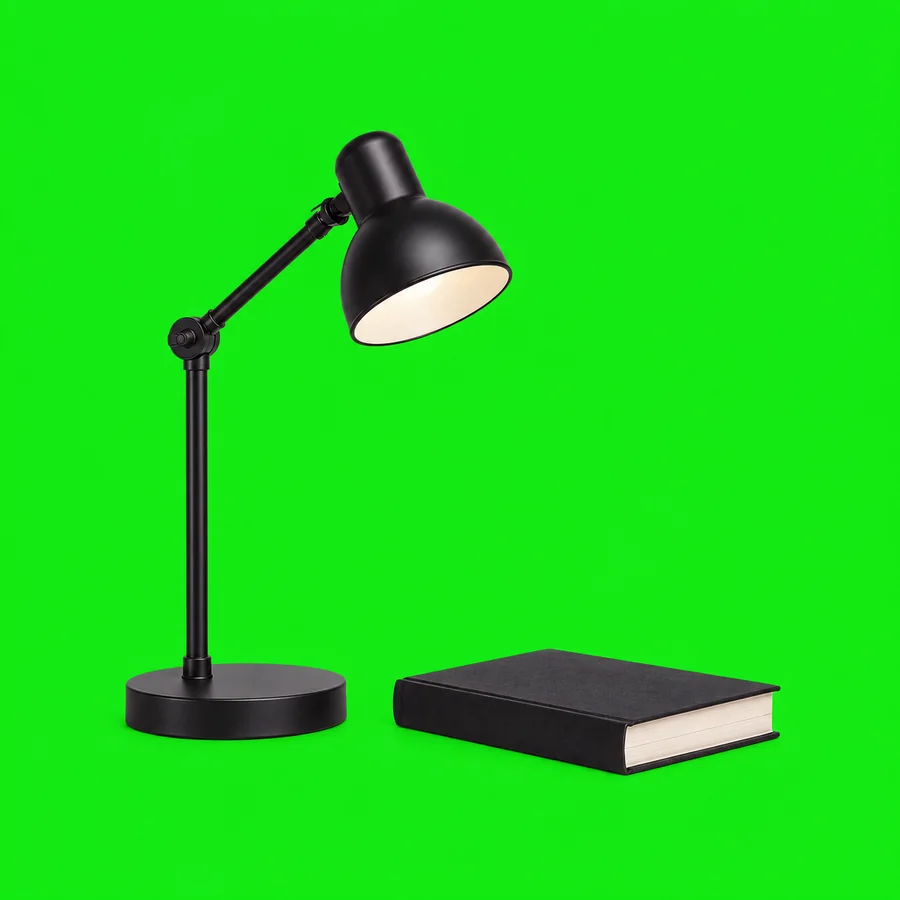
Product shots go straight from green screen to a clean white background, the format most marketplaces ask for.
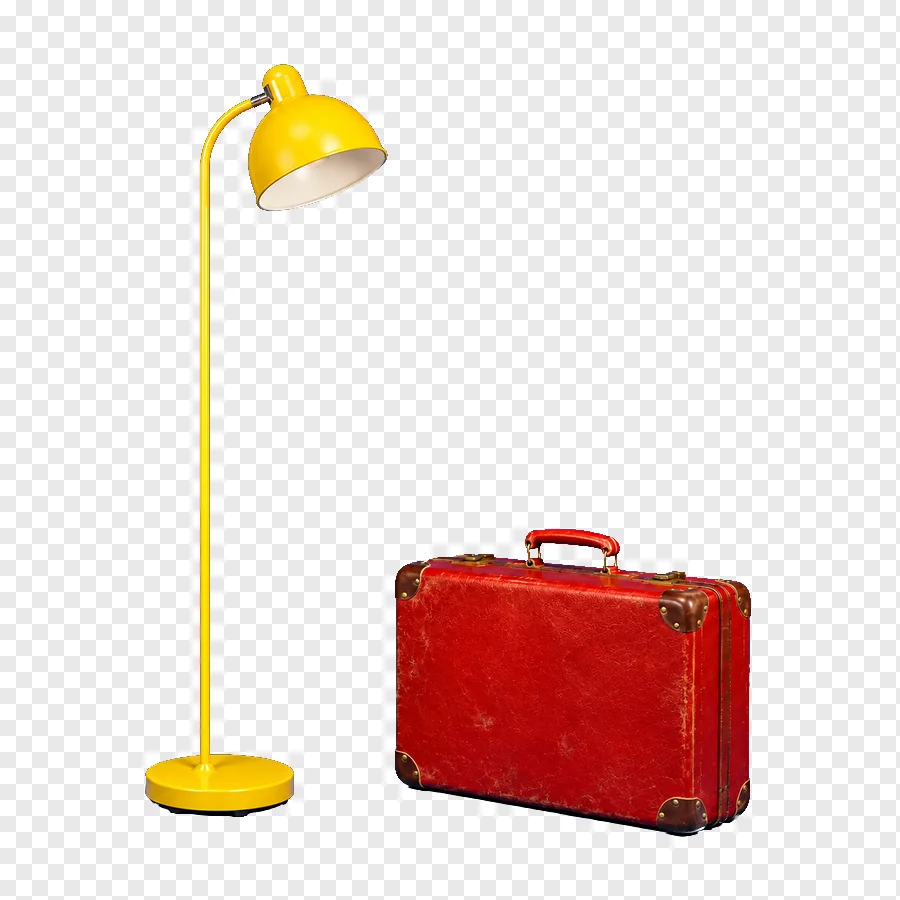

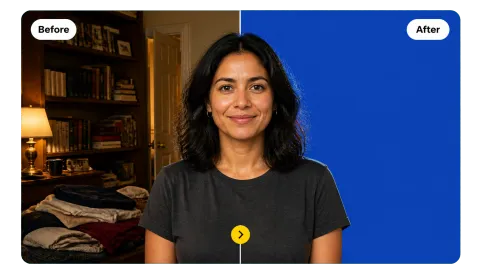
Switch the screen color to blue and the same chroma key removes a blue backdrop, shadows on the floor included.
Three steps to remove green screen from image files online, no editing software required.
Choose a JPG, PNG, or WebP image up to 20 MB shot on a green or blue screen. It opens locally in your browser.
The green backdrop disappears right away. Pick Blue Screen for blue backdrops, then adjust tolerance, edge softness, and spill cleanup, or pick the exact screen color with the color picker.
Export a transparent PNG or WebP, or choose a white, black, or Image background (your own photo, added in the New Background slot) and save as JPG.
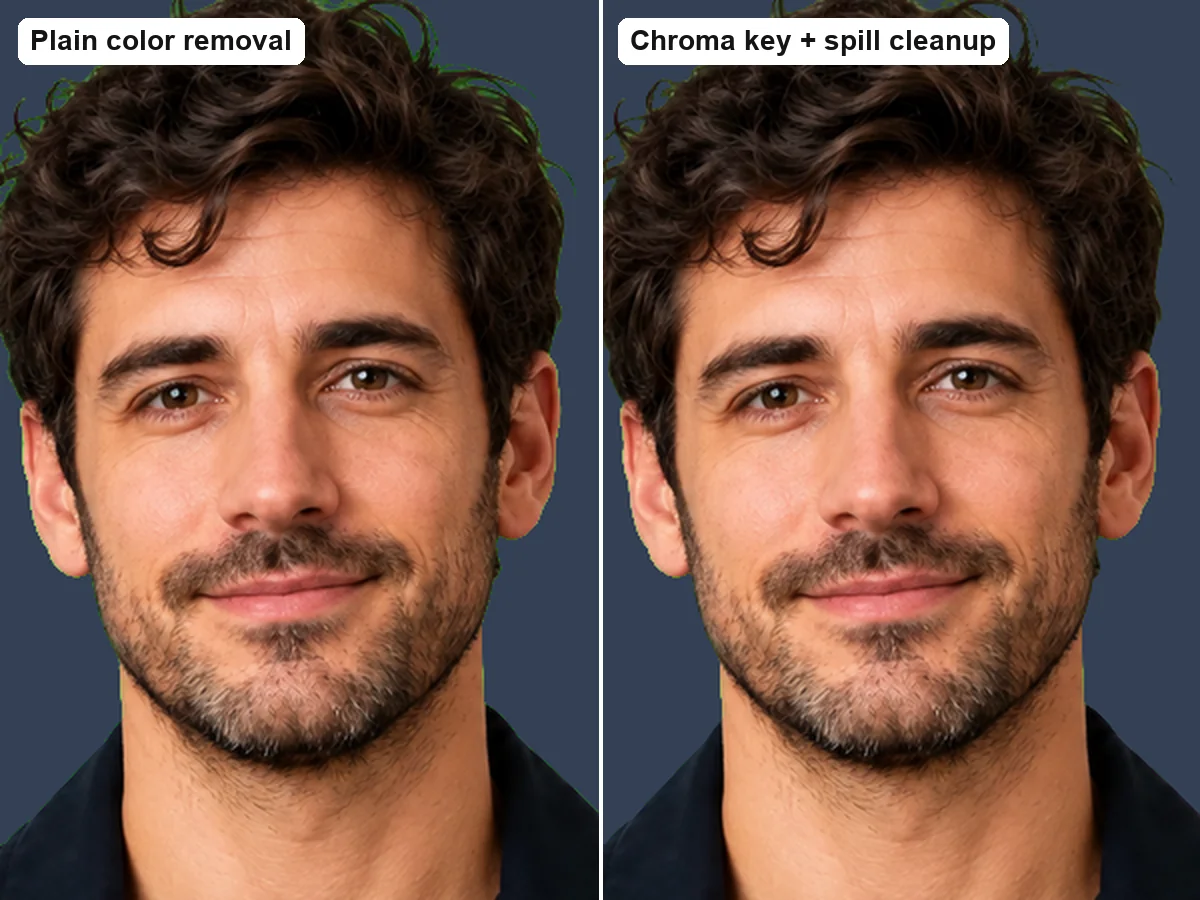
Simple color removal leaves a green outline around hair and ears and can eat into dark areas. This chroma key remover measures hue, keeps darks solid, and neutralizes reflected green with the Spill cleanup slider, so the cutout looks natural on any background.
Real green screens are rarely pure green; lighting makes them brighter, duller, or uneven. The tool samples the edges of your photo and matches the chosen color to the actual screen shade, so most photos key correctly without any picking. You can still set an exact color with the picker.
Use it as a green screen background remover: keep the background transparent for overlays and design work, or switch to white for product listings and documents (green screen to white background in one click), or to black for dramatic thumbnails.

The transparent PNG works in slides, thumbnails, video editors, and design apps. Place your subject on a travel photo, a brand color, or a stream overlay, or do it right here: upload a picture as the New Background, choose Image, and it is cover-fitted behind the subject automatically. Processing happens on your own device.
Common reasons to delete green screen backdrops and remove green background from images.
Turn green screen stills into transparent overlays, thumbnails, and channel art.
Key products shot on green or blue screens onto white backgrounds or campaign layouts.
Cut characters out of green screen templates to make stickers and reaction images.
Swap a green screen backdrop for a clean color, or place yourself in a new scene.
Shooting and editing habits that make green screen removal easier in any green screen image editor.
Wrinkles and dark corners create shades that are harder to key. Even light gives the cleanest result.
Anything close to the screen color will be removed too. Choose blue screen if the subject wears green.
If hair or shoulders look greenish, raise Spill cleanup or use the Soft Hair Edges preset.
JPG cannot store transparency; a transparent result is saved with a white background in JPG.
How people use an online green screen remover.
Illustrative examples adapted from reference material, not verified reviews of EzImgMaker.
I shoot thumbnails in front of a cheap green sheet that is never evenly lit. The edge matching handles it, and the PNG drops straight into my editor.
Our props are photographed on a blue screen. Blue Screen plus a white background gives me listing-ready images without opening a desktop app.
I tried a few greenscreen remover apps, and the green halo around hair was always the problem. Spill cleanup finally fixed it.
I make stickers from green screen meme templates. Upload, download PNG, done, and nothing leaves my computer.
Questions about removing green screens and chroma keying images.
Upload the photo; the green screen is removed automatically. Fine-tune Tolerance, Edge softness, and Spill cleanup if needed, then download a transparent PNG. Use the Blue Screen preset for blue backdrops.
Chroma key is the technique of making one color (usually bright green or blue) transparent so a subject can be placed over another background. It is used in film, TV, streaming, and photography.
Yes. The default output is a green screen remover transparent result: download PNG or WebP to keep the transparency. JPG does not support transparency, so transparent areas become white in JPG.
Yes. Choose the Green to White preset or set Background to White. This chroma key white background option is ideal for product photos and documents.
Yes. Upload the picture you want behind the subject in the New Background slot and set Background to Image (or click Your Own Background). It is scaled to cover the whole frame and centered behind the keyed subject, in the preview and in the full-size download. Without a background image, Image works like Transparent.
Yes. Click Blue Screen or pick a blue swatch. You can key any strongly colored backdrop by choosing its color with the picker.
Green light reflects from the screen onto the subject. Raise Spill cleanup, increase Edge softness, or try the Soft Hair Edges preset. If parts of the subject disappear, lower Tolerance.
This tool works on still images (JPG, PNG, and WebP). For video, export a frame as an image first, or use a video editor with a chroma key effect.
Yes, it is free and needs no sign-up. The chroma key runs in your browser, so there are no credits and no watermark.
No. Images are processed locally and never leave your device. Please only use photos you have the right to edit.
Upload a green or blue screen photo and download a clean, transparent PNG.