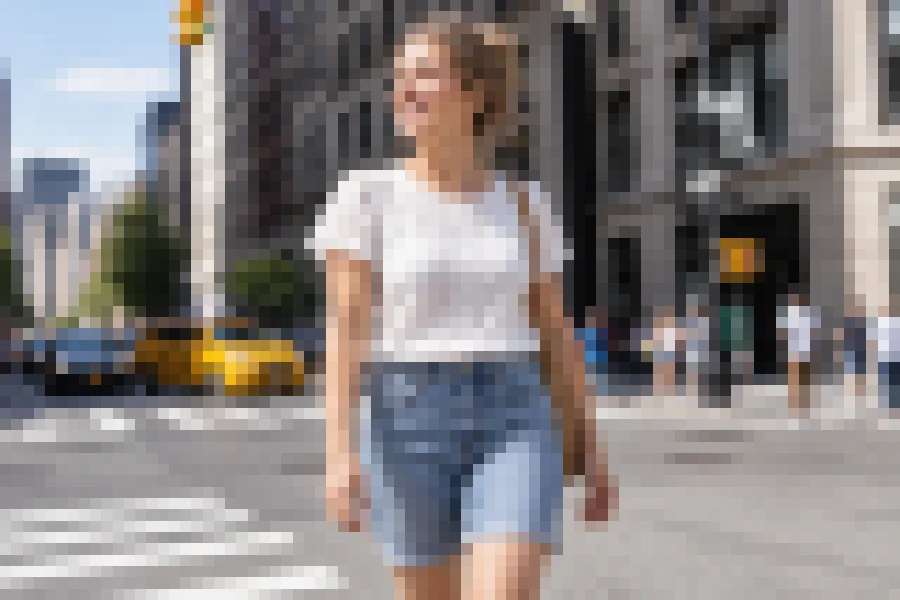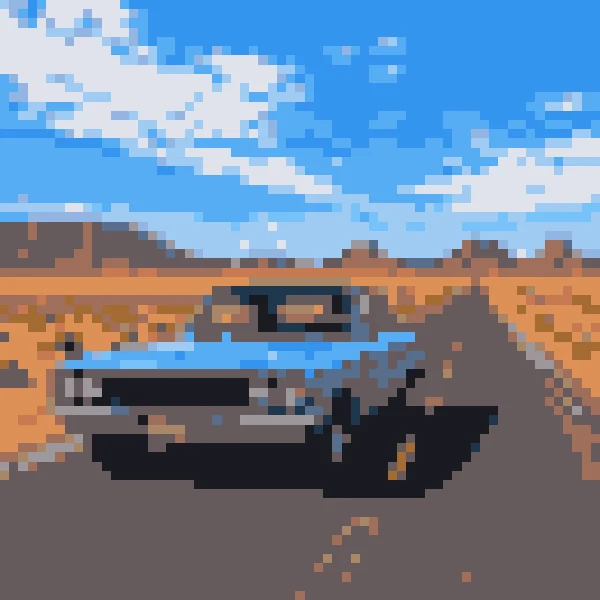
8-Bit Retro
Big blocks and a tight palette, like early home consoles.
Upload a portrait, pet, product, or landscape and the AI redraws it as real pixel art: square blocks on one grid, a limited retro palette, and clean dithering, with your subject still recognizable.
Pixel Style: 8-Bit Retro · Pixel Size: Chunky · Grid: Clean Pixels
Your photo stays in this browser during this UI preview.
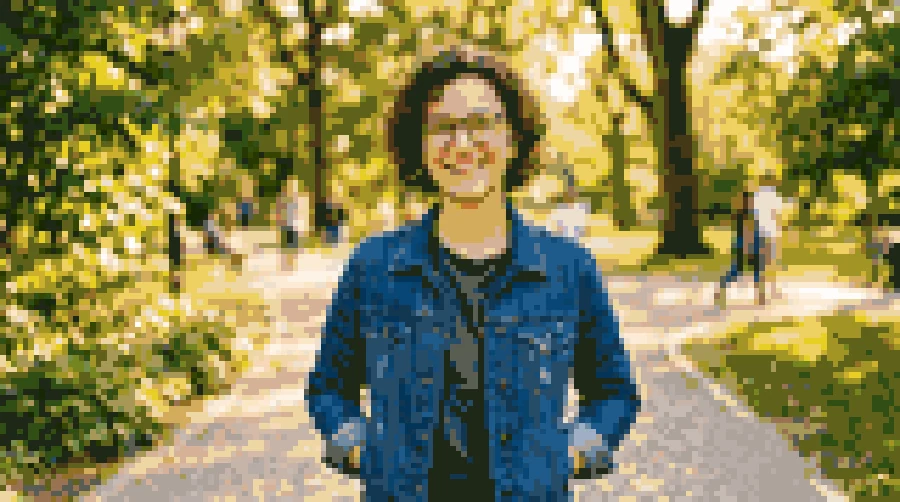
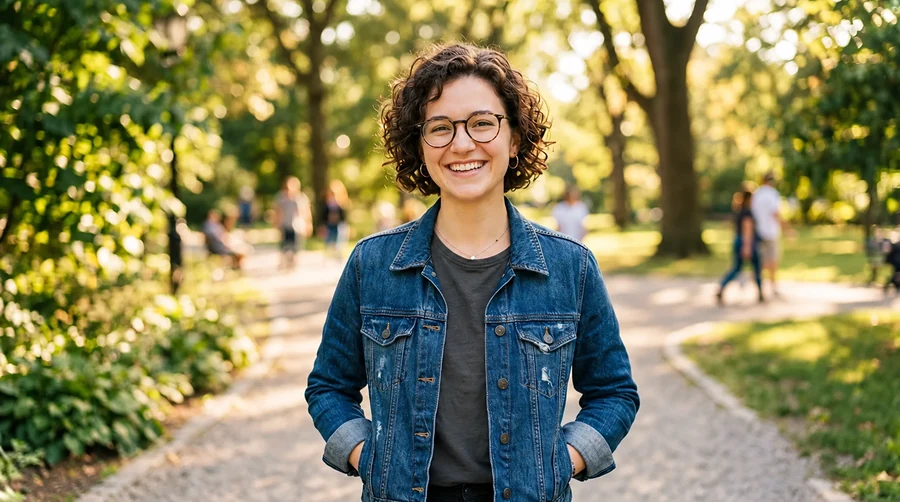
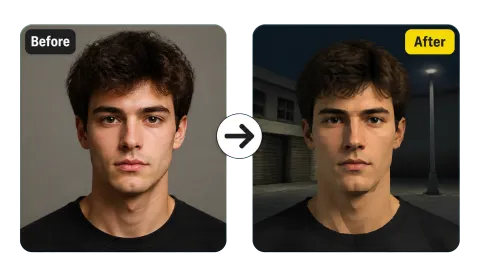
Reference example. It is not a result generated from your upload.
Photo to pixel art is an AI conversion that redraws a picture the way a pixel artist would: square blocks of one size on a strict grid, a small palette of flat colors, hard stair-stepped edges, and dithering instead of smooth gradients. It turns an image into pixel art that still shows the same person, pet, or place, so the result reads as an 8-bit or 16-bit game graphic rather than a low-resolution photo.
That is different from pixelating. A pixelate filter, like the browser-based pixelate image tool, simply averages the photo into a mosaic of blocks in your browser, which is great for hiding faces or plates. This image to pixel art converter uses AI to rebuild outlines, simplify shading, and pick a retro palette, so it works as a pixel art maker from image uploads for avatars, sprites, icons, and merch. Think of it as a pixel art transformer, not a blur.
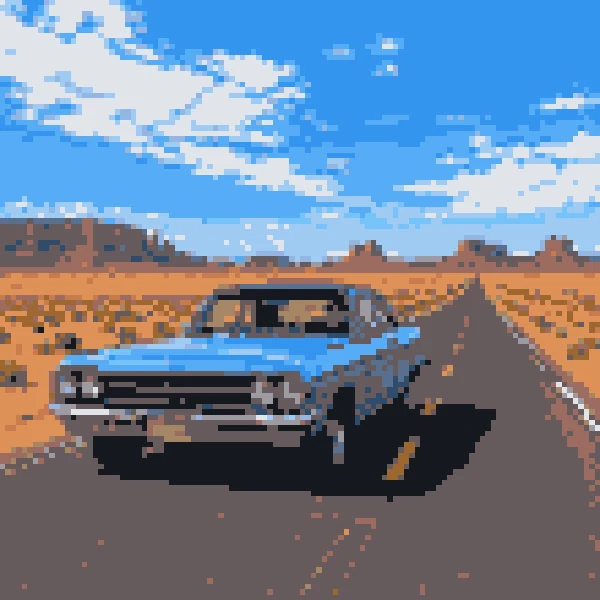
The same photo of a classic car, converted with four different pixel styles.
Big blocks and a tight palette, like early home consoles.
A punchy 16-color set with crisp dithering, popular in indie games.
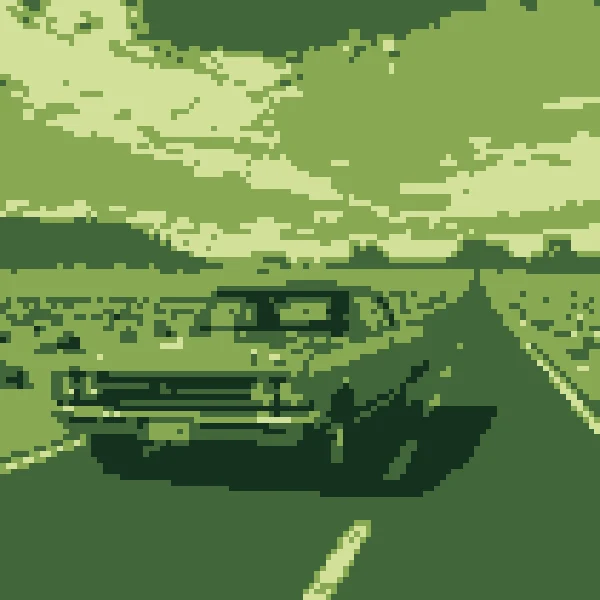
Four shades of green, like a classic handheld screen.
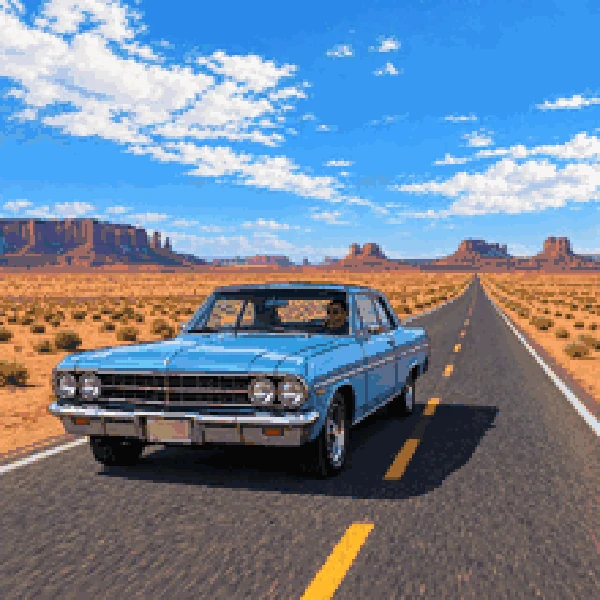
A fine grid and richer colors for modern indie game art.
Convert image to pixel art online, with no drawing canvas and no palette to set up.
Add a JPG, PNG, or WebP up to 10 MB. Clear subjects with good contrast, like portraits, pets, and products, convert to pixel art best.
Choose 8-Bit Retro, 16-Bit Console, Game Sprite, or another style, then Chunky, Medium, or Fine pixels, and whether to show grid lines. Add a note for anything specific.
Create up to four versions, compare them with the original photo, and keep the pixel art you like best.
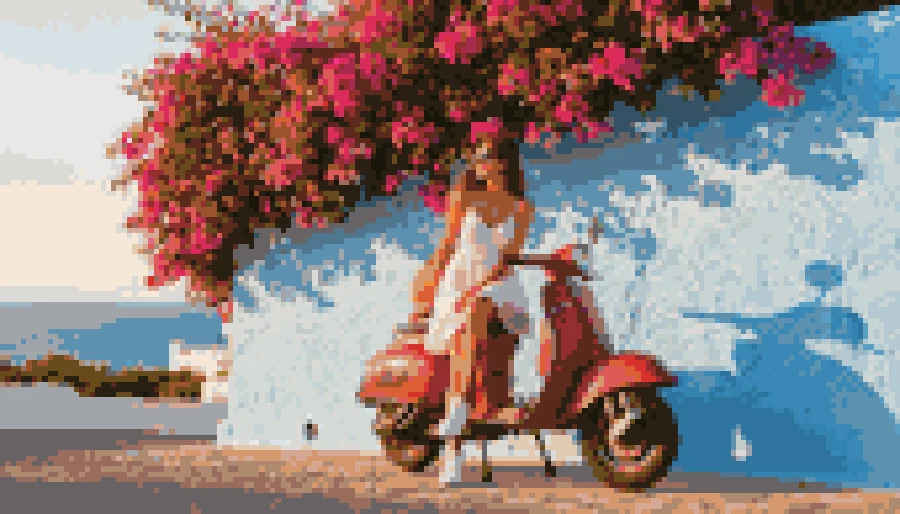
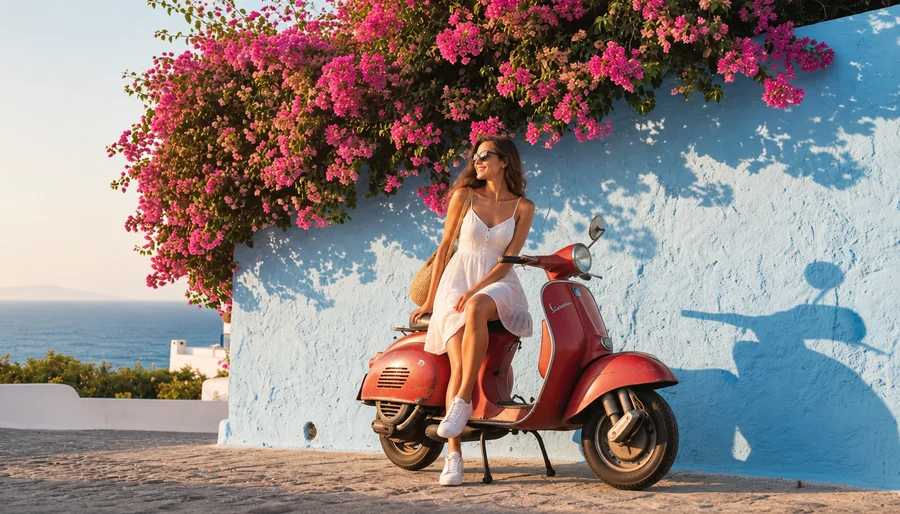
A basic image to pixel converter shrinks the photo and blows it back up, so edges go muddy. Here every block snaps to one grid, outlines are cleaned up, and gradients become deliberate dithering, the way hand-made pixel art handles light.
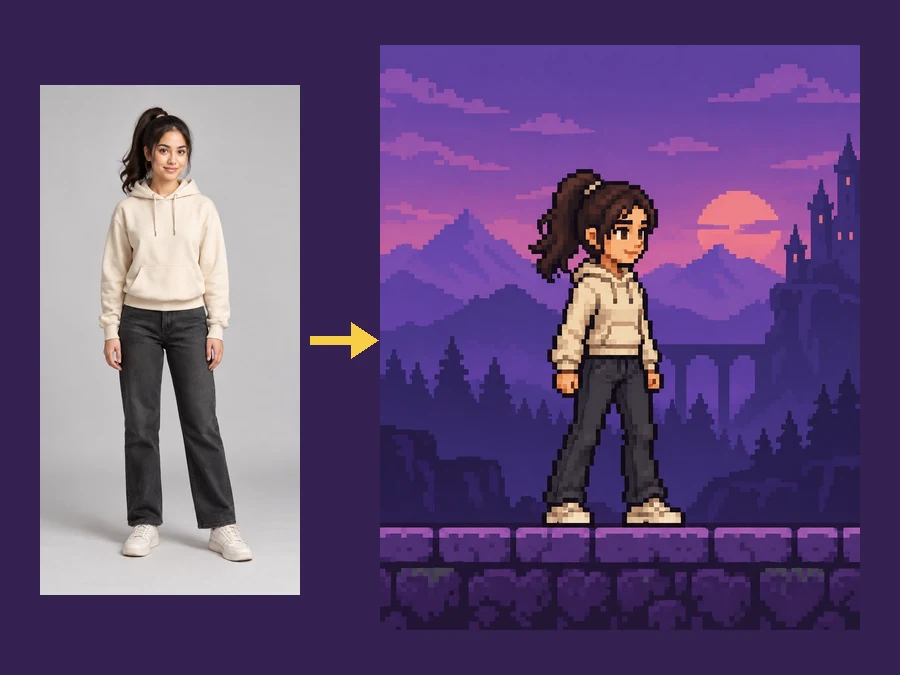
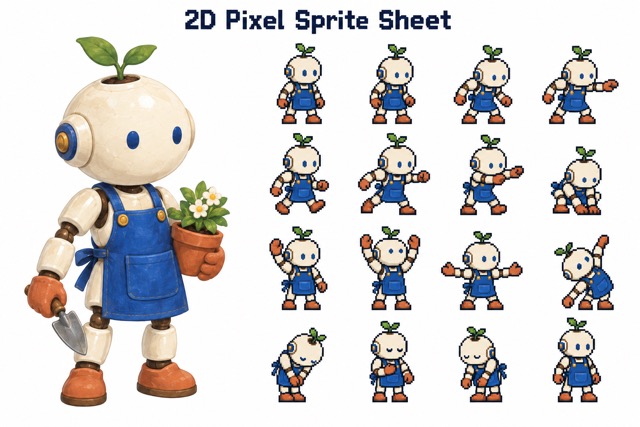
Pick Game Sprite to turn a full-body photo into a side-scroller style character with a clear silhouette, ready for a prototype, a mod, or a fan game mockup. The pose and outfit stay the same, just built from pixels.
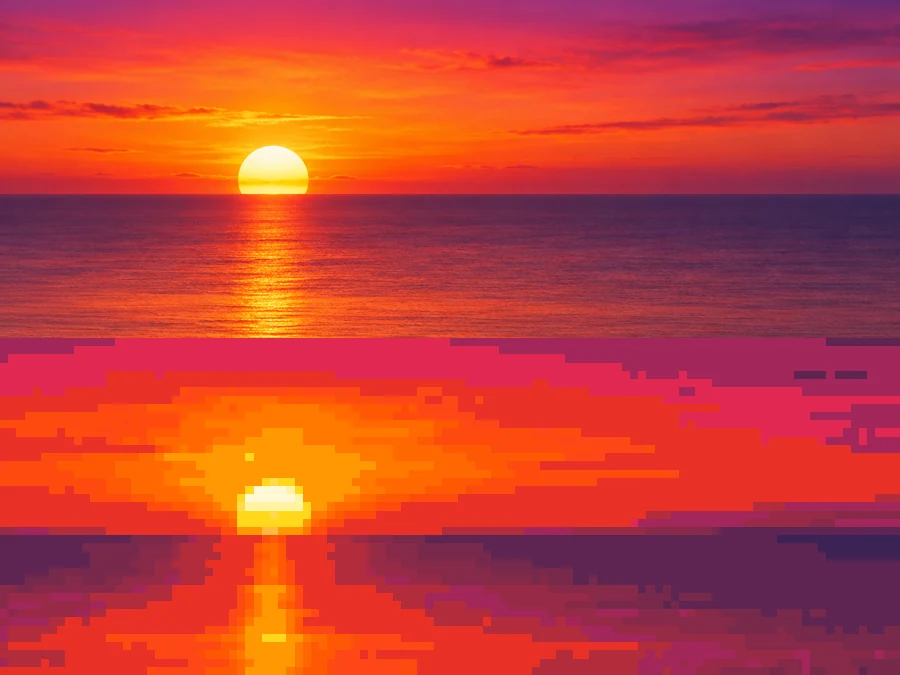
Sunsets, skies, and water band into stepped, dithered gradients instead of smooth blur, the way 16-bit game backgrounds were drawn. Landscapes and city scenes come out looking like a level select screen.
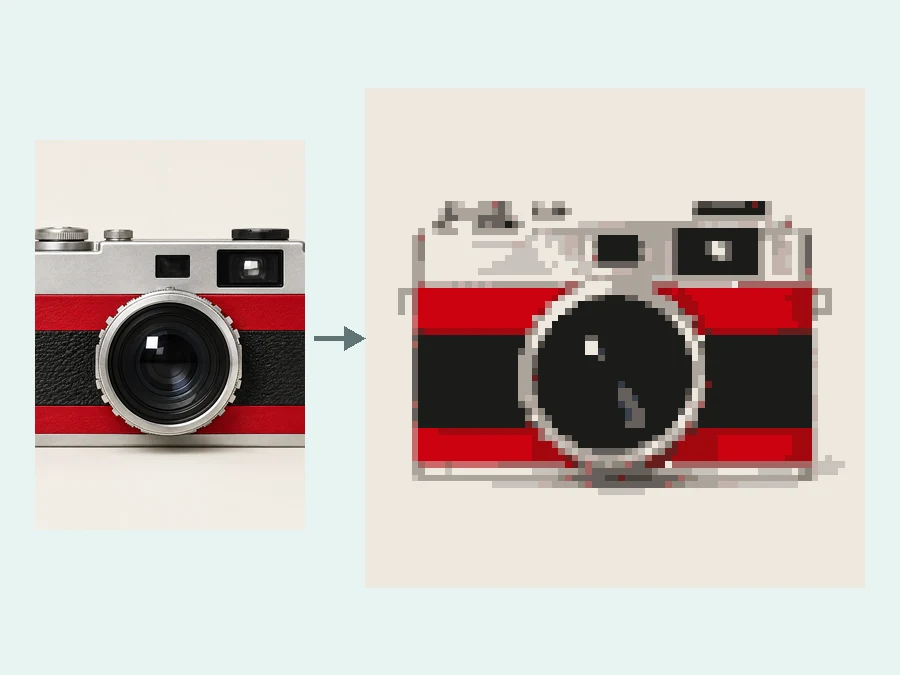
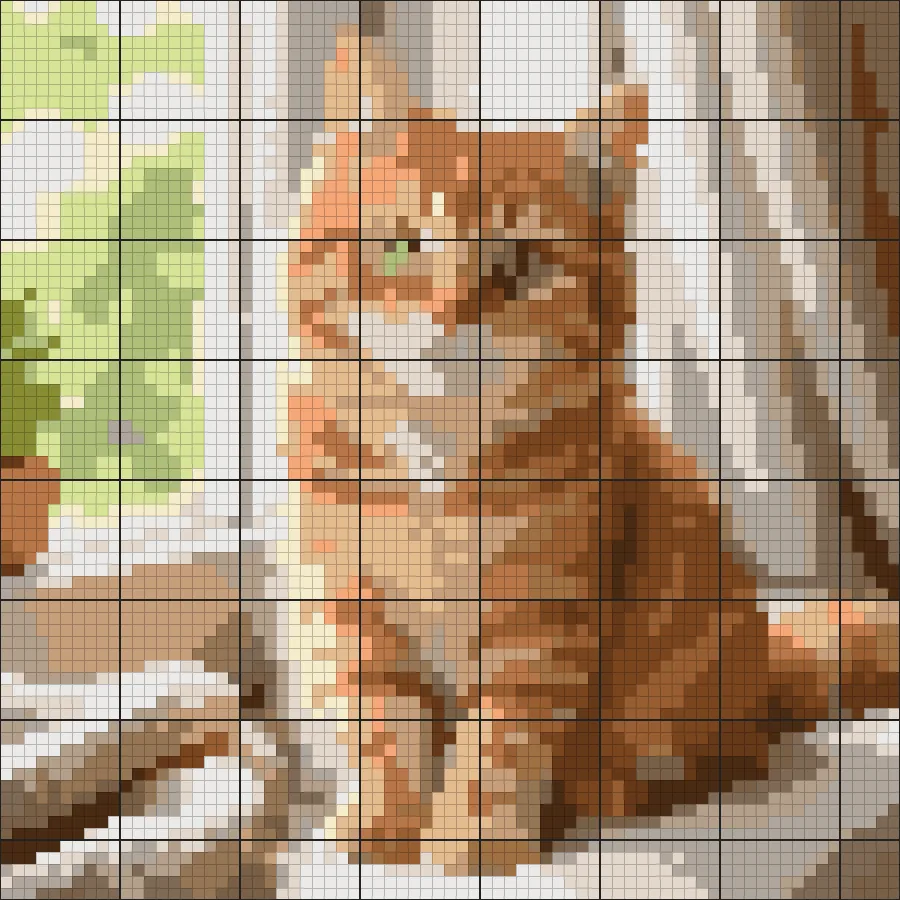
Turn on Show Grid Lines to get a pixel art converter with grid output: every block outlined, easy to count for bead art, cross stitch, block-building games, or redrawing by hand. Product photos become crisp retro icons.
Pixel art reads at tiny sizes and prints with bold, flat color.
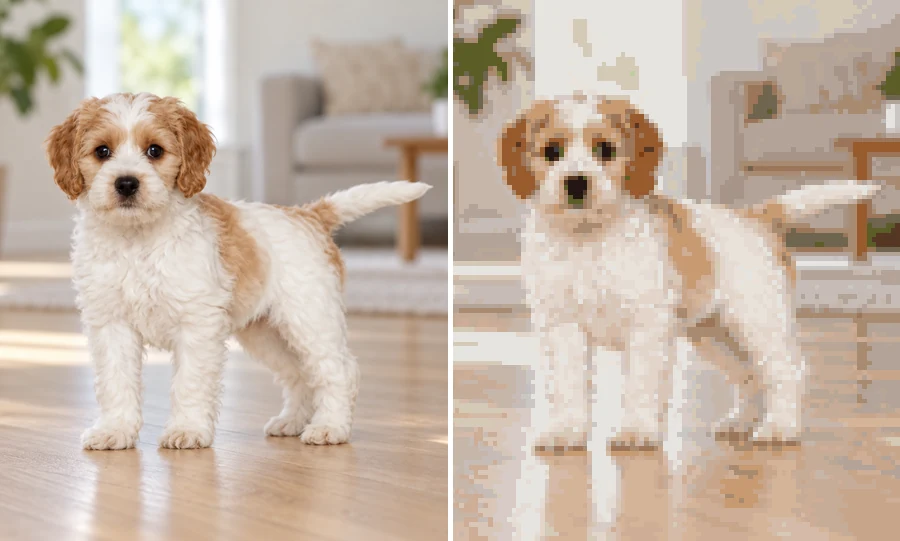
A pixel avatar stays readable at 64 pixels wide, where a shrunk-down photo turns to mush. Great for gaming and chat profiles.
Convert reference photos into stand-in sprites, tiles, and items so an early build looks intentional.
Flat colors and hard edges print cleanly, which makes pixel art a natural fit for sticker sheets and T-shirts.
Turn a pet or couple photo into a nostalgic pixel keepsake for a card, a frame, or a desk wallpaper.
Big blocks describe shape and color, not fine texture, so pick photos that are simple and clear.
A tight crop gives the blocks more room to describe a face, pet, or object.
Clear light and shadow help the limited palette separate the subject from the background.
Chunky for avatars and stickers, Medium for scenes, Fine for detailed wallpapers and prints.
Compare a bold 8-Bit Retro version with a richer HD Pixel Art version of the same photo.
Streamers, indie devs, shops, and classrooms.
Illustrative examples adapted from reference material, not verified reviews of EzImgMaker.
My avatar shows at 64 pixels and every normal photo turned to mush. The pixel version still reads as me: same hair, same hoodie, just blocks.
I converted reference photos into placeholder sprites for a prototype, and they looked like one art set instead of a pile of experiments.
Our sticker sheets look like an old cartridge game now. Flat colors print clean because there are no soft gradients to muddy the ink.
I teach limited palettes, and turning students’ own photos into pixel art makes it obvious why color choice matters more than resolution.
Common questions about turning pictures into pixel art.
It is the process of redrawing a photo as pixel art: square blocks on a grid, a limited palette, and dithered shading. People also search for it as image to pixelart, pic to pixel art, or img to pixel art, and the tool is sometimes called a pixelart converter or pixel art image converter; it all means the same thing.
Upload the photo, choose a Pixel Style such as 8-Bit Retro or Game Sprite, pick a Pixel Size and whether you want grid lines, then generate. You can create up to four versions and keep the best one.
Pixelating, as in the pixelate image tool, averages the photo into blocks in your browser and keeps all the original colors and blur. Photo to pixel art uses AI to redraw the picture with clean outlines, a retro palette, and dithering, so it looks like game art rather than a censored photo.
Yes. 8-Bit Retro uses big blocks and very few colors; 16-Bit Console and 16-Color Palette add more colors and finer shading; HD Pixel Art uses a fine grid for detailed modern pixel art.
Yes. Choose Show Grid Lines to outline every pixel block. It is handy for bead patterns, cross stitch, block-building games, or redrawing the art by hand. For a full cross stitch chart with thread colors, use the cross stitch pattern maker.
Yes. Drawings, sketches, illustrations, and logos convert well because they already have clear shapes. Use Chunky or Medium pixels for line drawings so the outlines stay bold.
Yes. The AI keeps the pose, composition, hairstyle, clothing, and background, and turns them into pixel clusters. Very small faces in wide shots lose detail at Chunky size, so crop in or choose Fine pixels.
Going from image to pixels throws away fine texture, so photos with one clear subject, strong contrast, and a simple background work best: portraits, pets, single products, and uncluttered landscapes. Very dark, blurry, or busy images lose more detail during the simplification.
Only upload photos you own or have permission to use, and do not present pixel art of a real person in a way that could mislead or embarrass them.
Upload an image and convert it to 8-bit, 16-bit, sprite, or icon pixel art with clean blocks and a retro palette.