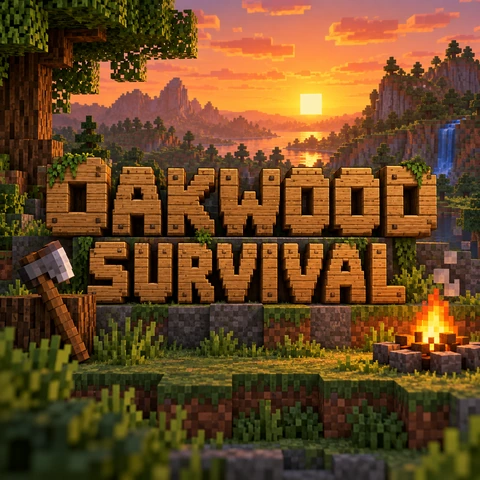
Oak Survival Logo
Wooden plank letters over sunny hills.
Type your server, SMP, or channel name, pick a block material like Stone, Grass, Gold, Diamond, Nether Lava, Ender, Oak, or Ice, and the AI builds a blocky 3D title or a round server emblem with your name spelled exactly as written. A fan-made, Minecraft-style logo maker for servers, YouTube, Twitch, and Discord, on five AI models. Free credits when you sign up.
Block style
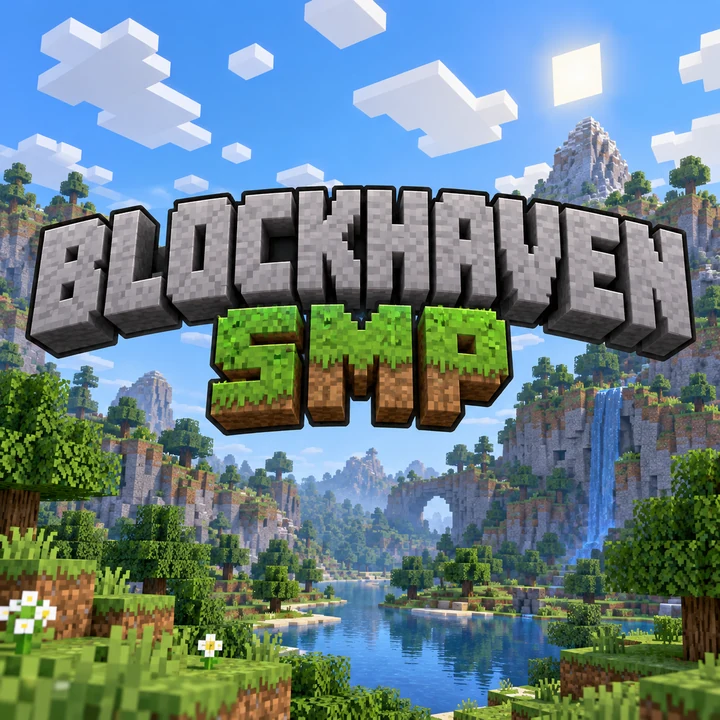
A blocky 3D title for the SMP server "BLOCKHAVEN": gray stone block letters with a dark outline, and "SMP" in grass blocks underneath, over a pixel landscape with hills and trees under a blue sky.
Reference example. It is not a result generated from your upload.
A Minecraft logo generator makes the chunky, blocky lettering players know from block-building games: 3D letters built from stone, grass, gold, or diamond cubes with a deep extrusion and a dark outline. Type your server or channel name and this Minecraft title generator builds a custom title, a round server emblem, or a simple square icon around it, over a pixel landscape, a cave, or a lava world.
Pick one of 11 block styles, choose a logo type and a background, and generate on Nano Banana 2, Nano Banana Pro, Seedream 4.5, GPT Image 2, or FLUX.2. It works as a Minecraft logo maker, Minecraft SMP logo maker, Minecraft logo creator, and Minecraft emblem maker in one. This is a fan-made tool in a Minecraft-inspired style: it is not affiliated with Mojang Studios or Microsoft, it does not copy the official logo, characters, or mobs, and every example here is an original design. It is free to try with the credits new accounts get when they sign up.
Oak, ender, gold, 8-bit, stone, grass, redstone-red, and emblem logos: tap a card to load the style or idea, then type your own name.
Wooden plank letters over sunny hills.
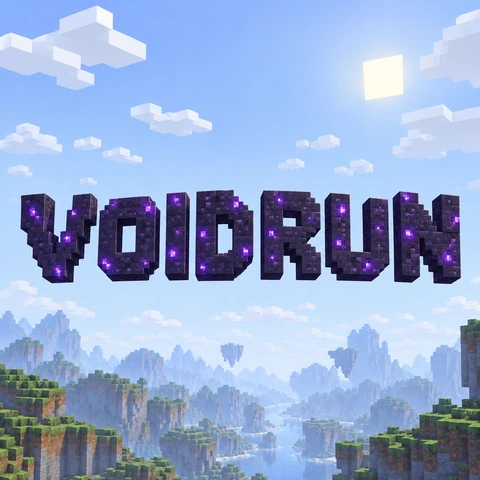
Dark purple obsidian blocks with violet specks.
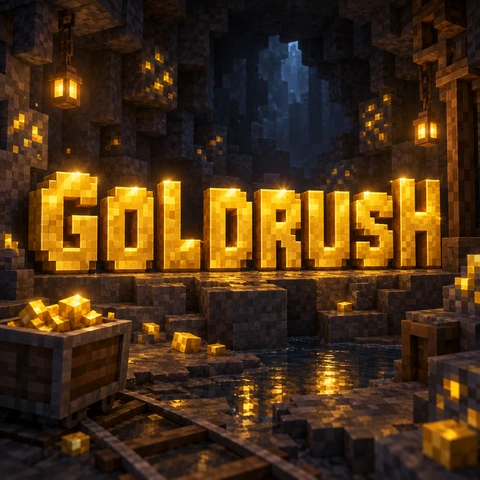
Shiny gold blocks in a stone cave.
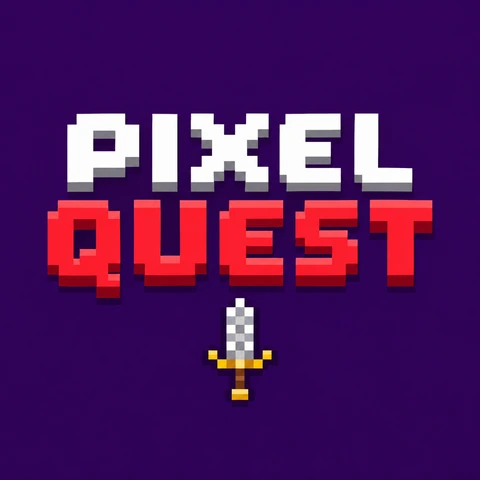
Flat pixel letters for a YouTube icon.
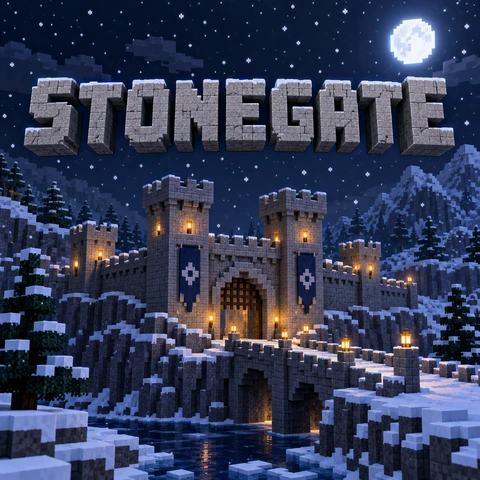
Classic stone letters on a snowy night.
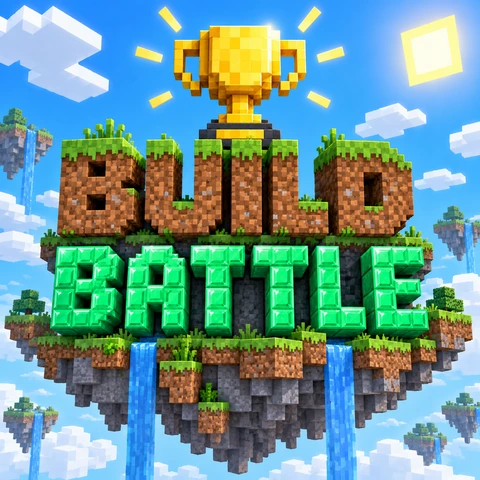
Grass and emerald blocks for a team.
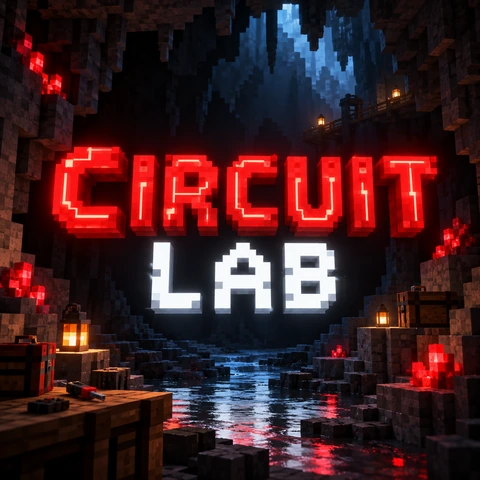
Red blocks for builders and engineers.
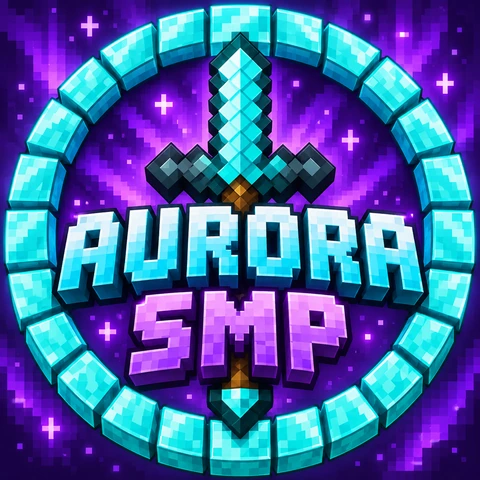
A diamond ring and a pixel sword.
Four steps to create Minecraft logo designs, from a blocky title to a server emblem, for your SMP, channel, or team.
Enter the title exactly as it should appear, plus an optional subtitle like “SMP”, “Season 3”, or “Survival”. Describe extras such as a pickaxe or a castle, or tap an idea for a full prompt.
Choose Classic Stone, Grass Block, Gold, Diamond, Nether Lava, Ender, Oak Planks, Ice & Snow, 8-Bit Pixel, or Server Emblem, then a logo type: 3D title, emblem, server icon, or title screen.
Sunny hills, night sky, cave, lava world, or plain for easy cut-outs. Use 1:1 for a logo or server icon and 16:9 or 21:9 for a banner, thumbnail, or title screen.
Press Generate Logo, check the spelling, and generate again or switch to Nano Banana Pro or GPT Image 2 for the cleanest letters. Shrink a copy to 64 × 64 for your server list icon.
Blocky materials, your exact name, and logos sized for servers and channels.
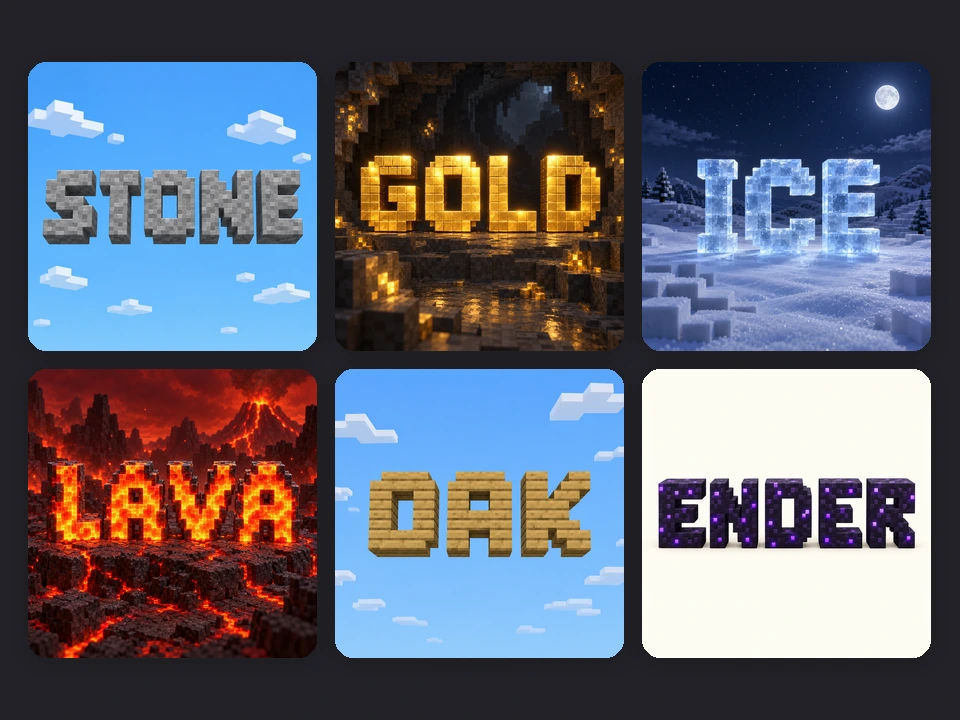
Eleven block styles cover the looks players love: gray Classic Stone, grassy Grass Block, shiny Gold and Diamond, glowing Nether Lava, mysterious Ender, cozy Oak Planks, frosty Ice & Snow, flat 8-Bit Pixel, and a round Server Emblem. Mix two materials for a title and a subtitle, like diamond over gold.
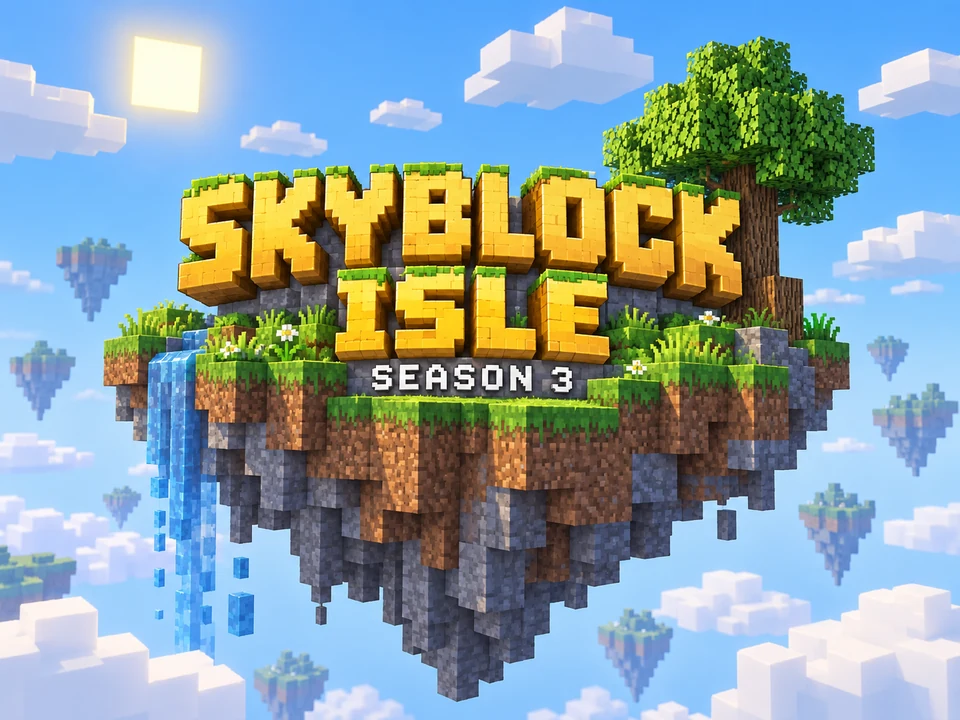
Type the name and an optional subtitle and the AI is told to build exactly those letters, once each, readable even in chunky blocks, with no extra words. That makes it a real Minecraft title maker for SMPs, seasons, and series, not a template with sample words. For long names, pick Nano Banana Pro or GPT Image 2.
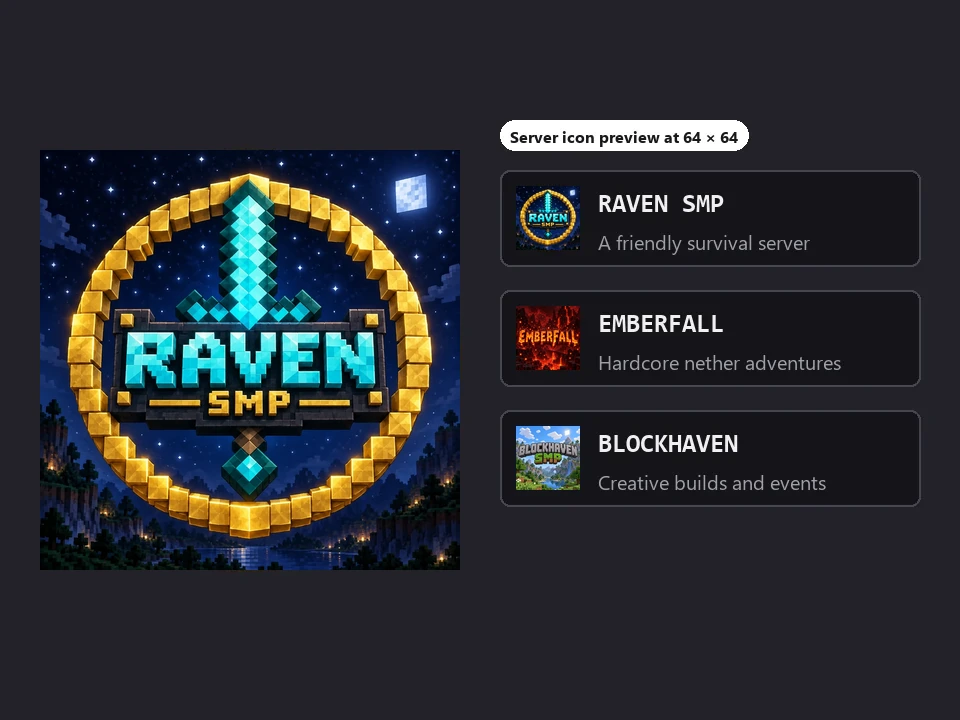
Choose Emblem / badge for a round crest with a pixel sword, pickaxe, or crown, or Server icon for a simple square that still reads at 64 × 64, the size of the server list icon on Java Edition. Use it as a Minecraft server logo generator, a Minecraft server logo maker, an MC server logo maker, and an emblem for Discord and store pages.
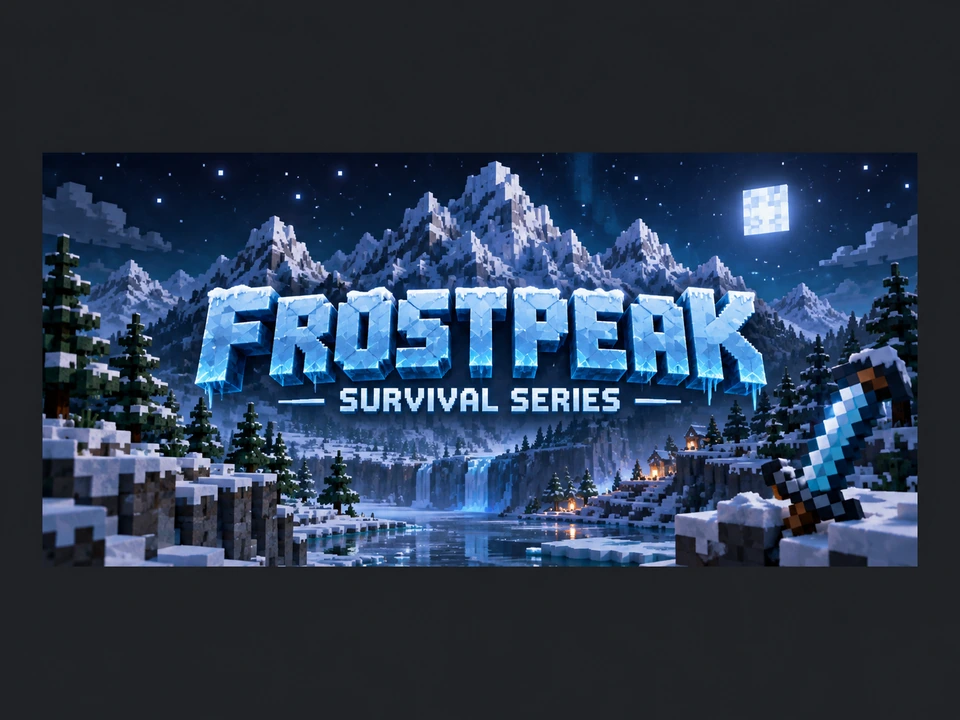
Switch the size to 16:9 for a YouTube thumbnail, stream screen, or channel banner, or 21:9 for a wide header, and pick Title screen for the name above a blocky landscape. Keep the same block style everywhere so your server, channel, and Discord look like one brand.
Common sizes for server and creator logos. Generate square or wide, then resize.
| Where | Size | Ratio to generate | Tip |
|---|---|---|---|
| Java server list icon | 64 × 64 px PNG named server-icon.png | 1:1 | Pick Server icon; shrink with Crop Image |
| Discord server icon | At least 512 × 512 px | 1:1 | Emblems read best in a circle |
| YouTube profile picture | 800 × 800 px | 1:1 | Keep it simple; it shows as a small circle |
| Twitch profile picture | 256 × 256 px or larger | 1:1 | Use the same emblem as your server |
| YouTube thumbnail | 1280 × 720 px | 16:9 | Pick Title screen for a big readable name |
| YouTube channel banner | 2560 × 1440 px | 16:9 | Fit it with YouTube Banner Size |
Results come out at roughly 1K–2K pixels. Shrinking to 64 × 64 is easy; for big prints or 4K screens, enlarge the logo with the 4K Image Upscaler first.
Anyone who builds, streams, or plays together: a logo maker Minecraft players recognize at a glance.
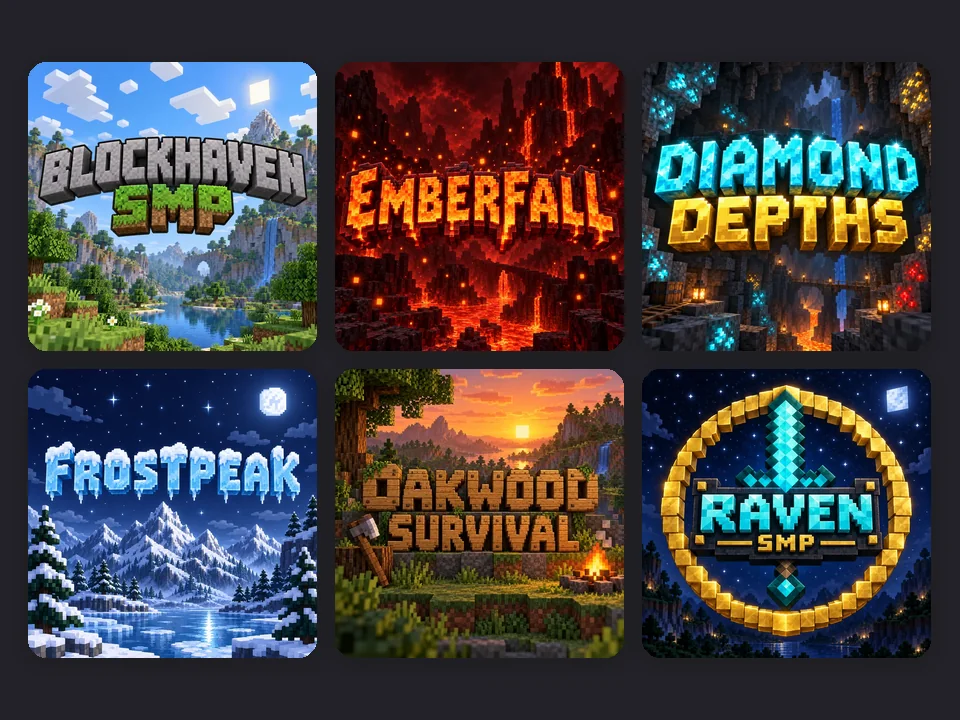
A title for the server list, the spawn sign, the website, and the Discord.
Channel logos, thumbnails, and stream overlays in a matching blocky style.
An emblem for your team, faction, or build crew to wear on banners and pages.
A title screen for a custom map, adventure, or modpack release page.
A fresh title for every season, tournament, or build contest.
Logos for coding clubs, after-school build clubs, and class projects.
Chunky letters are fun until nobody can read them.
One or two words of up to about 12 letters keep blocky letters big and readable.
Bright blocks on dark caves, or dark blocks on bright skies; avoid stone on stone.
Generate a Server icon version with initials or one item for 64 px and profile circles.
Nano Banana Pro and GPT Image 2 spell names best. Generate again if a letter is off.
Pick the Plain background, then remove it for a transparent PNG to place on banners.
Use your own name and original items; leave the official logo, characters, and mobs out.
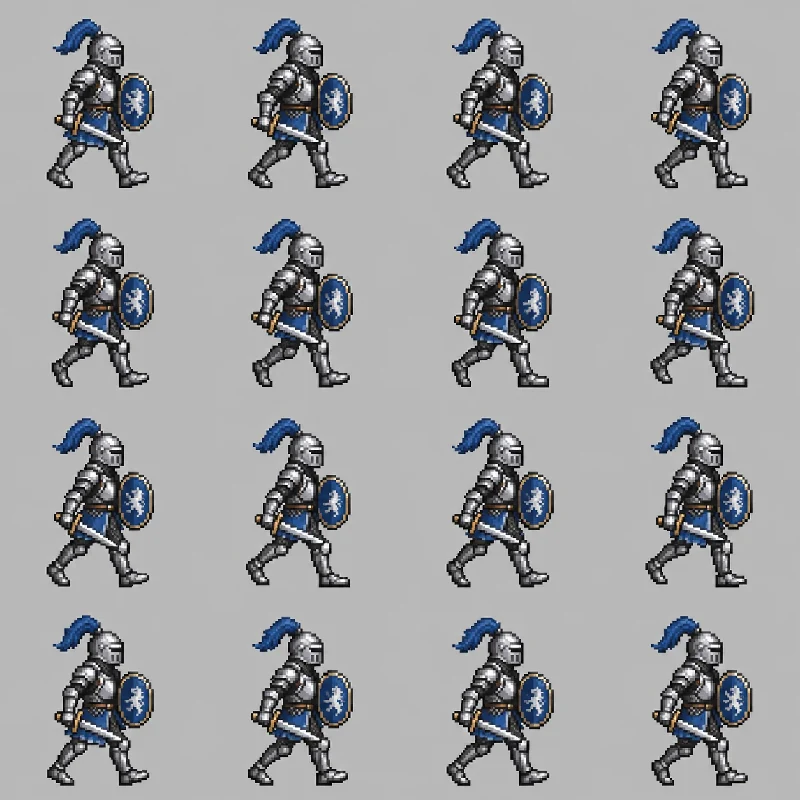
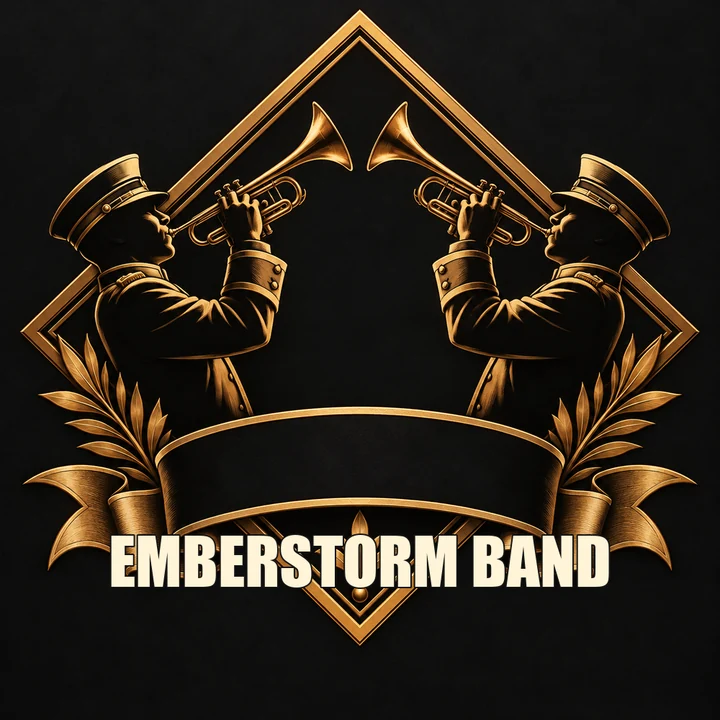
Sprites, pixel art, a band-style logo, and the 64 px icon.
Make original pixel-art characters and sprite sheets for your map, mod, or game.
Open the toolWant metal, neon, or graffiti lettering instead of blocks? Try the genre logo styles there.
Open the toolTurn a selfie or a build screenshot into pixel art for a matching profile picture.
Open the toolCrop and resize your logo to an exact 64 × 64 server icon, free in your browser.
Open the toolType your server or channel name in the title field, add a subtitle if you like, pick a block style, logo type, and background, and press Generate Logo. Check the spelling, then generate again or try another material until it looks right.
It is free to try. New accounts get free credits when they sign up, so your first logos cost nothing; after that, each logo uses the credits shown on the button before you generate.
No. It is a fan-made, Minecraft-inspired style generator and is not affiliated with, approved by, or associated with Mojang Studios or Microsoft. It makes original blocky designs and does not reproduce the official logo, characters, or mobs.
No. Minecraft is a trademark, so the generator leaves that word and the official logo out and letters the rest of your title. Use your server, SMP, or channel name; it makes a more memorable custom Minecraft logo anyway.
Yes. Type the server name, add “SMP” or “Survival” as the subtitle, and pick 3D title or Emblem / badge. People also call it an SMP logo maker, a logo Minecraft maker, or a logo Minecraft creator; it is the same tool, and it makes square icons too.
On Java Edition the server list icon is a 64 × 64 PNG named server-icon.png in the server folder. Generate a 1:1 logo with the Server icon type, then shrink it to exactly 64 × 64 with the free Crop Image tool.
The AI is told to build exactly the letters in the title and subtitle fields. Short names usually come out right, but chunky block letters are harder for image models, so check the result. Nano Banana Pro and GPT Image 2 are the most reliable.
Generate it with the Plain background, then remove the background with a background remover for a transparent PNG you can place on banners, thumbnails, and websites. This tool does not export layered or vector files.
Many creators use original blocky logos for gaming channels. Keep it your own design (no official logo, characters, or mobs), and follow Mojang’s usage guidelines and the platform rules for anything you publish or sell.
No. It makes still images that look like 3D blocks. For a moving intro, you can bring the logo into an image-to-video tool or a video editor afterward.
Type your server name, pick your blocks, and get an original blocky title with the Minecraft logo creator, free to try on your sign-up credits.
Fan-made tool, not an official Minecraft product: EzImgMaker is not affiliated with, approved by, or associated with Mojang Studios or Microsoft. Minecraft is a trademark of Mojang Synergies AB and is mentioned only to describe an art style; the official logo, characters, and mobs are not reproduced, and every example on this page is an original design with a fictional name. Nano Banana is a trademark of Google LLC, GPT Image of OpenAI, Seedream of ByteDance, and FLUX of Black Forest Labs.