Labeled World Map
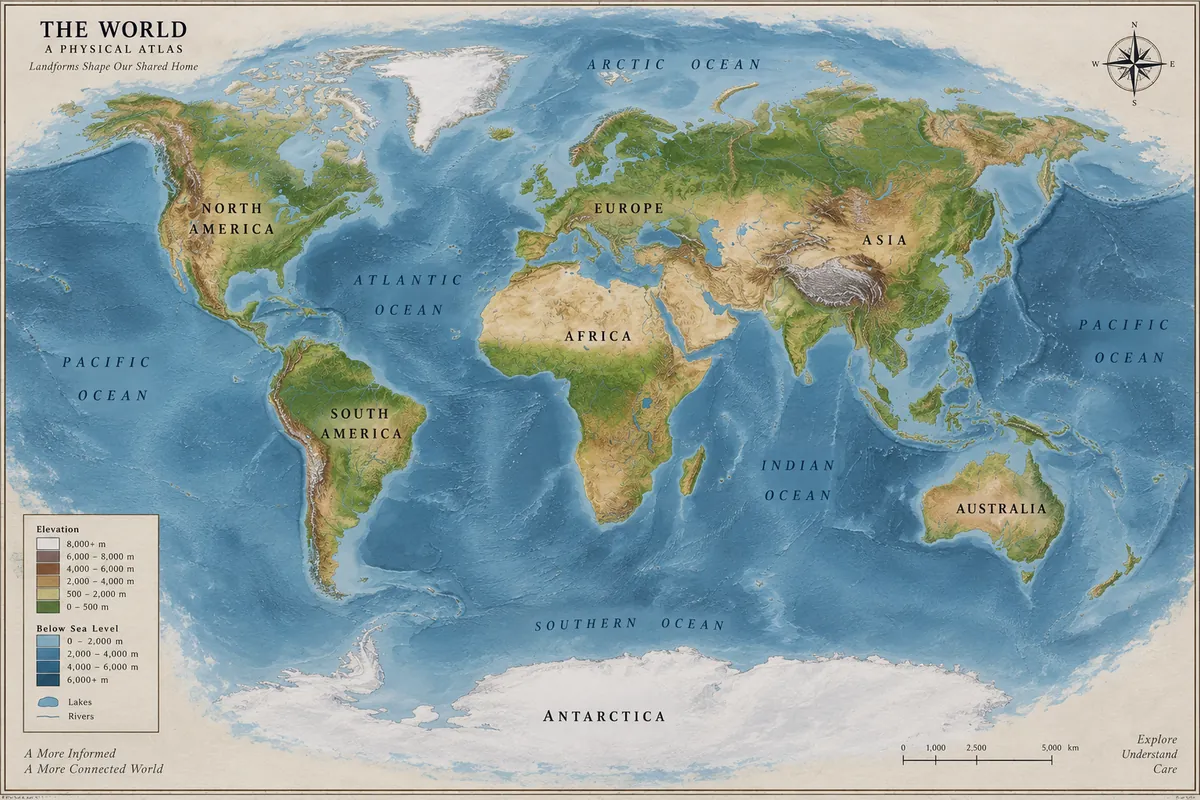
Continents, oceans, a legend, and a scale bar: world knowledge and small labels in one image.
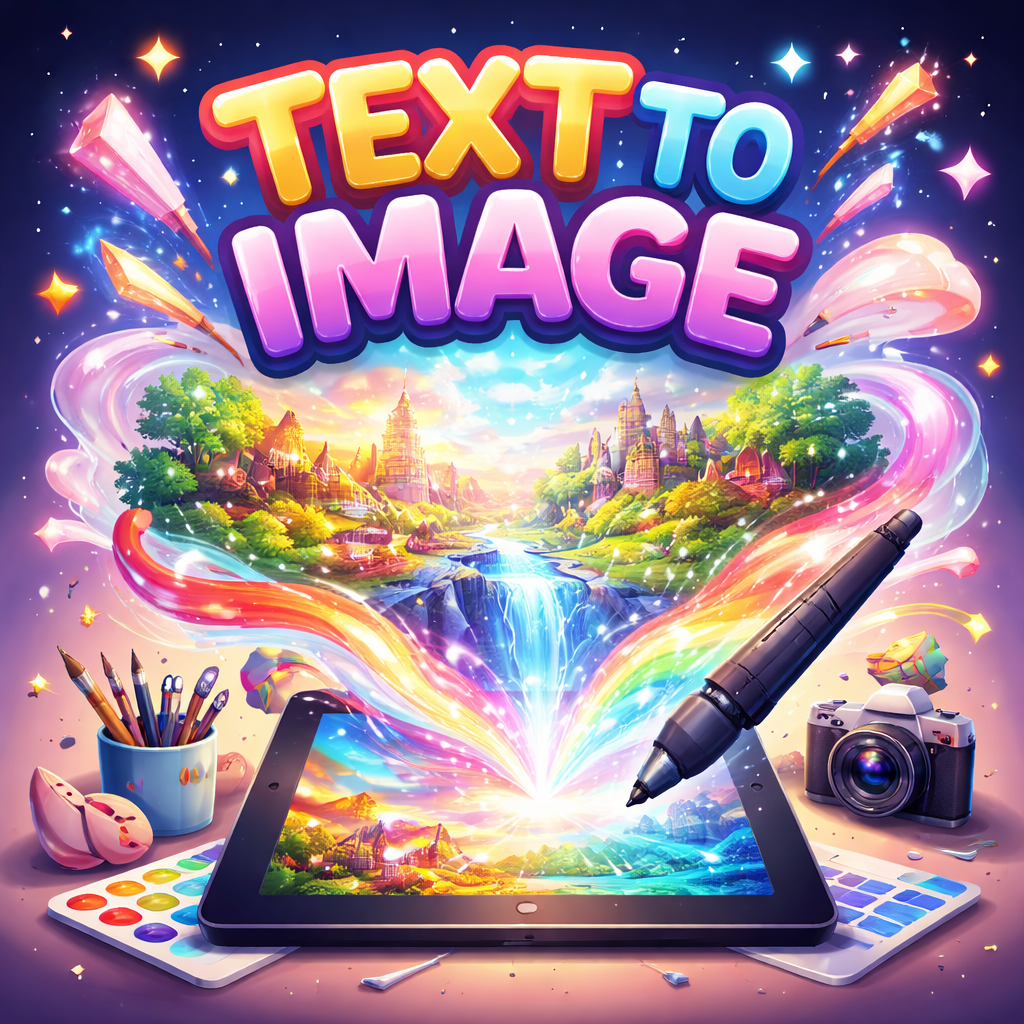
Turn a prompt into a poster, infographic, UI mockup, or photoreal scene with text that reads right, or upload images and describe the edit. GPT Image 2 keeps labels, faces, and layouts intact and exports at up to 4K.
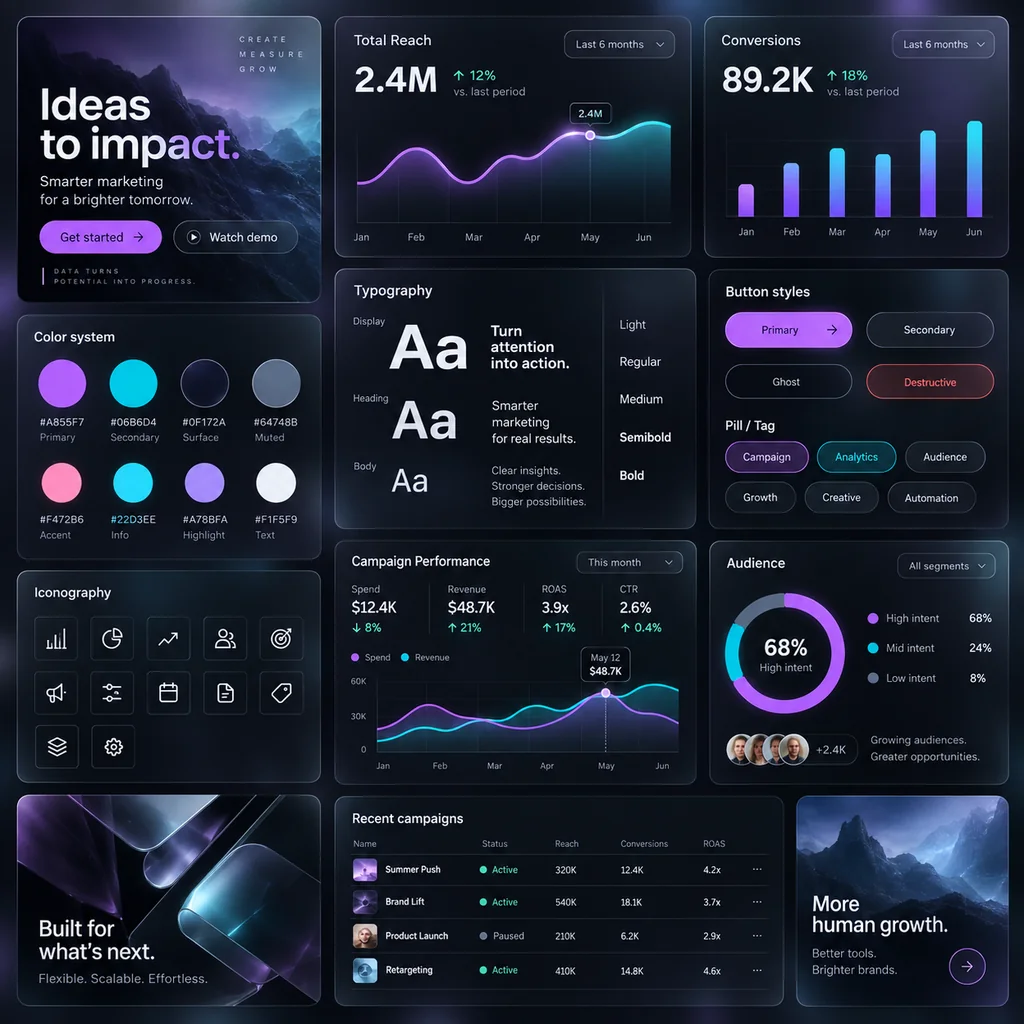
Generate for me a UI design system with a very cutting-edge, bold, and unique theme that includes glassy visuals and transparencies.
Reference example. It is not a result generated from your upload.
GPT Image 2 is OpenAI’s image generation and editing model, released on April 21, 2026 under the API name gpt-image-2. It is the model many people call ChatGPT Image 2 or GPT Images 2.0, and OpenAI describes it as its state-of-the-art model for fast, high-quality image generation and editing with flexible image sizes and high-fidelity image inputs.
Where earlier image models struggled, GPT Image 2 is at its best: dense, correctly spelled text in many languages, structured layouts such as brochures, menus, and UI screens, and edits that change one thing while keeping labels, faces, and lighting intact. On this page you can use the GPT Image 2 model for text to image or image to image, with up to 16 reference images and output at 1K, 2K, or 4K.
What OpenAI’s gpt-image-2 supports on EzImgMaker.
| Spec | GPT Image 2 (gpt-image-2) |
|---|---|
| Developer | OpenAI |
| Modes | Text to image and image to image (editing with references) |
| Resolution | 1K, 2K, or 4K |
| Reference images | Up to 16 per request · JPG, PNG, or WebP, up to 30 MB each |
| Aspect ratios | Auto, 1:1, 3:2, 2:3, 4:3, 3:4, 5:4, 4:5, 16:9, 9:16, 2:1, 1:2, 3:1, 1:3, 21:9, 9:21 |
| Resolution limits | Auto ratio renders at 1K · 1:1 goes up to 2K · 5:4 and 4:5 skip 2K · 3:1, 1:3, and 9:21 are 1K only |
| Background | Auto, opaque, or transparent (1K only) |
| Prompt length | Up to 20,000 characters |
| Best for | Posters, infographics, UI mockups, multilingual layouts, product edits |
Specs reflect the model version available to us in October 2026. The workspace shows the most-used ratios; all of them follow the limits above.
How OpenAI’s model compares with Google’s two newest image models on EzImgMaker.
| GPT Image 2 | Nano Banana Pro | Nano Banana 2 | |
|---|---|---|---|
| Maker | OpenAI | Google DeepMind | Google DeepMind |
| Resolution | 1K, 2K, 4K | 1K, 2K, 4K | 1K, 2K, 4K |
| Reference images | Up to 16 | Up to 8 | Up to 14 |
| Aspect ratios | 15 plus Auto, incl. 3:1 and 9:21 | 10 plus Auto | 14 plus Auto, incl. 4:1 and 8:1 |
| Transparent background | Yes, at 1K | No | No |
| Standout strength | Dense text, UI and layout design, faithful edits | Highest fidelity and precise text | Pro-like quality at Flash speed |
Typography, layouts, and world knowledge are where gpt-image-2 stands out. Tap a button to load a similar prompt.
Continents, oceans, a legend, and a scale bar: world knowledge and small labels in one image.
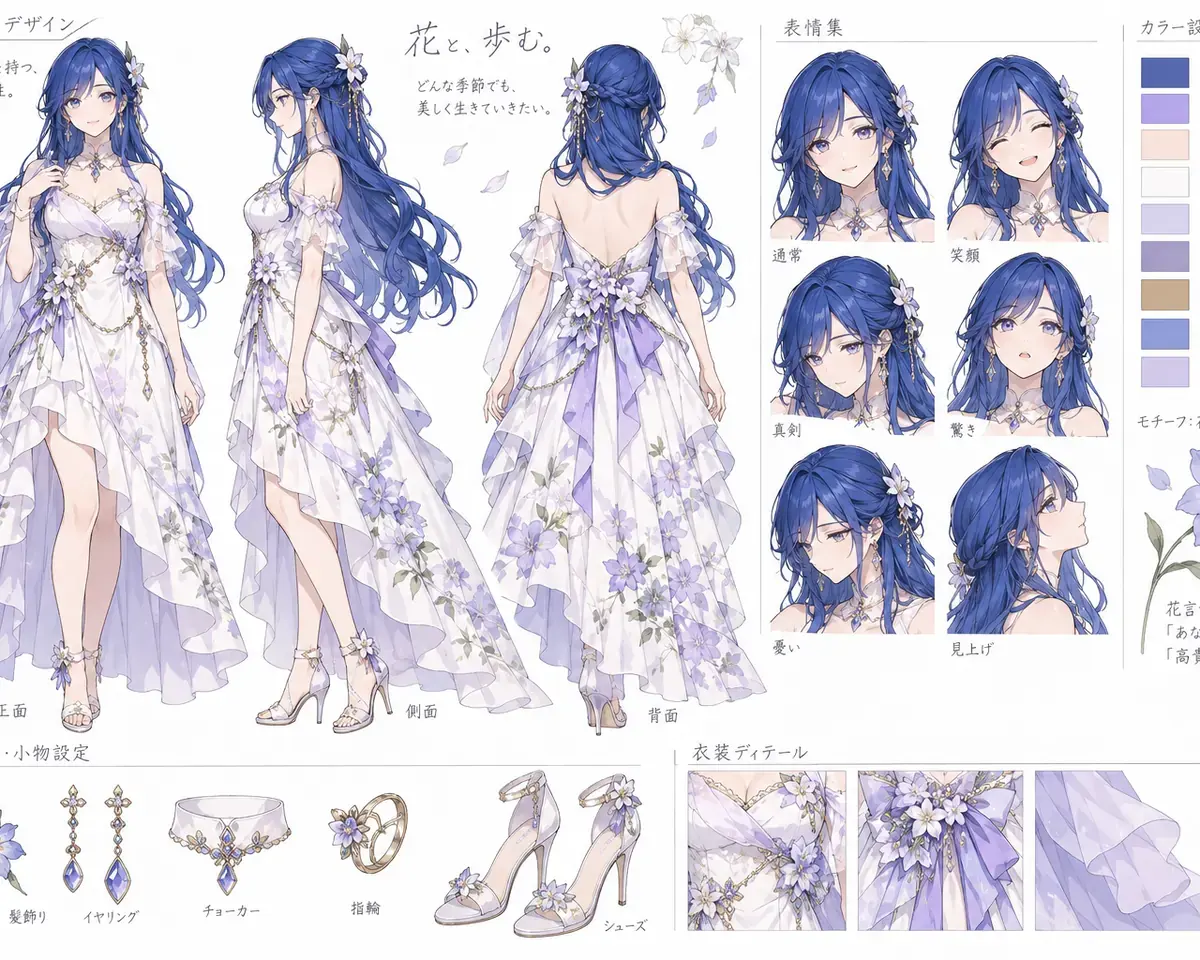
Views, expressions, outfit details, and color swatches with notes in Japanese and English.
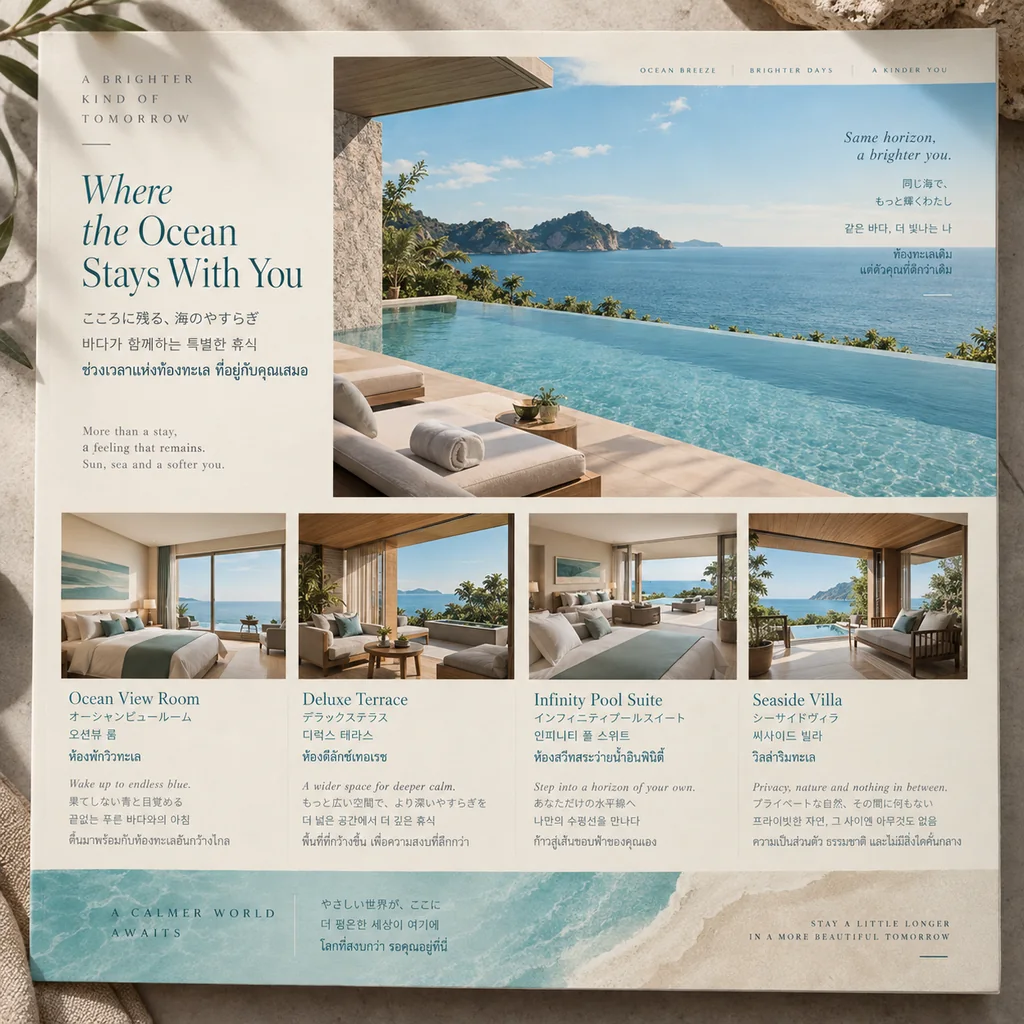
Four scripts on one page in a print-style grid with photos, cards, and a footer.
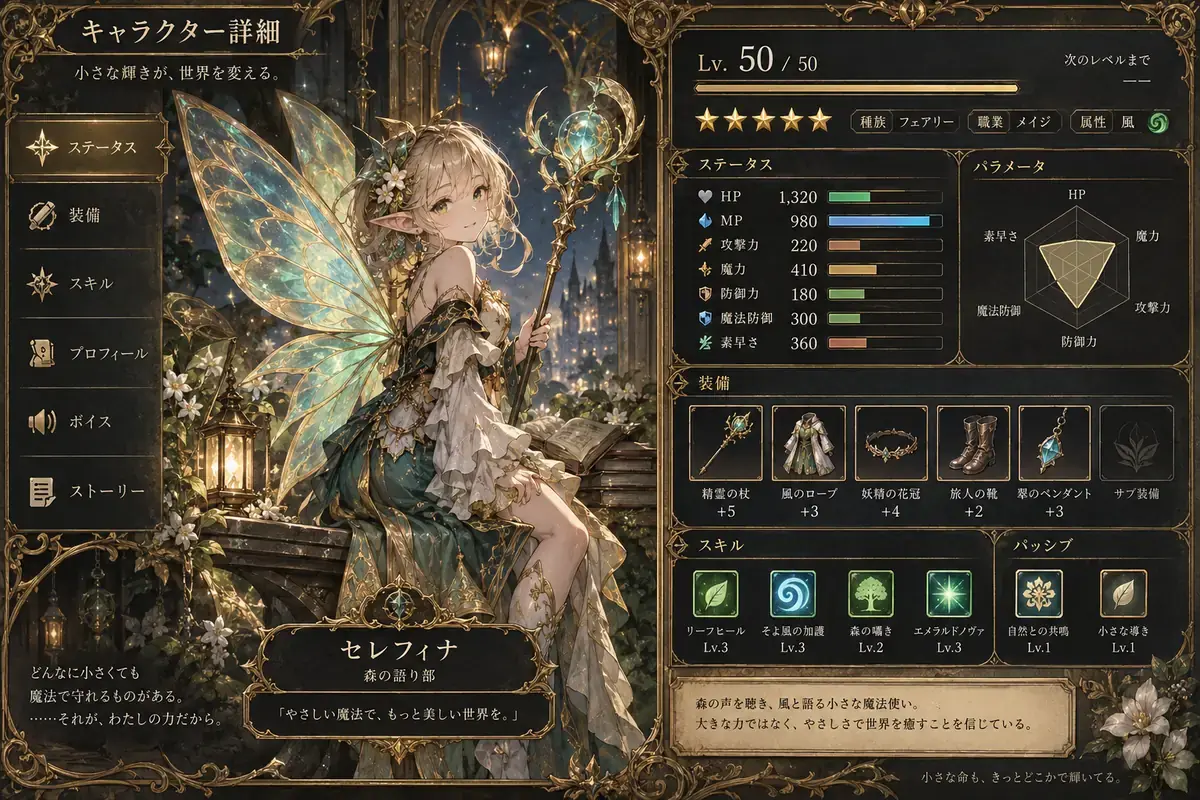
A dense in-game UI with stats, icons, and Japanese labels laid out like a real screenshot.
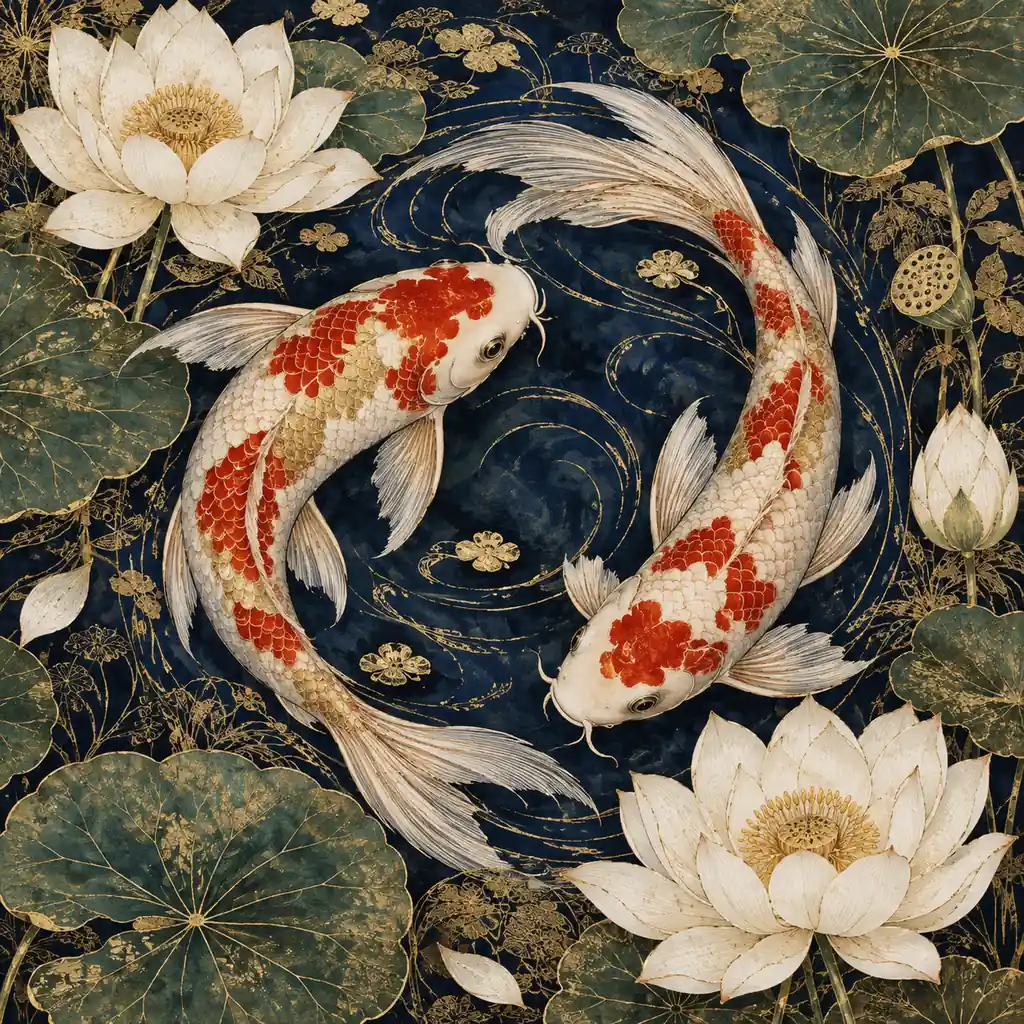
Koi, lotus flowers, and gold filigree with fine line work that stays crisp at large sizes.
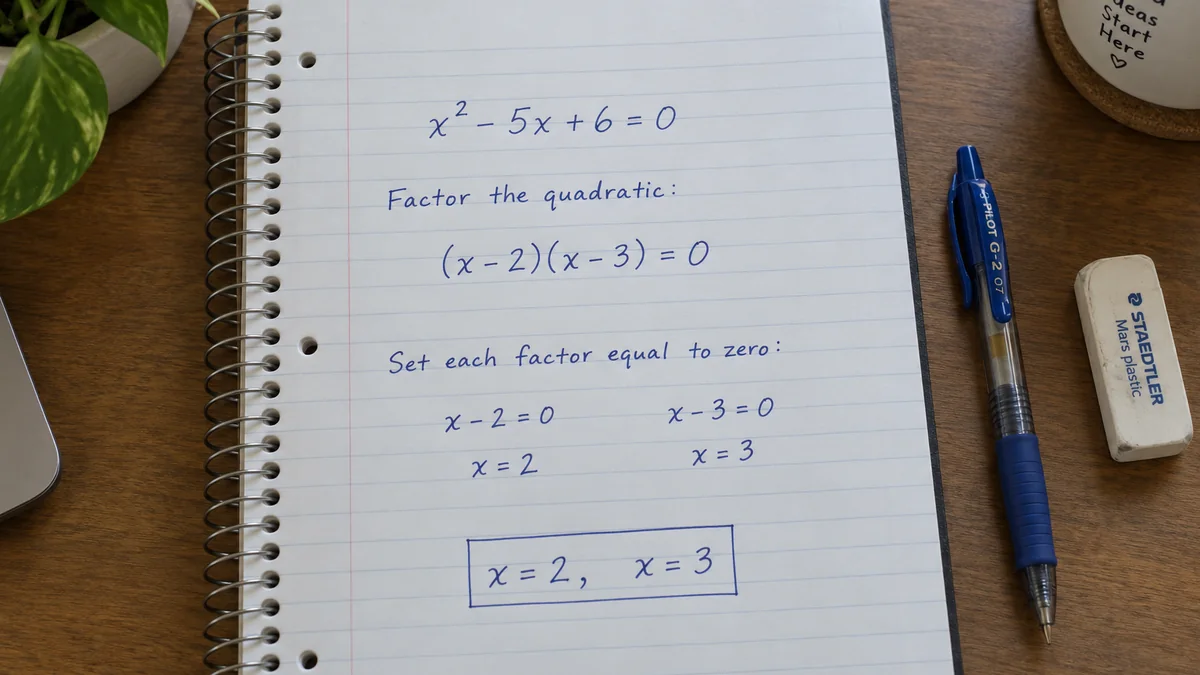
A step-by-step solution in neat handwriting on notebook paper, with boxed answers.
Three steps from idea to finished image.
Describe the image and put every word that must appear in quotes. For an edit, upload the image and say exactly what should change and what should stay.
Choose 1K, 2K, or 4K and an aspect ratio. At 1K you can also ask for a transparent background, handy for stickers, icons, and product cut-outs.
Review the result, then ask for targeted changes such as “make the headline bigger” or “swap the background for a kitchen”, or add more reference images.
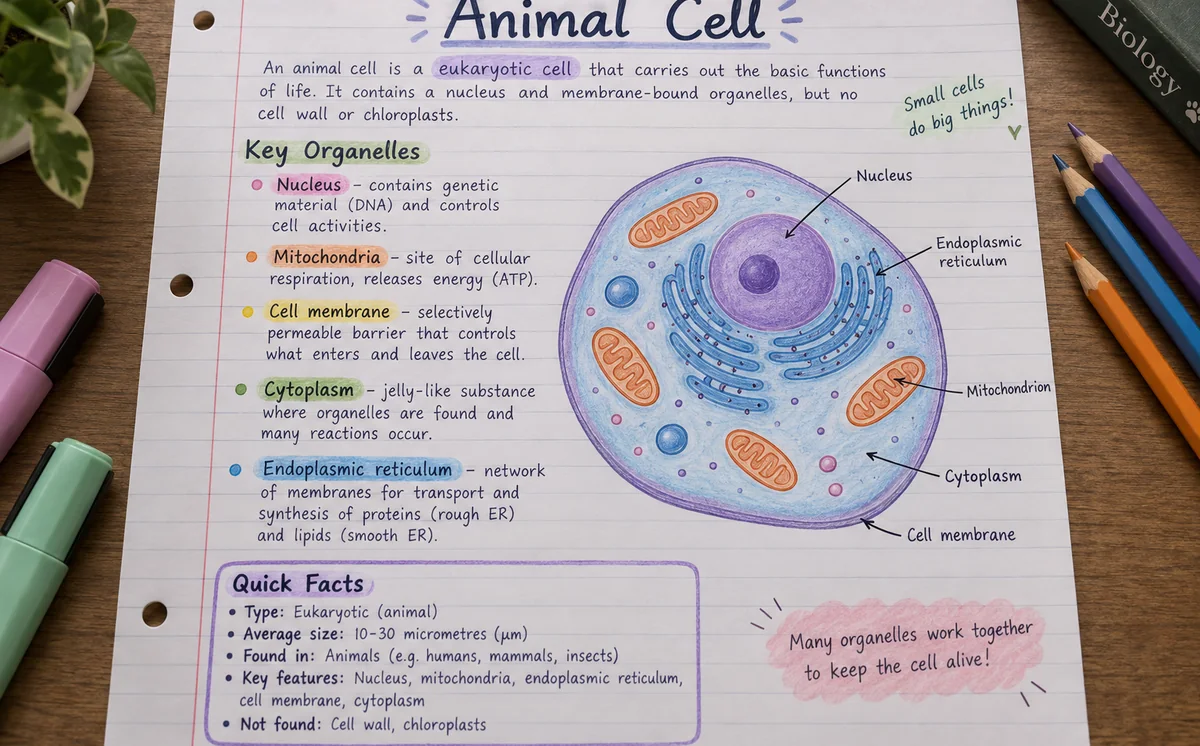
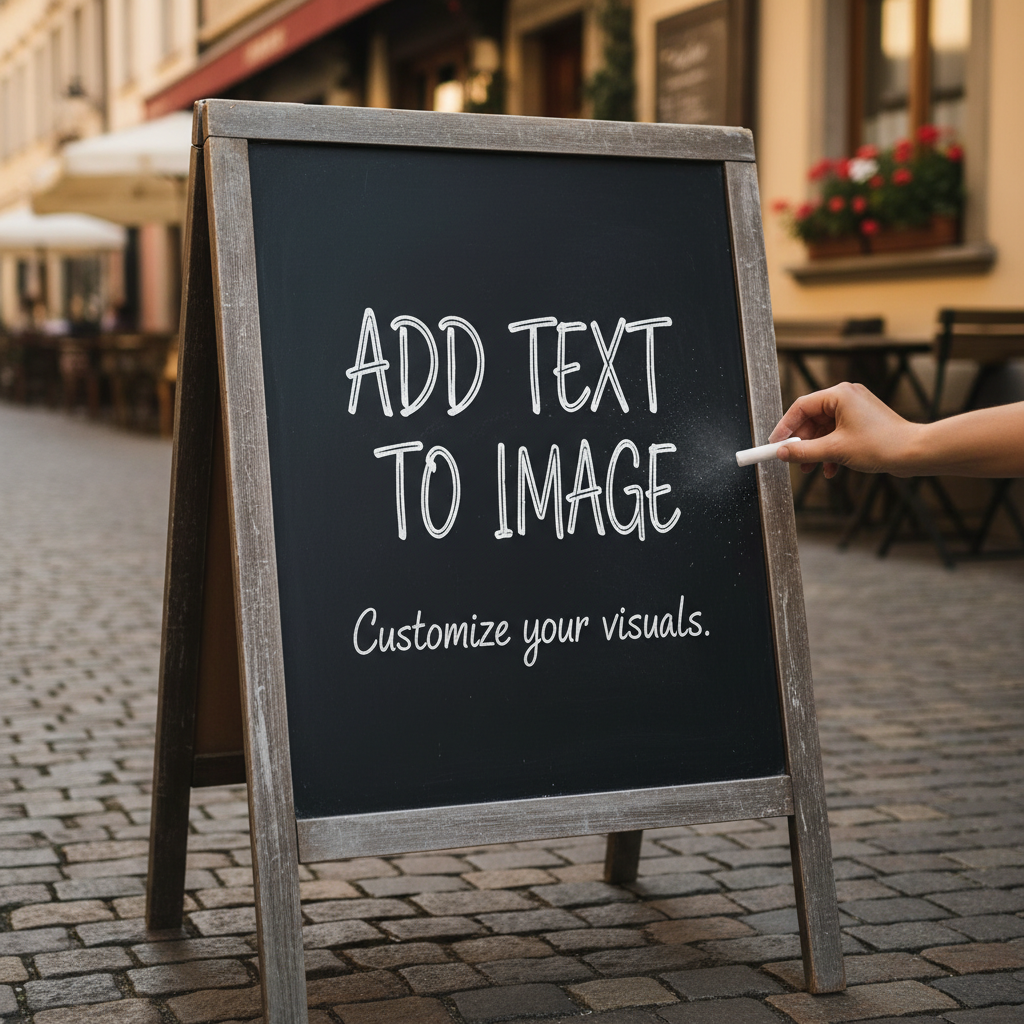
Headlines, labels, captions, and full paragraphs come out spelled correctly and laid out cleanly, even in handwriting styles and non-Latin scripts. That makes study notes, infographics, menus, and posters usable straight from the generator.
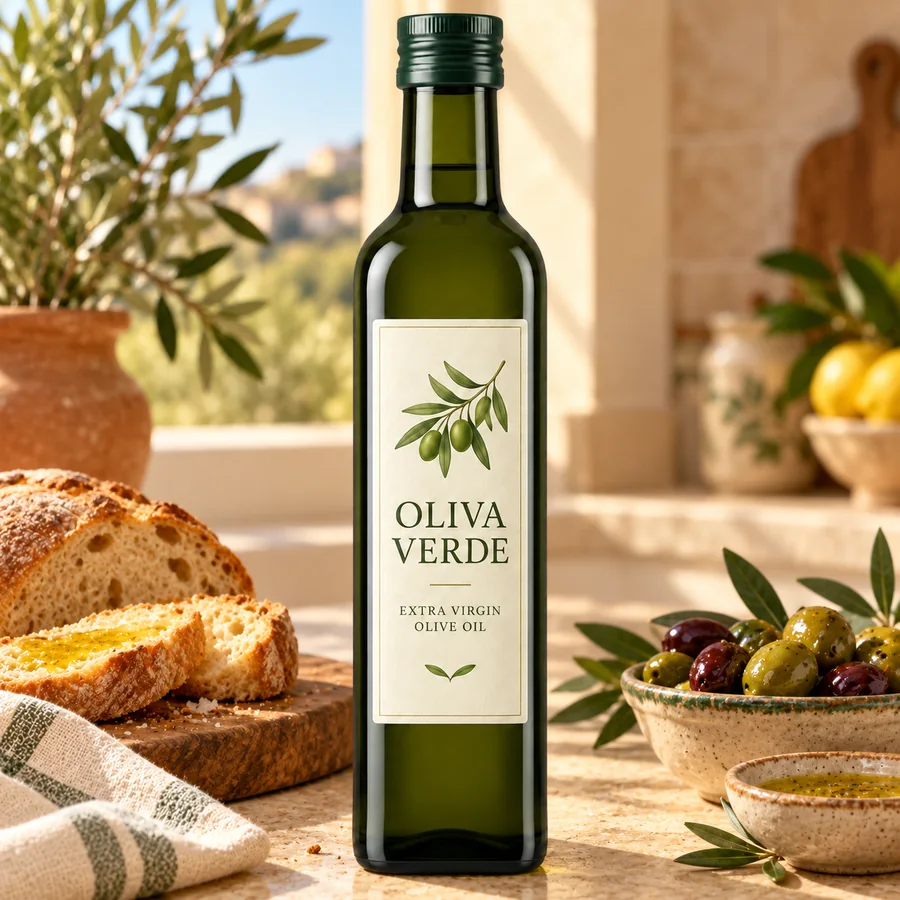
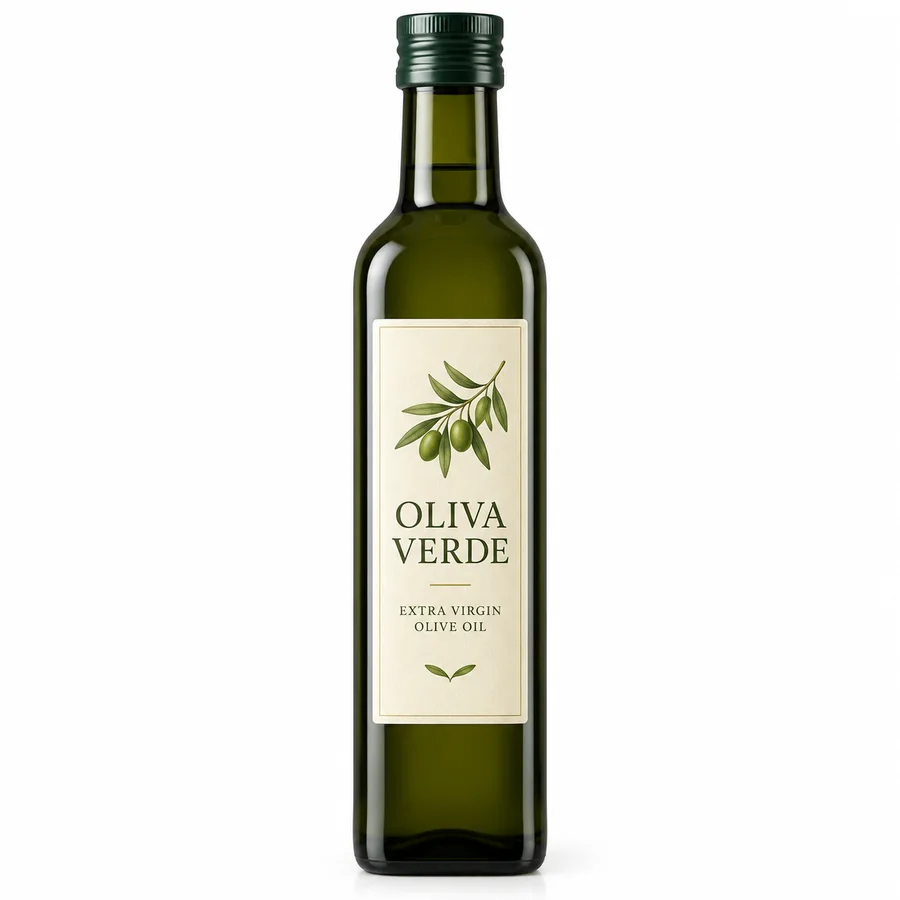
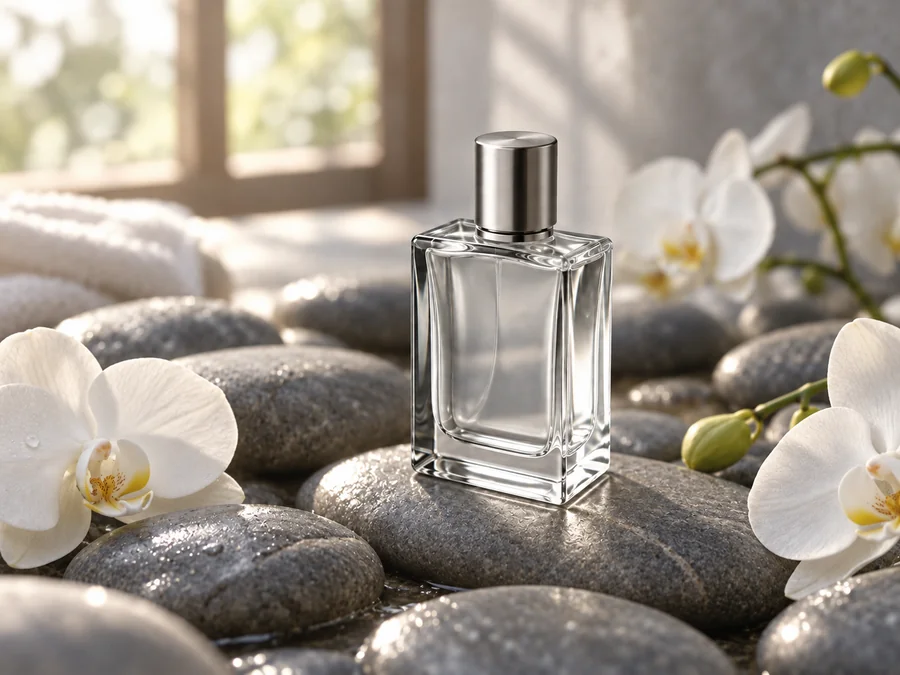
Upload a product photo and ask for a new setting: GPT Image 2 keeps the label text, bottle shape, and reflections while changing the scene and light. Drag to compare.
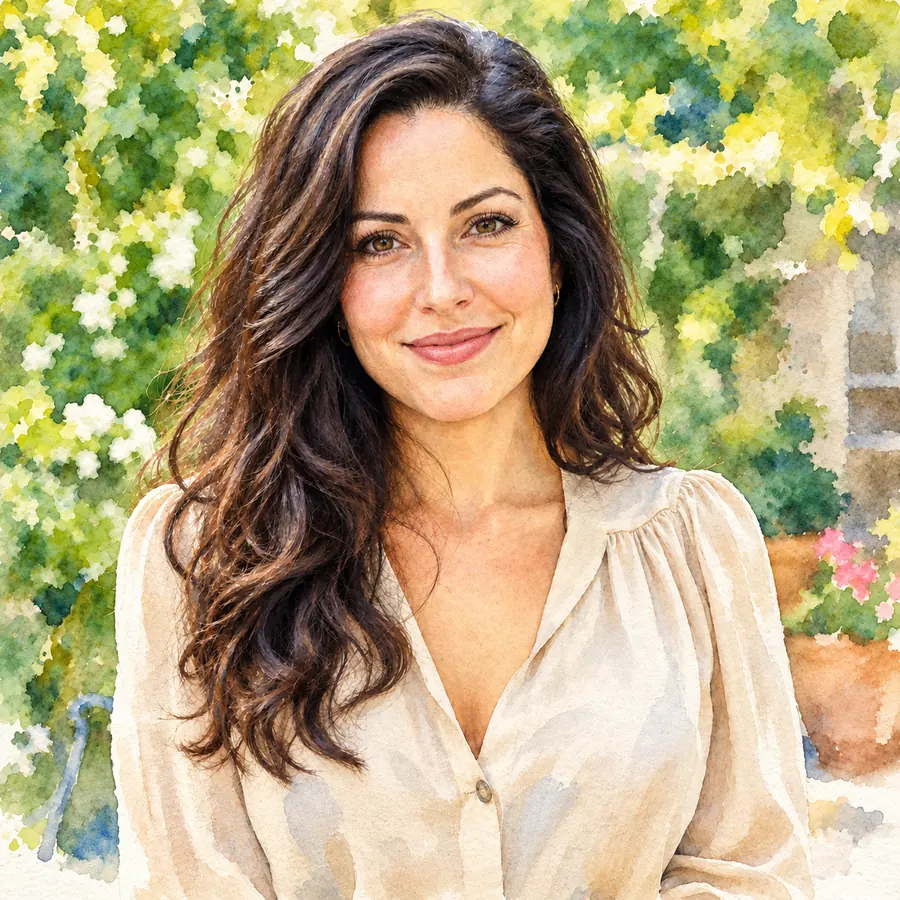
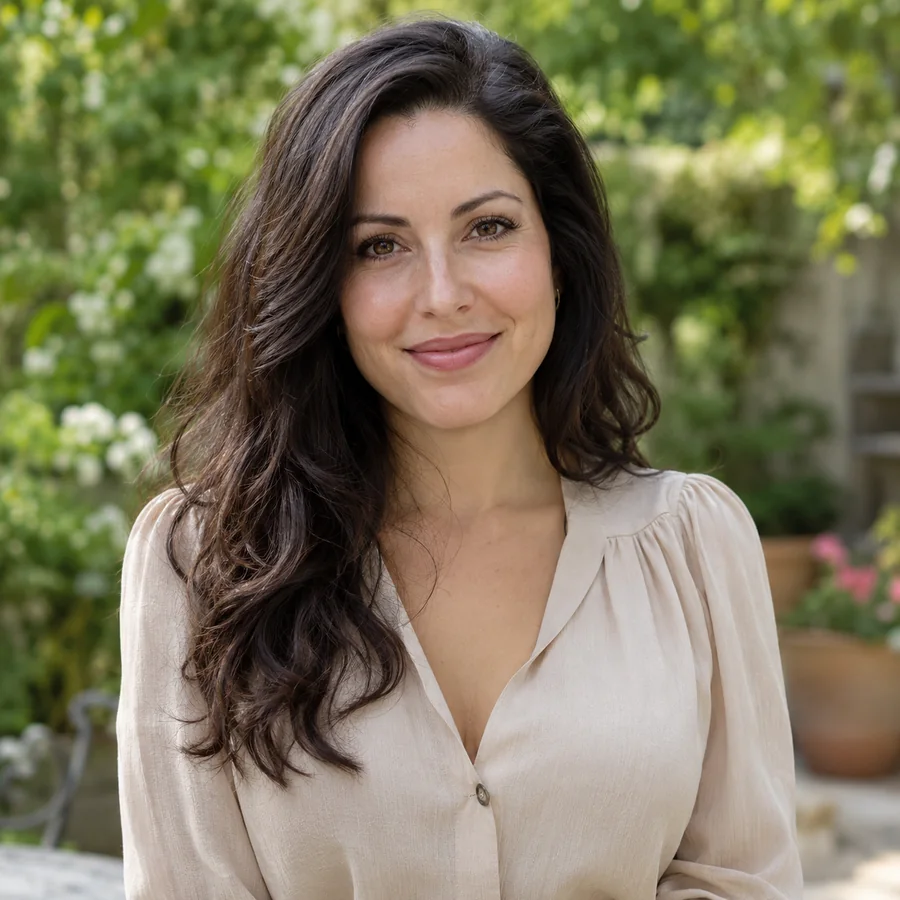
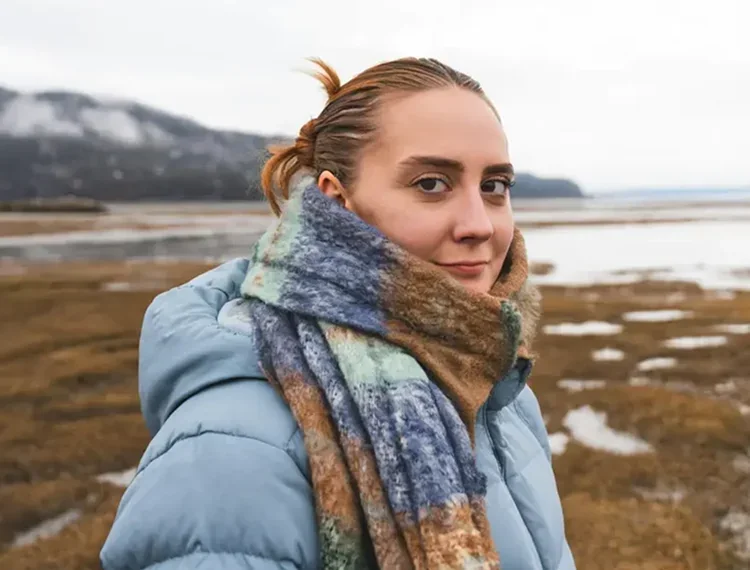
Restyle a portrait as watercolor, manga, or oil paint and the face, smile, and proportions stay recognizable, which suits avatars, gifts, and profile images.
Ask for an app screen, a dashboard, or a full design system and get buttons, charts, and typography that look like real product design, a quick way to explore visual directions before building.
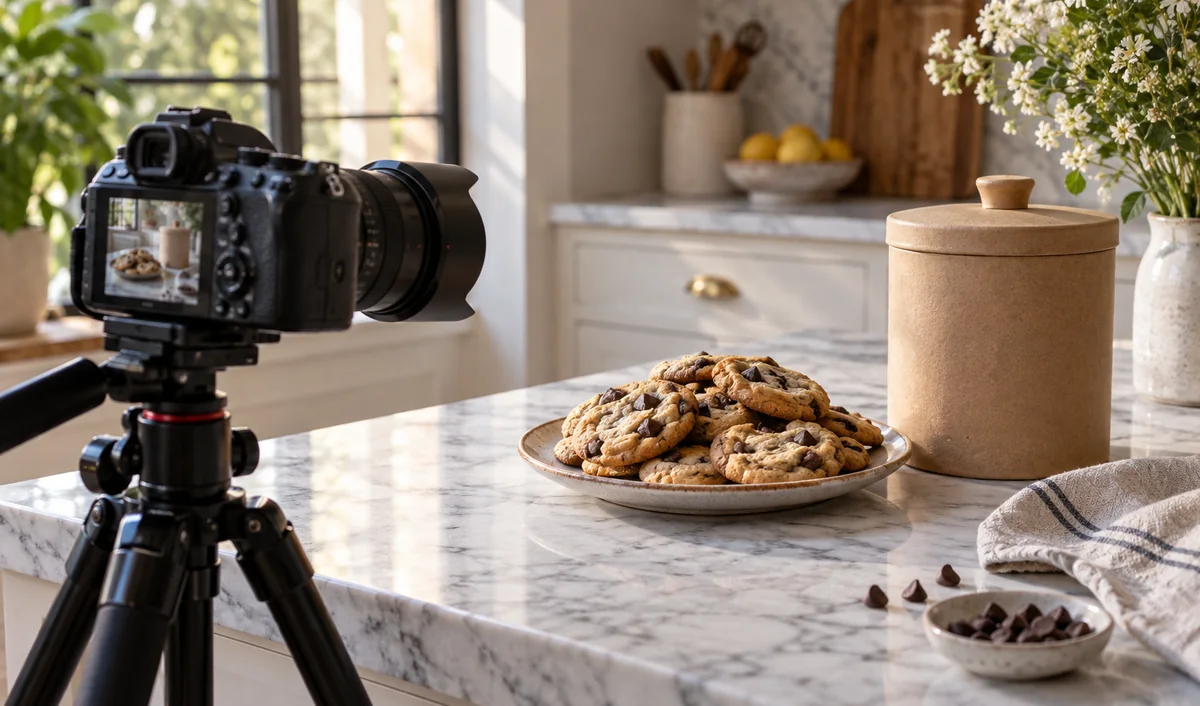
Ad creatives, product scenes, and localized campaign variants without a new photoshoot.
UI concepts, design systems, icons, and stickers with transparent backgrounds.
Labeled diagrams, maps, worksheets, and study notes with readable text.
Thumbnails, character sheets, comics, and storyboards that stay consistent.
A few habits that make results more predictable.
Put every word in quotes and say where it goes, how big it is, and which font style to use.
Name the sections, columns, and hierarchy: header, three cards, footer with contact details.
For edits, add “keep the label, shape, and lighting exactly the same”.
Use 1K for drafts and transparent assets, then 2K or 4K for the final, detail-heavy version.
Common questions about OpenAI’s gpt-image-2 model.
GPT Image 2 is OpenAI’s image generation and editing model, available in the API as gpt-image-2 (snapshot gpt-image-2-2026-04-21). It accepts text and images as input, outputs images, and is known for dense, accurate text, strong instruction following, flexible sizes, and faithful edits.
Yes, in everyday use. “ChatGPT Image 2”, “ChatGPT Images 2.0”, and “GPT Images 2.0” are how people refer to the new image generation in ChatGPT, while gpt-image-2 is the model name developers use. This page gives you the GPT Image 2 model directly, without a ChatGPT subscription.
Compared with GPT Image 1.5 and the older GPT-4o image generation, GPT Image 2 renders denser and more accurate text, follows complex prompts more closely, supports many more aspect ratios and sizes up to 4K, and keeps details more faithfully when editing from reference images.
1K, 2K, and 4K, with Auto plus 15 aspect ratios from 3:1 to 9:21. A few combinations are limited: Auto renders at 1K, 1:1 goes up to 2K, 5:4 and 4:5 are not available at 2K, and 3:1, 1:3, and 9:21 are 1K only. The workspace disables combinations that will not work.
Yes. At 1K resolution, set Background to Transparent to get a cut-out image for stickers, icons, logos, or product shots. At 2K and 4K the background option is not available.
Up to 16 per request on EzImgMaker (JPG, PNG, or WebP up to 30 MB each). Use one image for a simple edit, or several to combine products, people, and styles in a single result.
GPT Image 2 is a paid model. On EzImgMaker, new users get free credits to try it, and after that each image uses credits from a credit pack, with higher resolutions costing more. The cost is shown before you generate.
They are the same model. OpenAI writes the model ID as gpt-image-2 (openai/gpt-image-2 on some platforms), and people also search for GPT Image2, GPT-Image2, GPTImage2, GPT Image2.0, GPT-Image 2.0, GPT Image-2, ChatGPT Image2, or ChatGPT-Image2.
No. EzImgMaker is an independent service that provides access to OpenAI’s GPT Image 2. It is not affiliated with, endorsed by, or sponsored by OpenAI.
Only upload images you own or have permission to use. Do not use GPT Image 2 to impersonate real people, fake documents or screenshots, or copy other people’s logos and artwork.
Write a prompt with the exact words you need, or upload images to edit, and generate at up to 4K.
GPT Image, ChatGPT, and OpenAI are trademarks of OpenAI. Nano Banana and Gemini are trademarks of Google LLC. EzImgMaker is an independent service and is not affiliated with, endorsed by, or sponsored by OpenAI or Google. Model names are used only to describe compatibility.