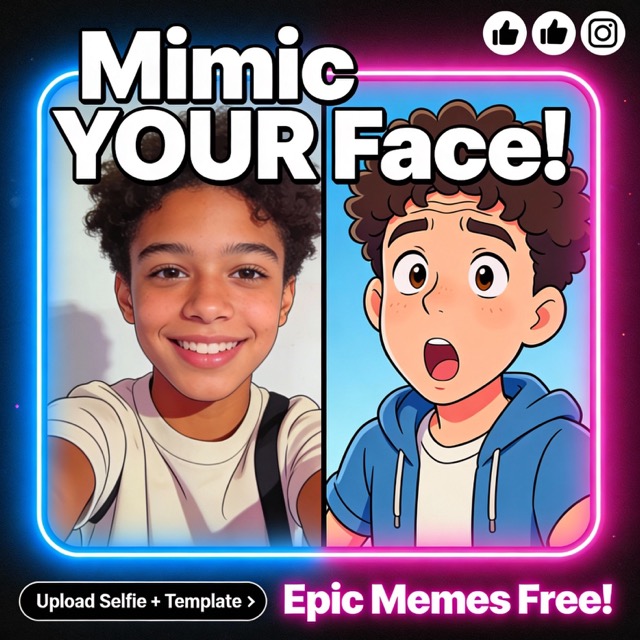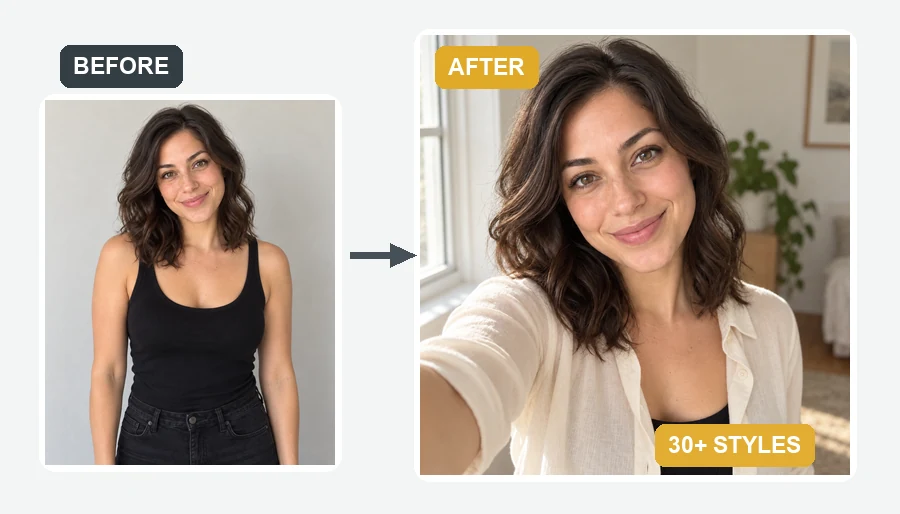
Big Head
A bobblehead-sized face on a normal body, with your grin turned up to eleven.
Upload one selfie and pick from 24 funny effects: big heads, puffed cheeks, dog and frog faces, clown and caveman personas, melted and glitch looks. You stay recognizable, which is what makes it funny.
Your photo stays in this browser during this UI preview.
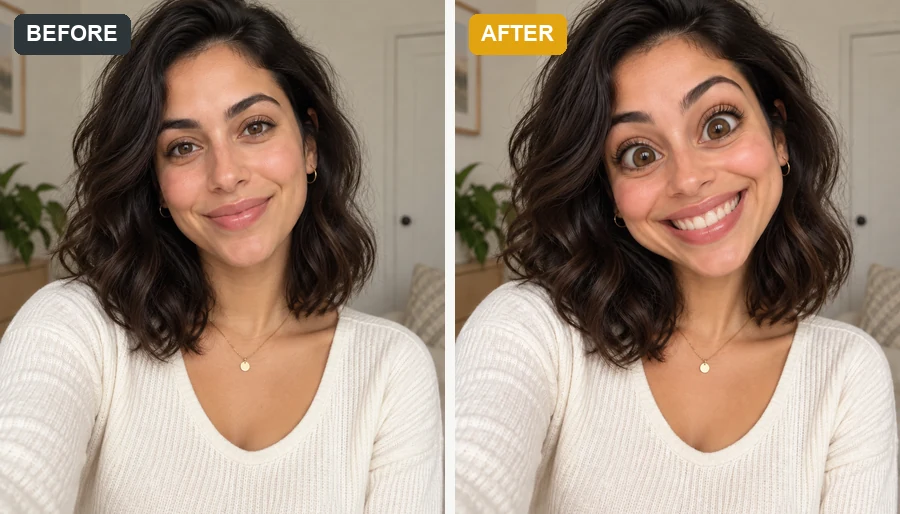
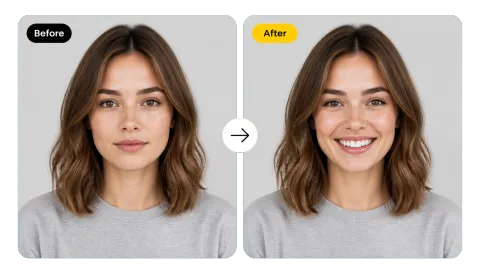
Reference example. It is not a result generated from your upload.
A funny face filter turns an ordinary selfie into a goofy, exaggerated version of your face. Instead of dragging liquify brushes in a funny photo editor, you pick an effect and the AI does the warping: a giant head, puffed cheeks, dog ears and a snout, clown makeup, or a face that melts like wax.
Unlike funny camera filters that only work live in an app, this one works on photos you already have, so you can put funny faces on pictures you already have: old selfies, group shots, or that one serious profile photo. Every effect keeps your features recognizable, which is exactly why the result lands as a joke instead of a random sticker.
A few of the funny AI photos you can make. Every funny AI image here started as a normal selfie; pick one to load the effect in the workspace.
A bobblehead-sized face on a normal body, with your grin turned up to eleven.
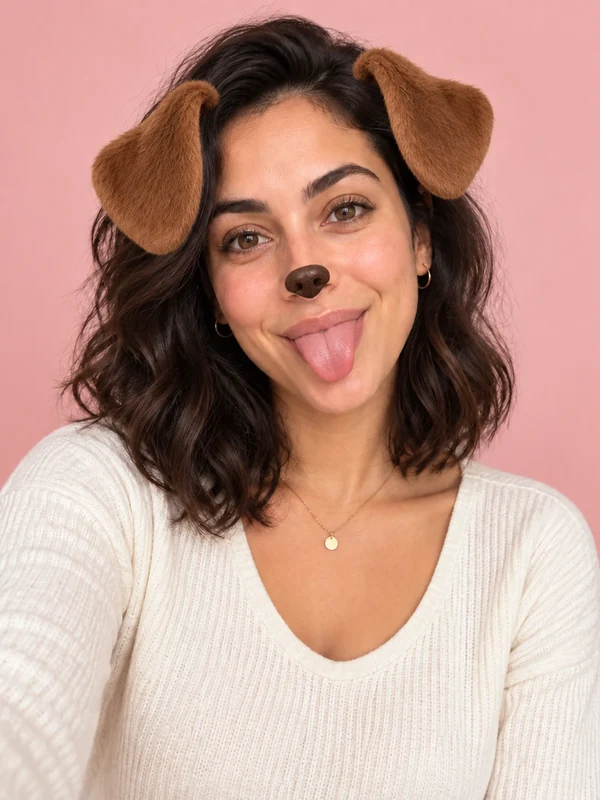
Floppy ears, a shiny nose, and a tongue-out pose that still looks like you.
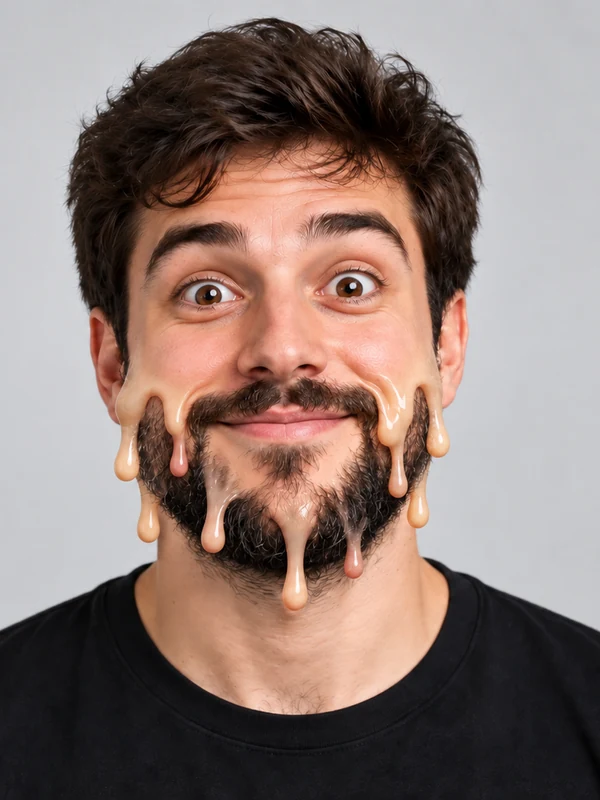
Your face dripping like candle wax, for the most surreal reaction pic in the chat.
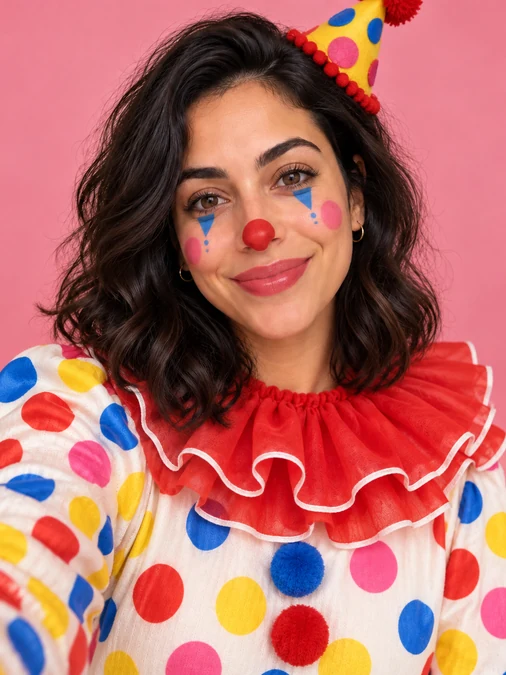
White face paint, a red nose, and a polka-dot costume for full circus energy.

Thick glasses, buck teeth, suspenders, and a bow tie.
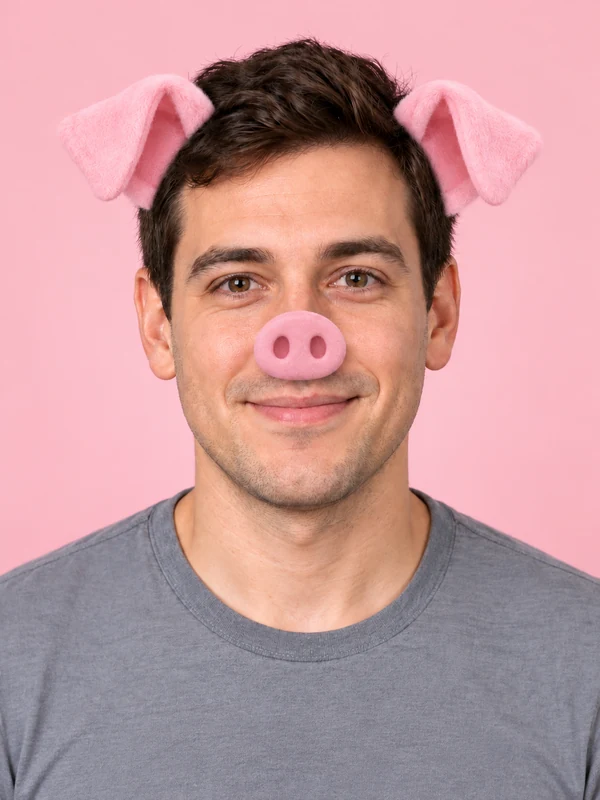
A pink snout, perky ears, and rosy cheeks on your own smile.

Cheeks puffed up like balloons and eyes popping wide.
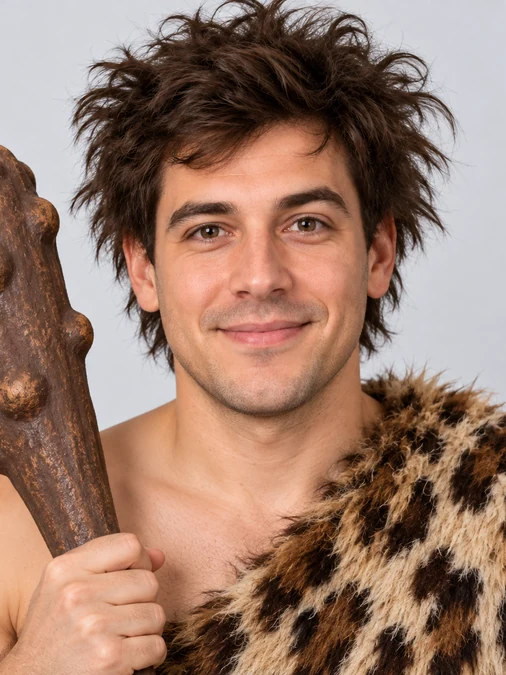
Wild hair, a unibrow, a fur outfit, and a wooden club.
A funny selfie in three steps. No editing skills and no prompt writing.
Choose a clear, front-facing photo where your whole face is visible. JPG, PNG, and WebP files up to 10 MB are supported.
Browse Distort, Animal, Persona, and Effect, from big heads and dog faces to clown and melted looks. Have your own idea? Describe it in the optional box.
Create up to four versions at once, pick the funniest, and download it for the group chat, a meme, or a before-and-after post.
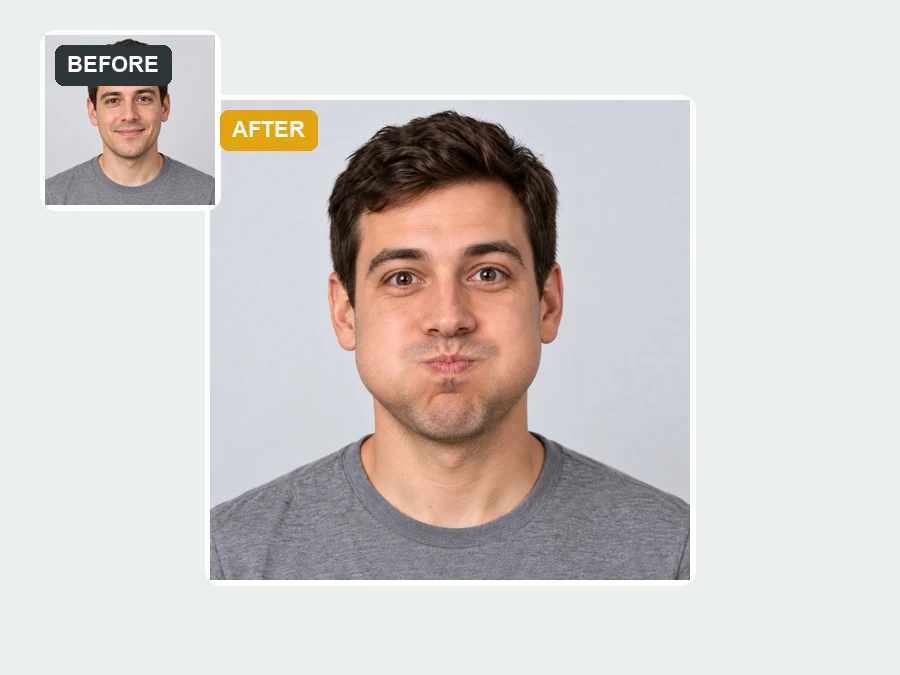
Blow up your head, puff your cheeks, shrink your eyes or mouth, pinch your nose, or stretch your face tall like a funhouse mirror. It is fun picture editing without sliders, a funny image editor where one tap does the warping cleanly around your real features.
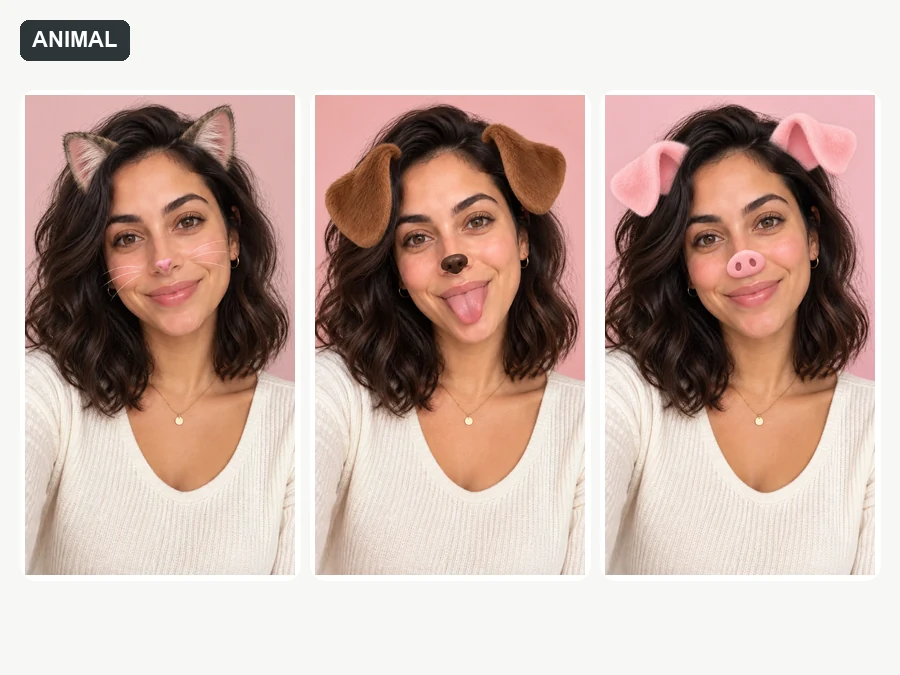
Turn yourself into a goofy human-animal hybrid with dog, cat, monkey, pig, frog, or bunny features. Unlike flat stickers, the ears, snout, and whiskers are blended into your face, so friends see you first and the animal second.
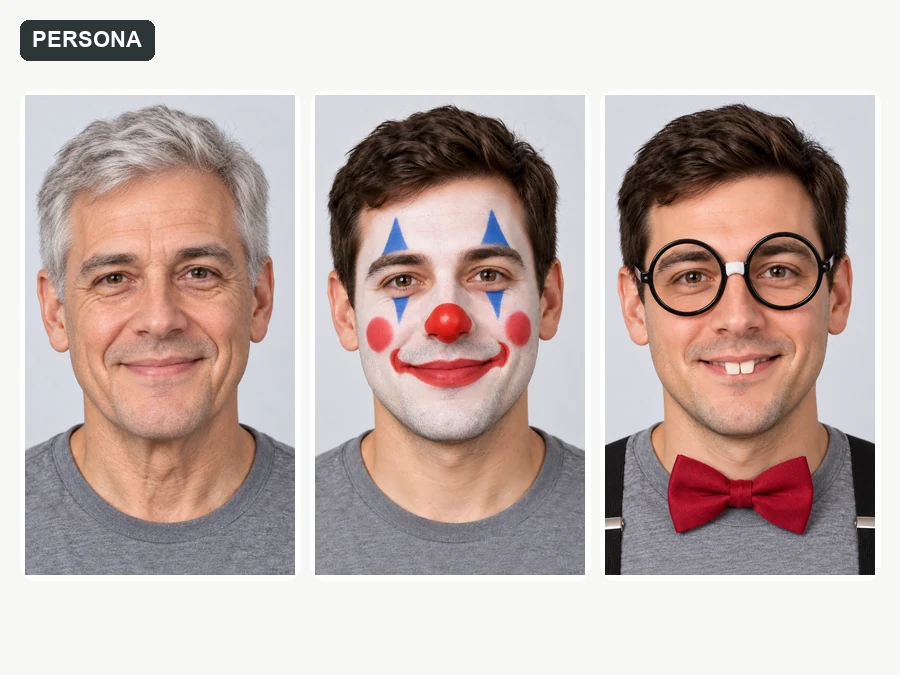
Become a clown, a chubby-cheeked baby, a wrinkly old-timer, a scruffy caveman, a buck-toothed nerd, or a gender-swapped version of yourself. These AI funny pictures keep your expression, so the joke still feels personal.
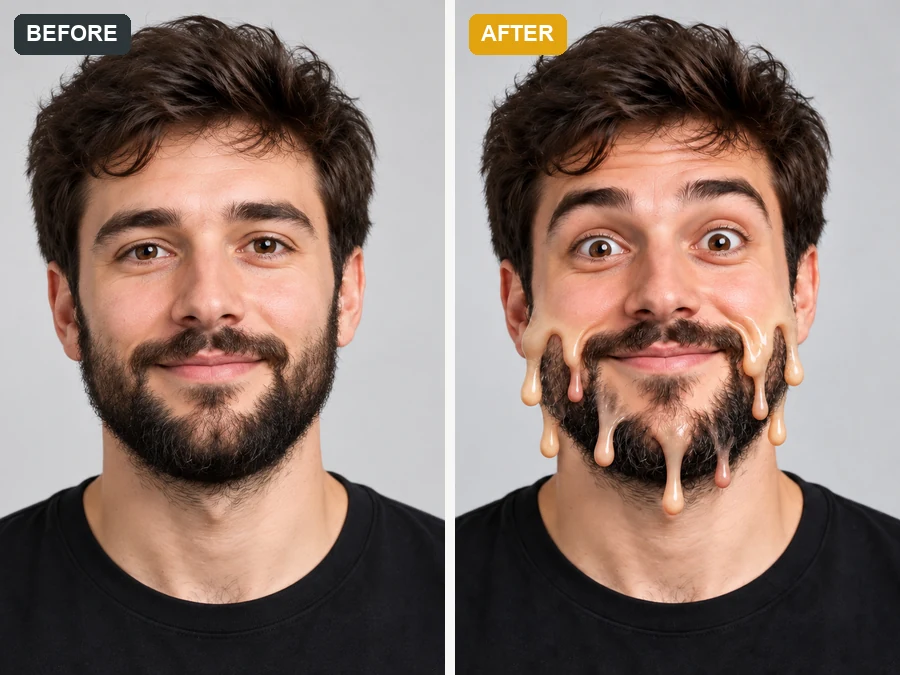
Melt your face like wax, glitch it like a broken screen, twist it into a swirl, stretch it like rubber, flood it with candy colors, or give it a classic meme grin. Surreal, share-ready AI funny images that still read as you.
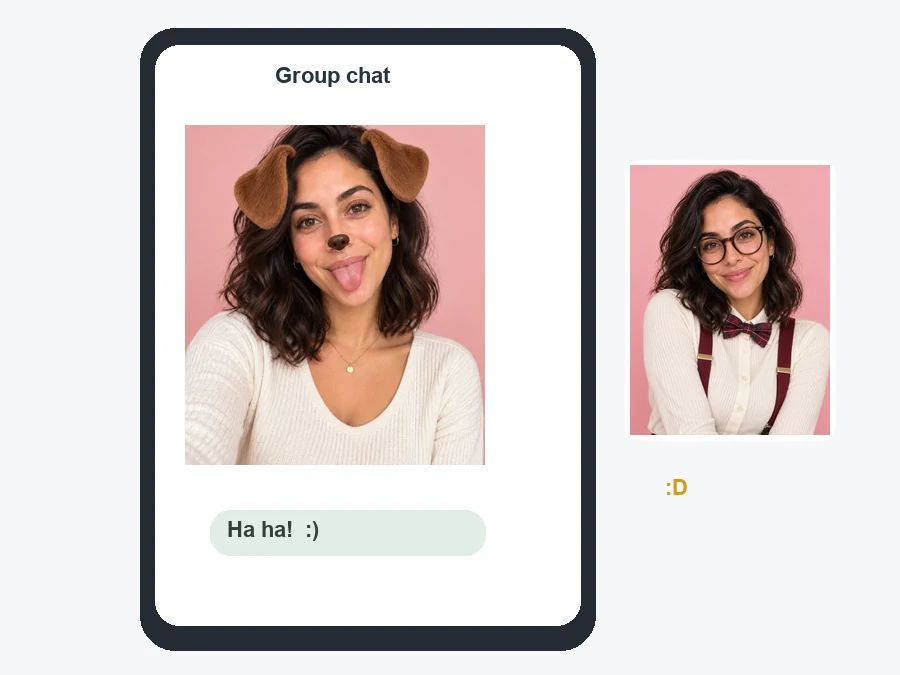
Drop a big-head or melted version of yourself into the chat. It lands harder than any sticker because everyone knows it is you.
Post a before-and-after of your normal selfie flipping into a dog or clown face for a quick laugh.
Use an animal-face or persona version as a temporary profile picture on social or gaming accounts.
Turn birthday or vacation photos into fun pictures the whole group can laugh at together.
A clean source photo gives the effect more to work with.
Front-facing selfies with the whole face visible give the cleanest big-head and animal effects.
Avoid harsh shadows and backlight, which make melted and rubber effects look muddy.
The effect goes on the main face in the photo, so crop group shots around the person you want.
A big smile or a shocked face makes funny selfie poses even funnier after the effect.
Common ways people share AI funny pics made with the funny face filter.
Illustrative examples adapted from reference material, not verified reviews of EzImgMaker.
I ran my selfie through the big-head and melted-face effects and dropped them in our group chat. It still looked like me, which made it ten times funnier.
We turned vacation photos into frog and pig faces for the family slideshow. Silly, clean, and everyone was still recognizable.
I posted my normal selfie next to the clown and dog-face versions. The before-and-after reveal was my best-performing post of the month.
At my sister’s birthday everyone got a caveman, nerd, or old-timer version of themselves. Passing the phone around was the whole party.
Answers about the funny effects, results, and sharing.
A funny face filter is a photo effect that turns a selfie into a humorous, exaggerated version of your face. This AI version distorts your features, adds an animal face or a funny persona, or applies a melt or glitch effect while keeping you recognizable.
Upload a clear selfie, choose an effect from Distort, Animal, Persona, or Effect, and click Generate. You can make up to four versions at once and download the one that makes you laugh the most.
There are 24 funny face filters in four groups: Distort (big head, bubble cheeks, tiny eyes, tiny mouth, pinched nose, funhouse stretch), Animal (dog, cat, monkey, pig, frog, bunny), Persona (clown, baby face, old-timer, caveman, nerd, gender swap), and Effect (melted, rubber, swirl, glitch, candy color, meme face).
Yes, that is the point. Each effect exaggerates or restyles your features but keeps your likeness, so friends still recognize you under the dog ears or oversized head.
Similar idea, different workflow. Funny camera filters track your face live in an app, while this tool applies the effect to a photo you upload. That means it also works on old pictures, and the result is a regular image you can save, share anywhere, or touch up in any funny picture editor.
No. These funny filters run online in your phone or desktop browser, so there is no app to install.
Start with a sharp, well-lit, front-facing selfie, keep your whole face in the frame, and try an expressive pose like a big grin or a shocked face. Generate a few versions and keep the one where the effect blends best.
Yes, with permission. Ask before you post someone else’s funny face, and get a parent’s or guardian’s OK before editing a child’s photo. Bunny, frog, and baby-face effects are playful choices for family fun.
Only upload photos you own or have permission to edit. Keep it friendly: do not use funny edits to bully, embarrass, or mislead anyone, and do not present them as real photos.
Upload a selfie, pick one of 24 funny effects, and share funny AI pictures that are unmistakably you.