
Anime PFP
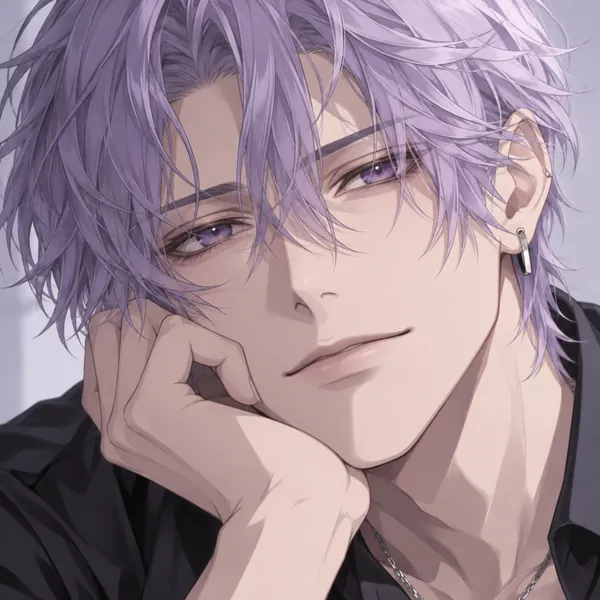
Soft lines and big expressive eyes, the most popular AI pfp style for gamers and fan accounts.
Upload a selfie and turn it into a profile pic in anime, 3D cartoon, pixel art, watercolor, cyberpunk, or aesthetic styles, or make a letter pfp from your initials with no photo at all. Every pfp comes out square and ready for any app. Free credits when you sign up.
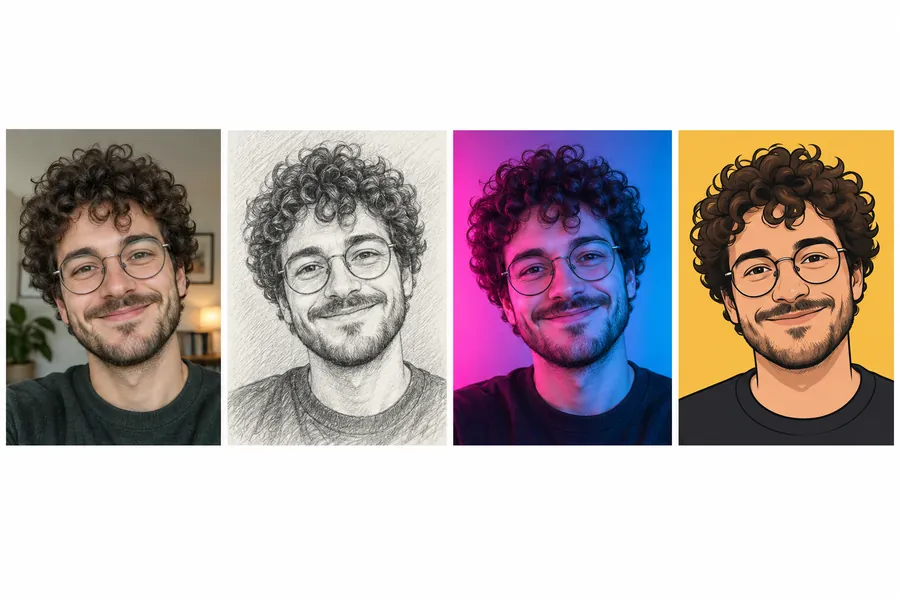
Reference example. It is not a result generated from your upload.
PFP is short for profile picture: the small image next to your name on social media, chat apps, games, and work tools. A pfp maker turns an ordinary selfie into a profile picture that stands out at that tiny size. Instead of editing pfp details by hand, you upload a photo, pick a style, and the AI profile picture generator redraws it as an anime avatar, a 3D cartoon, pixel art, a neon portrait, or a clean professional profile photo.
This profile pic maker works as a profile pic creator, a pfp creator, a pfp editor, and a DP maker in one profile maker: edit pfp looks with 31 ready-made pfp templates in four groups, plus letter and initials designs that need no photo at all. Every AI pfp comes out square, so it fits Instagram, TikTok, YouTube, Discord, WhatsApp, X, and LinkedIn. It is free to try with the credits you get when you sign up.
A custom pfp says something about you before anyone reads your bio. Tap a card to try the look on your own photo.
Soft lines and big expressive eyes, the most popular AI pfp style for gamers and fan accounts.
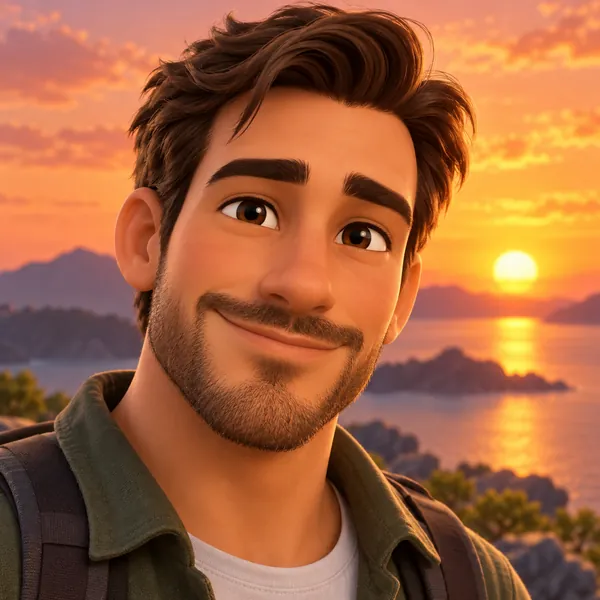
A polished, friendly 3D look that stays recognizable in a tiny circle.
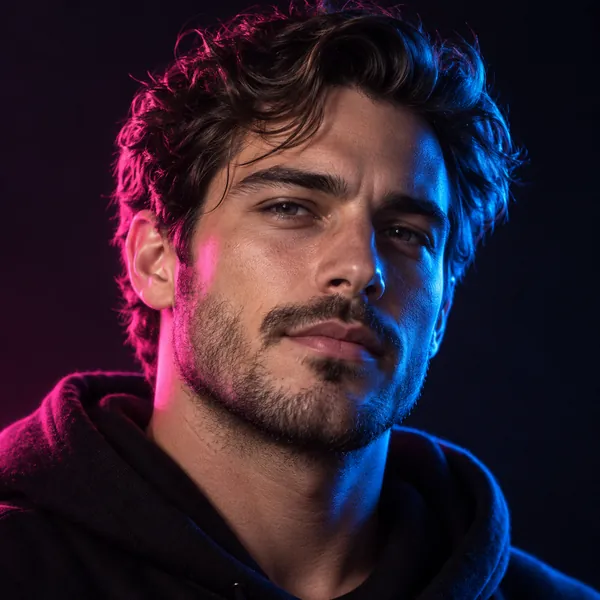
Dark background, bright pink and blue light: bold enough to spot in any feed.

Warm, calm, and simple: the look people want from an aesthetic pfp maker, and one they keep for years.
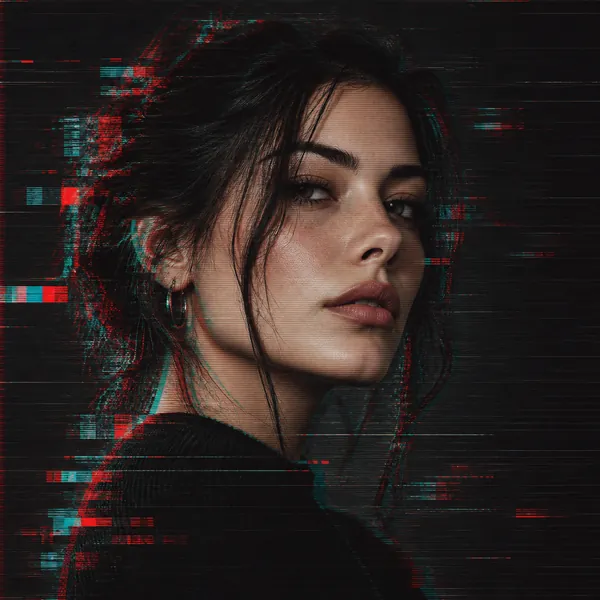
RGB split and scan lines for streamers, music accounts, and tech profiles.
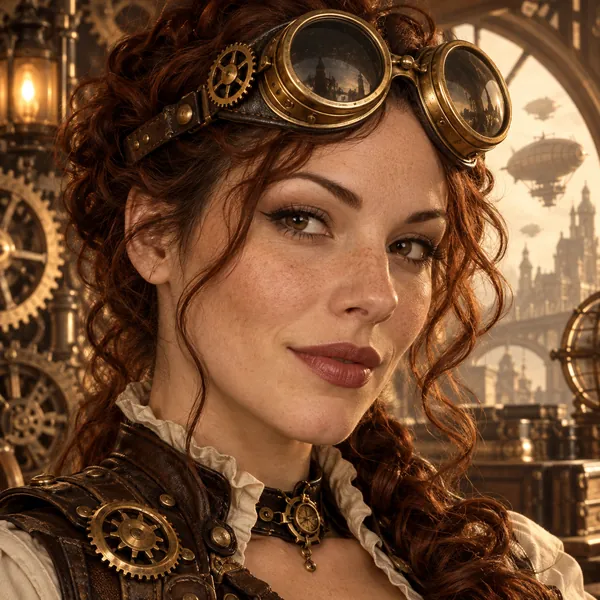
Brass goggles, gears, and sepia light for role-play servers and fantasy fans.
How to make your own profile picture in three steps, on your phone or computer.
Choose a clear photo where your face is well lit. Making a letter pfp instead? Open Letters & Text and skip the photo: just type your initials or name in the box.
Browse Art Styles, Aesthetic & Colors, Themes & Frames, and Letters & Text. Add details in the box, such as a flag, a name, or “make the background purple”.
Create one, two, or four versions, compare them at thumbnail size, and download your favorite square profile picture to upload anywhere.
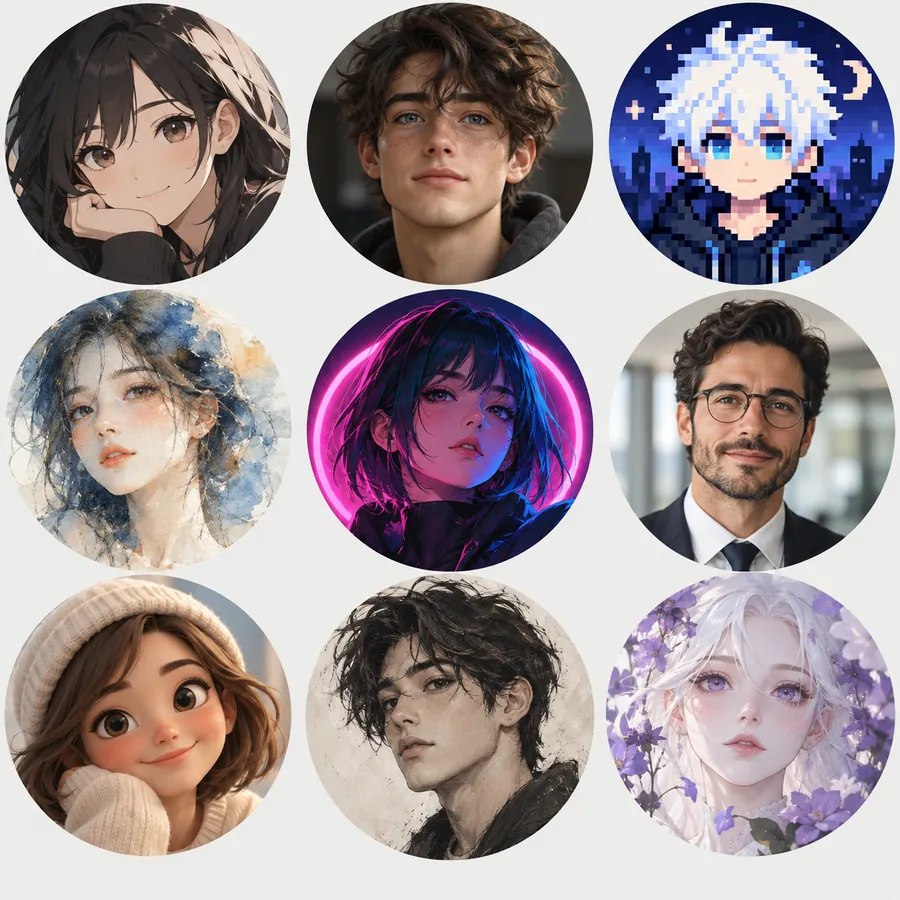
Pfp making used to mean hunting for filters across apps. Here one upload becomes anime, 3D, pixel art, watercolor, cyberpunk, pop art, or a sketch, so you can draw a profile picture for every mood, add a jewelry pfp with gold accents for special occasions, and keep a matching set across your accounts.
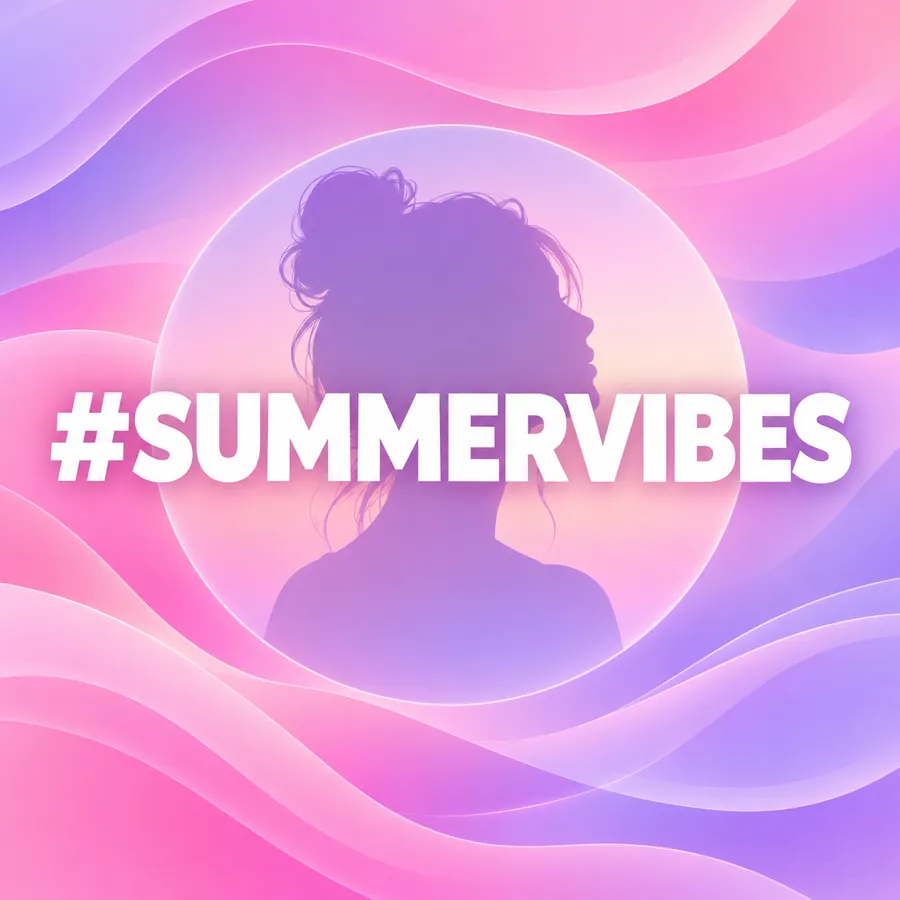
Add your name under the photo, design a text profile picture from your initials, or skip the photo and make a neon letter. It works as a letter pfp maker, a letter pfp generator, and an initials profile picture generator for creators, clubs, and brands.
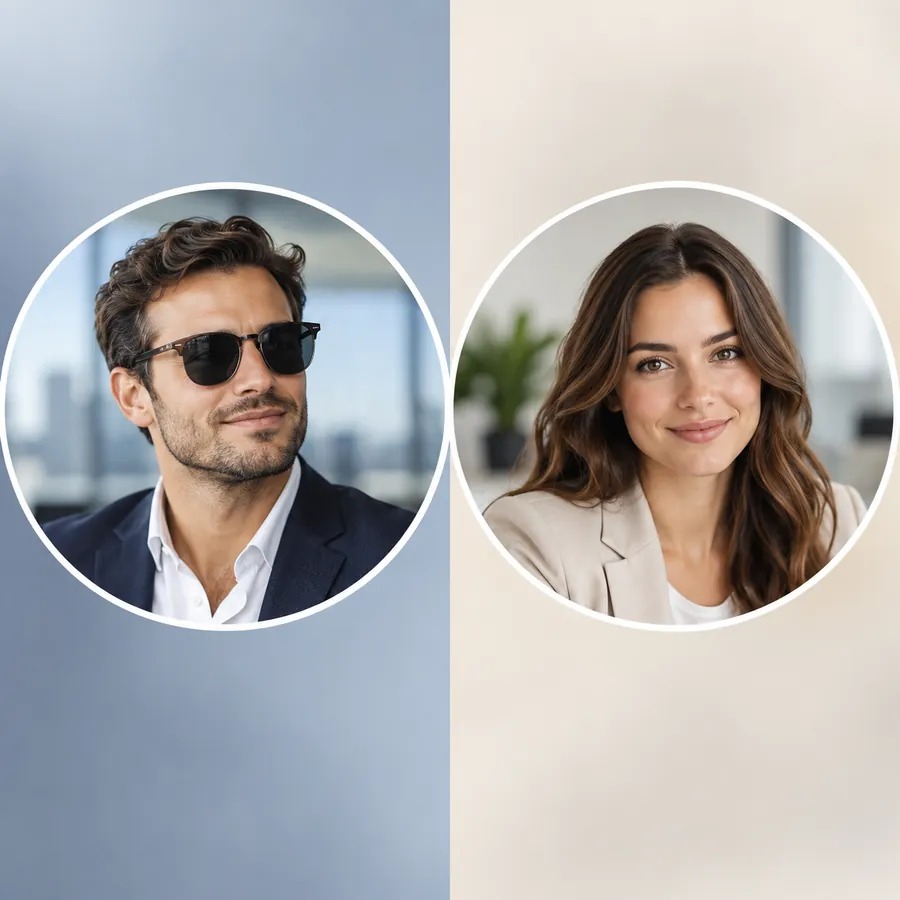
Need something serious? The Professional, All White, and Black & White presets give you a clean profile photo for LinkedIn, résumés, and work chats. For a full studio set with outfits and backgrounds, try the AI Headshot Generator.
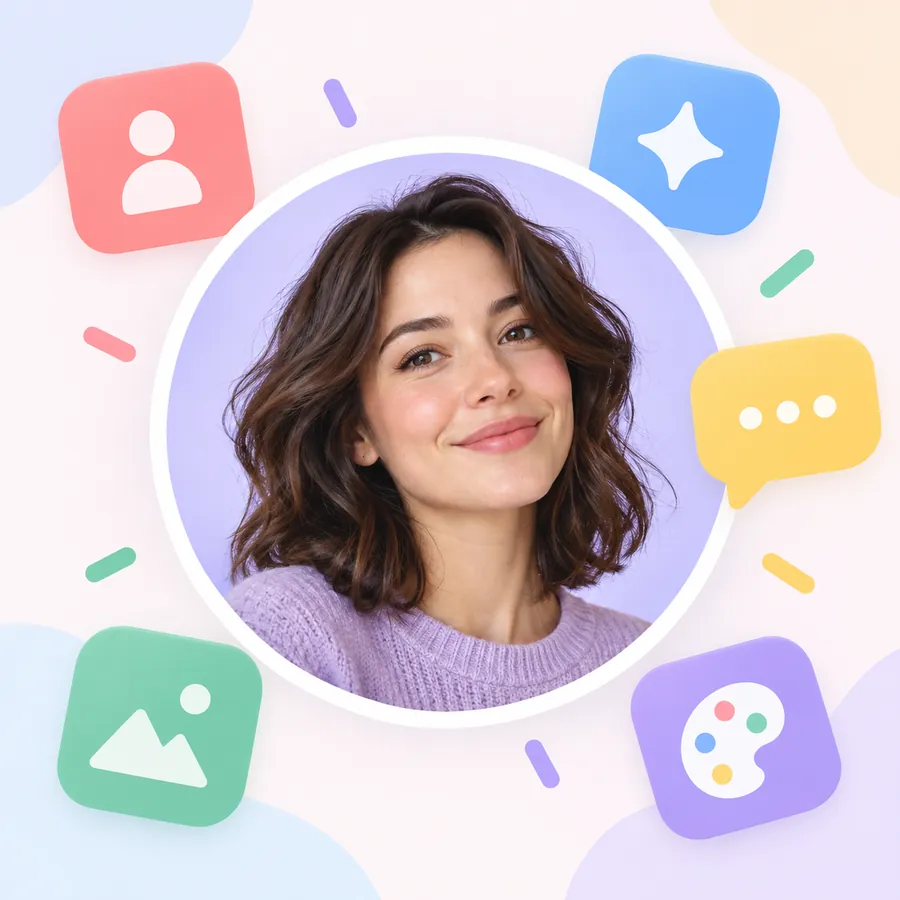
Every pfp is square with the face centered, so it survives the circle crop on Instagram, TikTok, YouTube, X, Discord, and WhatsApp. Compare the versions at thumbnail size before you download, the same check a pfp previewer would do.
Every pfp downloads as a square image. These are the styles that tend to work best where you will post it.
| Platform | Styles that work well | Good to know |
|---|---|---|
| Soft Aesthetic, Pink Aesthetic, Flower Crown | Shown as a small circle, so keep your face large in the frame. | |
| TikTok | Anime, Cartoon, Neon Light | Bright colors and a simple background read best next to your username. |
| YouTube | Mascot Logo, Initials Monogram, Professional | YouTube recommends an 800 × 800 px profile picture. |
| X (Twitter) | Pop Art, Glitch, Cyberpunk | X recommends 400 × 400 px; bold contrast stands out in a busy timeline. |
| Discord and games | Pixel Art, Gaming, Random Avatar | Stylized avatars stay readable at the tiny sizes chat lists use. |
| LinkedIn and work tools | Professional, All White, Black & White | Use a recent photo that still looks like you. |
| Watercolor, Vintage Film, Santa Hat | Seasonal looks are an easy way to change your pfp for a holiday. |
Need exact dimensions or a circle crop? Use the PFP size tools listed further down this page.
A custom profile picture creator is handy for far more than a new selfie.
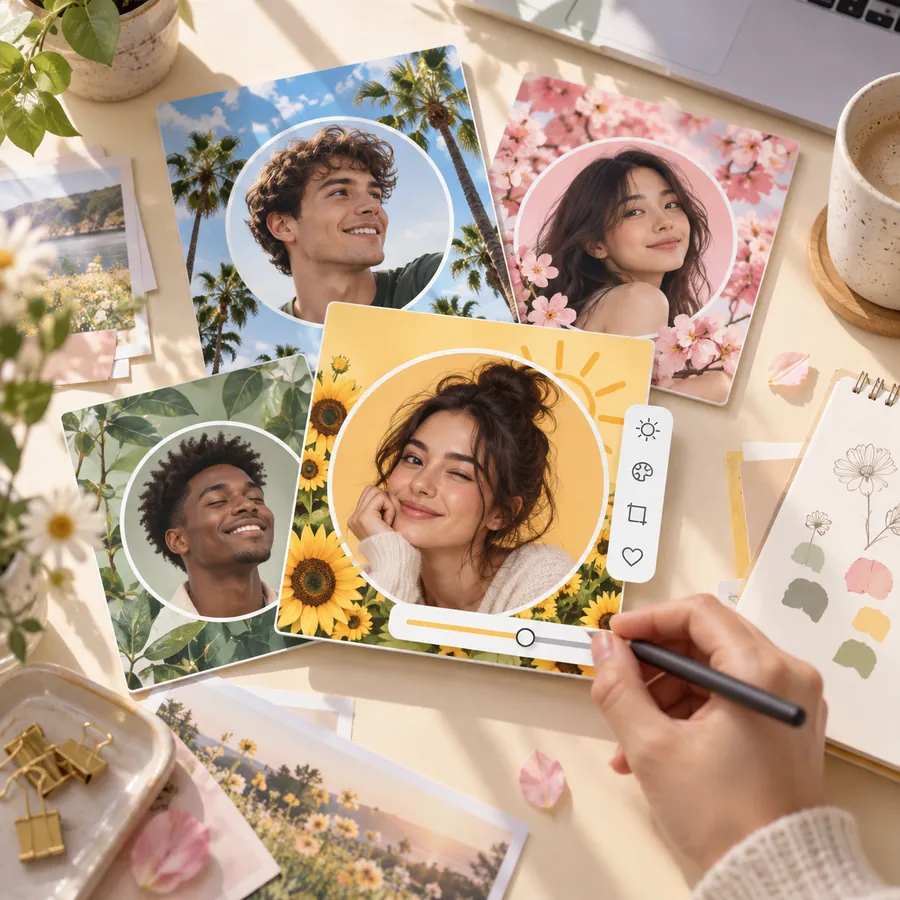
A fresh look for your profile picture on every app, matched across accounts.
Pixel art, gaming, and anime avatars for Discord, Twitch, and game profiles.
Mascot logos, initials, and name banners that work as a channel icon.
A clean profile photo creator for LinkedIn, work chat, and email signatures.
A Santa hat for pfp season in December, or use it as a flag pfp maker for game day and pride month.
A cartoon or letter pfp when you would rather not show your real face.
Your face should take up most of the picture; small faces disappear in a tiny circle.
A sharp, well-lit selfie gives every style more detail to work with.
A purple, pink, or white background makes your pfp easy to spot in a list.
Zoom out until the image is thumbnail size. If you still recognize it, it works.
Use the same style everywhere so people know it is you on every platform.
Seasonal themes like the Santa hat pfp maker preset or a flag frame are an easy reason to update.
Platform pfp makers, size and crop tools, and photo styles for every kind of profile picture.
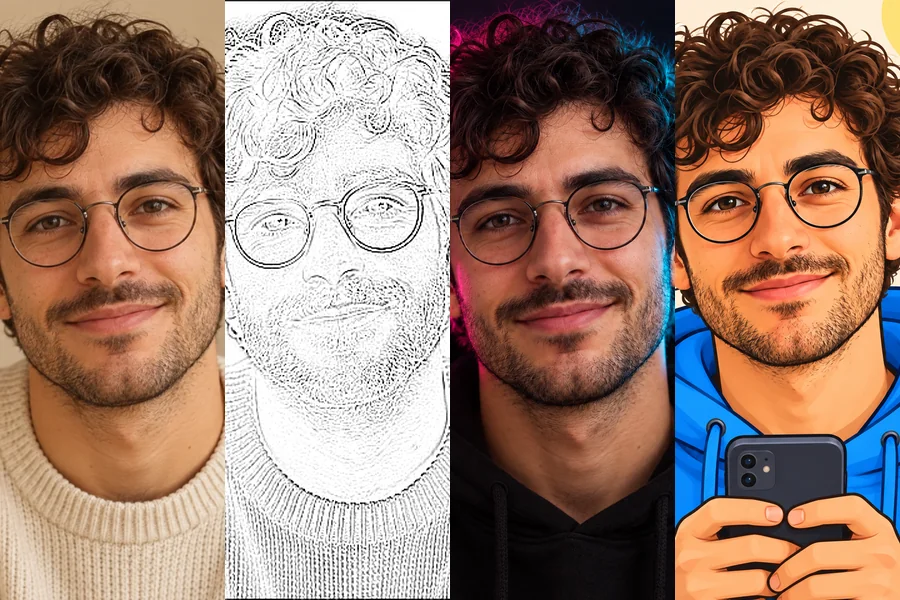 TikTok PFP MakerNeed TikTok PFP ideas? Upload a selfie and turn it into an aesthetic, anime, Y2K, neon, or cartoon profile pic Tik Tok followers will remember in the feed.
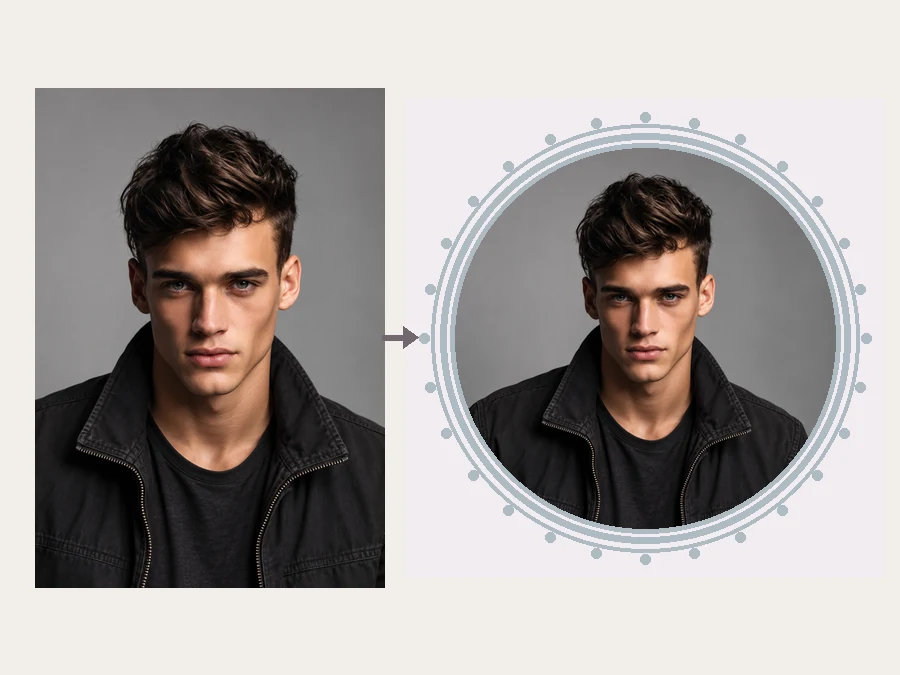 YouTube Profile Picture MakerMake a YouTube PFP from a selfie. Pick an anime, pop art, gaming, logo, or framed style and the AI YouTube profile picture generator designs a channel icon.
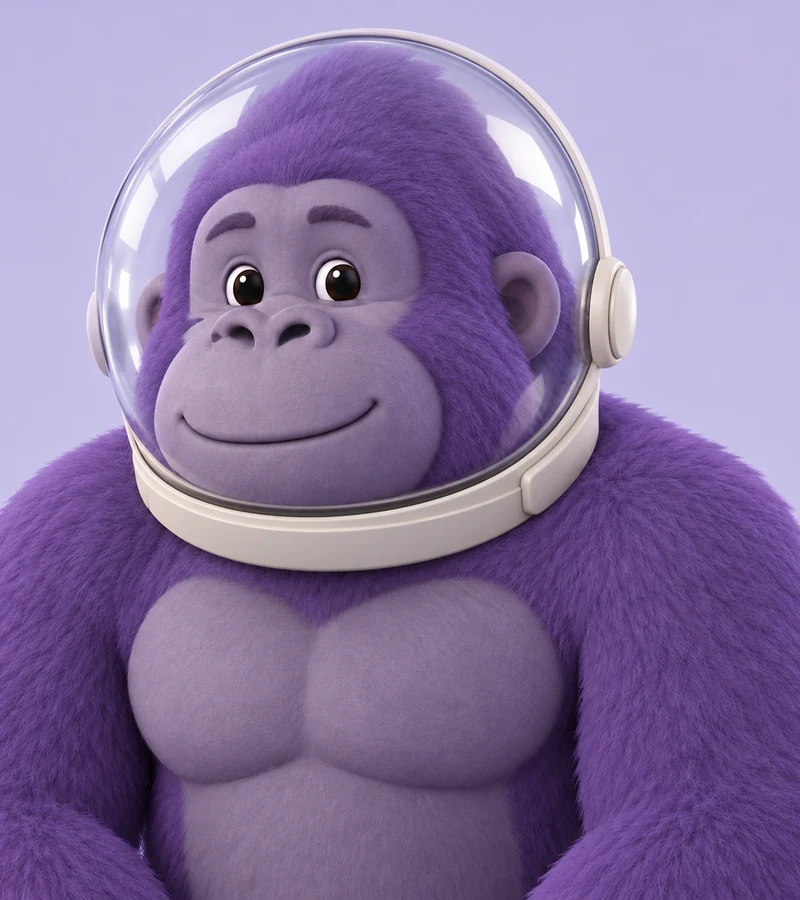 Gorilla Tag PFP MakerMake a Gorilla Tag PFP from your photo. Pick a fur color, hats, glasses, and other cosmetics, then a 3D, pixel, or cartoon style for your custom GTAG PFP.
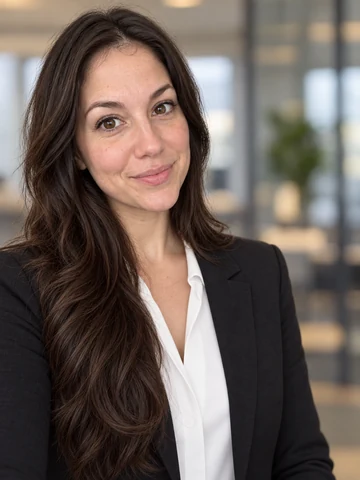 Free AI Headshot GeneratorFree AI headshot generator to try with sign-up credits. Upload a selfie, pick a style, outfit, and backdrop, and get professional headshots for LinkedIn.
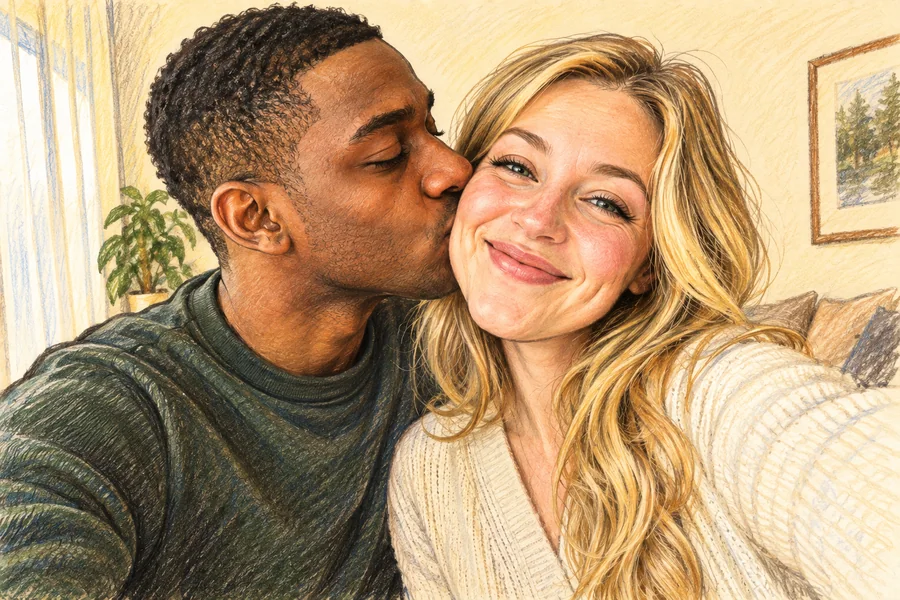 AI Caricature MakerHow do I create a caricature of me? Upload a photo to the AI caricature maker, pick a style, and turn your picture into a funny, recognizable caricature.
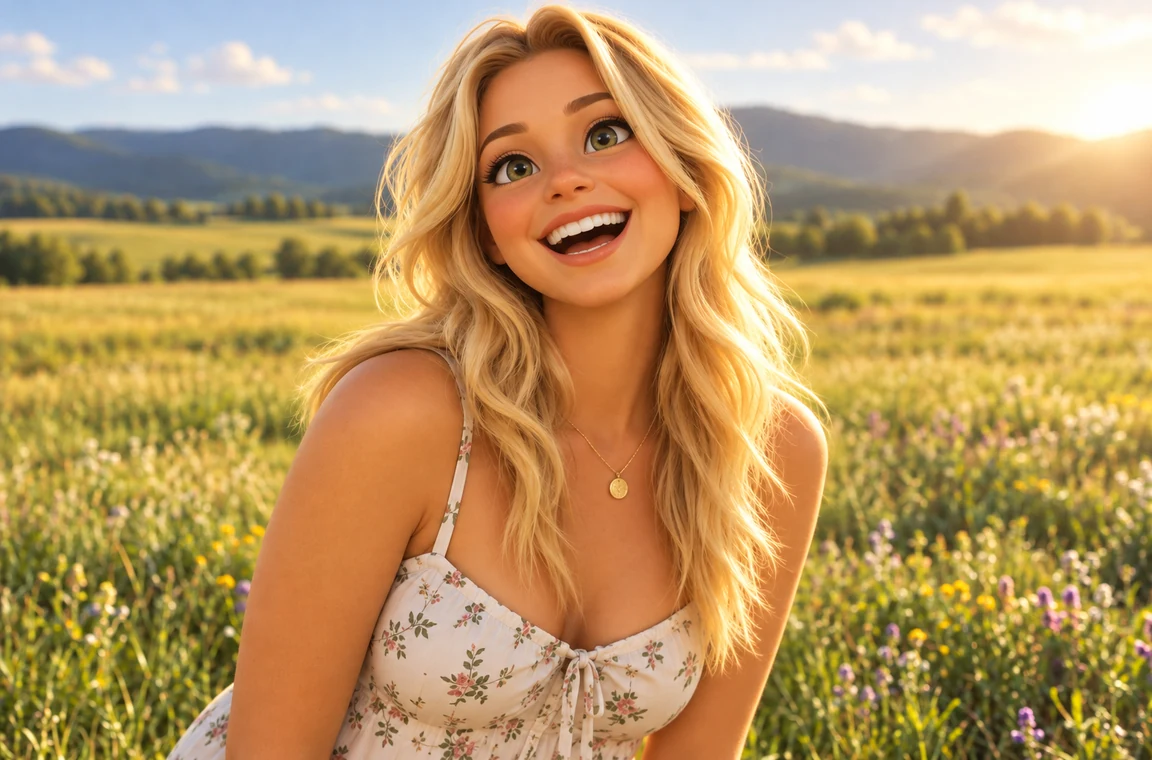 Photo to CartoonPhoto to cartoon AI cartoonizer: pick 3D animated, anime, comic, caricature or line art and turn a photo into a cartoon of you, your pet or car. Free to try.
 Avatar CropperFree avatar cropper that runs in your browser: crop photos into circles, fit the entire picture into a Discord PFP, and download PNG avatars at any size.
 Discord PFP SizeDiscord PFP size: a square of 128x128 px or larger, shown as a circle. A free Discord image resizer for avatars, banners, and emojis that runs in your browser.
 WhatsApp Profile Picture SizeWhatsApp profile picture size: a square, 640x640 px recommended, shown as a circle. Fit your full photo as a WhatsApp DP with no crop, free in your browser.
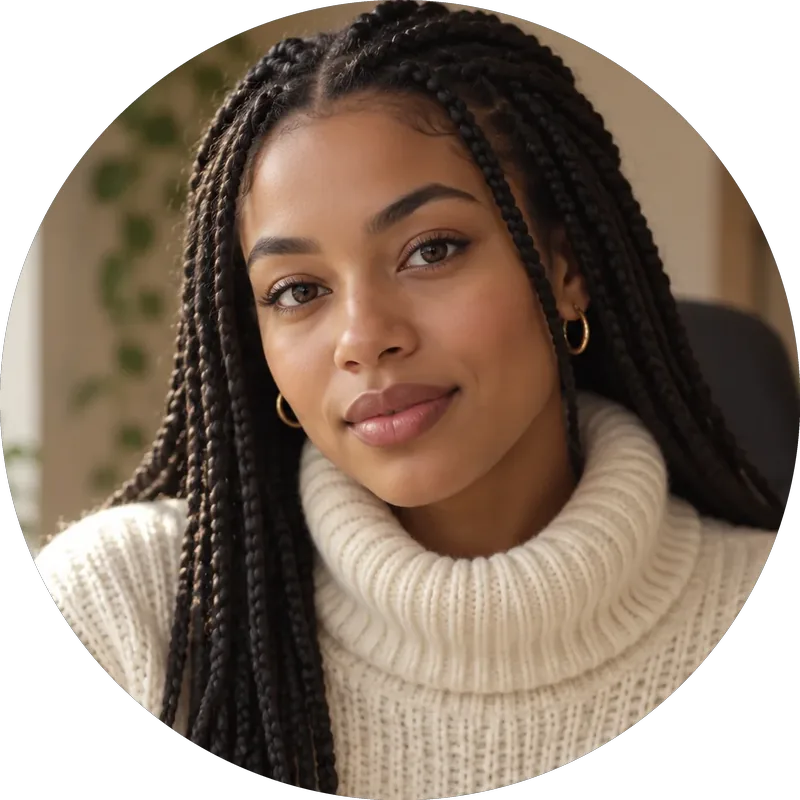 Twitch Profile Picture SizeTwitch profile picture size: 256x256 px minimum, 800x800 for sharpness. A free Twitch image resizer for emotes, sub badges, panels, banners, and channel points.
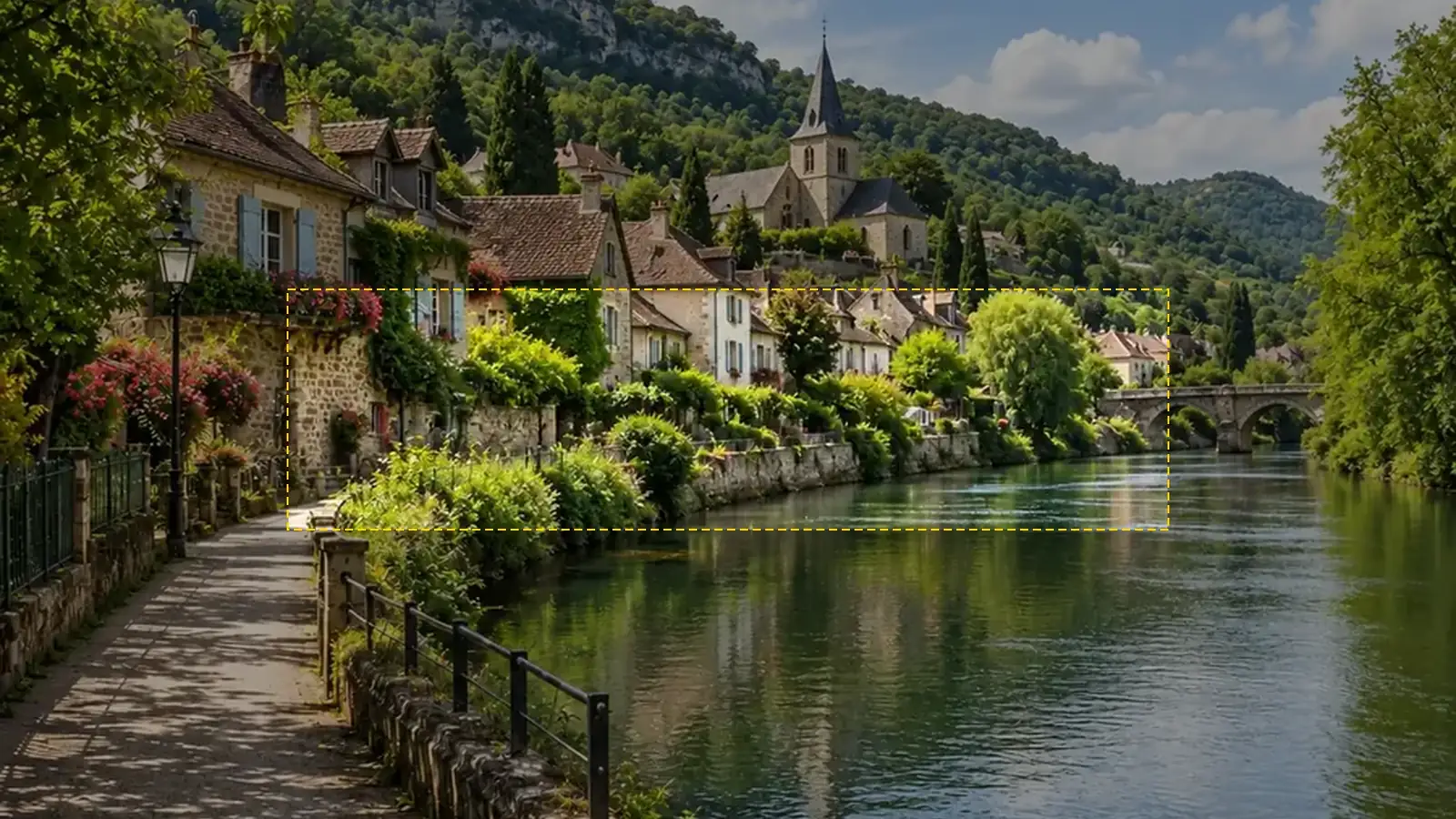 YouTube Banner SizeYouTube banner size: 2560x1440 px, 16:9, safe area 1546x423, max 6 MB. A free YouTube banner resizer with a live safe-area guide that runs in your browser.
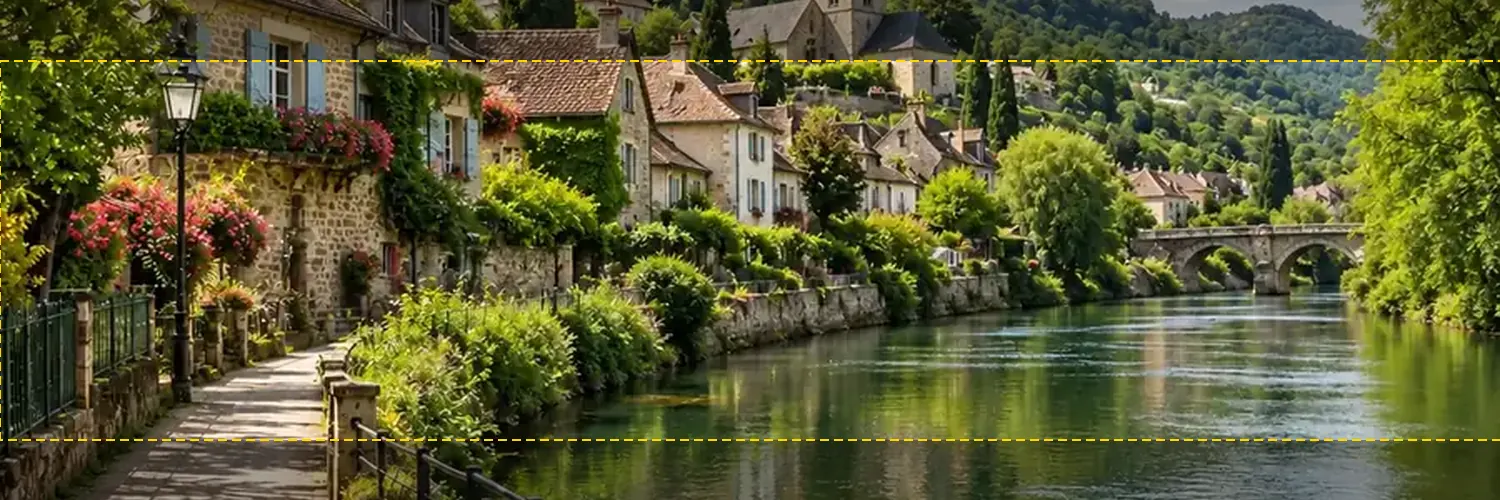 Twitter Banner ResizerFree Twitter banner resizer and cropper: make a 1500x500 (3:1) X header with a crop guide for the 60 px trimmed on some screens, plus 400x400 profile photos.
 AI Filters70+ AI filters for any photo: face filters for age, bald, beard, gender swap and zombie, plus cartoon and color looks. Upload a pic, add a filter. Free to try.
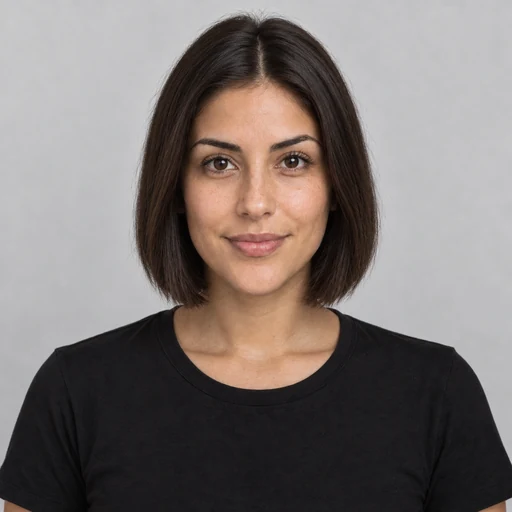 AI Hairstyle ChangerTry on hairstyles with your picture. The AI hairstyle changer previews 18 haircuts, braids, and updos plus 11 hair colors on your own face. Free to try.
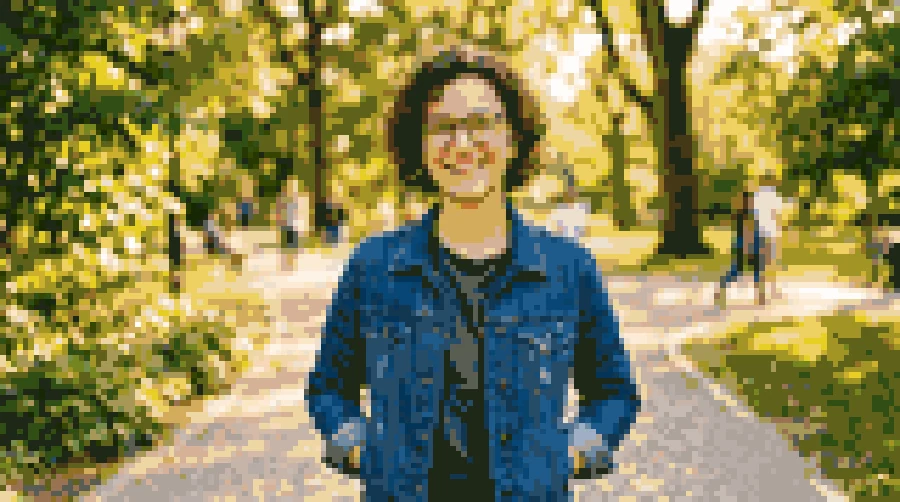 Photo to Pixel ArtTurn any image to pixel art with AI. Upload a photo, pick 8-bit, 16-bit, handheld green, or game sprite style, and get grid-aligned retro pixel art, not a blur.
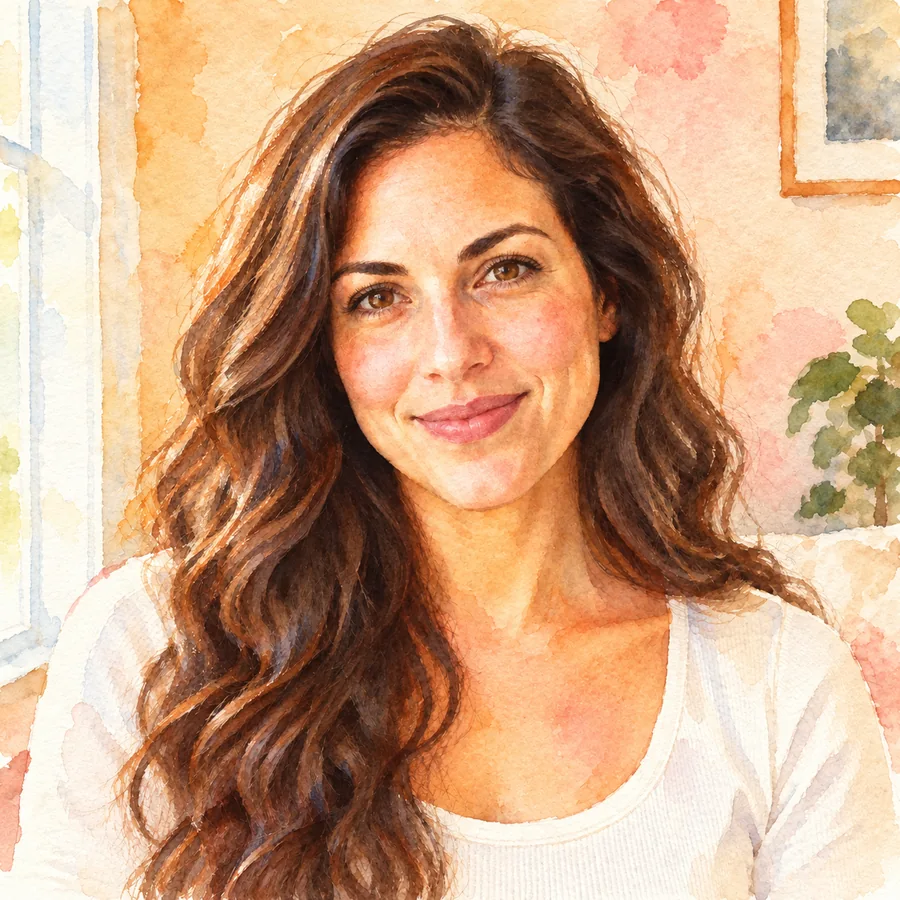 Photo to WatercolorTurn photo into watercolor art online. Upload a portrait, pet, or travel shot, pick a style, and turn it into a watercolor painting with soft, natural washes.
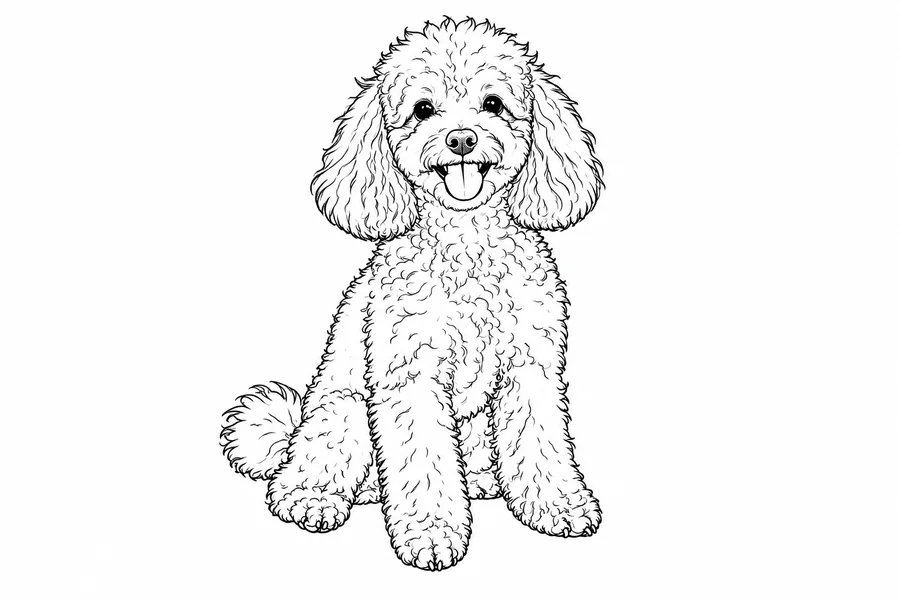 Photo to Line Art GeneratorConvert photo to line drawing online. Upload any picture to the line art generator, pick a style, and turn it into clean line art, outlines, or coloring pages.
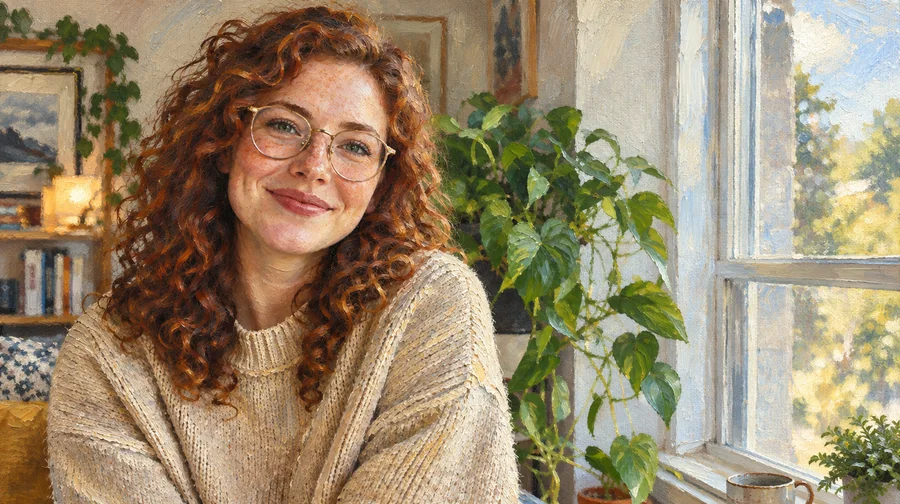 Photo to Oil Painting ConverterTurn photo into oil painting online. Upload a picture, pick a Classic, Renaissance, or Impressionist style, and get an oil painting photo with canvas texture.
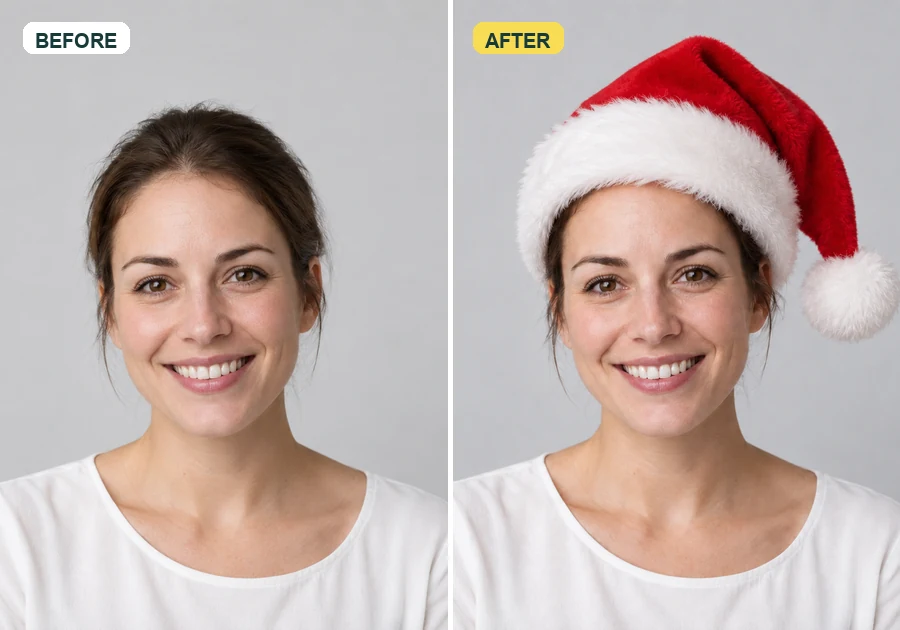 Add Santa Hat to Your PictureAdd santa hat to your picture with AI: upload a photo, pick a classic, elf, blue, or antler Christmas hat, and it fits every head in the shot, pets included.
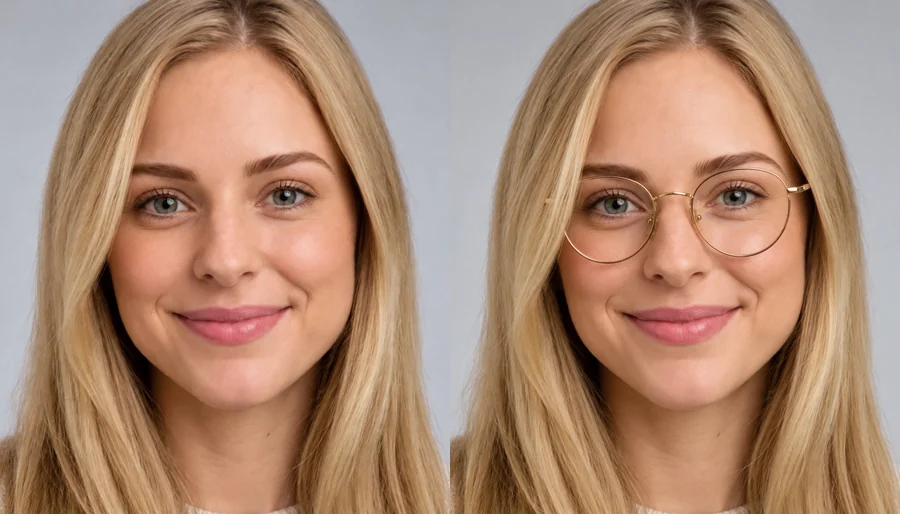 Virtual Glasses Try OnVirtual glasses try on from home: upload a photo, pick a frame shape, color, and lenses, or add a photo of any pair, and see the glasses on your own face.
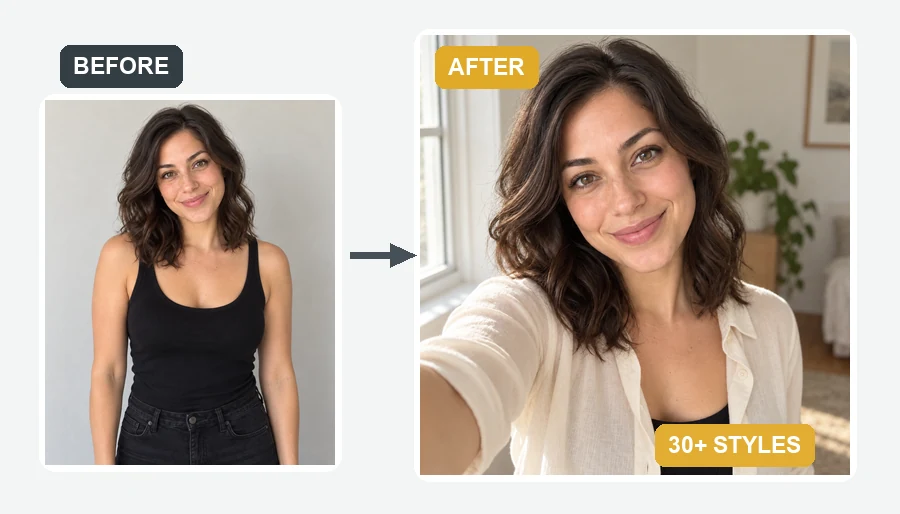 AI Selfie GeneratorUse the AI selfie generator to create AI selfies that still look like you. Upload one photo, pick a scene, cartoon style, headshot, fantasy, or occasion.
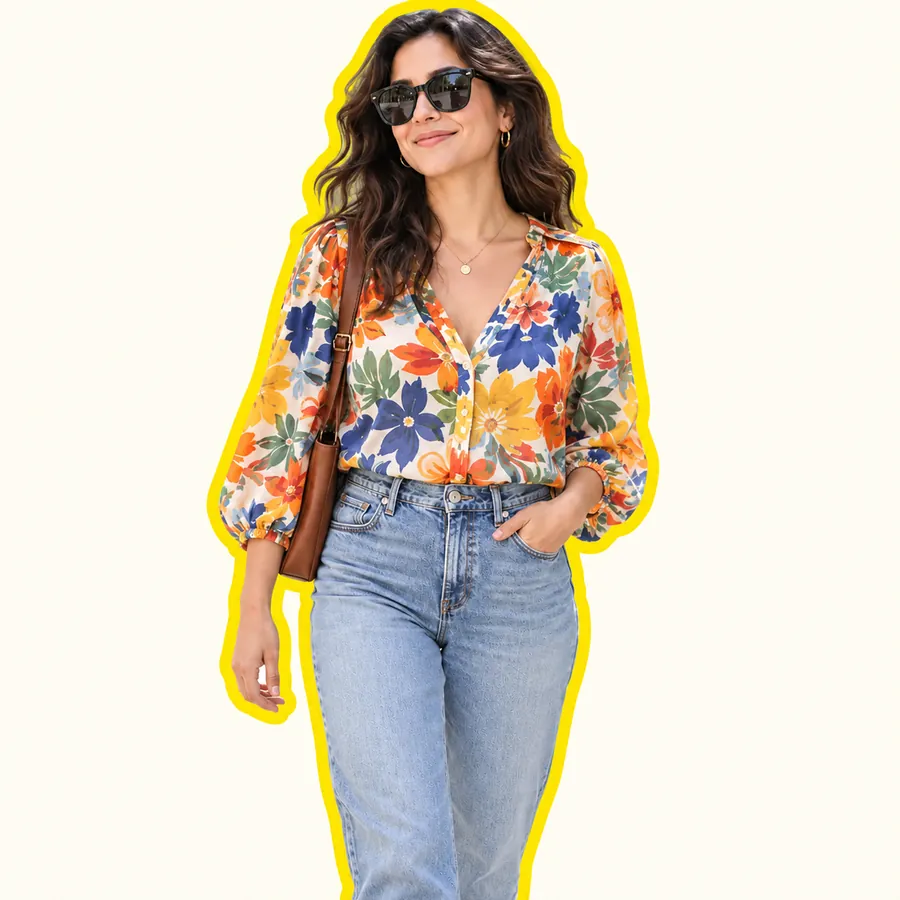 AI Sticker MakerHow to make a picture a sticker: upload a photo or screenshot, pick a style like die-cut, cartoon, chibi, or kawaii, and the AI sticker maker turns it into a PNG.
 Background RemoverRemove background free to try: the AI background remover online cuts out people, products and pets, then gives you a transparent PNG, white, color or new scene.
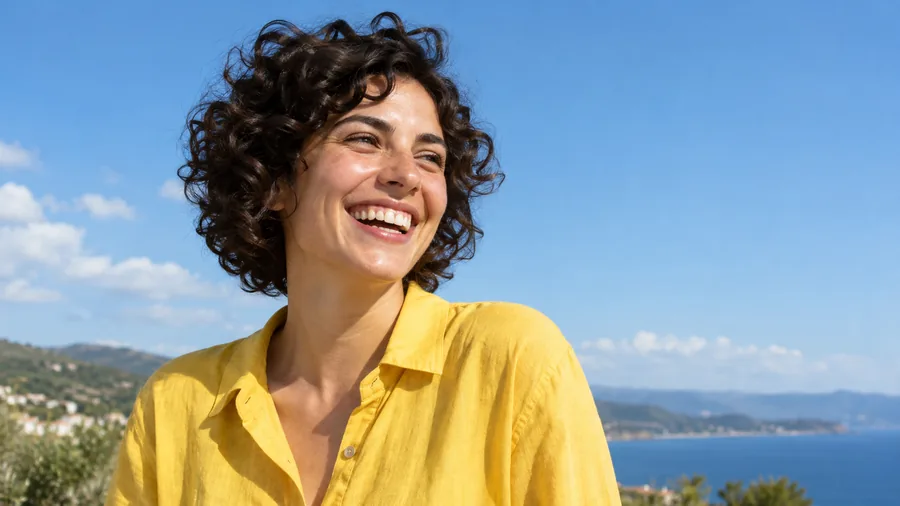 AI Image EnhancerAI photo enhancer and image quality enhancer: upscale pictures 2x or 4x, fix blur, noise and faded color, and enhance picture quality right in your browser.
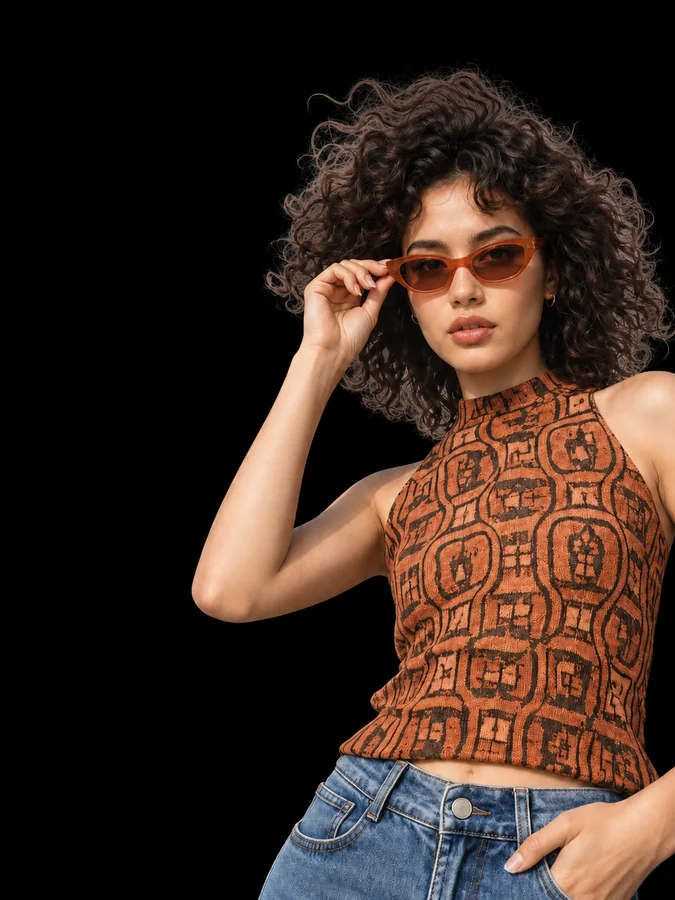 Make Background BlackMake background black in any photo with AI. Upload a portrait or product shot and get the subject on a clean black backdrop, with edge light for dark tones.
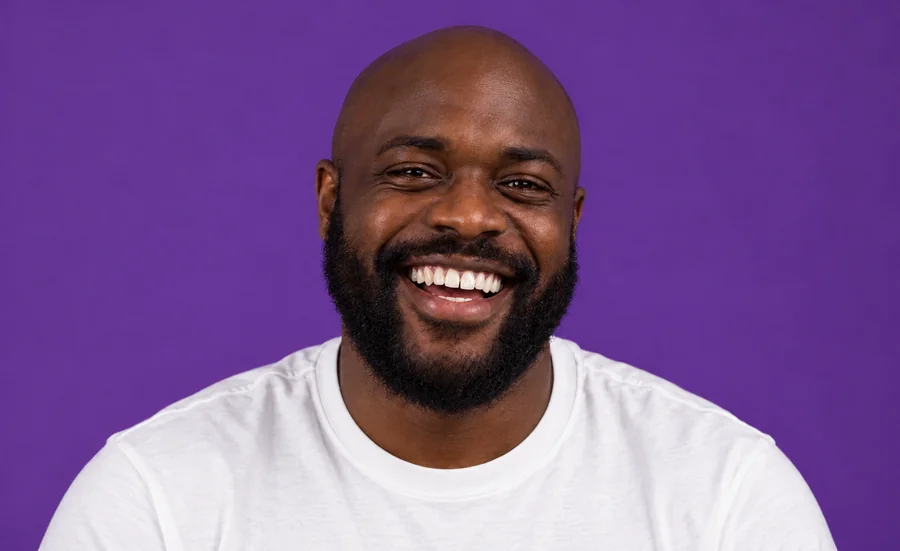 Whiten Teeth in PhotoWhiten teeth in photo uploads with an AI teeth whitening photo editor online. Lift yellow stains, pick a natural or bright shade, and keep every smile real.
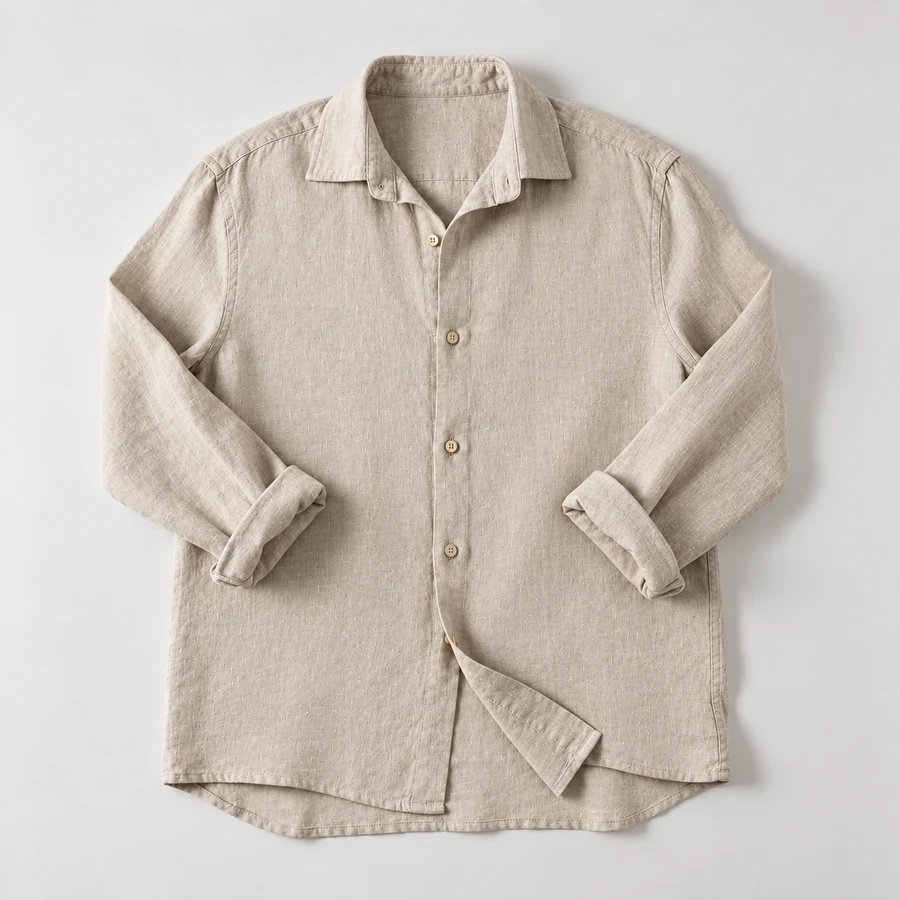 Remove Wrinkles From PhotoRemove wrinkles from photo shots of shirts, suits, and flat lays. Let the AI remove clothes wrinkles and soften fine lines; seams, prints, and texture stay.
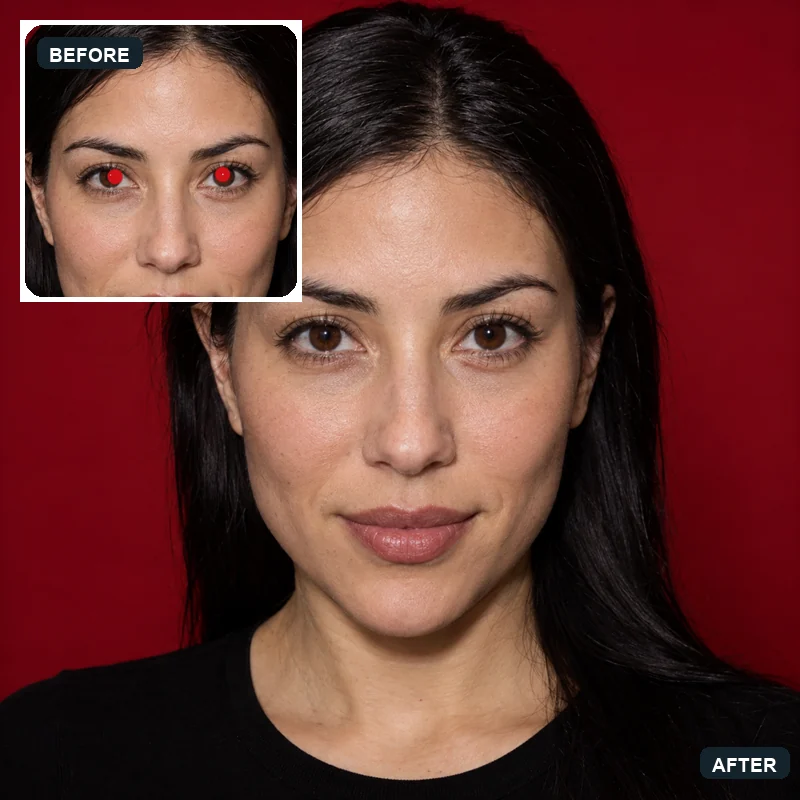 Red Eye RemoverHow to get rid of red eyes in photos? Upload a picture and the AI red eye remover fixes red pupils and pet eye glow, restoring natural eye color in every face.
A pfp maker is a tool that turns a photo into a profile picture, or designs one from scratch. This one is an AI profile picture generator: it redraws your selfie in the style you choose, from anime and 3D cartoon to aesthetic and professional looks.
Upload a clear selfie, choose a style, and press Start. If you are wondering how to make profile pictures for several accounts at once, generate two or four versions and use one per platform.
Yes. Open Letters & Text, leave the photo empty, and type your initials or a name in the box. You can also pick Random Avatar to use it as a random profile picture generator.
Choose Purple Glow under Aesthetic & Colors, or add “make the background purple” to any style. That is the quickest way for how to make your pfp purple without editing it yourself: Purple Glow works as a one-click purple pfp maker, and the background note answers how to make pfp purple in any other style.
Pick All White in Aesthetic & Colors. It gives you a white outfit, a plain white background, and bright, airy light: the clean white profile pic look that is popular on Instagram and TikTok.
A face that fills most of the frame, good light, a simple background, and one strong color. Check it at thumbnail size: if you can still recognize it, your profile picture will work in any app.
Yes. Use Name Under Photo, Initials Monogram, Neon Letter, or Mascot Logo, and type the text in the box. Keep profile pic text short, a name or two letters, so it stays readable when small.
Profile pictures are square. YouTube recommends 800 × 800 px and X recommends 400 × 400 px, and most apps crop the square into a circle. For exact sizes, use the avatar cropper and PFP size tools on this page.
It is free to try: new accounts get free credits when they sign up, and each pfp after that uses a few credits. The best AI profile picture generator is the one that keeps you recognizable, so compare a few styles on your own photo.
Only with their permission. Upload photos you own or are allowed to use, and never use a profile picture to impersonate another person.
Upload a selfie, pick a style, and download a square profile picture ready for every app.