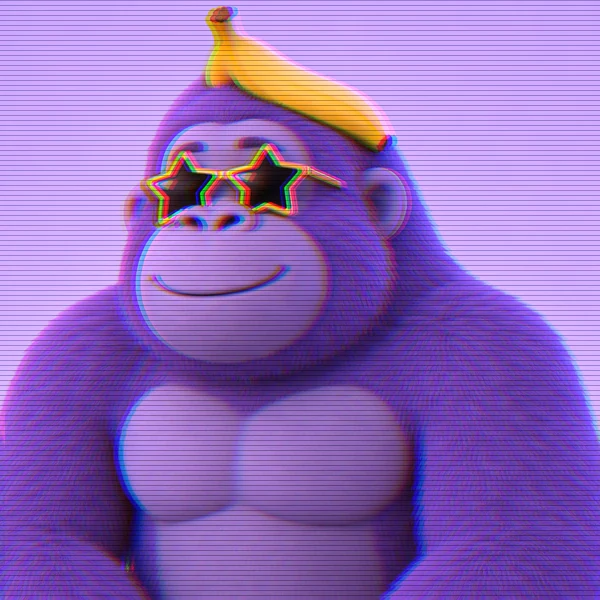
Glitch Monke
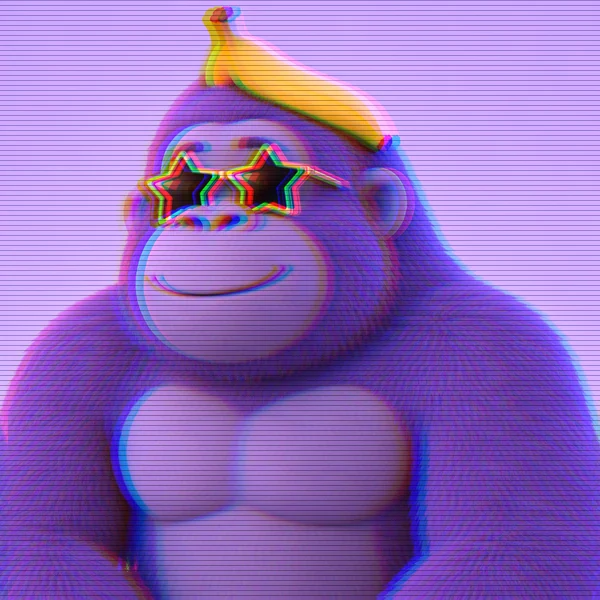
Electric blue fur, star-shaped glasses, and a banana hat with a glitchy scanline finish.
Turn a selfie, a drawing of your Gorilla Tag OC, or a screenshot of your gorilla into a custom GTAG PFP. Choose a fur color, cosmetics, and a 3D, pixel, or cartoon style.
Fur Color: Purple · Cosmetics: None · Art Style: 3D Render
Your photo stays in this browser during this UI preview.
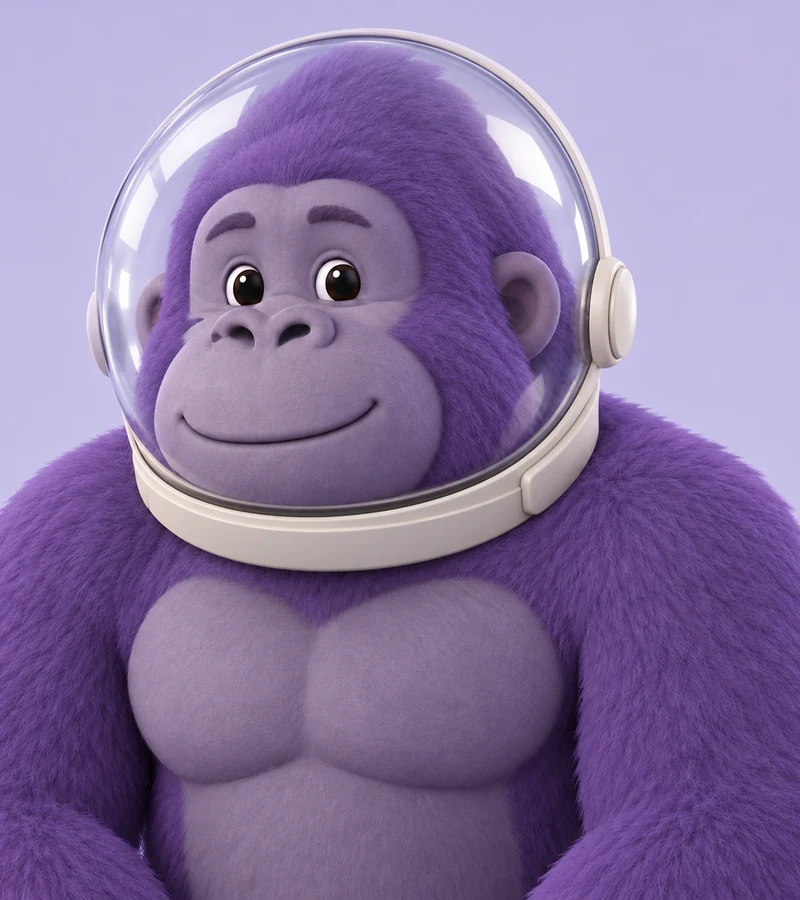
Reference example. It is not a result generated from your upload.
A Gorilla Tag PFP, or GTAG PFP, is the profile picture players use to show off their monke: a gorilla avatar in their favorite fur color, wearing the hats, glasses, and other cosmetics they love, usually rendered in 3D or drawn as a bold cartoon. You will spot them on Discord servers, YouTube channels, and gaming profiles all over the community.
This Gorilla Tag profile maker builds one from your own photo. Upload a selfie, a drawing of your Gorilla Tag OC, or a screenshot of your gorilla, then pick a fur color, a cosmetic, and an art style. The AI redraws it as a Gorilla Tag-style character and keeps details like your glasses or cap, so you get a gorilla PFP that still feels like you. EzImgMaker is an independent fan tool and is not affiliated with the game or its developer.
Need inspiration? These gtag pfps mix fur textures, cosmetics, and art styles. Use one as a starting point and make it your own.
Electric blue fur, star-shaped glasses, and a banana hat with a glitchy scanline finish.
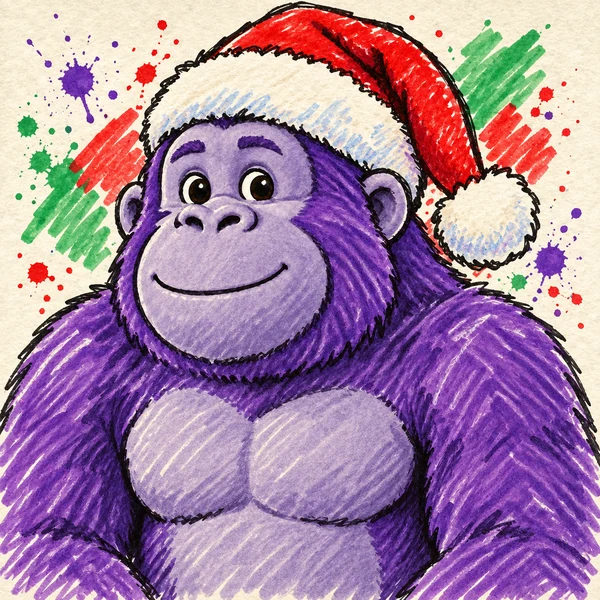
A hand-drawn doodle with paint-splash fur and a Santa hat for seasonal profile swaps.
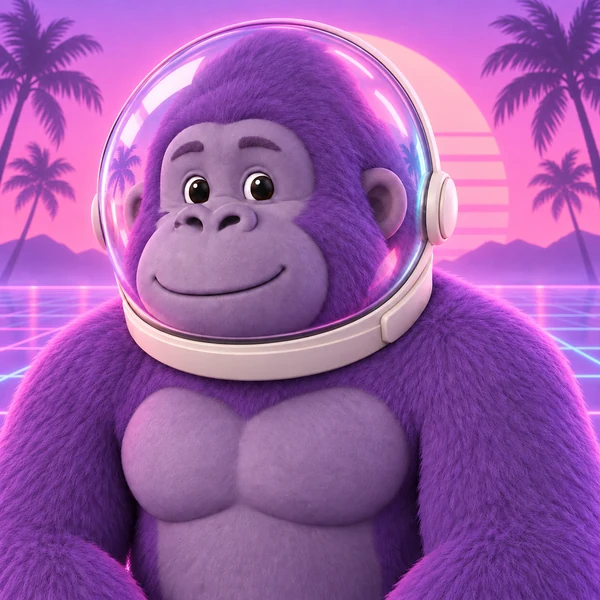
A soft pastel 3D render with a glowing astronaut helmet and a palm-tree sunset.
Neon city lights, floating triangles, and a banana hat for an arcade feel.
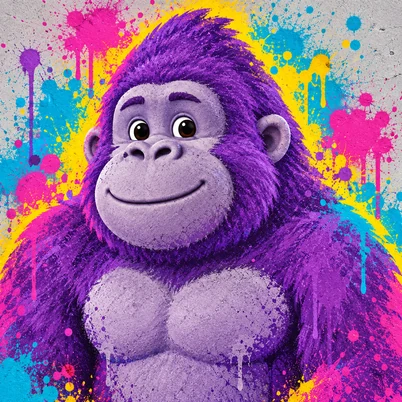
Bold spray-paint splashes around a gorilla head that still reads well in a tiny circle.
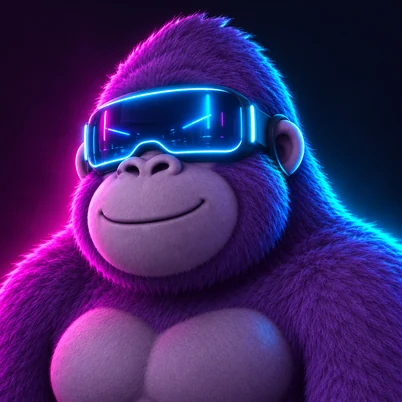
Neon circuit tattoos and a VR visor in a dark tech room, made for gaming profiles.
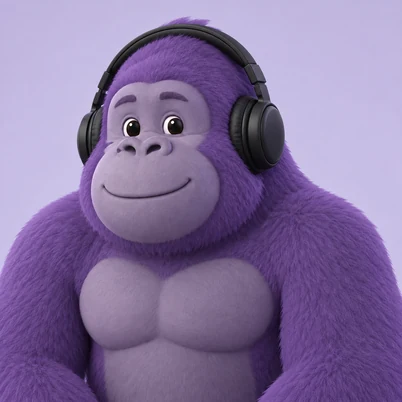
Headphones plus sunglasses, a classic streamer look for your channel icon.
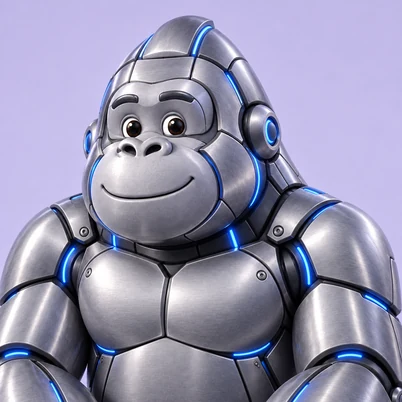
Metallic plates and glowing circuits for a sci-fi character. Describe it in the details box.
This Gorilla Tag profile picture generator needs one photo and three choices. No Blender, no drawing, and no editing skills.
Add a clear selfie, a drawing of your Gorilla Tag OC, or a screenshot of your gorilla. JPG, PNG, and WebP files up to 10 MB are supported.
Choose one fur color, one cosmetic (or None), and one art style. Add a background, a pose, or a plush look in the details box if you like.
Generate up to four versions, compare them, and download your favorite as your new Gorilla Tag profile picture.
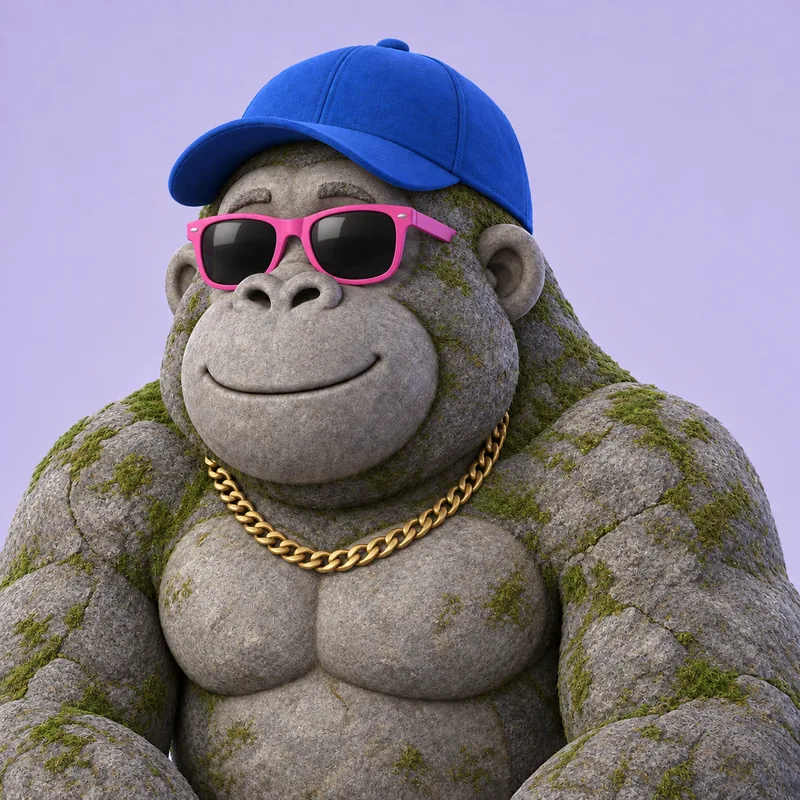
Most Gorilla Tag PFP generator tools start from a blank text box. This one starts from your photo, so the gorilla keeps what makes it yours: glasses, caps, headphones, or hair color carry over as cosmetics and fur. Use it as a Gorilla Tag maker for your own character, or make Gorilla Tag art of your OC and friends.
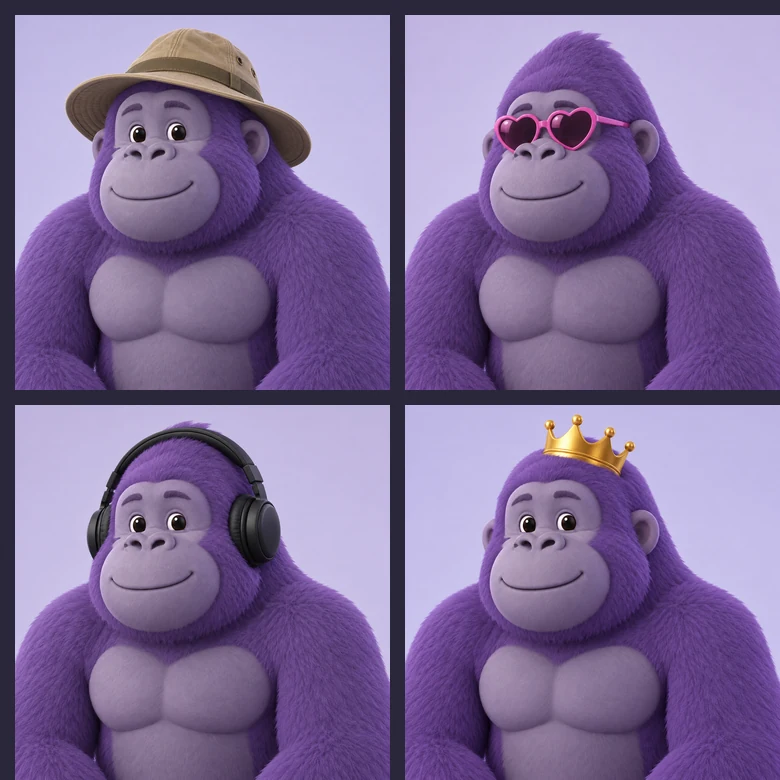
Add the hats, glasses, helmets, and headphones you love collecting in game. Crowns, banana hats, heart sunglasses, explorer hats, and astronaut helmets are one tap away, and the details box covers anything else. Think of it as a Gorilla Tag PFP maker with accessories built in, with no layers to stack by hand.
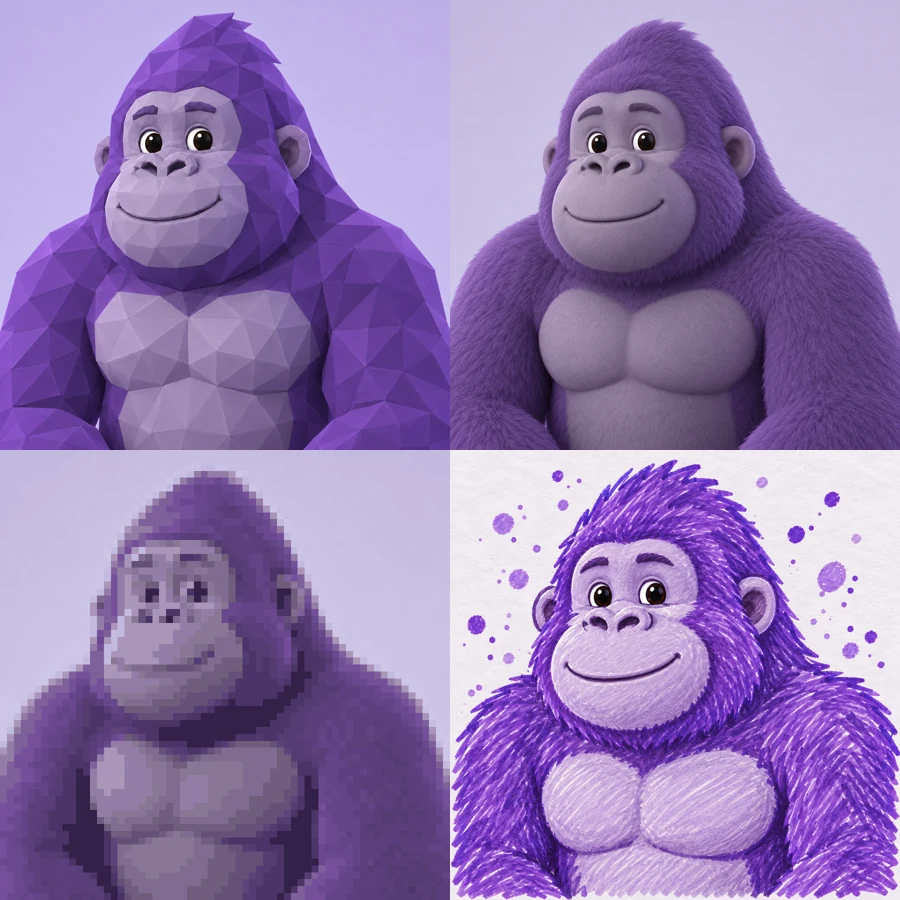
Want the glossy Gorilla Tag Blender PFP look without opening Blender? Choose 3D Render for soft studio lighting or Low-Poly for a game-model feel. Prefer 2D? Switch to Pixel Art, Doodle, Glitch, Vaporwave, or Graffiti.

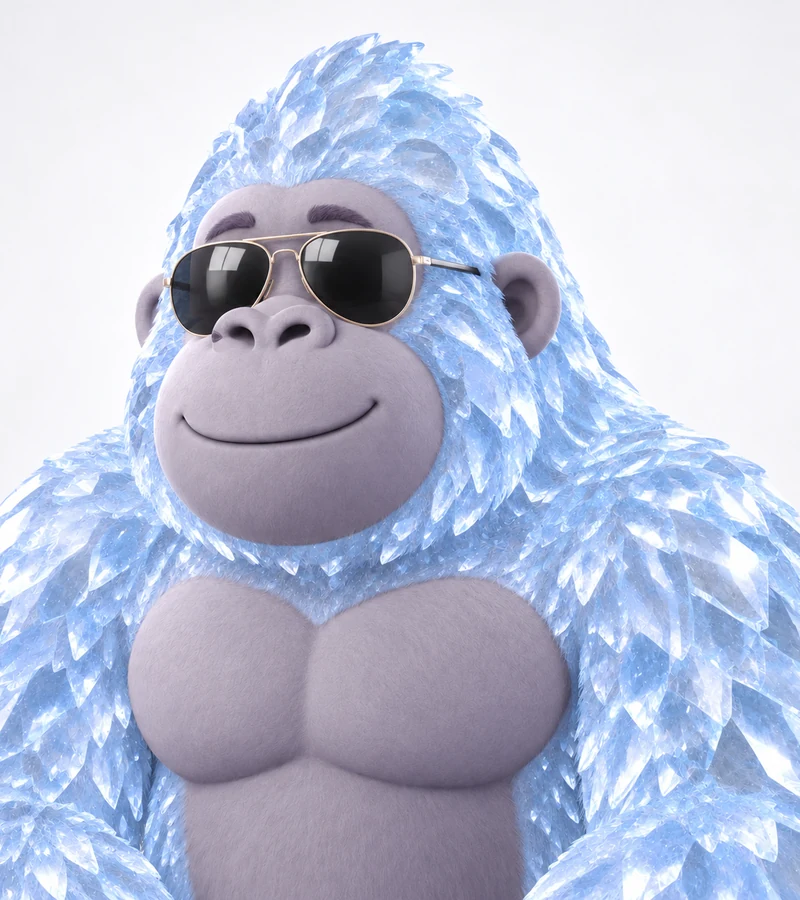
Match your in-game color or try something new. Purple, hot pink, jet black, royal blue, and white keep a classic look, while lava, stone, and ice add texture that stands out in a small round avatar.
Use your Gorilla Tag avatar in community servers so friends and lobby regulars recognize you in chat.
Give your channel a consistent gorilla mascot for the profile icon, thumbnails, and stream overlays.
Bring an original character to life with its own fur, cosmetics, and backstory, then reuse it in fan art.
Make a set of gtag pfps for your friend group, each in a different fur color with the same art style.
Profile pictures show up tiny, so a clean source and bold choices go a long way.
A well-lit selfie, a sharp screenshot, or a clean drawing gives the AI simple shapes to follow.
Glasses, caps, and headphones in your photo can carry over as cosmetics on your gorilla.
Strong fur colors and simple backgrounds read best when your PFP is cropped into a small circle.
Want a cuddly look? Describe it in the details box and this works as a Gorilla Tag plush PFP maker too. Backgrounds, poses, and name tags work the same way.
Common ways players and creators use Gorilla Tag-style profile pictures.
Illustrative examples adapted from reference material, not verified reviews of EzImgMaker.
I uploaded a selfie with my headphones on and the gorilla kept them. My server friends knew it was me right away.
I wanted a channel mascot but did not want to learn Blender. The 3D render style gave me a clean icon to start from.
We made matching PFPs for the whole squad: same style, different fur colors. They look great side by side in our group chat.
I sketched my OC on paper, uploaded the photo, and got a pixel version with the same hat and colors.
Answers to common questions about making a GTAG PFP.
A Gorilla Tag PFP, also written GTAG PFP, is a profile picture of a gorilla avatar in the style of the VR game, usually showing your fur color and favorite cosmetics. Unlike a text-only GTAG PFP generator, this tool starts from your photo, so the result is personal to you.
Upload a photo, choose a fur color, a cosmetic, and an art style, add any extra details, and generate. You can create up to four versions at once and download the one you like best.
Yes. Choose 3D Render or Low-Poly for the modeled look people usually build in Blender. There is no 3D modeling, posing, or lighting setup to learn.
Yes. Pick a cosmetic such as a crown, banana hat, baseball cap, headphones, heart sunglasses, Santa hat, or astronaut helmet, or describe a different one in the details box. Accessories already in your photo can carry over too.
No. This Gorilla Tag profile pic maker runs in your browser on phone or desktop, so there is nothing to install. It is a PFP maker GTAG players can open straight from a link.
No. Instead of filling in a fixed Gorilla Tag PFP template, you start from your own photo and the AI builds the fur, cosmetics, and style around it, so every result is different.
Most platforms crop profile pictures into a circle and show them small, so a square image works almost everywhere. If you need an exact size, run your result through the Discord PFP Size or Avatar Cropper tools linked on this page.
No. EzImgMaker is an independent AI art tool and is not affiliated with, endorsed by, or sponsored by Another Axiom or Gorilla Tag. The game name is only used to describe the art style, and we do not use official logos, screenshots, or game assets.
Only upload photos you own or have permission to edit. Ask a friend before using their picture, get a parent's or guardian's permission for photos of kids, and never use a PFP to impersonate another player.
Use it for personal profiles such as Discord, YouTube, and other gaming accounts. Because the style is inspired by an existing game, avoid selling the images or presenting them as official game art.
Upload a photo, pick fur, cosmetics, and a style, and turn it into a Gorilla Tag-style profile picture.
Gorilla Tag-style results are fan-inspired creative edits. EzImgMaker is not affiliated with, endorsed by, or sponsored by Another Axiom or Gorilla Tag. All trademarks belong to their respective owners.