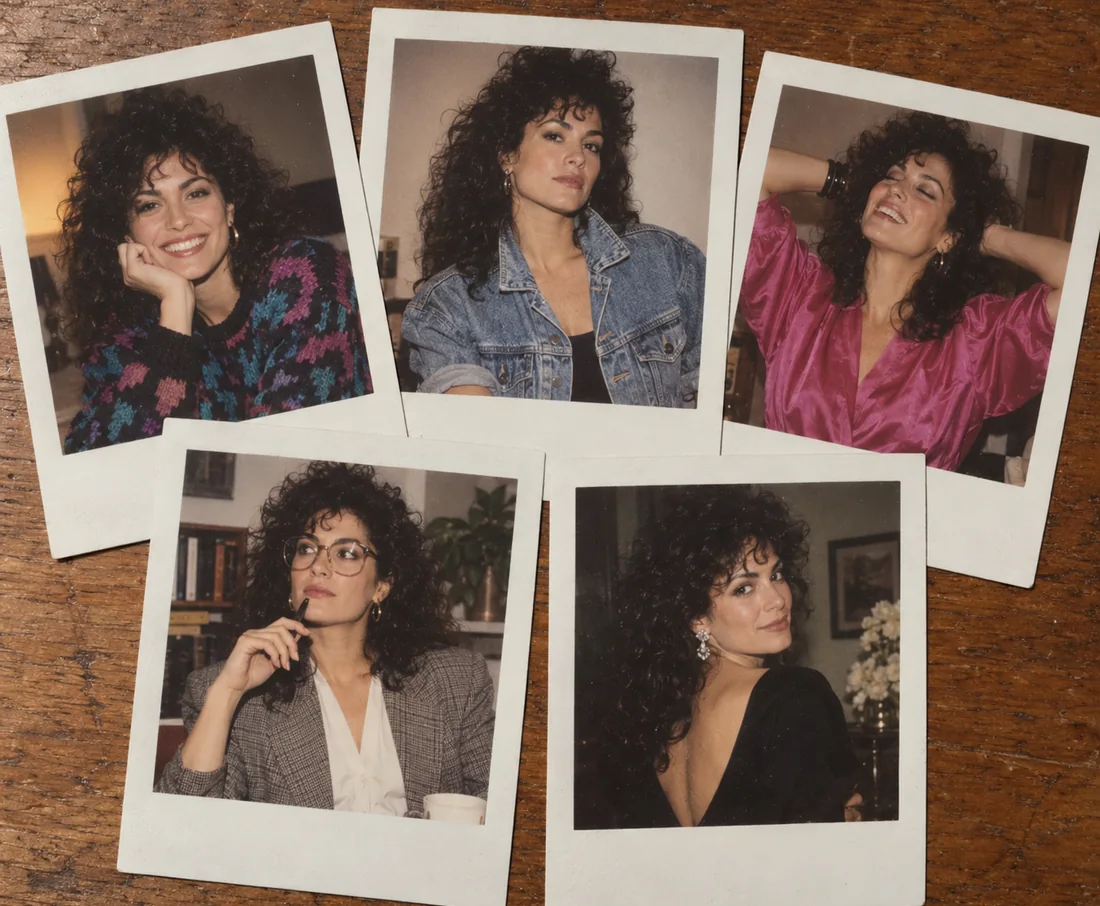
1980s Polaroid Portraits
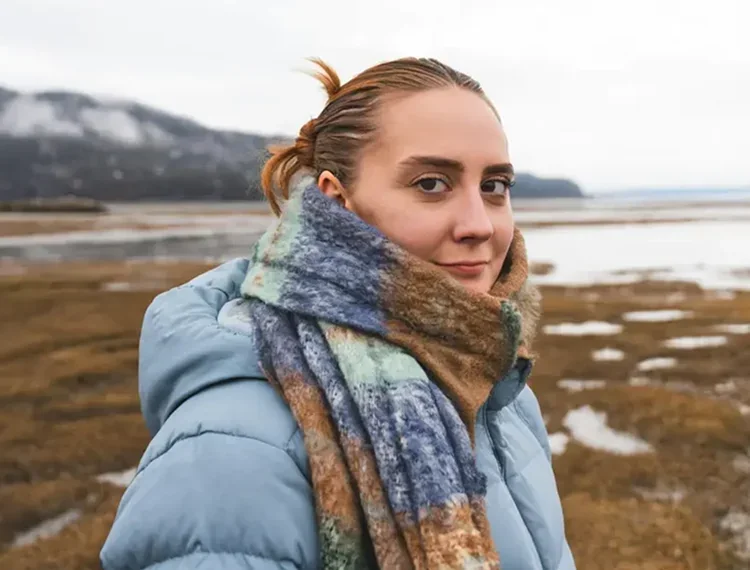
One selfie becomes five retro polaroids with period hair, outfits, and settings, and the face stays the same in every print.
Type what you want to see, or upload a photo and say what to change. Nano Banana edits only what you ask, blends two photos into one scene, and keeps faces and characters recognizable from edit to edit.
Create 5 headshot polaroid prints, laid out on a clean table, all of which show me in various situations from the 1980s.
Reference example. It is not a result generated from your upload.
Nano Banana is the nickname of Gemini 2.5 Flash Image, the image generation and editing model from Google DeepMind. It first appeared anonymously on a public model leaderboard under the code name “nano-banana”, and the name stuck. As a piece of Nano Banana artificial intelligence, it reads your words and your photos together, so you can create a new picture from text or change an existing one by simply describing the edit.
What made Nano Banana popular is how natural the editing feels: remove a person, change a jacket, swap a background, or turn a pet into a game character, and the rest of the photo stays put. It can blend several images into one scene, keep the same face across many edits, and use Gemini’s world knowledge to follow real-world logic. Google has since released Nano Banana 2 (Gemini 3.1 Flash Image) and Nano Banana Pro (Gemini 3 Pro Image); this page is the original Nano Banana tool, the quick, low-cost choice for everyday image editing.
What the Gemini 2.5 Flash Image model supports on EzImgMaker.
| Spec | Nano Banana (Gemini 2.5 Flash Image) |
|---|---|
| Developer | Google DeepMind |
| Modes | Text to image and image editing (image to image) |
| Reference images | Up to 10 images per edit · JPG, PNG, or WebP, up to 10 MB each |
| Output size | About 1K (around 1024 px); no 2K or 4K option |
| Aspect ratios | Auto, 1:1, 3:2, 2:3, 4:3, 3:4, 16:9, 9:16, 5:4, 4:5, 21:9 |
| Output format | PNG or JPEG |
| Prompt length | Up to 5,000 characters |
| Best for | Quick edits, figurines and restyles, social posts, drafts |
Specs reflect the model version available to us in October 2026. Google may update or retire model versions.
Three Google image models share the Nano Banana name. Here is how they differ.
| Nano Banana | Nano Banana 2 | Nano Banana Pro | |
|---|---|---|---|
| Underlying model | Gemini 2.5 Flash Image | Gemini 3.1 Flash Image | Gemini 3 Pro Image |
| Resolution | About 1K | 1K, 2K, or 4K | 1K, 2K, or 4K |
| Reference images | Up to 10 | Up to 14 | Up to 8 |
| Aspect ratios | 10 plus Auto | 14 plus Auto, incl. 4:1, 1:4, 8:1, 1:8 | 10 plus Auto |
| Text in images | Short labels | Legible text and translation | Long, precise text and layouts |
| Speed and cost | Quickest and lowest cost | Fast, mid cost | Slower, highest cost |
| Best for | Everyday edits and fun effects | High-quality images at speed | Studio-quality final assets |
Each image comes from one prompt, either text only or a photo plus an instruction. Tap a button to load the idea.
One selfie becomes five retro polaroids with period hair, outfits, and settings, and the face stays the same in every print.
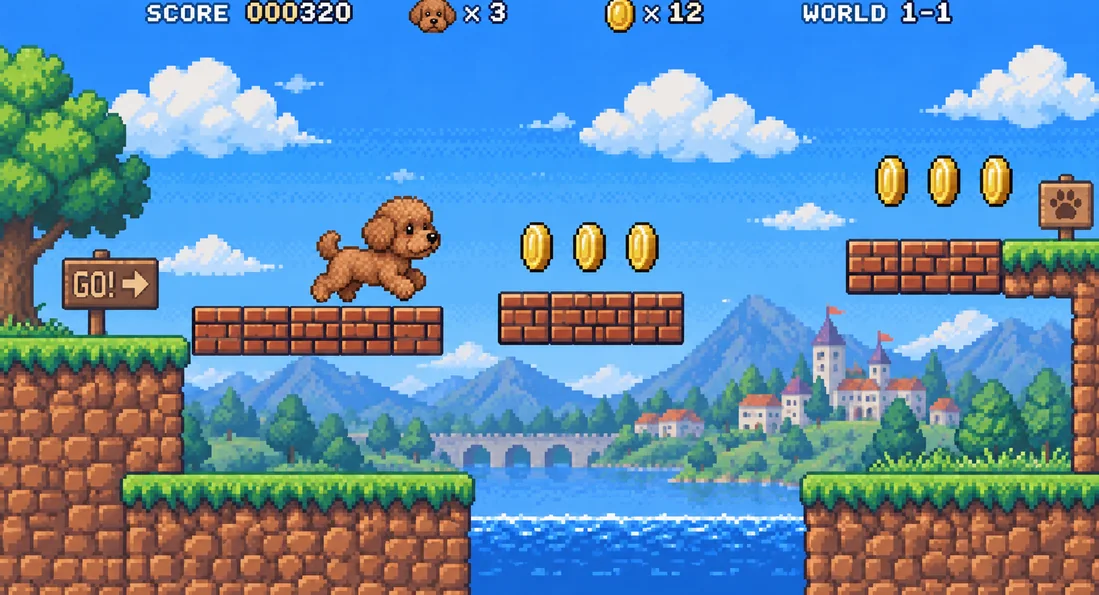
A photo of a dog turns into a 16-bit platformer hero, complete with coins, blocks, and a score bar.
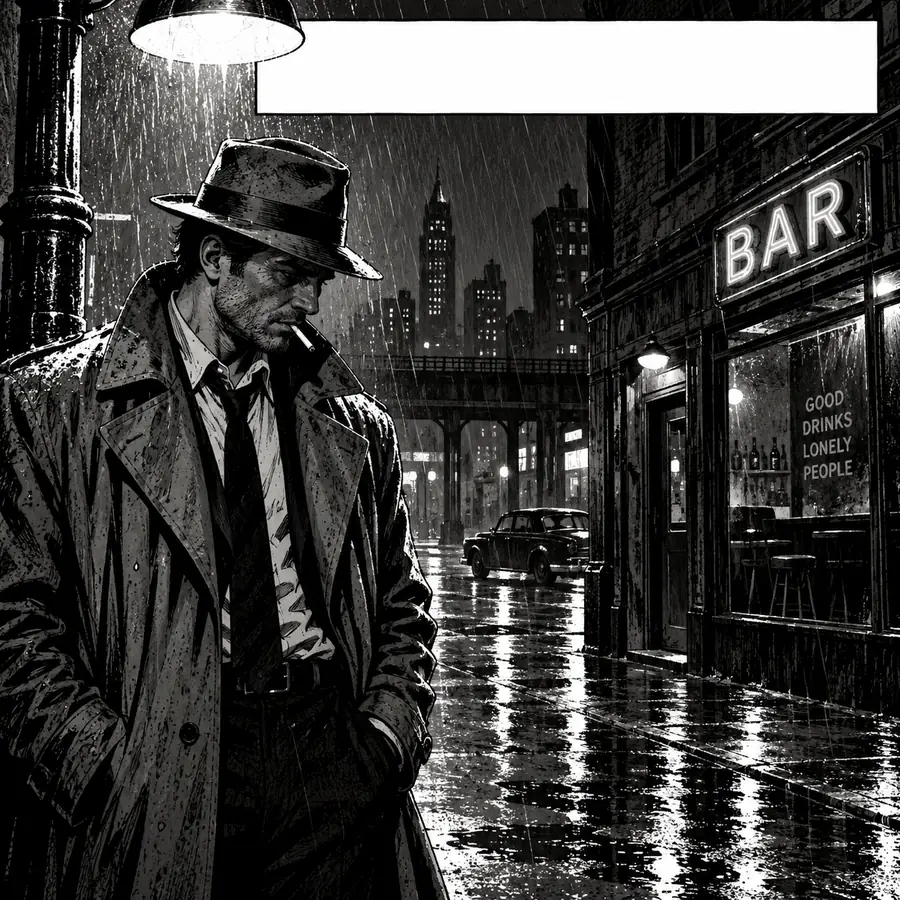
Text to image with a short caption: a noir detective scene in high-contrast inks.
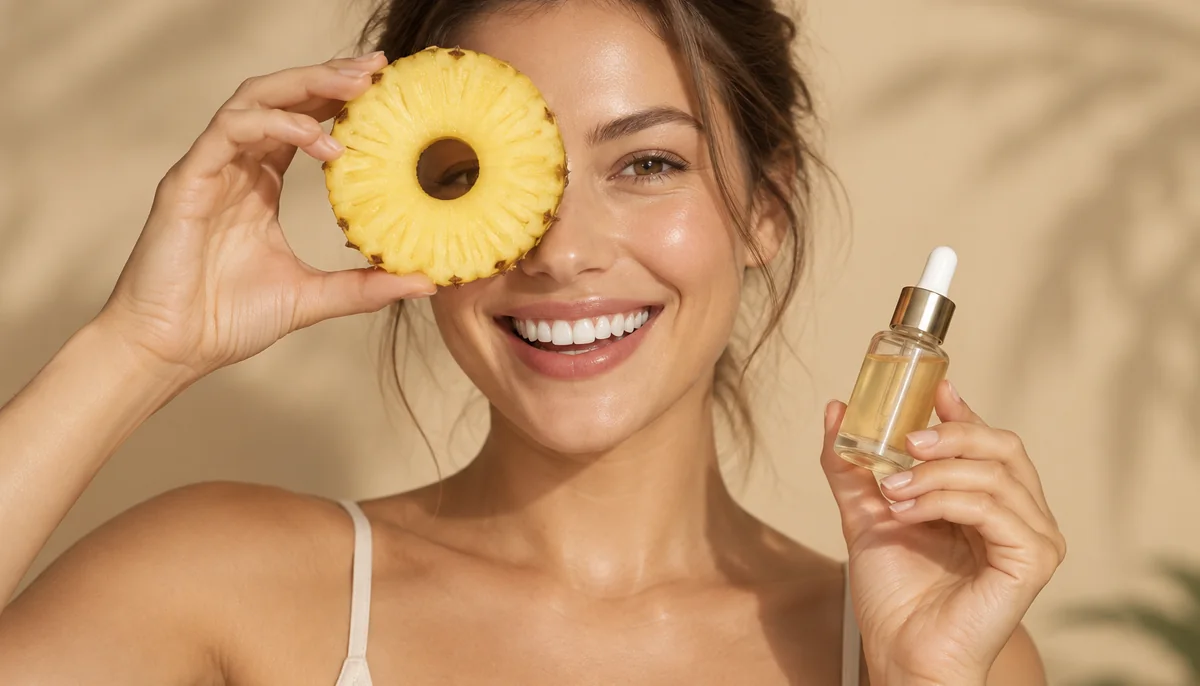
A polished ad shot with a model, the product, and a warm studio backdrop, ready for a headline.
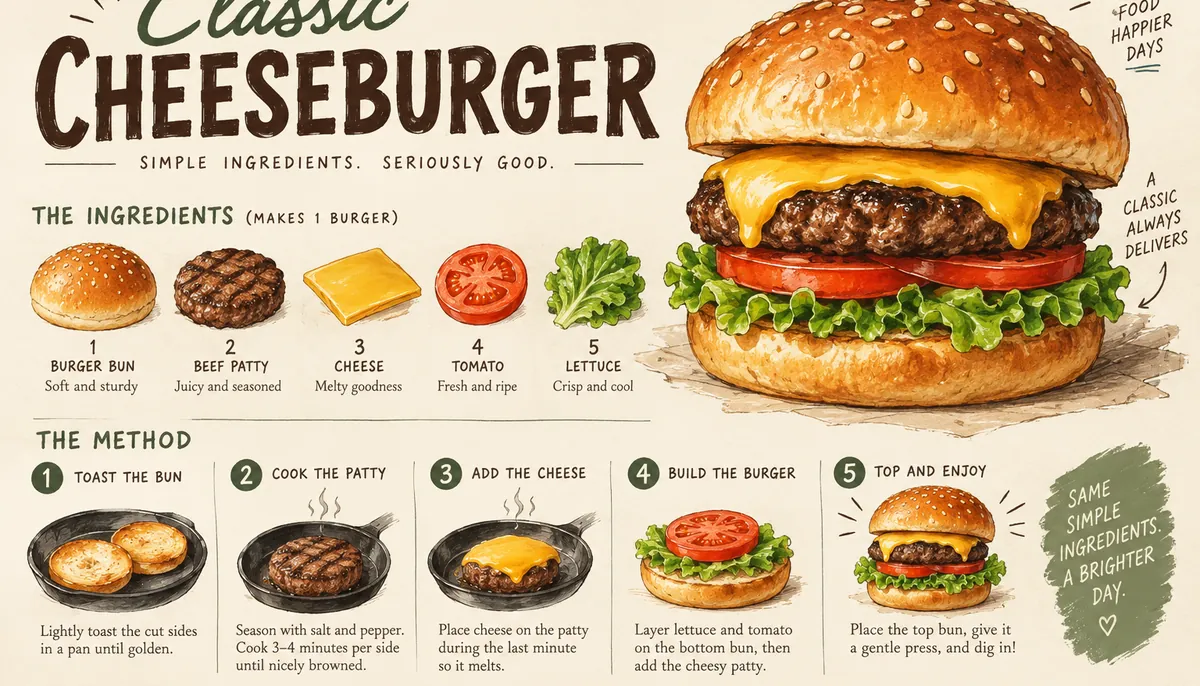
An illustrated cheeseburger guide with ingredient icons and step labels. Keep the words short for the cleanest lettering.
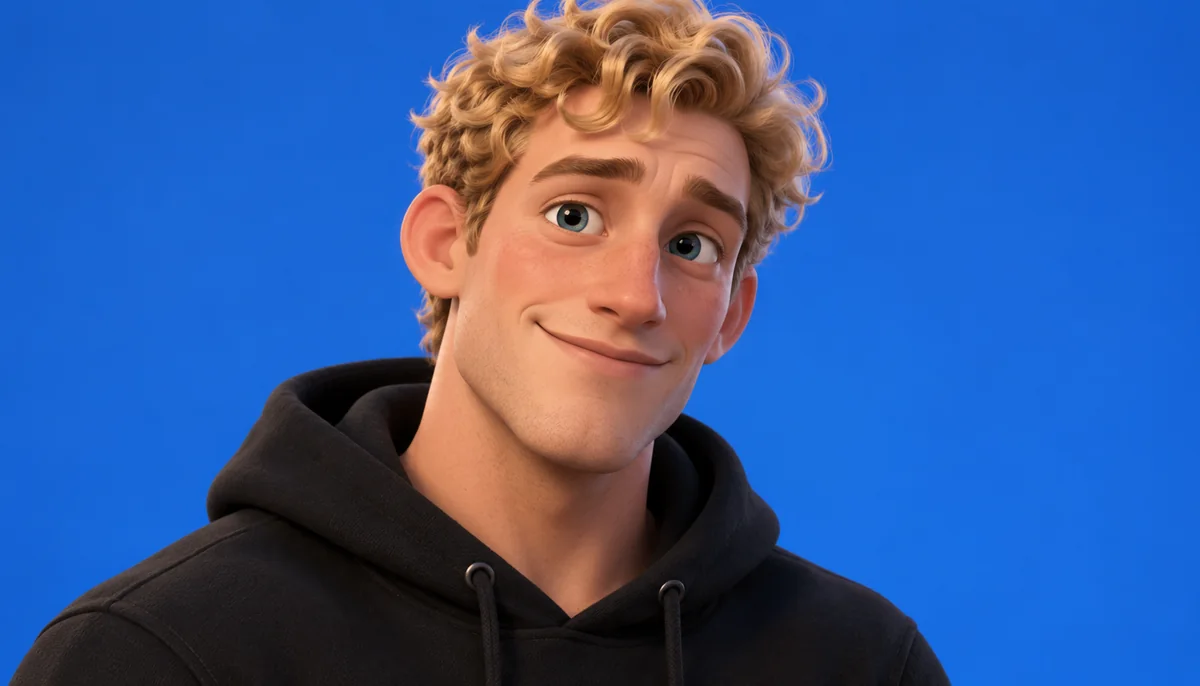
A portrait restyled as a friendly 3D animated character with big eyes and soft lighting.
Create or edit an image in three steps, right in your browser.
Describe the image you want, or upload a photo and say what to change. Add a second photo when you want to blend two images, such as a product and a scene, or an outfit and a person.
Pick an aspect ratio, from square posts to 9:16 stories and 21:9 banners, or leave it on Auto to follow your photo. Then choose PNG or JPEG.
Generate, review the result, and continue with a follow-up instruction like “make the lighting warmer” until it looks right.
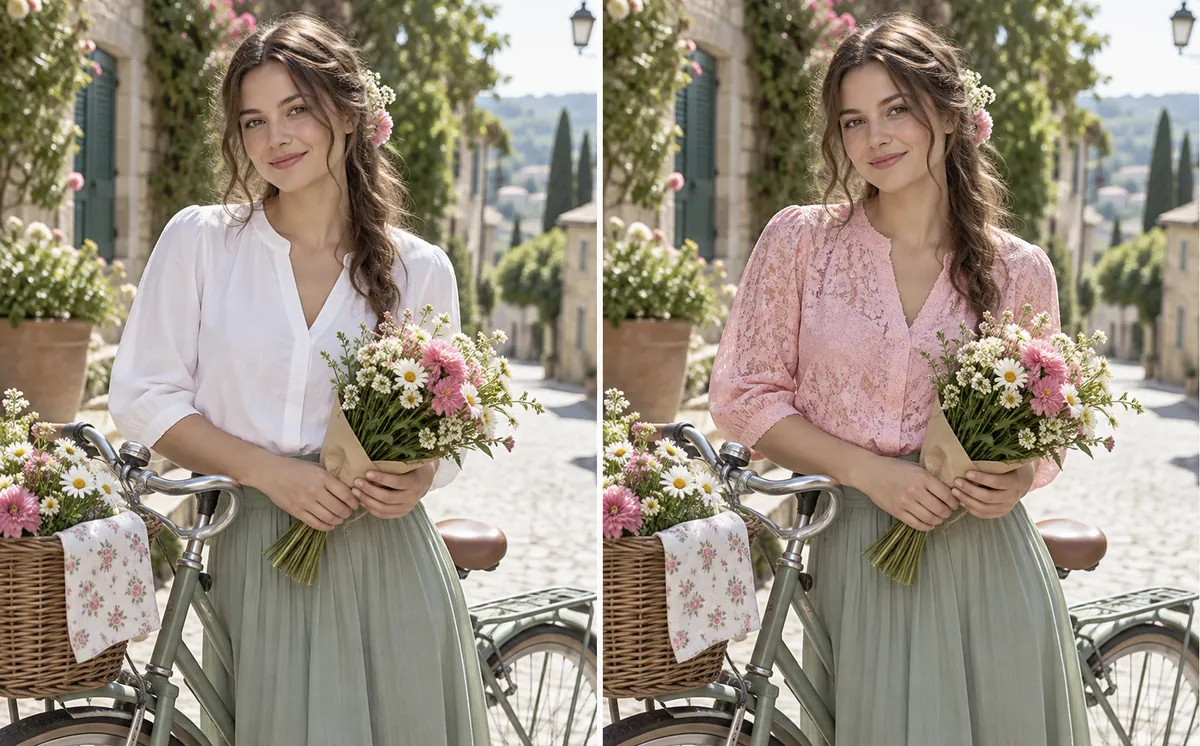
Say what should change and Nano Banana edits only that part: a new top, a different background, a removed stranger, or a colorized black-and-white photo. The pose, light, and everything you did not mention stay as they were.

Character consistency is the model’s signature skill. Put the same person, pet, or product into new places and poses and it stays recognizable, which is ideal for photo series, comics, and brand sets.
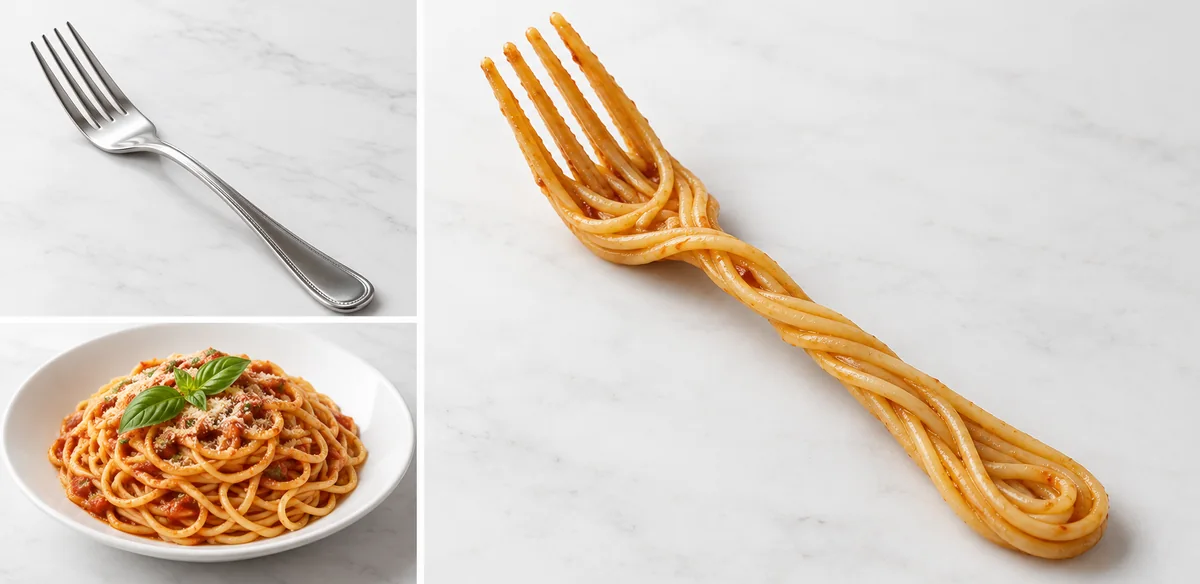
Upload two pictures and describe how they should combine. Nano Banana can merge objects, drop a product into a scene, or apply the texture of one image to another, like turning a plate of spaghetti and a fork into a spaghetti fork.
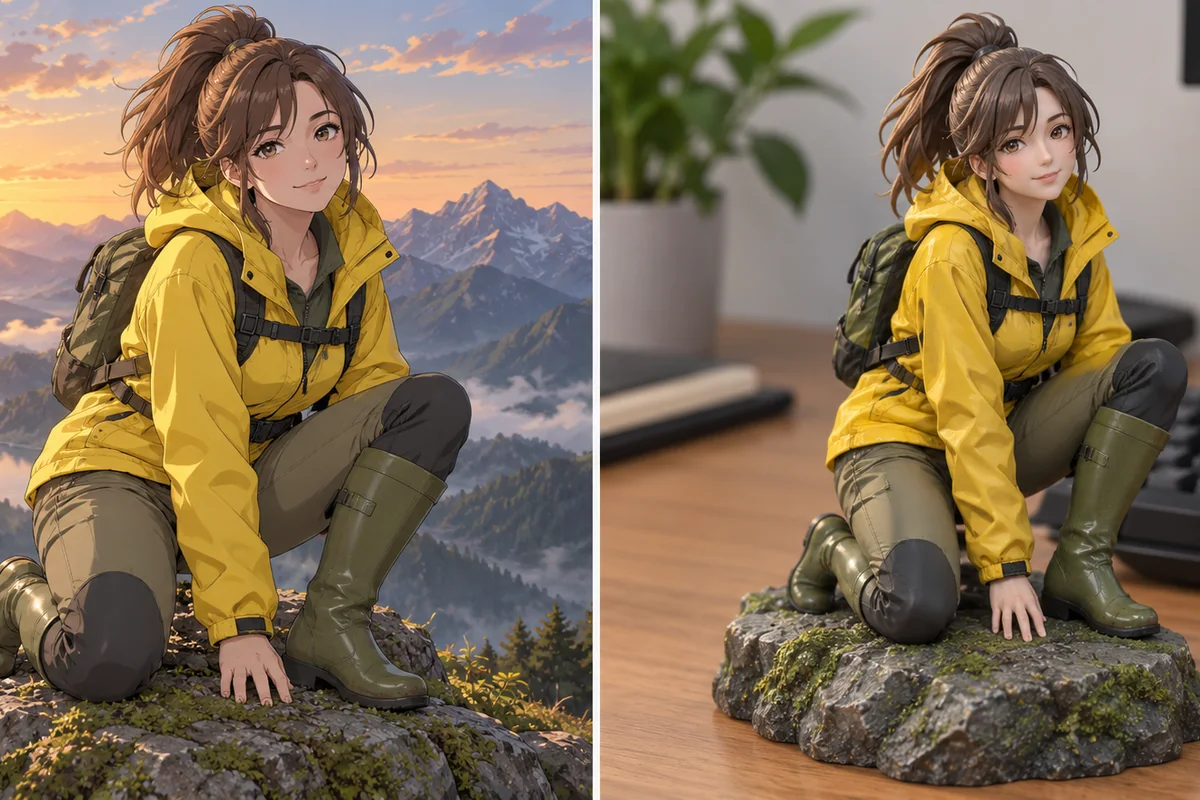
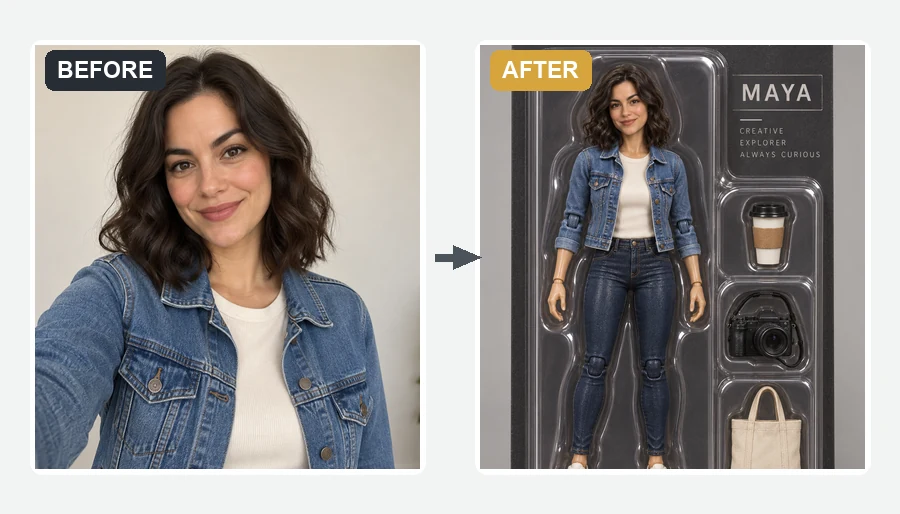
The trend that made the Nano Banana tool famous: turn a selfie, a pet, or an illustration into a collectible figure on a desk, a toy box, or a 3D cartoon character, while keeping the original look.
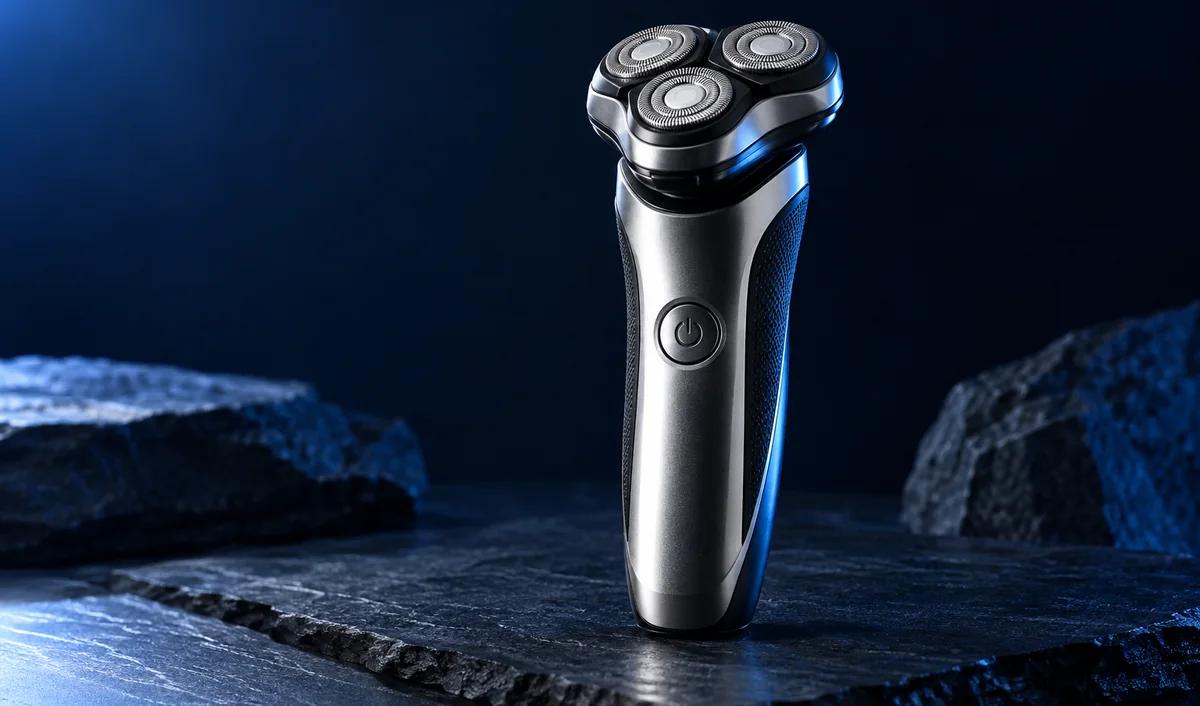
Place one product photo into new scenes, colors, and seasonal backdrops for listings and ads without a reshoot.
Make figurines, retro polaroids, stickers, and profile pictures that still look like you.
Keep one character consistent across storyboard frames, comic panels, and keyframes for video.
Remove distractions, restore old family photos, or change the background with one sentence.
Write it like you would brief a photographer or illustrator.
Full sentences beat keyword lists: who, where, what light, what mood, and what camera angle.
For edits, add “keep the face, pose, and background the same” so only your change is applied.
Big makeovers work better as a few short follow-up edits than one long instruction.
Put words in quotes and keep them to a short caption or label. For long text, use Nano Banana 2 or Pro.
Common questions about Google’s Nano Banana image model.
Nano Banana is the popular name for Gemini 2.5 Flash Image, Google DeepMind’s image generation and editing model. It creates images from text and edits photos from plain-language instructions, with strong character consistency, multi-image blending, and real-world knowledge.
The model was tested anonymously under the code name “nano-banana”, and Google kept the nickname. The official spelling is Nano Banana. You will also see it written as NanoBanana, Banana Nano, Banana AI, Nano Banana IA (in Spanish and Portuguese), or misspelled as Nano Banna, Nano Bana, Nano Bannana, or Nano Bananna. They all mean the same model.
Nano Banana (Gemini 2.5 Flash Image) is the original, quick, low-cost model with about 1K output. Nano Banana 2 (Gemini 3.1 Flash Image) adds 1K to 4K output, up to 14 reference images, ultra-wide ratios, and much better text. Nano Banana Pro (Gemini 3 Pro Image) is the highest-fidelity option for precise text, layouts, and studio-quality results.
Change clothes, colors, backgrounds, or the time of day; remove objects or people; restore and colorize old photos; change a pose or expression; restyle a photo as a cartoon, figurine, or painting; and blend several images into one scene, all from a text instruction.
Google offers limited access in its own apps. On EzImgMaker, new users get free credits to try Nano Banana, and after that each generation uses credits from a credit pack. The cost is shown before you generate.
Nano Banana outputs images of about 1K (around 1024 pixels) in the aspect ratio you choose, which suits social media and the web. For 2K or 4K output, use Nano Banana 2 or Nano Banana Pro.
Google embeds an invisible SynthID watermark in images created or edited by the model so they can be identified as AI-generated. It does not change how the image looks.
No. EzImgMaker is an independent service that gives you access to the Nano Banana model. It is not affiliated with or endorsed by Google or Google DeepMind. The official home of the model is Google’s Gemini app and developer platforms.
Only upload photos you own or have permission to edit. Do not use Nano Banana to create misleading images of real people, to impersonate anyone, or to edit other people’s work without the rights to do so.
Describe a new image or upload a photo and tell Nano Banana what to change.
Nano Banana, Gemini, and Google are trademarks of Google LLC. EzImgMaker is an independent service and is not affiliated with, endorsed by, or sponsored by Google or Google DeepMind. Model names are used only to describe compatibility.