
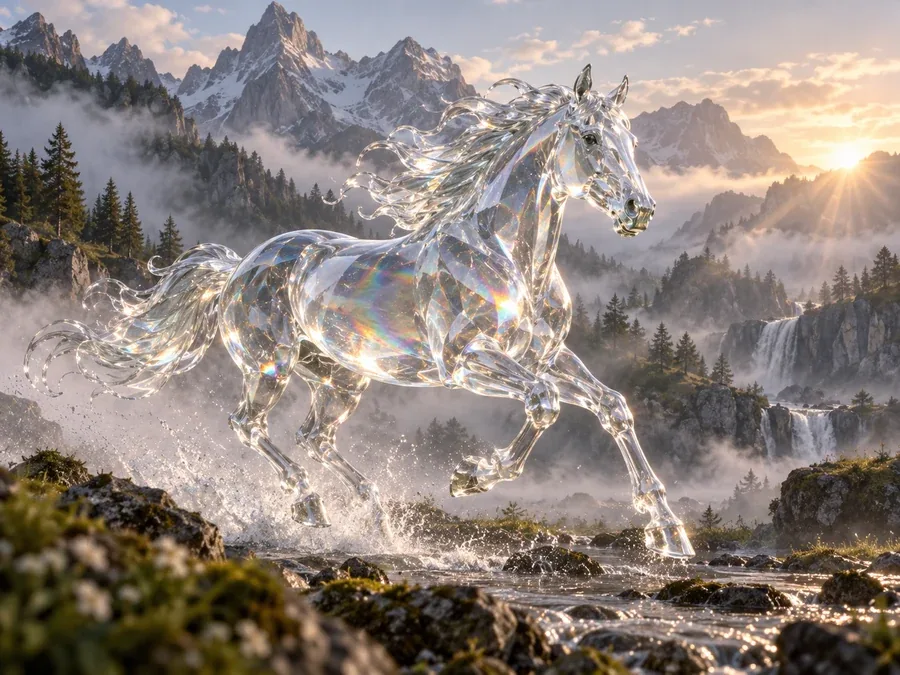
Creatures and Concept Art
Glass horses, friendly monsters, and imaginary animals for stories, games, and mood boards.
Describe what you want to see, or add a photo to restyle or merge, then pick Nano Banana 2, Nano Banana Pro, Seedream 4.5, GPT Image 2, or FLUX.2. One AI image creator for every style and aspect ratio, with free credits when you sign up.
Style
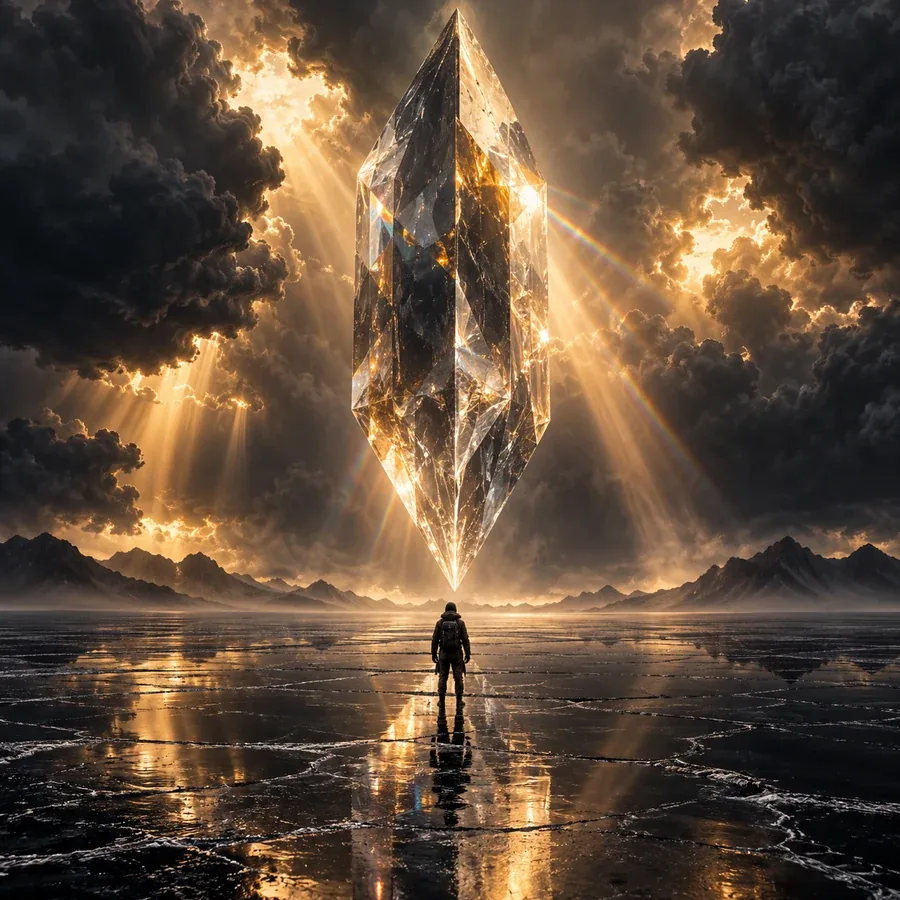
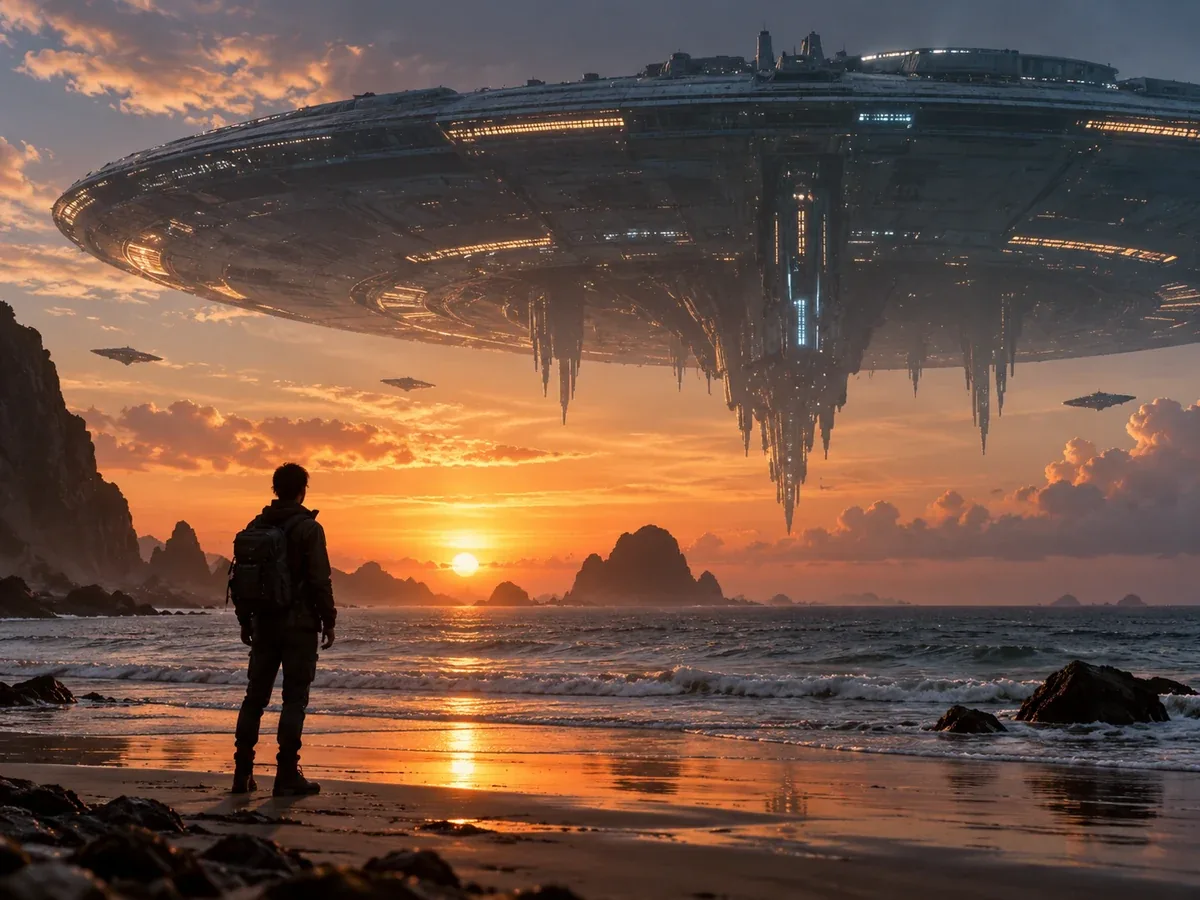
A lone explorer crossing a black salt flat beneath a colossal floating crystal prism, amber light breaking through storm clouds, wide cinematic frame, tiny silhouette, photorealistic sci-fi.
Reference example. It is not a result generated from your upload.
An AI image generator turns words into pictures. Describe a subject, a setting, a style, and the light you want, and the model paints a brand-new image from scratch: a product shot, a poster, a fantasy scene, or a photo that never existed. Add a photo and the same AI image creator can restyle it, change details, or merge it with a second picture, so one tool covers text to image and image to image.
EzImgMaker brings several leading models into one AI image maker: Nano Banana 2 and Nano Banana Pro from Google, Seedream 4.5 from ByteDance, GPT Image 2 from OpenAI, and FLUX.2 from Black Forest Labs. Instead of juggling separate AI image generation services, you switch models with one click, keep your prompt, and compare the results side by side. It is a free AI image generator to try: new accounts get free credits when they sign up, and each image after that uses credits shown on the button before you generate.
Concept art, worlds, posters, and photos that look real, all from one prompt box. Tap a card to load the idea or style into the generator.
Glass horses, friendly monsters, and imaginary animals for stories, games, and mood boards.
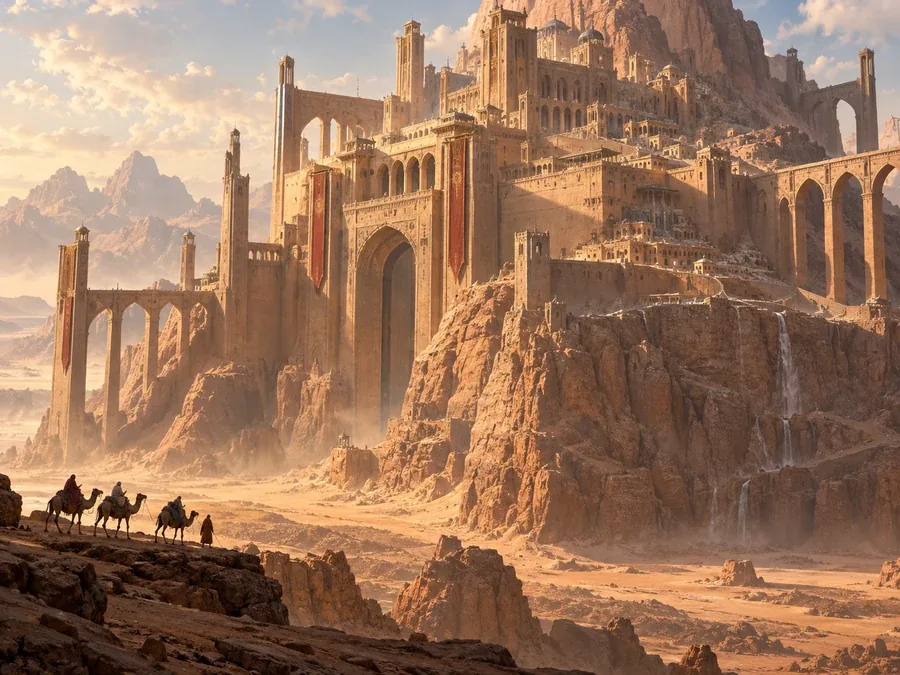
Desert citadels, floating towns, and futuristic skylines painted with cinematic scale.
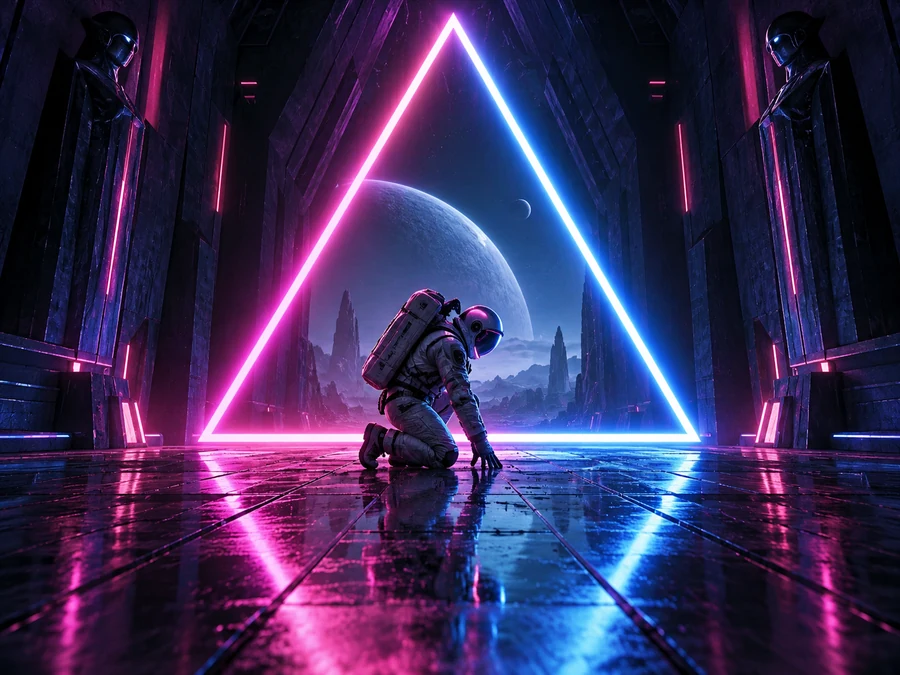
Astronauts, glowing corridors, and cyberpunk streets lit in pink, blue, and orange.
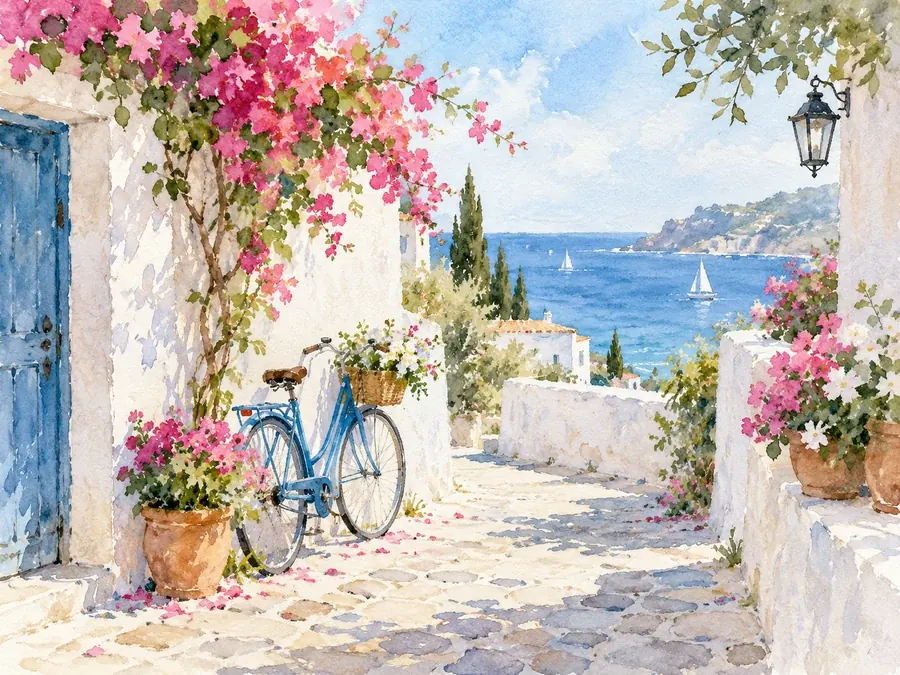
A seaside lane full of flowers, painted in soft washes you could frame or print as a card.
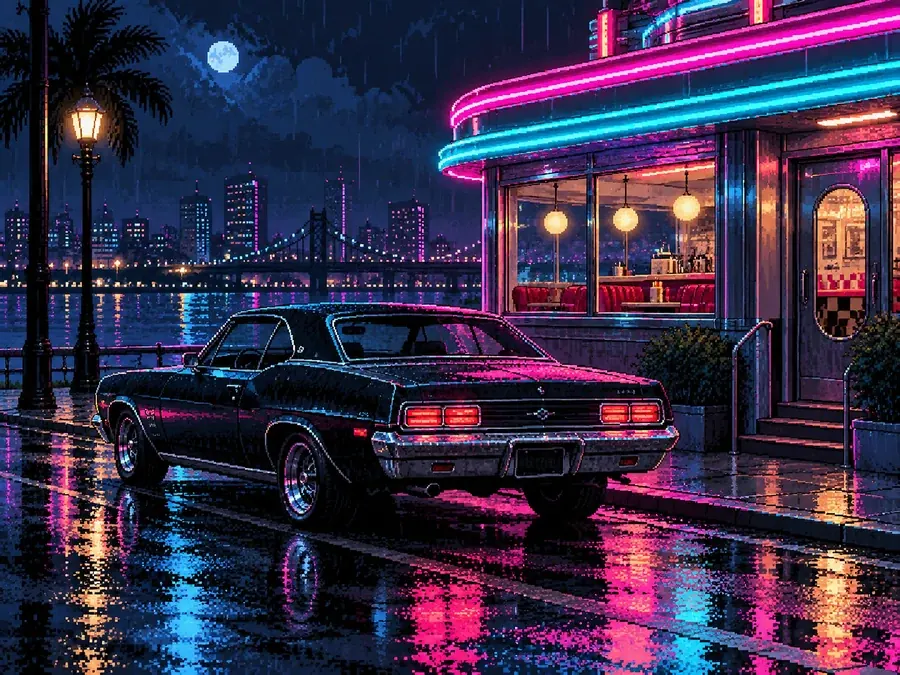
Retro car scenes, sprites, and backgrounds in a crisp 16-bit look for indie games and streams.
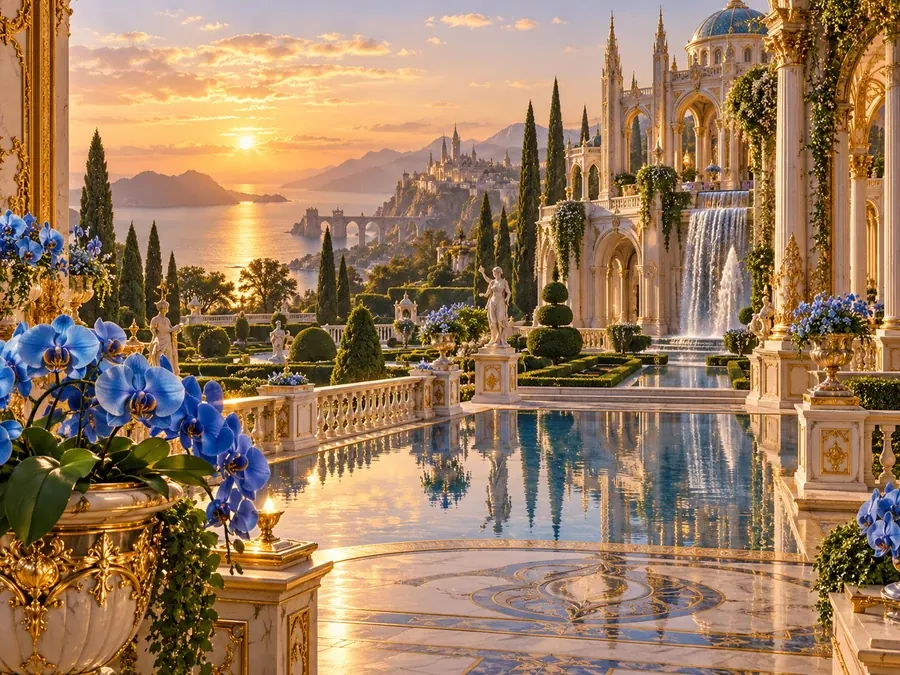
Gilded palaces, blue orchids, and lush gardens with the detail of a storybook plate.
Make an image from a sentence, or upload a photo and let the AI generate images from it.
Type what you want to see in plain words, or tap an idea chip to start. To send pictures to AI, switch to Image to Image and upload a photo to restyle, or two photos to merge into one scene.
Choose Nano Banana 2, Nano Banana Pro, Seedream 4.5, GPT Image 2, or FLUX.2, then a style such as Photorealistic, Oil Painting, or Pixel Art, and a square, wide, or vertical ratio.
Press Generate to create an image. Not quite right? Change a few words and regenerate image variations or try another model, then download your favorite AI generator image in full resolution.
Every model in this picture generator AI has a strength. Start with the one that fits your job, then compare.
| Model | Made by | Best for | Text in images |
|---|---|---|---|
| Nano Banana 2 | Fast, high-quality everyday images and quick photo edits | Clear, readable short text | |
| Nano Banana Pro | Detailed scenes, infographics, and exact layouts | Most precise long text | |
| Seedream 4.5 | ByteDance | Vivid, photo-like images and consistent characters | Good for titles and labels |
| GPT Image 2 | OpenAI | Following long, detailed instructions and posters | Strong typography |
| FLUX.2 | Black Forest Labs | Photorealism, natural skin, and product shots | Good for short text |
Each image shows its credit cost before you generate; prices differ by model.
Write your prompt once and run it on Nano Banana 2, Nano Banana Pro, Seedream 4.5, GPT Image 2, or FLUX.2. This all-in-one AI creator saves you from opening five apps to find the best image AI for a job: use FLUX.2 as a photo AI generator to generate photorealistic portraits, GPT Image 2 for posters, then keep the version you like.
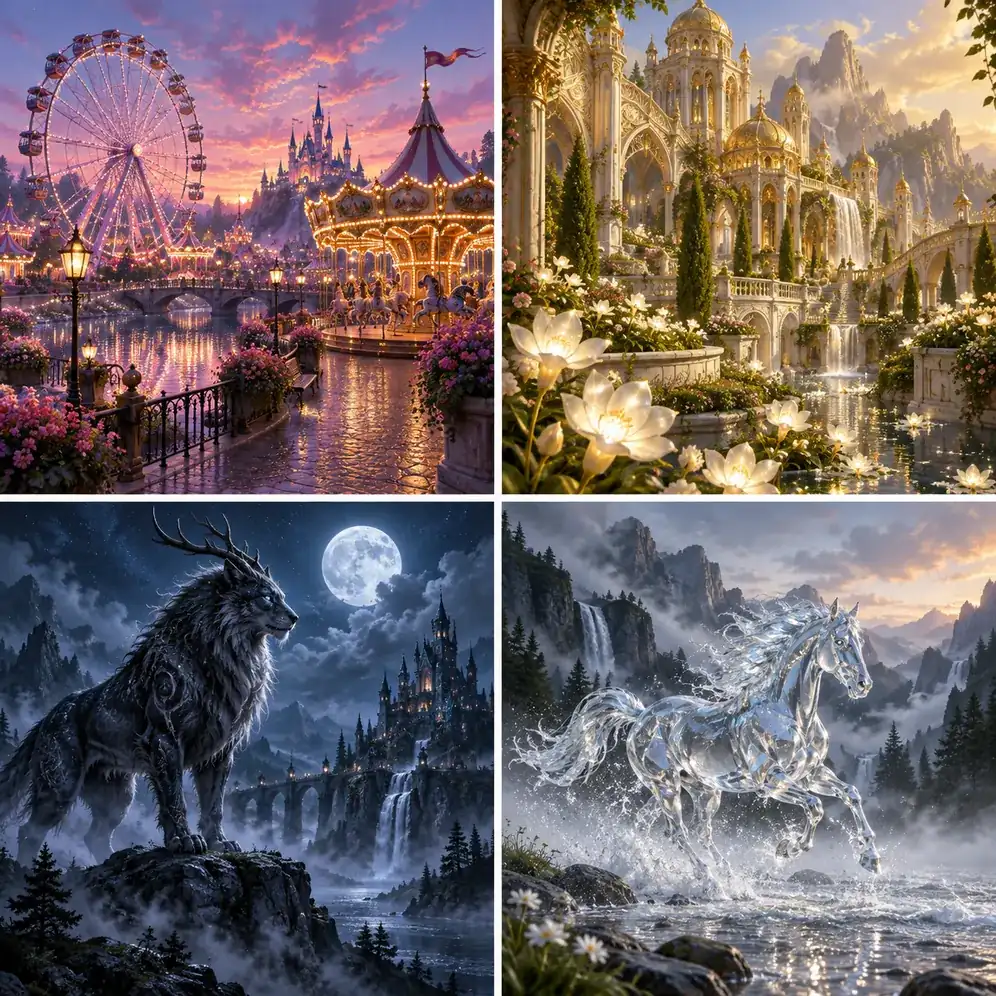
Your prompt decides what is in the picture; the style decides how it looks. Pick Photorealistic, Cinematic, Product Studio, Oil Painting, Watercolor, Paper Art, 3D Render, Retro Poster, Pixel Art, Fantasy Art, or Neon Glow without learning style keywords, perfect for recreating pictures in a new look.
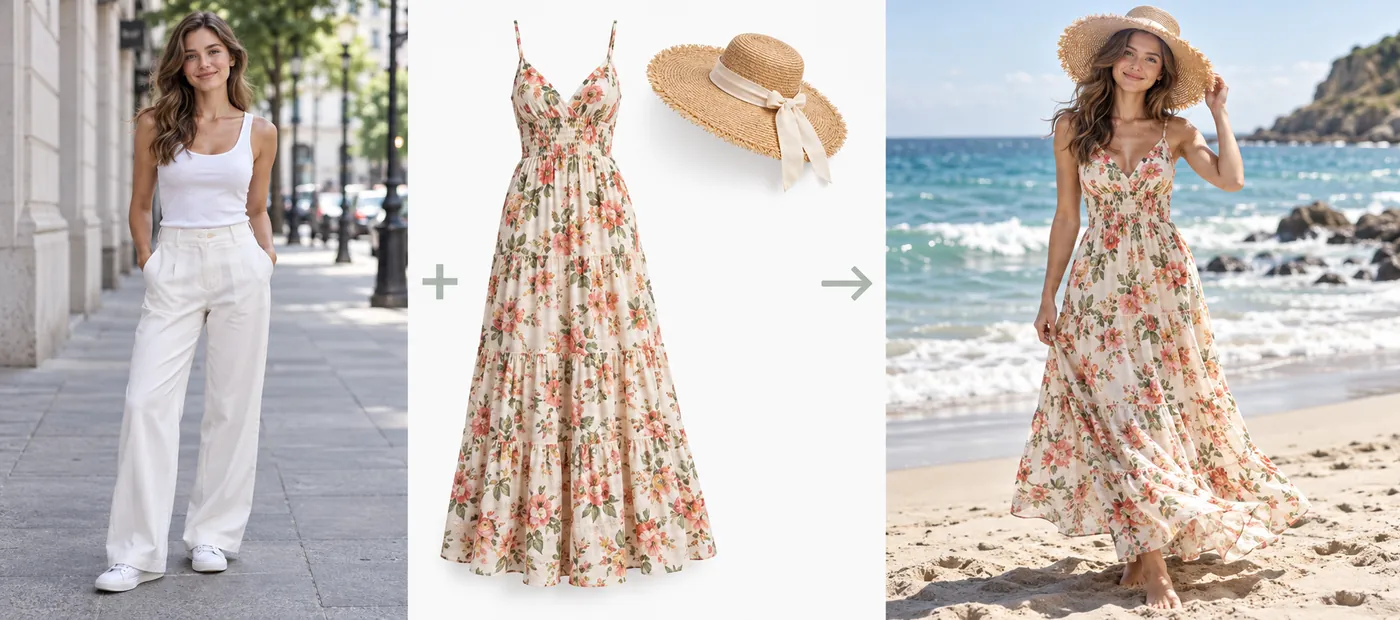
Upload two photos and describe how they fit together: put a person in a new outfit, a product in a lifestyle scene, or two pets on the same beach. Whether you call it an image merger AI, a photo merge AI, a photo merger AI, a photo combiner AI, or an AI image fuser, it matches light, scale, and shadows, so you can make a picture out of photos instead of cutting and pasting.
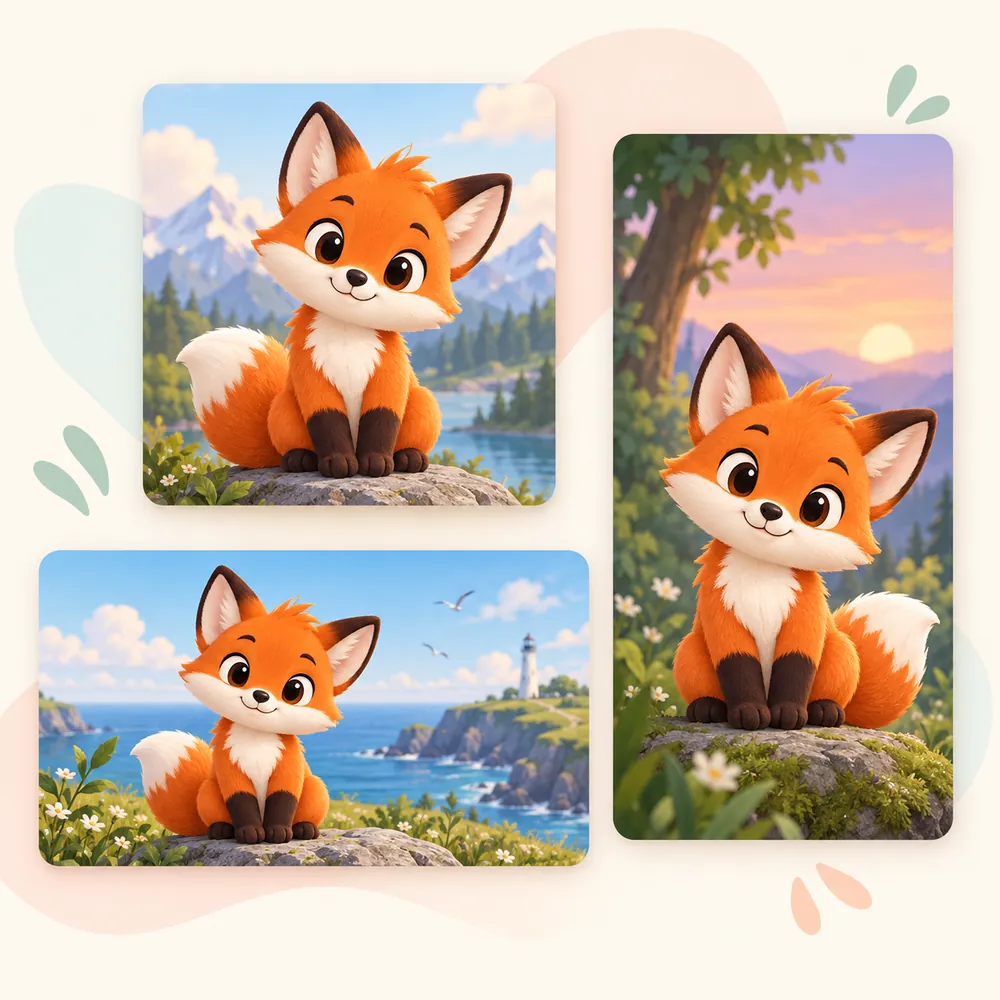
Generate a square post, a 16:9 thumbnail, a 9:16 story, or a 4:3 or 3:4 print from the same idea. Choosing the ratio first keeps your subject framed instead of cropped later.
From product photos to party cards, one AI image generator covers the visuals you used to search stock sites for.
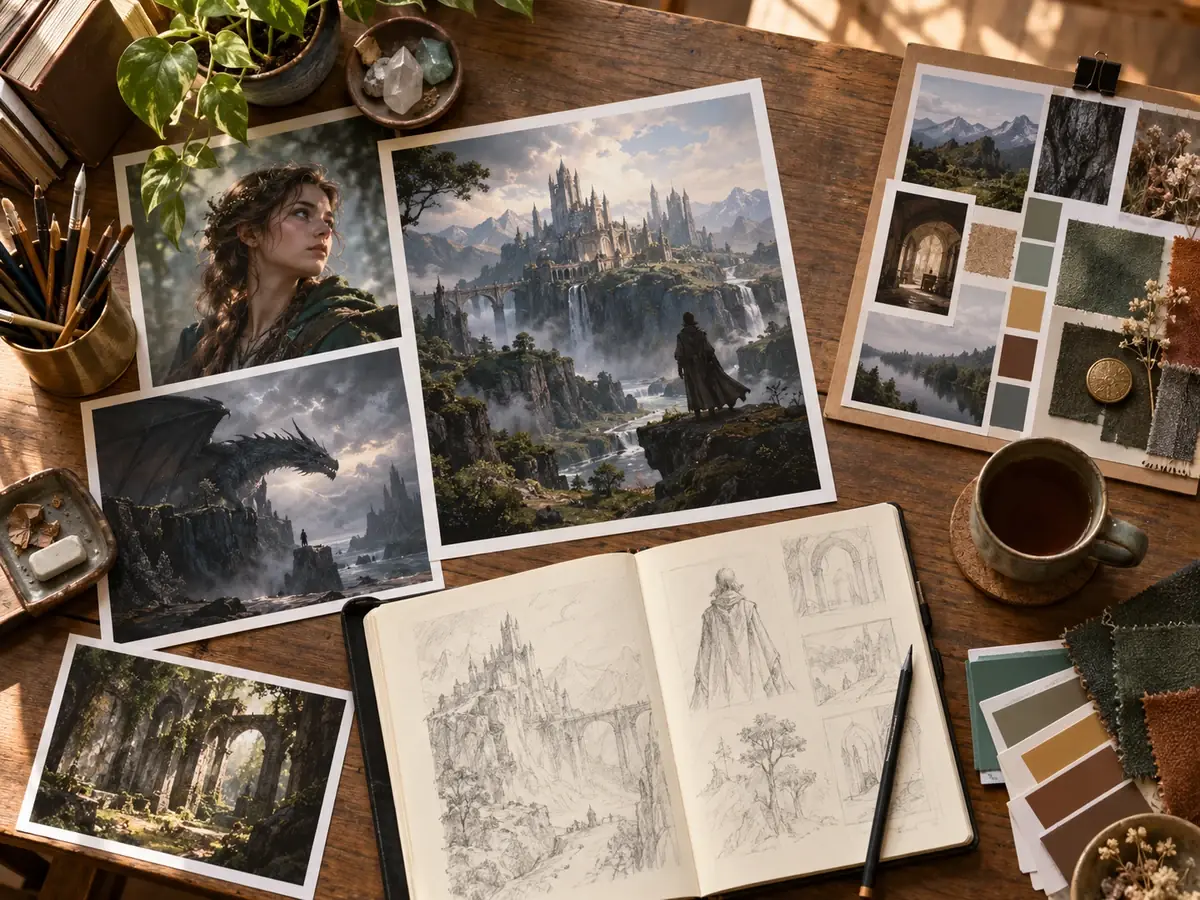
Use it as an AI bottle generator for packaging mockups, or design AI generated shoes with an AI shoe maker prompt.
An AI food generator for menus and recipe blogs; as an AI food image generator it styles each dish like a real food shoot.
Try it as an AI jersey generator for team kits, or an AI football card generator for collectible cards.
AI generated birthday wishes, a photostrip creator for party favors, and a Mother’s Day AI photo generator for keepsakes.
Car AI photos from a car AI generator, AI generated city skylines, and AI generated monsters for games and stories.
AI generated flags for fictional worlds, and an AI site plan generator for early concept sketches.
AI generated winter images, spring blossoms, and AI photo nature scenes for seasonal posts and wallpapers.
An AI drama generator for movie-poster moments, book covers, and storyboard frames with consistent characters.
Small changes in wording make a big difference to what the AI picture creator draws.
Start with who or what the picture is about, then add the setting, mood, light, and camera angle.
Write “oil painting” or “35mm film photo”, or leave it out and choose a style card instead.
Describe the dish, the table, and the light: “overhead shot, natural window light, shallow depth of field”.
For signs, cards, and posters, write the text in quotes and keep it short so it renders cleanly.
With AI combining photos, say what comes from each: “the person from image 1, the beach from image 2”, and let the AI combine pictures.
To regenerate an image you almost like, change one detail per round so you can see what helped.
Every image model, generator, and photo tool on EzImgMaker, grouped so you can jump straight to the right one.
 Nano Banana 2Try Nano Banana 2, the Gemini 3.1 Flash Image model: Pro-level images at Flash speed, 1K to 4K output, ultra-wide ratios, readable text, and up to 14 references.
 Nano Banana ProCreate 2K and 4K images with Nano Banana Pro, the Gemini 3 Pro Image model: legible text in many languages, infographics, multi-image blends, and studio control.
 Nano Banana 2.1Try Nano Banana 2.1, Google’s newest Nano Banana model: sharper text, steadier characters, 1K to 4K output, 15 ratio options, and edits from reference images.
 Nano BananaUse Nano Banana, the Gemini 2.5 Flash Image model, to generate pictures from text or edit photos with plain words. Blend images and keep characters consistent.
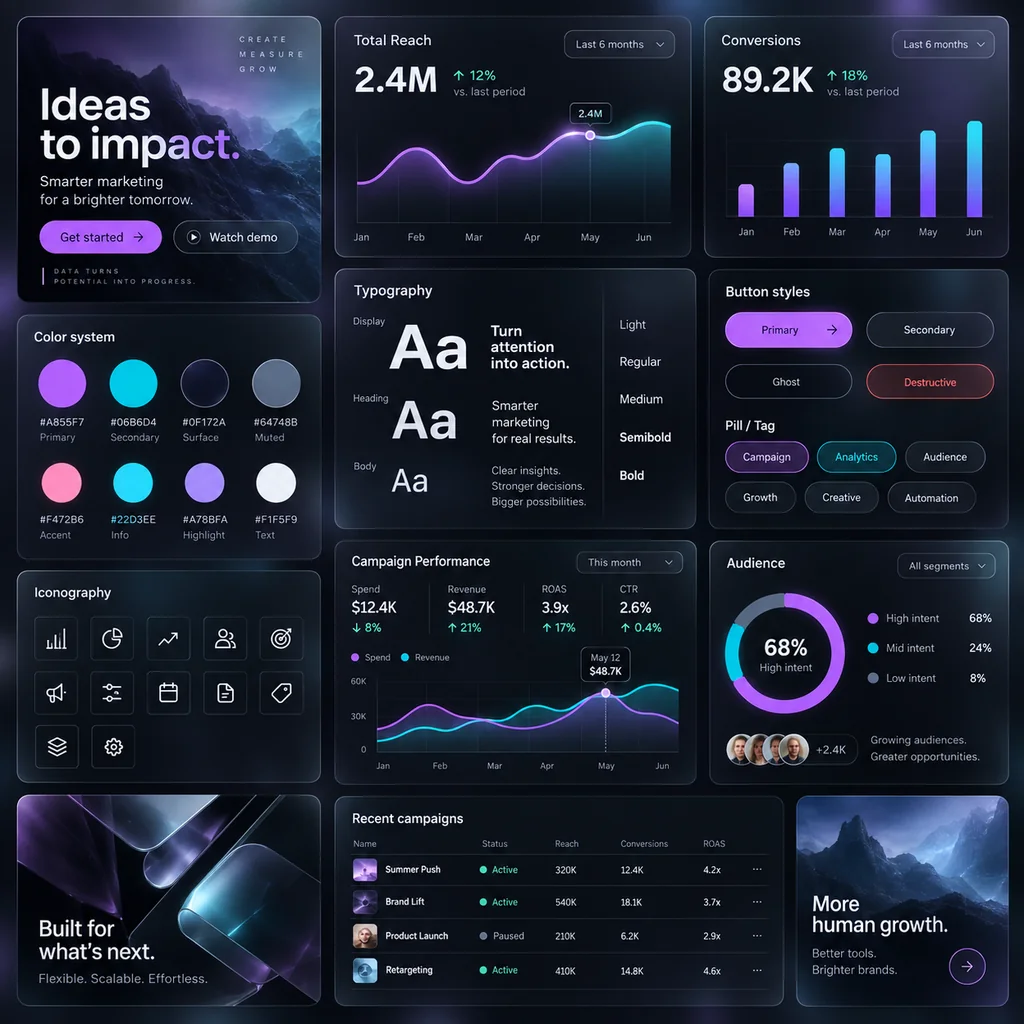 GPT Image 2Use GPT Image 2, OpenAI’s gpt-image-2 model, to create images with dense, readable text, UI mockups, and edits from up to 16 reference images, at 1K, 2K, or 4K.
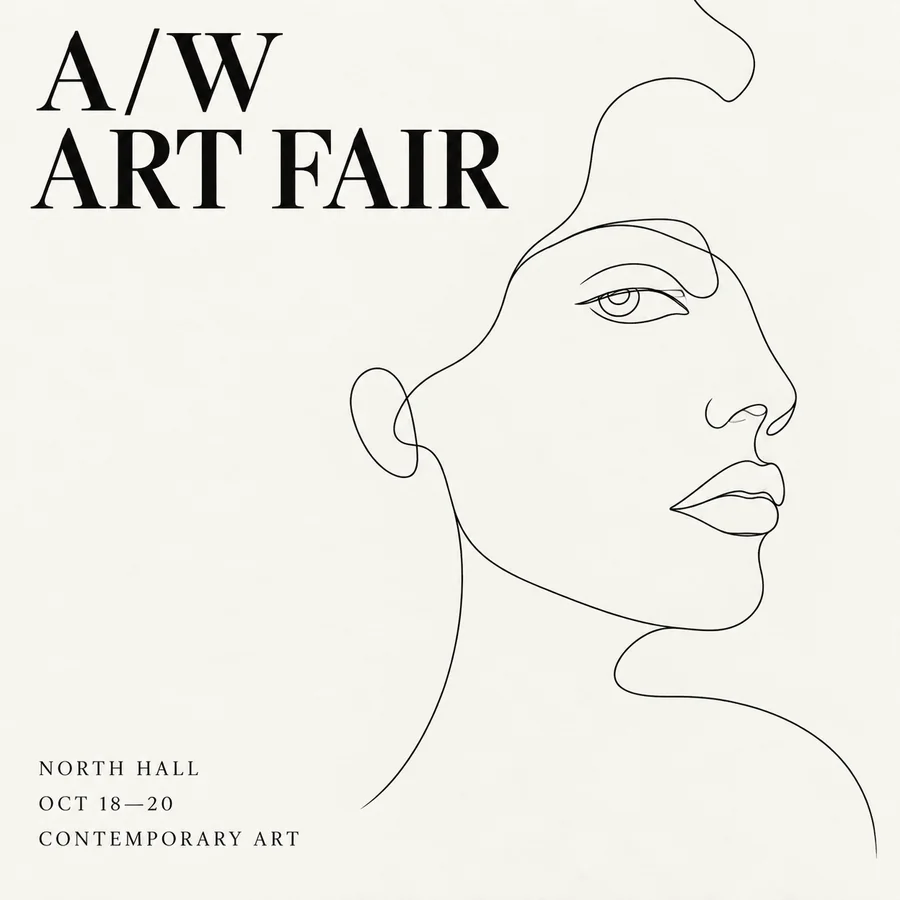 Seedream 4.5Use Seedream 4.5 online: write a prompt or add reference images, pick an aspect ratio and 2K or 4K quality, and create posters, product shots, and photo edits.
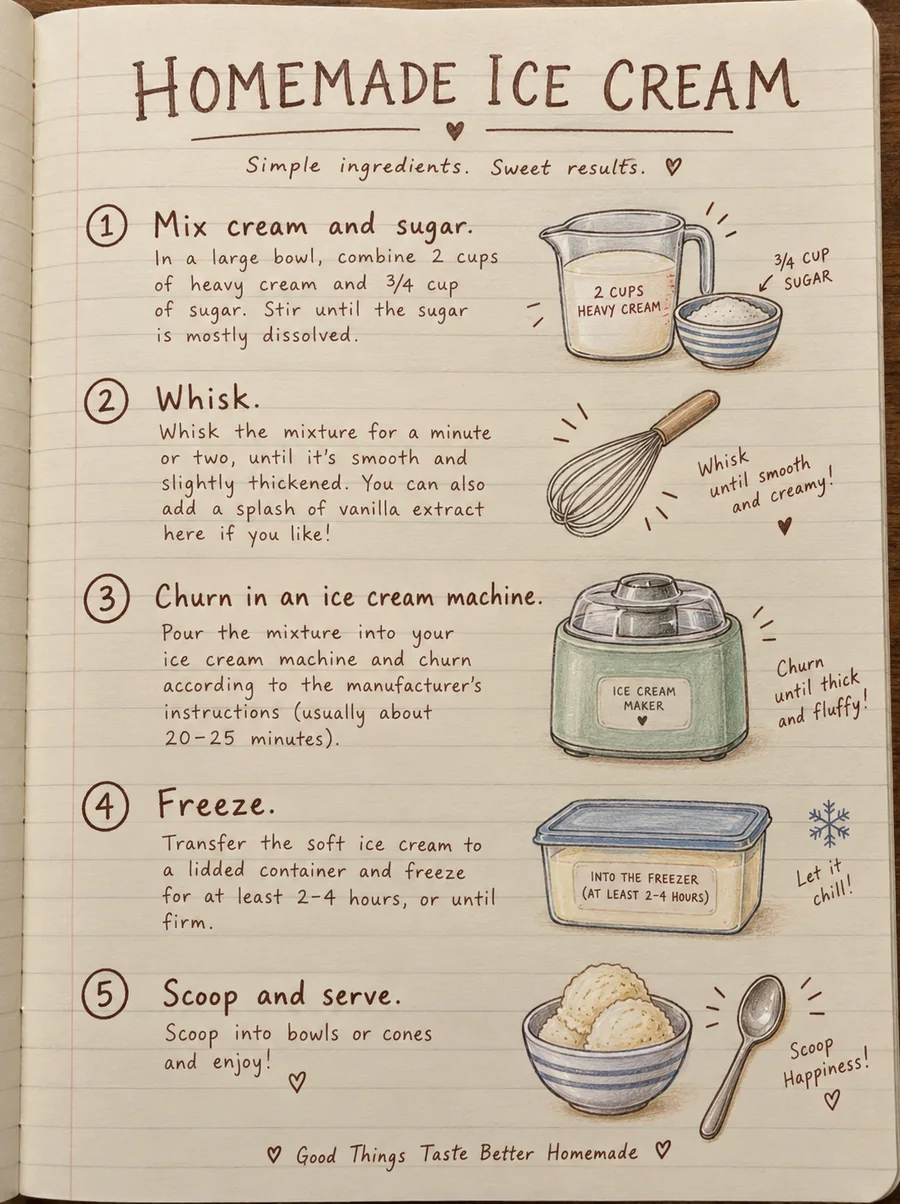 Seedream 4.0Use Seedream 4.0, ByteDance’s text to image and editing model, online. Generate up to 4K images, edit with reference photos, or switch to Seedream 4.5 or 5.0.
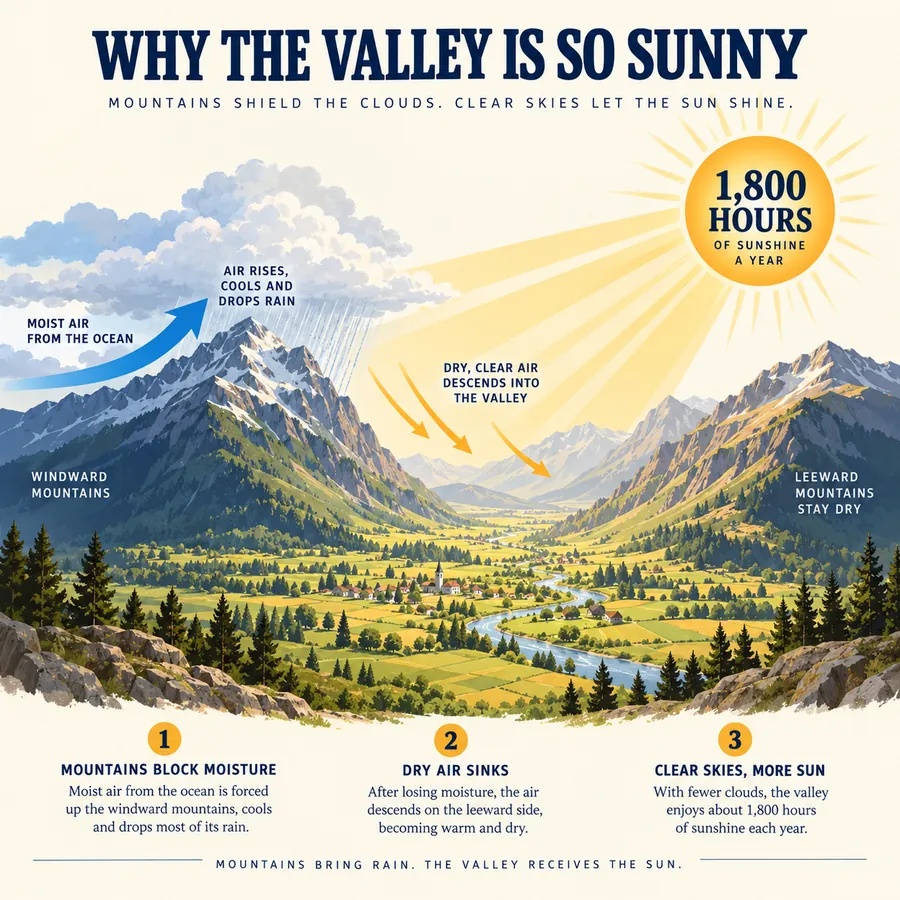 FLUX.2Try FLUX.2, the Flux 2.0 image model from Black Forest Labs. Use FLUX.2 Pro or Flex for text to image and multi-reference edits, with 1K or 2K output.
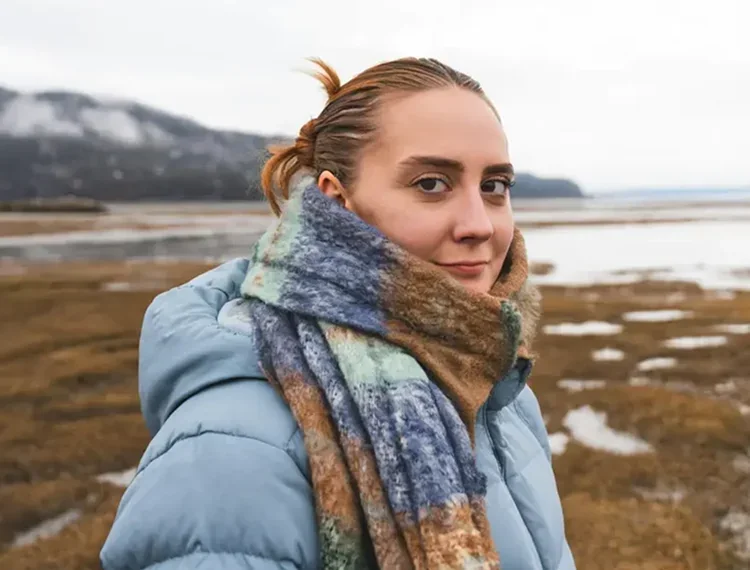 FLUX KontextUse FLUX Kontext online: upload a photo, type one instruction, and the FLUX Kontext AI model edits only what you ask while keeping faces, style, and layout.
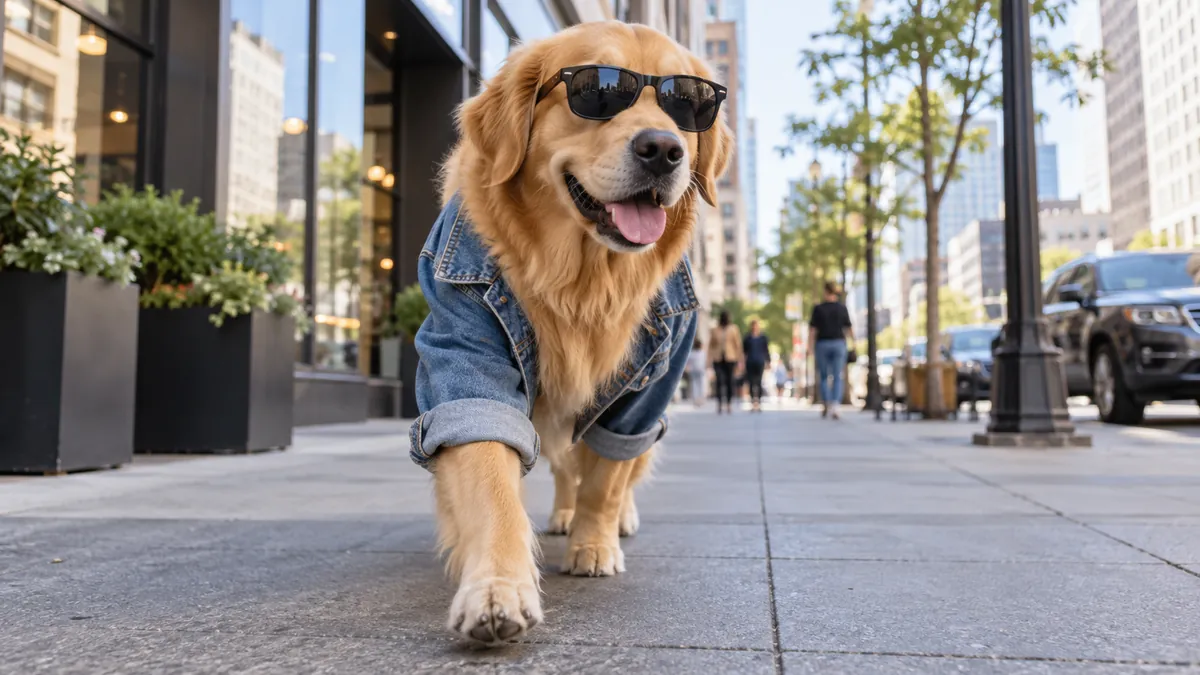 Text to Image AIText to image AI that turns words into pictures: type a prompt, pick a model and a style, and the AI image generator from text creates images you can download.
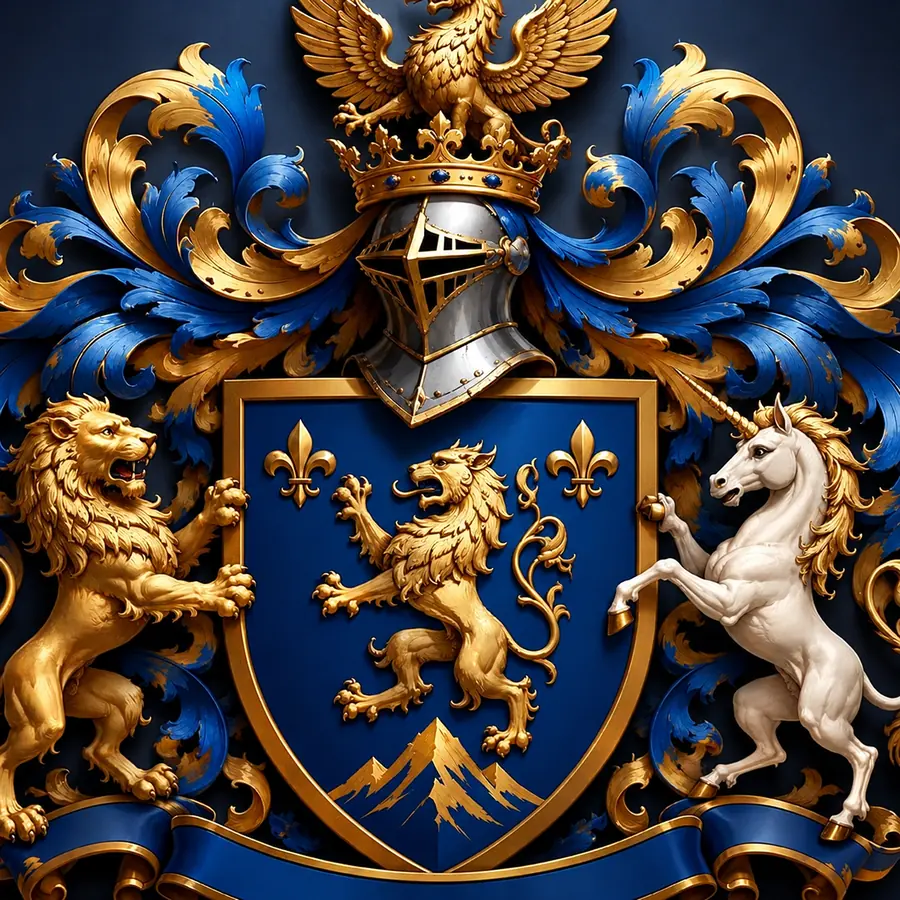 Coat of Arms GeneratorCreate a coat of arms online with the AI coat of arms generator. Describe your family name, symbols, colors, and motto, pick a heraldic style, and generate.
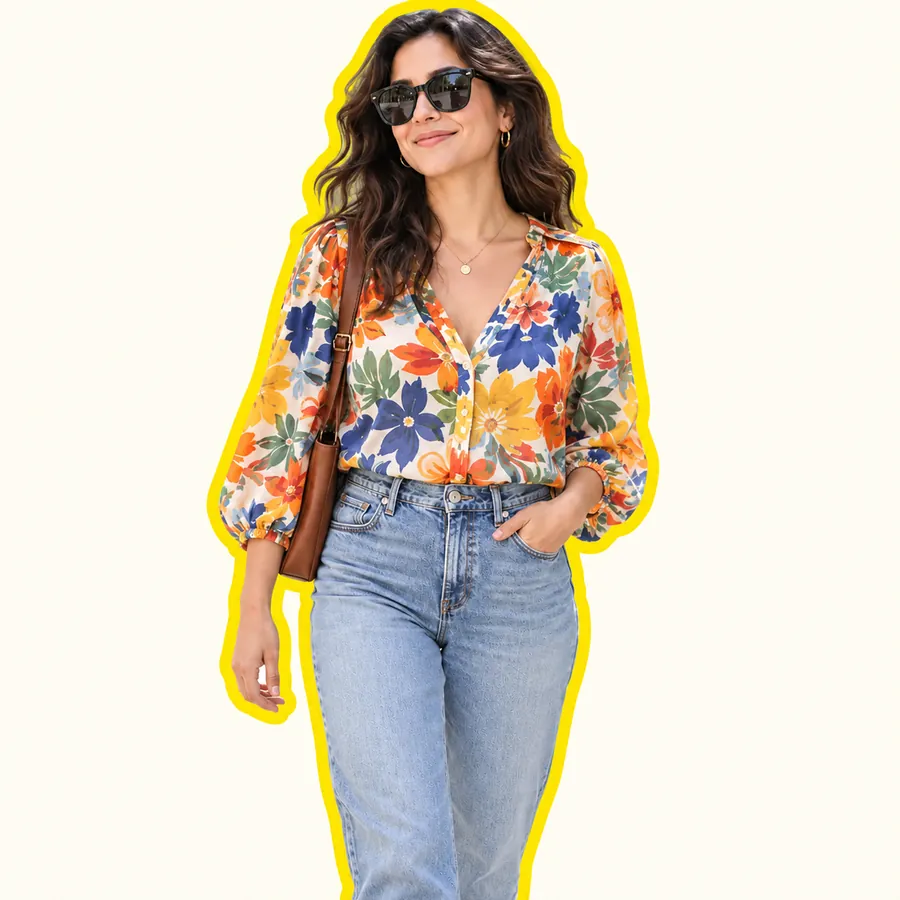 AI Sticker MakerHow to make a picture a sticker: upload a photo or screenshot, pick a style like die-cut, cartoon, chibi, or kawaii, and the AI sticker maker turns it into a PNG.
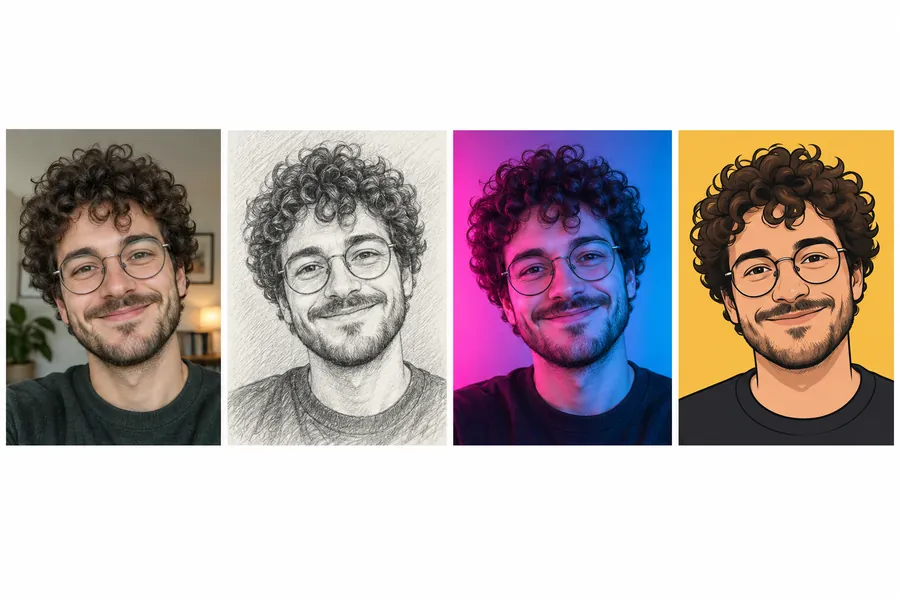 AI PFP MakerPFP maker for any app: upload a selfie, pick anime, 3D, pixel art, aesthetic, or letter styles, and the AI profile picture maker creates a square pfp to download.
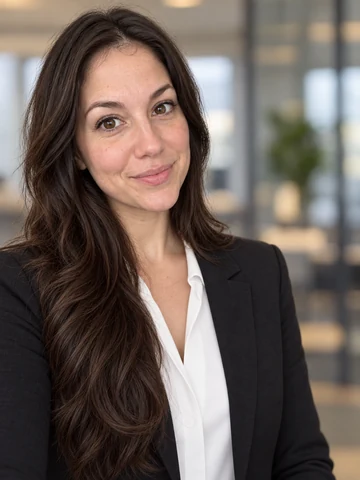 Free AI Headshot GeneratorFree AI headshot generator to try with sign-up credits. Upload a selfie, pick a style, outfit, and backdrop, and get professional headshots for LinkedIn.
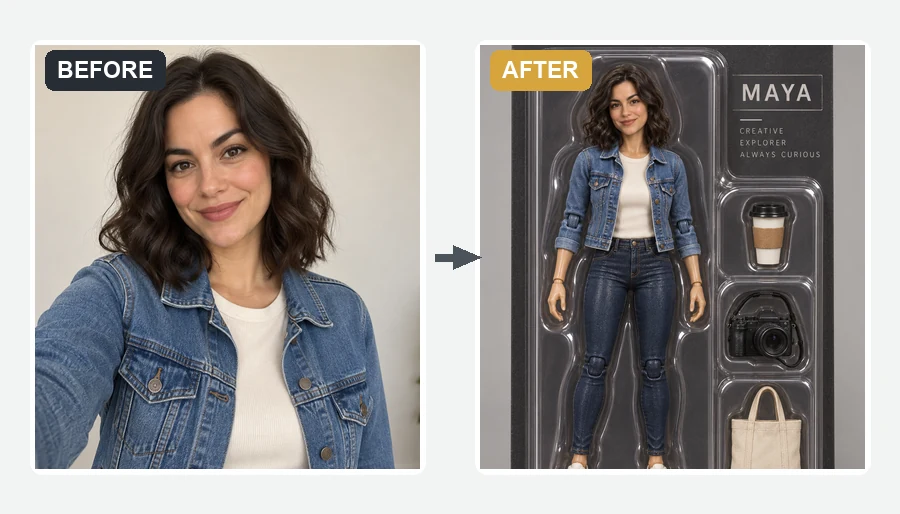 AI Action Figure GeneratorMake yourself an action figure with the AI action figure generator. Upload a photo, pick a theme, blister pack or window box, and get a boxed 3D toy of you.
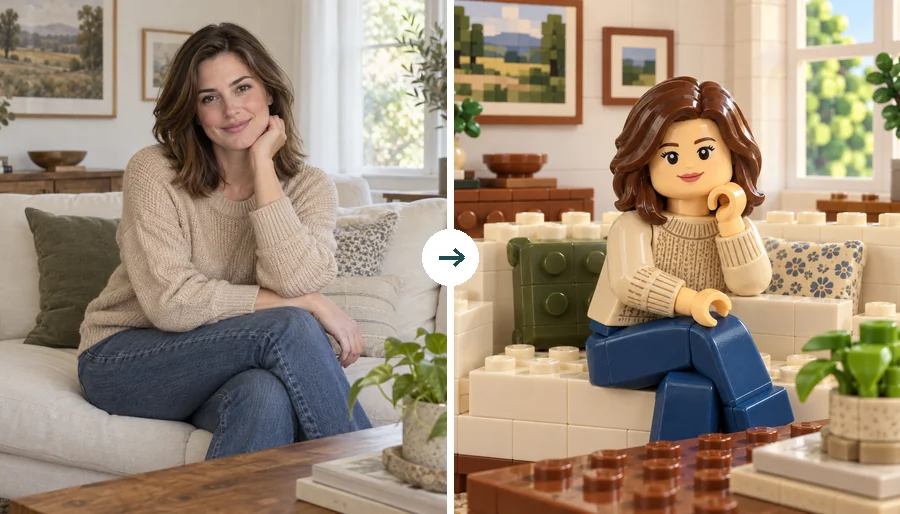 LEGO Minifigure GeneratorUse this LEGO minifigure generator to turn a selfie into a LEGO-style figure or rebuild the whole photo in bricks. Make custom LEGO minifigures from photos.
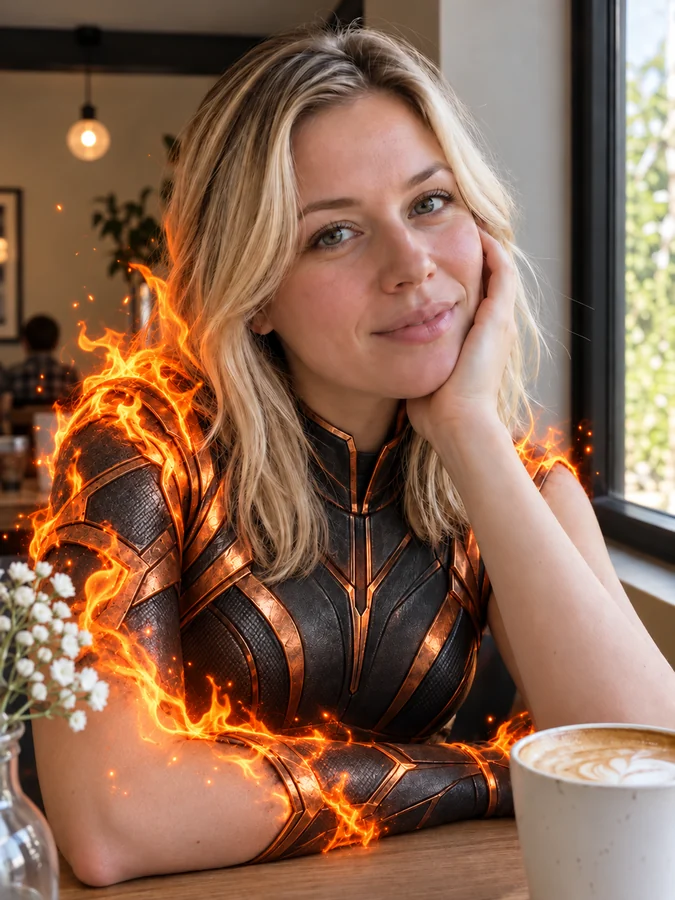 AI Superhero GeneratorUse this AI superhero generator to turn yourself into a superhero. Upload a selfie, pick a superpower and art style, and get an original hero portrait of you.
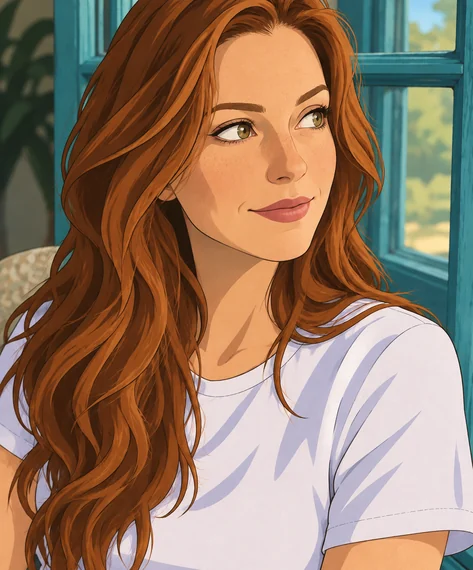 Disney Character GeneratorWhat would I look like as a Disney character? This Disney character generator turns a selfie, pet, or family photo into a Disney-style cartoon of you.
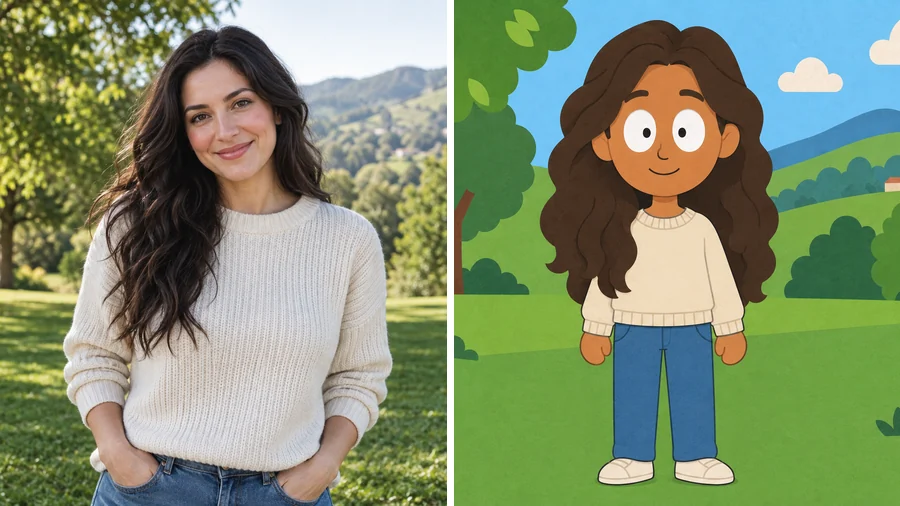 South Park Character CreatorUse this South Park character creator to turn a selfie into a flat paper-cutout cartoon. Pick a look and a scene, add details, and make South Park characters.
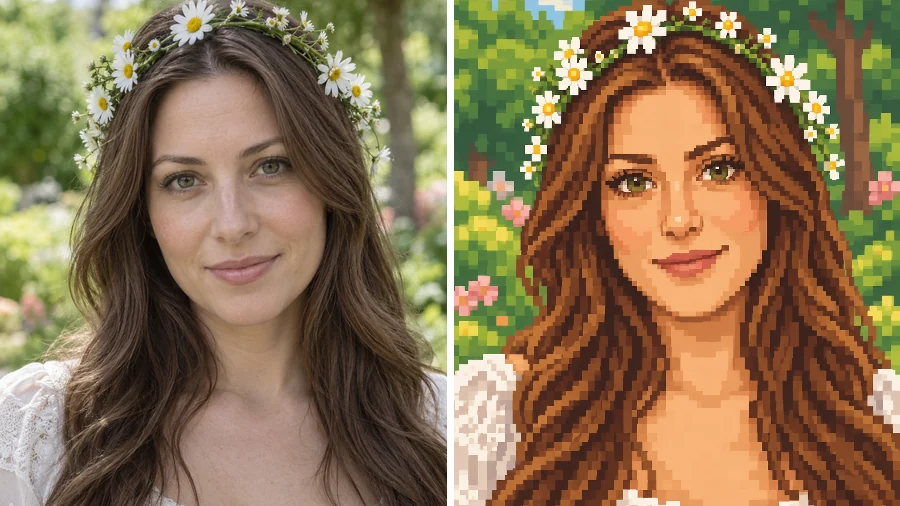 Stardew Valley Character CreatorUse this Stardew Valley character creator to turn a selfie into a cozy 16-bit pixel portrait. Pick a scene and outfit, then make your own Stardew Valley OC.
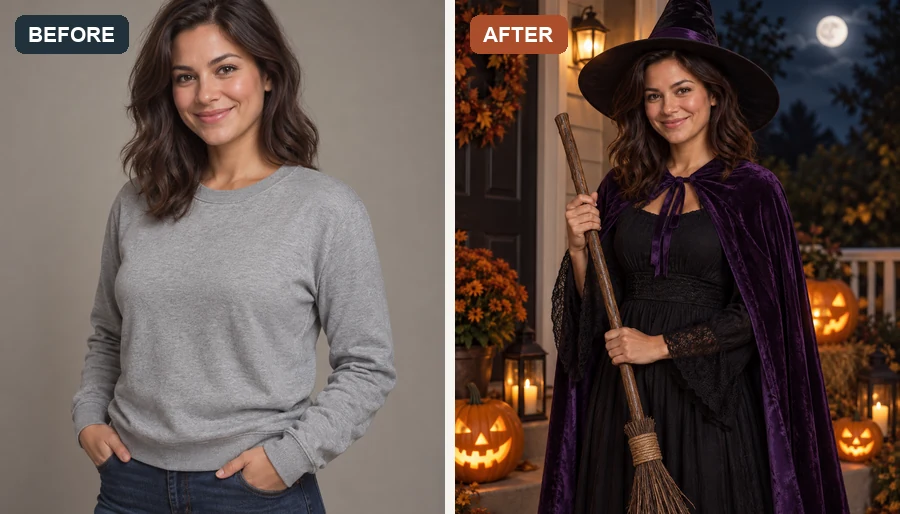 AI Halloween Costume GeneratorUse the Halloween costume generator to try an AI costume on your own photo. Pick a witch, vampire, or pirate, or hit Random for a surprise Halloween look.
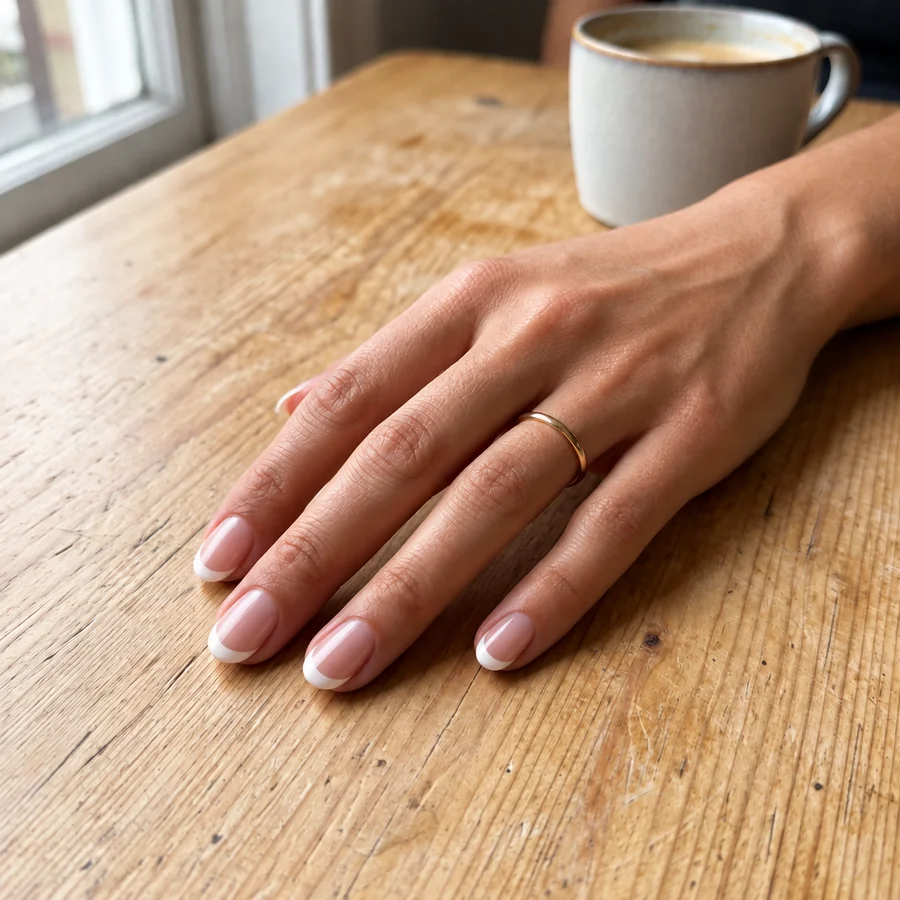 AI Nail Art GeneratorDesign your own nails with AI nails: upload a hand photo, pick a nail art style, shape, and length, and see the manicure on your real fingers before the salon.
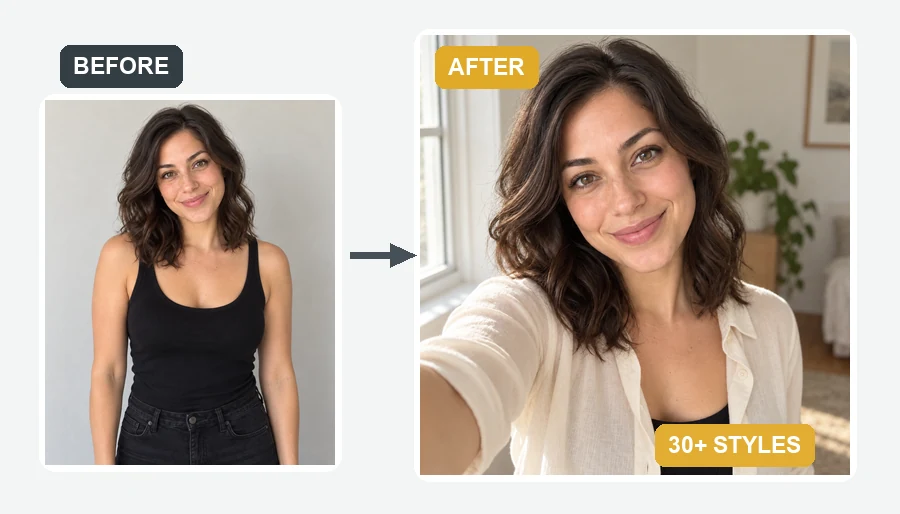 AI Selfie GeneratorUse the AI selfie generator to create AI selfies that still look like you. Upload one photo, pick a scene, cartoon style, headshot, fantasy, or occasion.
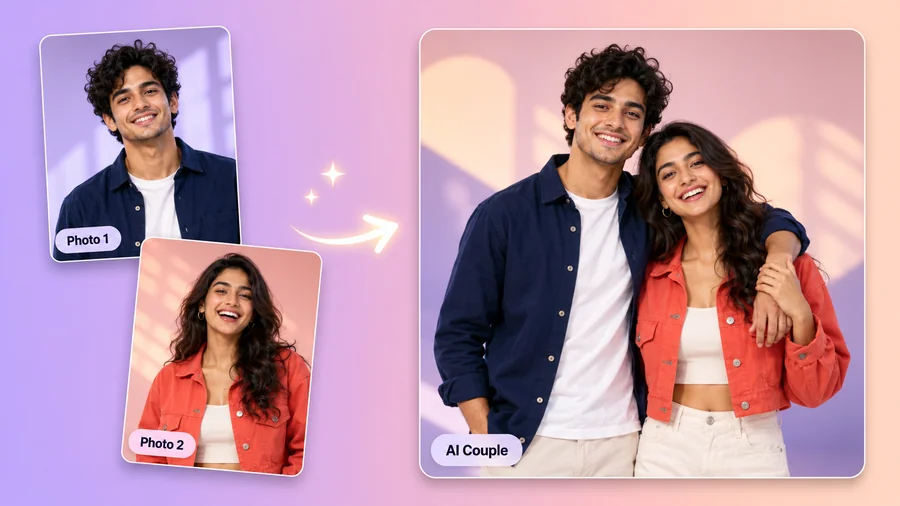 AI Couple Photo MakerTry AI photo editing for couples: upload one photo of each of you, pick a style, pose, and scene, and the AI couple photo maker creates a romantic duo picture.
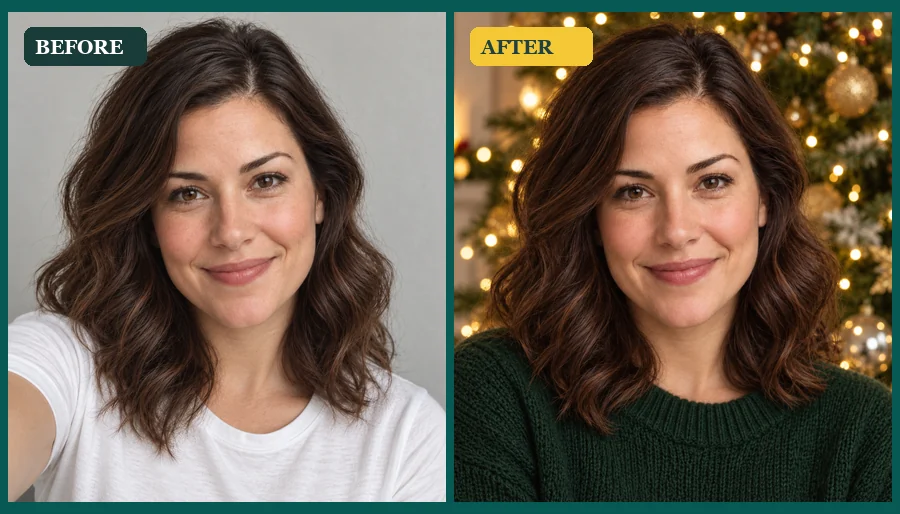 AI Christmas Photo GeneratorMake an AI Christmas photo from any selfie, couple, family, or pet picture. Pick a festive scene, outfit, style, or card and download your Christmas AI photos.
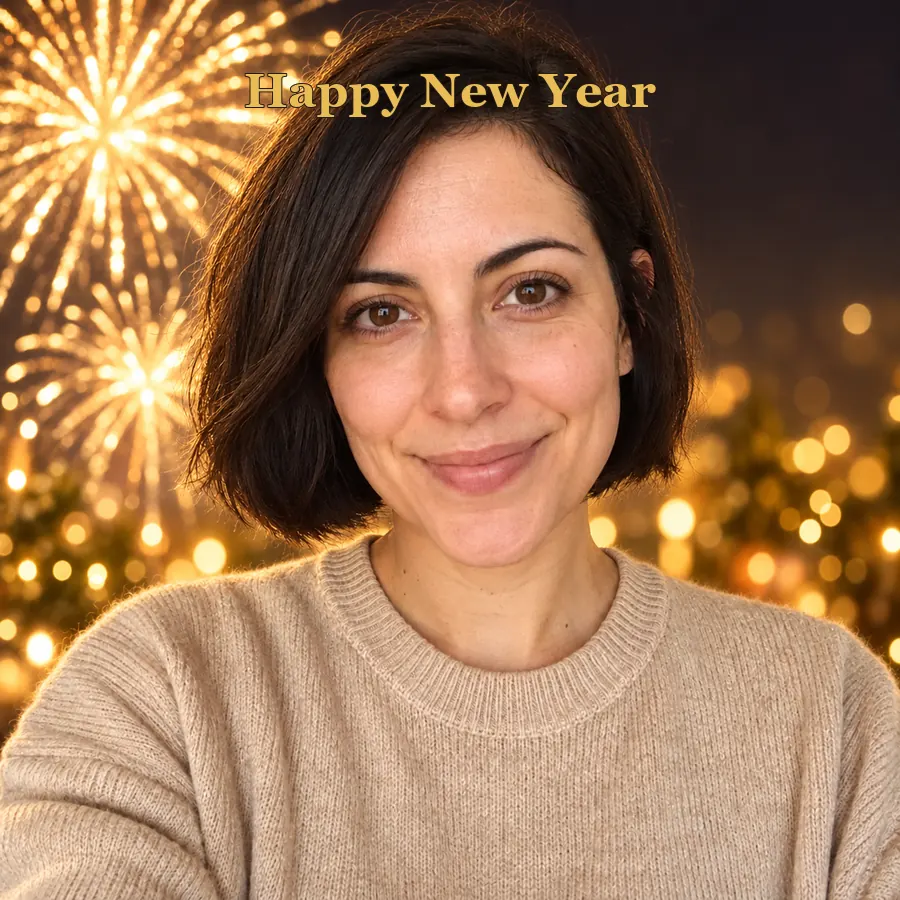 AI Happy New Year PicturesTurn a selfie into happy New Year pictures: fireworks portraits, a New Year backdrop, photoshoot ideas, and happy New Year photo frames and cards to share.
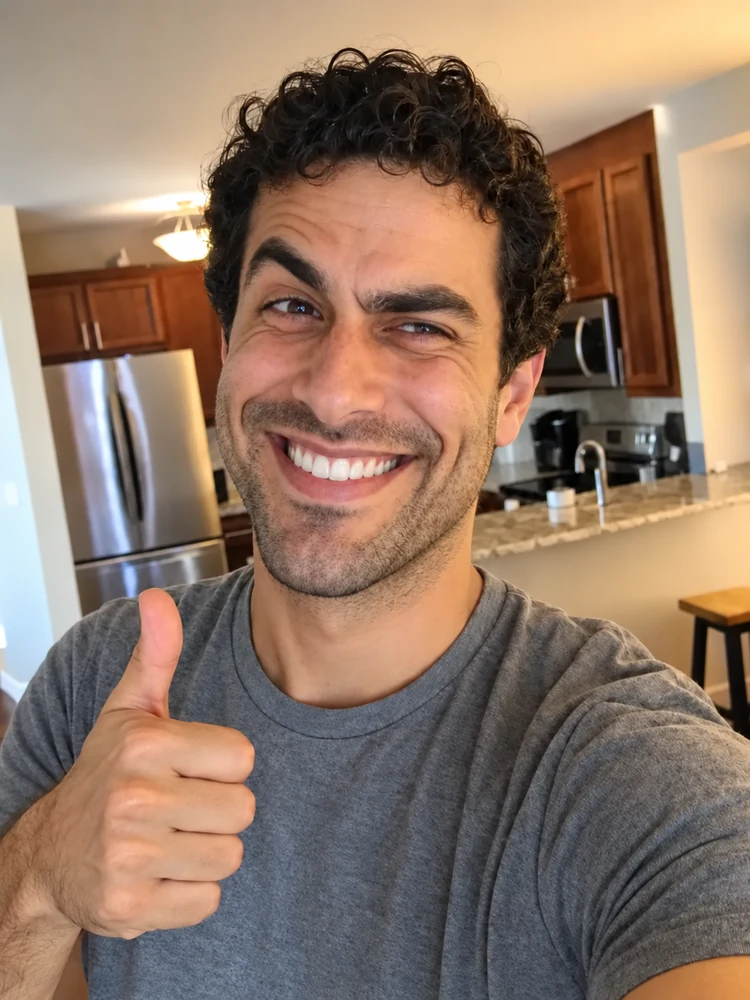 Realistic Troll Face GeneratorMake a realistic troll face from a selfie or the classic meme. Pick a troll level and a hyper realistic, creepy, or black-and-white look for your meme edits.
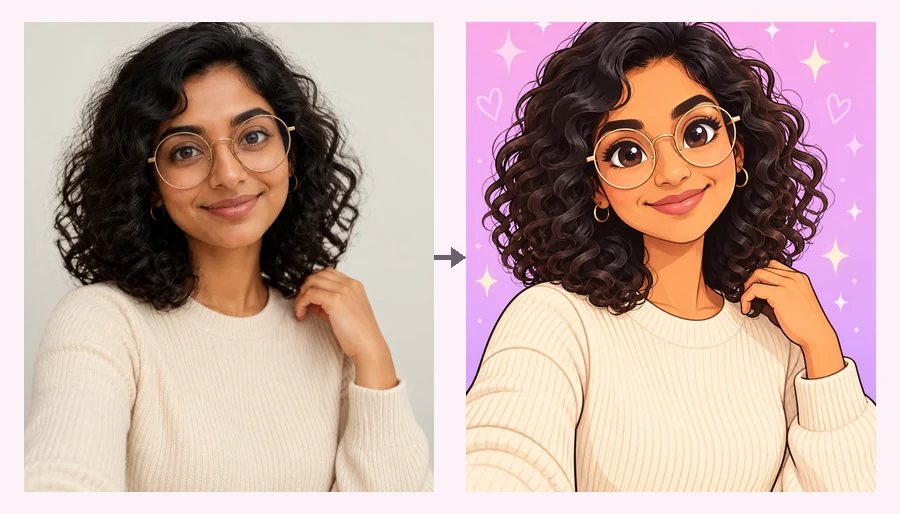 Powerpuff YourselfPowerpuff yourself online: upload a selfie and get a big-eyed, candy-colored Powerpuff-style cartoon. Pick a hero color or photo type and meet your Powerpuff self.
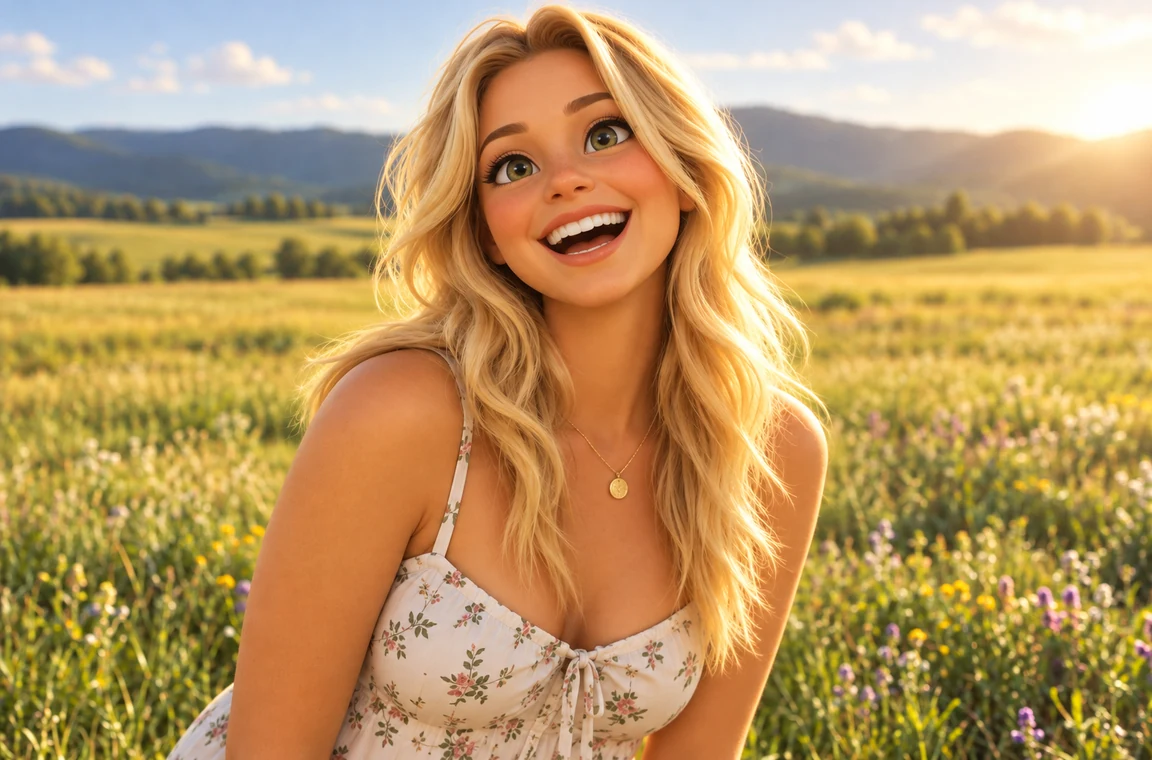 Photo to CartoonPhoto to cartoon AI cartoonizer: pick 3D animated, anime, comic, caricature or line art and turn a photo into a cartoon of you, your pet or car. Free to try.
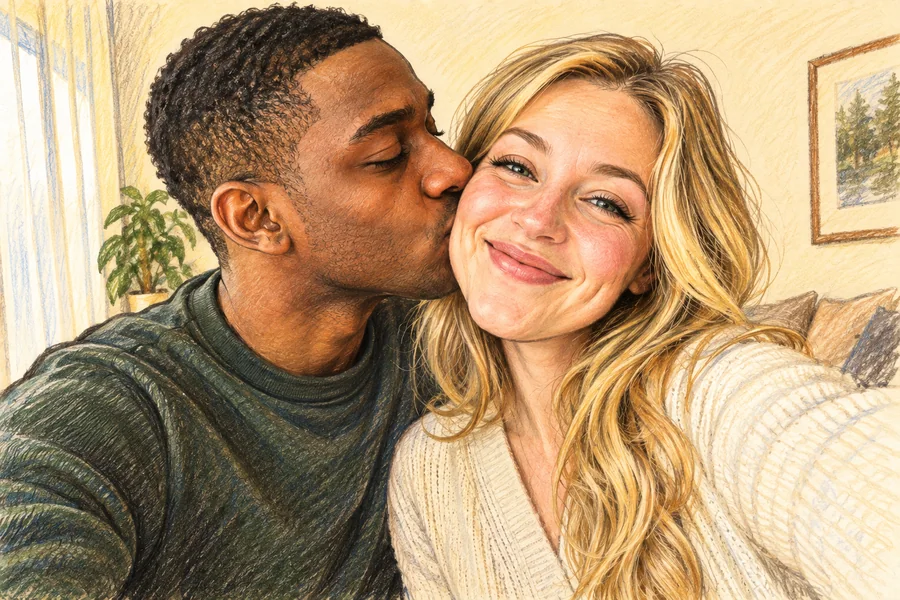 AI Caricature MakerHow do I create a caricature of me? Upload a photo to the AI caricature maker, pick a style, and turn your picture into a funny, recognizable caricature.
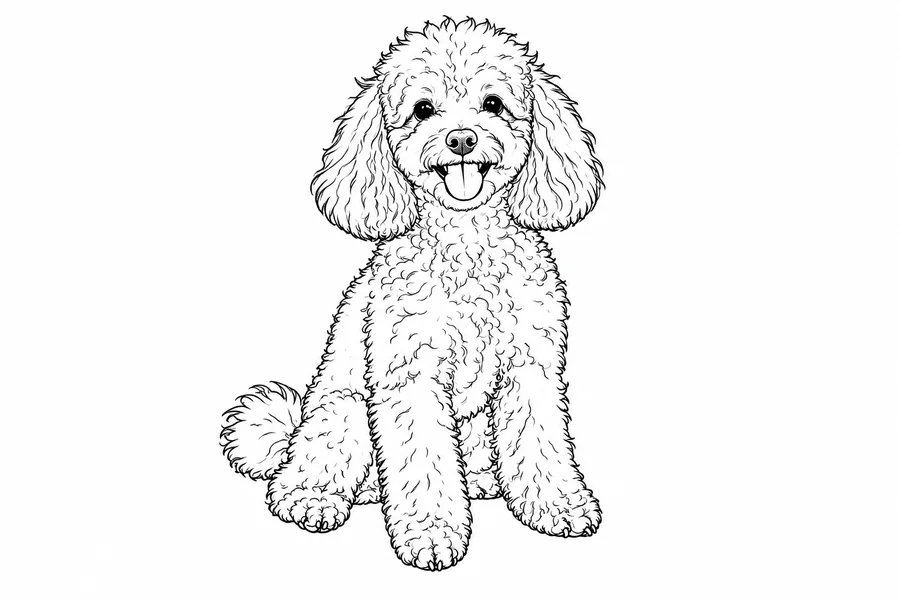 Photo to Line Art GeneratorConvert photo to line drawing online. Upload any picture to the line art generator, pick a style, and turn it into clean line art, outlines, or coloring pages.
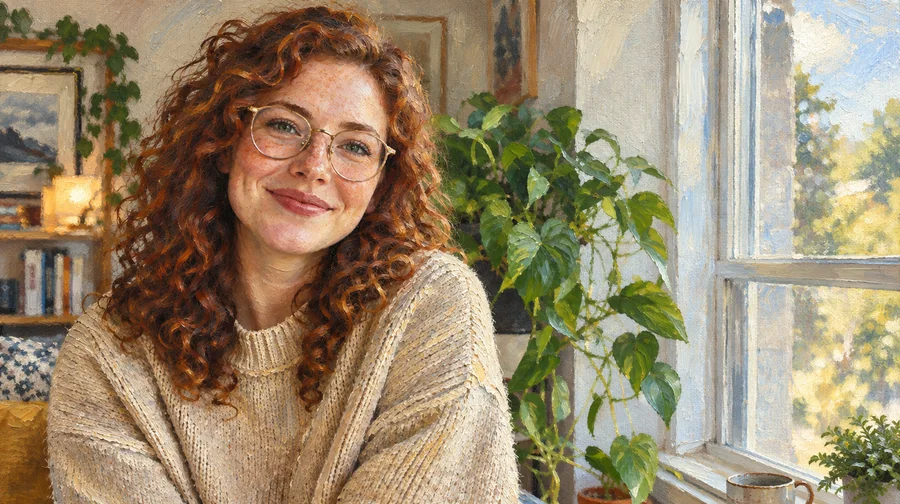 Photo to Oil Painting ConverterTurn photo into oil painting online. Upload a picture, pick a Classic, Renaissance, or Impressionist style, and get an oil painting photo with canvas texture.
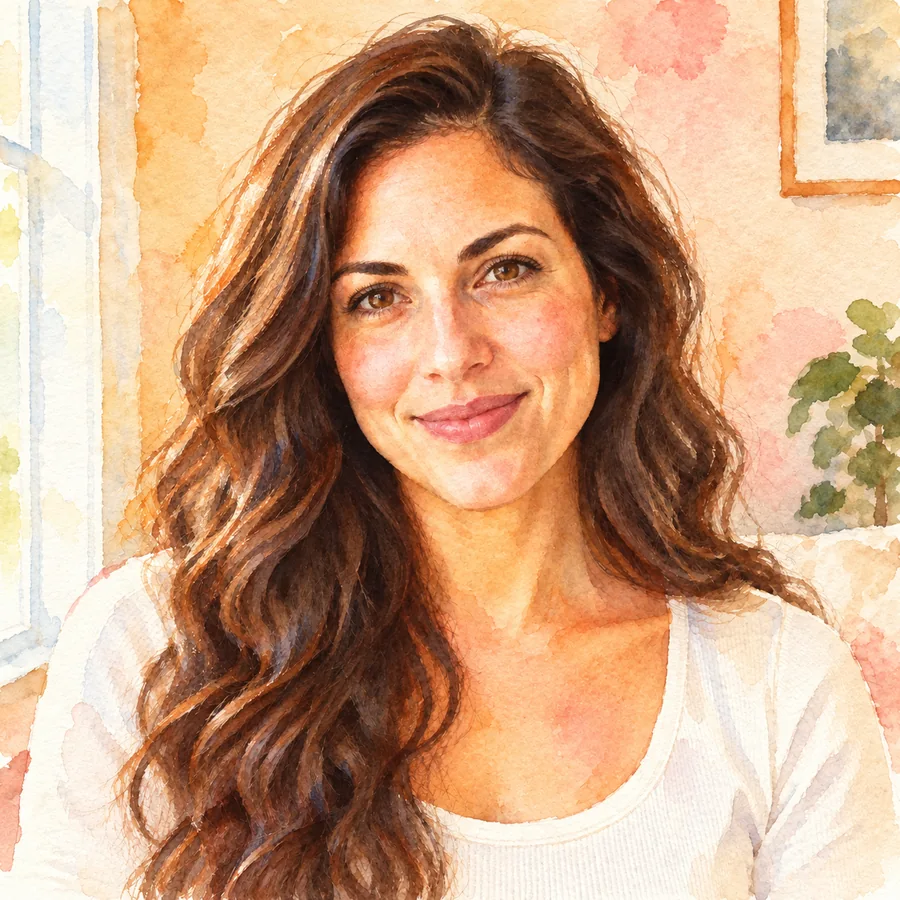 Photo to WatercolorTurn photo into watercolor art online. Upload a portrait, pet, or travel shot, pick a style, and turn it into a watercolor painting with soft, natural washes.
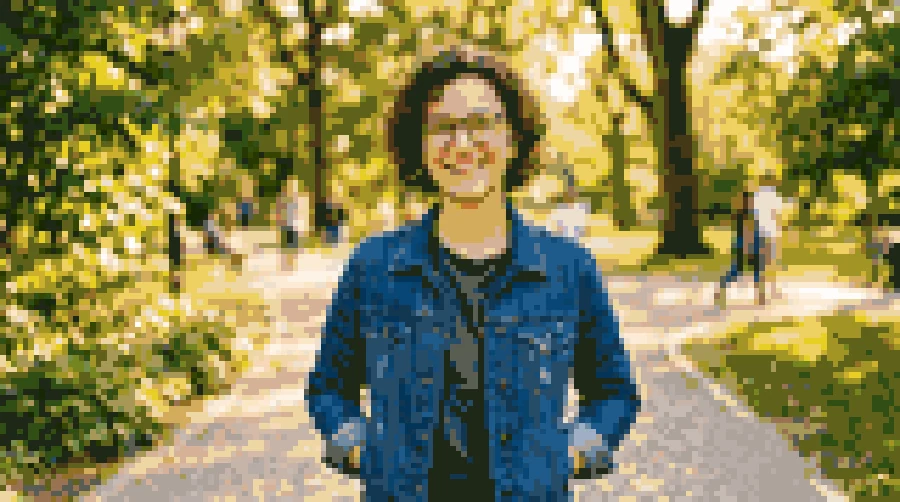 Photo to Pixel ArtTurn any image to pixel art with AI. Upload a photo, pick 8-bit, 16-bit, handheld green, or game sprite style, and get grid-aligned retro pixel art, not a blur.
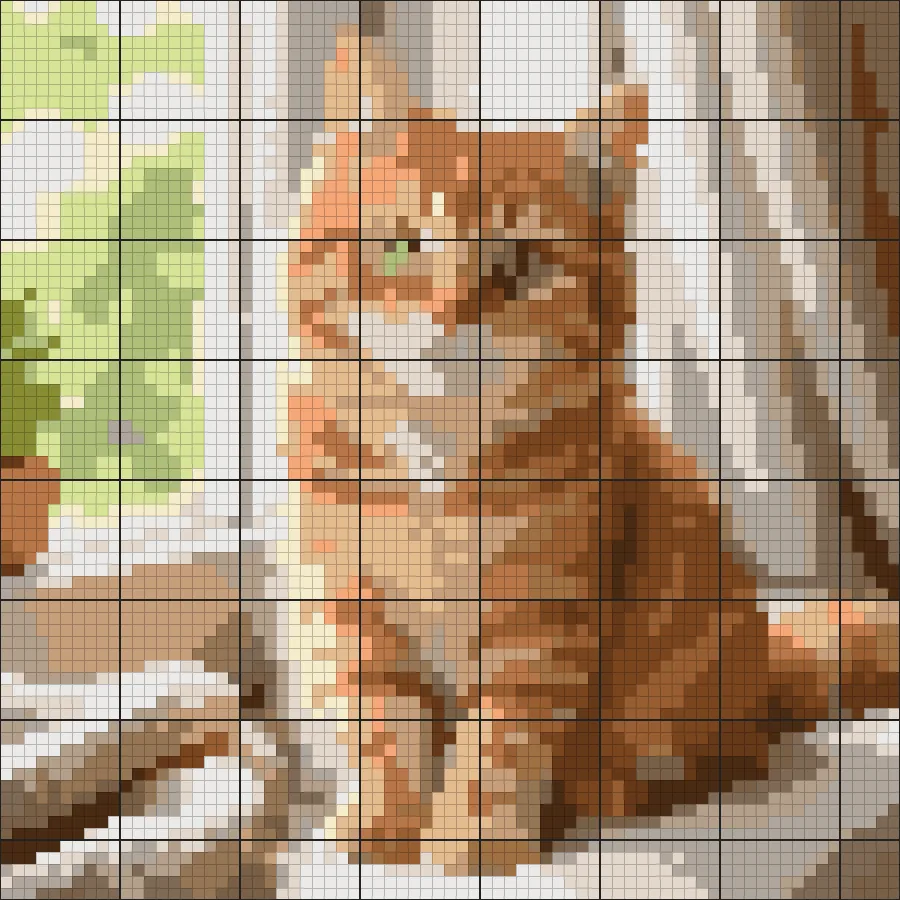 Cross Stitch Pattern MakerFree cross stitch pattern maker: create cross stitch patterns from any photo with DMC floss colors, symbols, and a counted grid, then download a printable chart.
 AI Photo EditorAI image editor free to try: upload a photo, type the change and pick Nano Banana, Seedream, GPT Image or FLUX to swap backgrounds, outfits, light and more.
 ChatGPT Photo EditorA ChatGPT photo editor that works by instruction: upload a picture, type the change you want, and the AI image editor applies it while keeping the rest intact.
 Background RemoverRemove background free to try: the AI background remover online cuts out people, products and pets, then gives you a transparent PNG, white, color or new scene.
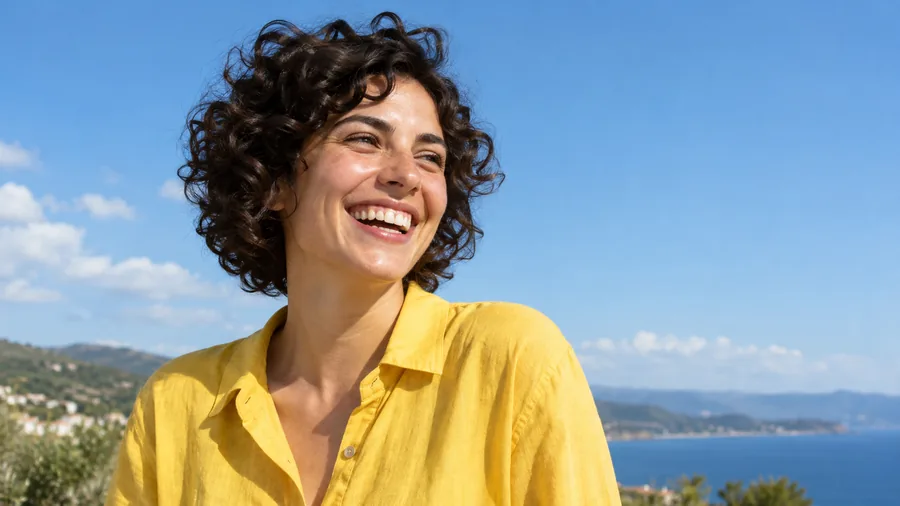 AI Image EnhancerAI photo enhancer and image quality enhancer: upscale pictures 2x or 4x, fix blur, noise and faded color, and enhance picture quality right in your browser.
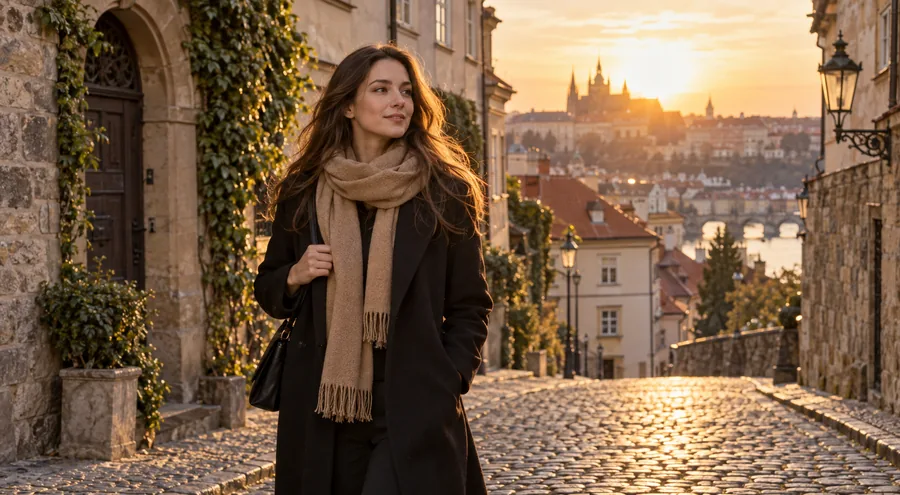 Watermark RemoverWatermark remover for your own photos: mark the text, logo, date stamp or signature and the AI erases it and rebuilds what is underneath. Free to try online.
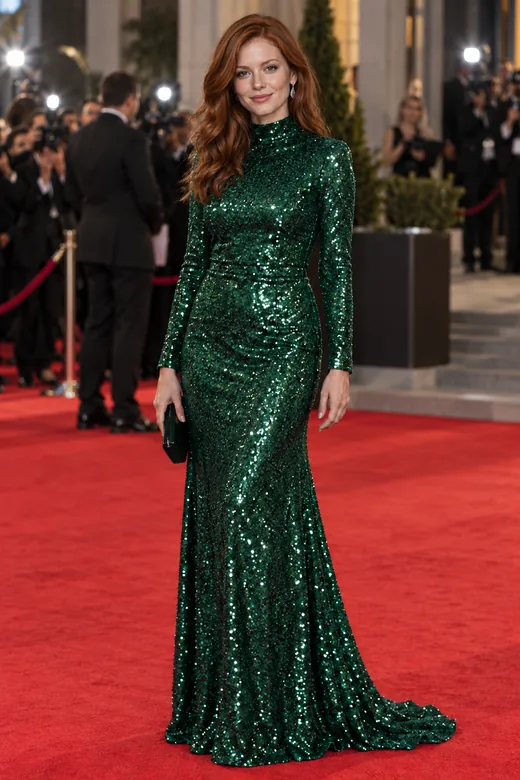 AI Face SwapFace swap photos online with AI. Upload your face and a target picture; the face swapper matches skin tone, light, and angle. Free to try with sign-up credits.
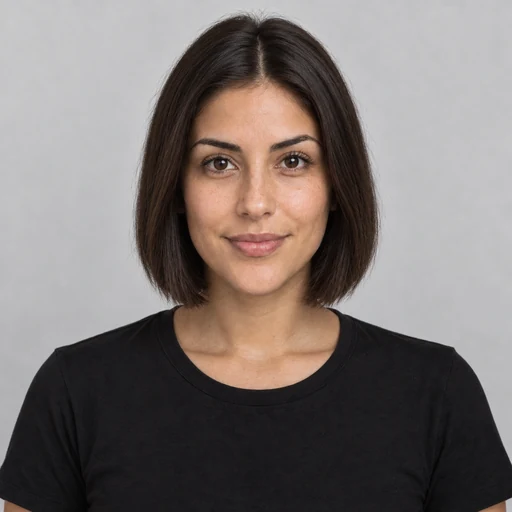 AI Hairstyle ChangerTry on hairstyles with your picture. The AI hairstyle changer previews 18 haircuts, braids, and updos plus 11 hair colors on your own face. Free to try.
 AI Filters70+ AI filters for any photo: face filters for age, bald, beard, gender swap and zombie, plus cartoon and color looks. Upload a pic, add a filter. Free to try.
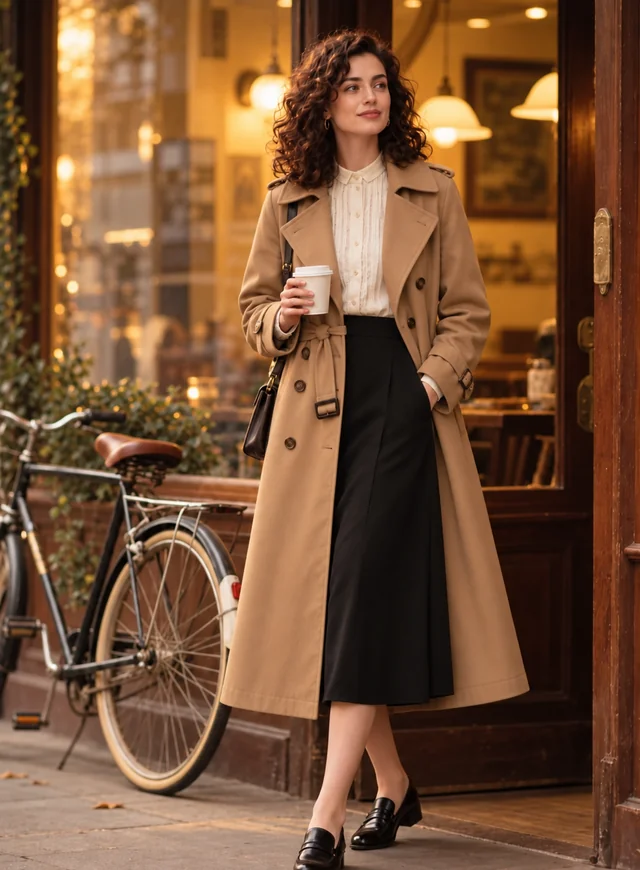 AI Clothes ChangerChange clothes in any photo with the AI clothes changer. Upload a picture, pick an outfit or describe one, and the AI clothes swap keeps your face and pose.
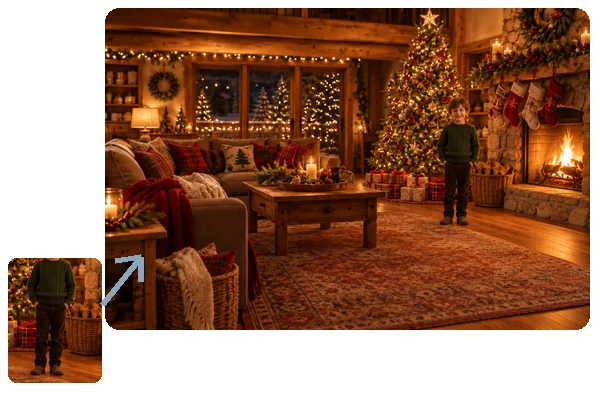 Add Person to Photo with AIHow to add someone to a photo: upload the picture and a photo of the person, and AI will add person into picture scenes with matching light, scale, and pose.
 AI Image to VideoAnimate any photo with the AI image to video generator. Add a start and end frame, pick Kling 3.0, Veo 3.1, Seedance or Grok Imagine. Free credits to try.
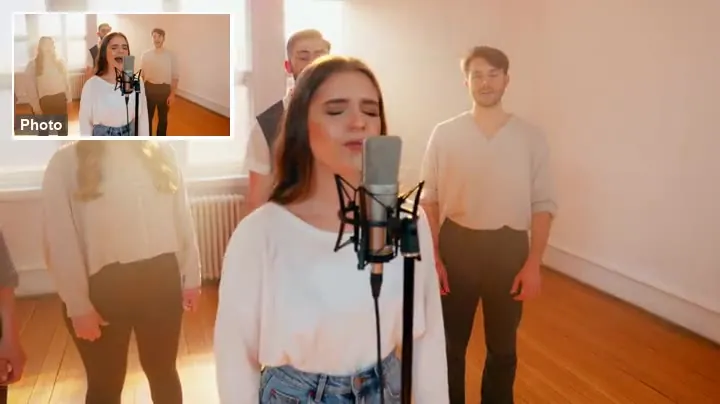 Animate a PhotoAnimate a photo with AI: upload a picture, describe the motion, and the AI image animator turns it into a moving video. Animate portraits, art, and old photos.
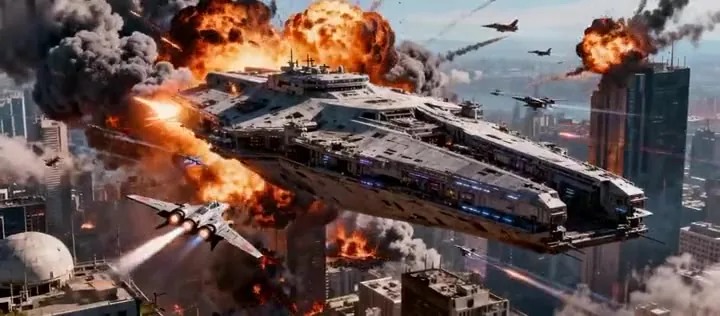 AI Video GeneratorMake AI videos from a prompt or a photo with Seedance 2.0, Veo 3.1, Kling 3.0, Grok Imagine and more in one AI video generator. New users get free credits.
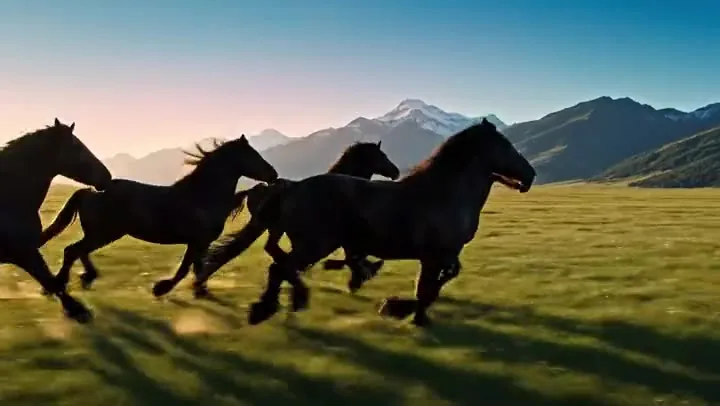 Text to Video AITurn text into video with text to video AI: write a prompt, pick Seedance 2.0, Veo 3.1, Kling 3.0 or Grok Imagine, get clips with sound. Free credits to start.
It is an artificial intelligence photo generator that creates pictures from a text description, or from a photo plus instructions. You describe the subject, style, and light, and the model generates an image that did not exist before. People also call it an AI picture generator, an AI pic generator, or an image creator AI.
Right on this page. This AI image generator online works in your browser on a computer or phone. New accounts get free credits when they sign up, so you can try every model; after that, each image uses credits and the cost is shown on the Generate button.
Start with Nano Banana 2 for fast, good-looking results. Use Nano Banana Pro or GPT Image 2 when exact text and layouts matter, Seedream 4.5 for vivid photo-like scenes, and FLUX.2 for photorealistic people and products. Because the prompt stays in the box, comparing models takes one click.
Yes. Switch to Image to Image, upload two photos, and explain how they should come together, for example “the woman from image 1 wearing the dress from image 2 on a beach”. This merge image AI, also known as an image fusion AI or image fusion generator, blends both into one natural-looking picture with matching light. You can even let the AI combine two people into one photo, as long as both of them agreed to it.
Yes. If you have ever asked a chatbot “can you make it a picture?”, this works the same way, like an AI chat image generator: “create me a picture of a corgi in a yellow raincoat” is a fine prompt. Adding the style, setting, and light gives you more control over the result.
There is no single best image creation AI for every job, which is why this AI image creator gives you five models in one place. Generate the same prompt on two or three of them and keep the one that looks best for your purpose.
Yes. Put the exact words in quotes, keep them short, and choose Nano Banana Pro or GPT Image 2 for the cleanest lettering on posters, cards, menus, and thumbnails.
Yes. Upload it in Image to Image mode and describe the change, such as a new style, background, season, or outfit. Recreating pictures in another style, like turning a photo into an oil painting or pixel art, works the same way.
Download them in full resolution for social posts, presentations, mood boards, cards, and personal projects. Do not prompt for real people without their consent, logos, or copyrighted characters, and check our terms before any commercial use.
Only upload photos you own or have permission to use, and never use the generator to impersonate someone or create misleading images of real people.
Type an idea, pick a model and style, and let the AI generate images you can download and share.
Nano Banana and Gemini are trademarks of Google LLC; GPT Image is a trademark of OpenAI; Seedream is a trademark of ByteDance; FLUX is a trademark of Black Forest Labs. EzImgMaker is an independent service and is not affiliated with or endorsed by these companies. Model names are used only to describe compatibility.