Soft Wash Watercolor
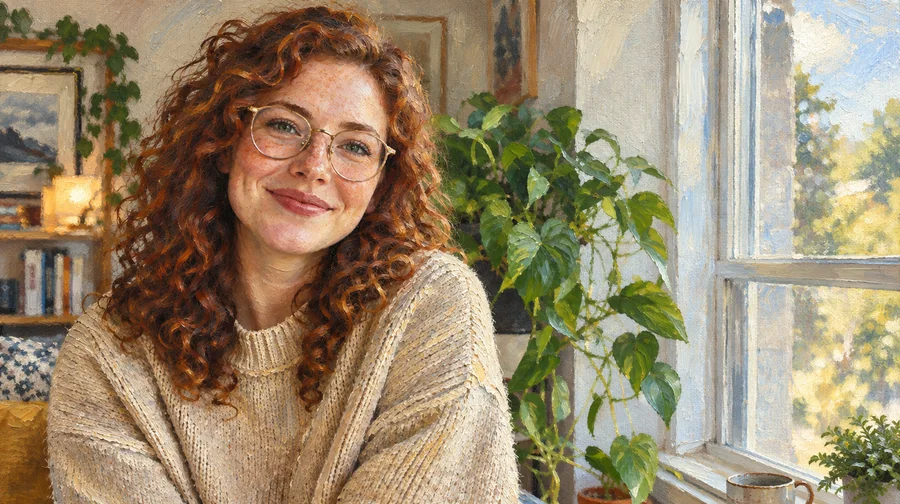
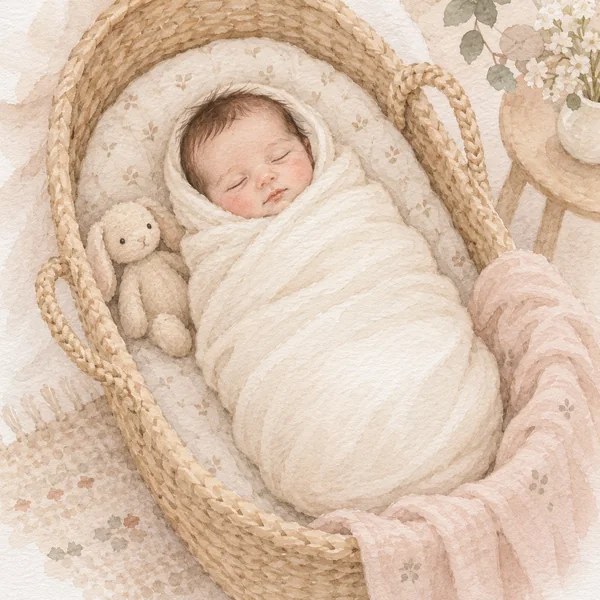
Gentle color bleed and light paper texture, ideal for portraits, newborns, and keepsakes.
Upload a portrait, pet, wedding, or travel photo and get a watercolor picture with translucent washes, soft bleeding edges, and paper texture, while faces and details stay recognizable.
Style: Soft Wash · Strength: Mild
Your photo stays in this browser during this UI preview.
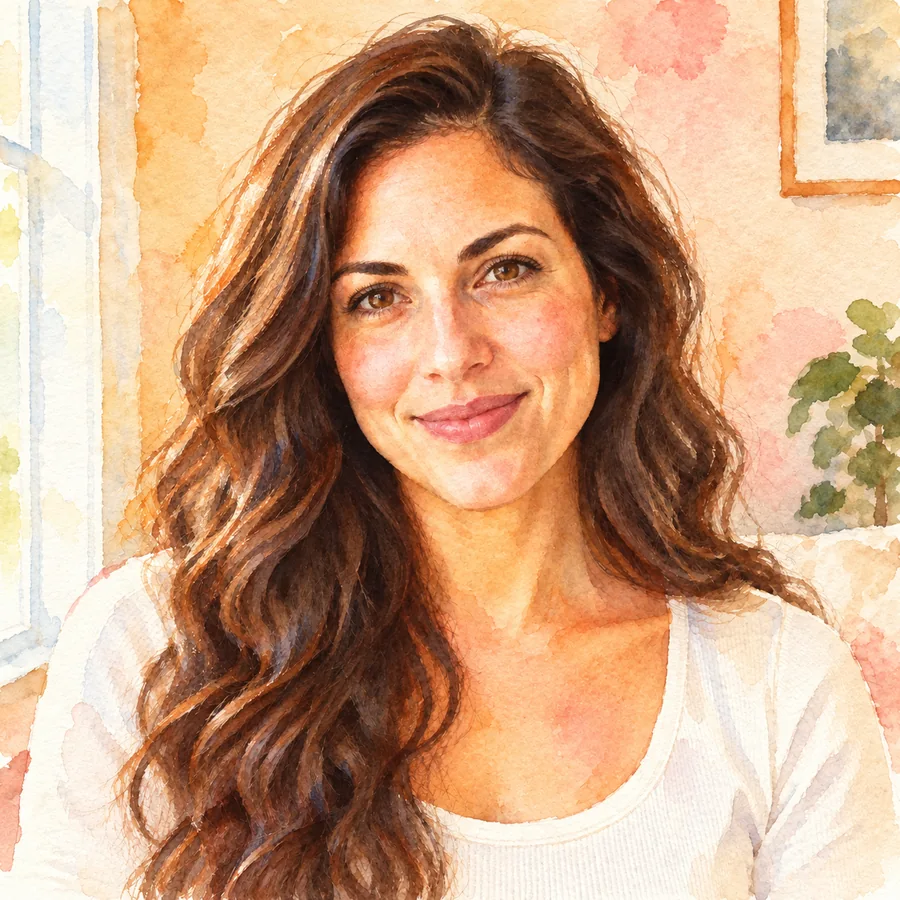
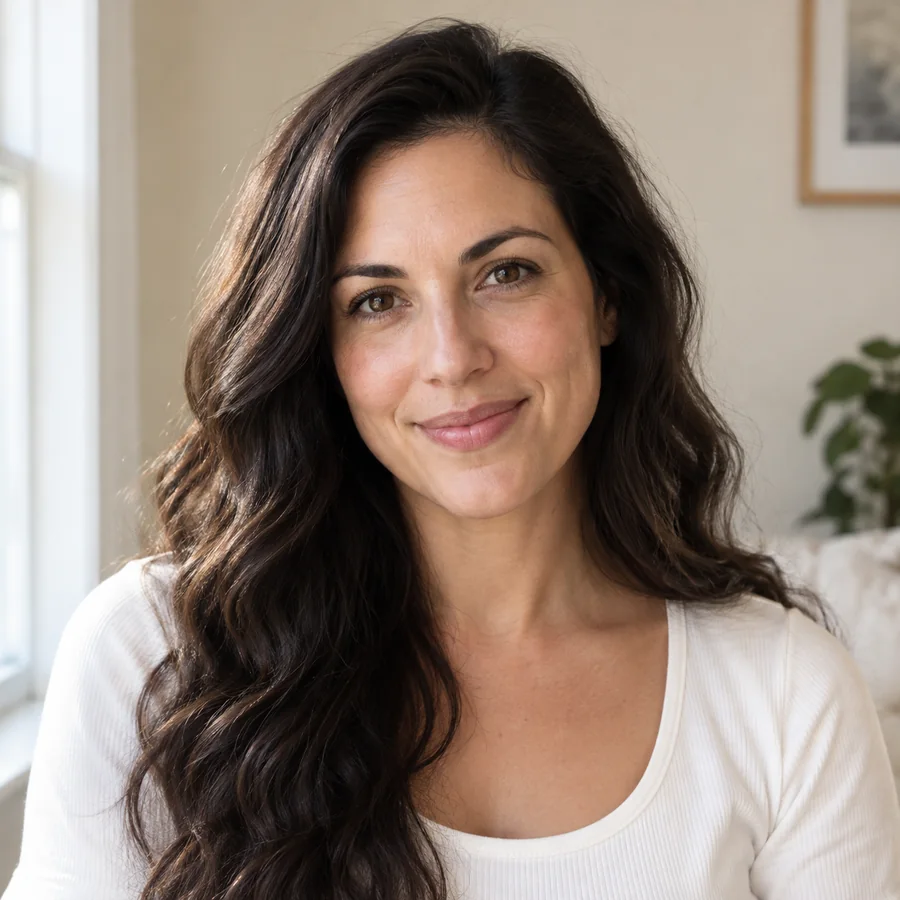
Reference example. It is not a result generated from your upload.
A photo to watercolor converter repaints a photograph the way watercolor behaves on paper: thin, translucent washes, edges that bleed softly into each other, pigment that pools in the paper grain, and highlights left as bare white paper. The AI watercolor generator takes you from photograph to watercolor painting while keeping the subject, pose, and composition.
It is the easiest way to turn a picture into watercolor without brushes, paint, or Photoshop. Create a watercolor painting from photographs of your family, pets, home, or travels, then print it, frame it, or share it as a watercolor image.
Pick the watercolor effect that fits your subject. Each style changes how loose, colorful, or detailed the painting feels.
Gentle color bleed and light paper texture, ideal for portraits, newborns, and keepsakes.
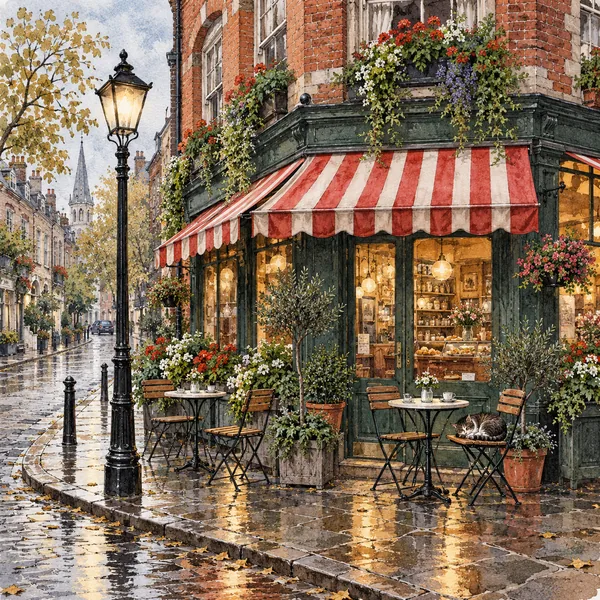
Keeps lines and structure for houses, wedding venues, storefronts, and city scenes.
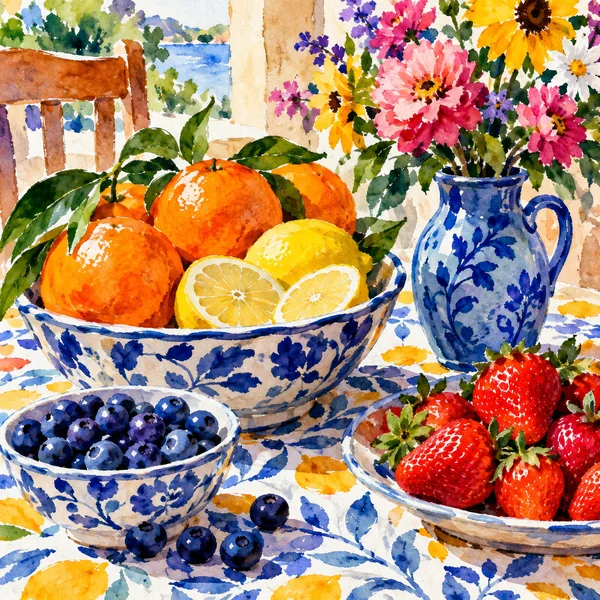
Bolder color and richer brush texture for food, flowers, landscapes, and social posts.
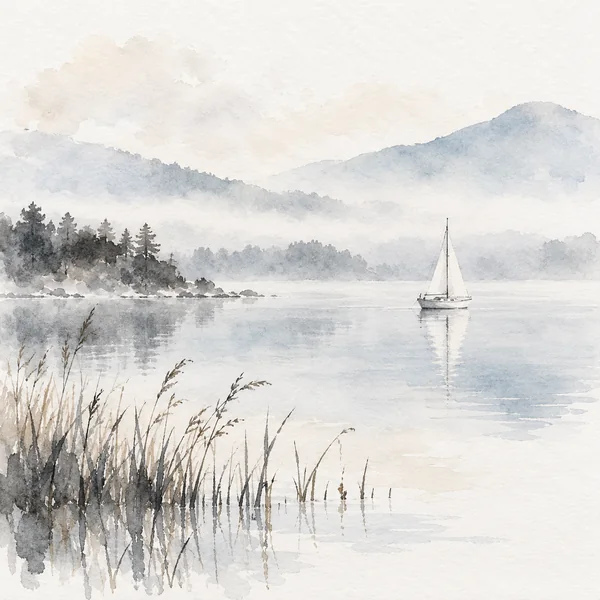
Subtle linework with pale gray washes for a calm, minimal, editorial look.
Convert photo to watercolor in three steps. No paint, no paper, and no photo to watercolor app to install.
Choose a JPG, PNG, or WebP image up to 15 MB. Well-lit portraits, pets, buildings, and landscapes give the best results.
Pick Soft Wash, Detailed, Vibrant, or Ink Wash, try a portrait look such as Color Splash or Pastel Bloom, or describe your own watercolor in Custom.
Generate the watercolor picture, compare it with your original, and download it for printing, cards, or social posts.
Skin turns into soft layered washes while eyes, lips, and hair keep their shape, so a watercolor portrait from photo still looks like the person you love. It is a watercolor filter that softens the photo, not the face.
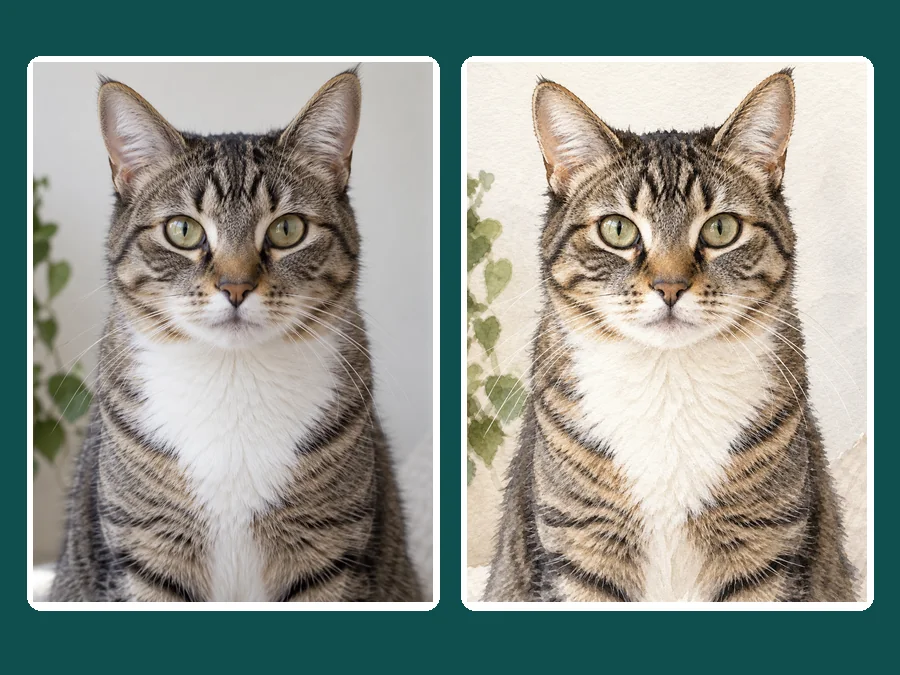
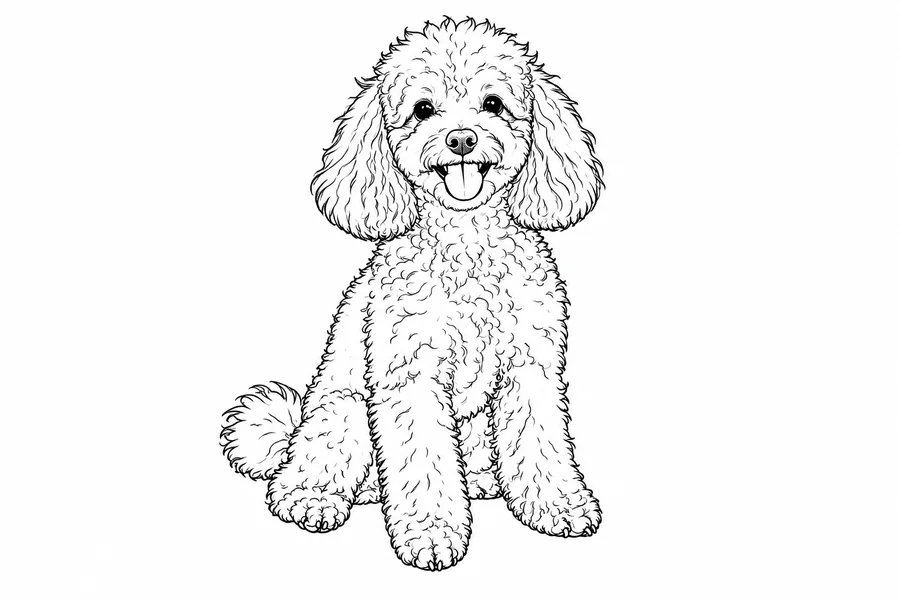
Wet pigment settles into fur and blooms where colors meet, while stripes, patches, and bright eyes stay exactly where they are in the photo. Watercolor a picture of your cat, dog, or horse for a gift or a memorial keepsake.
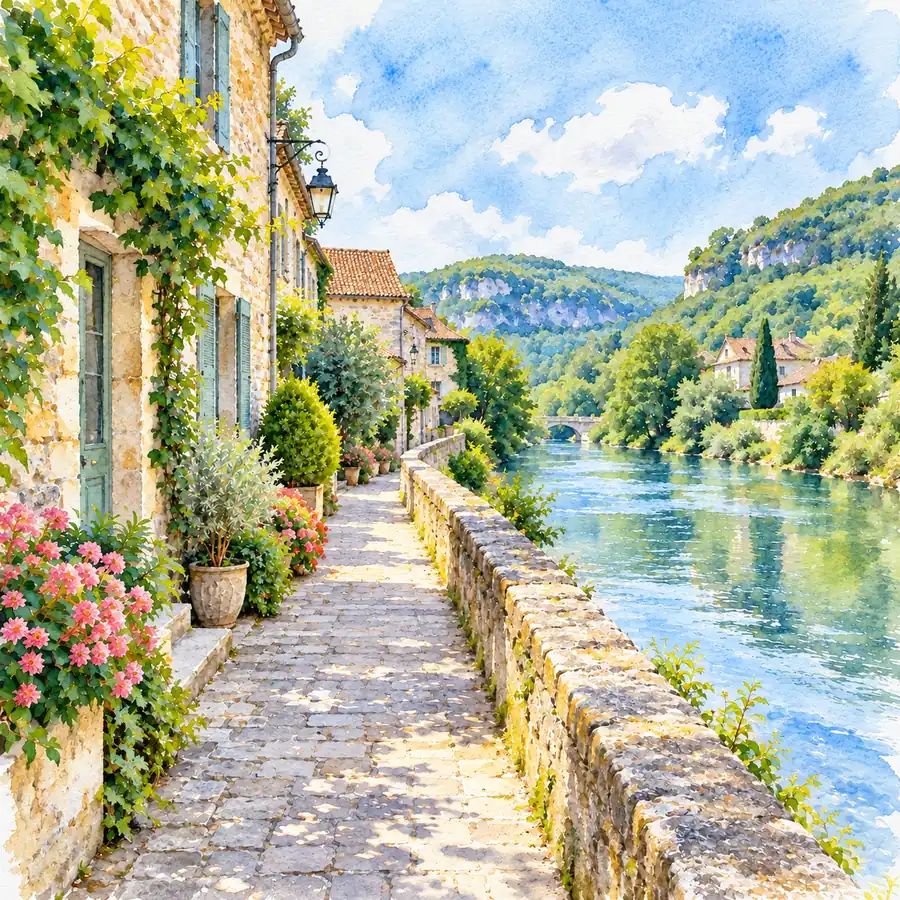
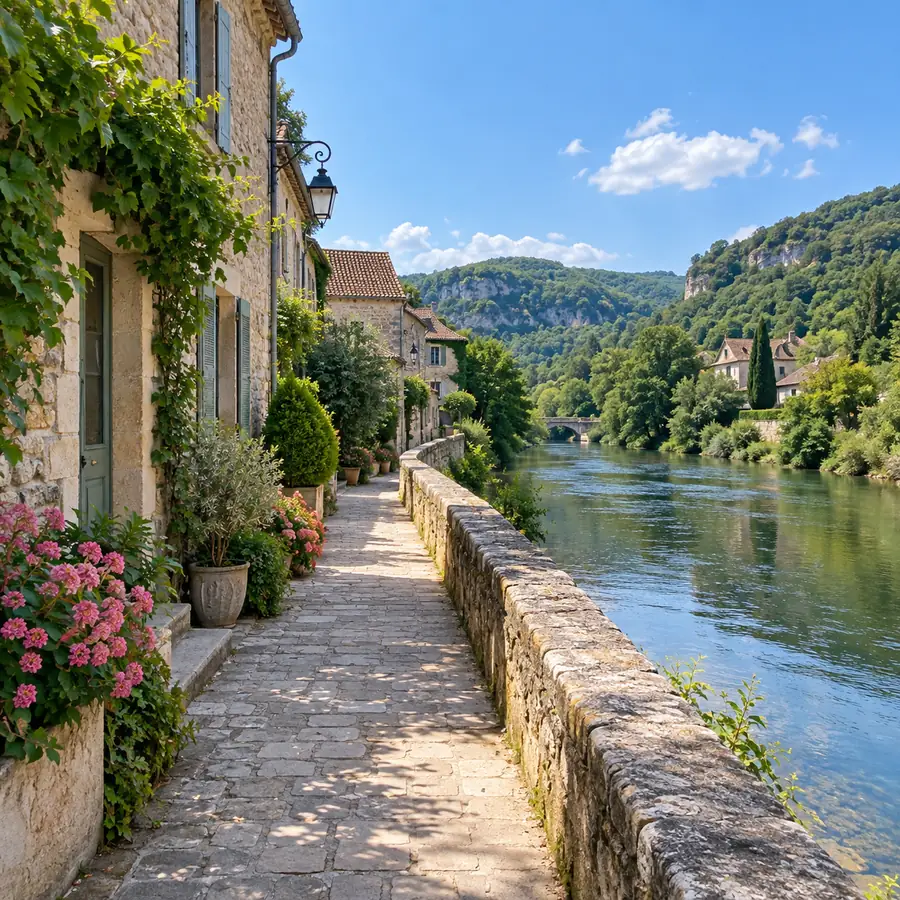
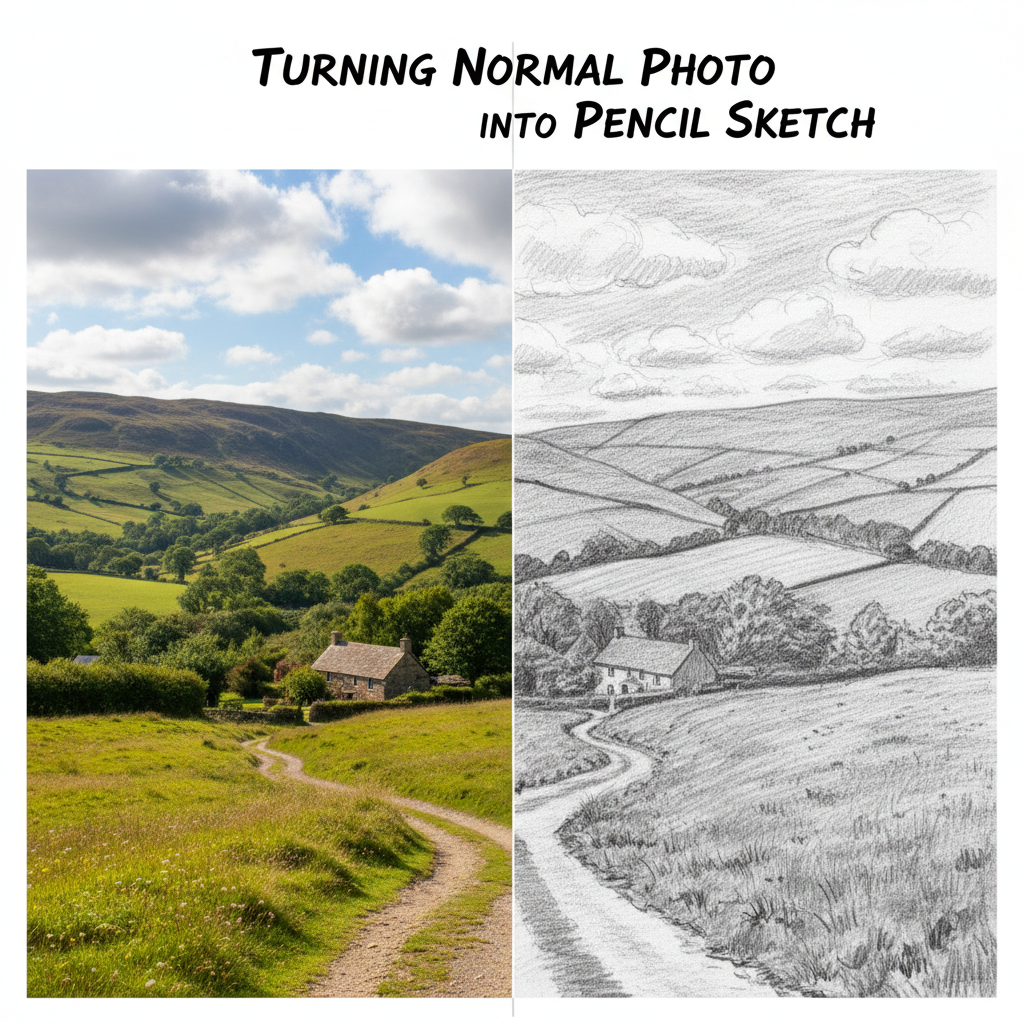
Skies and water bleed into each other like wet paint on damp paper, while buildings, paths, and horizons keep their structure. Turn pictures into watercolor paintings for wall art from your favorite trips.
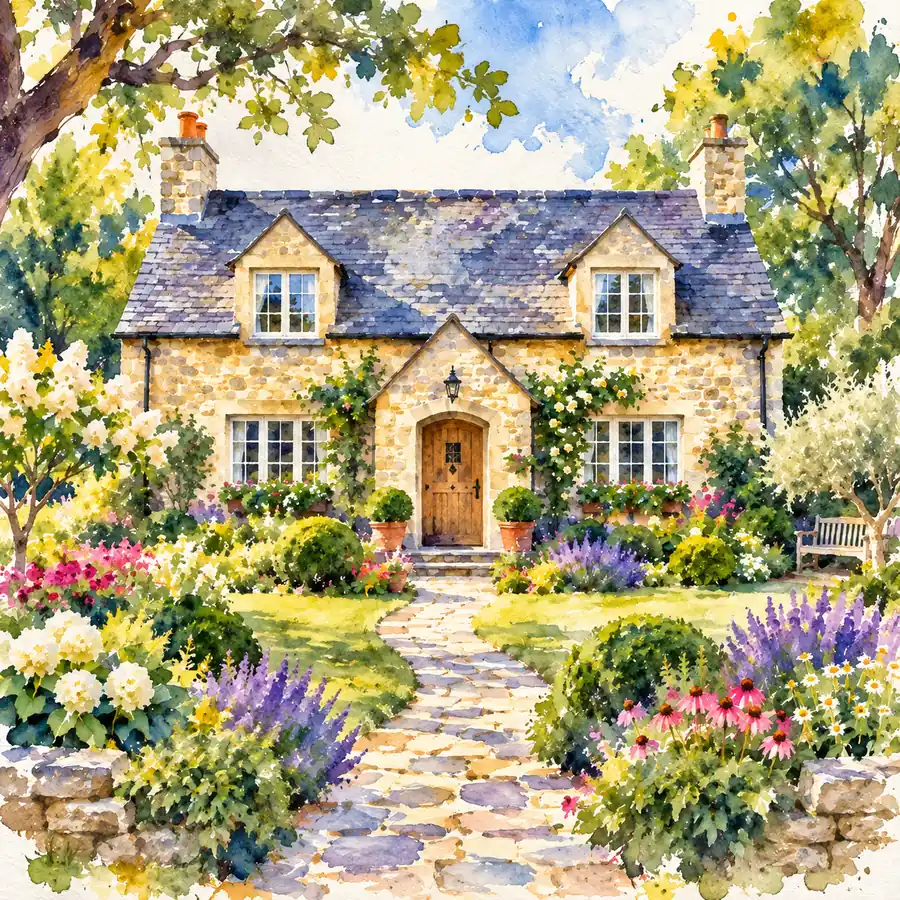
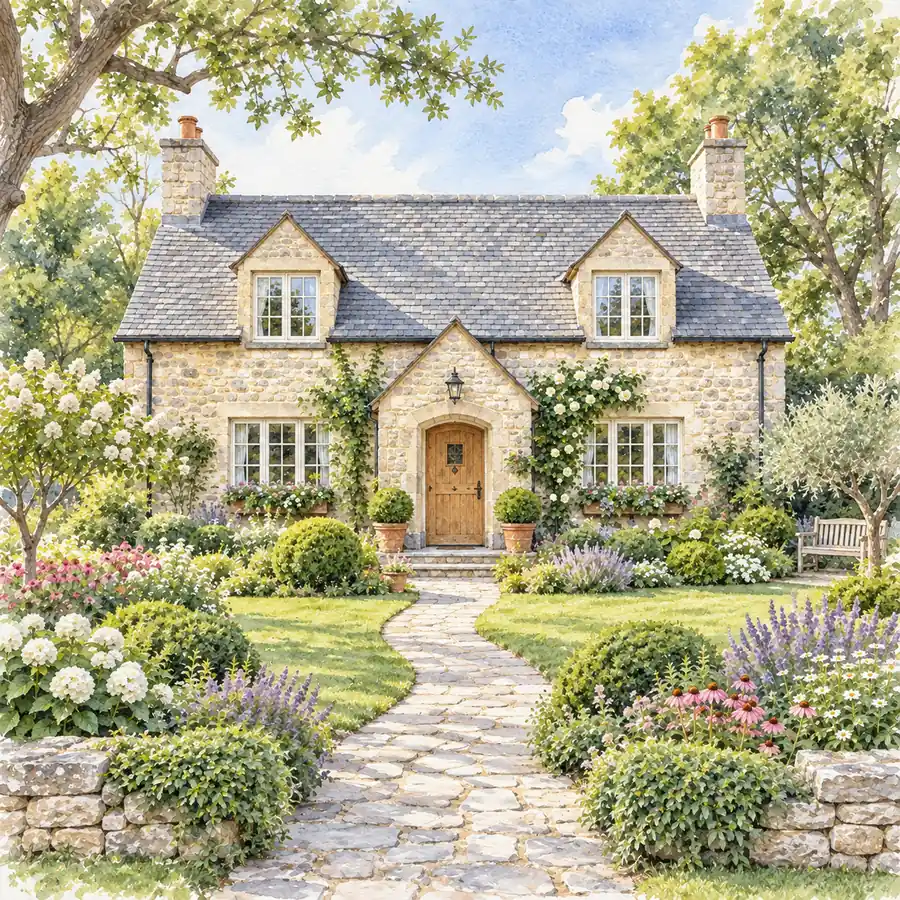
Pick Mild for a delicate watercolor painting effect that keeps fine detail, Balanced for an even look, or Strong for looser washes, bigger brush strokes, and more bare paper. Add extra wishes as a note in Custom.
From picture to watercolor painting, here is how people use the results.
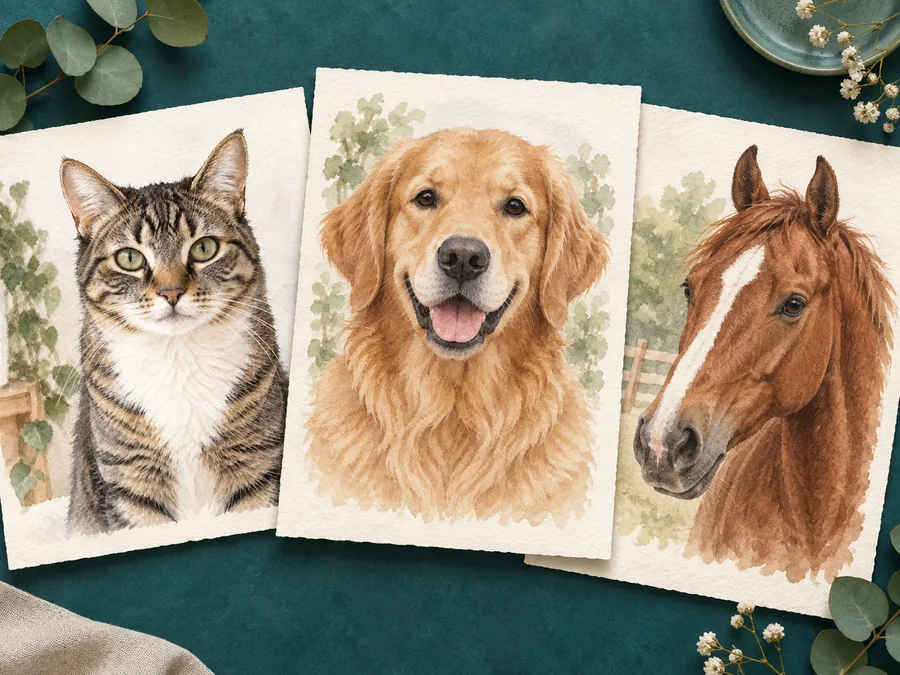
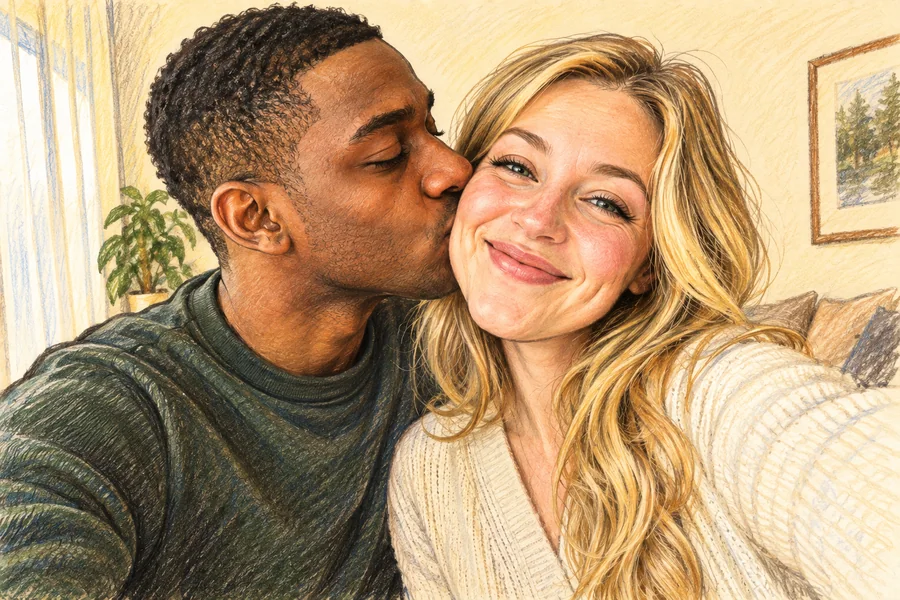
Paint the venue, the couple, or the bouquet as soft wall art with pale washes and unpainted edges that sit nicely in a plain white frame.
Create a keepsake portrait of a pet, a newborn, or grandparents without waiting weeks for a commissioned painting.
Watercolor prints softly and leaves room for text, which makes it ideal for save-the-dates, birthday cards, and holiday greetings.
Give profile pictures, travel posts, blog headers, and print-on-demand listings a hand-painted watercolor photo look.
Watercolor rewards photos with clear shapes and a little atmosphere.
Gentle daylight gives smooth washes; harsh shadows can turn into heavy dark patches.
An uncluttered background lets the edges fade naturally into bare paper.
Bright, well-exposed photos give the washes the most color to work with; very dark images look muddy.
Soft Wash for portraits, Detailed for buildings, Vibrant for landscapes and food, Ink Wash for minimal art.
Common ways creators use watercolor results.
Illustrative examples adapted from reference material, not verified reviews of EzImgMaker.
I design wedding stationery and used to pay for every venue sketch. Now I upload the venue photo and have a watercolor draft ready before the client call.
Where my horse’s coat meets the field the color bleeds instead of smearing, which is what real wet-on-wet looks like. It still looked good as a large print.
I worried that faces would go soft, like with most watercolor presets. The eyes stayed sharp in our family portrait while everything around them became washes.
Watercolor is one of the most popular styles in my print shop. Painting every listing by hand was never realistic; now I can list a new design the same day.
Answers to common questions about turning photos into watercolor paintings.
Upload a clear photo, choose a style such as Soft Wash, Detailed, Vibrant, or Ink Wash, and generate. Compare the painting with your original, then download it or try another style for a softer or bolder look.
A watercolor filter, or image to watercolor converter, re-renders a photo as paint on paper: translucent washes, softly bleeding edges, pigment in the paper grain, and highlights left as bare paper. The AI keeps the subject and composition while changing how the picture is painted.
Yes. There is no plugin, action set, or brush to configure. Upload the picture in your browser, choose a style, and the watercolor effect is painted for you.
Soft Wash suits portraits and baby photos, Detailed suits houses and venues, Vibrant suits landscapes, flowers, and food, and Ink Wash gives a calm, minimal result. The Portrait Looks add color splashes, pastel blooms, or a painterly finish to faces.
The goal is to soften the painting, not the person. Expression, pose, clothing, and framing stay as uploaded, and the eyes and mouth are kept defined so the face still reads as yours. Very small or blurry faces may lose some detail.
Photos with clear shapes and soft light convert best: portraits with gentle window light, pets against a plain background, and landscapes with distinct sky, water, and land. Very dark or cluttered photos can look muddy.
No. You can turn any image into watercolor in your phone or desktop browser, so there is nothing to download or update.
Yes, you can download the result and print it as wall art, cards, or invitations. Print quality depends on the resolution of the photo you upload, so convert pictures to watercolor from the largest, sharpest original you have.
Watercolor is thin and transparent, with bare-paper highlights and soft bleeding edges. Oil painting is thick and opaque, with visible brush ridges on canvas. Choose watercolor for light, airy, print-friendly art.
Only upload photos you own or have permission to edit, and ask before sharing a watercolor portrait of someone else. Do not upload artwork or photos whose rights you do not hold.
Upload a picture and let the AI watercolor generator paint it with soft washes, bleeding edges, and paper texture.