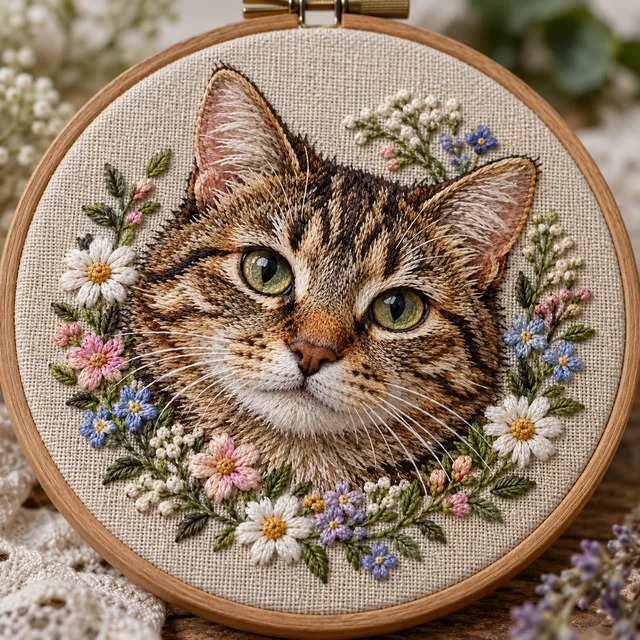
Hand Embroidery Hoop
Satin and long-and-short stitches framed in wood.
Upload a photo, pet portrait, logo, or sketch and see it stitched: hand embroidery in a hoop, machine satin fill, an iron-on patch, thread painting, and more. Choose a thread palette and a display, or get a printable pattern sheet to trace and stitch yourself.
Embroidery Style: Hand Embroidery Hoop · Thread Colors: Match My Image · Display: Linen Hoop
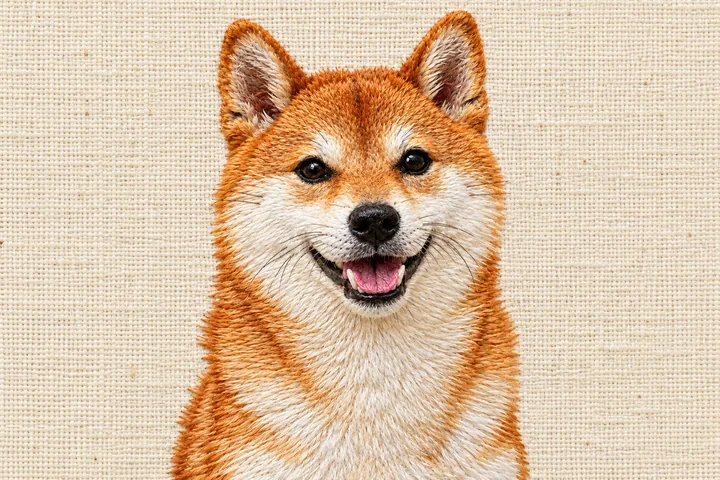
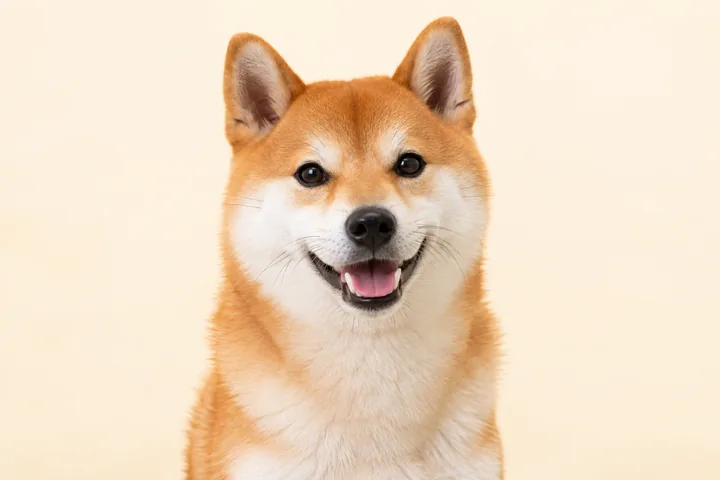
Reference example. It is not a result generated from your upload.
An embroidery pattern maker turns a picture into a stitch design. This one is an AI embroidery generator: upload a photo, a pet portrait, a logo, or a doodle, and it shows the image to embroidery result as real thread on fabric, in the style you pick. It is the quickest way to convert photo to embroidery ideas, test thread colors, and decide how a design will look on a hoop, a patch, a cap, or a jacket before you thread a needle.
Choose Pattern Sheet when you want to create your own embroidery pattern to stitch by hand: you get clean outline transfer lines plus the thread colors, like an embroidery template maker. The results are images (PNG or JPG), not machine stitch files; for an embroidery machine, use them as the artwork for digitizing software. For counted charts with floss numbers, use the EzImgMaker cross-stitch pattern maker.
Twelve stitch styles, from delicate backstitch to bold patches. Here are eight of them.
Satin and long-and-short stitches framed in wood.
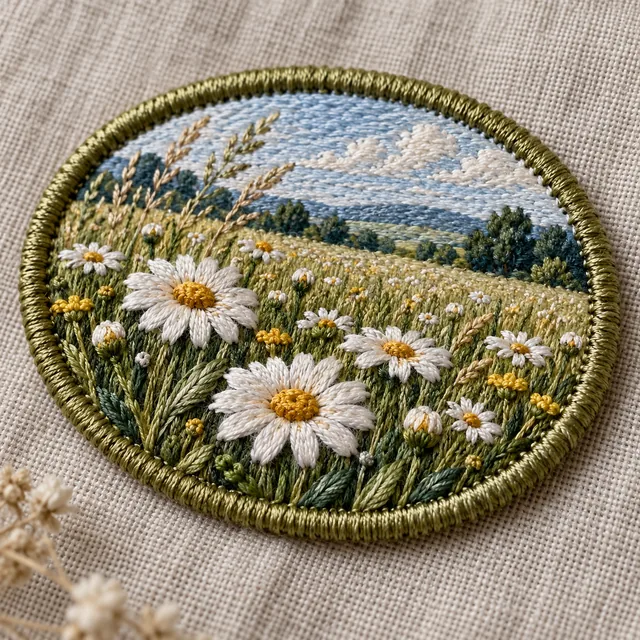
A merrowed border and dense fill, ready for a jacket.
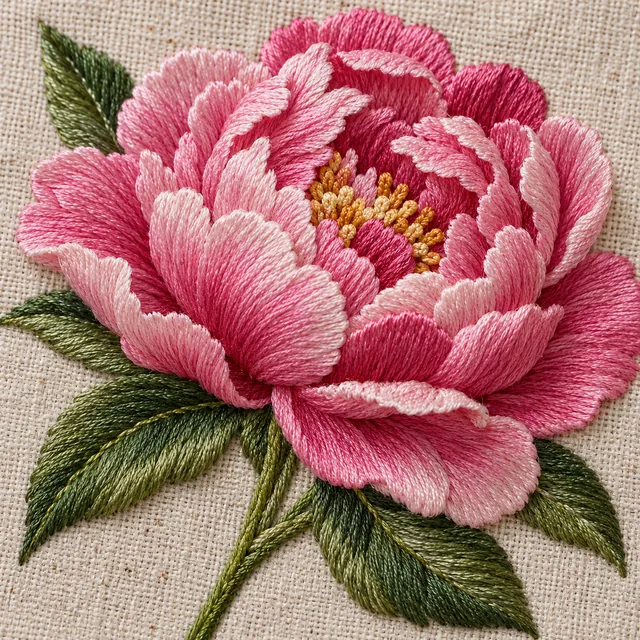
Smooth directional fills like a pro stitch-out.
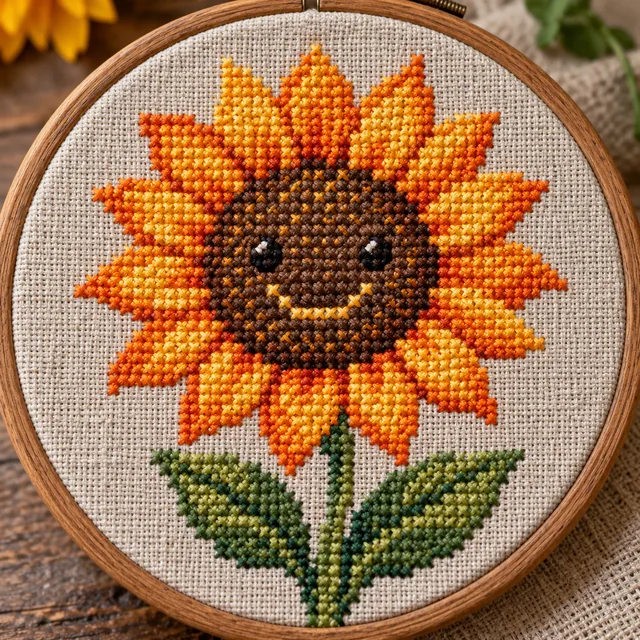
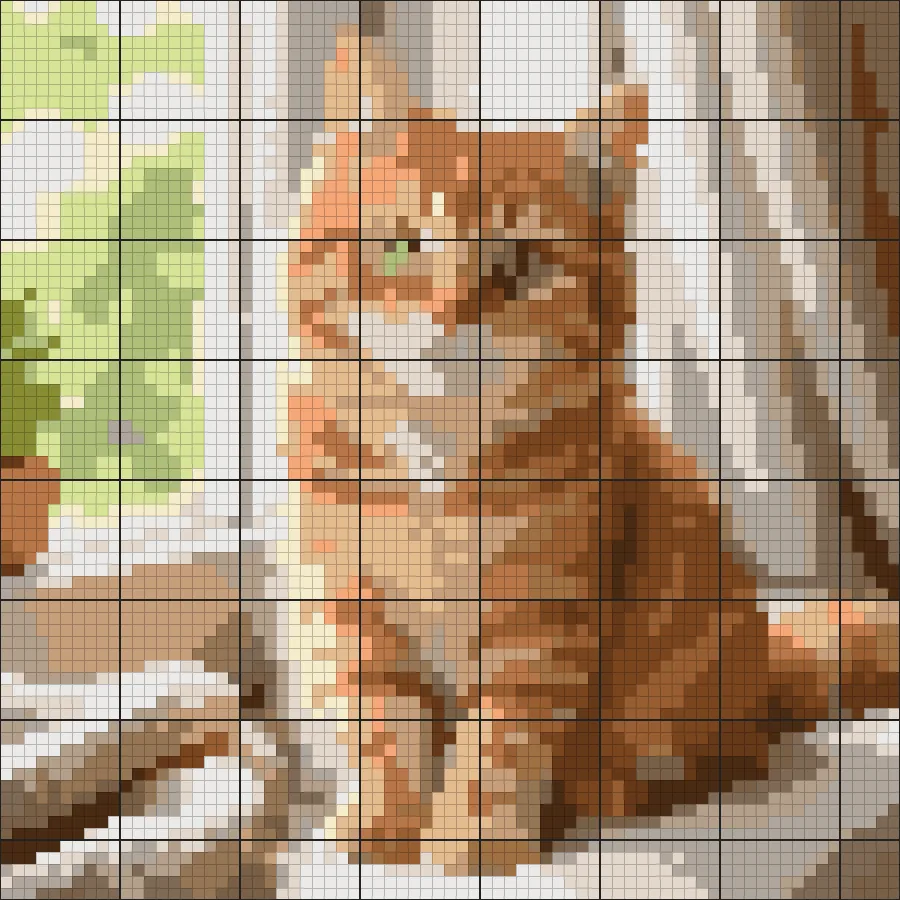
Tiny X stitches with a pixel feel.
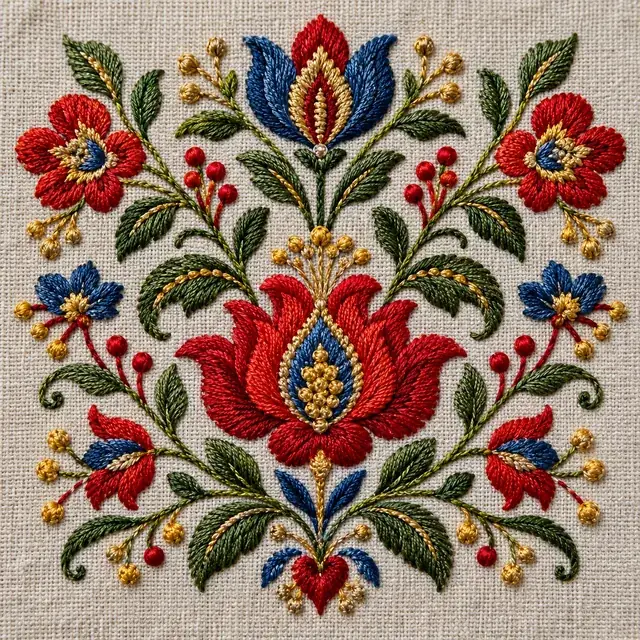
Bold flowers and swirls in bright thread.
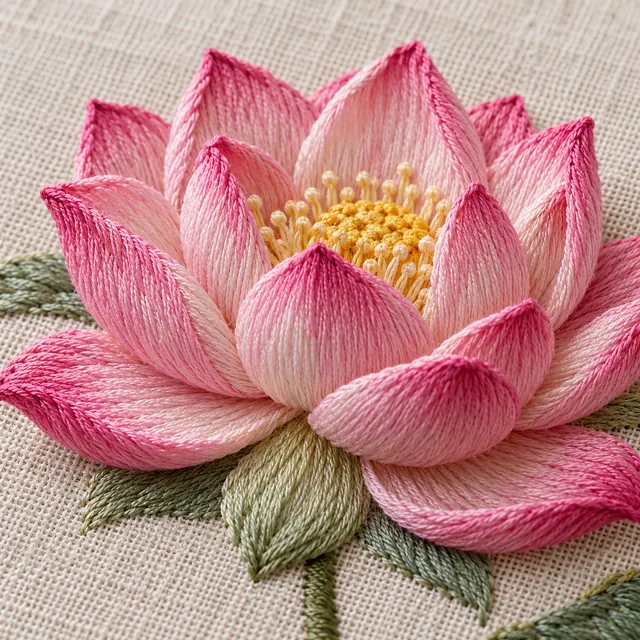
Padded stitches with a 3D sheen.
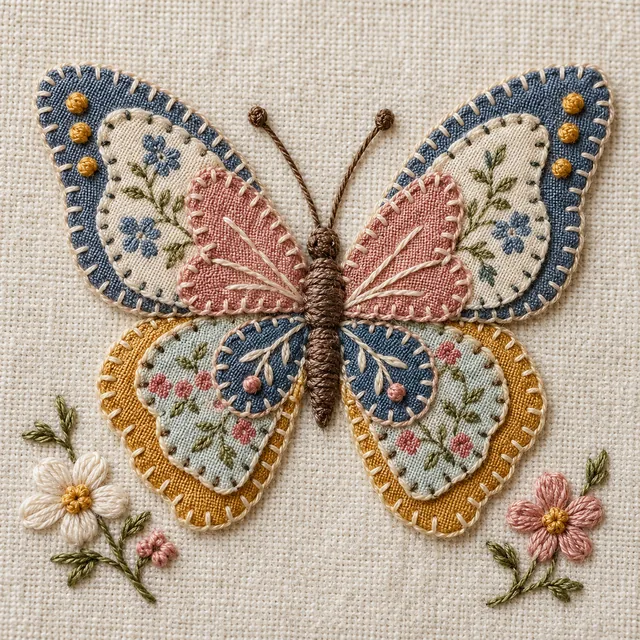
Fabric shapes outlined with satin borders.
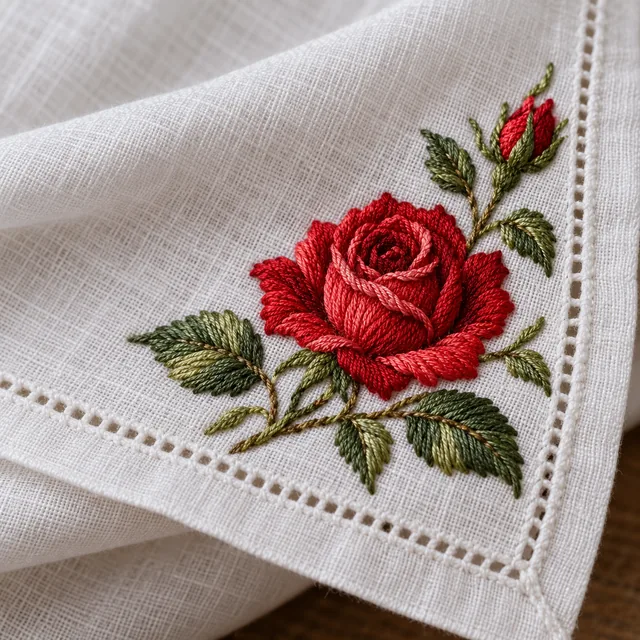
Soft roses on a white handkerchief.
Turn photo into embroidery pattern sheets or stitched previews in four steps. No digitizing skills needed.
A photo, pet portrait, logo, or drawing. Clear shapes and a simple background stitch best. JPG, PNG, or WebP up to 10 MB.
Hoop, satin fill, patch, line patch, backstitch, cross-stitch look, thread painting, folk, raised satin, appliqué, vintage, or crewel.
Match your image or limit the palette, then show it in a hoop, on a jacket, cap, tote, or T-shirt, framed, or as a Pattern Sheet.
Compare up to four versions, download your favorite, and trace the pattern or hand the artwork to your digitizer.
Photography embroidery, also called thread painting, is slow to plan by hand. Upload a picture and see embroidery from picture details right away: fur, petals, and highlights rebuilt as directional stitches with thread sheen, so you know whether the photo will translate before you start.
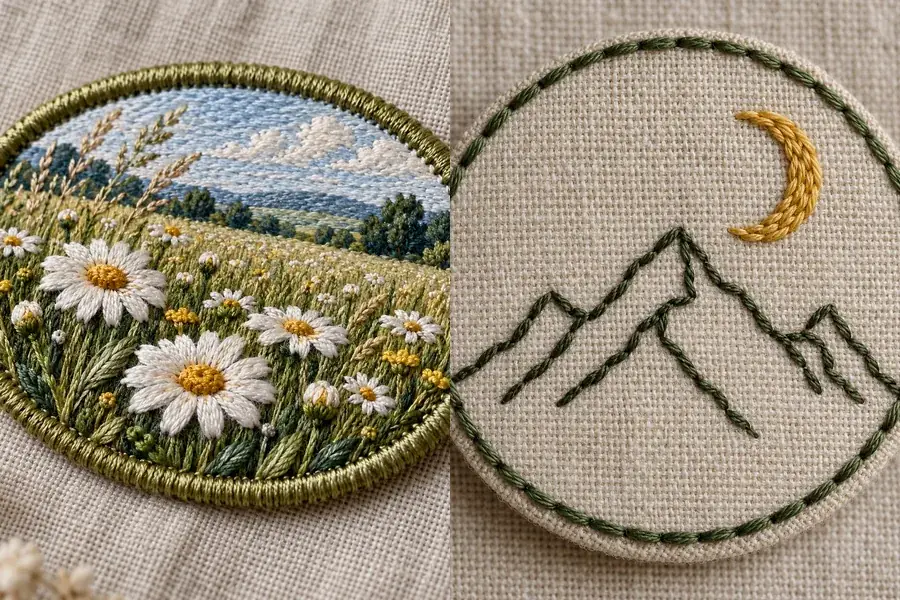
Turn a logo, mascot, or sketch into an embroidered patch with a merrowed border, or a minimal line patch. Preview it on a denim jacket, a cap, or a tote to show clients and teammates before you order a sample.
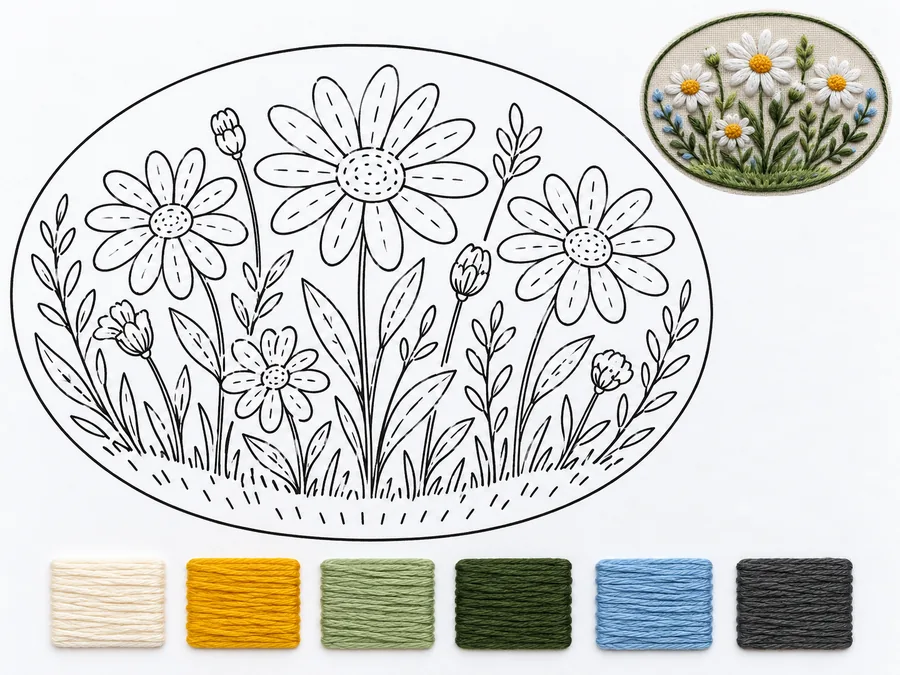
Pick Pattern Sheet and the embroidery pattern generator draws clean outline transfer lines with the thread colors beside them. Print it, trace it onto fabric with a light box or water-soluble pen, and stitch. It is an easy way to create your own embroidery pattern and turn picture into embroidery pattern sheets you can trace.
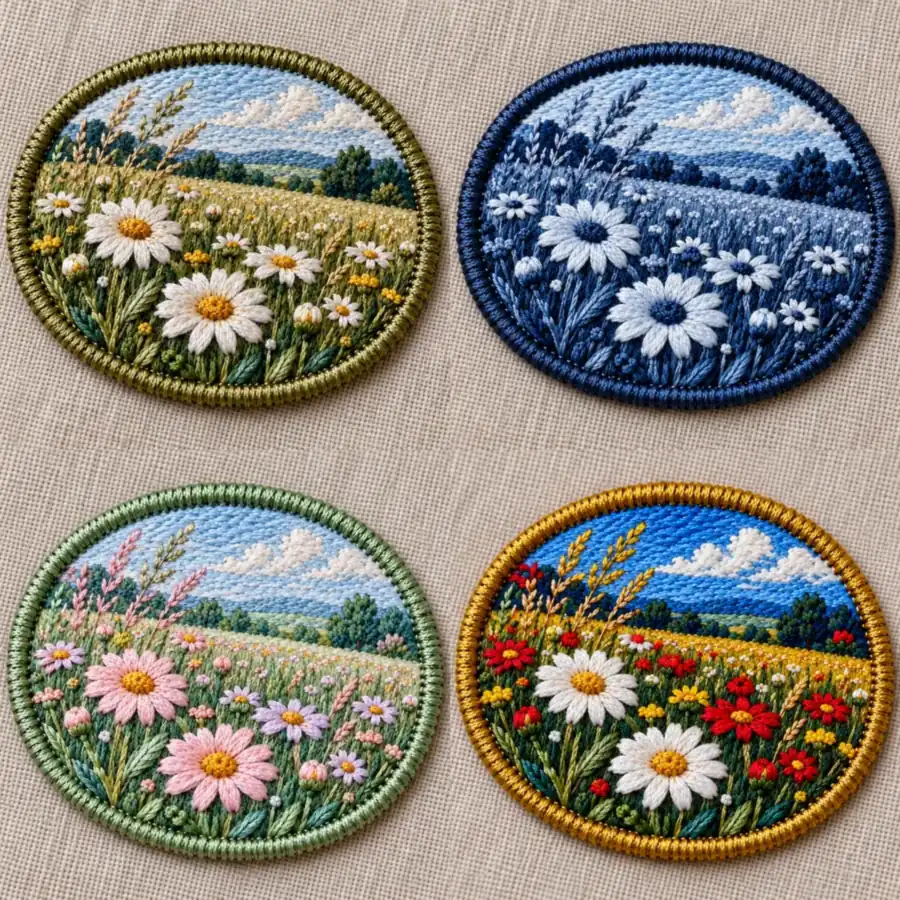
Fewer colors mean fewer thread changes and lower costs. Match your image, keep it to one thread or two to three colors, or try pastel, vivid, earthy, gold metallic, or black and white, and compare before you buy floss.
Pick the tool that matches what you will stitch with.
| Tool | What you get | Best for |
|---|---|---|
| This embroidery pattern maker | Embroidery-style images, patch mockups, and printable outline patterns (PNG / JPG) | Hand embroidery, design previews, and artwork for patches and merch |
| Cross-stitch pattern maker | A counted grid chart with floss colors, made in your browser | Counted cross-stitch projects |
| Digitizing software (Ink/Stitch, Hatch, Wilcom, PE-Design) | Machine files such as DST, PES, or JEF | Embroidery machines; import the artwork from this page as a guide |
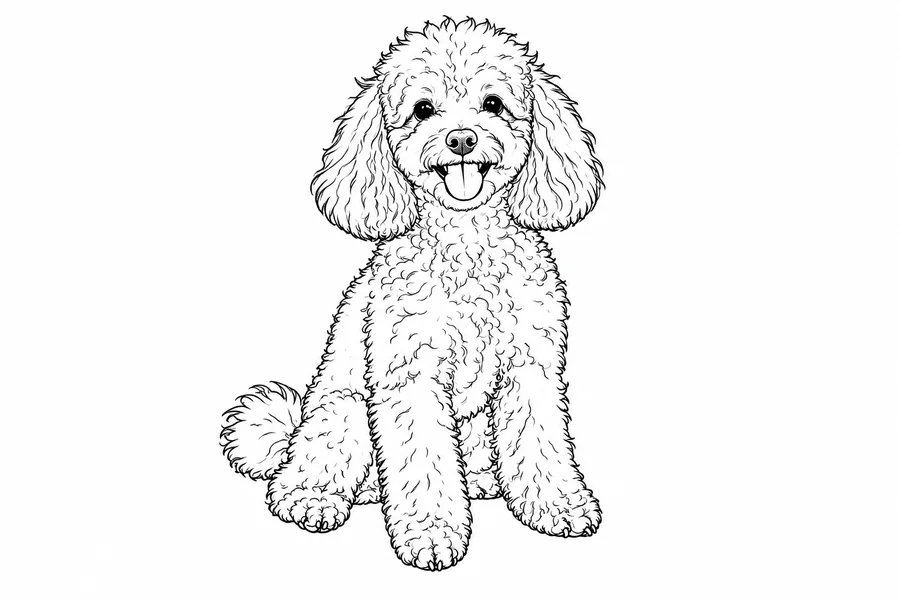
| Photo to line art | Clean black outlines of a photo | Tracing a simple outline pattern |
Looking for a vector to embroidery file converter? That step is called digitizing and needs dedicated software; this page creates the design you digitize.
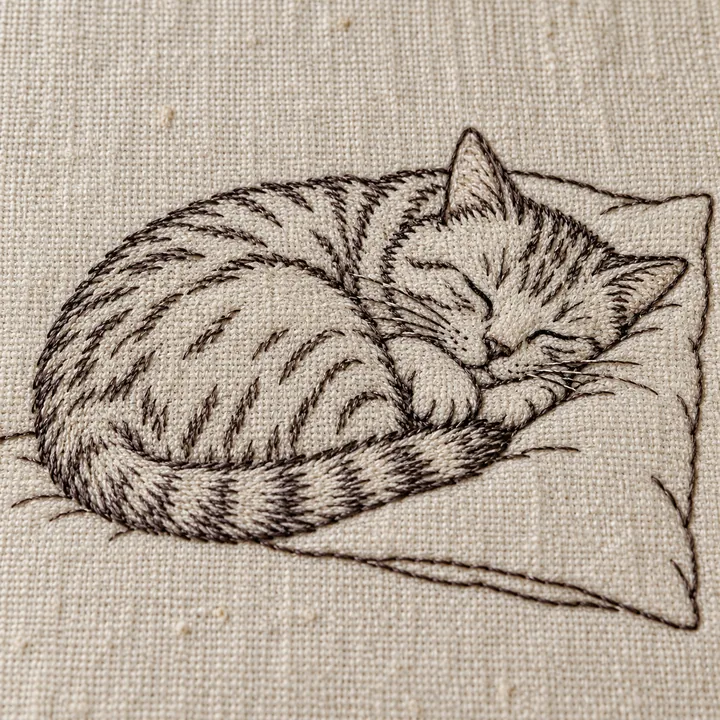
Turn your dog or cat into a hoop-framed gift and plan the colors first.
Design club, band, or brand patches and preview them on jackets and caps.
Show how a logo reads in thread on polos and workwear before digitizing.
Add a name in quotes to stitch lettering under a motif, like an embroidery text generator.
Turn a photo or a favorite flower into a soft vintage keepsake design.
Test compositions and palettes before you commit hours of stitching.
Embroidery simplifies; the clearer the picture, the better the stitches.
One clear subject with strong shapes beats a busy scene full of tiny details.
Crop to the face, flower, or logo you want stitched so it fills the frame.
Choose 2–3 Colors or Single Thread for patches, logos, and beginner projects.
Put short names in quotes in the note; keep lettering large so it stays readable.
Free browser tool: turn a photo into a counted cross-stitch chart with floss colors.
Open toolTurn a photo into clean line art you can trace as a simple pattern.
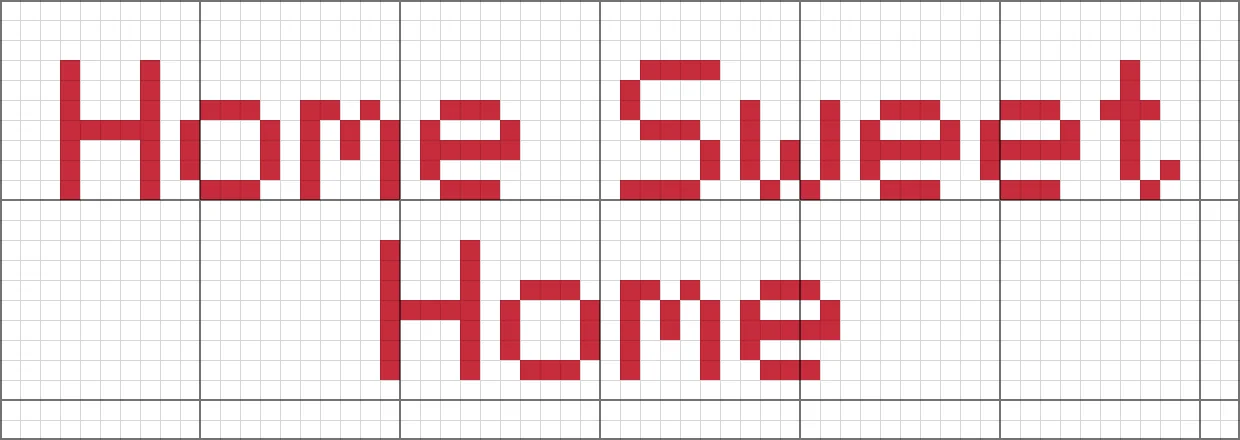
Open toolFree browser tool for stitched letters, names, and words on a grid.
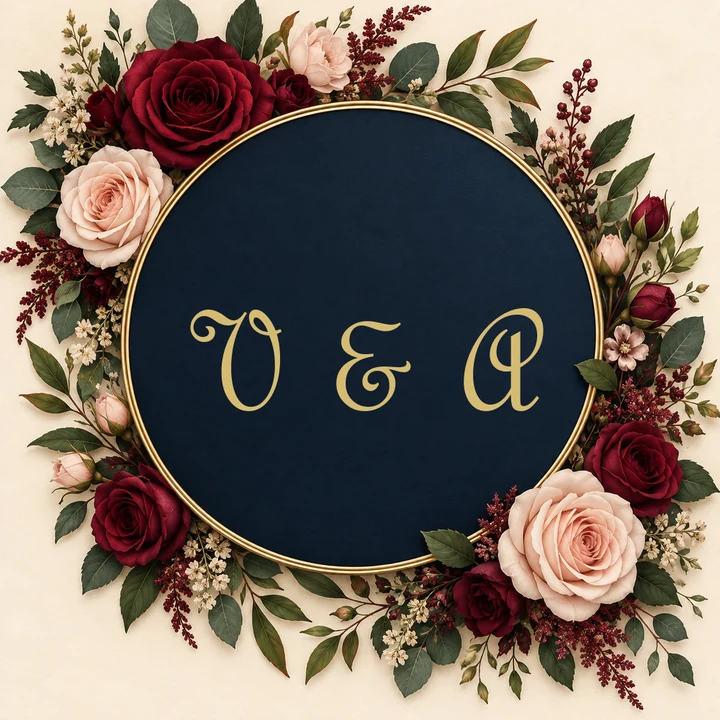
Open toolDesign a monogram, then stitch it with the embroidery pattern maker.
Open toolAnswers about turning pictures into embroidery designs and patterns.
It is an embroidery maker, embroidery design maker, and embroidery design creator in one. It turns a photo, logo, or drawing into an embroidery design: a realistic stitched preview in the style you choose, a patch or product mockup, or a printable outline pattern sheet with thread colors.
Upload the picture, pick a style, choose thread colors, and select Pattern Sheet as the display. Print the outline, transfer it onto fabric, and use the stitched preview as your color guide.
No. It is not an AI embroidery digitizer: the results are PNG or JPG images. To stitch on a machine, open the image in digitizing software such as Ink/Stitch, Hatch, Wilcom, or PE-Design and create the stitch file there, or send it to a digitizing service.
Not directly. Turning a vector into an embroidery file is digitizing, which needs stitch-type, density, and underlay settings in dedicated software. You can upload the vector as a PNG here to preview it as embroidery and pick colors first.
The cross-stitch pattern maker builds a counted grid chart with floss colors in your browser. This page is an image to embroidery converter for free-style stitching, patches, and design previews; its Cross-Stitch Look is a visual style, not a counted chart.
Clear subjects with strong shapes: pets, flowers, simple portraits, logos, and drawings. Very detailed group photos or small text lose detail once simplified into stitches.
Yes. Put the words in quotes in the note, for example stitch “Lily” under the flower. Short words stitch most clearly.
Yes. Choose Iron-On Patch or Minimal Line Patch, limit the thread colors, and preview it on a jacket, cap, or tote. Share the image with a patch maker to produce it.
If you want an embroidery design maker online free to try, this is it: new accounts get free credits when they sign up, and each generation uses a few credits. The cross-stitch pattern maker linked above is a free browser tool.
Use pictures you own or have permission to use, and avoid trademarked logos and characters. If you stitch someone else’s photo or artwork, ask them first.
Upload a photo, logo, or drawing and turn it into embroidery designs, patches, and printable patterns.