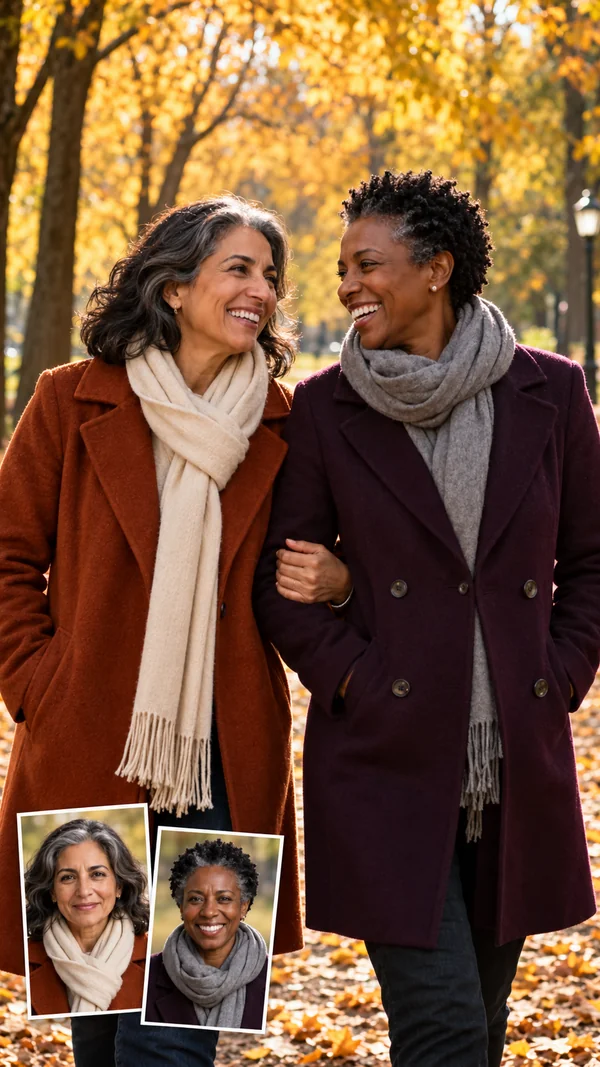
Autumn Park Stroll
Arm in arm under golden leaves, scarves and coats included.
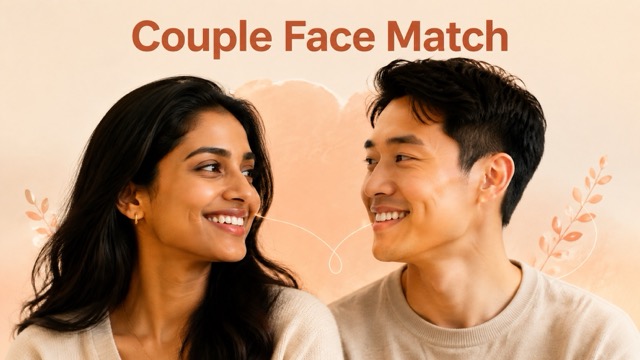
Upload a photo of each person and turn them into a romantic couple portrait. Choose a style, pose, and scene, and this couple AI generator places you both in one natural, shared frame.
Styles: Photorealistic · Poses: Side by Side · Scenes: Autumn Park Stroll
Your photo stays in this browser during this UI preview.
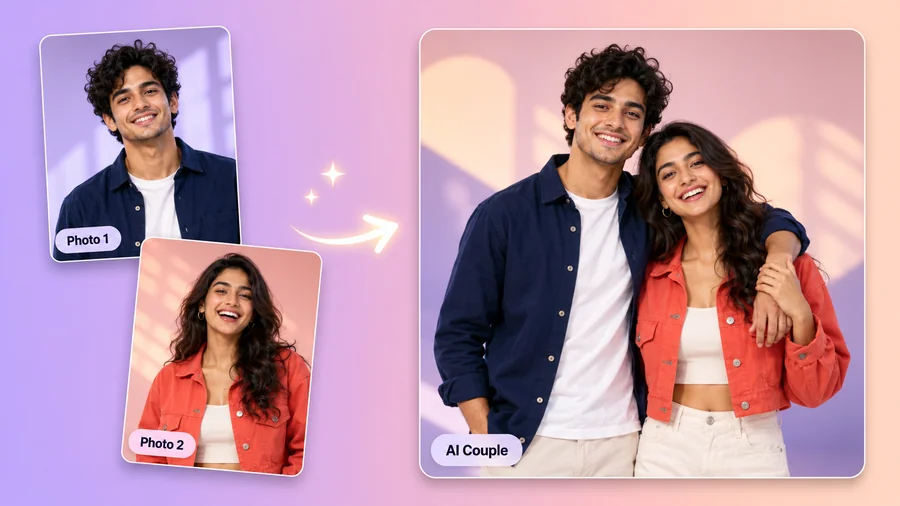
Reference example. It is not a result generated from your upload.
AI photo editing for couples turns everyday photos of two people into one polished couple portrait. Instead of cutting people out by hand, the AI couple photo generator matches lighting, scale, and pose so you both look like you were photographed together in the same place.
Use it as a couple generator for wedding and engagement ideas, Valentine's surprises, long-distance keepsakes, or cute couple AI avatars. AI couples content is everywhere on social media, and a simple photo editor for couples makes it easy to create your own.
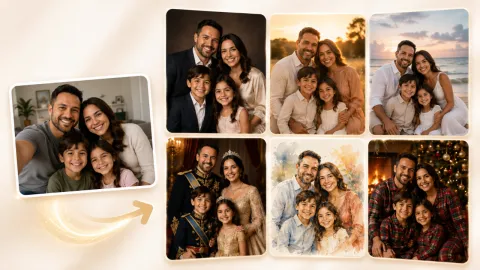
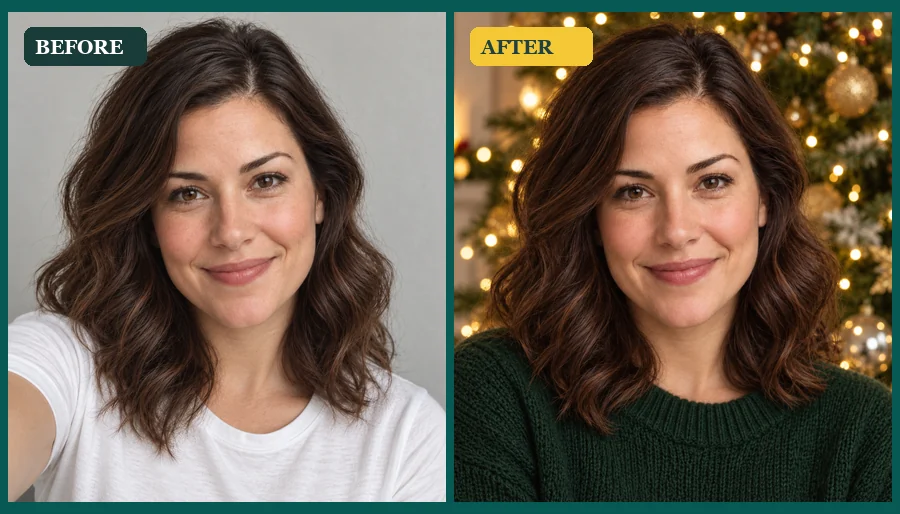
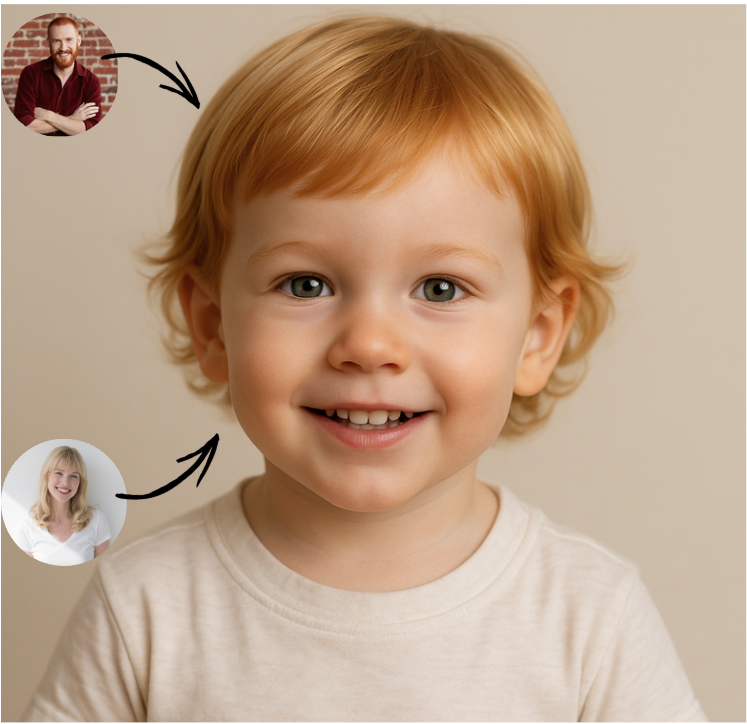
Each scene shows the original portraits in the corner and the finished couple image. Pick one and try it with your own photo.
Arm in arm under golden leaves, scarves and coats included.
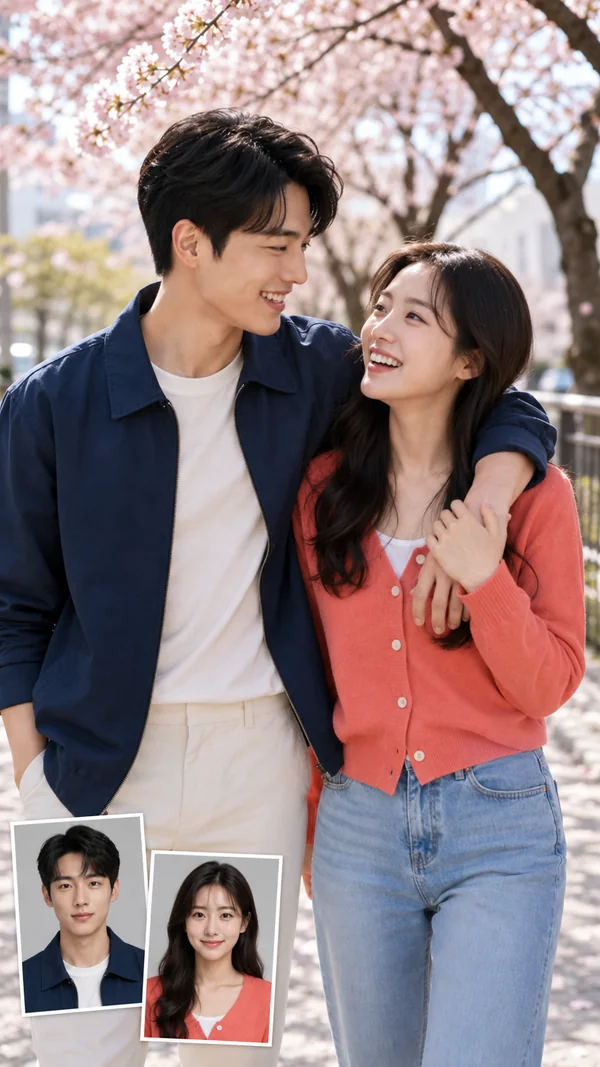
A soft spring walk beneath pink blossoms, made for a sweet profile picture.
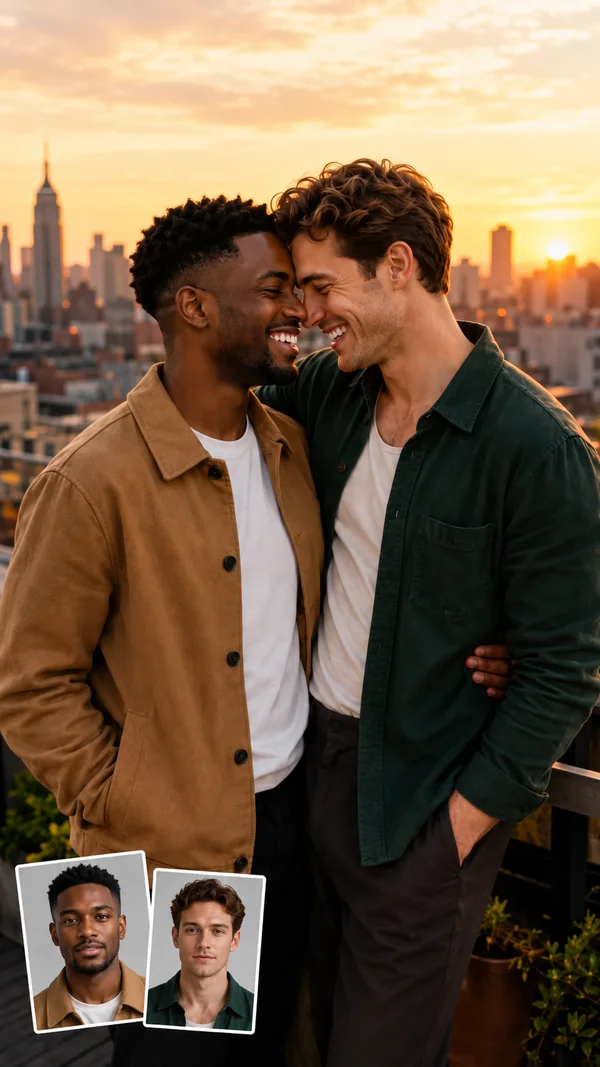
City skyline, warm sunset light, and a close, easy embrace.
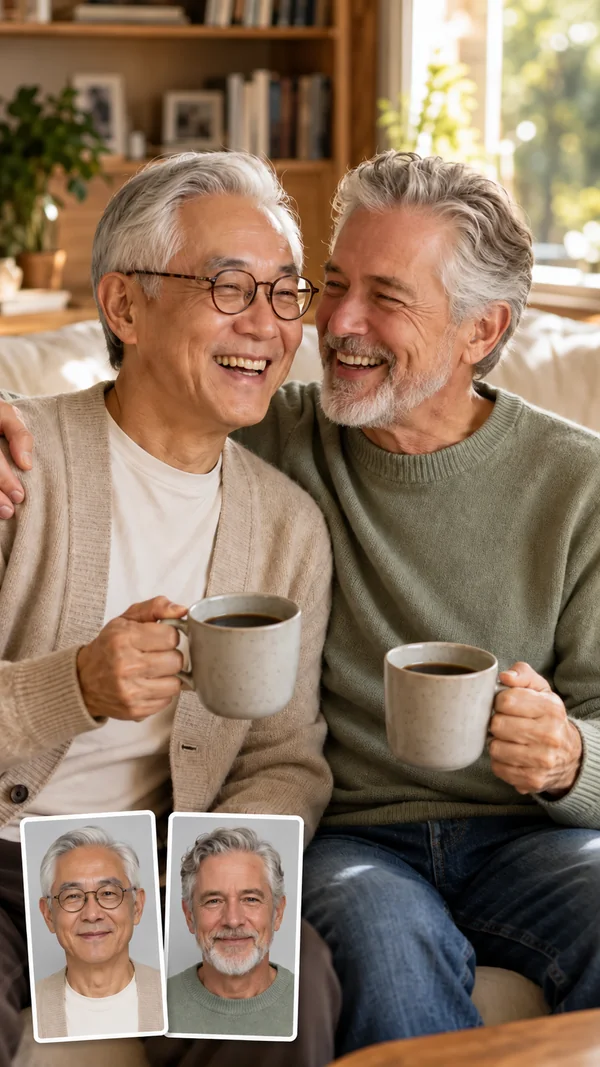
Coffee mugs, knit sweaters, and a relaxed moment at home.
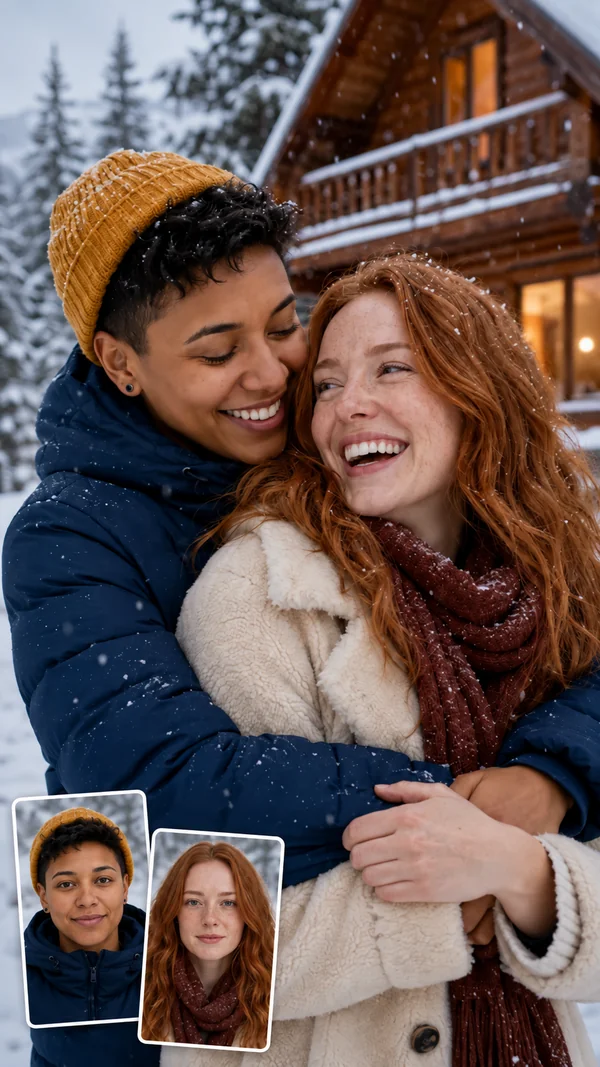
Winter hats, falling snow, and a warm cabin right behind you.
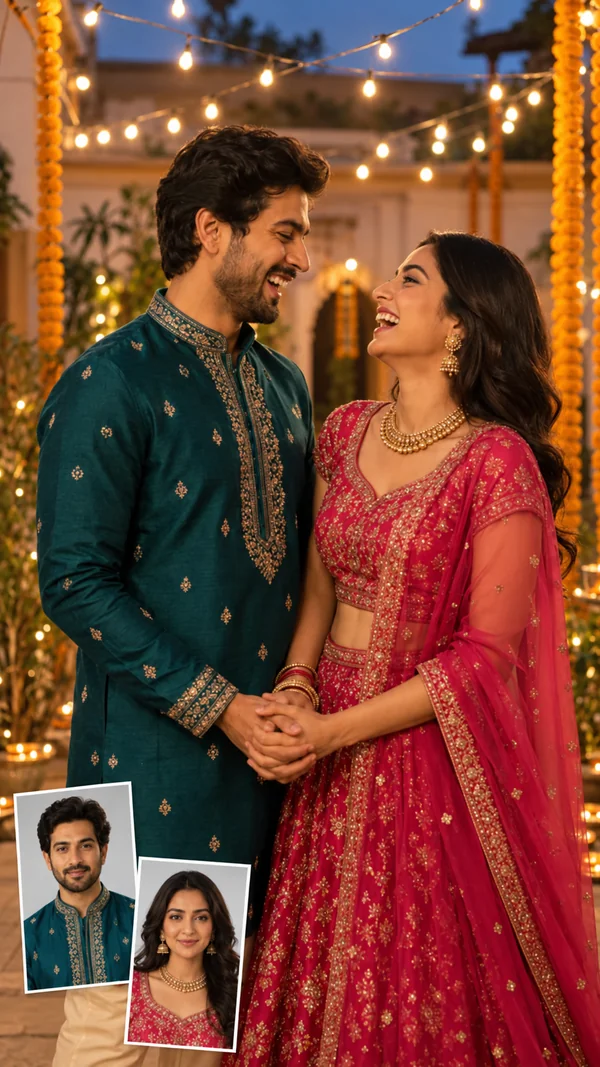
String lights and festive outfits for holidays and family celebrations.
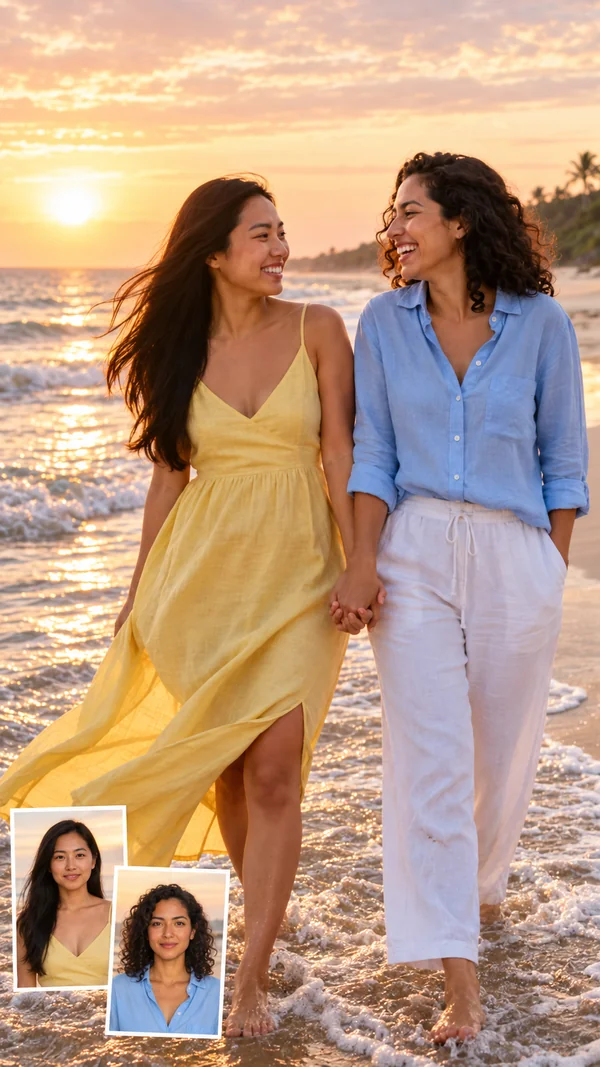
Holding hands along the shoreline as the sun comes up.
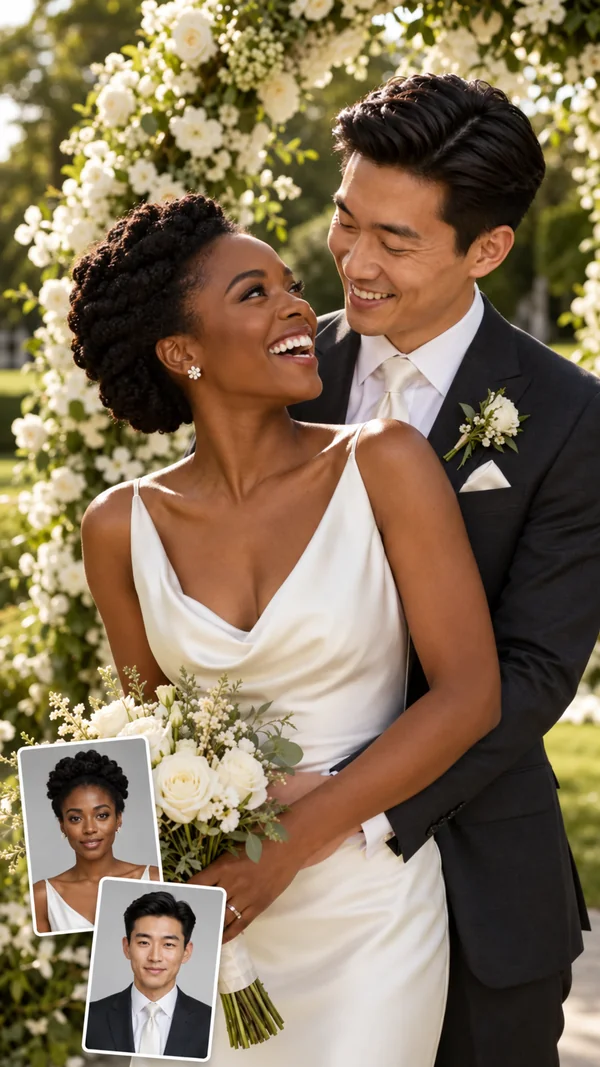
A bright garden ceremony look for wedding and engagement ideas.
Create a duo picture in three steps, right in your browser on phone or desktop.
Add one clear photo for Person 1 and one for Person 2. Separate solo portraits work, so you do not need a photo of you together. JPG, PNG, and WebP files up to 10 MB are supported.
Pick a look such as Wedding, Polaroid, or Cinematic, a pose like Back Hug or Holding Hands, or a ready-made scene. Prefer your own idea? Describe it in Custom.
Generate one to four versions, compare them, and keep your favorite AI couple photos for posts, cards, wallpapers, or prints.
Couple editing photos used to mean masking, resizing, and relighting two people by hand. This AI couple image generator blends both of you into one frame with matching light, scale, and body placement, while each face stays recognizable.
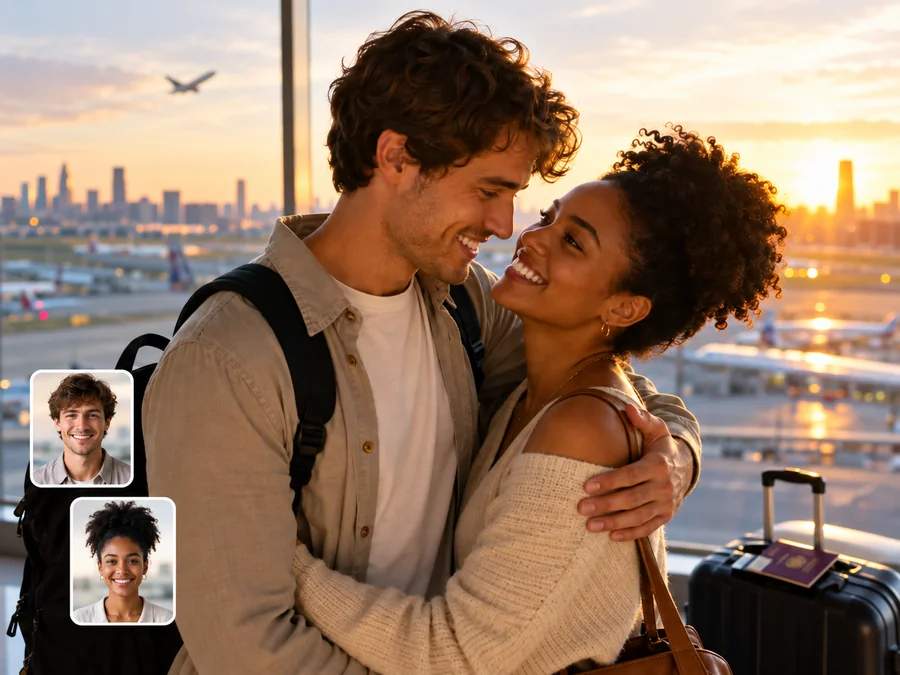
Miles apart? Turn recent selfies into a relaxed date, a warm hug, or a travel memory. Couple AI gives long-distance partners the photo together they haven't had the chance to take yet.
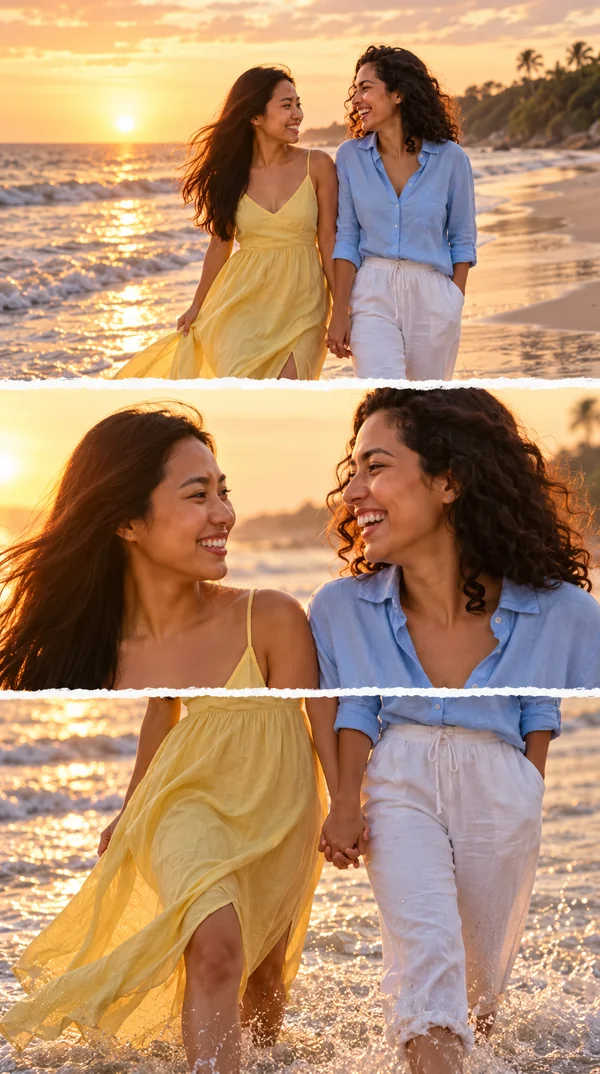
Recreate the viral couple photo edit three layers look: three cinematic frames stacked vertically, with a wide shot, a close-up of you two smiling at each other, and a hand-in-hand moment. Choose Three-Layer Edit and the layout is handled for you.
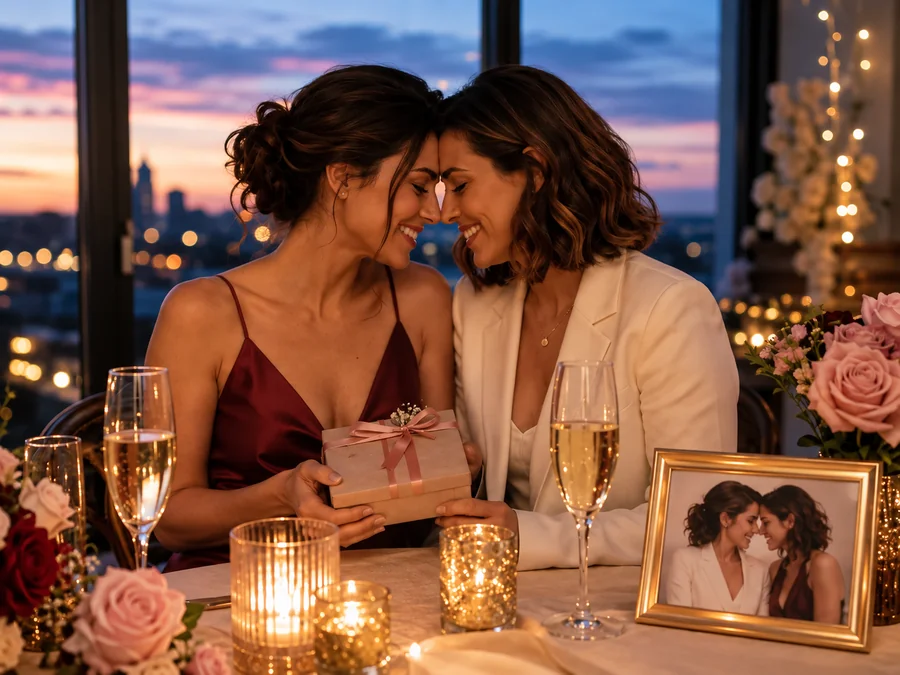
Turn everyday selfies into a romantic portrait for an anniversary post, a Valentine card, a phone wallpaper, or a framed gift that feels personal to both of you.
Choose the mood first. Each style changes lighting, color, wardrobe, and setting while keeping both faces recognizable.
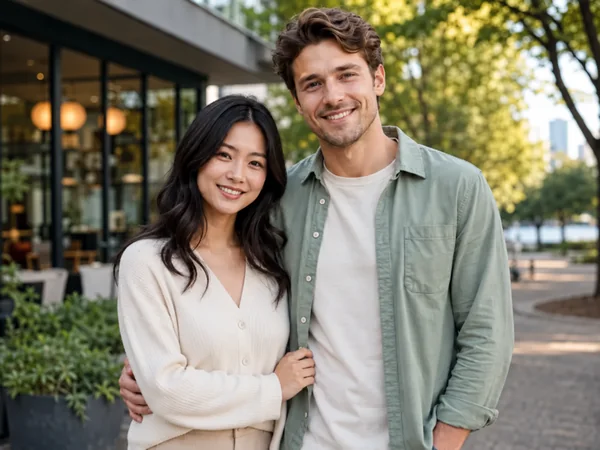
Natural skin, balanced light, and believable depth, like a real professional couple shoot.
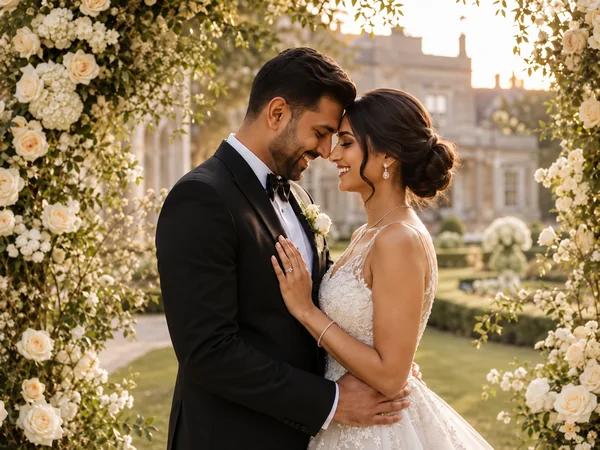
Formalwear, florals, and refined light for wedding portraits and save-the-date ideas.
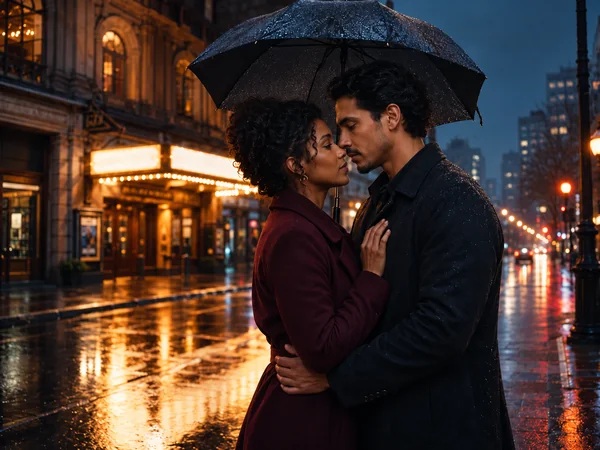
Dramatic light, rich color, and film-like framing that looks like a movie still.
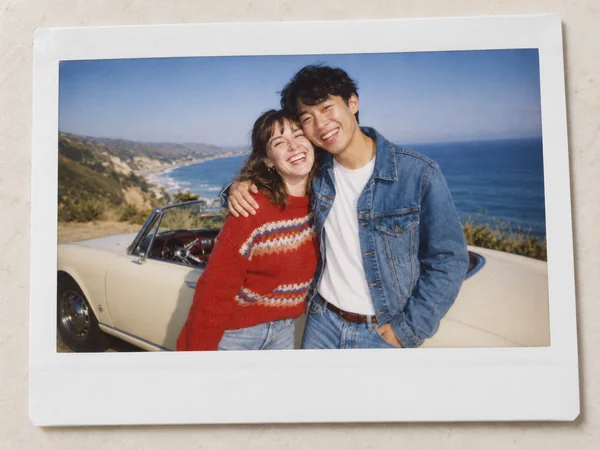
Direct flash, gentle grain, and instant-film color for casual, nostalgic memories.
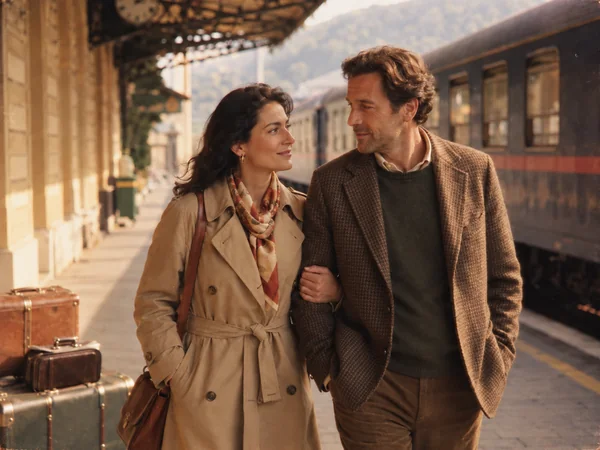
Warm analog tones and classic styling for a timeless travel-story portrait.
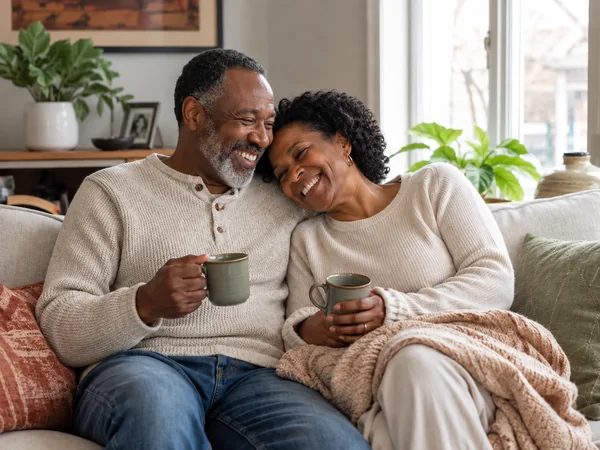
Soft daylight and relaxed clothes for an affectionate, unposed everyday mood.
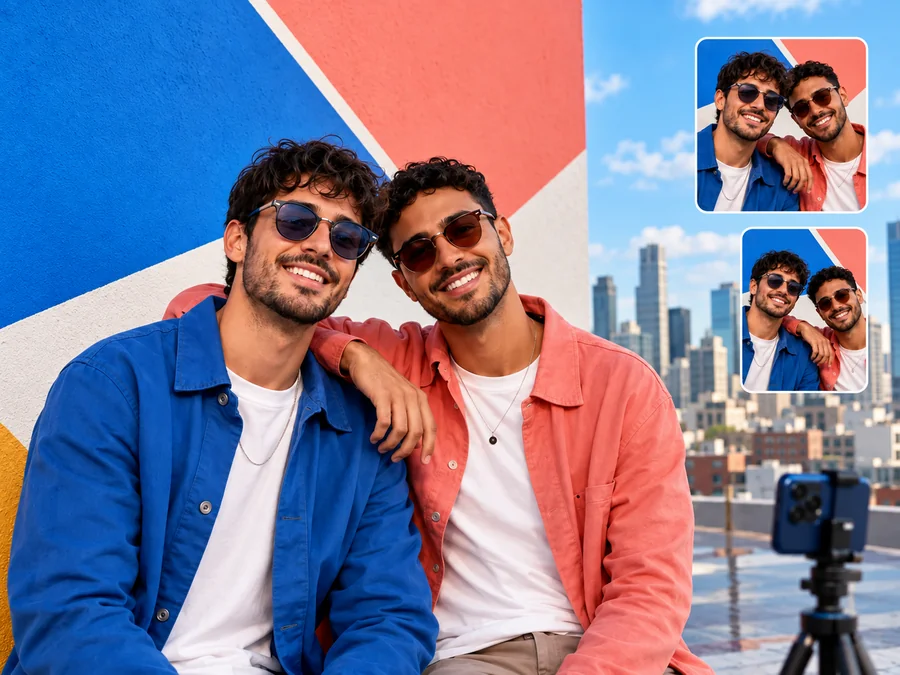
Create matching avatars and profile photos for social apps, group chats, and shared accounts.
Preview a garden wedding, an engagement shoot, or a save-the-date image before booking a photographer.
It is not only for romance: make a duo picture with a best friend, a sibling, or a parent you rarely get to photograph with.
Join couple trends like Polaroid memories, three-layer edits, and cinematic movie-still posts without arranging a full photoshoot.
Clear source photos give the AI the best reference for both faces.
Front-facing or slight three-quarter angles with no sunglasses, hats, or hands covering faces.
Well-lit photos without harsh shadows keep skin tones and features true to life.
Use two photos with similar resolution, lighting, and framing so both faces blend naturally.
Beauty filters and motion blur hide the details that keep each person recognizable.
Common ways people use AI couple photos.
Illustrative examples adapted from reference material, not verified reviews of EzImgMaker.
We live in different countries, so most of our photos are video-call screenshots. The side-by-side result finally looked like a weekend date we could have had.
Our schedules made an engagement shoot hard to plan. The wedding style gave us a polished announcement image, and neither of us looked pasted in.
We had lots of solo travel photos but few good ones together. A back-hug pose gave us the couple photo we forgot to take on that trip.
For our anniversary I made a garden portrait of my husband and me. It became a surprisingly meaningful addition to our family album.
Answers to common questions about AI couple photos.
An AI couple photo maker, also called an AI couple generator, AI couple picture generator, or couple AI image generator, combines two people into one romantic or friendly portrait. It reads both faces, then builds a shared scene with matching light, pose, and style.
Yes. Upload one photo for Person 1 and one for Person 2; solo portraits are fine. The AI then puts both people into the style, pose, and scene you choose.
Yes. Choose one Style, one Pose, and one Scene; they are combined into a single couple photo. Need something else, such as a full-body shot? Add it as a note in Custom.
The goal is to keep both faces recognizable while creating one cohesive scene. Clear, recent, unobstructed photos give the AI the best reference for each person.
Use sharp, well-lit portraits where each face is fully visible and reasonably close to the camera. Avoid heavy filters, motion blur, strong shadows, and accessories that cover the face.
No. This AI couple photo maker runs online in your browser, so you can create a couple photo on phone or desktop without downloading an app to make couple photo edits.
Yes. Any couple can use it, whatever their genders, ages, or backgrounds. You can also use it for friends, siblings, or parent-and-child duo pictures.
Only upload photos you own or have permission to edit, and make sure both people agree to appear in the image. Don't create romantic images of strangers, celebrities, or minors, and never use the result to deceive or harass anyone.
Yes, AI couple photos work well for personal posts, cards, wallpapers, and framed gifts. Do not present a generated image as a real photo to mislead others.
Upload a photo of each of you and create a couple photo in the style, pose, and scene you love.