Weekend café card
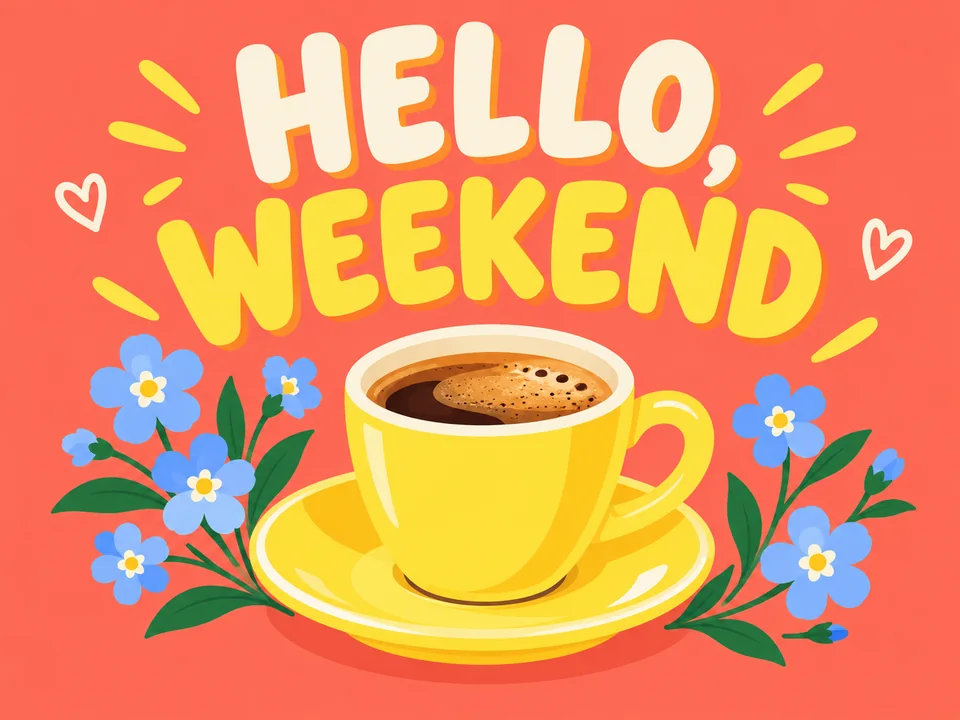
Prompt: Cheerful graphic postcard with exact readable heading 'HELLO, WEEKEND' in friendly bold lettering, a simple illustrated lemon-yellow espresso cup and small blue flowers, coral background, clean playful flat shapes.
Explore Nano Banana 2 Lite for image drafts, small design variations and reference edits. Load a prompt, choose a ratio and compare up to four outputs.
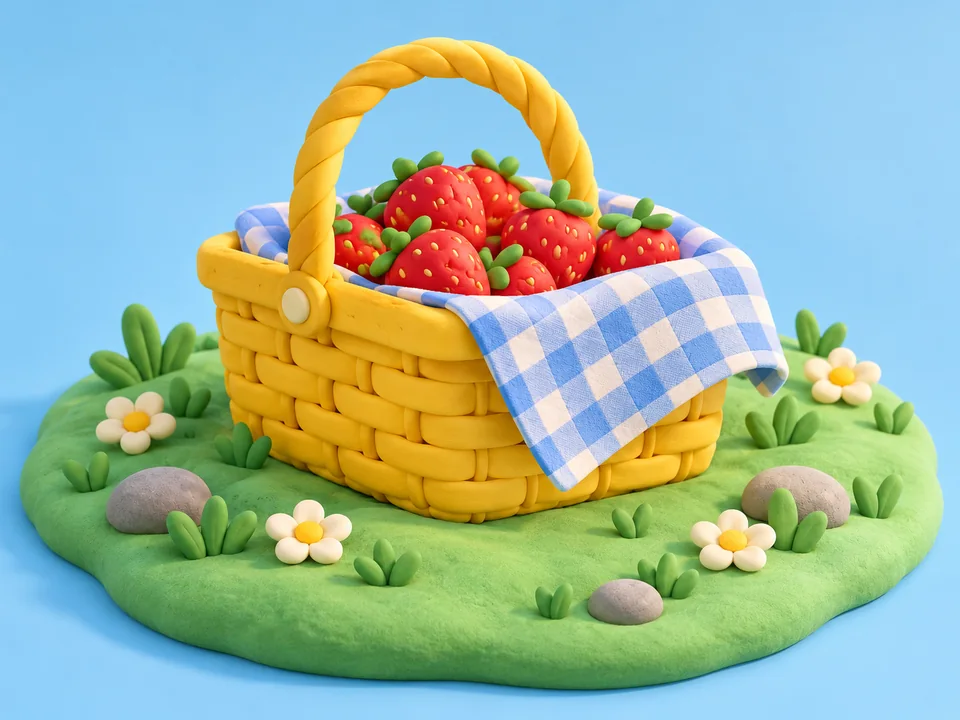
Playful 3D clay-style illustration of a yellow picnic basket filled with strawberries and a blue checked blanket on a small mint-green grassy island, soft toy-like shapes, warm studio light, no text.
Reference example. It is not a result generated from your upload.
Nano Banana 2 Lite is a lightweight image workflow for trying a visual direction before committing to a larger design. Write a scene from scratch or add up to ten reference images, then compare a small set of outputs.
The difference between Nano Banana 2 and Lite matters when selecting a delivery workflow: Lite uses a simpler provider-managed output configuration and returns JPEG. Nano Banana 2 offers selectable resolution tiers. Use this page for illustrations, social artwork and focused edits such as a wall color or mug pattern.
Choose a café card, a paper illustration or a room vignette. Each prompt specifies a compact subject and a limited palette so you can change one design choice at a time.
Prompt: Cheerful graphic postcard with exact readable heading 'HELLO, WEEKEND' in friendly bold lettering, a simple illustrated lemon-yellow espresso cup and small blue flowers, coral background, clean playful flat shapes.
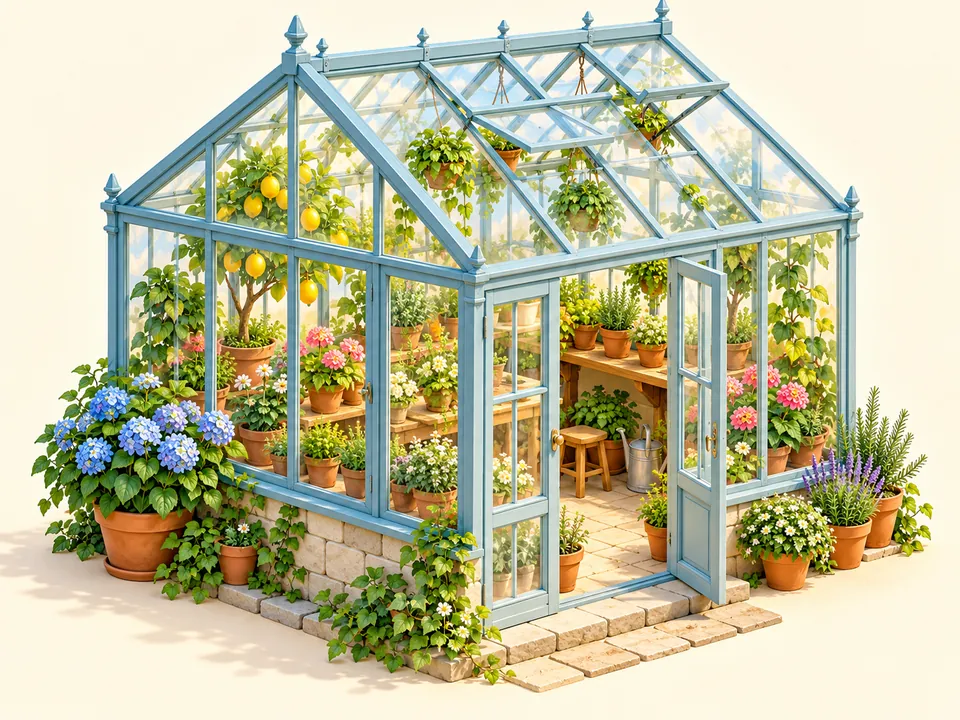
Prompt: Isometric miniature greenhouse made of translucent pale blue glass panels with tiny terracotta pots and lush little plants, cheerful 3D illustration on a warm ivory background, no text.
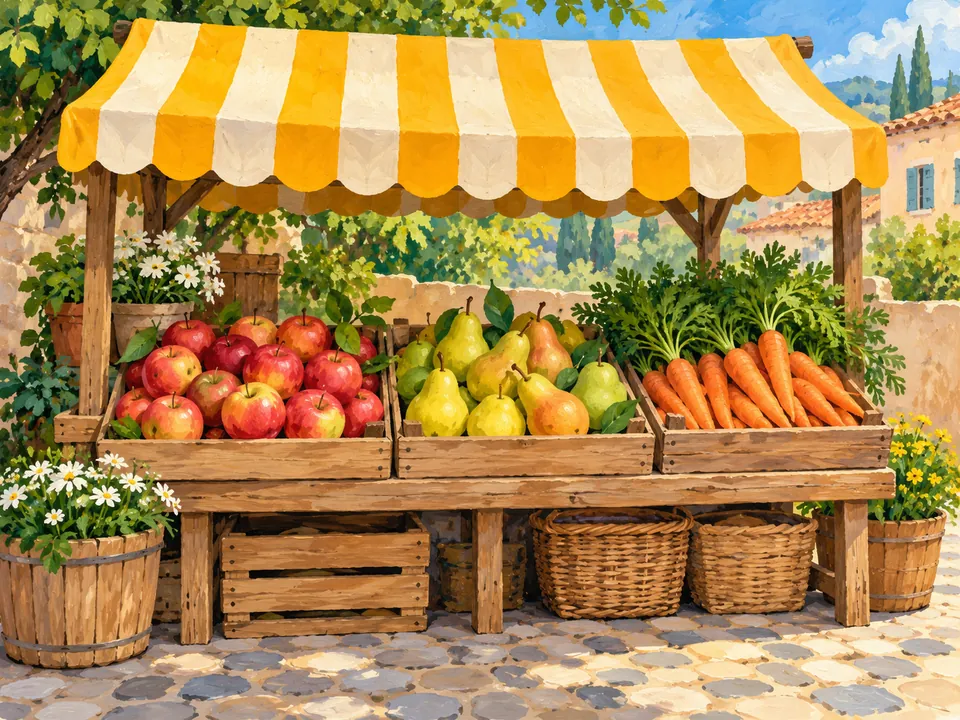
Prompt: Hand-painted gouache illustration of a small produce stall with colorful apples, pears, carrots and striped yellow canopy, no people, no labels, friendly rounded shapes, cohesive cheerful palette.
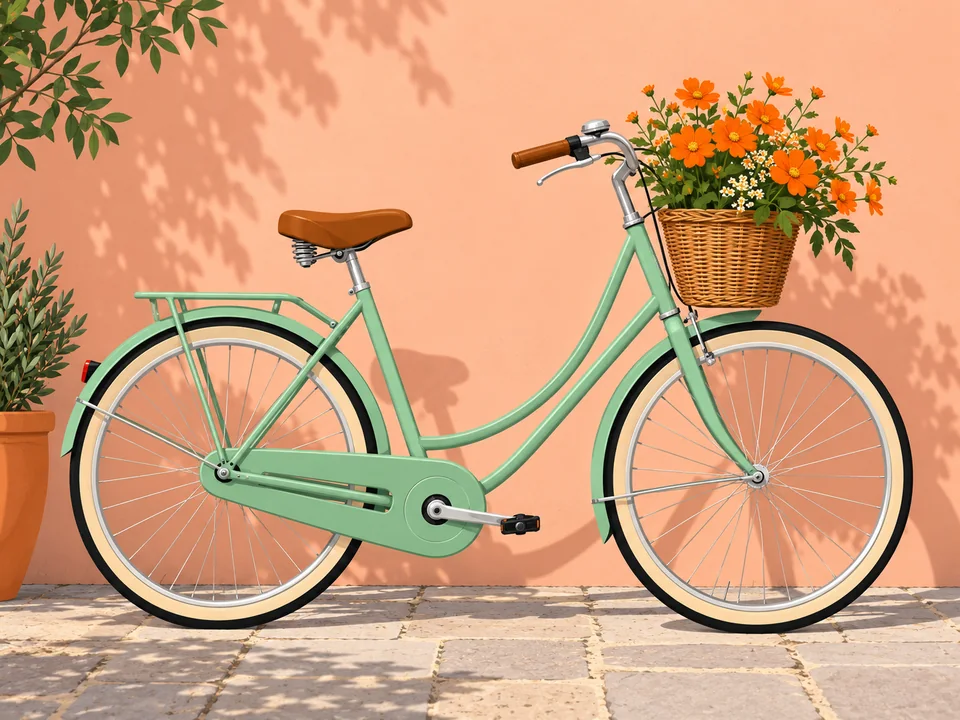
Prompt: Clean flat editorial illustration of a mint-green city bicycle with a basket of orange flowers against a soft peach wall, bold silhouette, minimal texture, no logos or words.
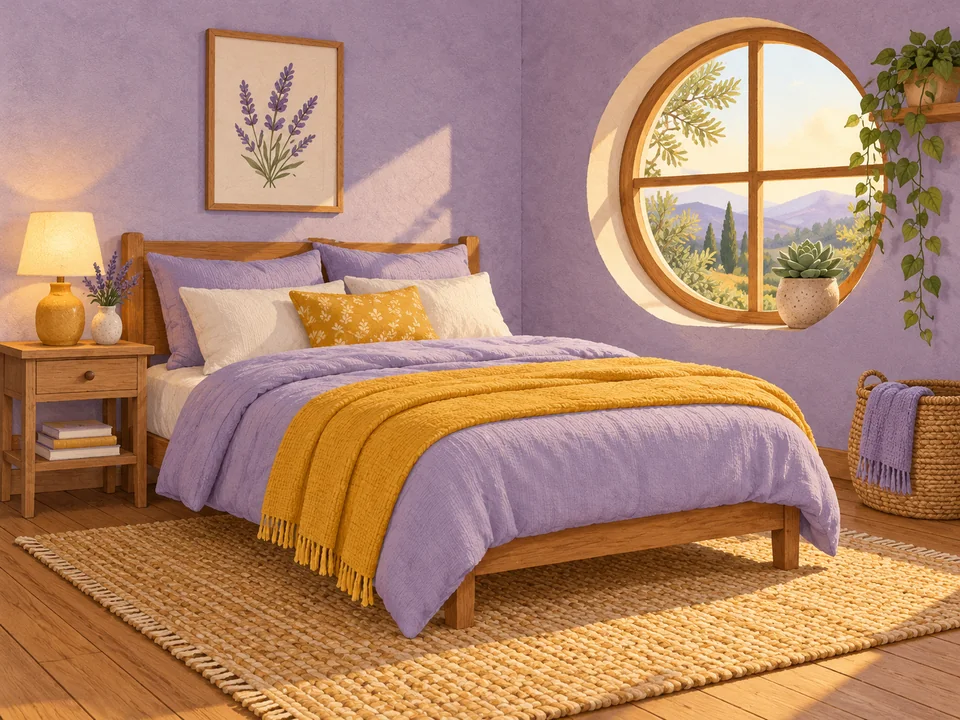
Prompt: Simple cozy lavender-and-mustard bedroom interior illustration, one bed, bedside table and circular window with a potted succulent, paper texture and clear shapes, no people or text.
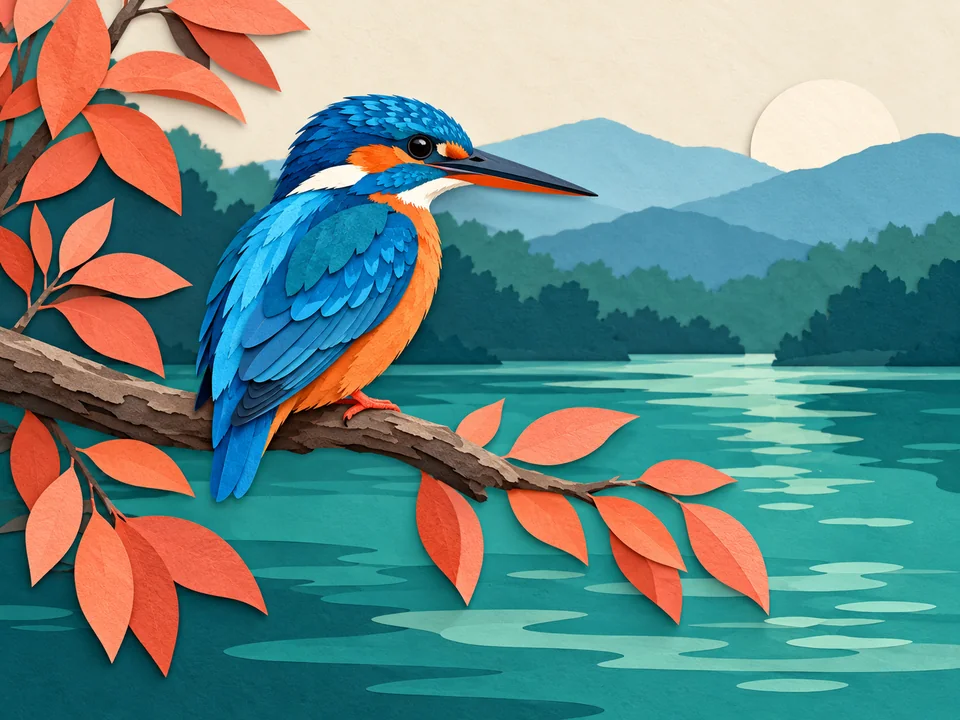
Prompt: Original stylized blue kingfisher bird perched on a branch above teal water, cut-paper editorial illustration, subtle layered shadows, coral leaves, clean silhouette, no words.
Select Try this prompt beneath a design, or write your own in Describe your result. State the subject, medium and two or three colors before adding finer decoration.
Set Aspect ratio to 1:1 for a square card, 9:16 for a vertical social frame or 16:9 for a wide composition. Leave room around lettering instead of relying on a later crop.
Select two to four outputs to explore small composition differences. Keep the subject and palette stable so the differences are easy to judge, and check the credit quote before generating.
Upload your selected image as Reference image 1. Ask for one change, such as sage-green walls or blue dots on a mug, while retaining the object shapes, viewpoint and background.
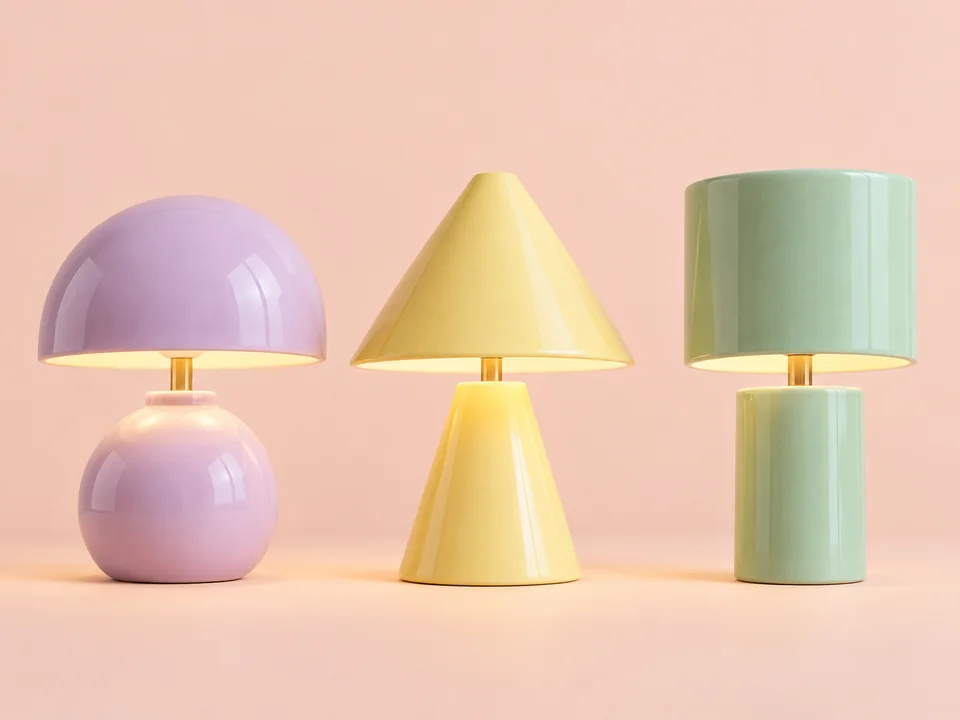
A lilac dome, yellow cone and mint cylinder give three desk lamps a related palette with distinct silhouettes. Specify the features that should vary and keep the background and presentation consistent when comparing a series.
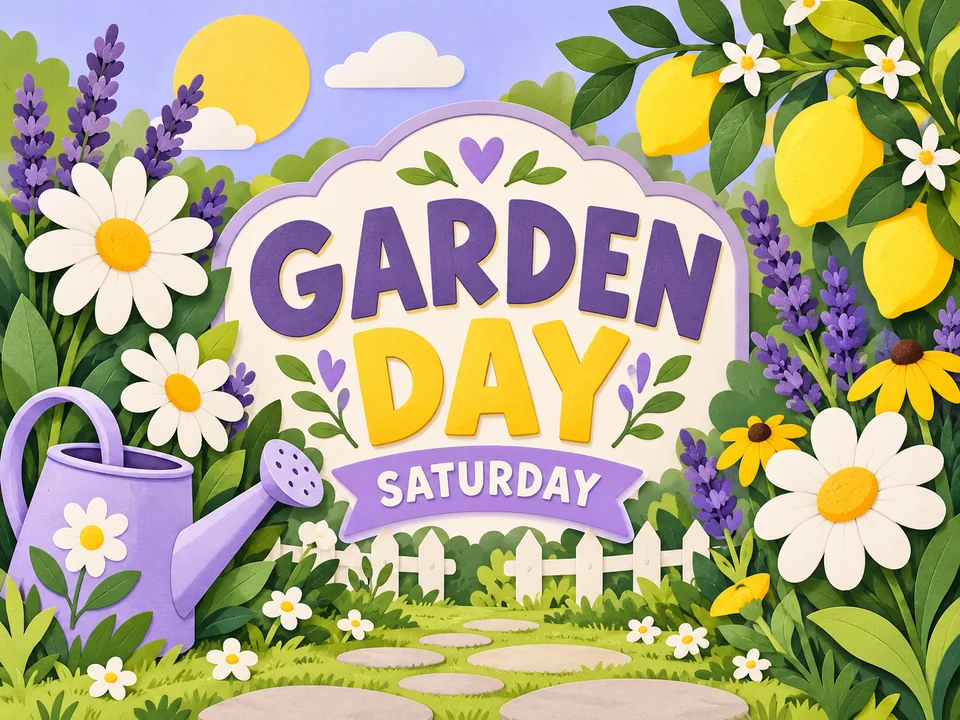
The GARDEN DAY card balances a watering can, a few flowers and a short headline. Use a limited number of elements to judge hierarchy before investing in detailed illustration or production typography.
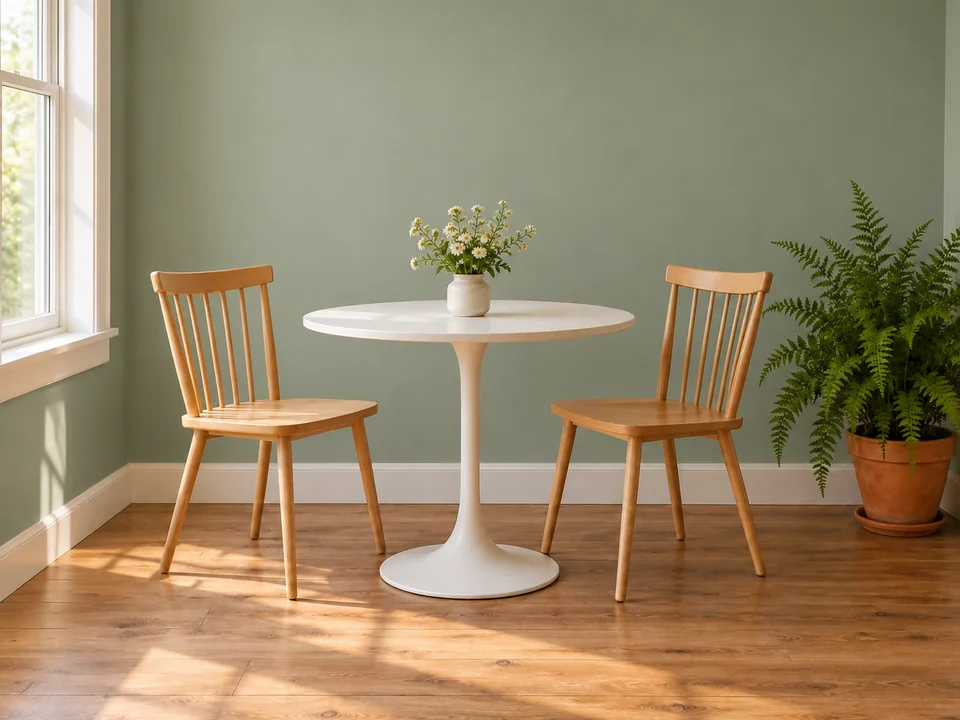
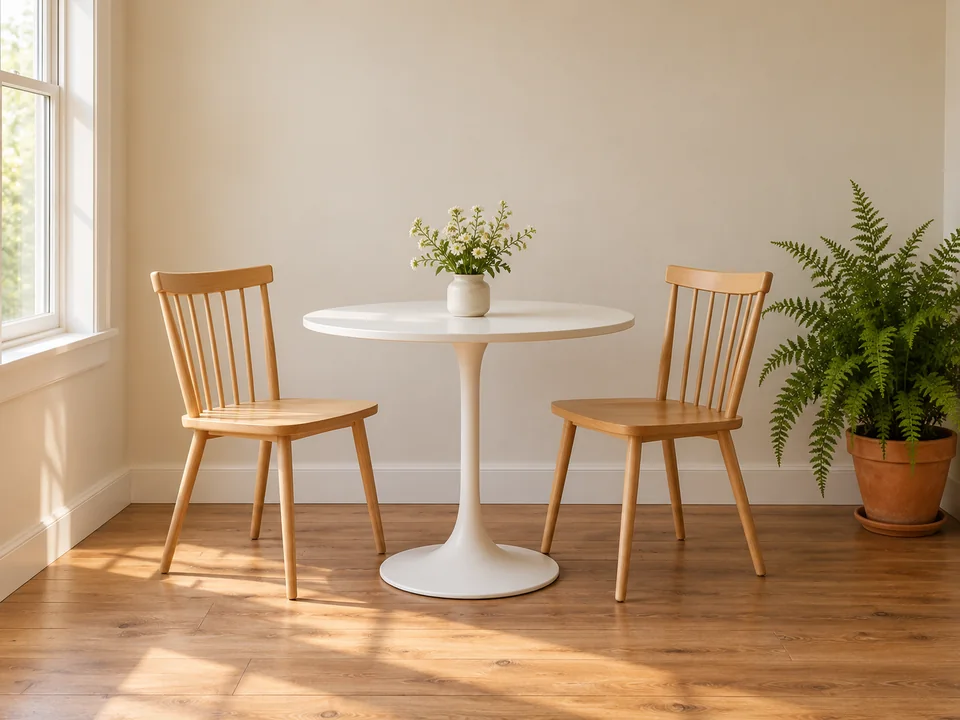
The breakfast nook moves from beige to sage green while the table, chairs, fern and window light stay in place. Edit / reference is useful when the decision is a surface color rather than a complete room redesign.
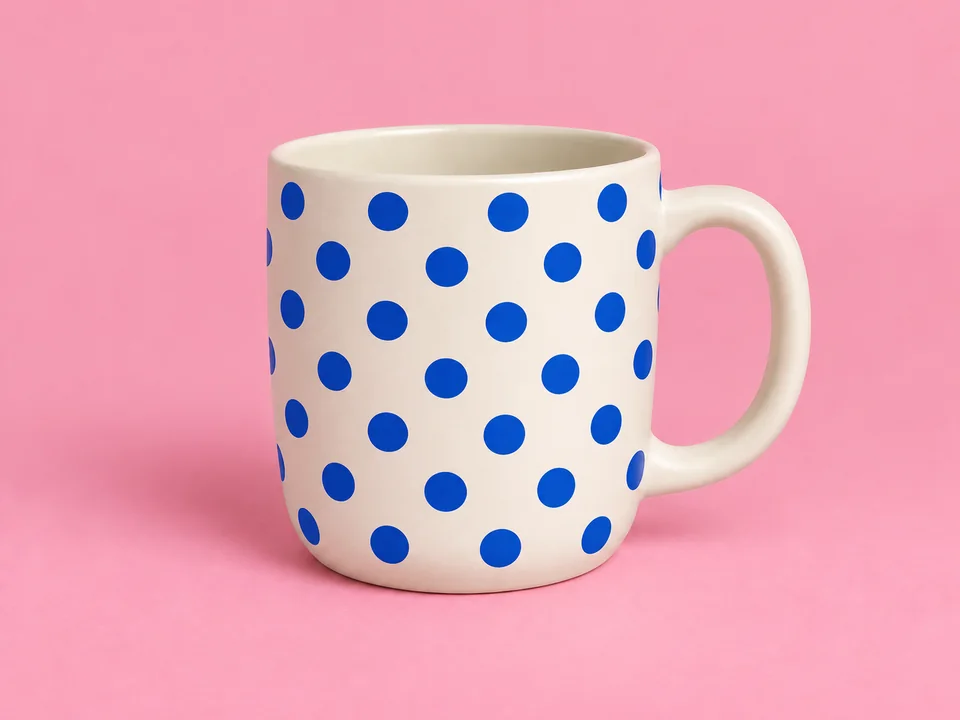
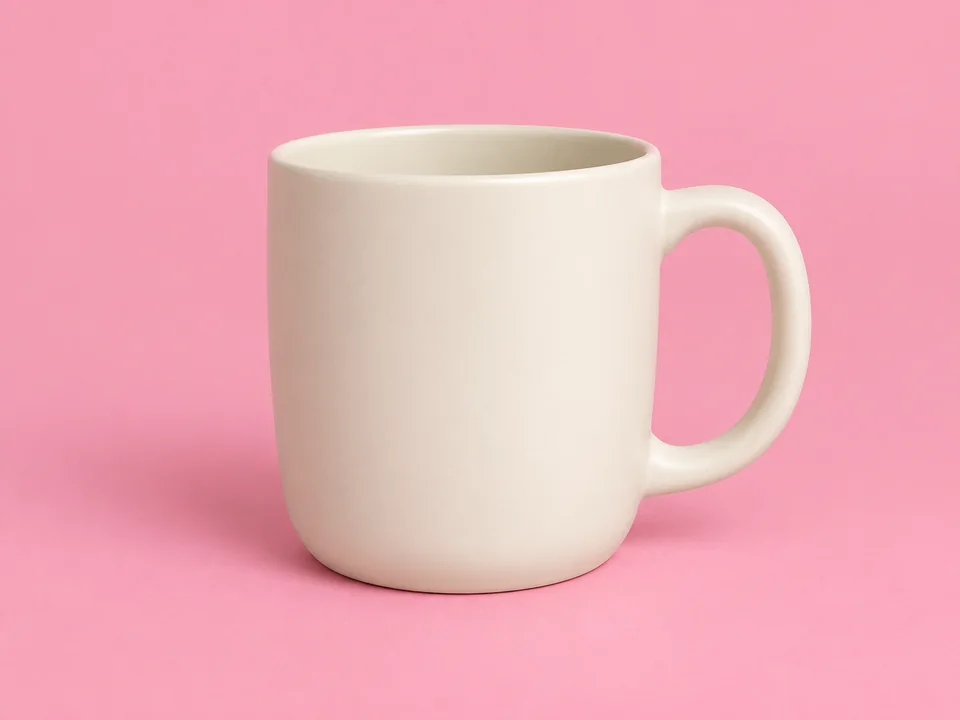
Cobalt dots decorate the cream mug while its handle, rim, viewpoint and pink background remain aligned. Name the area to decorate and tell the prompt to preserve the rest of the photograph.
| Setting | Supported behavior |
|---|---|
| Generation modes | Text to image; Edit / reference with optional image inputs |
| Resolution | Provider-managed; this endpoint exposes no resolution selector |
| Aspect ratios | 1:1, 1:4, 1:8, 2:3, 3:2, 3:4, 4:1, 4:3, 4:5, 5:4, 8:1, 9:16, 16:9, 21:9, auto |
| Reference inputs | Up to 10 JPEG, PNG or WebP images |
| Output count | One JPEG per task; 1–4 separate outputs from this workspace |
| Prompt length | Workspace allows 5,000 characters; provider limit is 20,000 |
| File format | JPEG output; no selectable output format |
Lite returns a JPEG even when the result URL has a different-looking extension. Its documented endpoint does not provide a resolution or format selector.
| Choice | Resolution setting | Image workflow | When to consider it |
|---|---|---|---|
| Nano Banana 2 Lite | No resolution selector | Text and references; JPEG output | A compact draft or a simple color and pattern edit |
| Nano Banana 2 | 1K / 2K / 4K | Text and reference-guided generation | A workflow that needs selectable output resolution |
| Nano Banana Pro | 1K / 2K / 4K | Text and image editing | An alternative family workspace for a more detailed brief |
The family comparison covers available settings. It does not establish that one model is faster or produces a better image.
Choose lavender and lemon, or coral and blue, before describing props. A small palette makes it easier to reuse the result across a shop card, a social post and a matching illustration.
When comparing several outputs, keep the noun, medium and framing unchanged. Save the best arrangement, then make a separate pass for a different color or decoration.
Switch to Edit / reference and use the actual image you chose. Re-entering only its text description can produce a different composition instead of a controlled revision.
Ask for a headline such as GARDEN DAY and inspect the spelling. Add dates, addresses and small legal text in a layout editor when accuracy matters.
Try one headline and one drink illustration in a few palettes before setting the final opening hours and promotional copy.
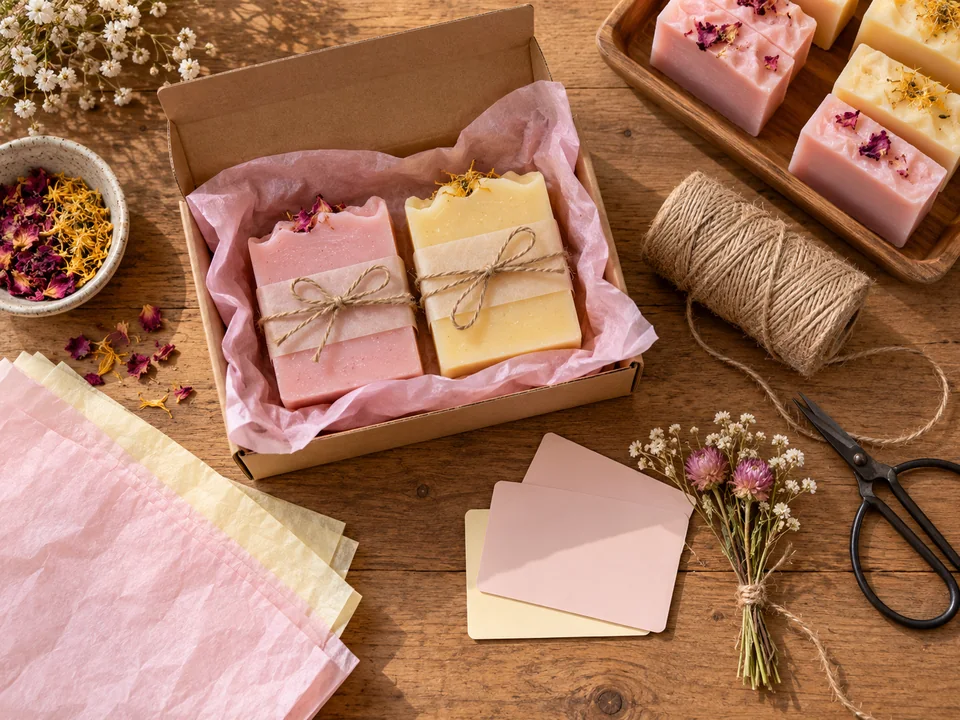
Explore paper colors, ribbons and surface motifs around a stable product shape, then review the physical packaging constraints separately.
Create a square bicycle vignette or vertical plant scene with enough empty space for captions added in your design tool.
Use a photograph of your nook to compare a single wall color while preserving furniture placement and daylight.
Nano Banana 2 Lite is an image model for text prompts and optional visual references. This workspace lets you generate a new picture or make a focused edit using up to ten uploaded images.
Lite has a simpler output configuration with JPEG output and no exposed resolution setting. Nano Banana 2 provides 1K, 2K and 4K options. Choose according to the controls and delivery size your work requires.
Choose Text to image, enter a brief and set Aspect ratio. Select your output count and generate. For a revision, switch to Edit / reference, upload the selected image and describe the change.
Yes. Add a photo in Edit / reference and describe a focused change such as a wall color or surface pattern. Include a sentence listing the elements that should remain unchanged.
Up to ten reference images are supported. JPEG, PNG and WebP inputs are accepted. Use only the references needed to establish the main subject, appearance or composition.
There is no 4K resolution control on this page. If selectable 1K, 2K or 4K output is required, compare Nano Banana 2 or Nano Banana Pro before generating.
The workspace offers one to four outputs. Each is submitted as a separate image task, so review the displayed total credit quote for the number you select.
The current credit quote appears near the generate action. Pricing and availability may change; compare the displayed quote for your output count rather than assuming a fixed free allowance.
No personal provider API key is needed to use this browser workspace. Direct API integration is a separate developer workflow and is not configured by these page controls.
Only with the appropriate permission and consent. Check the rights to people, artwork and product images in your references before uploading, and review generated changes before publishing.
Start with a compact brief, compare a few outputs and edit the version that fits your project.
EzImgMaker is an independent site and is not affiliated with Google.