Clothes
Dresses, coats, suits and everyday outfits.
Upload a photo and build a look: pick an outfit, glasses, a hat, shoes, a hairstyle and a lipstick shade, or add a product photo of the exact piece you want. The AI fits every item to your pose and keeps your face, body and background as they are.
Outfit: Tee & Jeans · Glasses: No Glasses · Hats: No Hat · Shoes: Keep My Shoes · Hair & Wigs: Keep My Hair · Lipstick: Keep My Lips
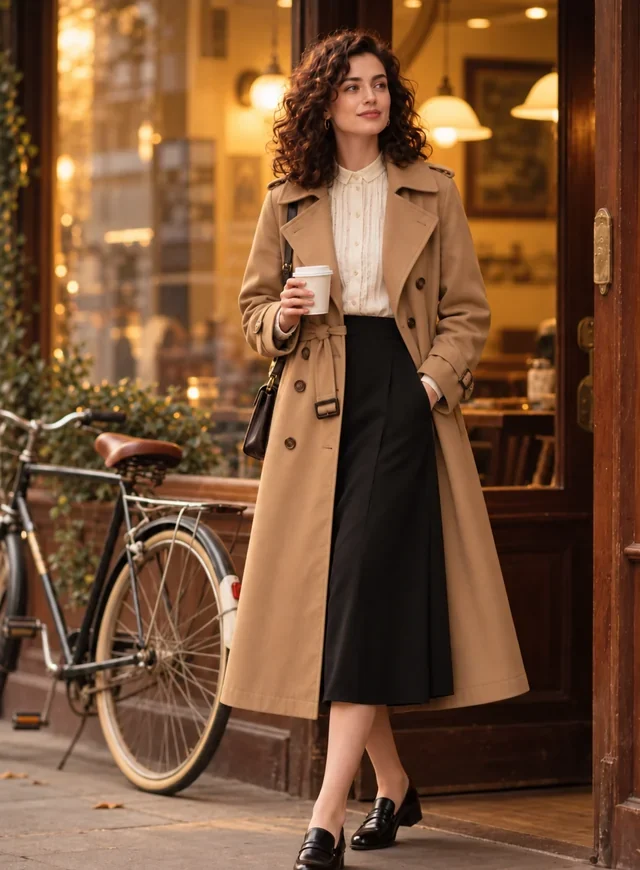
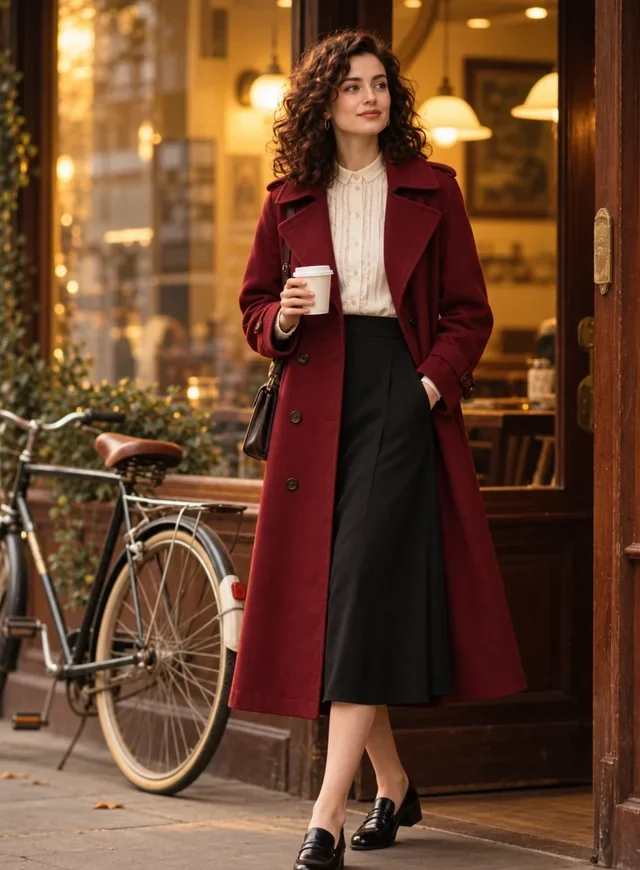
Reference example. It is not a result generated from your upload.
A virtual try on shows clothes and accessories on your own photo before you buy or wear them. Instead of a fitting room, you upload a picture, pick an outfit, glasses, a hat or shoes, and the AI try-on draws each item on you with the right drape, scale and light. It is the quickest way to try clothes on virtually, compare colors, and decide what actually suits you.
This AI virtual try on handles six categories in one look: outfits, glasses, hats, shoes, hair and wigs, and lipstick. Mix them freely, or add a product photo from any store and this virtual tryon clothes and accessories mode puts that exact item on you. Whether you call it a clothes try on, try on AI, virtual try on AI or fashion AI virtual try on, the result is a realistic preview of the look, not a guarantee of fit or size.
Virtual try-on results across categories. Tap a card to load that category in the try-on tool above.
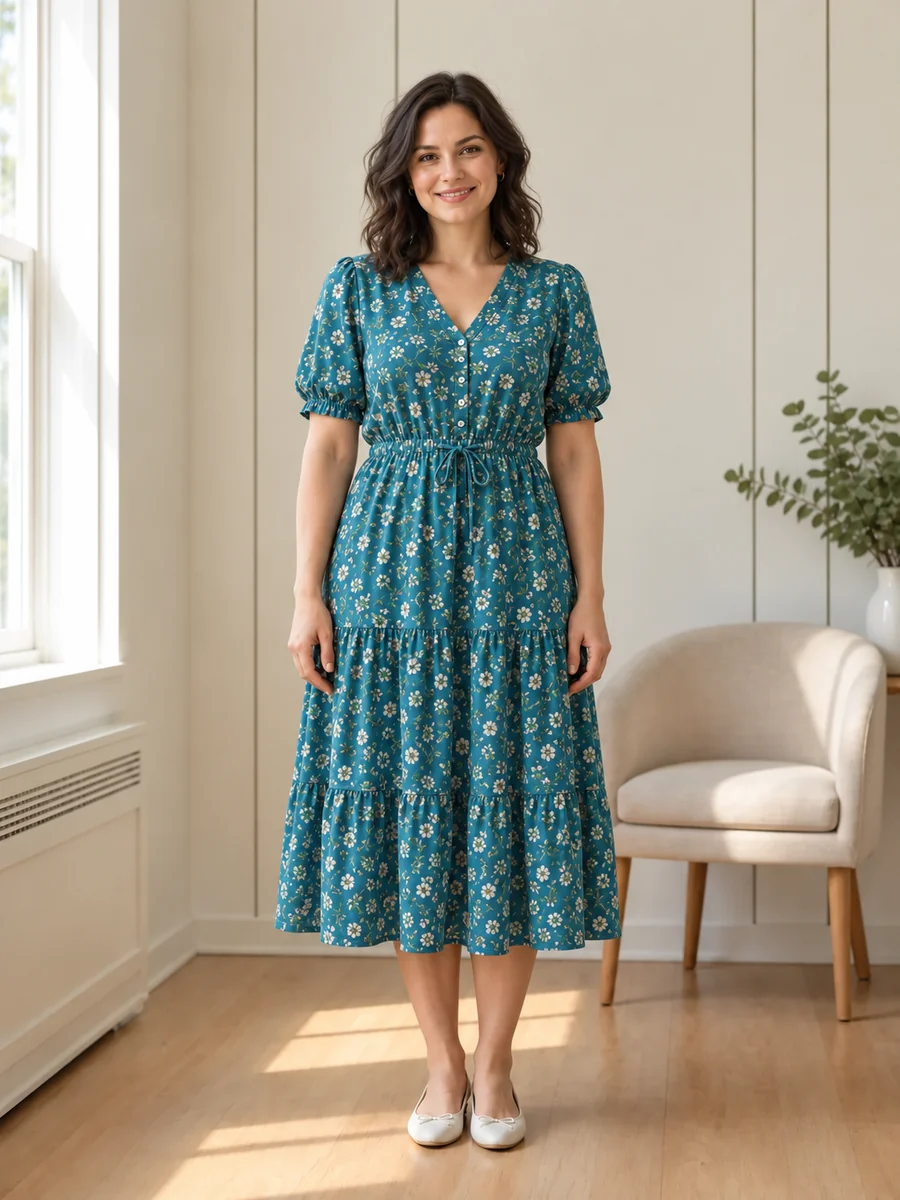
Dresses, coats, suits and everyday outfits.

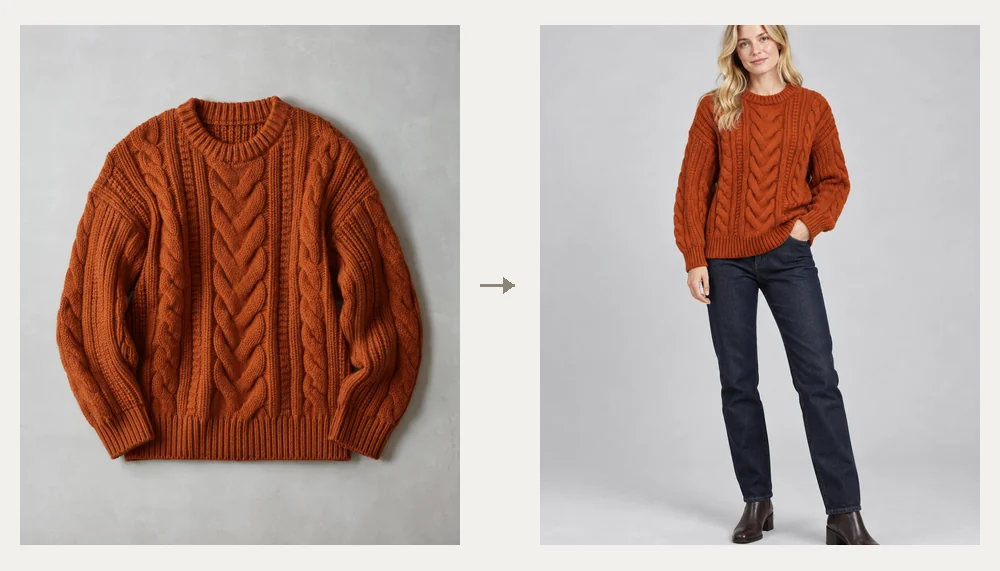
Optical frames and sunglasses on your face.
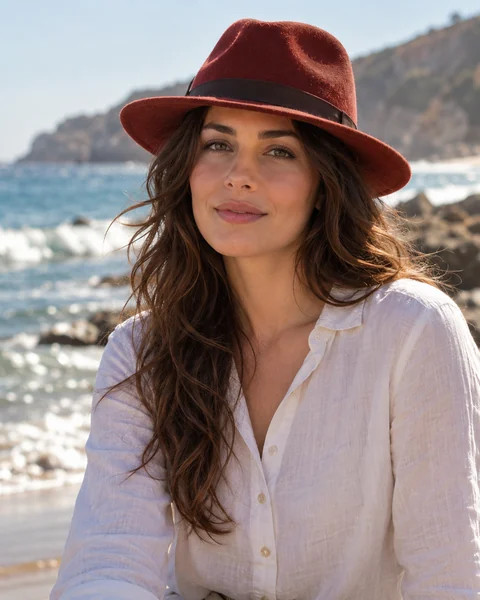
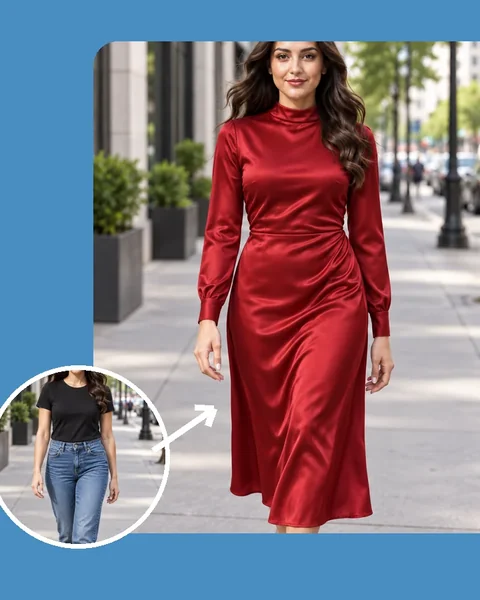
Fedoras, sun hats, beanies and more.
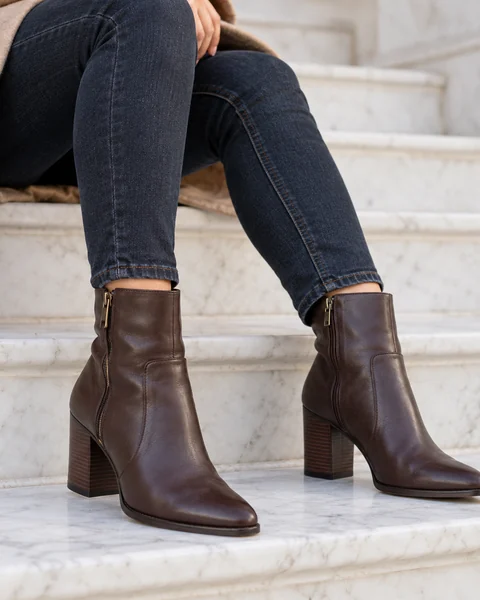
Sneakers, boots and heels in a full-body photo.

New cuts, lengths and textures in one tap.
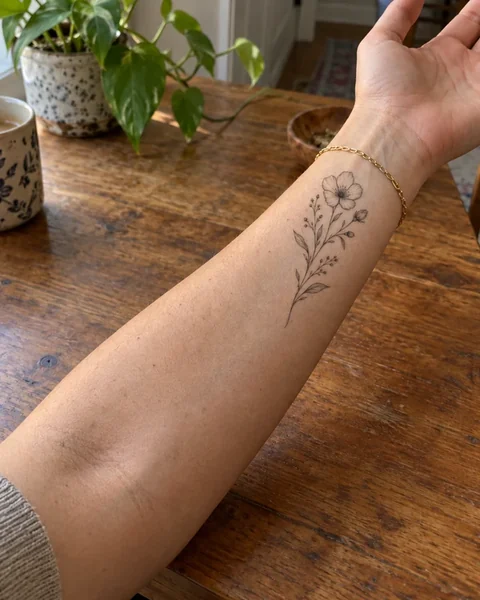
Preview a design and placement first.
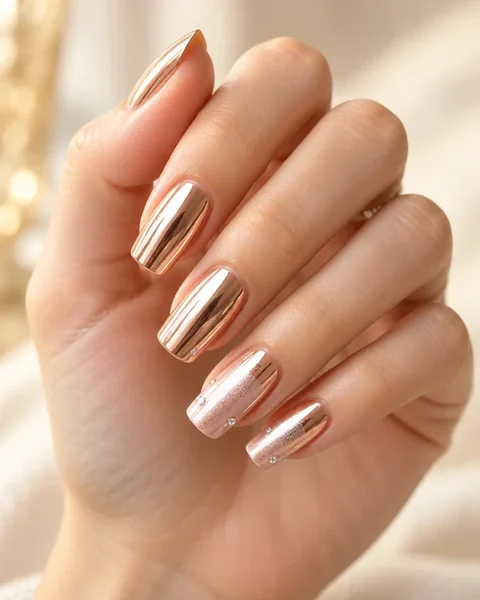
Nail art and colors on your own hand.
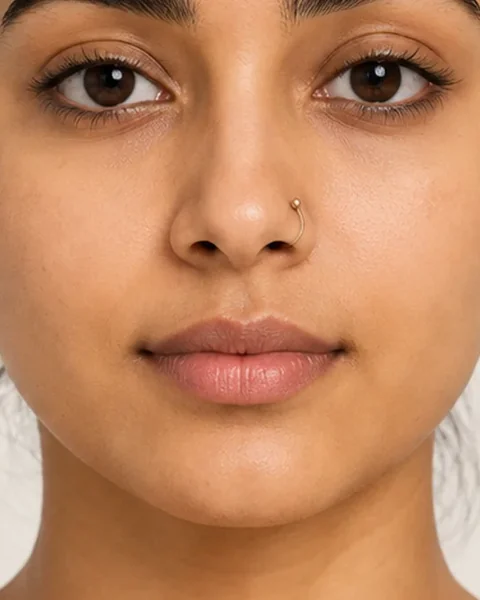
Nose rings, studs and ear stacks.
Try on clothes with AI in three steps, from any phone or computer.
Use a clear, well-lit photo: full body for outfits and shoes, head and shoulders for glasses, hats, hair and lipstick.
Pick one item per category, such as a trench coat, aviators and a fedora, or keep what you wear. To try a specific product, add its photo in Item Photo and choose Try on my item.
Create 1, 2 or 4 previews, compare them with your photo, and save the look you like before you check out.
A fitting room for every category, on the photo you already have.
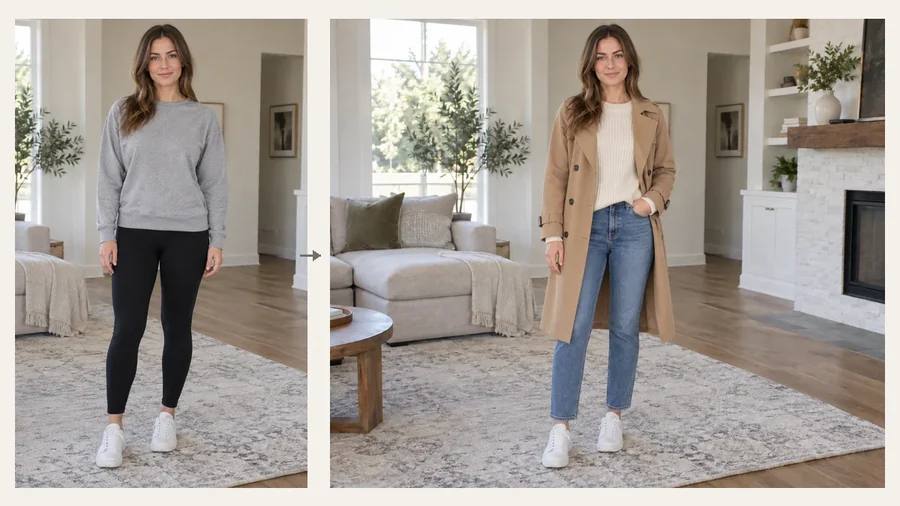
Shopping online is a guess until you see it on you. Try clothes on before you buy: compare a coat in two colors, a dress against a suit, or a casual and a smart look on the same photo. Try clothes online from any shop, virtually try on clothes in two colors, and let a virtual clothes try on cut the guesswork and the returns.
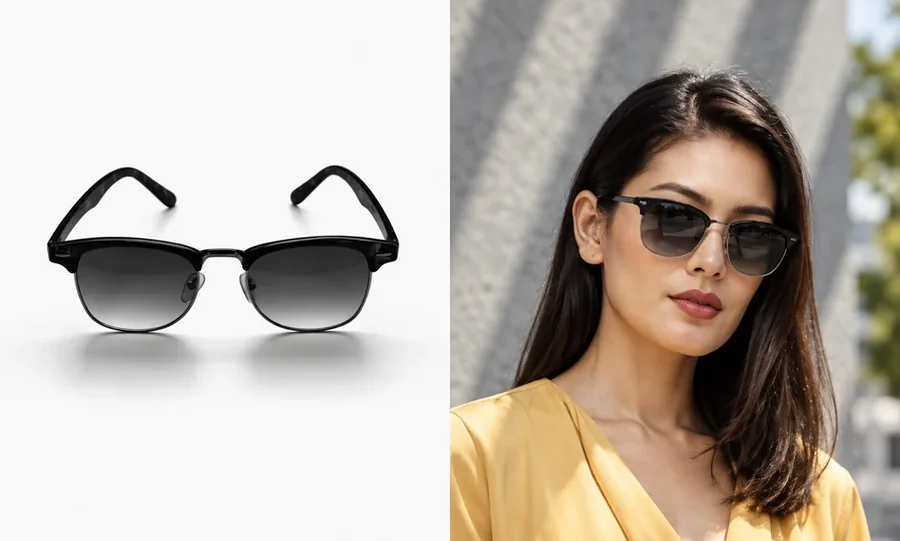
Found a pair of frames, a jacket or sneakers online? Save the product photo and add it as Item Photo. The AI virtual try on clothes and accessories mode copies its color, material, pattern and details onto you, instead of a look-alike preset.
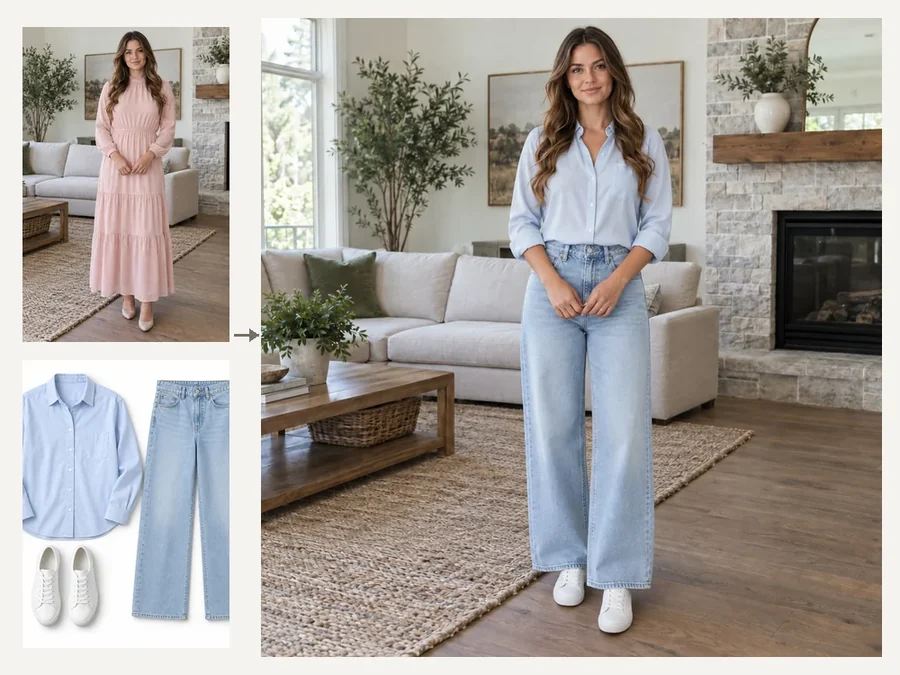
Most try-on tools handle one thing at a time. Here you combine an outfit, glasses, a hat, shoes, a hairstyle and a lipstick shade in a single preview, so you see the whole look together, the way people will see you.
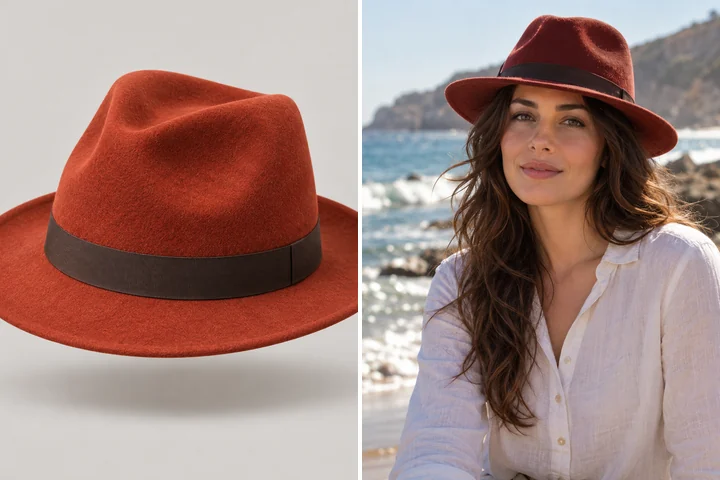
Virtual try on is not only clothing. Check a fedora against your face shape, see boots with your jeans, or try a bob before you cut your hair. Every item is scaled to your head and body, with real shadows where it touches.
Want more styles for one category? Each page below is a dedicated try-on tool with its own presets and uploads.
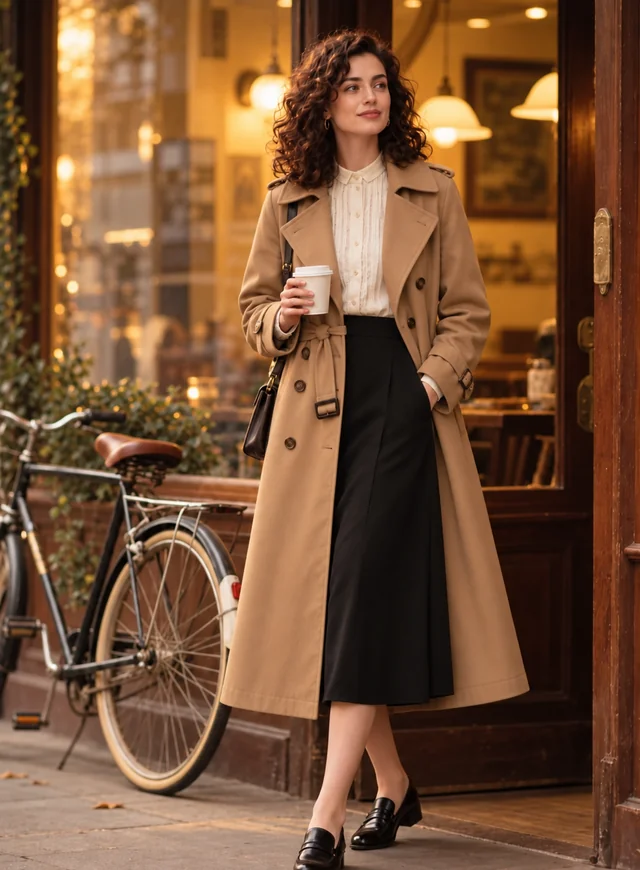 AI Clothes ChangerChange clothes in any photo with the AI clothes changer. Upload a picture, pick an outfit or describe one, and the AI clothes swap keeps your face and pose.
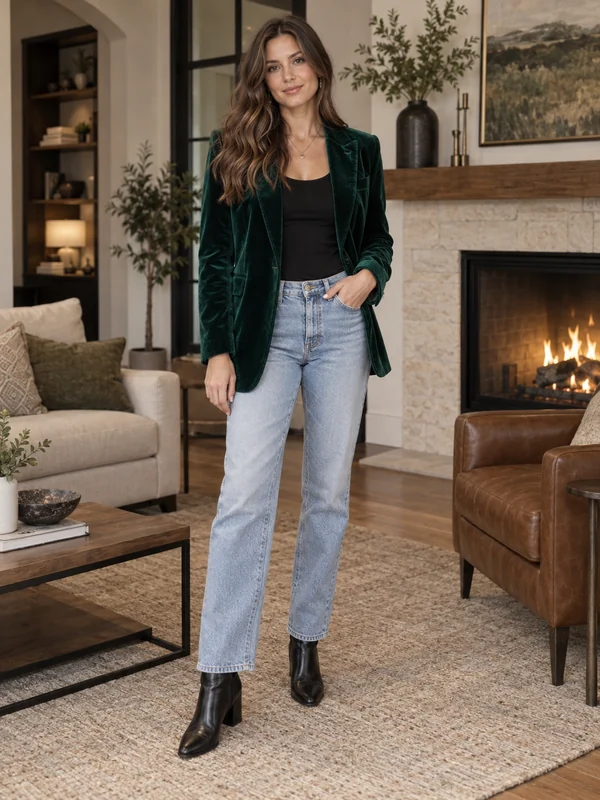 AI Outfit GeneratorFree-to-try AI outfit generator and outfit builder online: describe the occasion or style, or add a full-body photo, and get a complete look on a model or on you.
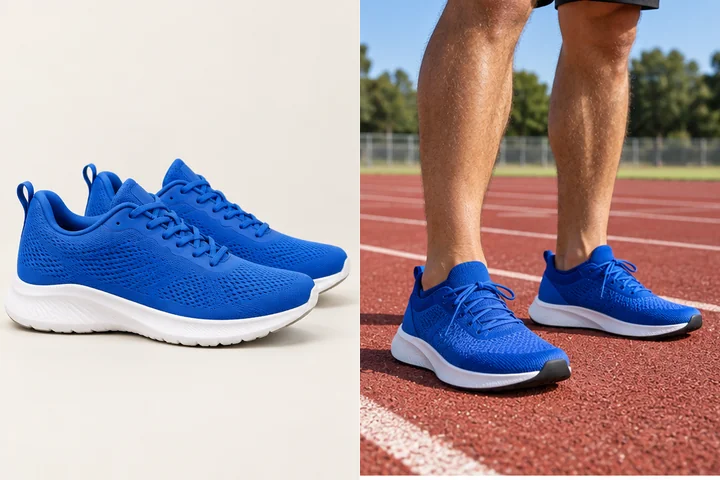 Virtual Shoe Try OnShoe swap in any photo: upload a full-body shot, pick sneakers, boots, heels or loafers, or add a photo of the exact pair, and see the new shoes on your own feet.
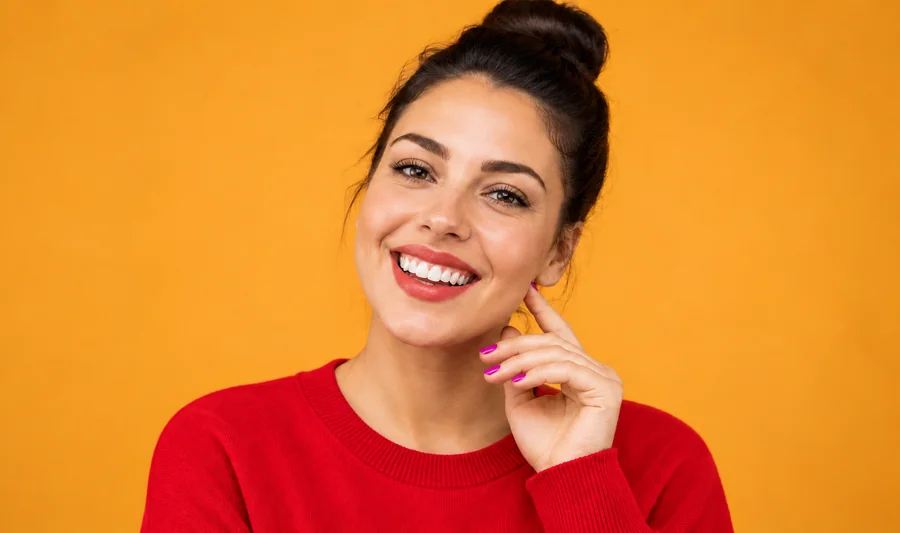 Clothes Color ChangerChange color of clothes in photo uploads with the AI clothes color changer, from dress color changing to a T-shirt color change, while fabric texture stays.
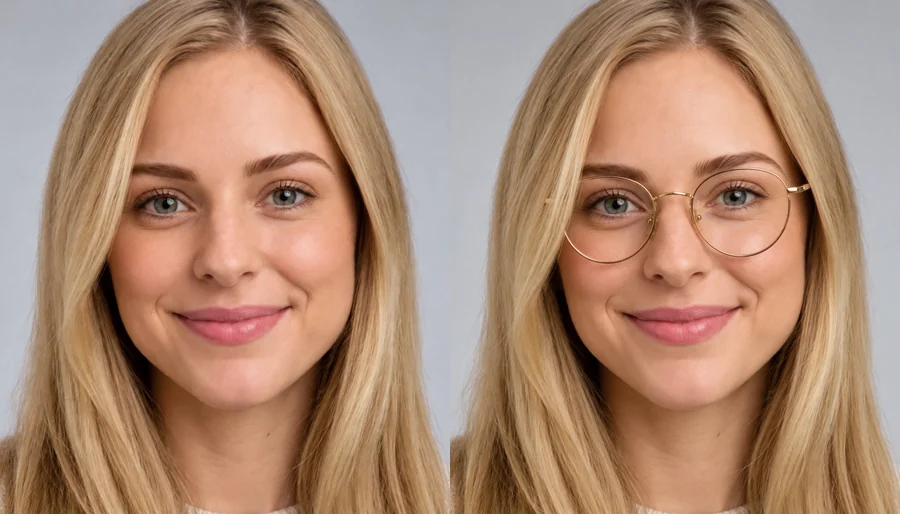 Virtual Glasses Try OnVirtual glasses try on from home: upload a photo, pick a frame shape, color, and lenses, or add a photo of any pair, and see the glasses on your own face.
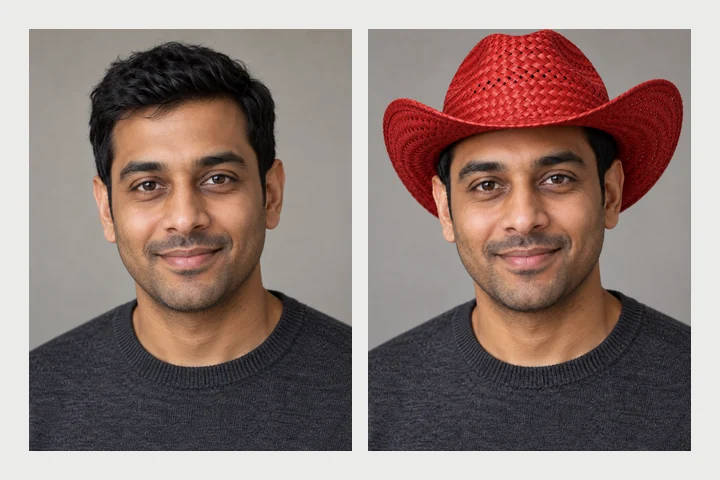 Virtual Hat Try OnVirtual hat try on with AI: add a hat to a photo, from caps and fedoras to cowboy hats, or put a Santa hat or birthday hat on your photo, fitted to your head.
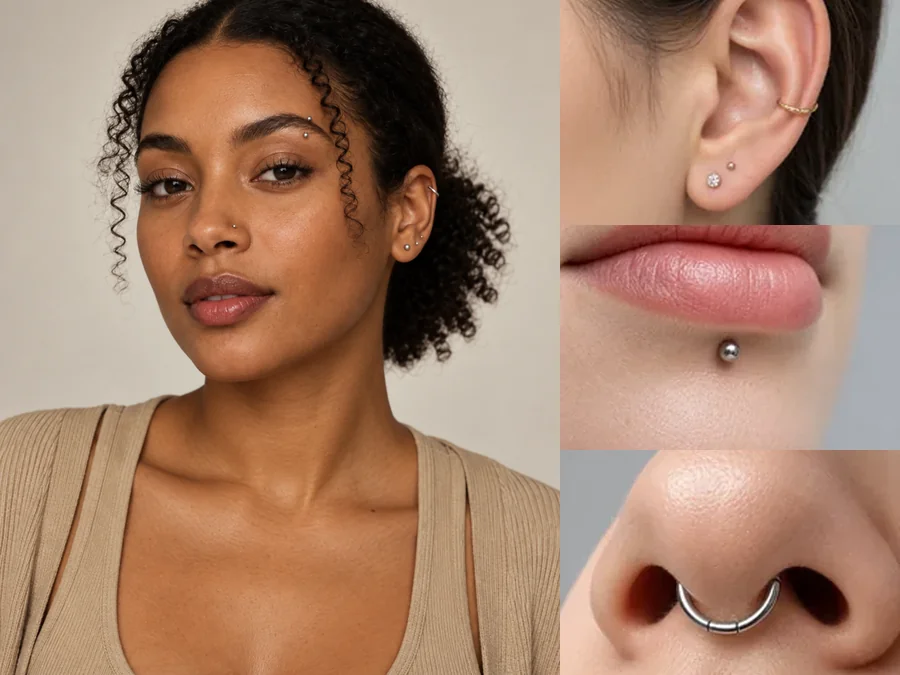 Piercing FilterTry on piercings virtually with the AI piercing filter: upload a selfie and preview ear, eyebrow, lip, and nose piercings before you commit. For adults only.
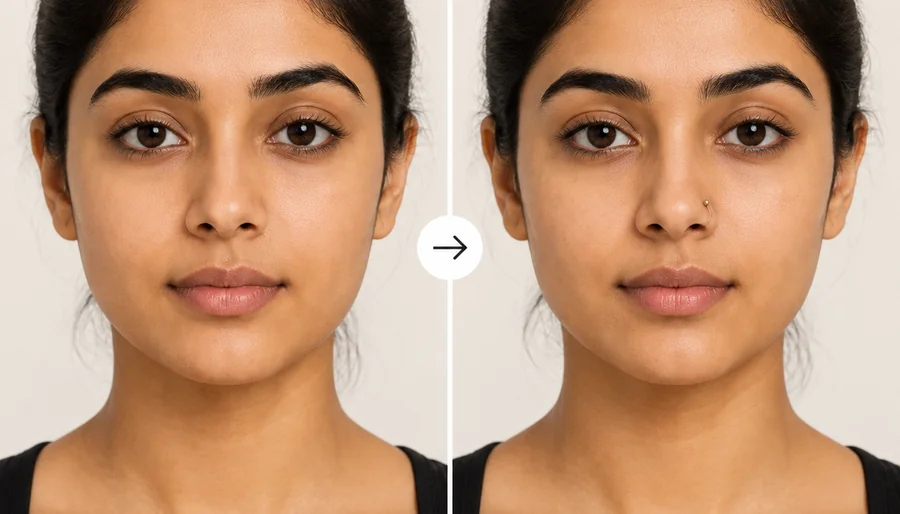 Nose Piercing FilterHow would I look with a nose ring? Upload a selfie to the nose piercing filter and try a stud, hoop, or septum ring in silver or gold before you get pierced.
 Virtual Wig Try OnTry on wigs with your picture. The virtual wig try on previews lace front, body wave, curly, bob, and braided wigs in 13 colors on your own face. Free to try.
 AI Hairstyle ChangerTry on hairstyles with your picture. The AI hairstyle changer previews 18 haircuts, braids, and updos plus 11 hair colors on your own face. Free to try.
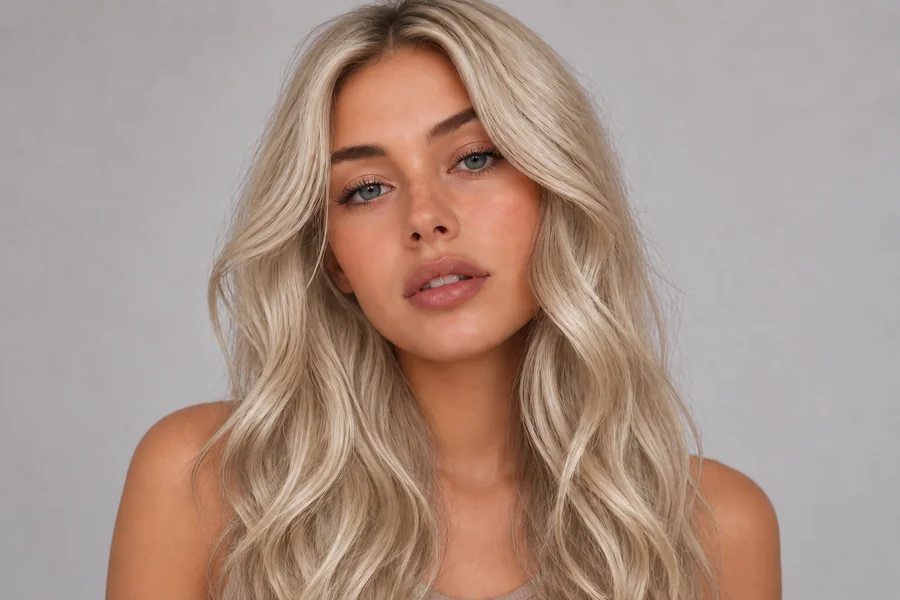 AI Hair Color ChangerChange the color of hair in a photo with the AI hair color changer. Pick a shade, highlights, or a custom color and try on hair color virtually before you dye.
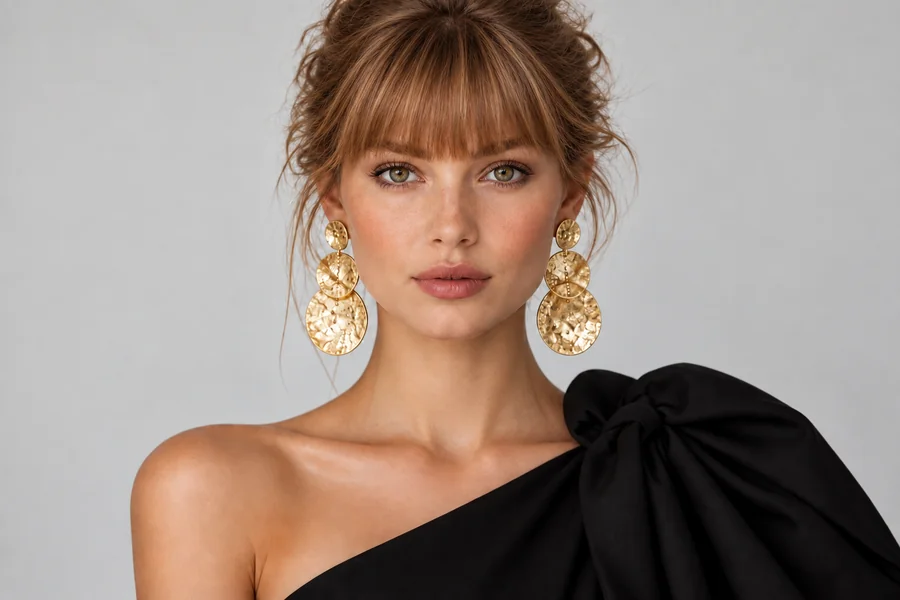 Bangs FilterWhat would I look like with bangs? Upload a selfie to the AI bangs filter and try on curtain, wispy, blunt, or micro bangs before you cut. Men’s fringes too.
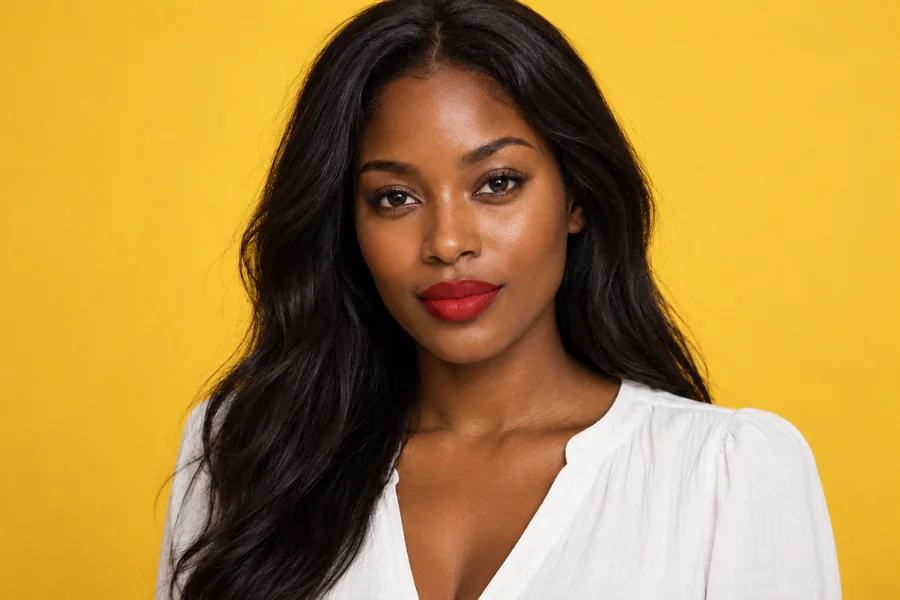 Virtual Lipstick Try-OnLipstick colour changer for any selfie: try red, nude, pink, berry or plum in matte, satin, gloss or metallic. Change lipstick color online, and only your lips.
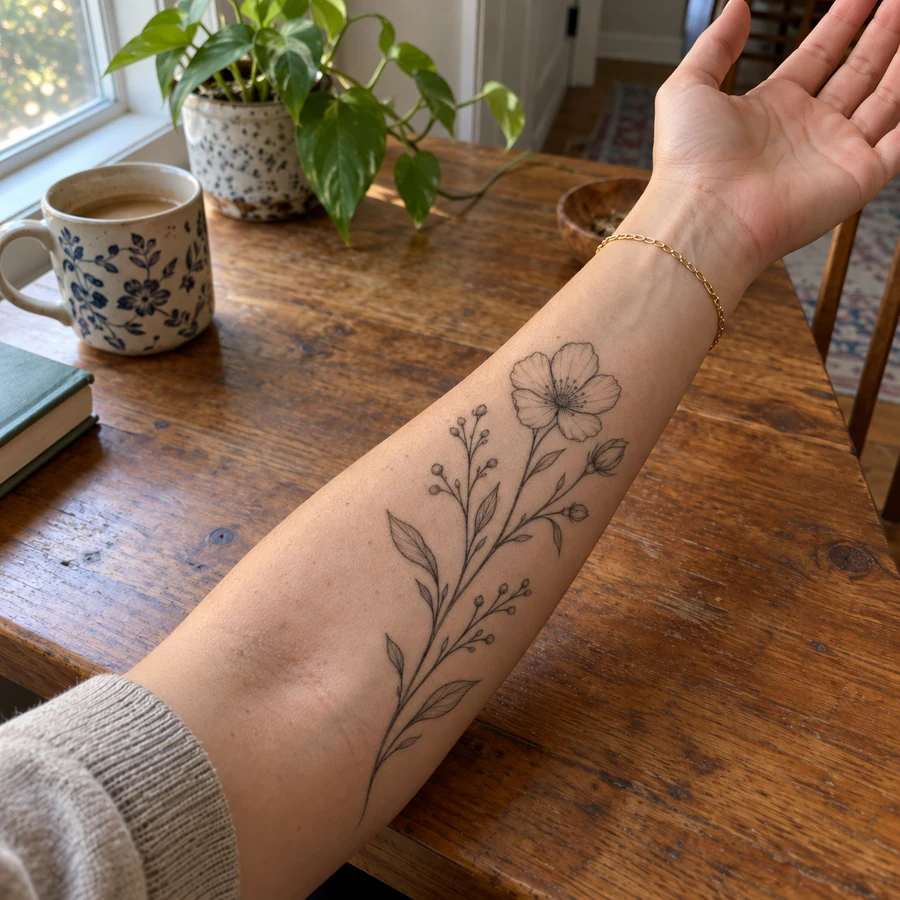 Tattoo Try-OnAdd tattoo to photo uploads and preview ink before it is permanent. Pick one of 20 tattoo styles or describe your own design, then see the tattoo on your body.
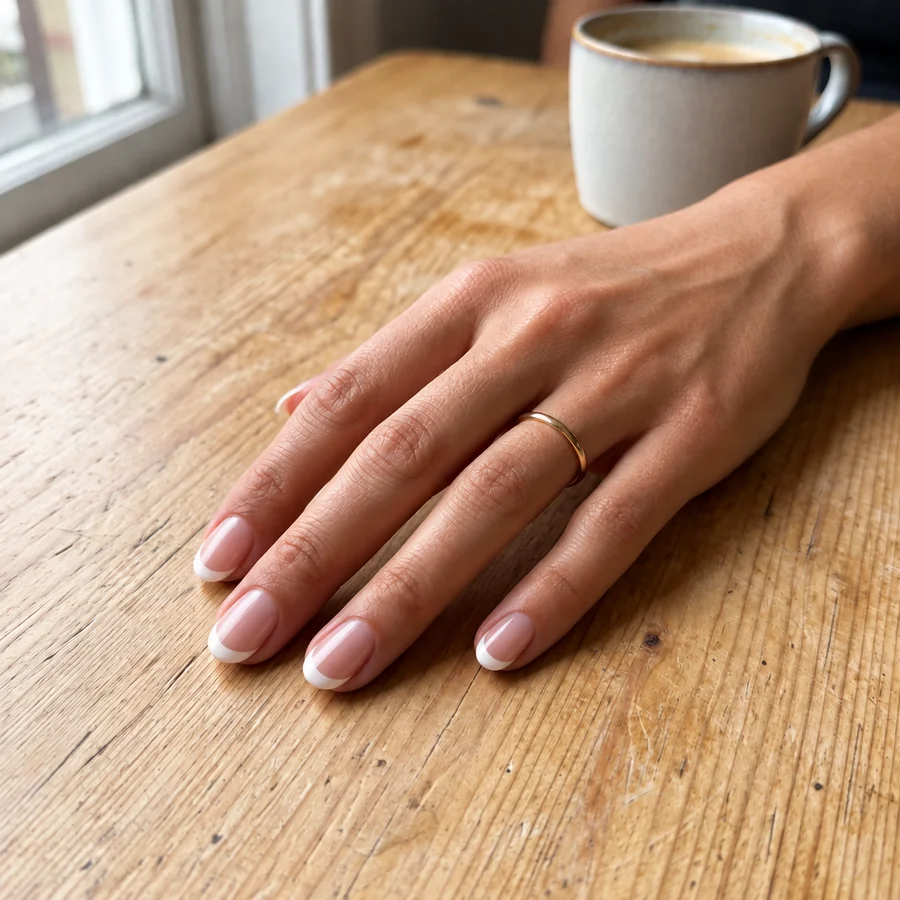 AI Nail Art GeneratorDesign your own nails with AI nails: upload a hand photo, pick a nail art style, shape, and length, and see the manicure on your real fingers before the salon.
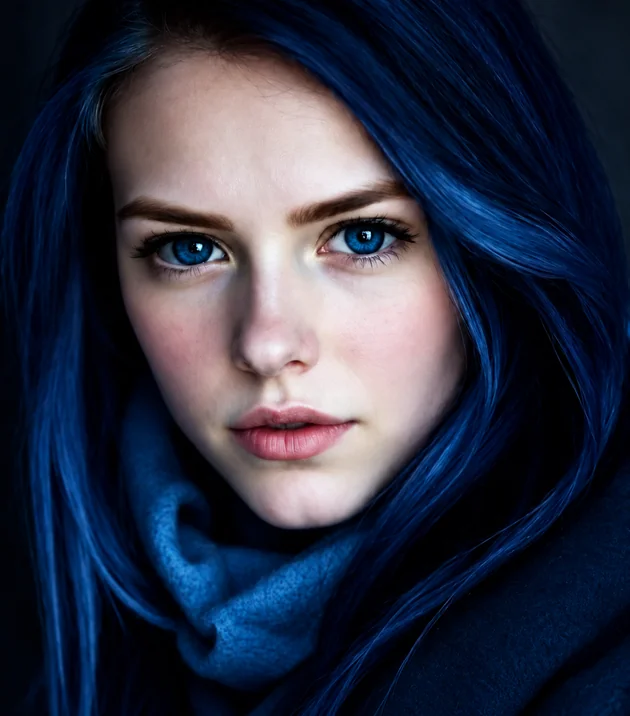 Eye Color ChangerEdit color of eyes in any photo with the AI eye color changer. Pick hazel, green, brown, grey, or any custom shade and keep a realistic iris and catchlight.
Anyone who wants to see it on before paying for it, wearing it, or cutting it.
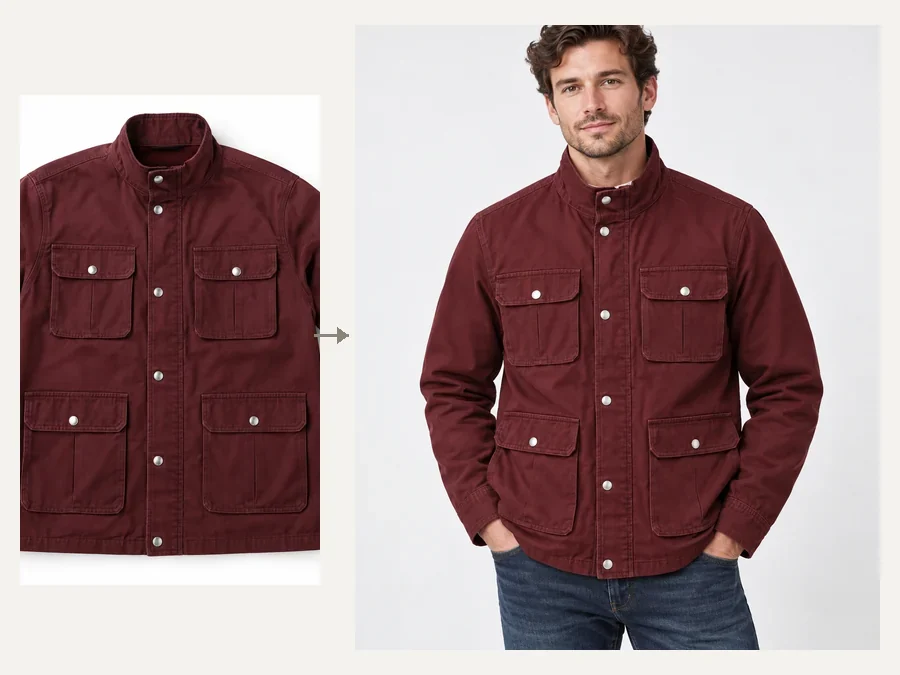
Try on clothes virtually before checkout: a clothes try on online means fewer returns of things that looked different in person.
AI try on clothing for listings: a clothes try on AI shows a product on a model photo you already own.
Send clients a preview of the look on their own photo before a fitting.
Compare suits, gowns, hats and shoes together before the big day.
Outfit-of-the-day ideas, haul previews and before-and-after posts.
Test wigs, hats and outfits for a costume before you order them.
Better input photos give a more believable fit.
A simple standing pose shows how a garment drapes; crossed arms hide the fit.
Daylight from the front lets the AI match fabric shading to your photo.
Feet must be in the photo for shoes, and the whole torso for coats and dresses.
For Item Photo, use the store’s front-facing shot on a plain background.
Run the same item in two shades and compare them side by side.
A try-on shows the look, not your size; measure before you buy.
Six preset categories of virtual try on clothing and accessories, plus your own product photo and a free-text Custom note.
| Category | Presets | Photo to use |
|---|---|---|
| Outfit | Tee & Jeans, Office Blazer, Summer Dress, Leather Coat, Evening Gown, Hoodie, Trench Coat, Suit & Tie | Full body or three-quarter |
| Glasses | Rectangle, Round, Cat-Eye, Aviator, Wayfarer, Oversized, Rimless, Heart | Face, eyes visible |
| Hats | Fedora, Cowboy, Bucket, Straw Sun Hat, Top Hat, Wide-Brim, Panama, Beanie | Head and shoulders |
| Shoes | Running, Retro and Chunky Sneakers, Suede Sneakers, Heeled Boots, Oxfords, Work and Western Boots | Full body with feet |
| Hair & Wigs | Long Straight, Body Wave, Bob, Pixie, Braids, Curly, Bangs, High Ponytail | Face and hairline |
| Lipstick | Classic Red, Nude, Pink, Berry, Coral, Mauve, Plum, Brown | Close-up or portrait |
| Your own item | Any product photo: clothes, shoes, hats, glasses, wigs, accessories | Store photo on a plain background |
Holiday outfit ideas for parties, family photos and cozy nights in, ready to try on your own photo.
Read the guideFall outfits for dinner, family photos and Friendsgiving, from cozy knits to dressed-up looks.
Read the guideOnline tools and apps to try haircuts, bangs, colors and wigs on your own photo, compared.
Read the guideHow the AI try-on works, what to upload, and what it can and cannot tell you.
A virtual try on puts clothes, glasses, hats, shoes, wigs or makeup on your own photo so you can see the look before buying or wearing it. This AI virtual try on, an AI try on clothes and accessories tool, fits each item to your pose and light and keeps your face, body and background the same.
Upload a full-body photo, pick an outfit (or add a product photo of the exact garment), and click Start. That is all it takes to try clothes on online: you get a preview of the outfit on you, and you can compare a few options side by side. It works as an online try on clothes tool on any phone or computer.
Yes. Save the product photo, add it in the Item Photo slot and choose Try on my item. The AI identifies the piece and copies its color, material, pattern and details onto you. Front-facing store photos on a plain background work best.
Yes, that is the point of this page: pick one item in each category, for example an office blazer, round glasses, a fedora and oxfords, and they are all tried on together in one preview. Choose Keep or None for anything you want to leave as it is.
No. A 3D virtual try on needs a body scan or an avatar. This is a photo-based AI try-on: it edits your real photo, which is quicker and shows the look on you, but it does not let you rotate the outfit.
Yes, to start: you can try virtual try on clothes online free with the credits new accounts get when they sign up, so your first AI try on clothes free previews cost nothing. After that each try-on uses credits from your balance.
It shows how a style, color and cut look on you, not an exact size. Check the brand’s size chart and your measurements before you buy, then use the preview to decide on the look.
Yes. Suits, tees, coats, hoodies, glasses, hats, sneakers and boots work on any adult. Describe anything else in Custom, such as “a navy baseball cap” or “a gray knit sweater”.
We do not offer a public virtual try on API at the moment. The try-on runs on this page in your browser, and results download straight to your device.
Your own photos, or photos of adults who agreed to it. Do not upload photos of other people without permission, photos of minors, or use try-ons to create sexual or misleading images.
Upload a photo, build a look and see it on you. Free to try with sign-up credits.