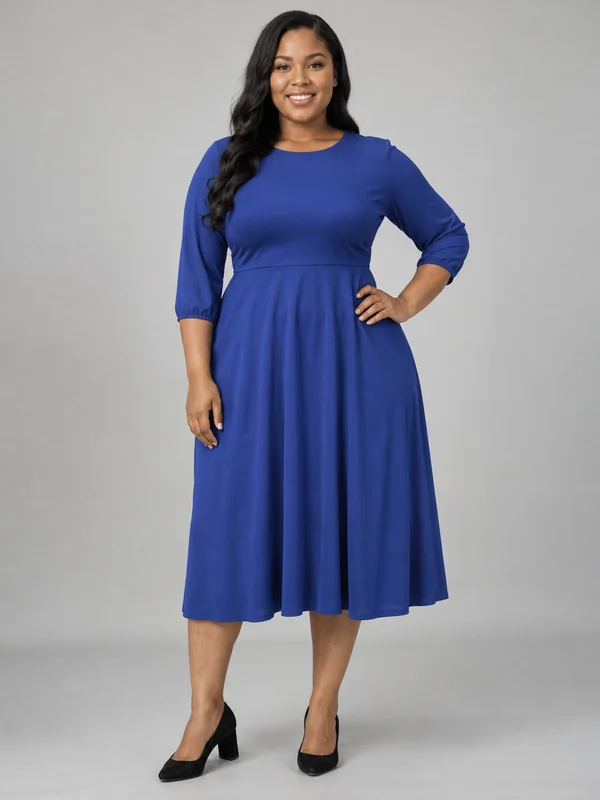
Curvy Model, Studio Gray
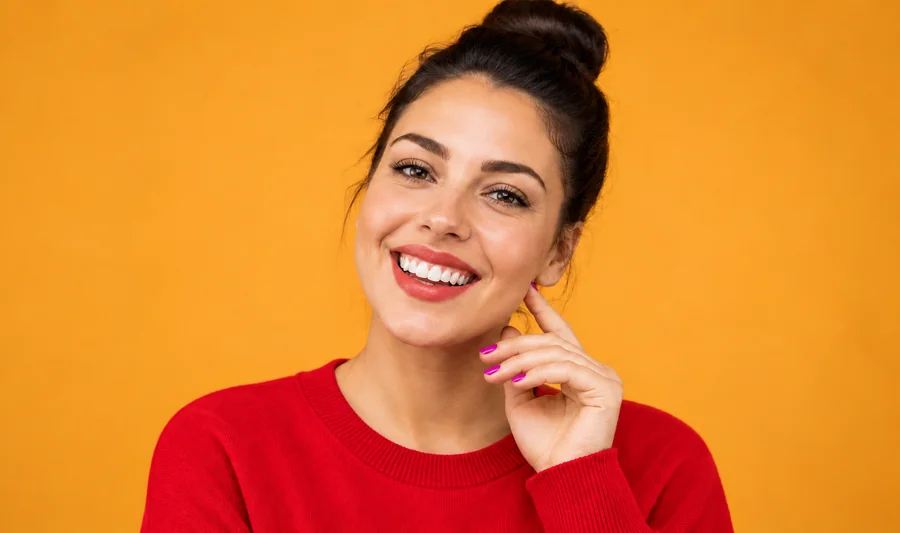
A plus-size model in a cobalt dress shows shoppers how a style fits a curvier body.
Upload a flat lay, hanger, mannequin or product photo and the AI dresses a realistic model in your exact garment, or describe a look to generate one from scratch. Choose a female or male model, body type, age, framing and shoot style, then download on-model photos for your store.
Shoot style
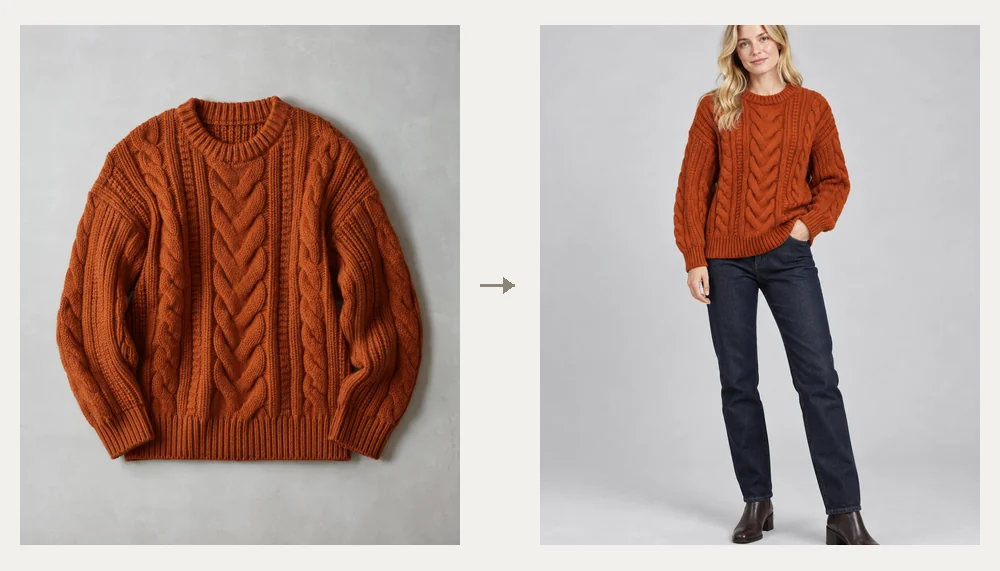
Put this sweater on a female model in her 20s with cream trousers, full body, light-gray studio background, catalog photo.
Reference example. It is not a result generated from your upload.
An AI fashion model generator puts your clothes on a realistic model without a photoshoot. Upload a flat lay, a hanger shot, a ghost-mannequin packshot or a photo of someone else wearing the piece, and the AI renders it on a model you choose, keeping the color, print, cut and details of your garment. The result is an on-model photo ready for a product page, a lookbook or an ad: clothes on models, without booking models.
Choose AI generated female models or male models: AI women models from petite to curvy plus, men from their 20s to 50+, framing from full body to close-up, and ten shoot styles from Catalog White to Runway and Night Flash. No product photo yet? Describe the garment and generate a clothes model shot from text with the same AI fashion models. It is free to try: new accounts get free credits when they sign up.
Eight on-model photos showing the range of models, sizes and ages. Tap a card to try the same shoot style.
A plus-size model in a cobalt dress shows shoppers how a style fits a curvier body.
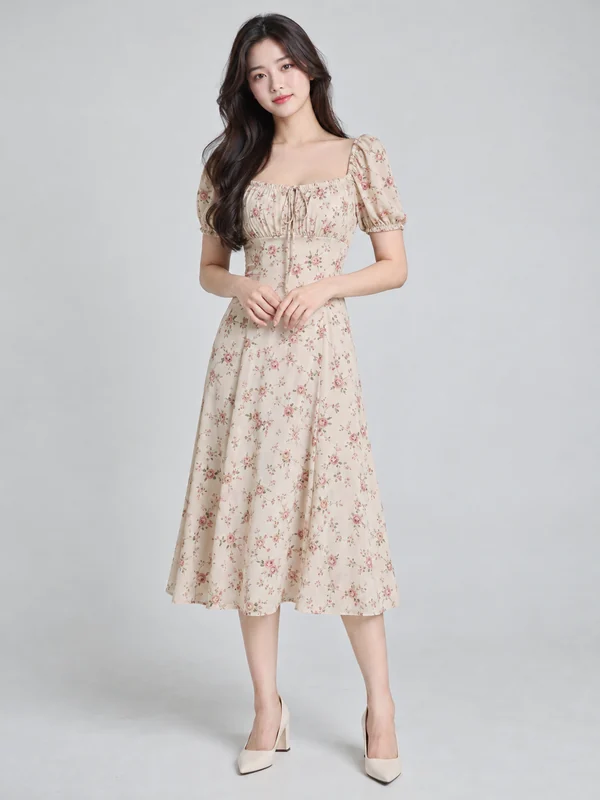
An AI female model in a floral midi dress, with the print scale kept from the original.
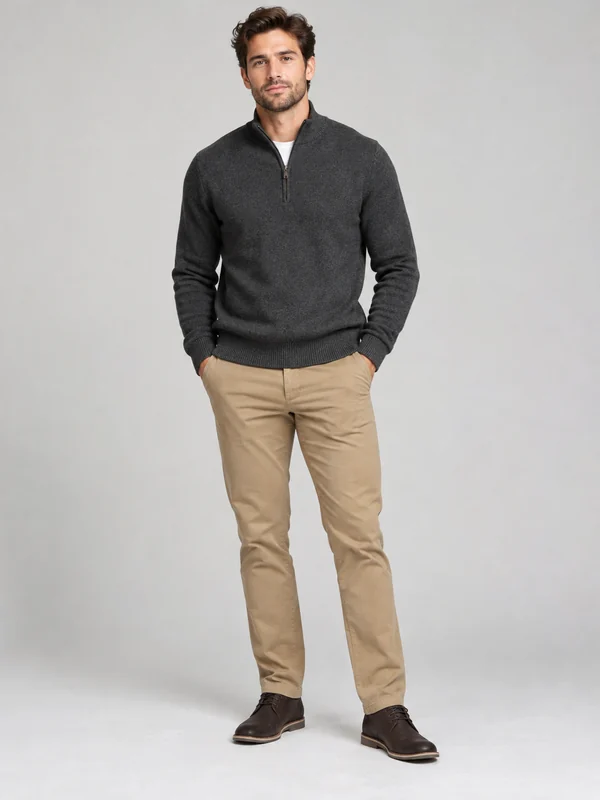
An AI male model in a charcoal knit and chinos, full body with the shoes in view.
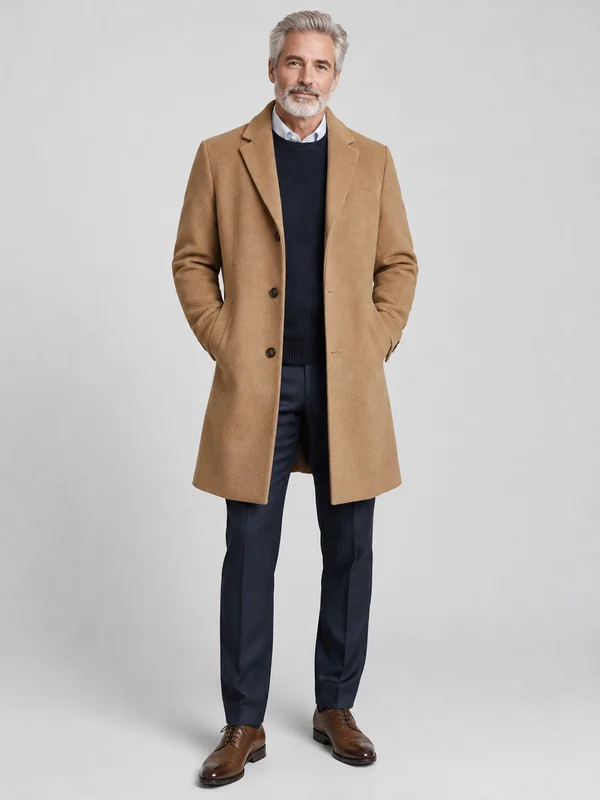
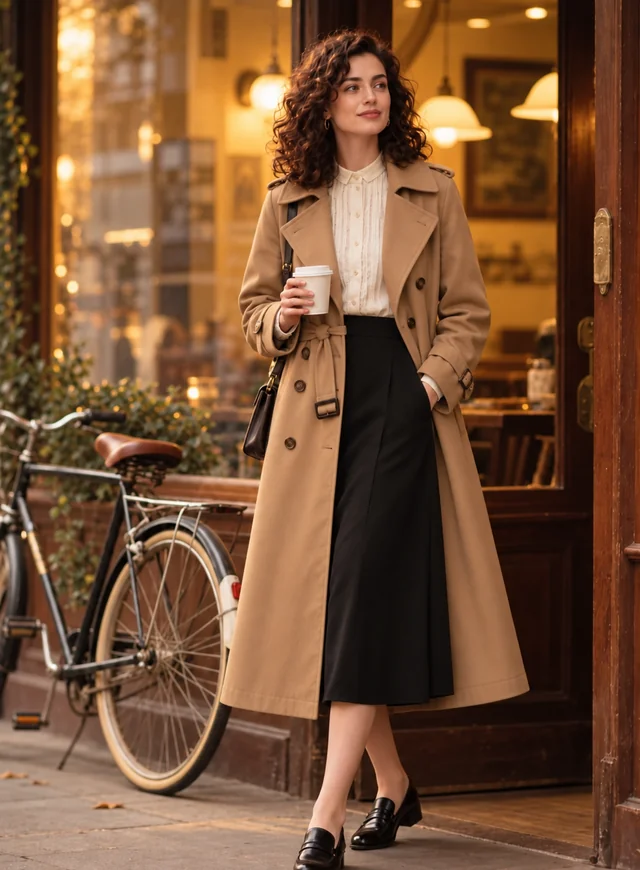
Models in clothes for every customer: an AI generated male model in his 50s in a tailored camel coat.
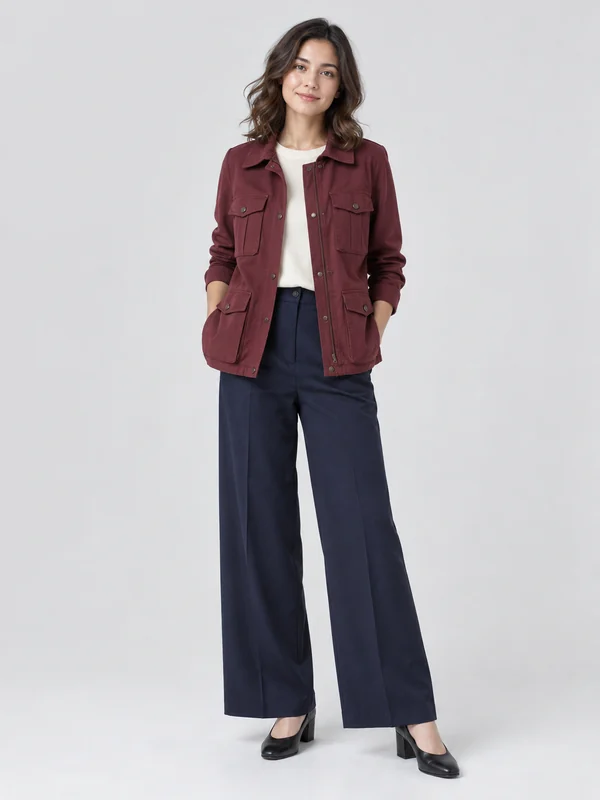
A petite model in a burgundy utility jacket, with proportions true to a shorter frame.
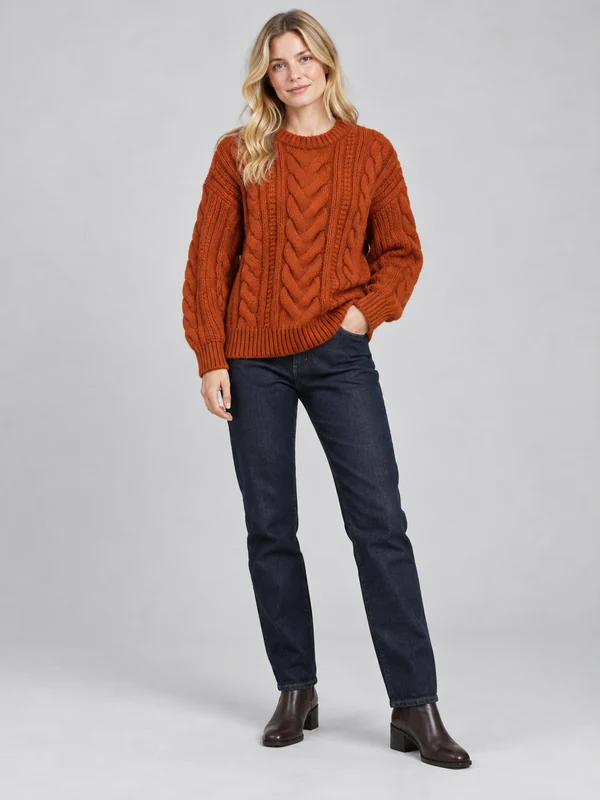
Knitwear on a model answers the “how does it look on” question that flat lays leave open.
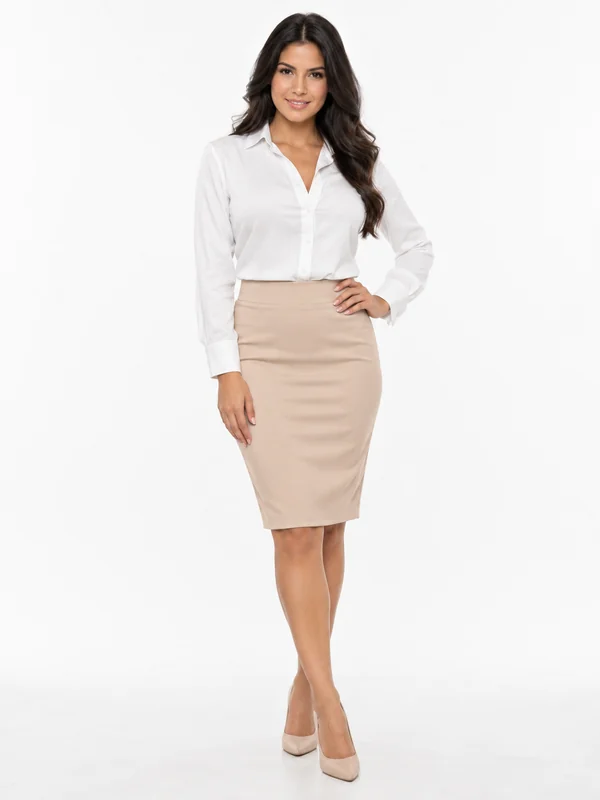
A clean catalog look on near-white, the standard for marketplaces and size charts.
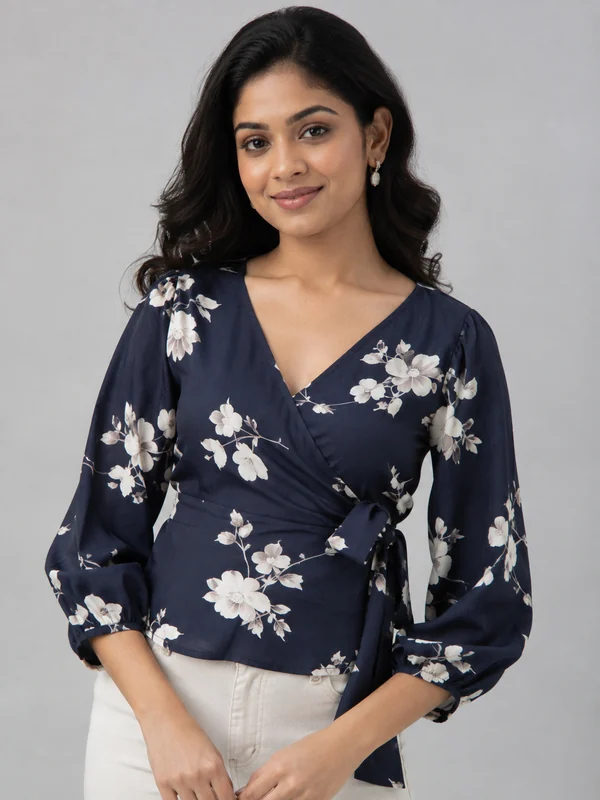
Closer framing brings necklines, prints and trims into focus for detail shots.
Three steps from a product photo to an on-model photo, whether you need the AI female model generator or a male model.
Add a flat lay, hanger, mannequin or worn photo of one item or outfit (JPG, PNG or WebP up to 10 MB). Glasses, bags and jewelry work too. No photo? Just describe the garment.
Pick a female or male model, body type, age and framing, type a model look if you like, and choose a shoot style such as Catalog White, Street Style or Runway.
Press Generate Model Photo, check the garment details against your original, and download. Change the model or the scene and run it again for a full set.
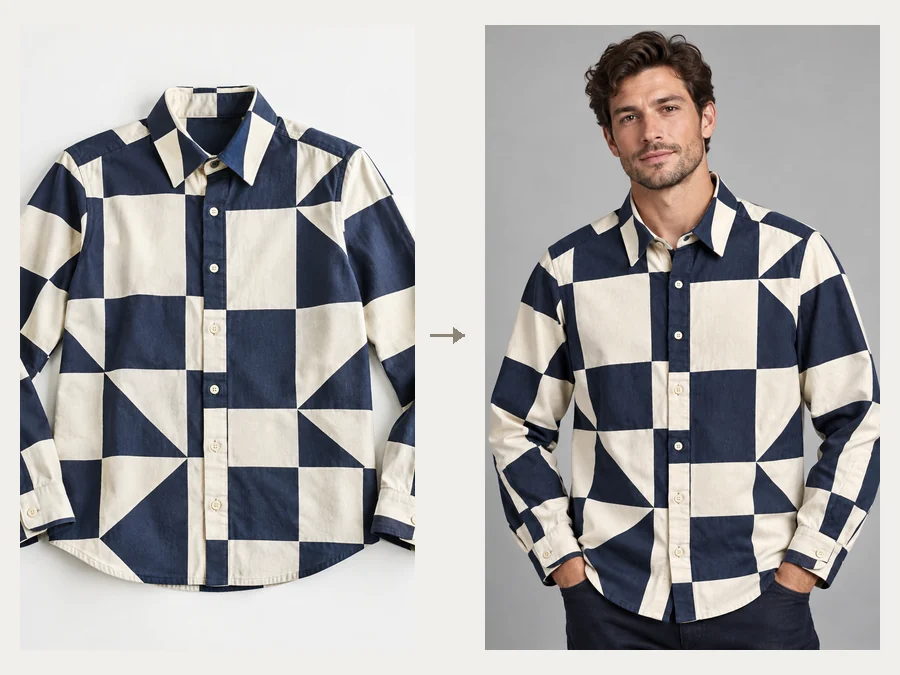
The model wears your actual product, not a lookalike: color, print scale, seams, buttons and logo placement are carried over from your upload. An on-model photo shows the drape and fit a flat lay cannot, which is why modeling clothes pays off on every product page.
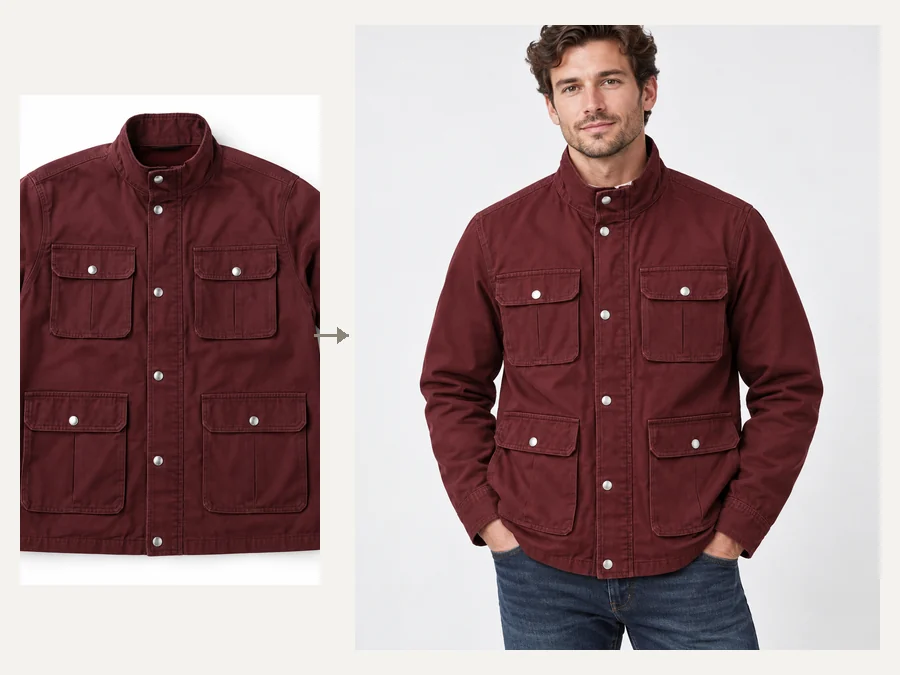
Replace a mannequin or a plain product photo with a real-looking model for clothes in minutes. Sellers use it to fill a listing on the day the stock arrives, and to turn an AI clothing model shot into ads and social posts.
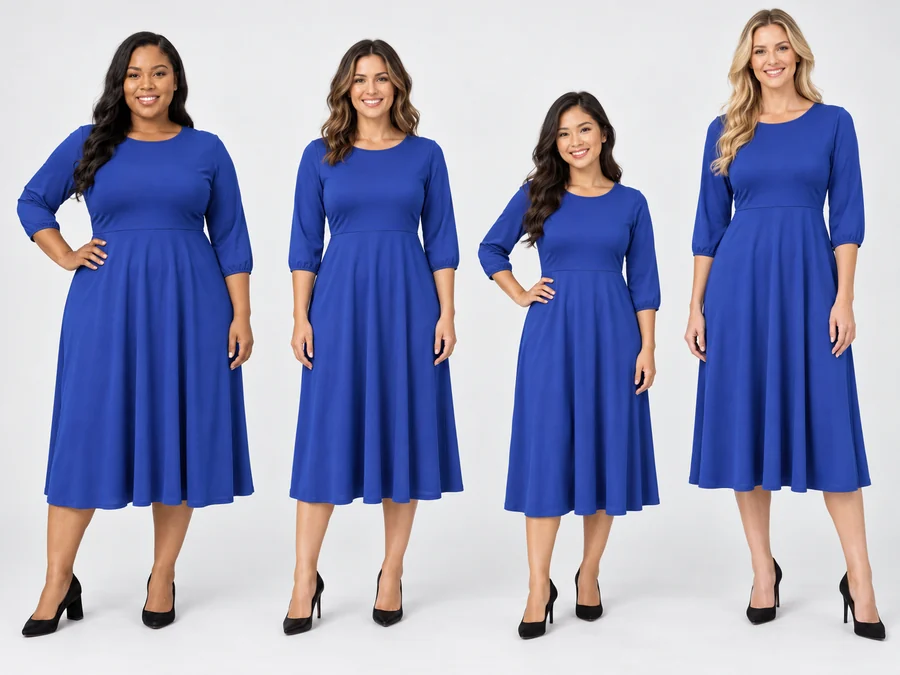
Run the same dress on petite, standard, tall, athletic and curvy plus models, so every shopper finds an AI model female customers of her size can relate to. Consistent light and background keep the versions easy to compare side by side.
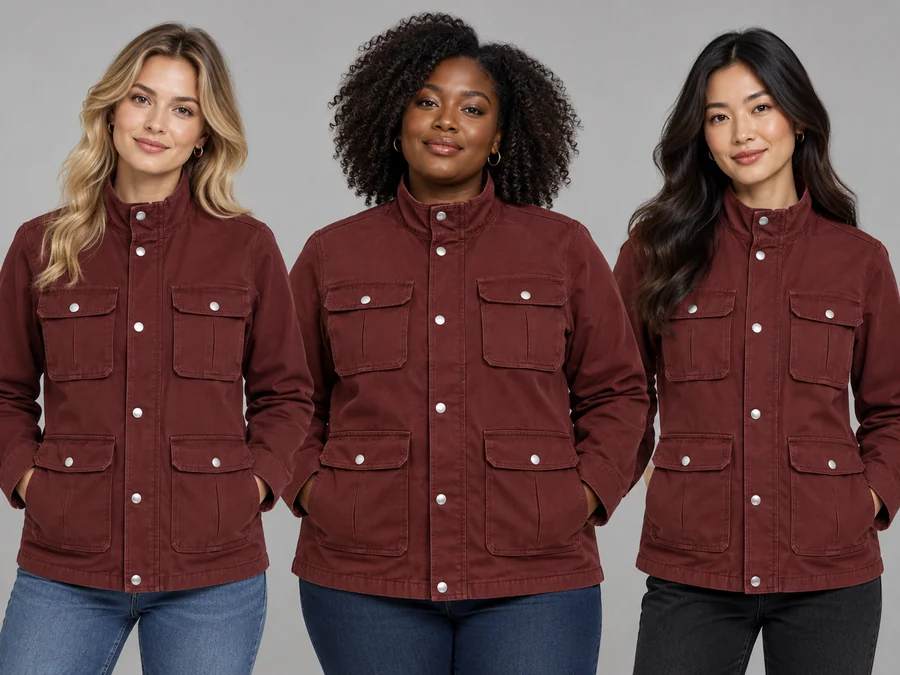
Use it as an AI model changer: switch the model look, age or gender and keep the garment, so one jacket becomes three listings for three markets, worn by AI model women with different looks. Describe the look in your own words, for example “South Asian, long braid, 40s”, and every model stays a fictional, non-identifiable person.
Starting settings for AI models for clothing, by product type. Adjust the model and the scene from there.
| Product | Model and framing | Shoot style | Tip |
|---|---|---|---|
| Dresses and jumpsuits | Female, Full body | Catalog White or Studio Gray | Keep the hem and shoes in frame so the length reads correctly |
| T-shirts and hoodies | Any model, Half body | Street Style or Lookbook | Upload the print flat and sharp, without wrinkles across the graphic |
| Shirts, coats and suits | Men model for clothes, Three-quarter | Studio Gray | Hanger shots work; button the shirt before you photograph it |
| Jeans and trousers | Full body | Catalog White | Name the fit (straight, wide, skinny) in the description |
| Activewear | Athletic body type, Full body | Street Style or Golden Hour | Ask for a movement pose for a campaign feel |
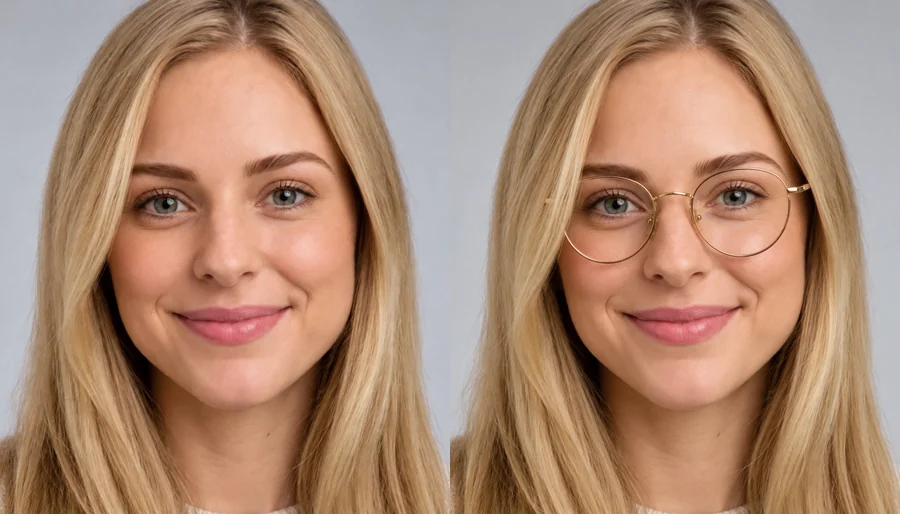
| Glasses | Close-up | Catalog White or Editorial | Glasses on model shots need a front-facing photo of the frames |
| Bags and jewelry | Three-quarter or Close-up | Café Lifestyle or Editorial | Say how it is worn: on the shoulder, in hand, layered |
Every result is a new photo: compare logos, buttons and print placement with your original before you publish it.
Online stores, labels and creators who need clothes on models fast.
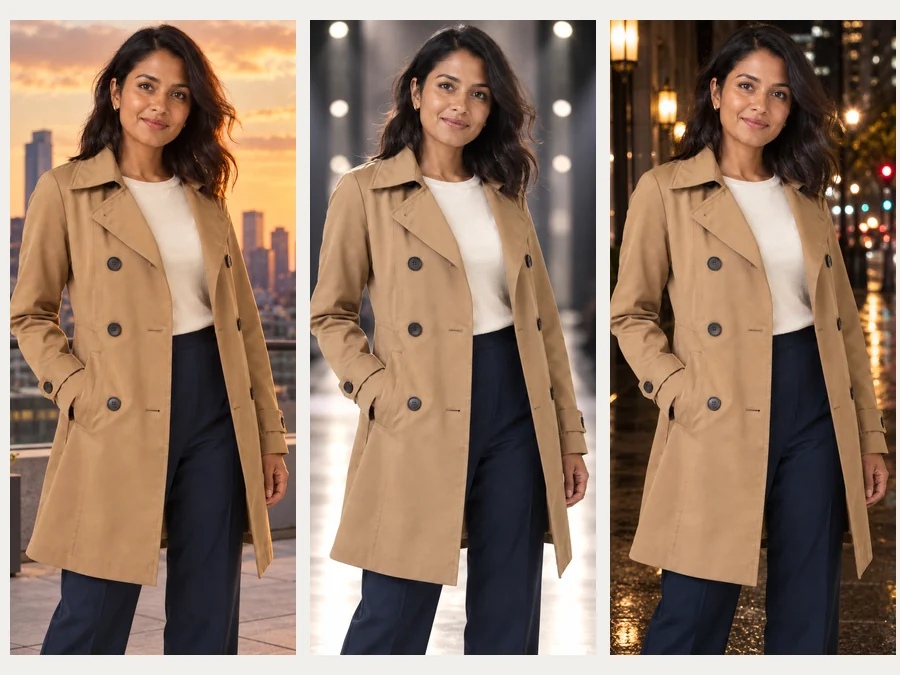
Turn flat lays and packshots into on-model hero images for product pages and marketplaces.
Show a twelve-piece drop on models without a studio day or a casting call.
Put T-shirt, hoodie and tote designs on models for listings before the first order.
Take the same piece from Catalog White to Street, Rooftop and Runway frames for social ads.
Show AI models women of every size can relate to, and men in several builds, so shoppers can picture the fit.
Present a design on a model for a portfolio, a pitch or a crowdfunding page.
The product photo decides how faithful the result is.
Even light, no harsh shadows, and the whole piece inside the frame.
Upload one item or one outfit, and crop out other products and props.
Skip filters and white-balance shifts: the model photo copies the colors it sees.
“Oversized”, “cropped” or “ankle length” helps the garment hang correctly.
Catalog White for marketplaces, Street or Golden Hour for social, Runway for campaigns.
Compare logos, buttons and prints with the original and regenerate if anything changed.
Prepare packshots, show colorways and style complete outfits around your product.
Clean up flat lays and packshots before you upload them.
Open toolShow every colorway of the same garment without reshooting it.
Open toolPlan a complete look around your product for lookbooks and ads.
Open toolSwap the outfit on an existing model photo with a preset or a garment.
Open toolTry glasses frames on a face photo for eyewear listings.
Open toolUpscale on-model photos for zoom-in product galleries.
Open toolAnswers to common questions about putting clothes on AI models.
It is a tool that puts clothes on AI generated models. You upload a garment photo or describe one, choose the model and the shoot, and it creates a photorealistic on-model photo with the item worn naturally: an AI model for clothing photos, without a photoshoot.
Yes. Pick Female or Male, then the body type, age and framing, and type a model look such as hair, skin tone or expression. AI female models and AI male models are generated fresh for each photo: every AI model woman or man is fictional, never a real, identifiable person.
It is told to keep the exact color, print scale, fabric, cut and details of your upload. Tiny details such as small logos or complex lace can still differ, so compare the result with the original and regenerate if needed.
A sharp, evenly lit photo of the whole item: a flat lay, a hanger shot, a ghost mannequin or a worn photo. Avoid heavy shadows, filters and several products in one picture.
It is free to try: new accounts get free credits when they sign up. After that each photo uses credits, and the cost is shown on the Generate button before you start.
Yes. Leave the upload empty and describe the garment and the model, for example “a sage-green linen two-piece on a female model in a courtyard”. It is a quick way to see a design before a sample exists.
Yes. Upload the accessory and choose Close-up or Three-quarter framing. Glasses on model shots work best from a front-facing photo of the frames.
Photos with a product upload are made with Nano Banana Edit, and text-only shots with Nano Banana, the image model many people look up as the “Nano Banana diffusion model”. The aspect ratio you pick (3:4 by default) is sent with every request.
The AI Clothes Changer swaps the outfit on a photo you already have, and the AI Outfit Generator designs a complete look for an occasion. This tool is for sellers and designers: it puts a specific product on a model for an on-model photo.
Many sellers use them on product pages and social posts; check our terms before any commercial use. Do not upload photos of real people without their permission, and never present AI models as real customers.
Upload a garment photo, pick a model and a scene, and let the AI fashion model generator create your on-model photos.
Nano Banana is a trademark of Google LLC. EzImgMaker is an independent service and is not affiliated with or endorsed by Google. Model names are used only to describe compatibility. All models shown are AI generated and fictional.