Multi-Reference Fashion Film
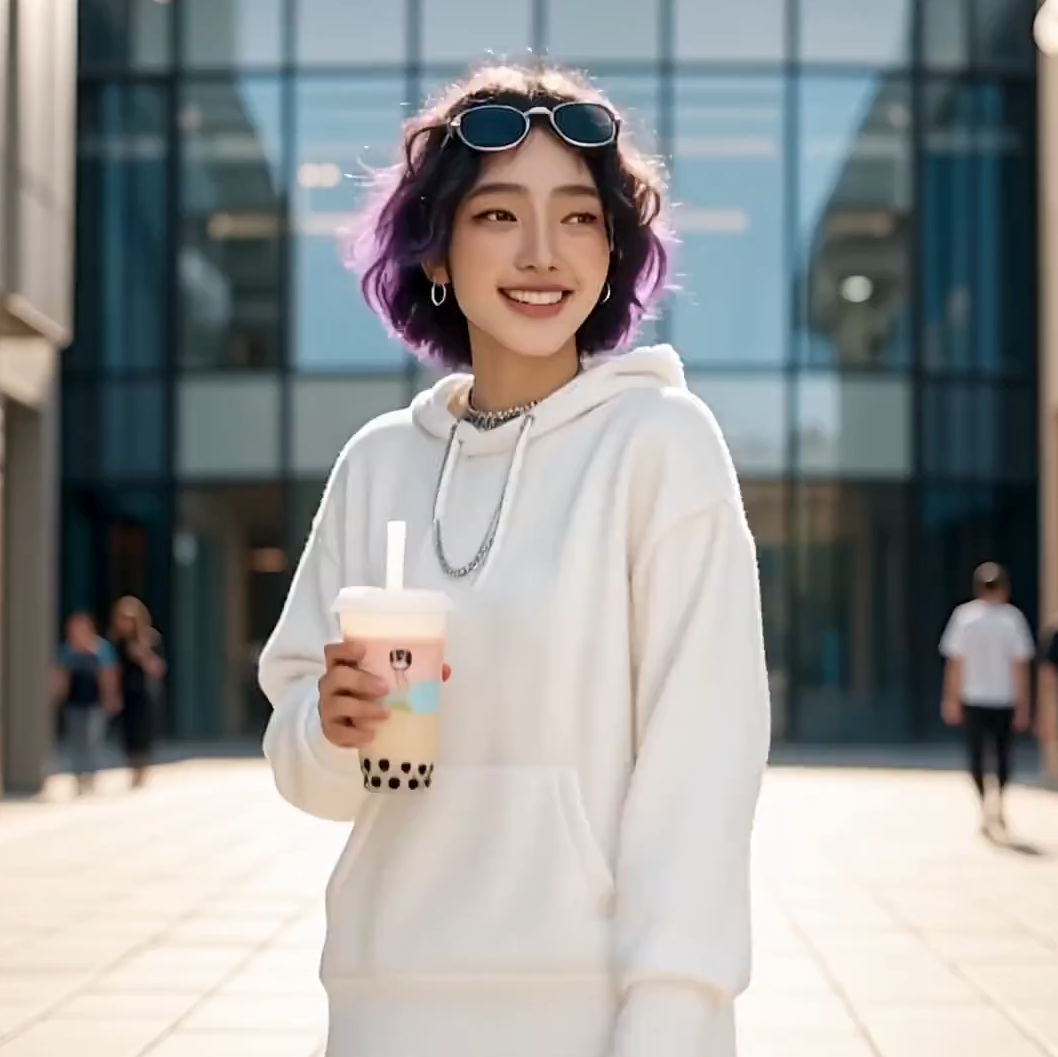
A line-up of outfit photos becomes a styled sequence with close-ups and an overhead city shot.
ByteDance’s newest Seedance model generates up to 30 seconds in one pass, in 1080p, with sound. Describe the scene, or hand it a stack of reference images, videos, and audio, and Seedance 2.5 keeps characters, products, and style consistent from the first frame to the last.
Use @Video1 as the source clip. Keep the couple, their walk, their conversation, and the camera path exactly the same. Change the tree-lined park into a sunlit vineyard at golden hour, replace the coffee cups with glasses of red wine, and change her outfit to a floral summer dress.
Reference example. It is not a result generated from your upload.
Seedance 2.5 is the latest video generation model in ByteDance’s Seedance family, introduced at the 2026 Volcano Engine FORCE conference. It builds on Seedance 2.0’s multimodal references and pushes three things further: longer single takes of up to 30 seconds, sharper 1080p output, and far more reference files per generation.
In practice that means fewer stitched clips. A full product demo, a story beat with a beginning and an end, or a music video verse can come out of one generation, with the same face, outfit, product, and lighting throughout. Seedance 2.5 can also take an existing clip as its source and change the scene, objects, or details while keeping the original motion.
What you can set when you generate with Seedance 2.5 here.
| Spec | Seedance 2.5 |
|---|---|
| Developer | ByteDance (Seed team) |
| Video length | 4 to 30 seconds per generation |
| Resolution | 480p, 720p, or 1080p |
| Aspect ratio | Adaptive, 16:9, 9:16, 1:1, 4:3, 3:4, 21:9 |
| Start / end frame | Start frame, or start + end frame (image-to-video) |
| Reference images | Up to 30 (JPG, PNG, WebP; under 30 MB each) |
| Reference videos | Up to 10 (MP4 or MOV, 2–30 s each, 30 s in total) |
| Reference audio | Up to 10 (MP3 or WAV, 2–30 s each, 30 s in total) |
| Native audio | Yes: speech, sound effects, and music (can be switched off) |
| Output | MP4 or MOV, optional last-frame image for continuing a scene |
Start/end frames and reference files are two separate modes and cannot be combined in one generation. To pin a reference image to the opening or closing shot, mention it in the prompt instead.
| Seedance 2.5 | Seedance 2.0 | Seedance 1.5 Pro | |
|---|---|---|---|
| Longest clip | 30 s | 15 s | 12 s |
| Highest resolution | 1080p | 4K (standard), 720p (Fast) | 1080p |
| Reference images | Up to 30 | Up to 9 | 1–2 frames only |
| Reference video / audio | Up to 10 each | Up to 3 each | No |
| Edit an existing video | Yes | Yes | No |
| Native audio | Yes | Yes | Yes |
Seedance 2.0 remains the better pick when you need 4K or a faster 2.0 Fast draft; Seedance 2.5 wins on length and reference control.
Example clips showing what the model is built for. Copy a prompt to try the same idea with your own references.
A line-up of outfit photos becomes a styled sequence with close-ups and an overhead city shot.
Top: the source clip. Bottom: same couple and motion, new vineyard setting and props.
Top: the reference images. Bottom: a plush puppy and products turned into a short story.
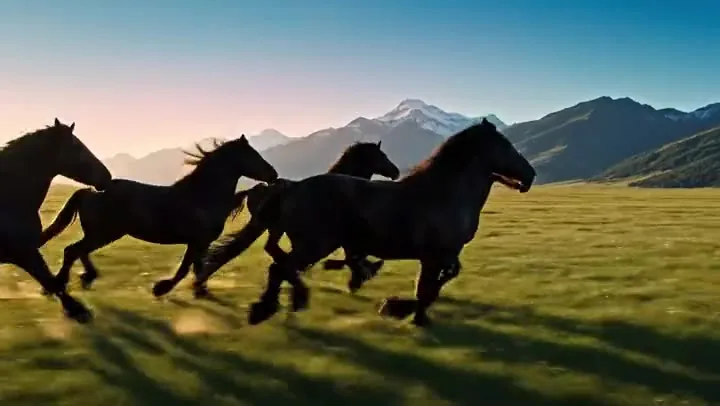
A smooth POV flight over an alpine valley, the kind of shot that is hard to film for real.
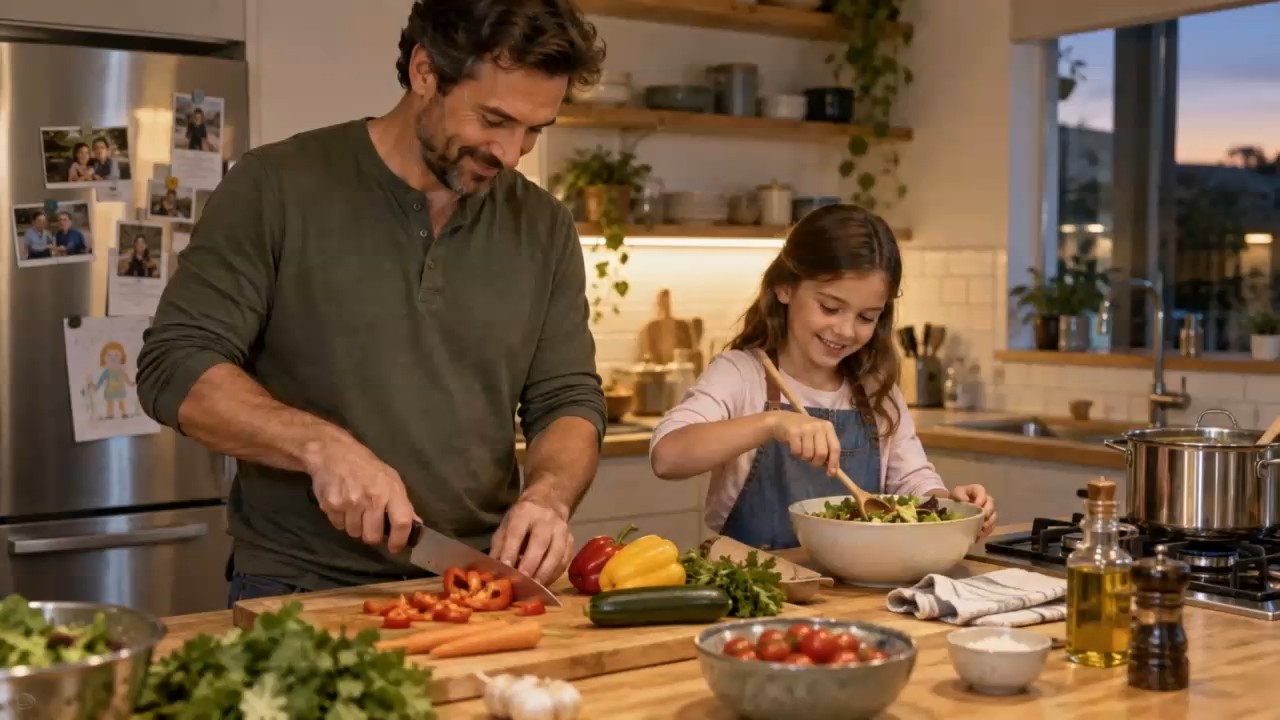
A reaction, a bite, and a payoff in a single handheld shot with no stitched cuts.
Three steps from idea to a finished 30-second clip.
Write the subject, setting, action, camera, and sound. Add a start (and end) frame, or upload reference images, videos, and audio and refer to them as @Image1, @Video1, @Audio1.
Set any duration from 4 to 30 seconds, pick 480p, 720p, or 1080p, choose an aspect ratio or Adaptive, and decide whether to generate audio.
Watch the result for motion, timing, and consistency. If one part is off, change only that detail in the prompt, or reuse the last frame to continue the scene.
Seedance 2.5 roughly doubles Seedance 2.0’s 15-second limit. One generation can hold a full product demo or a scene with a setup and a payoff, which avoids the jumps and morphing you get when stitching short clips together. Timestamps in the prompt help you pace each beat.
Guide one video with up to 30 reference images, 10 reference videos, and 10 audio clips. Give each file a role, such as the hero’s face, the product, the camera move, or the song, and Seedance 2.5 keeps them consistent across the whole clip.
Upload a source clip and describe the change: a new background, a replaced object, a different outfit, or new weather. Seedance 2.5 keeps the original motion and timing, and can match the output length to the input video.
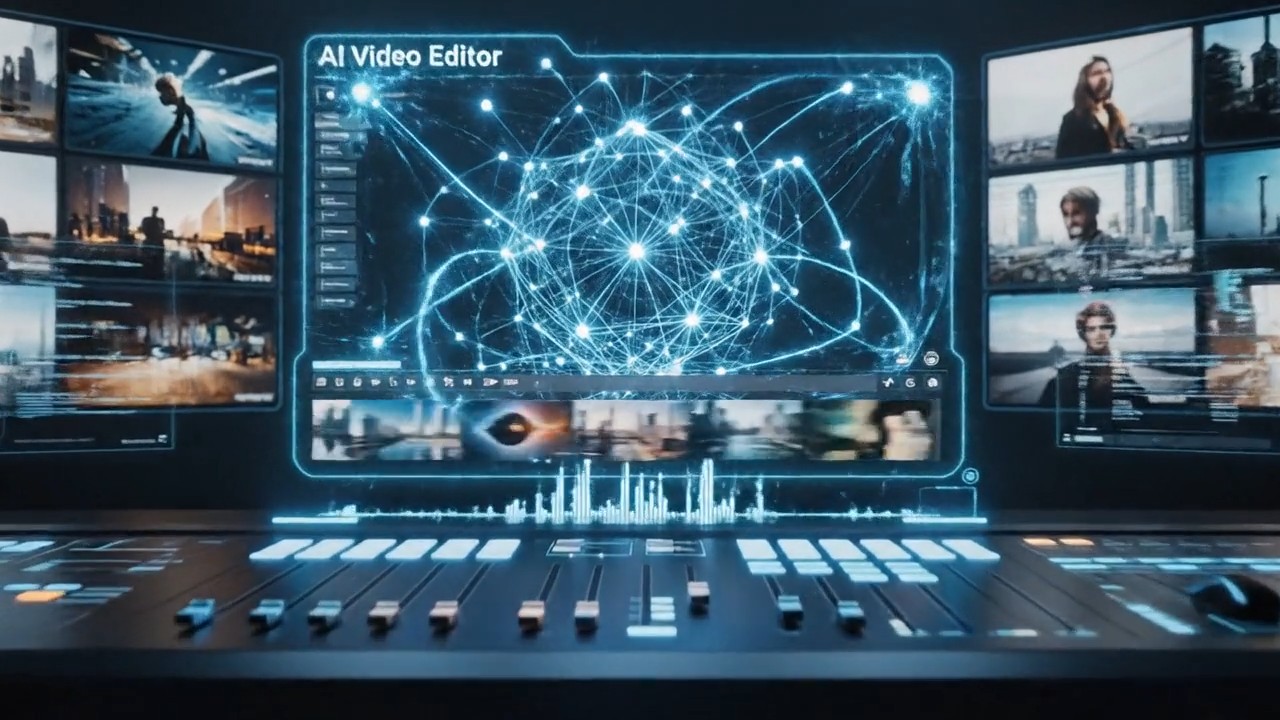
Render drafts in 480p or 720p, then the keeper in 1080p. Speech, effects, and music are generated together with the picture, so a footstep, a splash, or a sung line lands on the right frame.
Turn product photos and brand assets into 30-second launch films and marketplace clips.
Keep one character, outfit, and logo consistent across longer social videos.
Build a complete scene from a script and a mood board instead of many short fragments.
Drive the rhythm and mouth movement from a reference song or voice recording.
A simple formula: subject + setting + ordered action + camera + look + audio + what must not change.
Split 20–30 second videos into beats, such as 0–5 s, 5–14 s, 14–20 s, and give each beat one job.
Write "@Image1 is the face and outfit, @Video1 is the hand movement only" so files are not blended by accident.
End with constraints like "keep the logo, product shape, and her hairstyle unchanged".
Attach dialogue and effects to a speaker or action, and keep spoken lines short.
Common questions about ByteDance Seedance 2.5.
Seedance 2.5 is ByteDance’s newest AI video model. It generates 4 to 30 second videos with native audio from text, from a start and end frame, or from many reference images, videos, and audio clips, and it can also edit an existing video.
Seedance 2.5 makes clips up to 30 seconds instead of 15, accepts up to 30 reference images, 10 videos, and 10 audio clips instead of 9, 3, and 3, and is tuned for longer stories and reference-based edits. Seedance 2.0 still offers 4K on its standard model and a faster 2.0 Fast version.
Some launch announcements mention native 4K. On EzImgMaker, Seedance 2.5 renders in 480p, 720p, or 1080p, which are the resolutions our provider currently offers for this model. If you need 4K today, use Seedance 2.0 or an AI video upscaler.
Any whole number of seconds from 4 to 30 per generation. You can also continue a scene by using the last frame of one clip as the start of the next.
Not in the same generation. In Seedance 2.5, Image to video (a start frame, optionally with an end frame) and Reference / video edit are separate modes. To get a reference image as the first shot, ask for it in the prompt, or switch to Image to video when the opening must match exactly.
Write a prompt above, optionally add frames or references, choose the length and resolution, and generate. New users get free credits to try Seedance 2.5; after that, each clip uses credits based on length, resolution, and audio, and the cost is shown before you start.
The model is called Seedance 2.5. "Seeddance 2.5" and "see dance 2.5" are common misspellings of the same ByteDance model.
No. EzImgMaker is an independent service that provides access to Seedance 2.5 through a third-party API provider. It is not affiliated with, endorsed by, or sponsored by ByteDance.
Only images, videos, and audio you own or have permission to use. Do not upload other people’s likeness or voice without consent, and do not create misleading, infringing, or harmful videos.
Describe a 30-second scene or upload your references, and let Seedance 2.5 keep everything consistent.
ByteDance and Seedance are trademarks of ByteDance Ltd. or its affiliates. EzImgMaker is an independent service and is not affiliated with, endorsed by, or sponsored by ByteDance. Model names are used only to describe compatibility.