US passport on white
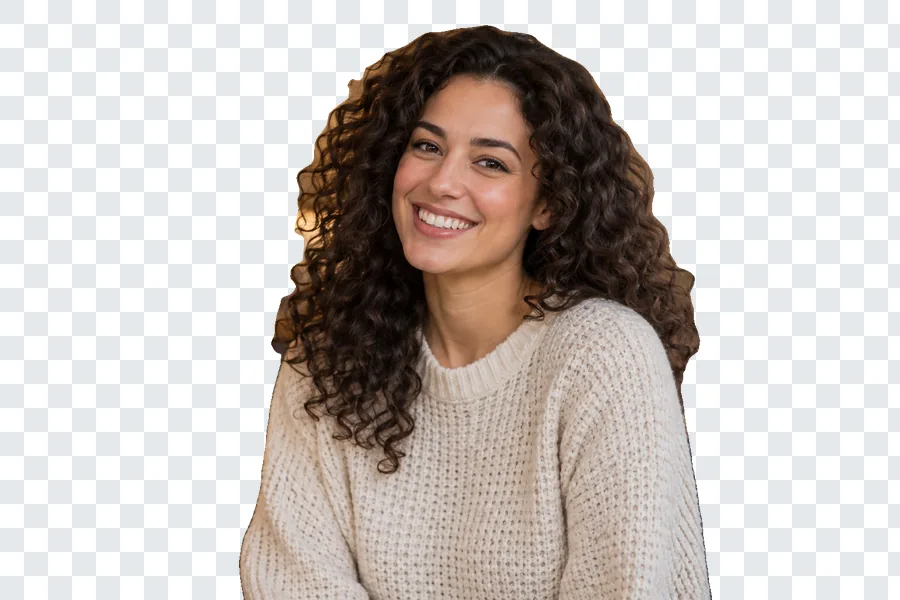
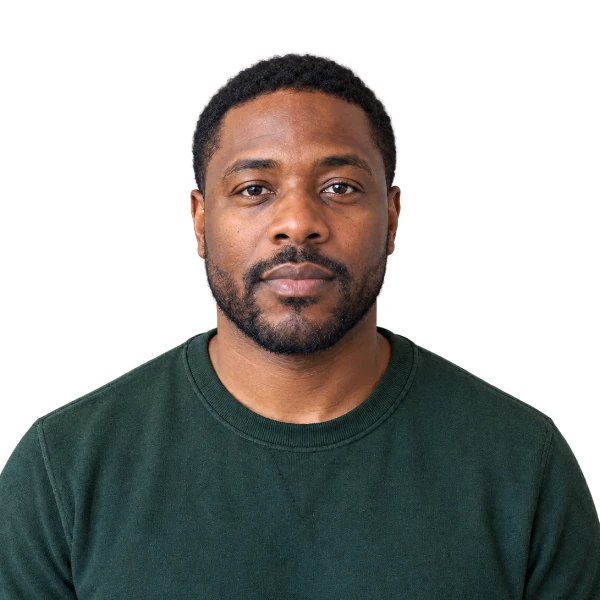
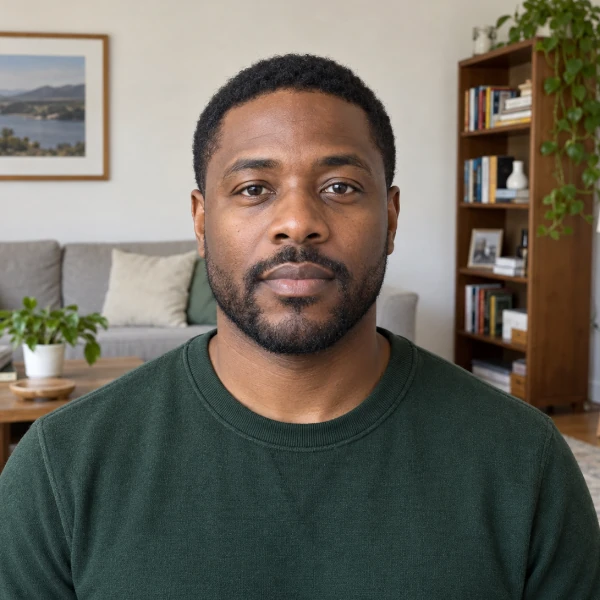
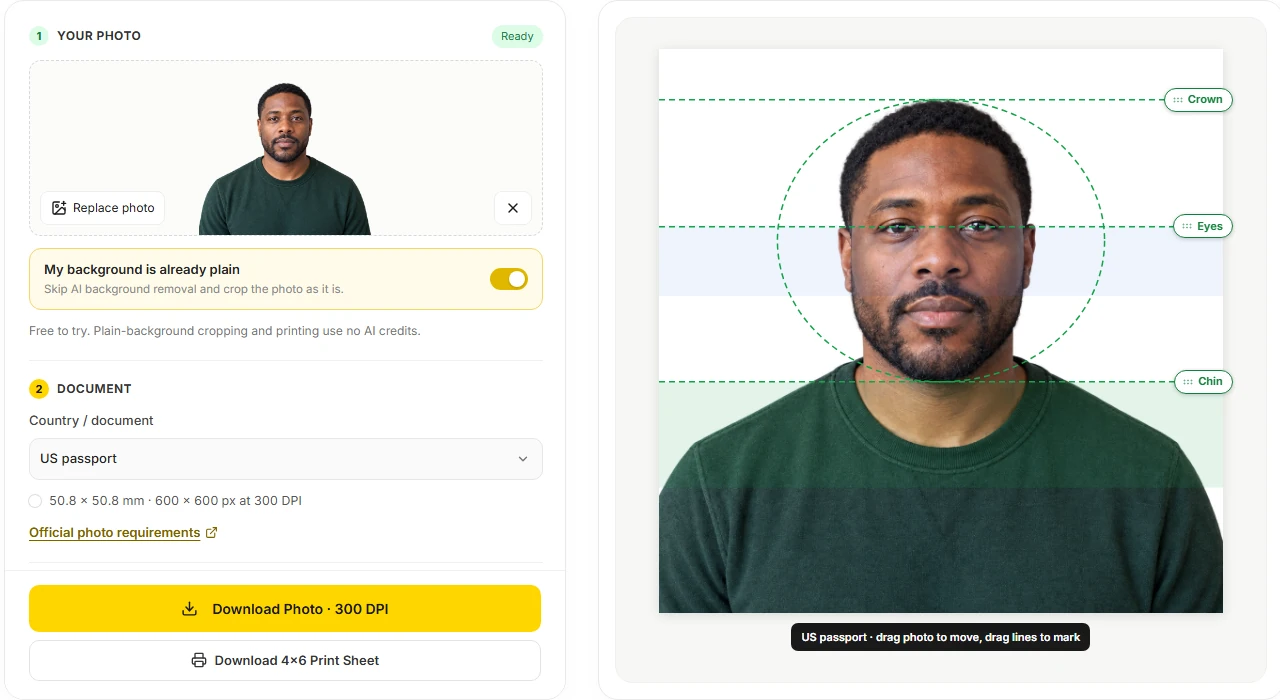
After AI background removal, the living room behind him is replaced with white at the US 2×2 in size. White is also the background this tool uses for the Canada, Australia, Japan, China visa and Schengen (France) specs.
Pick a country, crop and align your photo with crown, chin and eye guides, then download a 300 DPI photo or a 4×6 sheet. Skip AI entirely when your background is already plain.
1Your photo
Free to try. Plain-background cropping and printing use no AI credits.
2Document
3Position & guides
Drag the photo to position it. Mark the crown, chin and eyes by dragging the guide lines on the preview (or with the sliders); checks use your marks, not face detection.
These are alignment aids, not approval. Keep your natural face and expression; verify all official requirements.
Reference example. It is not a result generated from your upload.
This online passport photo maker covers the US passport and US visa (2×2 in), UK, Canada, Australia, Japan and Taiwan passports, Germany and France passport or ID photos, the Italy electronic ID, a China visa, a Schengen visa for France and the common 30×40 mm Japanese resume photo. Choosing a document sets the print size, background color and head-height range, and official specs link to that authority’s photo page.
There is no automatic face detection and no promise of approval. You drag and zoom the photo, mark your crown, chin and eye line, and the online passport photo editor tells you whether those marks fall inside the selected range. The office that receives your application always makes the final decision.
After AI background removal, the living room behind him is replaced with white at the US 2×2 in size. White is also the background this tool uses for the Canada, Australia, Japan, China visa and Schengen (France) specs.
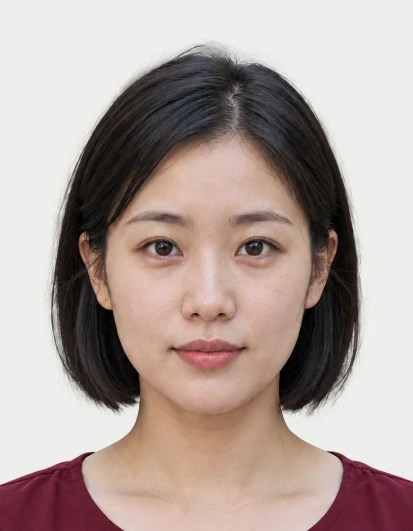
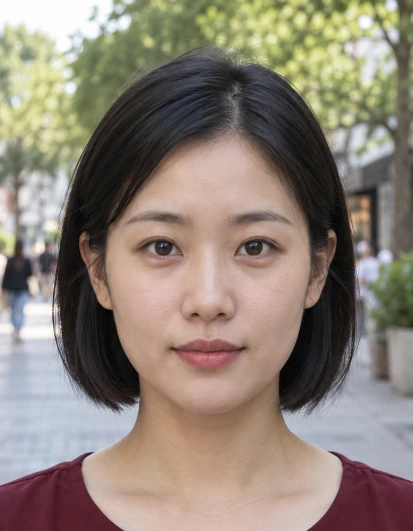
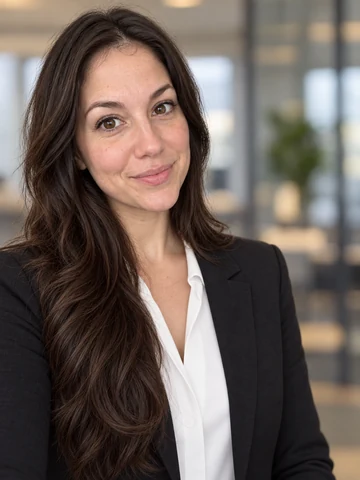
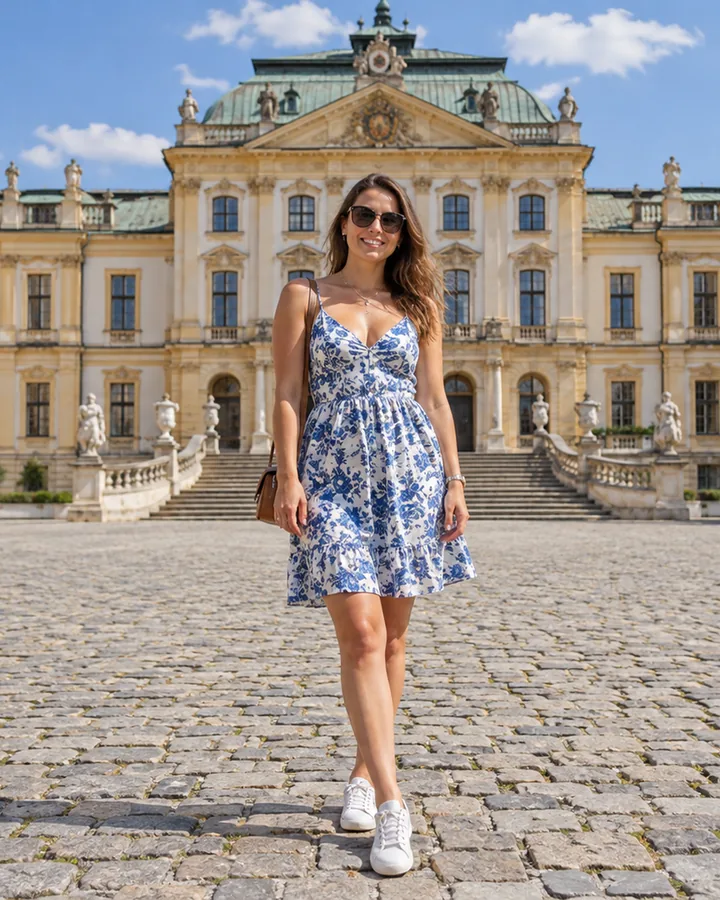
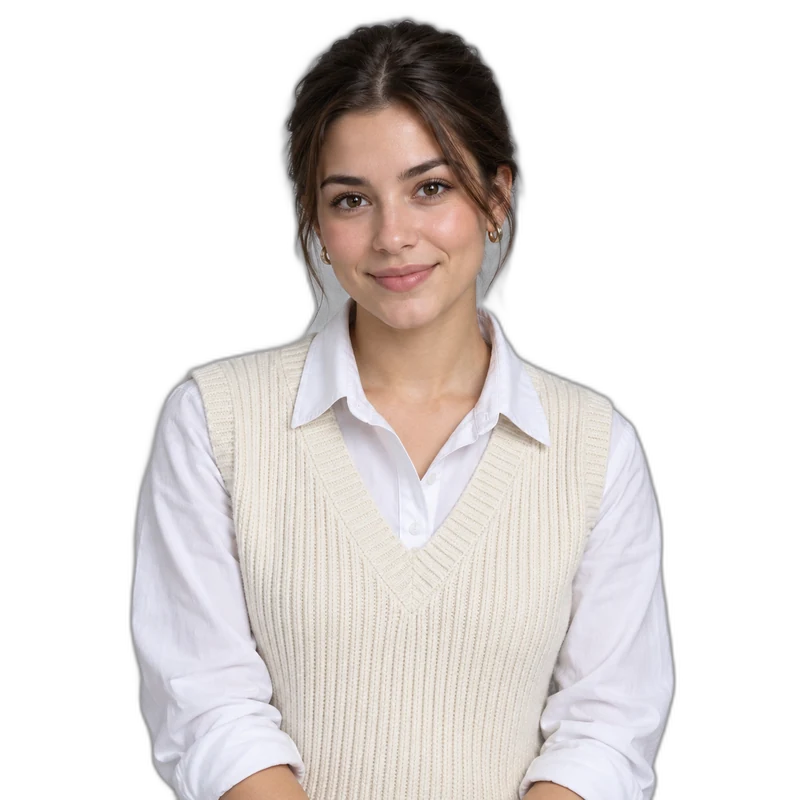
The UK, Germany and Italy specs use a light grey instead of pure white. Pick the document and the matching tone replaces the busy street behind her.
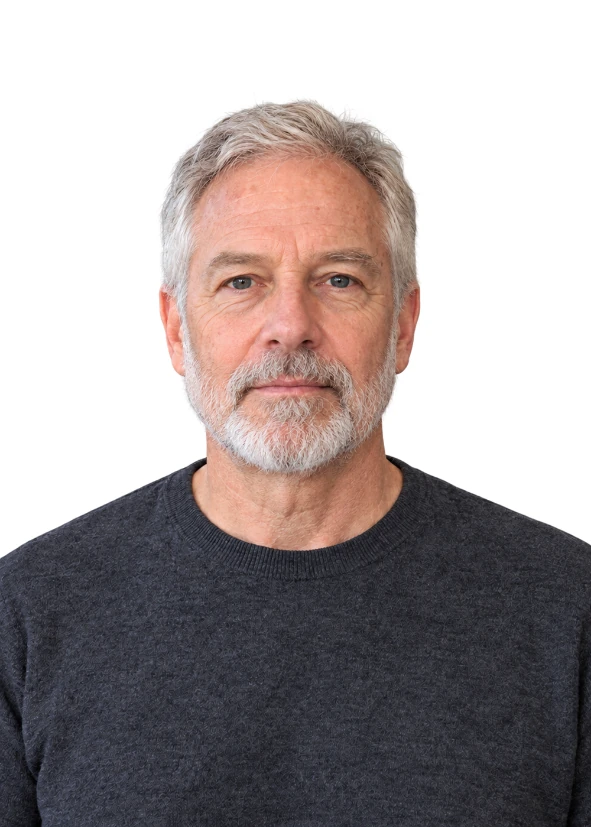
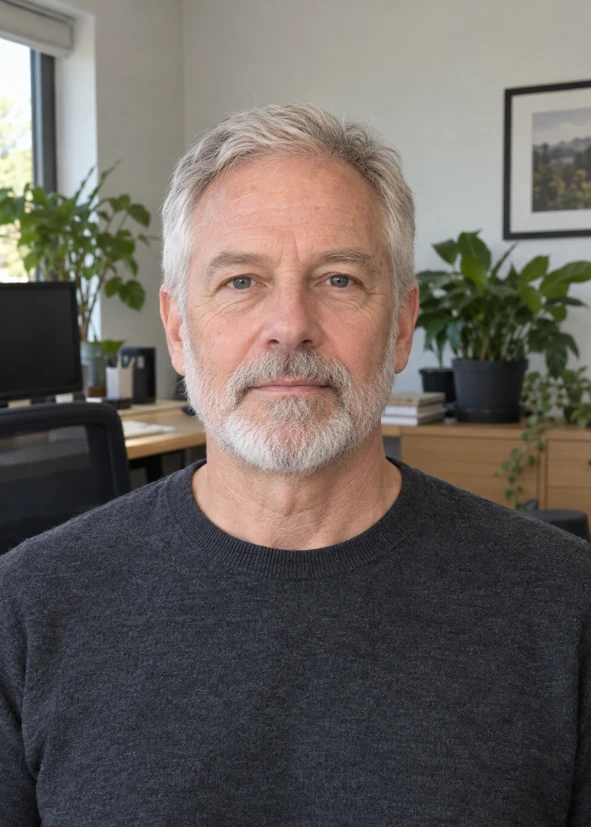
Canada asks for a taller 50×70 mm photo on plain white, so more of the shoulders shows below the chin. Each document brings its own size, head height and background, so you never set them by hand.
Face the camera with a neutral expression, ideally in front of a plain wall. Upload a JPG, PNG or WebP up to 5 MB.
If the wall behind you is already plain, tick My background is already plain and continue without AI. Otherwise press Remove Background once to place yourself on the document’s color.
Choose the country or document, drag and zoom the photo, then move the Crown, Chin and Eye line guides to your face. The head check turns green when your marks are in range.
Save the single photo at 300 DPI or the 4×6 print sheet with cut lines. Print at actual size, without fit-to-page, and measure one photo before cutting.
Every official document in this online passport size photo creator links to its government or consulate photo page; the Japanese resume size is marked as a common size with no official rule. Read the page before you shoot: rules on glasses, head coverings, how recent the photo must be and digital submission are not built into the passport picture maker.
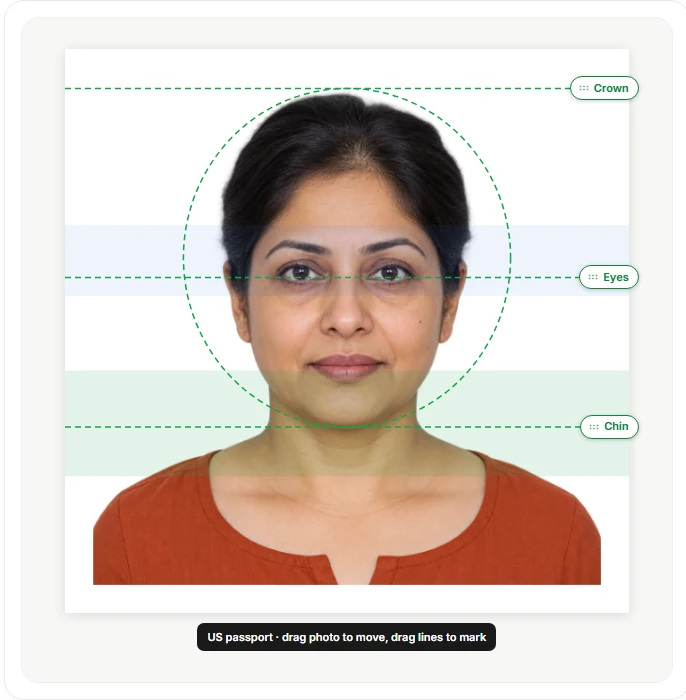
Both US formats export 2×2 in, or 600×600 px at 300 DPI, with a head height of 1 to 1 3/8 in. They are the only specs here with an eye-line check, which looks for your eyes between 1 1/8 and 1 3/8 in from the bottom of the photo.
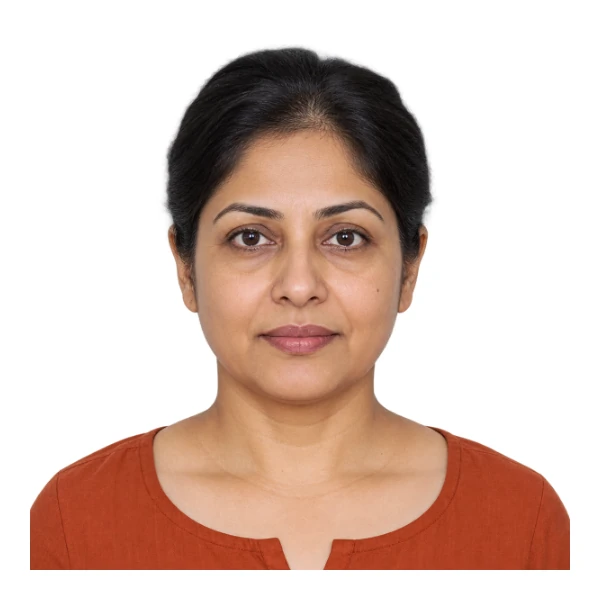
This passport picture editor only crops, zooms, moves and recolors the background. It never smooths skin or reshapes features, which most authorities forbid. A photo editor passport applicants use should change the layout, never the person.
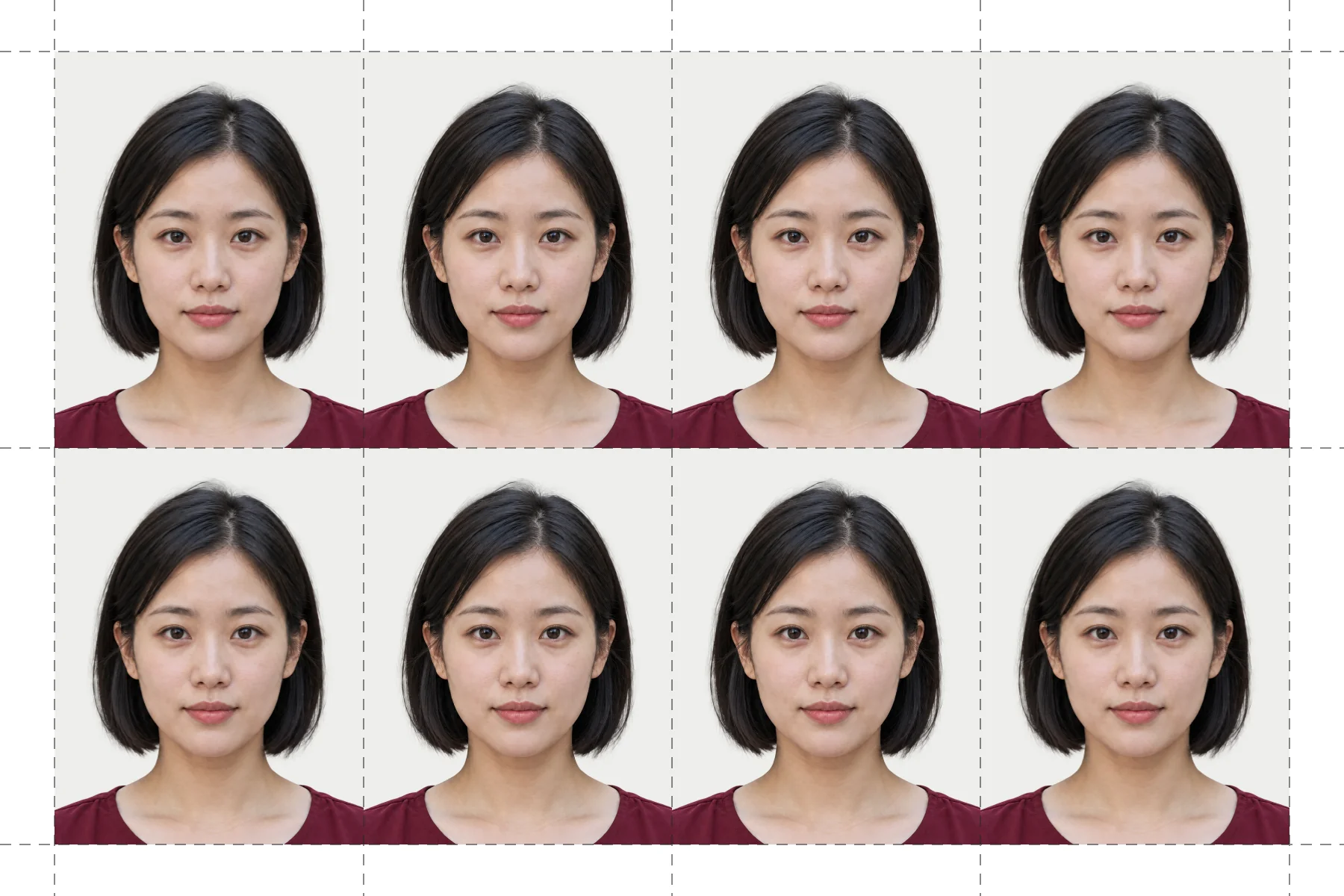
The 4×6 print sheet from this passport image maker repeats your actual-size photo as many times as fits, with cut lines, saved as a 300 DPI PNG. Print it at home or at a photo kiosk; some countries ask for professionally printed photos, so check first.
| Document | Photo size | Head height | Background |
|---|---|---|---|
| US passport / US visa | 2 × 2 in | 1–1 3/8 in | White |
| UK passport | 35 × 45 mm | 29–34 mm | Light grey / cream |
| Canada passport | 50 × 70 mm | 31–36 mm | White |
| Australia passport | 35 × 45 mm | 32–36 mm | White |
| China visa | 33 × 48 mm | 28–33 mm | White |
| Japan passport | 35 × 45 mm | 32–36 mm | White |
| Japan resume photo (common size) | 30 × 40 mm | About 24–30 mm (guide) | White |
| Taiwan passport | 35 × 45 mm | 32–36 mm | White |
| Germany passport / ID | 35 × 45 mm | 32–36 mm | Neutral light grey |
| France passport / ID | 35 × 45 mm | 32–36 mm | Light blue / grey |
| Italy electronic ID | 35 × 45 mm | 70–80% of image height | Light background |
| Schengen visa (France) | 35 × 45 mm | 70–80% of image height | White |
Adult printed-photo specs, as published on the linked official pages; the Japanese resume photo is a widely used size, not an official requirement. Since May 2025, passport and ID applications made inside Germany use a digital photo taken at the office or sent by a registered photo studio, so the printed German spec suits applications abroad and other uses. Digital submission rules, professional printing requirements and permitted edits vary, so check the issuing authority; there is no single EU passport photo template.
Offices want a recent photo with no filters or retouching, and the official page says how recent. Give the passport pic maker a new photo rather than an old cropped selfie.
Face a window or soft lamp so there are no shadows on your face or behind your head. Background removal cannot fix uneven light on the face itself.
Zoom in on the preview, put Crown at the top of your head and Chin at the bottom of your chin. The official page explains whether hair counts toward head height.
Turn off fit-to-page or scaling in the print dialog, then measure one photo with a ruler before you cut the sheet.
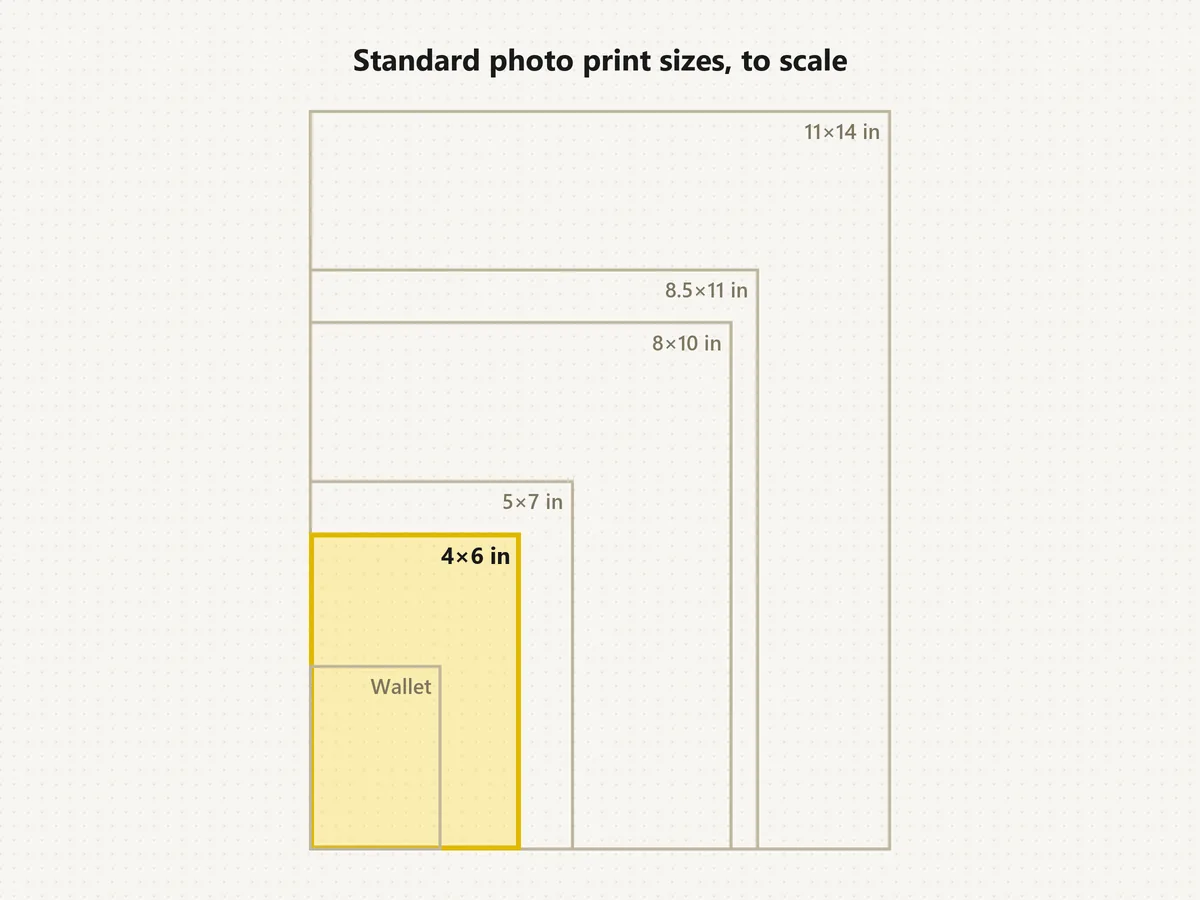
Compare standard print sizes in inches, cm and pixels before printing other photos.
Read the guideGet a transparent cutout of your portrait for badges and profiles.
Read the guideMake creative edits to other pictures; never use it on document photos.
Read the guideResize a photo to the exact pixels an online application form asks for.
Read the guideTake a recent, evenly lit photo facing the camera, upload it and choose your document. Remove the background, or skip that step if it is already plain, place the head guides, then download the 300 DPI photo or the 4×6 sheet.
With a plain background, yes: tick My background is already plain and the cropping, sizing, 300 DPI download and 4×6 sheet run free in your browser, so you can edit passport photos online without AI. AI background removal is Free to try.
No passport picture tool can promise that. The issuing authority decides, and it also judges things this tool does not check, such as lighting, expression, focus, paper and how recent the photo is. The green head check only compares your own marks with the selected range.
No. It is not a passport scanner online or offline, not passport scanning software and not an ID passport scanner or passport barcode scanner, so it cannot make a scanned copy of passport pages. Upload a portrait of yourself, never a scan of your passport; use a document scanner for that.
US passport, US visa, UK passport, Canada passport, Australia passport, Taiwan passport, China visa, Japan passport, Germany passport or ID, France passport or ID, Italy electronic ID, a Schengen visa for France, and the Japanese resume photo (a common size, not an official rule). Official specs are checked against their sources; if yours is missing, follow your authority’s published size and use a local photo service.
Only in one step: optional AI removes the background. This passport size photo generator never creates a new face, so it works as a passport size picture AI helper plus a manual layout tool; zoom, alignment and export run in your browser.
Follow the official rules for your document. US passport photos, for example, do not allow glasses and expect a neutral expression or a natural smile, and most offices reject beauty filters or digital changes to the face.
Choose your document and press Download 4×6 Print Sheet. The PNG repeats your actual-size photo with cut lines at 300 DPI; print it at 100% scale on 4×6 in photo paper and measure one photo before cutting.
It means the distance between your Crown and Chin marks falls inside the head-height range of the selected spec, and for the US formats that your eye line does too. It does not judge lighting, expression or image quality.
Your own portrait, or one you are preparing for someone who asked you to. Do not upload identity documents, photos of other people without their consent, or any picture you do not have the right to use.
Upload a recent photo, pick your document and check the head guides before you download a 300 DPI photo or 4×6 sheet.