Marketplace square on pure white
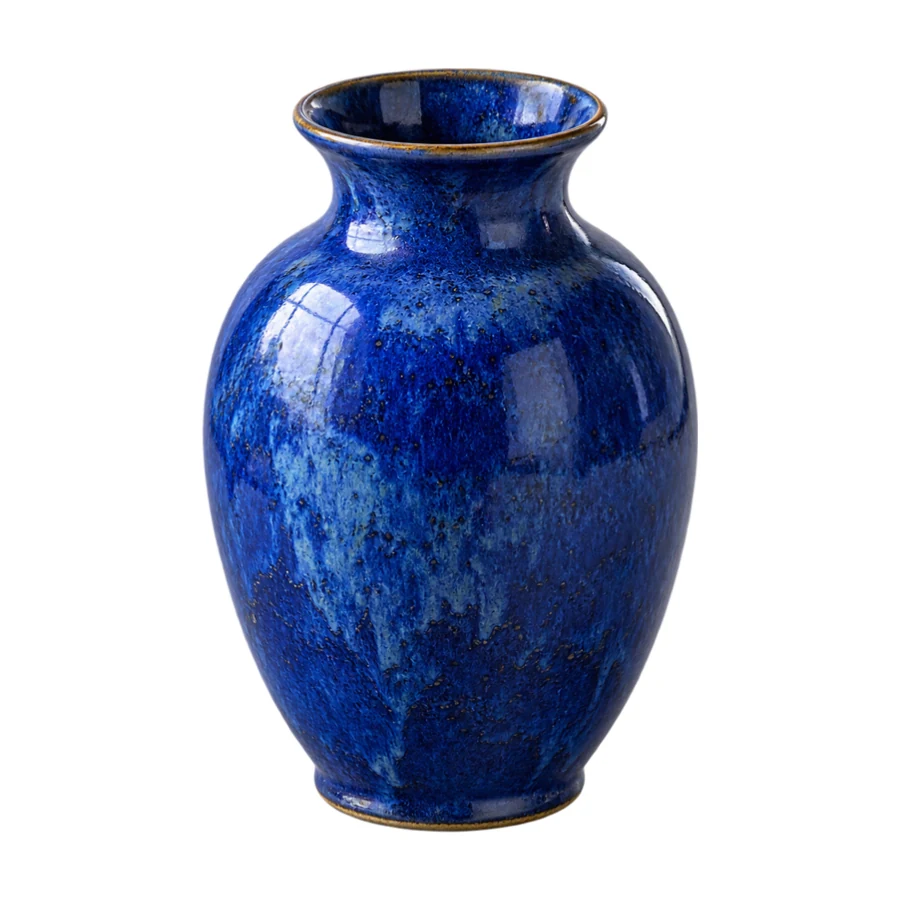
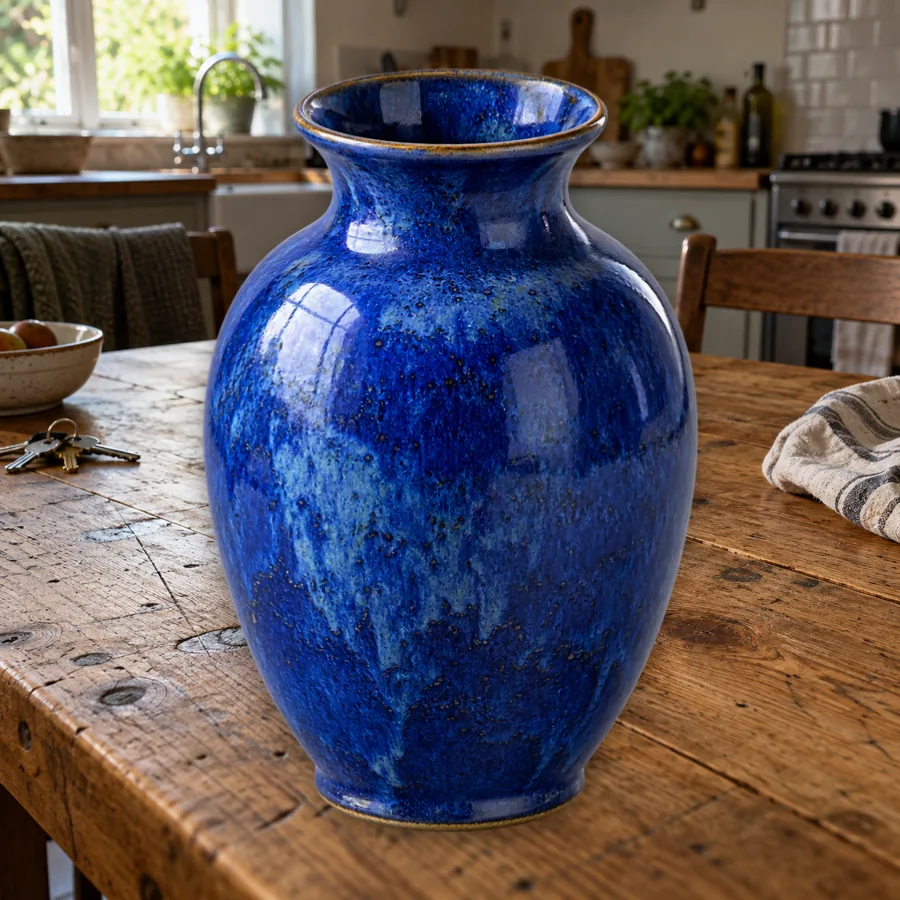
The vase is lifted off the wooden table, trimmed to its outline and centered on #FFFFFF in a square frame, large enough to fill most of a shop listing thumbnail.
Change background to white without an off-white tint. AI separates the subject once; the white fill, padding, shadow and canvas size are then free to adjust in your browser.
1Upload & remove background
Free to try. After removal, all adjustments below are free in your browser.
2Adjust
Free · live preview#FFFFFFReference example. It is not a result generated from your upload.
Many remove bg white background tools repaint the backdrop with AI and leave a faint grey or cream tint. Here the AI only separates your subject; the plain white background editor then fills the canvas with exact #FFFFFF in your browser, so the white matches from one photo to the next.
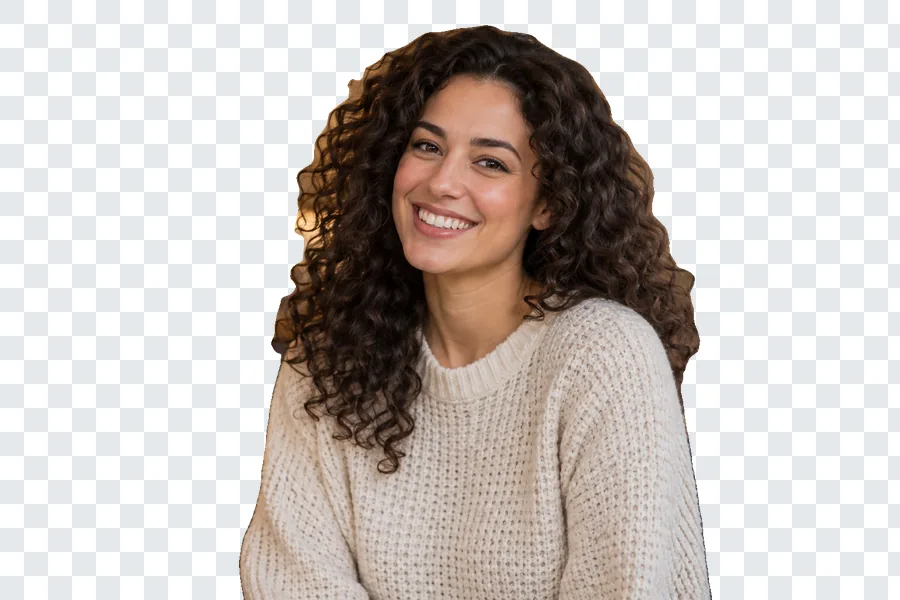
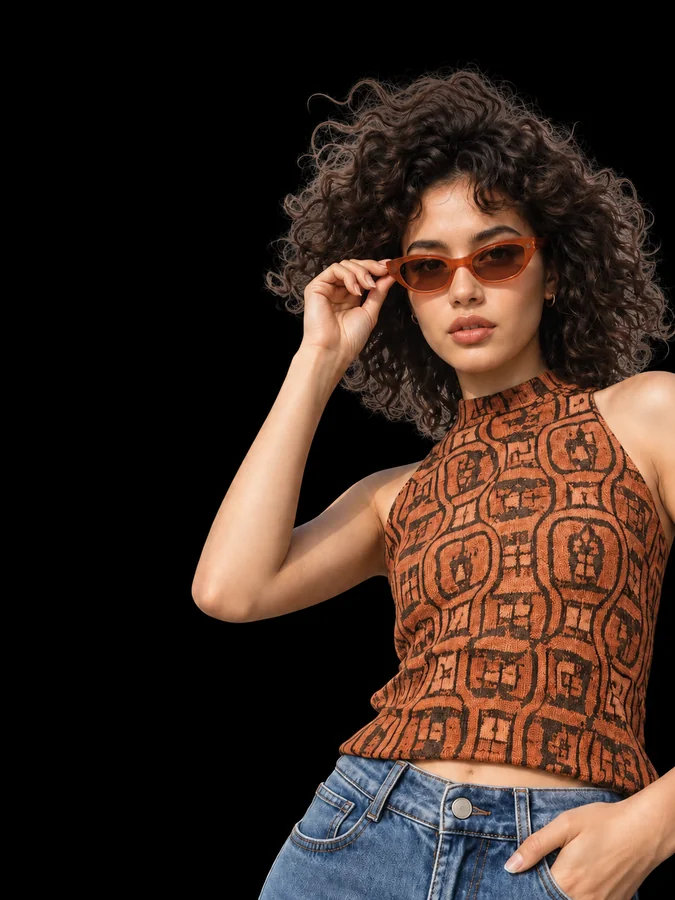
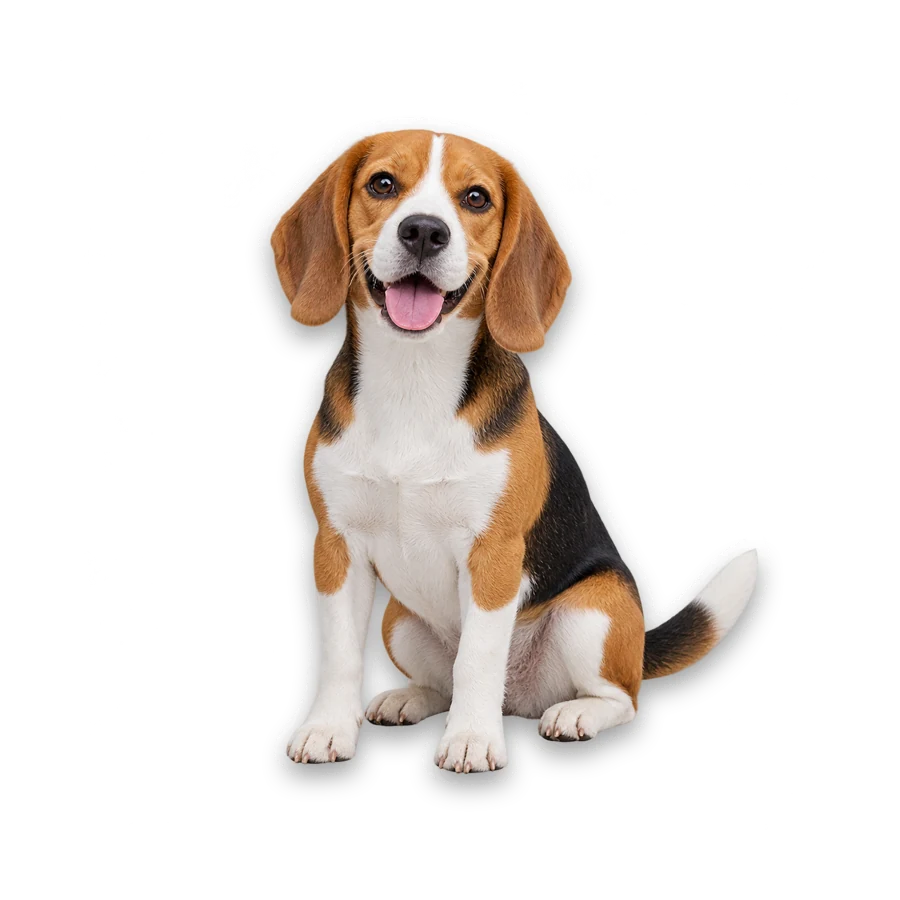
Background whitening works the same for product shots, portraits and pets, so you can change image background to white for a listing, a CV or a team page. Use Marketplace Square to resize image and add white background together, Product with Soft Shadow for a grounded catalog look, or Keep Original Size when the framing is already right. Changing these after the first AI removal is free.
The vase is lifted off the wooden table, trimmed to its outline and centered on #FFFFFF in a square frame, large enough to fill most of a shop listing thumbnail.
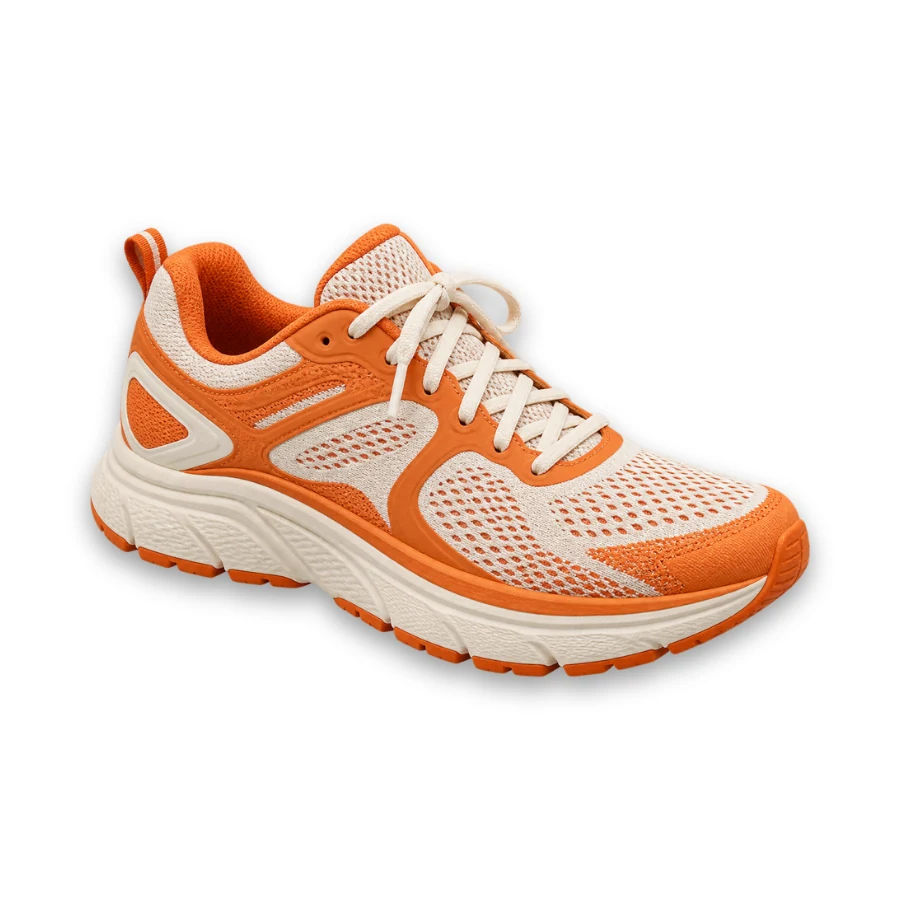
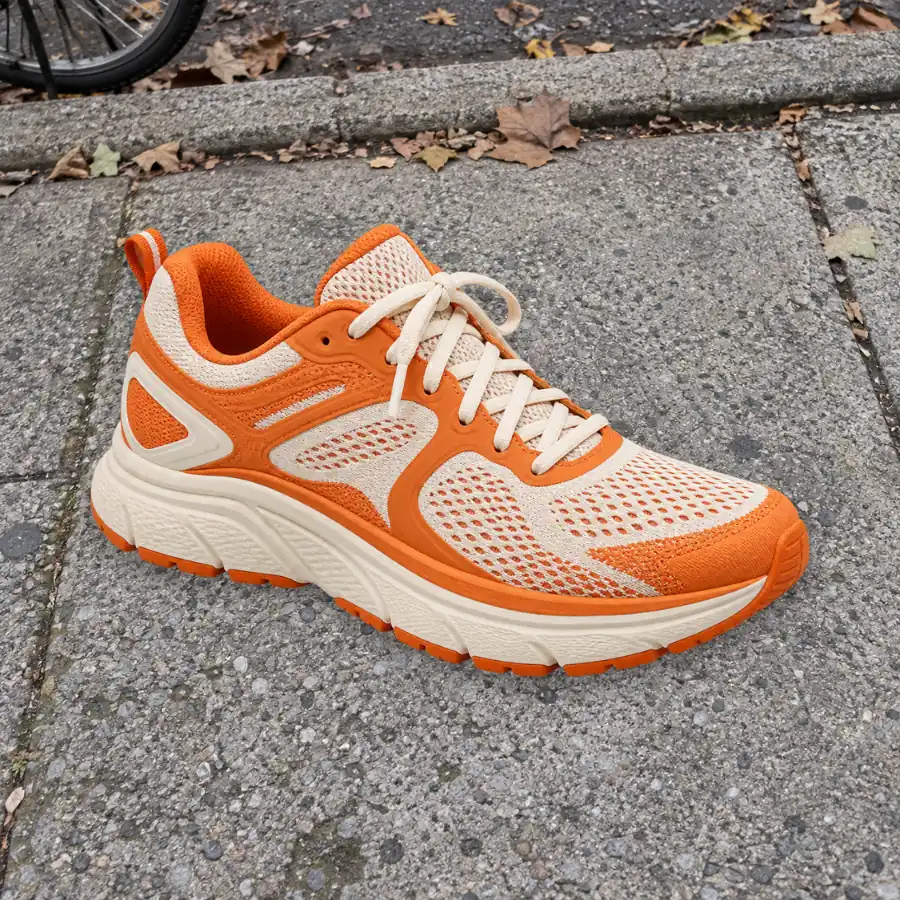
A soft shadow keeps the sneaker from looking pasted onto white. Keep it for catalog shots, and set Shadow to none when a marketplace asks for a plain backdrop.
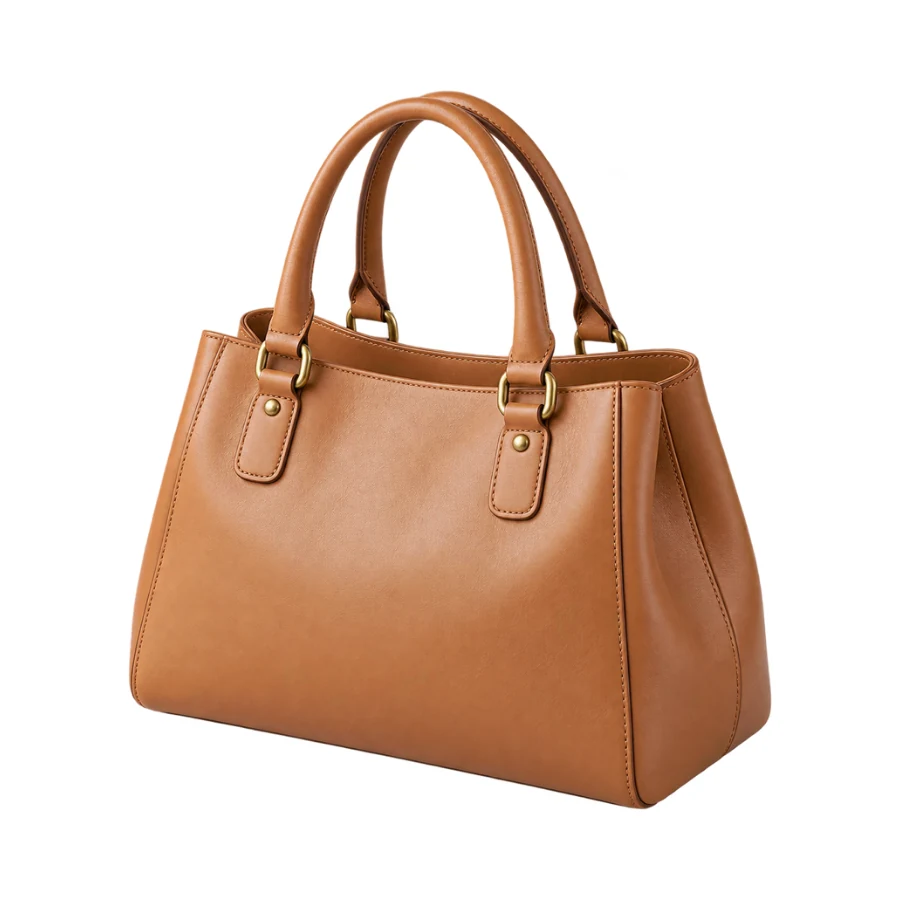
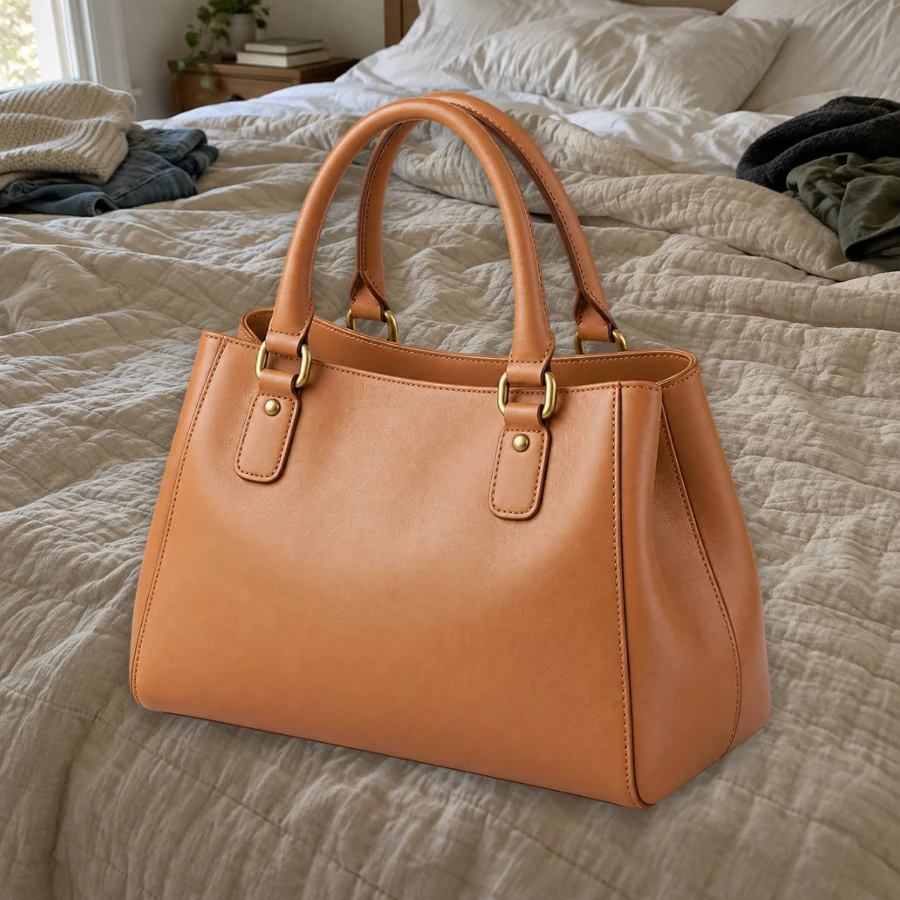
The handbag is trimmed to its outline and centered with even white margins, so the straps and corners never touch the edge. Raise Padding for a roomier catalog look.
Use a JPG, PNG or WebP up to 5 MB and 256 to 4096 px per side. Any backdrop works; you do not need a white wall to start with.
Press Remove Background once to convert photo background to white. The AI only separates the subject; the white is added afterwards by your browser, not painted by the model.
Marketplace Square gives a 1:1 canvas with 7.5% padding, Passport-style White a 4:5 canvas with none, and Product with Soft Shadow a shadow plus 10% padding. Keep Original Size keeps your proportions.
JPG suits most listing uploads and comes out flat white. PNG keeps the same white unless you switch Background to transparent.
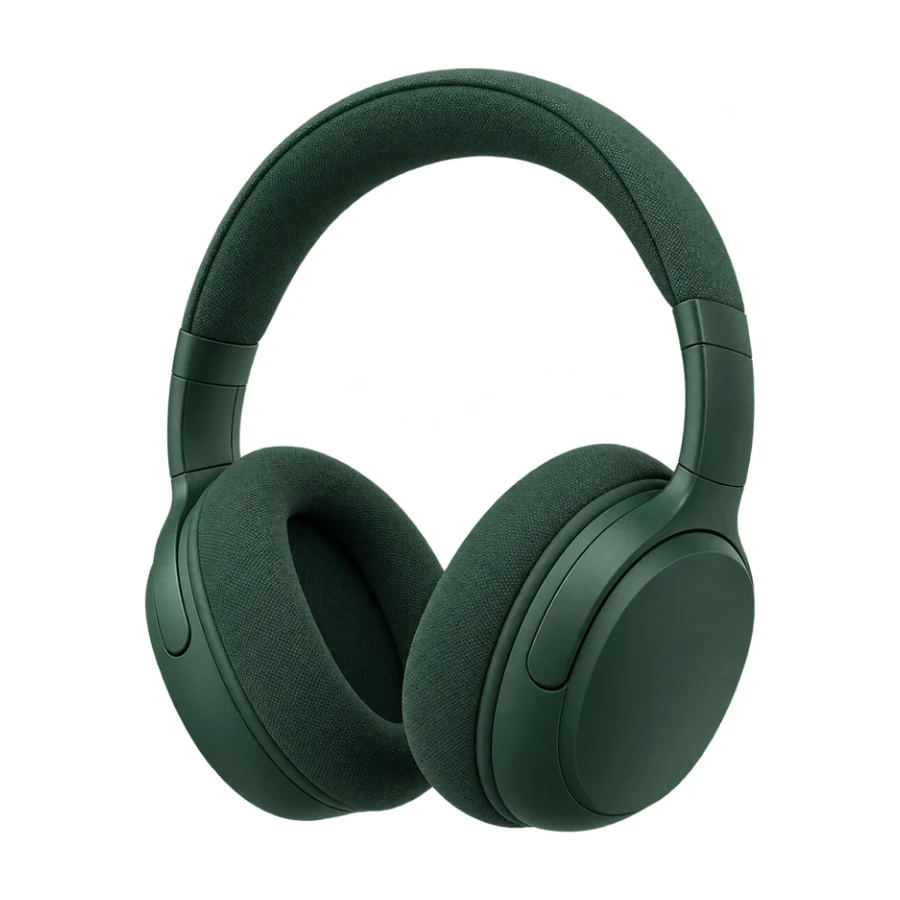
Swap a cluttered room for clean white in one pass. Unlike a whitening background photo filter that brightens everything, the canvas replaces the backdrop with true white, so you never get a light grey that shifts between shots when you whiten the background of a photo.
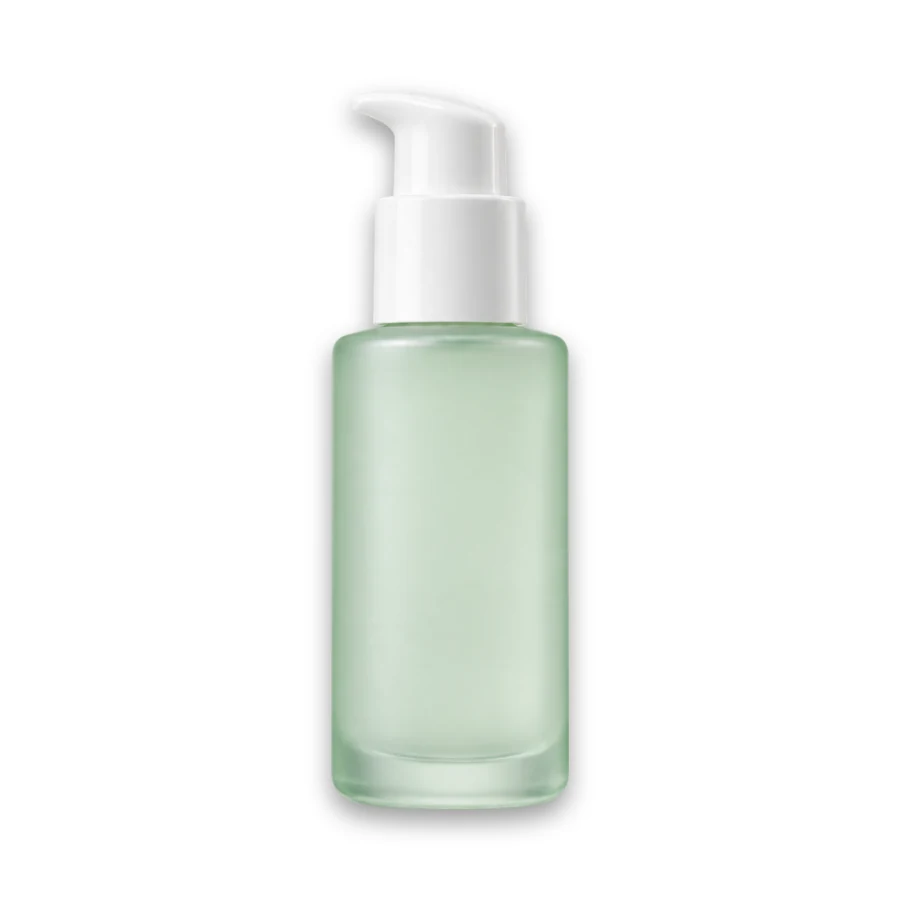
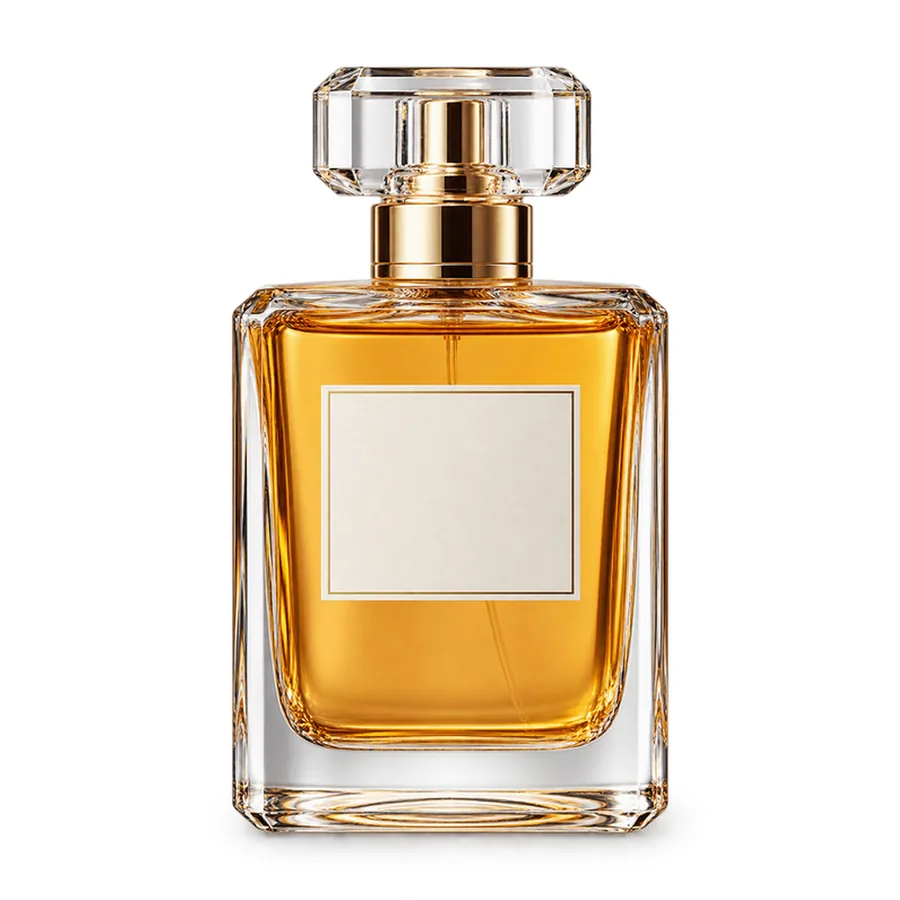
Product with Soft Shadow resizes the canvas to a square, trims the empty space around the bottle and centers it with even padding and a soft shadow underneath. Choose custom in the Canvas menu when a store asks for an exact width and height in pixels.

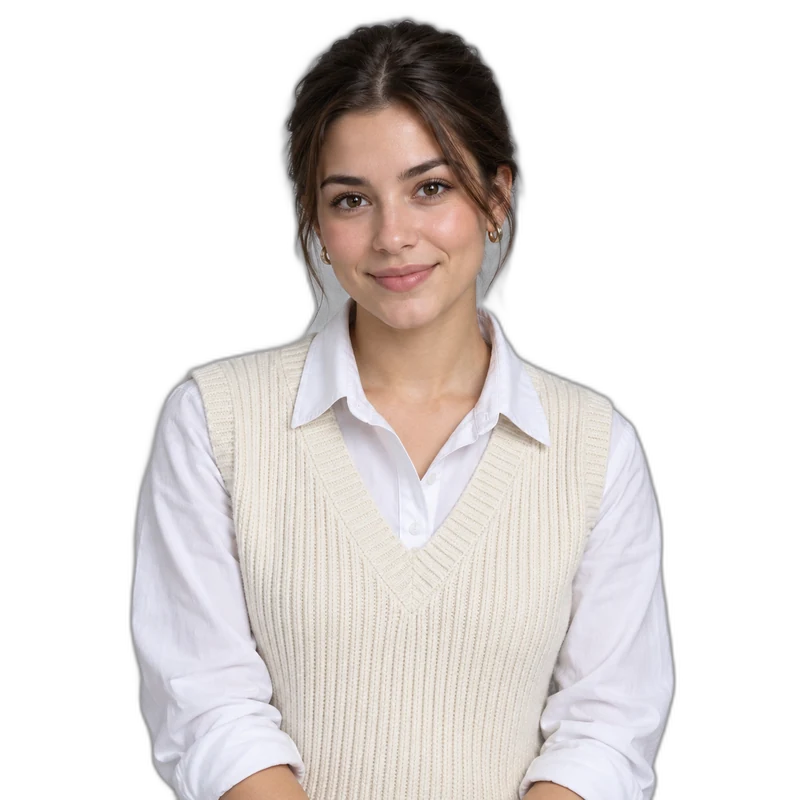
Green screens, colored paper and patterned walls all turn white the same way: remove the background, then check the edges for colored spill. Passport-style White gives a head-and-shoulders portrait like this one a clean white backdrop; a little edge feather hides a leftover fringe.
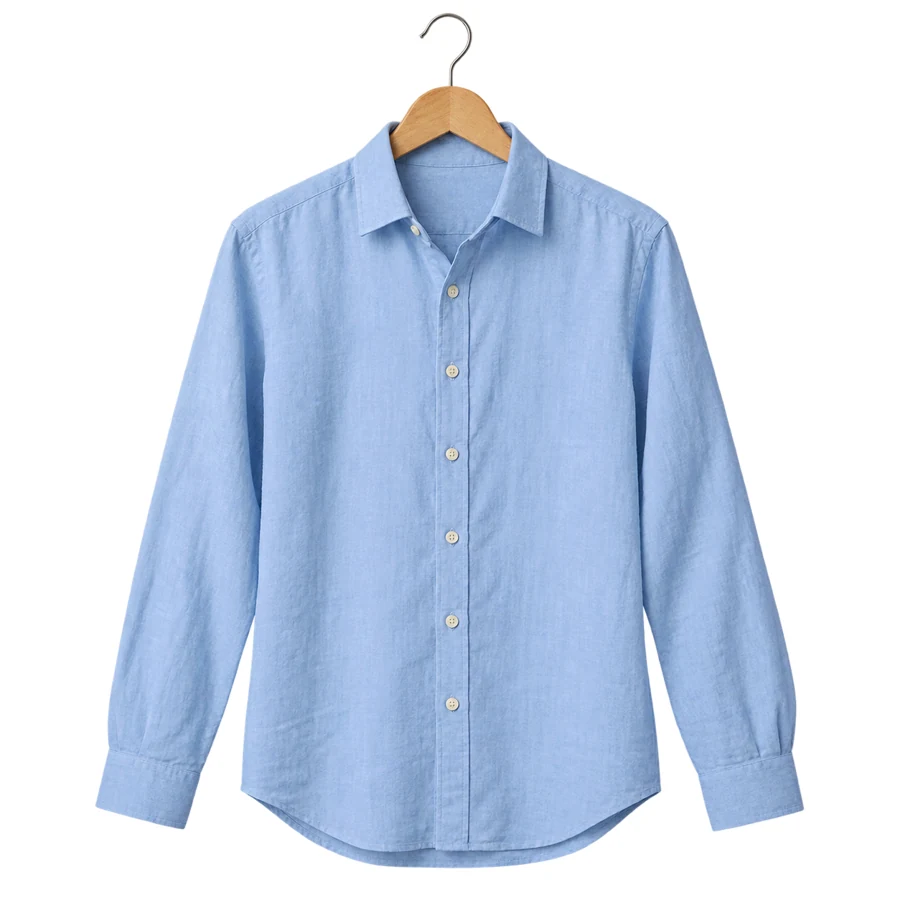
Keep Original Size puts the shirt on white without changing the photo’s size or crop, so an already framed shot stays as it is. Add a soft or ground shadow when a product needs anchoring, and repeat the same preset for a whole catalog.
You no longer need a lit white sweep behind the product. Light the subject evenly so its colors look right against pure white.
Apply the same preset and padding to every product so each photo white background matches and the items line up on a catalog page.
White or cream objects can blend into a white canvas. Add a ground shadow or a thin grey outline so the edge stays visible.
Also download a PNG with Background set to transparent, so you can place the same cutout on grey or a color later without another removal.
Cut out any photo to a transparent PNG with no fill color at all.
Read the guideTake out white background areas around logos and graphics instead of adding them.
Read the guideSwap the backdrop for an AI-made scene rather than plain white.
Read the guideTurn the same cutout into a sticker with a white outline and shadow.
Read the guideKeep the real scene but blur it behind a sharp subject.
Read the guideUpload the photo, press Remove Background and keep the background color at #FFFFFF. Pick a preset for the framing, check the edges with the comparison slider and download a JPG or PNG.
Let the browser add the white instead of asking an AI to paint it. This tool fills the canvas with the exact color in the picker, so a #FFFFFF setting gives pure white behind the subject; only the subject’s own edges blend into it.
Choose Marketplace Square for a 1:1 white canvas with even padding, or set a custom canvas size if your store lists exact pixels. Rules on margins, shadows and file size differ between marketplaces, so check your store’s own image guidelines before uploading.
The canvas is filled with the color you pick, #ffffff by default, and JPG downloads also start from a white canvas. Soft edges around the subject blend into the white as in any photo, but the background itself is not tinted.
Passport-style White gives a quick 4:5 white canvas for profiles and badges. For real document sizes, head-height guides and a 4×6 print sheet, use the Passport Photo Maker instead, and still check the official rules of the office you apply to.
Yes. The AI removes the green backdrop like any other, and the browser fills the space with white. Check hair and shiny edges for green spill; a slight edge feather or a thin white outline can hide it.
Do the reverse: after the removal, switch Background to transparent and download a PNG. That is the quickest way to take white background out of picture files for logos and stickers; JPG cannot store transparency.
The tool works on one photo at a time. Use the same preset, padding and canvas for each image to make image background white across a series; because the settings are identical, every result matches.
Only if you took the photo or have the owner’s permission, and the people shown agree to how it will be used. For product listings, use your own shots or images you have the right to sell with.
AI background removal is Free to try. After that, the white fill, padding, shadow, canvas size and downloads all run in your browser for free; a new Remove Background run is a new AI generation.
Upload a product or portrait, remove the background once and add exact #FFFFFF with the padding and canvas you need.