Hand-Painted Window Sign
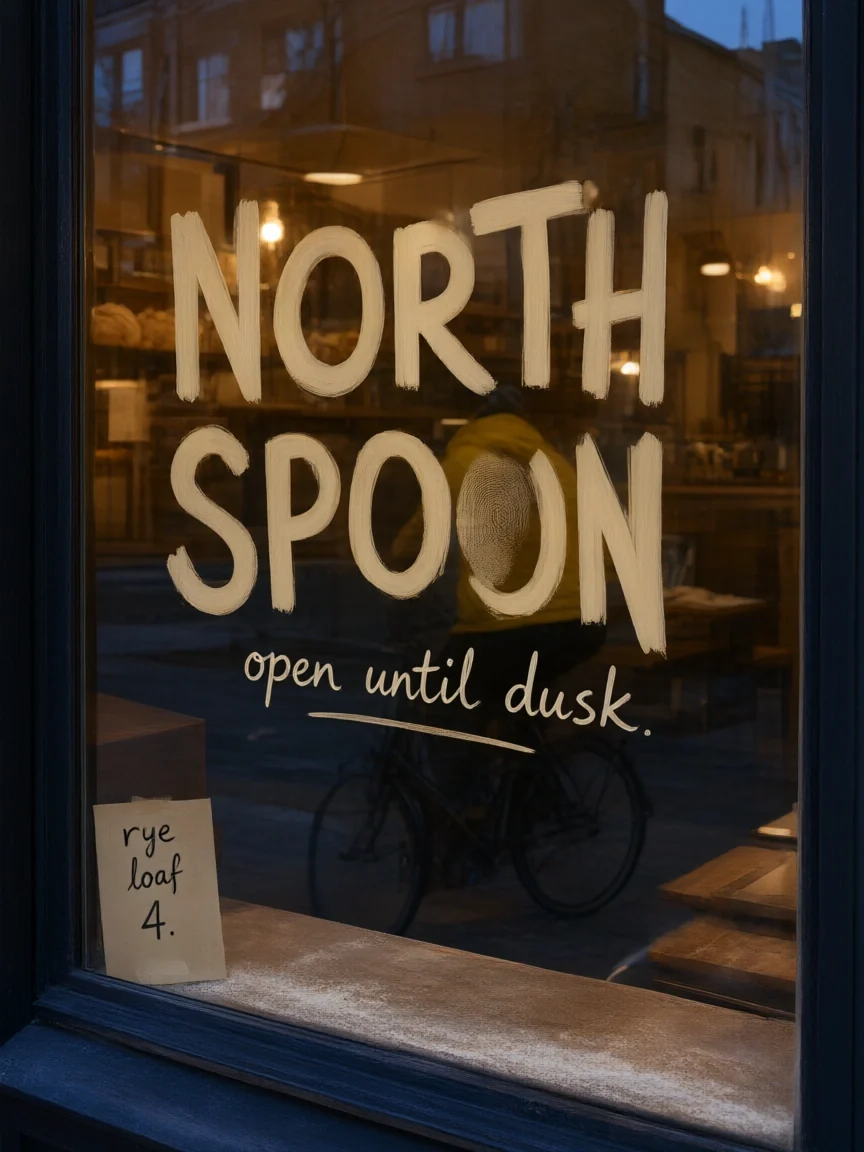
Two lines of lettering on glass, plus a small paper price sign.
Alibaba’s third-generation Qwen image model turns prompts into 2K images with clear text in images, including Chinese and English, and edits your photos from a plain-language instruction. Use Qwen3 for everyday images or step up to Qwen3 Pro for finished work. Free to try.
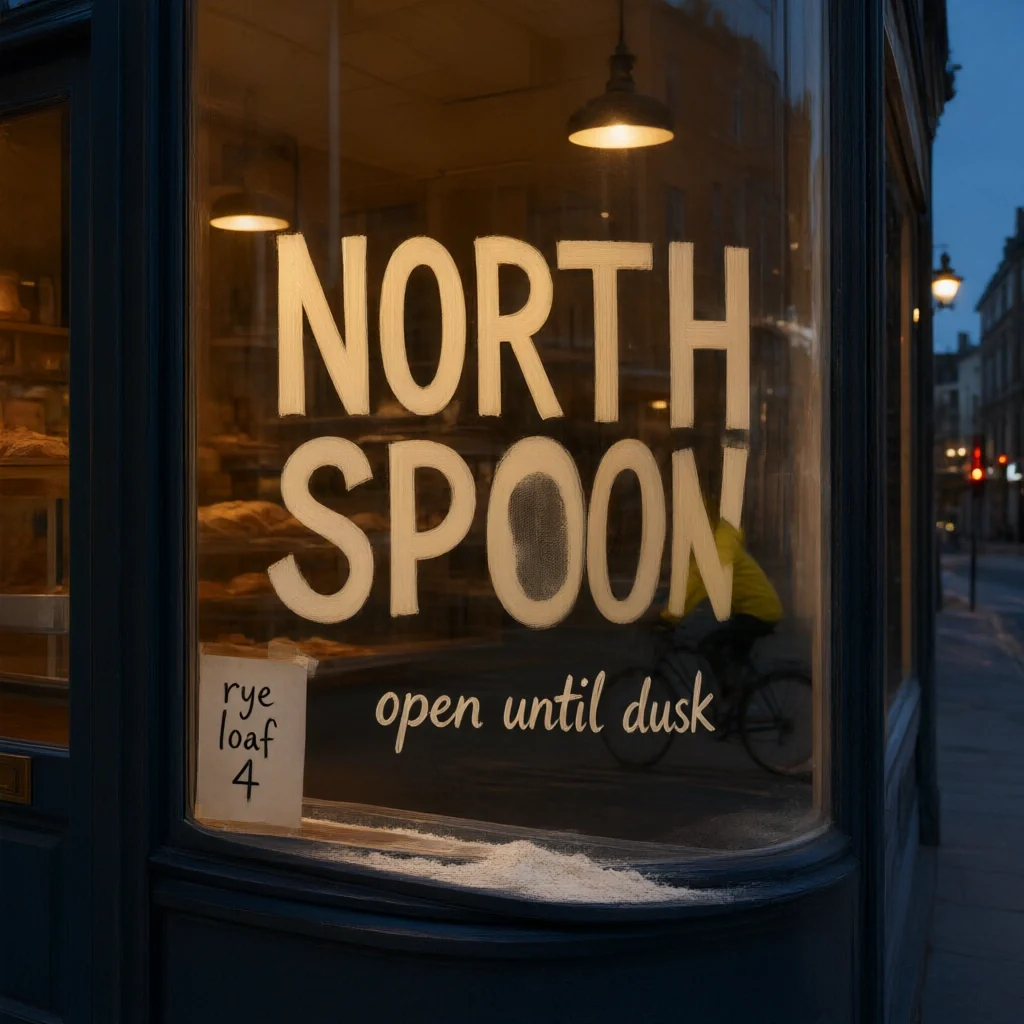
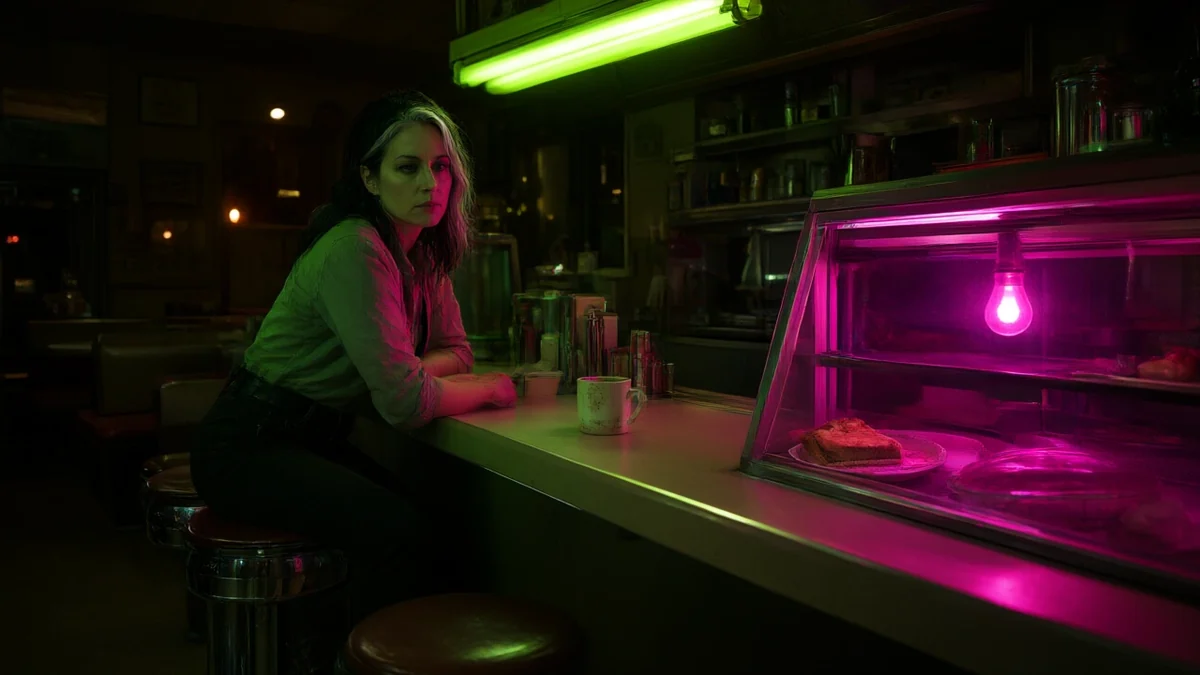
Night photo of a corner bakery window with "NORTH SPOON" hand-painted in cream letters on the glass and "open until dusk" in small script below, a paper sign reading "rye loaf 4", warm interior light, blue-hour street reflections.
Reference example. It is not a result generated from your upload.
Qwen Image 3 (also written Qwen Image 3.0, qwen-image-3, or Qwen3 Image) is the third generation of the Qwen image models from Alibaba’s Qwen team. One model family covers both jobs: Qwen3 image generation from a text prompt, and Qwen3 image editing (Qwen 3 image to image), where you upload a photo and describe the change in plain words. It is best known for text in images, including Chinese and English signs, posters, and labels.
There are two tiers. Qwen3 is the standard model for everyday images, drafts, and quick edits, and Qwen3 Pro is the higher tier for finished, detail-heavy work. Both accept prompts in English or Chinese, output 1K or 2K images in eight aspect ratios, and edit from up to 3 input images. On EzImgMaker you can try Qwen Image 3 online in your browser, with nothing to install.
Every image below was made with Qwen Image 3 from a single prompt. Tap a button to start your own.
Two lines of lettering on glass, plus a small paper price sign.
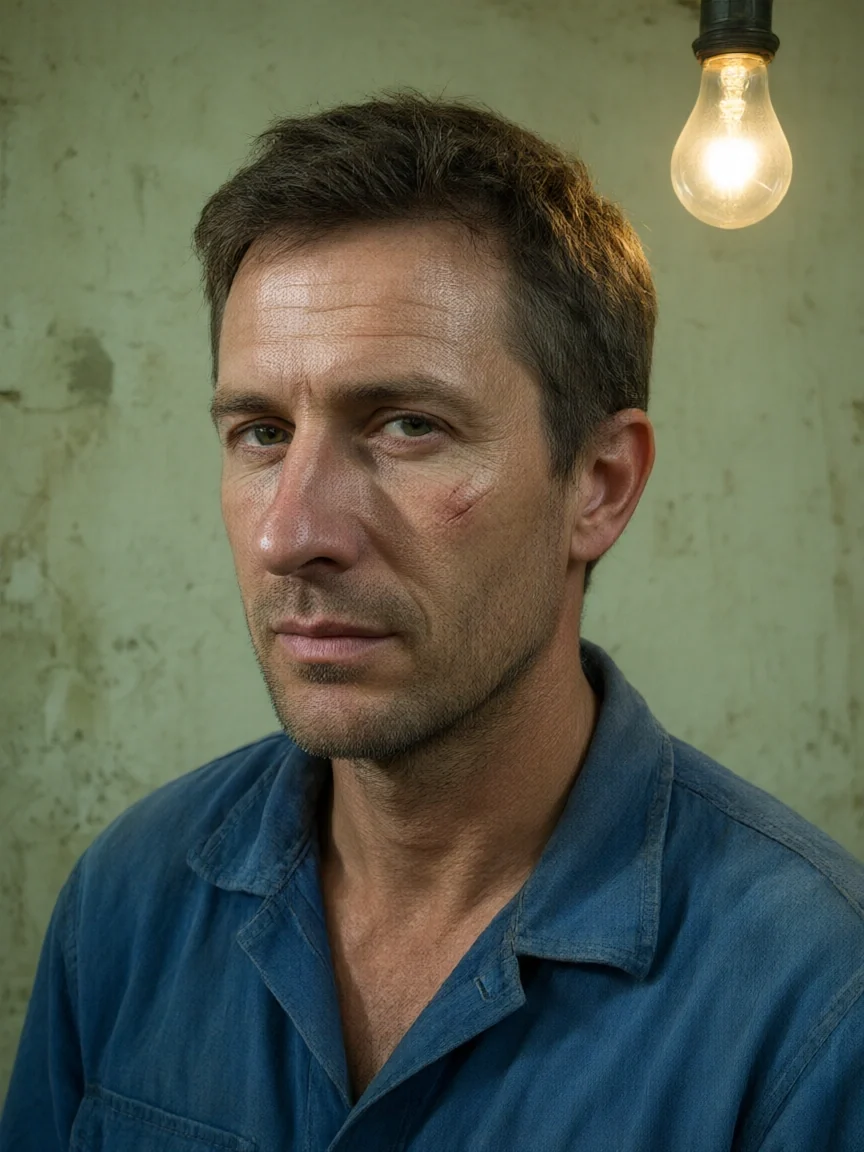
One hanging bulb, a green wall, and natural skin texture.
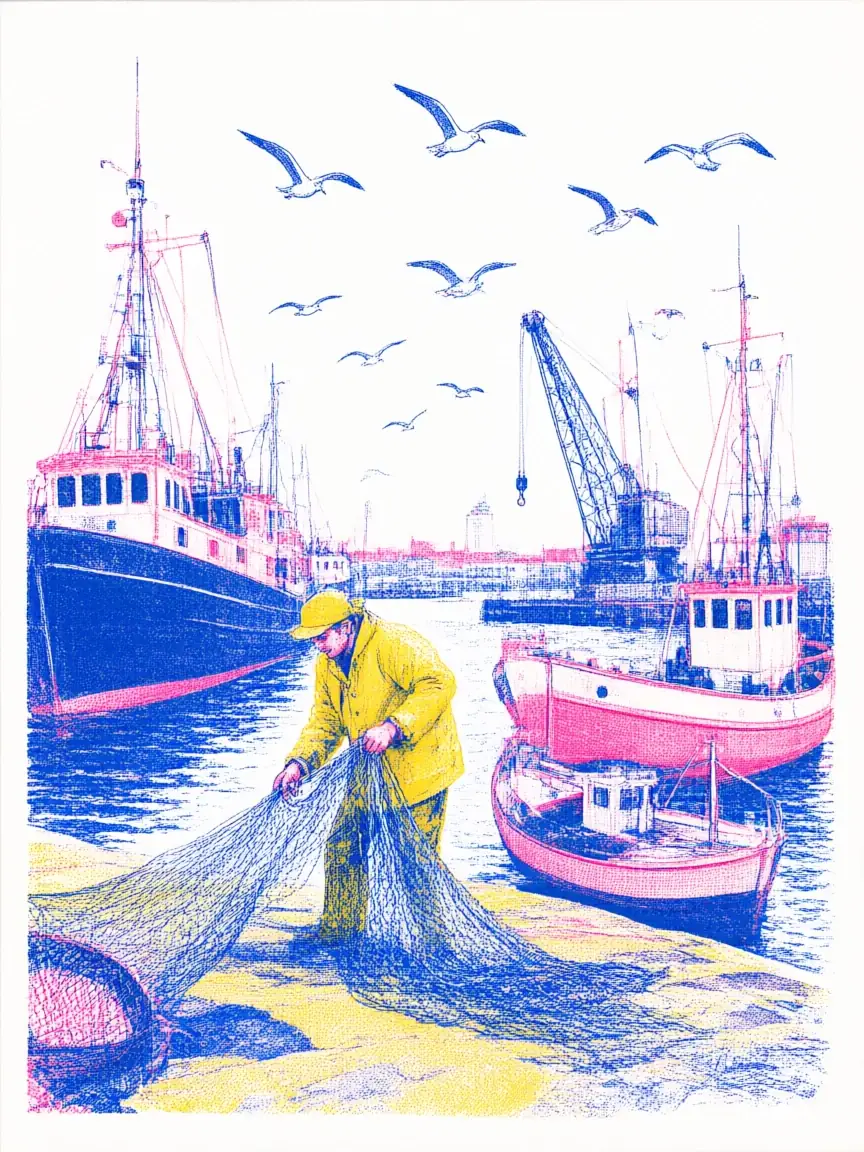
Pink and blue ink layers with a fisherman and his boats.
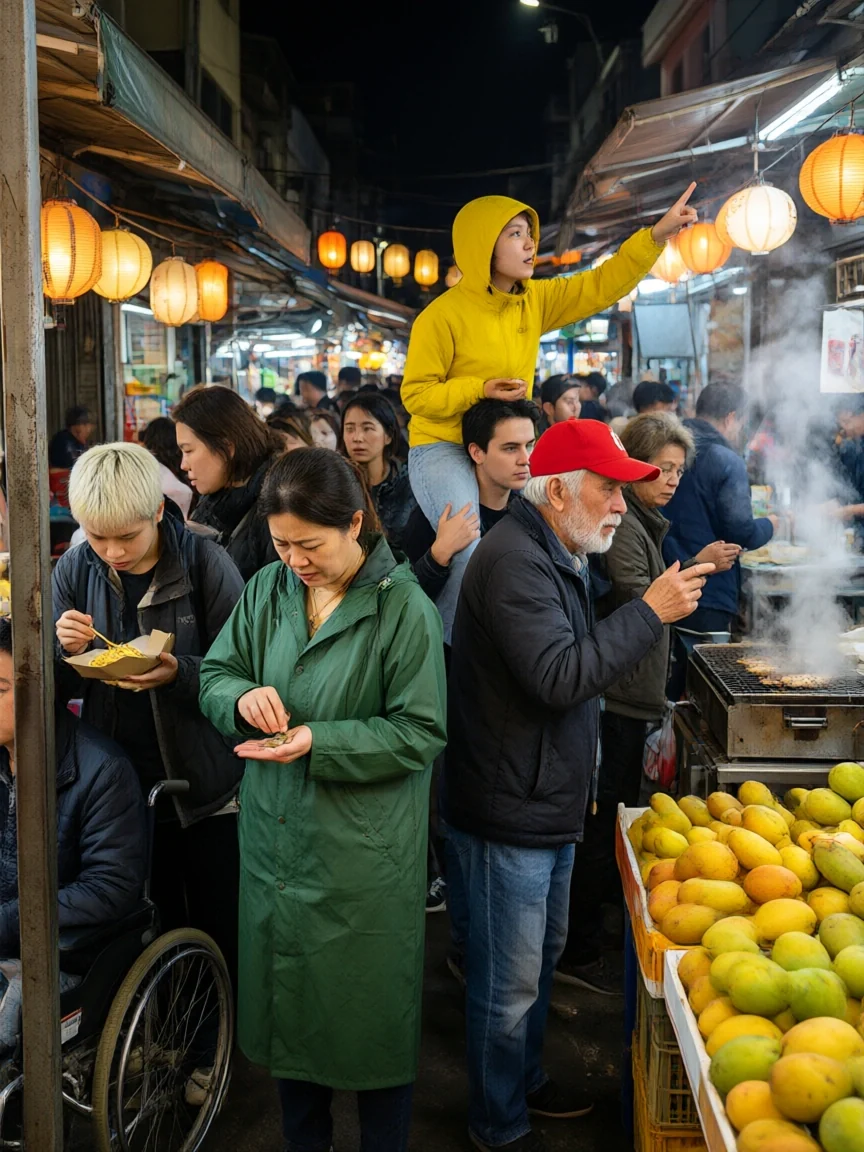
Dozens of people, lanterns, and steam in one busy scene.
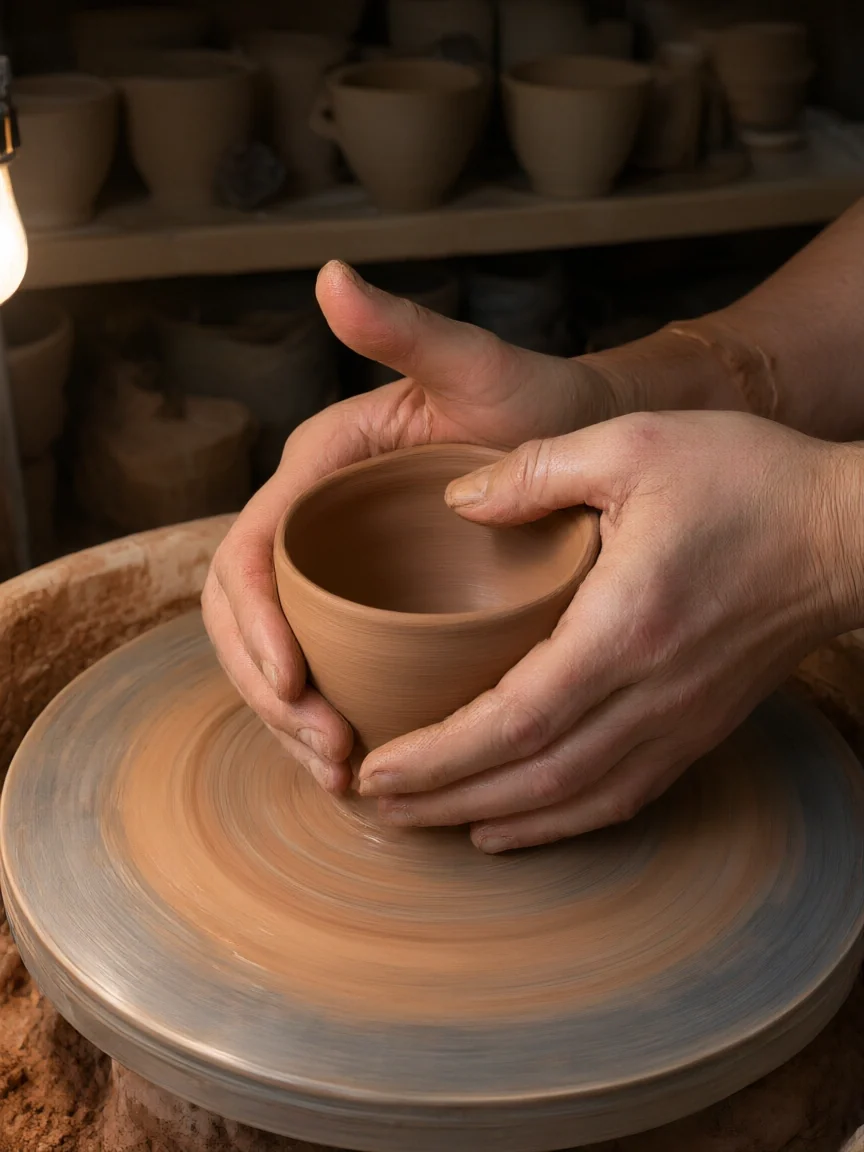
Wet clay, fingerprints, and a spinning wheel up close.
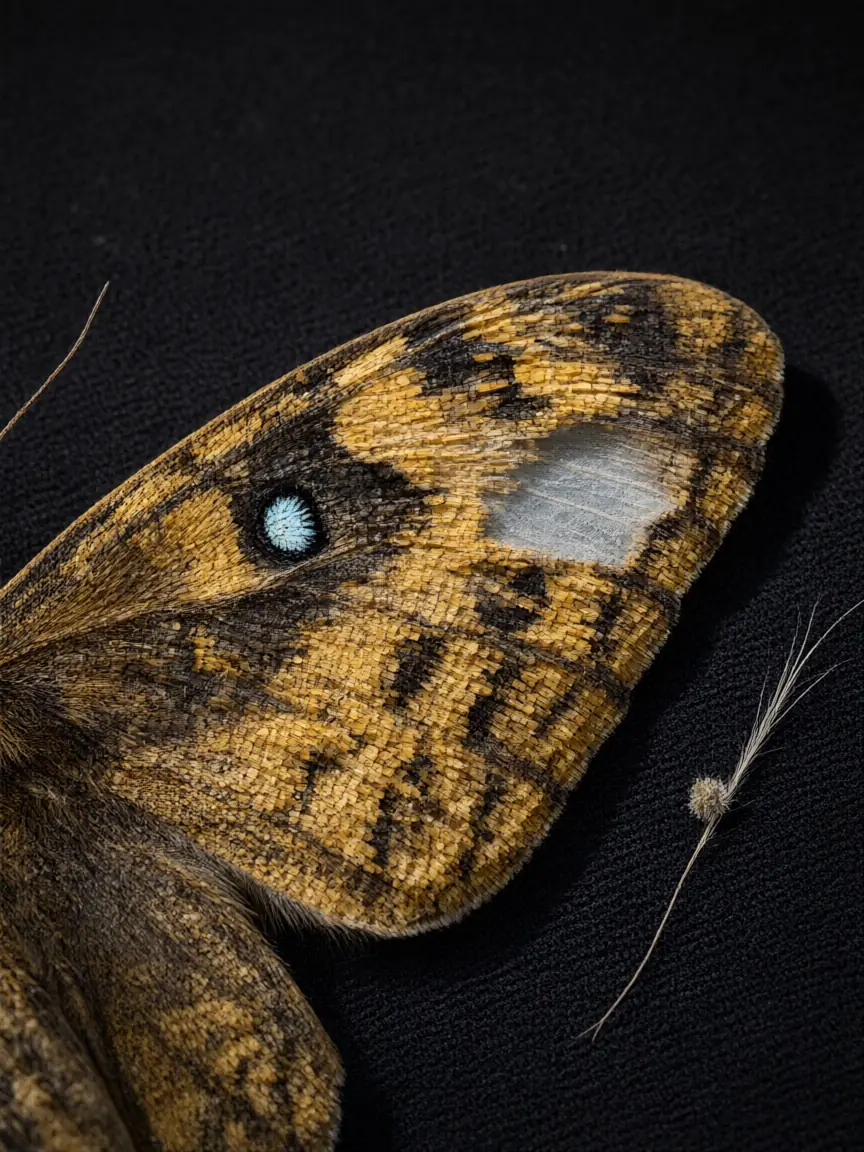
Scales, eyespots, and a fine hair on black velvet.
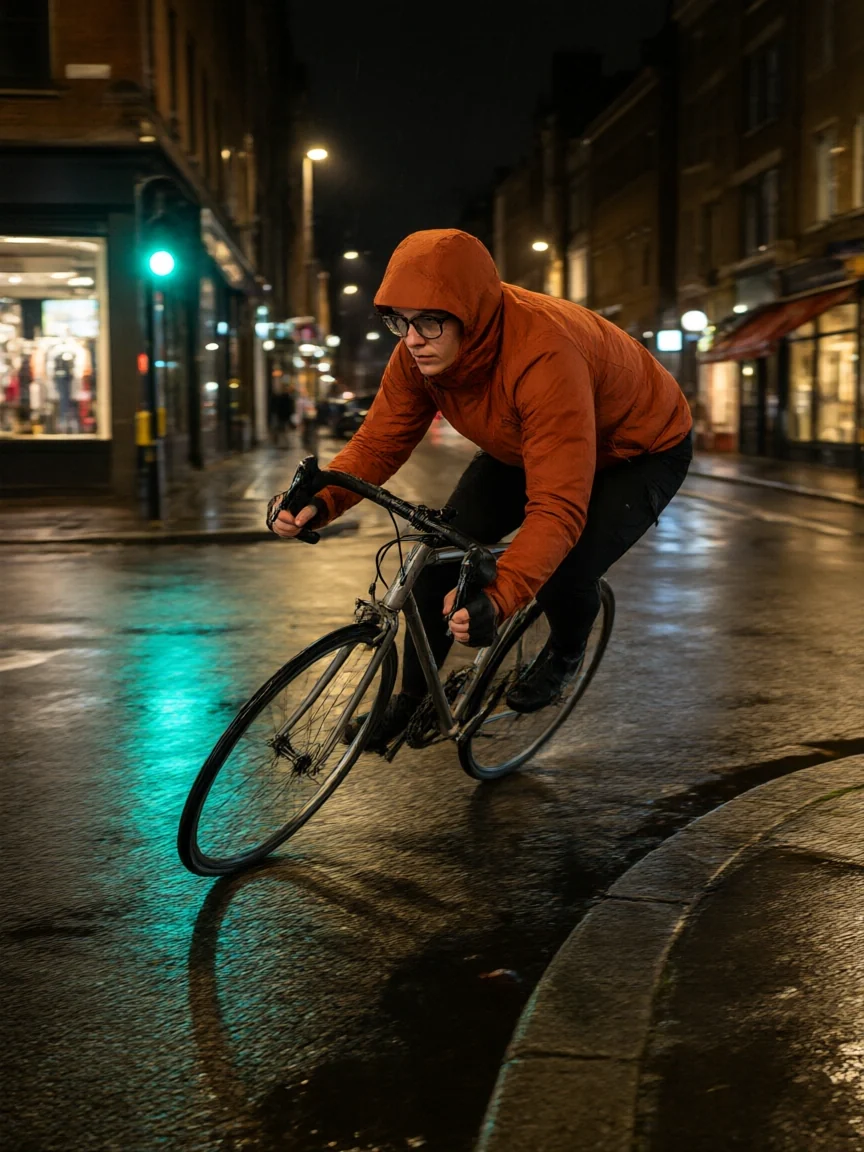
Wet asphalt, traffic-light reflections, and motion.
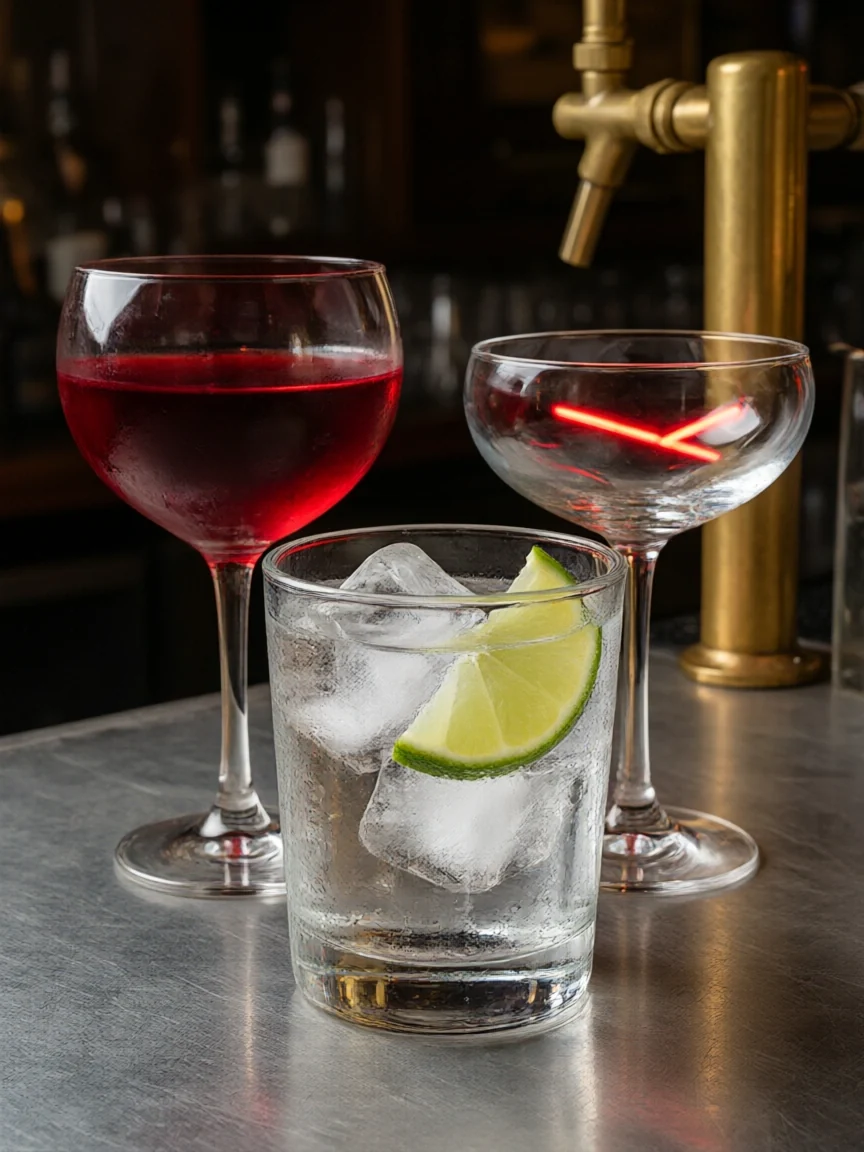
Wine, a coupe, and a gin tonic with true glass reflections.
Three steps from idea or photo to a finished 2K image.
Start with Qwen3 for ideas and everyday images. Switch the Model setting to Qwen3 Pro when you are ready for the final version.
For Qwen3 text to image, describe the scene and put any words that must appear in quotes. For Qwen image edit, switch to Edit / reference images, upload up to 3 images, and say what should change.
Choose one of eight aspect ratios and 1K or 2K, then generate. Download the result or upload it again for the next edit.
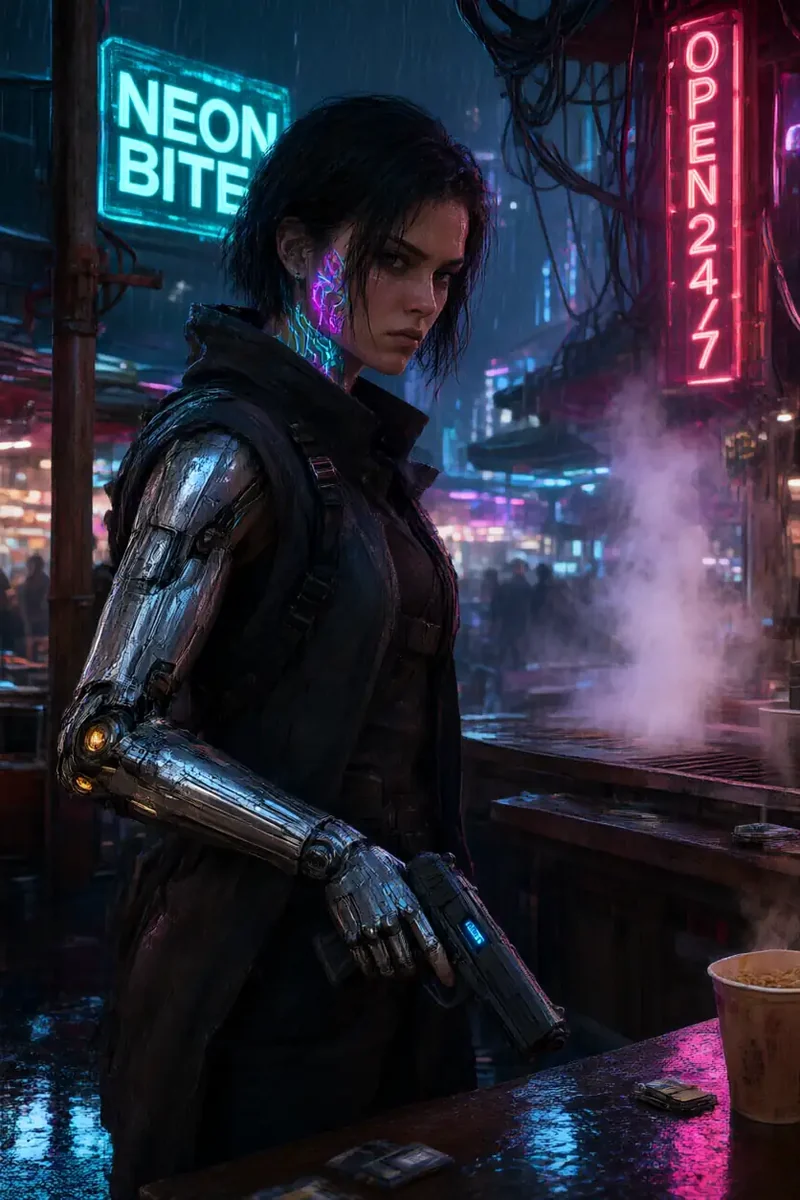
Signs, posters, menus, and product labels are where Qwen Image 3 shines. Put the words in quotes and say where they go, and it renders them as part of the scene, in English, Chinese, or both in one image, like the “NEON BITE” and “OPEN 24/7” signs here.
Both tiers share the same controls: prompts in English or Chinese, eight aspect ratios, 1K or 2K output, and editing with up to 3 images. Use Qwen3 to explore ideas and make everyday images, then switch to Qwen3 Pro for the final poster, product shot, or portrait. The credit cost of each tier shows before you generate.
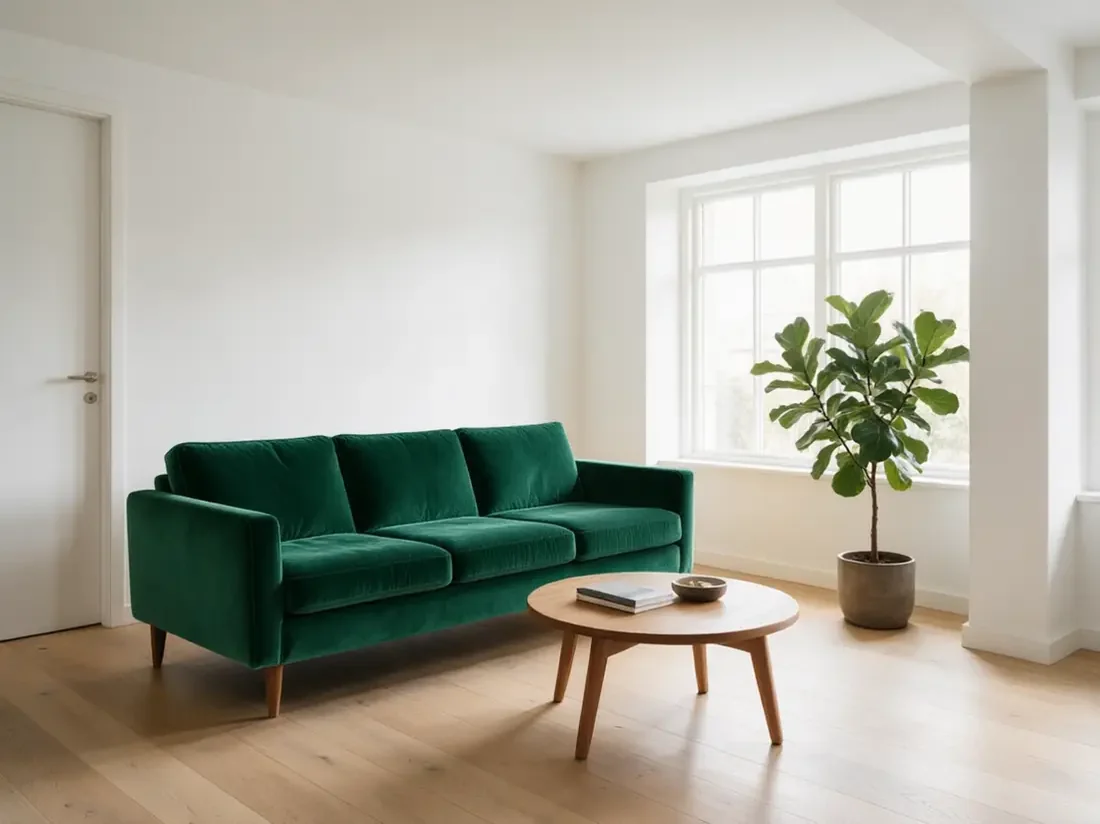
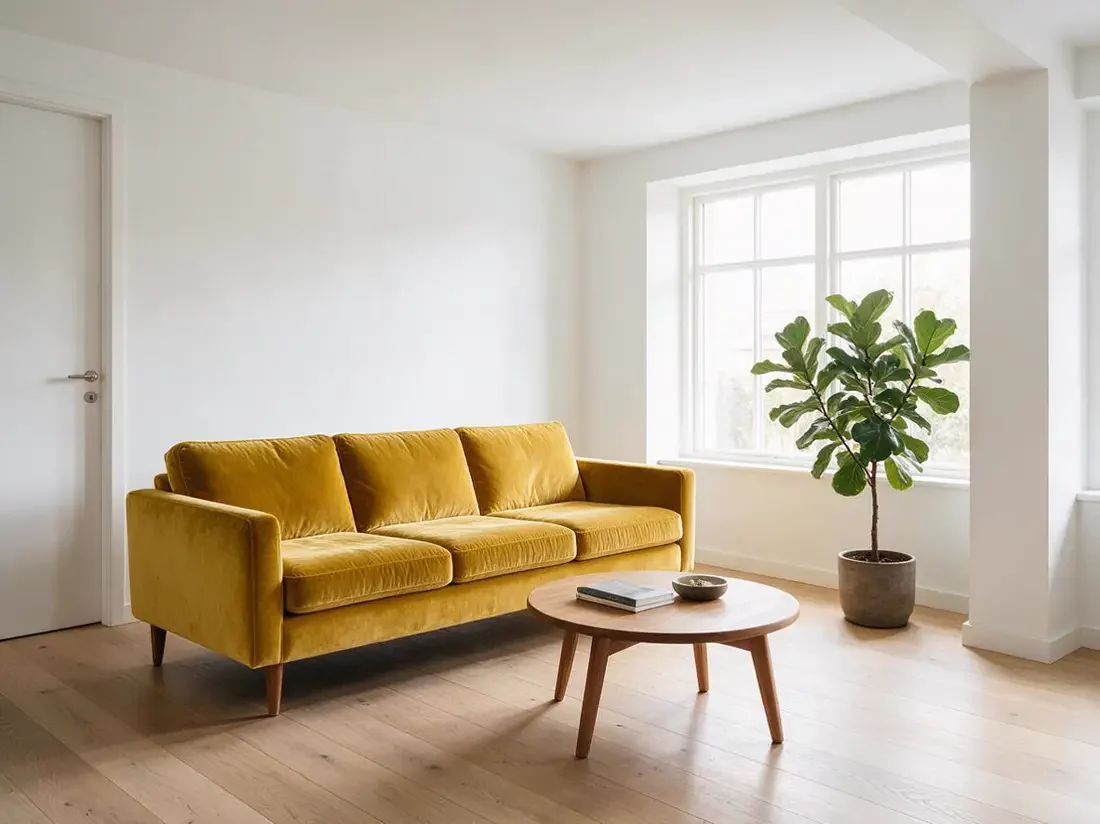
Qwen image edit works like an instruction to a retoucher: upload a photo and write “recolor the sofa emerald green” or “replace the background with a beach”. Qwen Image 3 changes what you name and keeps the room, light, and composition, which makes it a handy Qwen image editor for products, interiors, and portraits. This is Qwen-Image-Edit online, with nothing to install. Drag to compare.

Render at 1K for drafts or 2K for posting and printing, in 1:1, 3:2, 2:3, 4:3, 3:4, 16:9, 9:16, or 21:9. The same prompt can become a square post, a vertical story, or a widescreen banner without rewriting it.
Real Qwen Image 3 edits: one photo in, one instruction, one result. Drag each slider to compare.
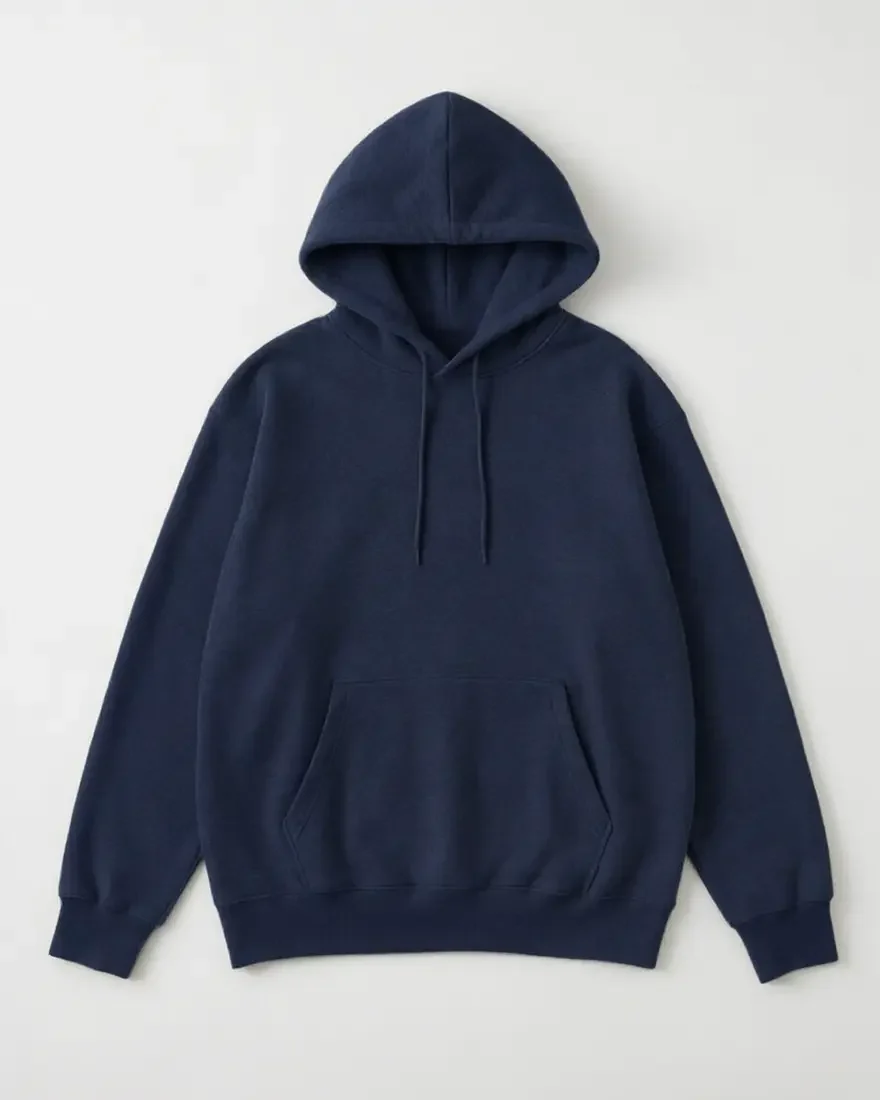
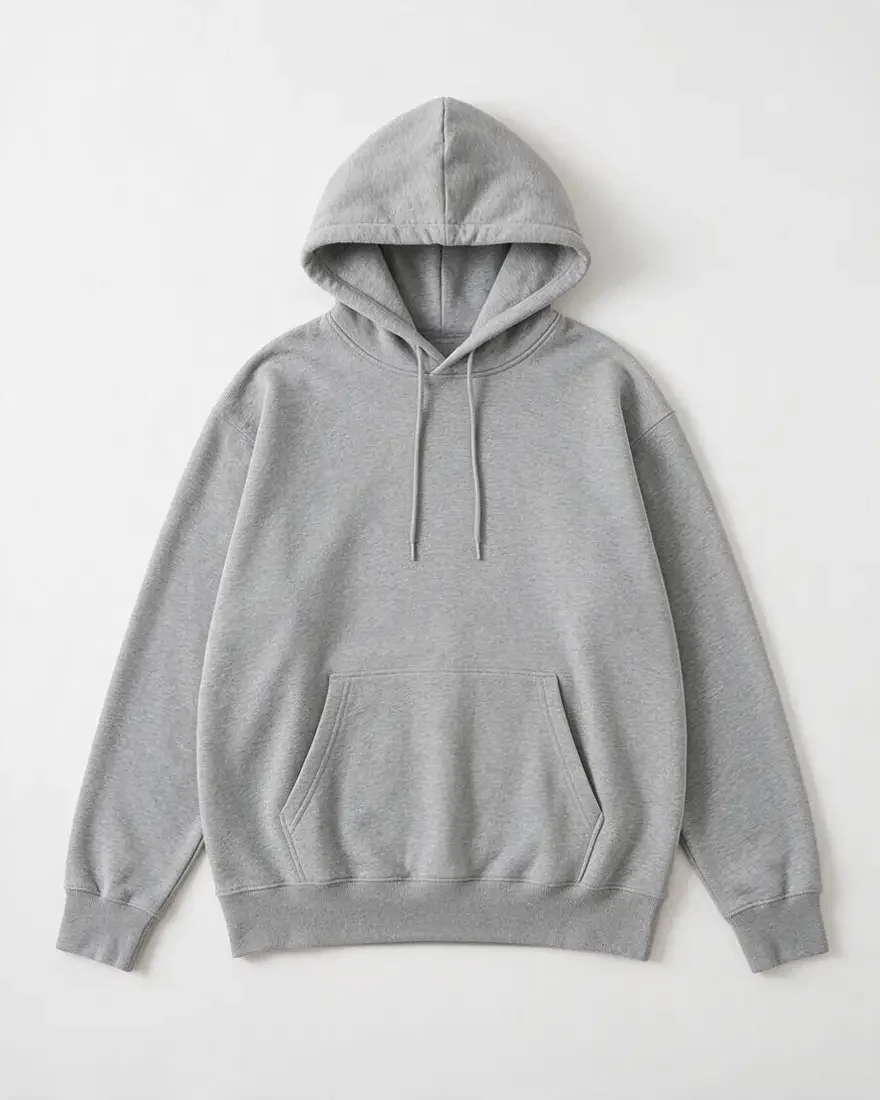
“Make the hoodie navy blue; keep the folds and background.” The fabric, drawstrings, and shadow stay put.


“Turn the sunrise into a navy night scene.” Every shape and line stays identical while the palette shifts.
Where Qwen Image 3 sits next to its predecessor and ByteDance’s latest image model.
| Qwen Image 3 | Qwen Image 2 | Seedream 5.0 | |
|---|---|---|---|
| Maker | Alibaba (Qwen team) | Alibaba (Qwen team) | ByteDance (Seed team) |
| Versions | Qwen3 and Qwen3 Pro | Qwen Image 2.0 and Qwen Image 2.0 Pro | Pro, Lite, and Flash |
| Modes | Text to image and editing | Text to image and editing (Qwen Image Edit) | Text to image and editing |
| Output on EzImgMaker | 1K or 2K | Not offered | Up to 3K (Lite) |
| Input images per edit | Up to 3 | Not offered | Up to 10 (Pro, Flash) or 14 (Lite); this editor takes 4 |
| Standout strength | Text in images, including Chinese and English | The earlier generation of Qwen text rendering | Sharp detail, layouts, and world knowledge |
Qwen Image 2 is listed for comparison only. Specs reflect the versions available on EzImgMaker in October 2026.
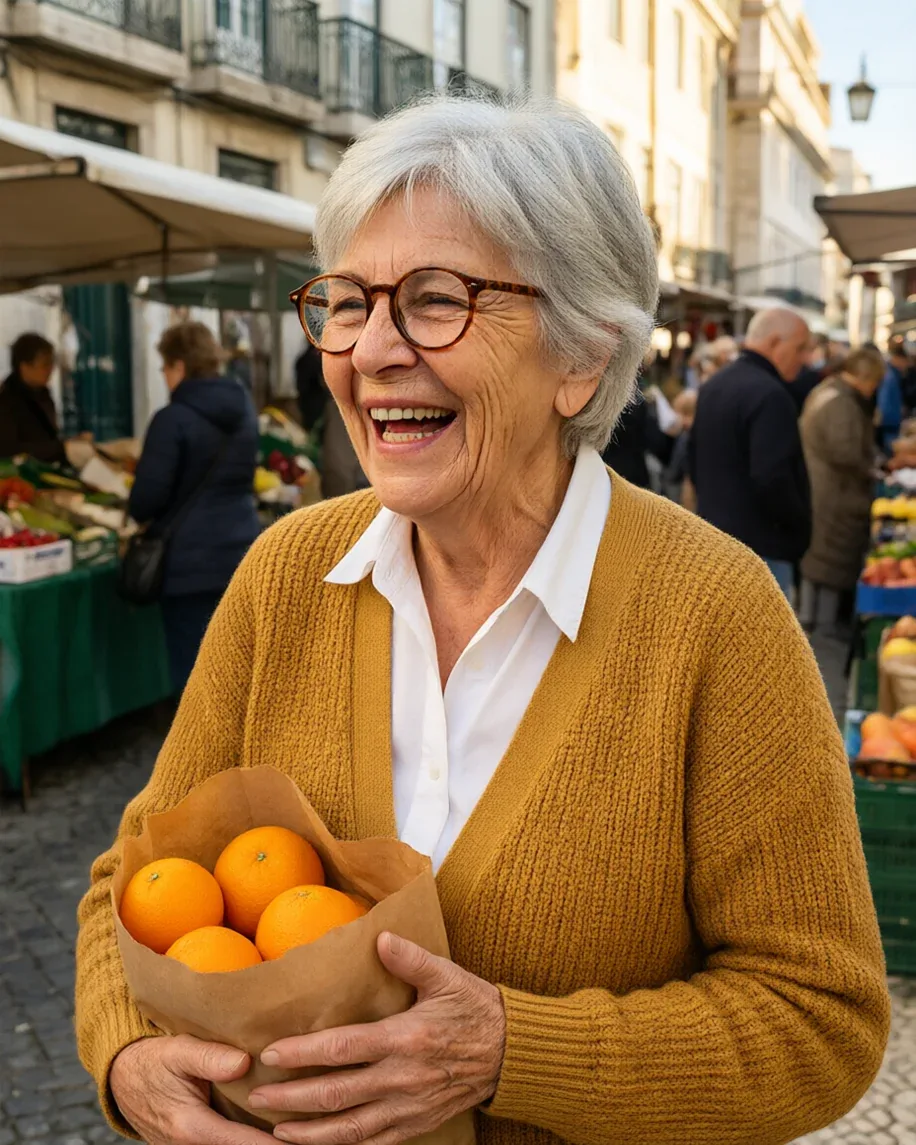
Storefront signs, menus, and promo posters with readable lettering.
Product shots, color variants, and new backgrounds from one photo.
Posters and social ads with English and Chinese copy in the same image.
Character sheets, picture-book pages, and print-style artwork.
Infographic cards and step-by-step visuals with short labels.
Quick restyles, recolors, and background swaps with a Qwen3 image editor, no masking.
A short Qwen image edit prompt guide for Qwen Image 3 prompts and edit instructions.
Ask for a single edit, check it, then ask for the next one instead of five changes at once.
Add “keep the face, pose, and background the same” so only the part you mention changes.
Put each line in quotes, written in the language it should appear in, and say where it goes.
With several uploads, write “put the lamp from image 2 next to the sofa in image 1”.
Compare Qwen Image 3 with other image models and editors on EzImgMaker.
ByteDance’s latest image model in Pro, Lite, and Flash versions, up to 3K.
Read the guideOpenAI’s newest image model, with Flare and Sunburst versions.
Read the guideAlibaba’s Wan image model and Image Pro, up to 4K.
Read the guideBlack Forest Labs’ photoreal image model with multi-reference control.
Read the guideEvery image model and style on EzImgMaker in one workspace.
Read the guideEdit any photo by describing the change in plain words.
Read the guideCommon questions about the Qwen3 and Qwen3 Pro image models.
Qwen Image 3 is Alibaba’s third-generation Qwen image model for text to image and image editing. It comes in two tiers, Qwen3 and Qwen3 Pro, accepts prompts in English or Chinese, and is known for clear text in images. You may also see it written as Qwen Image 3.0, qwen-image-3, Qwen3 Image, or qwen-image-3-pro for the Pro tier.
Use Qwen3 for exploring ideas, drafts, and everyday images, and Qwen3 Pro for the final version of work that has to look its best. Both support the same aspect ratios, 1K or 2K output, and editing with up to 3 images, so you can switch at any time in the Model setting. The credit cost of each tier is shown before you generate.
Qwen Image 3 is free to try on EzImgMaker: new users get free credits when they sign up, which you can use to try Qwen3 text to image or Qwen image edit free. After that, generations use credits, and the cost is shown on the Generate button before you start.
Yes. Switch to Edit / reference images, upload up to 3 images (JPG, PNG, or WebP up to 10 MB each), and describe the change: recolor a product, swap the background, restyle a photo as watercolor, or change the text on a sign. Only upload images you own or have permission to edit.
Text in images is one of its strengths. Put each word in quotes and say where it goes, and keep lines short. It can render English and Chinese in the same image, which suits shop signs, posters, menus, and bilingual social graphics. Very long paragraphs can still come out imperfect, so check small print before you publish.
1K or 2K output in eight aspect ratios: 1:1, 3:2, 2:3, 4:3, 3:4, 16:9, 9:16, and 21:9. Prompts can be up to 5,000 characters.
Qwen Image 2 vs 3 in short: Qwen Image 2 (Qwen Image 2.0, also written qwen-image2.0, and Qwen Image 2.0 Pro, with Qwen Image Edit for edits) was the previous generation. Qwen Image 3 is the newer generation, offered as Qwen3 and Qwen3 Pro with text to image and editing in one model family, and it is the version available on EzImgMaker. Alibaba has not published a full side-by-side for us to quote, so the simplest comparison is to run your own prompt here.
Earlier Qwen image models were released with open weights, so many people ask whether the Qwen Image 3 weights are on Hugging Face, or whether there is a Qwen Image 3 ComfyUI or local setup. We do not make claims about its open-source status here; check Alibaba’s official Qwen channels for that. What EzImgMaker offers is the hosted online version, which needs no download or GPU.
No. Qwen Image 3 runs on our servers and you use it in your browser on a computer or phone. There is no app, local model, or Qwen Image 3 API key to set up.
Qwen Image 3 is developed by Alibaba’s Qwen team, the group behind the Qwen language and vision models. EzImgMaker is an independent site and is not affiliated with Alibaba; we provide access to the model through our generation provider.
Write a prompt with the exact words you need, or upload a photo and describe the edit.
Qwen is a trademark of Alibaba Group. Seedream is a product of ByteDance. EzImgMaker is an independent site and is not affiliated with, endorsed by, or sponsored by Alibaba or ByteDance. Model names are used only to describe compatibility.