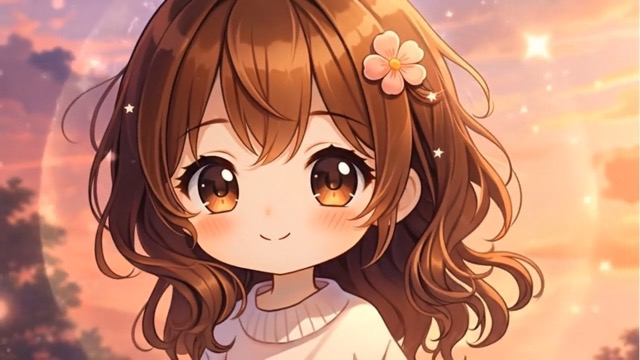
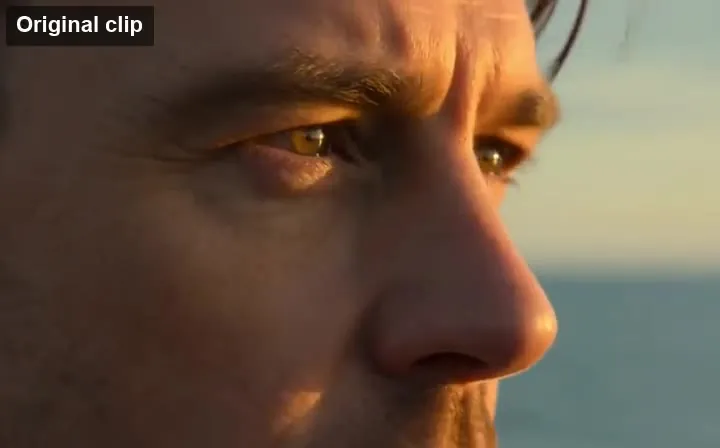
Photo to Singing Video
A rehearsal-room photo becomes a performance: the singer sings, the band harmonizes, and the camera pans.
Upload any picture and describe how it should move. The AI image animator turns portraits, selfies, artwork, old photos, and product shots into short videos with natural motion, expressions, and camera moves.
In a bright rehearsal room, sunlight streams through the windows, and a standing microphone is placed in the center of the room. The lead singer stands in front of the microphone with her eyes closed and sings, the other band members harmonize around her, and the camera slowly pans around the band.
Reference example. It is not a result generated from your upload.
To animate a photo with AI is to turn a single still image into a short video. An AI image animator studies the people, objects, and depth in your picture and predicts how they would move, so a portrait can smile and blink, hair can catch the wind, water can flow, and the camera can drift through the scene. It is artificial intelligence photo animation without keyframes, rigging, or editing software.
You decide what moves by describing it in a sentence. That makes one AI photo animator useful for many jobs: animate my photo for a fun post, animate a photograph of grandparents, make image move for a product ad, or animate images of artwork and anime characters. It also works as a quick picture animator for memes and can animate AI art you made in other tools. Every animated photo starts from your upload, so the face, colors, and composition stay true to the original.
Real examples of image animation: a still picture in, a moving video out.
A rehearsal-room photo becomes a performance: the singer sings, the band harmonizes, and the camera pans.
A rooftop drawing turns into a starry scene as the girl points at the sky, in the same hand-drawn style.
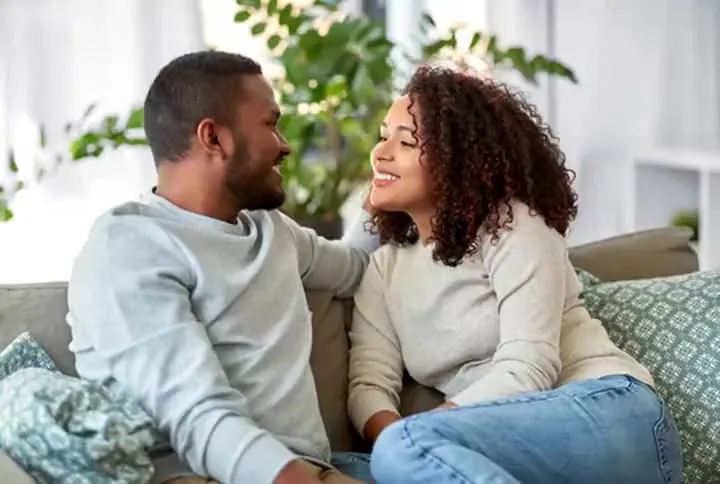
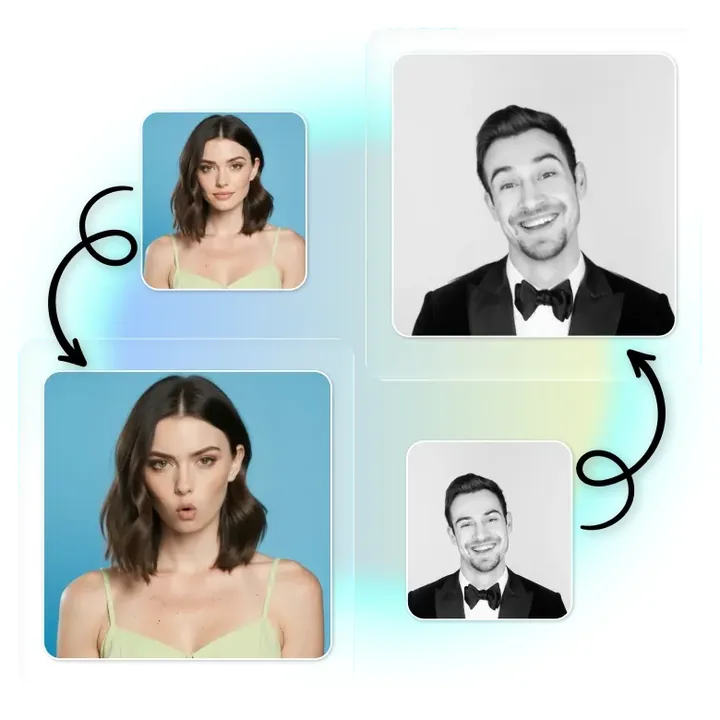
A simple portrait gains a natural smile and subtle head movement, ideal for profile videos.
Exaggerated expressions turn a regular photo into a reaction clip or meme.
A blueprint rises into a 3D city model, showing how an image animator can transform as well as move.
A product image becomes a mini commercial with a gift delivery, reveal, and sunset backdrop.
How to animate a photo in three steps, no animation skills needed.
Add a JPG or PNG up to 10 MB: a selfie, a family photo, a pet, a painting, a landscape, or a product shot. The picture becomes the first frame.
Type what happens, like "she smiles and waves" or "clouds drift and the camera pushes in", or tap an idea. Pick a model, a 5–6 or 10 second length, and sound or resolution where available.
Press Animate Photo, preview the moving photo, and download the MP4 to share or edit.
Make a face smile, blink, laugh, or look around while the identity stays the same. As a face animator it works on selfies, headshots, and group shots, and you can ask for a wave or a few spoken words.
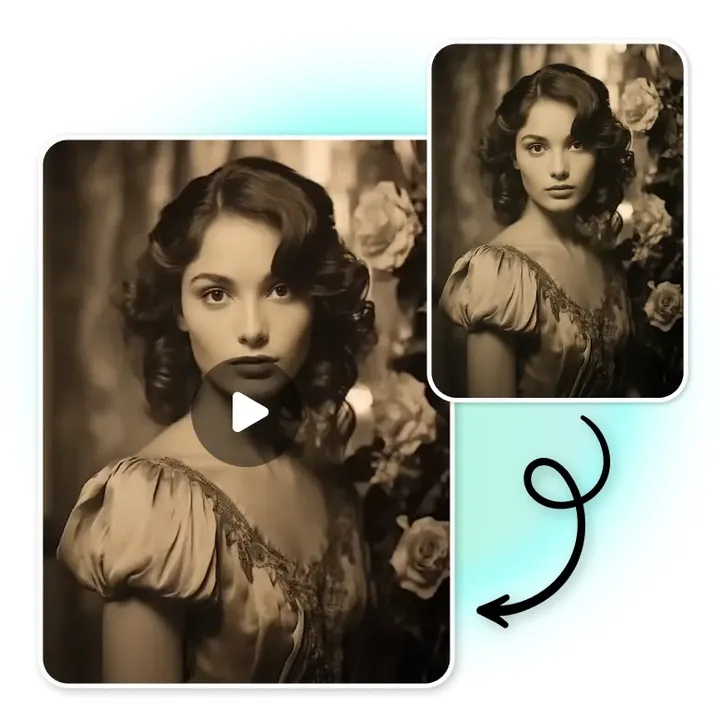
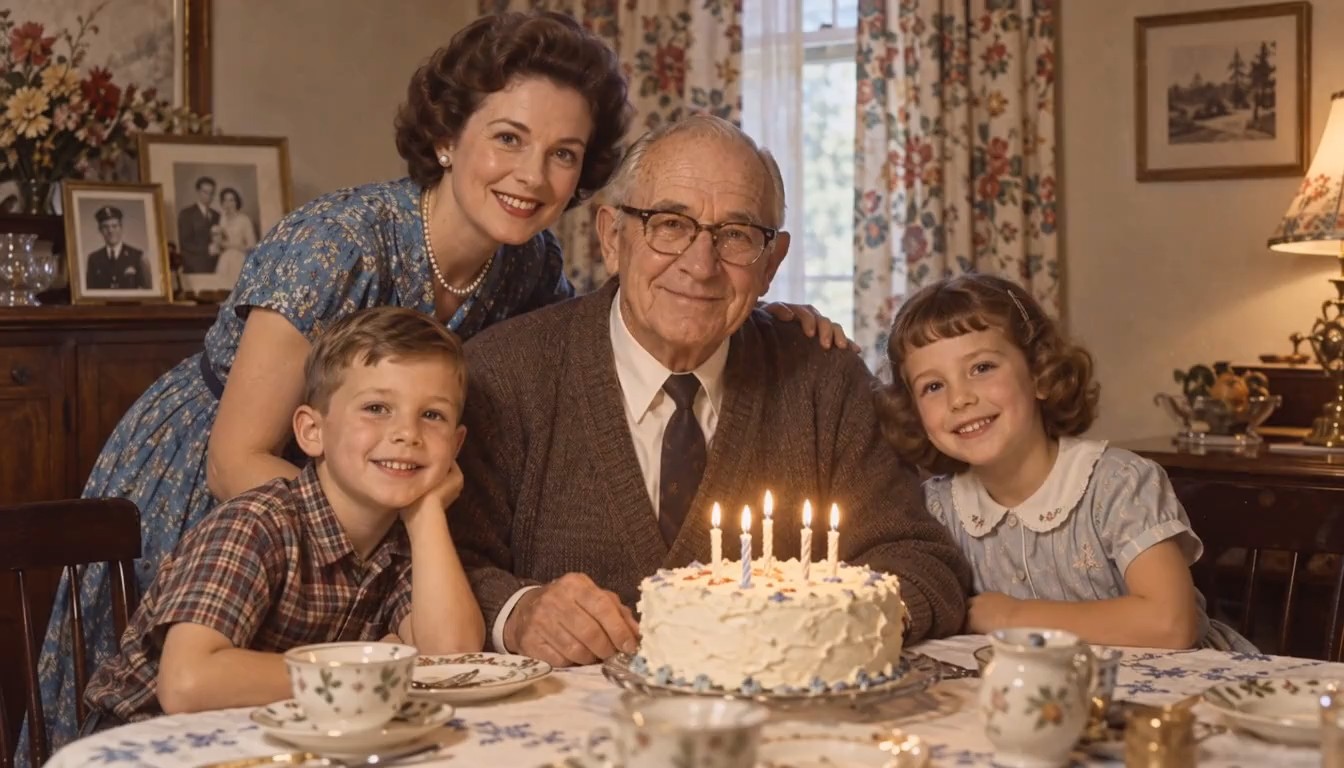
Animate a photograph from decades ago with gentle, respectful motion: a blink, a breath, a soft smile. Keep the sepia or black-and-white look, or restore the photo first for the cleanest result.
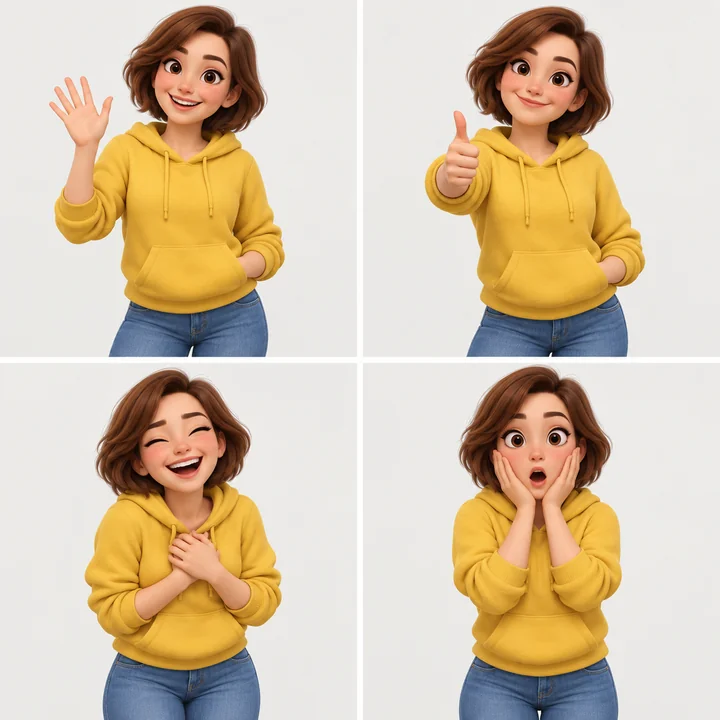
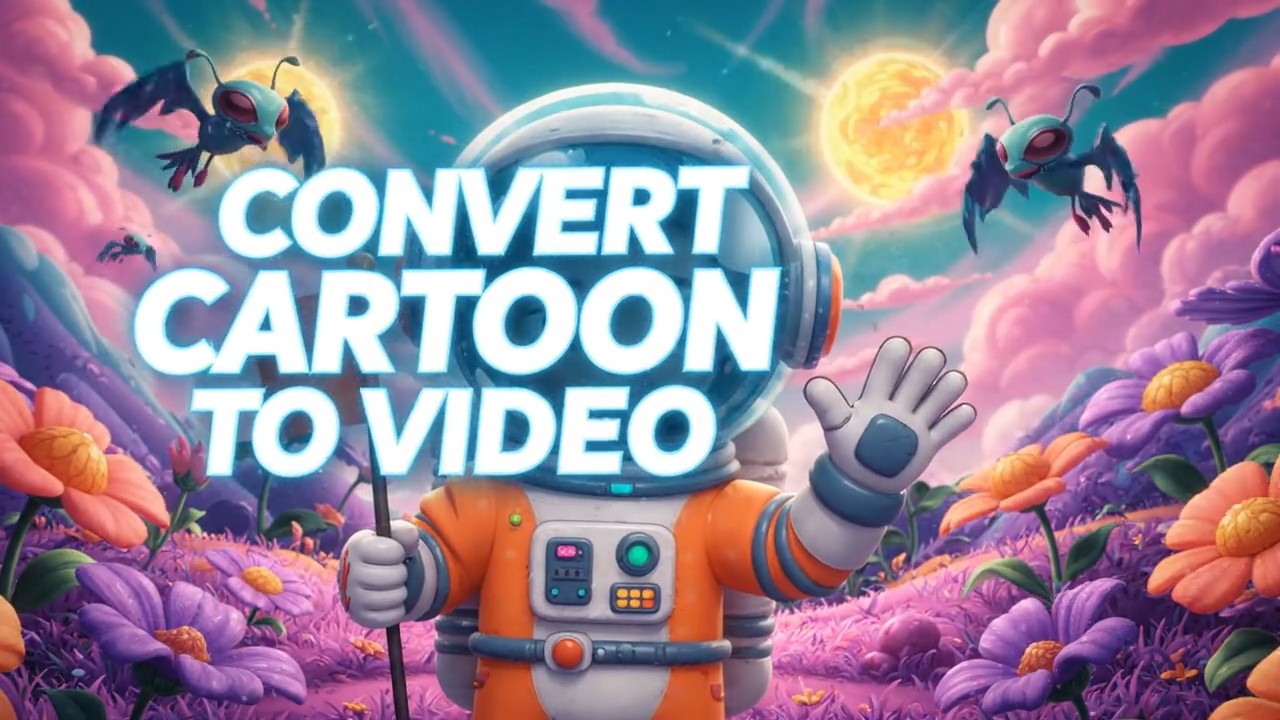
Animate image files of drawings, paintings, anime scenes, and 3D characters. The AI keeps the art style while adding motion, so an illustration moves like a frame from its own animated film.
Spin a product, let a landscape breathe with moving clouds and water, or make a pet tilt its head. Moving photos like these stop the scroll better than a still.
All three animate image AI models start from your photo; pick by length, resolution, and sound.
| Model | Length here | Resolution | Sound | Good for |
|---|---|---|---|---|
| Kling 2.6 | 5 or 10 s | Set by the model | Optional | People, performances, and dialogue |
| Hailuo 2.3 | 6 or 10 s | 768p, or 1080p for 6 s | No | Lifelike motion and camera moves |
| Grok Imagine | 6 or 10 s | 480p, 720p, or 1080p | Generated with the video | Quick, playful clips and anime |
Photos up to 10 MB (JPG or PNG). Credit cost depends on the model, length, and resolution and is shown before you start.
Let AI animate photo sets from a shoot or a trip into Reels and Shorts without filming new footage.
Bring photos of loved ones to life for anniversaries, memorials, and family slideshows.
Preview how a character or scene might move before animating it by hand.
Turn product photos into short motion ads, banners, and listing videos.
A good photo and a clear motion prompt make the biggest difference.
Sharp, well-lit pictures with a visible subject animate best. Avoid tiny faces and heavy blur.
Say what moves and how: "smiles and blinks", "waves slowly", "hair blows to the left".
Small movements look most natural on faces. Big actions work better on full-body shots.
A slow push-in, pan, or orbit adds depth to landscapes and product photos.
Ask for one main action. Chain several clips if you want a longer story.
Animate your own photos, or get permission from the people in them.
Questions about turning still pictures into moving videos.
Upload a clear photo where the face is visible, then describe small, natural movements such as "smiles, blinks, and turns toward the camera". Choose Kling 2.6 if you want sound or speech, and keep the prompt to one main action.
Yes. Photos, selfies, group shots, paintings, drawings, anime and cartoon characters, landscapes, pets, and product images can all be animated. The clearer the subject, the better the motion.
Yes. Old and black-and-white photos can be animated with subtle motion like blinking and smiling. If the picture is damaged or very blurry, restoring or upscaling it first gives better results.
You can choose about 5–6 seconds or 10 seconds, depending on the model. For a longer result, extend the clip with the AI video extender.
Grok Imagine generates sound with the video, and Kling 2.6 can add sound when you turn it on. Hailuo 2.3 produces silent clips that you can score yourself.
Both. It animates faces in portraits and selfies, and it also animates whole scenes, including bodies, backgrounds, objects, and camera movement.
They use the same technology. "Animate photo" usually means bringing a picture to life with natural motion, while image-to-video tools are often used for building new scenes. Here you can do both by changing the prompt.
Animating uses credits. New users get free credits to try it, and the cost for your chosen model and length is shown before you start.
Only photos you own or have permission to use. Do not animate pictures of other people without their consent, photos of minors, or images meant to deceive, harass, or impersonate anyone.
Upload a photo, describe the motion, and watch your still image come to life.
Kling is a trademark of Kuaishou Technology, Hailuo is a trademark of MiniMax, and Grok Imagine is a trademark of xAI. EzImgMaker is an independent service and is not affiliated with these companies. Example media are placeholders from public demos and will be replaced with our own generations.