Storefront Signage
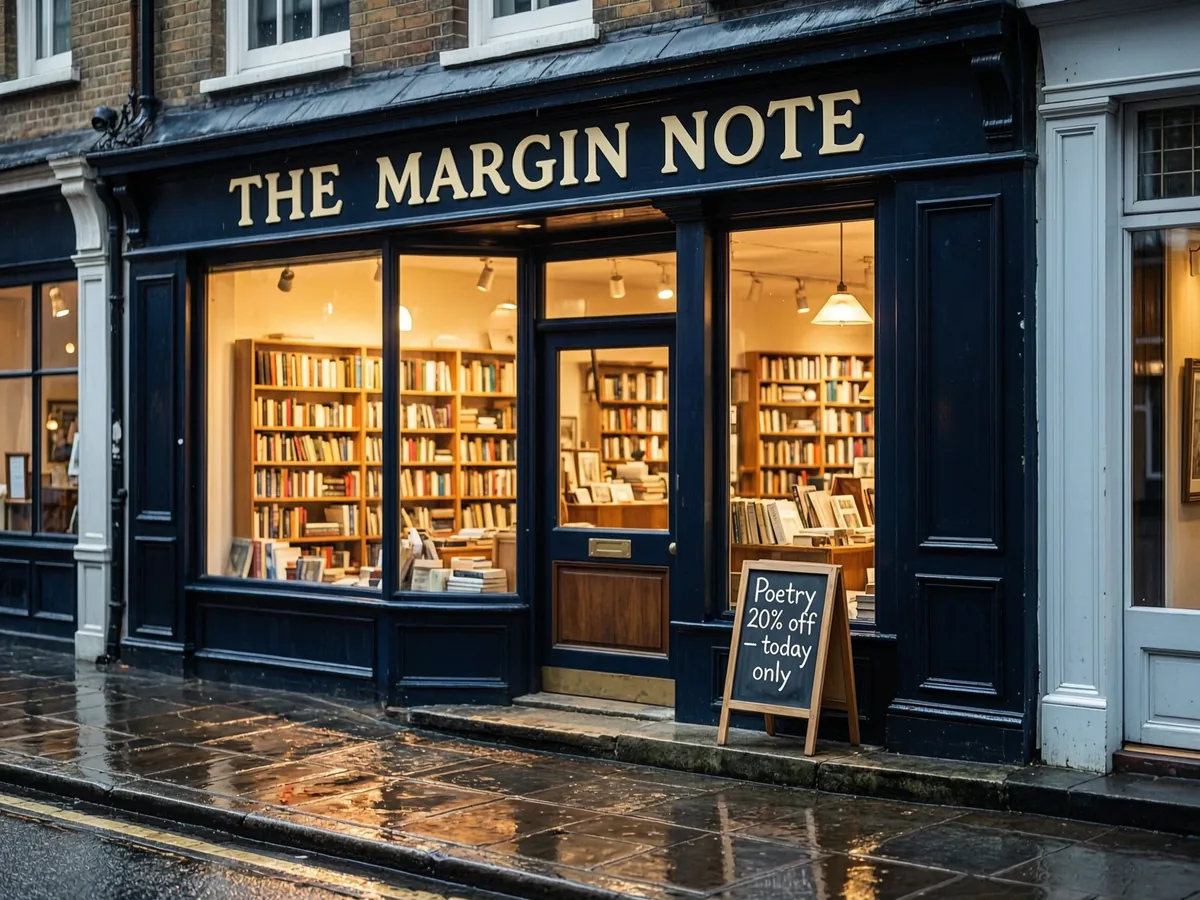
A painted shop sign and chalkboard lettering in the rain.
Create images from a prompt or edit and combine several photos with Alibaba’s Wan 2.7 Image. Use the standard model for 1K and 2K images, or switch to Wan 2.7 Image Pro for 4K text-to-image renders with crisp signage and fine detail. Free to try.
A rain-slicked bookshop at blue hour, its navy painted sign reading "THE MARGIN NOTE" in gold serif letters, warm light from shelves of books, a chalkboard by the door reading "Poetry 20% off today only", reflections on wet cobblestones, photorealistic.
Reference example. It is not a result generated from your upload.
Wan 2.7 Image is the image model in Alibaba’s Wan 2.7 family. Wan was formerly called Wanx (Tongyi Wanxiang), which is why some people still search for Wanx AI. It comes in two versions: Wan 2.7 Image for everyday text to image and photo edits at 1K or 2K, and Wan 2.7 Image Pro, which adds 4K text-to-image output. Both read prompts in English or Chinese and can edit or combine several photos in one request.
Wan 2.7 Image, also written wan2.7-image or Wan 27 Image, is the still-image side of Wan 2.7; for clips, see the Wan 2.7 video model. On EzImgMaker you can use it as a Wan AI image generator and editor online: write a prompt, or upload up to four photos to edit, and download the result. There is nothing to install.
Signage, landscapes, portraits, and concept art in the styles Wan 2.7 Image handles well. Tap a button to load a similar prompt.
A painted shop sign and chalkboard lettering in the rain.
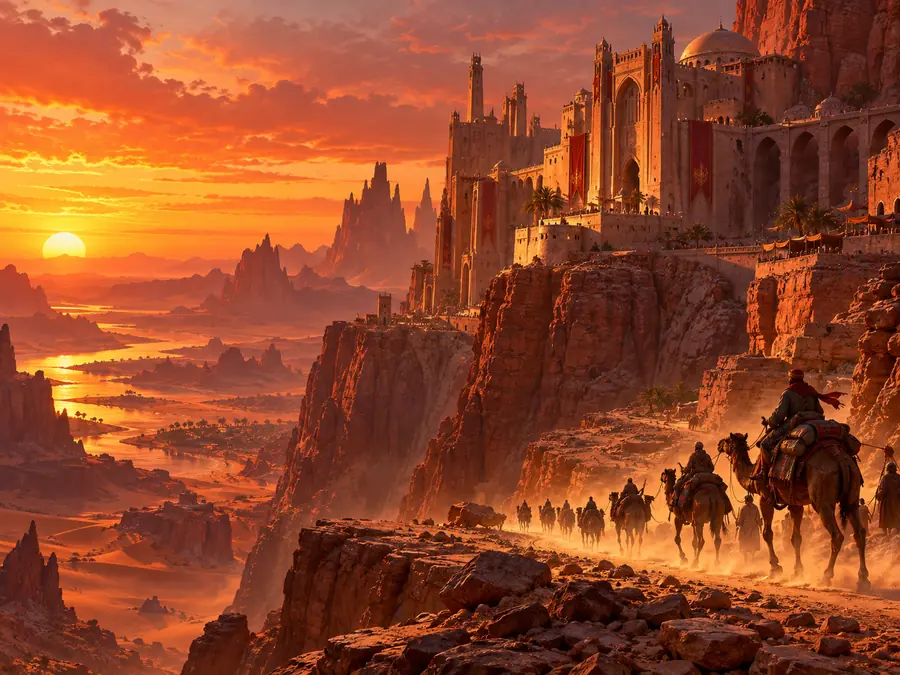
A city carved into cliffs, with a caravan for scale.
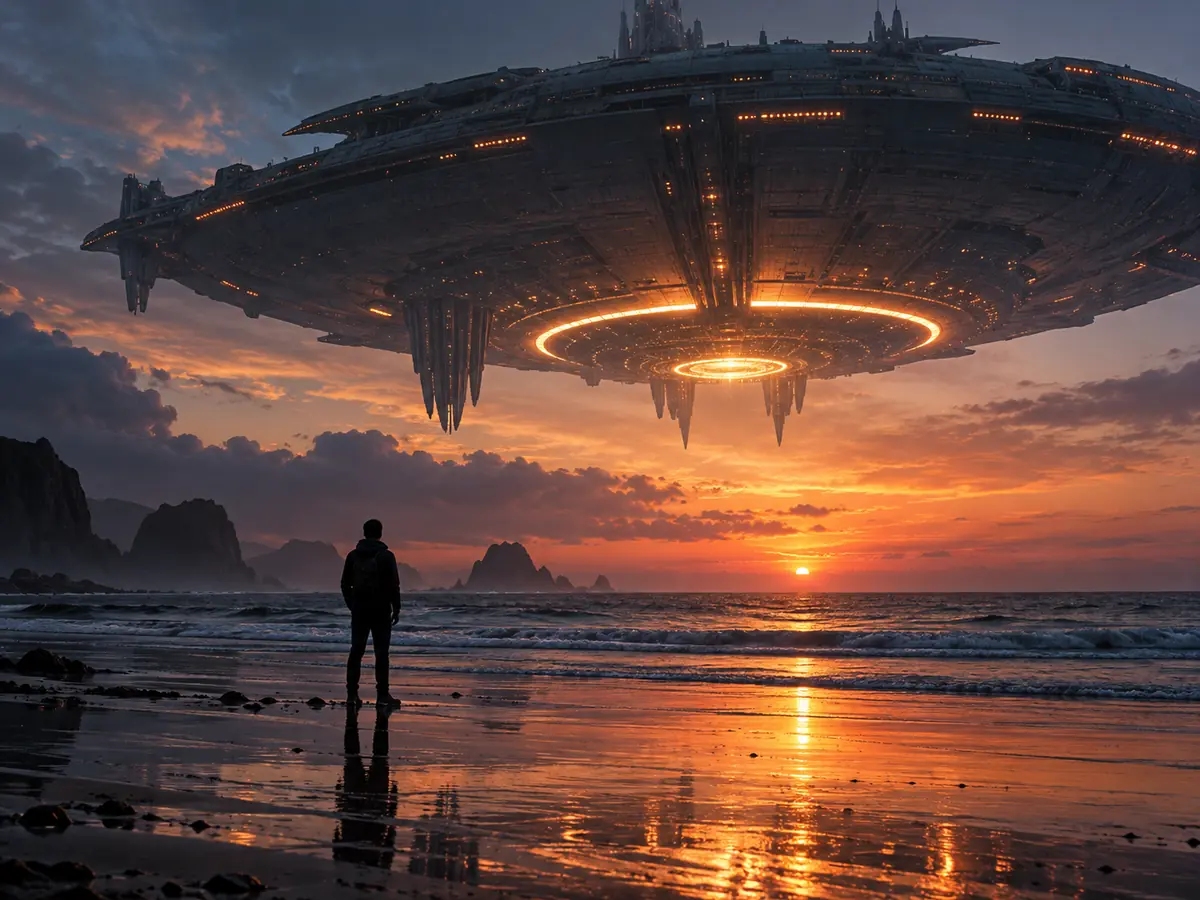
A giant ship over the sea and one figure on the shore.
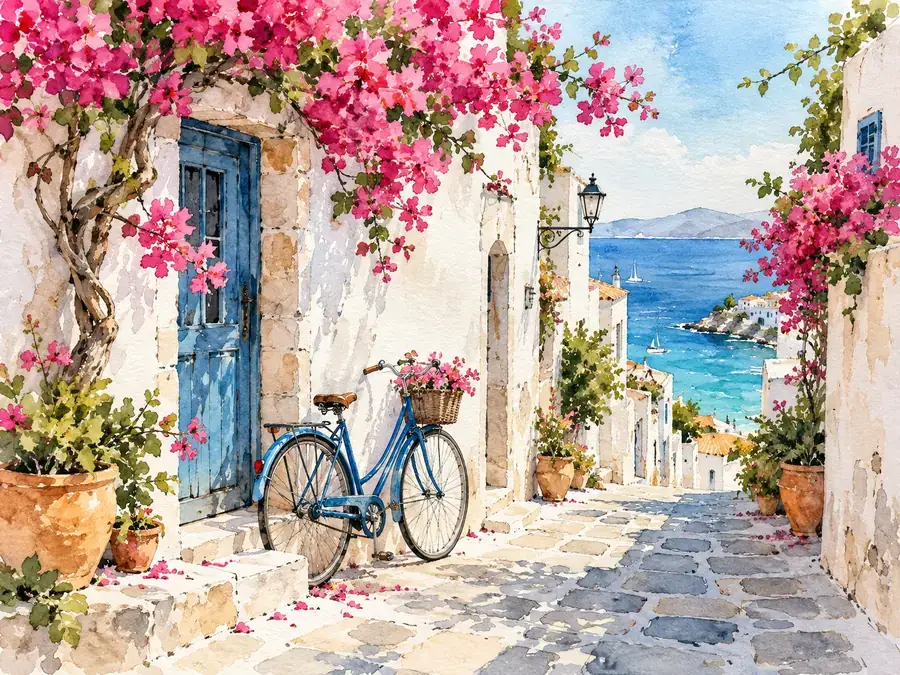
Flowers, white walls, and a bicycle in soft washes.
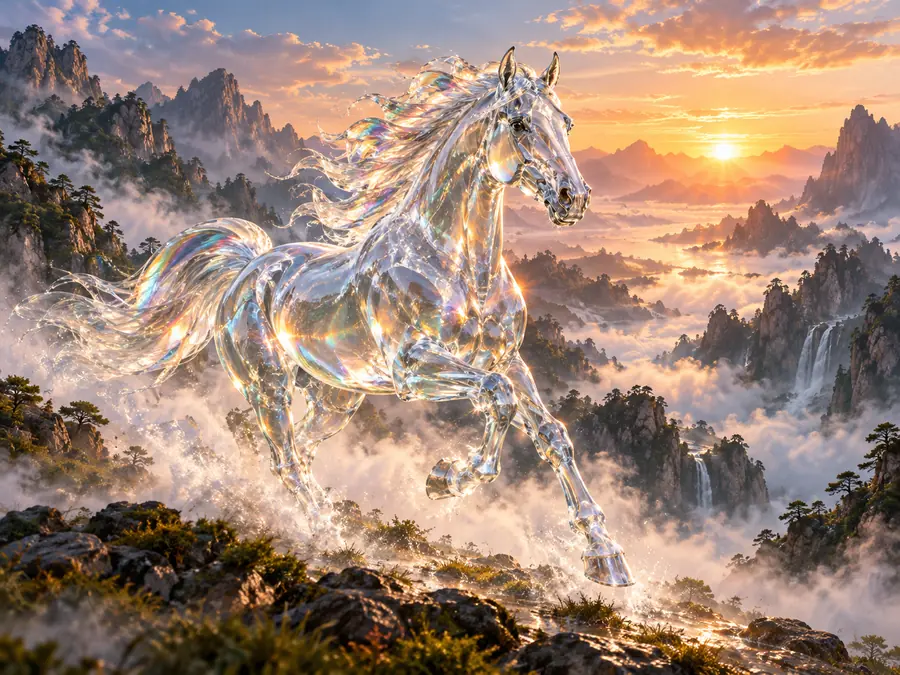
A transparent horse running through misty mountains.
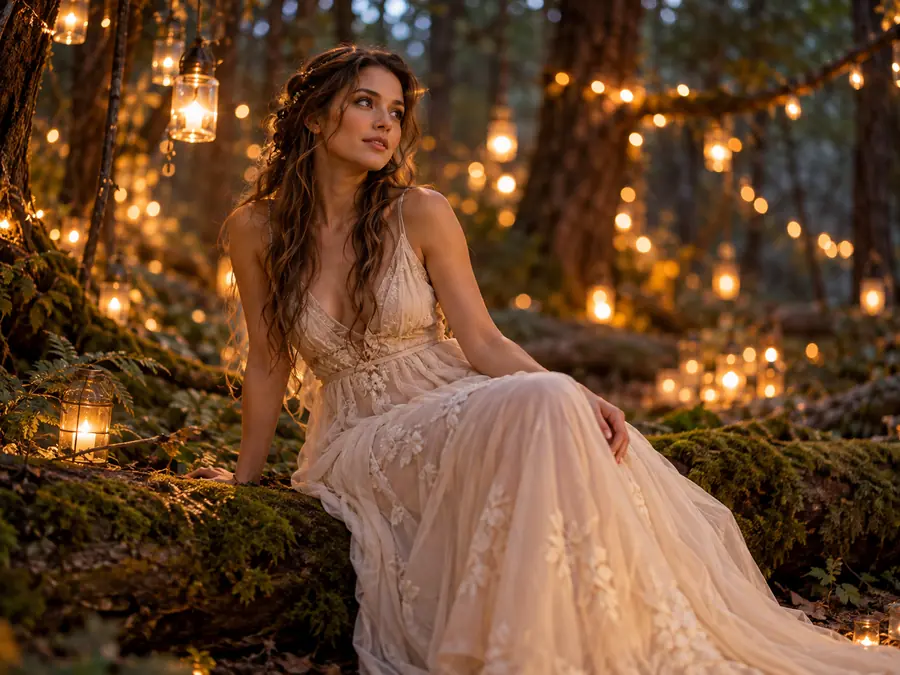
Warm string lights and a dreamy forest at dusk.

A cinematic portrait framed by the car window.
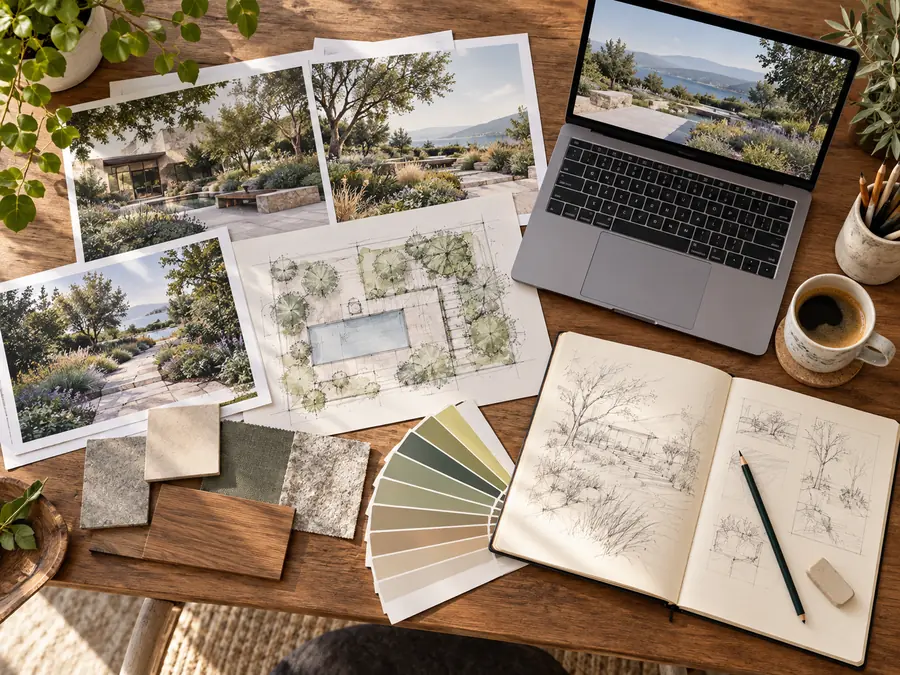
Prints, sketches, and swatches arranged on a desk.
Three steps from a prompt or photo to a finished image.
Keep Wan 2.7 Image for everyday 1K and 2K images and edits, or switch the Model setting to Wan 2.7 Image Pro when you want a 4K render.
Describe the scene and put any words in quotes. To edit, switch to Edit / reference images and upload up to four photos; with photos, the result follows the shape of the uploaded image.
Choose 1:1, 4:3, 3:4, 16:9, 9:16, or 21:9 and 1K, 2K, or 4K (4K needs Pro and text-to-image mode). The credit cost shows before you generate.
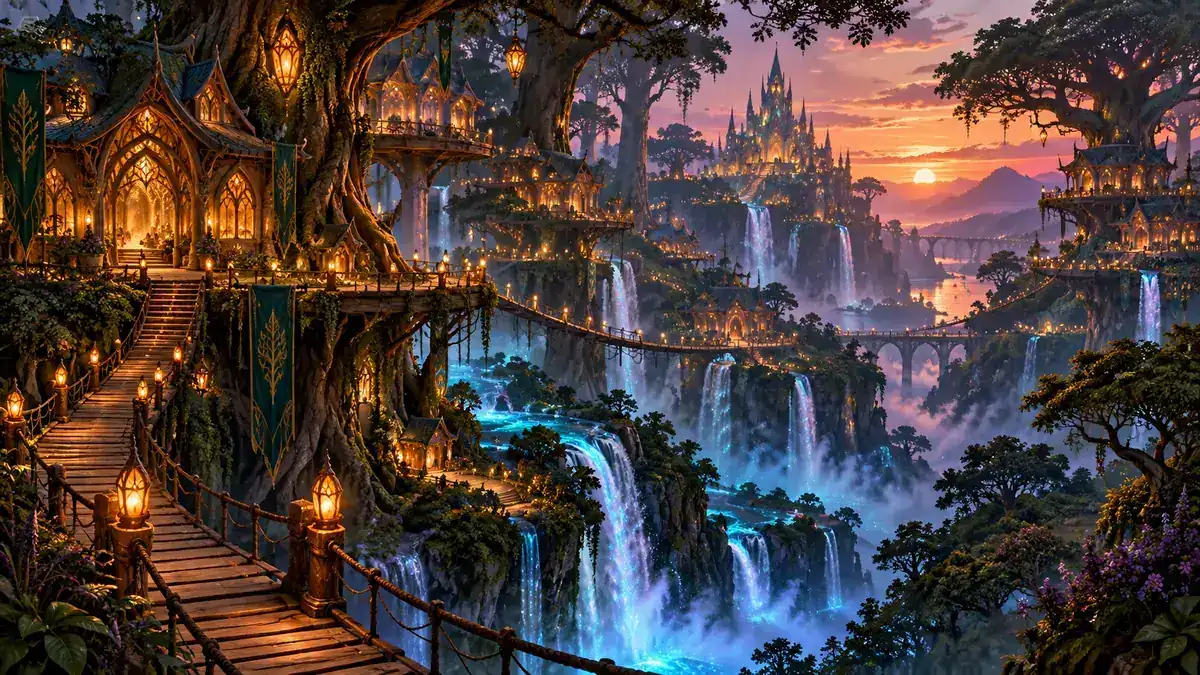
Both versions share the same prompts, editing, and aspect ratios. Wan 2.7 Image makes 1K or 2K images and is the everyday choice for drafts, social posts, and quick edits. Wan 2.7 Image Pro is the higher tier for finished work and the only one that renders 4K, in text-to-image mode. Start with the standard model and switch to Pro when you need the extra resolution.
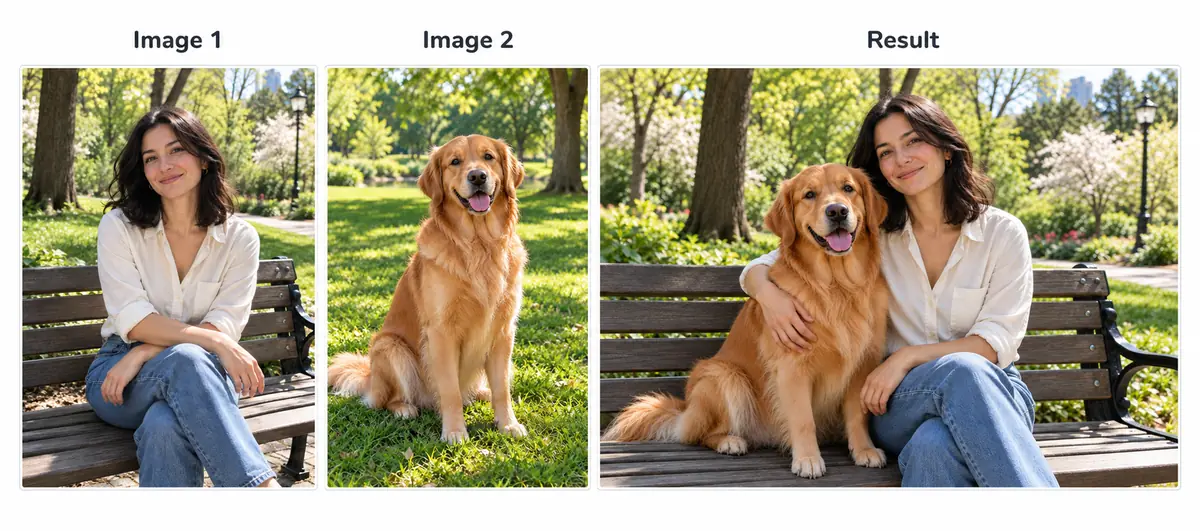
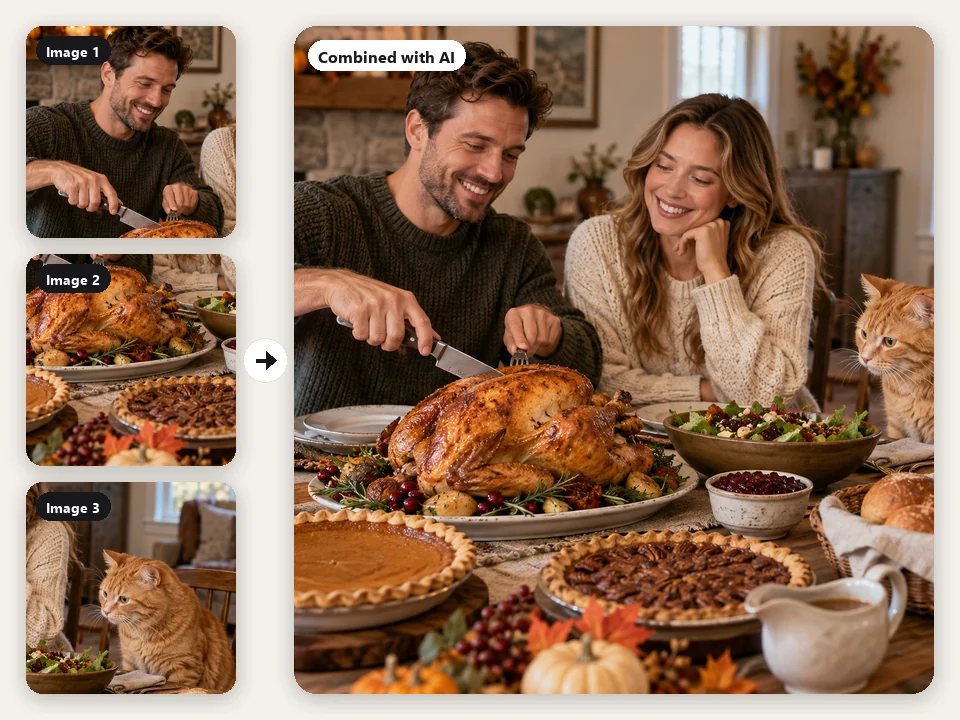
Upload up to four photos in this workspace and describe how they fit together: put a product into a lifestyle scene, bring a person and a pet into one picture, or apply the style of one image to another. Refer to them as image 1, image 2, and so on. When you upload photos, the result follows the shape of the uploaded image.
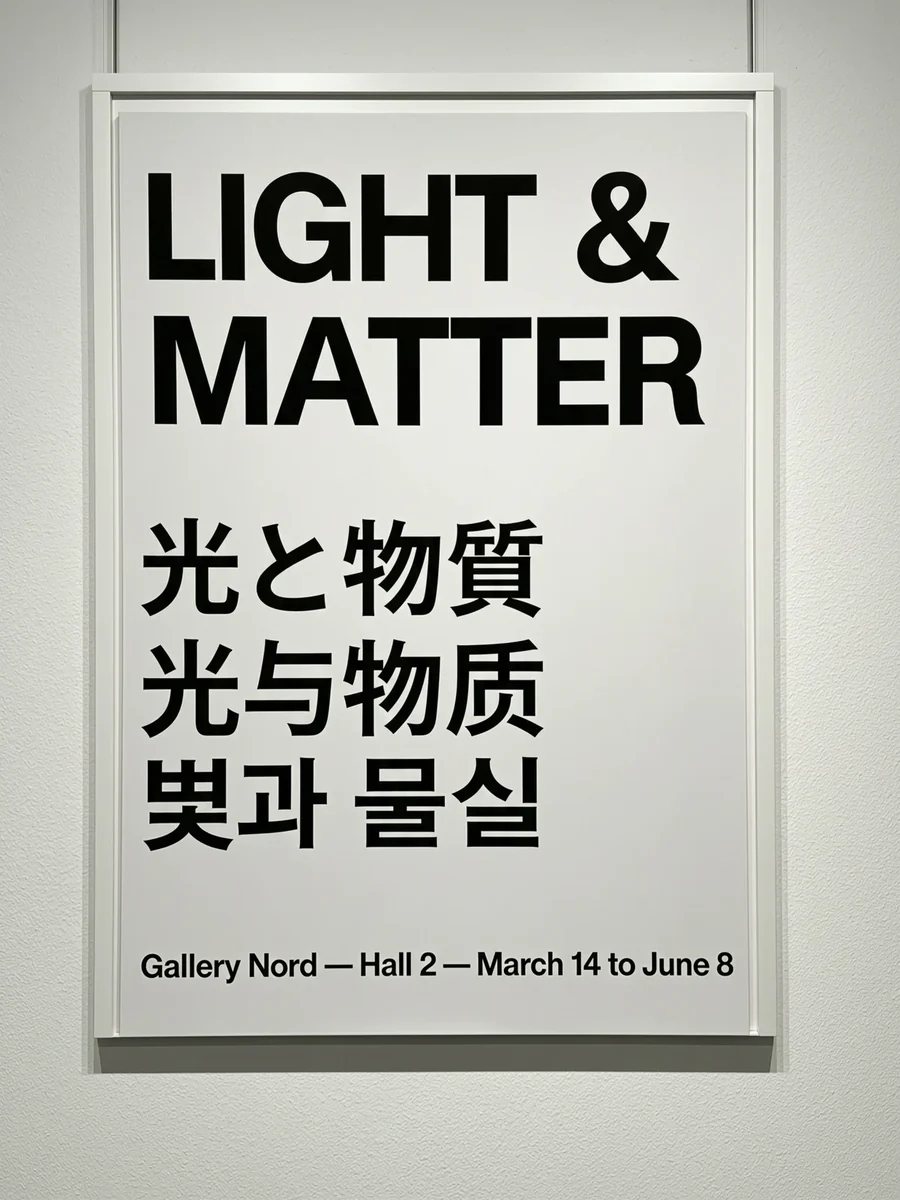
With no photos uploaded, Wan 2.7 Image Pro can render at 4K, which keeps small type, fine textures, and print details crisp. This gallery poster shows clean lettering in English, Japanese, Chinese, and Korean, all from a single prompt.
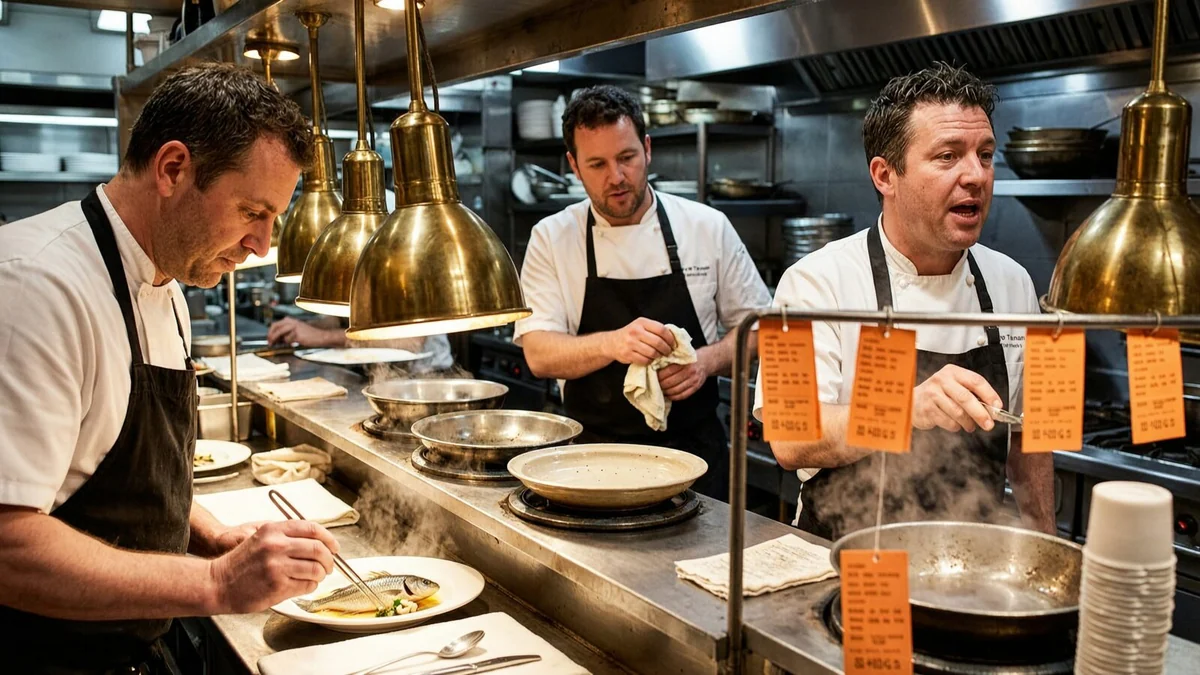
Wan 2.7 Image keeps several people distinct in one busy scene, like the three cooks at this restaurant pass. Upload a character or product as a reference to keep the same face, outfit, or design across a series of images.
Three of the newest image models you can use on EzImgMaker, side by side.
| Wan 2.7 Image | Qwen Image 3 | Seedream 5.0 | |
|---|---|---|---|
| Maker | Alibaba (Wan team) | Alibaba (Qwen team) | ByteDance (Seed team) |
| Versions | Image and Image Pro | Qwen3 and Qwen3 Pro | Pro, Lite, and Flash |
| Highest output | 4K (Pro, text to image) | 2K | 3K (Lite) |
| Input images (model limit) | Up to 9 | Up to 3 | Up to 10 or 14 |
| Aspect ratios here | 6, from 9:16 to 21:9 | 8, from 9:16 to 21:9 | 8, from 9:16 to 21:9 |
| Standout strength | Multi-photo edits and 4K renders | Text in images, including Chinese and English | Sharp detail, layouts, and world knowledge |
This workspace takes up to 4 input images for Wan 2.7 Image. Specs reflect the versions available on EzImgMaker in October 2026.

Storefront scenes, signage ideas, and menu boards with readable lettering.
Product sets that keep the same design across every angle and setting.
Campaign visuals and posters, including multilingual versions of one design.
The same character across scenes for comics, storyboards, and picture books.
4K renders for posters, prints, and large-format layouts with Image Pro.
Detail swaps, merges, and background changes without manual masking.
Get more predictable results from Wan 2.7 Image and Image Pro.
Write the exact words in quotes and say where they appear: a navy sign reading “THE MARGIN NOTE”.
With several uploads, write “the lamp from image 2 on the desk in image 1”.
For edits, add “keep the bowl, lighting, and camera angle exactly the same”.
Draft at 1K or 2K, then render your favorite prompt with Image Pro at 4K.
The video side of Wan and other new image models on EzImgMaker.
Turn prompts and images into clips with the Wan 2.7 video model.
Read the guideAlibaba’s newest Wan video model with reference and audio inputs.
Read the guideAlibaba’s Qwen3 image models for text in images and photo edits.
Read the guideByteDance’s latest image model in Pro, Lite, and Flash versions.
Read the guideEvery image model and style on EzImgMaker in one workspace.
Read the guideDescribe a change in plain words and edit any photo.
Read the guideCommon questions about Wan 2.7 Image and Wan 2.7 Image Pro.
Wan 2.7 Image is Alibaba’s image generation and editing model from the Wan 2.7 family, offered as Wan 2.7 Image and Wan 2.7 Image Pro. It creates images from prompts in English or Chinese and edits or combines several photos in one request. You will also see it written as wan2.7-image, Wan2.7 Image, or Wan 27 Image.
Both take the same prompts, photos, and aspect ratios. Wan 2.7 Image outputs 1K or 2K and suits everyday images and edits. Wan 2.7 Image Pro is the higher tier and can also render 4K when you generate from text without uploading photos. The credit cost for each version is shown before you generate.
Wan 2.7 Image is free to try on EzImgMaker: new users get free credits when they sign up, so you can try Wan 2.7 free for text to image and image to image. After that, each image uses credits, and the cost is shown on the Generate button before you start.
Yes. Switch to Edit / reference images, upload a photo, and describe the change, such as replacing one detail, changing the background, or restyling the scene. Say what must stay the same. Only upload photos you own or have permission to edit.
Up to four in this workspace (JPG, PNG, or WebP up to 20 MB each); the model itself accepts up to nine. Use one photo for a simple edit, or several to merge people, pets, products, and styles into one result. With photos uploaded, the output follows the uploaded image’s aspect ratio.
Yes, with Wan 2.7 Image Pro in text-to-image mode. Choose Image Pro, leave the photo slots empty, and pick 4K. The standard model and any edit with uploaded photos go up to 2K.
Both come from Alibaba. Choose Wan 2.7 Image for multi-photo edits, consistent characters and products, or 4K renders with Image Pro. Choose Qwen Image 3 when text in images is the priority, especially mixed Chinese and English lettering. You can try the same prompt on both on EzImgMaker.
Wan is developed by Alibaba’s Tongyi Lab and was formerly called Wanx (Tongyi Wanxiang). The family includes image models like Wan 2.7 Image and video models like Wan 2.7, Wan 2.2, and Wan 3.0. EzImgMaker is an independent site and is not affiliated with Alibaba.
Some earlier Wan models were released with open weights, so people often ask the same about Wan 2.7 Image. We do not make claims about its open-source status here; check Alibaba’s official Wan channels. What EzImgMaker offers is the hosted online version, which needs no download or GPU.
No. Wan 2.7 Image runs on our servers and you use it in your browser on a computer or phone, with no app, local model, or API key to set up.
Write a prompt or upload a few photos, choose Image or Image Pro, and generate at up to 4K.
Wan, Qwen, and Tongyi are trademarks of Alibaba Group. Seedream is a product of ByteDance. EzImgMaker is an independent site and is not affiliated with, endorsed by, or sponsored by Alibaba or ByteDance. Model names are used only to describe compatibility.