
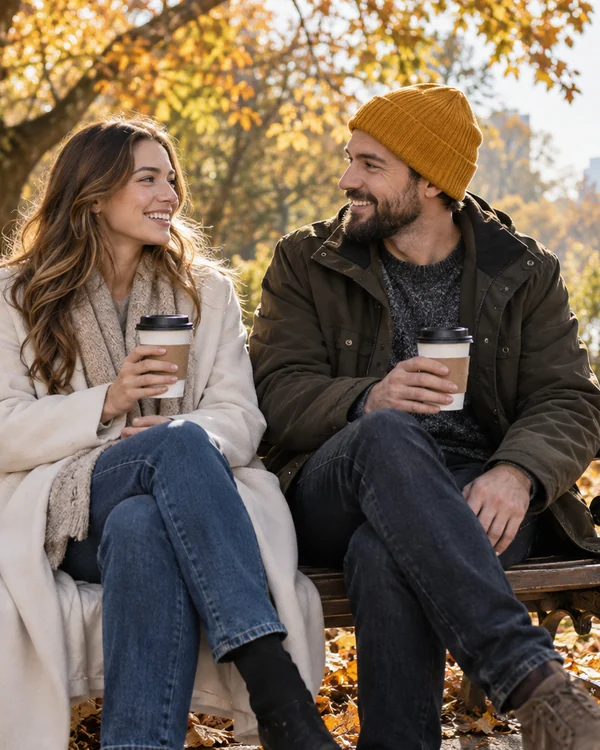
Two People in One Photo
Friends, couples, or family who live apart, together in one natural shot.
Upload two to four pictures, say how they should come together, and the AI blends them into one photo with matching light, scale, and shadows. Put two people together in one shot, place a product in a new scene, or fuse two styles, on Nano Banana 2, Nano Banana Pro, Seedream 4.5, GPT Image 2, or FLUX.2. Free credits when you sign up.
Look
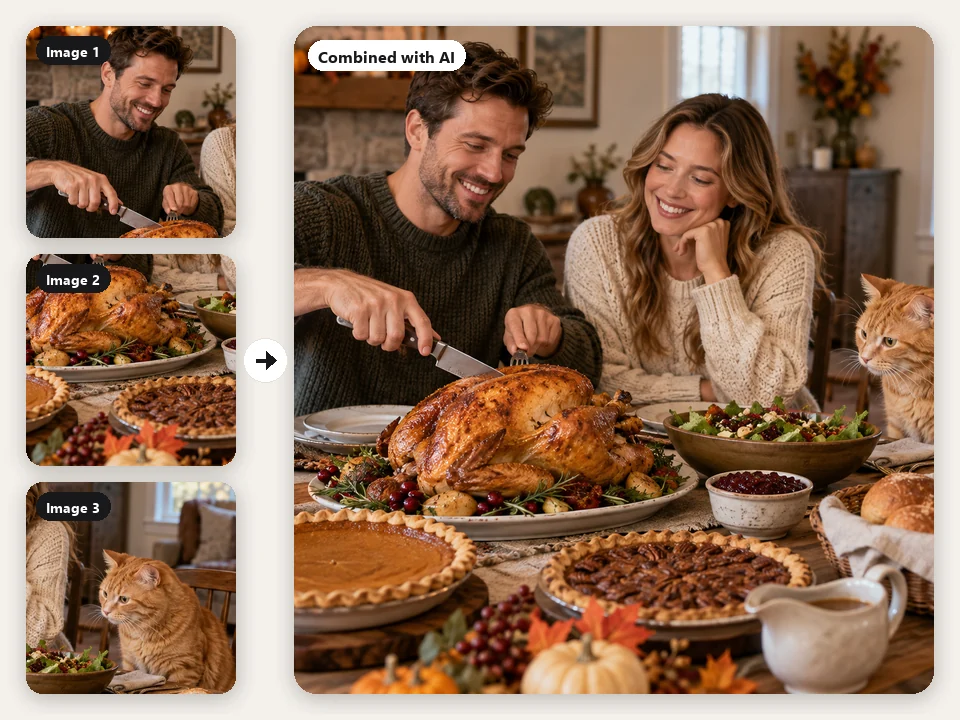
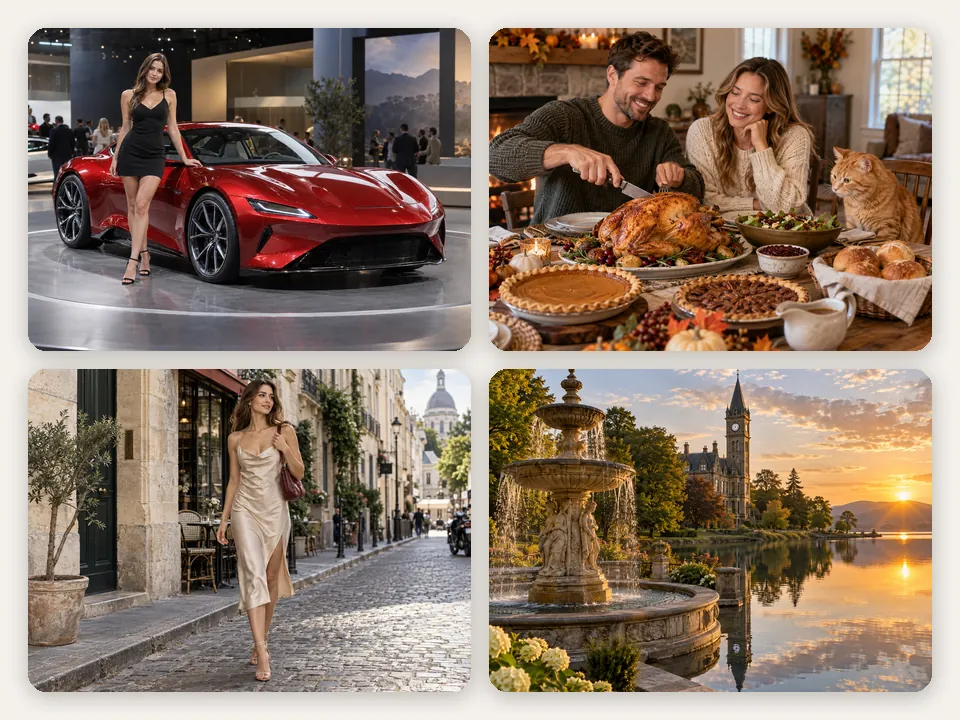
Combine the couple from image 1, the Thanksgiving dishes from image 2, and the ginger cat from image 3 into one cozy photo: the couple laughing at a wooden dinner table covered with the dishes, the cat sniffing the roast turkey, warm window light.
Reference example. It is not a result generated from your upload.
An AI image combiner takes two or more separate photos and paints one new picture that contains them all. Instead of pasting cut-outs on top of each other, the model reads who and what is in each image, then rebuilds the scene with one light source, one camera angle, and real shadows, so a portrait, a pet, a product, and a background can end up in the same believable shot. That is the difference between an AI image merger and a collage: the pixels are redrawn, not stacked.
Think of it as an AI image blender for real photos. Use this AI photo combiner to put two people together who were never photographed side by side, drop a product into a lifestyle scene, try an outfit on a model, or fuse two styles into one artwork (AI image fusion). Upload two to four images, pick what to combine and a look, and choose from five models. It is a free AI image combiner to try: new accounts get free credits when they sign up. Just want photos placed next to each other without changing them? The free EzImgMaker Image Combiner does side-by-side and grid layouts right in your browser.
People, pets, products, places, and styles: tap a card to load a ready-made prompt, then add your own photos in the order it describes.
Friends, couples, or family who live apart, together in one natural shot.
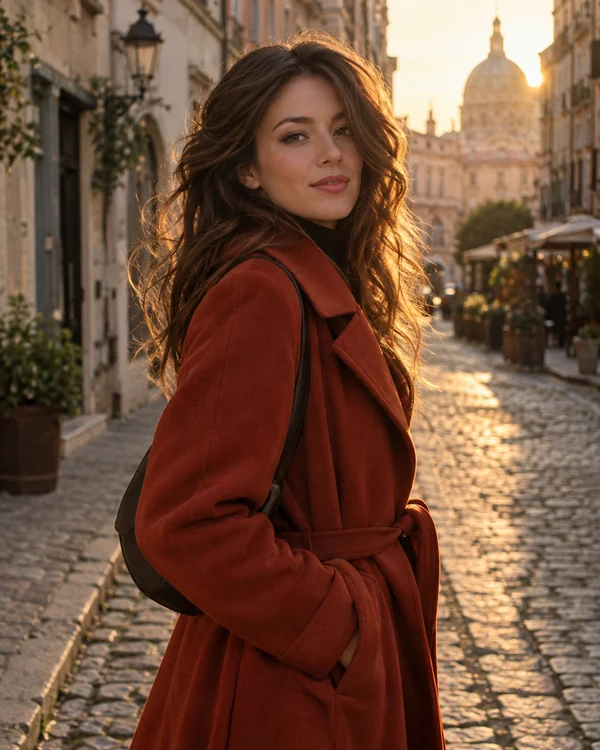
Step into a city street, a beach, or a landmark with the right scale and daylight.
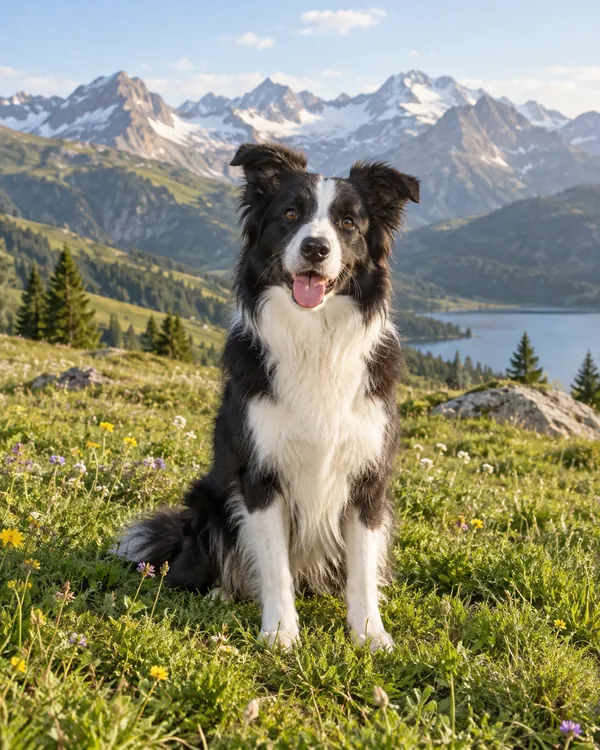
Move your dog or cat into a meadow, a sofa, or a holiday scene without losing its markings.
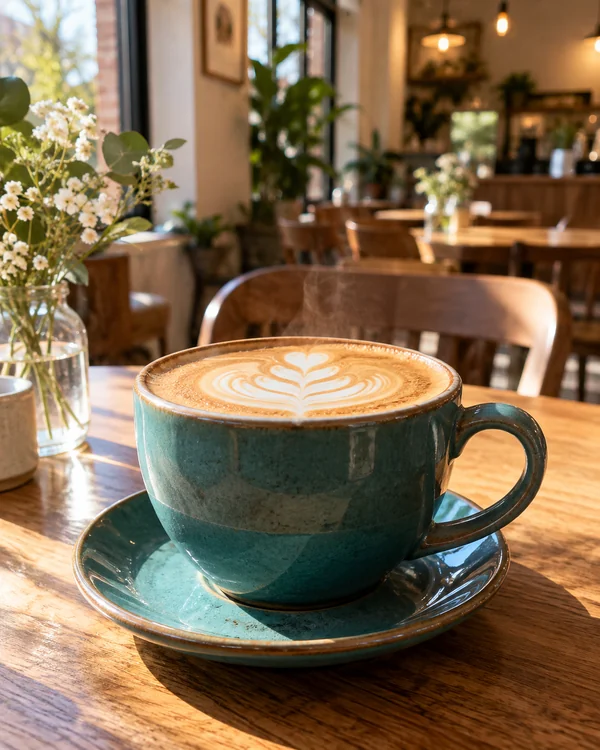
Lifestyle shots for listings and ads: your product on a café table, a counter, or a shelf.
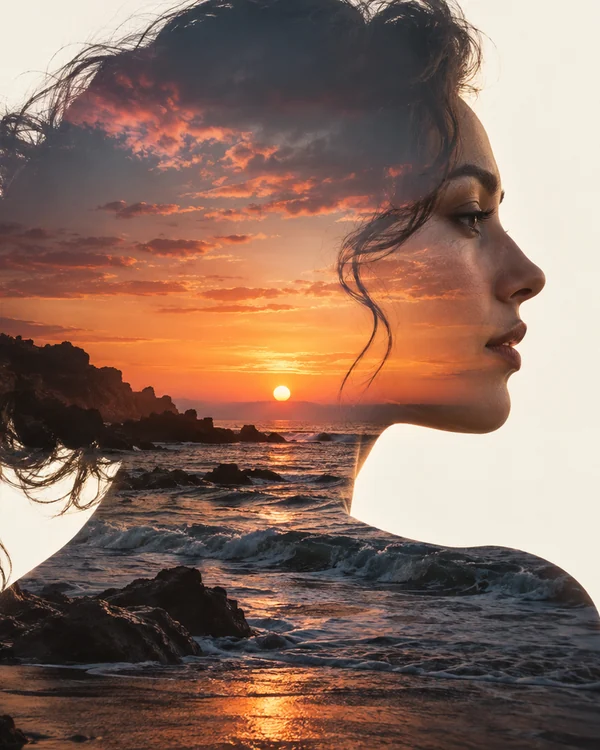
Blend a portrait with flowers, a sunset, or a city for an editorial double exposure.
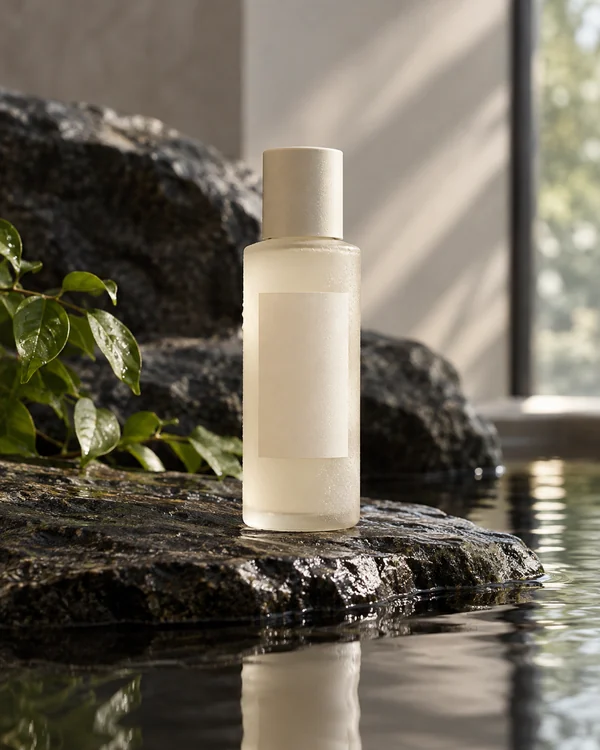
Combine a bottle shot with stone, water, or fabric textures for a polished product campaign.
Blend two photos together, or up to four, in three steps. No layers, masks, or cut-outs: the AI photo blender does the matching.
Add the main subject as Image 1 and the second person, scene, or style as Image 2. Add a third or fourth photo for more people or props. Clear, well-lit photos where faces and products are easy to see work best.
Pick what to combine (People together, Product in scene, Subject into background, Style fusion, or Creative blend), a look such as Natural Photo or Watercolor, and a size. Describe the scene in a sentence if you like, referring to the photos as image 1, image 2, and so on, or tap an idea and let the AI merge images its own way.
Press Combine Images. If a face, a hand, or a label needs work, generate again, add detail to the description, or switch models. Download the result to share, print, or keep editing.
One model reads every photo, then draws a single scene where light, scale, and shadows agree.
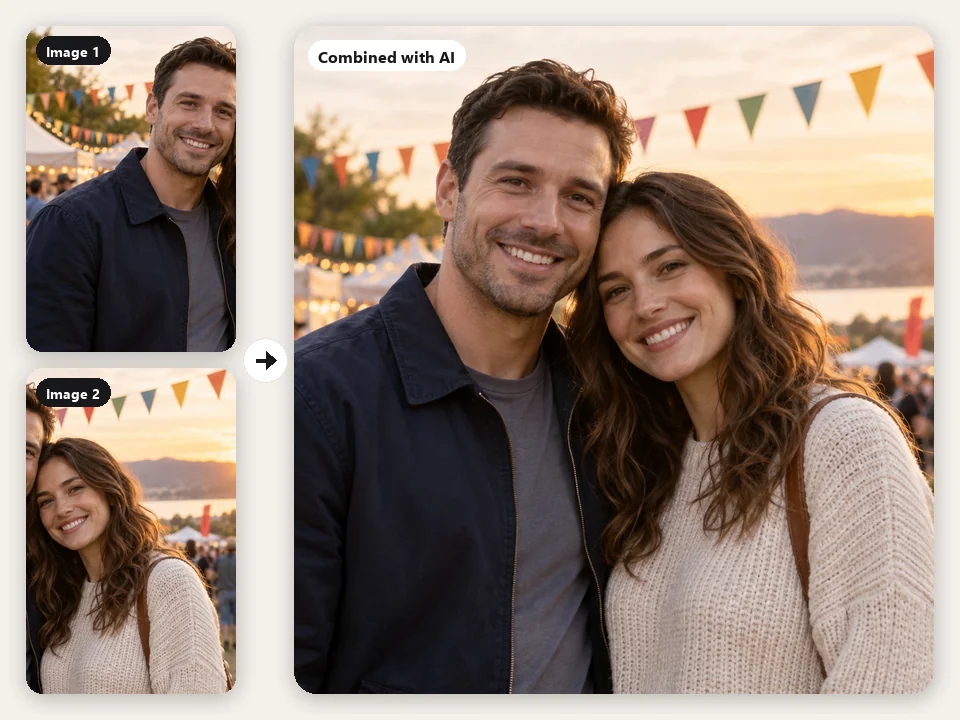
Can AI put two people together who were never in the same room? Yes: upload one portrait of each and the AI places them side by side at natural heights, with one background and one light source, while keeping each face, hairstyle, and outfit. It works as an AI photo generator to put two people together for long-distance couples, friends who live far apart, or a group shot someone missed.
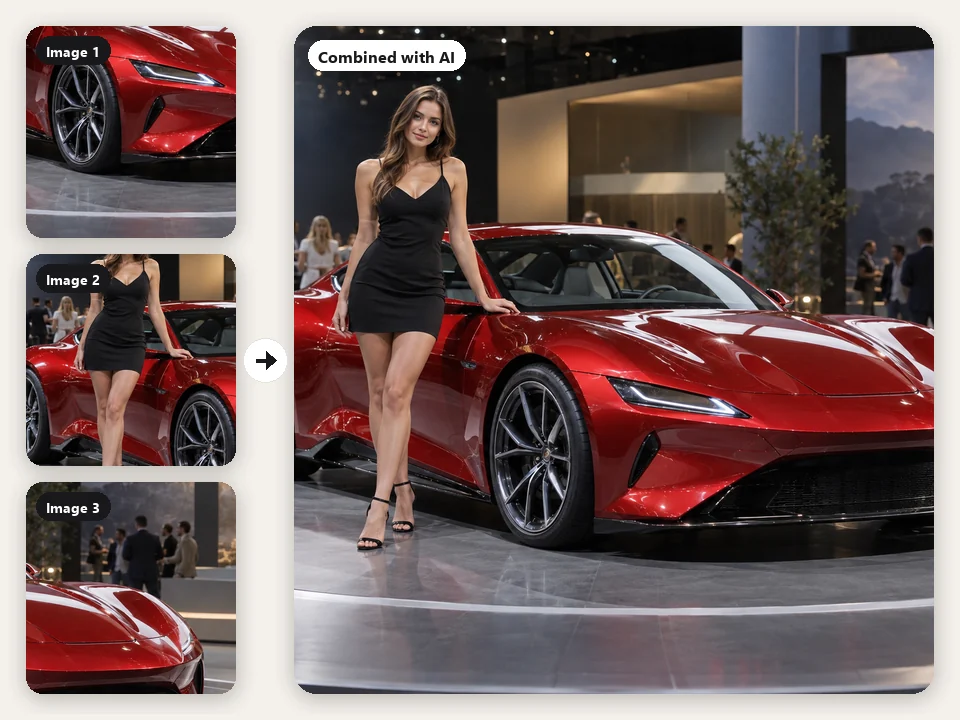
Most AI image combiners stop at two pictures. Here you can add up to four, such as a product, a model, and a venue, and let the AI merge two images, or four, into one scene in a single generation. Tell it which photo plays which part, or leave the description empty and let Auto decide how to blend images with AI.
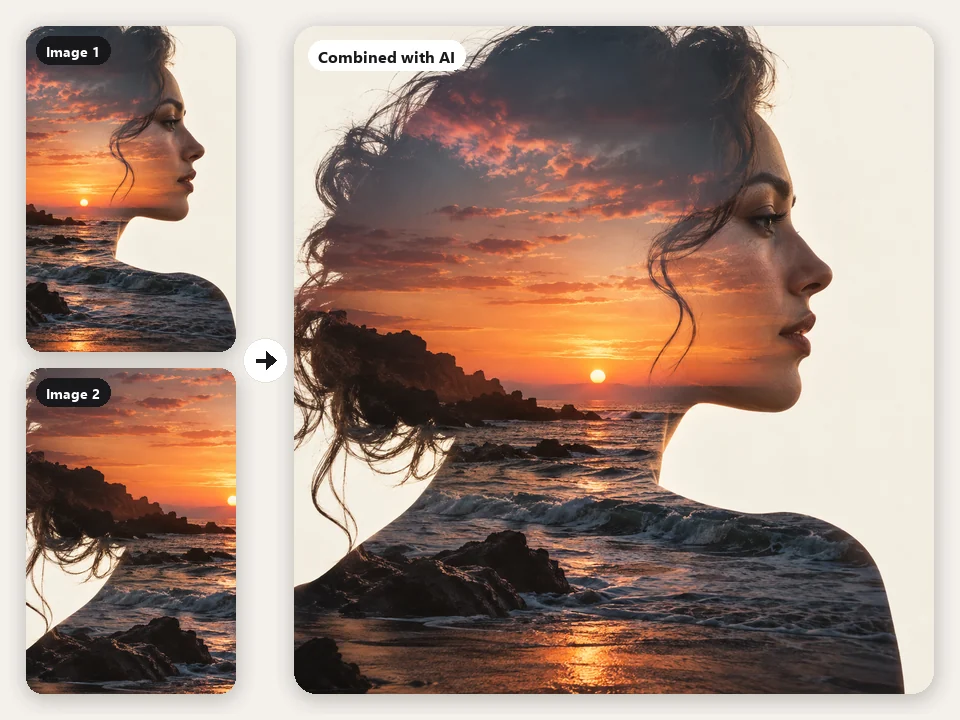
Not every merge should look like a photo, and this AI image mixer does not force one. Choose Style fusion to repaint one image in the technique of another, or Creative blend for double exposures, surreal composites, and hybrid creatures. You can also combine images AI generators made with your own photos, then finish the piece as Watercolor, Oil Painting, Anime, or 3D Cartoon.
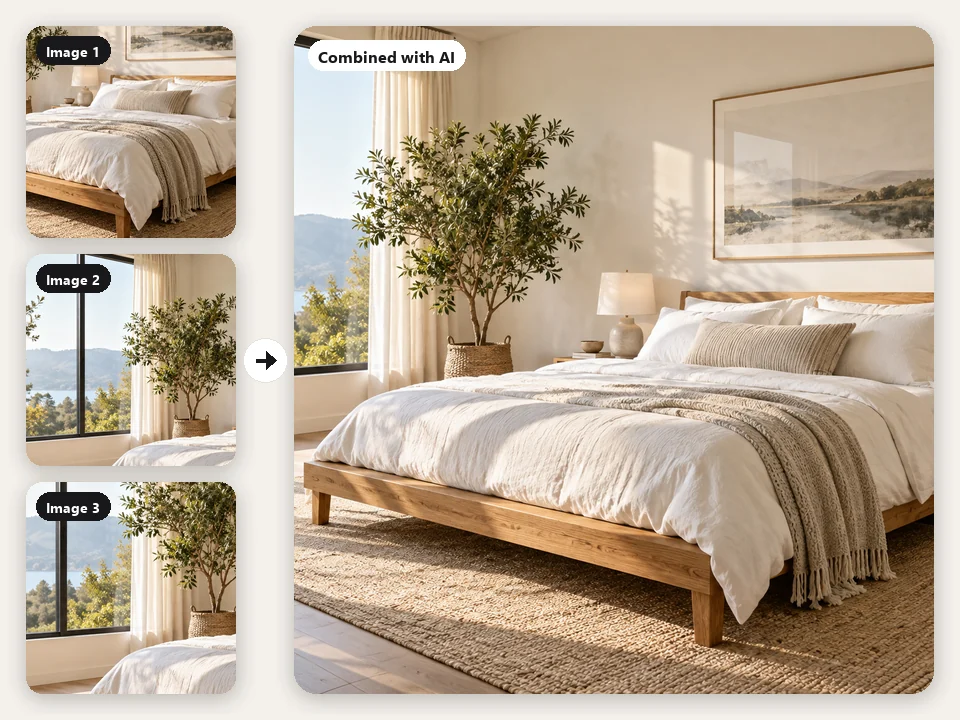
Furnish an empty room, place a bottle on a stone set, or dress a model in a garment photo. This AI picture combiner (and AI picture merger) keeps the shape, color, and label of what you upload and matches it to the scene, so you can test ideas, fill a listing, or pitch a concept before anything is shot.
Three ways to blend two photos together, and when each one is the right tool.
| AI Image Combiner (this page) | Image Combiner / collage | Manual editing (Photoshop, GIMP) | |
|---|---|---|---|
| What you get | One new photo that contains every subject | Your photos placed side by side or in a grid | A composite you build by hand with layers |
| Are pixels changed? | Yes, the scene is redrawn | No, each photo stays exactly as it is | Only where you paint, mask, or adjust |
| Light and shadows | Matched automatically | Not applicable | You match them yourself |
| Skill and time | A sentence and a click | A few clicks | Selection, masking, and color work |
| Best for | Group shots, product scenes, art blends | Comparisons, before-and-afters, photo strips | Pixel-exact commercial composites |
| Cost | AI image merge free to try with sign-up credits, then credits | Free, runs in your browser | Software subscription |
Need a soft fade between two pictures instead of a new scene? Blend them with opacity or a gradient mask in a layer editor, or use the free Image Combiner for a clean side-by-side.
From marketplace sellers to families spread across time zones: anyone who has the pieces but not the photo can let the AI combine images into it.
Place products in kitchens, cafés, and gift scenes for listings and ads without a studio.
Make the photo together you never got: long-distance couples, reunions, and group shots.
Mash up references, backgrounds, and characters into thumbnails, covers, and posts.
Show garments, bags, and bottles on models and sets before the photoshoot.
Turn a mood board into one concept image for a pitch or a client review.
Double exposures, creature fusions, and style blends: an AI photo mixer for prints and personal projects.
Small choices before you press Combine Images make the biggest difference.
Sharp, well-lit photos with visible faces and products give the AI more to keep. Avoid heavy filters and tiny crops.
Two daylight photos merge more easily than a flash selfie and a sunset. Or name the light you want in the description.
Write “the person from image 1”, “the room in image 2”. Clear roles stop the AI from mixing up subjects.
For people, say side by side, hugging, or seated, and who stands where. Natural poses read as more real.
Try Nano Banana Pro or GPT Image 2 when faces, logos, or label text need to stay closest to the original.
Only combine photos of people who agreed to it, and never make images that deceive, harass, or impersonate.
Side-by-side layouts, face tools, and AI editors that pair with the AI image combiner.
 Image CombinerFree image combiner: combine photos side by side, stack them, or merge pictures into a grid with spacing and a background color, right in your browser.
 Image BlenderImage blender to blend two images together online: 16 blend modes, opacity, gradient fade, and double exposure. Free and private, it runs in your browser.
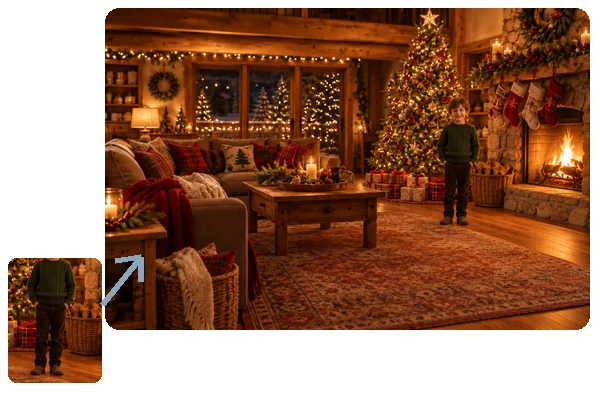 Add Person to Photo with AIHow to add someone to a photo: upload the picture and a photo of the person, and AI will add person into picture scenes with matching light, scale, and pose.
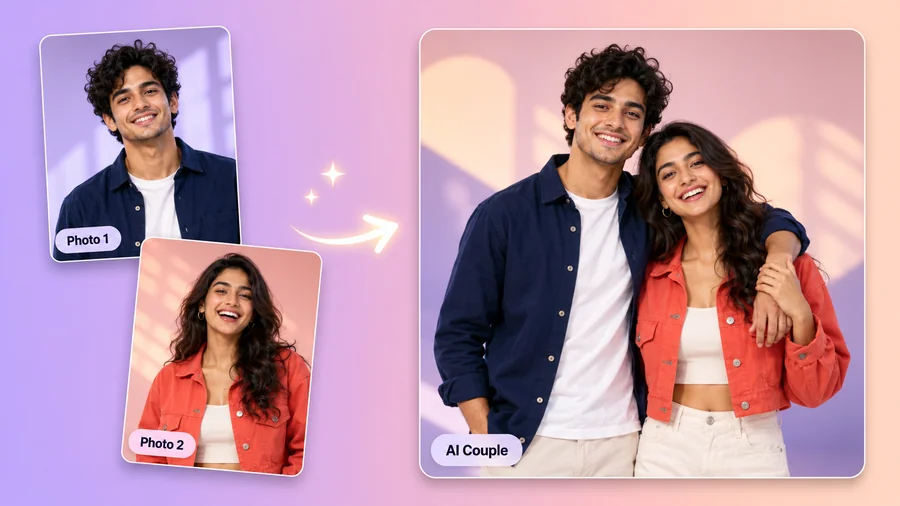 AI Couple Photo MakerTry AI photo editing for couples: upload one photo of each of you, pick a style, pose, and scene, and the AI couple photo maker creates a romantic duo picture.
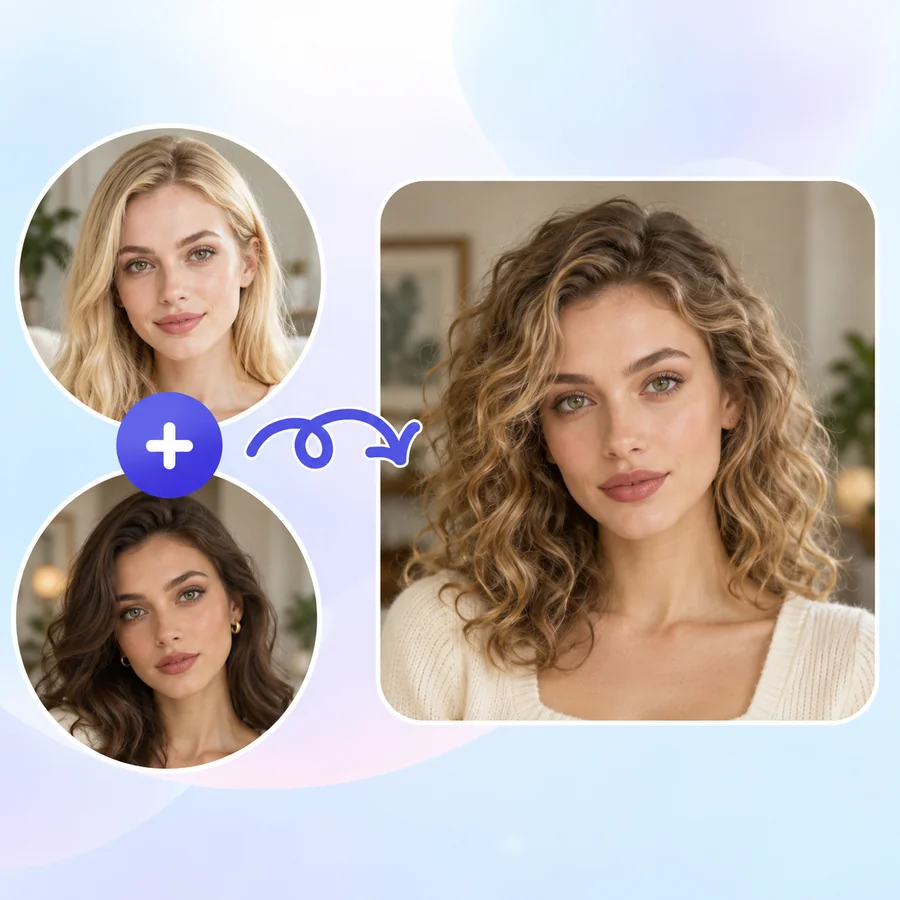 AI Face MorphFace morph two photos into one realistic portrait. Upload Face A and Face B, set the blend, and the AI face combiner merges eyes, nose, and jawline naturally.
 AI Image GeneratorFree to try AI image generator: type a prompt or add a photo, pick Nano Banana 2, GPT Image 2, Seedream, or FLUX, choose a style, and create AI images online.
 Text to Image AIText to image AI that turns words into pictures: type a prompt, pick a model and a style, and the AI image generator from text creates images you can download.
 AI Photo EditorAI image editor free to try: upload a photo, type the change and pick Nano Banana, Seedream, GPT Image or FLUX to swap backgrounds, outfits, light and more.
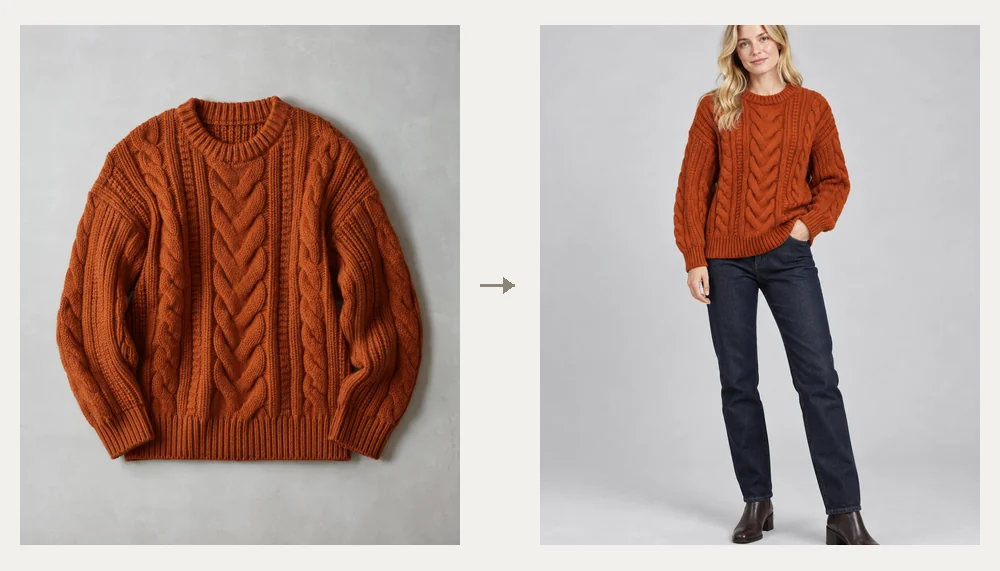 AI Fashion Model GeneratorAI fashion model generator for clothes on models: upload a garment photo and get AI generated female models or male models wearing it. Free to try.
 AI Packaging Design GeneratorPackaging AI that designs boxes, pouches, bottle labels, and coffee bags from a prompt. Add your brand name and logo and get packaging mockups. Free to try.
 Nano Banana ProCreate 2K and 4K images with Nano Banana Pro, the Gemini 3 Pro Image model: legible text in many languages, infographics, multi-image blends, and studio control.
 GPT Image 2Use GPT Image 2, OpenAI’s gpt-image-2 model, to create images with dense, readable text, UI mockups, and edits from up to 16 reference images, at 1K, 2K, or 4K.
 Background RemoverRemove background free to try: the AI background remover online cuts out people, products and pets, then gives you a transparent PNG, white, color or new scene.
 AI Image EnhancerAI photo enhancer and image quality enhancer: upscale pictures 2x or 4x, fix blur, noise and faded color, and enhance picture quality right in your browser.
 AI Image ExpanderAI image expander and image extender: expand image borders to 16:9, 9:16, 1:1 or 21:9, uncrop photos and zoom out pictures with matching scenery. Free to try.
 4K Image Upscaler4K image upscaler and converter: make an image 4K quality for wallpapers, TVs and prints. Upscale photos to 3840 px or more with faithful AI. Free to try.
When you need photos next to each other instead of merged, or want to pick the best model for the job.
Put photos side by side, stacked, or in a grid with spacing and a background color, without changing a pixel.
Open the toolFade two pictures into each other with opacity, blend modes, and a gradient mask, right in your browser.
Open the toolAlready have the group photo? Add one missing person to it and keep everyone else exactly as they are.
Open the toolHow the two Google models compare on multi-image edits, faces, and text, with side-by-side results.
Read the guideIt depends on the photos, which is why this page lets you switch models with one click. For people, start with Nano Banana 2 and try Nano Banana Pro or GPT Image 2 if a face drifts; Seedream 4.5 and FLUX.2 are worth a try for stylized looks. Pick People together, keep the description clear about who goes where, and generate a couple of versions.
Yes. Upload one photo of each person as Image 1 and Image 2, choose People together, and describe the setting and pose. The AI places them in one scene with matching light and keeps their faces, hair, and clothes. Only combine photos of people who agreed to it.
It is free to try. New accounts get free credits when they sign up, so you can try an AI image merge online free on a few photo pairs, or use the AI photo combiner free for your first group shot; after that, each result uses credits shown on the button before you generate. If you only need photos placed side by side, the separate Image Combiner tool is free and runs in your browser.
Two to four. Images 1 and 2 are required, Images 3 and 4 are optional. Use the extra slots for more people, a prop, or a style reference, and refer to them as image 3 and image 4 in the description.
An AI pic merger: it creates one new image in which every subject shares the same scene. A collage maker keeps each photo intact and arranges them in a layout. For that, use the free Image Combiner, or Blend Images to fade two pictures together with opacity.
It is told to keep faces, products, logos, and label text as they are, and usually stays close, but generative models redraw the scene, so small details can shift. Use sharp source photos, say what must stay unchanged, and try Nano Banana Pro or GPT Image 2 for the most faithful faces and lettering.
Yes. A portrait selfie and a wide landscape can be merged; the AI rescales everything to fit one scene. Choose Match image 1 to keep the first photo’s shape, or pick 1:1, 4:5, 3:4, 16:9, or 9:16 for a post, a story, or a banner.
In Photoshop or GIMP, stack the two photos as layers, add a layer mask to the top one, and paint black with a soft brush (or drag a gradient) where the lower photo should show through; then match color with curves. For a quick opacity fade, the browser-based Blend Images tool does this without software, and the Image Combiner puts photos side by side.
Yes. Any JPG, PNG, or WebP works, whether it came from a camera, a phone, or an AI image generator, so you can put yourself into an AI-made scene or merge two generated characters. Upload only images you have the right to use.
Do not combine photos of people without their consent, make images that impersonate someone or fake an event, or use photos of minors in romantic or suggestive scenes. Copyrighted characters and logos you do not own are not allowed. Requests like these are not allowed.
Upload two to four images, pick what to combine, and try the AI image merger free with your sign-up credits.
Nano Banana and Gemini are trademarks of Google LLC; GPT Image is a trademark of OpenAI; Seedream is a trademark of ByteDance; FLUX is a trademark of Black Forest Labs. EzImgMaker is an independent service and is not affiliated with or endorsed by these companies. Model names are used only to describe compatibility.