
Blurry Portrait to 4K
Curls, sunglasses and the knit of a striped sweater come back sharp enough for a 4K wallpaper or print.
Upload a photo, graphic or screenshot and the 4K upscaler enlarges it until the long side reaches at least 3840 pixels, the width of a 4K UHD screen. Faces, text and colors stay exactly as they are; only the resolution goes up.
4K presets
Fine-tune
Reference example. It is not a result generated from your upload.
4K image resolution is 3840 × 2160 pixels on a UHD TV or monitor (cinema DCI 4K is 4096 × 2160), about 8.3 million pixels. Most photos people save, screenshot or download are far smaller, so they look soft or pixelated on the picture quality 4K screens are built for. A 4K image upscaler adds the missing pixels so the image fills that screen sharply.
This 4K photo upscaler and 4K converter uses a faithful AI model: it predicts fine detail and crisp edges without repainting the picture, so faces, products and text stay the same. Choose 4K and it picks the step for you, 2× or 4×, whichever first reaches 3840 pixels on the long side. Convert to 4K for wallpapers, TV slideshows, thumbnails and print, or choose 4× for an even larger file.
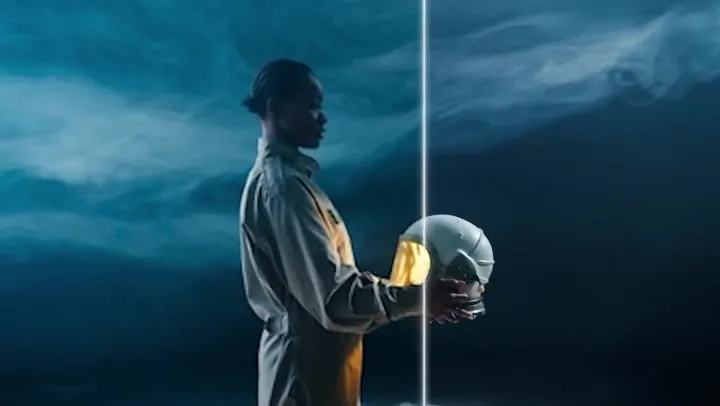
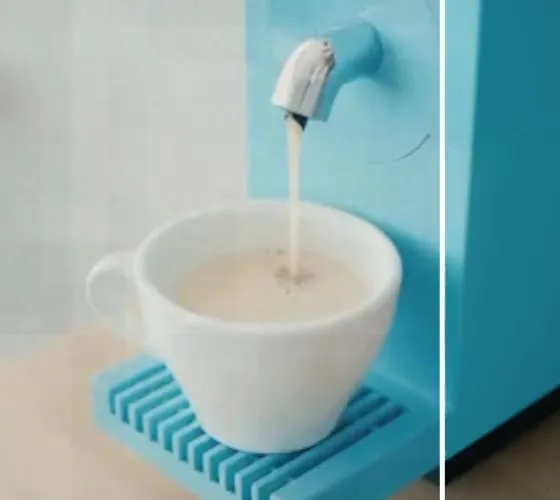
Real-world pictures before and after the 4K upscale, shown at the same size. Drag each slider to compare.
Curls, sunglasses and the knit of a striped sweater come back sharp enough for a 4K wallpaper or print.


Fur, whiskers and petals keep their texture, so a phone snapshot of your dog holds up on a big TV.


Eyes, hair strands and skin texture get sharper while the face stays exactly the same person.


Pastries, candles and tableware stay crisp at full size, ready for a menu screen or a product page.
Upload, pick 4K, download: the quickest way to make image 4K-ready without editing software.
Add a JPG, PNG or WebP up to 10 MB: a photo, screenshot, thumbnail, logo or piece of art.
4K gives at least 3840 pixels on the long side. A 1080p 4K upscale is exactly 2×; smaller pictures go up 4×. Pick 4× for print or 8K-size files, 2× for a lighter step.
Click Upscale to 4K, compare before and after with the slider, and download your 4K image.
How 1080p and 4K compare with the other common resolutions, and which step the 4K image converter picks for each one. Sizes are for 16:9 images; any shape works.
| Resolution | Pixels | Megapixels | Pixels vs 1080p | With the 4K option |
|---|---|---|---|---|
| 480p (SD) | 854 × 480 | 0.4 MP | 0.2× | 4× → 3416 × 1920 (just under 4K) |
| 720p (HD) | 1280 × 720 | 0.9 MP | 0.44× | 4× → 5120 × 2880 |
| 1080p (Full HD) | 1920 × 1080 | 2.1 MP | 1× | 2× → 3840 × 2160 (exactly 4K) |
| 1440p (QHD) | 2560 × 1440 | 3.7 MP | 1.8× | 2× → 5120 × 2880 |
| 4K UHD | 3840 × 2160 | 8.3 MP | 4× | Already 4K |
| DCI 4K (cinema) | 4096 × 2160 | 8.8 MP | 4.3× | Already 4K |
| 8K UHD | 7680 × 4320 | 33.2 MP | 16× | Choose 4× on a 1080p image |
A 4K image size is about 8.3 megapixels at 16:9. Here "4K" means at least 3840 pixels on the long side, so portrait and square photos qualify too (a 3000 × 3000 square becomes 6000 × 6000).
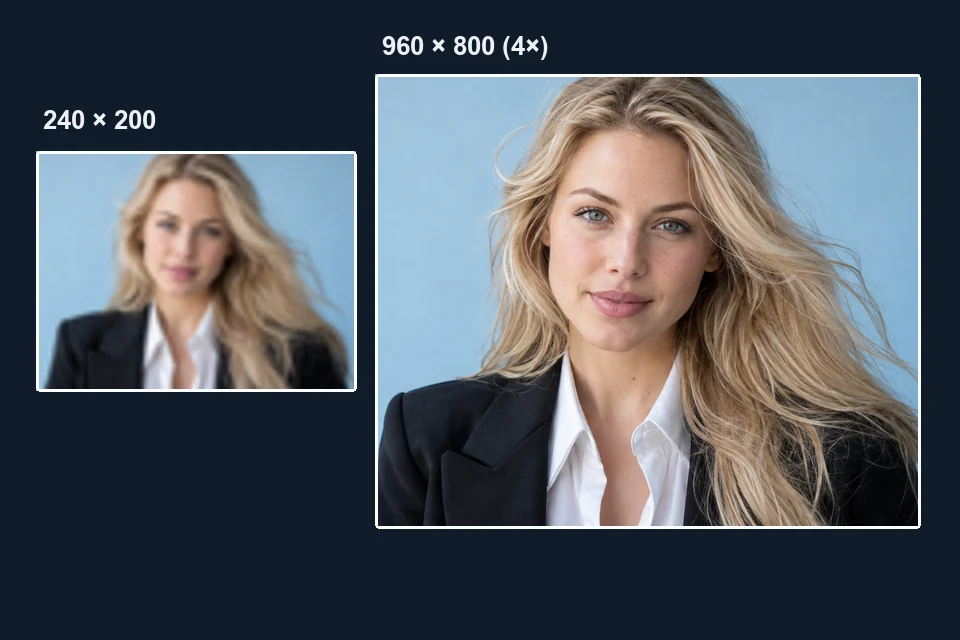
Many tools call any enlargement "HD" or "4K". Here the 4K option checks your file and picks the step that really reaches 3840 pixels: a 1080p frame doubles to exactly 3840 × 2160 and a 1000 × 750 photo goes up 4× to 4000 × 3000. Only very small uploads, under 960 pixels on the long side, stay below 4K even at the maximum 4×, like this 240 × 200 thumbnail growing to 960 × 800.
Asking a chatbot to "make this picture 4K" usually gets you a redrawn image with a different face or garbled text. This 4K picture converter is faithful: it adds resolution and sharpens edges, and nothing in the picture is invented or moved.
Sellers often just need to make this item in 4K: a supplier photo, a mockup or a menu shot that looks fine as a thumbnail but falls apart on zoom. Product Image 4K keeps labels, textures and edges clean for listings, ads and 4K storefront screens.
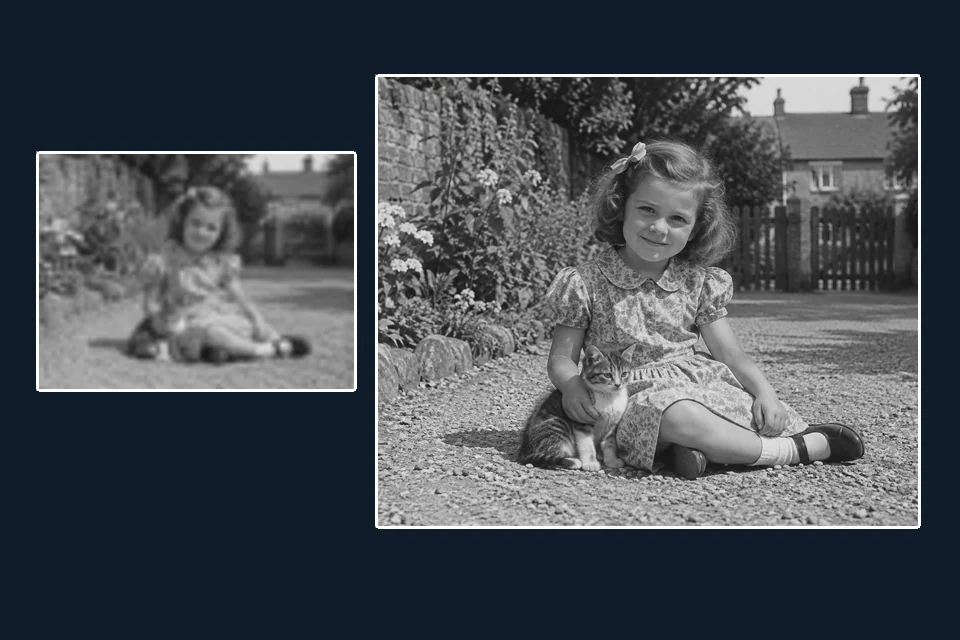
Scans, old phone pictures and saved thumbnails are often only a few hundred pixels wide. AI 4K upscaling takes them to 4× their size with clean edges, so they work in a 4K slideshow, a photo book or a video edit. Faded or scratched photos? Restore them first with the image enhancer.
Anywhere a picture is shown on a 4K screen, or printed big.
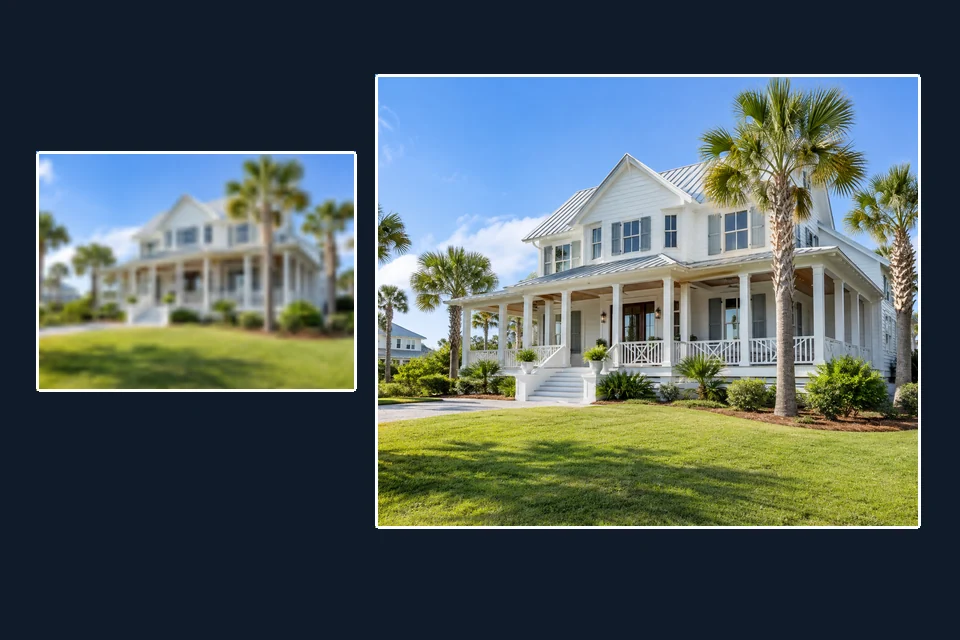
Upscale 4K wallpapers for desktops, laptops and phones from a smaller photo or artwork.
Make photo 4K before a TV slideshow so family pictures fill a UHD screen without blur.
Use it as a thumbnail 4K quality converter for video covers, channel art and blog headers.
Turn small supplier images into 4K product photos that stay sharp when shoppers zoom.
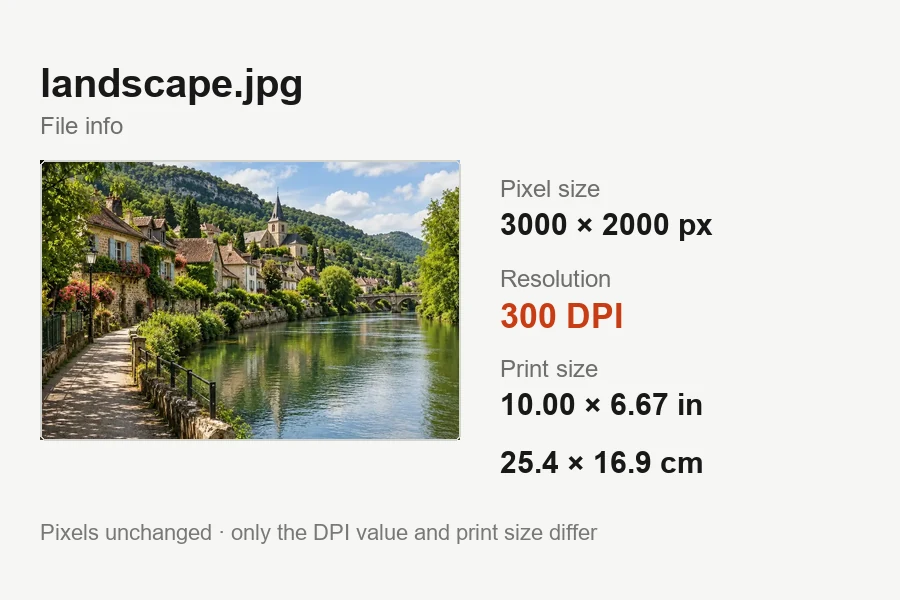
A 4K image prints about 12.8 × 7.2 inches at 300 DPI; choose 4× when you need a bigger print.
Make picture 4K before dropping it into a 4K timeline or a presentation on a big screen.
Small habits that help when upscaling 4K wallpapers, thumbnails and prints.
Enhance photo 4K results by starting from the original file, not a screenshot or a re-saved copy.
Upscale to 4K first, then crop to 16:9 for a screen or 9:16 for a phone, so the crop keeps the detail.
4K fills a UHD display. For posters or 8K screens, choose 4× and get the larger file.
Upscaling keeps blur, just bigger. Fix motion blur or soft focus first, then upscale the sharp version.
Learn what 4K really means, or pick the tool that fits your picture better.
4K resolution, screens, and how the 4K upscale works.
It is a tool that enlarges a smaller image to 4K resolution, at least 3840 pixels on the long side, by adding new pixels with AI. Unlike stretching the image in an editor, the 4K upscaler predicts fine detail, so edges and text stay sharp.
To convert to 4K, upload the picture, keep 4K selected and click Upscale to 4K. The tool picks 2× or 4× so the long side reaches 3840 pixels, then you compare and download. Files that are already 3840 pixels or wider are 4K and need no conversion.
No. 1920 × 1080 is 1080p, also called Full HD. 4K UHD is 3840 × 2160, twice as wide and twice as tall, so it has four times the pixels. Is 1080 the same as 4K? No, but a 1080p image upscaled 2× lands exactly on 3840 × 2160.
Check the native resolution. On Windows, open Settings > System > Display and look at the recommended display resolution; on a Mac, About This Mac > More Info > Displays lists it. 3840 × 2160 (or 4096 × 2160) is 4K, 2560 × 1440 is QHD and 1920 × 1080 is Full HD. For a TV, check the model specifications.
They measure different things. 4K is resolution, the number of pixels; high dynamic range (HDR) is how bright, dark and colorful each pixel can be. A 4K upscale adds pixels and sharpness, but it does not turn a picture into an HDR image.
Not quite. A 4K upscaler, like this one, adds resolution and keeps everything else as it is. A 4K enhancer or 4K photo enhancer also repairs blur, noise and faded color, and may rebuild small details. For damaged or blurry photos, use Restore at 4K in the image enhancer.
Yes, for 8K upscaling choose 4×. A 1920 × 1080 image becomes 7680 × 4320, which is 8K UHD. Results are capped at 20,000 pixels on the long side, so very large uploads get a smaller step automatically.
It makes the photo bigger with crisper edges, but it cannot undo heavy motion blur or missed focus. Unblur the photo first, then upscale the sharp version to 4K.
It is free to try: new accounts get free credits when they sign up. After that, each upscale uses credits, and larger results (above 4K) cost more than 4K or 2K ones.
JPG, PNG or WebP images up to 10 MB that you own or have permission to edit. Pictures under 960 pixels on the long side get the maximum 4× and land below 4K; everything else reaches at least 3840 pixels.
Upload a photo or graphic and get a sharp 4K version in a few clicks.