Typography Poster
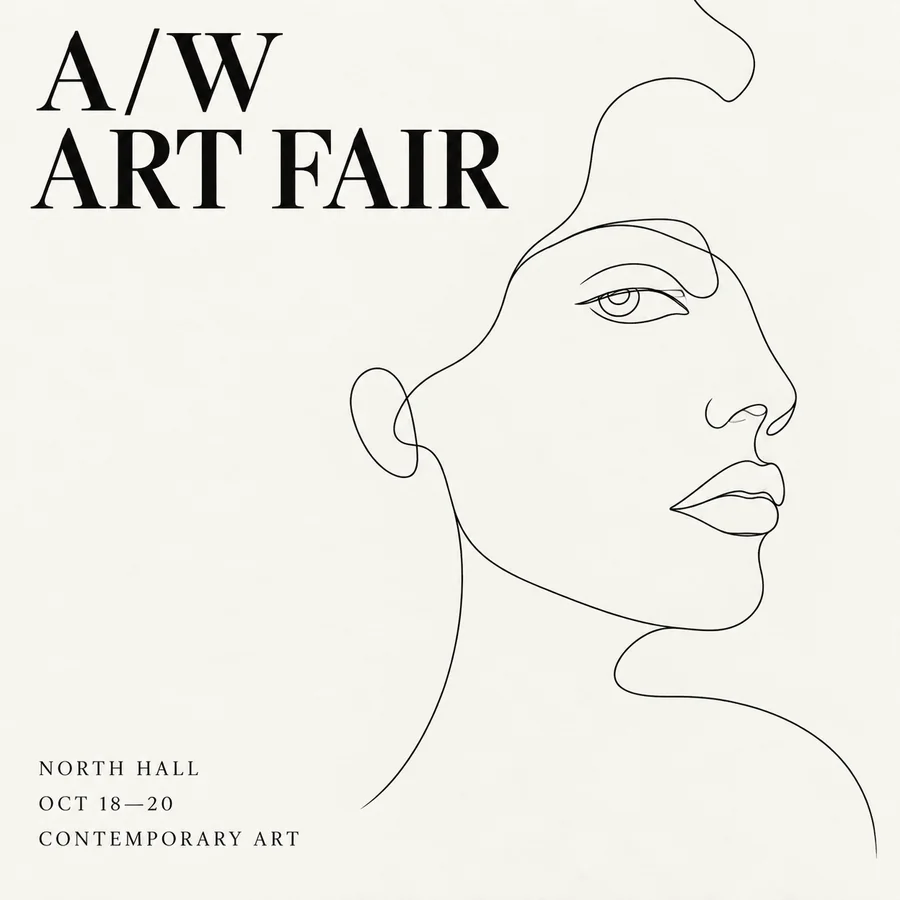
A title in quotes, a layout described in plain words, and small print that stays legible.
ByteDance’s Seedream 4.5 turns detailed prompts into 2K or 4K images with crisp in-image text, and edits your photos with one or more reference images while keeping faces and products consistent. New users get free credits to try it.
Minimalist art exhibition poster, off-white background with a black line drawing of a human face in the center-right. Title "A/W ART FAIR" in black serif font at top left, three lines of small text at bottom left with venue, date, and details, all left-aligned.
Reference example. It is not a result generated from your upload.
Seedream 4.5 is an image generation and editing model from ByteDance’s Seed team, released in early December 2025 as the successor to Seedream 4.0. One model handles both jobs: it creates images from a text prompt, and it edits existing images using one or more references, so you can generate a scene and then refine it without switching tools.
Compared with 4.0, Seedream 4.5 focuses on polish: sharper subjects and textures, cleaner small text on posters and labels, steadier faces and products across several reference images, and better spatial logic in busy scenes. This Seedream 4.5 AI image generator gives you the model in a simple form: describe the image, add up to two reference images if you want to edit or blend, choose an aspect ratio and Basic (2K) or High (4K) quality, and generate.
What the model supports in text-to-image and editing mode.
| Spec | Seedream 4.5 |
|---|---|
| Developer | ByteDance (Seed team) |
| Modes | Text to image · image editing with reference images |
| Output quality | Basic: 2K · High: 4K |
| Aspect ratios | 1:1, 4:3, 3:4, 16:9, 9:16, 3:2, 2:3, 21:9 |
| Reference images | Up to 14 per edit (this editor takes 2), JPG, PNG, or WebP up to 30 MB each |
| Prompt length | Up to 3,000 characters |
| Images per run | One per generation; choose 2 or 4 to run several at once |
| Best for | Posters and typography, product photos, character and product series, cinematic concepts |
How Seedream 4.5 compares with its predecessor and with another image model you can use on EzImgMaker.
| Seedream 4.5 | Seedream 4.0 | FLUX.2 Pro | |
|---|---|---|---|
| Maker | ByteDance | ByteDance | Black Forest Labs |
| Highest output | 4K | 4K | 2K |
| Reference images | Up to 14 | Up to 10 | Up to 8 |
| Images per request | 1 | Up to 6 as one consistent set | 1 |
| Aspect ratios | 8, including 21:9 | 9 sizes, including 21:9 | 7, or match the input image |
| Stand-out strength | Typography, multi-image consistency, cinematic polish | Batch sets and fast drafts | Photoreal detail and multi-reference control |
Based on the model versions available on EzImgMaker in October 2026. Limits can change when providers update a model.
Each image below comes from a single prompt. Tap a card to load a similar prompt into the generator.
A title in quotes, a layout described in plain words, and small print that stays legible.

Glass, liquid, and a mirror reflection rendered with believable light and depth.
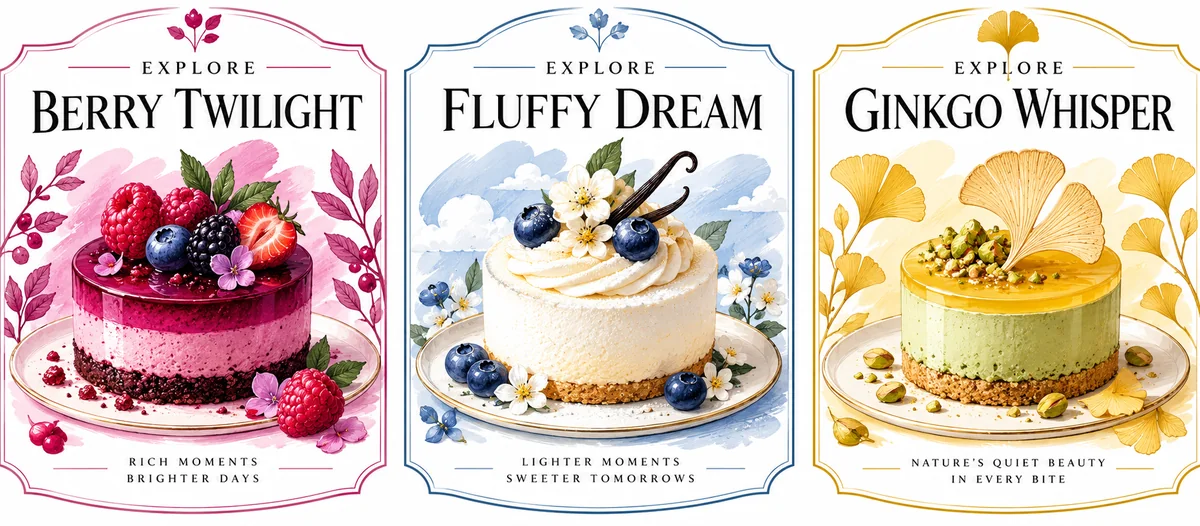
Three labels in one image, each with its own readable headline and subtitle.
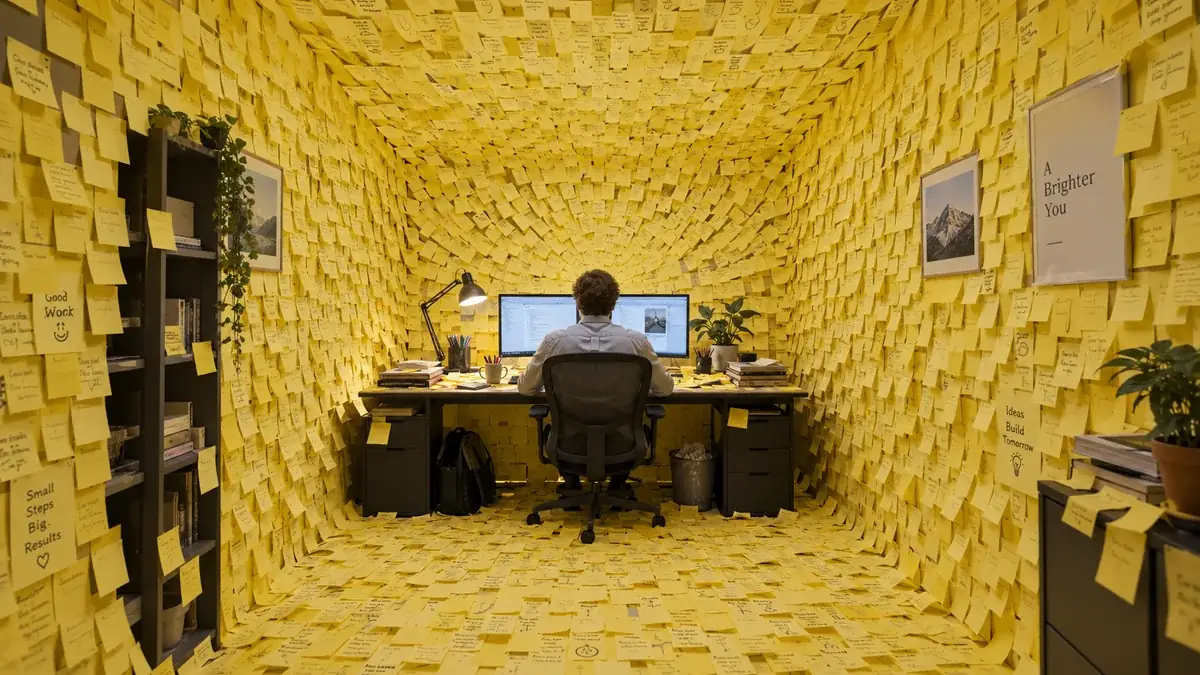
A dense scene with hundreds of handwritten notes that still reads clearly at a glance.
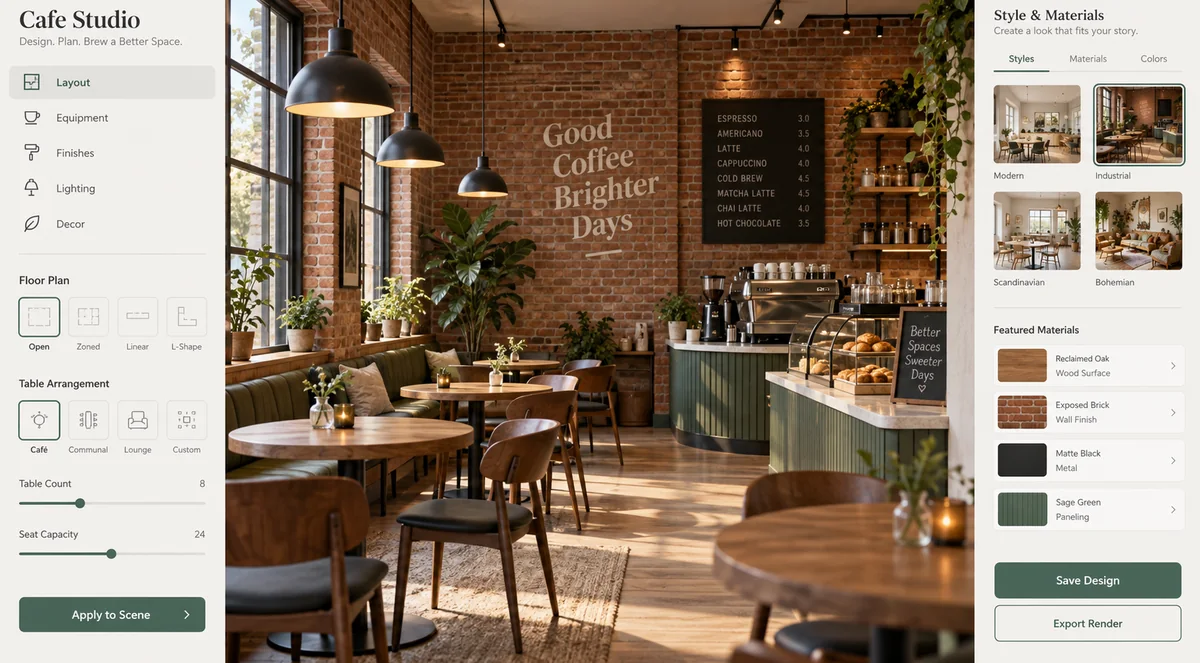
Sidebars, panels, and a photoreal preview arranged like a real product screenshot.
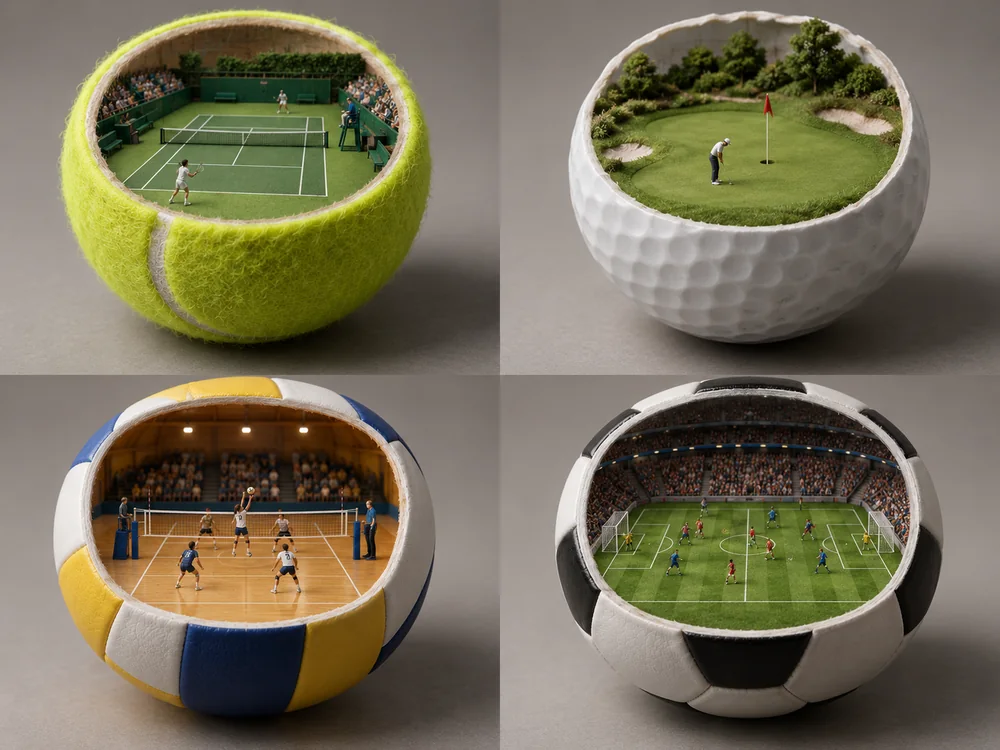
Four objects, four tiny courts, and correct scale in every panel, a good test of spatial reasoning.
Three steps from idea to a downloadable 2K or 4K image. No setup or local GPU needed.
Describe the subject, setting, lighting, and any text you want in the image, with the words in quotes. Not sure where to start? Tap an idea chip to fill the box.
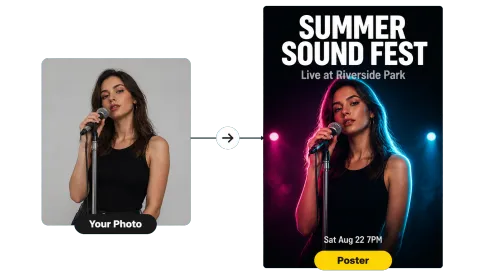
To edit a photo, upload it as Image 1 and say what should change and what should stay. Add Image 2 to bring in an outfit, product, or style, and refer to the images by number in your prompt.
Pick an aspect ratio from 1:1 to 21:9 and Basic (2K) or High (4K) quality, choose how many images to create, and generate. Download the result or use it as the next reference.

Seedream 4.5 renders textures, water, glass, and skin with balanced light and shadow, and the High setting outputs 4K for posters, banners, and print. Scenes keep a consistent look from the subject to the background.
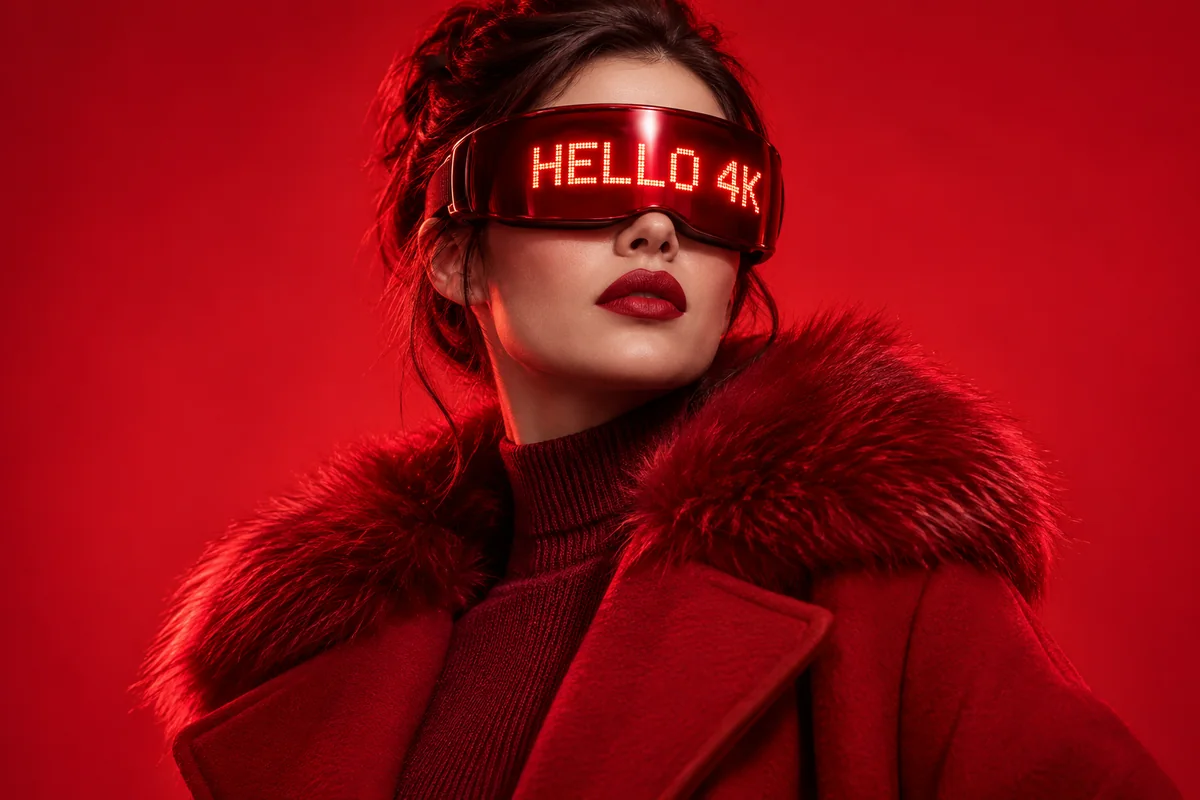
Headlines, labels, and even small print come out cleaner than in Seedream 4.0, with fewer misspellings. Put the exact words in quotes and say where they go, and the model lays them out like a designer would.
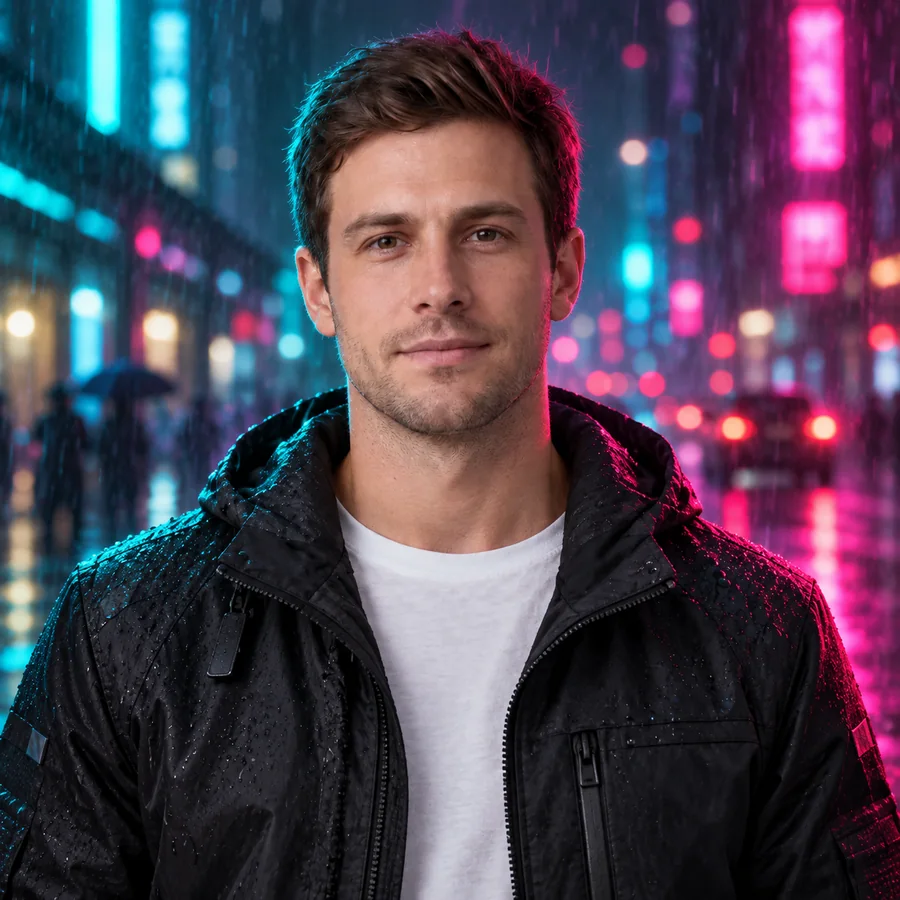
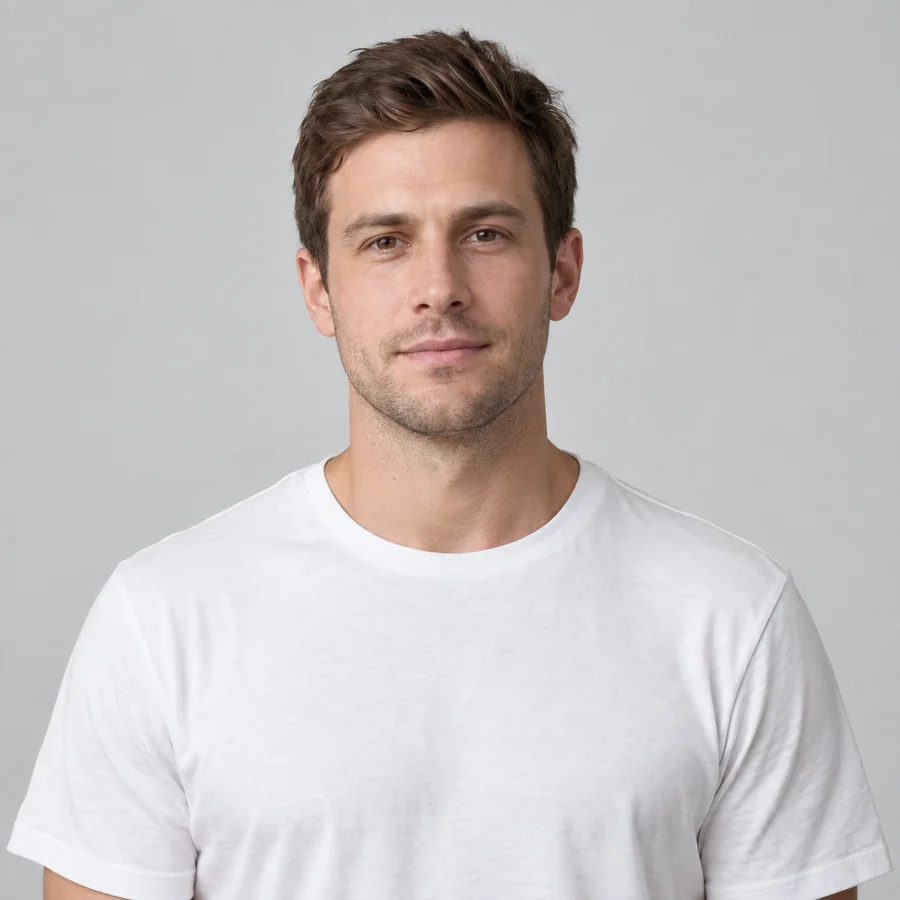
Restyle a portrait, change the background, or swap the lighting while the face, pose, and proportions stay the same. Say what must not change and Seedream 4.5 treats it as a constraint.
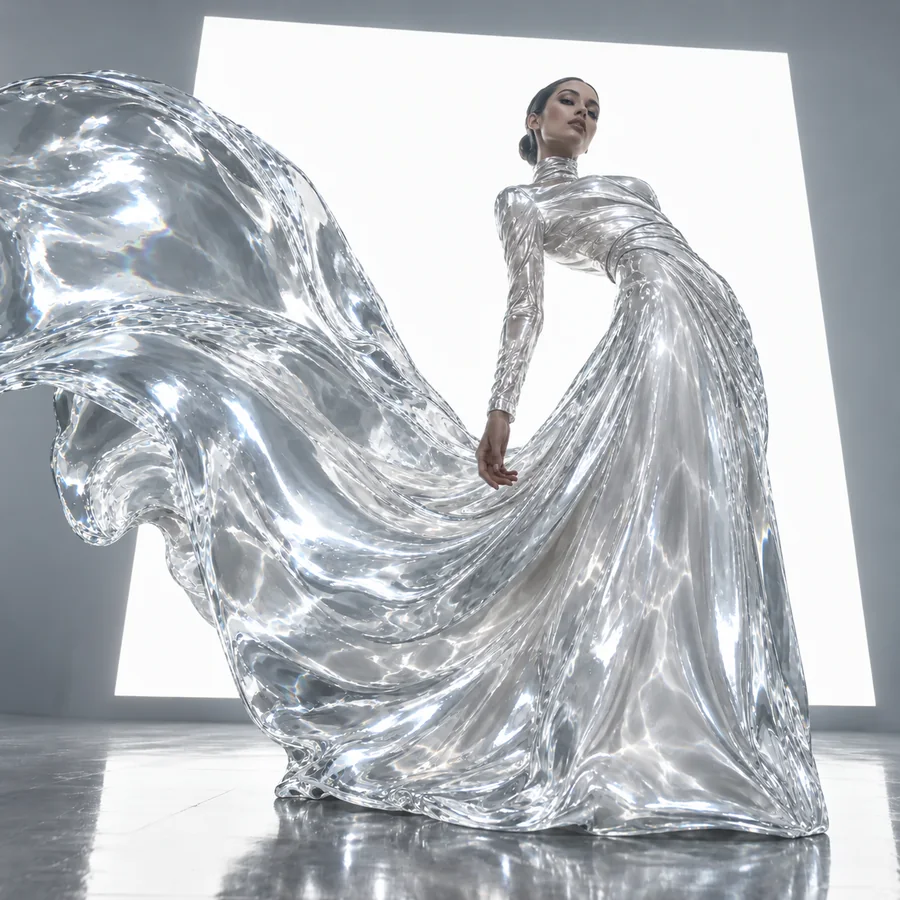
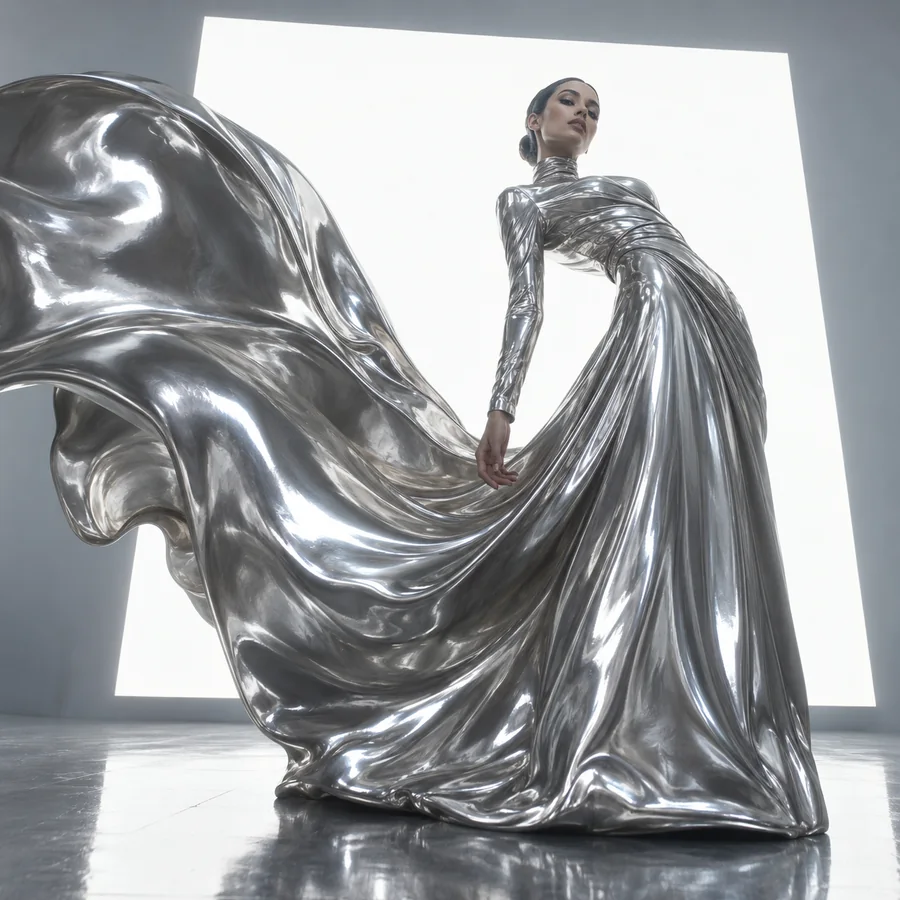
Change one property, such as metal to water, and leave the pose and shape untouched. With several references, Seedream 4.5 can move an outfit, product, or style from one image into another and keep it consistent across a series.
Studio-style product photos, color variants, and lifestyle scenes with materials and labels kept accurate.
Poster drafts, banners, packaging studies, and UI mockups where the words need to be readable.
Storyboard frames, cinematic concepts, and character sheets that stay consistent from shot to shot.
Eye-catching visuals, restyled portraits, and playful scenes in the exact ratio each platform needs.
Small habits that make results more predictable.
Write the words in quotes and say where they go: "title “SUMMER SALE” in bold sans serif at the top".
Name positions and relationships: left or right, foreground or background, what sits on what.
Add lighting and camera words such as soft spotlight, golden hour, macro, or wide-angle.
Add "keep the face, pose, and background unchanged" so only the part you name changes.
With two images, write "the outfit from image 2 on the person in image 1".
Basic (2K) is great for drafts and social posts. Switch to High (4K) for print and large banners.
Common questions about the Seedream 4.5 image model.
Seedream 4.5 is ByteDance’s image model for text-to-image generation and reference-based image editing. It is known for 4K output, clean typography, consistent subjects across several reference images, and cinematic lighting.
ByteDance’s Seed team released Seedream 4.5 in early December 2025, about three months after Seedream 4.0. Newer Seedream 5.0 models followed in 2026, but 4.5 remains a popular choice for posters, product images, and multi-image edits.
Seedream 4.5 is a refinement of 4.0: sharper detail, more legible text, better spatial logic in complex scenes, and steadier identity when you edit with several references. Seedream 4.0 can return a set of up to six images in one request, while 4.5 returns one image per generation.
The official name is Seedream 4.5. You will also see it written as Seedream-4.5, Seedream4.5, Seedream v4.5, or Seed Dream 4.5, and misspelled as SeaDream 4.5, SeedDream 4.5, or See Dream 4.5. They all mean the same ByteDance model.
Choose Basic for 2K images or High for 4K images, in 1:1, 4:3, 3:4, 16:9, 9:16, 3:2, 2:3, or 21:9.
The model accepts up to 14 reference images per edit. This editor currently takes two (Image 1 and Image 2), which covers most edits: one photo to change and one outfit, product, or style to bring in. Files can be JPG, PNG, or WebP up to 30 MB.
Seedream 4.5 is a closed model hosted by ByteDance, so there are no weights to download and run locally in ComfyUI. Node-based workflows reach it through API nodes that call a hosted service. If you just want images, this page gives you the model without building a workflow.
Seedream 4.5 is a paid model, not open source. On EzImgMaker, new users get free credits to try it, and the credit cost of each generation is shown before you start.
No. EzImgMaker is an independent service that lets you use the Seedream 4.5 model. It is not affiliated with, endorsed by, or sponsored by ByteDance.
Only upload images you own or have permission to edit. Do not use Seedream 4.5 to create misleading images of real people, remove watermarks from other people’s work, or make content that violates someone’s rights.
Write a prompt or add a reference, pick a ratio and quality, and see what Seedream 4.5 makes of it.
Seedream is a product of ByteDance. EzImgMaker is an independent service and is not affiliated with, endorsed by, or sponsored by ByteDance. Model names are used only to describe compatibility, and all trademarks belong to their respective owners.