Action Poster
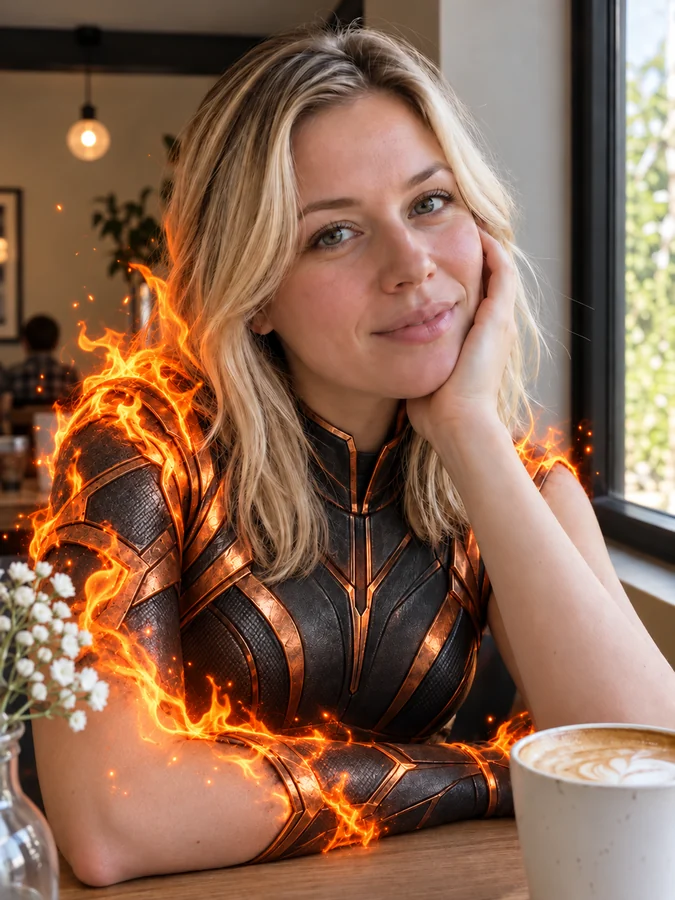
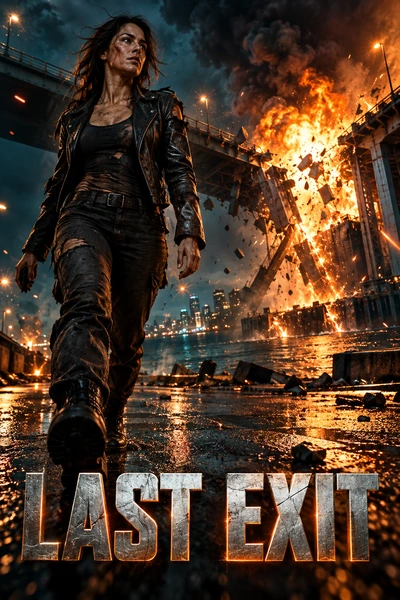
A scarred hero in front of a burning city.
Type your film title, a tagline, and the credits, pick a genre like Action, Horror, Sci-Fi, Rom-Com, Animated, Film Noir, Western, or Bollywood, and the AI designs a 2:3 one-sheet with your words spelled exactly as written, down to the billing block. Add your own photo to star in it, or describe an original cast, on five AI models. Free credits when you sign up.
Genre style
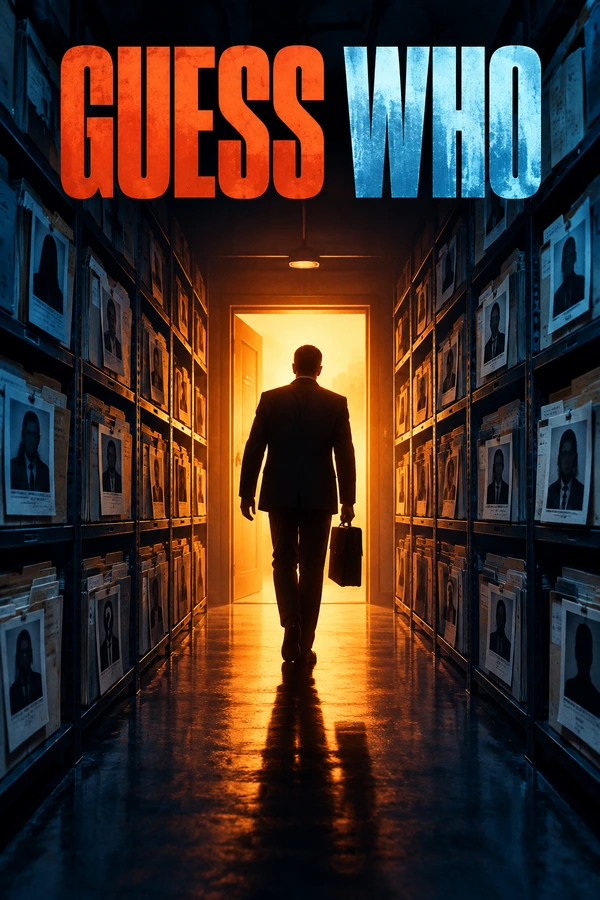
A thriller movie poster for "GUESS WHO": a businessman with a briefcase in silhouette walking into a glowing doorway at the end of a corridor lined with case files, orange and blue, bold condensed title.
Reference example. It is not a result generated from your upload.
A movie poster generator designs the one image that sells a film: the key art, the title, the tagline, and the credits at the bottom. This AI movie poster generator draws the whole one-sheet from a sentence, so a short film, a class project, a YouTube series, or a joke poster for a friend gets the same cinematic treatment as a studio release, in the genre look audiences recognize.
Type the title, pick one of 12 genre styles, add a tagline and a billing block if you want them, choose a composition, and generate on Nano Banana 2, Nano Banana Pro, Seedream 4.5, GPT Image 2, or FLUX.2. It works as a movie poster maker, movie poster creator, cinema poster maker, and cinema poster creator in one, and if you add a photo you can turn your photo into a movie poster starring you. It is an AI movie poster generator free to try with the credits new accounts get when they sign up.
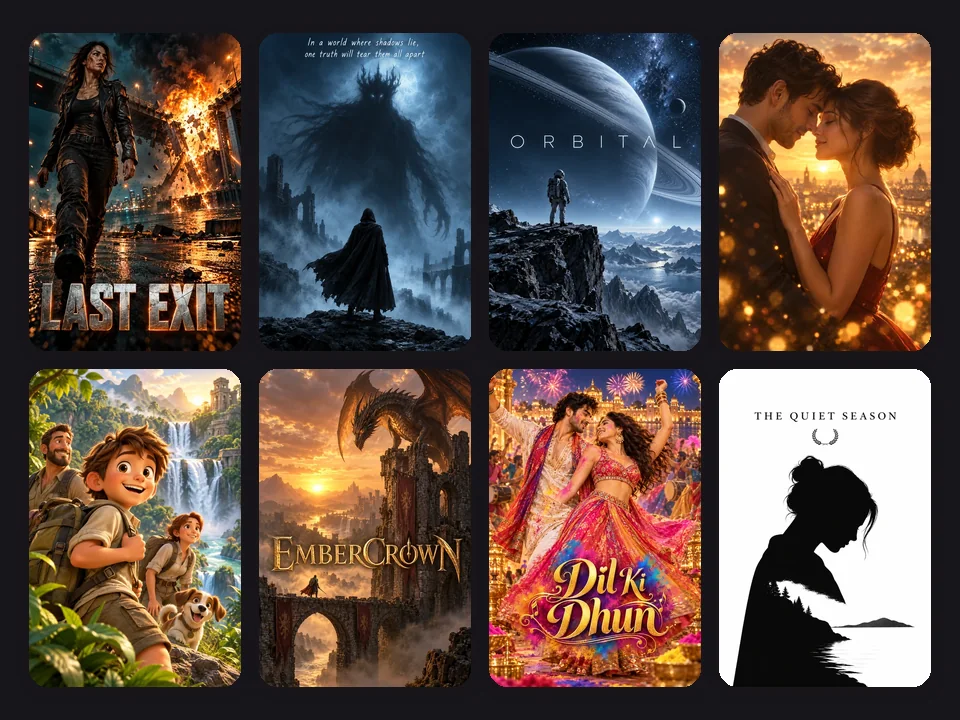
Action, sci-fi, vintage romance, fantasy, film noir, western, musical, and minimalist festival posters: tap a card to load the style or idea.
A scarred hero in front of a burning city.
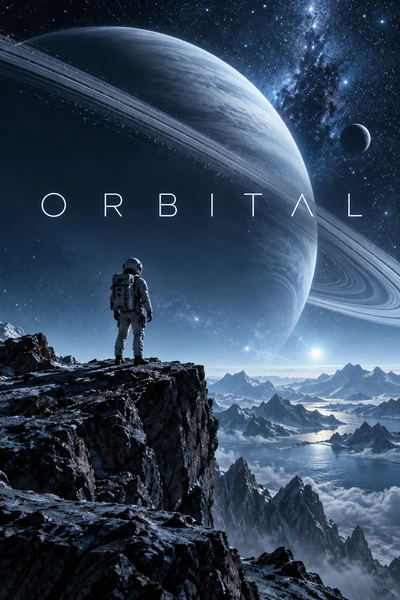
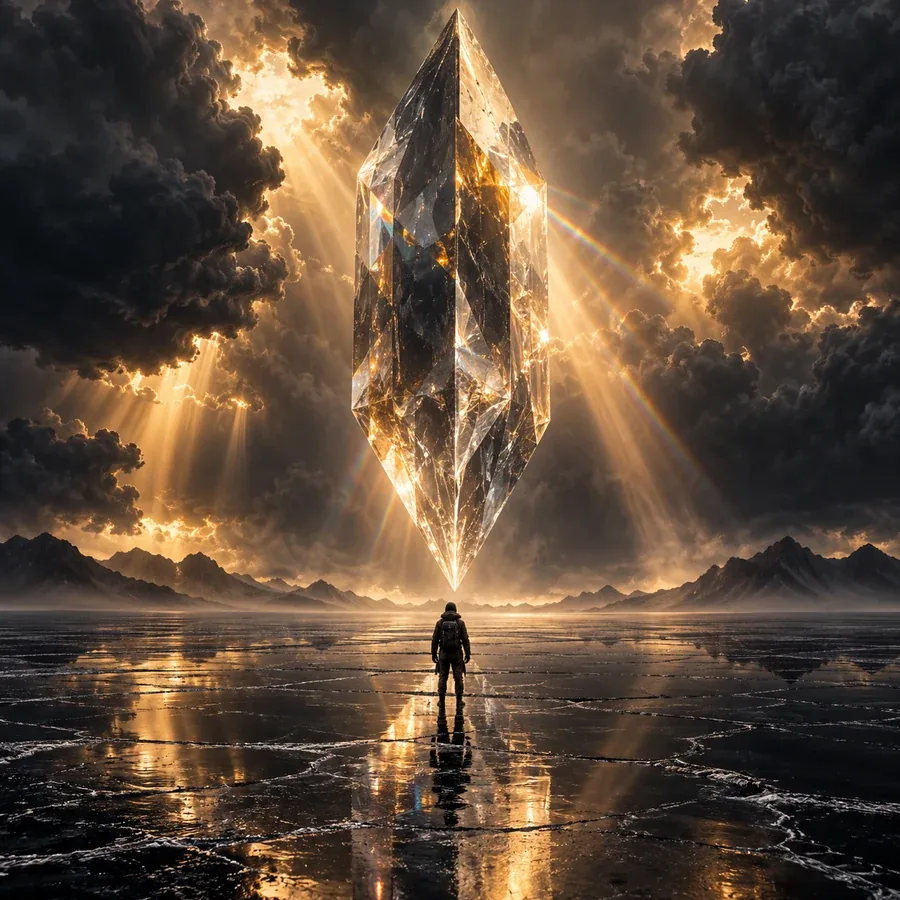
An astronaut on a cliff under a ringed planet.
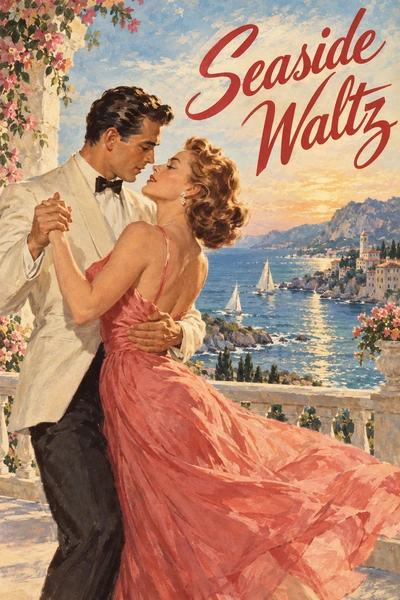
A painted couple dancing above the sea.
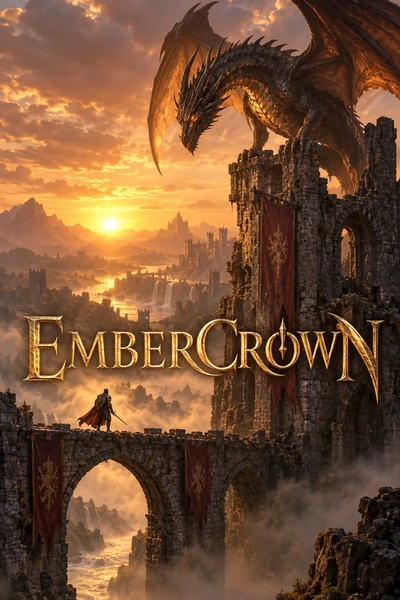
A dragon on a ruined castle at sunset.
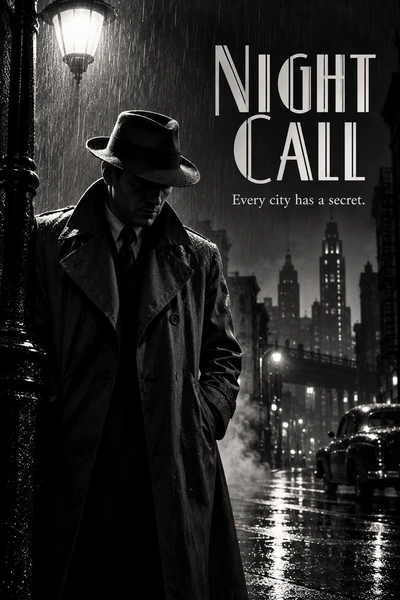
Black and white, hard shadows, a woman in white.
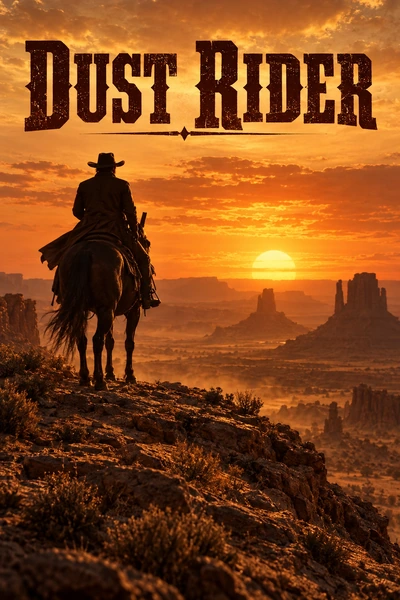
A desert ridge at sunset, ready for a lone rider.
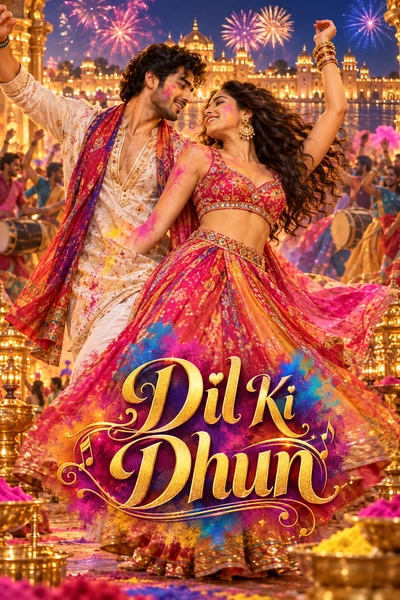
A colorful band on stage for a music film.
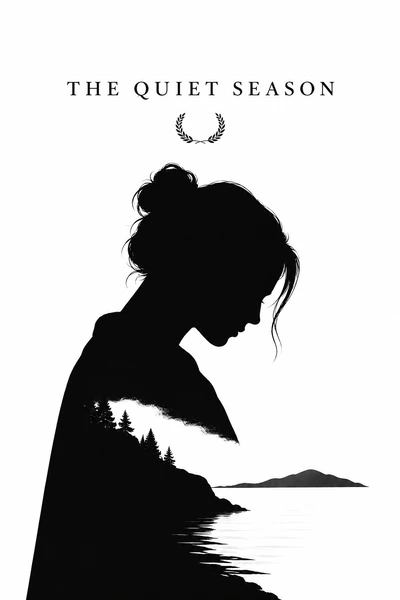
Bold shapes and type for short films and festivals.
Four steps to create a movie poster with a title, tagline, and credits.
Enter the movie title exactly as it should appear, then an optional tagline, a billing block (“Starring… Directed by…”), and a release line like “In Theaters June 12”. Describe the scene, or tap an idea for a full prompt.
Choose Action, Horror, Sci-Fi, Thriller, Romance & Rom-Com, Animated, Fantasy, Film Noir, Western, Bollywood, or Vintage Painted, then a composition: face close-up, hero shot, ensemble cast, or minimal symbol.
Upload a photo of yourself or your cast and the AI makes you the star, keeping faces recognizable while it changes the wardrobe, light, and setting to fit the genre.
Press Generate Movie Poster, read every word, and generate again or switch to Nano Banana Pro or GPT Image 2 for long credits. Pick 2:3 for print, 4:5 or 9:16 for social posts, and 16:9 for a banner.
Genre-true key art, real titles and credits, and posters that star you.
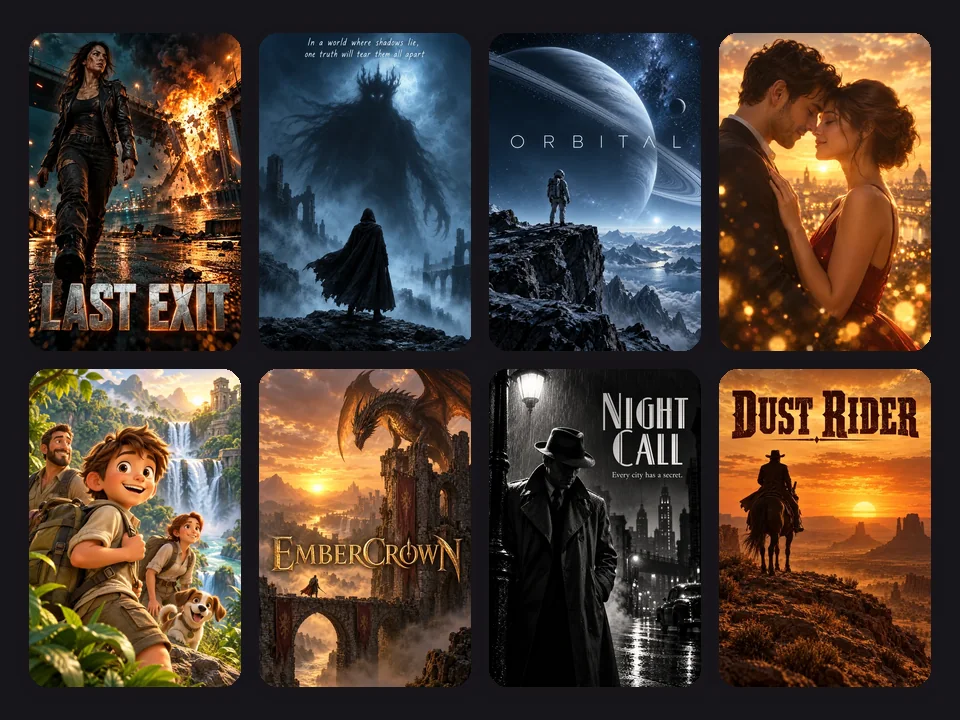
Twelve genre styles set the lighting, palette, and lettering audiences expect: explosions and metallic type for Action, fog and negative space for Horror, planets for Sci-Fi, hard shadows for Film Noir, dusty sunsets for Western, and festival color for Bollywood. Create your own movie poster or create your own film poster for anything from a feature to a 60-second short.
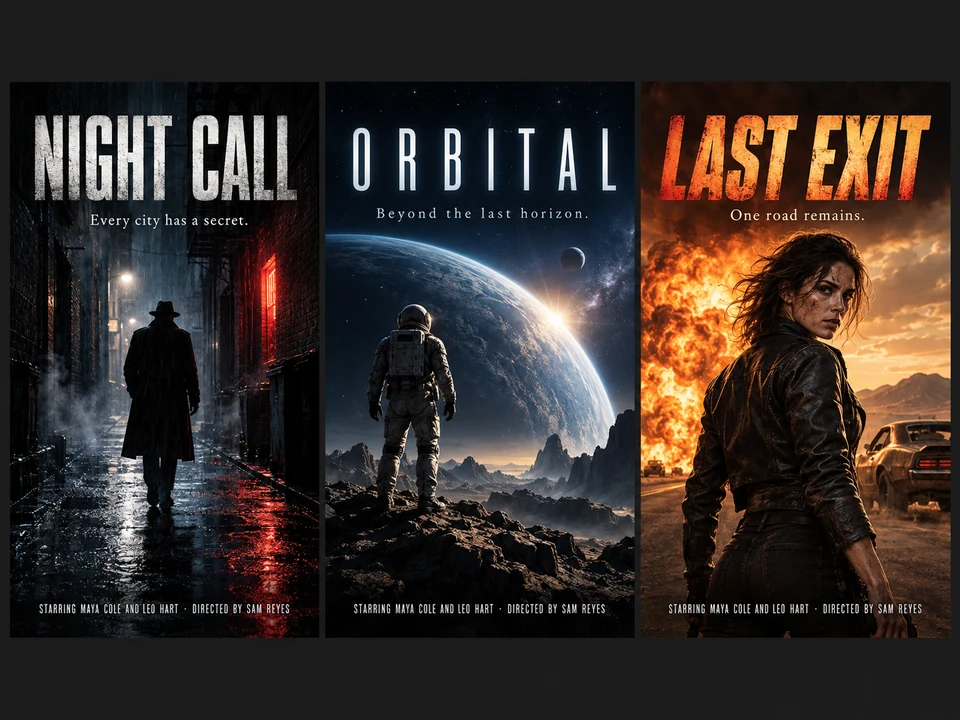
Real posters end with a billing block, the tall condensed text at the bottom. Type your cast, director, and studio name in the credits field and this movie poster credit generator sets them exactly as written, under a title and tagline that are spelled right too. It is the movie poster bottom text generator, film poster credits generator, and movie poster credits maker people look for, built into the poster itself.
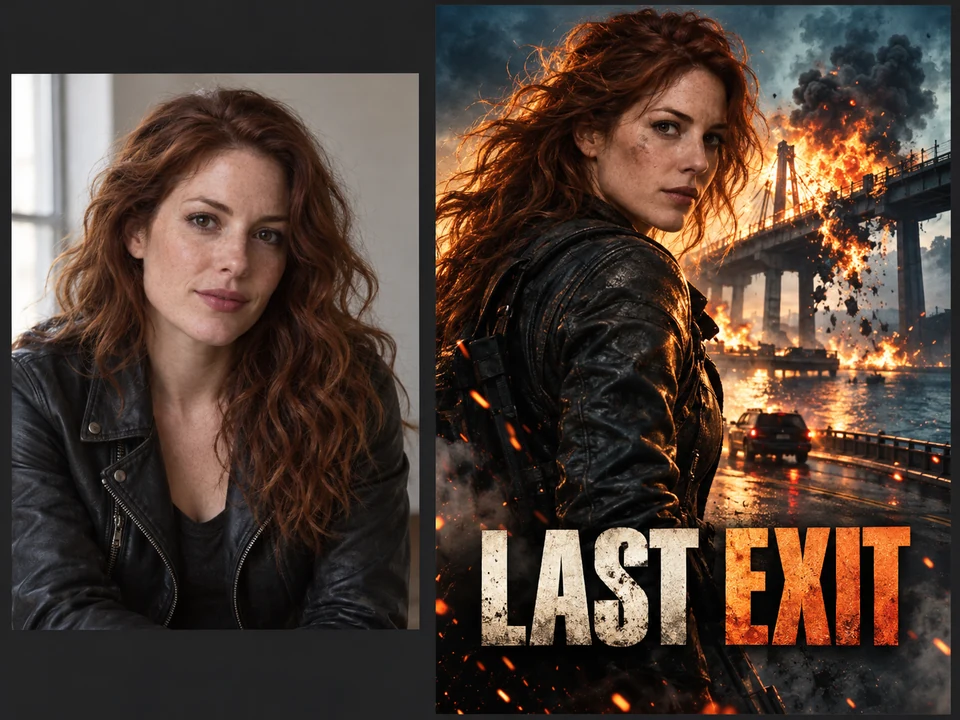
Add a selfie, a couple photo, or a group shot of your crew, and the AI recasts you as the lead: a hero walking out of an explosion, a noir detective, or a rom-com couple, with your face kept recognizable. It is the fun way to make a movie poster for a birthday, an anniversary, a team, or your own short film.
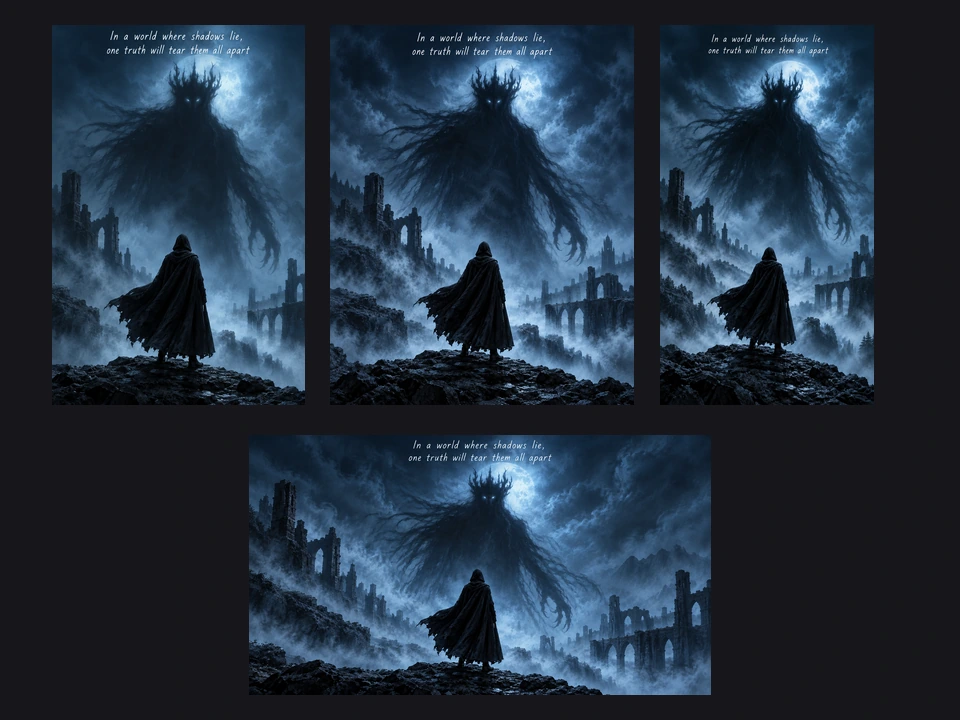
Generate a classic 2:3 one-sheet for print, then switch to 4:5 for a feed post, 9:16 for a story or reel cover, or 16:9 for a banner and video thumbnail. The AI recomposes the key art for each shape instead of stretching it, so your launch looks consistent everywhere.
Pick the shape before you generate; for large prints, enlarge the result afterward.
| Use | Common size | Ratio to pick | Notes |
|---|---|---|---|
| US theatrical one-sheet | 27 × 40 in | 2:3 | The classic cinema poster shape |
| Standard print poster | 24 × 36 in | 2:3 | Common for home and school prints |
| Small poster / flyer | 11 × 17 in | 2:3 | Slightly taller; leave margin at the edges |
| Instagram or Facebook post | 1080 × 1350 px | 4:5 | Feed poster for launches and premieres |
| Story, reel, or TikTok cover | 1080 × 1920 px | 9:16 | Keep text away from the top and bottom |
| Banner or video thumbnail | 1920 × 1080 px | 16:9 | Channel art, trailers, and event pages |
Results come out at roughly 1K–2K pixels. For a large print, enlarge the poster with the 4K Image Upscaler first; big posters seen from a distance are often printed at 150 DPI.
From film school to family movie night.
Create film poster key art for festival submissions, crowdfunding pages, and screenings before you can hire a designer.
Create movie posters for film classes, book-to-movie projects, and drama club shows.
Poster-style art for a series premiere, a trailer, or a season launch.
Put friends, couples, or the whole family on a poster for a birthday, anniversary, or movie night.
A cinematic one-sheet for a tabletop campaign, a novel, or an indie game reveal.
Posters for film clubs, outdoor cinema nights, and workshop announcements.
What poster designers do when they make movie posters, and what most prompts forget.
A single face, silhouette, or symbol reads from across a room. Crowded scenes look like screenshots.
Write “orange and teal”, “cold green”, or “black and white” to get the instant genre feel.
Four to six names in the billing block keep the bottom text clean; very long credits are where models slip.
Of the five movie poster generator AI models, Nano Banana Pro and GPT Image 2 set titles and credits best.
For a poster starring you, upload a sharp, well-lit photo with your face visible and no sunglasses.
Do not copy real posters, franchise characters, studio logos, or celebrities; invent your own cast and title.
Make the soundtrack art, a hero version of your cast, and print-ready files.
Design the soundtrack album or a music video cover in the same look as your poster.
Open the toolTurn a photo into a superhero with powers, costume, and comic-style art for a hero poster.
Open the toolEnlarge your poster before printing it at 24 × 36 or 27 × 40 inches.
Open the toolFit the 16:9 key art into a 2560 × 1440 channel banner, free in your browser.
Open the toolType your movie title in the title field, add a tagline and credits if you like, describe the scene or tap an idea, pick a genre style and composition, and press Generate Movie Poster. Read the text, then generate again or adjust a word until it looks like the real thing.
It is free to try. New accounts get free credits when they sign up, so you can make your first AI generated movie poster without paying; after that, each poster uses the credits shown on the button before you generate.
Yes. Add your photo in the reference box and the AI makes you the star, keeping your face recognizable while it restyles the wardrobe, pose, light, and setting for the genre. Use photos of yourself or people who agreed to it, and do not upload celebrity photos.
Yes. Type the names in the credits field, for example “Starring Maya Cole and Leo Hart · Directed by Sam Reyes”, and the AI sets them as a condensed billing block at the bottom, exactly as written. Keep it to a handful of names for the cleanest lettering.
An A.I. movie poster generator is an image model that designs a complete poster from text: the key art, color grade, title lettering, tagline, and credits. An A.I. movie poster made this way is a brand-new image, not a template with your title pasted on top.
The AI is told to letter exactly what is in each text field, with the same capitals and punctuation. Short titles usually come out right; long credits are harder for any image model, so check the result and generate again if needed. Nano Banana Pro and GPT Image 2 are the most reliable for text.
A US theatrical one-sheet is 27 × 40 inches and a standard print poster is 24 × 36 inches, both close to 2:3, which is this tool’s default. Results are about 1K–2K pixels, so enlarge them with the 4K Image Upscaler before printing large.
No. Please describe original films, characters, and casts, and do not recreate existing posters, franchise characters, studio logos, or real celebrities. Fan tributes are better told in your own visual language anyway, and that is the kind of movie posters AI makes best.
Yes. Teachers and students use it to make a movie poster for book-to-movie assignments, film classes, and drama clubs. Try the class project idea, keep the content school-friendly, and print it at 2:3 or 11 × 17 inches.
Type a title, pick a genre, add your credits, and get an original one-sheet with the cinema poster maker, free to try on your sign-up credits.
Nano Banana and Gemini are trademarks of Google LLC; GPT Image is a trademark of OpenAI; Seedream is a trademark of ByteDance; FLUX is a trademark of Black Forest Labs. EzImgMaker is an independent service and is not affiliated with or endorsed by these companies or by any film studio. Model names are used only to describe compatibility.