Mecha Dragon in a Blizzard
Text to video: a giant creature, driving snow, and a low camera that sells the scale.
Type a scene or upload a photo, and Runway Gen-4 Turbo turns it into a 5 or 10 second clip in 720p or 1080p. Already have footage? Switch to Aleph and describe the change: new weather, new lighting, a new style, or an object removed.
A colossal white mecha dragon built from armored plates stomps across a snowy military base during a blizzard, its jaws glowing orange like a furnace. Two soldiers in winter gear run past in the foreground as sparks and snow swirl around it. Low handheld camera slowly tilting up, dusk-blue light, cinematic realism.
Reference example. It is not a result generated from your upload.
Runway is a New York creative AI company founded in 2018 by Cristóbal Valenzuela, Alejandro Matamala, and Anastasis Germanidis. Its Gen-2 model was one of the first text-to-video systems the public could try, and Runway’s AI video models have since moved through Gen-3 Alpha and Gen-4. Many people still call the company Runway ML, after its original runwayml.com address.
This page puts two of those models into one Runway AI video generation tool. Gen-4 Turbo, the faster and lower-cost version of the Runway Gen 4 video generator, creates clips from a prompt or from a start image. Runway Aleph is an in-context video model: you upload a short clip, describe what should change, and it edits that footage instead of starting from scratch.
What you can set for each Runway model here.
| Gen-4 Turbo | Aleph | |
|---|---|---|
| What it does | Text to video and image to video | Video-to-video editing |
| Input | A prompt of up to 1,800 characters, plus an optional start image (JPG or PNG) | A short video clip and a prompt, plus an optional reference image |
| Clip length | 5 or 10 seconds | Based on your source clip |
| Resolution | 720p or 1080p (1080p for 5-second clips only) | Not adjustable |
| Aspect ratio | 16:9, 4:3, 1:1, 3:4, 9:16 (image to video follows your image) | 16:9, 9:16, 4:3, 3:4, 1:1, 21:9 |
| Sound | No, clips are silent | No sound is generated |
| Best for | Concept shots, animated stills, product clips, social posts | Changing the weather, lighting, style, objects, or camera angle of existing footage |
With a start image, the aspect ratio setting does not apply: the clip takes the shape of your image. Extending a clip is not available here yet.
How Runway compares with other AI video generators you can use on EzImgMaker.
| Runway Gen-4 Turbo | Veo 3.1 | Kling 3.0 | Seedance 2.0 | |
|---|---|---|---|---|
| Made by | Runway | Google DeepMind | Kuaishou (Kling AI) | ByteDance |
| Clip length | 5 or 10 s | 4, 6, or 8 s | 3–15 s | 4–15 s |
| Highest resolution | 1080p | 4K | 4K | 4K |
| Native audio | No | Yes | Yes | Yes |
| Edit an existing video | Yes, with Aleph | No | Yes (Kling 3.0 Omni) | Yes |
| Stand-out strength | Cinematic look plus prompt-based video editing | Realism and lip-synced dialogue | Multi-shot scenes with sound | Motion and camera copied from references |
Need dialogue or sound effects? Pick a model with native audio, or add a soundtrack to your Runway clip afterward.
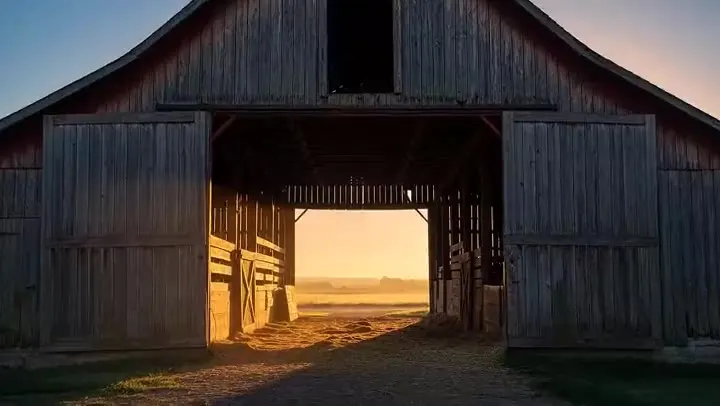
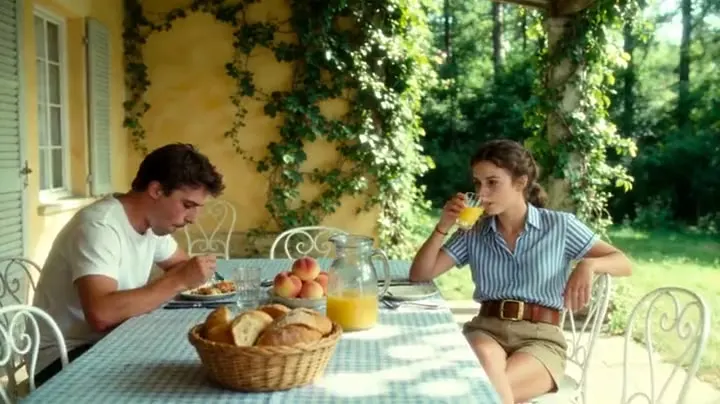
Placeholder clips with the prompts behind them. Copy a prompt, change the subject, and make your own.
Text to video: a giant creature, driving snow, and a low camera that sells the scale.
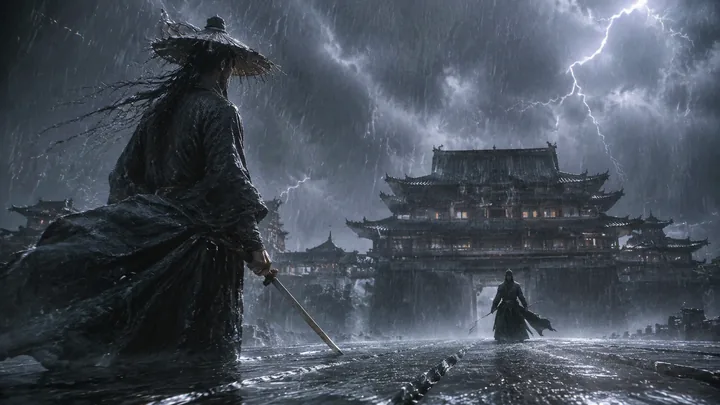
Image to video begins with a still like this. It sets the characters, the color grade, and the aspect ratio.
The same frame in motion: rain, lightning, wind in the robes, and a slow push toward the clash.
A stylized 3D character whose face and hands carry the emotion of the shot.
A soft, hand-drawn look held steady across a few simple scenes.
A product photo becomes a clean commercial clip with a slow dolly-in.
Three steps in your browser, with no Runway AI video app or desktop software to install.
Choose Text to video, Image to video (upload a JPG or PNG start image), or Edit video to change a short clip with Runway Aleph.
For a new video, describe the subject, action, setting, and camera. For an Aleph edit, say what to change and what must stay the same. Then pick 720p or 1080p, 5 or 10 seconds, and an aspect ratio.
Create the clip, watch it, and download the MP4. Not quite right? Change one detail in the prompt and run it again.
Write a scene and Gen-4 Turbo renders it as a 5 or 10 second clip, with realistic motion, weather, and camera moves and a subject that stays coherent from the first frame to the last. Choose 16:9, 4:3, 1:1, 3:4, or 9:16 to fit a film, a feed, or a story.
Upload a photo, a render, or a piece of concept art and describe how it should move. Runway keeps the look of your image, from the characters to the color grade, and the clip takes the image’s aspect ratio. Describe motion and camera rather than the picture itself; the image already shows that.
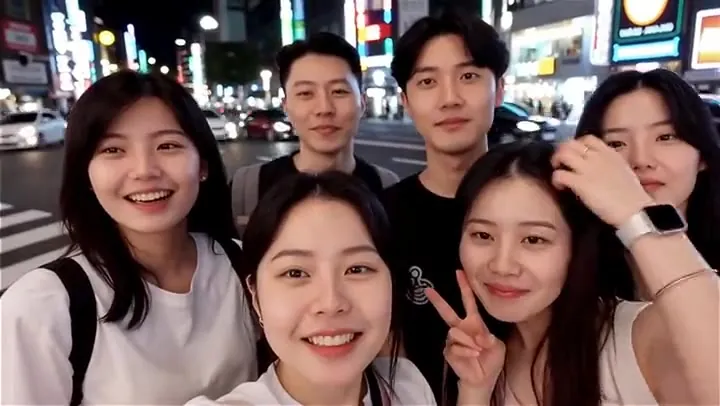
Aleph edits footage you already have. Upload a short clip, like this street walk, and ask it to remove the passers-by, turn day into dusk, add snow, restyle the shot as animation, or show it from another angle. Add an optional reference image to match a color palette or lighting look.
Draft at 720p and 10 seconds to see the whole idea, then render the keeper at 1080p for a sharper 5-second clip. The Generate button shows the credit cost of your settings before you start, so you can plan your Runway video generation.
Previsualize scenes, test camera moves, and pitch ideas with moving shots instead of sketches.
Turn product photos into clean commercial clips and try several looks for one campaign.
Vertical 9:16 clips, animated photos, and eye-catching b-roll for short-form feeds.
Use Aleph to fix or restyle a shot, from the weather to unwanted objects, without a reshoot.
Runway’s AI follows clear, simple prompts best.
In 5 or 10 seconds, describe a single scene with one main action and one camera move.
With a start image, write how things move ("the rain picks up, she draws her sword") instead of describing what is already in the picture.
Add, remove, change, replace, or relight: name the edit first, then say what must stay the same.
In Aleph, a reference image is the quickest way to match a color palette, lighting, or style.
Common questions about the Runway AI video generator and Aleph.
Runway AI is the creative AI company behind the Gen series of video models and the Aleph video editor. Its models turn text, images, and existing footage into new video. On EzImgMaker you can use two of them: Gen-4 Turbo for text and image to video, and Aleph for editing clips.
Gen-4 Turbo (text to video and image to video, 5 or 10 seconds, 720p or 1080p) and Aleph (video-to-video editing). Newer Runway releases such as Gen-4.5 and Aleph 2.0 are not offered here yet, and extending a clip is not available.
No. The Runway Gen 2 AI video generator was an early model from 2023, and Runway has since released Gen-3 Alpha, Gen-4, and Gen-4 Turbo. This page uses Gen-4 Turbo, the newer model, for text and image to video.
Each clip is 5 or 10 seconds, in 720p or 1080p; 1080p is available for 5-second clips only. Text to video offers 16:9, 4:3, 1:1, 3:4, and 9:16, while image to video follows the shape of your image.
Aleph works as a Runway video editor for footage you already have: from a text prompt it can add or remove objects, change the weather, season, or lighting, restyle the clip, or show the scene from a new camera angle. It is made for short clips, and an optional reference image can guide the look. Output ratios are 16:9, 9:16, 4:3, 3:4, 1:1, and 21:9.
No. Gen-4 Turbo creates silent clips, and Aleph does not generate audio. Add music or a voice-over in your editor, or use a model with native audio, such as Veo 3.1 or Kling 3.0, when you need dialogue and sound effects.
Generating video takes real GPU time, so it is not unlimited anywhere. On EzImgMaker, new users get free credits to try the Runway AI tool; after that, each clip uses credits based on the mode, length, and resolution, and the cost is shown on the Generate button before you start.
They all point to the same company. Runway was long known as Runway ML, often written as one word: RunwayML. People also search for runway.ml, RunwayAI, or Runway IA, and runaway ai, ranway, rumway, and runwai ai are common misspellings. "Alpeph" is a frequent typo for Aleph.
No. EzImgMaker is an independent service that provides access to Runway Gen-4 Turbo and Aleph through a third-party API provider. It is not affiliated with, endorsed by, or sponsored by Runway AI, Inc.
Only images and videos you own or have permission to use. Do not upload other people’s likeness without their consent, and do not create misleading, infringing, or harmful videos of real people.
Describe a scene, animate a still, or edit a short clip with Aleph, all in one Runway video generator.
Runway, Gen-4, and Aleph are trademarks of Runway AI, Inc. EzImgMaker is an independent service and is not affiliated with, endorsed by, or sponsored by Runway AI, Inc. Model names are used only to describe compatibility.