
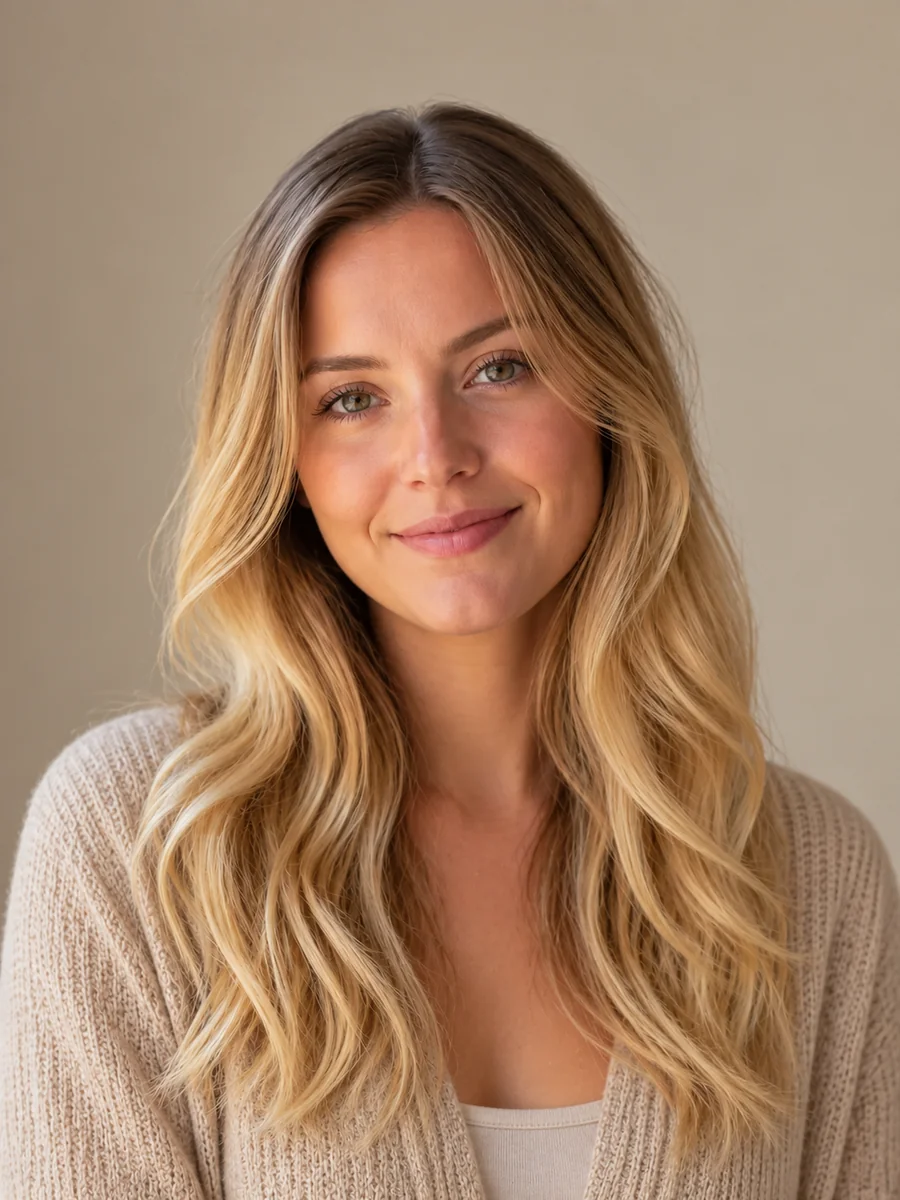
Blonde Hair Filter See Yourself Blonde
Upload a selfie, pick a blonde shade from honey to icy platinum, add highlights or a shadow root if you like, and see yourself blonde while your face, makeup, and haircut stay exactly as they are.
Blonde Shade: Natural Blonde · Color Style: All-Over
Output Number
Your photo stays in this browser during this UI preview.
Example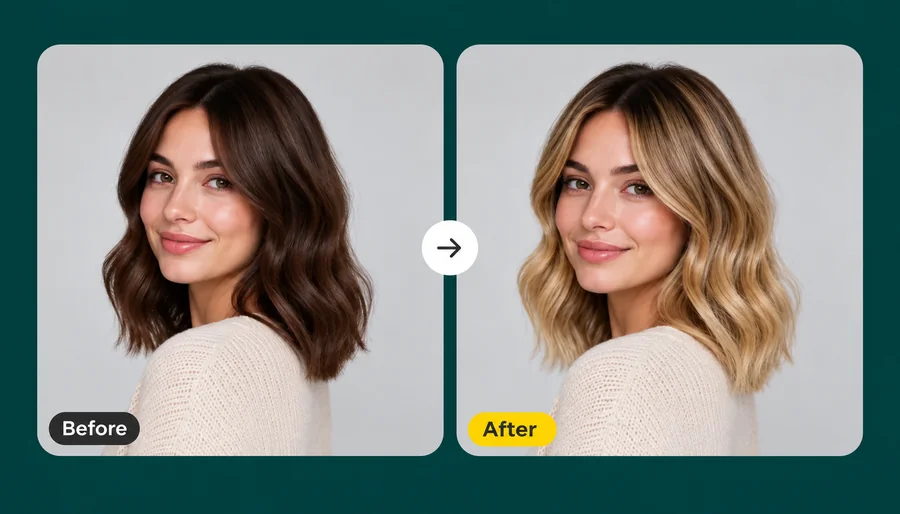
Reference example. It is not a result generated from your upload.
What Is a Blonde Hair Filter?
A blonde hair filter is an AI photo effect that recolors the hair in your picture to blonde and leaves everything else alone. Many blonde filters paint a flat yellow layer over your head; this AI blonde hair filter finds each strand, keeps deeper tones at the root, and lifts the lengths and ends, so the result looks like a real salon blonde instead of a wig.
It is the easiest way to answer "what will I look like with blonde hair?" or "what do I look like as a blonde?" before you bleach anything. Use it as a blonde hair color filter for nine shades from honey to icy platinum, as a blonde highlights filter for lighter pieces, or as a blonde hair generator for cosplay and character ideas. Treat every result as a preview, not a promise of what dye will do.
How Will I Look With Blonde Hair? Results on Every Hair Type
Waves, curls, bobs, crops, and fades: the blonde filter keeps the cut and texture and changes only the color.
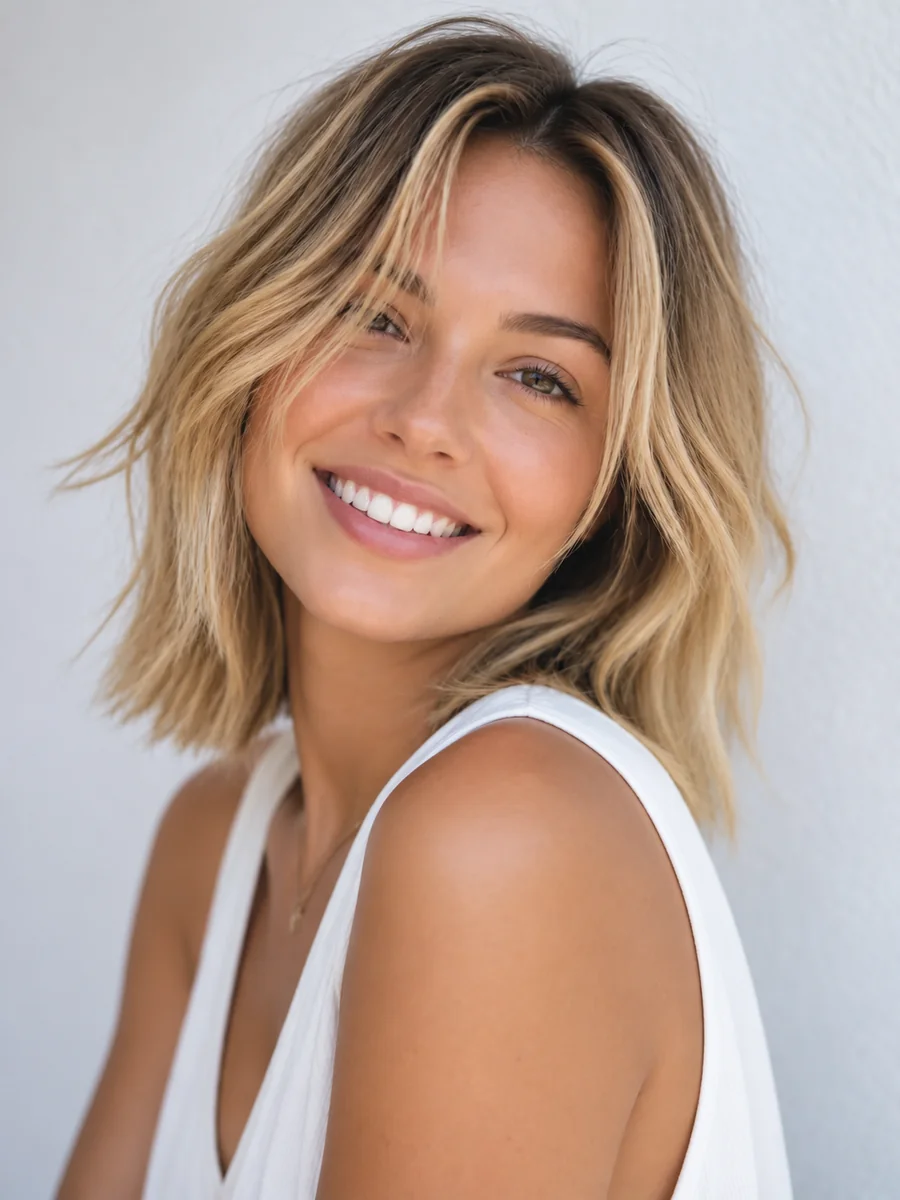
Textured Lob
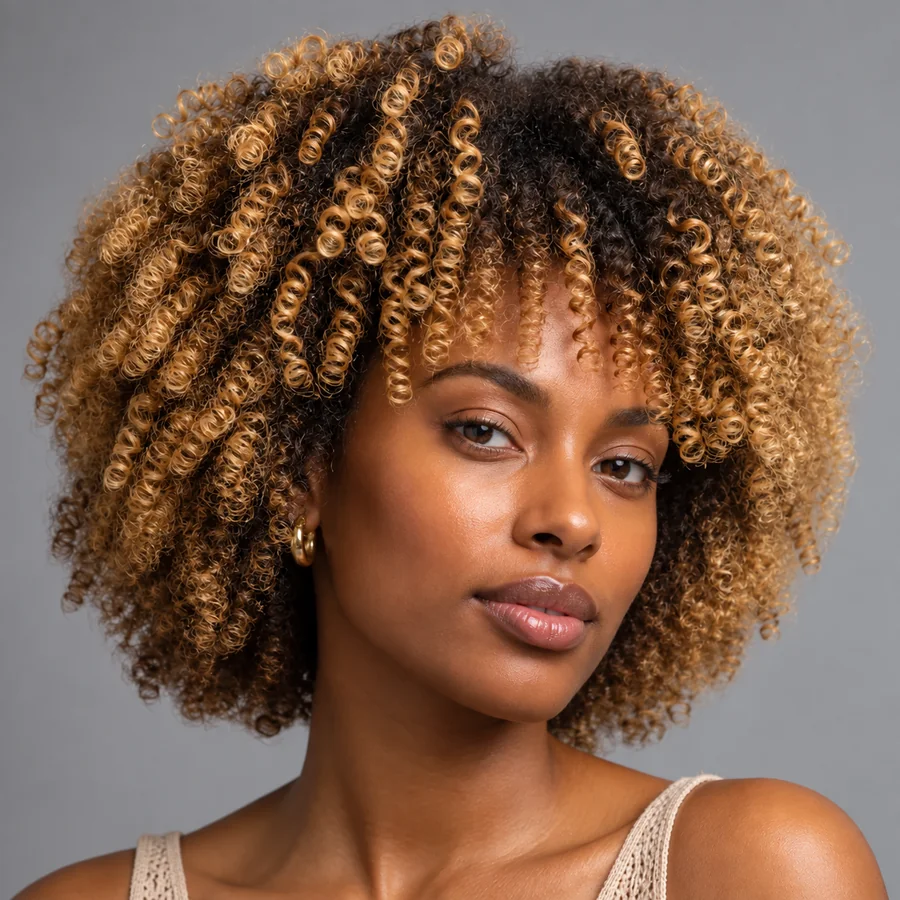
Curly Coils
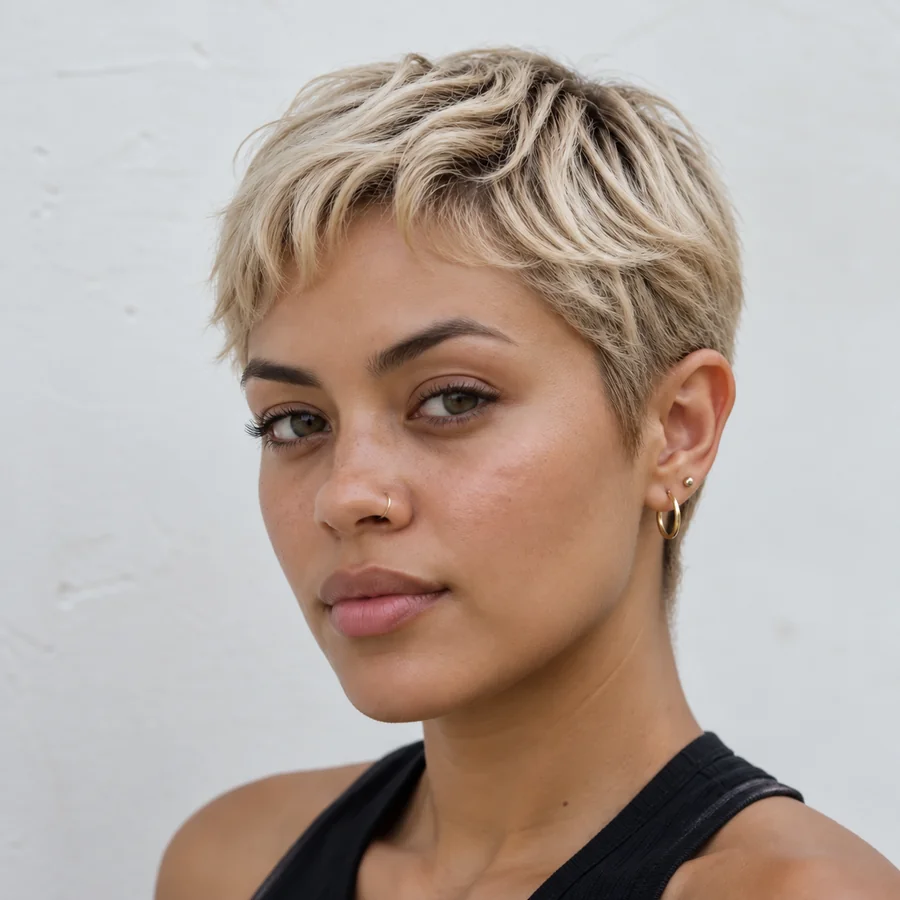
Short Crop
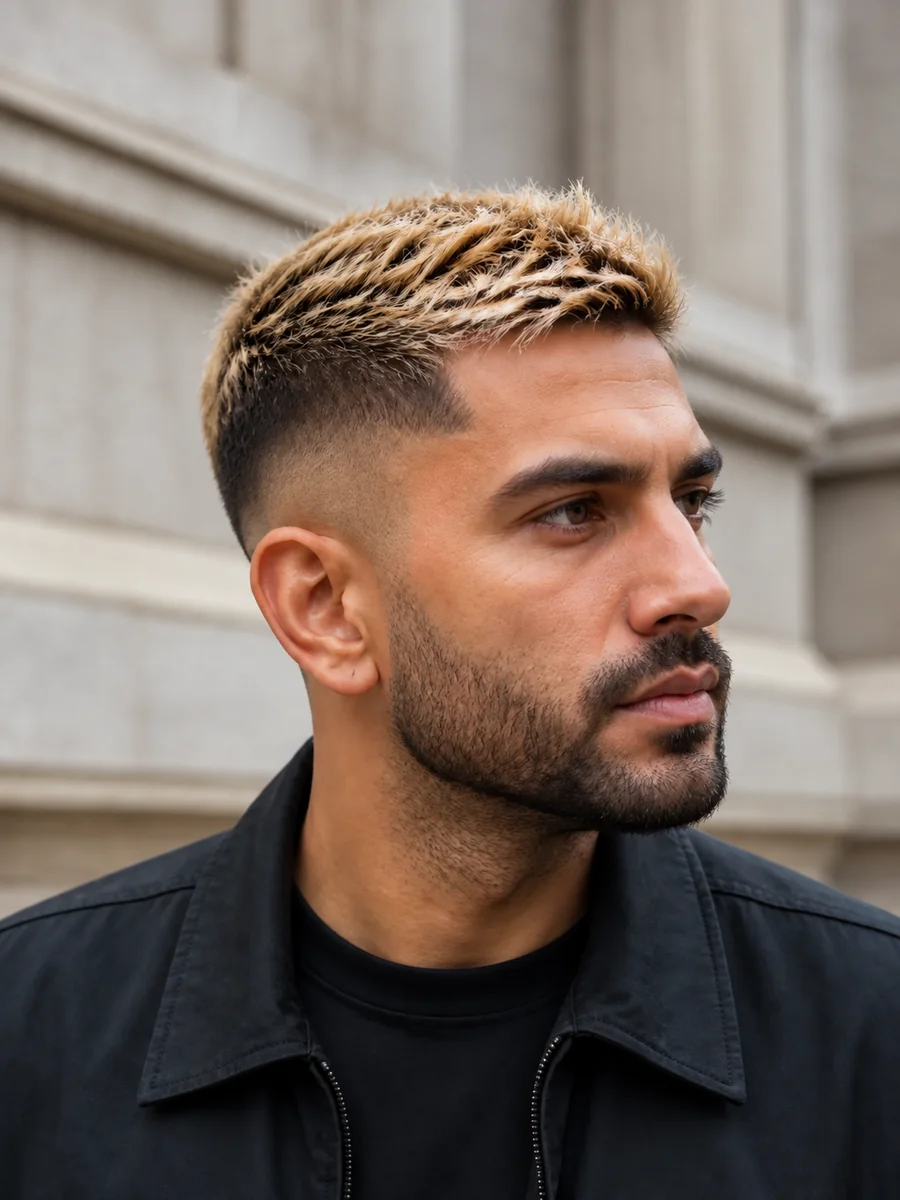
Men’s Fade
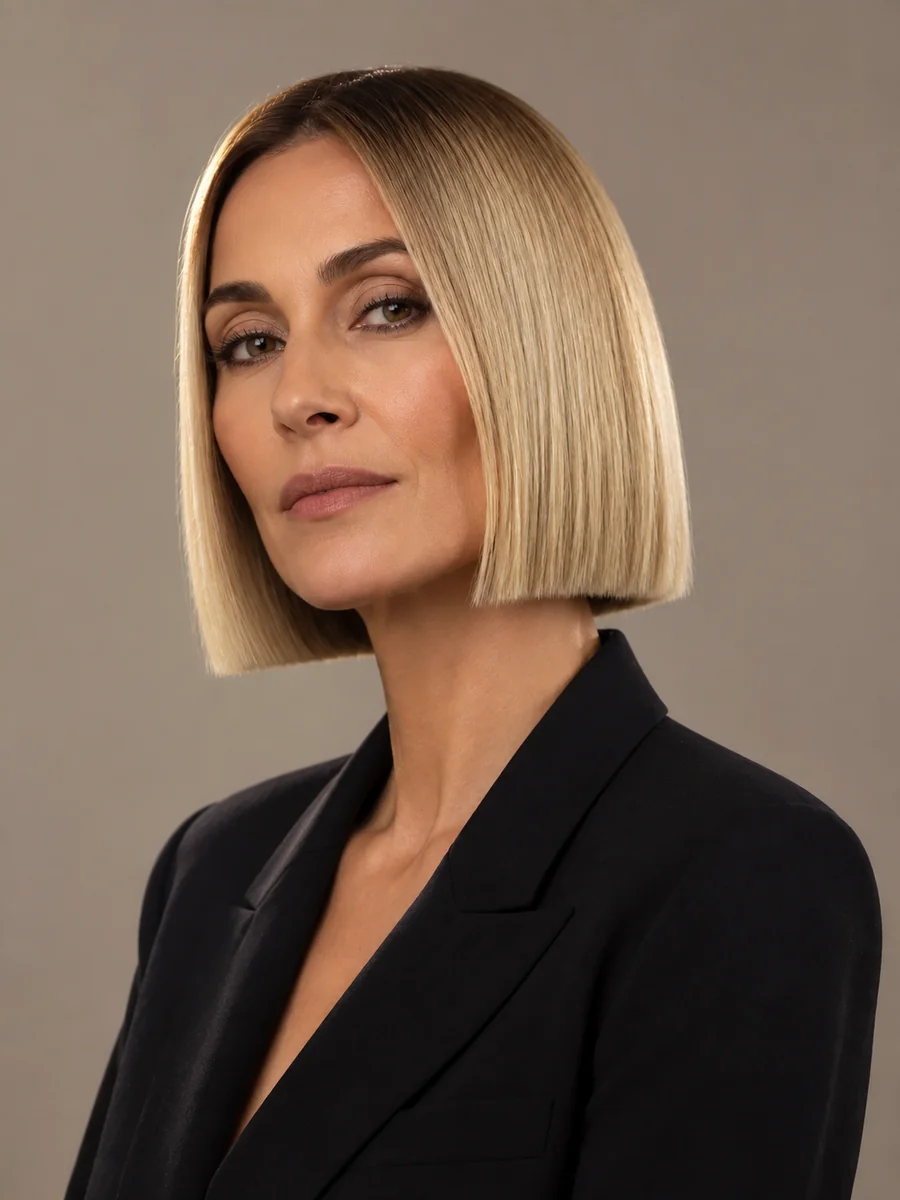
Sleek Bob
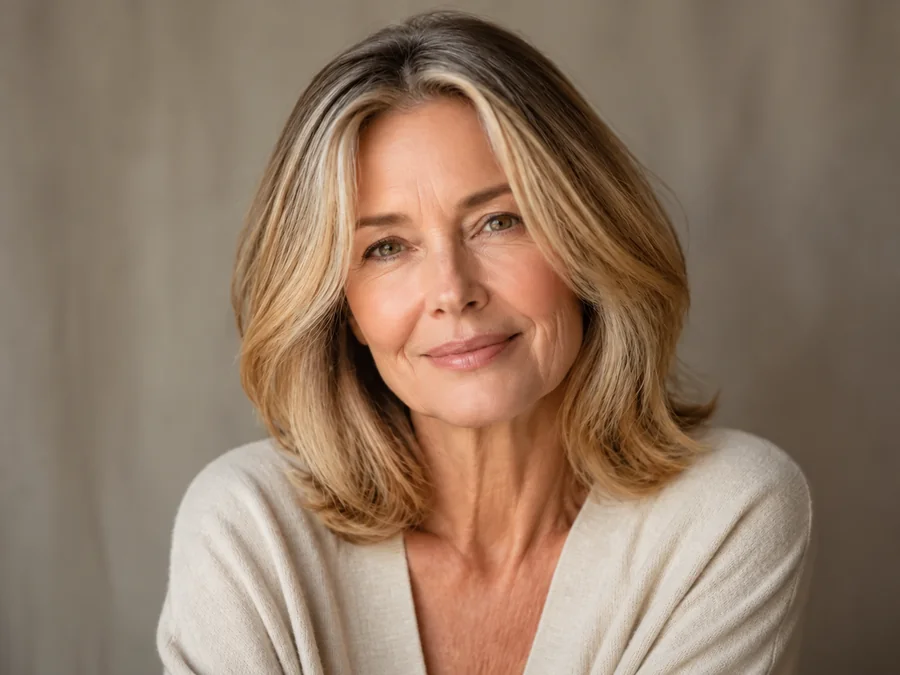
Grey Blending
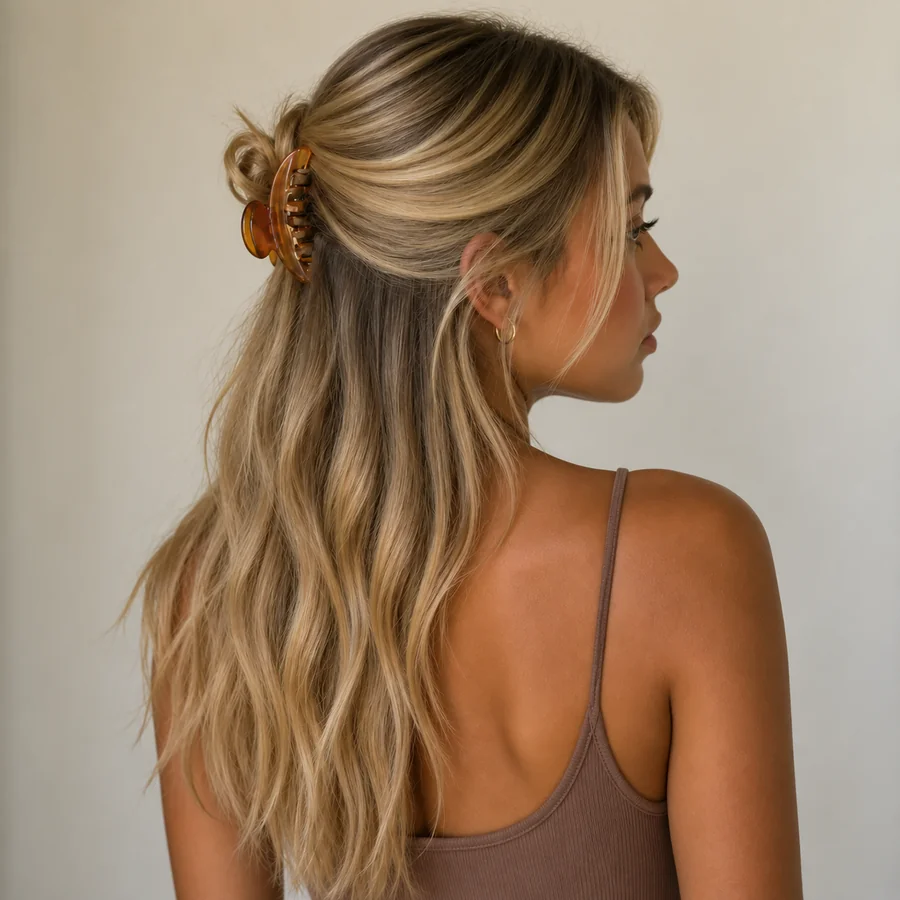
Half-Up Style
How to Use the Blonde Hair Filter Online
Wondering "how will I look blonde?" Find out in three steps, with no app and no editing skills.
Upload a Front-Facing Photo
Choose a JPG, PNG, or WebP selfie up to 10 MB with your hair loose and fully in frame. Even daylight gives the most natural blonde.
Pick a Shade and a Style
Choose one of nine blonde shades, then All-Over, Shadow Root, Highlights, Balayage, or Ombré. Want strawberry blonde or chunky streaks? Describe it in the optional note.
Generate and Compare
Create up to four versions, compare them with your original photo, and keep the blonde that suits you best.
What Makes This AI Blonde Hair Filter Look Real
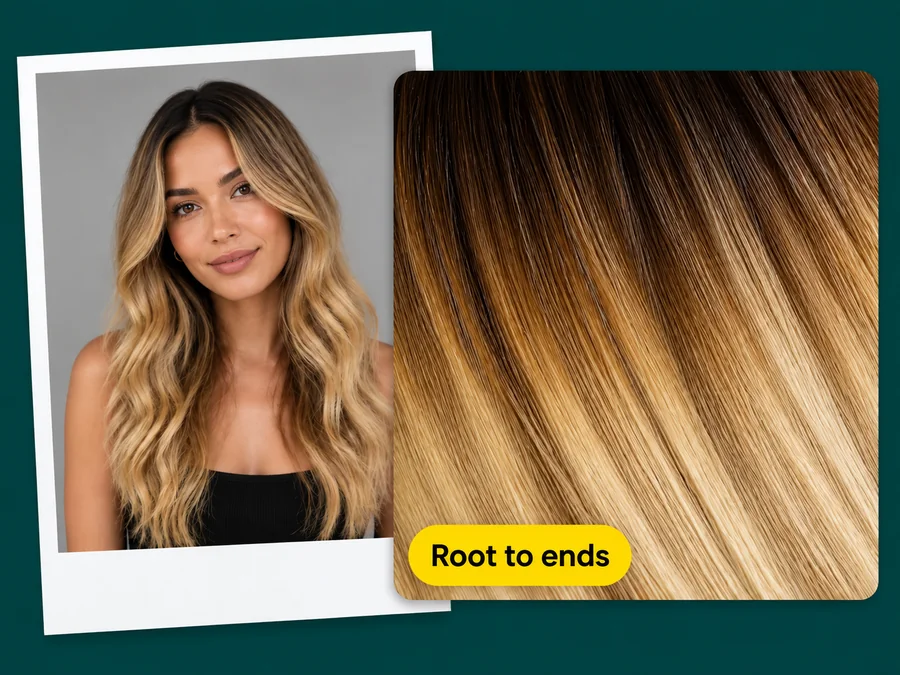
Shadow-Rooted, Not a Flat Block of Color
Roots stay a touch deeper and the ends lift lighter, the way real salon blonde grows in. The blonde AI also picks up the highlights and shadows already in your photo, so the color sits in the light instead of on top of it.
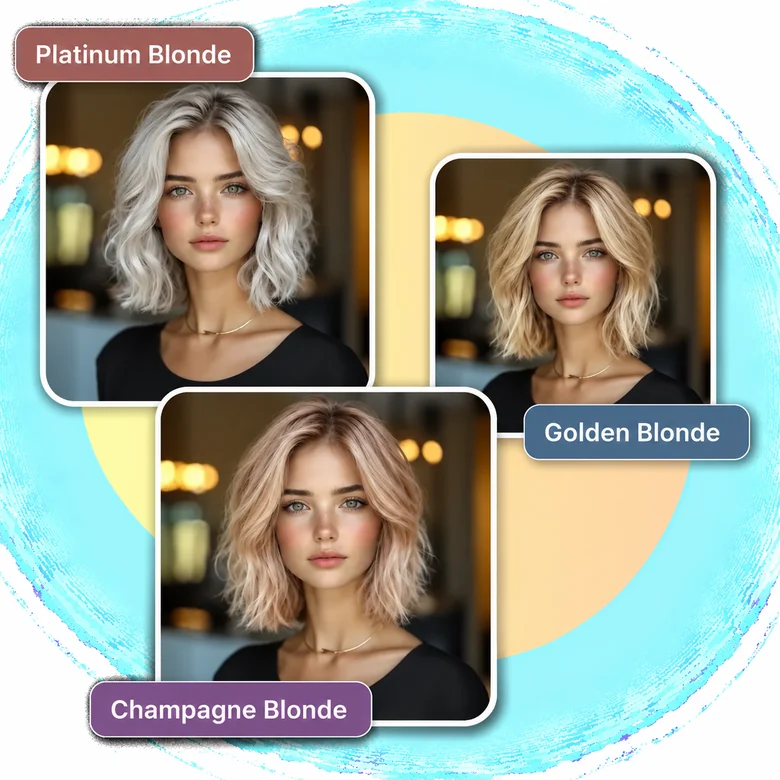
Nine Shades, From Honey to Platinum
Warm honey, golden, and caramel, cool ash and champagne, or a full platinum blonde filter and bleached hair filter for an icy look. Compare warm and cool blondes on the same photo to see which one flatters your skin tone and eye color.
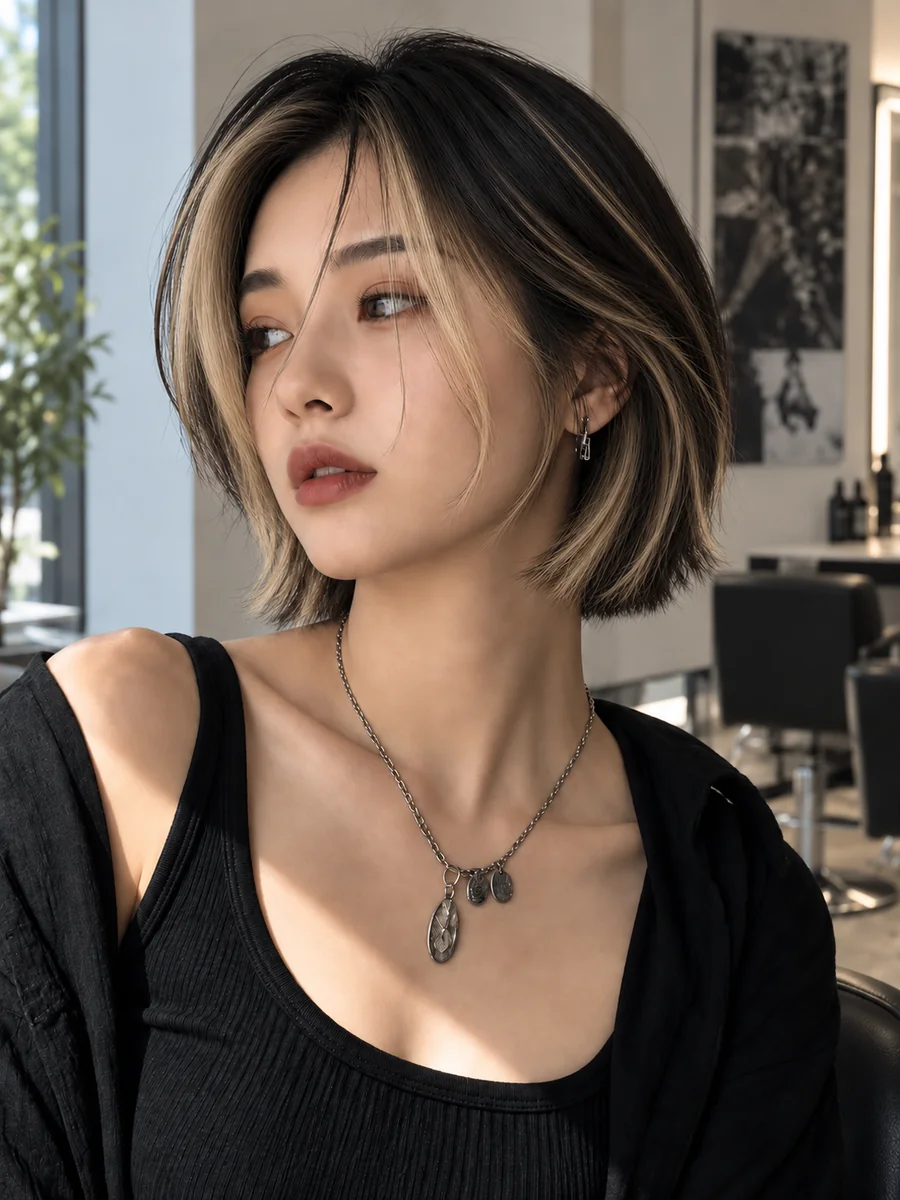
A Blonde Highlights Filter, Too
Not ready to go fully blonde? Switch Color Style to Highlights or Balayage to add lighter, face-framing pieces and keep the rest of your natural color. It is the low-commitment way to try blonde.
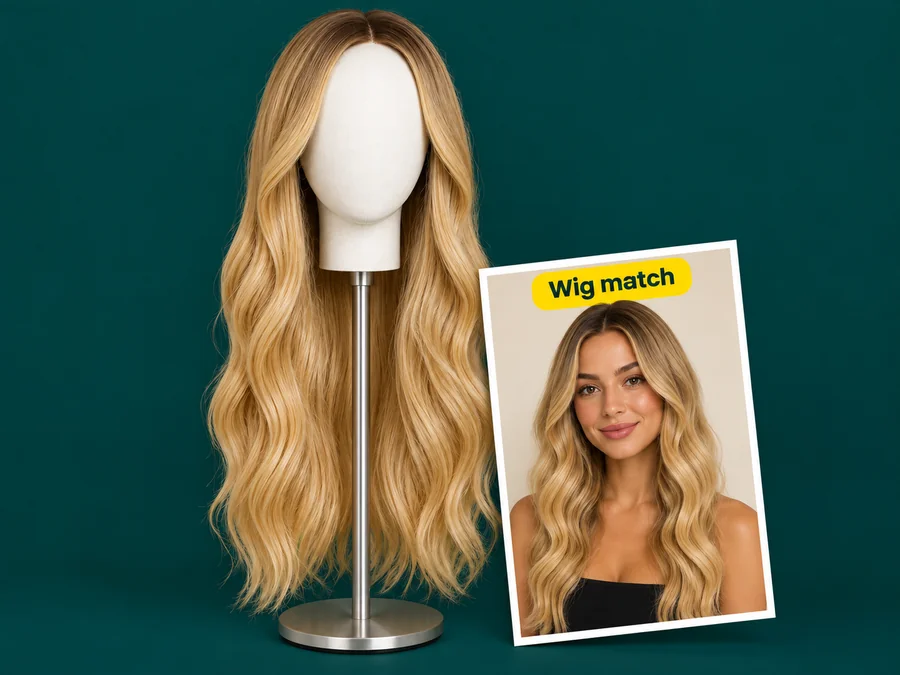
Check a Blonde Wig or Costume First
Cosplayers and costume fans can test a blonde character look on their own face before ordering a wig, then use the image to show the seller the exact tone. This blonde hair AI keeps your cut, so you see the color on you, not on a model.
Preview Blonde Before You Commit
Going blonde is a big step. A preview makes it an easy one.
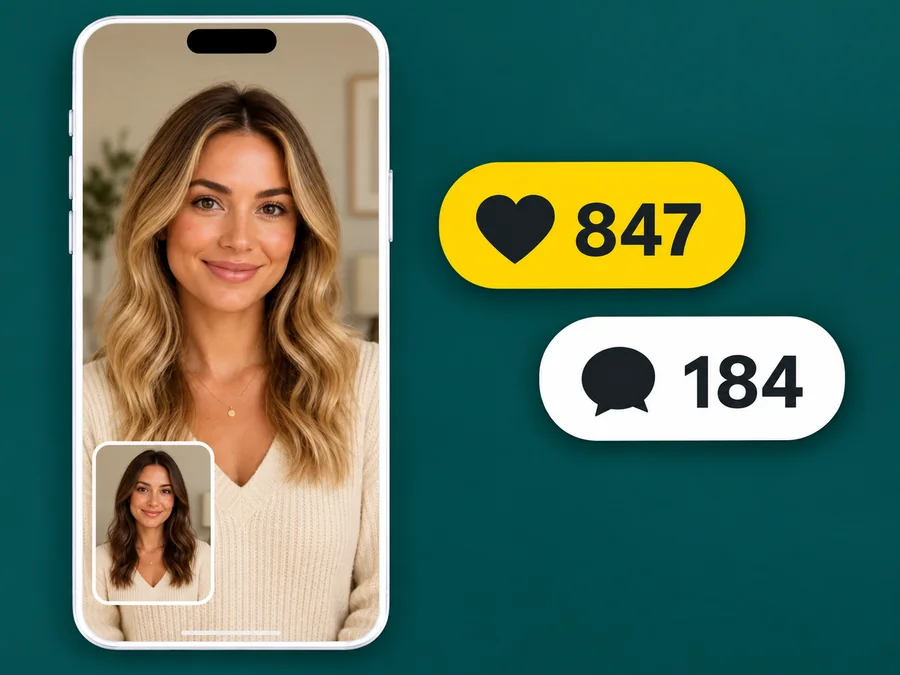
Show Your Colorist
Walk into the salon with a photo of the exact blonde you mean on your own face instead of a stranger’s.
Post a Blonde Reveal
Same face, same outfit, only the hair color flips. Before-and-after reveals are made for stories and reels.
Ask the Group Chat
Send two or three blondes to friends and let them vote on honey, ash, or platinum before you book.
Plan Costumes and Characters
Check how a blonde character look works with your face before buying a wig or hair dye.
Tips for a Natural-Looking Blonde
The fastest answer to "how will I look in blonde hair?" starts with the right photo.
Keep Your Hair in Frame
Loose hair with its full shape visible gives the filter the whole hairline and every flyaway to work with.
Use Soft, Even Light
Daylight or a soft lamp shows your real base color, which makes the blonde look more believable.
Compare Warm and Cool
Try one warm shade (honey or golden) and one cool shade (ash or platinum) to see which suits you.
Skip Hats and Heavy Filters
Hats, hoods, and strong beauty filters hide hair edges and shift the tone of your skin.
More Hair Color and Face Filters
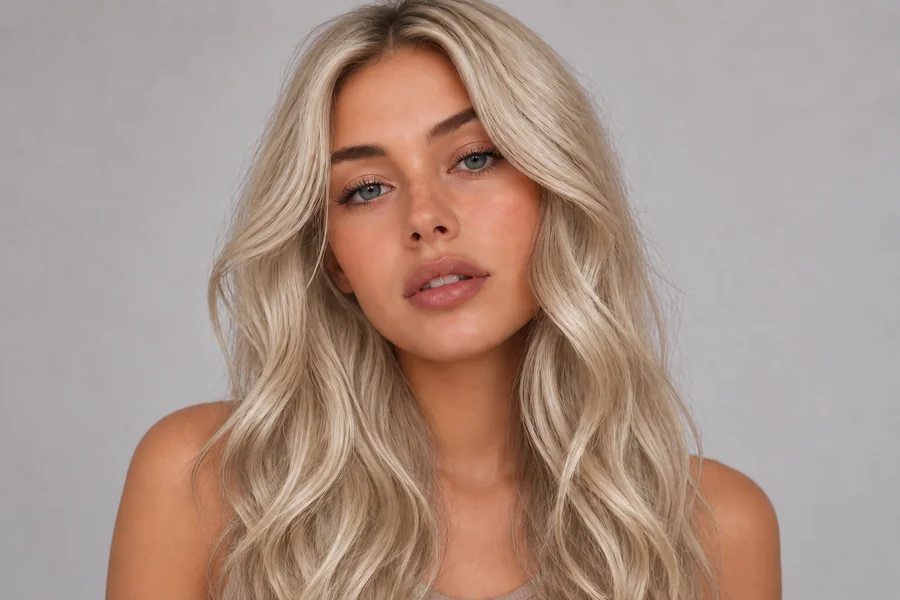
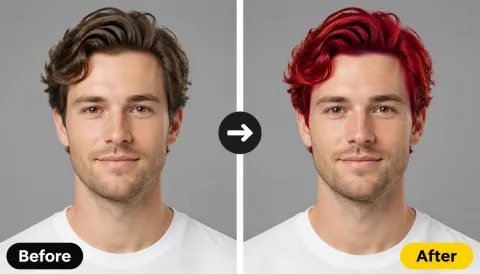
How People Use the Blonde Filter
Salon clients, cosplayers, and creators who tried blonde here first.
Illustrative examples adapted from reference material, not verified reviews of EzImgMaker.
I showed my colorist the honey blonde preview and she matched it on the first try. She was looking at my own face instead of a saved inspiration photo.
My hair is 3B curly and other filters flattened it. This one kept every coil and only lifted the color, so I could actually judge the shade.
I ran my whole cosplay lineup through it before ordering wigs. Two of the blonde characters clearly did not work on me, which saved me the returns.
I compared ash and golden side by side. The warm one won by a mile, and the before-and-after made a great reel.
Blonde Hair Filter FAQ
Everything people ask before they try the blonde filter.
A blonde hair filter is an AI photo tool that recolors the hair in a portrait to blonde while your face, skin tone, makeup, and haircut stay the same. You choose the shade and style, and the AI blends the color into your real strands and lighting.
Upload a clear selfie, pick a shade such as Natural Blonde or Honey, and generate a preview. If you are asking "what would I look like as a blonde?" for the first time, compare one warm and one cool shade, because the undertone changes the look more than the brightness.
The filter can lift black or dark brown hair to any blonde in the preview, and a Shadow Root keeps it believable. In real life, going from very dark to light blonde usually takes bleaching and toning over several sessions, so ask a stylist what is realistic.
No. "Blond" and "blonde" are two spellings of the same color, so a blond hair filter, a blond filter, and a blonde filter all mean the same thing here. Both spellings work for men and women.
Nine shades: Natural Blonde, Honey, Golden, Caramel, Dirty Blonde, Ash Blonde, Champagne, Platinum, and Bleached Blonde. For anything else, such as strawberry blonde or butter blonde, describe it in the optional note.
Yes. Set Color Style to Highlights, Balayage, or Ombré to keep part of your natural color and add blonde only where you want it. Shadow Root keeps the roots darker for a softer grow-out.
Yes. Short crops, fades, and longer cuts are all recolored the same way, and your beard, brows, and skin stay as they are unless you ask otherwise in the note.
No. Only the hair changes. Your skin tone, eyebrows, eye color, makeup, clothes, and background stay the same, so the hair color is the only difference between the two photos.
No. This blonde hair filter online works in your browser on any phone or computer and edits a photo you already have, so the result is a saved image you can compare and share rather than an effect that only lives inside a camera.
Only upload photos you own or have permission to edit, and do not use an edited photo to mislead anyone about how a real person looks.
Find Out If Blonde Suits You
Upload one selfie and see yourself in honey, golden, ash, or platinum before you book the appointment.