8-bit Retro
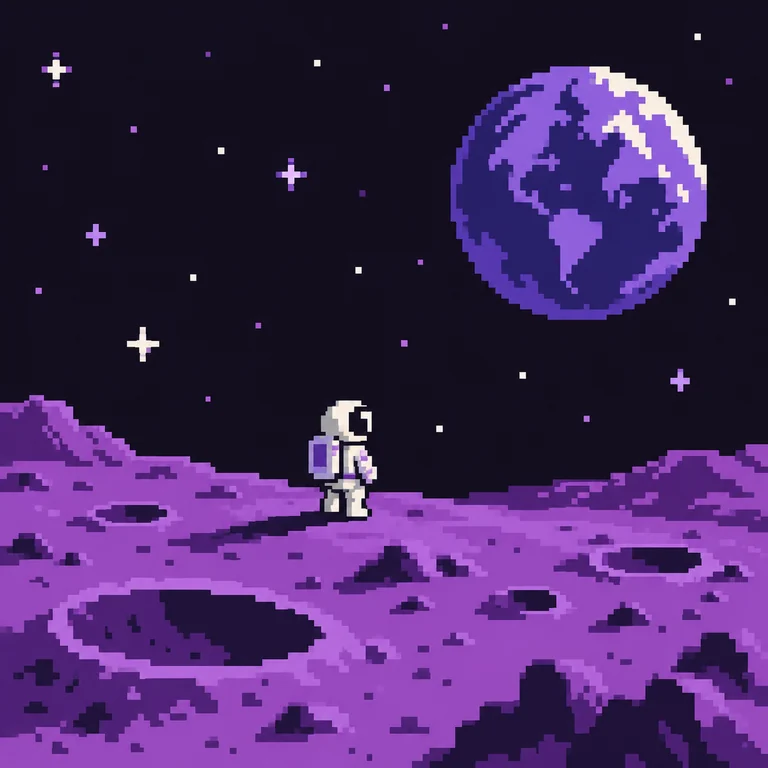
An astronaut on a purple cratered moon under a pixel planet: chunky shapes, a dark sky and only a handful of colors, like an early console title screen.
Describe a sprite, scene or icon and this pixel maker AI draws it in one of eight pixel styles. Then the Pixel-perfect panel snaps the first result to a true grid, limits the palette and exports a hard-edged PNG.
Create an original 8-bit retro with a clear composition, natural detail, no watermark.
Reference example. It is not a result generated from your upload.
This pixel art maker works in two stages. First, an AI pixel art generator turns your written idea into pixel art in the style you pick: 8-bit retro, 16-bit RPG, isometric room, game sprite, landscape, portrait, icon or 1-bit monochrome. Then the Pixel-perfect panel cleans up the first result in your browser so every block sits on a real grid. Unlike pixel art sites where you place every square by hand, you start from a sentence.
Image models paint soft, blended edges even when asked for pixel art. Pixel-perfect re-samples the pixels AI generated onto 32 to 128 cells on the longest side, reduces them to 8, 16, 32 or 64 colors and can add a dark outline, all as a live preview that never starts another generation. Already have a photo to convert? Photo to Pixel Art handles that; this page is for when you want to make a pixel picture from text.
An astronaut on a purple cratered moon under a pixel planet: chunky shapes, a dark sky and only a handful of colors, like an early console title screen.
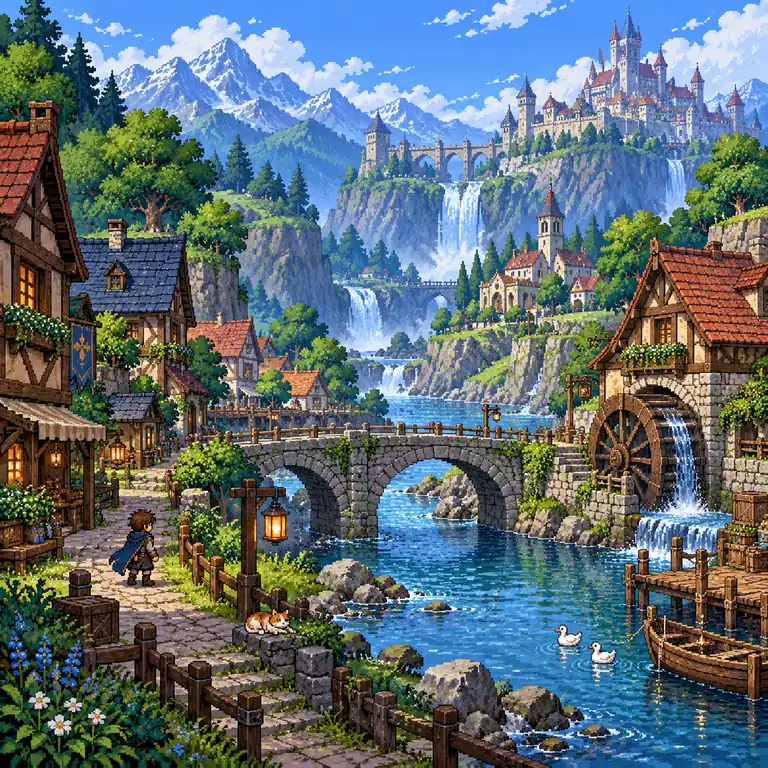
A riverside village with a stone bridge, waterfall and hilltop castle, drawn with the richer palette and tile detail of 16-bit role-playing games.
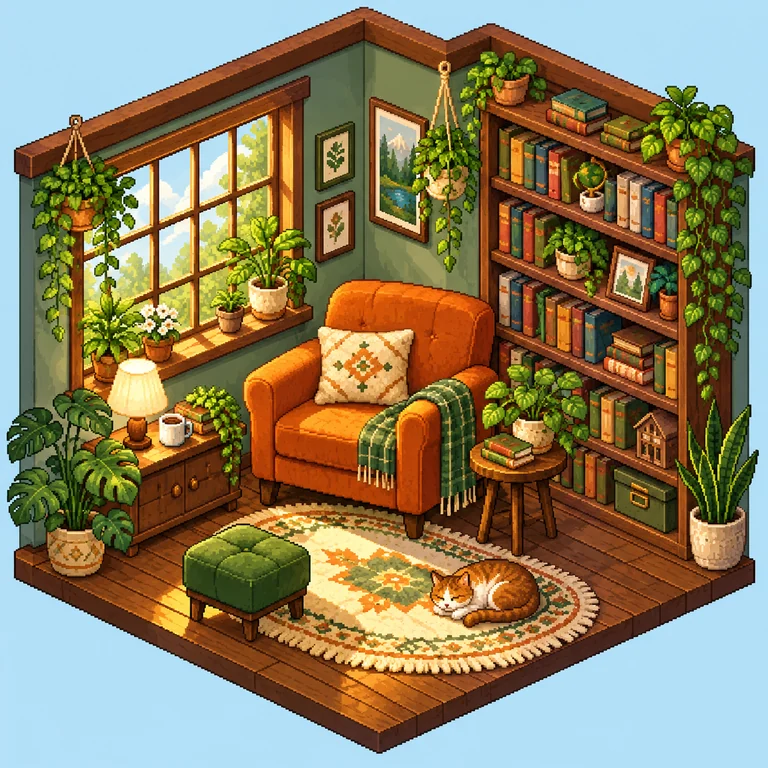
A cozy reading corner in isometric view with an orange armchair, bookshelves and plants. As a pixel room generator, it works best when you list four or five key objects.
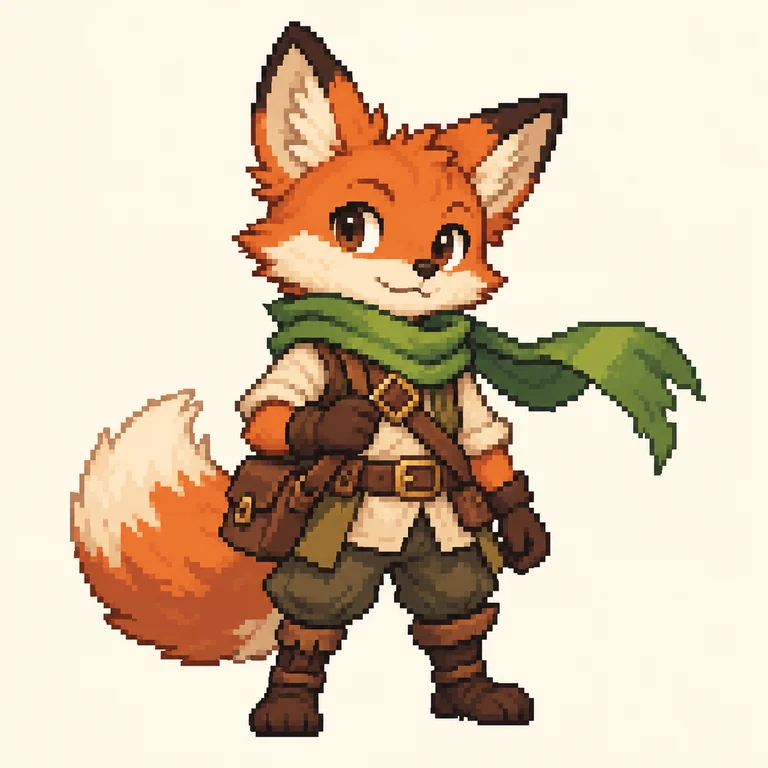
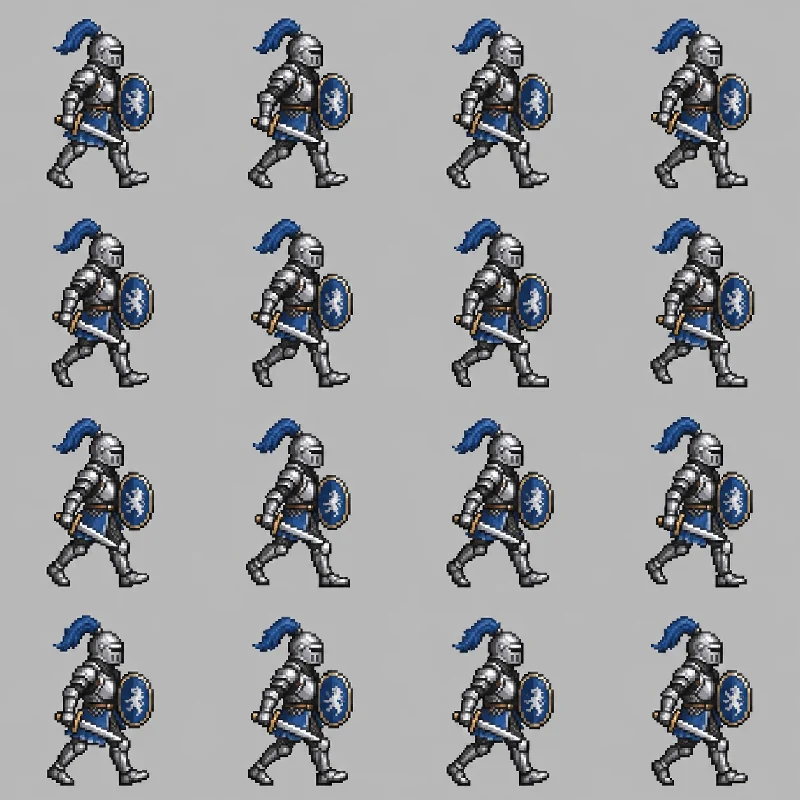
A fox adventurer with a green scarf and satchel, standing side-on against a plain background so the character is easy to reuse in a game mockup.
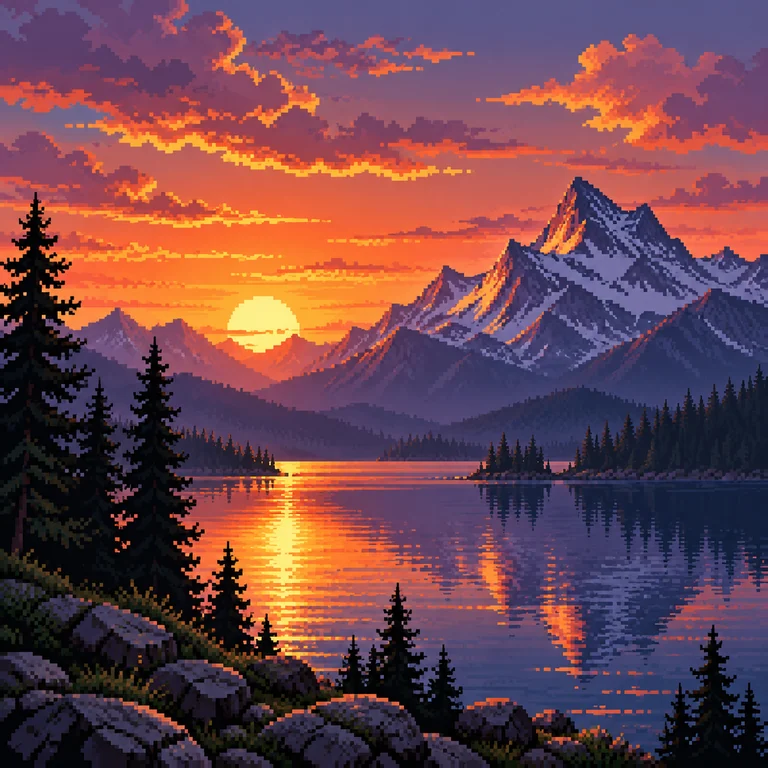
A mountain lake at sunset framed by pine silhouettes, with banded sky colors that still hold together when the palette is cut to 16 colors.

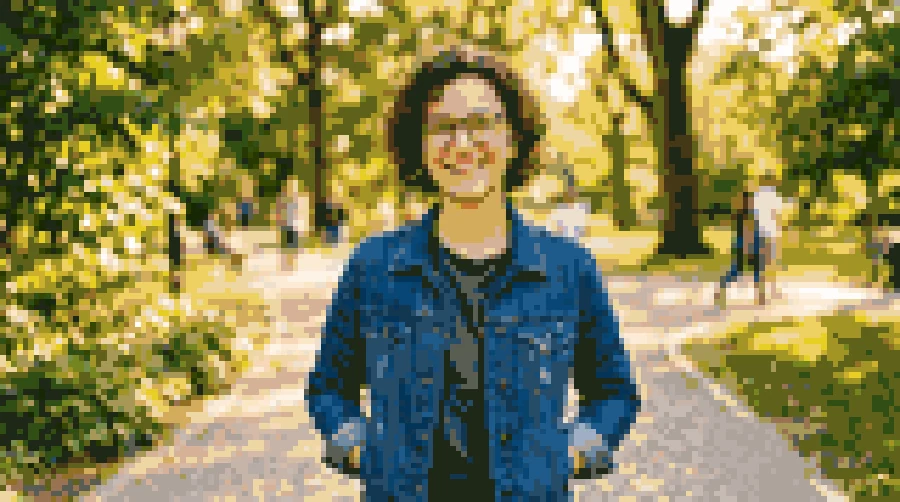
A fictional woman with curly hair, round glasses and a green sweater on a blue backdrop, the kind of result you would get from a pixel art avatar icon generator.

A red-spotted mushroom house on navy: one bold object, a clear silhouette and few colors, suited to an inventory slot or app icon mockup.
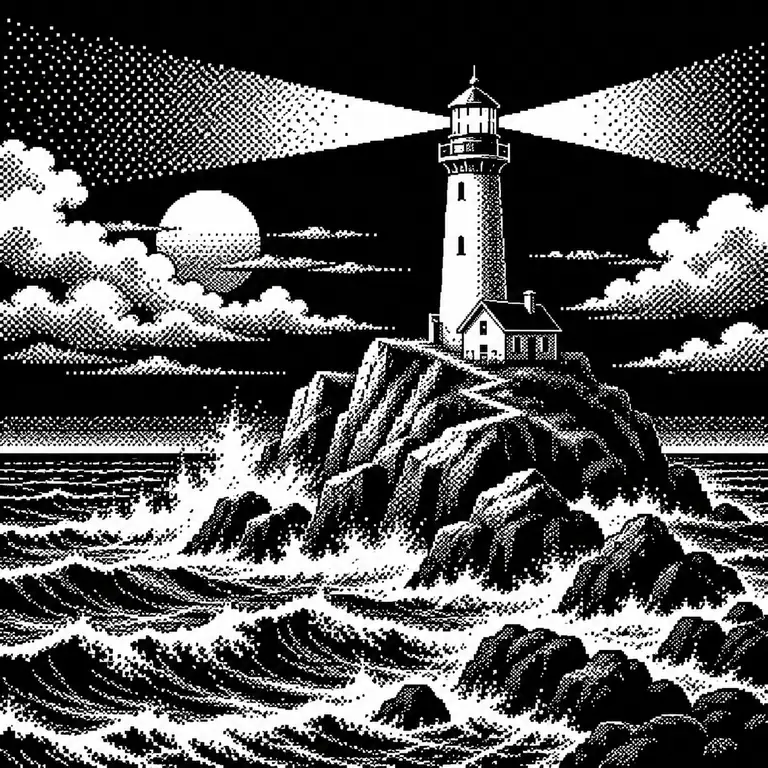
A lighthouse on rocks with crashing waves in pure black and white, using dithered dots instead of gradients for the beam and spray.
As you would when briefing any pixel creator, name the subject, viewpoint and background, for example “fox adventurer sprite, side view, plain cream background.” Small grids reward simple scenes.
Choose one of eight styles and Square, Portrait, Story or Landscape. An optional reference image can guide a pose or a color scheme.
When the first result is ready, Pixel-perfect appears with it and works as a pixel art grid maker: set Grid and Colors, toggle Outline and watch the preview update.
Download the original grid for further editing, or ×8 and ×16 copies enlarged with nearest-neighbor scaling so every block stays sharp.
Write the idea the way you would brief an artist, such as “astronaut on a purple moon, 8-bit, dark starry sky,” and the AI pixel generator returns a full scene. Keep to one subject and one mood: 8-bit art reads best with few shapes and strong contrast.
Detailed scenes like this RPG village need a bigger grid. Pick 96 or 128 cells on the longest side to keep the bridge and windows readable, or drop to 32 or 48 for a chunkier look. This pixel art grid generator keeps the aspect ratio and redraws locally.
Fewer colors give the flat, poster-like finish of classic pixel art. The reduction is deterministic, so the same settings always give the same result. Interiors such as this isometric room usually look best at 16 or 32 colors, with Outline to separate furniture from the floor.
Download the sprite at its true grid size, or as ×8 and ×16 PNGs scaled with nearest-neighbor sampling, so a 64-cell fox becomes 512 or 1,024 pixels on its longest side with every block intact. The export is a raster PNG; this is not a pixel art SVG maker.
At 32 or 48 cells the outline carries the character. Describe a simple pose and avoid props that overlap the face or body.
Side view suits platformer sprites, top-down suits maps and isometric suits rooms. Put the view in the prompt instead of relying on the style alone.
A flat background color makes sprites and icons easier to reuse and leaves more palette colors for the subject itself.
Pixel portraits lose eyes and glasses first. Compare 64, 96 and 128 cells, and switch Outline off if it crowds small facial features.
Dropping to 32 cells works like a pixel degrader: details merge into bold blocks, which suits icons and 8-bit scenes. The pixel grid generator keeps your proportions while you experiment.
If you scale the PNG again in another app, choose nearest-neighbor resampling. Bilinear or bicubic resizing blurs the hard edges you just exported.
For an existing photo, use Photo to Pixel Art, a pixel art converter that works on the picture itself. This pixel art maker creates new artwork from text; the optional reference here only guides pose or colors. Either way, keep the background simple for cleaner blocks.
The AI generation step is Free to try, and the Generate button shows the credit cost before you start. Pixel-perfect then runs in your browser on the finished result, so changing grid, colors or outline does not start another generation.
A pixel editor online gives you a blank canvas and a pencil, and you place each square. Here the AI draws the whole scene from your description, and Pixel-perfect fixes the grid and palette. Compared with a chat-style pixel art bot, you also get grid and color controls and nearest-neighbor exports.
32 suits icons and tiny sprites, 48 and 64 suit characters, and 96 or 128 keep detail in rooms, landscapes and portraits. The number is the cell count on the longest side; the other side follows the image’s aspect ratio.
They enlarge the grid 8 or 16 times with nearest-neighbor scaling, so each cell becomes a crisp square block. Use them for posts and mockups, and the “PNG original grid” button when you need exactly one pixel per cell.
Yes. Choose Pixel Portrait for a character or Pixel Icon for a single object, keep the background plain and use the Square ratio. To make a pixel avatar that looks like you from a selfie, Photo to Pixel Art is the better fit.
Neither. A random pixel generator scatters noise, and a pixelated image maker blurs an existing photo into blocks. Here a pixel art AI generator draws the subject you describe, so it works as a pixel image maker for new artwork. For variety, generate two to four results from the same prompt and pick the strongest before opening Pixel-perfect.
Nano Banana 2 Lite is the default. GPT Image 2 is the alternative when you want a second interpretation of the same prompt. Results from either model go through the same Pixel-perfect panel.
Only upload references you made or have permission to use. Do not use the reference slot to copy existing game characters, sprites or logos; describe an original subject instead.
Bring the original-grid file into a sprite sheet or tile editor, repeat a 32-cell icon in your own pixel pattern maker, or use the ×8 and ×16 copies for a pixelated website header or social post. Avoid prompts that name existing games, characters or brands.
Write a prompt, pick one of eight pixel styles, then snap the result to a clean grid and export a sharp PNG with this online pixel art generator.